UI zoom
A zoom or reframe onto one part of the interface.
9,937 scenes · page 26 of 166
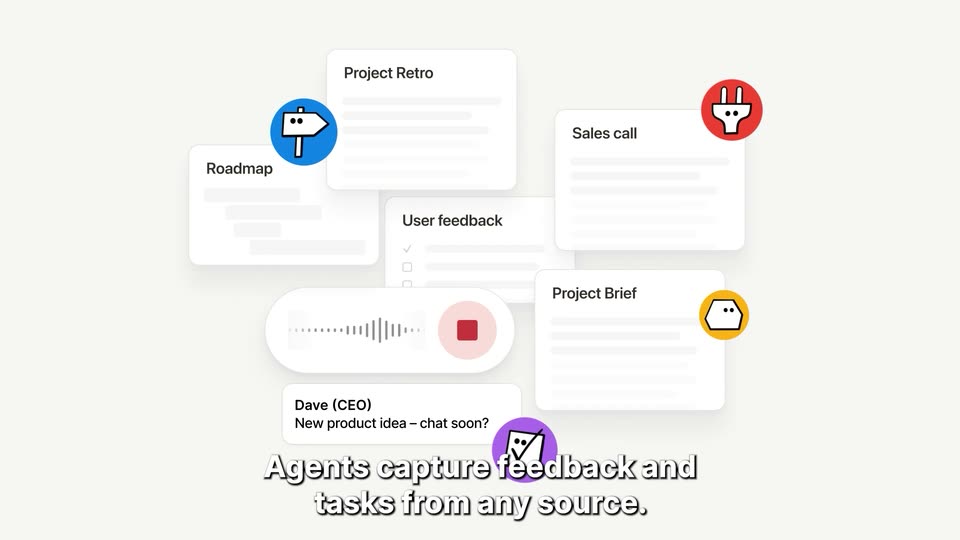 0:08–0:10Notion · Notion - Introducing Ship OS: The agent-native way to ship software. Run yourWhite source cards (Roadmap, User feedback, Sales call, Project Brief, Project Retro) and a voice-note pill with a red stop button float over a light gray background. The camera zooms into the User feedback and Project Brief cards as a yellow hexagon icon pops in beside the brief.
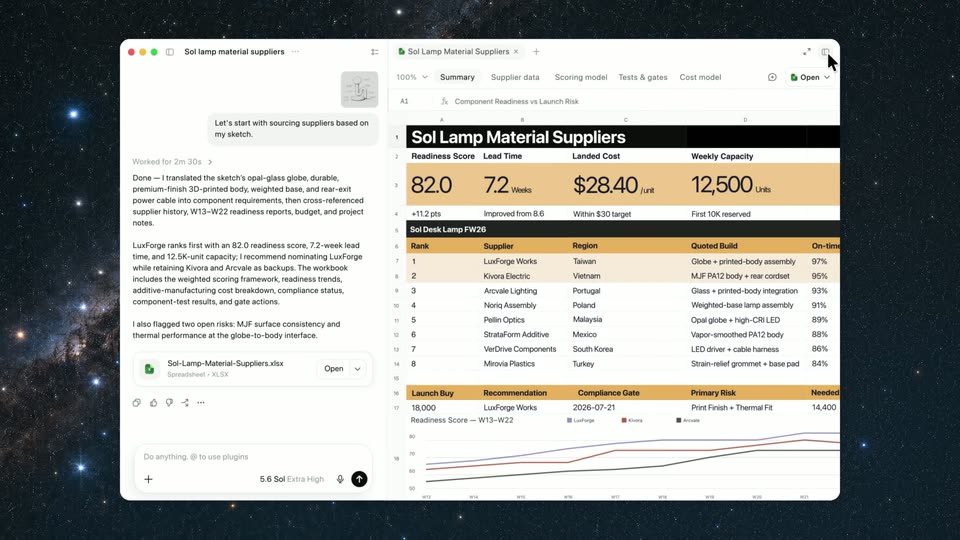 0:36–0:38OpenAI · Meet ChatGPT WorkA window with a chat assistant on the left and a supplier spreadsheet on the right sits on a starfield. The window zooms in as it settles, then a cursor moves to the top-right corner and clicks the Open control.
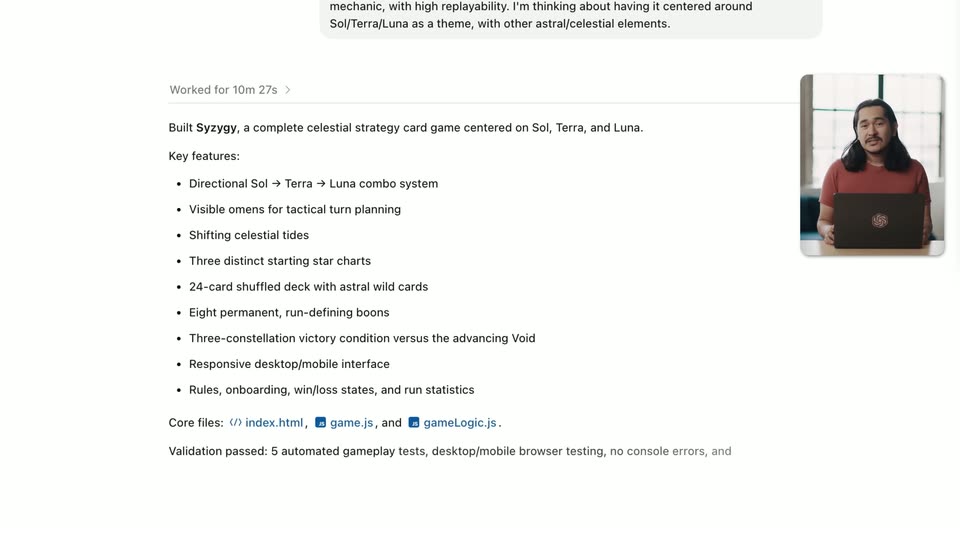 0:23–0:27OpenAI · Meet GPT-5.6A coding-agent chat interface fills the frame, scrolling down to reveal a feature list, file names, and a run command, while a small video of a man in a red shirt at a laptop sits in the right column. The view reframes from the full window to the inner chat.
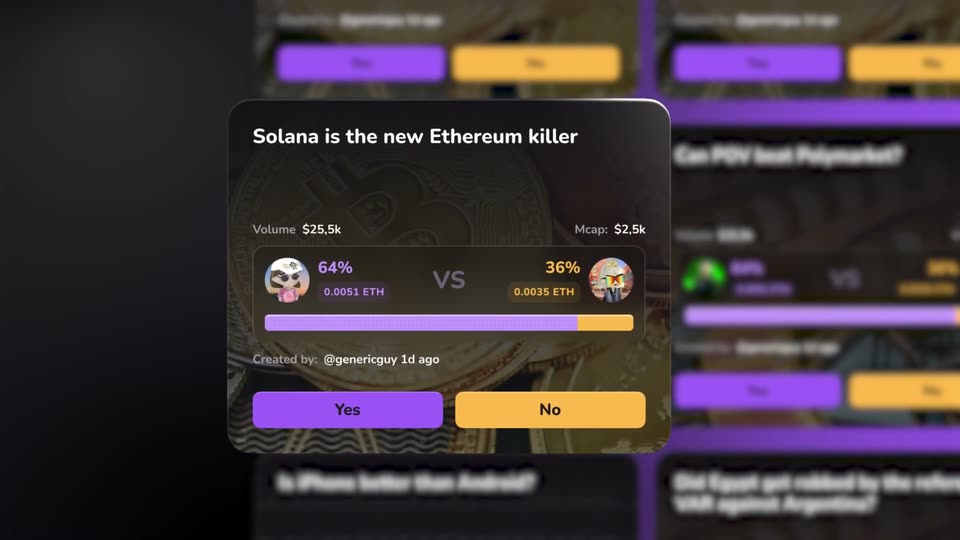 0:23–0:25POV · POV - The world's first permissionless Opinion Market. Built on convictionA dark prediction card titled Solana is the new Ethereum killer snaps into sharp focus at center while a grid of identical cards blurs behind it. The card shows a 64 to 36 split bar and purple and orange Yes and No buttons.
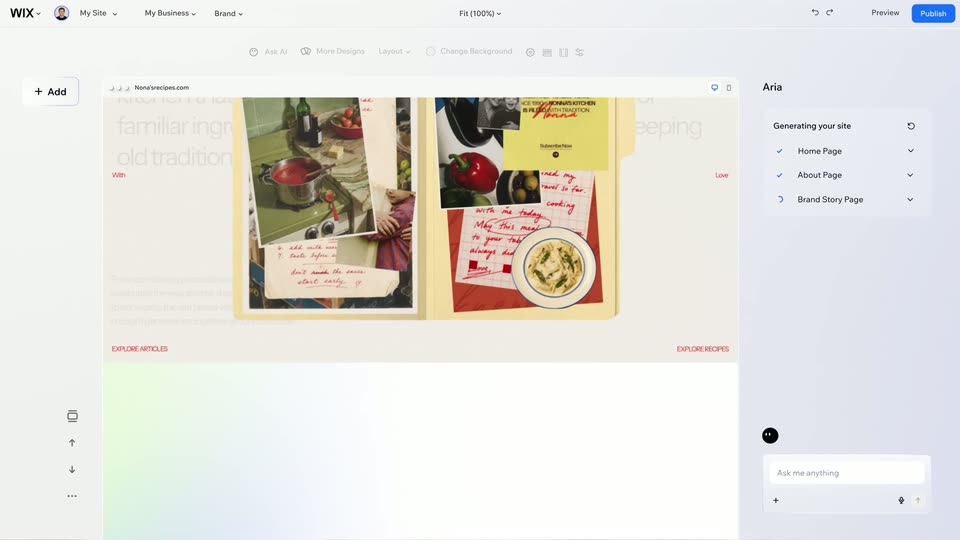 0:19–0:23Wix Harmony · The new way to tell your story | Wix HarmonyA white caption overlay states the website brief over a warm, kitchen-themed site, then the view reframes to the Wix editor as the page generates and scrolls, with the Aria panel listing the new pages on the right.
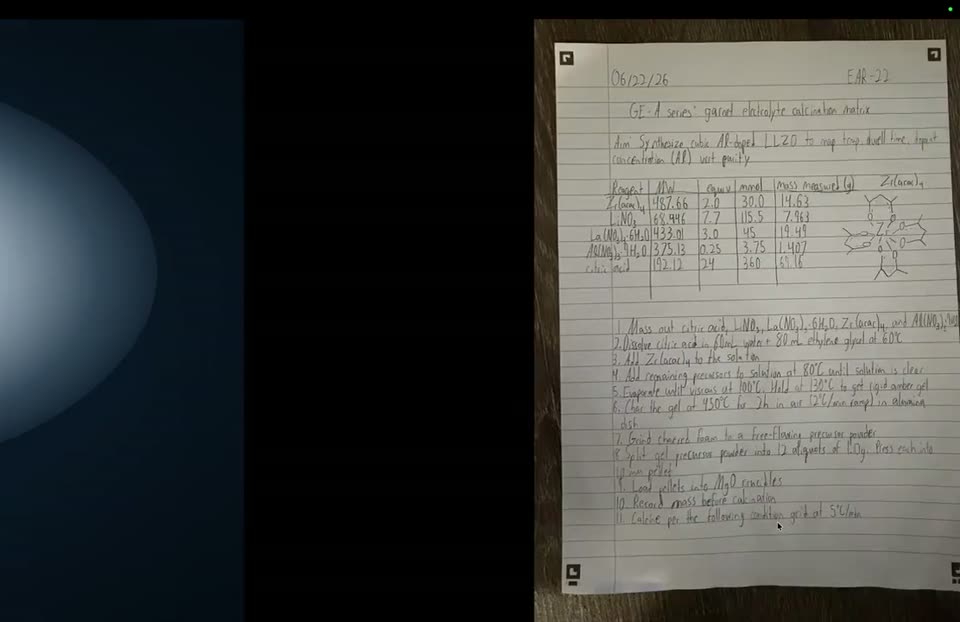 0:26–0:2783 Sciences · 83 Sciences - The next industrial era will be built on materials discoveries and inA dark player screen holds the 83 sciences logo centered on a soft oval glow. A handwritten lab notebook page with a chemical data table and numbered steps slides in from the right, pushing the logo to the left edge.
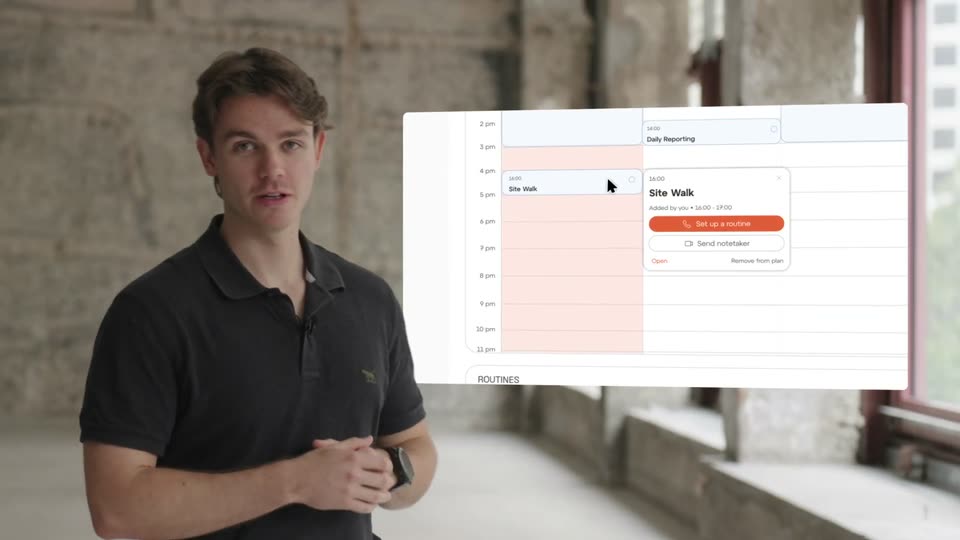 0:37–0:41Alloovium · Alloovium: Construction paperwork that finally works for your teamA man in a black polo stands in a raw concrete room beside a floating, angled Alloview scheduling panel. The panel zooms into the evening calendar where a cursor hovers over a Site Walk event, then shrinks away, leaving the man gesturing.
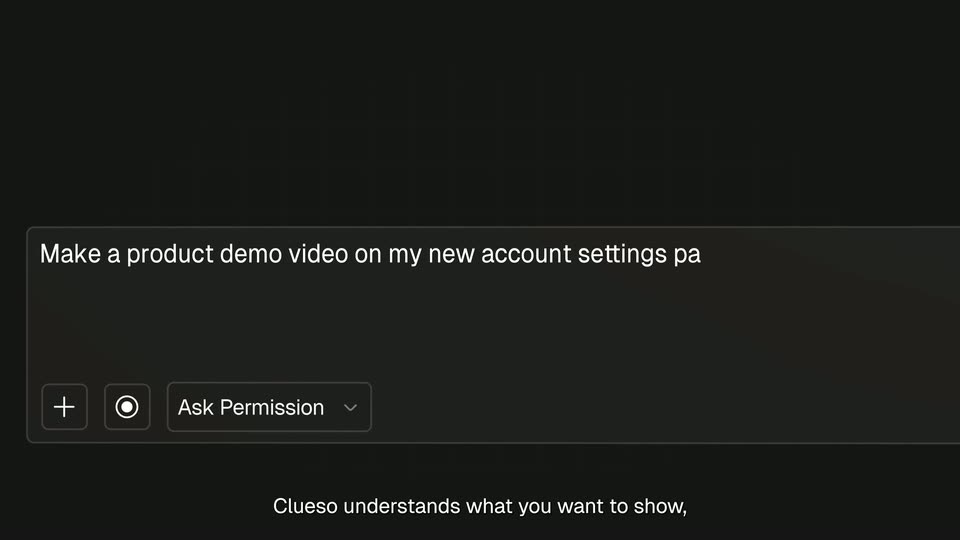 0:44–0:47Clueso · Fully Automate Your Product Videos | Clueso AgentsA dark chat interface with a pink logo and greeting; the view zooms into the input box as the prompt 'Make a product demo video on my new account settings page' is typed, with a caption at the bottom.
 0:19–0:21Google · Google - Introducing Video Remix in @GooglePhotos. 📹 Powered by our Gemini OmnA smartphone card with a video of a person in a greenhouse and its prompt caption zooms into the footage, then crossfades into a clip of three men talking outside. The caption stays at the bottom of the card.
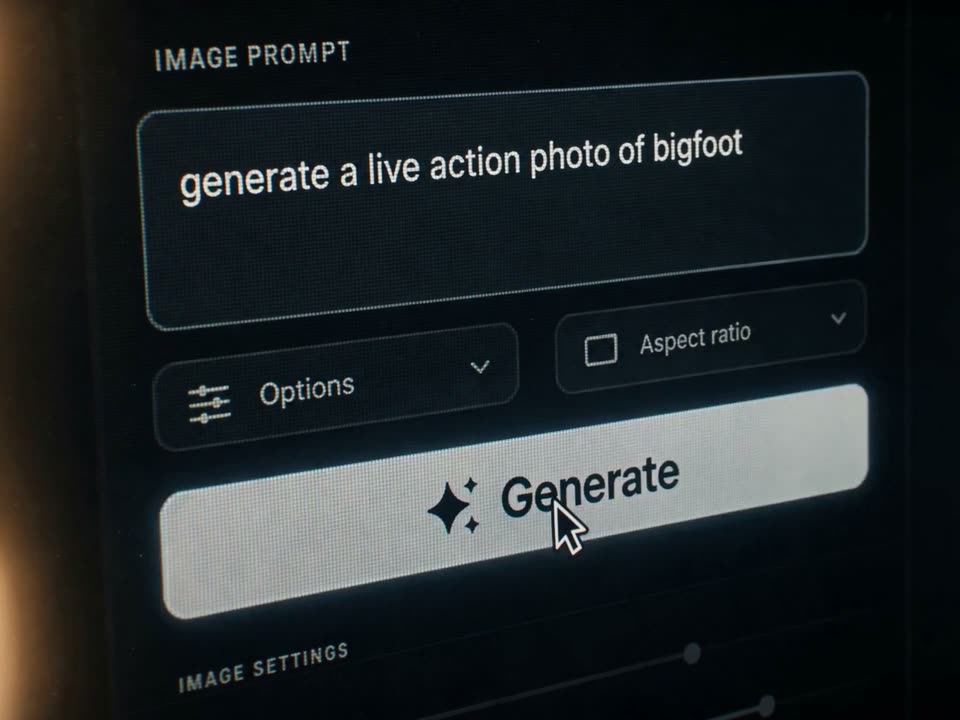 0:05–0:06Pika · Pika - Lights. Camera. EVERYTHING. Pika Director’s Suite, our experimentalA dark prompt panel shows a text field reading “generate a live action photo of bigfoot” above a Generate button. The cursor glides onto the button as the frame slowly zooms in, and a caption appears at the bottom.
 0:07–0:08PromptQL · Tanmai Gopal - We raised $136M to kill Slack. Introducing PromptQL: The first AI veA white chat card listing a Team AI summary sits on a dark background. A cursor rests on the purple Add to wiki button while the card zooms forward and a soft yellow glow blooms behind it.
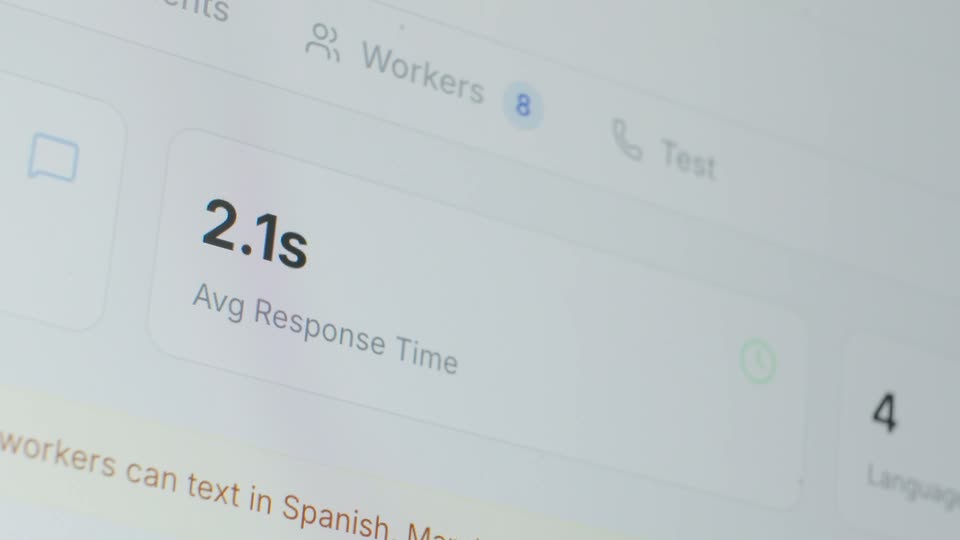 1:08–1:09Sidekick · Sidekick | Run Frontline Operations Over TextA static, tight close-up of a light dashboard interface centers on a card showing 2.1s for average response time. Blurred tabs, a workers count, and a partially visible caption fill the periphery.
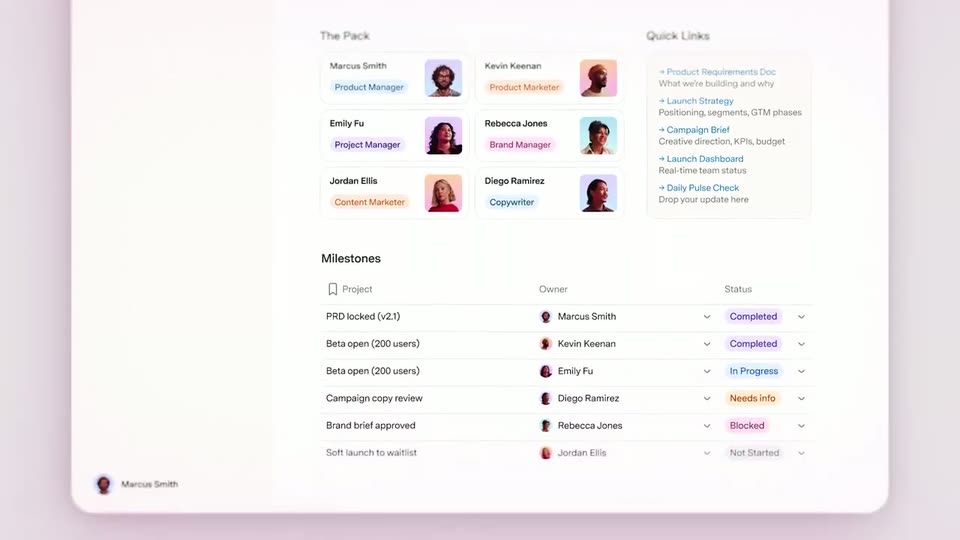 0:16–0:23Superhuman · Superhuman - Work together. Plan together. Stay ahead of the game together. CodaA Notion-style launch document is shown in 3D perspective, the camera zooming in and scrolling from the title through a team grid and a milestones table. Circular headshot avatars of the team float in depth around the page as it tilts into a soft pink backdrop.
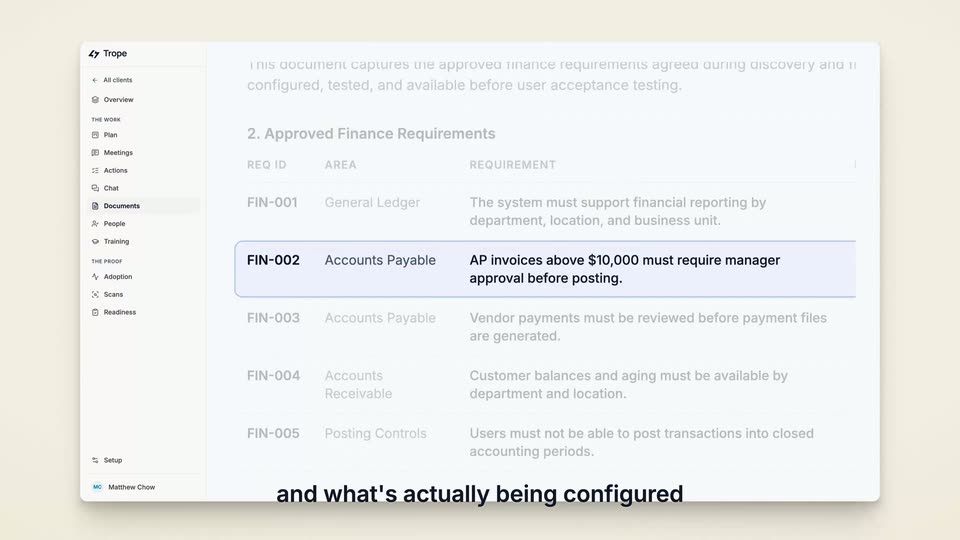 0:28–0:30Trope · Matt Chow - @trope_ai is backed by YC to make ERP transformations AI-native CompThe Trope document UI fills the frame, showing a finance requirements table with a cursor on the page. The view zooms into the table, the FIN-002 row outlines in blue while the surrounding rows dim. A bottom caption tracks the voiceover.
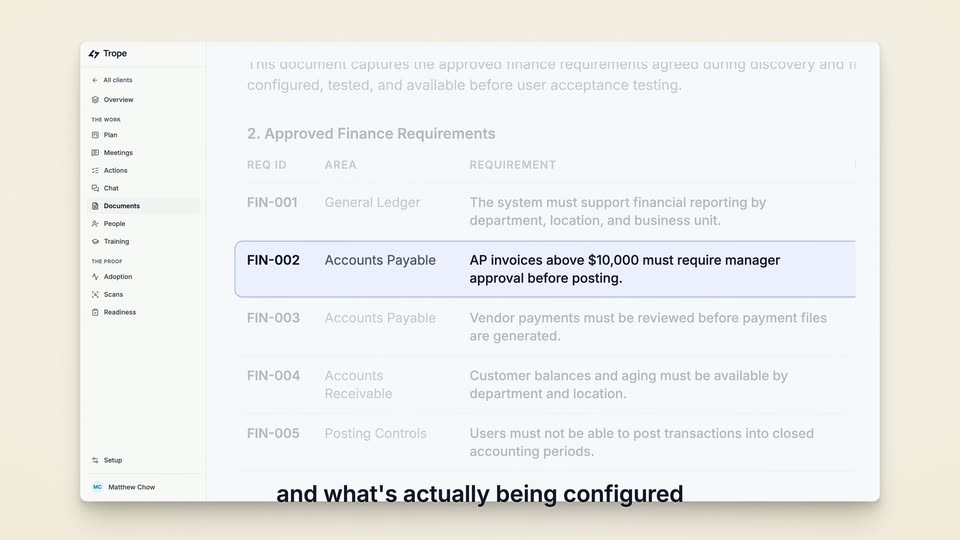 0:27–0:30Trope · Trope (YC S26) Launch VideoA light UI window of the Trope app shows a finance requirements document; the view zooms into the table as the FIN-002 row highlights in blue. A small line of text scales in, and the bottom caption swaps from the first phrase to the second.
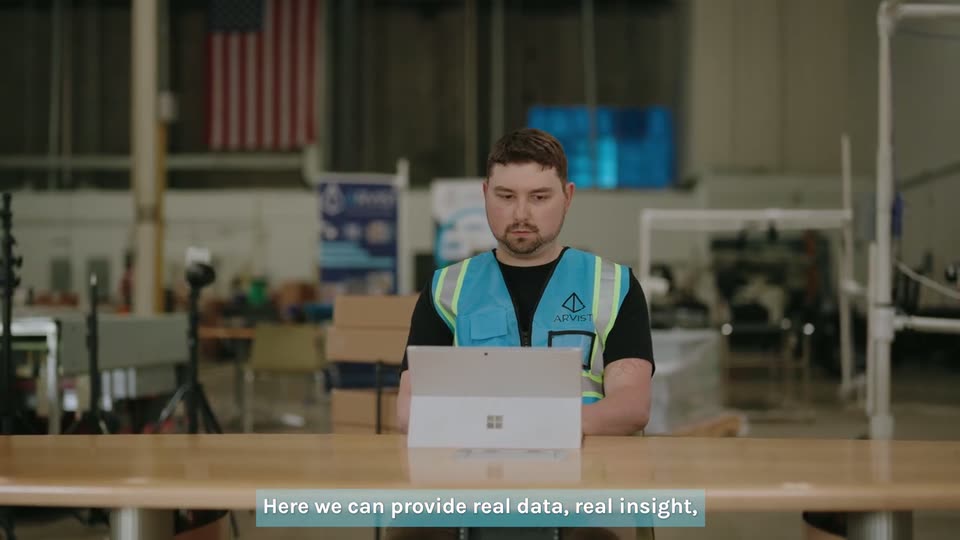 1:59–2:02Arvist · Arvist: experience centerA man in a blue safety vest sits at a wooden table in a warehouse, looking at a laptop, with a blurred industrial background. The shot cuts to a close-up of hands typing on a red keyboard attached to a tablet showing a dashboard. Subtitles run along the bottom.
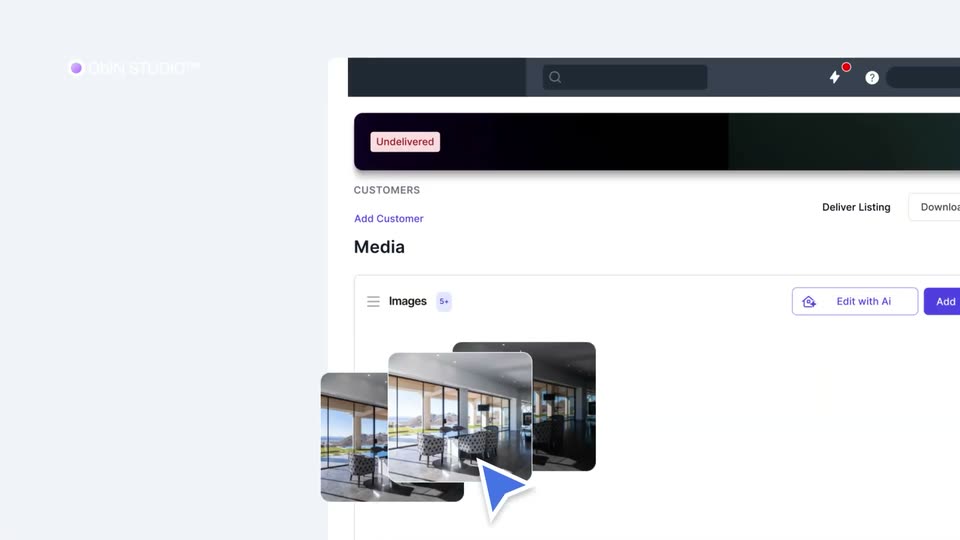 0:13–0:14AutoHDR · Best SaaS Product Video | AutoHDRA product media library screen slides in with a brief echo of its headings, then a blue cursor glides right across interior photo thumbnails as the frame settles.
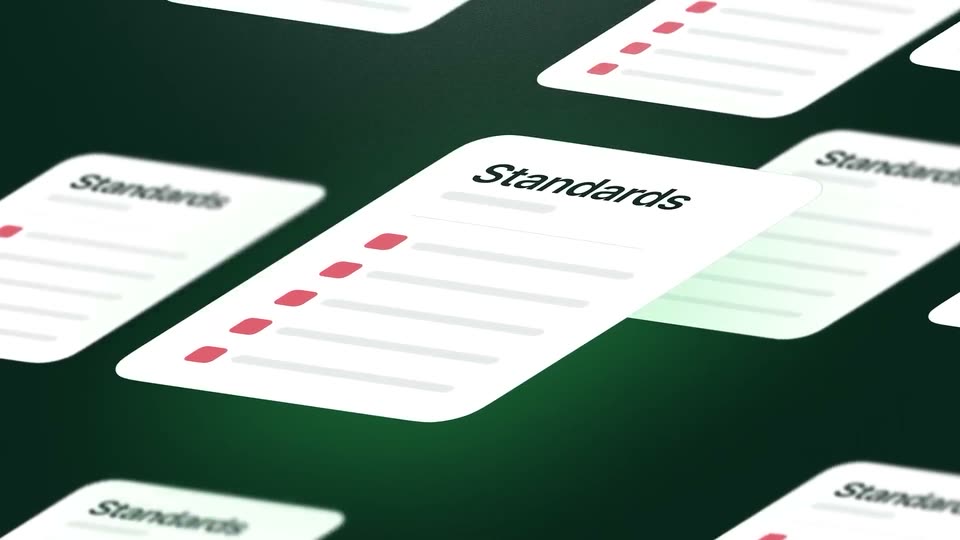 0:00–0:02Greenly · Greenly — Stop Reacting to Carbon Regulations. Turn Them into a Competitive Advantage (16:9)A grid of white “Standards” document cards with red checkboxes sits in 3D perspective on a dark green background. The camera pushes in and the central card scales up, growing until it fills the frame while the surrounding cards blur and recede.
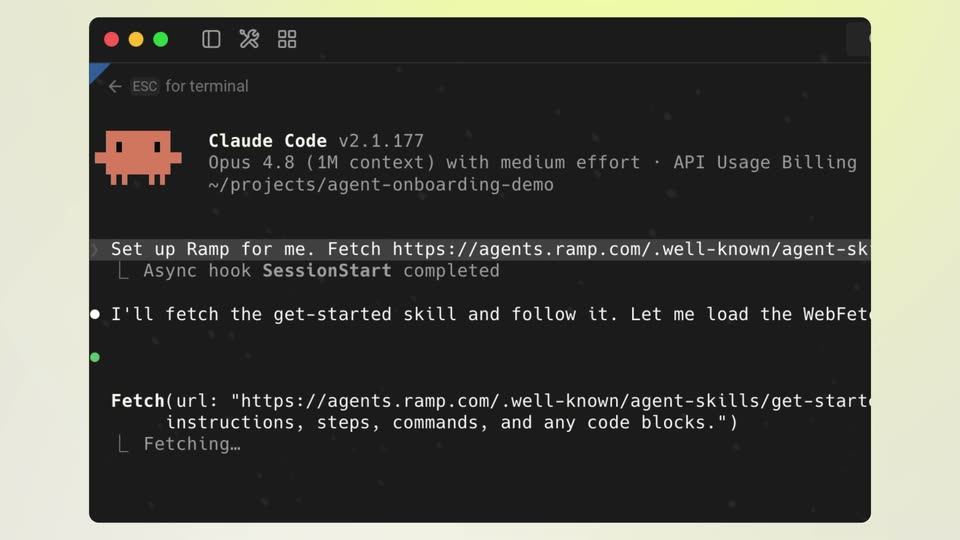 0:30–0:39Ramp · Ramp - Every company used to start with paperwork. The next generation willA dark terminal window slides in from the left on a cream backdrop, then agent output lines stream in one by one. At 7s the window scales up to reveal the full app chrome, a search bar on top and a token counter along the bottom.
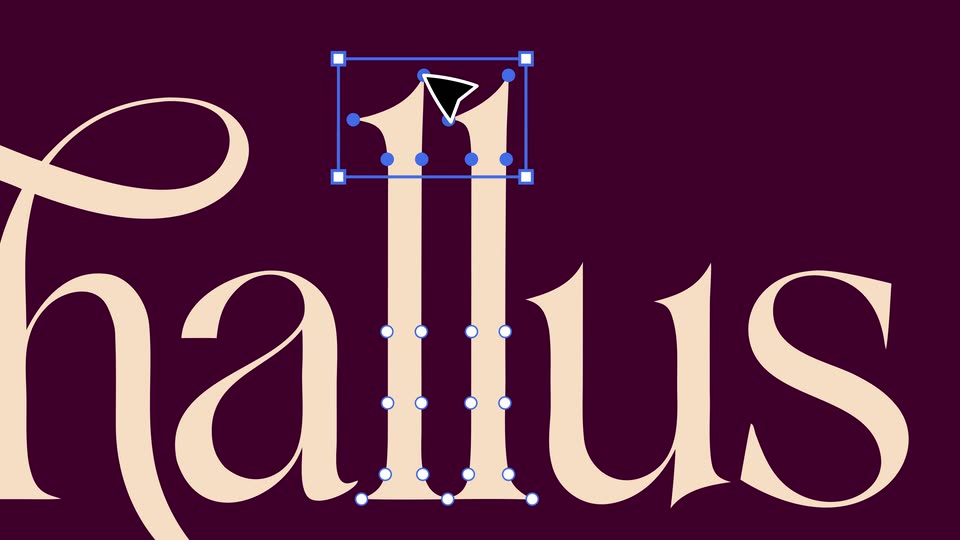 0:00–0:01Recraft · Recraft - You asked, we delivered. Say hello to Recraft’s Vector Editor. TweakA cream high-contrast serif wordmark, Thallus, fills a dark maroon screen. A blue vector selection box, anchor points, and arrow cursor edit the letters as the frame zooms into the central letters.
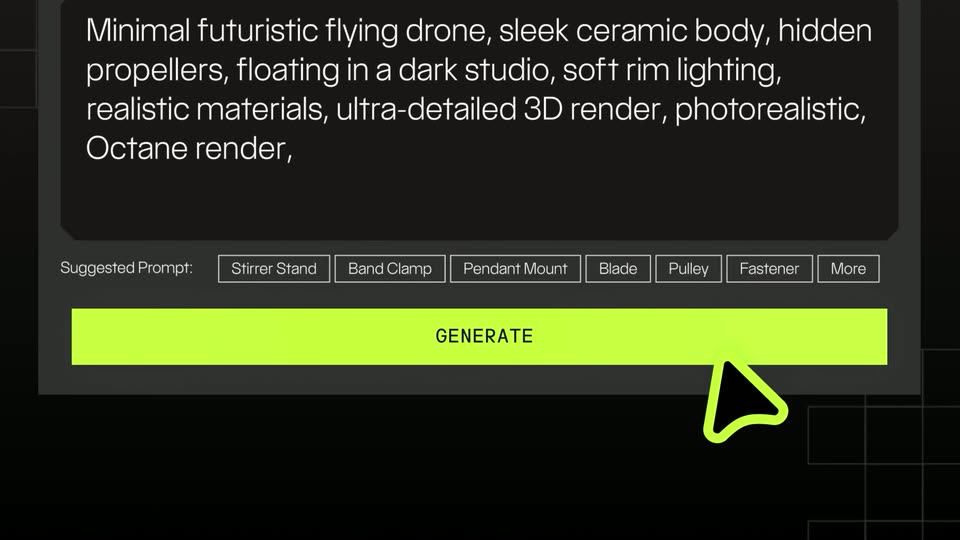 0:50 · 0.8sKyrall · OsamaAtwi - Today, we're officially launching Kyrall Until now, AI models couldnA dark prompt panel fills the frame as the view tightens onto it; a green triangular cursor glides from the bottom edge up to the right end of the lime GENERATE button. A row of suggested-prompt chips sits just above the button.
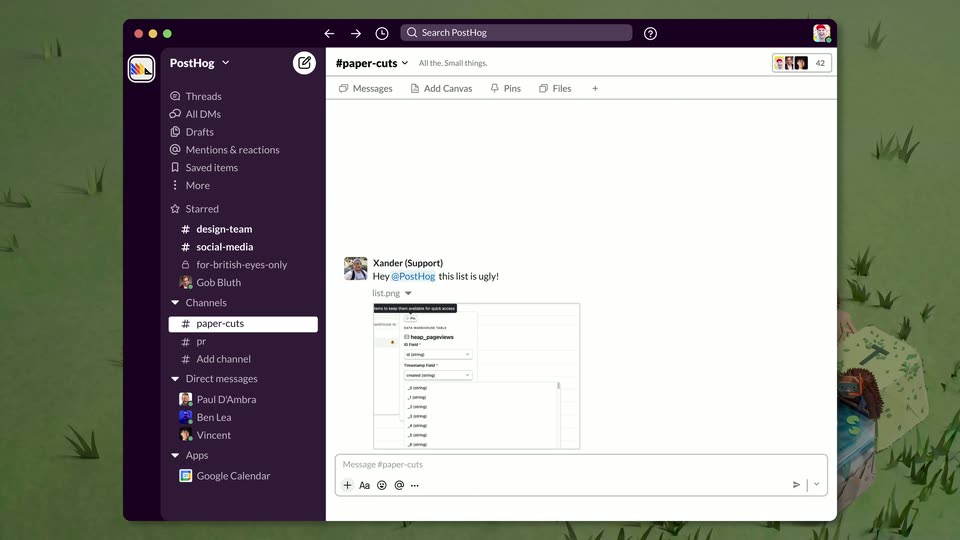 0:05 · 0.8sPosthog · PostHog - Don't open PostHog. @PostHog in Slack.A PostHog chat window sits on a green grass field beside a hedgehog. The view starts tight on a support message and an attached list image, then pulls back to show the full window with sidebar and channel header.
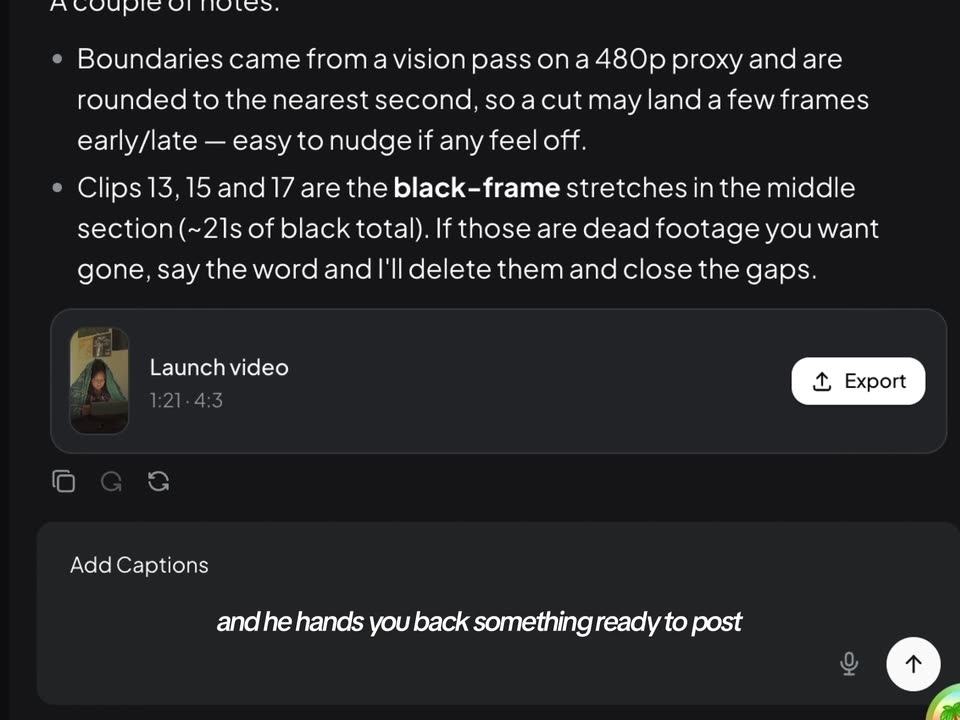 0:36–0:37Stanley · Daniel Park - Today, we're launching Claude Fable for video editing. Stanley is buA dark interface view shows a bulleted notes panel above a 'Launch video' export card with a person thumbnail and an Export button. The frame scrolls up a touch to center the card. A white italic caption sits across the bottom.
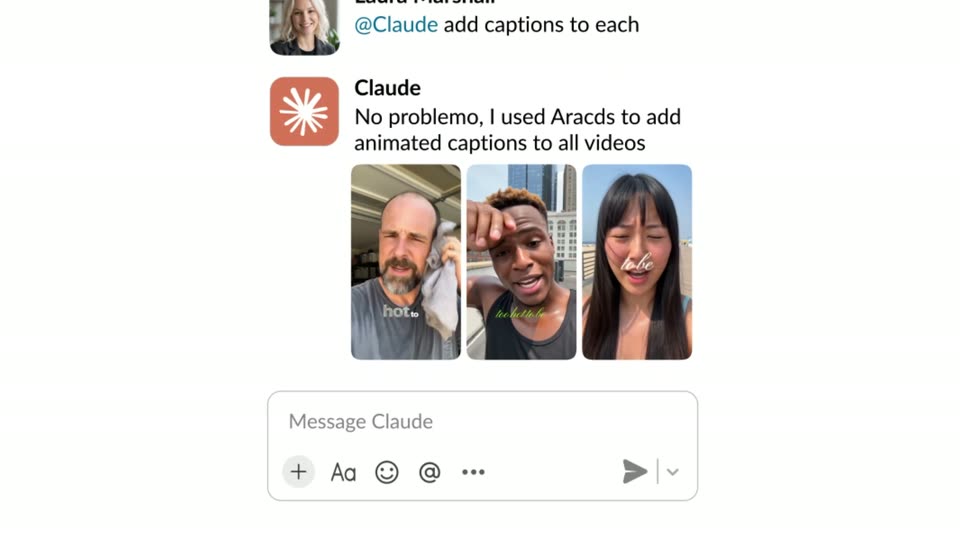 0:16–0:21Arcads · arcads AI - Introducing Claude x Arcads in Slack: Get viral ads in your Slack DMA chat window opens tight on a user message, then pulls back to the full interface with the input bar. A Claude reply slides in and three vertical clips of people holding orange fans appear, each gaining word-by-word captions.
 0:05–0:06xAI · SpaceX Super Intelligence - Introducing Voice Agent Builder: a no-code platform to create human-lA dark list of three agent pills compresses to reframe the Customer Support row on a black background. A white circle scales in behind it as a light band sweeps across, and a black pill button overlays the row, its label typing in to read Create Agent.
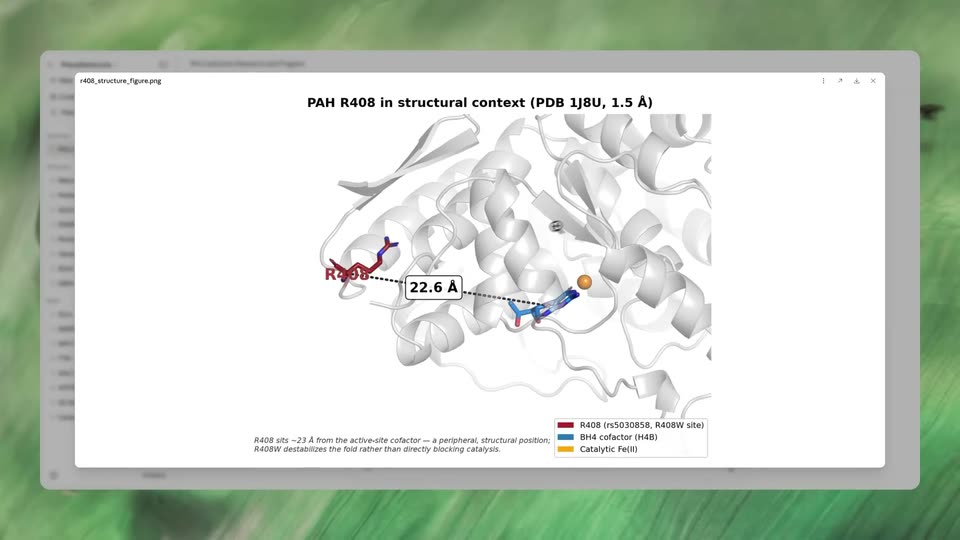 0:13–0:15Anthropic · Introducing Claude Science (now in beta)A white card holding a gray 3D protein ribbon diagram, with a red R408 residue and a blue cofactor joined by a dashed 22.6 Å line, pushes in from a small centered frame to fill the screen over a soft green bokeh background.
 0:02–0:05Browserbase · Browserbase - Computer use is finally reliable. It just needed a real harness. NowA monospace prompt types itself in a light input field on a grid background. The camera pulls back to show the full line, a red Run button pops in, then a hand cursor clicks it as the view zooms in and the button turns blue with a Starting spinner.
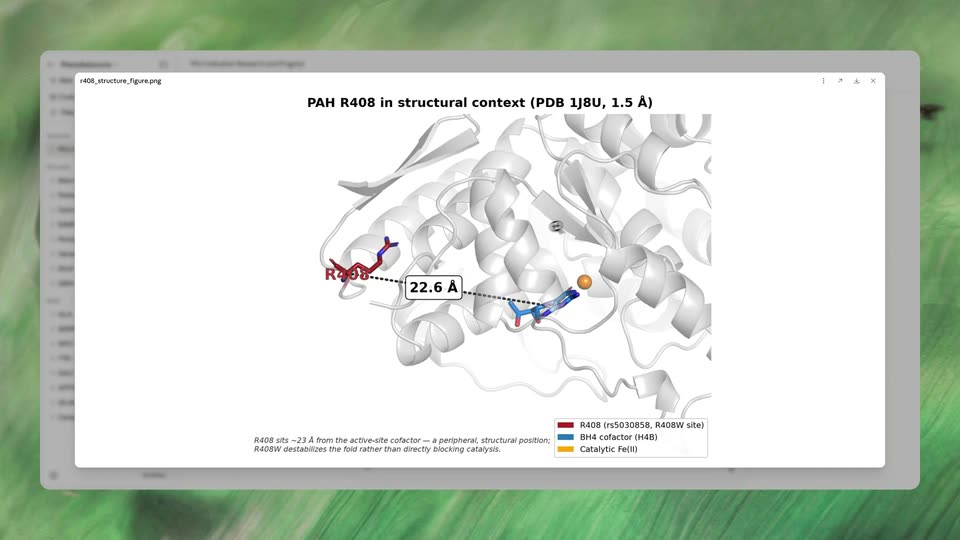 0:13–0:15Anthropic · Claude - Introducing Claude Science, a new app designed with every stage of reA white image-viewer card holding a 3D protein ribbon diagram floats at an angle over a blurred green background, then tilts flat and scales up as the camera zooms onto the R408-to-cofactor distance line. The red R408 label and the 22.6 Å measurement stay centered while the card edges and title slide out of frame.
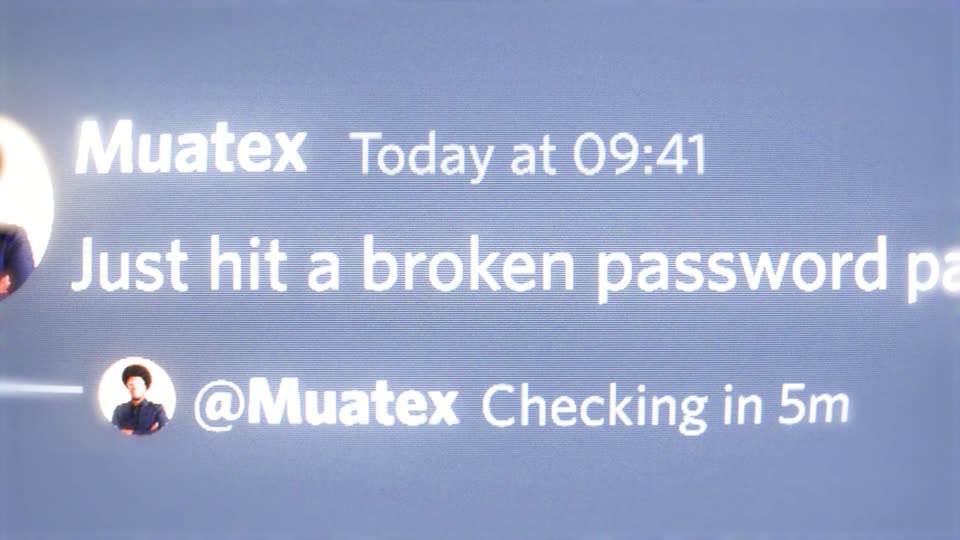 0:11–0:12Interfere · Interfere - Introducing Interfere. Interfere observes everything that happens inA close-up on a light form card reading “Found is broken right now” with a plus icon, then the frame pulls back to a blue chat view where a Muatex message and a checking-in reply stack vertically.
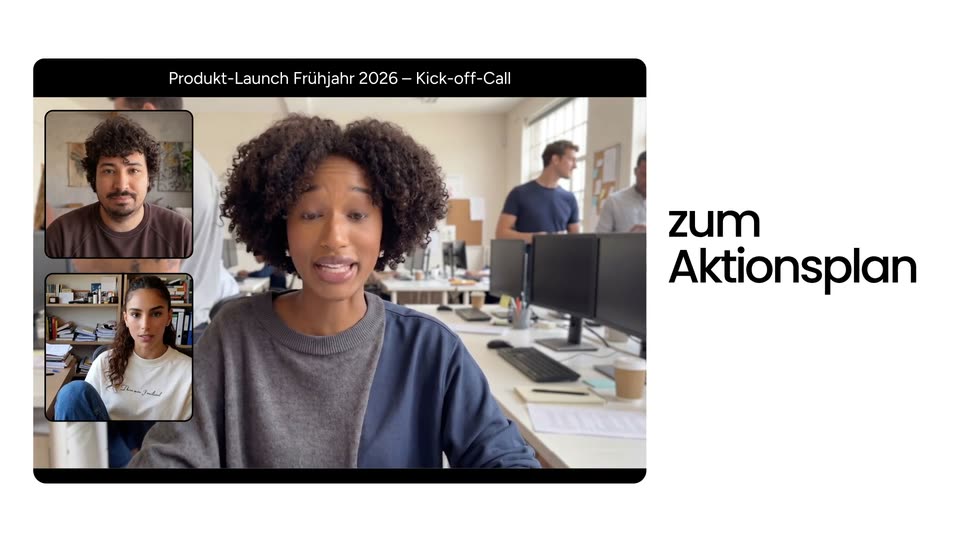 0:10–0:15monday.com · monday.com | So arbeiten Menschen und KI-Agenten jetzt zusammen an ProjektenA video call mockup with three participants slides from right to center on white, flanked by the headlines “Vom Videoanruf” and “zum Aktionsplan”. The window then shifts left as a panel with a 3D agent avatar and task list pops in on the right, and the call zooms in.
 0:18–0:20Riffle · deo - introducing riffle 2.0 welcome to the social era of music creation.A hand holds a phone showing a social feed over a wooden table while a second hand taps the screen. Colorful 3D paper-plane shapes in blue, green and red float and rotate above the table as the camera pulls back from the screen.
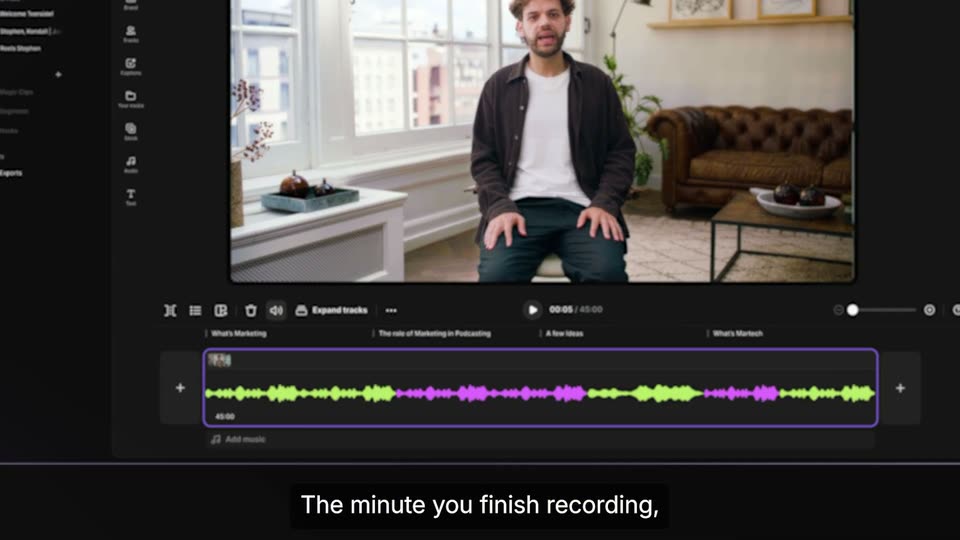 0:16–0:17Riverside · Nadav Keyson - AI Videos are ALL slop. AI should be making you a content machine.A dark podcast editor interface fills the frame, a man seated in a sunlit room in the preview window above a green-and-purple waveform timeline. The view drifts in to center the timeline, and a white caption sits on a black bar at the bottom.
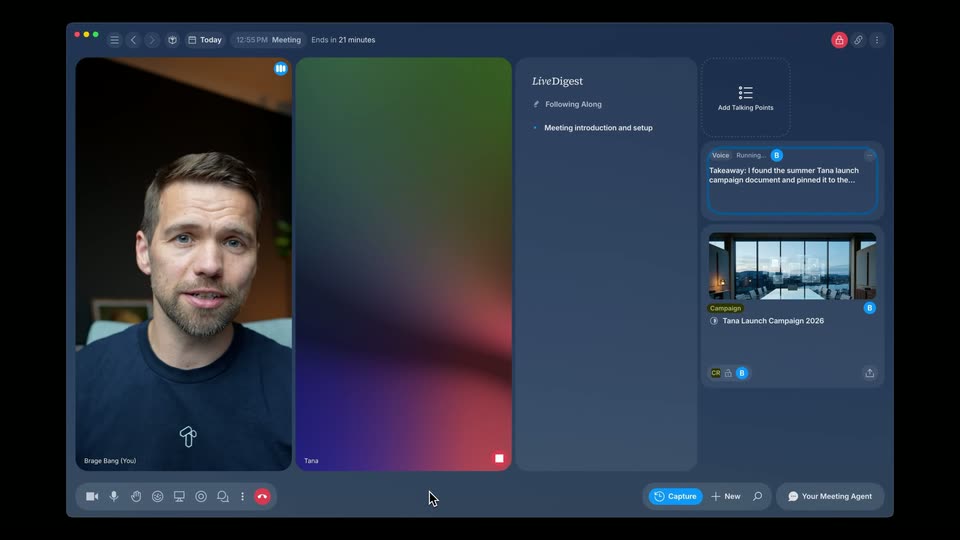 0:18–0:22Tana · Beyond AI Meeting Notes: Meet the New TanaA dark meeting app window is revealed as the view pulls back from a close-up of a campaign card on the right. The full interface shows a video tile of a man on the left, a blurred color panel, a LiveDigest list, and agent cards on the right.
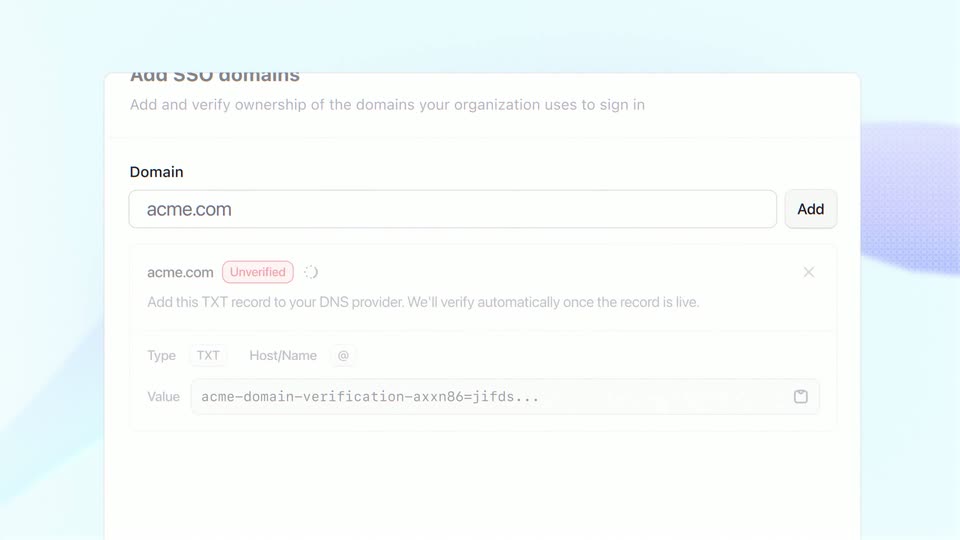 0:09–0:19Clerk · Clerk - Give your customers control of their SSO setup. Now their IT adminsA white settings card titled “Add SSO domains” sits on a soft blue and lavender gradient. A black cursor clicks the empty Domain field, types acme.com, then presses the Add button. A new row appears with an Unverified badge and a TXT record value, and the badge flips to a green Verified badge.
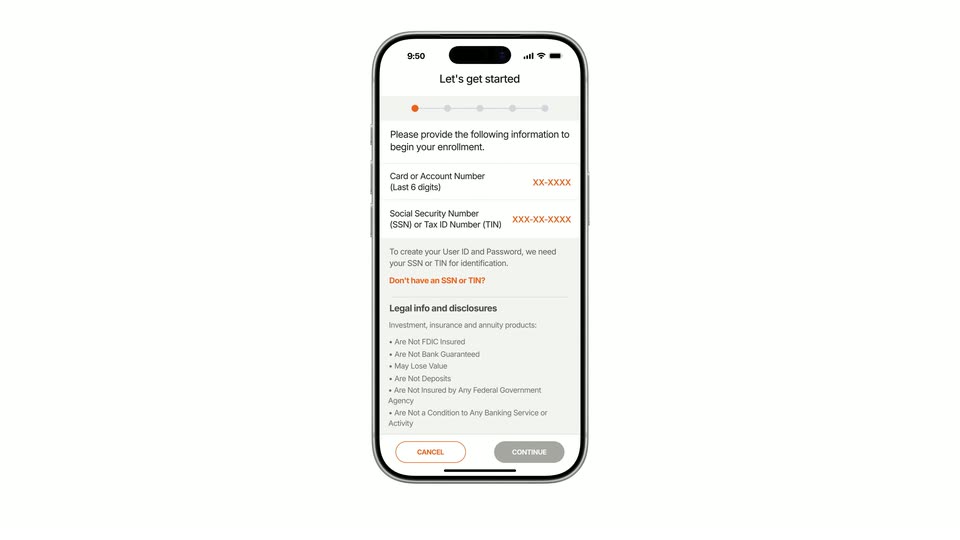 0:46–0:48Giga (Scout) · Giga - Introducing Scout. Tell it the KPI you care about, like funded deposA flat iPhone mockup sits centered on a white field, showing a bank enrollment form. The camera zooms into the screen, scaling the phone up until the form fields for account and SSN fill the frame.
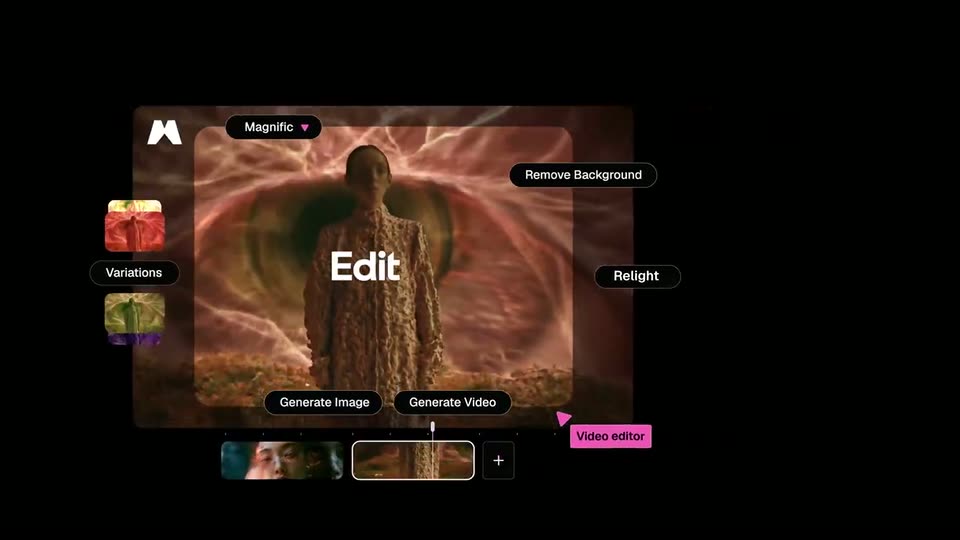 0:09–0:11Magnific · Magnific - Magnific Plugin inside Premiere Pro, After Effects, DaVinci Resolve,A dark AI editor interface on black zooms in as a portrait in a textured dress holds center under the word Edit. Pill buttons for Magnific, Remove Background, Relight and Generate Image or Video shift with the frame, and pink Video Magic and Video editor tags appear.
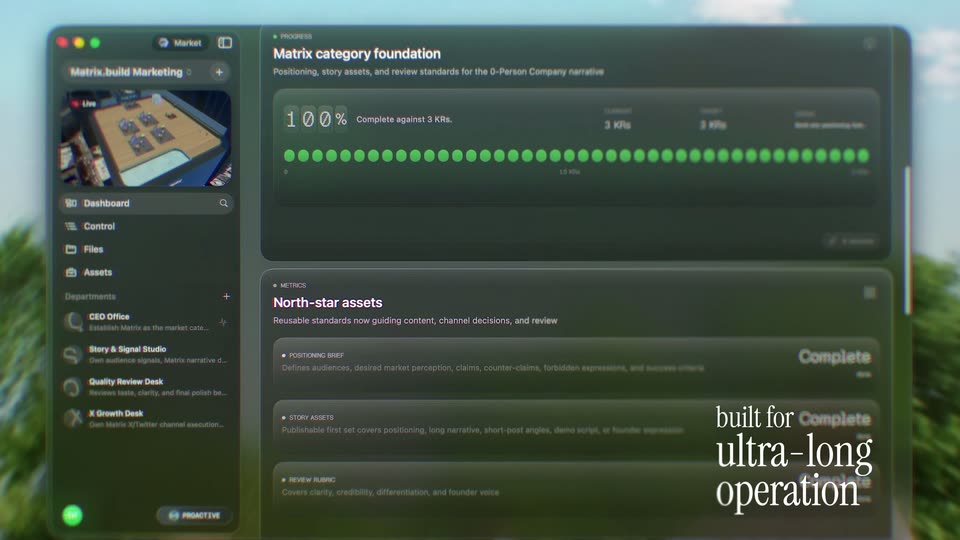 0:24–0:27Matrix · Matrix - what if you can run an entire 0-person company — without the grind ofA dark green dashboard interface floats in 3D perspective against a blurred outdoor backdrop, the camera dollying in and scrolling down through its cards. White serif taglines fade in at the right edge.
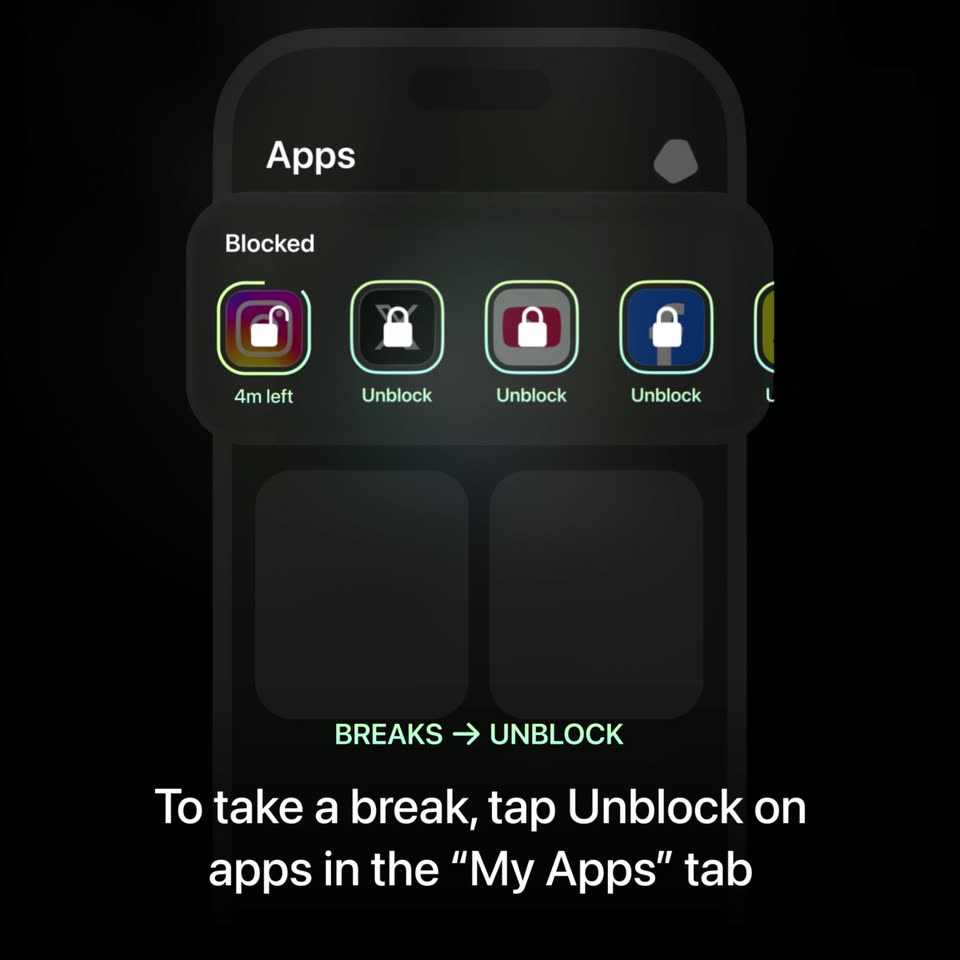 0:03–0:07Opal · Opal - Here’s what’s new in Opal. What features do you want to hear more aboA dark phone mockup displays the Apps screen; the Blocked card lifts off the screen with a soft glow, its row of locked app icons each ringed by a colored progress arc. Below, a green tagline and a two-line white caption stay static.
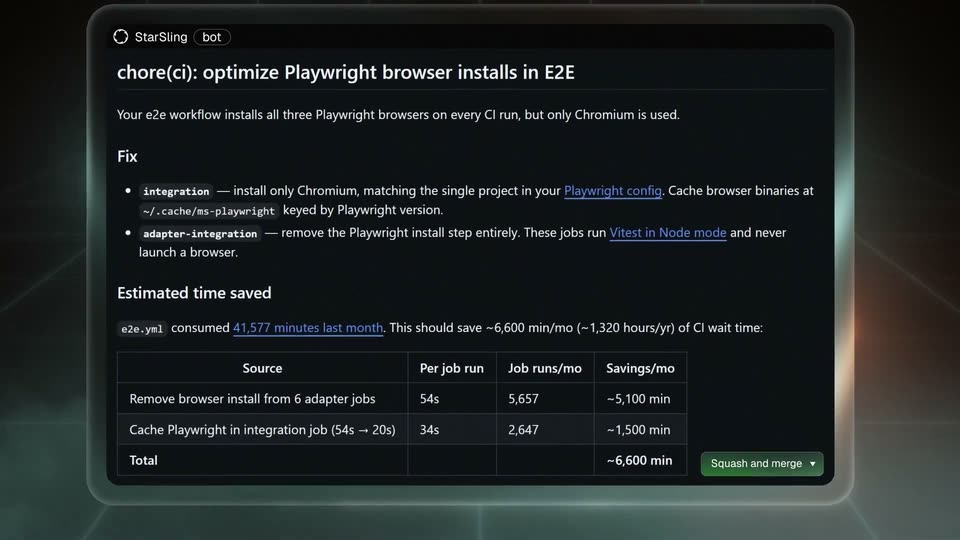 0:20–0:24StarSling · StarSling Runners: Self-Driving CIA dark perspective grid floor holds a glowing pull-request card that rises from the bottom while a white headline swaps phrases at the top. The view then zooms into the card, settling on a savings table and a green merge button.
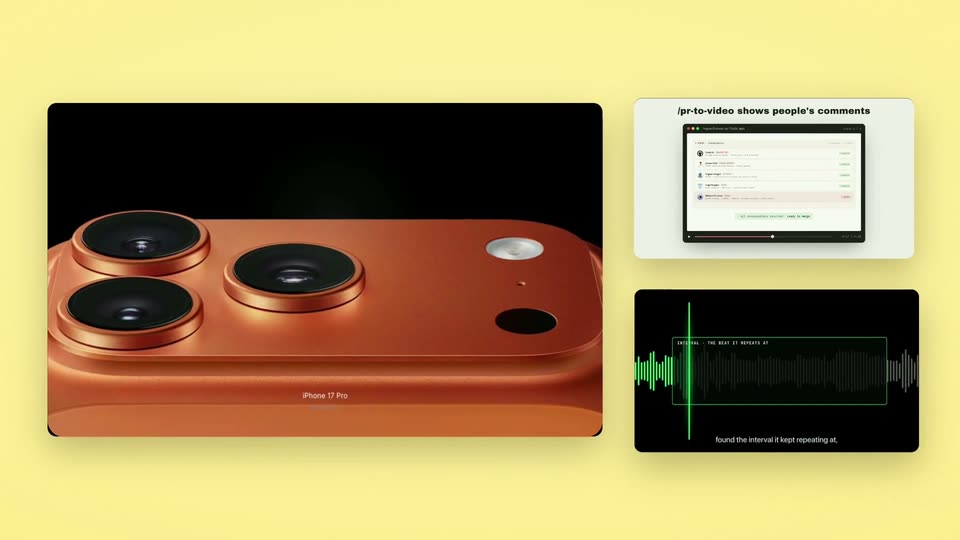 1:06–1:10HeyGen · HeyGen - The next generation of HyperFrames skills is here 9 workflows your aEight monospace category labels sit on white beside a stats card; the labels transform into a 3x3 mosaic of video clips and UI screens, then the grid collapses so an orange iPhone close-up fills the left as the background turns yellow.
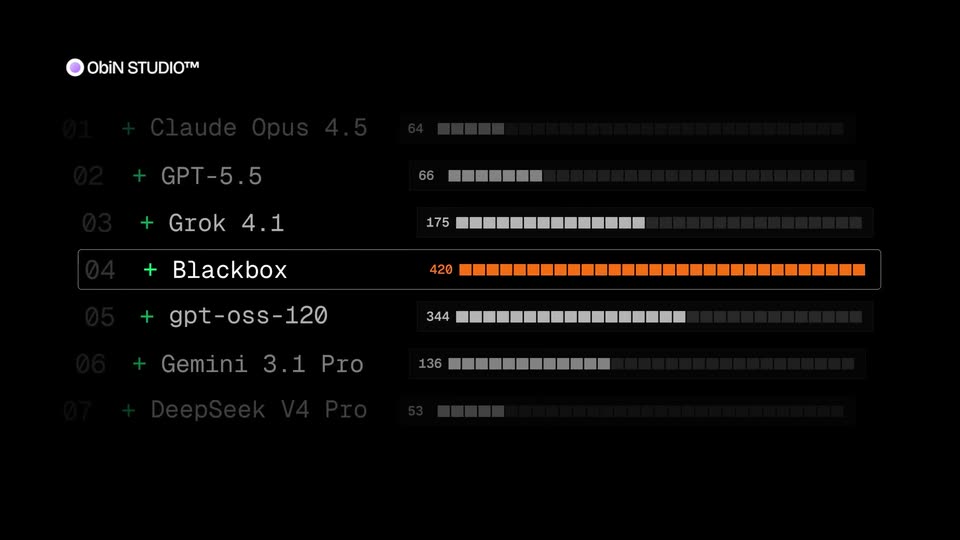 0:08–0:11Blackbox AI · Motion Graphics for SaaS Product | Blackbox AIA dark leaderboard lists seven model names with segmented score bars that fill in, the Blackbox row outlined in white and its bar glowing orange, then the frame zooms in until that row fills the screen.
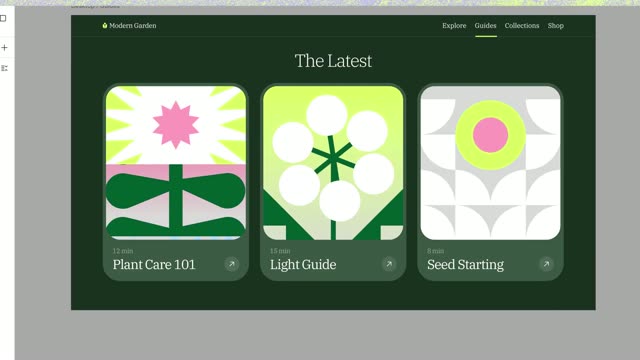 0:03–0:04Figma · Introducing Figma Motion: Your canvas now has a timelineA tight crop of three flat-illustration guide cards zooms out to reveal the full Modern Garden website, the dark green screen, the top navigation bar, and the centered heading The Latest.
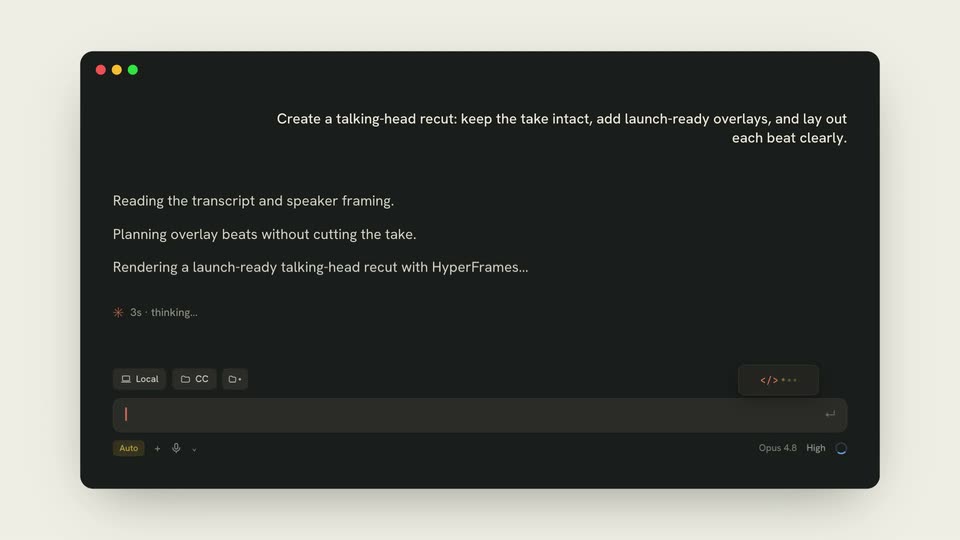 0:13–0:17HeyGen · HeyGen - Making a video is easy, making it engaging is hard so we turned theA dark chat window on a cream background shows a prompt at the top right. A spinner ticks while three status lines appear one by one down the left, then the camera pushes in until the window fills the frame.
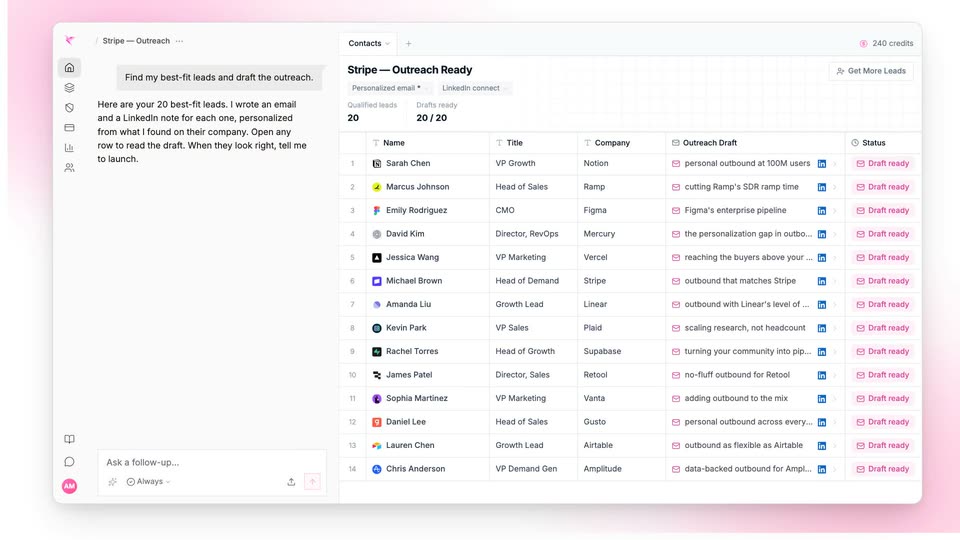 0:13–0:20Origami · Finn Mallery - Today, we're introducing Claude for Sales. Just type your domain andA product screen on a pink gradient shows a chat panel and a contacts table. The assistant message types out word by word while the table fills with rows of names, companies and drafts, then scrolls up. The whole frame stays locked off.
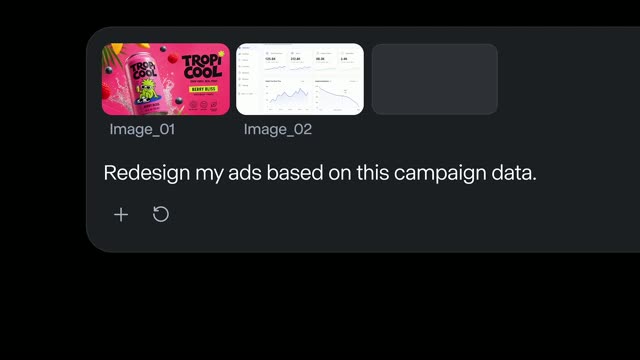 0:40–0:44Runway · Introducing Runway Agent 2.0 | RunwayA cursor drags an ad and analytics reference toward a dark prompt bar. The interface zooms in as a redesign request types beneath the attachments.
 0:22 · 0.6sRunway · Runway - Introducing Agent 2.0 Go from a simple prompt to fully realized markExtreme close-up of a dark rounded chat bubble on a black field, a thin plus mark at its left edge. The reply types out letter by letter, completing in under a second, while a small one-line prompt sits above the bubble.
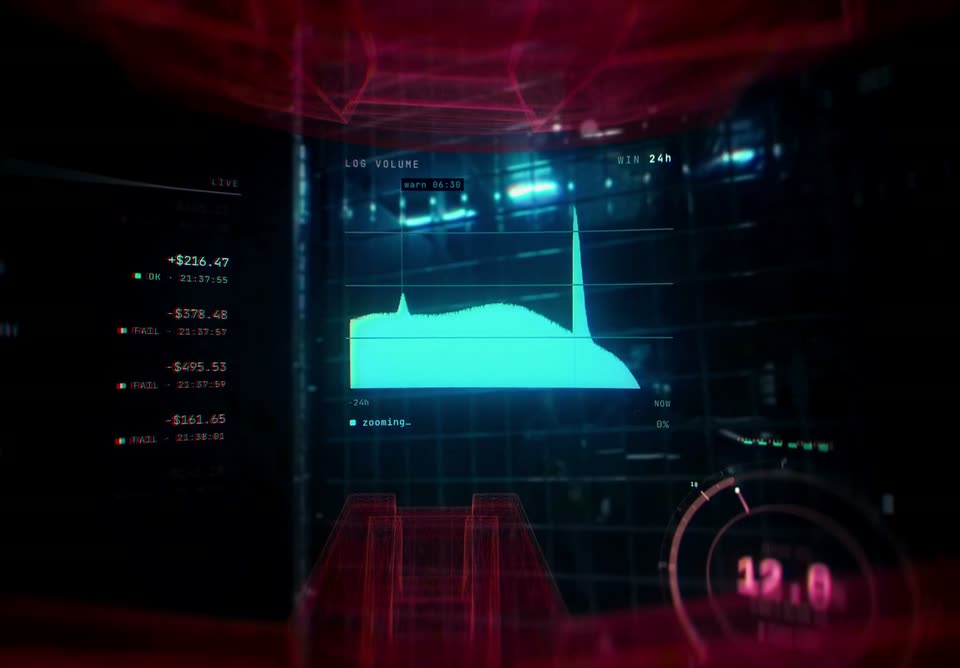 0:29–0:30Sazabi · Sherwood - We raised $8m to build self-healing software. In 2026, software moveA dark 3D HUD dashboard sits in perspective, framed by red wireframe. A LOG VOLUME bar chart collapses into a bright cyan area as a circular gauge spins its number, while the left LIVE log of FAIL and OK dollar values flickers. The camera pushes in.
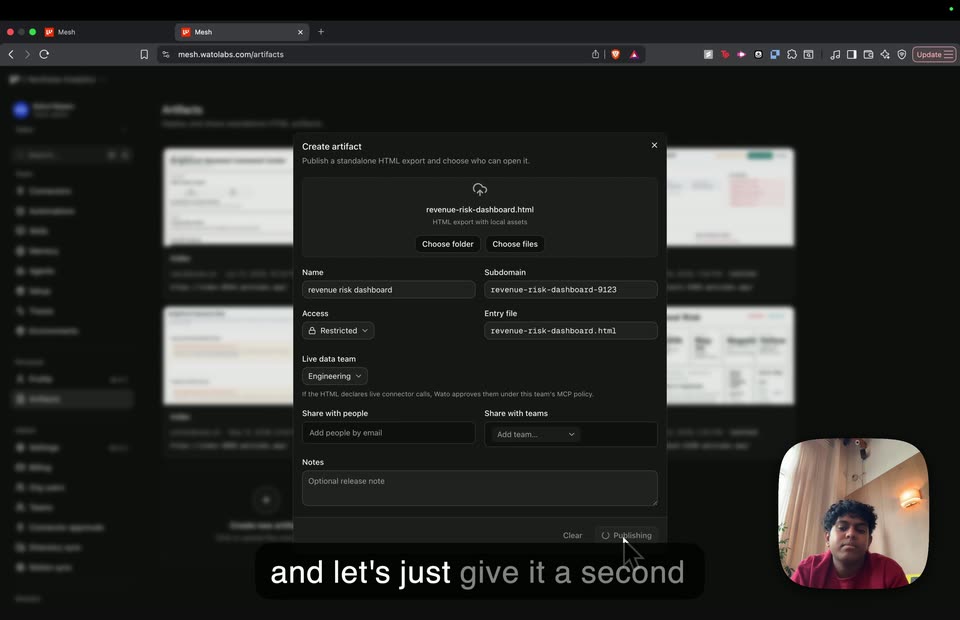 2:31–2:46Wato · Wato - A feature that sales teams love: Live Artifacts. Here's a revenue-riA dark dashboard app shows a Create artifact modal over a grid of cards. A cursor opens the live-data-team dropdown, then clicks publish; the modal closes to reveal the new card. A man in a red shirt appears in a small bottom-right video inset, with white subtitles along the bottom.
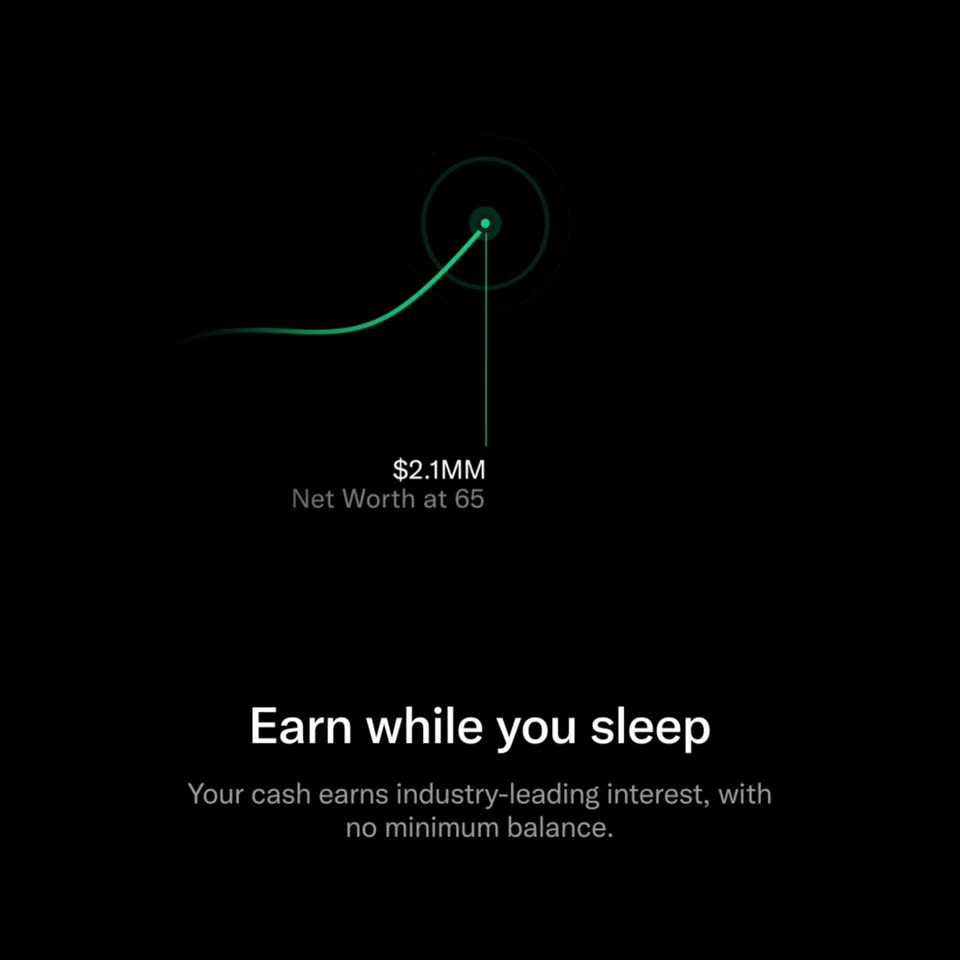 0:13–0:15X Money · Benji Taylor - 𝕏 Money begins rolling out to a subset of Premium+ users today. It alA dark account card with a balance and green line chart slides left as the view zooms onto the line. The line ends at a marker with expanding rings, then the whole graphic fades to black, leaving only the white headline and gray subtext at the bottom.
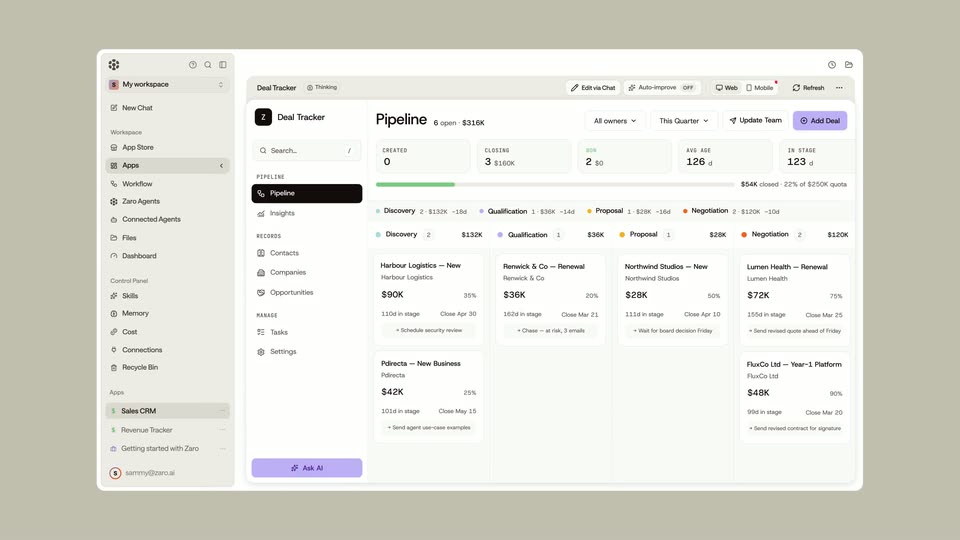 0:13–0:15Zaro · Zaro.ai - Today, we're excited to launch Zaro. Your knowledge is scattered acrA beige backdrop holds the Deal Tracker interface, which fades in from a dim state to full color, revealing a pipeline board with stat cards and four deal columns. The view then zooms in slightly as an “Open full app” tooltip pops in at the top left.
 0:05–0:07Anthropic · Jock Ferguson - Today, we're introducing Claude for Content. Just enter your websiteA white rounded input card on a pale pink gradient with sparkles. The URL CalAI.com types itself into the field above the line We'll learn everything as the view zooms in, then a pixel cursor glides in and clicks the pink up-arrow button.
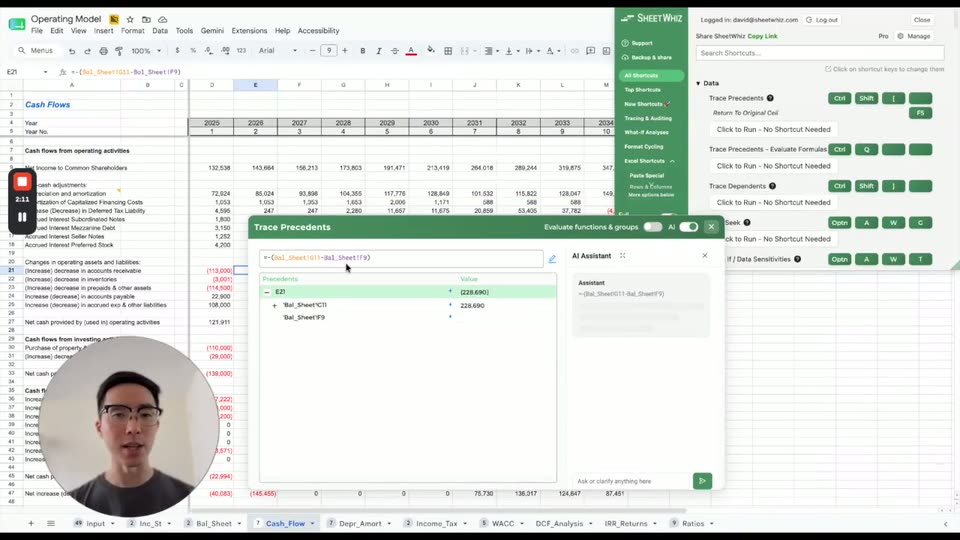 0:05–0:09Dimely · SheetWhiz Trace Precedents AI DemoA spreadsheet screen with the SheetWiz sidebar and a Trace Precedents popup listing the cells that feed a formula. A cursor hovers the list, then the sheet reframes to the balance sheet. A round webcam of the presenter holds the lower-left corner.
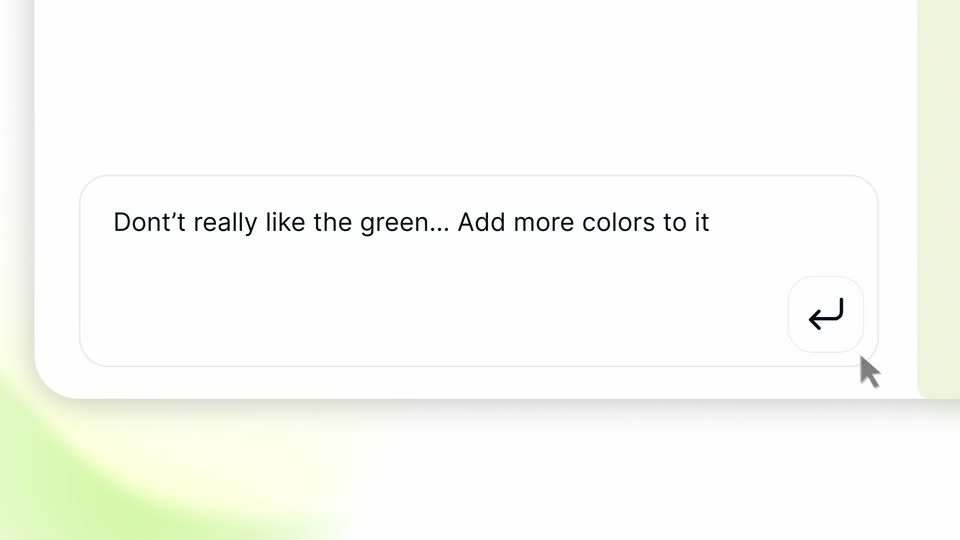 0:05–0:08Genspark · Genspark - 🎨 Introducing Genspark Design The next-gen AI for design and creatioA prompt box reading “Dont’t really like the green... Add more colors to it” fills the frame over blurred green phone mockups; a cursor clicks the send arrow, then the camera pulls back and slides right to expose the generated To-do and onboarding screens.
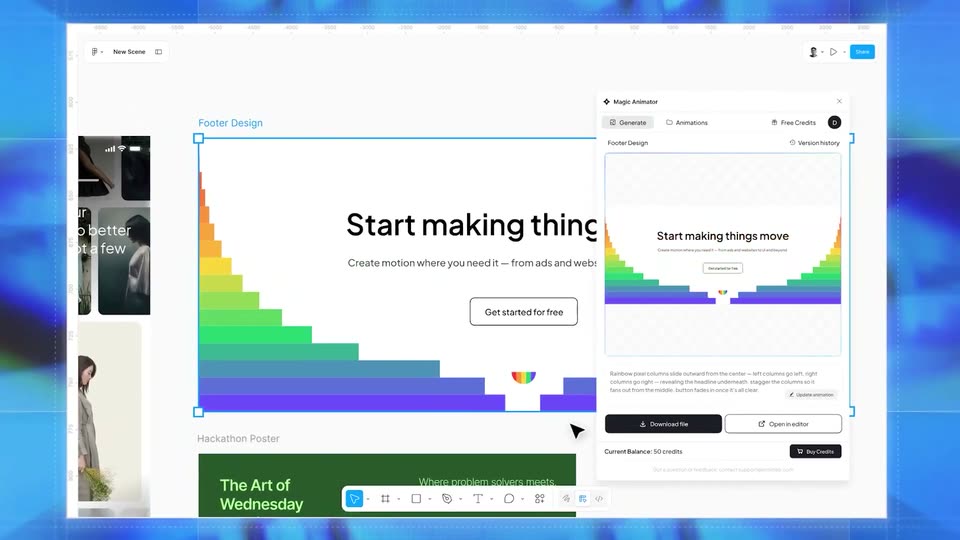 0:02–0:05Lottielab · Lottielab - Introducing Magic Animator beta 3.0✨ Prompt and edit animations in FA Figma workspace shows overlapping artboards: a red poster, a phone onboarding screen and a rainbow staircase design. The camera pans and zooms across the canvas while the Magic Animator panel on the right loads a preview of the green poster fading in.
 0:00–0:02Aside · jun - Today, we're launching Aside, the AI browser you’ve waited for. ⋅ CrA dark search bar sits centered with an I-beam cursor below. The frame zooms into the field as a letter is typed, then reframes to a wide band pairing the headline 'We killed' with a white gradient-dome icon and a dark blue cloud icon on the right.
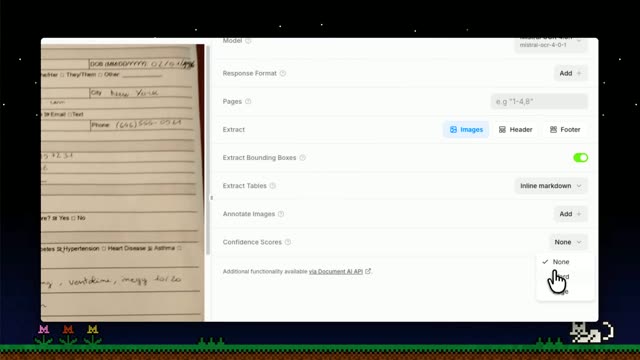 1:28–1:33Mistral AI · Introducing Mistral OCR 4A browser window of the Document Intelligence tool shows a handwritten form beside a settings panel. A cursor flips the bounding-box toggle green, then opens the confidence-scores dropdown, while the frame zooms in on the panel and back out. A pixel-art strip lines the bottom.
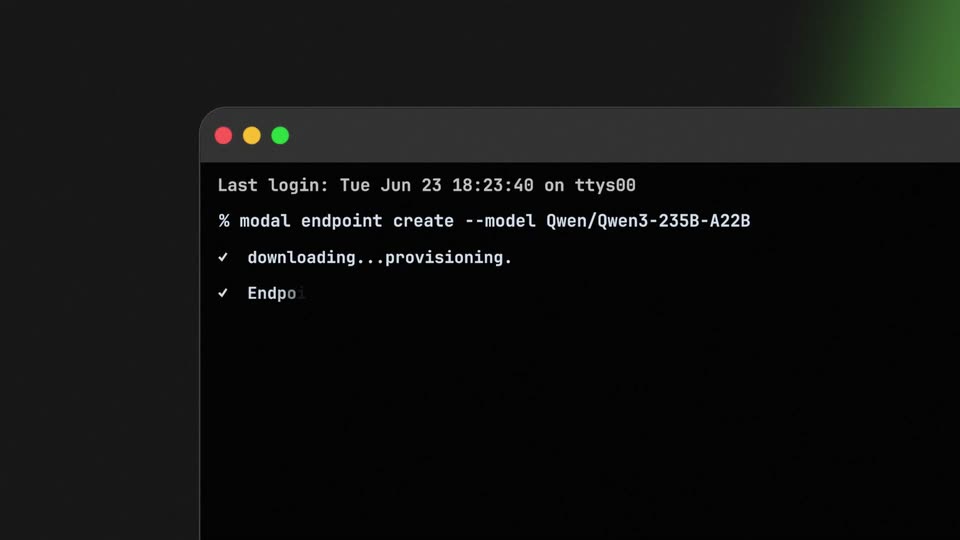 0:07–0:10Modal · Modal - It is not too late to _actually_ own your inference. Introducing: MoA tilted terminal window floats in 3D over a dark backdrop with a green glow at right, its reflection trailing behind. The window rotates flat and the camera zooms in as command lines appear, then the frame pans right across the output.
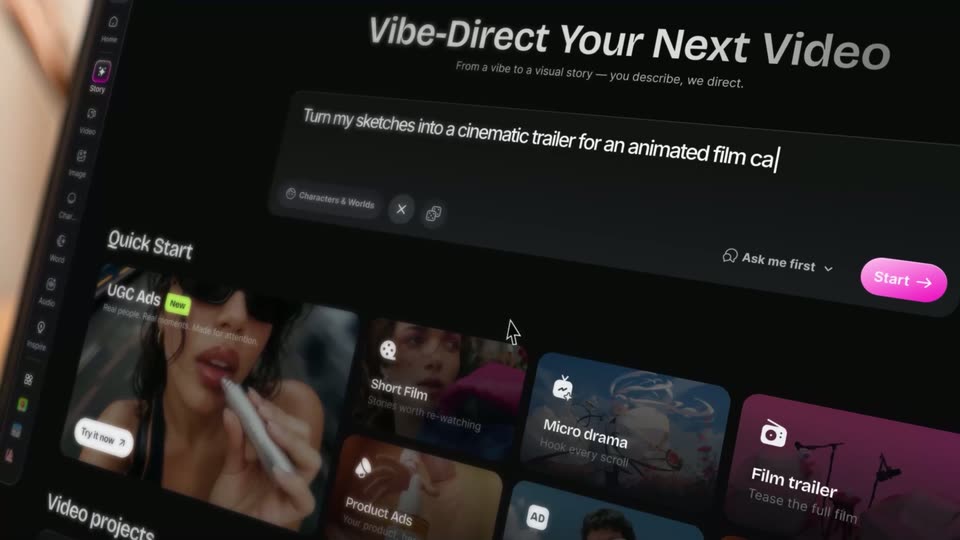 0:24–0:26OpenArt · OpenArt - The way videos are made is about to change. Introducing OpenArt DireA person in an orange sweater types on a laptop at a sunlit desk with pens and a mug. The camera pushes in on the screen as a prompt is typed into the input field above a grid of project cards.
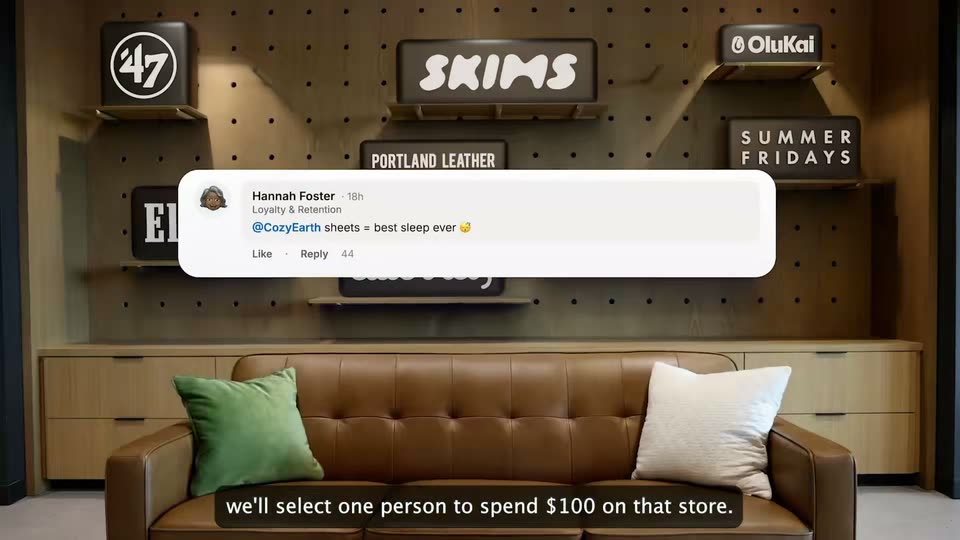 0:45–0:46Redo · Sterling Snow - Well we just raised $81M at a $1.25B valuation led by Smash Capital,A LinkedIn comment feed hovers in a 3D showroom set, a cursor resting on one comment, then the view reframes to that single highlighted card as the rest fades and a spotlight beam drops from above. A caption bar states the giveaway at the bottom.
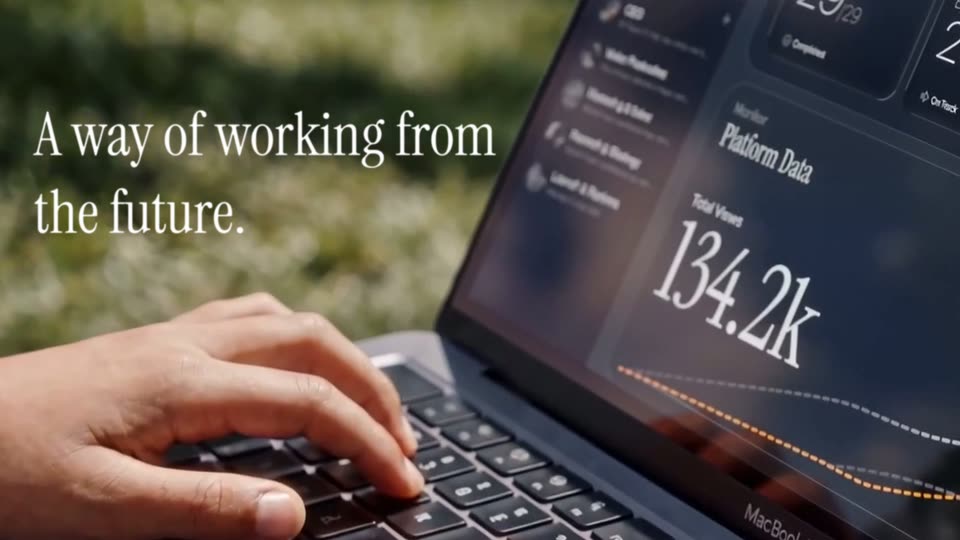 0:59–1:03Flowith · Derek Nee - We've been quiet for 8 months. Because we've been busy building theHands type on a MacBook Pro resting on grass outdoors. The screen shows a dark analytics dashboard with a Platform Data panel and 134.2k total views. The camera slowly pushes in on the screen while white serif copy, A way of working from the future, holds on the left.