0:07
Explore
Magnific - Magnific Plugin inside Premiere Pro, After Effects, DaVinci Resolve,
Magnific · Jun 2026 · 0:16 · AI-annotated
- Length
- 0:16
- Scenes
- 8 · 2.1 s avg
- Product on screen
- 0:00
- Voiceover
- No
00:00:00 / 00:16:27
Magnific’s 0:16 launch film runs 8 scenes, about 2.1 s each. The product is on screen from the first frame. There is no explicit call to action. A 16 second black field tour: a 3D drift of clip thumbnails names the product, then a flat UI montage cycles feed, search, generate and edit states while a centered headline swaps one word at a time, closing on a Powered by card into the Magnific lockup. Signature moves are the word swap headlines, pink callout tags that hop between UI elements, and hard cuts locked to a 123 BPM grid.
No filming indicatedEstimated needs: 1 capture group — your screens or recordings · 1 official logo — reused across the film · 1 3D passage — build or supply
Is this your launch? to your site or press kit.
More like this
0:54
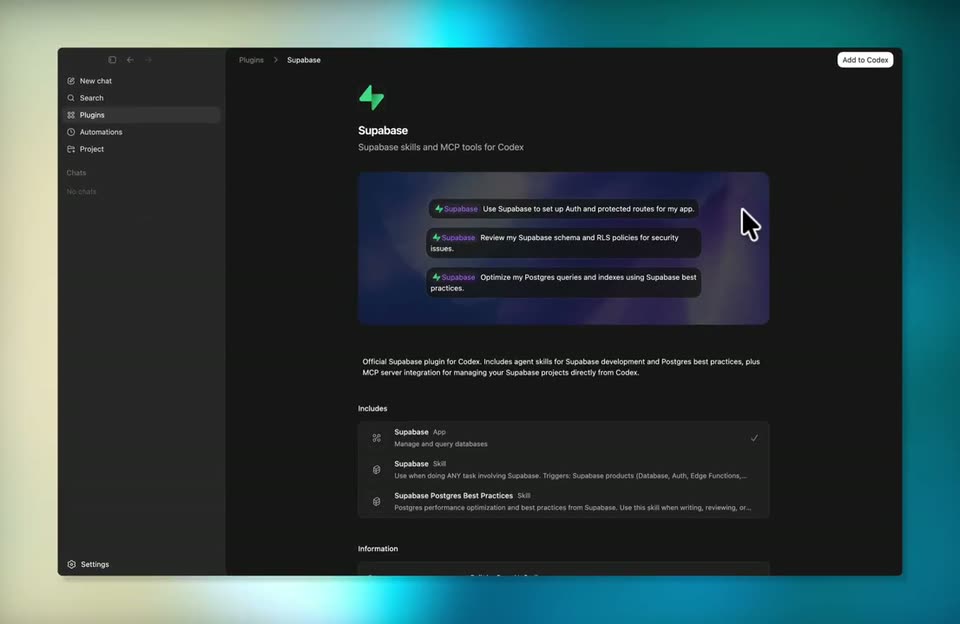

Supabase - You asked, we delivered! Supabase is now available as a Codex plugin!
Supabase · Developer tools · Apr 2026
0:33
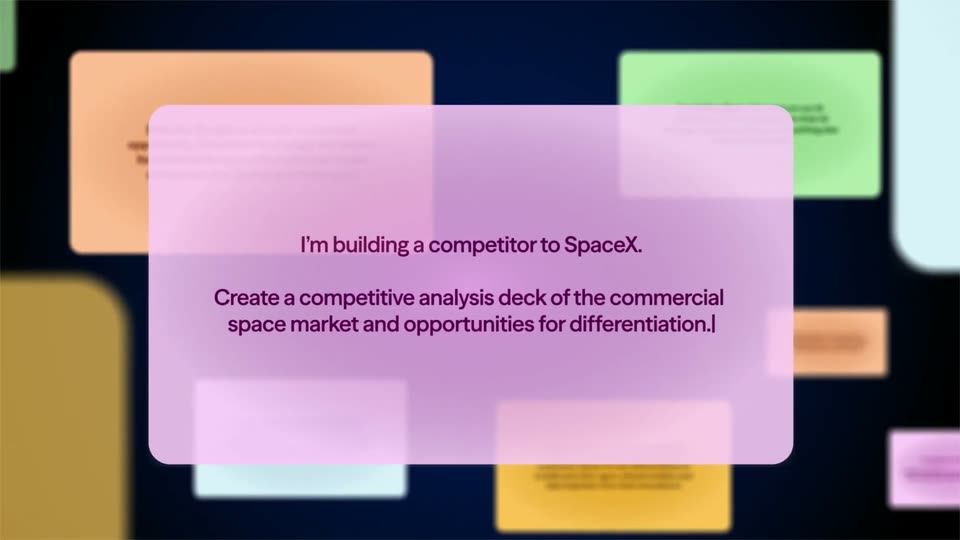

Airtable - Stop talking to a wall of predictive text and start doing real resear
Airtable · Productivity · Jan 2026
Magnific - Magnific Plugin inside Premiere Pro, After Effects, DaVinci Resolve,, scene by scene
· 8 scenes as text
01 · Product intro · 0:00–0:03
On black, video clip thumbnails and small edit controls float in 3D perspective, drifting slowly. Centered white text reads Magnific Plugins, now inside, then your editor with After Effects, Premier Pro and DaVinci in turn.
On-screen text: “Magnific Plugins”, “now inside”, “your editor After Effects”, “your editor Premier Pro”, “your editor DaVinci”
Techniques: Kinetic type, 3D mockup, Parallax
Camera: Pan
02 · Demo · 0:03–0:04
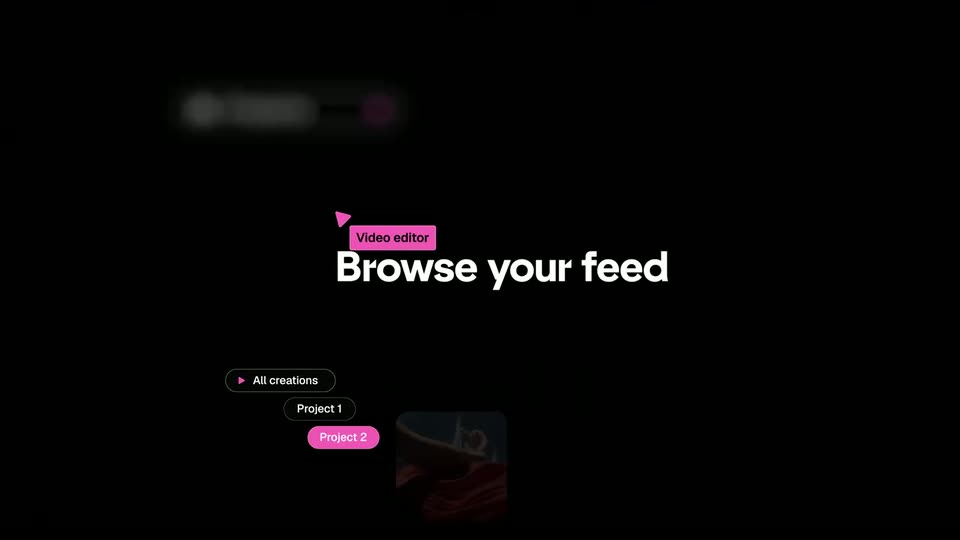
On a black field, the white centered headline reads your editor DaVinci, the last word sliding to Final Cut as a pink dot shifts. It then swaps to Browse your feed while interface chips and a small video thumbnail fade in around the text.
On-screen text: “your editor DaVinci”, “your editor Final Cut”, “Browse your feed”
Techniques: Kinetic type
Camera: Static
03 · Demo · 0:04–0:05
A flat UI on black: a Projects dropdown top left, the headline Browse your feed centered, filter pills and a row of video thumbnails below. The feed cycles clips and a card slides in from the right as a pink Video editor tag drifts to the top center.
On-screen text: “Browse your feed”, “Video editor”
Camera: Static
04 · Demo · 0:05–0:07
Black screen, flat UI. Pill buttons Projects, Stock, Tools build at the top, glowing as they land. A large white word in the center swaps Search, Search stock, Generate, then fades. Video thumbnails and project chips sit at the bottom as a pink Video editor callout hops between them.
On-screen text: “Search”, “Video editor”, “Search stock”, “Generate”
Techniques: Kinetic type
Camera: Static
05 · Demo · 0:07–0:09
A dark interface of rounded pills, image thumbnails and a tool panel fades and slides into place on black as a large white word in the center changes from Generate to Edit to Upscale.
On-screen text: “Generate”, “Edit”, “Upscale”
Techniques: Kinetic type
Camera: Pull out
06 · Demo · 0:09–0:11
A dark AI editor interface on black zooms in as a portrait in a textured dress holds center under the word Edit. Pill buttons for Magnific, Remove Background, Relight and Generate Image or Video shift with the frame, and pink Video Magic and Video editor tags appear.
On-screen text: “Edit”, “Video editor”, “Video Magic”
Techniques: UI zoom
Camera: Pan
07 · Outro · 0:11–0:12
White text reading Powered by slides left into the center of a black frame and locks off, holding still for the remainder of the clip.
On-screen text: “Powered by”
Techniques: Kinetic type
Camera: Static
08 · Outro · 0:12–0:16
A white M logo mark sits centered on a black background. The word Magnific fades in to its right in white, completing the lockup, which then holds still for the remainder of the clip.
On-screen text: “Magnific”
Techniques: Kinetic type
Camera: Static