0:54
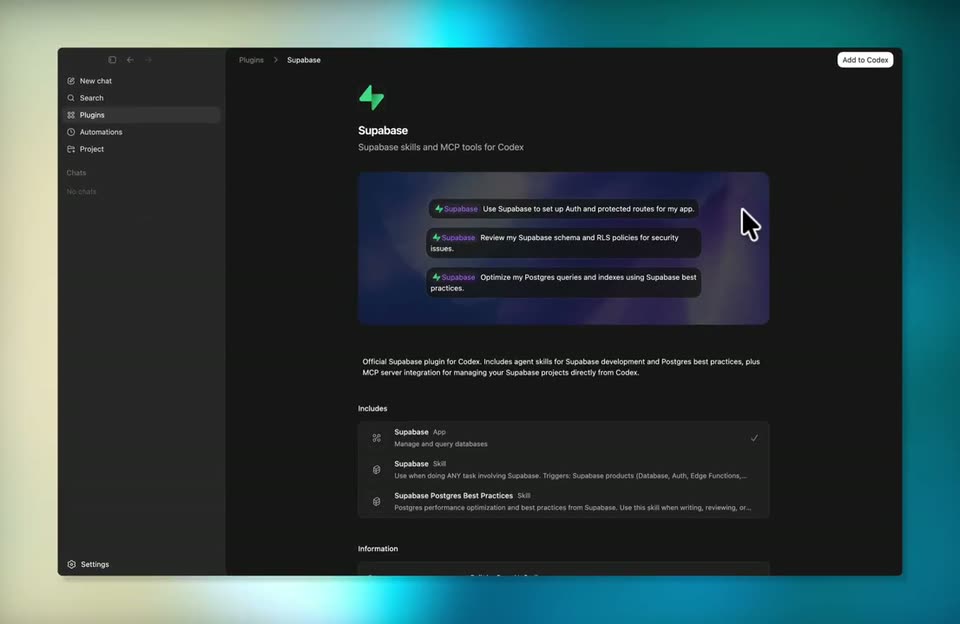

Supabase - You asked, we delivered! Supabase is now available as a Codex plugin!
Supabase · Developer tools · Apr 2026
Airtable · Jan 2026 · 0:33 · AI-annotated
Airtable’s 0:33 launch film runs 11 scenes, about 3.1 s each. The product is on screen from the first frame. There is no explicit call to action. The video is built as one continuous demo bookended by cream title cards: a typed brief on pastel cards, a 3D spin of task cards into a browser window, then a scrollable dark report with live charts and a draggable globe. Cuts run at about 3.6 per minute, with focus pulls, glitch wipes, and cursor-driven tooltips as the signature moves.
Is this your launch? to your site or press kit.
Supabase · Developer tools · Apr 2026
Framer · Design · Oct 2025
Raylight · Nov 2026
A cream field holds the small black line “Introducing...” at center, then the Superagent wordmark with a three-ellipse mark scales in as the frame tightens on the letters.
On-screen text: “Introducing...”, “Superagent”
Techniques: Kinetic type
Camera: Static
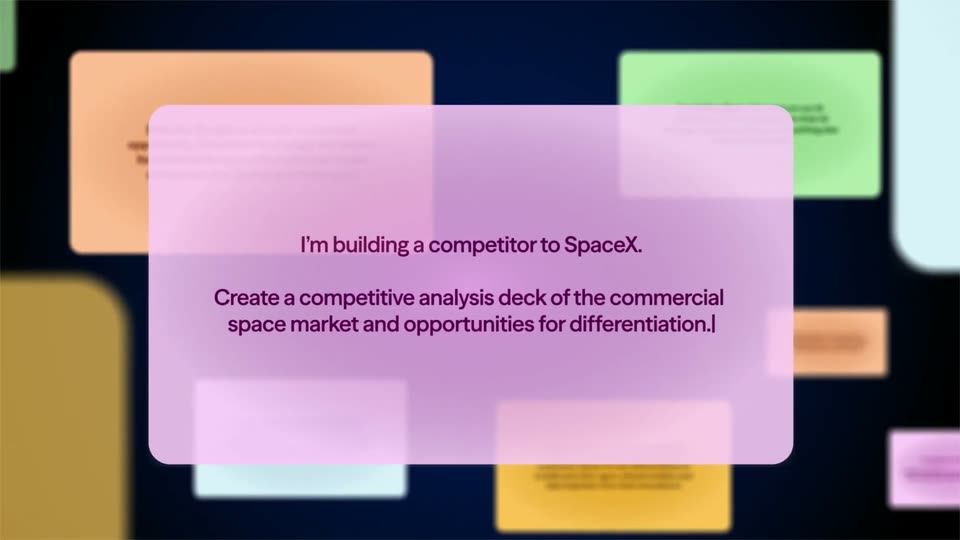
A lavender card centered on a dark board of blurred pastel cards sharpens into focus as it slides in from the right. The line about building a SpaceX competitor sits still while the second line types out word by word behind a blinking caret.
Techniques: Kinetic type
Camera: Pull out
A pink prompt card holds sharp focus at center over a blurred board of pastel cards, its dark text stating a SpaceX competitor brief; the card then fades and the background blurs further as the scene ends.
Techniques: Kinetic type
Camera: Pull out
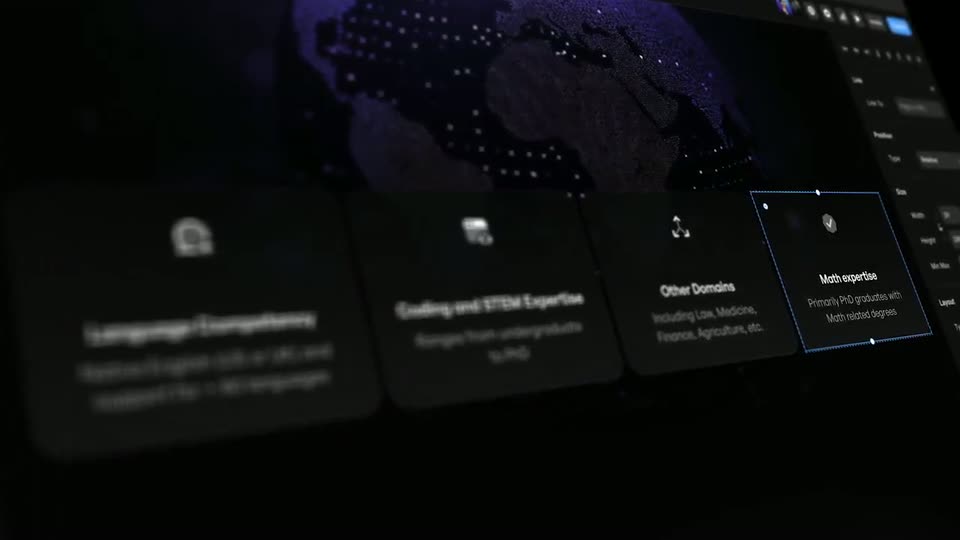
A grid of white task cards with titles and green status bars floats in 3D perspective over a dark blue field, edges soft and blurred. The grid spins and flattens into a white browser window with a black title bar and three dots.
Techniques: 3D mockup, Morph
Camera: Pull out
A flat tablet mockup on a cream field shows a blurred rocket launch at dusk. Stacked white profile cards with green progress bars drift together and shrink toward the center, revealing the glowing launch behind them.
Camera: Static
A rounded report card on a cream background shows a rocket lifting off at dusk beneath the headline THE FINAL FRONTIER AWAITS and three market stats, with a Super Report chip fixed bottom right. The card then scrolls up, ghosting the title, to reveal the section heading EXECUTIVE SUMMARY: SEIZING THE SPACE ECONOMY.
On-screen text: “COMPETITIVE ANALYSIS 2028”, “THE FINAL FRONTIER”, “AWAITS”, “A $1.8 Trillion Opportunity to Redefine Commercial Space”, “$630B”, “$1.8T”, “14%”, “EXECUTIVE SUMMARY: SEIZING THE SPACE ECONOMY”
Camera: Push in
A dark document view scrolls upward, bringing a bold white heading and a paragraph of body copy into focus above a blue growth chart and a large dollar figure. A small white pill button with a green icon sits at the lower right.
Camera: Push in
A dark report dashboard on a cream background shows a blue growth curve and stat cards. A cursor moves along the curve, and a tooltip updates from 2026 to 2029. The view then crossfades into a SpaceX competitive analysis bar chart.
Techniques: Cursor demo
Camera: Static
A dark dashboard card on a cream field opens and closes with a horizontal glitch. A white cursor hops between colored scatter-plot bubbles, each hover popping a tooltip of the competitor's name and stats beside two fixed stat boxes.
Techniques: Cursor demo
Camera: Pan
A dark report view opens on a large white headline, then scrolls up to a 3D globe with orbital rings. A cursor drags the globe to rotate it while a Super Report button sits at the lower right.
Techniques: Cursor demo
Camera: Static
The black Superagent wordmark and three-ellipse icon scale up from a smaller size and settle centered on a plain cream background.
Camera: Static