Cursor demo
A visible cursor operates the interface.
15,114 scenes · page 104 of 252
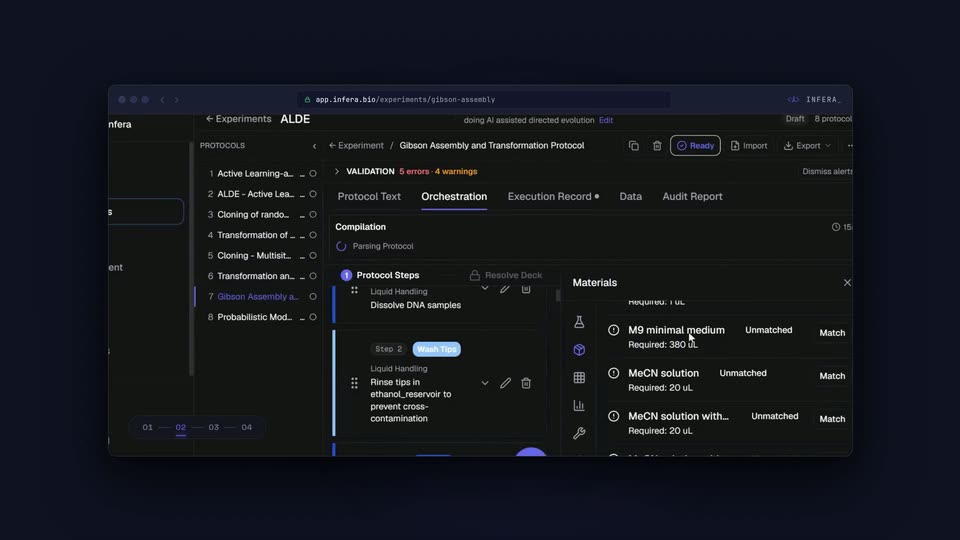 0:10–0:14Infera · Product DemoA dark INFERA protocol editor fills the frame on a navy backdrop. A cursor clicks icons in the right rail, swapping the side panel from a reagents list to a plates list while the protocol steps remain in view.
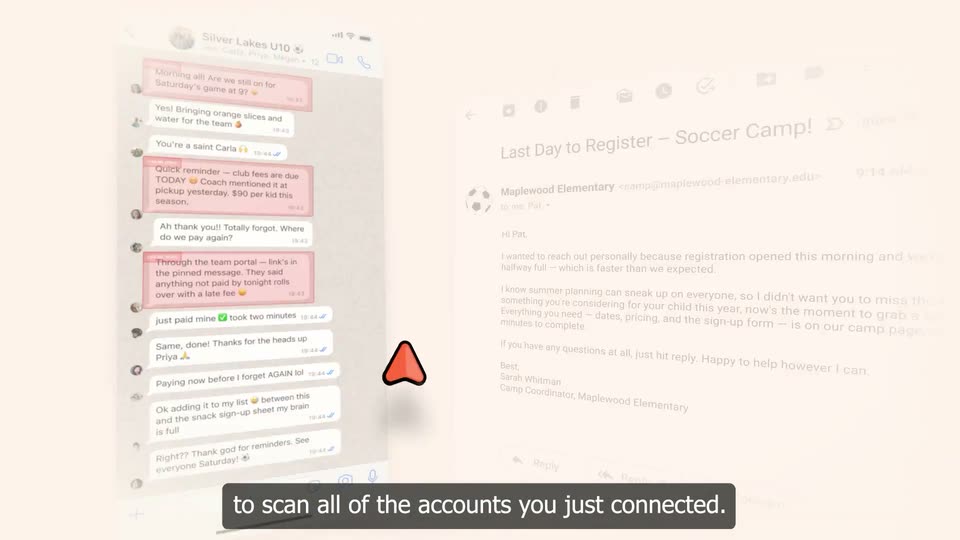 0:36–0:38Ollie · Bill Lennon - AI can now make you a great parent. Introducing Ollie: the world’s fA front-facing phone mockup shows a soccer team group chat as a red triangular agent pointer slides across the messages. An email window from a school slides in from the right to sit beside the phone. A dark caption bar stays at the bottom.
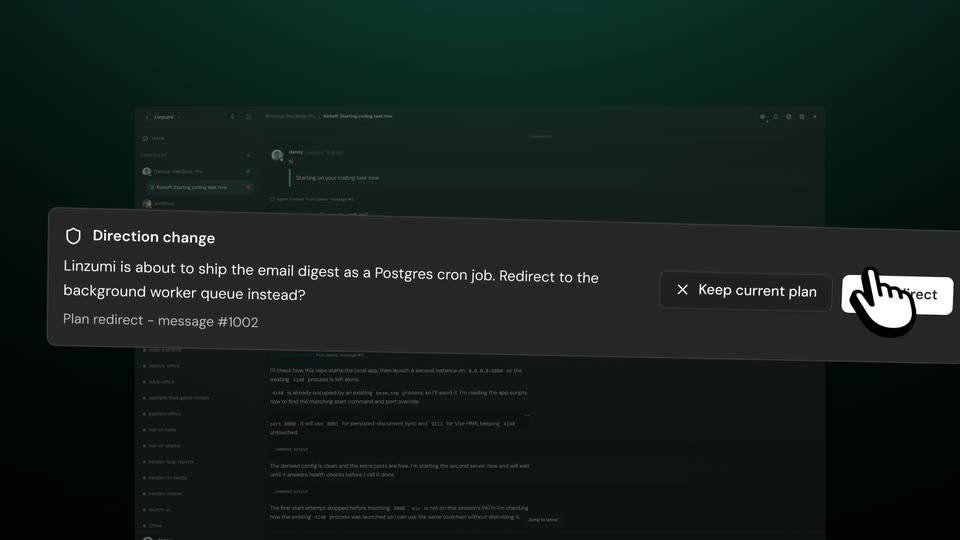 0:28–0:31Linzumi · Welcome to LinzumiA dimmed chat and terminal interface sits in the background while three approval cards pop in over it, each with a title, prompt and action buttons; a white hand cursor taps Approve, then Redirect, then Dark launch.
 0:19–0:21Replit · Replit ⠕ - Can you build a real business for free with a single prompt? StartinA cursor hovers a centered blue Publish button on a cream field, then the button scales up to fill the frame, turning pink, and the label swaps to the tagline Build anything you want.
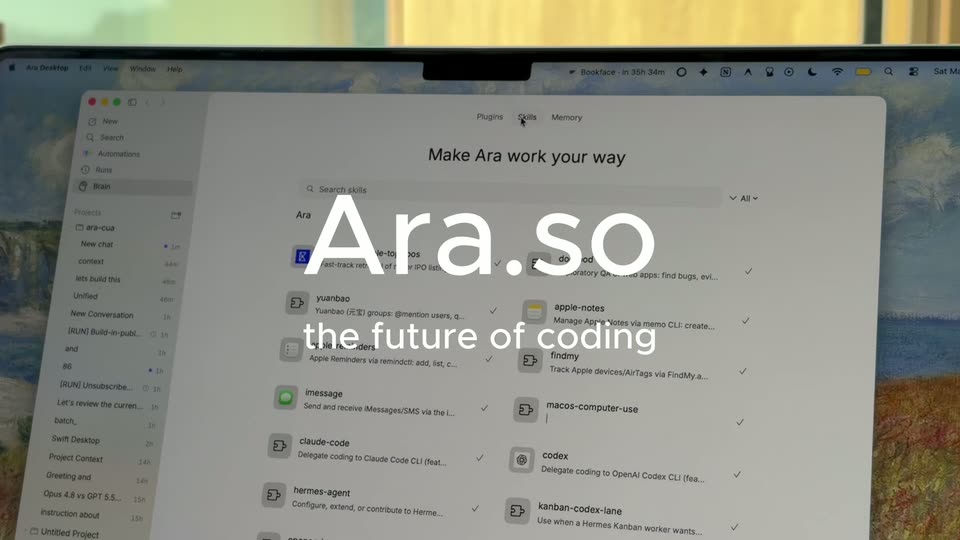 0:23–0:26Reason Machines · Ara (YC P26) Launch VideoClose-up of a laptop screen on a desk, blurred window behind, shows the Ara app. A cursor clicks the Plugins, Skills and Memory tabs, swapping the integration list under the heading. A large white “Ara.so” and “the future of coding” overlay stays centered and still.
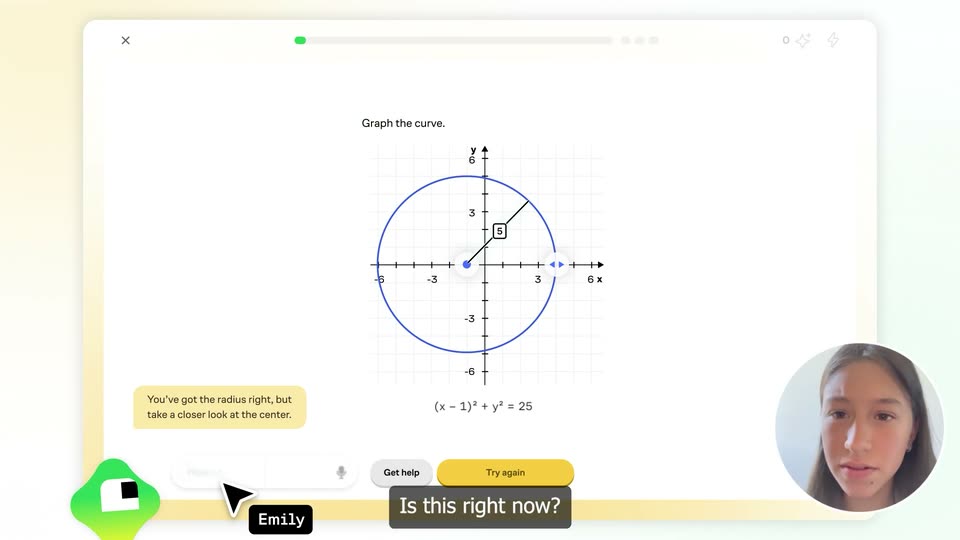 0:32–0:43Koji · Sue - AI is making kids dumber. It should be making them geniuses. IntrodA math app screen shows a cursor dragging a blue circle on a coordinate grid while the equation updates below. A yellow chat bubble and two buttons slide in, a student's video call circle appears at right, then the view cuts to her full screen.
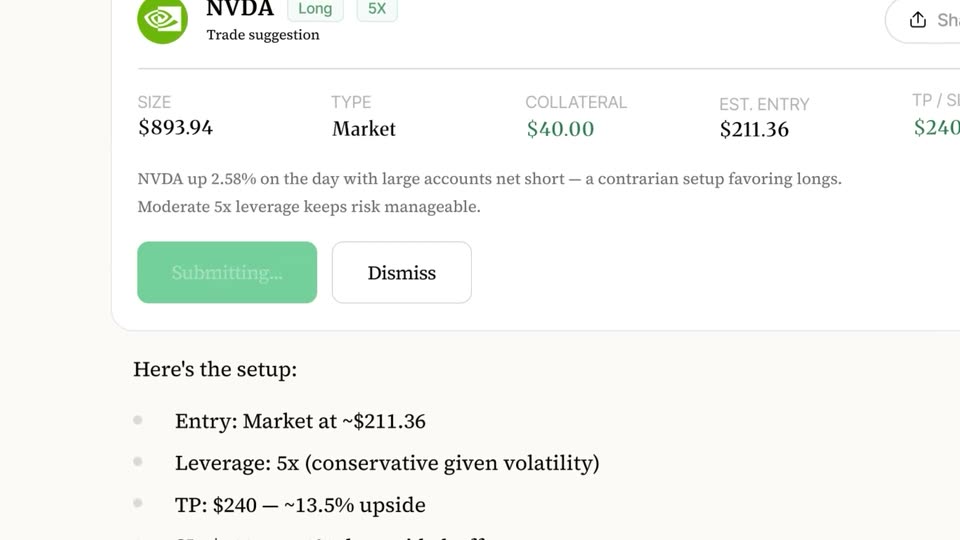 0:29–0:32Liquid · Liquid - The edge used to be scattered and gatekept. Now it's yours.A white NVDA trade-suggestion card fills the frame. A hand cursor taps the green Confirm buy button, which flips to Submitting then Order placed. Setup bullets fade in line by line below the card, and the whole frame fades to white.
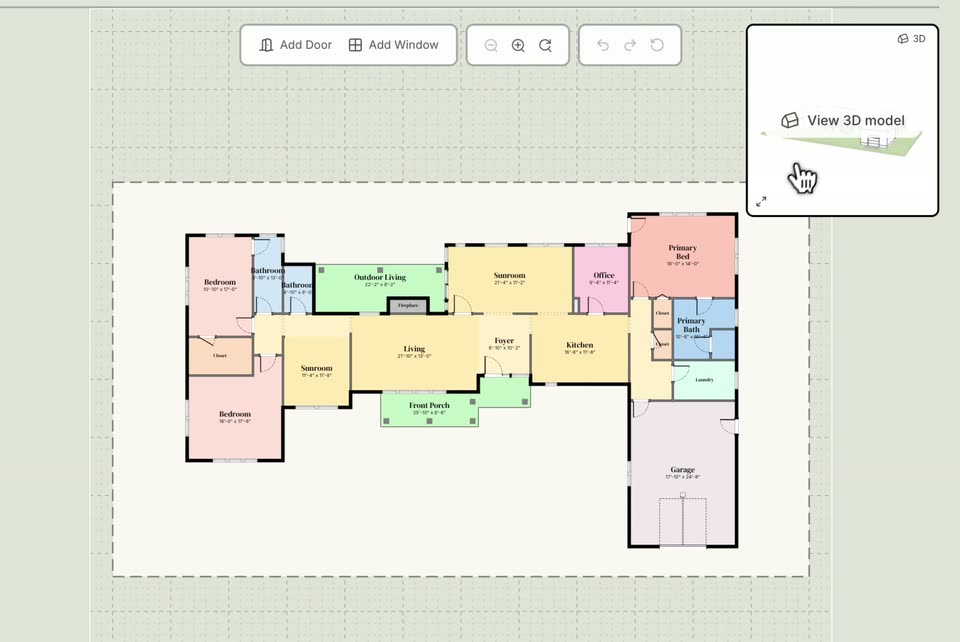 0:07–0:08Drafted · Drafted Shaping FeatureA floor plan editor shows colored rooms and a top toolbar. A cursor moves to the 3D panel at the top right, hovers over the View 3D model button and clicks it, replacing the button with a wireframe house model.
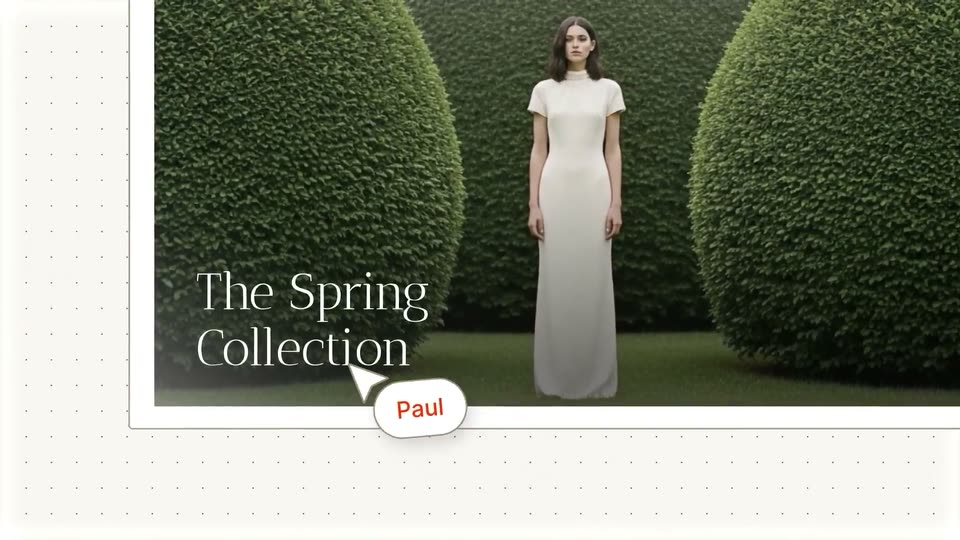 0:35–0:36Replit · Replit ⠕ - The best design work doesn't happen in a chat box. You need space toA design canvas on a dotted cream background shows a fashion campaign: a model in a white dress among green hedges with a white serif headline. A second panel slides out to the right while a cursor hovers over a red “Paul” comment bubble below.
 0:17–0:29CapCut · CapCut - Introducing CapCut Design Studio 2.0. A reimagined experience for DeA dotted design canvas shows a green fuzzy top in a cyan selection frame. A teal plus button appears; the cursor clicks it, and a row of outfit images slides in, then tilts into a 3D card carousel of green dresses, ending on a new board with a model photo.
 1:03–1:05Default · nico - Today, I'm incredibly excited to announce @withdefault's Series A ledOn a black stage with a faint floor, a dark rounded prompt field sits centered. The query types out word by word, a cursor moves to the up-arrow send button, which glows blue, then the field shrinks into a small pill and slides off to the right.
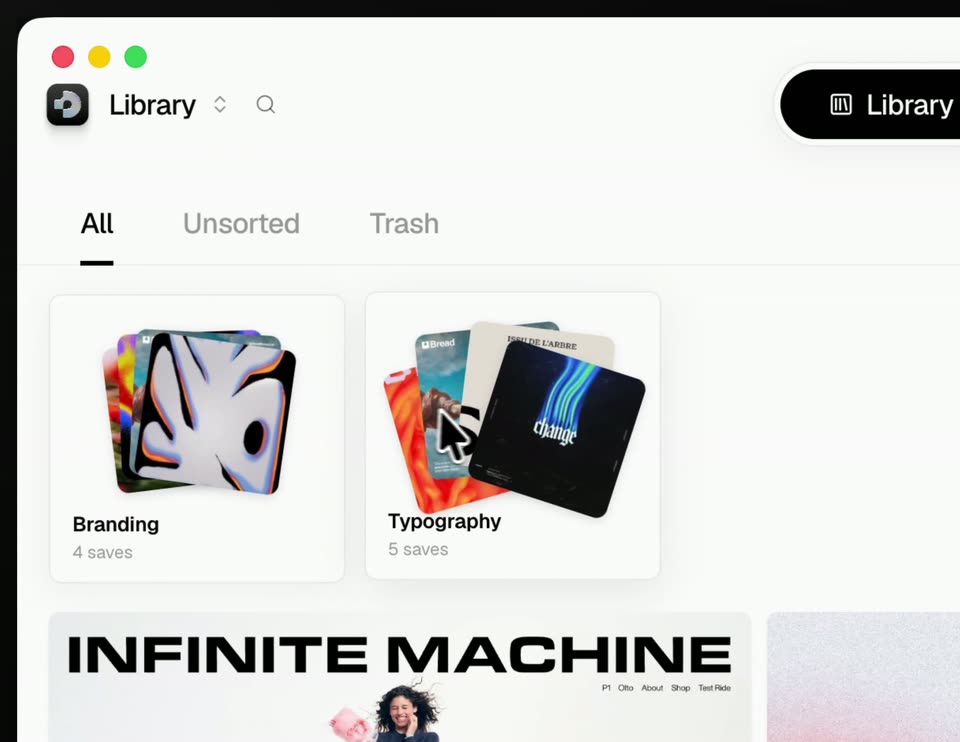 0:11–0:15GatherOS · Brett - Introducing GatherOS™ [beta]. The Mac app for design inspiration, buThe Library view fills the frame with a grid of collection cards and image tiles. The camera zooms in on the two top cards, Branding and Typography, as a cursor glides from one to the other.
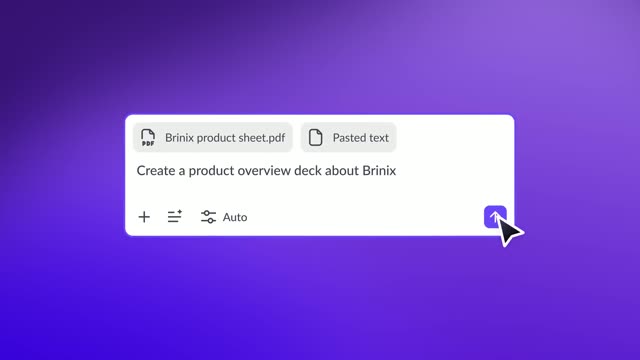 0:15–0:17Pitch · Pitch Agent: On-brand AI presentations, made for professionalsA white prompt card floats on a purple gradient, holding two file chips and a prompt that types itself out. A cursor glides to the send button and clicks it, which switches to a loading spinner.
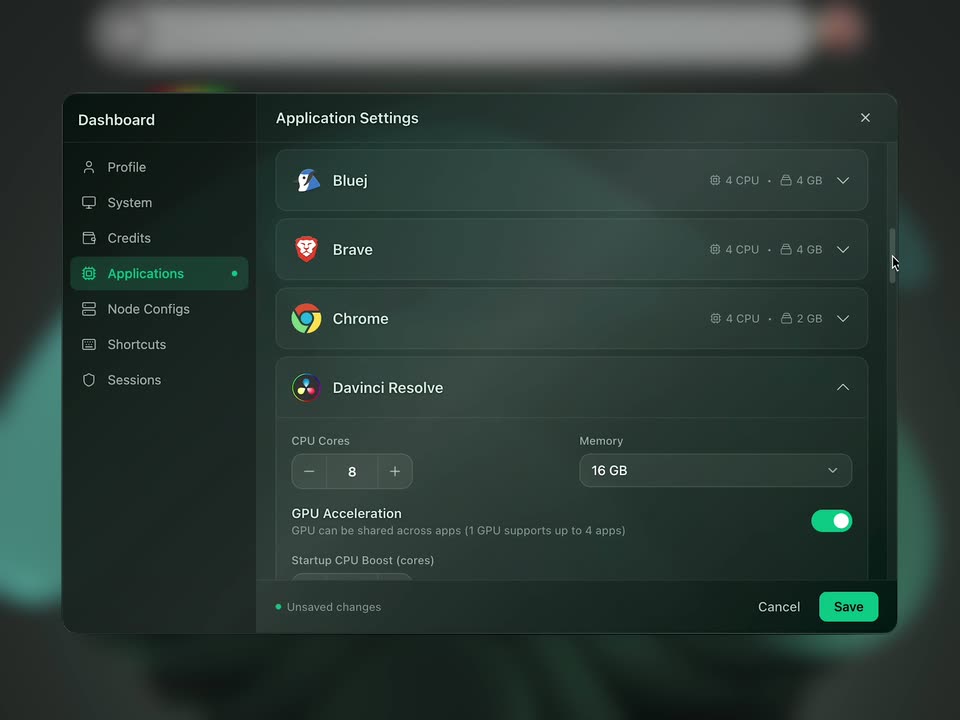 0:20–0:26ProjectX · InfinityOS- YC LaunchCentered over a blurred teal background, a dark settings modal lists apps; a cursor opens the Memory dropdown, picks 16 GB for Blender, then scrolls the list to expand Davinci Resolve. The scene cuts to a small video player window.
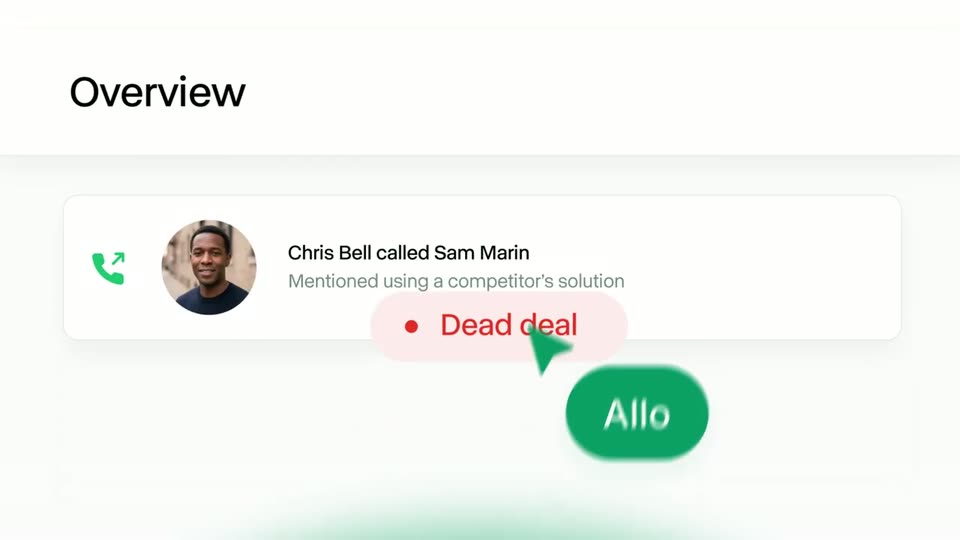 0:23–0:28Allo · The Mobile-First Company - Tagging calls by hand is the first task teams drop when they get busyA light activity list under an Overview heading scrolls down as a green cursor and a green Allo bubble glide along the rows, flagging Interested, Follow-up and Dead deal tags. The view then zooms onto the last row as a green light sweep washes in from the left.
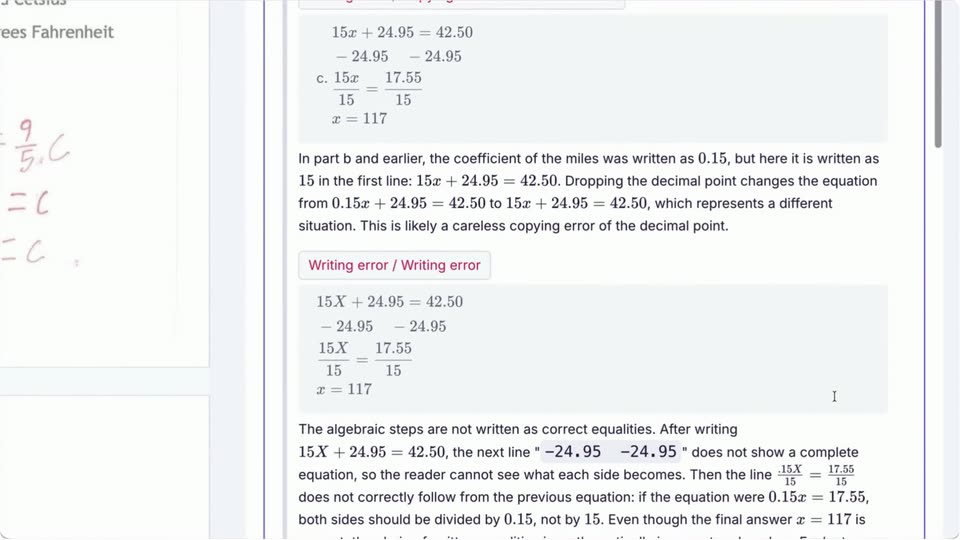 0:06–0:17Ed.ai · Ed.ai in 1 minuteA grading page opens on a student's score and comment, then scrolls to a split view: the scanned quiz with red handwriting on the left, feedback cards with scores on the right. The cursor clicks an observations dropdown, and the view zooms in as it scrolls through tagged error cards.
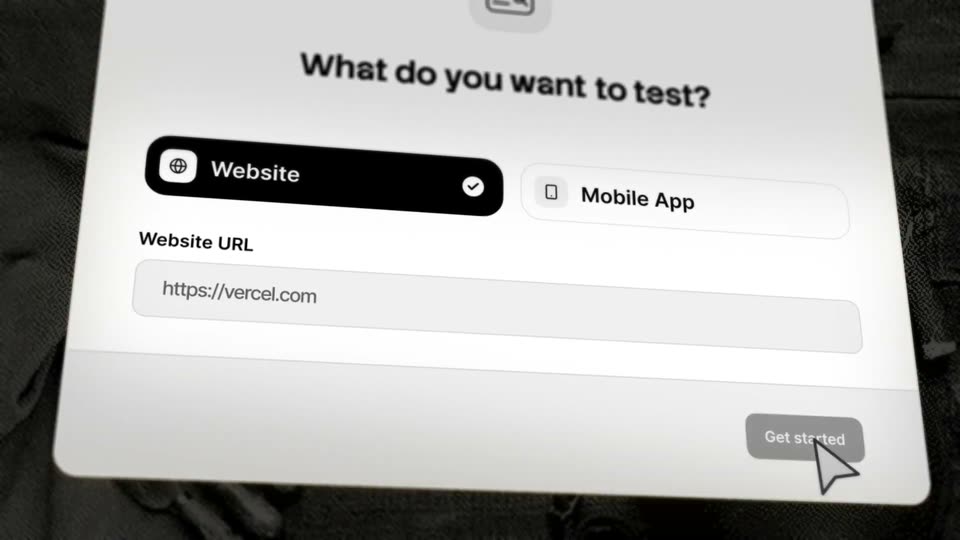 0:22–0:28e2e · TesterArmy: Test your app with natural languageA white onboarding card floats over dark cloth in 3D perspective. The camera pushes in as a URL is typed and a cursor hovers over Get started. A second panel appears, a user flow is typed, the cursor moves to Run, and the frame fades to black.
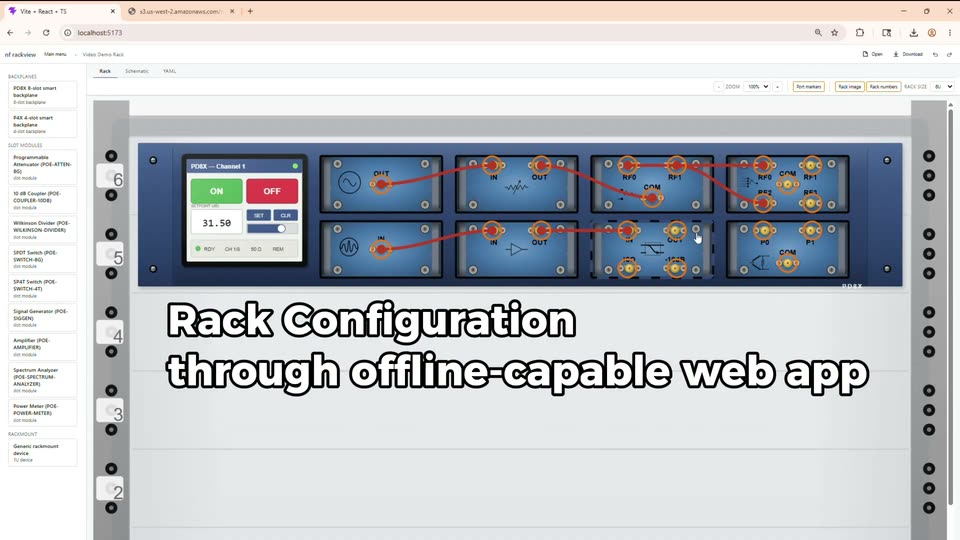 0:55–1:00Nine Fives · Nine Fives | Get SmashedA browser window fills the frame, showing a rack of blue modules with orange ports. A cursor drags red connection lines between the ports, linking them across the rack. A bold white outlined caption sits along the bottom. The view stays locked off.
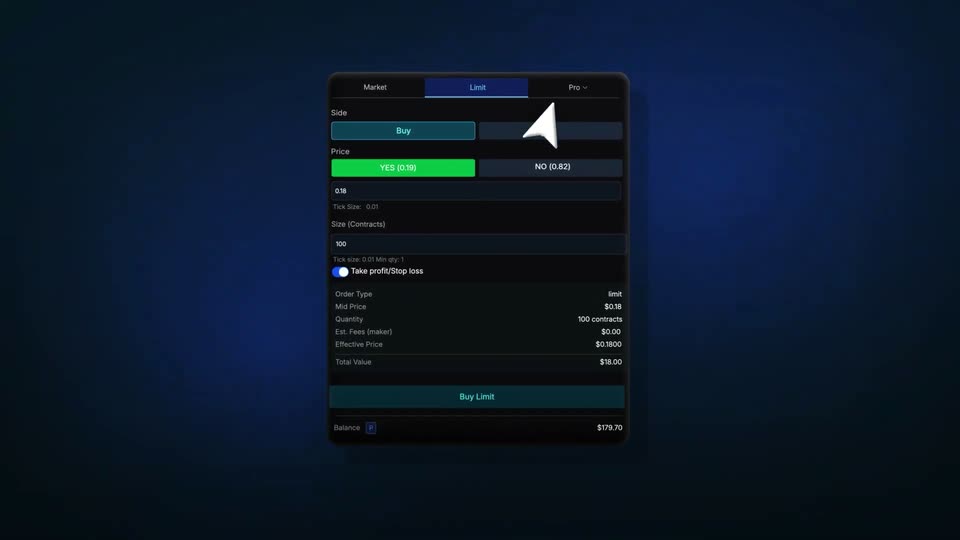 0:34–0:40River Markets · River Markets - Launch VideoA tilted 3D trading dashboard sits in a dark void under the headline “The most advanced trading algorithms.” The camera zooms into the order ticket, which flattens to a centered panel; a cursor toggles the stop-loss switch and hovers the Pro menu, then the panel scrolls to the iceberg fields.
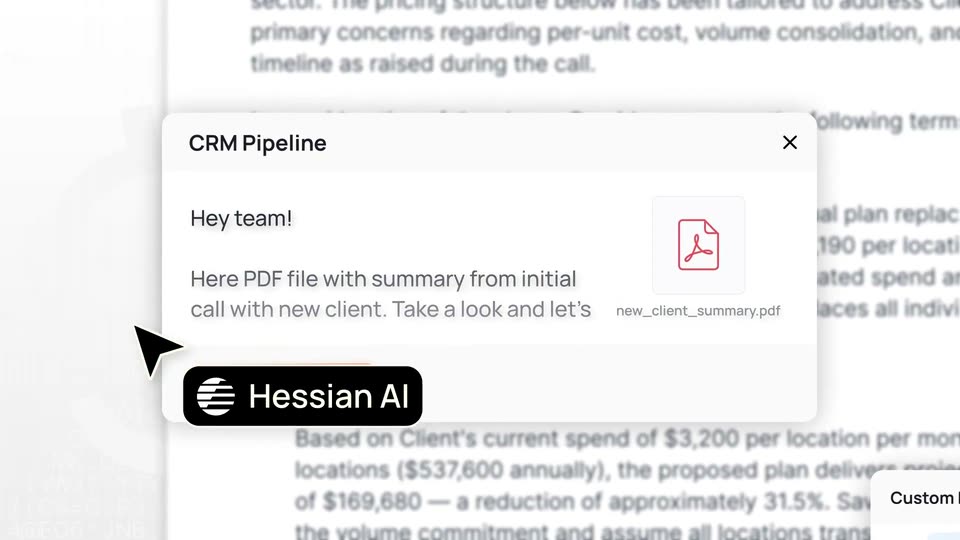 0:57–1:00Hessian · Y Combinator - Every company is racing to adopt AI, but many don't know where to staA white CRM Pipeline card holding a greeting, body copy and a red PDF icon floats above a blurred document. A black Hessian AI tag follows the cursor as it rests on the orange button, then the card drifts to the center.
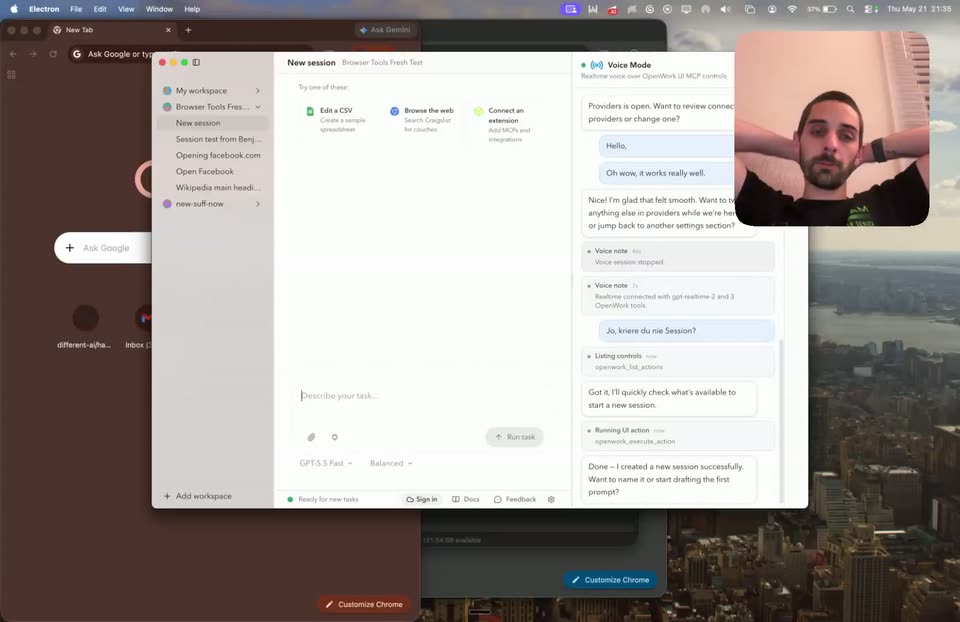 0:10–0:38OpenWork · Benjamin Shafii - ok sorry guys, but openai realtime is really dope super scrappy demA hand cursor opens a Voice Mode panel and clicks Start voice, then the frame pulls back to the full app window as the cursor scrolls the chat timeline. A man's webcam stays pinned top-right over a city desktop.
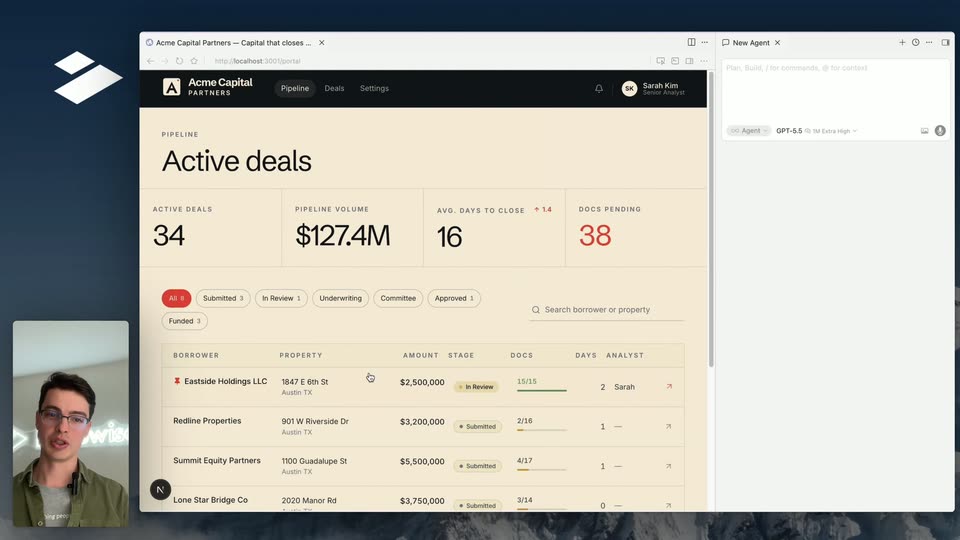 0:54–0:58Parsewise · Parsewise API LaunchA browser window shows a deals pipeline table with a cursor gliding across the rows, then the view switches to the underwriting worksheet of the selected deal. A small webcam feed of a man in glasses sits in the lower left corner.
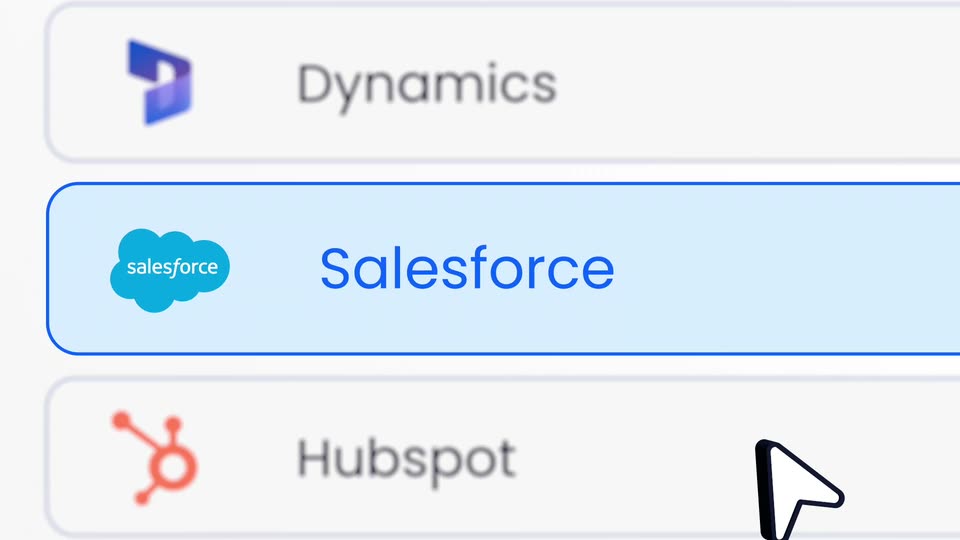 0:04–0:06ZoomInfo · Henry Schuck - GTM Audience to Ads in a couple of clicks in ZoomInfo GTM Studio is NA cursor glides up a vertical list of data-source options and clicks Salesforce, the row highlights blue, then the view zooms into the Salesforce label until it fills the frame.
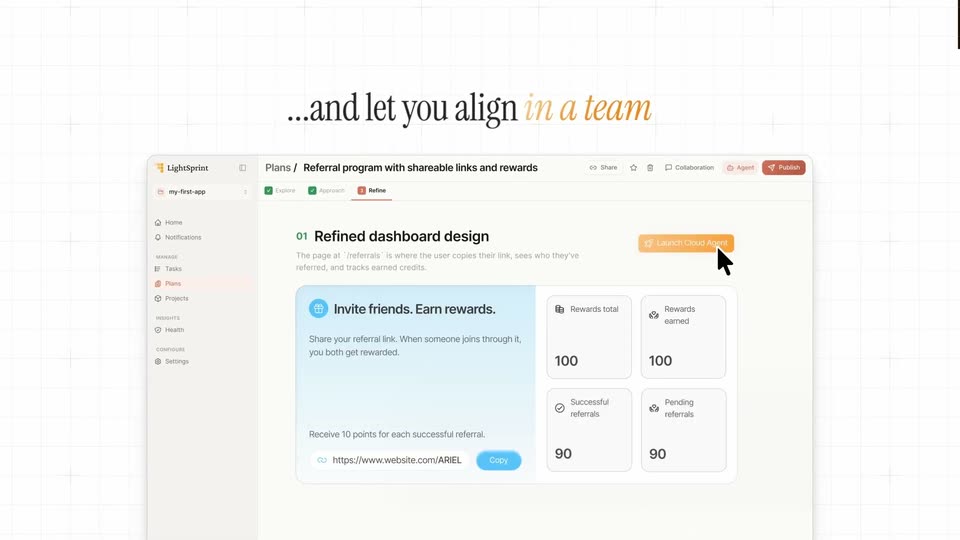 0:29–0:30LightSprint · Lightsprint - Collaborative Agentic DevelopmentA LightSprint window with a referral dashboard sits on a grid backdrop beneath a serif headline. A cursor slides in and presses the orange Launch Cloud Agent button at the top right of the panel.
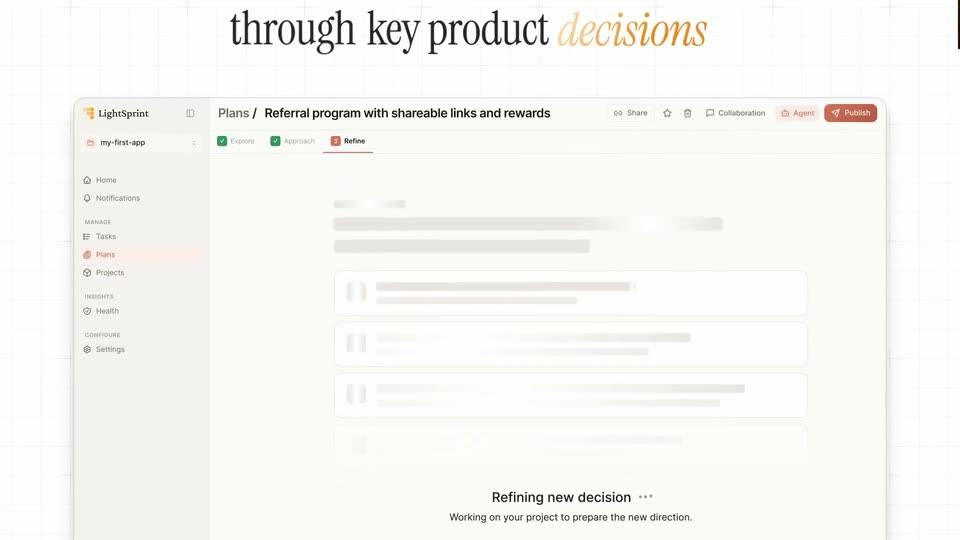 0:24–0:28LightSprint · Y Combinator - Lightsprint (@lightsprintai) is a collaborative platform that helps tA flat LightSprint window sits over a light grid as a large serif line builds phrase by phrase above it, with you and decisions in italic orange. A cursor hovers over an option, then the window swaps to a skeleton loading state with a Refining new decision caption.
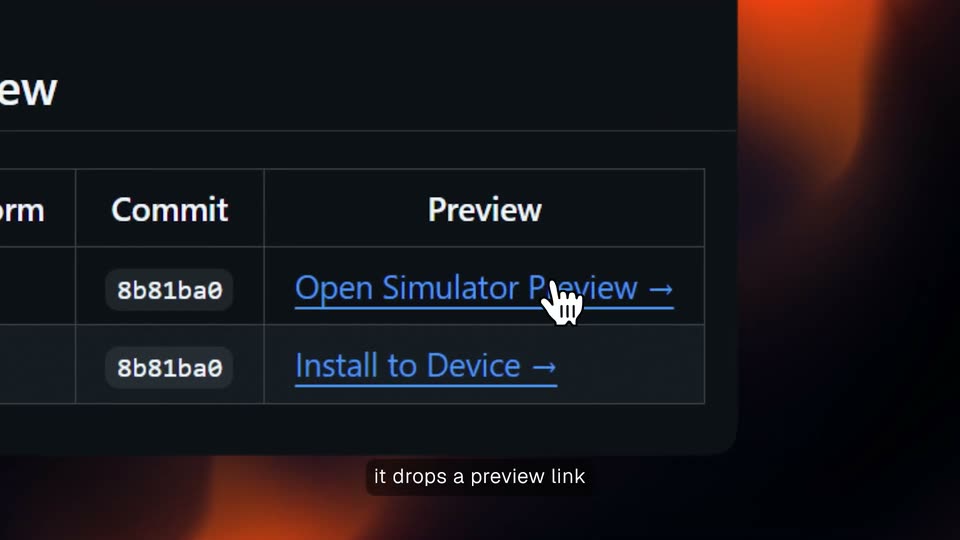 0:29–0:31Limrun · Limrun - Your cloud agent can build mobile apps nowA dark dashboard card shows a Preview table with two iOS rows and blue links. The frame zooms into the table as a cursor changes to a hand pointer hovering over the Open Simulator Preview link. Subtitles appear at the bottom.
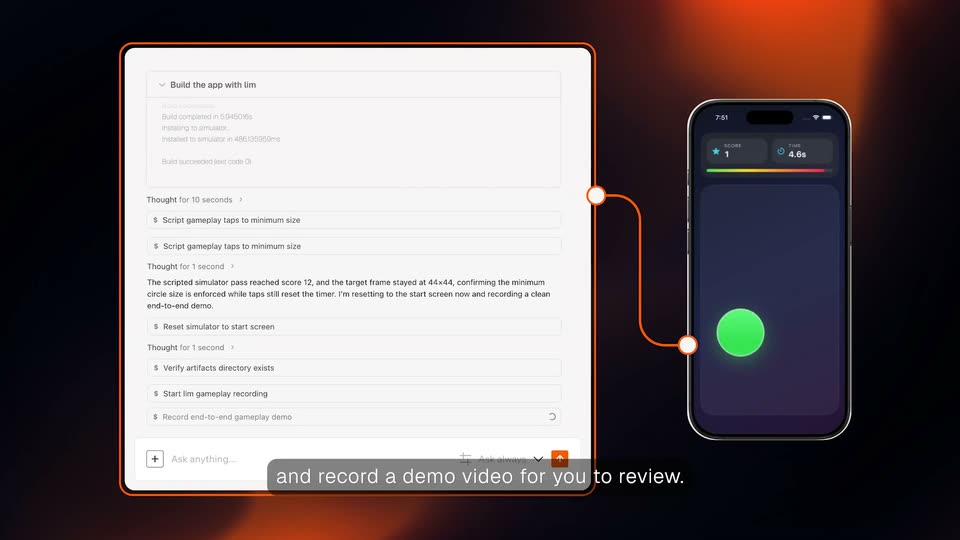 0:25–0:29Limrun · Y Combinator - Limrun (@limrun) provides the infrastructure to leverage your favoritA white chat card listing build steps sits left, joined by an orange connector line to a 3D phone on the right. The phone's Speedy Circles app taps Start and plays a timed circle game while bottom captions narrate the simulator test.
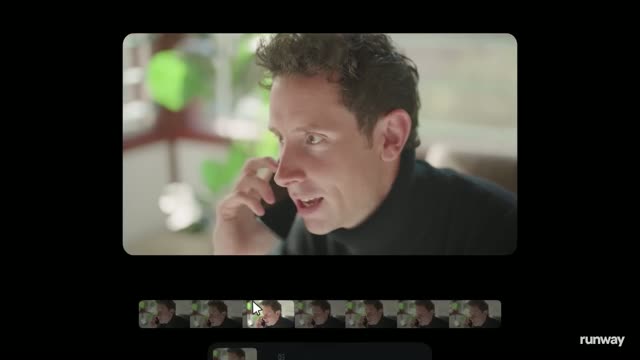 0:37–0:39Runway · Introducing Aleph 2.0 | RunwayOn a black background, a video player shows a man on a phone above a filmstrip of thumbnails. A white cursor slides across the strip, then the main frame tightens to a close-up of his face and the timeline swaps to new frames with a reference panel.
 1:01–1:04Armature · Y Combinator - .@ArmatureYCP26 helps companies monitor and optimize how AI agents exThe gray ribbon A mark shrinks and slides left as the black ARMATURE wordmark appears, then an orange CTA button drops in below. A cursor clicks the button, triggering an orange ring ripple, and a gray pill caption scales in at the bottom.
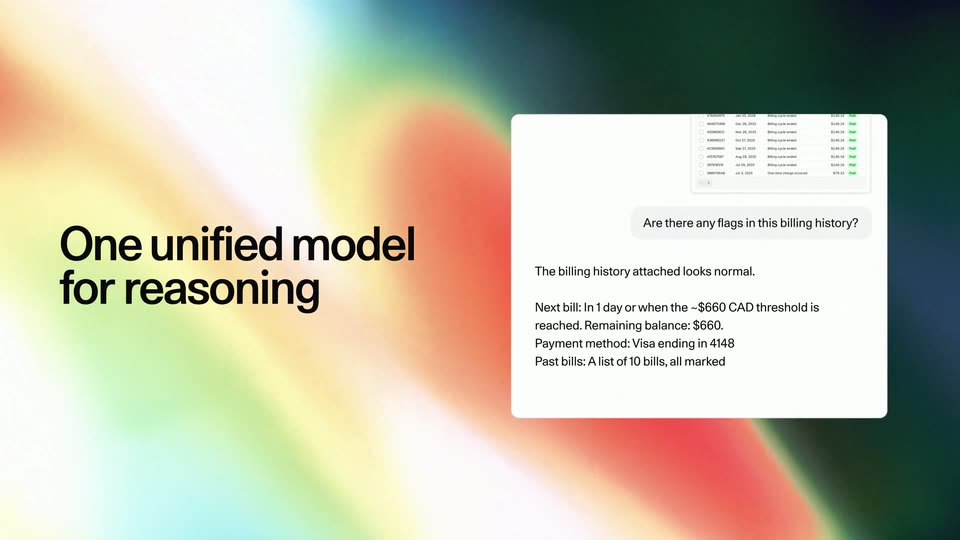 0:46–0:52Cohere · Cohere - Introducing: Cohere Command A+ We’ve created our most powerful LLM yA soft rainbow gradient fills the frame. A bold black headline on the left reads 'One unified model for vision', the last word swapping to 'reasoning'. On the right a white chat card scales up, showing a billing table and a typed question; a cursor arrow drifts, a 'Thinking...' line appears, then a response types out.
 0:16–0:18Google · Meet Gemini OmniA dark pill-shaped bar with a blue glowing bottom edge slides left on black, carrying the white text “Love it. Now let's see it in multiple styles”. A white up-arrow button marks its right end; a pixelated hand cursor hovers over it as a tilted illustration card appears bottom right.
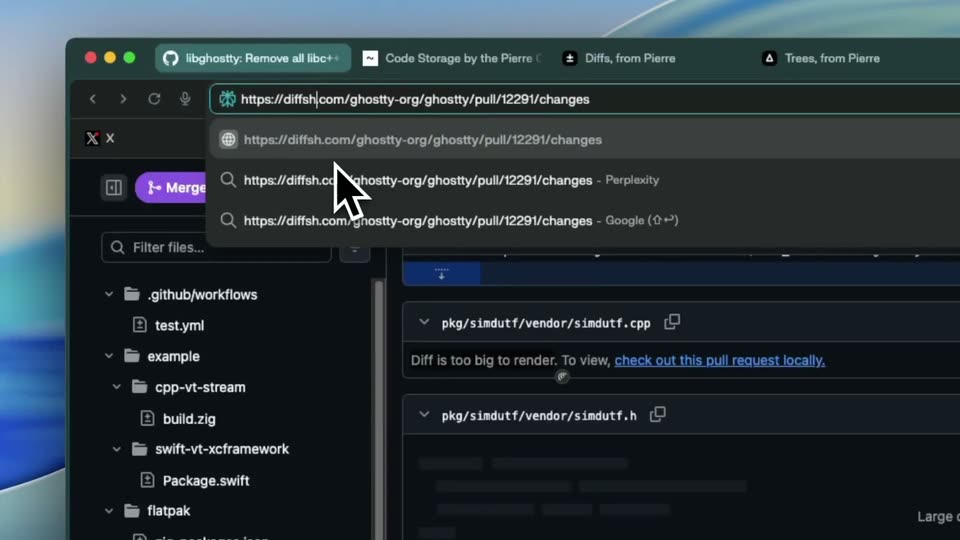 0:08–0:10Pierre · Pierre - diffshub[dot]com Take any public diff from GitHub and virtualize iA dark IDE window fills the frame, a file tree on the left and a diff panel on the right. An autocomplete dropdown drops down from the top bar, a URL line types out, then a Diffshub from Pierre entry highlights as a white cursor hovers over the list.
 0:02–0:03Pops · Y Combinator - Pops (@pops_fyi) lets anyone create and play AI games. Describe yourA pixelated retro monitor shows a white arrow cursor resting on a gray Start button with a four-pane logo, then cuts to a blue Internet Explorer title screen. A small caption reads used to be fun. along the bottom edge.
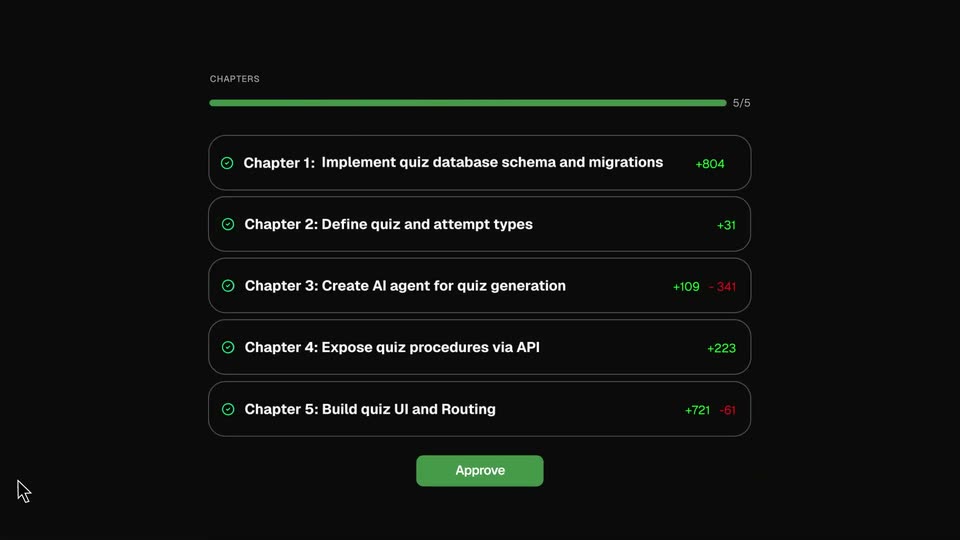 0:33–0:36Vespin · Introducing StageA dark task screen lists five quiz chapters with green line-count stats. Checkmarks fill in row by row while the progress bar runs from 0/5 to 5/5, then an Approve button fades in and a cursor clicks it, the button scaling into a large green rounded panel.
 0:25–0:26Archer · ARCHER - Introducing Archer The global trading engine for every asset, fullyA dark, busy office scene fades to black behind a central orange button reading 'Connect Wallet'. A pixelated cursor moves in and hovers over it.
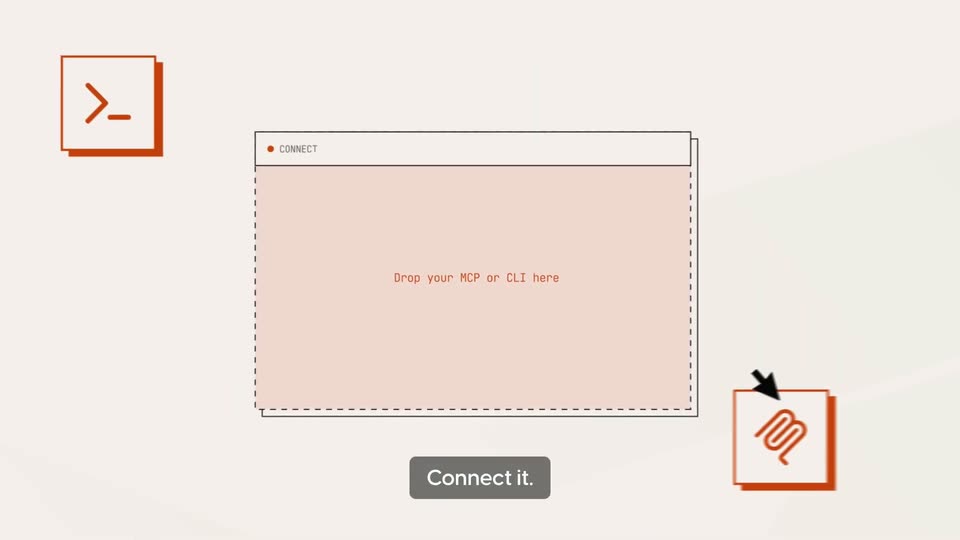 0:31–0:32Armature · Armature - Launch videoA dashed drop zone reading 'Drop your MCP or CLI here' sits above a dark Connect it. button. A black cursor drags an orange squiggle icon into the zone, which fills with a peach highlight, then the icon vanishes and the zone resets.
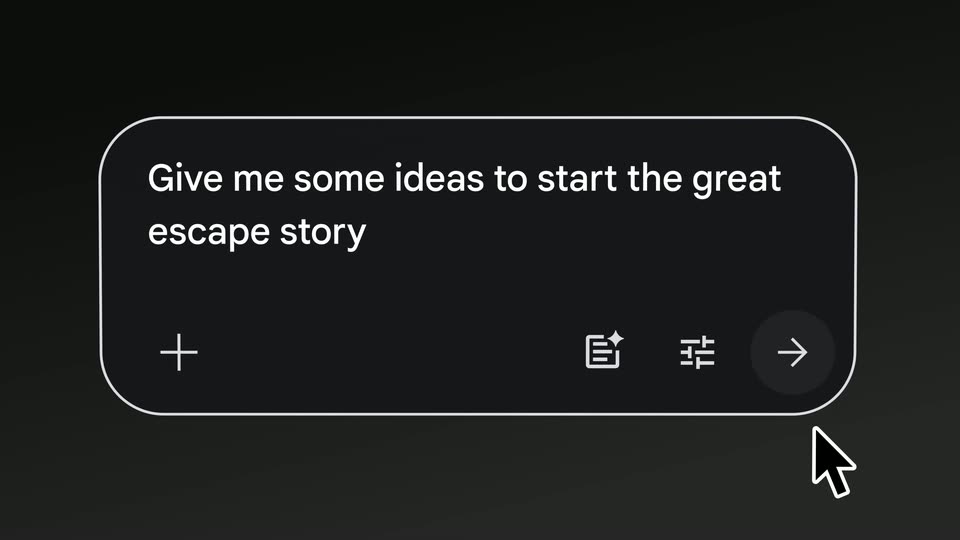 0:14–0:16Google · Google Flow - Introducing your agent and the all-new Gemini Omni model in Google FlA dark rounded input box on a black background types out a prompt letter by letter, a mouse cursor slides in toward the circular arrow button, then the box clears to an empty outline.
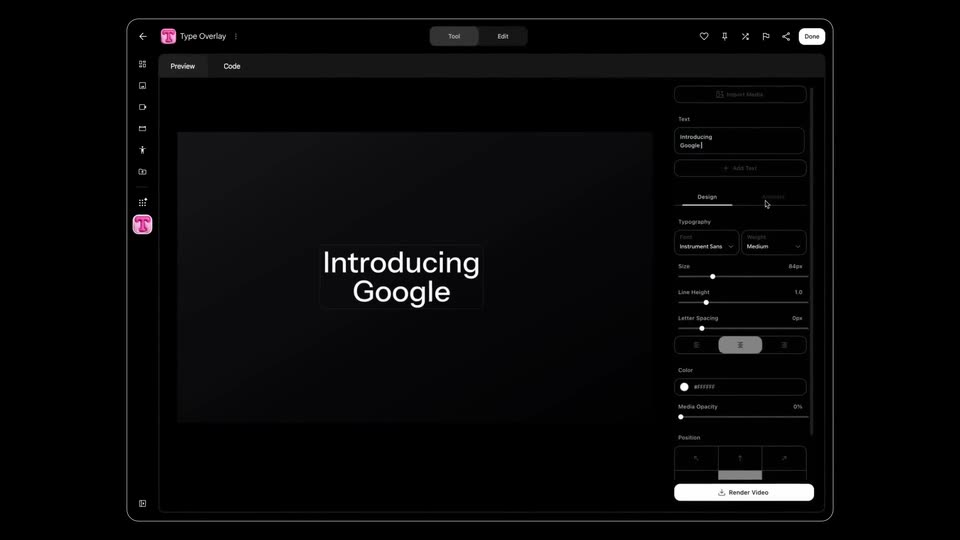 0:13–0:18Google · Introducing Tools in Google FlowA dark editor window shows a cursor moving to a text field and typing a headline, the live preview in the center filling in word by word. The right panel switches from Design to Animate, then the view zooms onto the transition and kinetic controls.
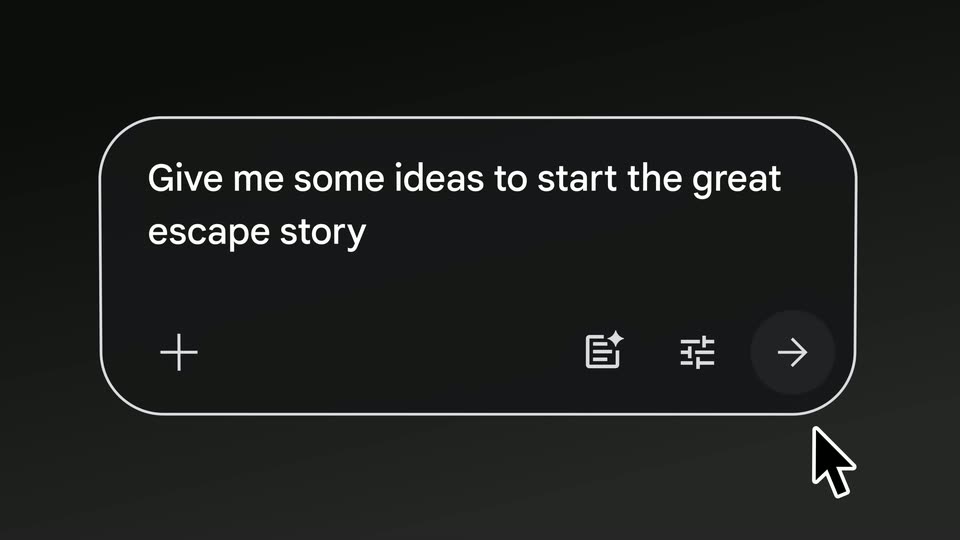 0:14–0:16Google · Introducing your Agent and Gemini Omni in Google FlowA dark prompt field on a black background types out the sentence about starting a great escape story, then a white arrow cursor slides in and rests on the circular send button at the lower right.
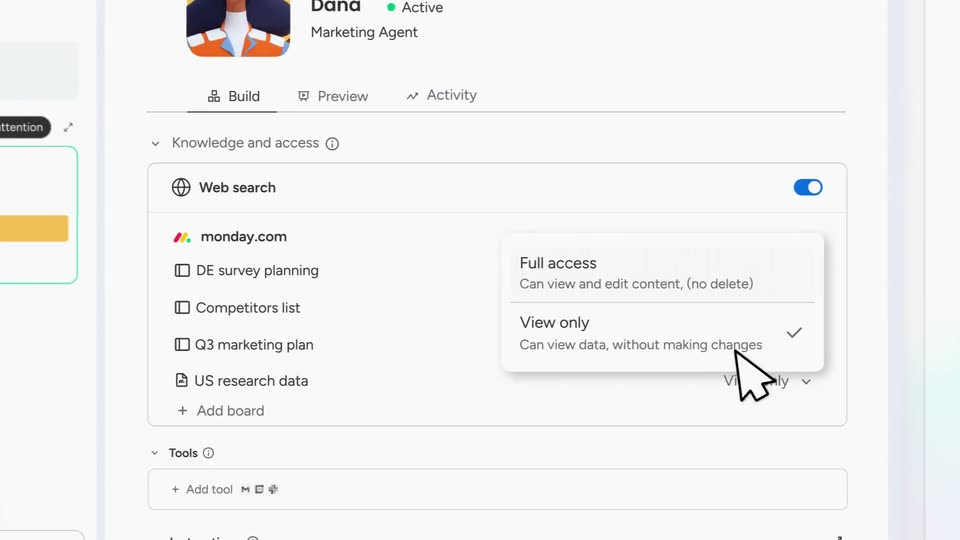 0:27–0:29monday.com · Meet the agents that help you execute your work on monday.comA light dashboard for the Dana marketing agent pans right across the Knowledge and access list. A cursor clicks the View only dropdown on the US research data row, the menu opens, and the selection is confirmed.
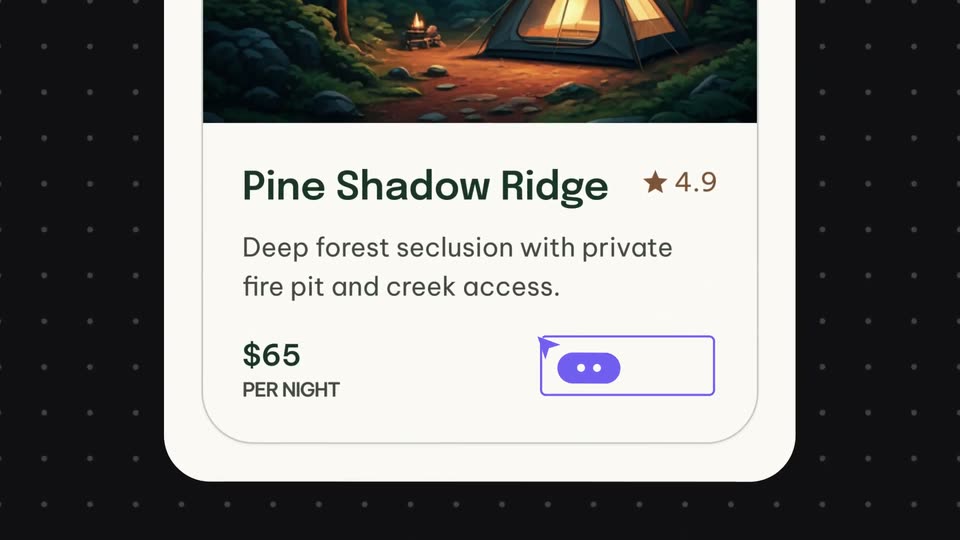 0:31–0:32Stitch · Stitch by Google - Your vibe design partner just got more collaborative! To celebrate IA white listing card with a night-tent illustration, rating, price and a green Reserve button sits on a dark dotted background. It starts blurred and snaps into focus while a purple cursor hovers over a small purple pill with two dots.
 0:43 · 0.6sTempo · Joe Devoy - Introducing Tempo: The world’s first AI Head of Growth. AI can now sA flat outlined button reading Connect to Shopify sits centered on a rippling sand-dune texture. A white cursor arrow drifts in from the lower right, then leaves the frame. A dark caption box with white text stays locked along the bottom edge.
 1:00–1:01Warp · Introducing multi-agent orchestrationA dark product window sits on a purple textured backdrop. A cursor hovers over the validation tab, opening a dropdown marked In progress, while setup commands and a plan paragraph fill the lower pane.
 1:37–1:39Creatify AI · Creatify AI - Introducing Creatify Agent. The world’s first multi-agent orchestratSplit screen: a man in a beige shirt talks at a laptop on the right while the left half reveals a dark purple Creatify prompt screen, a cursor appears and the caption scales in at the bottom.
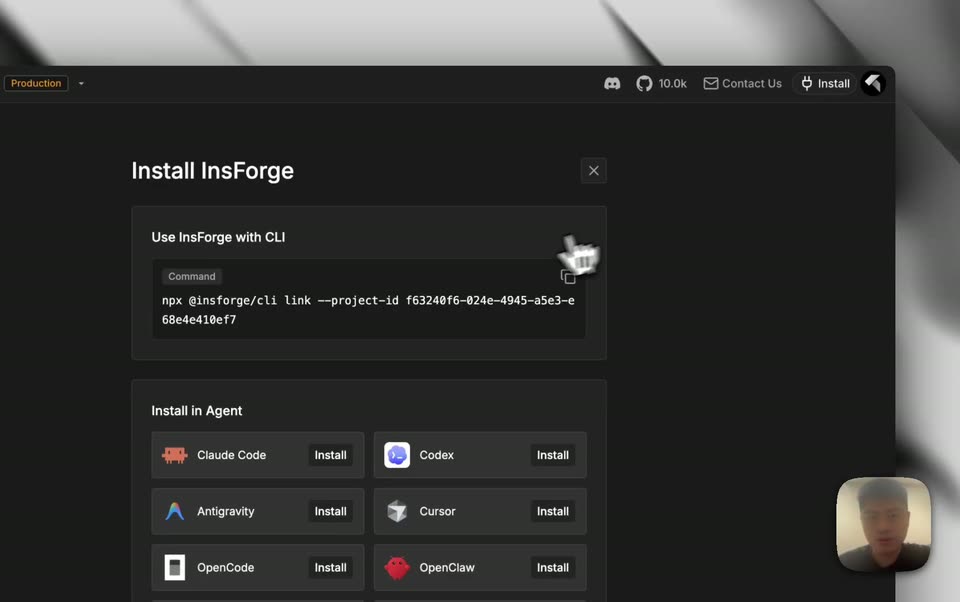 0:10–0:12InstaBox · InsForge YC Launch VideoA dark dashboard with project cards and usage graphs. A modal titled Install InsForge fades in over it, showing a CLI command and a grid of agent install buttons. A hand cursor clicks the copy icon beside the command. A small webcam self-view sits in the bottom right corner.
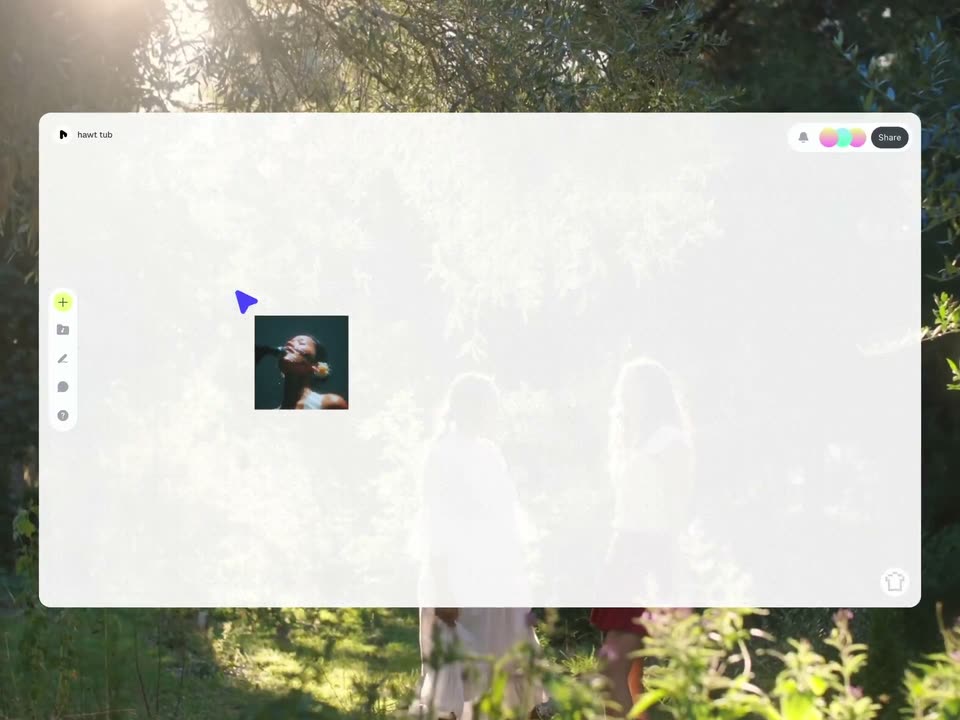 0:39–0:40Riffle · Anurag Choudhary - allow @deoeven and I to introduce the future of music creation. riffA white board interface floats over a sunlit garden where two women stand. A purple cursor moves across the empty canvas and drops a small dark photo of a face onto it. The left toolbar and top controls stay fixed.
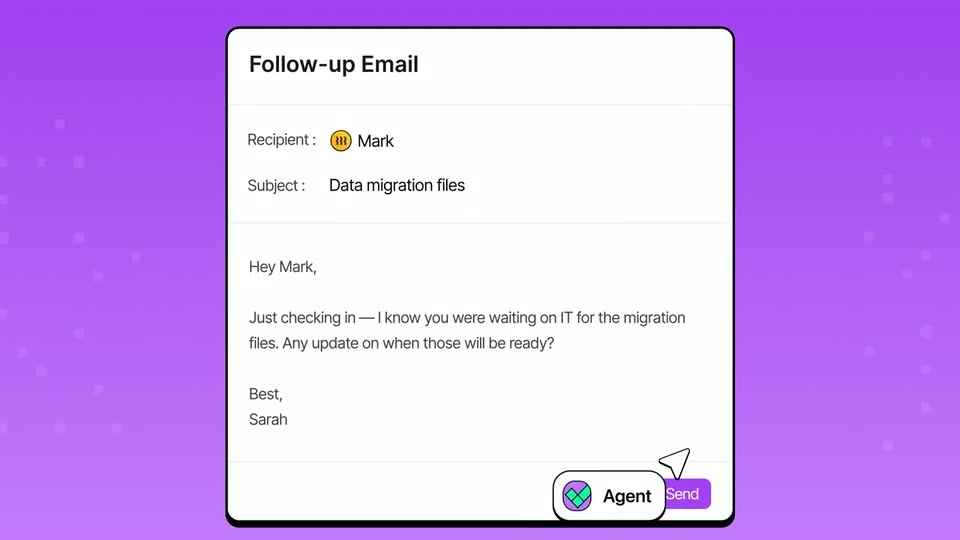 0:58–1:00Sero · Kailash - Video we did for @sero_dot_soA white email card on a purple dotted background types out a follow-up message to Mark about data migration files, then a cursor hovers the Send button as an Agent badge slides in, and the card shifts up.
 0:31–0:33Clicky · Y Combinator - Clicky is the simplest interface in the world to spawn agents. It caA dark rounded panel on a soft blue-green gradient displays the prompt 'Pick a color' with five colored dots. A white cursor clicks the red dot; the panel vanishes and a red glowing orb with a small triangle appears in the card's center.
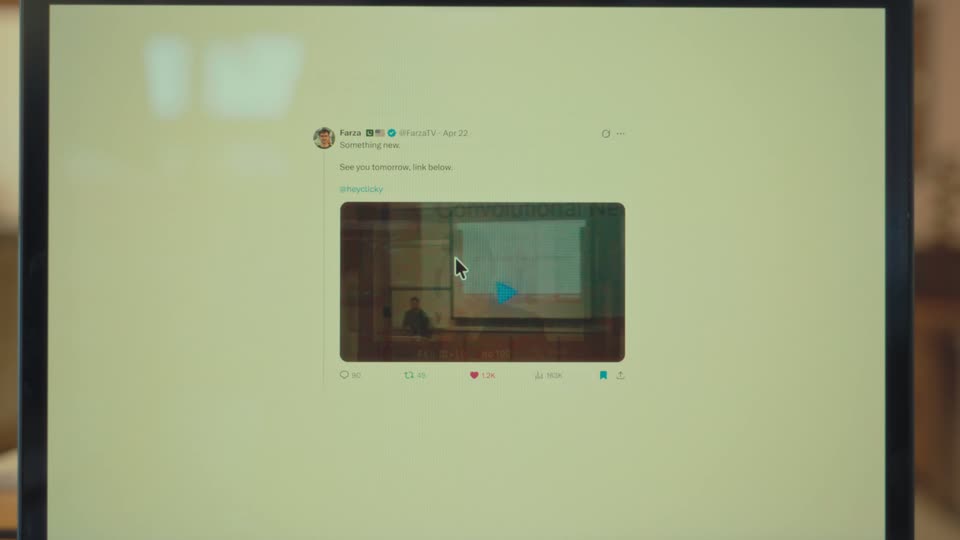 0:27–0:28HeyClicky · hi im clickyA soft-focus close-up of a monitor displays a Twitter feed. A cursor hovers over a video thumbnail, then the thumbnail plays a camera viewfinder as the feed scrolls up to reveal a second post above.
 0:37–0:39YouArt · YouArt - Patreon for AI OriginalsA dark member-site page scrolls down past the JUNKY CREAM hero and membership cards, a cursor rests near the red Join for free button, then the view returns to the top. White subtitles swap at the bottom.
 0:10–0:11Giggles · Giggles - Introducing Giggles app: make money while scrolling. Our plan is toA tilted close-up of a social reaction row, a blue thumbs-up icon, an angry emoji and the count 64, with a black cursor at the right. The row spins and blurs out of frame, whipping into a live-action shot of a person.
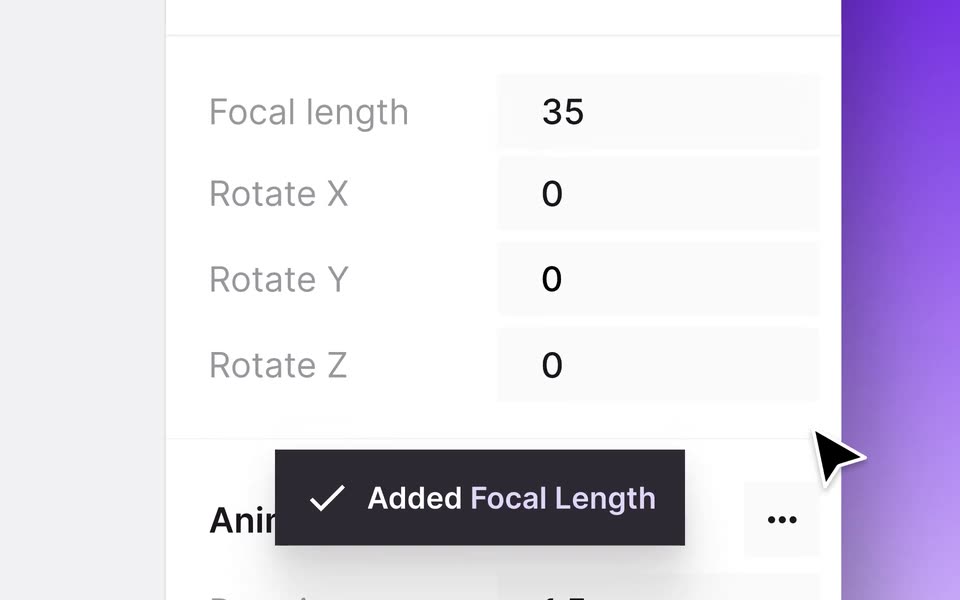 0:19–0:22Jitter · Jitter - Introducing Jitter AI ✨ Don't search for the right creative tool. BuA white settings panel lists Focal length 35 and Rotate X, Y, Z rows above an Animation section. A black cursor moves to the three-dot menu and clicks it, then a dark toast reading Added Focal Length with a checkmark slides up over the panel.
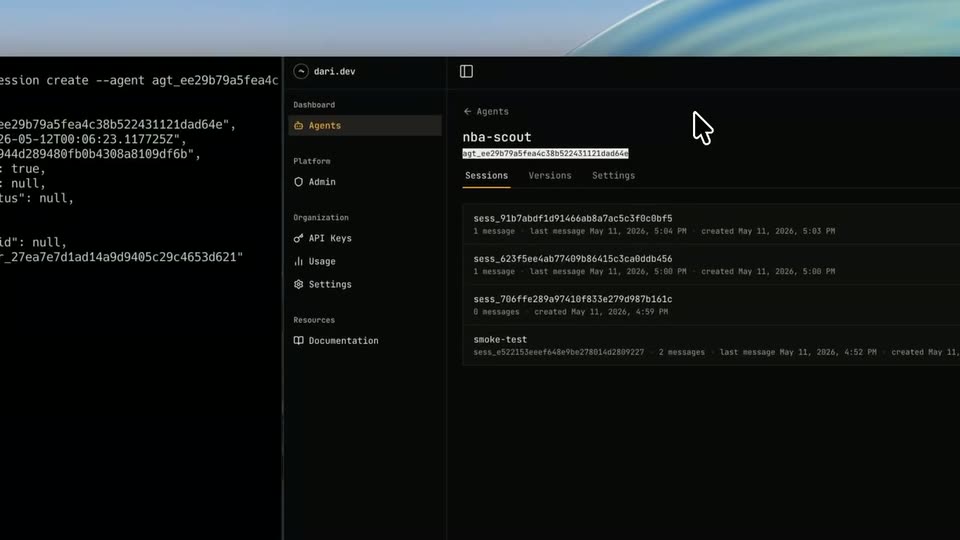 0:52 · 0.4sdari.dev · Dari.devA dark developer dashboard loads from a partial code panel into a full three-column layout with a left sidebar and an agent detail view. A white cursor arrow glides across the screen as the panels fill in, while a thin blue arc sits along the top edge.
 0:18–0:19Ponder · Ponder: agentic video editor raises $2.5M pre-seedLow-light close-up of a face behind round glasses, then the view shifts to a monitor at an angle showing a grid of video thumbnails with filenames and timecodes. A cursor hovers over one clip as the grid sharpens into focus.
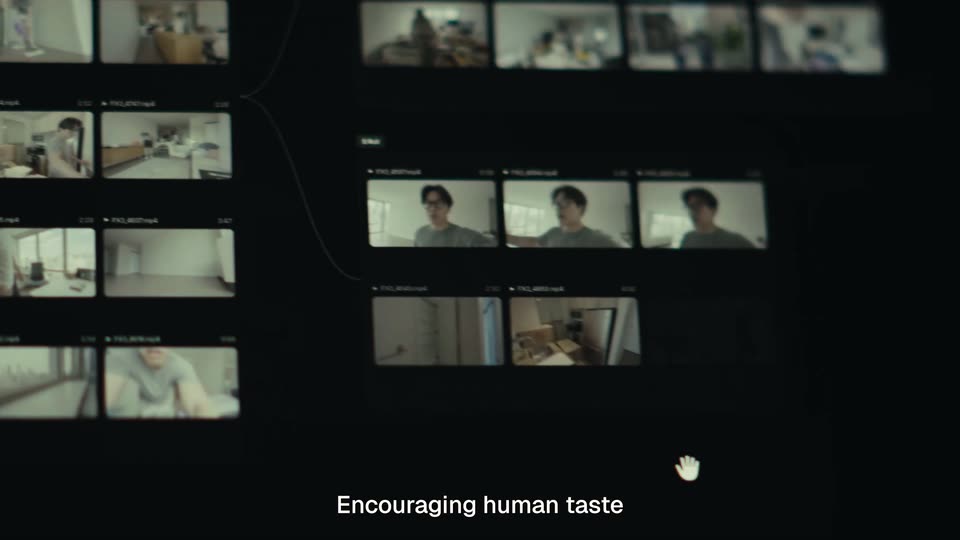 0:34–0:35Ponder · Timothy Wang - Introducing Ponder: the agentic video editor. It’s a new paradigm foA dark node-graph interface shows rows of blurred video thumbnails. A hand cursor glides from the center to the lower right while the central panel cycles through clips of a person and a room. The caption scales in at the bottom.
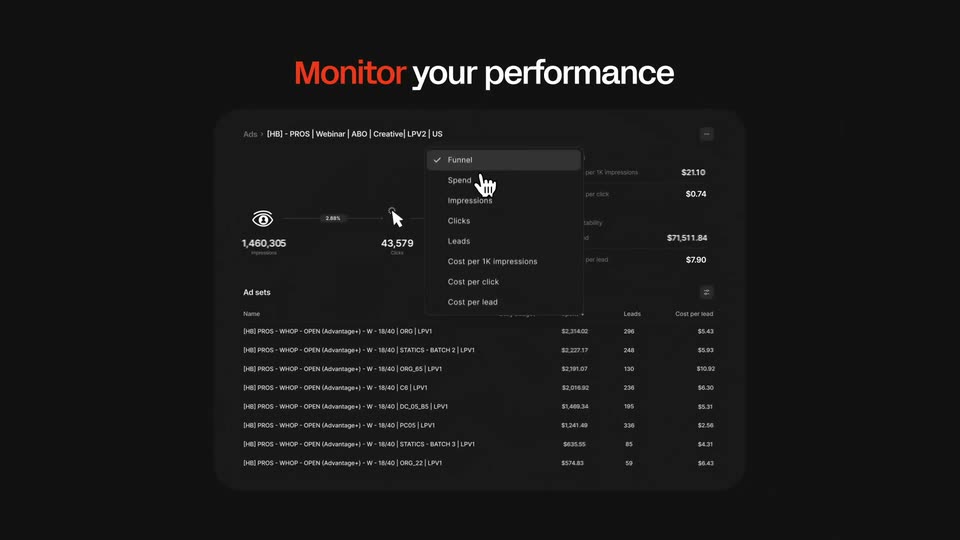 0:10–0:16Whop · Introducing Whop AdsA red-accented headline resolves in over a dark field while a funnel of impressions, clicks and leads animates across the center, then the frame cuts to a dashboard where a cursor opens a metric dropdown and a spend line chart draws in.
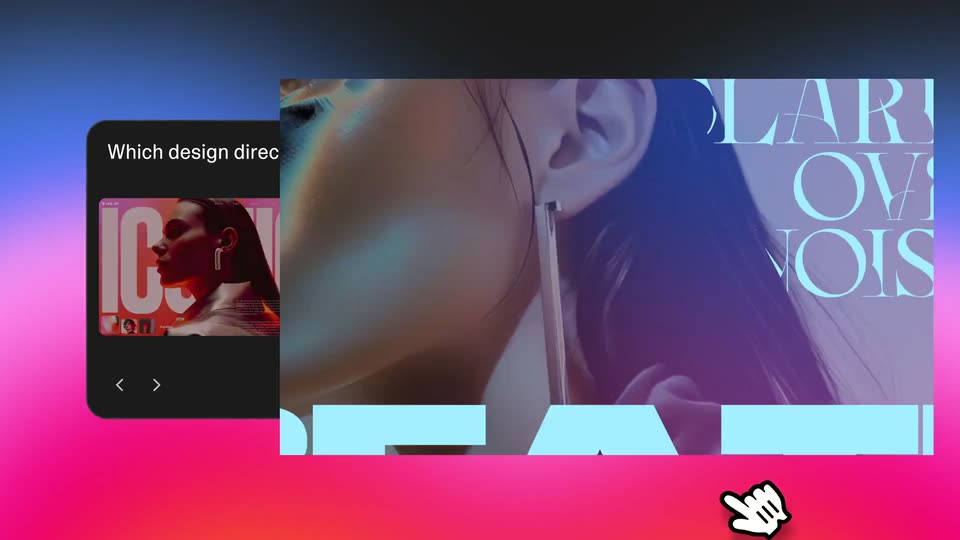 0:28–0:29Lovable · Lovable - Introducing the Lovable aesthetics update, a new level of design in vA dark UI card on a blue-to-pink gradient asks “Which design direction should I build?” above three design thumbnails. A hand cursor taps the blue Submit button, then the selected thumbnail expands into a full-screen interface view.
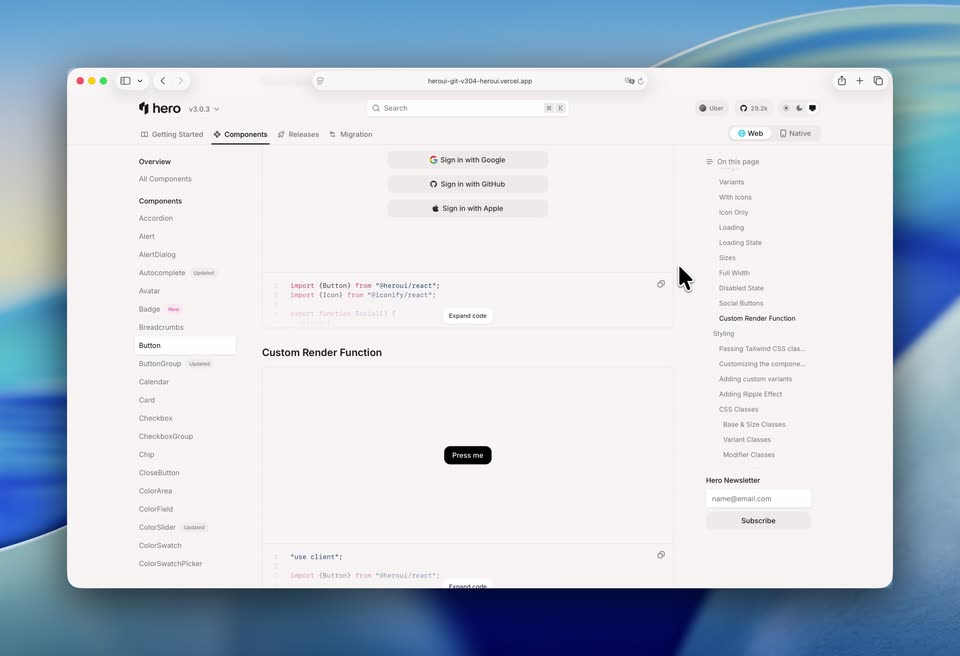 0:07–0:20HeroUI · HeroUI: ossA browser window of the Hero docs floats in 3D perspective over a blurred blue desktop. The cursor scrolls the Button page, opens the command palette, types field to jump to the Fieldset form, then the camera zooms into the profile form.
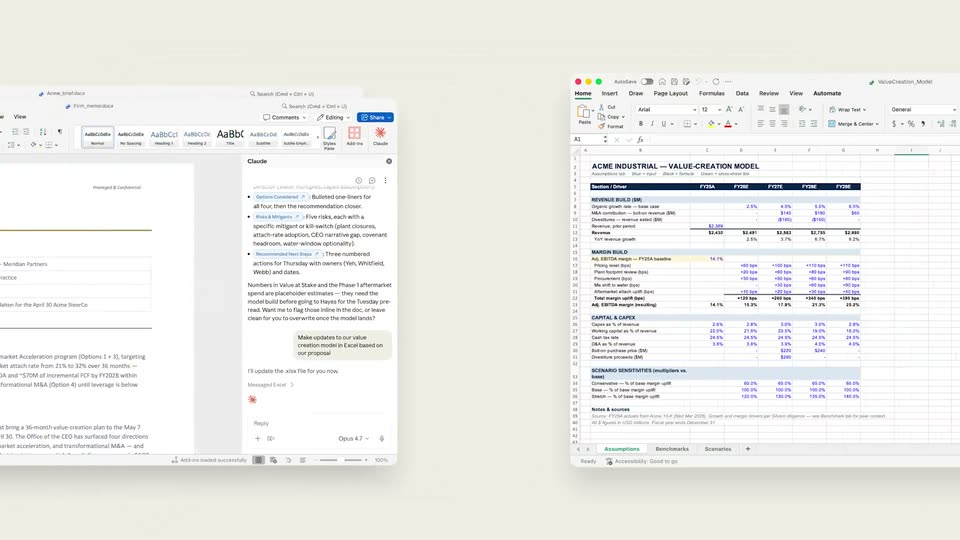 0:49–0:50Anthropic · Claude - Claude for Excel, PowerPoint, and Word are now generally available, aA desktop workspace displays a Word memo and a spreadsheet beside an AI assistant panel. The view reframes onto the spreadsheet as a cursor hovers over a column header.
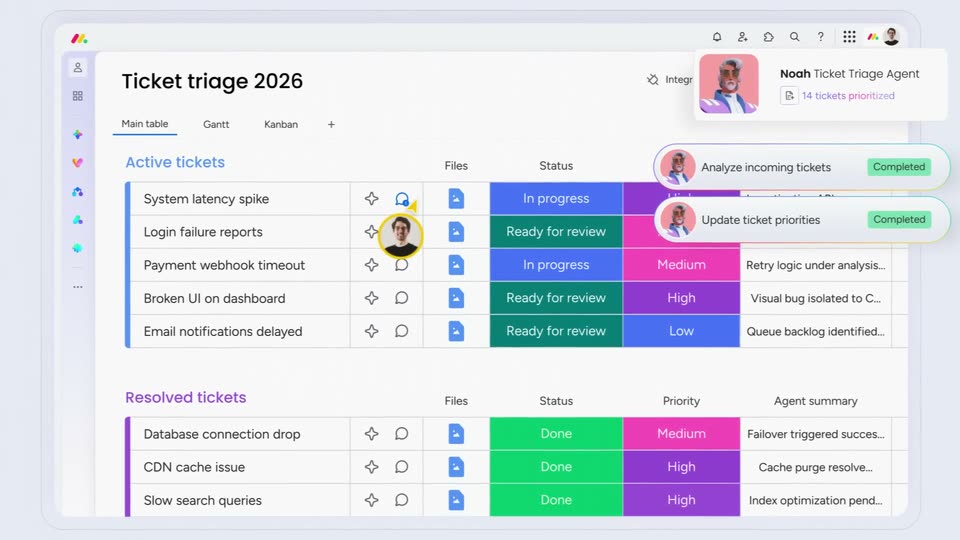 0:16–0:22monday.com · Meet the agents that help you execute your work on monday.comA light ticket table fills the frame as row labels appear, then a cursor moves a circled avatar down onto the green Done cells. The view zooms into the Status column while confetti bursts around the avatar.