0:30
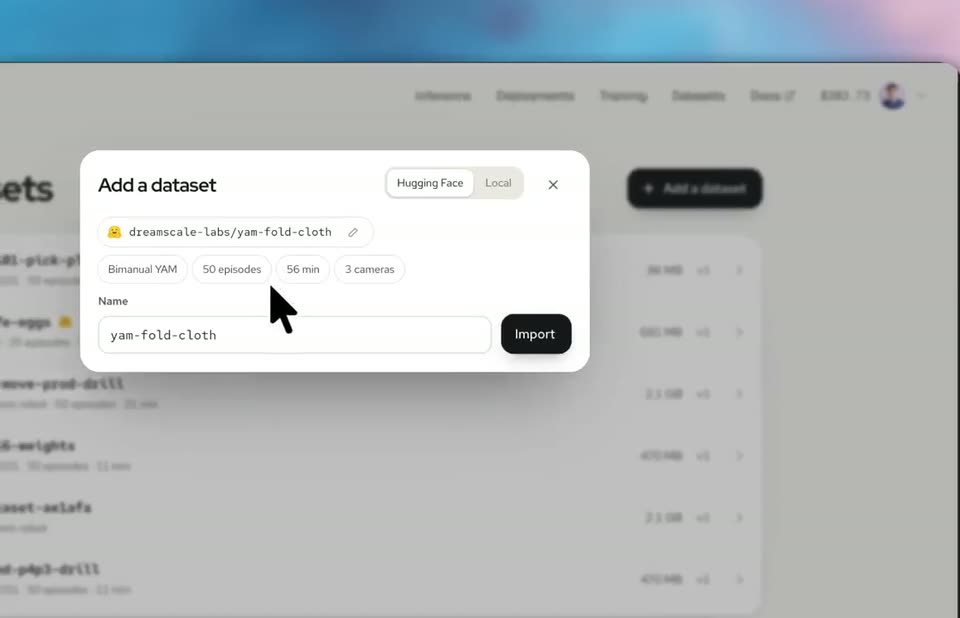

Dreamscale Datasets is now live! | Dreamscale Labs (YC F26)
Dreamscale Labs · Industrials
HeroUI · May 2026 · 0:20 · Clip · AI-annotated
HeroUI’s 0:20 clip runs 3 scenes, about 6.9 s each. The product is on screen from the first frame and 2 features are revealed. The video is a compact UI tour built around a single floating browser window over a blurred blue desktop, with the camera pushing in to follow a cursor as it swaps theme colors and jumps across pages through the command palette. Pacing is quick and the signature moves are the 3D tilt of the window and the smooth zoom-ins that make routine clicks feel cinematic.
Is this your launch? to your site or press kit.
Dreamscale Labs · Industrials
Magnitude · B2B · Sep 2026
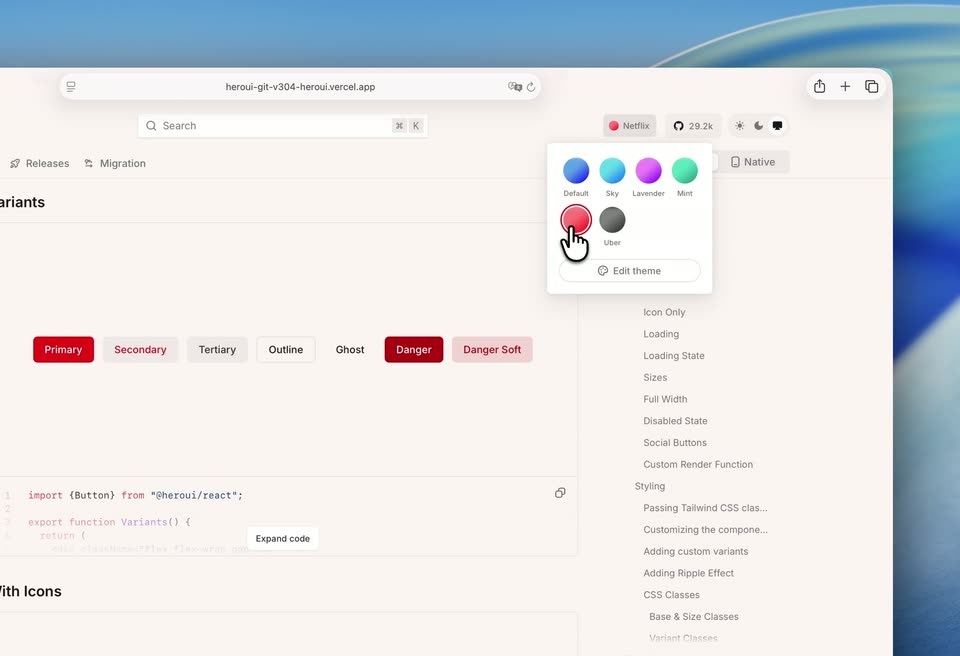
A documentation page for the Hero UI kit fills a flat browser window on a blue gradient. The frame zooms to the top-right, where a cursor clicks Theme, opens a swatch menu, and picks the red Netflix option, recoloring the sample buttons from blue to red.
Techniques: UI zoom, Cursor demo
Camera: Push in
A browser window shows a component library page with a row of buttons and a code snippet. A theme picker popup is open with six color swatches, and a hand cursor moves from the Sky swatch down to the Uber swatch.
Techniques: Cursor demo
Camera: Static
A browser window of the Hero docs floats in 3D perspective over a blurred blue desktop. The cursor scrolls the Button page, opens the command palette, types field to jump to the Fieldset form, then the camera zooms into the profile form.
Techniques: 3D mockup, Cursor demo, UI zoom
Camera: Static