
0:43
Explore
00:00:00 / 00:50:03
- Length
- 0:50
- Scenes
- 22 · 2.3 s avg
- Product on screen
- 0:06
- Features shown
- 3
- Call to action
- 0:44 · 89%
- Voiceover
- No
- Views
- 424 on YouTube
as of November 23, 2026
Vespin’s 0:50 launch film runs 22 scenes, about 2.3 s each. The product shows up at 0:06 and 3 features are revealed. The call to action lands at 0:44 (89% in). The video alternates locked-off text-on-black beats with close-up UI demos, moving from a stat hook through a notification pile-up problem into named feature reveals and a closing CTA. Its signature moves are bold sans headlines that scale and fade on black, screen recordings that slide and zoom to reveal details, and the glowing green stacked-bar mark that punctuates the brand moments.
No filming indicatedEstimated needs: 4 capture groups — your screens or recordings · 1 official logo — reused across the film
Is this your launch? to your site or press kit.
More like this



Similar soundtrack
Films whose music sounds like this one, voice left out
0:30

OnSoloAI - Hunyuan Image 3.5 is on OnSolo. Exclusive. 5 refs. 2K. 1 credit. Memb
OnSoloAI · Modern electronic dance music, house style
1:30
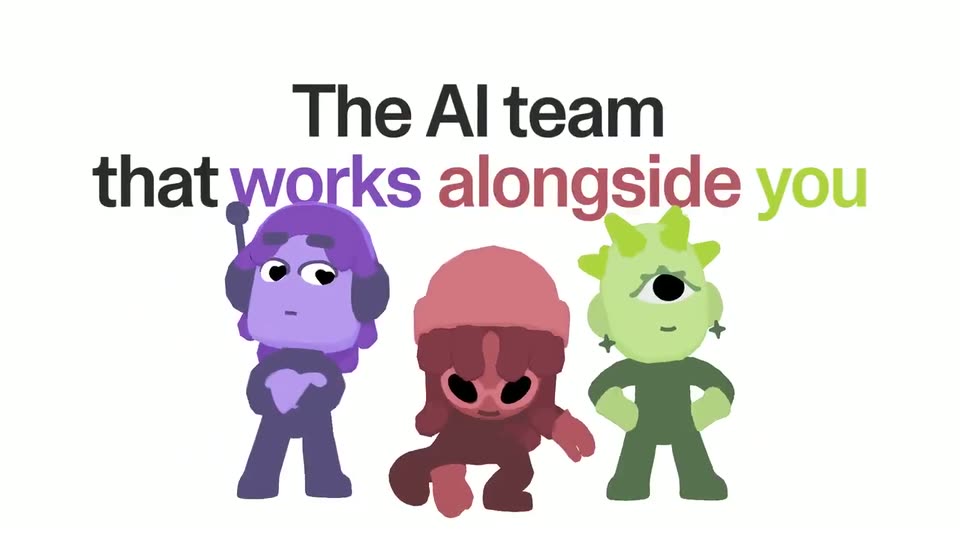

Strawberry 1.0 is here. It marks a shift in how your team can work with AI. In Strawberry, you can create or hire virtual colleagues, called "Companions". Companions learn your preferences and
Strawberry · Electronic dance music with house, nu-disco, and electro influences
1:50
deo - introducing riffle 2.0 welcome to the social era of music creation.
Riffle · Electronic dance music
Introducing Stage, scene by scene
· 22 scenes as text
01 · Hook · 0:00–0:01
On a black background, two centered lines of white text fade in from dark gray to full brightness, then hold still in a locked-off frame.
On-screen text: “Your team is writing 10x”, “more code with Al”
Camera: Static
02 · Problem · 0:01–0:05
A centered white headline fades in over a dark code diff. Comment and Slack notification cards then slide in from every edge, piling up around the text to crowd the frame.
On-screen text: “But now, you’re drowning in code review”
Camera: Pull out
03 · Problem · 0:05–0:06
A dark field of floating Slack notification cards sits behind a centered white headline. The cards and headline blur and drift upward as the word Meet fades in at the bottom.
On-screen text: “But now, you're drowning in code review”, “Meet”
Techniques: Kinetic type
Camera: Pan
04 · Product intro · 0:06–0:07
The white word Meet slides into the center of a black background. A green three-line icon and the dark grey word Stage then scale in.
On-screen text: “Meet”, “Stage”
Techniques: Kinetic type
Camera: Static
05 · Product intro · 0:07–0:09
A glowing green stacked-bar mark and the white wordmark Stage hold on a black background while the gray tagline below fades in from blur. The frame stays locked off.
On-screen text: “The best platform for humans to review code”
Camera: Static
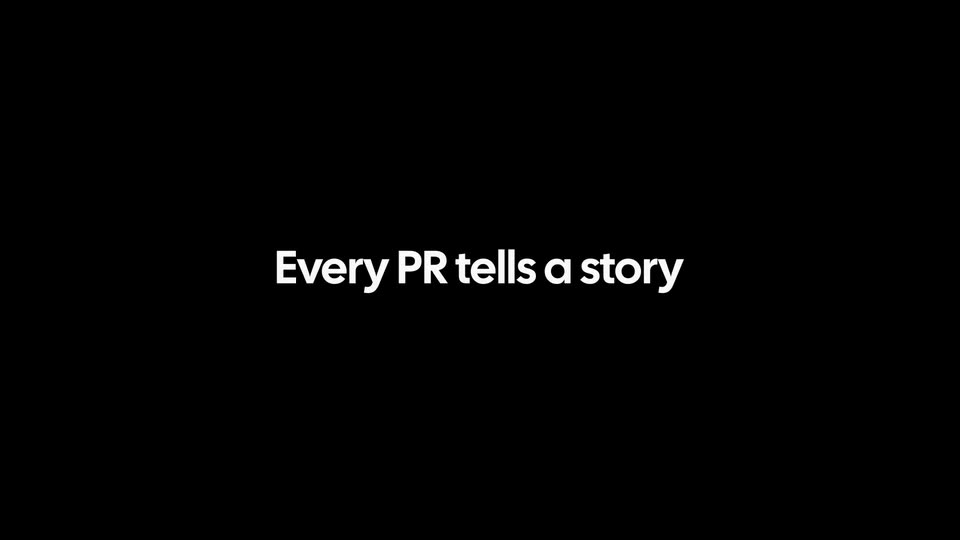
06 · Feature reveal · 0:09–0:10
On a black background, the gray headline scales up and turns white as a code diff panel slides in from the bottom, showing a test file with red and green lines.
On-screen text: “Every PR tells a story”
Techniques: Kinetic type
Camera: Static
07 · Feature reveal · 0:10–0:12
A dark code editor shows a side-by-side diff, red removed lines on the left, green added lines on the right. The view zooms into the top of the file where a small chip names the gemini-code-assist bot, then returns to the full diff.
Techniques: UI zoom
Camera: Pull out
08 · Feature reveal · 0:12–0:13
On a black background, a pull request checklist on the left and a stack of code diff windows on the right scroll upward together, revealing a fifth chapter and additional diff panels.
Camera: Pull out
09 · Feature reveal · 0:13–0:14
A dark pull request view shows a five-row chapter checklist beside a dense red-and-green code diff. The diff panel slides out to the right, and the checklist re-centers on the black background.
Techniques: Split screen
Camera: Push in
10 · Feature reveal · 0:14–0:17
A dark pull request screen on black: an Open badge and title above five chapter rows with green and red line counts. The text begins doubled and offset, then settles into a crisp list as a cursor hovers over the first row.
Techniques: Cursor demo
Camera: Push in
11 · Feature reveal · 0:17–0:29
A code review screen shows a diff with a highlighted line. The cursor opens a comment box, types a note and posts it. The view then zooms to a second diff, selects added lines, and a prompt bar types a question.
Techniques: UI zoom, Cursor demo
Camera: Push in
12 · Feature reveal · 0:29–0:30
A dark code-editor view with a chat prompt box at the top. An AI answer streams in line by line, explaining a Drizzle ORM relation, while the document scrolls up to follow the new text. A white cursor arrow drifts at the right edge.
Techniques: Kinetic type
Camera: Push in
13 · Feature reveal · 0:30–0:30
A dark documentation view fills the frame, a code snippet above a bulleted list explaining a relation field. Inline code sits in gray chips. A white outline cursor rests at the right edge. The text holds still with no motion.
Camera: Static
14 · Feature reveal · 0:30–0:32
A dark documentation screen scrolls upward through code-review text about a quiz relation, with inline code chips in gray. A white cursor arrow sits at the right edge, and a glowing yellow headline fades in at the bottom.
On-screen text: “100% Code Review Relations”
Camera: Pull out
15 · Demo · 0:32–0:33
A tight crop of a code diff with a floating search field pulls back to reveal the full pull request layout, the review checklist on the left and the highlighted diff on the right.
Techniques: UI zoom
Camera: Pull out
16 · Demo · 0:33–0:36
A dark task screen lists five quiz chapters with green line-count stats. Checkmarks fill in row by row while the progress bar runs from 0/5 to 5/5, then an Approve button fades in and a cursor clicks it, the button scaling into a large green rounded panel.
Techniques: Cursor demo
Camera: Static
17 · Demo · 0:36–0:36
A solid green field fills the frame, then a dark pull requests interface appears, showing a left-aligned title and a wide search bar across the top with filter icons at the right.
Camera: Static
18 · Demo · 0:36–0:38
A dark pull requests board fades in from a dim two-column grid, then the view scrolls down to three labeled columns of cards that brighten to full opacity, while a cursor hovers over the middle card.
Techniques: UI zoom, Cursor demo
Camera: Push in
19 · Demo · 0:38–0:39
A dark two-column pull request list. The left column under the 'Other' header holds two solid-bordered cards; the right under 'Recently completed' holds dashed-bordered cards. Card text flickers and overlaps before resolving into place.
Camera: Push in
20 · Feature reveal · 0:39–0:41
On a black background, the white headline “Syncs automatically” scales in above a smaller “with GitHub” line. A dashed rectangle draws itself around a GitHub cat mark and a green stacked-lines icon that sharpen from blur.
On-screen text: “Syncs automatically”, “with GitHub”
Techniques: Kinetic type
Camera: Static
21 · Other · 0:41–0:44
On a black background, white bold sans headlines crossfade in sequence: “Syncs automatically” scales in above “with GitHub”, then “Stop rubber stamping PRs”, then “Start reviewing with confidence”, ending on a glowing green equals sign.
On-screen text: “Syncs automatically”, “with GitHub”, “Stop rubber stamping PRs”, “Start reviewing with confidence”
Techniques: Kinetic type
Camera: Static
22 · CTA · 0:44–0:50
On black, a green stacked-bar mark and the white Stage wordmark sharpen from a soft blur into focus. A white pill button reading Get started for free fades in below, the lockup holds, then everything fades to black.
On-screen text: “Stage”, “Get started for free”
Camera: Static