Feature reveal
A sequence devoted to one feature: its announcement and its demo.
89,606 scenes · page 560 of 1494
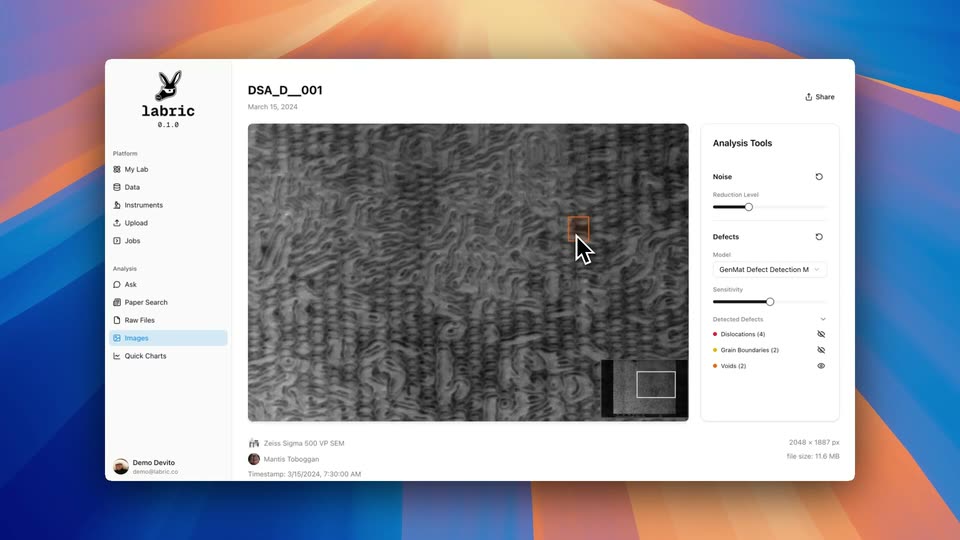 0:44–0:49Labric · Labric (YC X25) Launch VideoA white labric app window on a blue and orange gradient background zooms into its Analysis Tools panel; a cursor clicks the Voids toggle, the view pulls back, and an orange box marks a detected defect on the grayscale microscope image.
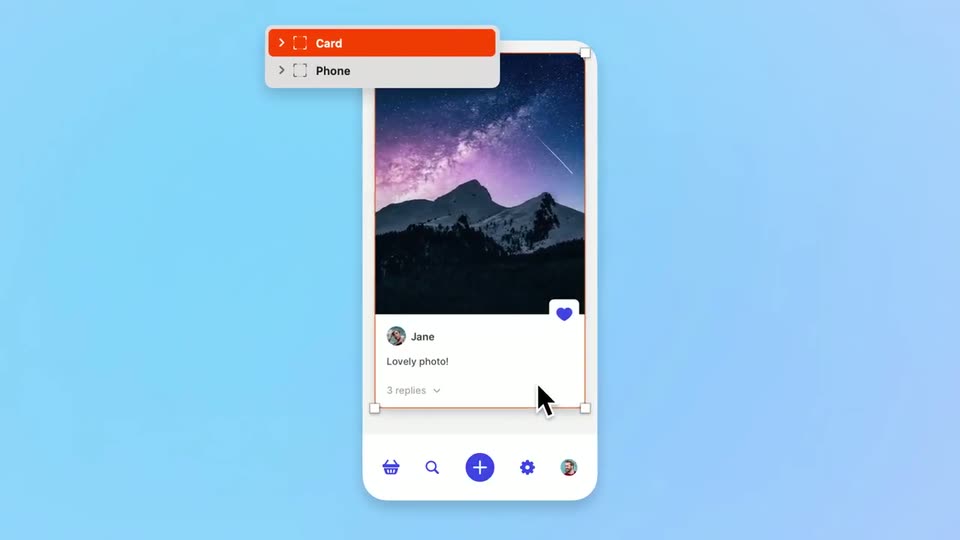 0:12–0:13Sketch · Sketch - Remember when we said auto layout was coming to Sketch? It’s here. ItOn a light blue canvas, a white phone frame with a bottom icon bar sits beside a layer panel with Card highlighted in orange. A cursor drags a mountain photo card with a comment block from the right into the phone screen, landing inside an orange selection box.
 0:58–0:59Sygaldry Technologies · Sygaldry: Quantum-Accelerated AI ServersA centered white headline swaps from ENABLING to FASTER over a dark field of heavily blurred, slowly shifting code. The text is locked in place while the defocused code lines drift behind it.
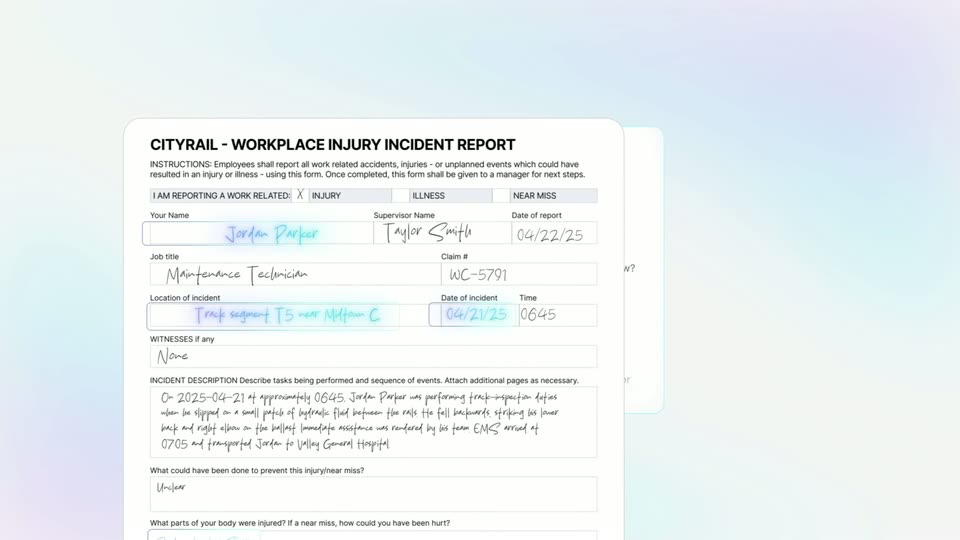 1:08–1:09Avallon AI · Introducing Avallon AIA CityRail workplace injury incident report, filled with blue handwritten entries, sits in front of a call transcript card on a pale background. The report drifts left and down, sliding to reveal more of the transcript behind it.
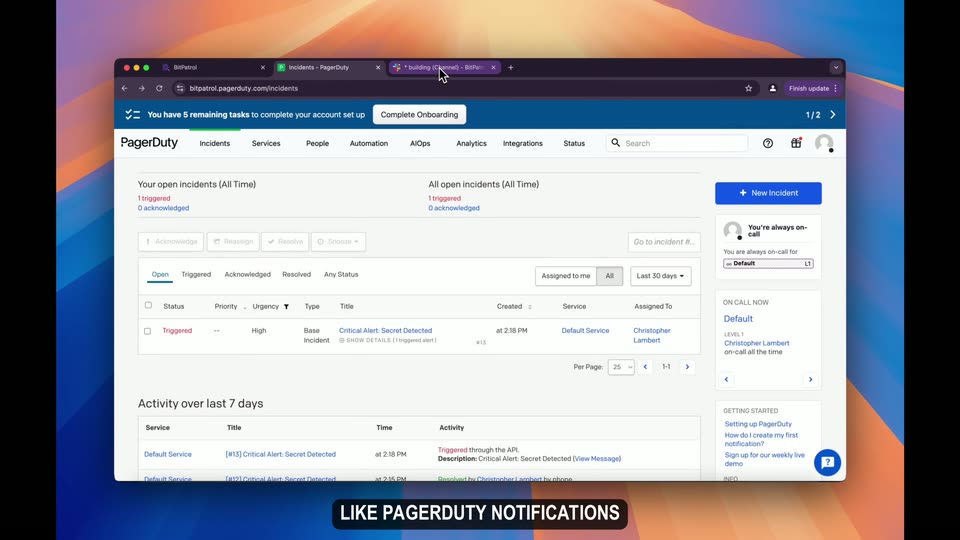 1:16–1:19BitPatrol · BitPatrol - Secret Detection That Actually Works (YC X25 Launch Video)A Chrome window shows the PagerDuty incident list. White captions in a black box build up at the bottom, then the cursor hovers a browser tab as the view zooms in to show a Slack tab tooltip.
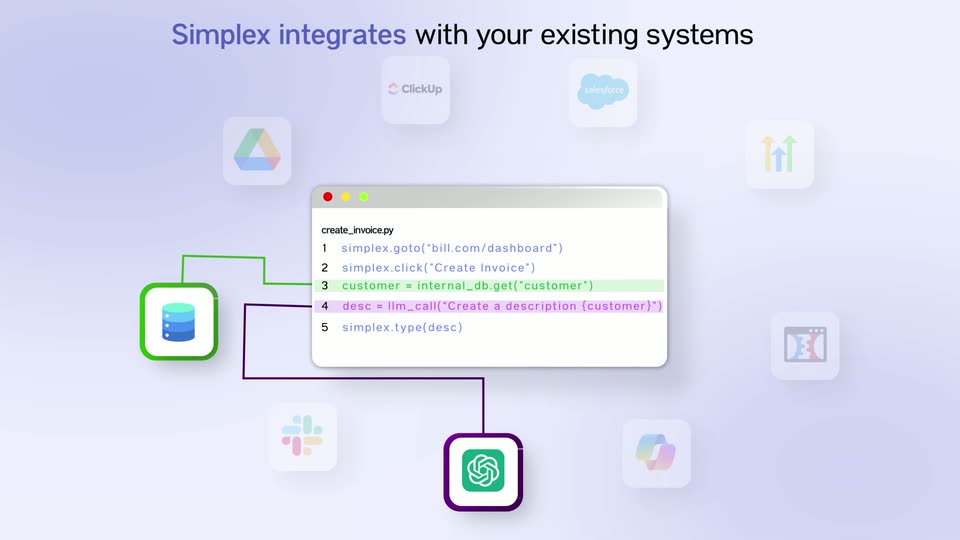 0:22–0:29Simplex · Simplex Launch VideoA code editor mockup types a Python script line by line among floating app icon tiles on a lavender background. A headline appears above. Green and purple connector lines link the database and AI icons to the highlighted lines 3 and 4.
 0:13–0:14FLORA · FLORA © - Photorealism, 2K resolution, and precise typography. Introducing ImaThe image fades up from black onto a dim couch scene: a bespectacled man reads a book while a woman smokes at the left edge. A centered white headline, Precision in Typography, holds still over the locked-off footage.
 0:27–0:29Google · Introducing Google AI Ultra: The best of Google AI in one subscriptionWhite bold sans lines read on a black field, swapping in quick succession: 'And for the creatives', 'And for the innovators', 'And for the filmmakers', each exiting with a horizontal blur, then thin orange, blue and purple curves bloom into an X.
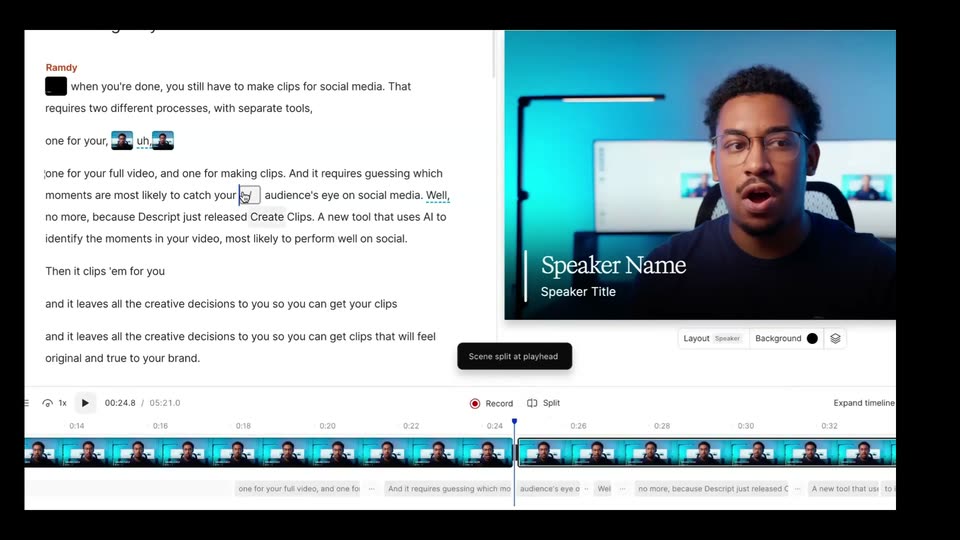 1:29–1:42Descript · Introducing the New Descript Timeline: Faster, Smarter, Cleaner Video EditingA video editor fills the frame: transcript on the left, speaker preview on the right, thumbnail timeline below. A cursor clicks Split, a 'Scene split at playhead' tooltip appears, then a layout picker panel opens over the transcript.
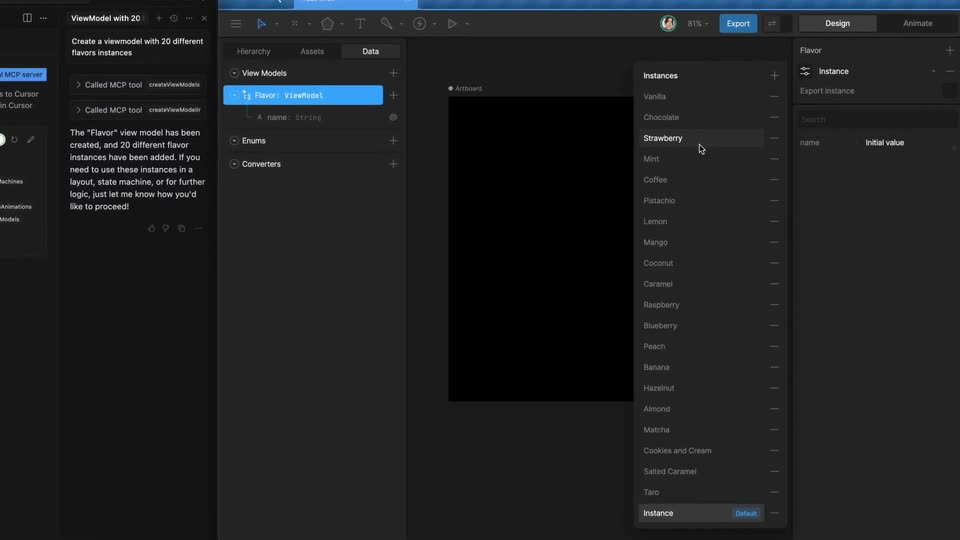 0:46–0:51Rive · 🚀 MCP support is now available in Early AccessA design-tool screen recording. A cursor hovers over the Flavor and AI name rows in the hierarchy panel while the right panel lists flavor instances. The frame then reframes to show the chat panel and a collapsed hierarchy.
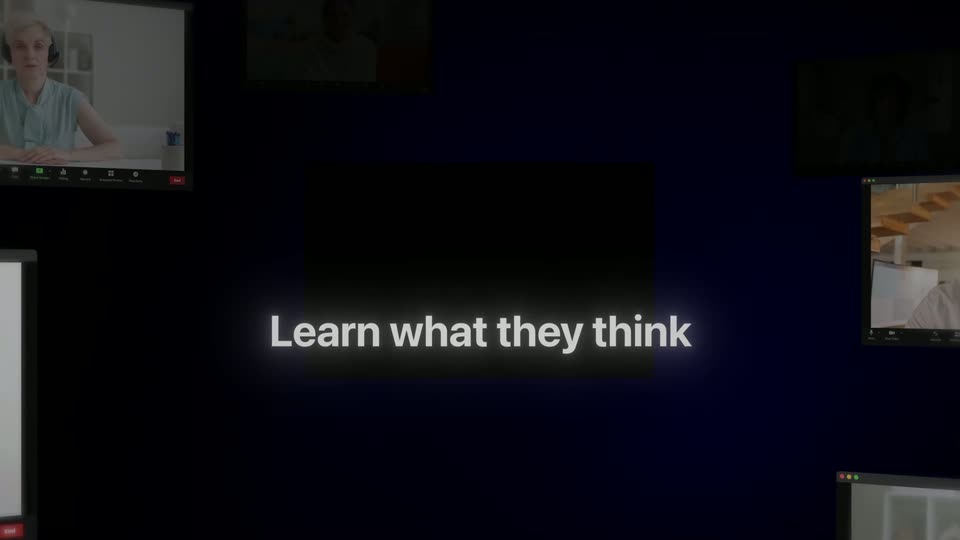 0:28–0:32stratify · Stratify Demo VideoOn a dark navy field, browser-style video-call windows showing people drift across the edges at varying sizes. Centered white text scales in phrase by phrase, first “Reach hundreds of users” then “Learn what they think”, each glowing briefly before fading as the windows keep flowing.
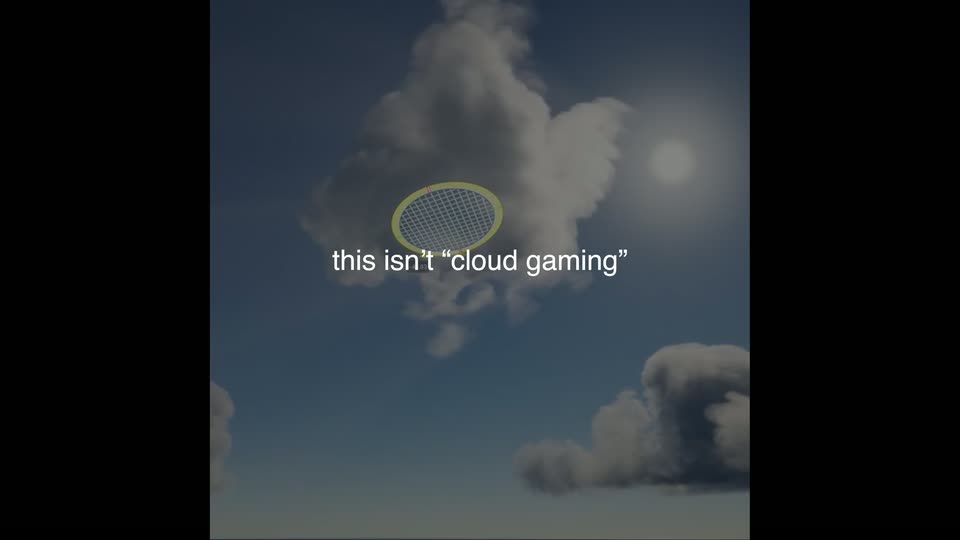 0:12–0:13Wavedash · Meet WavedashA filmed blue sky with soft clouds and a hazy sun. A small 3D wireframe disc with a yellow rim morphs from a curved fan into a shrinking circle above the centered caption.
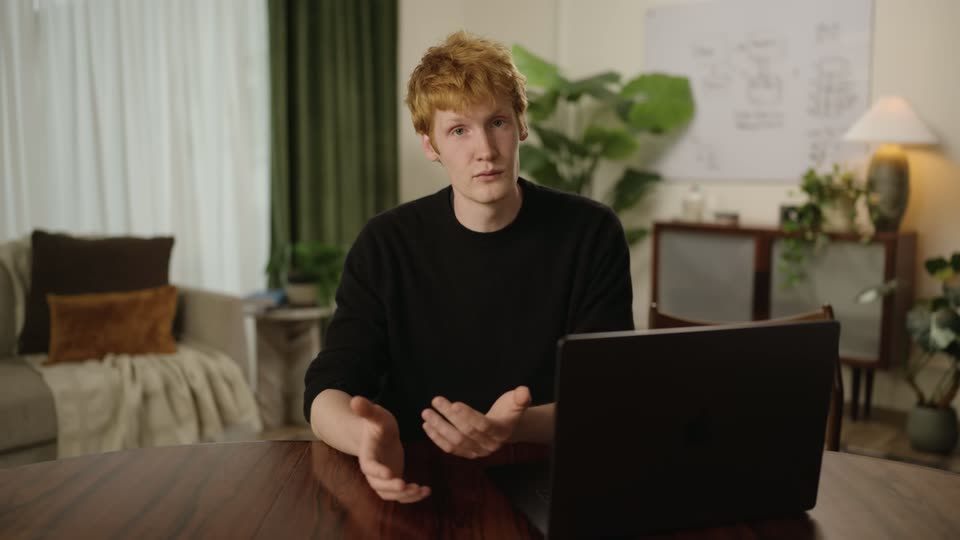 0:54–0:58Cursor · Cursor's largest update yetA red-haired man in a black sweater sits at a wooden table in a softly lit living room, speaking to the camera. He gestures with both hands as a dark laptop, back to the lens, sits open in front of him. The shot stays static.
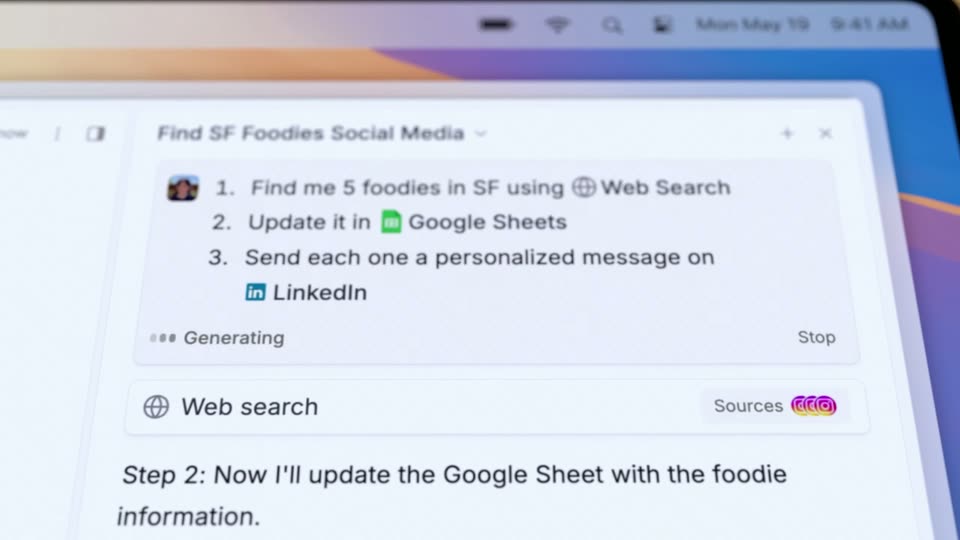 0:42–0:43Den · Introducing Den (2025)A tilted close-up of a laptop screen with shallow depth of field shows an AI task list titled Find SF Foodies Social Media, three numbered steps, and a generating bar; new body text fades in at the bottom as the frame drifts down.
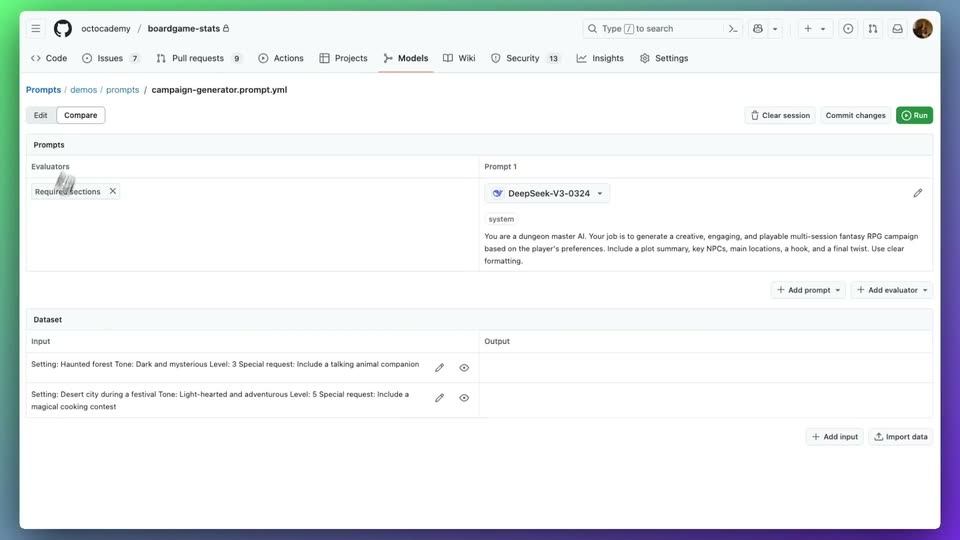 0:37–0:52GitHub · Introducing the GitHub Models tab: Manage & test your AI promptsA light GitHub-style prompt page shows a system prompt beside a generated RPG campaign. A cursor clicks the Compare tab, and the view switches to a table listing evaluators and a dataset of sample inputs. The browser floats on a shifting blue-green-purple gradient.
 0:56–1:02Tinfoil · Introducing Tinfoil: Verifiable Privacy for Cloud AIOn a plain off-white background, a centered line of text builds word by word, new words fading in gray before the phrase settles to black. The line 'secures all computations at the hardware level' assembles, then gives way to 'even when running in the cloud'.
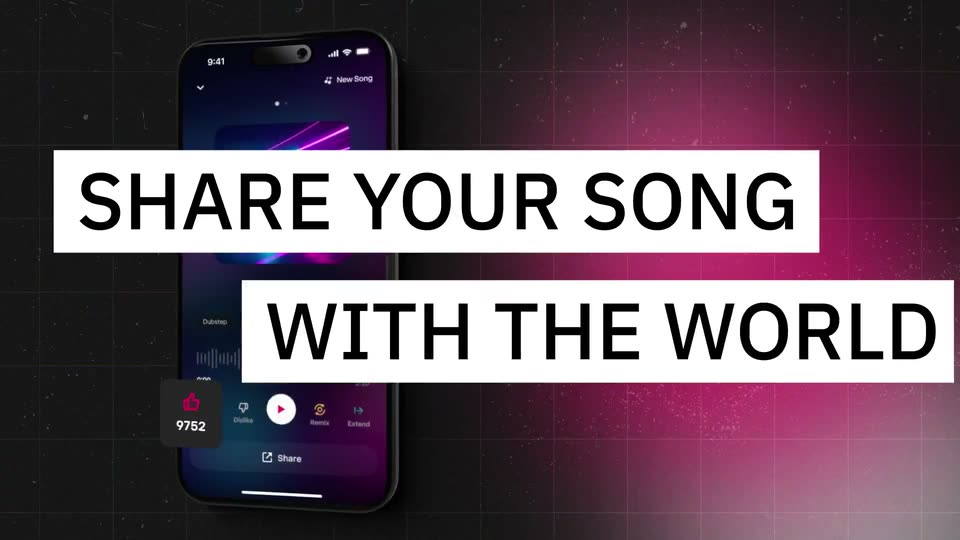 0:38–0:39Udio · udio - Udio is now available on iOS so you can make your music on the go andA 3D iPhone mockup angled on the left shows a music app with a waveform and a like counter that ticks up, while two white banners with black text read SHARE YOUR SONG and WITH THE WORLD over a dark grid background with a pink glow.
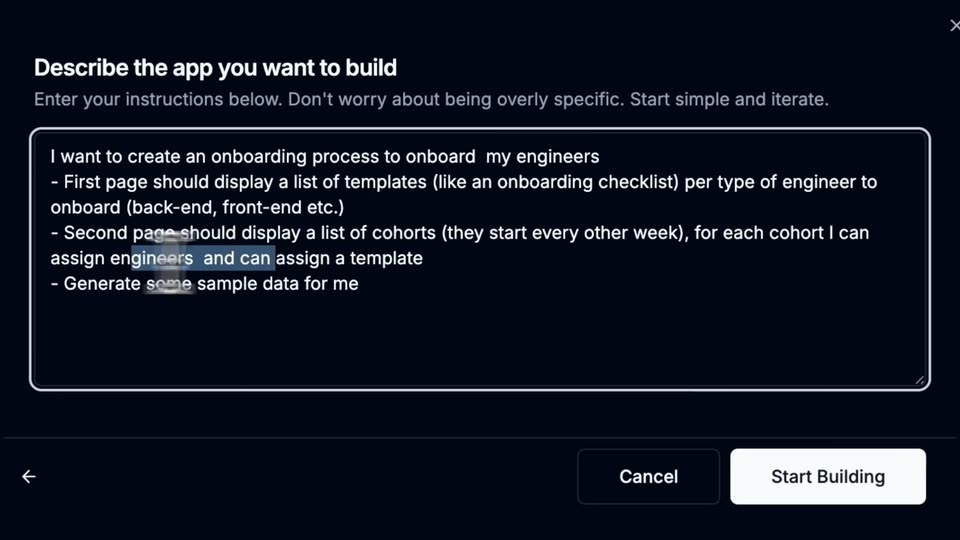 0:50–0:59Vybe · Vybe Demo - Build internal apps 10X fasterA dark prompt modal fades in from blur. A typed onboarding prompt fills the text box line by line as a stylized I-beam cursor drifts across it. A mouse pointer then hovers the Start Building button.
 0:44 · 0.5sBramante · Bramante Biologics (YC X25) Launch VideoA bald man lies in a hospital bed wearing an oxygen cannula, an IV stand in the foreground, while the word saving fades in white across his chest.
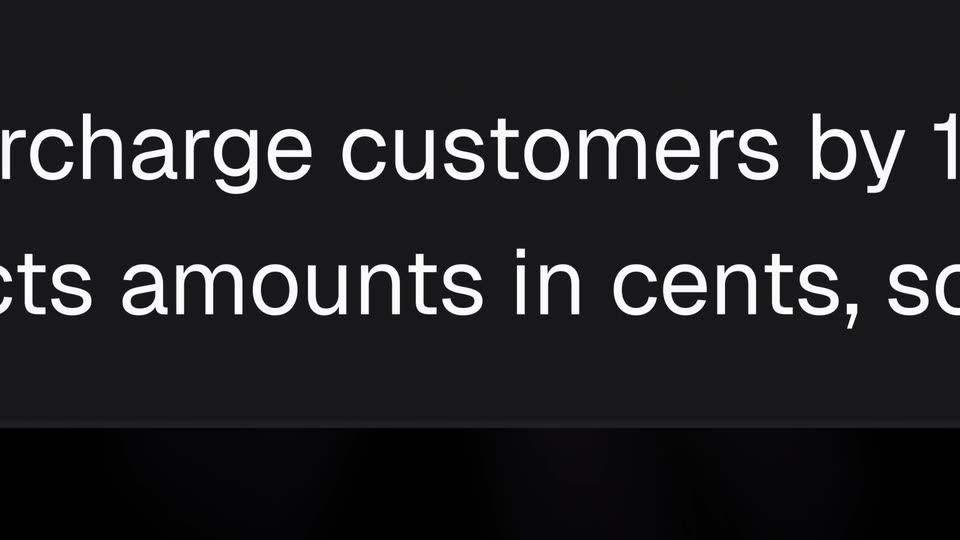 0:28–0:32cubic · Introducing cubic.devA dark comment card reading 'cubic commented now' with a Bot pill sits over a blurred green code block. The comment body types out, then the camera pushes in until the text fills the frame, then pulls back to the full card.
 0:13–0:15Descript · Descript - Vibe editing is here. Any job, any video. Underlord’s got it.On a white card with a gray top bar, a sentence types out letter by letter behind a blinking caret, darkening as it appears. It first reads “Add zooms to hide jump cuts?”, then the first word clears and begins retyping as “W”.
 0:32–0:34Google · Introducing Flow | Google’s New AI Filmmaking ToolA white circular button with a black right arrow floats on a soft blue gradient. A white hand cursor with a black outline hovers at its lower edge. The button and arrow gradually lose focus and blur while the cursor stays sharp, suggesting a click.
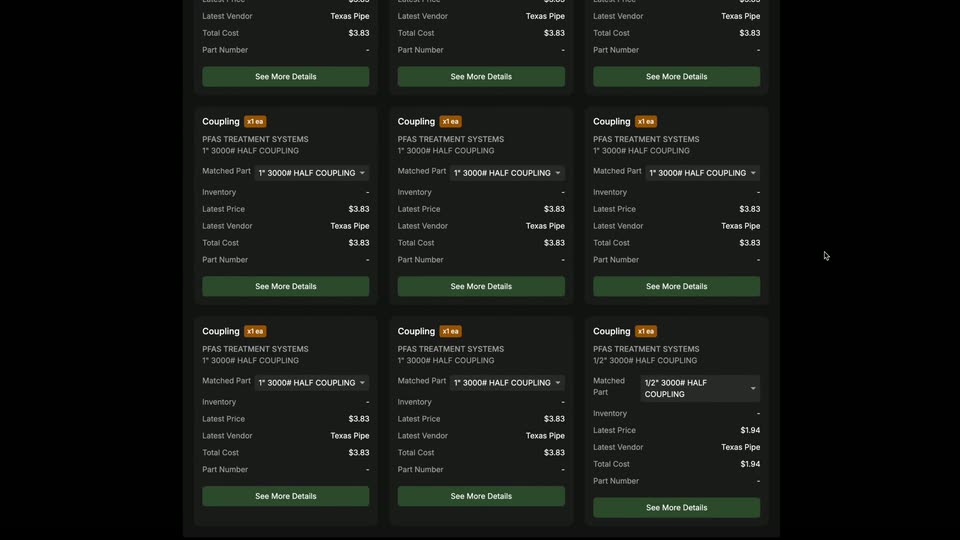 3:16–3:20Jeevy Fabrication · Introducing Jeevy FabricationA dark interface shows a three column grid of part cards, each listing a coupling with price, vendor and a green See More Details button. The view scrolls down past repeated rows to a pagination bar, with an orange Export to Excel button at the top right.
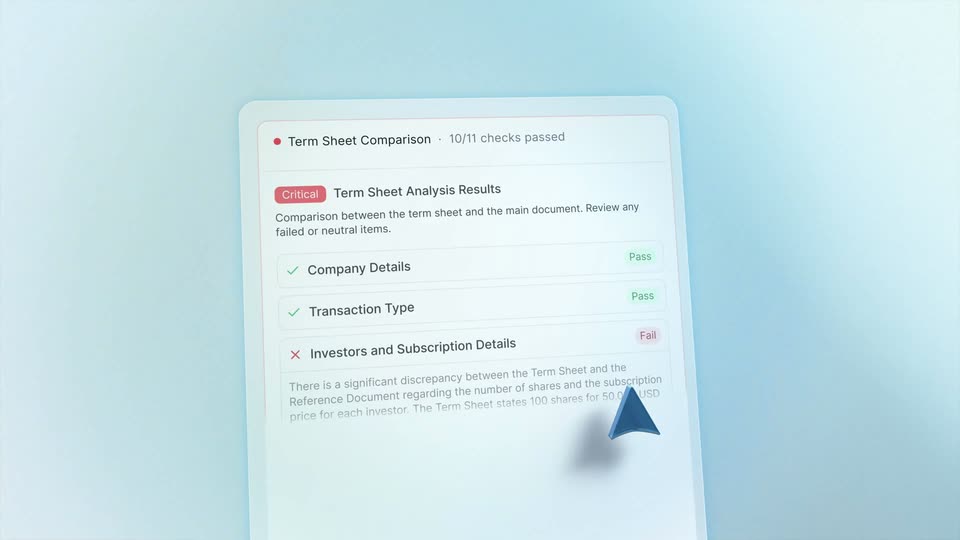 0:31–0:32Vesence · Vesence - Agentic AI for Transactional Law FirmsA shallow-focus list of white check rows floats on a pale blue field, only the focused row sharp while the rest blur. The blue cursor glides down the list and the active row scales up, then unfolds into a tall result card showing pass and fail rows.
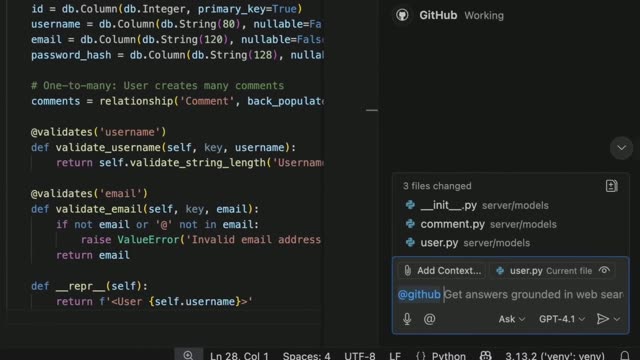 0:14–0:16GitHub · Introducing the GitHub Copilot coding agentA locked-off view of a dark code editor: Python source fills the left pane while a Copilot chat panel on the right types a command into its input box and its header switches to a working state.
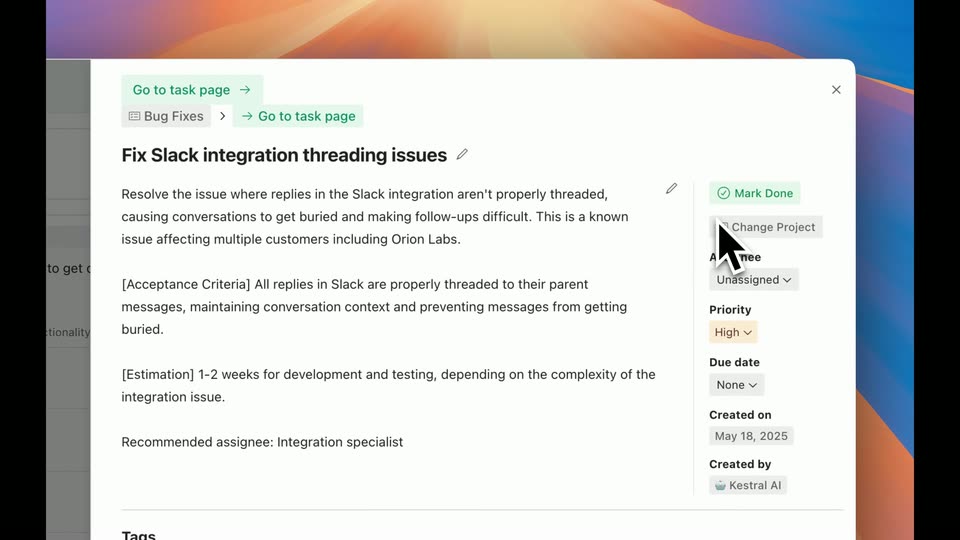 0:45–0:46Kestral · Kestral - Your AI Work Prioritizer -- Launch YCA task app window sits on a warm gradient desktop. A detail panel slides in from the right over the sidebar, revealing a task entry, as the cursor moves from the Bug Fixes row to the panel.
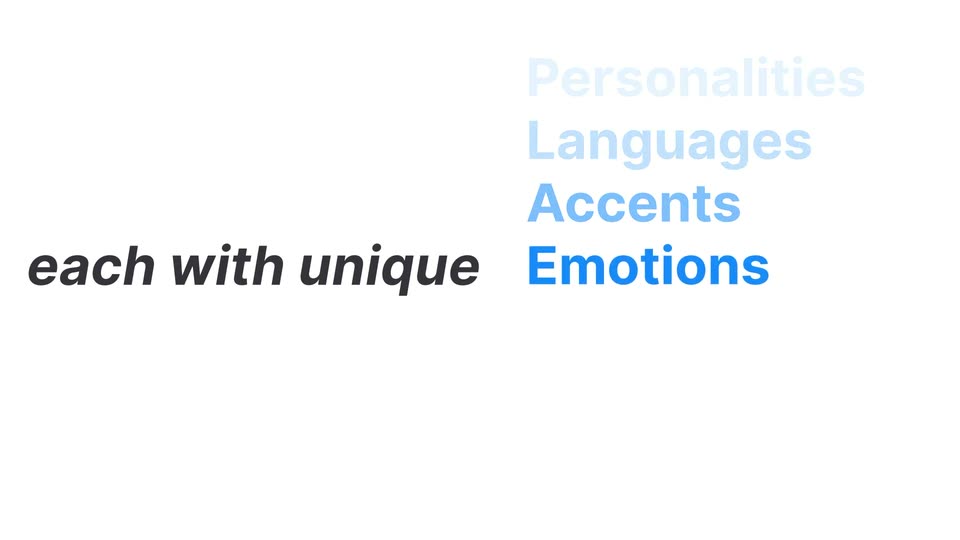 0:36–0:40Bluejay · Bluejay: Quality Assurance for AI Voice AgentsOn a plain off-white background, the dark italic phrase each with unique slides left from center while a vertical list of blue words, Personalities, Languages, Accents, Emotions, scrolls up on the right, each word brightening and dimming as it passes.
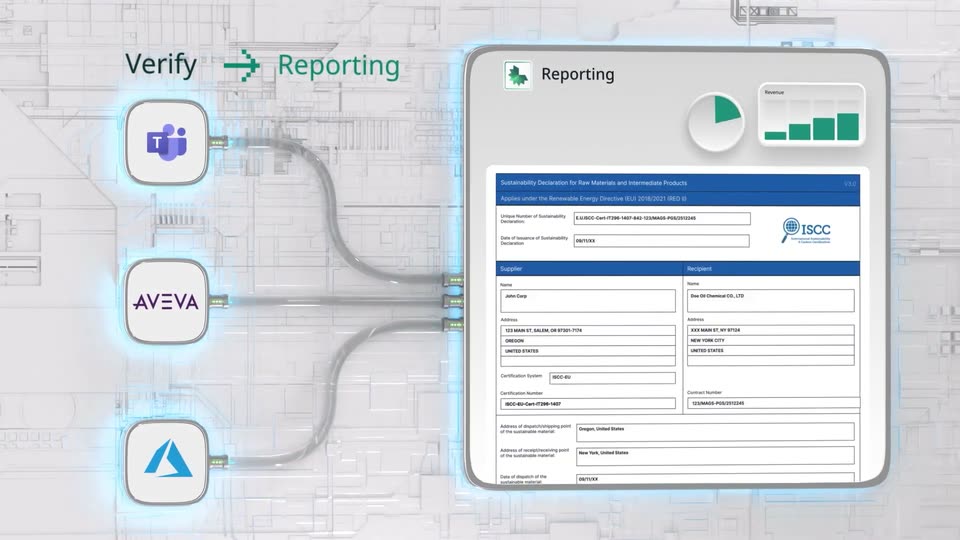 0:30–0:32Rimba · Rimba AI - Launch (YC X25)Three glowing logo tiles on a blueprint background feed animated blue data lines into a 3D tablet showing a Reporting form with pie and bar charts. 'Verify' slides in beside 'Reporting' at top left. The left tiles and lines blur with fast motion at the end.
 1:14–1:15sieve · sieve (YC X25) launch videoA white lowercase headline reads “verified by experts.” over a black field of faint, dim code lines. The camera is locked off while the line slides left across the frame, its leading letters drifting out of view by the end.
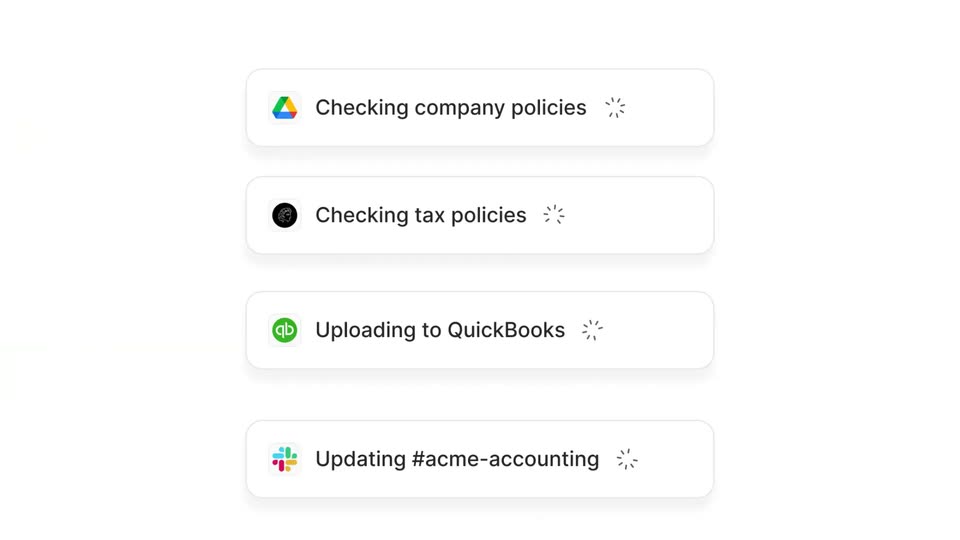 0:43–0:44Minerva · Meet MinervaApp icons ring a central black logo above the headline, then the composition cuts to three white status cards that scale in: Drive, the logo, and QuickBooks rows with spinning loaders. The frame stays locked off on a pale background.
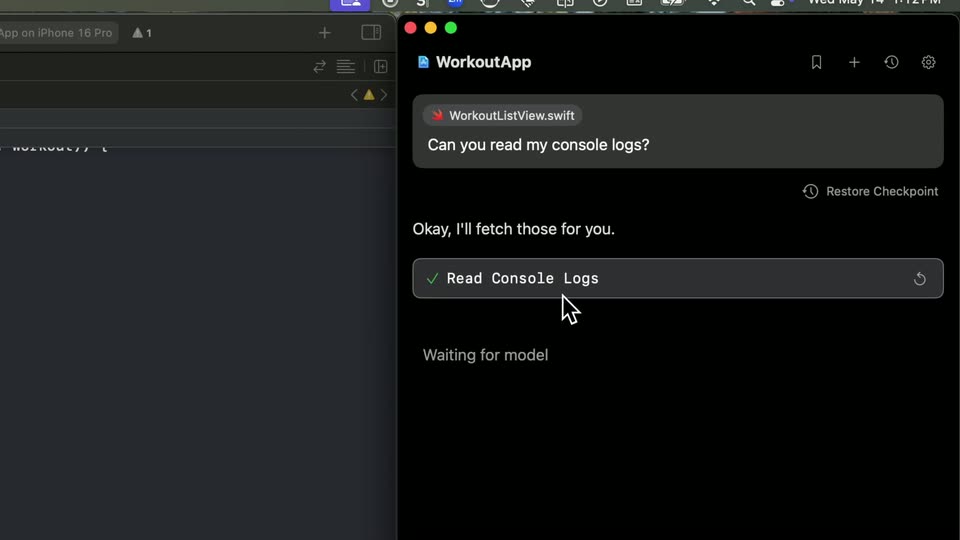 0:27–0:37Alex · Alex - Xcode AI Coding AssistantA cursor types 'Can you read my console logs?' into a dark IDE chat box, then a blurred whip cut reframes to the thread, where the assistant's answer and a 'Read Console Logs' action box appear line by line.
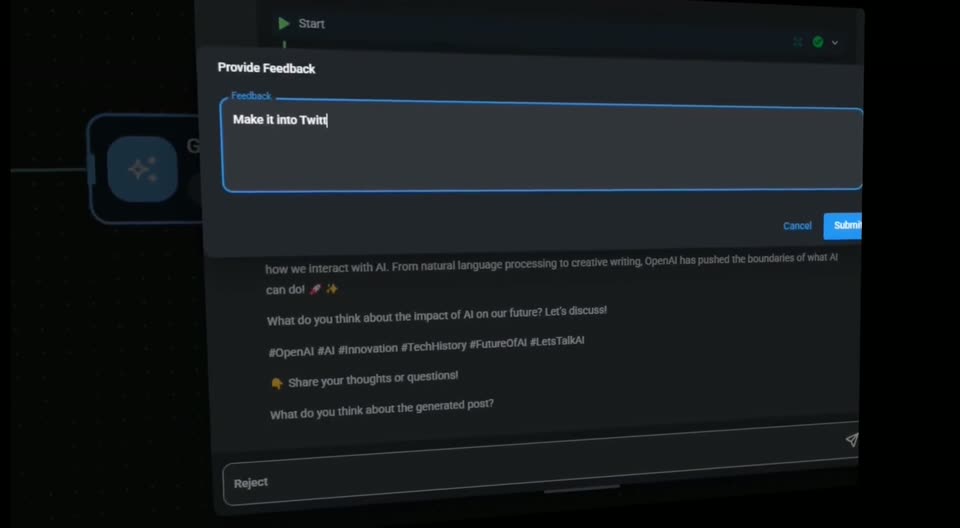 0:40–0:43FlowiseAI · Flowise 3.0A dark feedback panel sits in 3D perspective, tilted, with a node graph and green check behind it on the left. The view pans right as the words Make it shorter for Twitter, thank you type into the blue-bordered feedback box.
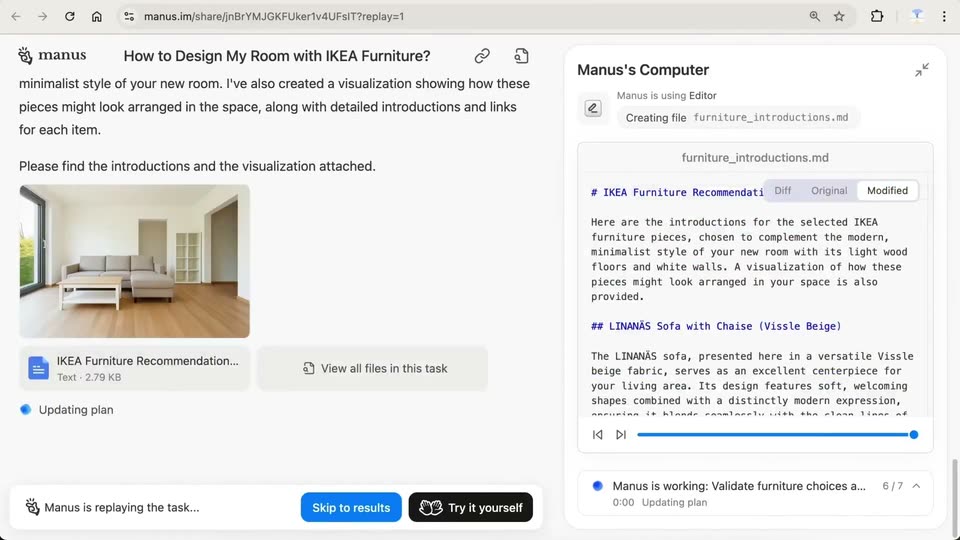 0:16 · 0.6sManus · Manus - Introducing Manus image generation. Manus doesn’t just generate imagA browser window shows the Manus interface in two columns. The left task log jumps from in-progress steps to a finished result with a room photo and file card, while the right editor holds the markdown file and the status bar flips to Task completed.
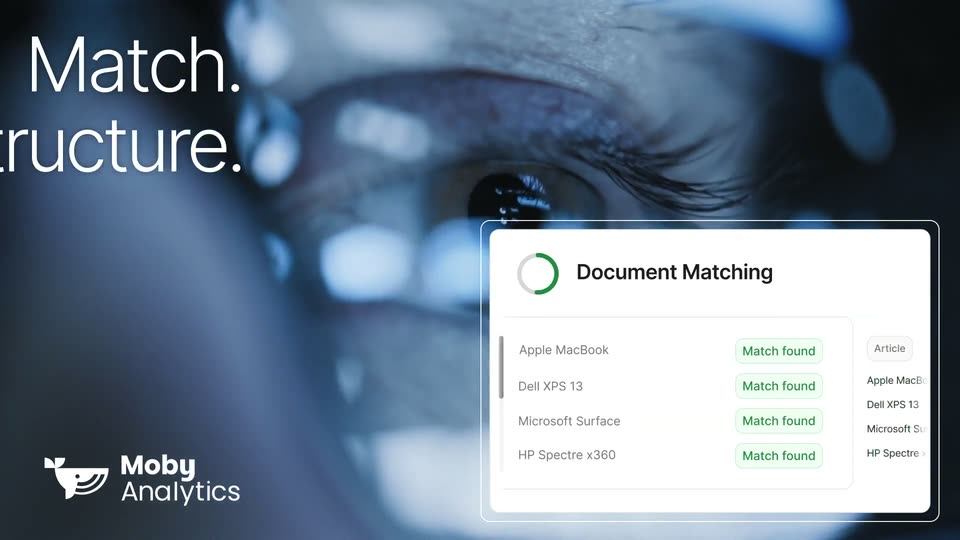 0:38–0:39Moby Analytics · Moby Analytics - AI Platform for Financial AuditorsA white interface card floats over a blurred blue close-up of a human eye. The card's inner table pans horizontally, swapping device rows with amount and invoice columns, while two headline words slide in at the top left.
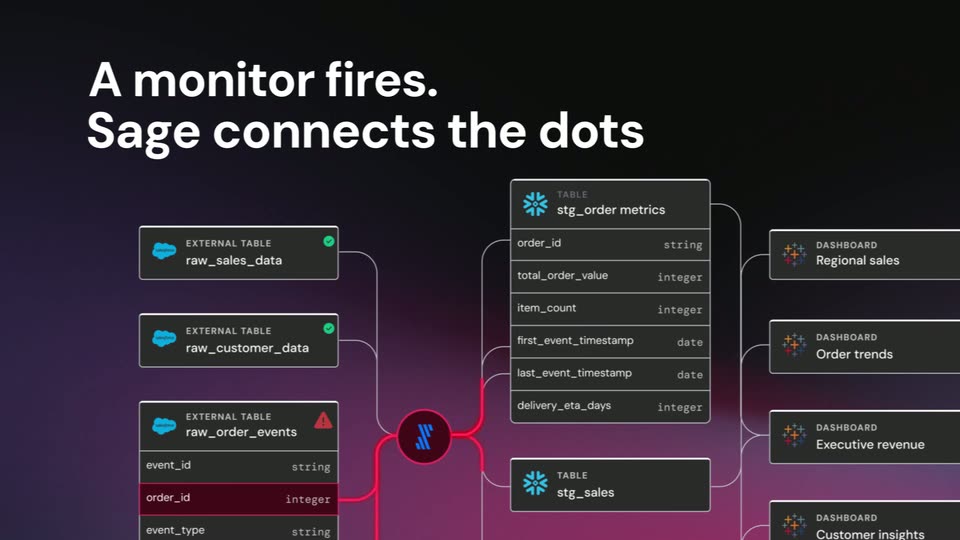 0:27–0:29Sifflet · Data Observability, Reimagined for the Age of AIA data lineage graph on a dark purple background fades into view. A red warning triangle pulses at the central node, with red lines linking it to a highlighted row in the raw_order_events table and the stg_order_metrics table. The white headline sits at top left.
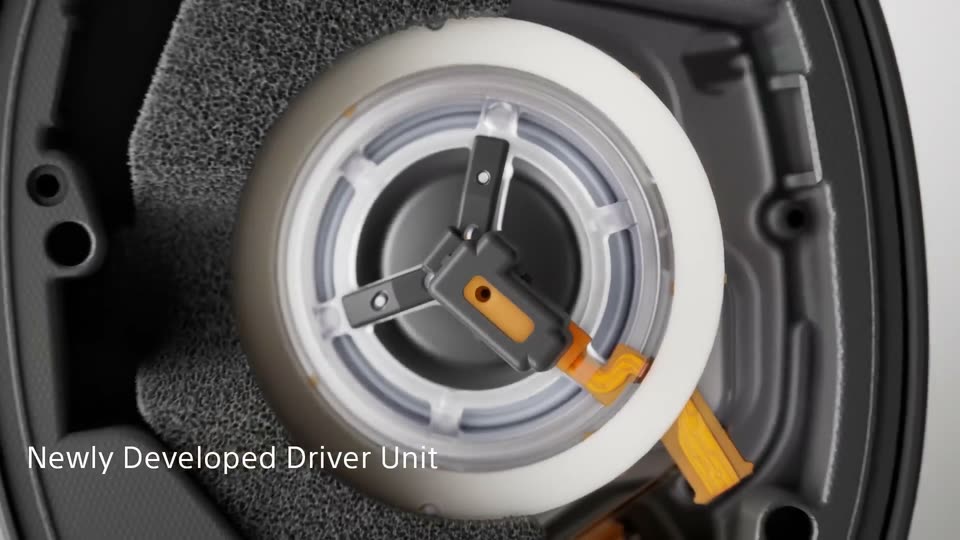 0:24–0:25Sony · Introducing the Sony WH-1000XM6 Wireless Noise Cancelling HeadphonesA white-cone speaker driver with orange connector wires sits inside a black enclosure. The shot opens soft and out of focus, then racks into sharp focus while pulling back slightly, revealing the full driver, foam padding and mounting frame.
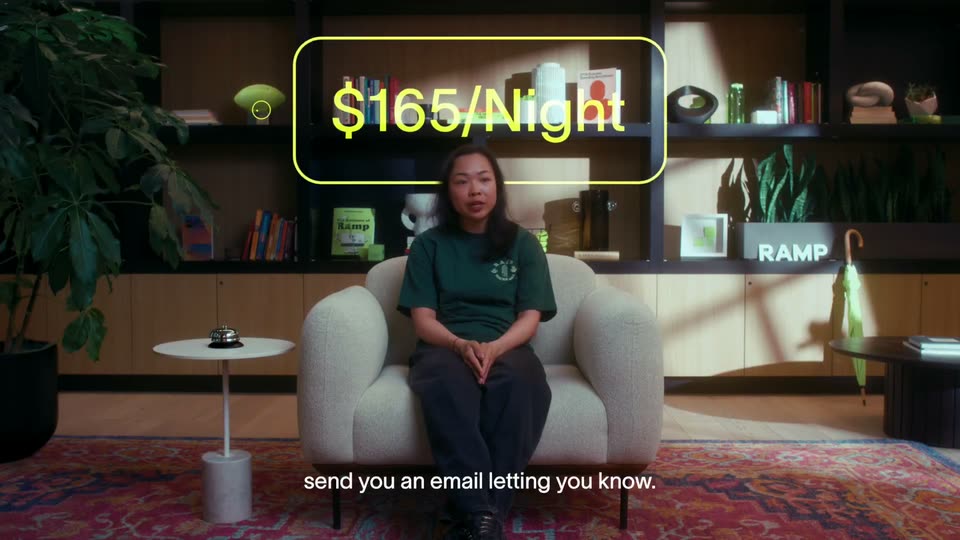 0:27–0:30Ramp · Ramp - Ramp Price Drop has… dropped. Now, book a hotel through Ramp TravelA woman sits in a cream armchair before a bookshelf as a row of rounded price pills scrolls behind her; the center pill's price drops from $298 to $165, its outline shifting from white to yellow, and a green checkmark pops in to its left.
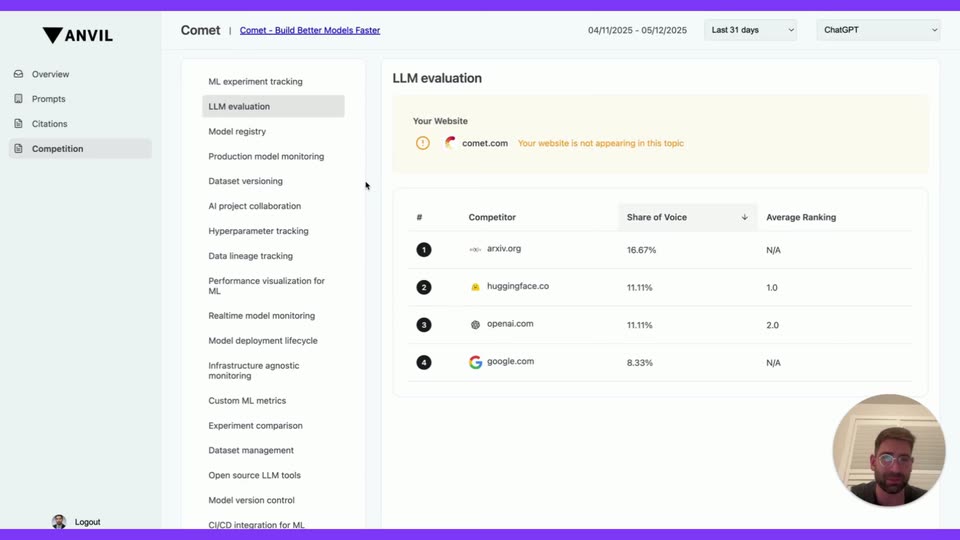 1:05–1:16Acolite · Anvil (YC X25) - Launch VideoScreen recording of the Anvil dashboard. A cursor hovers over the LLM evaluation topic, and the right panel fills from gray placeholders with a competitor ranking table. A small circular webcam of a man sits in the corner. A large black ANVIL wordmark scales in over the screen.
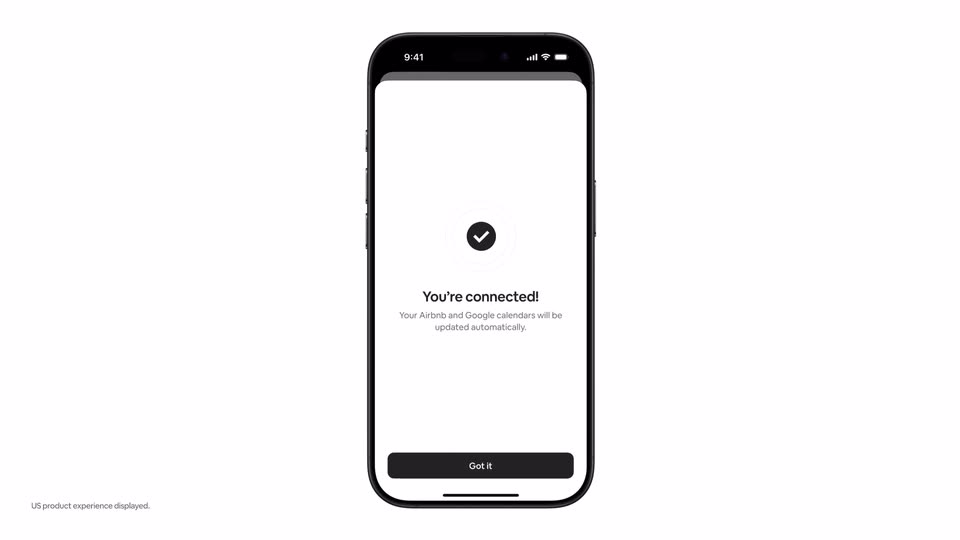 0:55–0:59Airbnb · Introducing Hosting Tools for Airbnb ServicesA flat iPhone mockup centered on a white background. A bottom sheet slides up over a dimmed calendar, listing benefits of linking Airbnb and Google calendars, then the screen switches to a checkmark confirmation with a faint ring pulse around it.
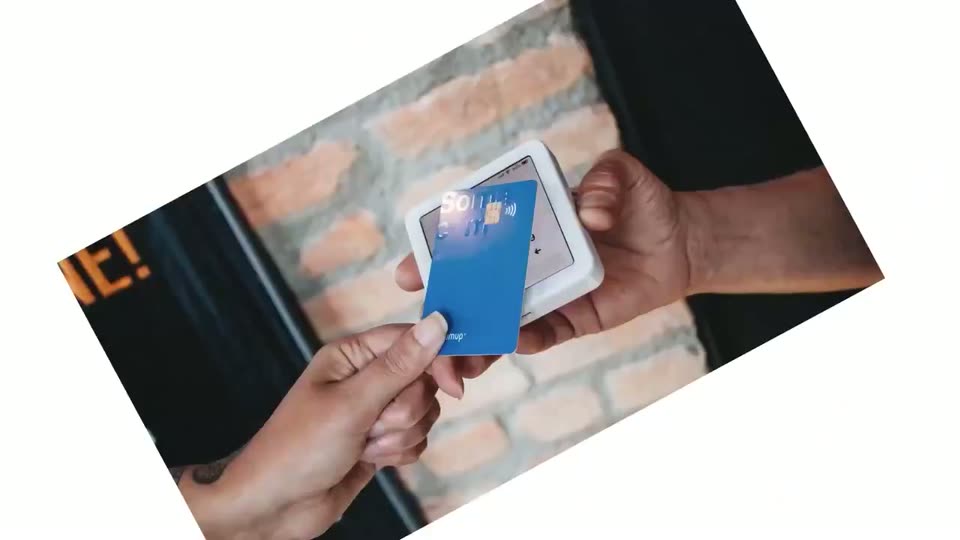 0:18–0:19Arbitrum · Arbitrum - We’re scaling Arbitrum. Everywhere.A tilted video frame on a cream background shows a hand holding a green card over a phone's contactless icon, then cuts to the same card held near a payment terminal keypad. The frame rotates as the shot changes.
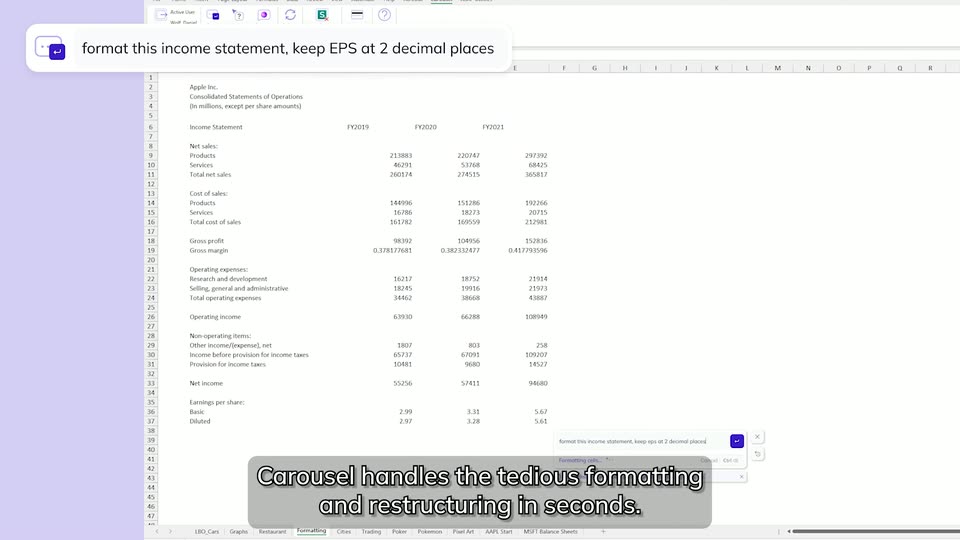 0:35–0:42Carousel Technologies · Carousel: Use AI in ExcelA spreadsheet displays raw financial data. A cursor clicks a button in a floating command box, which then types a formatting prompt. The table transforms into a clean layout with blue headers and alternating row colors.
 0:28–0:30DJI · Introducing DJI Mavic 4 ProAn aerial drone shot follows a white off-road vehicle as it speeds across a sunlit desert, trailing a wide plume of dust. The car moves from left to right under a golden sunset sky, with a static camera-credit text block held in the top-left corner.
 0:33–0:35Feyn · Chonkie - Open Source Data Ingestion For AIA cartoon hippo flexes both arms center frame on a blue backdrop scattered with floating document icons and two yellow caption boxes. It then stands on a blue pedestal as the background changes to a purple circuit board.
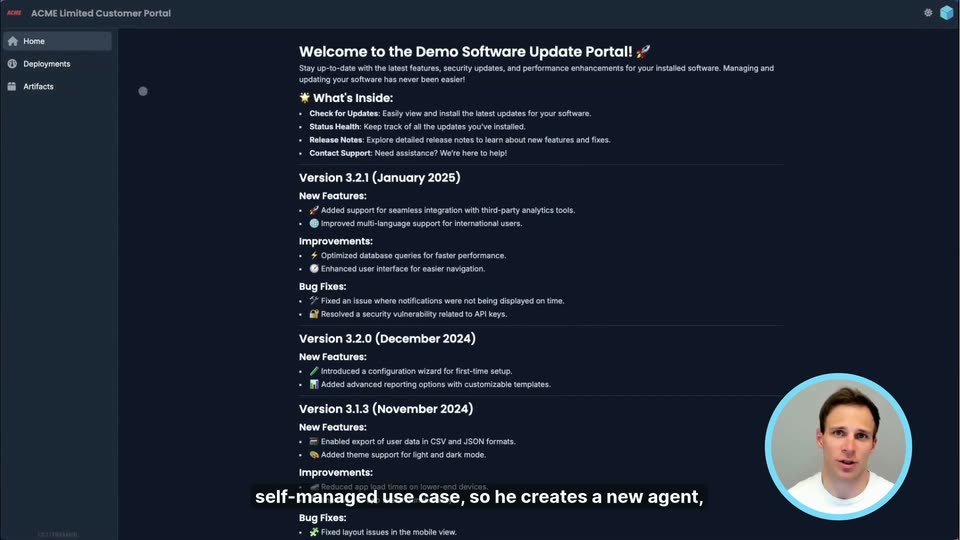 1:54–2:02Glasskube · Distr DemoA dark customer portal shows a release-notes page with version entries; the page scrolls up, then zooms in on the header before cutting to the empty Deployments list. A circular presenter video sits bottom right, with white captions along the bottom.
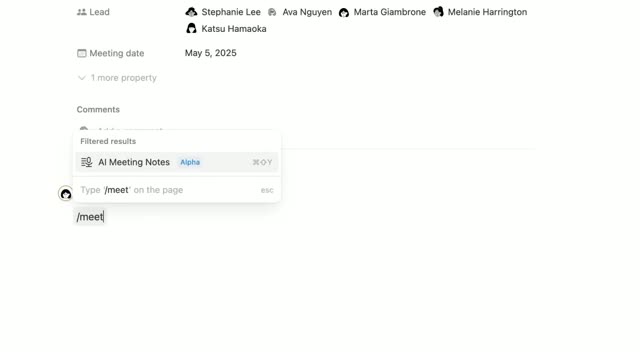 0:21–0:28Notion · Introducing AI Meeting NotesA Notion page titled 'Tech teams weekly' fills the frame; the view zooms into the Notes field as a slash command menu opens, filters to 'AI Meeting Notes', and inserts an AI notes block with a consent prompt. A mouse cursor hovers the Notes tab.
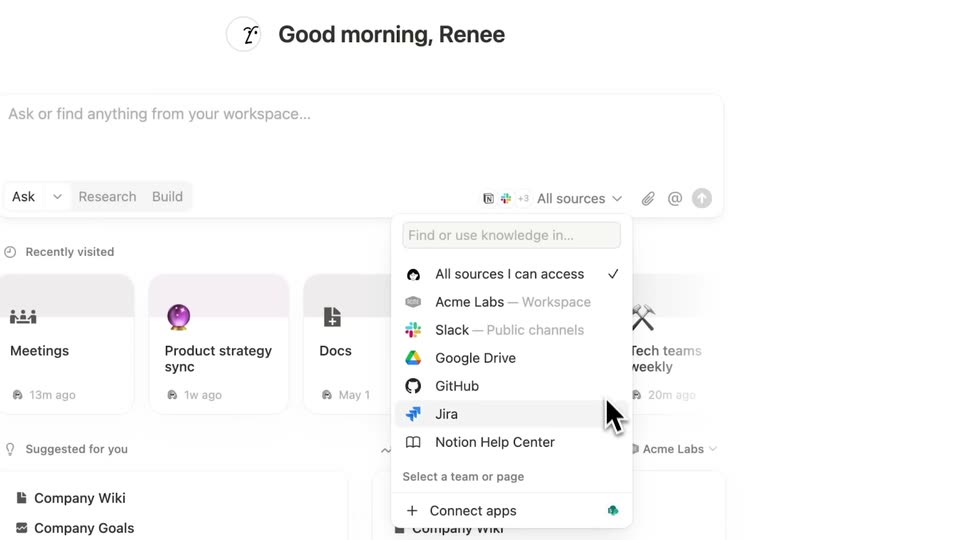 0:19–0:28Notion · Introducing Enterprise SearchA Notion home screen fills the frame as a browser window fades out. A cursor clicks the All sources dropdown, hovers across Slack, Google Drive and GitHub, then the search field types the query How often do we deploy to prod?
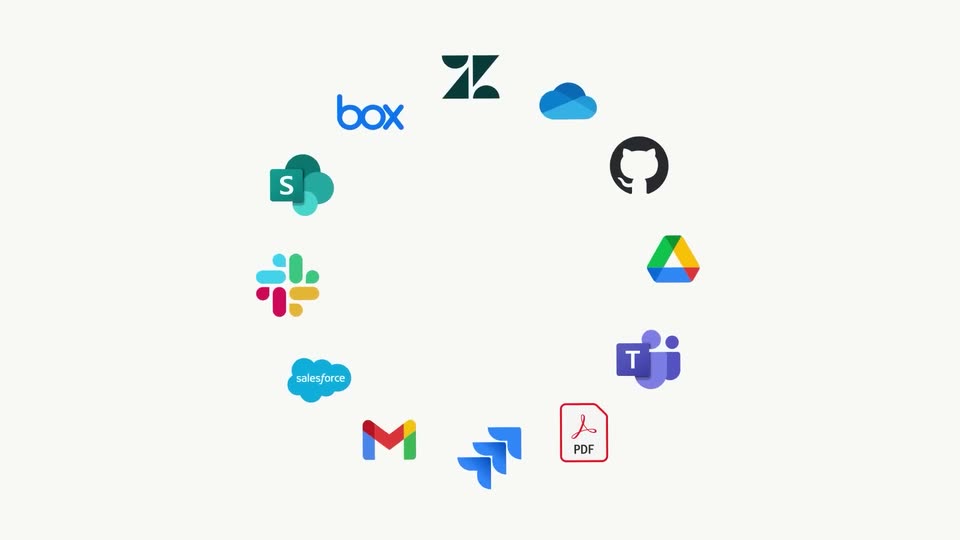 0:23–0:25Notion · Meet the all-in-one Notion AI for workA circle of colorful app logos, including Dropbox, Box, GitHub, Slack, Google Drive, Teams, Salesforce, Gmail and Microsoft, assembles on a light gray field. Each mark scales or slides into its spot around an empty center.
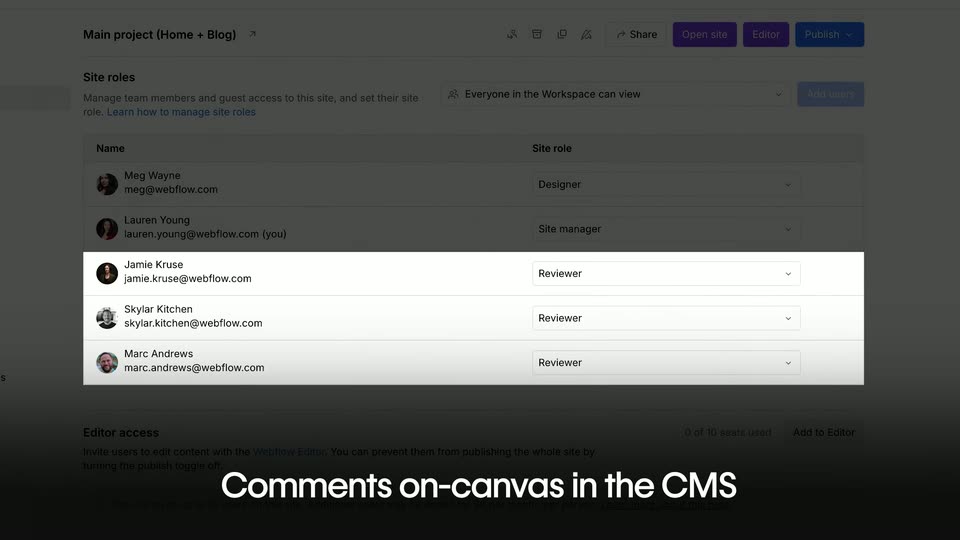 0:41–0:47Webflow · Teamwork Just Got an Upgrade – Meet the New Webflow Commenting Experience 💬⚡The Webflow site roles table holds still, then the two top rows fade to gray while the three Reviewer rows stay bright, isolating them. A white caption reads 'Comments on-canvas in the CMS' along the bottom.
 0:26 · 0.8sPeko · SaaS Explainer Video for the FinTech Product: Peko / Motion Graphics Animation #explainervideoA white field of integration logos (Microsoft 365, Windows, Google Workspace, McAfee, AVG) orbits a central Pay Now card on dashed rings. The view then zooms into the Peko HR dashboard, tilted in 3D, showing the sidebar menu and stat cards.
 0:37–0:39Human Behavior · Human Behavior LaunchA white monospace line reads over a dark green grid, then fades as translucent integration cards for Posthog, Hotjar, Mixpanel and Sentry slide in, each with a green progress bar and percentage.
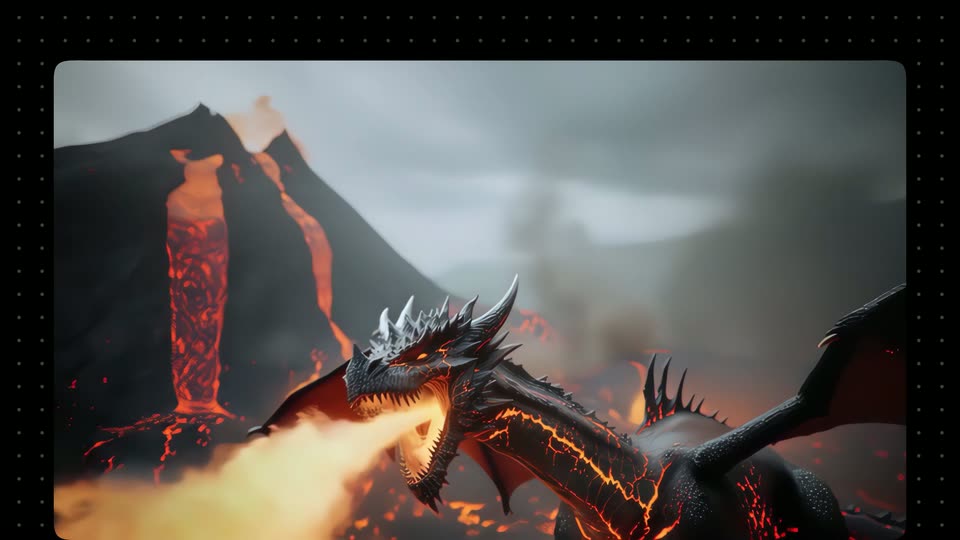 0:11–0:13Luma AI · Luma AI - Introducing ReframeA rounded card holding a 3D dragon render slides up from the bottom over a black dot grid, then scales to fill the screen as the dragon spreads its wings and breathes fire.
 0:56–0:57Orchid · Zero - The AI-native email that manages your inboxA dark navy sans-serif headline, “Chat with your inbox.”, sits centered on a pale background framed by soft purple circles. The text scales gently in place while the frame stays locked.
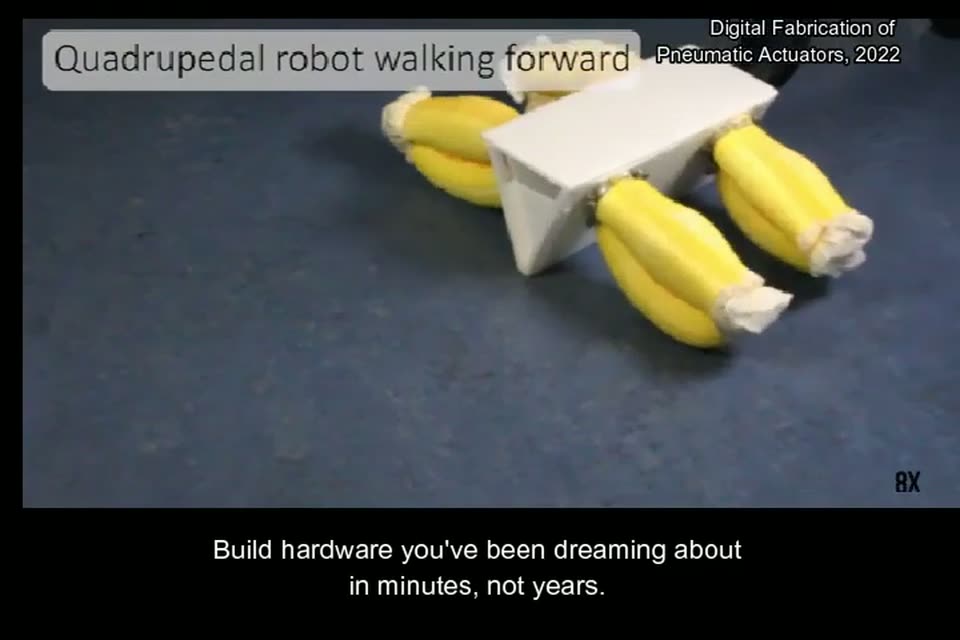 0:53 · 0.8sMorphoAI · MorphoAI YC LaunchA dark screen holds a video window of a white quadruped robot with banana legs walking on a blue floor, captioned and marked 8X. The window scales up to fill the frame, covering the large white headline on the left.
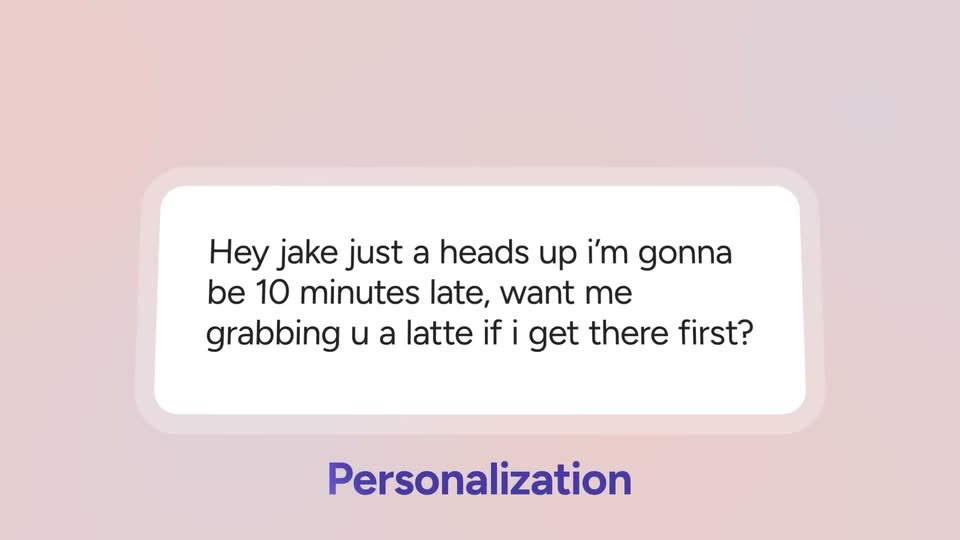 0:36–0:37Willow · Meet Willow — Make Voice Your New KeyboardThe email card slides up and fades out at the top as a white rounded message card with a casual text scales up to center on a peach gradient. The purple label Personalization slides in beneath the card and holds.
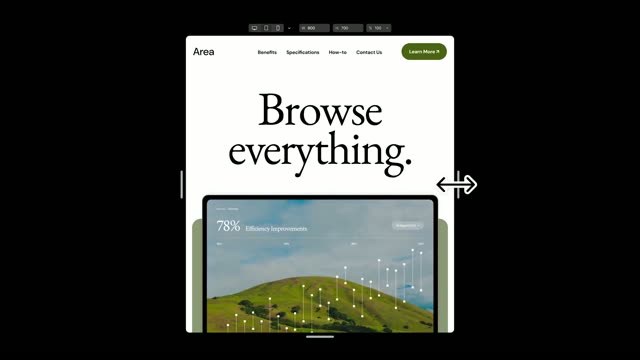 0:10–0:11Figma · All the launches at Config 2025 | FigmaA white webpage mockup with a large serif headline sits on a black canvas under a design toolbar. A cursor glides to the right edge and drags the resize handle, widening the card as the tablet chart below stretches.
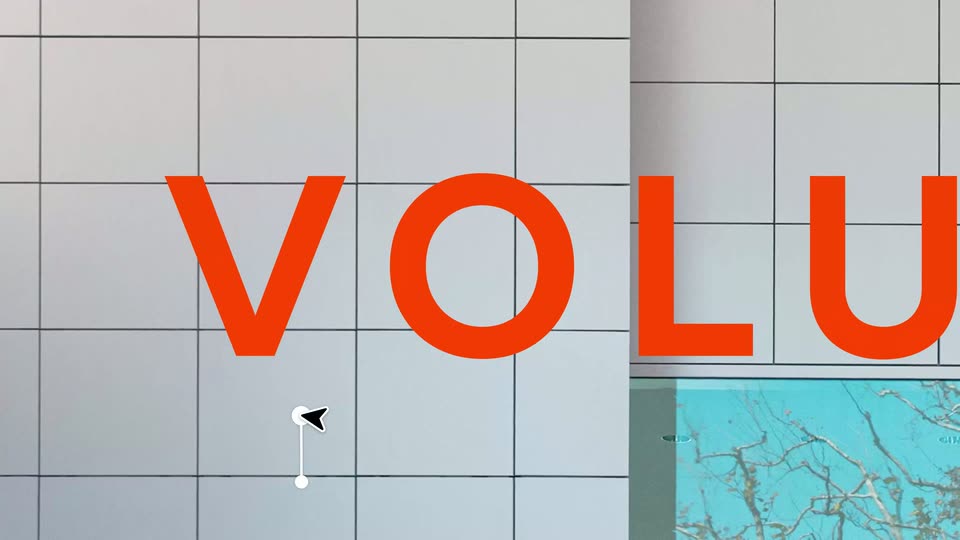 0:17–0:18Figma · Figma - Introducing Figma Draw New fills, effects, brushes, and more, now inLocked-off close-up of a light gray grid canvas with oversized orange VOLU letters and a teal window with bare branches at the right edge. A black cursor hovers near the bottom, and a thin white line with a dot extends down from the letter V.
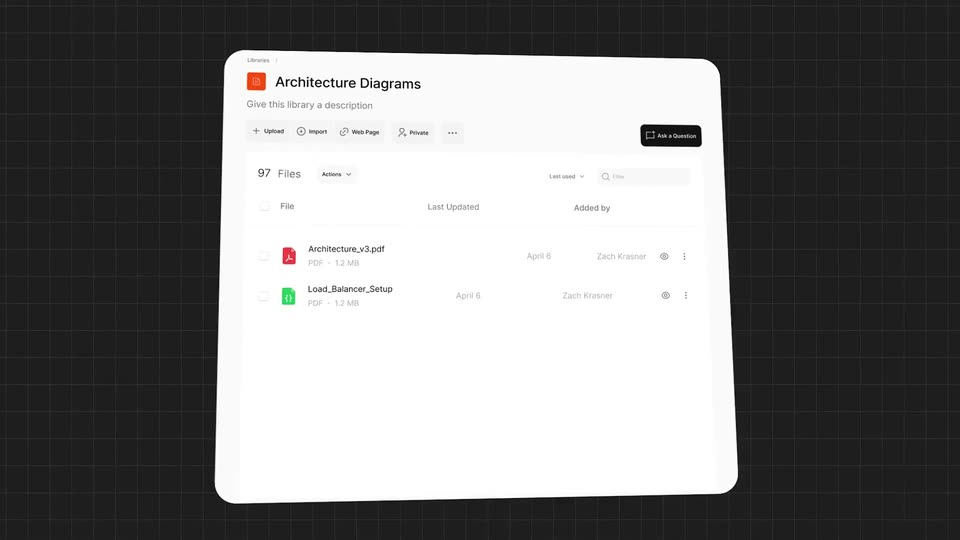 0:16–0:18Mistral AI · Enterprise search in Le ChatA white file card labeled Architecture Diagrams floats on a dark grid; a hand cursor hovers it, the card expands to reveal metadata, then morphs into a full file-list panel with rows of PDF and image files.
 0:16–0:17Mistral AI · Mistral AI Le Chat AgentsA white rounded bar rests at the center of a dark field. A thin gray rounded-rectangle outline draws in around it, framing the bar as a minimal card.
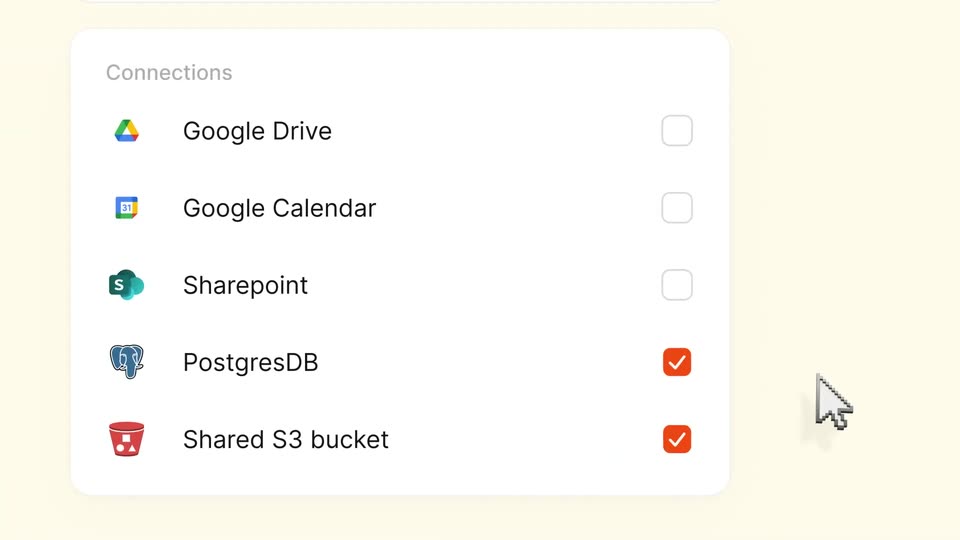 0:31–0:36Mistral AI · Introducing Le Chat EnterpriseA white chat input bar with an orange send button sits on a cream background. The view slides up to reveal a Connections panel listing Google Drive, Google Calendar, Sharepoint, PostgresDB, and Shared S3 bucket. A pixelated cursor clicks the PostgresDB and Shared S3 bucket checkboxes, turning them orange.
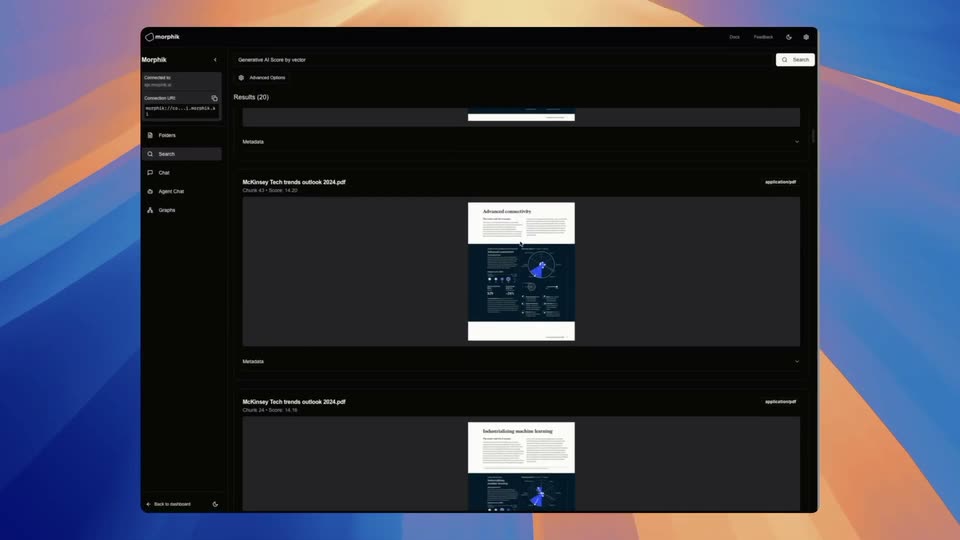 0:46–0:47Morphik · Morphik Launch DemoA dark app window floats over a diagonal blue and orange abstract background. Inside, the results view scrolls and settles so a metadata table with a filename row sits above a PDF preview showing a white document page and a blue infographic.