UI zoom
A zoom or reframe onto one part of the interface.
10,006 scenes · page 95 of 167
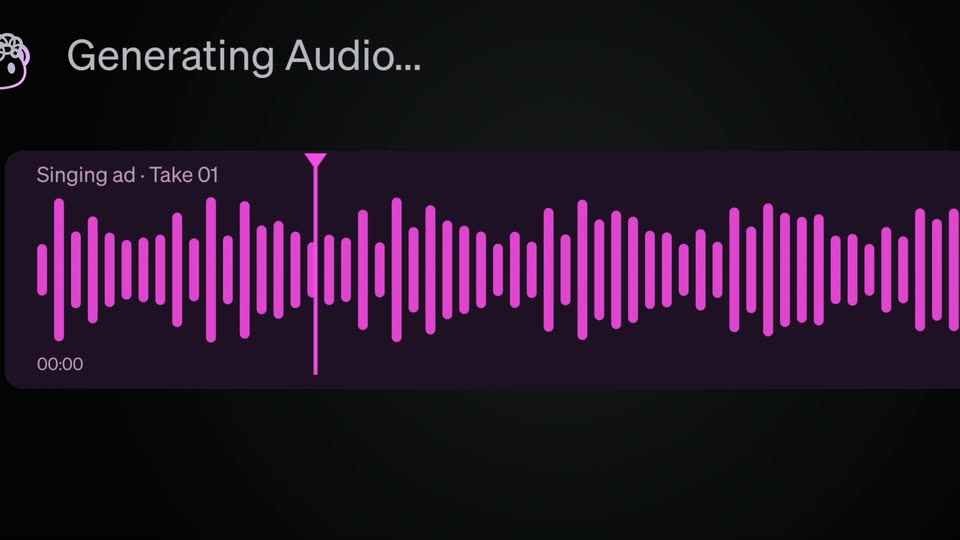 0:19–0:20Arcads · arcads AI - Introducing Arcads Singing Ads 🎶 This format is CRUSHING on Meta ..A dark purple audio panel with a pink waveform and a playhead sits on black, labeled Singing ad - Take 01. The view zooms in, pushing the panel up and off-frame while the gray Generating Audio status text scales up beside a small pink brain logo.
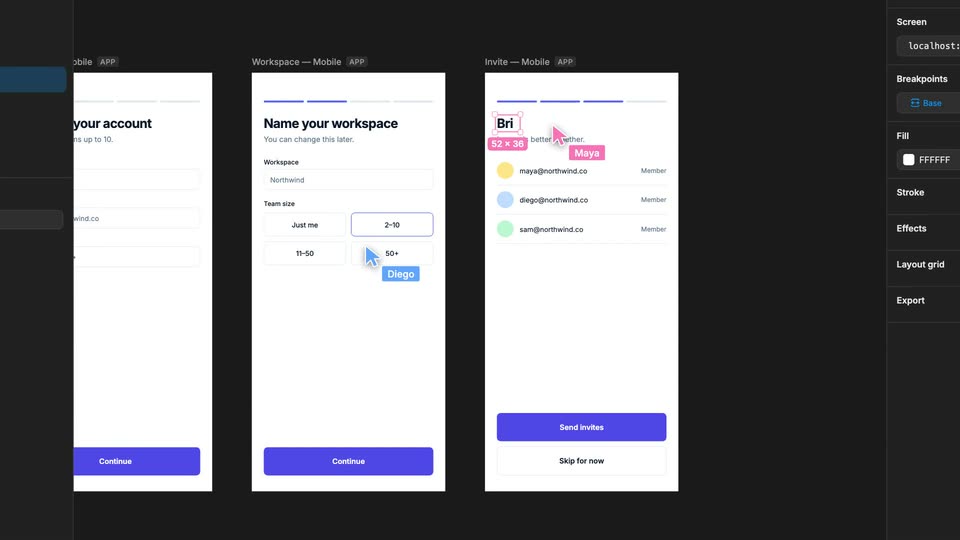 0:31–0:38Builder.io · Steve (Builder.io) - Introducing /visual-edit - a skill to visually edit your local code lA cursor clicks Share in a dark design tool and copies the live canvas link as two collaborators join. The view zooms into the mobile screens, where a pink Maya cursor edits the heading to “Bring it together” while a blue Diego cursor hovers.
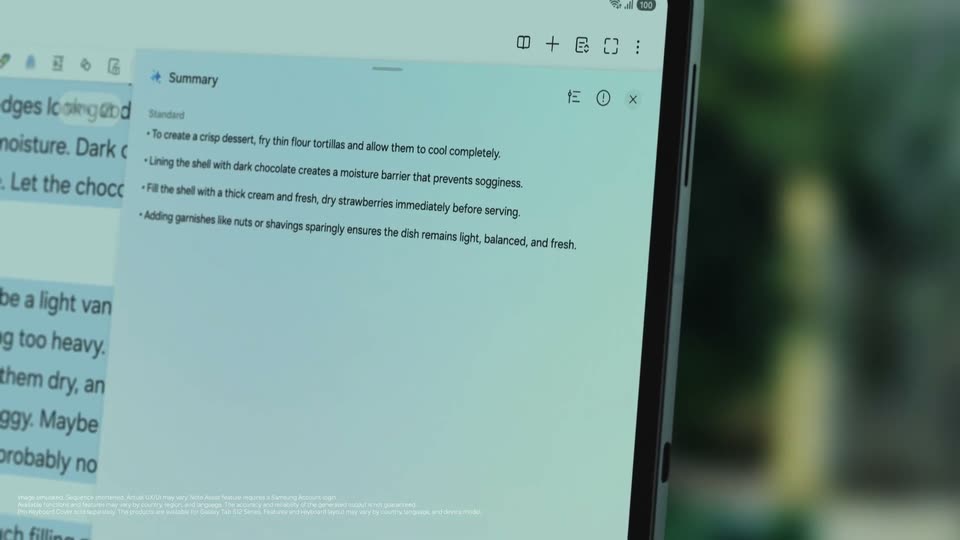 1:49–1:50Samsung · Introducing Galaxy Tab S12 Ultra | SamsungA tablet angled in 3D against a soft green backdrop shows a document with a Summary panel of recipe bullet points. The camera pushes in toward the screen, sharpening focus on the interface text.
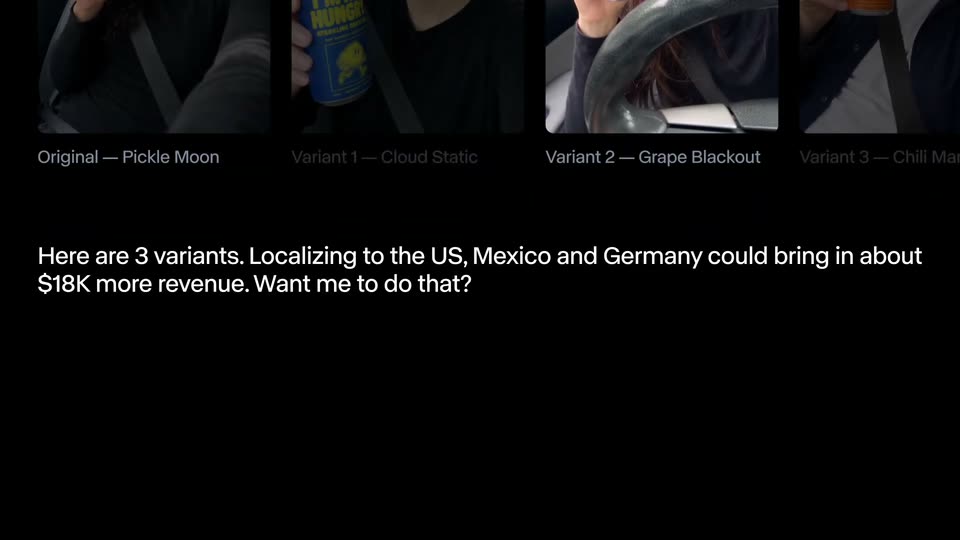 0:44–0:50Runway · Introducing Runway Ads | RunwayA black chat screen shows four vertical video clips of people holding soda cans, each with a flavor caption. A green check marks the third clip and dims the rest, then the view scrolls down to a typed reply and a cursor taps the blue send button.
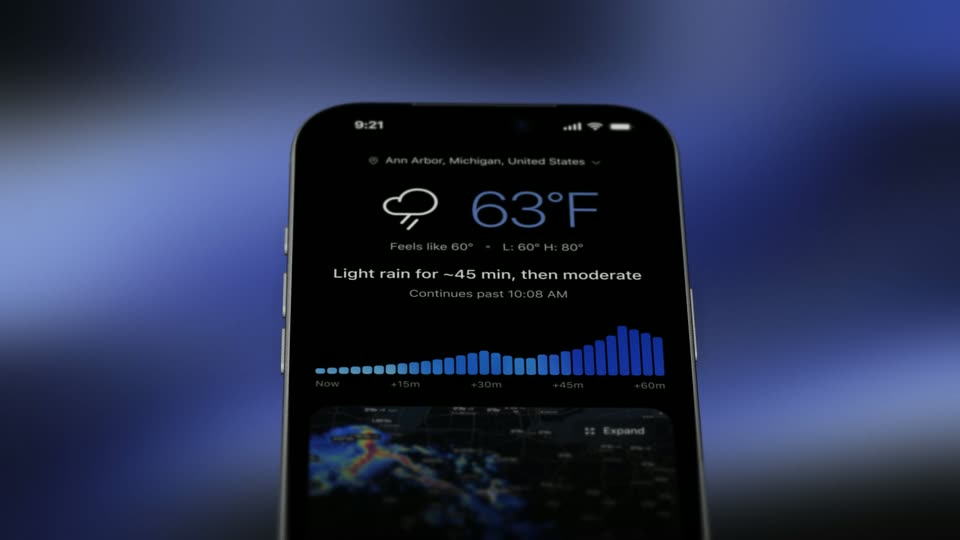 0:30–0:38Precip · Precip - Know precisely when the rain starts and stopsA silver phone tilts in 3D against a blue gradient, the camera orbiting and racking focus across the weather app's radar map and temperature readout. The view then settles front-on on the lock screen, where a rain widget sits over a blue backdrop with droplets on the glass.
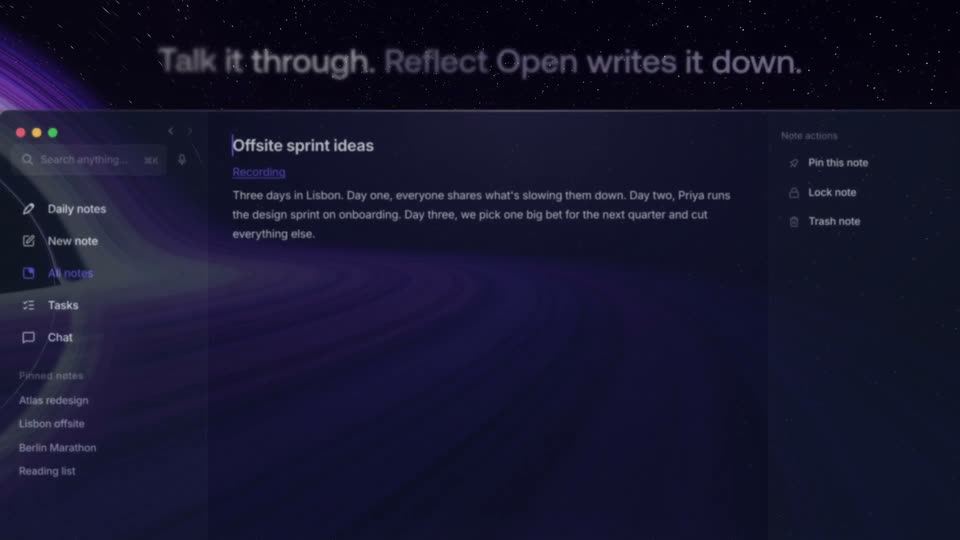 0:30 · 0.7sReflect · Reflect - We built the notes app we always wished Apple Notes was. Beautiful,A dark note app window with a note titled Offsite sprint ideas sits under a white headline. It dissolves into a purple tunnel with two blurred shortcut chips, the interface receding quickly.
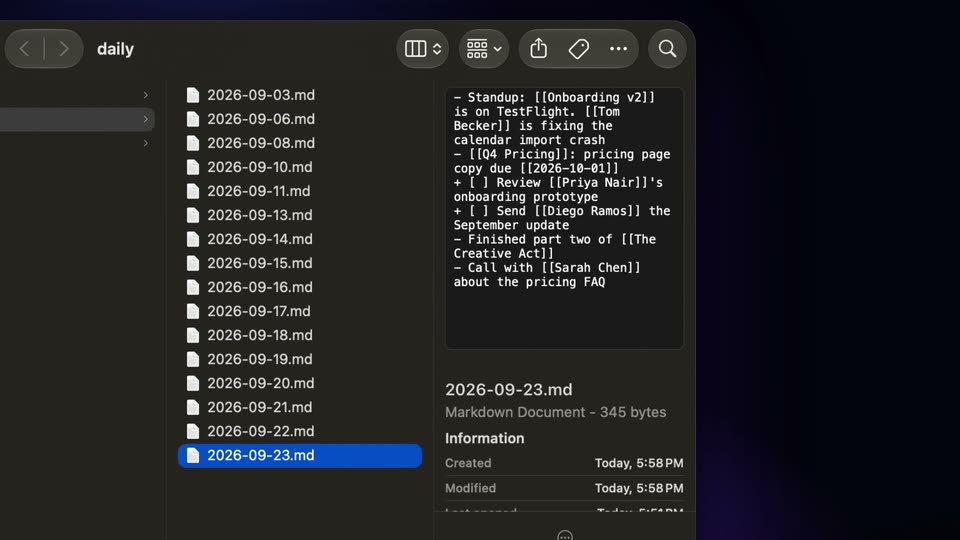 0:09–0:13Reflect · Reflect - Your notes are ordinary Markdown files. No Reflect account. No RefleA dark macOS Finder window is centered on a deep purple gradient. The white caption at the bottom fades from blur to sharp, then the view slowly zooms into the window, cropping the left folder sidebar.
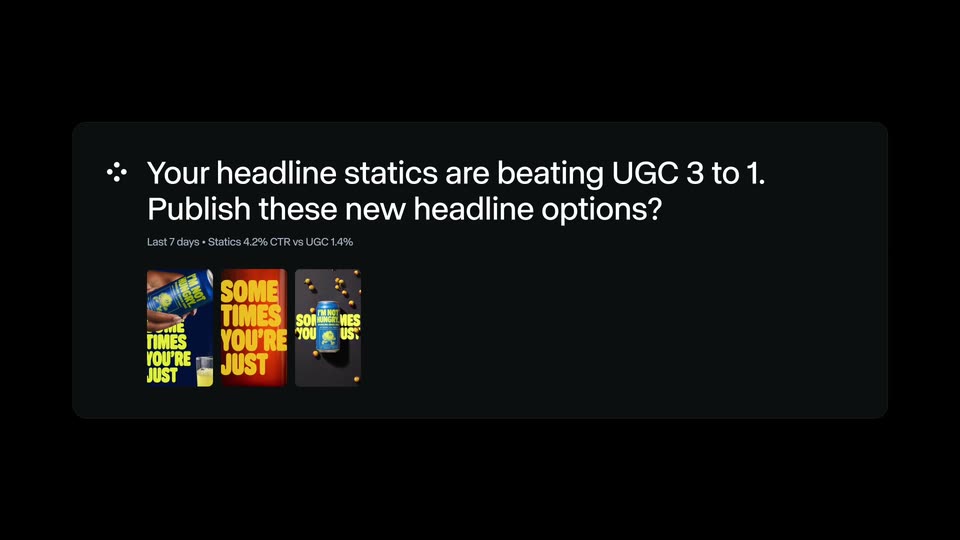 1:08–1:10Runway · Runway - Introducing Runway Ads, an autonomous engine for performance marketinA dark gray card on black grows from a thin strip to full width, revealing two white headline lines. Small gray stat text and two square ad thumbnails fade in beside a blue Publish button, then the view zooms into the card with motion blur.
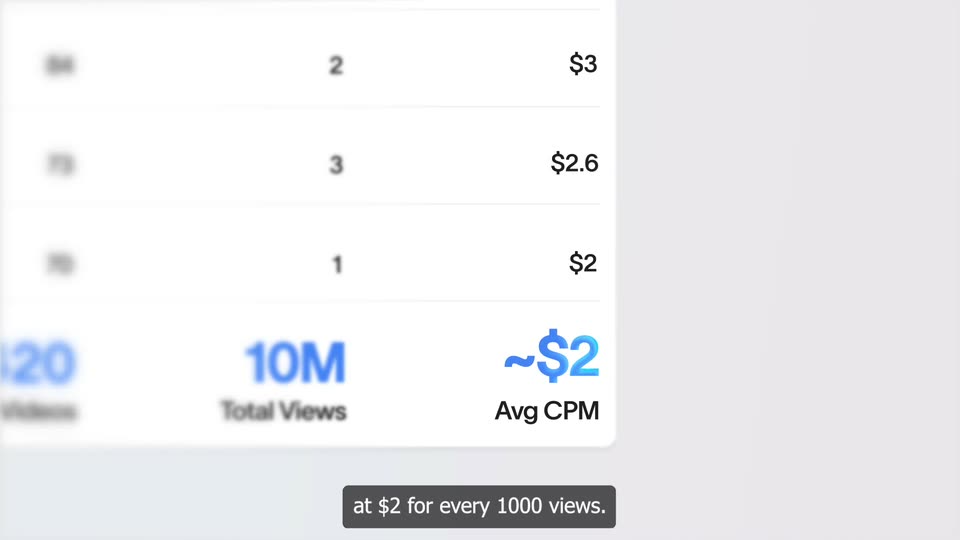 0:34–0:38SideShift · Nick Lawton - Introducing SideShift: the first AI creator marketer. AI can now scaA white analytics table with summary stats (10M Total Views, ~$2 Avg CPM) sits on a blurred background. The camera pans right and racks focus onto the Avg CPM column as a dark caption pill at the bottom reads “10 million views,” then “at $2 for every 1000 views.”
 0:28–0:29Apollo · Best AI SaaS Product Video | ApolloA chat screen shows the assistant's question about flagging unclosed tours, with three icon buttons and a confirmation chip. The view zooms into the confirmation chip, which expands into a large lavender tile holding a gradient checkmark badge.
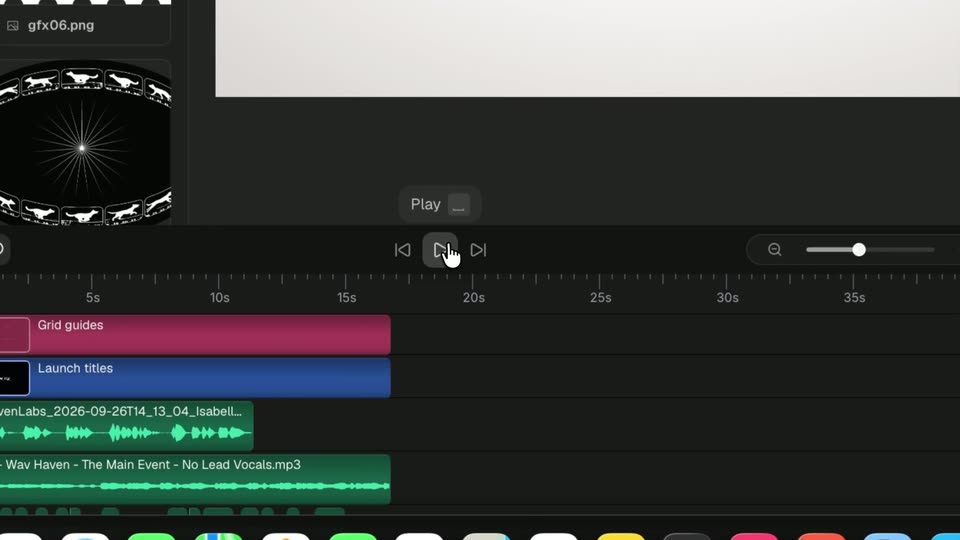 0:33–0:34Cardboard · Saksham - We have solved video editing once and for all and…. It’s FREE AvailA dark video editor fills the frame: a library of image assets, a preview box reading “Your agent knows”, and a chat panel. The view zooms in on the timeline and play controls as a white cursor hovers over the play button. A caption reads “Oh, that was fast.”
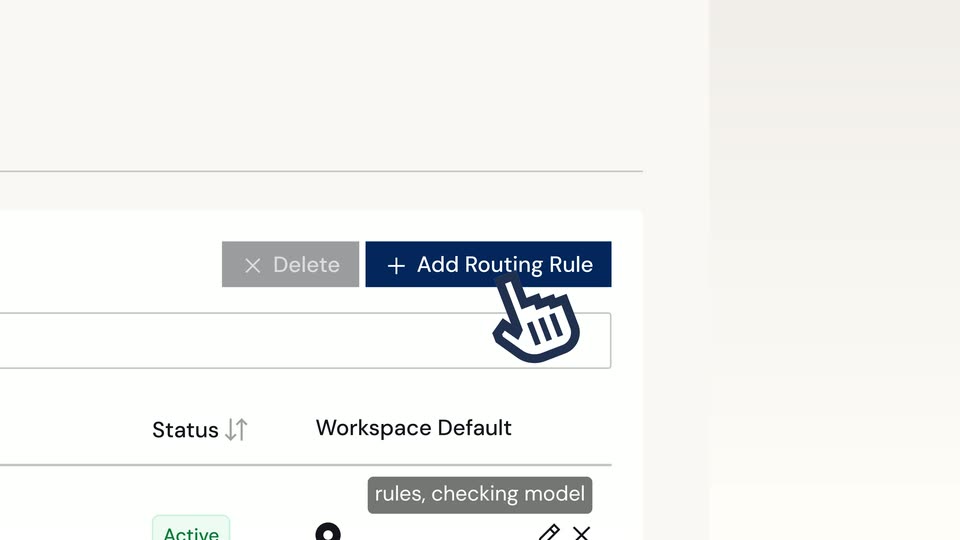 1:29–1:31CData · Raviv levi - You’ve spent years teaching people how your company works. Your AI neA Connect AI routing screen shows a rules table; a white callout on the right magnifies the Add Routing Rule button and the row's Projects, Status and Workspace Default cells as a hand cursor hovers, with a caption updating. The scene cuts to the Add Routing Rule form modal.
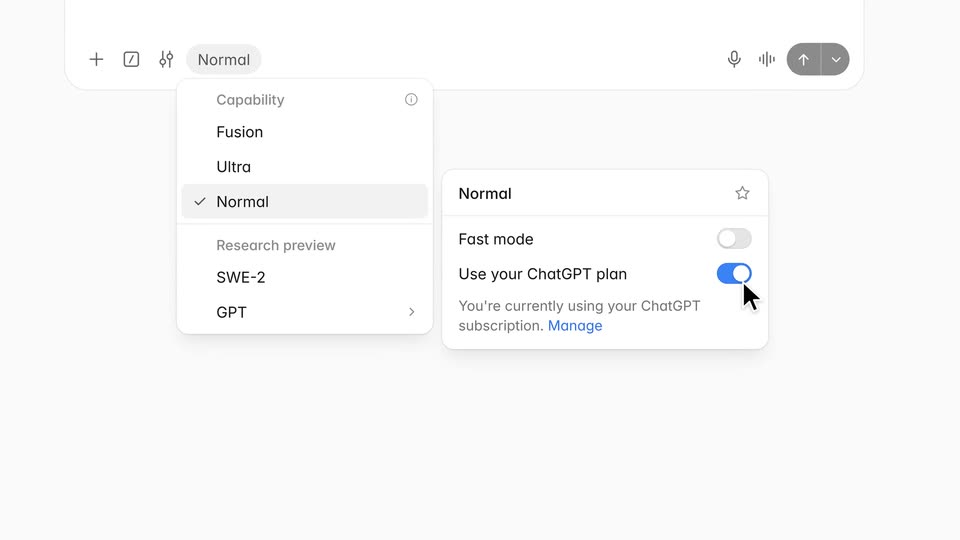 0:05–0:11Cognition · Cognition - Starting today, you can now use your ChatGPT subscription directly inA wide Devin input bar zooms into the model selector. A cursor clicks the Ultra chip, a capability menu expands, the cursor picks Normal, and a side panel opens where the cursor flips the Use your ChatGPT plan toggle on.
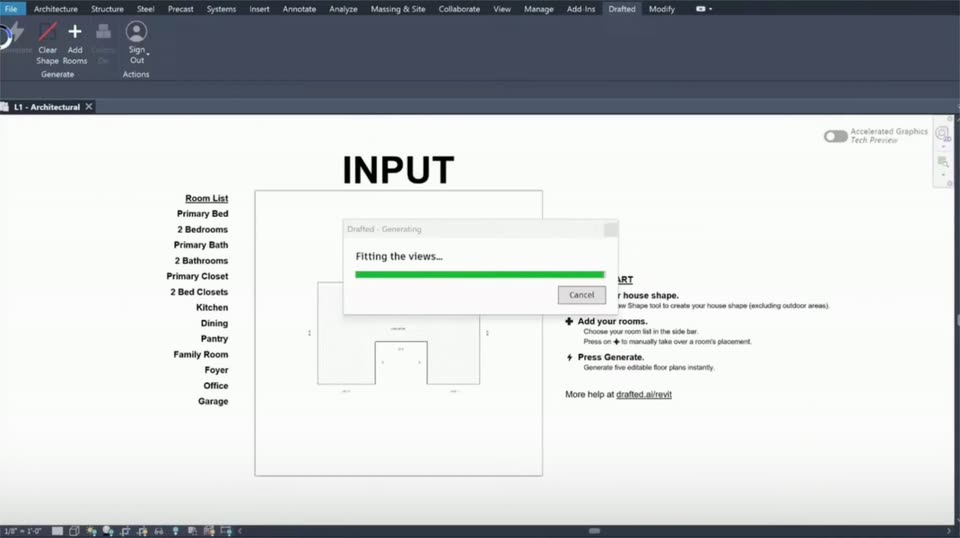 0:10–0:11Drafted · Drafted - Introducing Drafted in Revit. Draw a footprint, add your room list,Inside a Revit window, the Drafted plugin's progress dialog sits over a single input sketch, reading 'Generating design 3 of 5'. The view pans right to a row of finished floor plans as the counter ticks to 5 of 5 and the green bar fills.
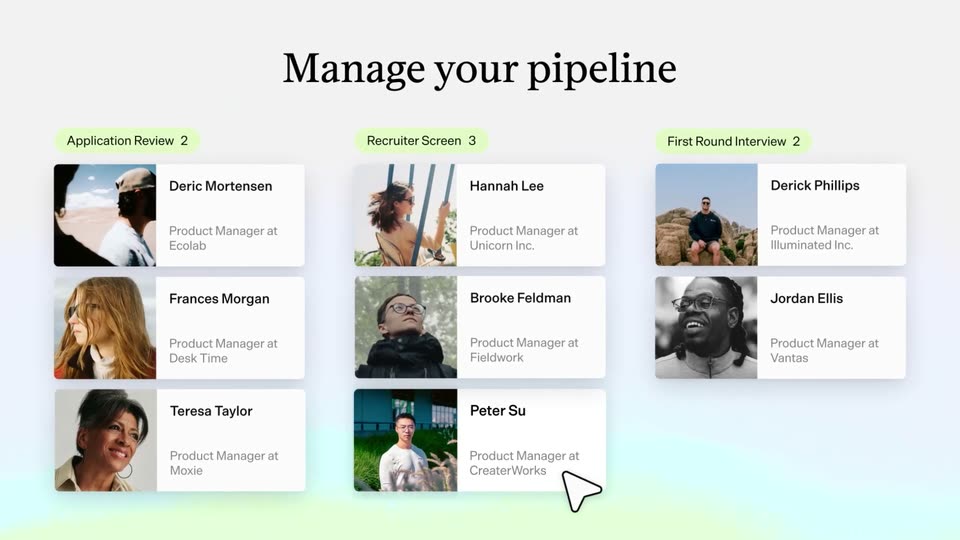 0:33–0:36Gem · A Fresh Look for Gem | UI Animation & Sound DesignCandidate cards fly in from a close-up and settle into three kanban columns with green pill headers beneath the serif headline Manage your pipeline. A cursor then grabs the Peter Su card and drags it from the middle column to the right column.
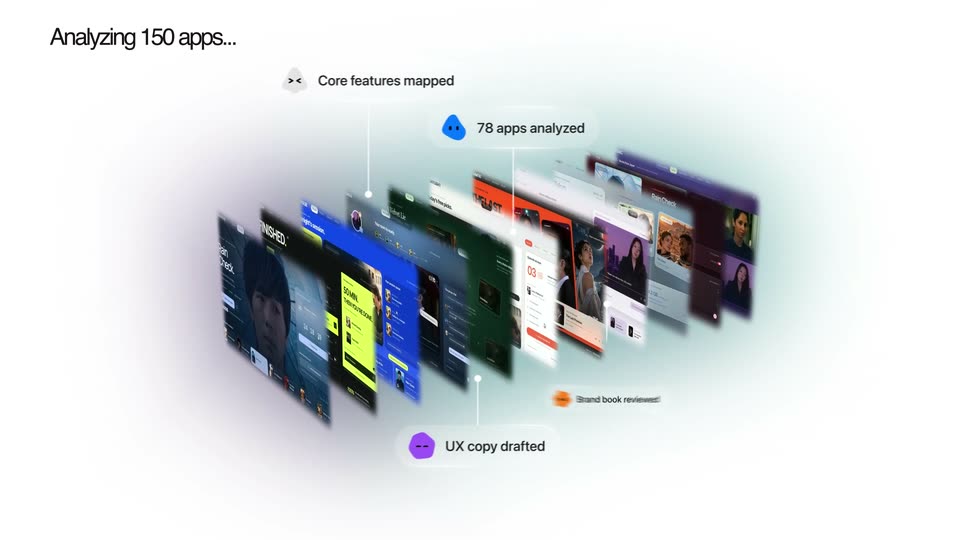 0:33–0:37Higgsfield · Higgsfield AI 🧩 - Introducing OpenAI’s Dots x Higgsfield. Your always-on Higgsfield crA blurred close-up of a streaming app screen pulls back into a 3D arc of a dozen app interfaces. The headline 'Analyzing 150 apps...' holds top-left while captioned labels with small colored face icons fade in and out around the fanned screens.
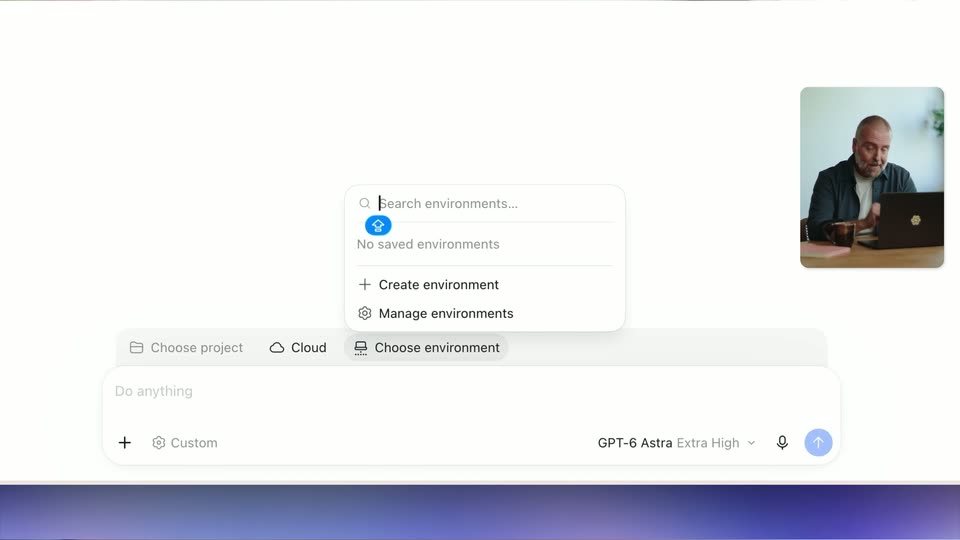 1:31–1:36OpenAI · Meet the all new Codex CloudThe full app window zooms into the input bar. A cursor picks Cloud in the Work in menu, swapping the chip and opening an environments menu, while a small presenter video stays in the top-right corner.
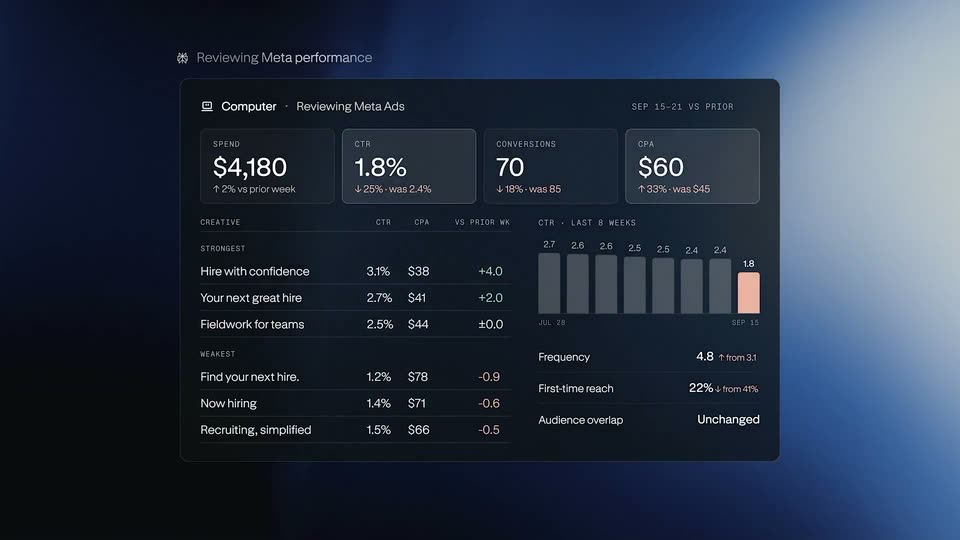 1:06–1:12Perplexity · Perplexity - Introducing Automations in Perplexity Computer. Automations are forA dark analytics dashboard card fades and scales in beneath the heading Reviewing Meta performance on a deep blue background lit by a vertical beam. Metric values count up, the final bar of a weekly chart highlights in peach, and the camera slowly zooms in on the table and chart.
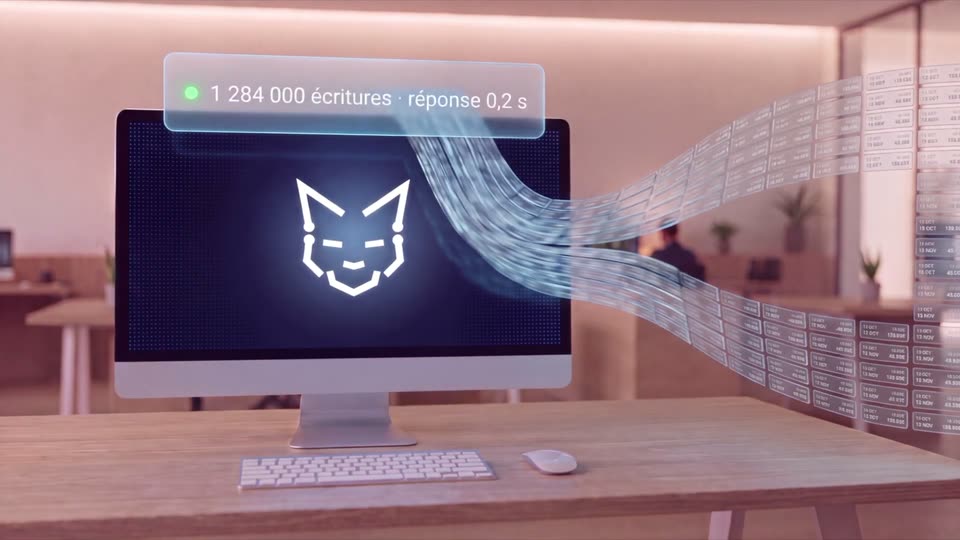 2:28–2:35Qantum · Qantum · L'ERP financier IA natif · PrésentationA white geometric fox logo glows on a desktop monitor in a blurred office. Streams of small data cards flow out of the screen to the right, and a translucent banner with a ticking counter appears above the monitor, then the camera zooms into the logo.
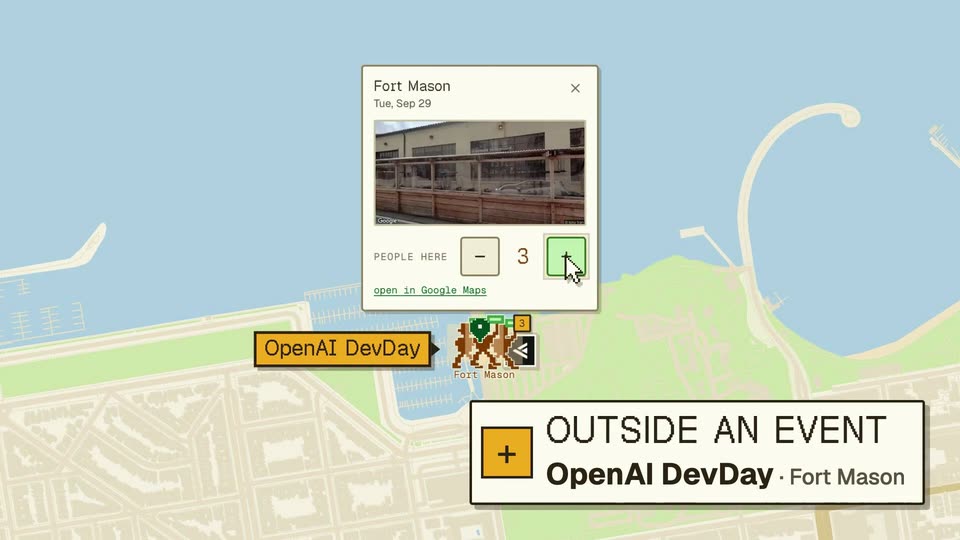 0:10–0:12Rentahuman · Alex - Today we're launching The easiest way to advertise your product to tA map view shows a Fort Mason popup with a people counter; a cursor taps the plus button to raise the count, then moves to a Companies button at top right. The map zooms out and a bottom caption swaps from Outside an Event to Outside a Company.
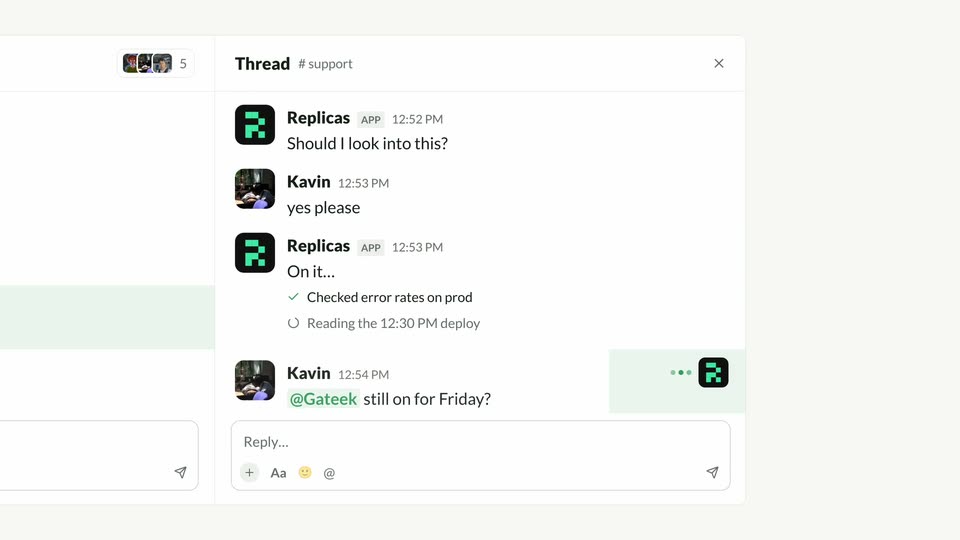 1:04–1:13Replicas · Connor Loi - Introducing Replicas V3: the most flexible and cost-efficient cloud aA chat interface scrolls through the # support channel as new messages arrive. A highlighted message opens a thread panel on the right, where the Replicas bot replies with a task list, the first item ticking from a spinner to a checkmark.
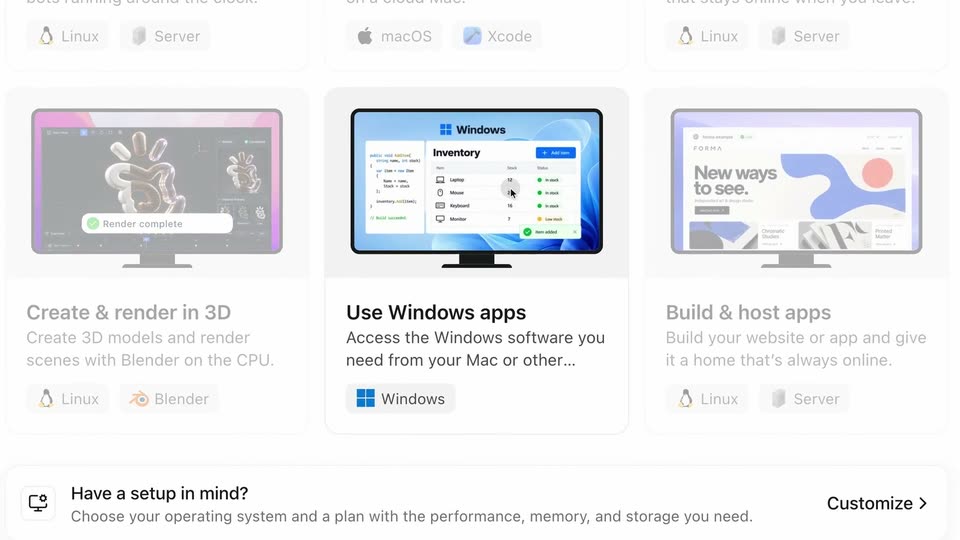 1:15–1:24Manus · Manus - Introducing Manus 2.0A Create cloud computer dialog scales open over a dimmed dashboard, then the view zooms in and pans across six use-case cards, each playing a tiny screen demo with badges and toasts, before pulling back to the full dialog.
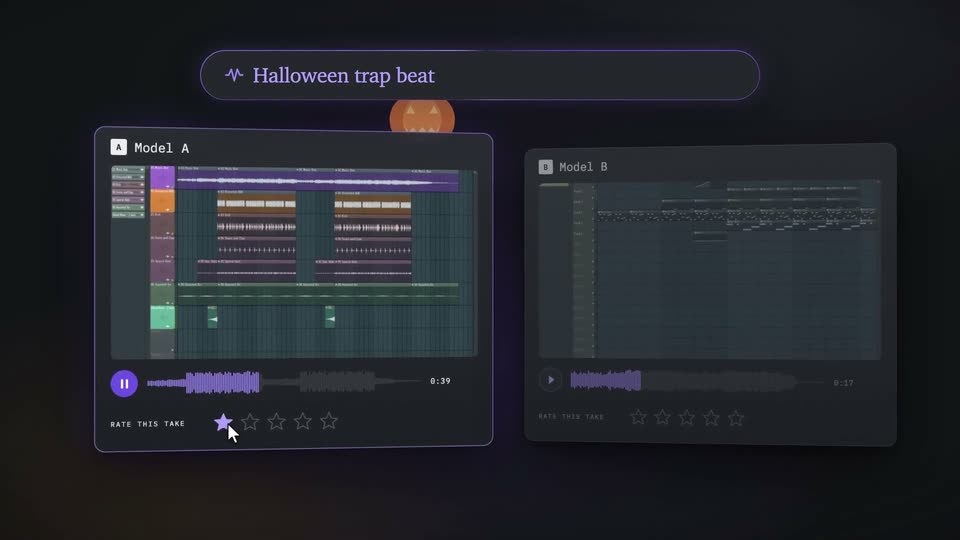 0:20–0:24MusicArena · MusicArena: The Crowdsourced Music Benchmark for AITwo music-production panels, Model A and Model B, sit side by side under a prompt bar reading Halloween trap beat, with a small pumpkin above the gap. A cursor clicks the star rating on Model A, filling it from one to five stars as the frame slowly zooms in.
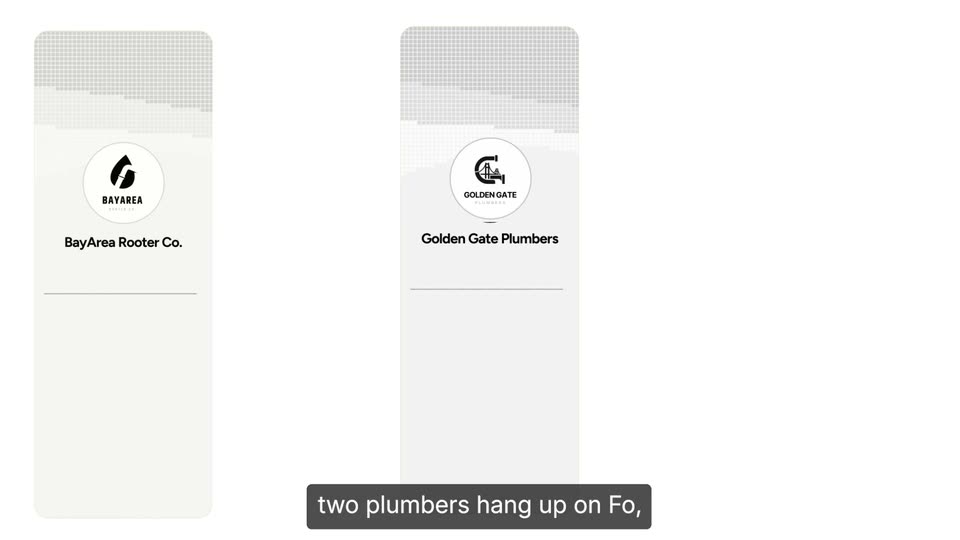 1:24–1:37Wajo AI · Shivani Poddar - I led engineering at Google DeepMind. Today, I'm proud to introduceFive vertical phone cards, one per plumber brand, sit side by side with colored pixel headers. Messages type in beneath each with an audio waveform. Four cards gray out and slide away, leaving two, while a dark caption box narrates the hang-ups. The frame cuts to a phone showing the call list and a sad face.
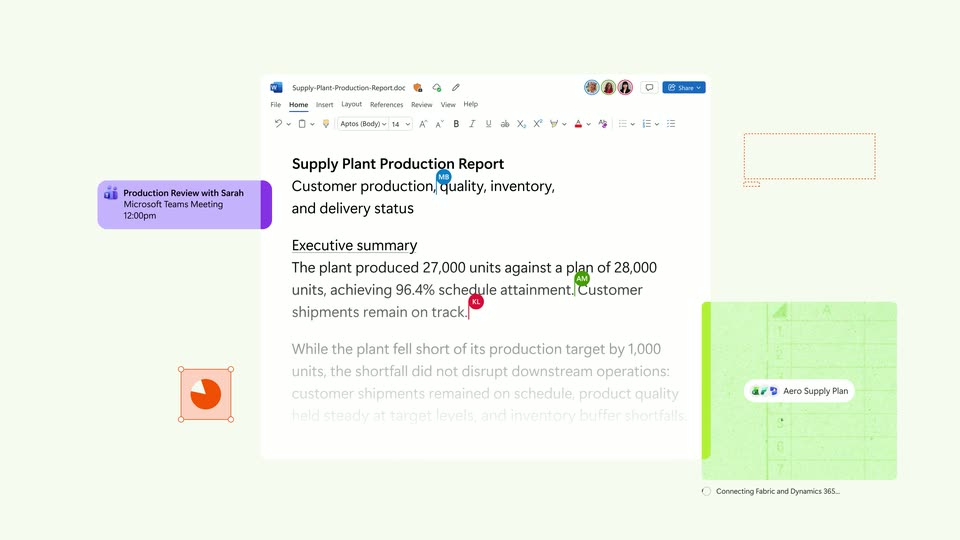 0:32–0:37Microsoft · The new Copilot: where work comes togetherThe view traverses a connected work canvas containing a Teams meeting, production report, green Supply Plan spreadsheet and design selections, then settles on the Word report with collaborative avatar markers. Status text cycles through data retrieval and Fabric/Dynamics connection.
 0:37 · 0.8sRunway · Runway - New in Runway, Layers. Split any image into editable layers with a siA movie poster for CLAWS shows a man running on a beach with a giant crab behind him. The view zooms in rapidly, blurring into a close-up of the man's shoulder and a red beach chair.
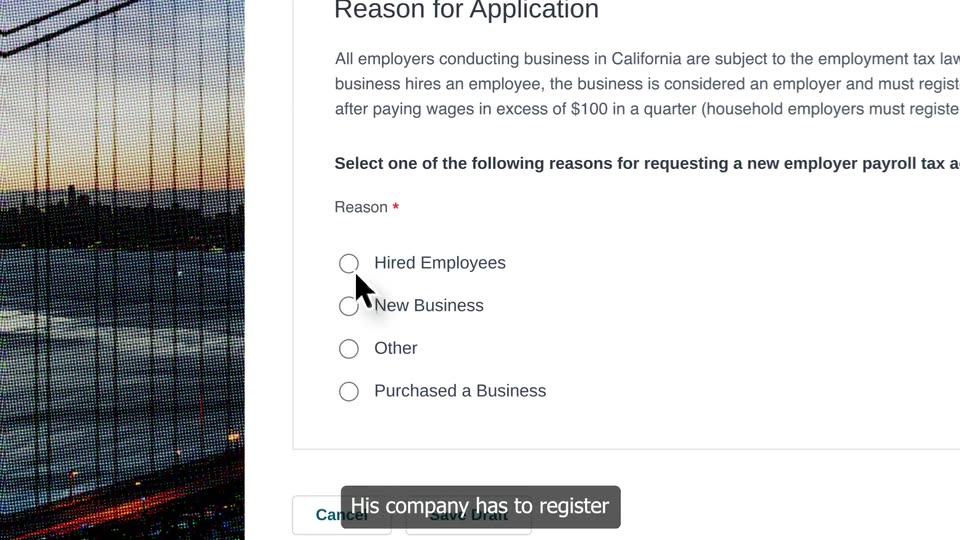 0:45–0:47Warp · Ayush S - We’ve raised $85M for this moment. Introducing Warp 2.0: The firstA browser window of the CA.gov e-Services registration form floats over a blurred bridge backdrop. The frame zooms into the Reason for Application section as a cursor hovers over the Hired Employees radio button. A caption pill sits at the bottom.
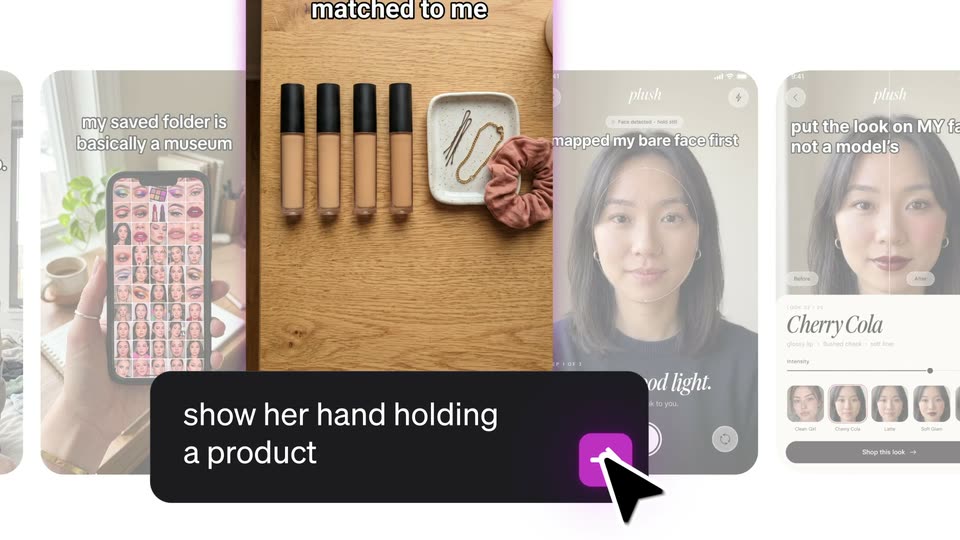 0:14–0:16Arcads · arcads AI - introducing AI Slideshows Create Viral TikTok Carrousel in one clickA horizontal carousel of phone mockups shows the plush app, the center screen, a top-down photo of four concealer sticks, enlarged with a purple glow. The frame zooms out to reveal the full phone and a black caption card as a cursor slides to the purple arrow button.
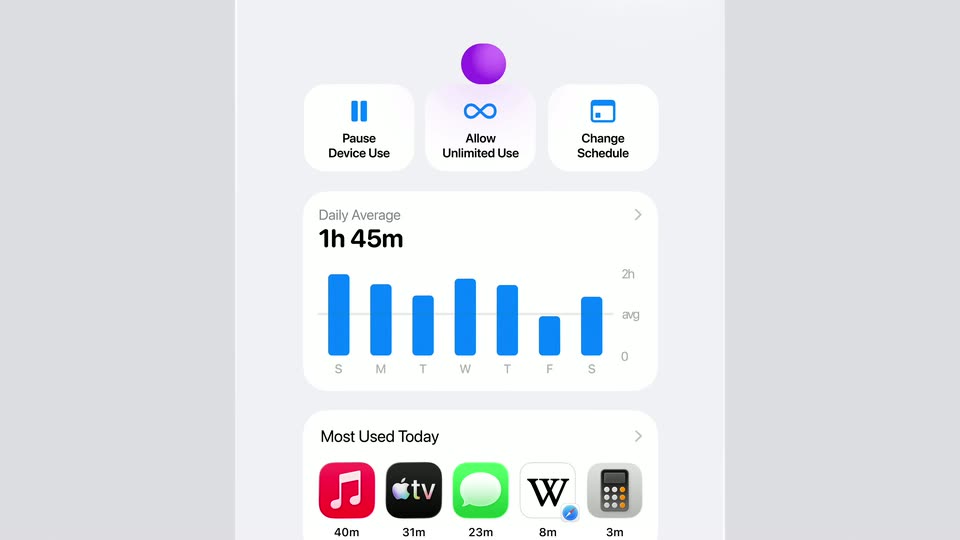 0:24–0:31Apple · New Apple child safety features help parents keep kids safe onlineA close-up of a 'Most Used Today' card listing app icons with a purple circle above it. The camera pulls back to reveal the full iPhone screen: a purple avatar, the name Violet, three control buttons, a weekly bar chart, and a Personal Information row.
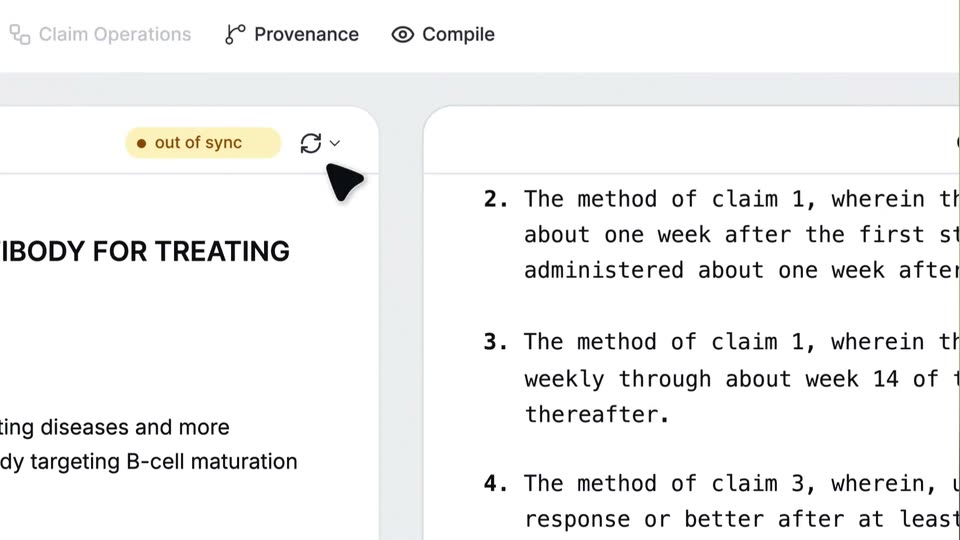 0:41–0:44Fearn · han - Today, we're killing the billable hour for patent work. Fearn LegalA close-up of monospace patent claims shows a cursor on a highlighted value, then the frame pulls back to the editor: a top tab bar, a left card flagged 'out of sync' with a sync icon the cursor moves to, and a right column of numbered claims.
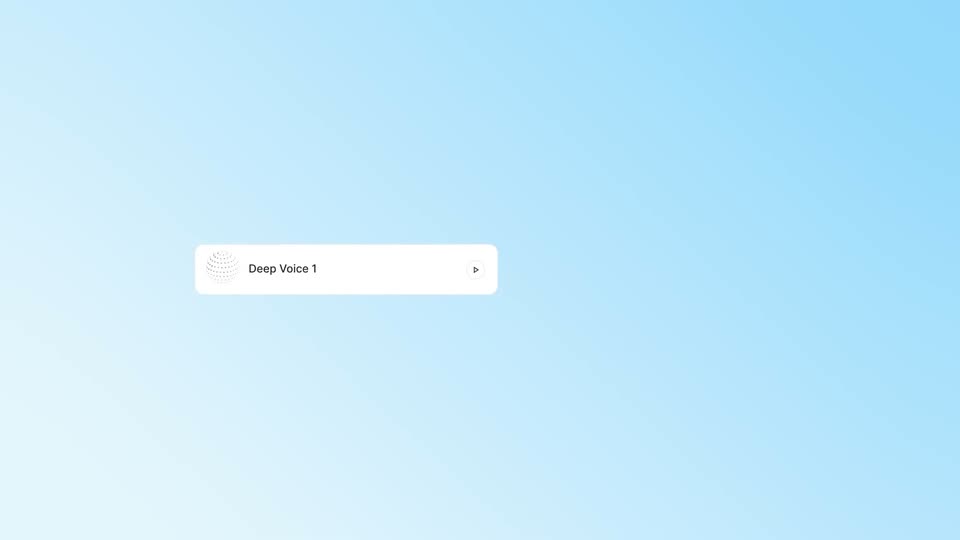 0:32–0:34Google · Create your own voices with Gemini 3.8 text-to-speechA white voice-picker card on a light blue gradient holds three dotted-sphere rows. The card collapses to the selected Deep Voice 1 row, which gains a black outline, then slides out to the left until the frame is empty.
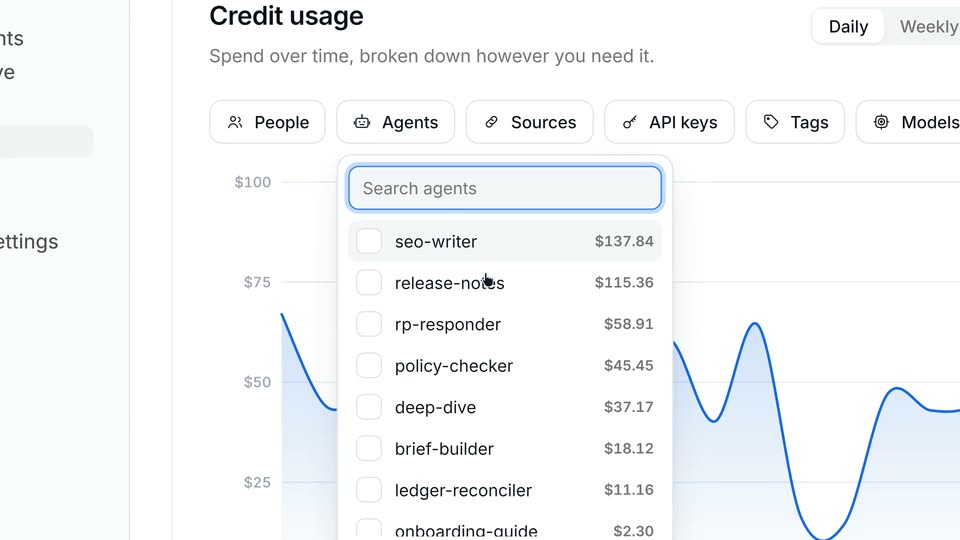 0:03–0:12HeyBrain · HeyBrain - As AI usage spreads across a company, cost becomes an infrastructureA light Brain analytics dashboard on a soft gradient backdrop; the camera zooms in as a cursor clicks the People, Agents and Models chips, each opening a dropdown of names with dollar totals over a blue line chart.
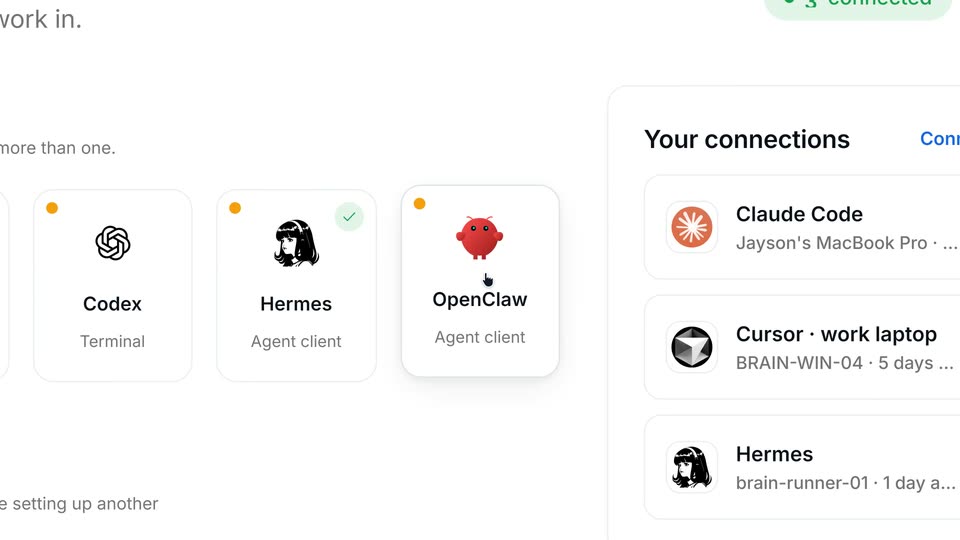 0:12–0:17HeyBrain · HeyBrain - Brain works with the AI stack your company already uses. Connect youA wide view of the Brain MCP setup screen zooms into the Choose your tool row as a cursor hovers across the tool cards, panning right from Claude Code to OpenClaw. The connections panel stays at the right edge.
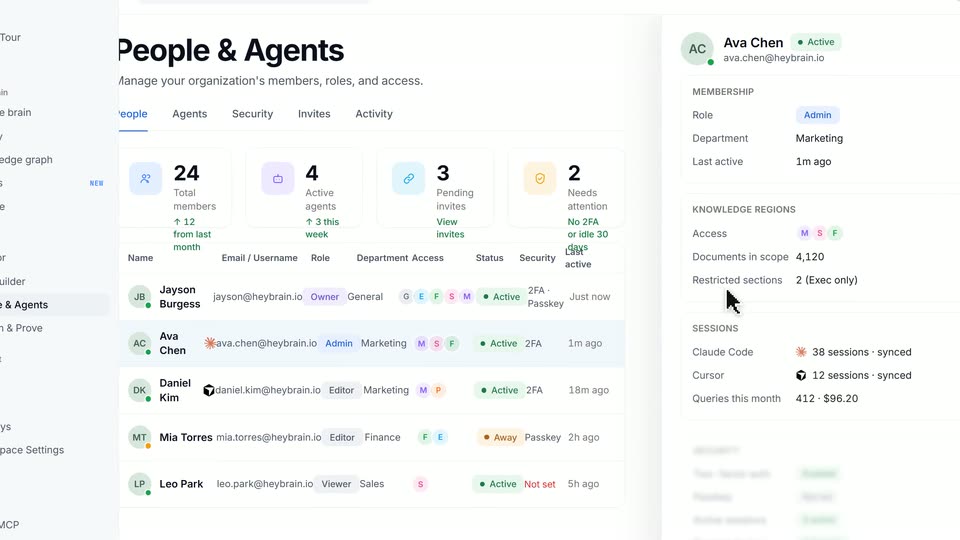 0:22–0:26HeyBrain · HeyBrain - Today, we’re launching Brain into general availability. One AI worksThe People & Agents admin screen floats on a blue-to-pink gradient framed by scattered code characters, then zooms to fill the frame. A cursor clicks the Ava Chen row and the view pans right, revealing her detail panel with membership, access and session stats.
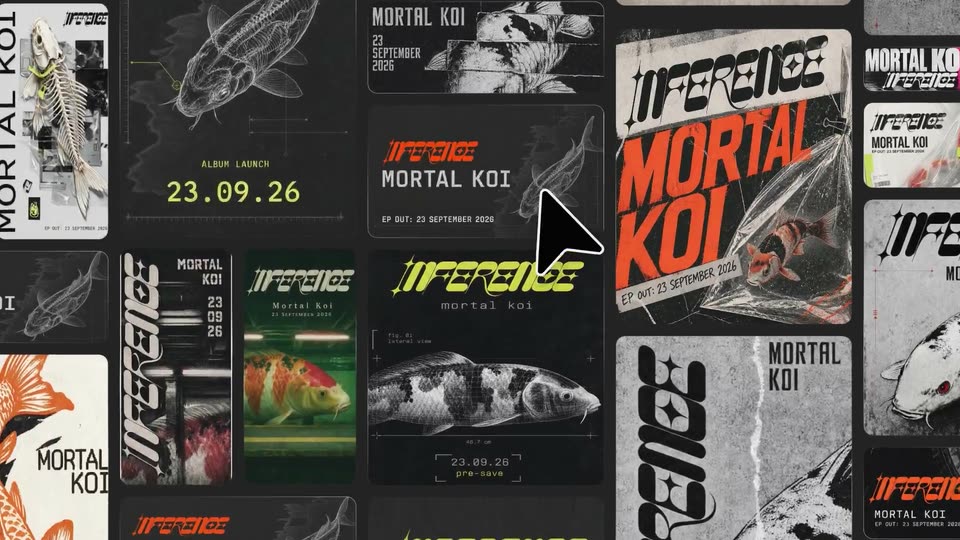 0:13–0:14Leonardo AI · Leonardo.Ai - Introducing the Leonardo Agent. Start with one idea. Build it into aA dense masonry grid of album posters fills the frame, a white cursor hovering over the center. The view zooms and reframes onto one central poster while the surrounding tiles blur out of focus.
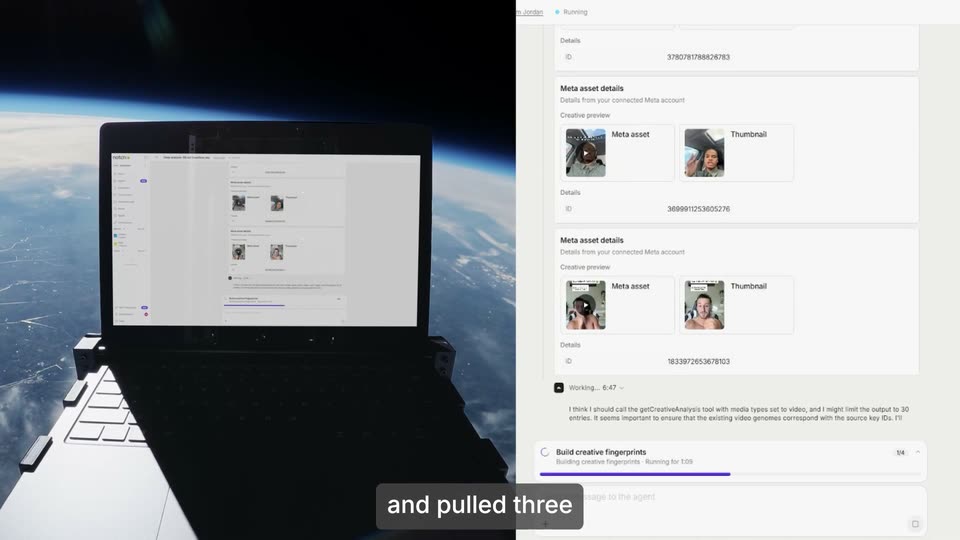 0:38–0:41Notch · Vinay Jain - AI can run a brand better than humans. We ran a brand with ONLY AI aSplit screen: left, a 3D laptop mockup hovers over an Earth-from-space backdrop, its screen showing the product; right, a close-up of the white interface scrolls from an ad table to Meta asset creative previews. White captions on dark pills appear at bottom center.
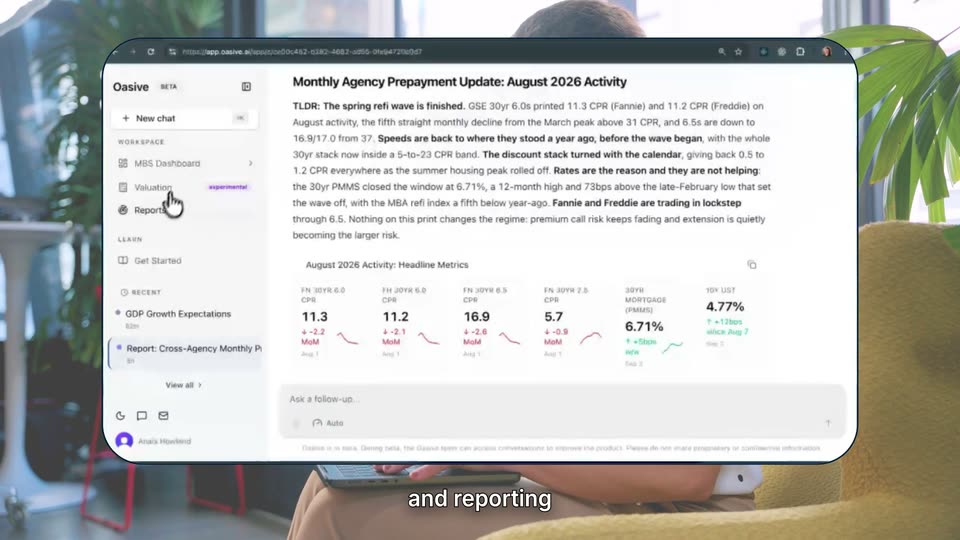 1:05–1:06Oasive · Anaïs Howland, CFA - Today, I'm excited to bring @OasiveAI out of stealth and announce thaA browser window mockup of the OASIF prepayment report floats in 3D perspective over a blurred desk with a person in a green shirt. The view zooms into the left sidebar list while the white caption and reporting sits at the bottom.
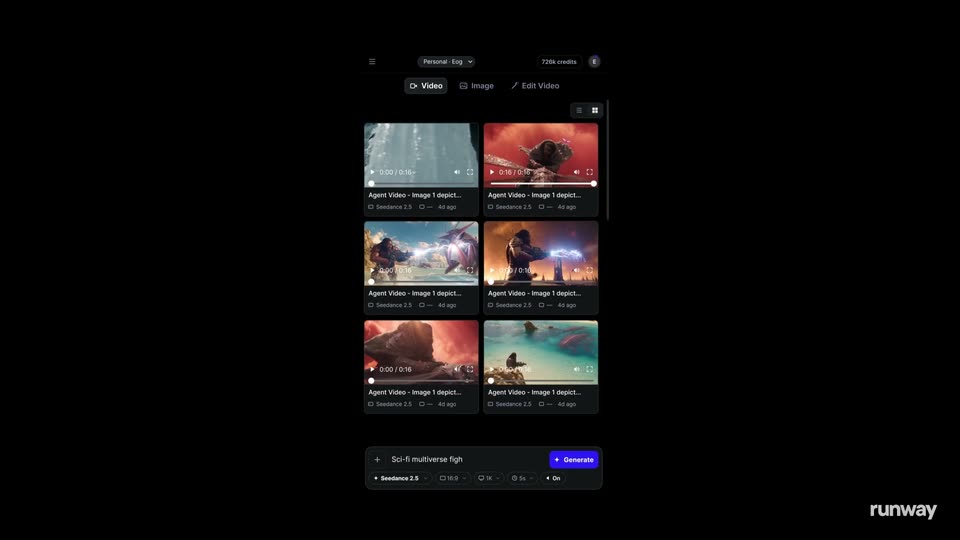 0:57–0:59Runway · Runway - Runway is now in DaVinci Resolve Access the world's best models direA dark video-generation gallery of four thumbnail cards sits centered, then pulls back and tilts into 3D to reveal the full editing workspace: bins panel left, gallery docked right, timeline with a red clip and green audio track below. The view settles, then fades to black.
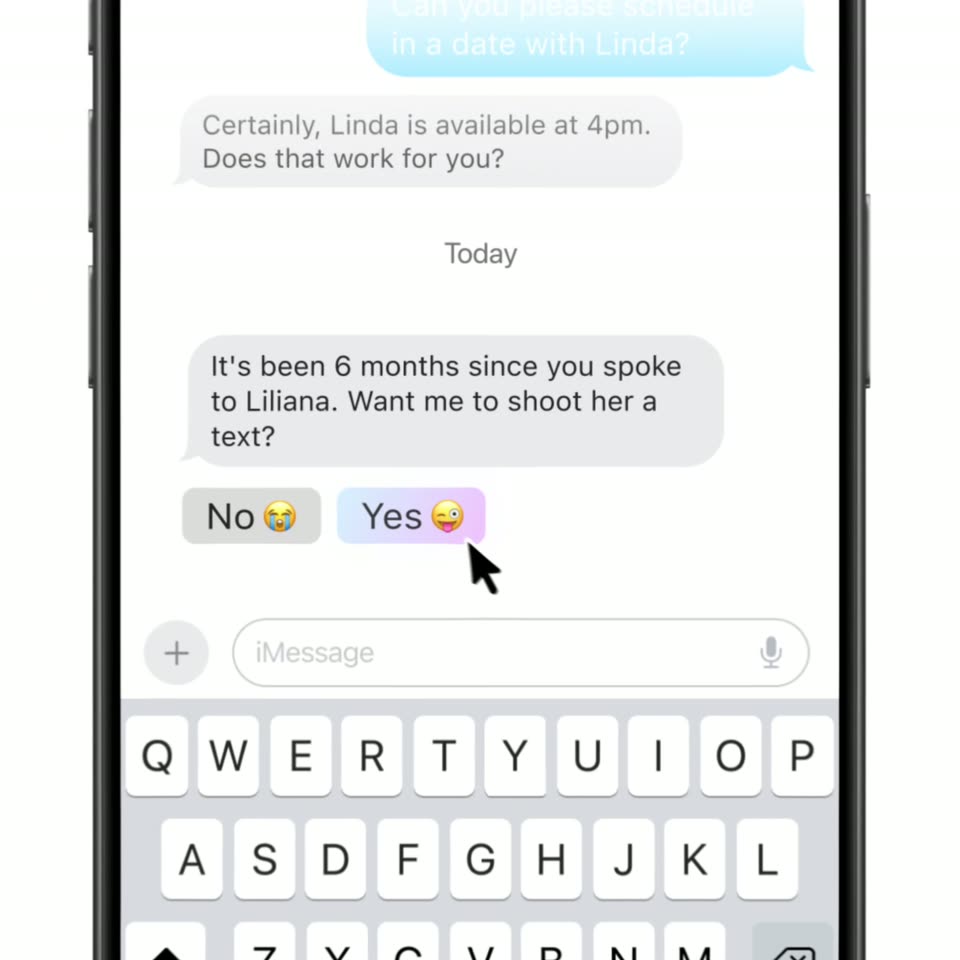 0:24–0:27Sidehoe · Max Musgrave - Say hi to Sidehoe The first AI assistant to manage your roster TryA 3D iPhone mockup of an iMessage thread sits on a white background. The camera zooms into the screen as a cursor moves to a Yes suggestion chip and taps it, the chip lighting up purple, then the view blurs and pulls back out.
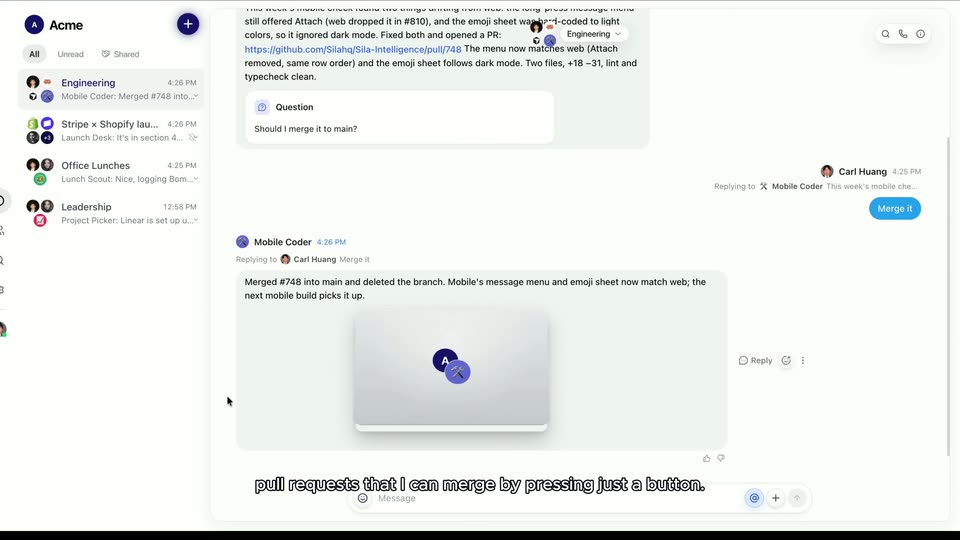 2:10–2:15Sila · Sila - Introducing Sila: the agent messaging platform backed by @ycombinatorA chat interface shows the Mobile Coder agent posting a fix and a merge question; a cursor selects the Merge it option, then the view scrolls down to reveal a terminal mockup confirming the merged pull request.
 0:46–0:47Conversion · Neil Tewari - Today, I'm excited to launch @tryconversion Mosaic! Apparently the CEA light CRM table lists companies with amounts and stage badges. The view zooms into the Figma row, opening its detail page with company fields and an activity feed. A teal pixel grid sits at the left edge.
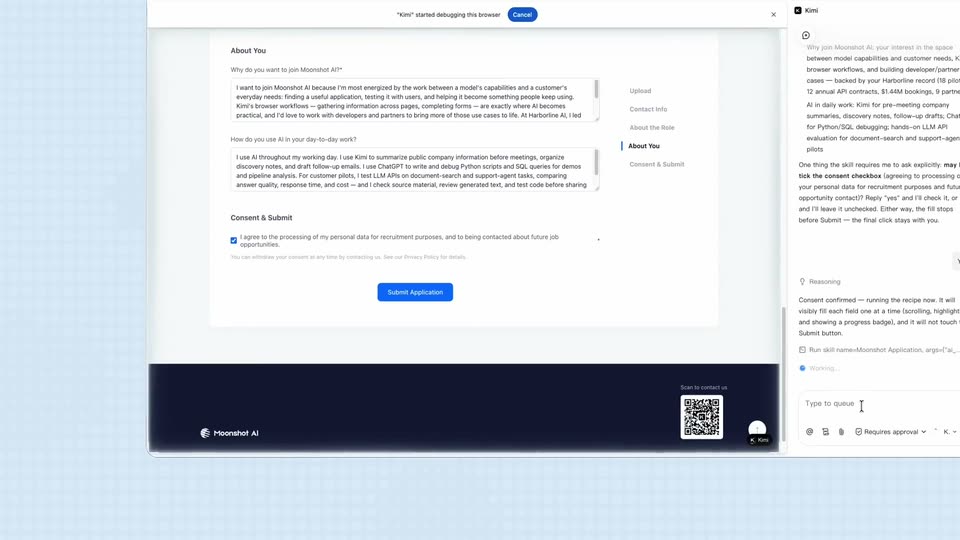 0:30–0:35Moonshot AI · Meet the new Kimi Browser Extension (formerly Kimi WebBridge)A browser window shows a job application form beside a Kimi chat panel. Fields fill in one by one as a cursor moves through them. The view zooms into the form, then the cursor clicks Submit Application and a confirmation toast appears. Large black text reads End-to-end Auto-fill.
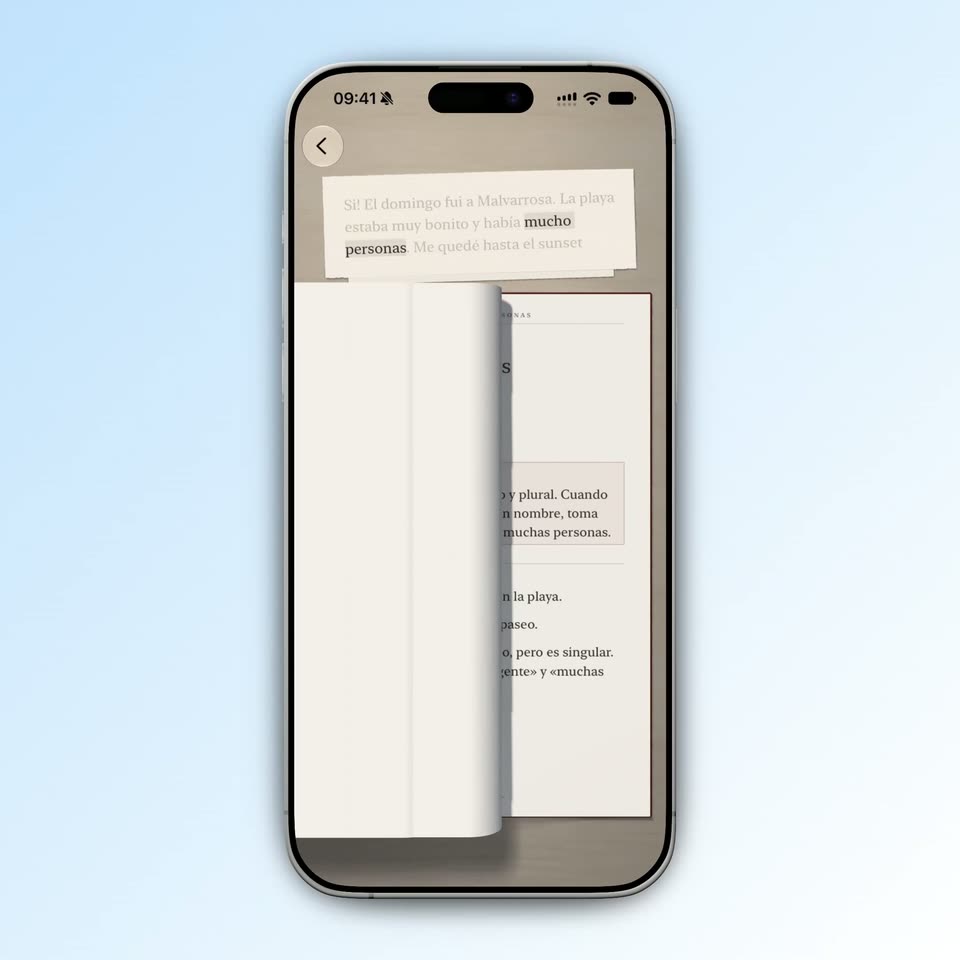 0:06–0:07Letters Abroad · Anshu - Forget threejs demos, Opus 5.5 is *incredible* at building apps. ThiA close-up of a Spanish lesson page on a phone screen, with the heading and body text mid-transition and overlapping, then the view pulls back to reveal the full phone mockup centered on a pale blue background.
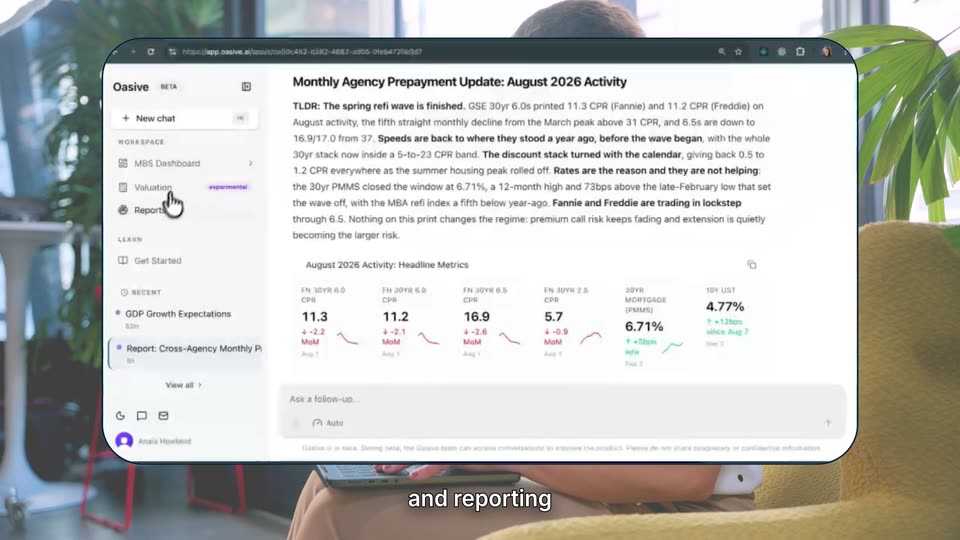 1:05–1:06Oasive · Oasive (YC F26): Find better bonds to buyA browser window of the Oasive app floats in 3D over a blurred room. The camera zooms into the left sidebar, where a hand cursor hovers over the Reports and Valuation entries, while the report panel with metric cards slides past on the right.
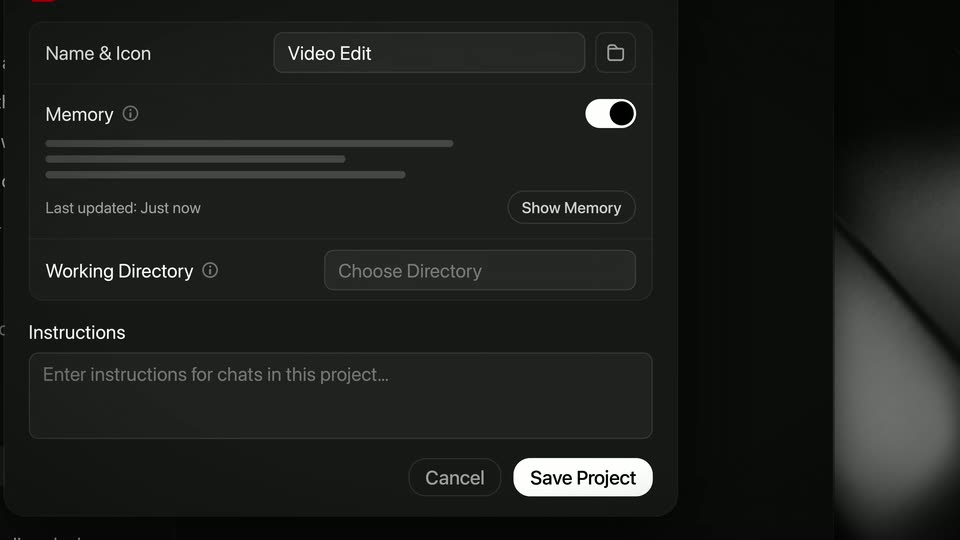 0:59–1:05Raycast · New in Raycast AI: Automations, Projects and a new HarnessA dark chat app shows an Edit Project dialog over a sidebar of saved chats. The frame tightens on the dialog as memory bars load and a directory path fills the field, then eases back to the full window.
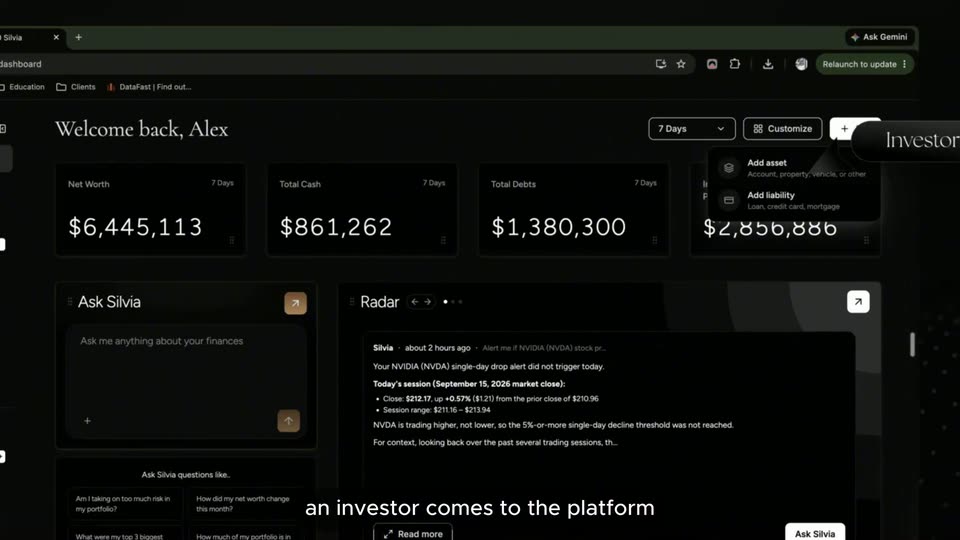 0:31–0:32Silvia · Anthony Pompliano 🌪 - Today we are launching Silvia 2.0 New look and feel. Same great prodA dark finance dashboard fills the frame, then the view pushes in toward the net-worth stat cards and the Ask Silvia and Radar panels. A white caption sits at the bottom while a small Investor tag fades in at the top right.
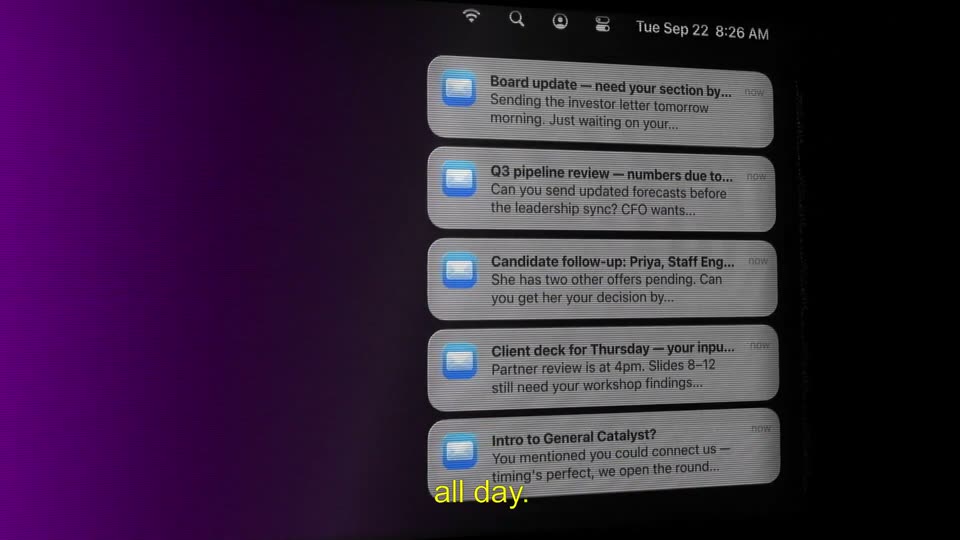 0:44–0:48Sol · anish karan - The obvious is missing. So we built Sol - Sol finds the work itselfA tilted phone screen on a purple gradient shows inbox notification cards stacking up one by one, then reframes to the opened email view. A yellow caption sits at the bottom, reading the line then swapping to its last words.
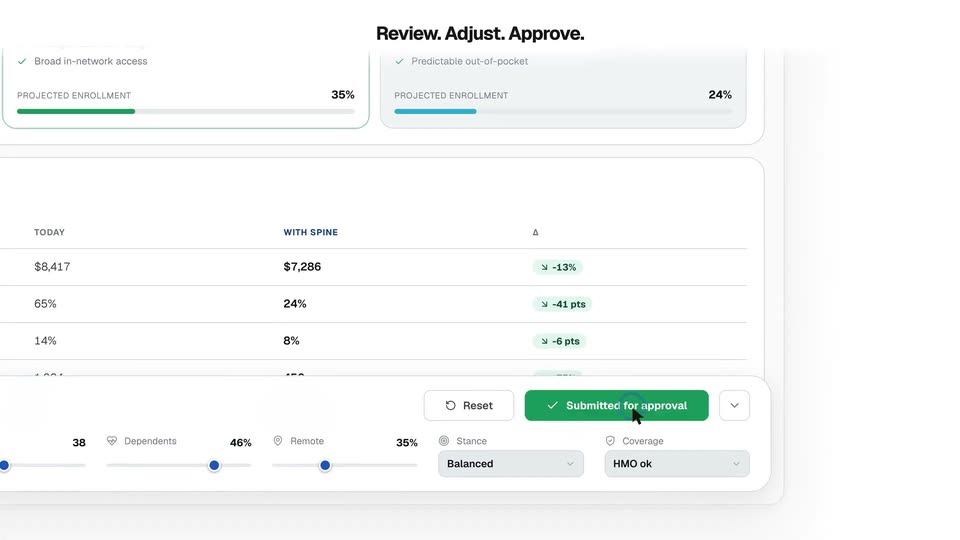 0:34–0:43Spine · Spine Product DemoThe dashboard shows three plan cards under the headline “Different needs. A tailored plan mix,” which changes to “Review. Adjust. Approve.” as the view reframes to the bottom bar; a cursor clicks the orange Approve & submit button, it turns green, then the camera pulls back to the tilted full window.
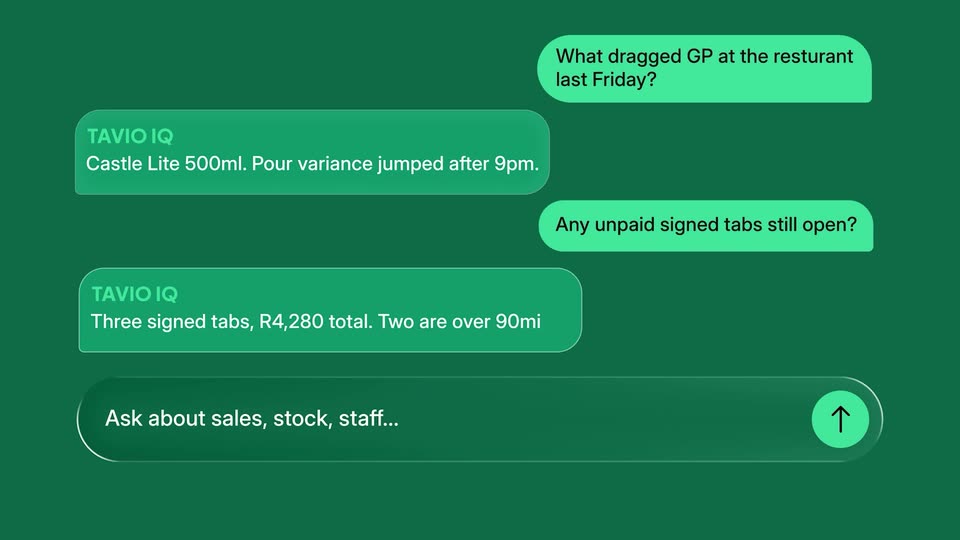 0:34–0:37Tavio · Tomi - Many keyframes & renders later, I’m happy to share the launch filA chat interface on a dark green background. A user question and a TAVIO IQ answer bubble in, then a second exchange types out character by character. The view eases from a close-up to the full thread, then fades to black.
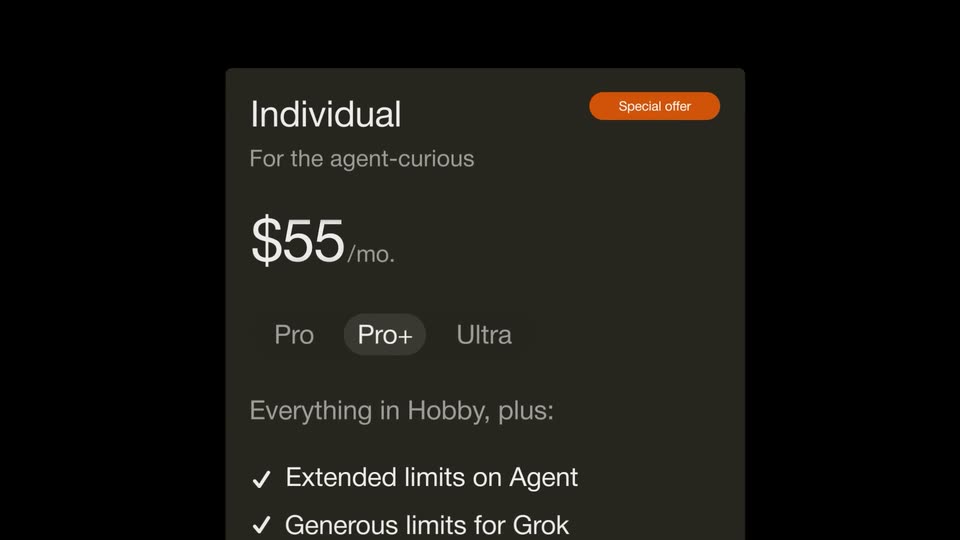 0:38–0:41TinyFish · TinyFish - The web now has a subscribe button. Introducing TinyFish Monitor. FrA dark pricing page with three plan cards reframes to center the Individual card. The price changes from $60 to $55 under an orange Special offer tag as the side cards slide out of frame.
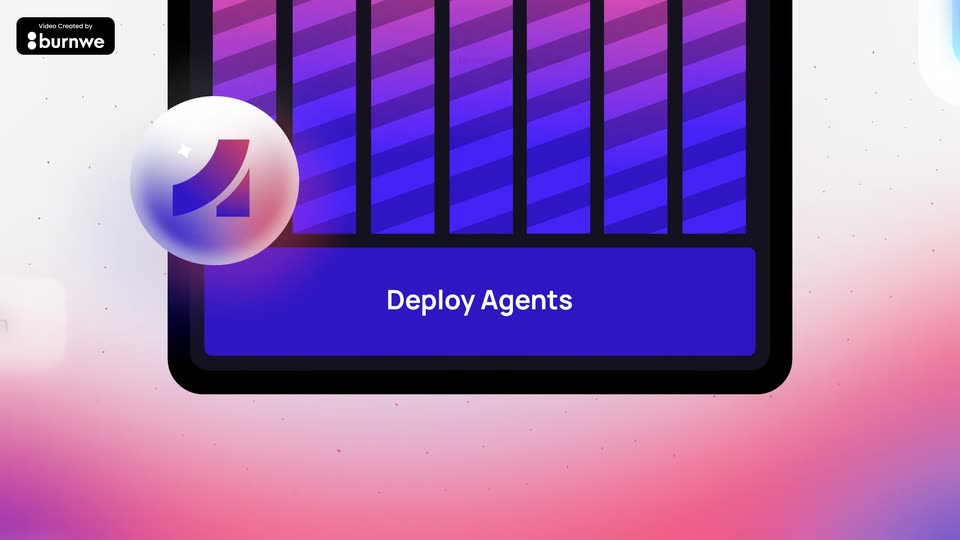 0:43–0:481Deploy · Best Motion Graphics Explainer Video for AI Platform | 1DeployA 3D tablet floats on a pale pink gradient, its bar chart filling from red to purple beneath the label 'Identifying.' Floating app icons connect to it by lines, then the camera pushes in as a white cursor glides to the lit 'Deploy Agents' button.
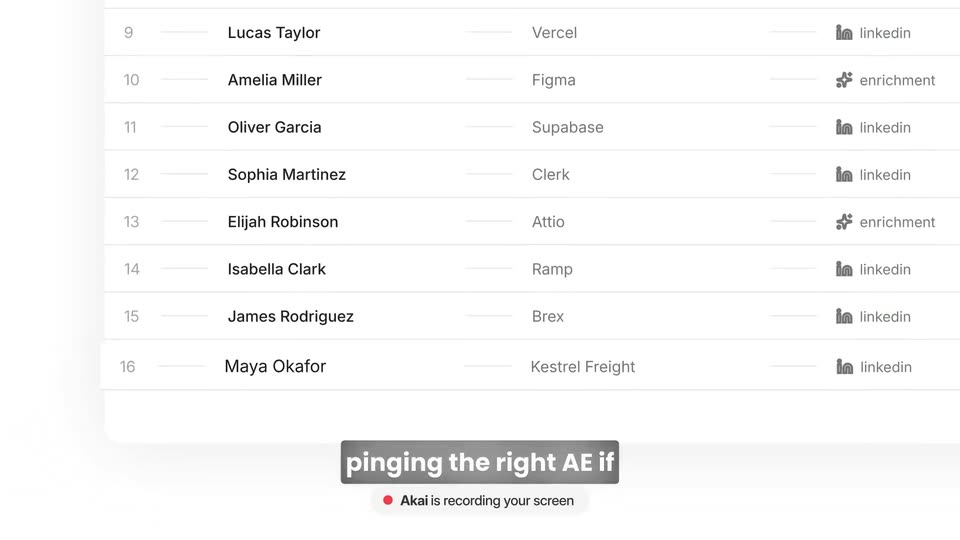 0:37–0:41Akai · Alex Bouaziz - EXCITED TO LAUNCH: Akai (https://t.co/29KSVMNK6L) Deel added >$14A screen recording of a Salesforce leads table sits beside a developer network panel. A cursor clicks New, opening a lead form, then the view reframes onto the contact rows. A dark caption pill at the bottom cycles through phrases.
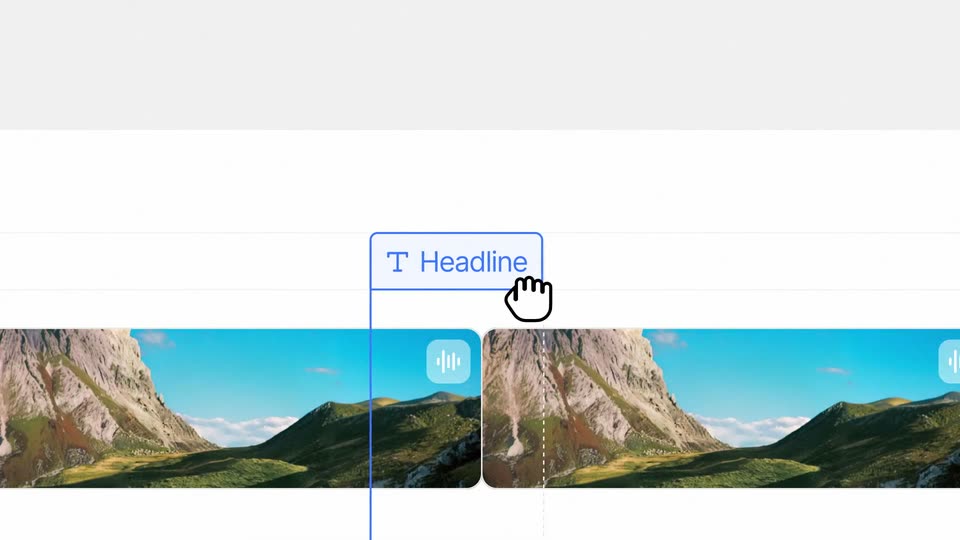 0:35–0:36ElevenLabs · Introducing Studio 4.0, the agentic video editor in ElevenCreativeThe editor timeline pulls back from a close-up of a blue Headline text box, where a hand cursor hovers at its corner, to reveal the full track with a mountain landscape clip and an audio waveform icon.
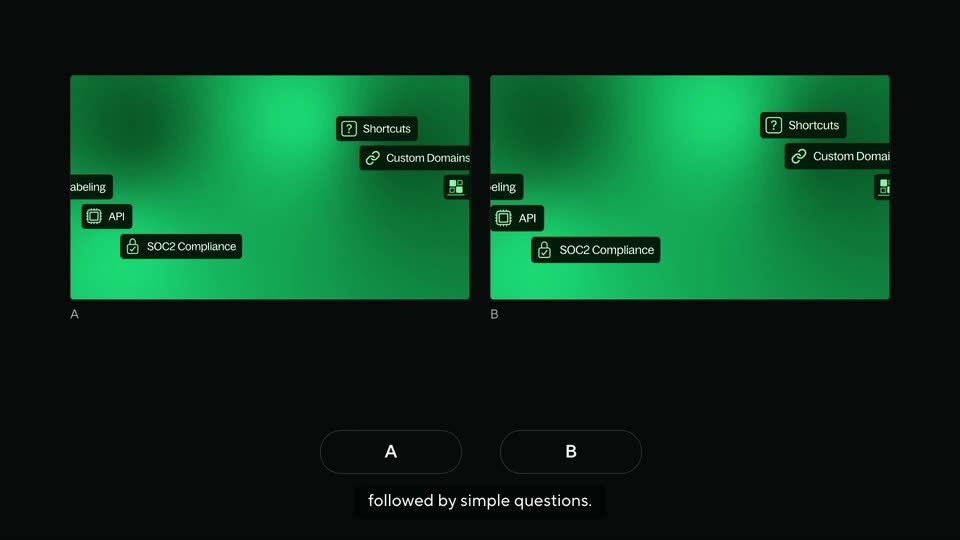 0:52–0:56HyperFrames · HyperFrames - if you tried hyperframes, you would know the agentic video stack is bTwo green panels, A and B, sit side by side showing the same grid of dark pill buttons; the view zooms in then back. A caption line types below, then a large white headline poses the question while a cursor hovers over the A button.
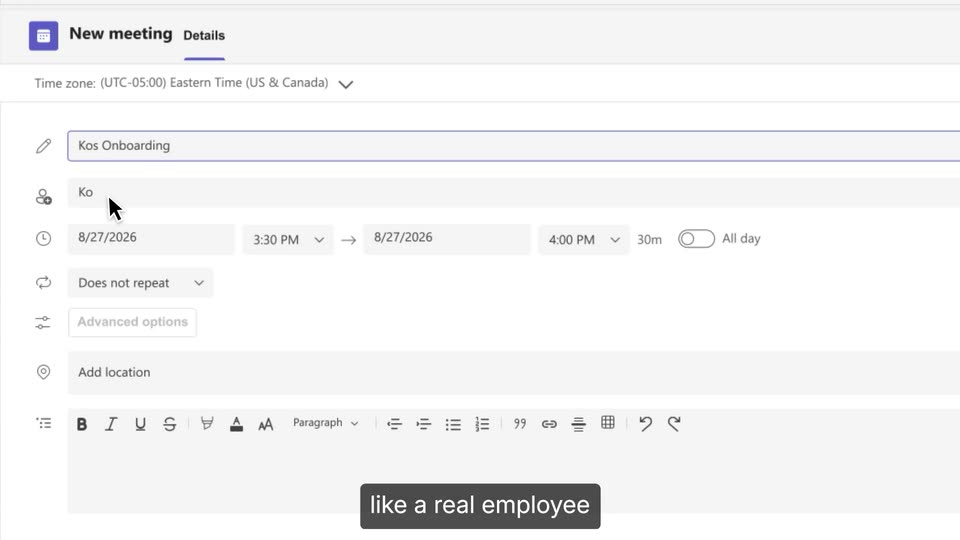 0:45–0:47Kos AI · Tanuj Thapliyal - China is winning the AI race. So we raised $12M from @8vc to build tA Microsoft Teams new-meeting form shows the title field filled with “Kos Onboarding” while a cursor hovers over the participant and date rows. The view then zooms in on the title and date fields. Dark caption pills read at the bottom.
 0:16–0:18Simular AI · Sai - Agent demos fooled you 👎 It trips, it asks for help, and somehow youA light chat interface with a floating panel; the cursor clicks the blue Open Desktop button, and the view zooms into the dark terminal window, which tilts into 3D perspective with a green chevron prompt. The caption Meet Sai. scales in.
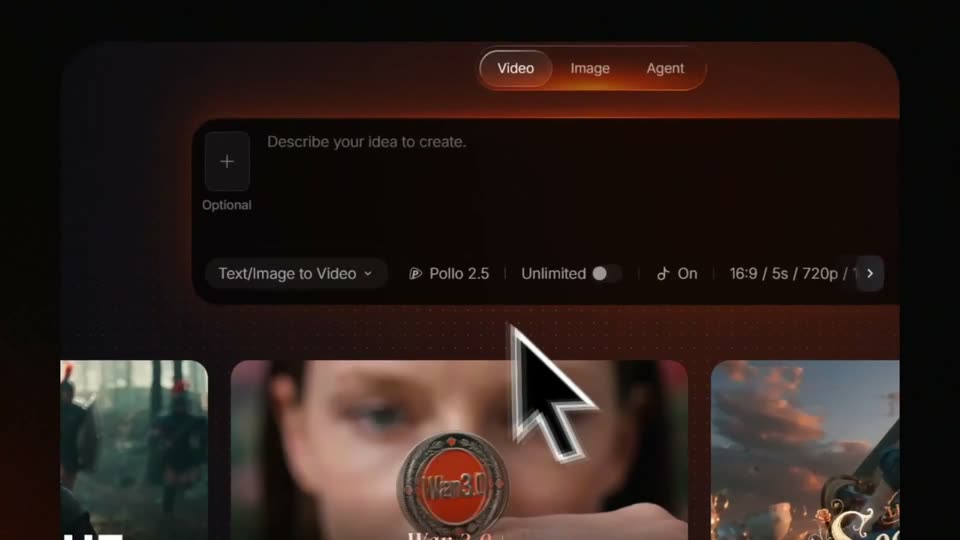 0:23–0:25Pollo AI · Pollo AI - Meet Pollo MCP. 🧩 Your creative workflow just went agentic. CreateThe dark homepage dims and the view pushes into the prompt field. A cursor hovers as the words type into the box, then a tagline appears: POWER slides in beside the static word SCRATCH.
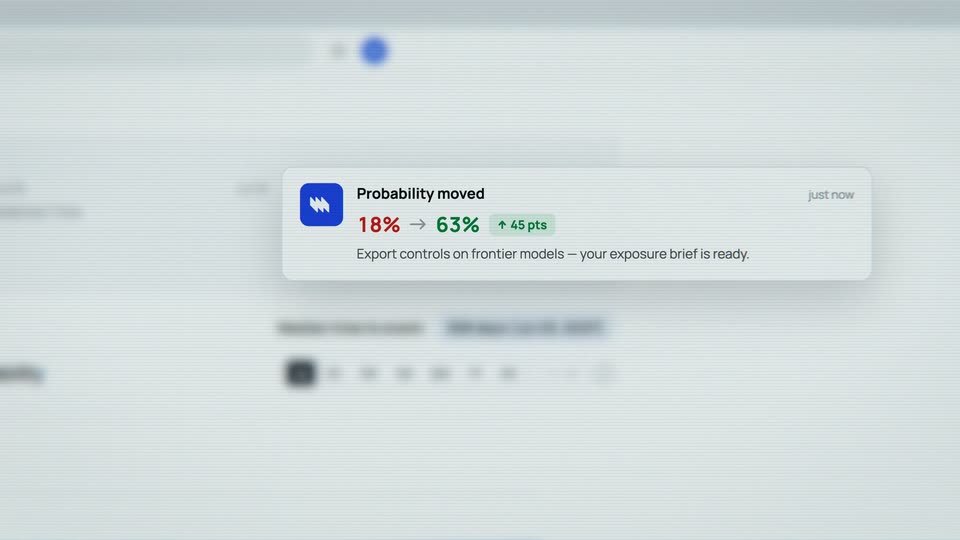 0:53–0:54Mantic · Toby Shevlane - Ben & I started Mantic with the mission to solve forecasting. ThA white notification card titled Probability moved, showing 18% to 63% in red and green, scales up and centers over a blurred dashboard, pulling focus to the alert while the chart and timeline behind it soften.
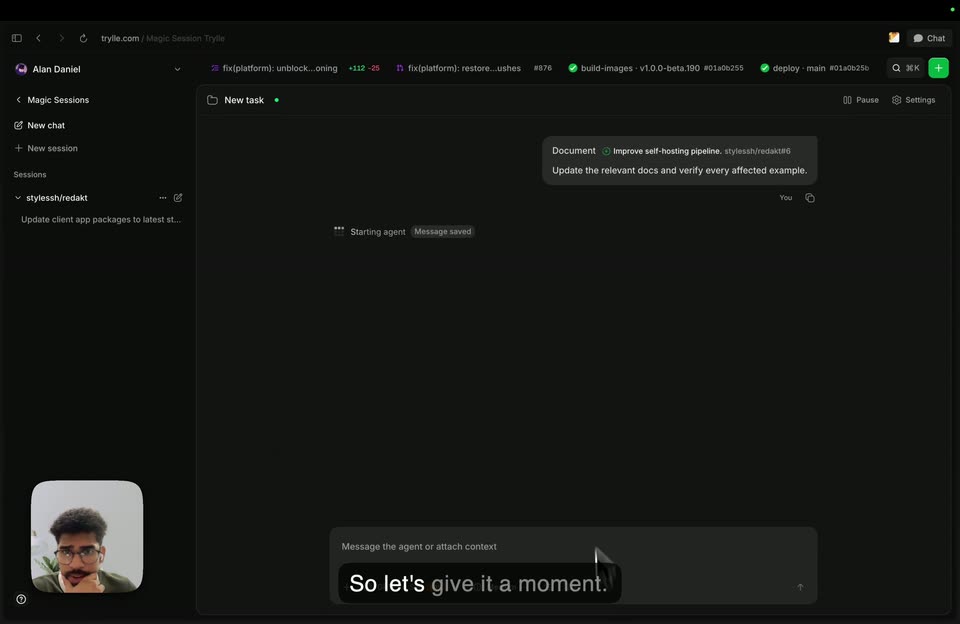 0:40–0:43Trylle · alan - we just shipped Magic Sessions in Trylle a new way to run longer codA dark chat interface opens on a close-up of the message box, pulls back to the full browser window, then zooms into a two-pane view of a markdown doc and a code diff. A cursor hovers at the lower right while a subtitle caption sits along the bottom edge.
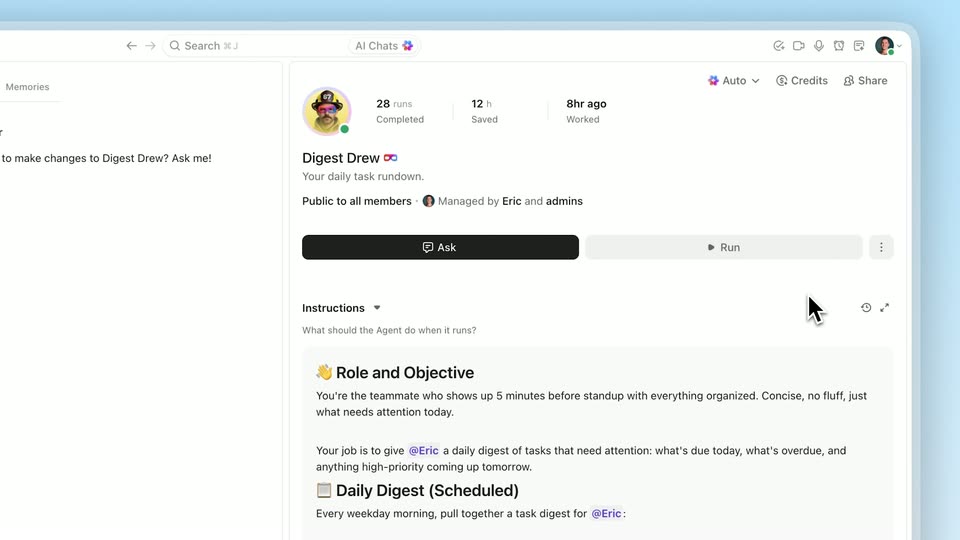 0:52–1:00ClickUp · ClickUp Release 4.08: Meetings Hub, Super Agent Cloning, and more!A screen capture of an AI workspace zooms into the Digest Drew agent page. The cursor opens the three-dot menu, hovers Clone, then the view pulls back to the sidebar as the cursor selects My Agents.