0:35

Shopify Editions Winter ’26 | Trailer
Shopify · Business software · Dec 2025
Higgsfield · Sep 2026 · 0:59 · AI-annotated
Higgsfield’s 0:59 launch film runs 36 scenes, about 1.7 s each. The product is on screen from the first frame and 3 features are revealed, with social proof. There is no explicit call to action; a voiceover carries the film. The video opens and closes on the same brand lockup, with a single spoken prompt driving a step-by-step agent workflow shown as alternating clean white UI cards and 3D fanned card stacks. Its signature moves are blur-to-focus text reveals, the colorful face-blob mascots popping into corners, and a hard cut between bright interface and dim live-action, all paced to a steady beat of about six cuts per minute.
Is this your launch? to your site or press kit.
Shopify · Business software · Dec 2025
Spotify · Consumer · Dec 2025
On a pale dotted grid, the OpenAI spiral logo and the dark text OpenAI dots @ Higgs assemble in the center while six small colorful blob icons with faces pop into the corners.
On-screen text: “OpenAI dots”, “@”, “Higgs”
Techniques: Kinetic type
Camera: Static
A light dotted background holds six small blob characters with faces in the corners. The central lockup, OpenAI dots times Higgsfield with an Always-On-Agents pill below, scales up from the middle until the type overflows the frame edges.
On-screen text: “OpenAI dots”, “Higgsfield”, “Always-On-Agents”
Techniques: Parallax
Camera: Static
A camera pushes forward through a white 3D tunnel whose walls hold blurred app screens. Six flat mascot shapes with simple faces, including a black triangle marked ++, float in the air and grow larger as they approach.
On-screen text: “++”
Techniques: 3D mockup, Parallax
Camera: Push in
A young man in a dark STATIC tee sits on a bed in a dim bedroom, speaking into a laptop. A white voice-input pill slides in at the bottom, his words filling it word by word. The camera tilts down to his typing hands as a small counter pops in.
On-screen text: “Make me a viral app. Make no mistakes.”
Techniques: Kinetic type
Camera: Push in
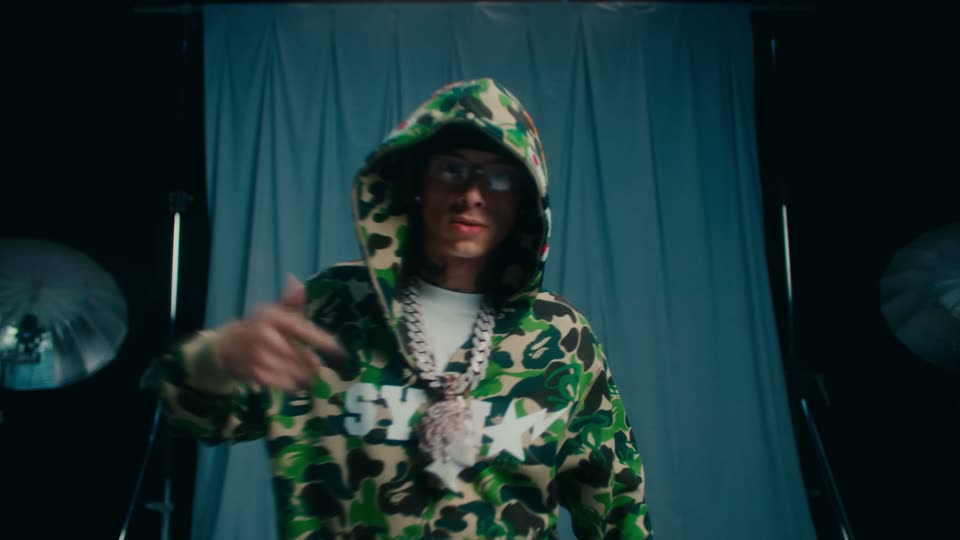
A tattooed man in a dark tee with red chest lettering sits on a bed, then reclines onto the mattress as the camera drops to a low angle. An orange-lit doorway glows in the background.
Camera: Static
A chat thread with a user prompt and a bot reply zooms out to reveal the full app, then reframes on the left sidebar where a blue blob avatar sits in a gray row beneath the scaling “Your dots” header.
Techniques: UI zoom
Camera: Pan
On a white background, a list under a gray “Your dots” heading and search icon scrolls upward. Rows pair a colored blob icon with a simple face and a label: Research, Comments, Insights, Video, each with a gray subtitle.
Camera: Static
A light interface list scrolls upward past rounded icons and labels, then a gray pill button labeled View all 15 dots scales into focus while surrounding text blurs.
Techniques: UI zoom
Camera: Static
A light gray chat interface scrolls up past a gray prompt bubble at top right. A blue blob card labeled Research with a green Researching tag fades in, then an orange blob card labeled Comments appears below, each with a line of gray body copy.
Camera: Pan
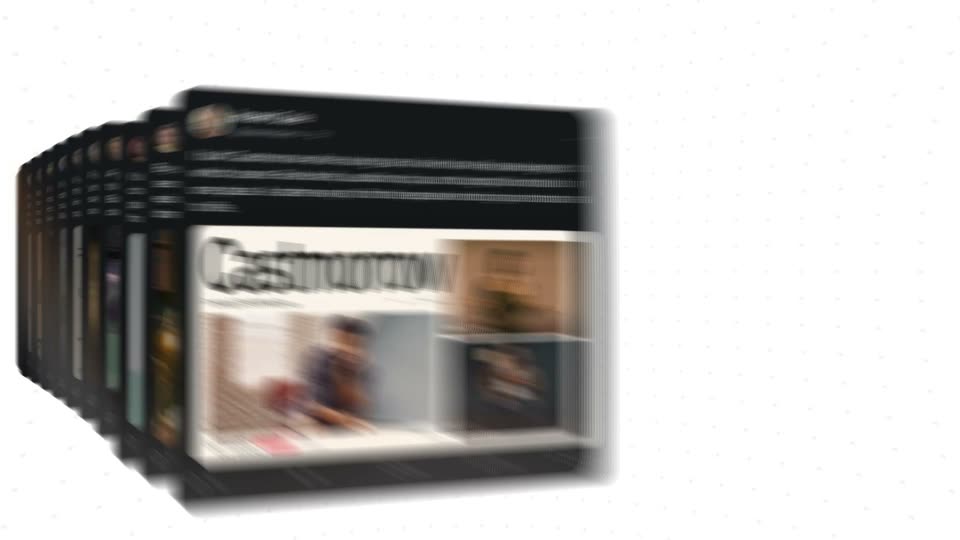
A dark social media post card with a white speech bubble reading “Analyzing every short drama post” rotates in 3D, revealing a long stack of identical post cards fanned out behind it.
On-screen text: “Analyzing every short drama post”
Techniques: 3D mockup
Camera: Static
A stack of dark post cards fans out in 3D perspective to the left, the front card in sharp focus showing two women flanking a green chess piece, while a white caption pill with a blue blob icon rests at the bottom.
On-screen text: “Analyzing every short drama post”
Techniques: 3D mockup
Camera: Pull out
A close-up of a social post showing a woman in a cream blazer and a green chess piece scrolls up slightly. An orange blob avatar with a shifting face sits beside a white pill reading Reading 324 comments on top dramas.
Camera: Static
A light chat interface: a blue drop icon and Research label with a green Analyzing status, then the headline and subtext fade in, followed by three spinner bullets appearing one by one.
Camera: Static
A plain light-gray frame holds three lines of sans-serif text, each preceded by a small spinner icon. The bottom line resolves from a soft blur to solid dark type beside a blue blob logo with two asterisk eyes, while the middle line darkens.
On-screen text: “Checking downloads and”, “Reading reviews for what's”, “Here's what I found.”
Techniques: Kinetic type
Camera: Static
A dark social feed with a post card and engagement icons scrolls up under a locked-off frame, revealing a second comment, while white caption lines slide in.
On-screen text: “Checking downloads and”, “Reading reviews for what's”, “Here's what I found.”
Techniques: Kinetic type
Camera: Pan
A dark comment feed scrolls upward past circular avatars and white reply text, each entry tagged with a green handle. A faint dotted grid pattern sits on the right side of the frame.
Camera: Pan
A dark social media comment thread scrolls upward, revealing successive user replies with circular avatars, handles and heart counts. A thin vertical white line tracks along the left edge as the list moves.
Camera: Pan
A grid of tablet screens fills the frame, each showing fantasy artwork, app interfaces or comment threads. The wall scrolls right and down, sliding new tiles into view at a steady pace.
Camera: Pull out
A wall of forum post thumbnails tiles the frame and scrolls vertically. Each card pairs a thread header and body copy with a photo, board game boxes, chess pieces and tablets recurring across the grid.
Camera: Pan
A dark tweet card with an embedded Aster Club image and a gold watch badge sits centered on a pale background, then scales down and slides right while a faded duplicate of it trails behind on the left.
Camera: Pan
On a plain white field, an insight card resolves from a soft blur into sharp focus. A black rounded icon with two white dots anchors the left, beside a bold headline and a three-line numbered list of viewer requests.
Camera: Pan
A blurred close-up of a streaming app screen pulls back into a 3D arc of a dozen app interfaces. The headline 'Analyzing 150 apps...' holds top-left while captioned labels with small colored face icons fade in and out around the fanned screens.
On-screen text: “Analyzing 150 apps...”, “App brief ready”, “78 apps analyzed”, “Brand book reviewed”, “6 screen layouts”, “Launch plan ready”, “Core features mapped”, “UX copy drafted”
Techniques: UI zoom, 3D mockup
Camera: Pull out
A heavily blurred TV app screen for the show Rain Check pulls into focus, sharpening a reminder pill and a row of episode thumbnails, while a dark headline Your app fades in at the lower left.
On-screen text: “Your app”
Camera: Push in
A dark schedule strip with show cards and a reminder toast sits above a white chat area. A blue icon gains a face, a green Skill complete check appears, and the heading Your app blueprint is ready. types in over a document row.
Techniques: Kinetic type
Camera: Static
A product interface scrolls upward, pushing a horizontal schedule list and a reminder toast off the top edge to reveal a 'Skill complete' status and a document card.
Camera: Static
A white card with a code-bracket icon on the left. A text block scales and settles into place: a Build status label, the headline Building your drama app., and two supporting lines, with green highlights on Building and Higgsfield API.
On-screen text: “Build • Building”, “Building your drama app.”, “Connecting the Higgsfield API”, “Plugging in Cinema Studio, Genjutsu, and more...”
Techniques: Kinetic type
Camera: Static
Two white rounded-square faces sit on a pale background, then a swarm of colorful blob characters with eyes bursts outward from the center, shrinking and fading to the edges until one tiny white blob remains in the middle. A headline scales in as the swarm spreads.
On-screen text: “Build·Building”, “8”
Techniques: Particles
Camera: Pull out
A plain white card shows a small ghost icon with a code prompt beside a left-aligned text block. The header and headline fade in from a blur, then three studio lines and a closing line resolve into focus.
On-screen text: “Media”, “Generating episodes with Higgsfield.”, “Cinema Studio for cinematic scenes:”, “Genjutsu for motion transfer.”, “Marketing Studio for posters and ads.”, “Here's your app, ready to launch”
Camera: Static
A white chat panel shows a message whose green feature lines stagger in and the whole block scrolls up out of frame. A dark phone mockup carrying the Stories screen slides up from the bottom to center as the text clears.
Techniques: Kinetic type
Camera: Static
A centered phone on a white background dissolves from a dark Stories feed into a Library view. The Library screen holds with a search field, three filter pills and a two-column grid of captioned clip thumbnails.
Camera: Static
A tilted phone mockup on a white background shows a dark Library screen. The interface scrolls down, revealing two scene thumbnails and a bottom tab bar with Library highlighted in purple.
Techniques: 3D mockup
Camera: Push in
A dark video-editor card sits on a white field, showing a preview clip with Portuguese captions, a purple play control, and scene tags. A white pill callout with a two-eyed mascot reads the publishing step. The card eases downward and the play icon flips from pause to play.
On-screen text: “Publishing your app to the marketplace”
Camera: Pan
A young man in a dark tee with red lettering holds a phone in a dim room, framed in a rounded-corner card on white. The card expands to full frame as he leans over a laptop, gazing down at the screen. Blue evening light glows through the window behind him.
Techniques: Masking
Camera: Push in
A young man in a black t-shirt leans over a laptop and smiles as he watches the screen. An orange blob with asterisks and a white chat bubble with the caption slide in across the foreground. The frame stays locked off.
On-screen text: “Getting your app recommended by people”, “**”
Camera: Static
A horizontal strip of vertical clips scrolls left, each framing a person holding a phone with a Stories screen, then a cut to a white card with the OpenAI logo, the serif word dots, and a tagline typing in, plus a green piggy bank emoji in the corner.
On-screen text: “dots”, “Always”
Techniques: Kinetic type
Camera: Pan
A white dotted field holds a centered lockup of the OpenAI dots and Higgsfield logos and wordmarks, with a pill reading Always-On-Agents below. Colorful blob characters with faces wobble in the corners as the lockup fades and slides in.
On-screen text: “OpenAI dots”, “x”, “Higgsfield”, “Always-On-Agents”
Techniques: Kinetic type
Camera: Static