1:12
raghu velagala - today we’re launching eyecandy robotics! we’re bringing animated cha
Eye Candy Robotics · Sep 2026
Manus · Feb 2026 · 0:37 · AI-annotated
Manus’s 0:37 launch film runs 20 scenes, about 1.9 s each. The product is on screen from the first frame and 3 features are revealed. There is no explicit call to action; a voiceover carries the film. A flat-design feature tour where headline cards, phone mockups and chat bubbles slide, zoom and pop on a pale doodle stage, cut briskly at about 14 cuts per minute. Signature moves are blur-in headlines, side labels that swap to name each feature, and a pulsing blue mic button that hands off to voice-driven demos.
Is this your launch? to your site or press kit.
Eye Candy Robotics · Sep 2026
Anthropic · AI · Nov 2026
A centered black sans headline sits on a light gray dotted background. The word chats fades from gray to black, then a blue circular send icon appears to its right and holds.
On-screen text: “Use Manus within your chats”
Techniques: Kinetic type
Camera: Static
A centered black headline with a blue circular send icon sits on a light dotted background, then slides upward as a white rounded card rises from the bottom edge.
On-screen text: “Use Manus within your chats”
Techniques: Kinetic type
Camera: Static
On a light dotted background, a bold black headline and a blue paper-plane badge sit above a floating white chat card. The whole group eases upward and settles, revealing the Manus chat entry with its hand icon and greeting message.
On-screen text: “Use Manus within your chats”
Camera: Static
A flat chat interface card with a search bar and a highlighted Manus message sits beneath a bold black headline and a blue paper-plane badge. The frame pulls back to show the whole card and a green doodle strip along the bottom.
On-screen text: “Use Manus within your chats”
Techniques: UI zoom
Camera: Pan
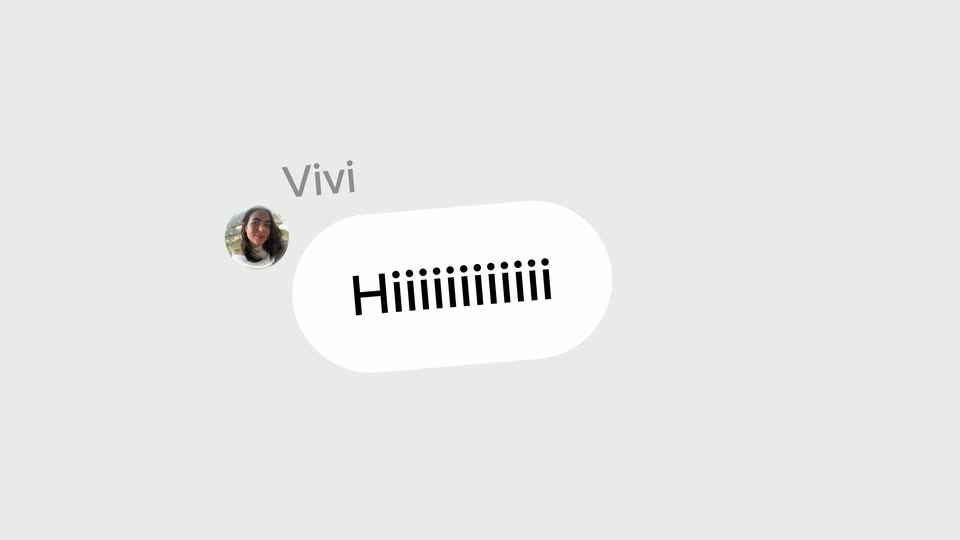
Over a green field of white line doodles, a light green chat bubble pops in at center with a user's message. A white reply bubble then slides in below, nudging the first upward, staging a quick back-and-forth conversation.
Techniques: Kinetic type
Camera: Pan
A phone messenger chat sits centered on a cream field of gray doodle line art. The conversation scrolls up through text bubbles, ending on a generated video file of a serum bottle, while the side labels swap from Use and Skills to Direct From and Your Messenger.
On-screen text: “Use”, “Skills”, “Direct From”, “Your Messenger”
Camera: Pan
A messenger chat mockup sits on a gray patterned background, flanked by the words Direct From on the left and Your Messenger on the right. The frame then zooms into the chat's video, filling the screen with an amber dropper bottle on a wooden pedestal against palm-leaf shadows.
On-screen text: “Direct From”, “Your Messenger”
Techniques: UI zoom
Camera: Push in
An amber glass dropper bottle with a black cap sits centered on a small wooden pedestal against a cream wall. Palm leaf shadows fall across the background. The camera slowly pulls back, revealing the full pedestal base.
Camera: Pull out
A brown glass dropper bottle stands on a small wooden pedestal against a cream wall patterned with leaf shadows. The letterboxed shot then scales down into a rounded-rectangle card with a thin white border on a black background.
Techniques: Masking
Camera: Pull out
A solid blue circle bearing a white microphone icon sits at the center of a pale field of faint pet and toy doodles. The circle pulses inward, its soft blue halo tightening as it shrinks slightly.
Camera: Static
A blue circular voice button with a white microphone icon sits centered on a white field covered in faint pet doodles. A soft light-blue halo ring pulses outward around the button in a slow, steady rhythm.
Camera: Static
A tilted smartphone mockup is centered on a pale doodle-patterned background, its green screen showing a chat header, a listening pill and a message bar. To the left, the headline Set Repetitive Tasks fades in, the word Repetitive set in bold italic.
On-screen text: “Set Repetitive Tasks”
Techniques: 3D mockup
Camera: Static
Beside a 'Set Repetitive Tasks' headline, a flat phone mockup on a doodle background shows a green chat as messages and a PDF file appear. The composition then slides left, revealing a second phone panel.
On-screen text: “Set Repetitive Tasks”
Camera: Static
Two phone mockups hover over a pale field of faint line doodles. The left screen opens a weekly-meeting PDF inside a green chat; the right screen shows a chat creating profile photos. Black headline 'Set Repetitive Tasks' holds the left while gray 'Connect to' fades in on the right.
On-screen text: “Set Repetitive Tasks”, “Connect to”
Camera: Pull out
Two phone mockups sit side by side on a pale background patterned with small line icons. The left screen shows a scrolling meeting-summary document, the right a chat thread with Manus scrolling through outfit suggestions, while static black headlines read “Set Repetitive Tasks” and “Connect to Tools”.
On-screen text: “Set Repetitive Tasks”, “Connect to Tools”
Camera: Pull out
A cream line-doodle background stays still while a green phone mockup and a meeting-summary card scroll upward, the chat's video thumbnails looping. The headlines Set Repetitive Tasks and Connect to Tools flank the phone and rise with them.
On-screen text: “Set Repetitive Tasks”, “Connect to Tools”
Techniques: Parallax
Camera: Pan
A white notification card labeled Manus and 9:40 AM sits over a light doodle background as LINE, Telegram, WhatsApp and another messenger icons pop in above it, while the headline scales in at the top.
On-screen text: “Available in More Messengers Soon...”
Techniques: Kinetic type
Camera: Static
A light doodle-patterned background holds a flat phone outline; a white notification card for Manus with a verified badge and 9:40 AM sits at the bottom, four messenger icons (LINE, Messenger, Telegram, WhatsApp) above it. The black headline scales in at the top, the final word fading in last.
On-screen text: “Available in More Messengers Soon...”
Techniques: Kinetic type
Camera: Static
A pale gray field tiled with faint pet line-doodles holds a small black horn glyph at the center. The glyph tilts clockwise and three short tick marks pop in above it.
Camera: Static
The black manus hand icon and lowercase serif wordmark sit centered on a pale field of thin line-drawn pet doodles. The lockup scales in gently while the frame stays locked off.
Camera: Static