UI zoom
A zoom or reframe onto one part of the interface.
10,002 scenes · page 63 of 167
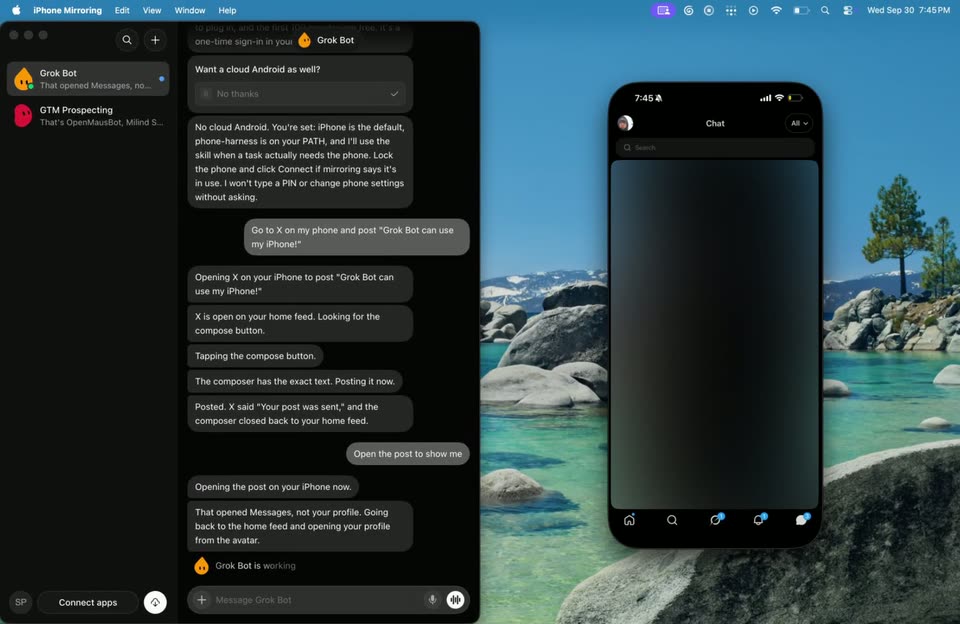 0:16–0:27Phone Harness · Phone Harness - Always-on agents can use your phone!A dark chat window on the left scrolls up as new Grok Bot messages slide in, while a flat iPhone mockup on the right steps through the X app: home feed, composer, menu, then profile. A cursor hovers bottom left and the view briefly zooms onto the chat.
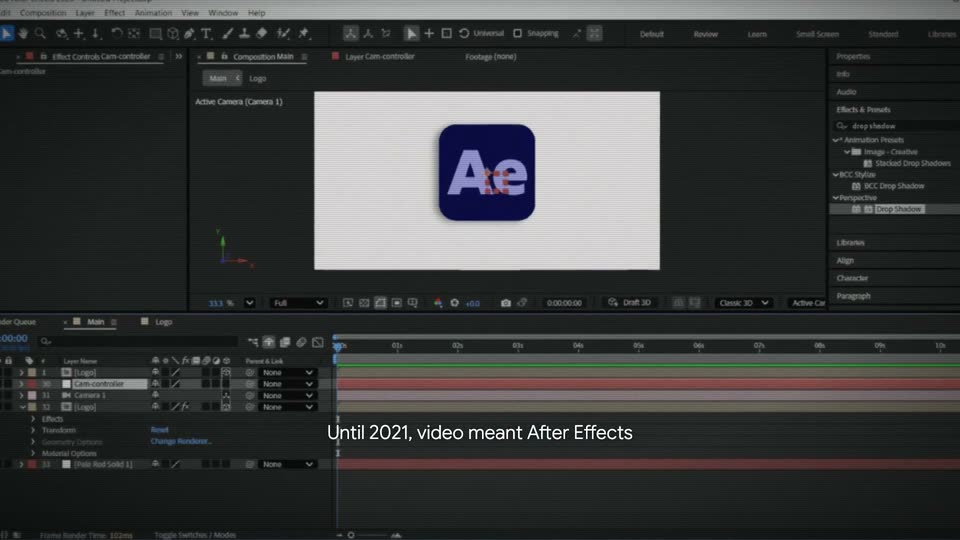 0:03 · 0.4sRemocn · Remocn - Introducing Remocn Studio A macOS app for creating and editing videoThe After Effects workspace fills the frame, the blue Ae logo centered in the composition panel, as the view zooms in on the interface. A white caption sits along the bottom edge.
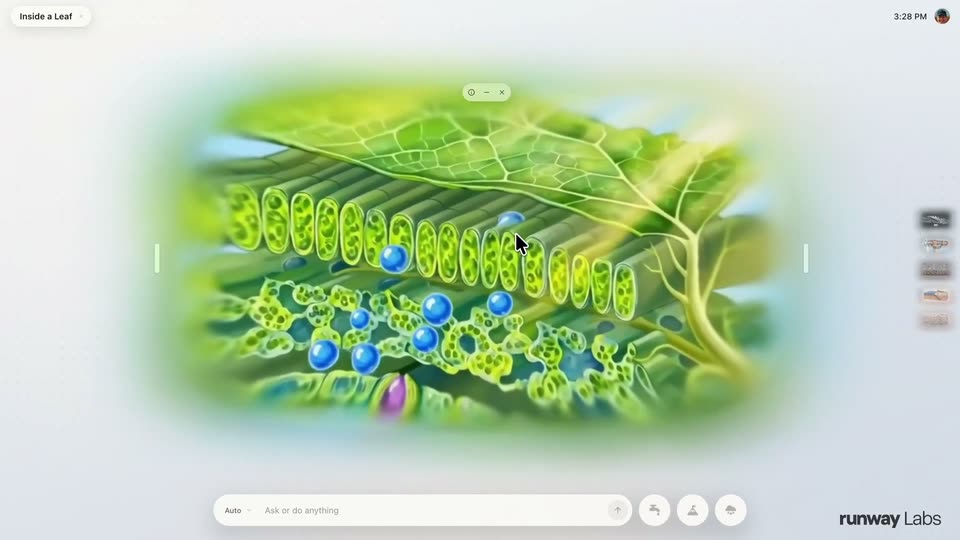 0:18–0:20Runway · Runway - Introducing Project Continuum by @runwayml_labs, a new operating systA labeled leaf cross-section diagram fills a light app window. It zooms into the cells and shifts into a 3D block as blue spheres drift through the tissue.
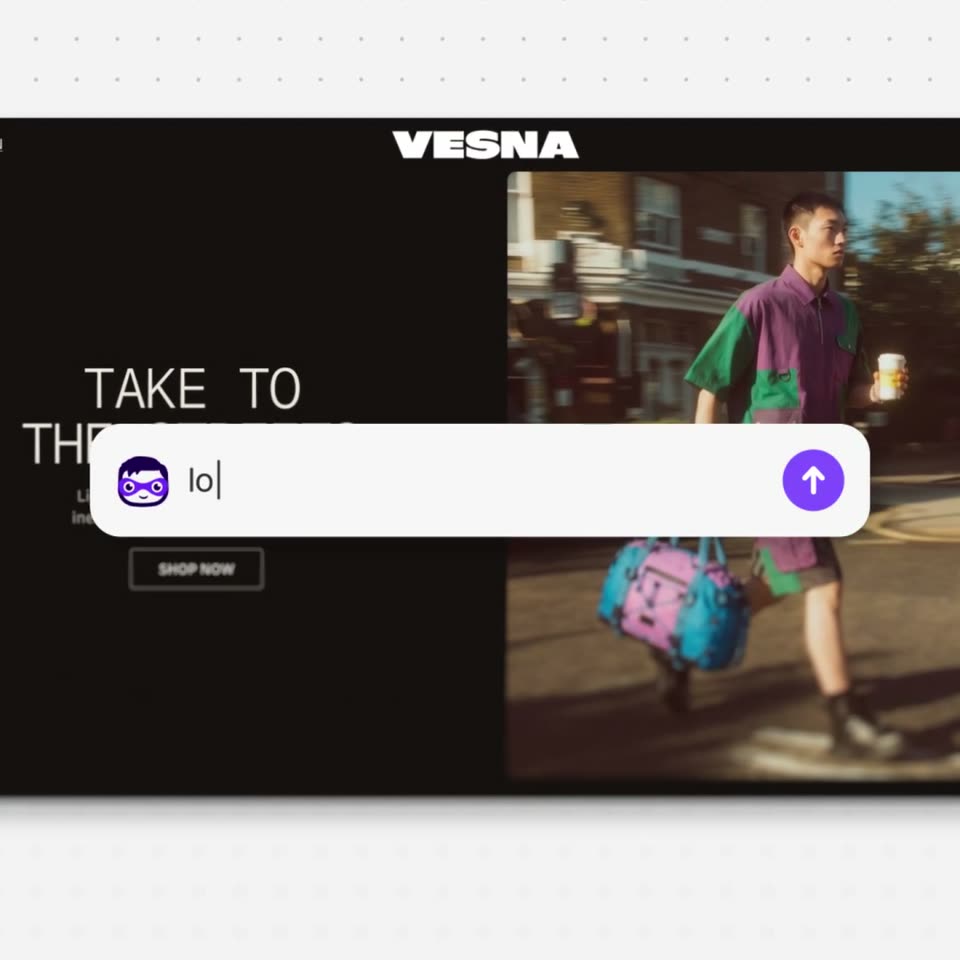 0:09–0:17Shopify · Shopify - There’s a new way to design stores on Shopify Introducing Canvas SeA dotted canvas assembles a dark VESNA fashion site from a selection box, a shop tag and a bag image while a purple Making it dark… pill fades out. The view zooms in as a cursor types love it, do it everywhere into a prompt bar and clicks send.
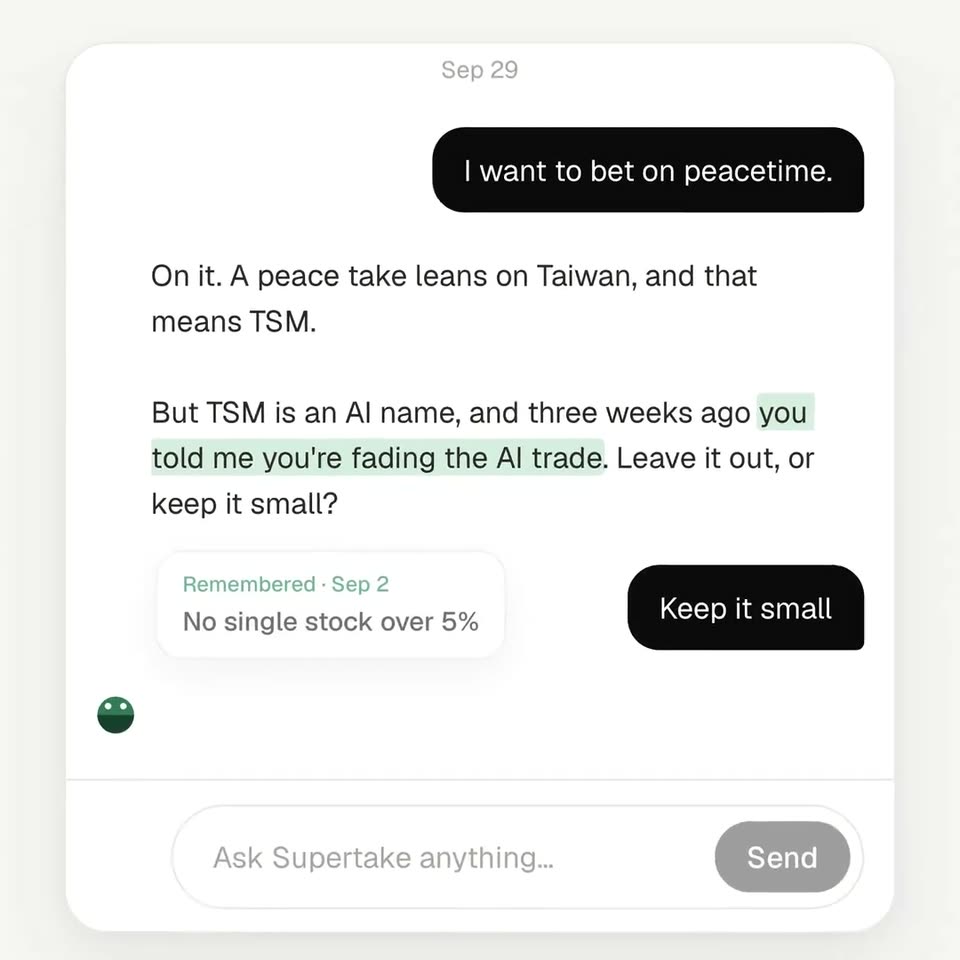 0:12–0:25Supertake · Michael Mignano - Introducing @Supertake Memory. Earlier this week, we launched SupertA white chat card on a light gray background opens with a “3 weeks later” caption. It fades as the user sends a message and the AI types a reply with a memory card. The user taps a button, the AI confirms, and the frame zooms into the thread.
 1:04 · 1sUserlens · Userlens Launch Video (YC P26) | Unveil StudioA white data table with a header row zooms in and centers on a light gray background while a dark caption bar holds at the bottom.
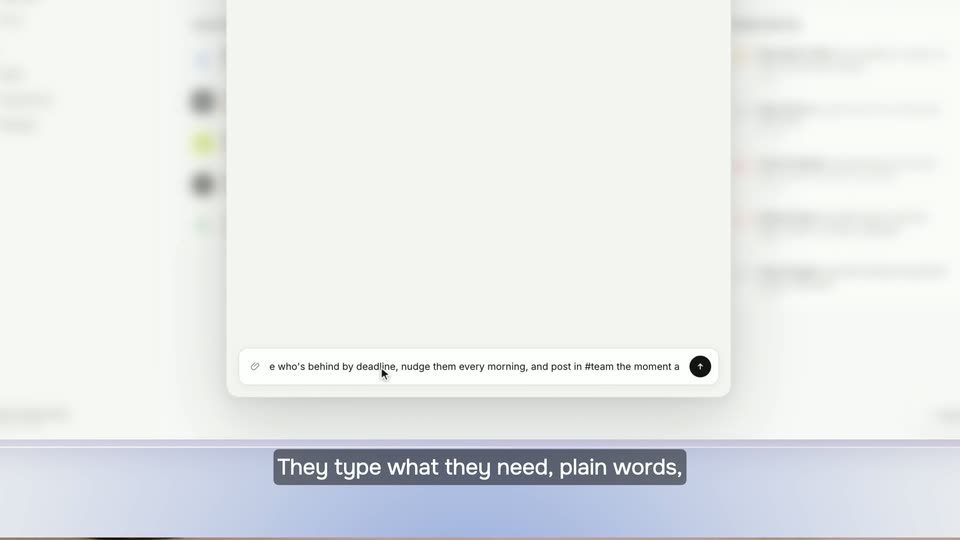 0:14–0:18Vendo · Vendo Launch Video (YC S26) | Unveil StudioA white modal card floats over a blurred product board. A cursor types a prompt into the input bar at the card's base, then the frame zooms out as the prompt slides up into a dark pill. Subtitle captions sit along the bottom.
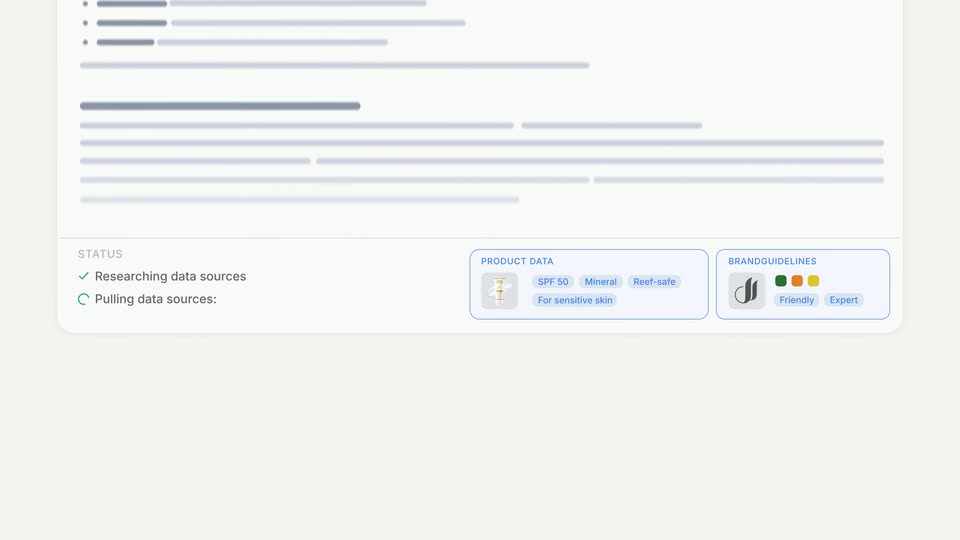 0:32–0:35Wildcard · Wildcard Launch Video (YC W25) | Unveil StudioA close-up of a light product interface scrolls down past skeleton text lines. The status line switches from a spinner to a checkmark, and the product data and brand guidelines cards fill with small colored tags.
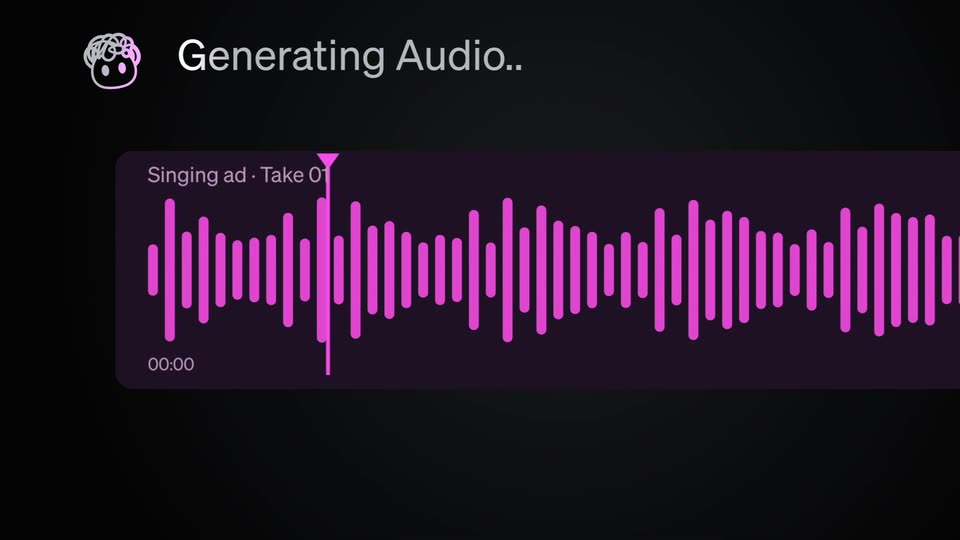 0:17–0:19Arcads · arcads AI - Introducing Arcads Singing Ads 🎶 This format is CRUSHING on Meta ..A dark product UI shows two panels of 3D character renders, a cursor resting on the highlighted left panel. The frame zooms into the audio row, where a magenta waveform pulses and a playhead advances under a robot icon.
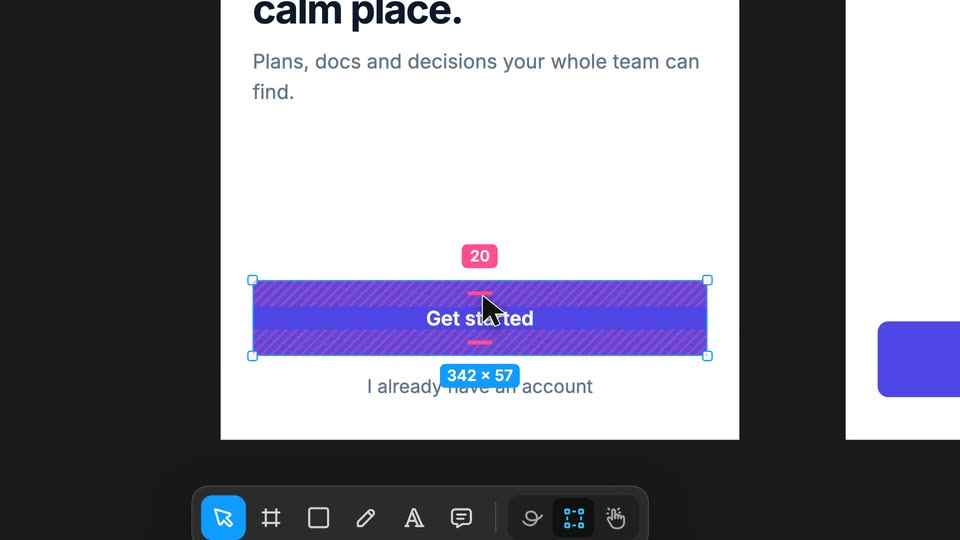 0:21–0:30Builder.io · Steve (Builder.io) - Introducing /visual-edit - a skill to visually edit your local code lIn a dark design-tool workspace, a cursor selects the Get started button on a mobile screen, opens a color picker and drags it to blue, updating the button fill live. The canvas then zooms out to a grid of artboards under an Apply design update button.
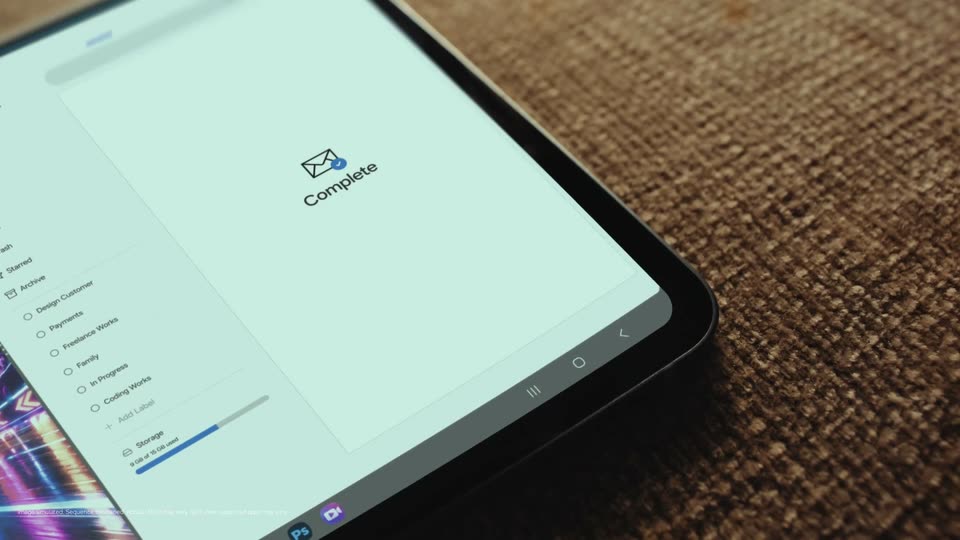 1:06–1:08Samsung · Introducing Galaxy Tab S12 Ultra | SamsungA tablet lies angled on a brown woven surface, its screen showing an email draft with an attached artwork. A finger taps the blue Send button, the draft clears, and an envelope icon with a check badge appears above the word Complete.
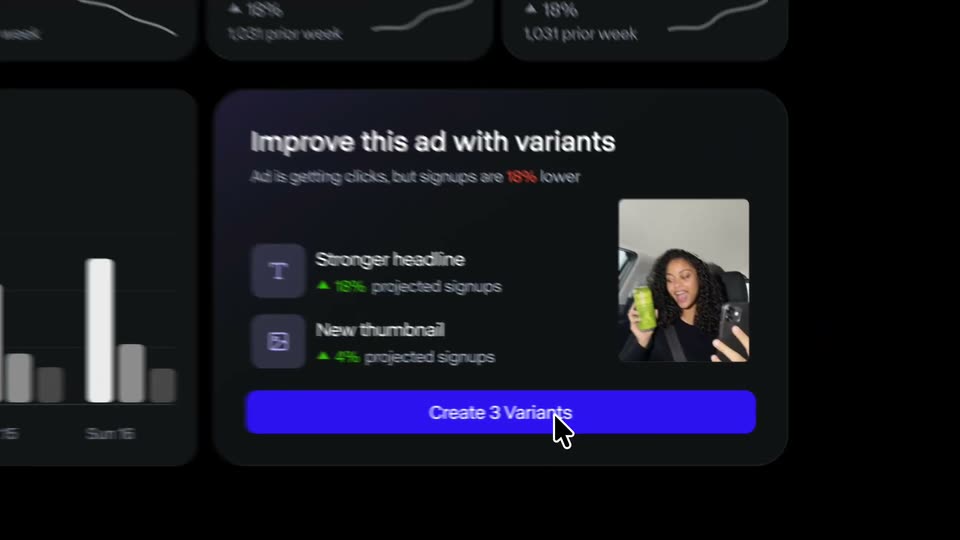 0:39–0:41Runway · Introducing Runway Ads | RunwayA dark analytics dashboard shows five stat cards and a weekly bar chart. The view zooms into the right panel, 'Improve this ad with variants', where a cursor rests on the blue 'Create 3 Variants' button.
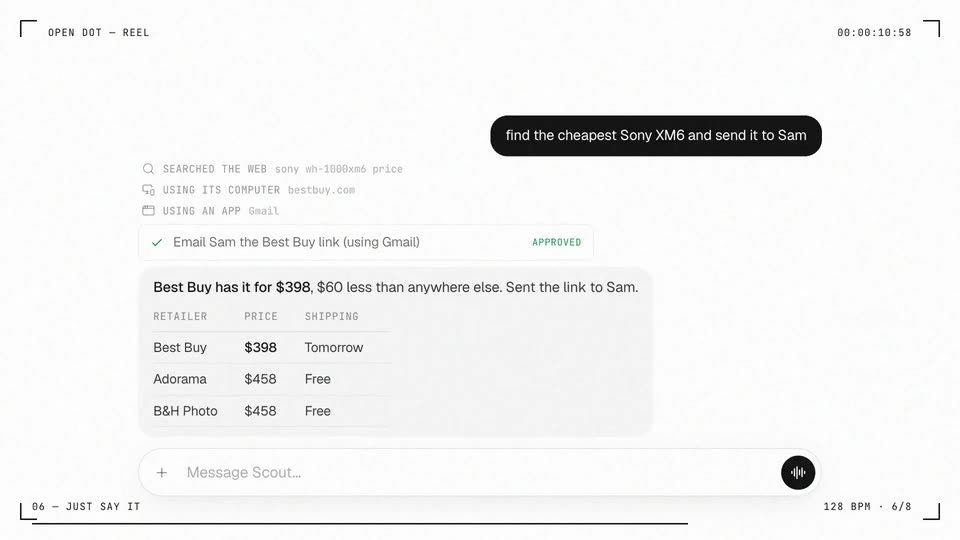 0:10–0:11Open Dots · Karan Vaidya - We are launching Open Dots, run the same capabilities in 1/10th of thA flat audio waveform sits over a chat bar with a dark message pill, then the view pulls back and tilts into a 3D window showing the assistant's price-comparison table and action log.
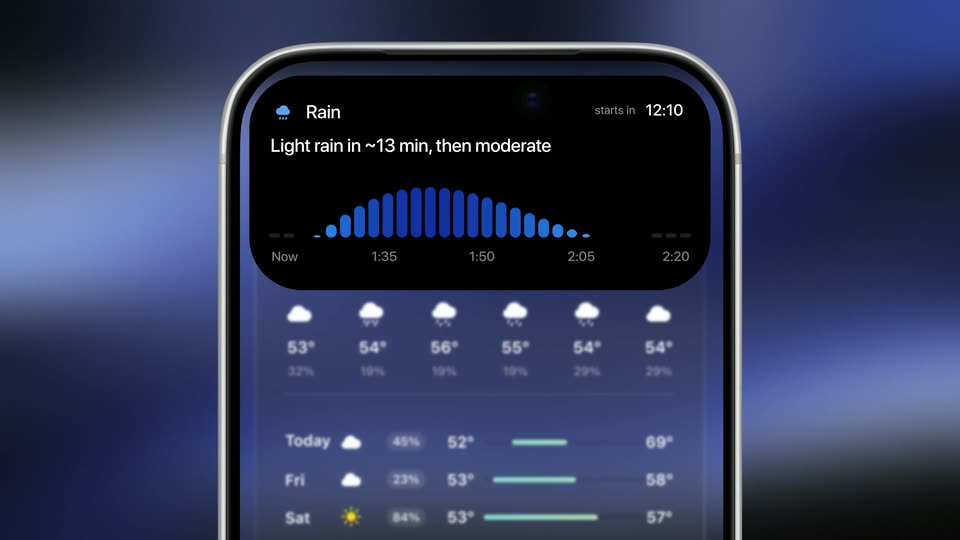 0:25–0:26Precip · Precip - Know precisely when the rain starts and stopsA 3D iPhone mockup floats on a blurred blue background, showing a weather app with an hourly forecast. The camera pushes in toward the top of the screen, reframing onto a Rain widget that displays a blue precipitation bar chart.
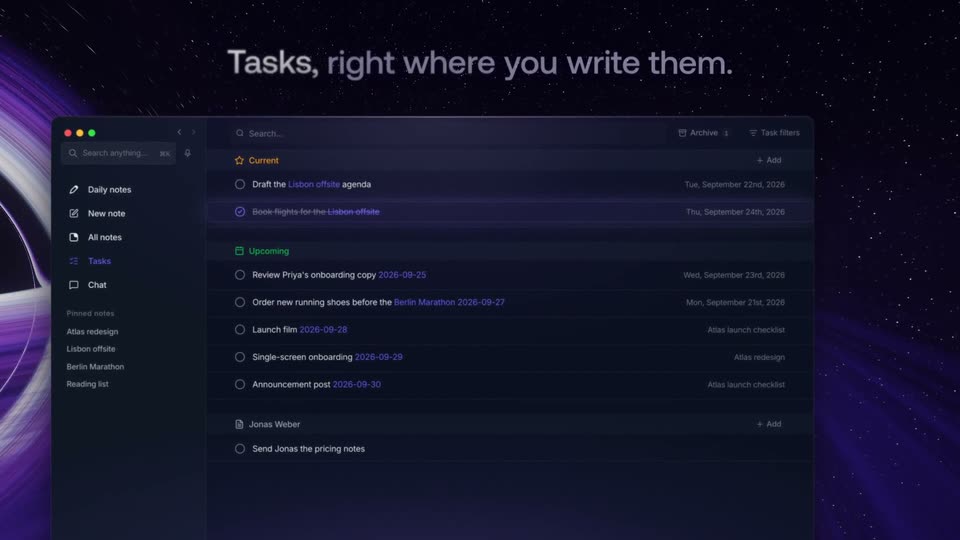 0:24–0:27Reflect · Reflect - We built the notes app we always wished Apple Notes was. Beautiful,A dark task-app window floats over a starry purple backdrop beneath a static headline. The window slowly zooms in and drifts right as the task list crossfades into an open note, with a September 2026 calendar panel fading in on the right.
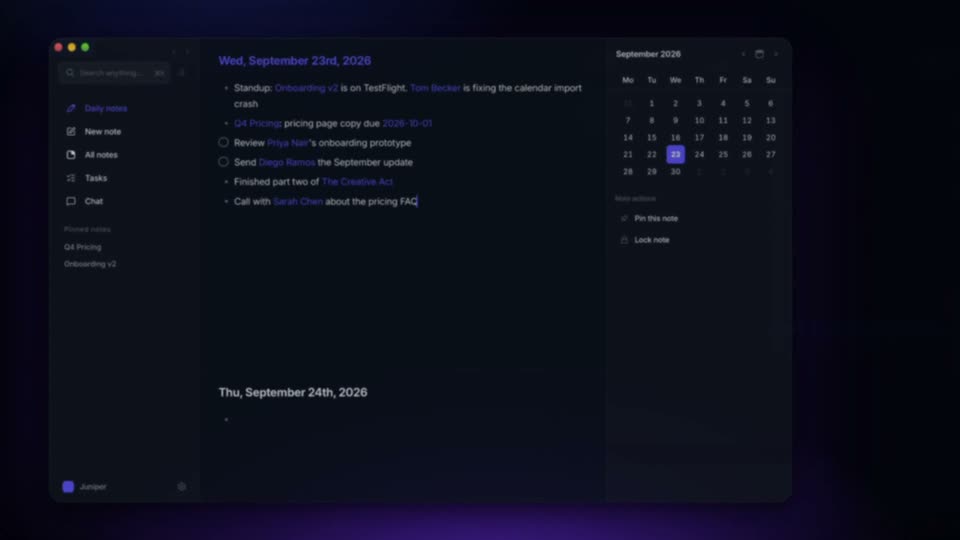 0:08–0:09Reflect · Reflect - Your notes are ordinary Markdown files. No Reflect account. No RefleA dark notes-app window on a purple gradient shows a dated task list beside a September calendar; a ghost copy trails right as the view blurs and zooms into a file list of audio clips.
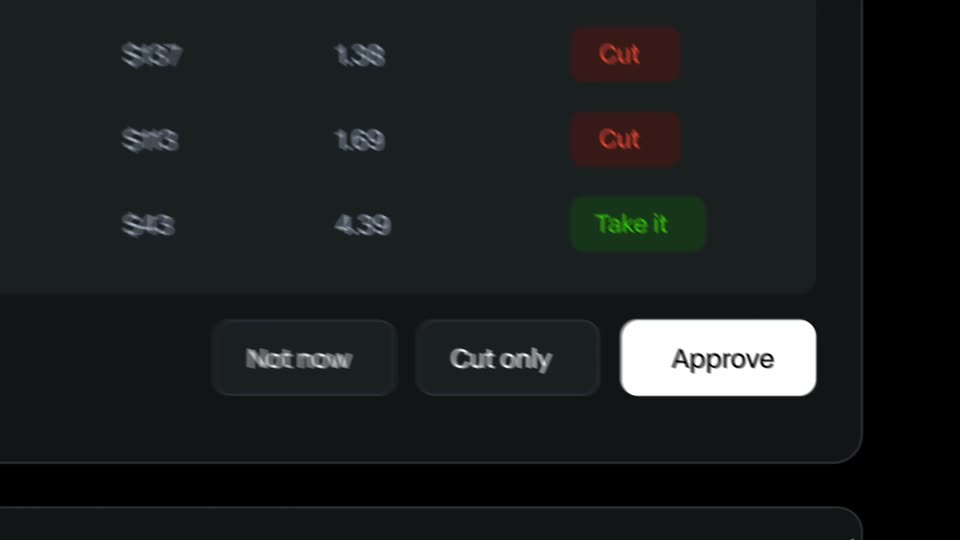 1:01–1:05Runway · Runway - Introducing Runway Ads, an autonomous engine for performance marketinA dark UI list shows a chat message and a '3 action items' header above a recommendation card with a four-row market table. The card sharpens, then the frame zooms to the footer buttons as a cursor moves to the white Approve.
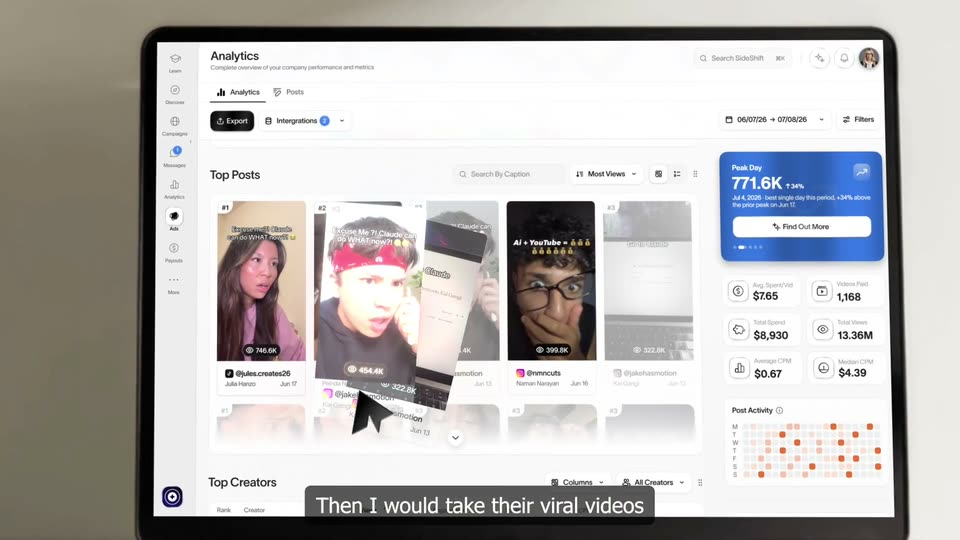 0:18–0:20SideShift · Nick Lawton - Introducing SideShift: the first AI creator marketer. AI can now scaA laptop mockup on a desk displays an analytics dashboard with a row of creator video thumbnails and a blue Peak Day metrics card. The frame starts soft and pulls into focus as the camera pushes toward the screen, while white voiceover captions swap across the bottom.
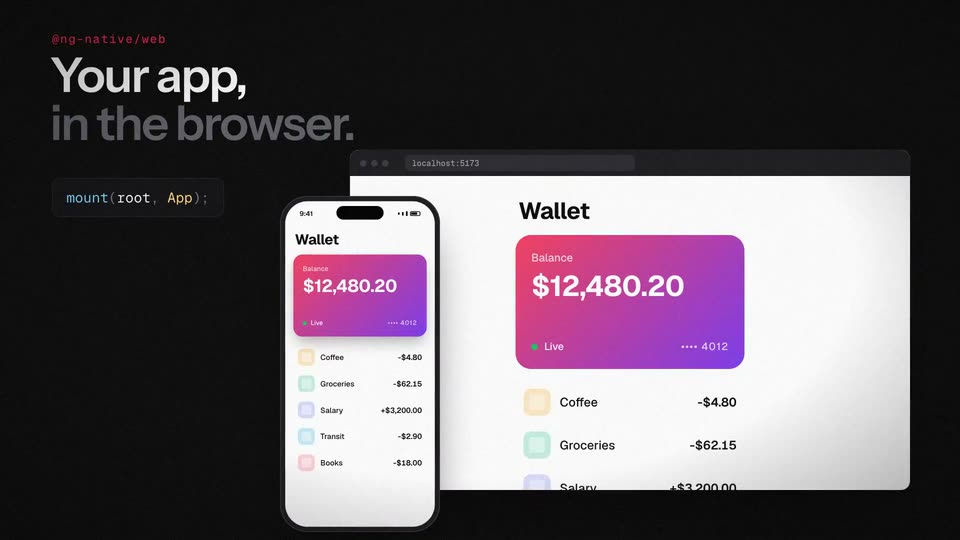 0:23–0:25Angular Native · Ashley Hunter - 🚀 Introducing Angular Native The stunning developer experience and eA tilted phone showing a wallet app slides right across a flat browser window that zooms in, on a black background. The headline “Your app, in the browser.” fades out as “The app.” appears top left.
 0:09–0:11Apollo · Best AI SaaS Product Video | ApolloA rounded-square control with up and down chevrons sits centered on a white field, then slides left as a status line and a one-line task note appear beside it. The whole row then scales up, the chevrons grow, and the timer reads 01s.
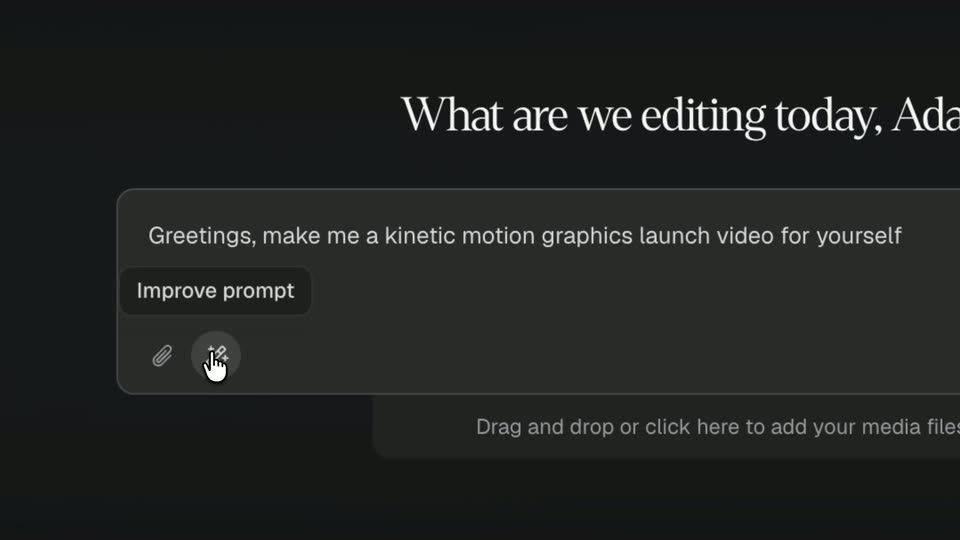 0:26–0:29Cardboard · Saksham - We have solved video editing once and for all and…. It’s FREE AvailA dark prompt screen reframes from offset to centered as a prompt types out; a cursor clicks a wand icon to expand the prompt into a paragraph, then a hand cursor sends it and the box clears.
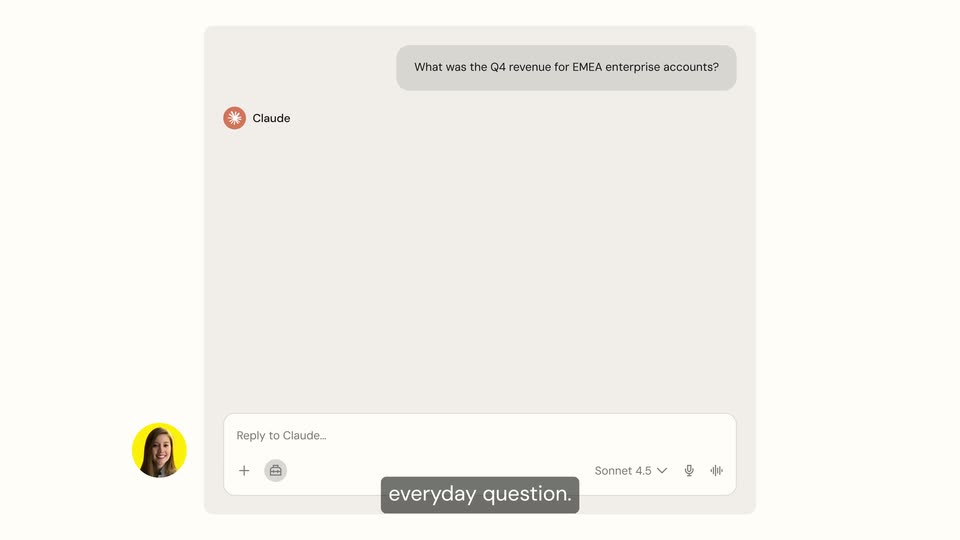 0:49–0:51CData · Raviv levi - You’ve spent years teaching people how your company works. Your AI neA flat chat interface on a cream background: the typed question appears as a gray bubble top right, then the Claude avatar and reply field show. The frame reframes to a compact bubble with dotted truncation while a caption pill updates at the bottom.
 0:03–0:05Cognition · Cognition - Starting today, you can now use your ChatGPT subscription directly inA pale login panel shows a hexagon mark, a Welcome back heading and four provider buttons stacked vertically. A black cursor hovers over the top ChatGPT row as the frame slowly pushes in toward the list.
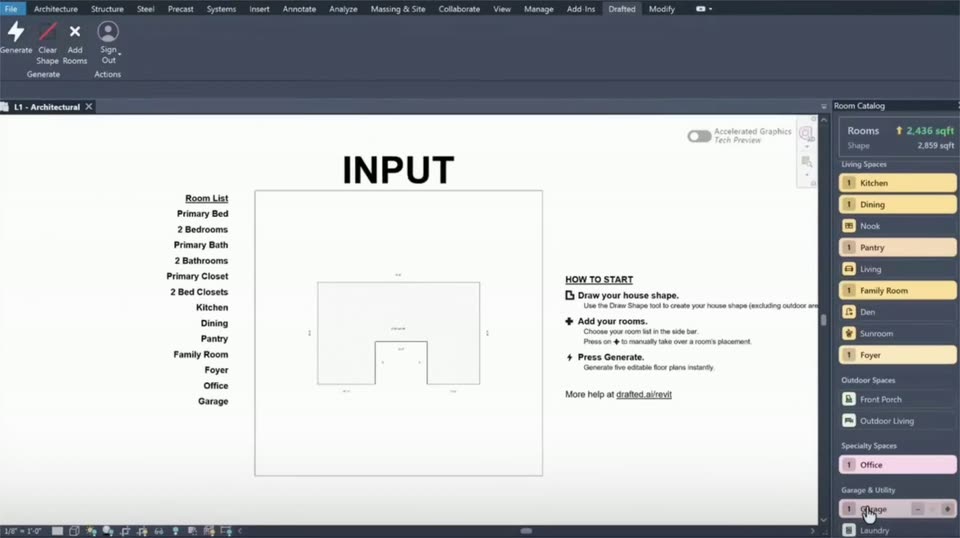 0:08–0:10Drafted · Drafted - Introducing Drafted in Revit. Draw a footprint, add your room list,A zoomed-in Revit sheet shows a house outline and a HOW TO START panel while the cursor rests on the room catalog. The view pulls back to the full window, then the cursor clicks Generate and a Loading Drafted Revit Families progress dialog appears.
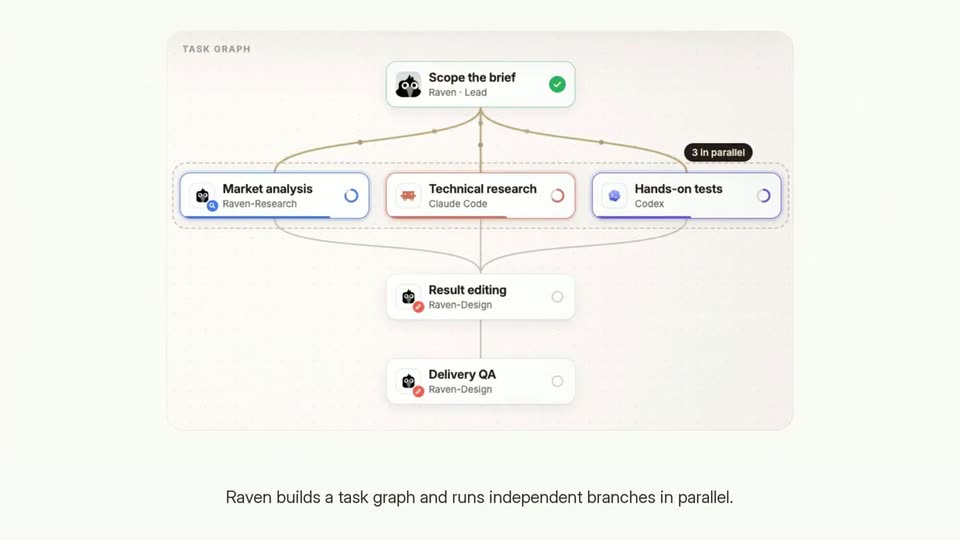 0:14–0:17EverMind · Yafeng Deng - Raven 0.2.0 — The Harness of Harnesses, built for RSI. 🐦⬛ One harneThe interface reframes from a full dashboard to the task graph card. Three branch cards light up with green checks under the top node, a dark parallel tag appears, and a blue progress ring animates on the right card.
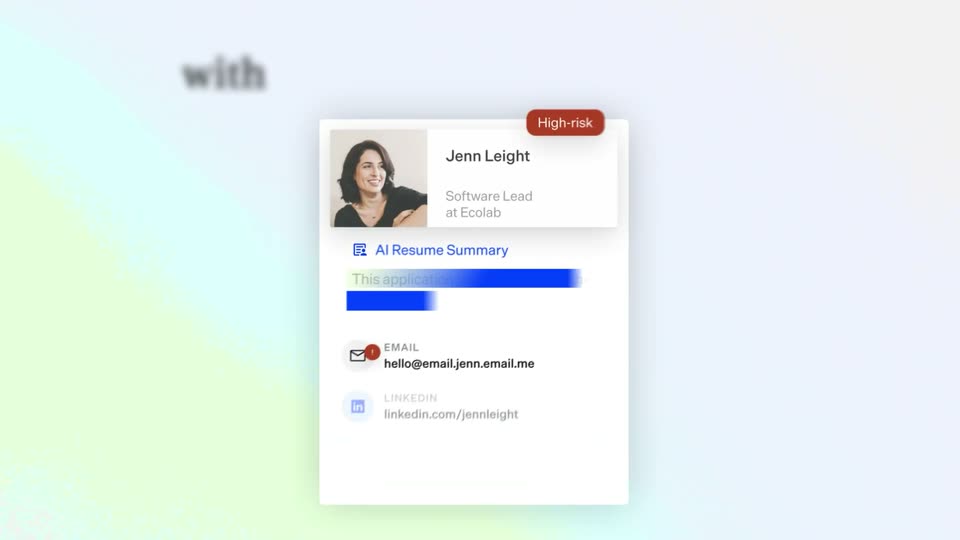 0:19–0:20Gem · A Fresh Look for Gem | UI Animation & Sound DesignA light product interface shows a list of applicant cards with a Sort button, then the view reframes onto a Jenni Leight profile card flagged High-risk. An AI Resume Summary panel below fills in with a red-flag line and contact details, while a blurred headline sits behind.
 0:14–0:15Higgsfield · Higgsfield AI 🧩 - Introducing OpenAI’s Dots x Higgsfield. Your always-on Higgsfield crA light interface list scrolls upward past rounded icons and labels, then a gray pill button labeled View all 15 dots scales into focus while surrounding text blurs.
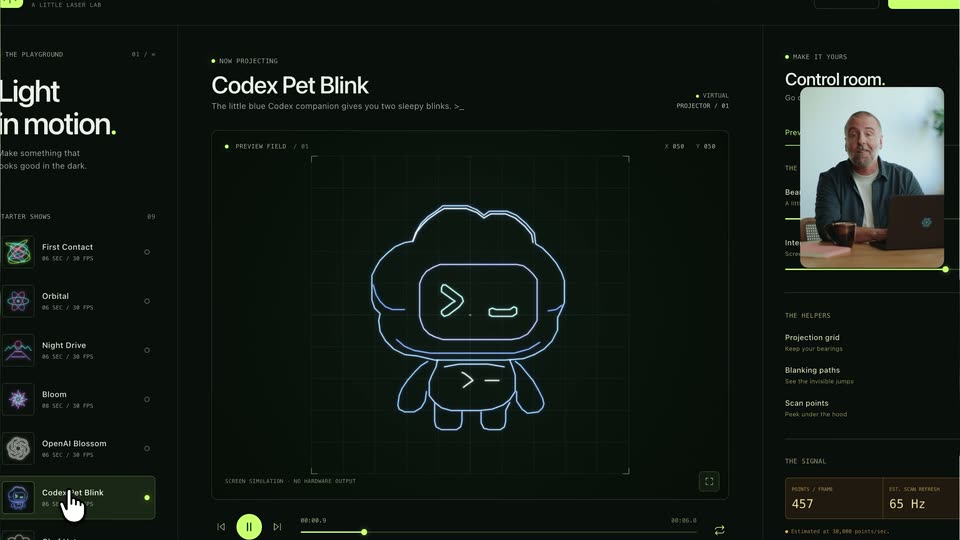 1:17–1:22OpenAI · Meet the all new Codex CloudA browser window shows a dark laser-lab interface with an assistant chat panel left and a video-call inset of a man at a desk. The view zooms into the interface as a cursor clicks Codex Pet Blink, and a blue line-art robot fills the preview grid.
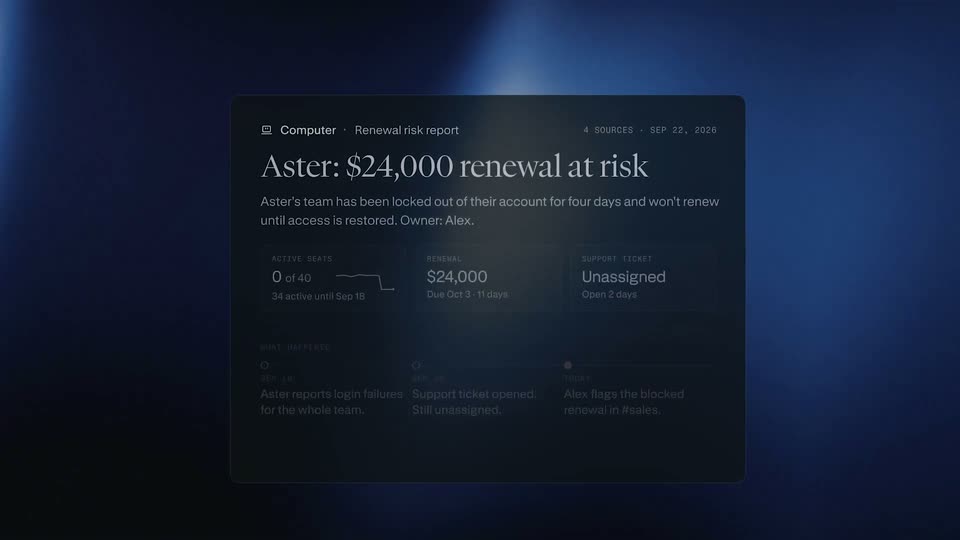 0:34–0:35Perplexity · Perplexity - Introducing Automations in Perplexity Computer. Automations are forA dark report card fades in at the bottom of a blue gradient as three step labels slide in along a left timeline. The card then brightens, recenters and the timeline drops away, revealing the full Aster renewal risk report with its stats and event columns.
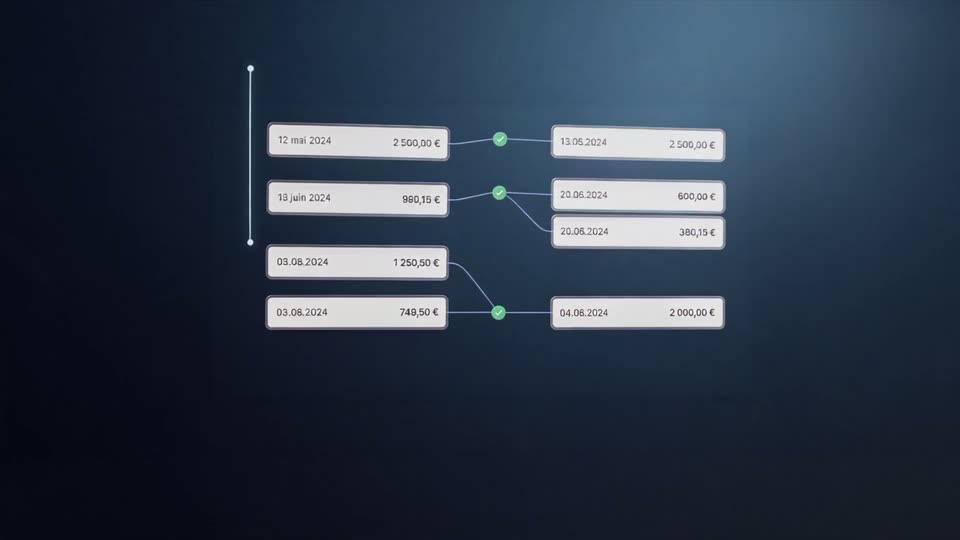 1:45–1:46Qantum · Qantum · L'ERP financier IA natif · PrésentationAn iMac on a desk in a blurred office shows a banking reconciliation screen; the camera pushes into the display as the bezel fades, leaving the transaction panel floating on a dark blue background.
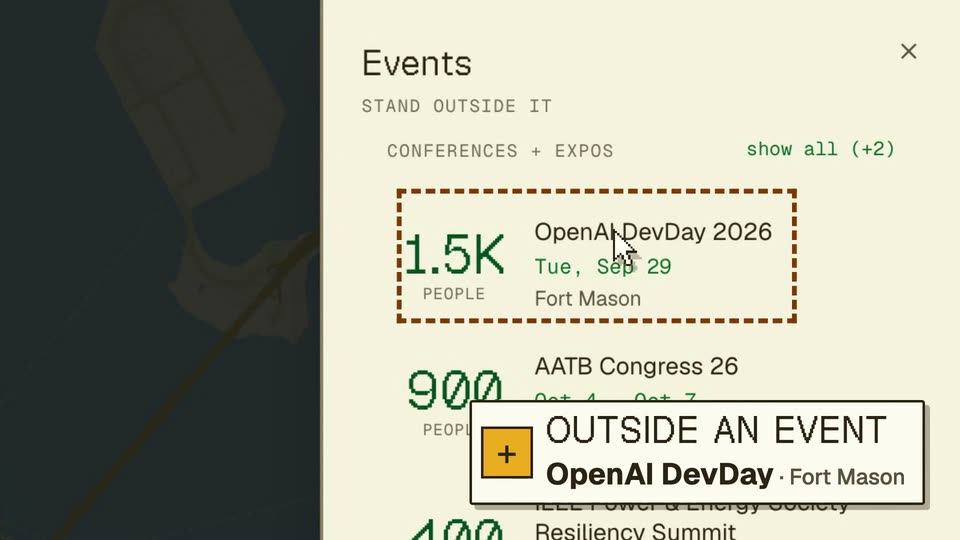 0:09–0:10Rentahuman · Alex - Today we're launching The easiest way to advertise your product to tA map with an events panel on the right zooms in on the OpenAI DevDay 2026 row, marked by a dashed outline and a hovering cursor. A white caption box with an orange plus icon at the bottom reads “OUTSIDE AN EVENT, OpenAI DevDay - Fort Mason”.
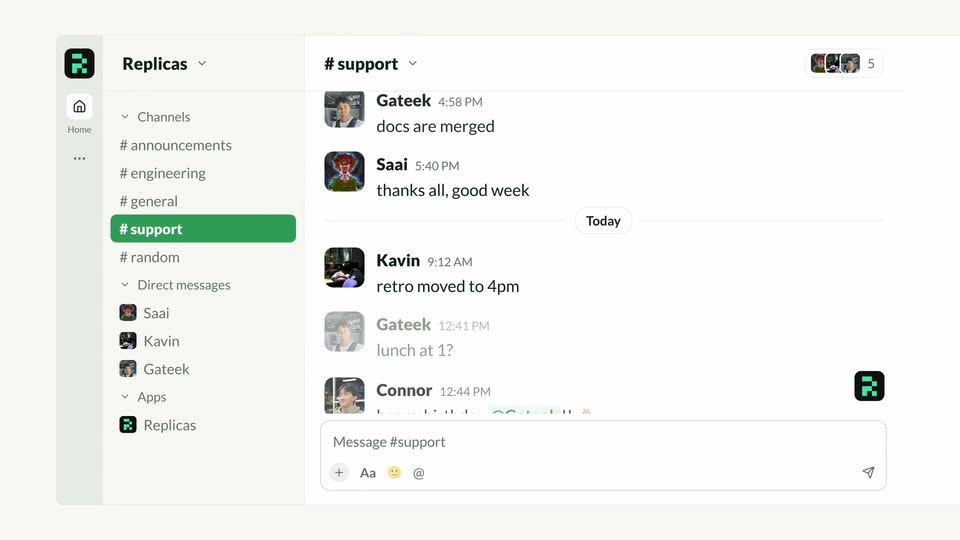 1:03–1:04Replicas · Connor Loi - Introducing Replicas V3: the most flexible and cost-efficient cloud aA light chat interface for the Replicas workspace fills the frame. The view opens zoomed and offset, then reframes to the full layout: the channel list on the left and the #support thread on the right, where a highlighted message row carries a green Replicas badge.
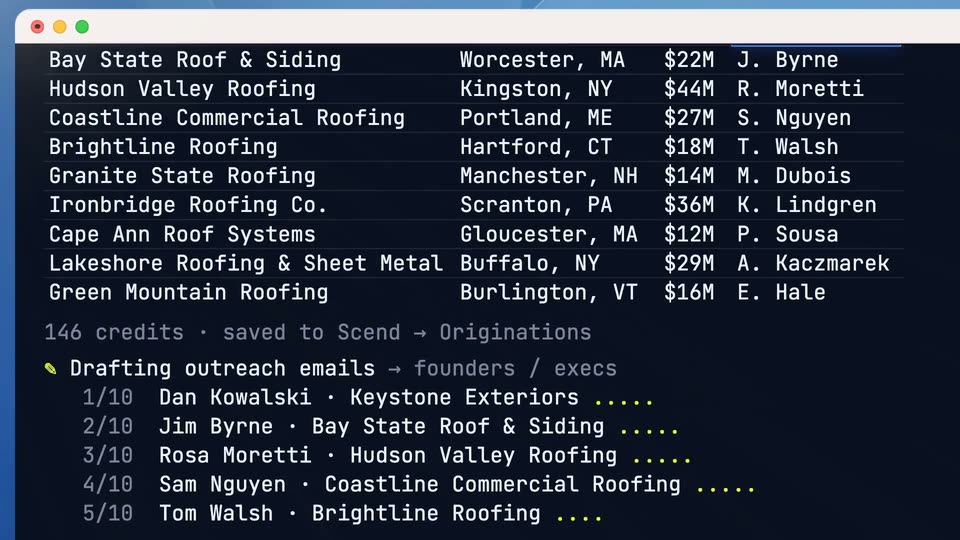 0:21 · 0.8sScend Ai · Scend Inc. - "Claude, find me my next service business acquisition, make no mistakA dark terminal window lists roofing company credits in monospace type. The list scrolls up a few rows, then the window reframes outward to reveal its title bar with red, yellow and green buttons.
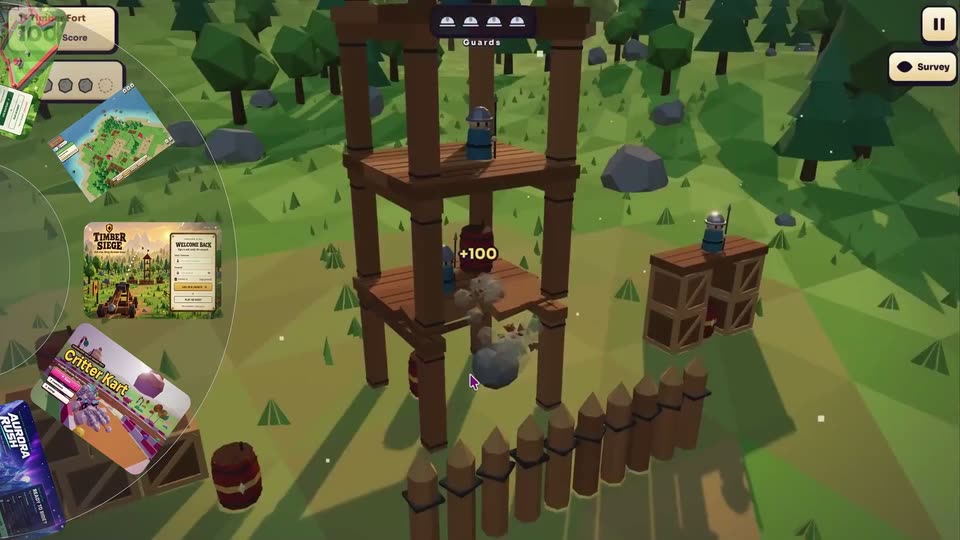 0:57–0:59Manus · Manus - Introducing Manus 2.0A low-poly 3D game world shows a wooden watchtower with a red roof on green hills, framed by a curved shelf of game covers on the left. The camera dollies in toward the tower, tightening onto its guard platforms as a score popup flashes and a cursor rests at the base.
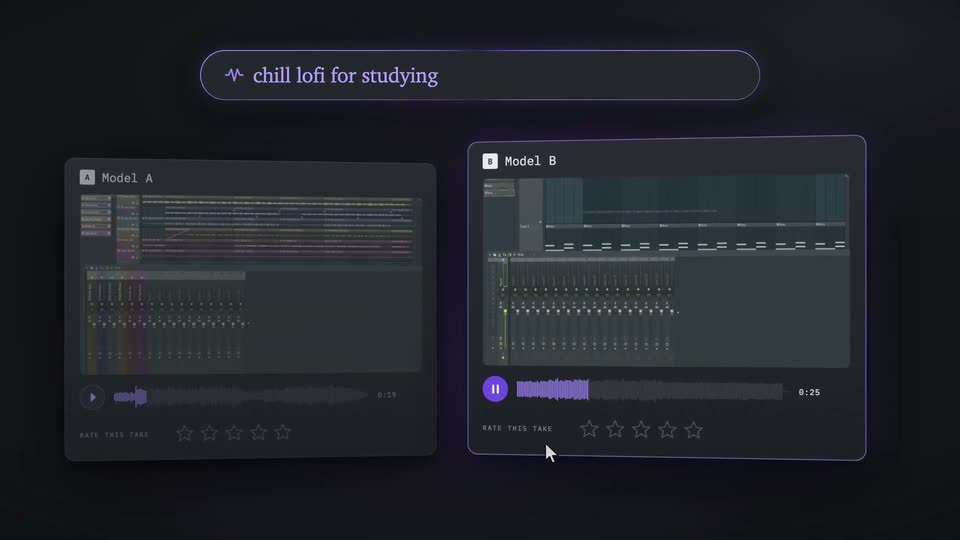 0:10–0:16MusicArena · MusicArena: The Crowdsourced Music Benchmark for AIA dark UI shows a prompt bar reading “chill lofi for studying” over two model cards with DAW-style track views. A cursor clicks play on Model B, which glows and scales up as Model A dims; the prompt then changes to “synthwave for a midnight drive”.
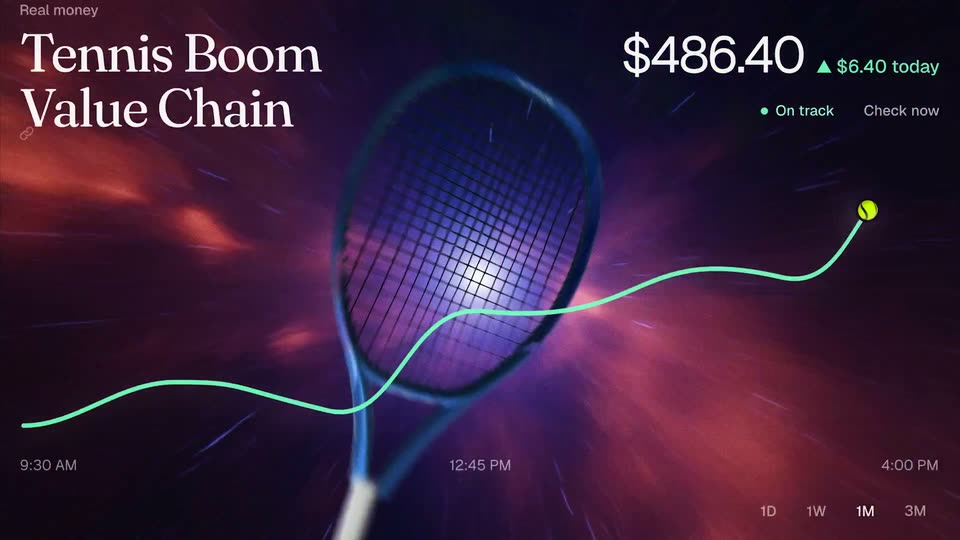 0:34 · 0.5sSupertake · Michael Mignano - Introducing @Supertake, a new platform that transforms your unique taA 3D tennis racket floats in a purple and pink radial burst as a green chart line arcs across its strings toward a small yellow ball. The camera pushes in on the racket, carrying the price and time labels out of frame.
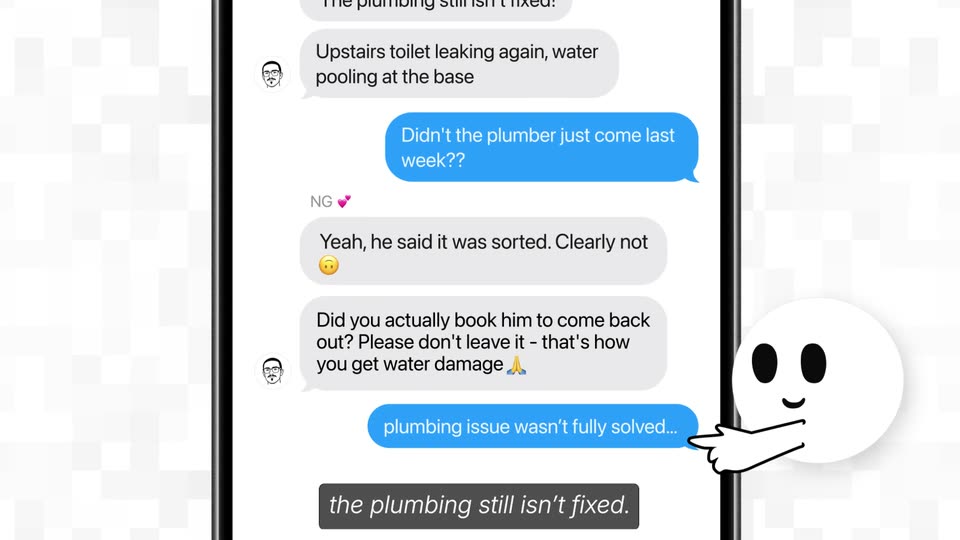 1:14–1:18Wajo AI · Shivani Poddar - I led engineering at Google DeepMind. Today, I'm proud to introduceA tilted iPhone mockup on a checkered background shows a family group chat scrolling up as a white blob character peeks from the right edge, pointing at the screen. It cuts to an assistant chat typing a reply while pink and green confetti squares pop.
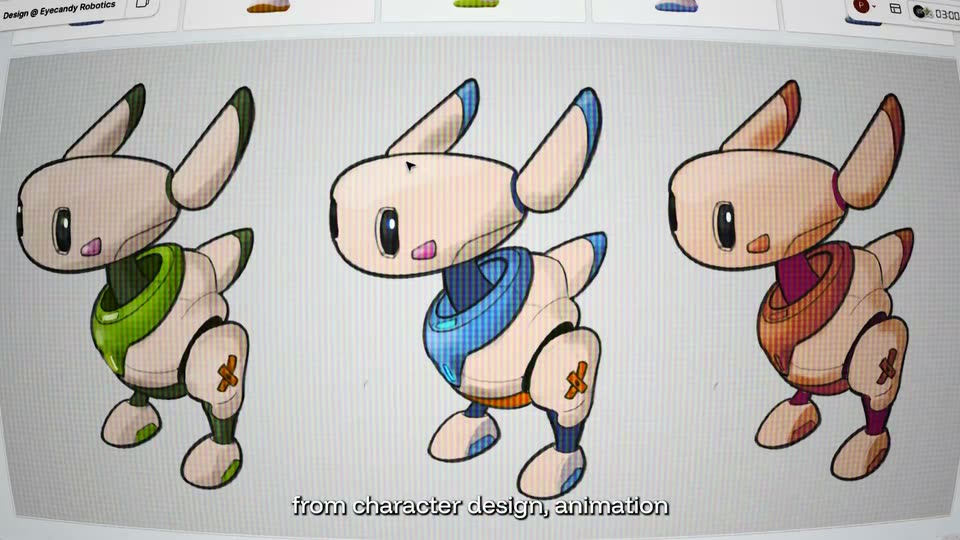 0:43–0:45Eye Candy Robotics · raghu velagala - today we’re launching eyecandy robotics! we’re bringing animated chaA design tool window displays turnaround sheets of a small robot rabbit in green, blue and brown colorways. The view zooms from the full grid to the three standing figures, then pixel blocks flicker at the frame edges while the caption sits below.
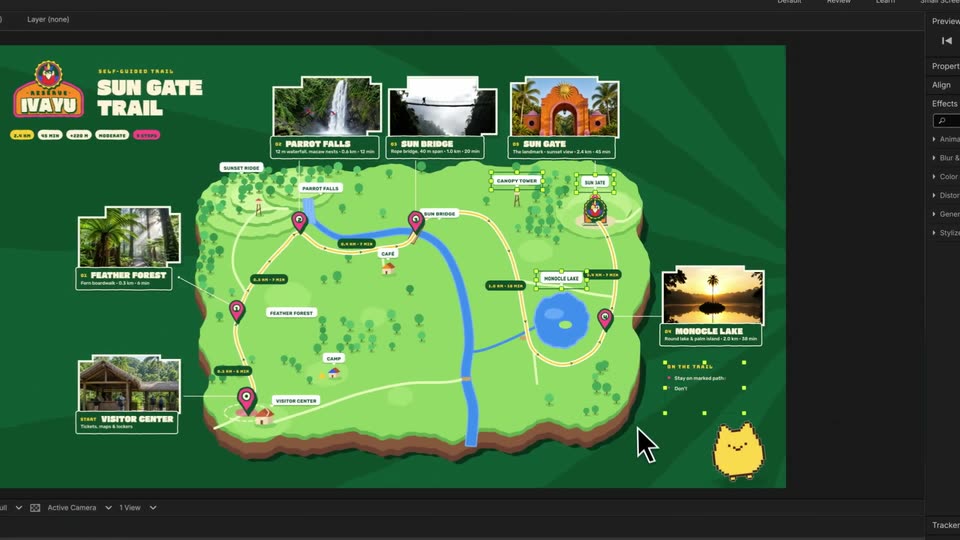 0:46–0:49Higgsfield · Higgsfield AI 🧩 - Introducing Higgsfield x Claude Opus 5.5 for Motion Design. With HigA screen recording of a video editor shows a green canvas where a stylized trail map zooms out as photo cards of the stops slide in around it. A cursor moves over the layout while a status caption reads Generating photos of the trail stops.
 0:11–0:13Motion · Motion - Introducing Claude Opus 5.5 for launch videos. Give it an idea, yourA cream preview card displays the headline 'We now connect with over', two words in red pills. The frame zooms onto the line, a black cursor clicks a round red plus button, and the canvas changes to a large red '0 Tools' above a blue plus button.
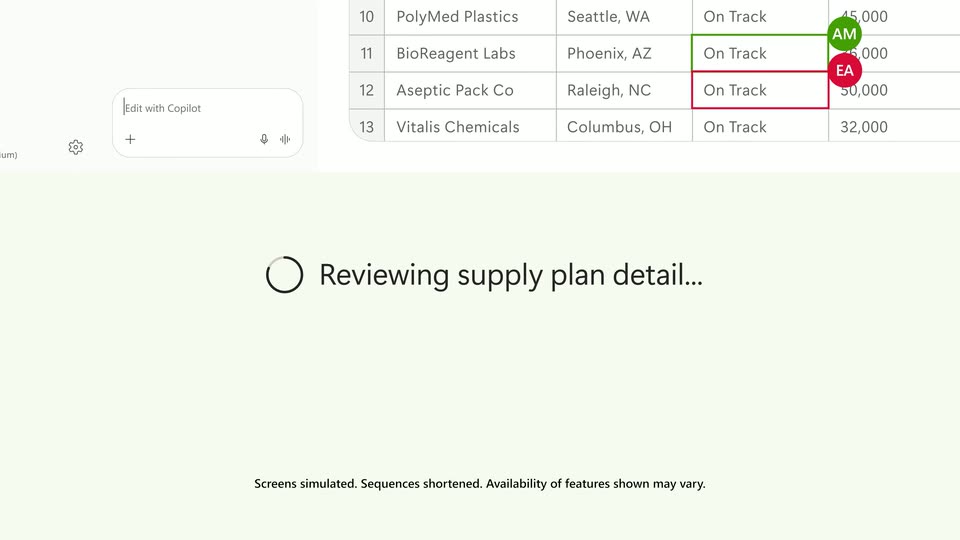 0:19–0:26Microsoft · The new Copilot: where work comes togetherThe supplier spreadsheet fills beside Copilot chat. Avatars enter, the view tightens and travels down to Reviewing supply plan detail..., then the loader resolves to Completed. These are connected reframing and UI updates of the same supply-plan result.
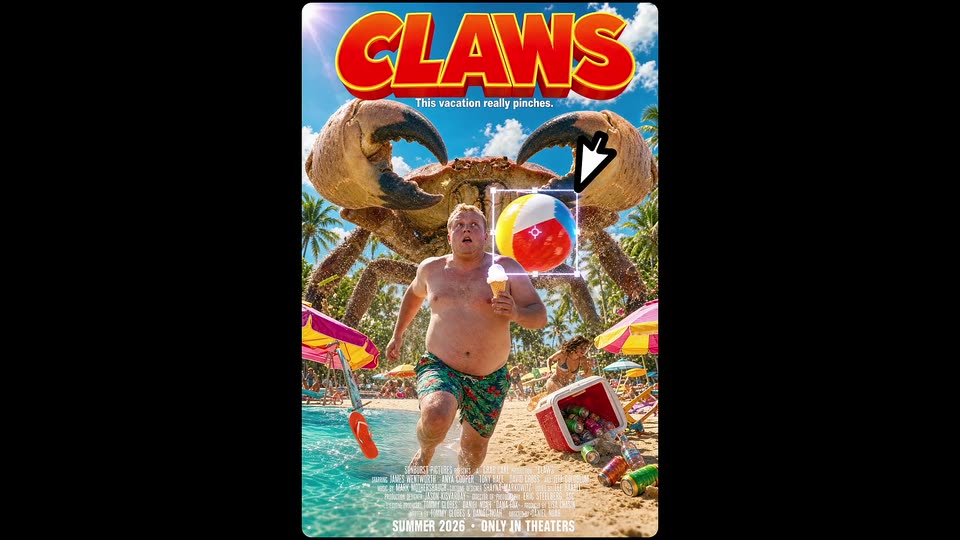 0:32–0:37Runway · Runway - New in Runway, Layers. Split any image into editable layers with a siA beach movie poster sits on a black field with white side labels Edit and layers. Dotted selection boxes and arrow cursors mark the ball and claw layers, then the view zooms into the poster as the labels drop off.
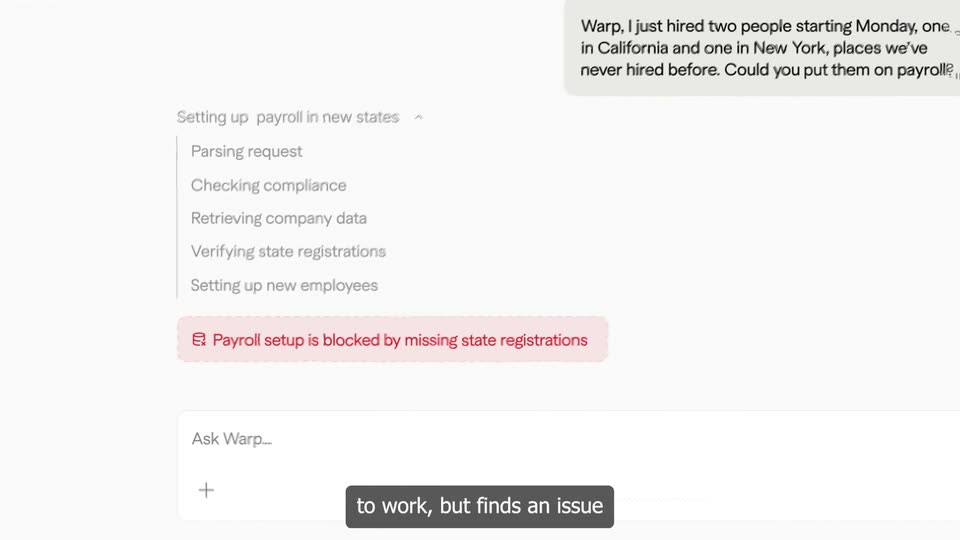 0:41–0:44Warp · Ayush S - We’ve raised $85M for this moment. Introducing Warp 2.0: The firstA chat window shows a user message asking to put two new hires on payroll. A task list builds line by line, then a red error box appears below it. The view zooms in on the list while a dark caption notes the issue.
 0:05–0:07Arcads · arcads AI - introducing AI Slideshows Create Viral TikTok Carrousel in one clickA white cursor clicks a purple rounded button on a dark panel. The white arrow icon morphs into a spinning loader ring, then the frame pushes in and defocuses onto the glowing button.
 0:26–0:30Nekod · Best Product Launch Video Created by Beliv8 Motion for Nekod | Product Teaser VideoTwo white security-finding cards float on a dark teal dotted backdrop. A cursor glides to the black +Fix all 5 button as the camera pushes in, then past the cards into the empty gradient, where a small red X circle appears.
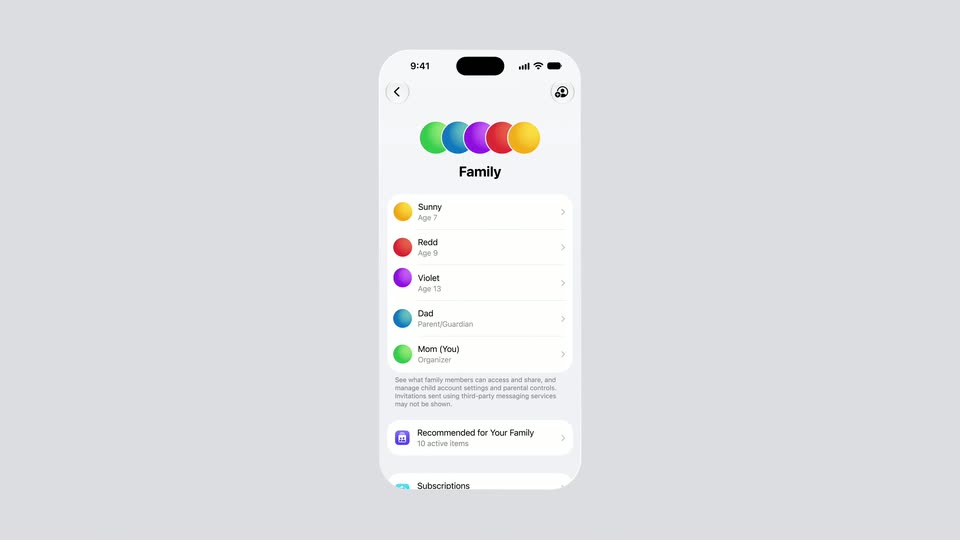 0:14–0:23Apple · New Apple child safety features help parents keep kids safe onlineA close-up of the Family header zooms out to reveal a flat iPhone mockup as its five colored spheres gather into a row. The member list settles in, then the screen blurs and the Violet row lifts into a floating card, its purple sphere drifting off to the top right.
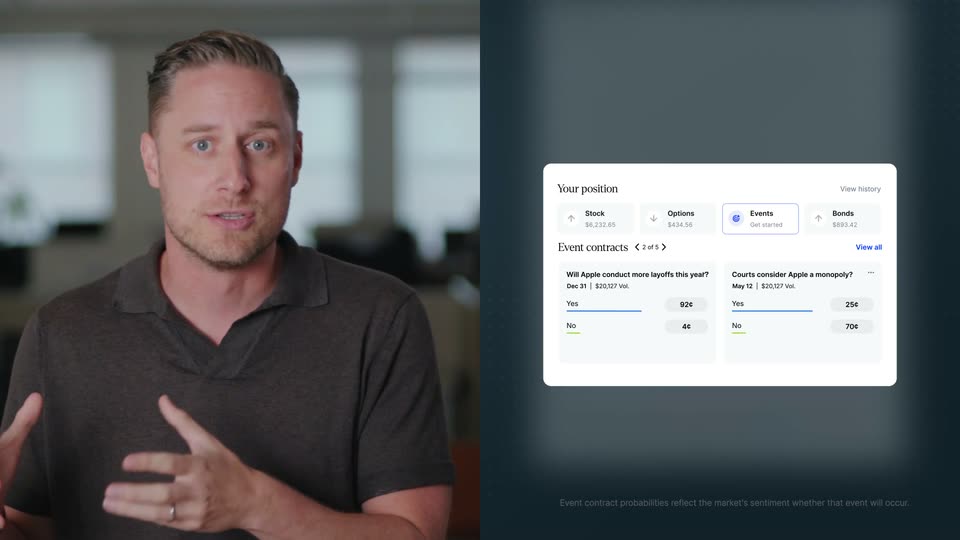 1:19–1:31Public · Public - The next era of prediction markets: • AI Agents to monitor event conA man in a brown polo talks and gestures on the left half of a split screen. On the right, a white position panel cycles event-contract cards with shifting percentages, then switches to the Stock tab and zooms into an Apple price chart.
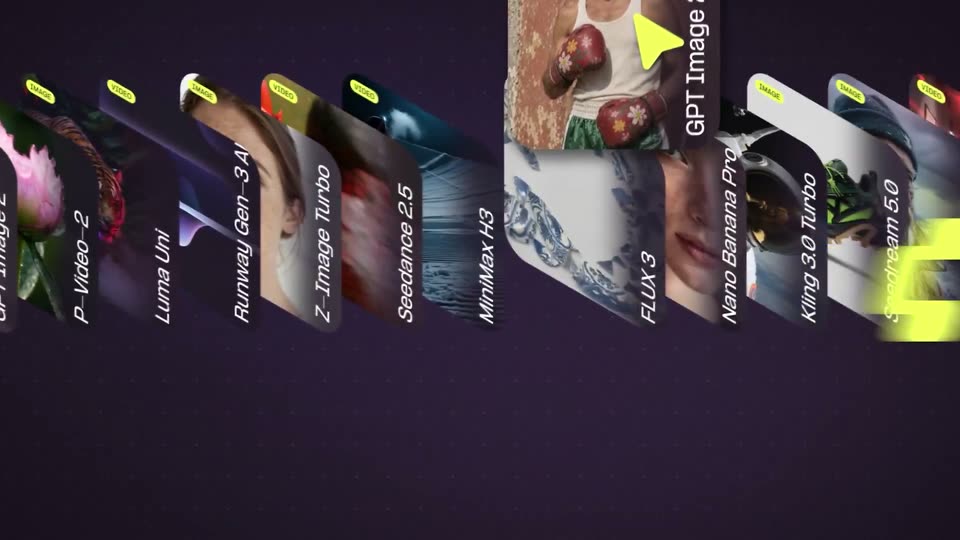 0:29–0:33Comfy Router · ComfyUI - Comfy Router is live One API for frontier image, video, 3D, and audiA 3D row of model cards scrolls across a dark starfield as the caption “The same models 3M+ already use” appears. A yellow arrow pops onto the GPT Image 2.5 card, then the camera zooms in on it, blurring the rest of the row.
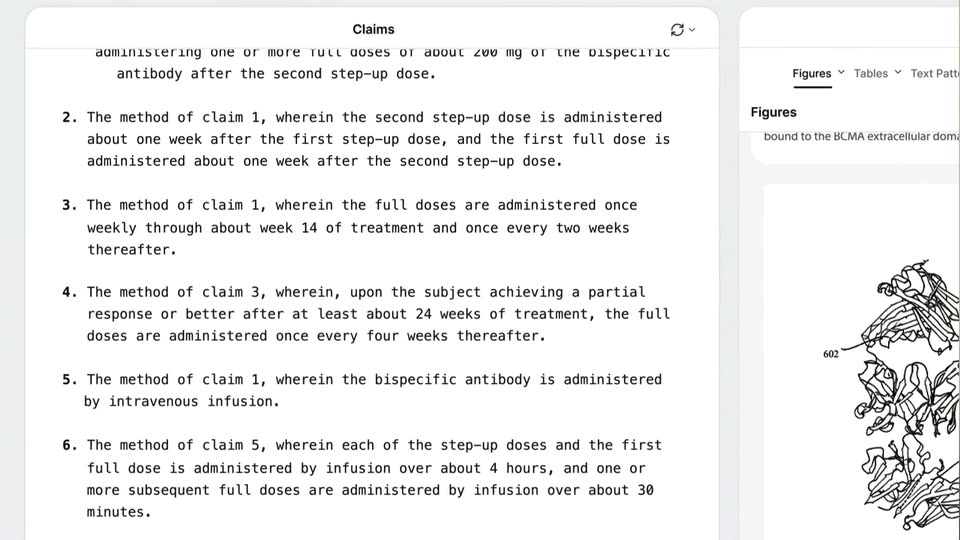 0:38–0:41Fearn · han - Today, we're killing the billable hour for patent work. Fearn LegalA two-panel patent editor fills the frame: the left Claims panel lists numbered claim text while the right Figures panel shows a colored 3D protein ribbon rendered alongside a black-and-white line drawing. The view then reframes onto the Claims list.
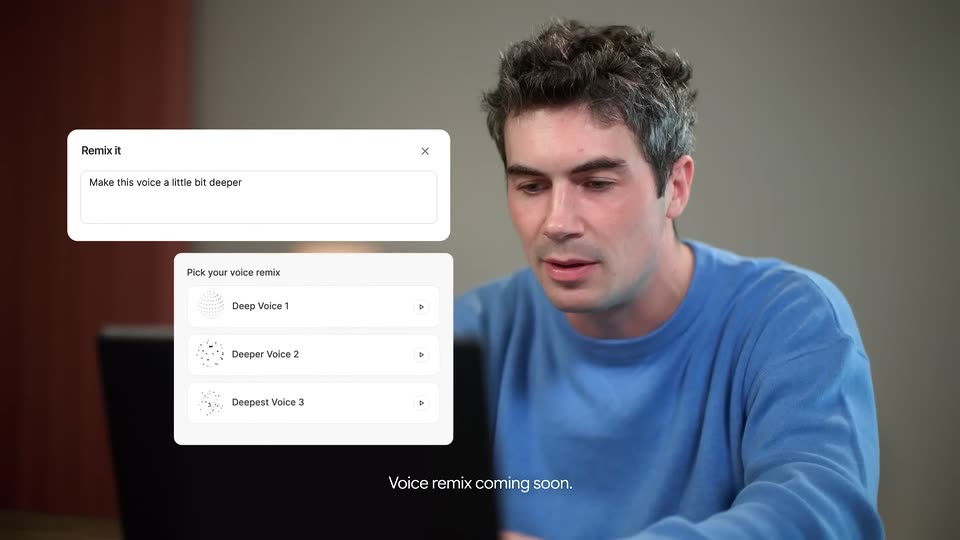 0:27–0:32Google · Create your own voices with Gemini 3.8 text-to-speechA man in a blue sweater speaks at a laptop. A white Remix it card on the left types Make this voice a little bit deeper, then a Pick your voice remix list with three dot-grid options slides in, and the frame zooms onto that card as the man blurs.
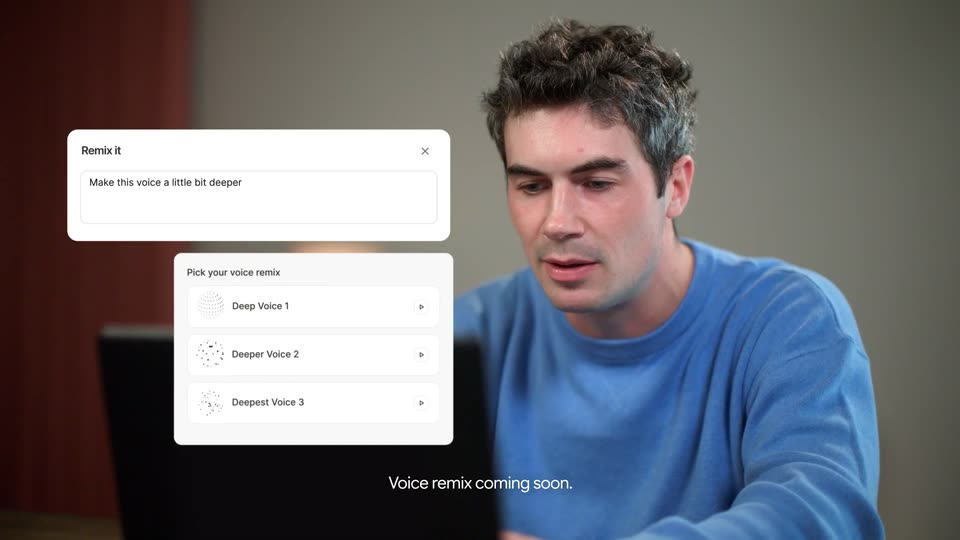 0:27–0:32Google · Google AI - We’re launching Gemini 3.8 Flash TTS and Gemini 3.8 Flash-Lite TTS ⚡️A man in a blue sweater sits at a laptop as a white “Remix it” card overlays the left. Text types into its field, then a second card with three voice options slides in. The frame zooms into that card, blurring the room.
 0:00–0:03HeyBrain · HeyBrain - As AI usage spreads across a company, cost becomes an infrastructureA centered dark headline on a cream background holds still, then the frame blurs into a product UI showing a Credit usage screen with filter chips and a focused search field.
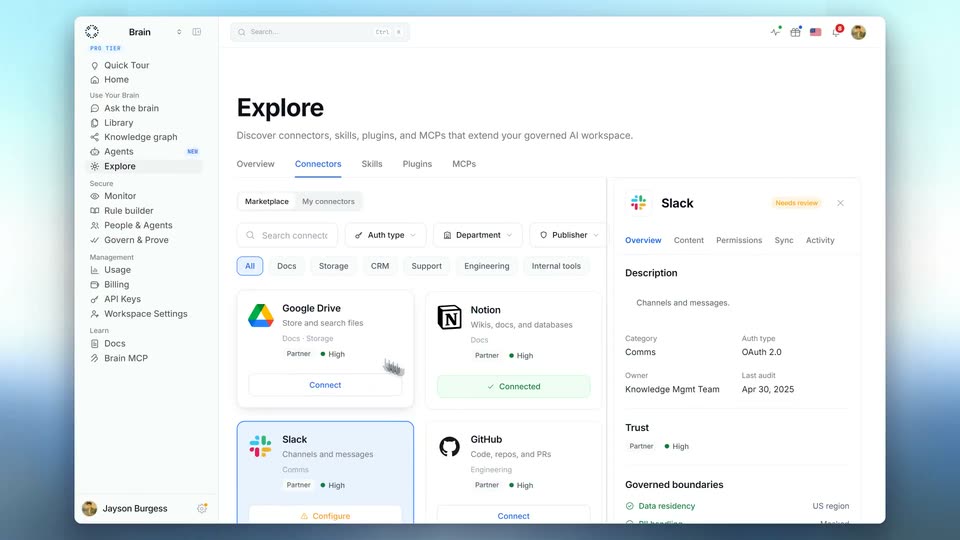 0:10–0:12HeyBrain · HeyBrain - Brain works with the AI stack your company already uses. Connect youThe view opens zoomed into a Trust and Governed boundaries detail panel, then pulls back to reveal the full Explore workspace: a left navigation rail, a grid of connector cards, and the right-hand detail panel. A cursor hovers over the Google Drive card.
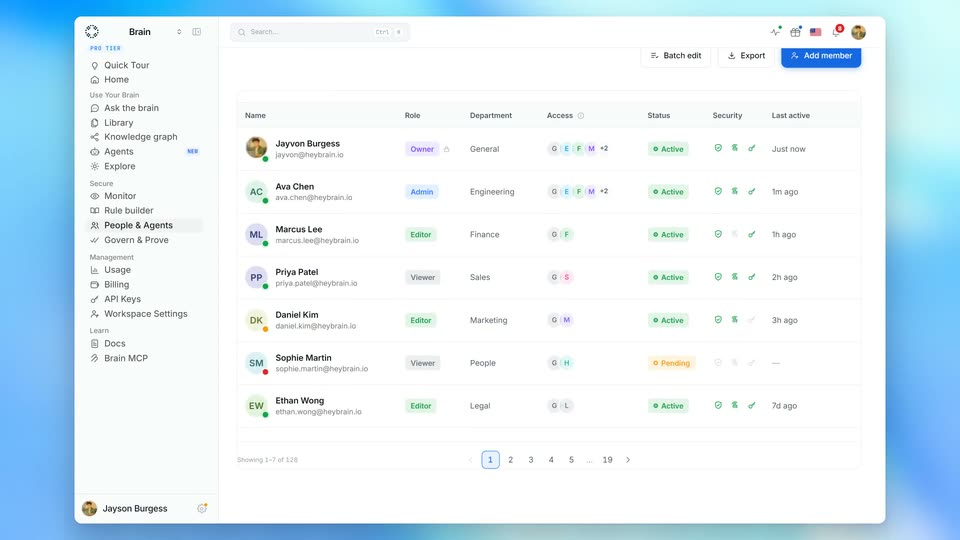 0:13–0:15HeyBrain · HeyBrain - Shared knowledge does not mean shared access. Brain evaluates identiA close-up of a member table pulls back to reveal the full application window on a blue gradient. The left shows the Brain MCP onboarding steps, the right a connections panel, and a terminal bar sits at the bottom.
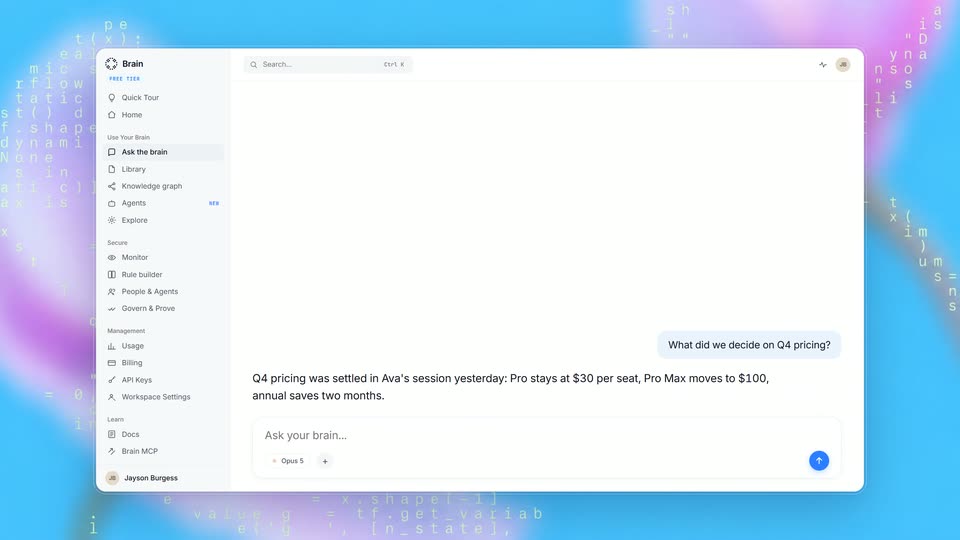 0:14–0:18HeyBrain · HeyBrain - Today, we’re launching Brain into general availability. One AI worksUnder a static headline, a close-up of a white input field types 'What did we decide on Q4 pricing?' and a cursor clicks the blue send button. The view then zooms out to the full Brain window, where the answer and source chips appear.
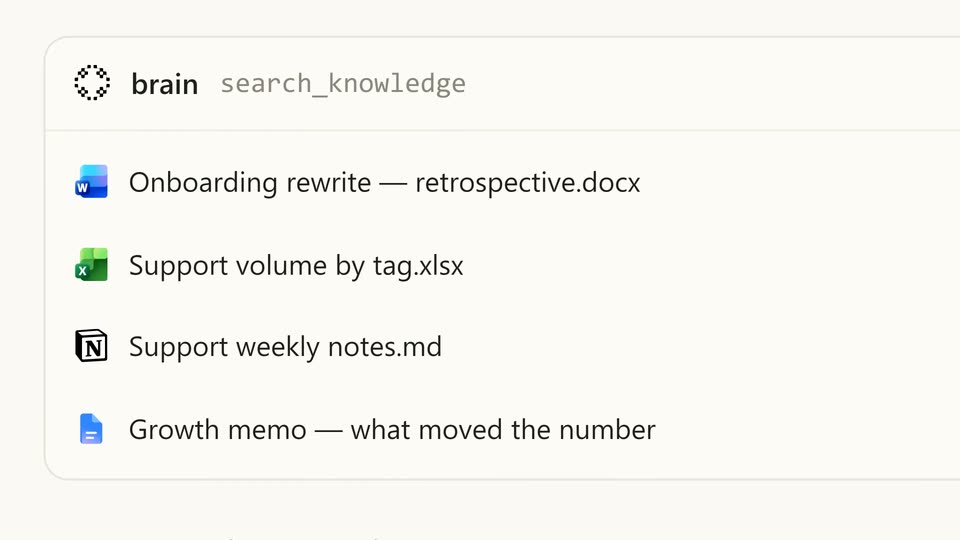 0:17–0:22HeyBrain · HeyBrain - Your team shouldn’t have to wait for someone else to provide context.A Claude workspace shows a prompt above a brain search field that fills with four tagged document rows. The frame then zooms into the list, cropping the side tags out of view.
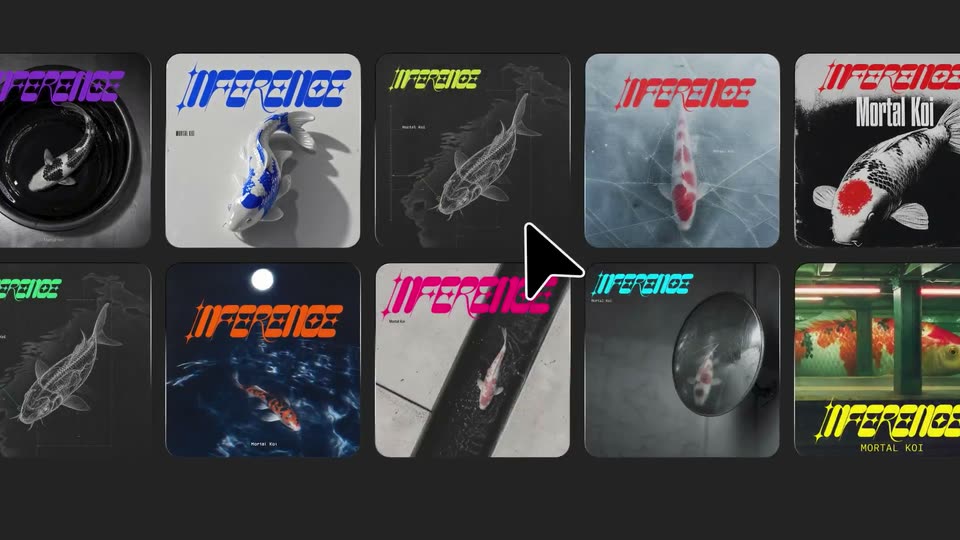 0:07–0:09Leonardo AI · Leonardo.Ai - Introducing the Leonardo Agent. Start with one idea. Build it into aA grid of album covers, each stamped with the INFERENCE logo in a different color, fades in on a dark background. A cursor glides to the center tile, which lifts and scales up with a drop shadow while the others dim and recede.
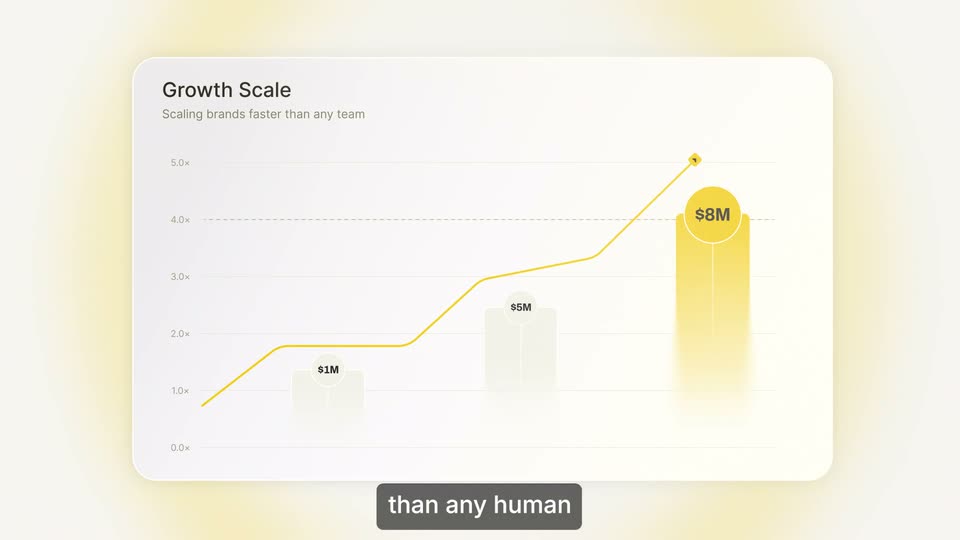 0:08–0:10Notch · Vinay Jain - AI can run a brand better than humans. We ran a brand with ONLY AI aA yellow growth line draws across a chart card as the view pulls back from a close-up to reveal the full panel titled GrowthScale. Three bars rise to $1M, $5M and $10M, the last one pulsing with a yellow glow.
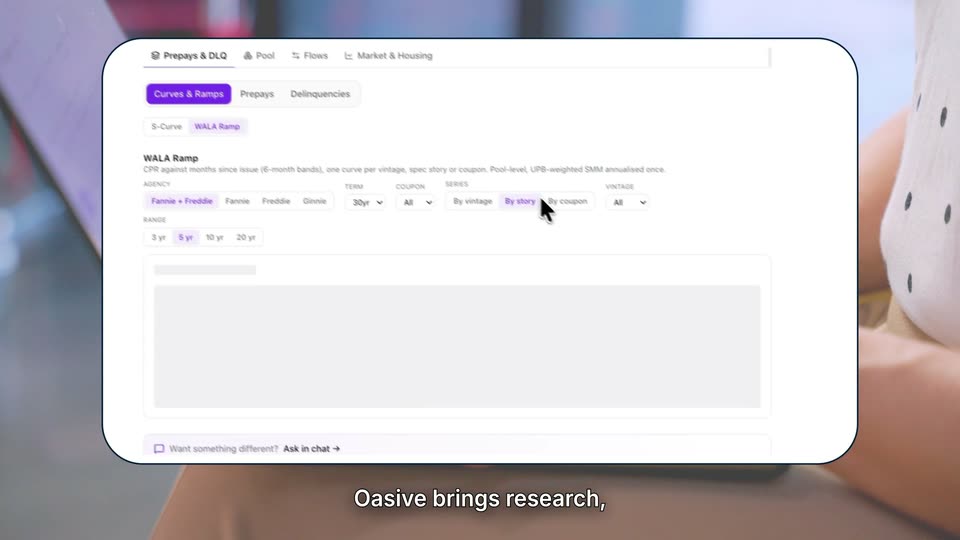 1:00–1:01Oasive · Anaïs Howland, CFA - Today, I'm excited to bring @OasiveAI out of stealth and announce thaA tablet held in a hand shows the MBS dashboard in tilted 3D perspective over a blurred live background. The view zooms into the interface as the line chart collapses into a gray placeholder and a cursor hovers over the filter row.
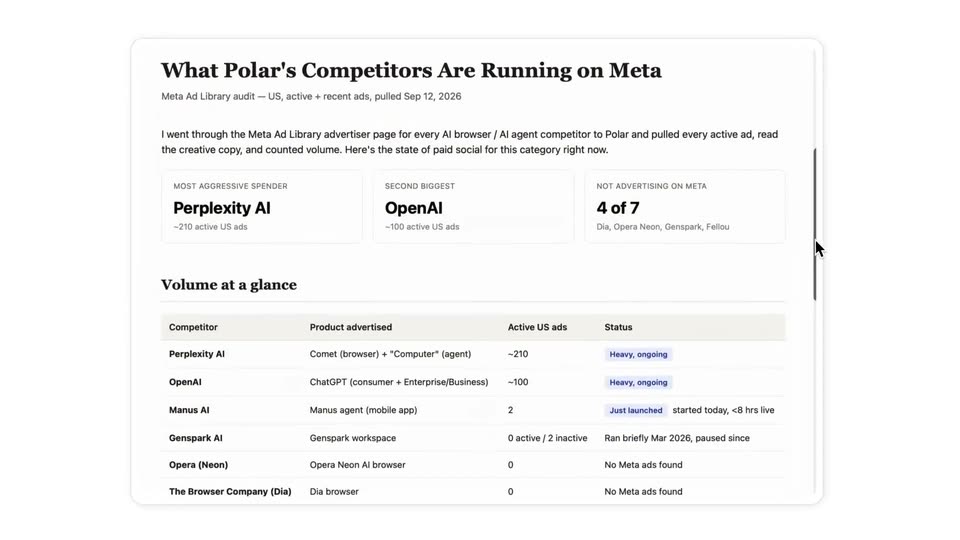 0:30 · 0.8sPolar Browser · Polar Browser - 30 seconds of typing can now turn into 100 hours of GTM work. IntrodA white article card on a gray background scales up, then its content scrolls down, bringing the serif headline and competitor table into view as the right scrollbar thumb slides toward the bottom.