Cursor demo
A visible cursor operates the interface.
14,960 scenes · page 26 of 250
 0:09–0:12Figma · Introducing Figma Motion: Your canvas now has a timelineA blue selection frame with corner handles reshapes from a tilted quadrilateral into a horizontal rounded rectangle on a purple canvas. Inside, a white circle holding a grab icon fades into concentric blue and white rings, while a purple cursor arrow and a black cursor arrow drift across it.
 0:10–0:12HeyGen · HeyGen - Making a video is easy, making it engaging is hard so we turned theA dark prompt bar fades in on black, a caret typing the line about a talking-head recut while a mouse pointer slides to the send ring. The field then clears.
 0:09–0:11Runway · Introducing Runway Agent 2.0 | RunwayA dark chat prompt appears with a greeting and attached packaging references. A cursor places the assets in the prompt before a brand-guidelines request types in.
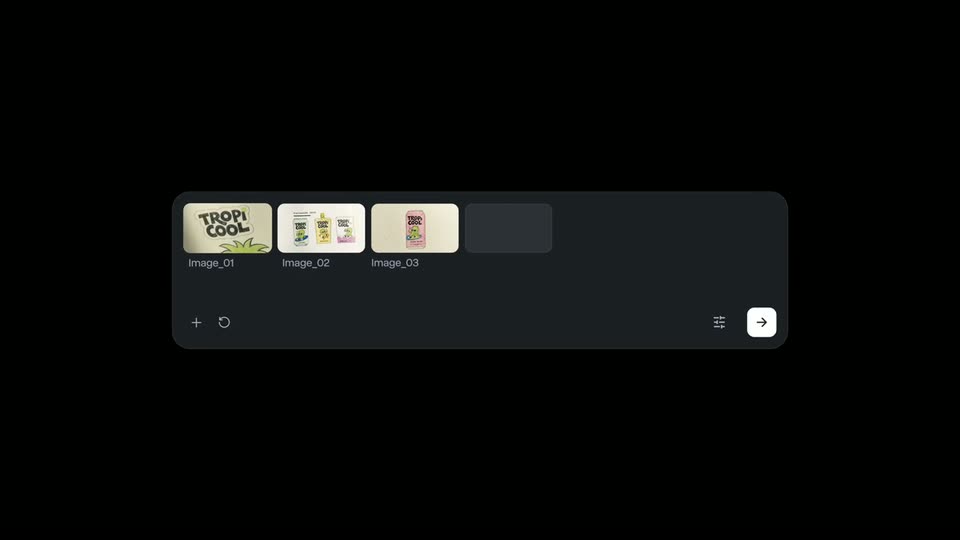 0:09–0:11Runway · Runway - Introducing Agent 2.0 Go from a simple prompt to fully realized markA dark prompt card on black shows a cursor over a fanned stack of label images, then the card expands into a wide composer with three thumbnails and typed text. Large white text slides and scales in at the end.
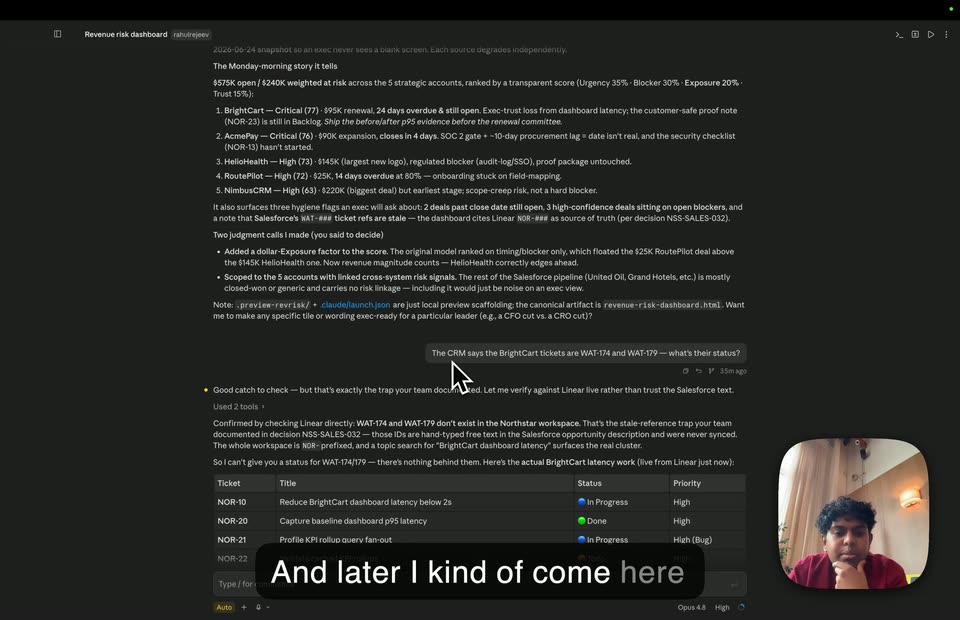 0:00–1:34Wato · Wato - A feature that sales teams love: Live Artifacts. Here's a revenue-riDark chat interface of an agent building a revenue risk dashboard, filling the frame while a small rounded webcam inset of a man in a red shirt sits bottom right. The log scrolls slowly downward through the conversation, the cursor hovers over the text, and white subtitles on a dark pill cycle at the bottom center.
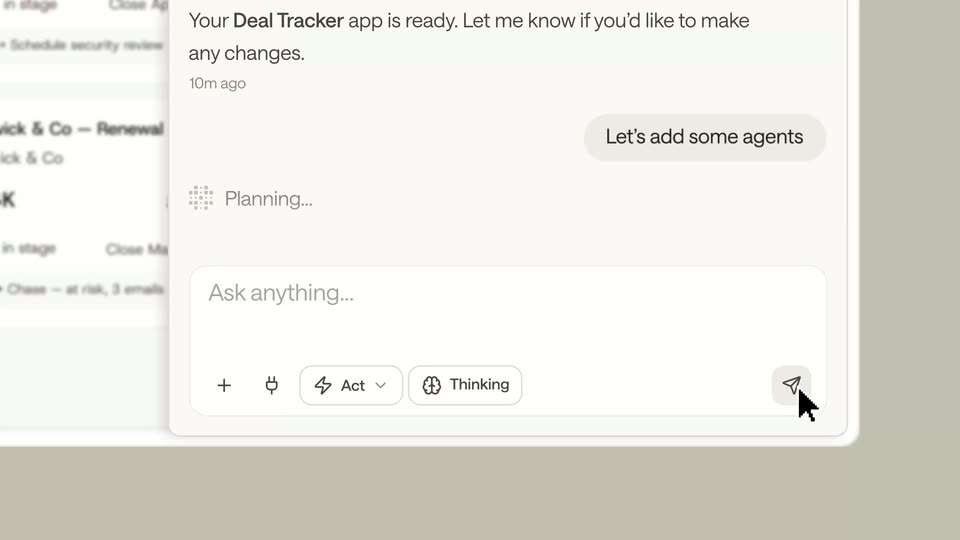 0:15–0:19Zaro · Zaro.ai - Today, we're excited to launch Zaro. Your knowledge is scattered acrA chat card fills as a cursor types a prompt into the input box, the word agents turning into a purple chip. The cursor clicks the send button, the message slides in as a bubble, and a dotted Planning status fades in on the left.
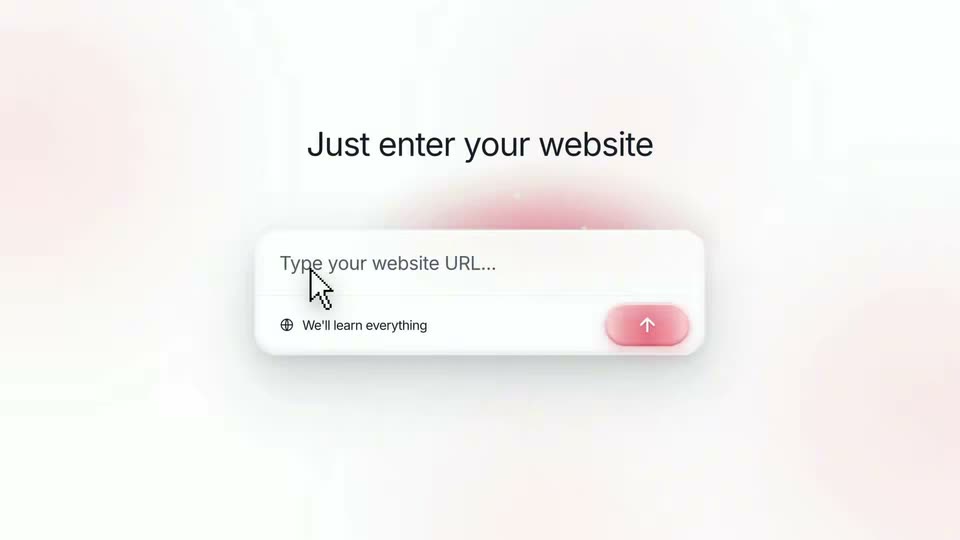 0:03–0:05Anthropic · Jock Ferguson - Today, we're introducing Claude for Content. Just enter your websiteA white URL input card sits centered on a soft pink-white background under the headline Just enter your website. A mouse cursor moves up, clicks the field, and a blinking caret appears while a faint tagline fades out.
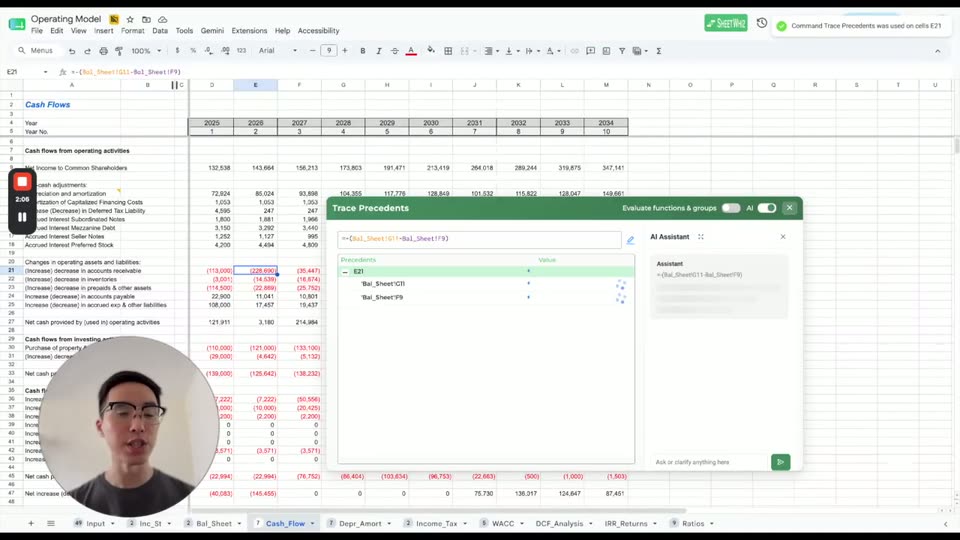 0:00–0:05Dimely · SheetWhiz Trace Precedents AI DemoA full-screen spreadsheet shows a cash flow model while a circular video call of a man sits in the lower left corner. A cursor clicks the green SheetWiz button at the top right, and a Trace Precedents panel with an AI Assistant column opens in the center.
 0:00–0:02Genspark · Genspark - 🎨 Introducing Genspark Design The next-gen AI for design and creatioA pale cream gradient frames the Genspark Design logo above a white prompt card. The prompt text types out, then a mouse cursor moves to the return button in the corner and clicks it.
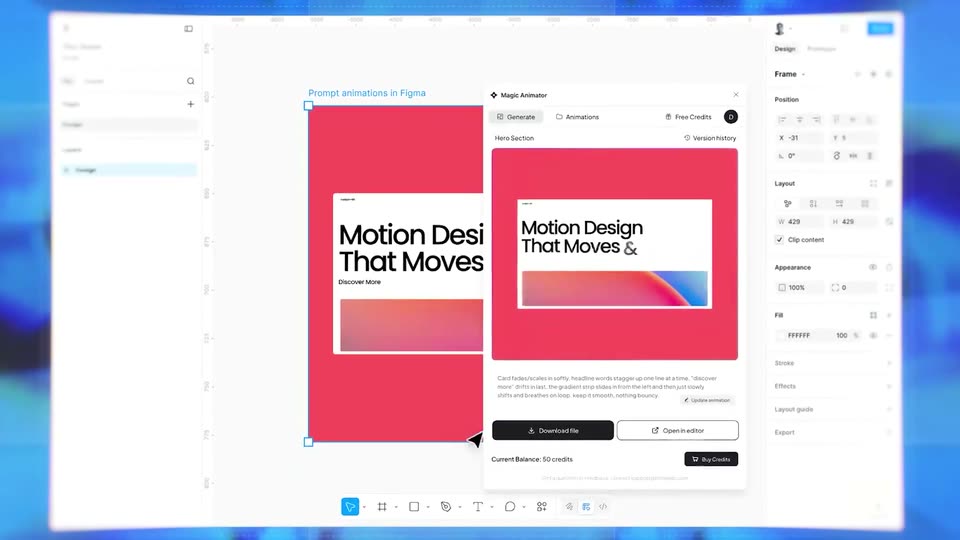 0:00–0:02Lottielab · Lottielab - Introducing Magic Animator beta 3.0✨ Prompt and edit animations in FA blue headline reads “Prompt animations in Figma” over a white field as a black cursor drags a red frame's corner. The view pulls back into a tilted 3D Figma window showing a red motion-design card and a Magic Animator plugin panel.
 0:06–0:07Aside · jun - Today, we're launching Aside, the AI browser you’ve waited for. ⋅ CrOn a dark gray field, a 3D Mac dock holds Safari, Mail, a multicolor sparkle and a trash bin. A white hand cursor slides from Mail to the sparkle. Above it, white text reads 'Instead, they bury you in' as the prior line scales out.
 1:26–1:28Mistral AI · Introducing Mistral OCR 4A file picker dialog with a selected image closes over a web interface, revealing a data extraction table and a model settings panel. The screen is framed by a pixel-art landscape background.
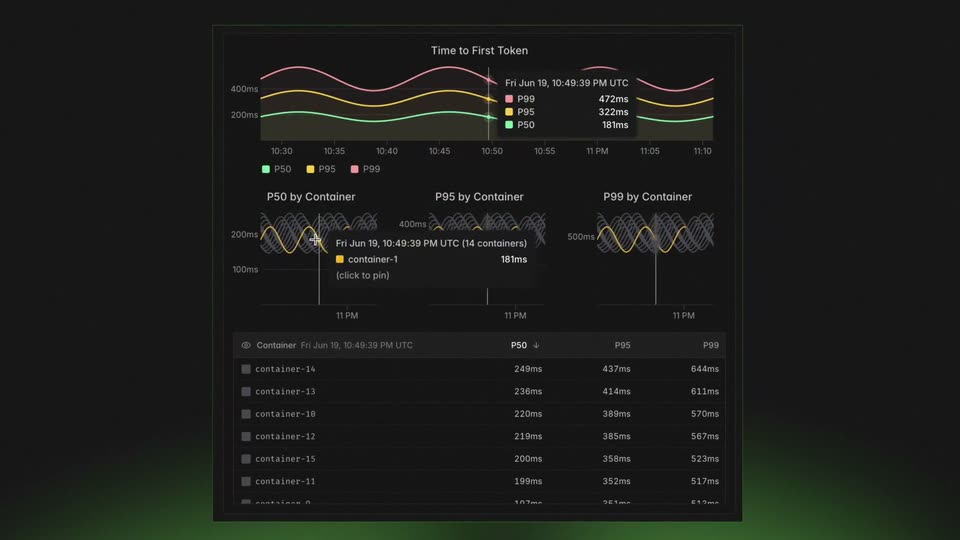 0:23–0:25Modal · Modal - It is not too late to _actually_ own your inference. Introducing: MoDark performance dashboards with line charts and container tables drift and stack across the frame behind a green blurred vignette, a cursor hovers and a timestamp tooltip pops up.
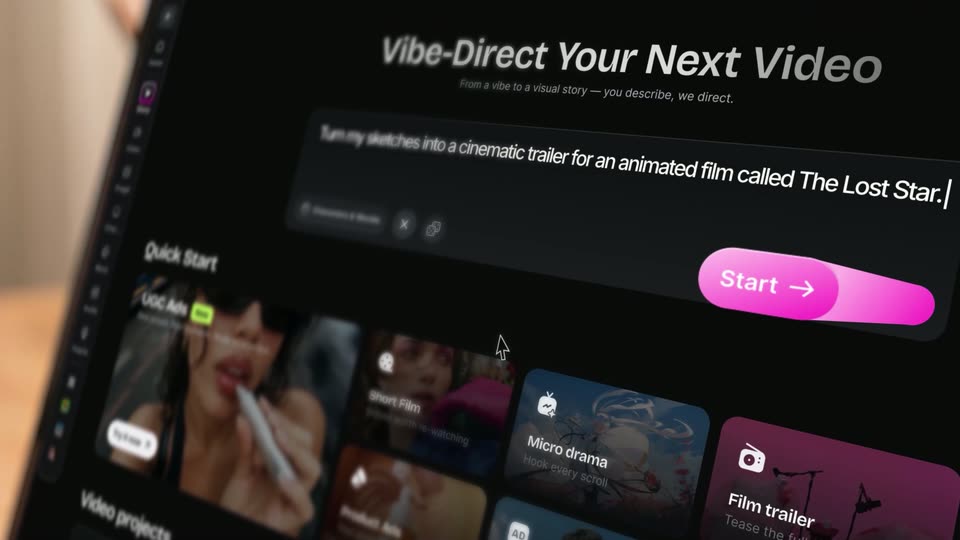 0:26–0:27OpenArt · OpenArt - The way videos are made is about to change. Introducing OpenArt DireA tablet tilted in 3D perspective shows a dark interface with the headline Vibe-Direct Your Next Video; a prompt field types a sentence about a cinematic trailer while a pink Start button and a grid of template cards fill the lower half.
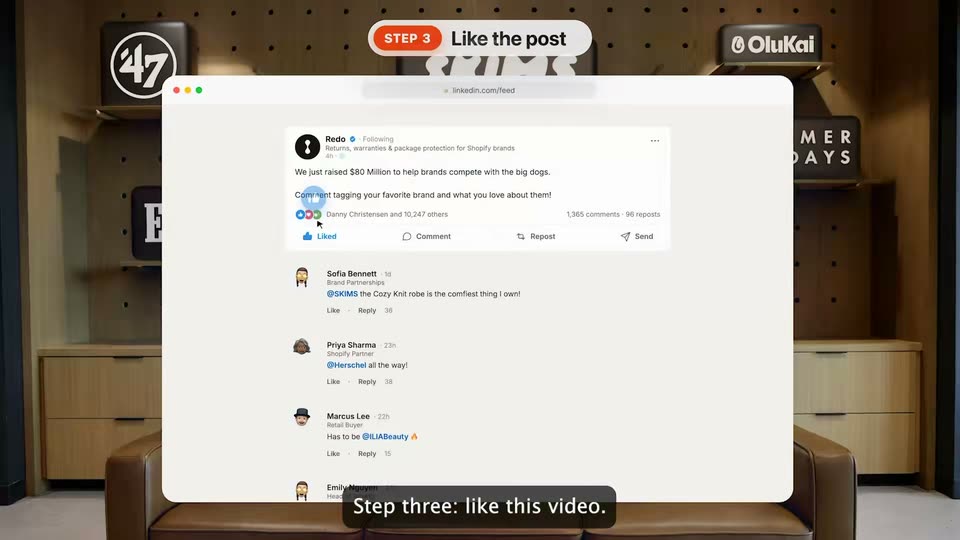 0:42–0:45Redo · Sterling Snow - Well we just raised $81M at a $1.25B valuation led by Smash Capital,A LinkedIn feed in a browser window floats over a retail store backdrop. A cursor clicks the Like button, turning it blue, then the feed scrolls down through tagged comments while step captions swap at the top and bottom.
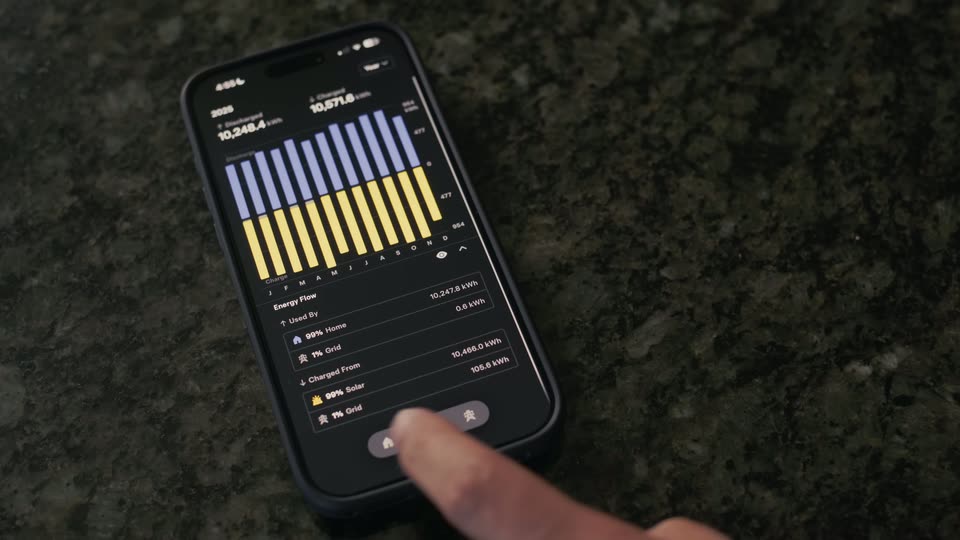 0:53–0:55Tesla · Tesla Home: Home Energy Management, Powered by AIA black iPhone lies on dark granite, its screen showing the Tesla energy app with a stacked bar chart and an energy-flow list. A finger enters from the right and touches the lower half of the display.
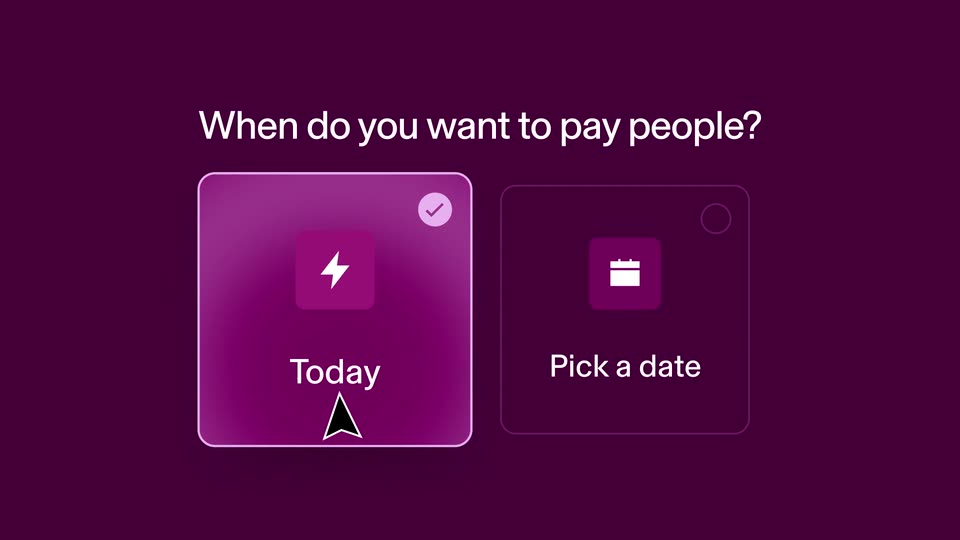 0:10–0:12Rippling · Rippling - We just launched Business Banking* — earn up to 32x** more on your opDark purple UI screen: the white headline “When do you want to pay people?” slides up over two option cards. A cursor glides onto the “Today” card, which brightens, scales up and gains a checkmark badge as it is selected.
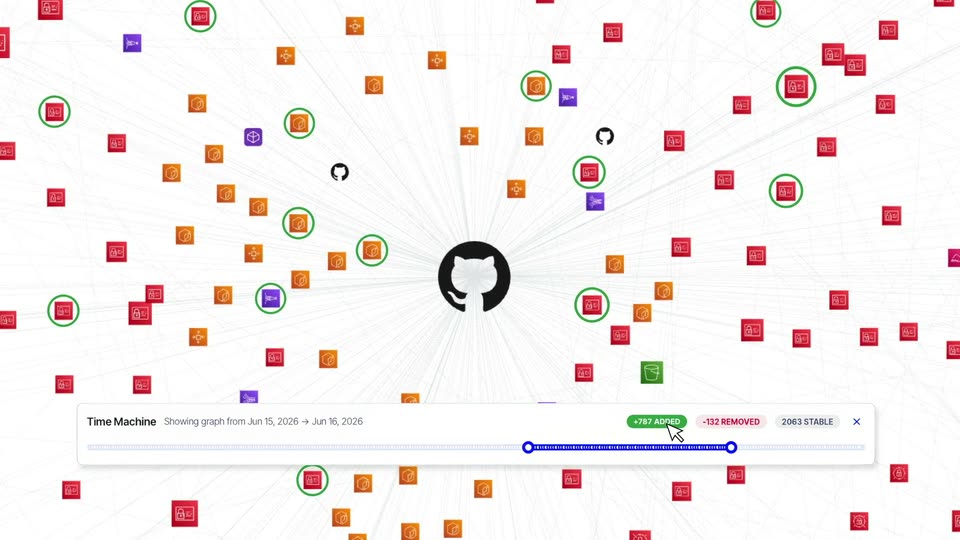 0:25–0:41Tolmo · Tolmo Product DemoDots swarm from the center and condense into a radial network of colored square icons around a black GitHub logo. A Time Machine panel with a date range, stat pills and a slider appears below; the cursor clicks the added and removed pills, ringing matching icons in green and red.
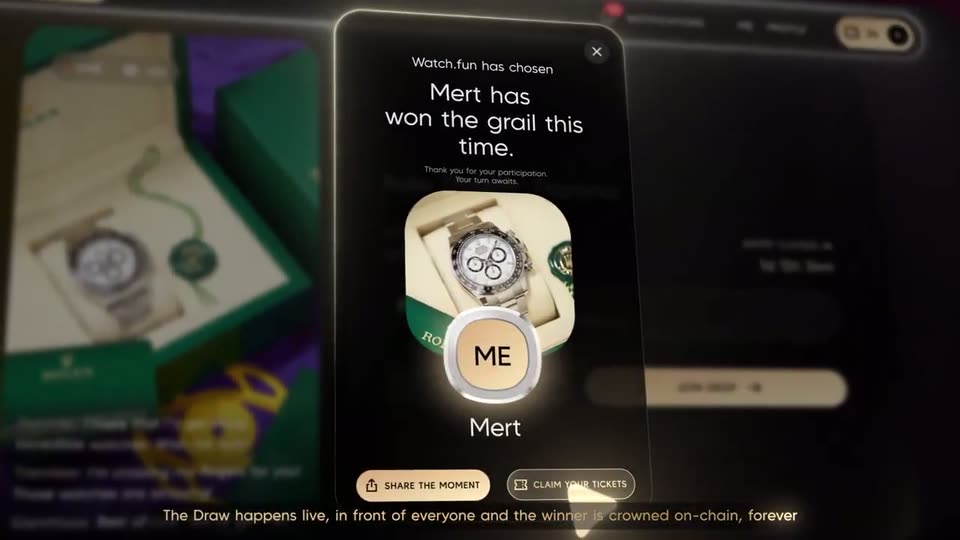 1:28–1:32Watch.fun · Watch.fun - Introducing the first on-chain luxury watch drop platform. Win RolexA dark winner modal on a tilted phone screen shows a congratulations message with falling confetti; the card content swaps to a +5 tickets reward, a cursor taps the claim button, and a large white headline zooms in over the blurred app.
 0:04–0:05Syndicate · Syndicate - $4M generated. 752M views. 82 campaigns, all built on faceless and AIA dark prompt box on a black background is shown in close-up, the typed line reading “Generate me a UGC style video for my”; the frame then pans to the bottom-right corner as a white cursor moves onto a purple circular button with an up arrow.
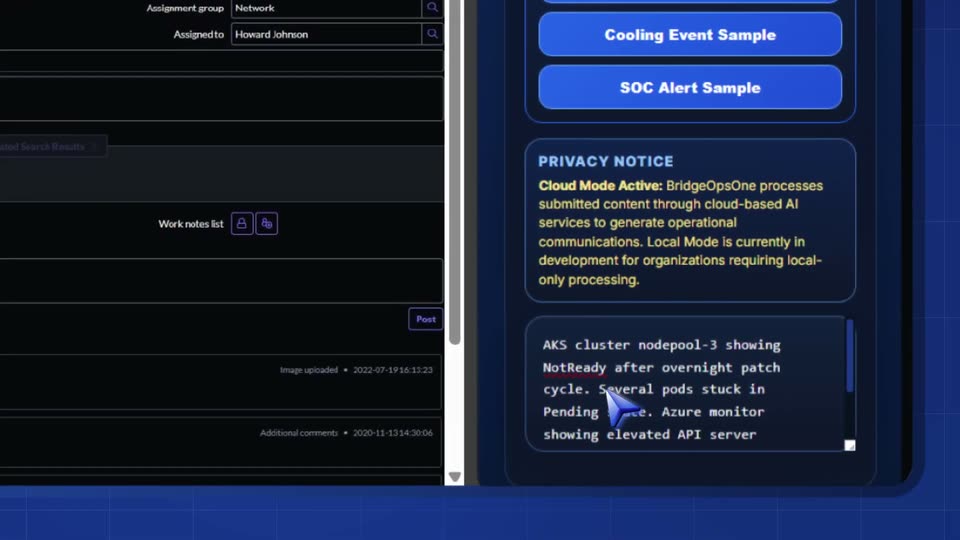 0:20–0:22BridgeOpsOne · BridgeOpsOne – Turning Critical Incidents Into Actionable InsightsA dark ticket form and a blue sample panel sit side by side. A white vertical bar wipes leftward across the center, narrowing as it goes, while a cursor arrow hovers over a status text box on the right.
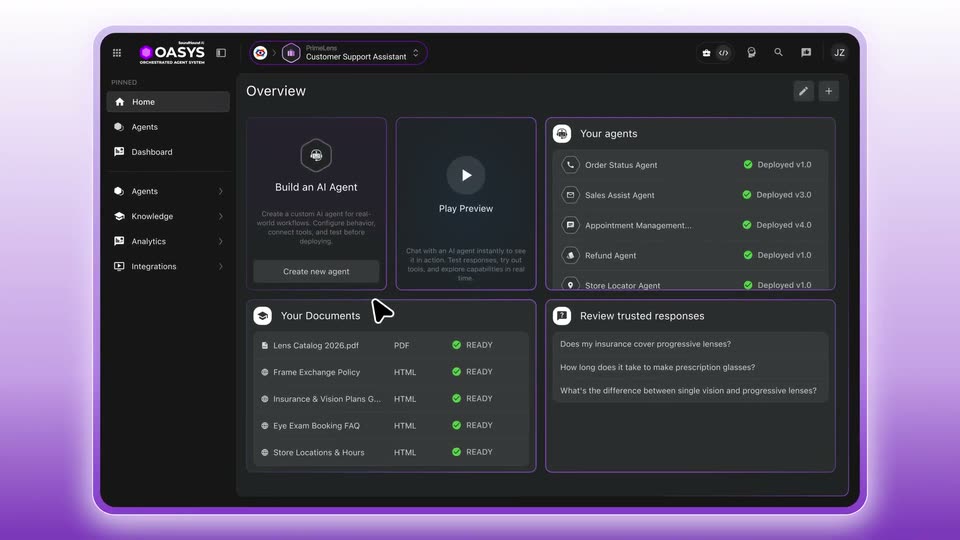 0:08–0:16OASYS · OASYS – The World's First Self-Learning Orchestrated Agentic AI PlatformA dark dashboard on a tablet in 3D perspective sits on a purple gradient. A white cursor glides across the screen, hovering over the agents and documents cards, while the camera pulls back to reveal the glowing purple border.
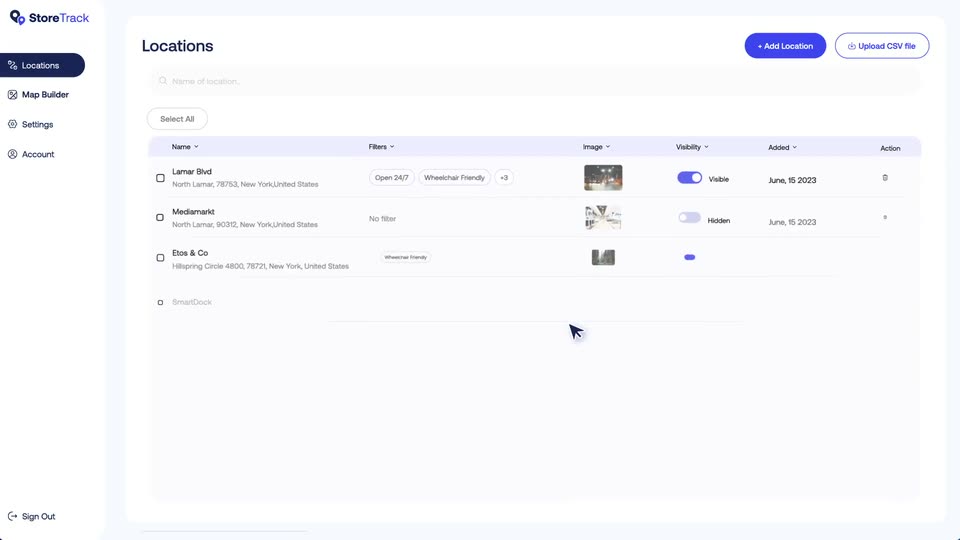 0:16–0:22StoreTrack · StoreTrack – Simplify Store Discovery & Location ManagementA browser window on a desktop zooms into the StoreTrack interface. The cursor clicks the Upload CSV file button, drags a blue CSV icon into a modal, and a progress bar fills to 99%. The modal closes and a table of store locations, with images and visibility toggles, populates row by row.
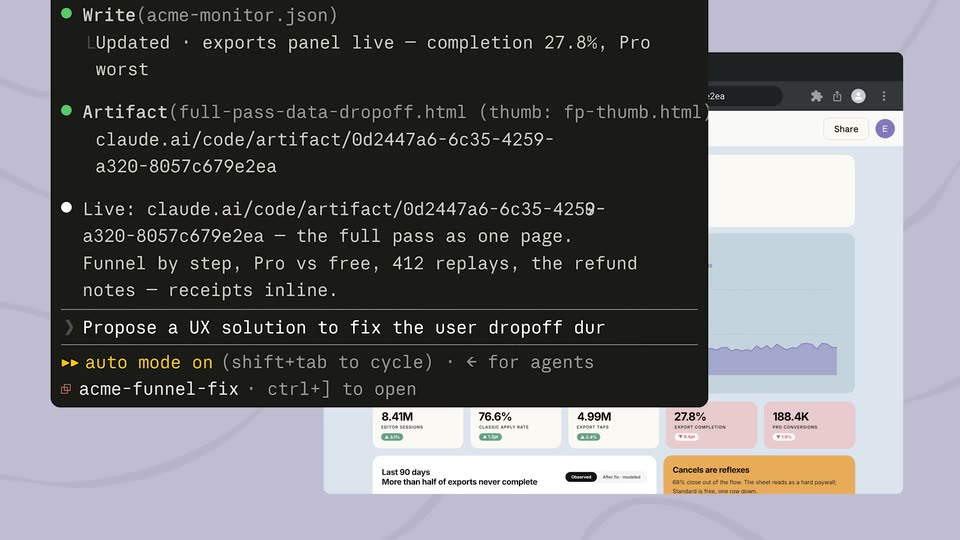 0:17–0:18Anthropic · Claude - New in Claude Code: Artifacts. Interactive pages built from your sesA dark terminal window overlaps a light analytics dashboard. In the terminal, a monospace prompt line types out a UX fix request, the caret advancing character by character, while stat cards and a bar chart stay static behind it.
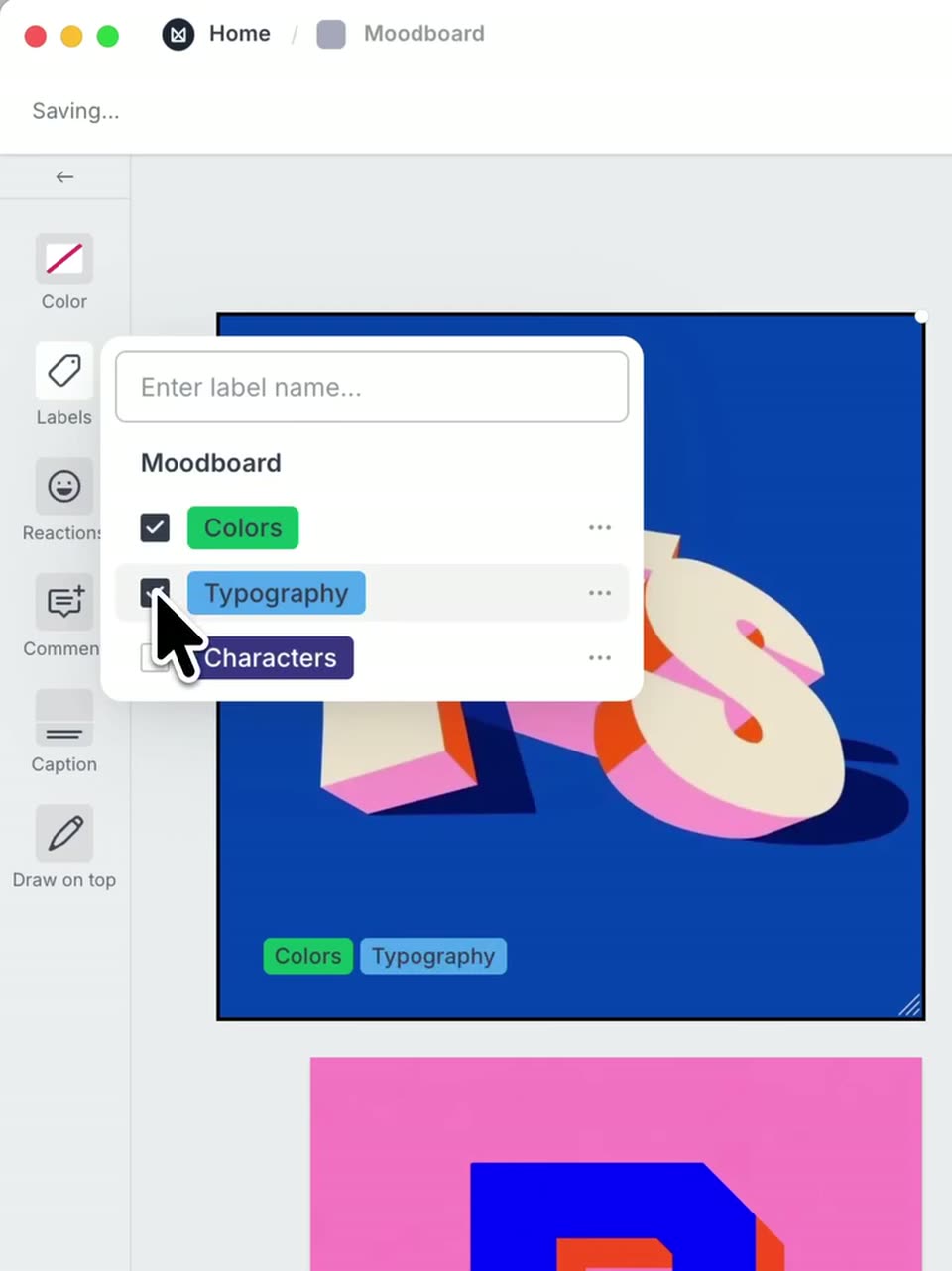 0:00–0:08Milanote · New in Milanote—Labels! Labels are a new way to visually organize your content. They're like colorful stickers that help you mark, organize, and find things fast. | MilanoteA moodboard interface displays a blue tile with chunky 3D “YES” lettering. A cursor clicks the tile, opens the Labels panel, and ticks Colors and Typography, dropping green and blue tags onto the tile. The canvas then zooms out to show four tagged tiles.
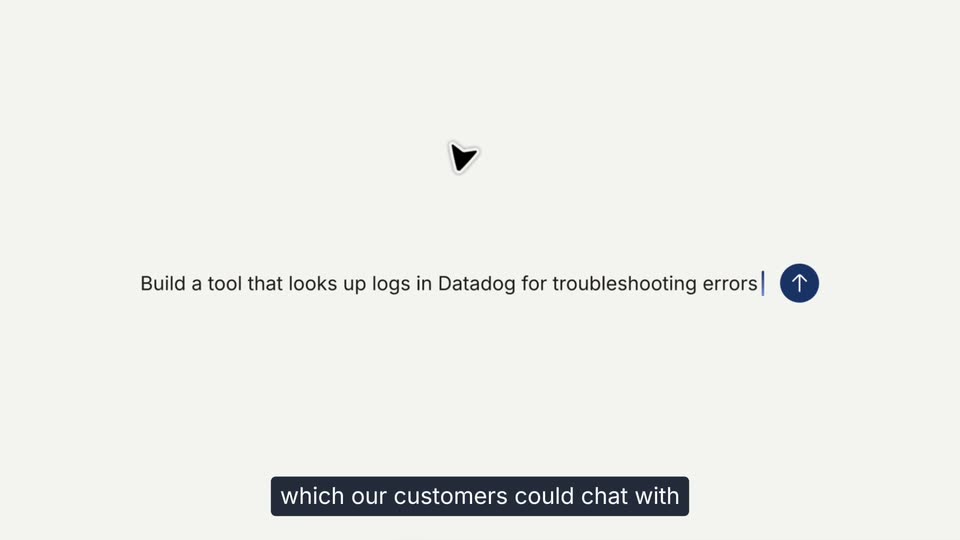 0:20–0:24Parahelp · Mads Lunau - Today, we’re launching Parahelp 3. With Parahelp 3, we’re doubling dOn a light gray screen, a cursor moves over an empty chat input, then a prompt about Datadog logs types in beside a blue send button. The line morphs into a white message card from Aaron, with a Working spinner below. Dark caption bars at the bottom carry the voiceover.
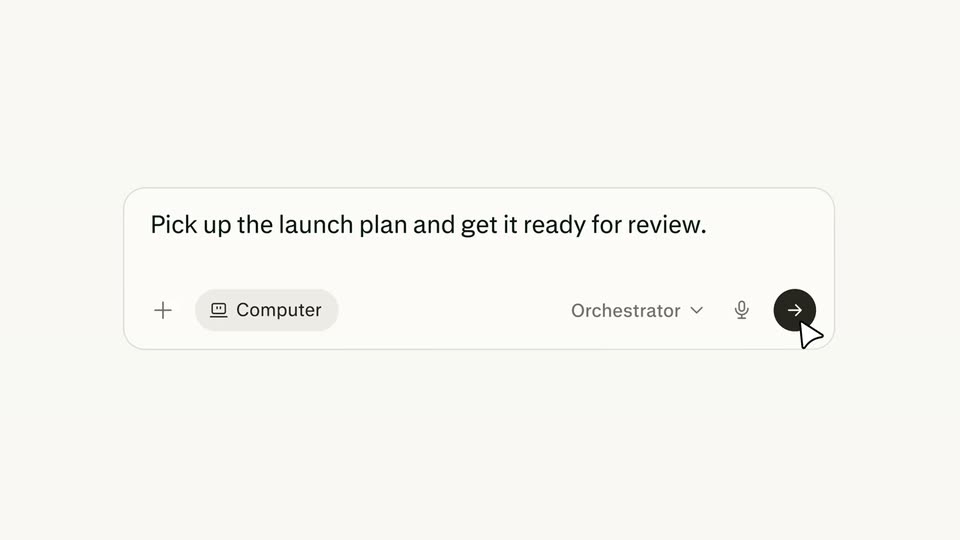 0:24–0:28Perplexity · Perplexity - Introducing Brain in Computer. Brain is a continuously learning memoA white command bar sits on a cream background, holding a plus icon, a Computer chip, an Orchestrator dropdown, a mic icon and a black send button. The prompt types in character by character, then a white cursor glides in and rests on the send button.
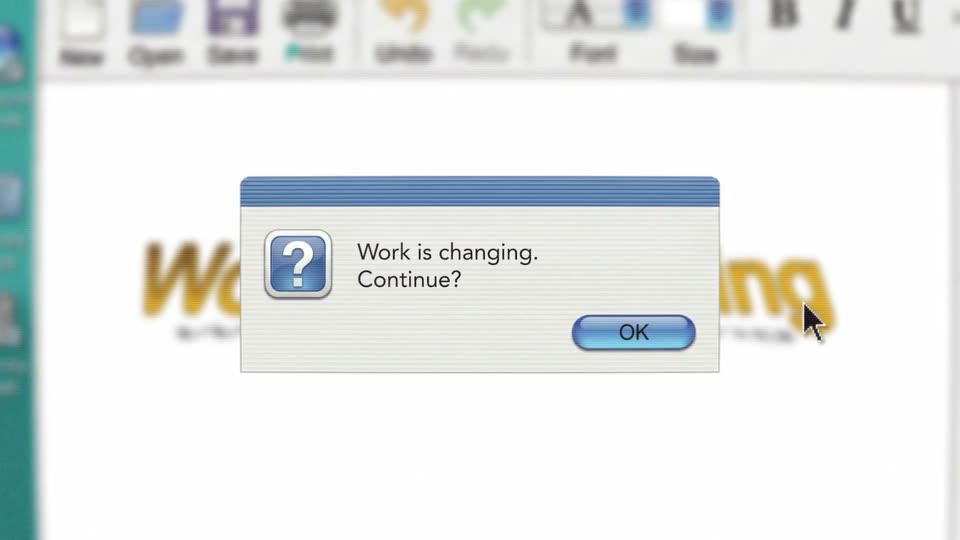 0:11–0:14Convey · Rohan Chopra - We’re announcing a $38M Series A led by @a16z. 1 million hours of auA word processor window shows the line “Work is changing”, which flips from blue 3D extruded letters to flat rainbow type. A dialog pops in reading “Work is changing. Continue?” with an OK button as the background blurs, and the cursor moves to click OK.
 0:12 · 0.6sKaito AI · Kaito AI 🌊 - Influence used to belong to a few. Not anymore. We started by mappiExtreme macro on a browser window, locked-off frame. The address bar fills in as 'www' types out character by character behind a blinking caret, while a Radio tab and a People tab sit blurred below.
 0:56–0:57Pramaana Labs · ranjan_raj - Today, I'm thrilled to announce Pramaana's $27M seed, led by @khoslavA pregnant woman rests on a sofa with a tax calculator and an ultrasound panel overlaid beside her. The view zooms into the calculator as a yellow cursor drags the income slider and the totals update.
 0:20 · 0.8sRetool · Vibe coded apps meet enterprise security in RetoolA white rounded prompt card is centered on a dark purple background. A grid of blurred dashboard mockups behind it fades out to plain dark as the prompt text types itself out with a blinking caret.
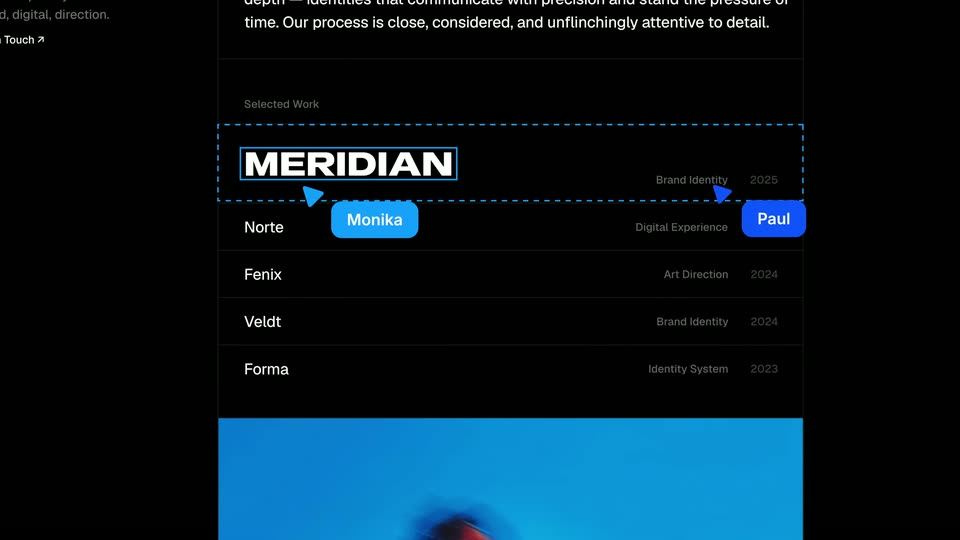 0:17–0:19Framer · Framer 3.0 with Agents, Branching, and a new CommunityA dark portfolio page shows a Selected Work list while two named blue cursors, Monika and Paul, move across the rows. The Meridian row is selected with a dashed blue outline and its title scales up into a large white display typeface as the view zooms in.
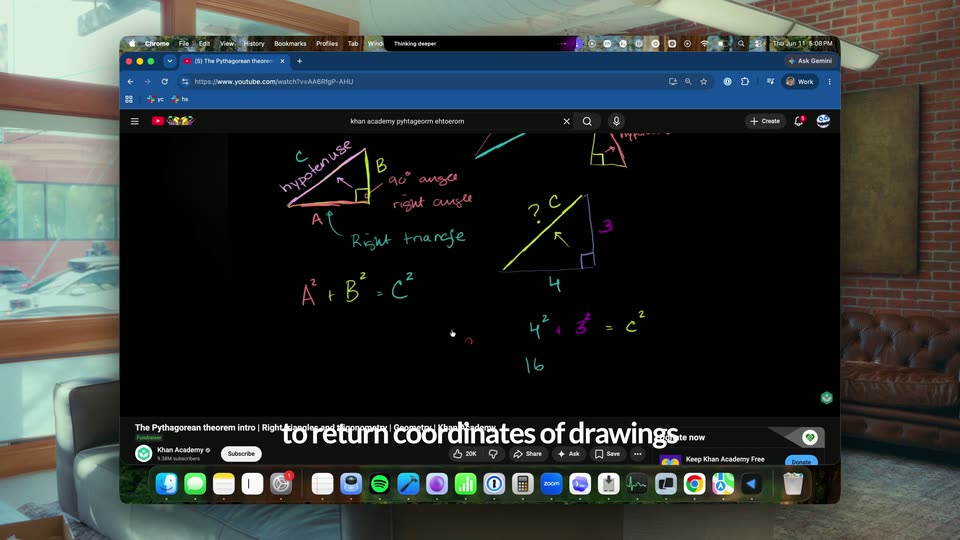 0:24–0:25HeyClicky · Farza 🇵🇰🇺🇸 - We built an AI that can draw on your screen. It's a true personal tuA Chrome window playing a Khan Academy Pythagorean theorem video floats in 3D perspective over a filmed living room with brick wall and sofa. A white caption reads at the bottom center while the mouse cursor rests on the blackboard drawing.
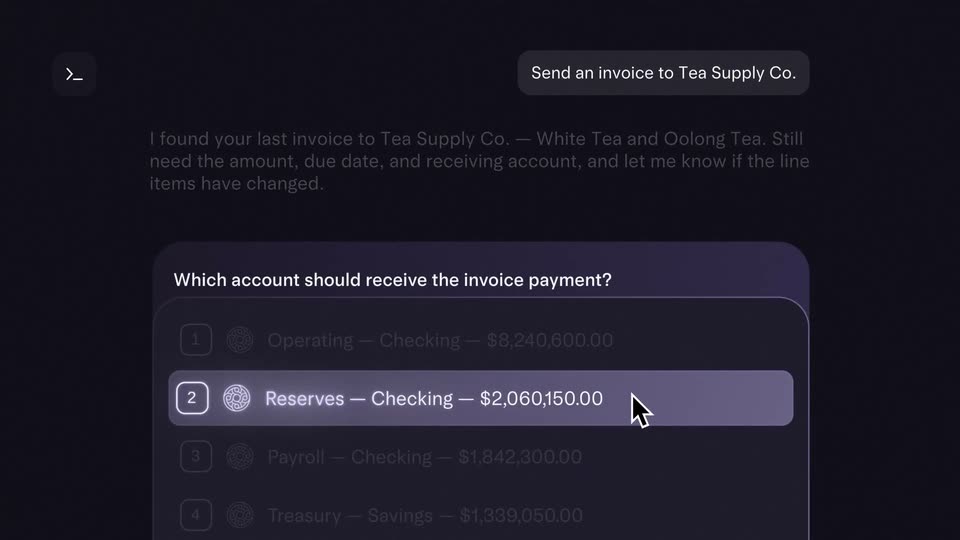 0:07–0:10Mercury · Mercury - Mercury Command is live. AI built directly into your Mercury accounA dark interface shows an invoice prompt and a card listing four bank accounts. The cursor moves down, the highlight shifts from Operating to Reserves, and the list scrolls up to reveal a fifth option, Select an account.
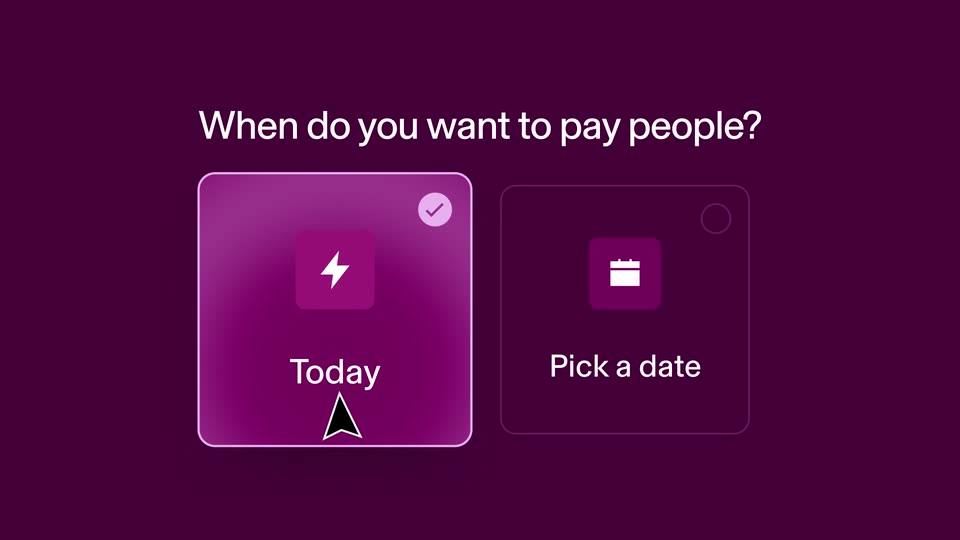 0:10–0:12Rippling · Rippling: BankingSizzle FullLengthA dark purple onboarding screen fades in the question “When do you want to pay people?” above two option cards. A cursor moves onto the magenta “Today” card and clicks it, and a checkmark badge pops into the card’s top corner.
 0:07–0:08Whop · Whop - The future isn't built with yesterday's tools. Next-gen businesses nOn a black background, a wide red rounded button slides left into frame, its white label 'Create a business.' settling under a hovering white pixel cursor, while a small caption 'but it's never been easier.' holds still.
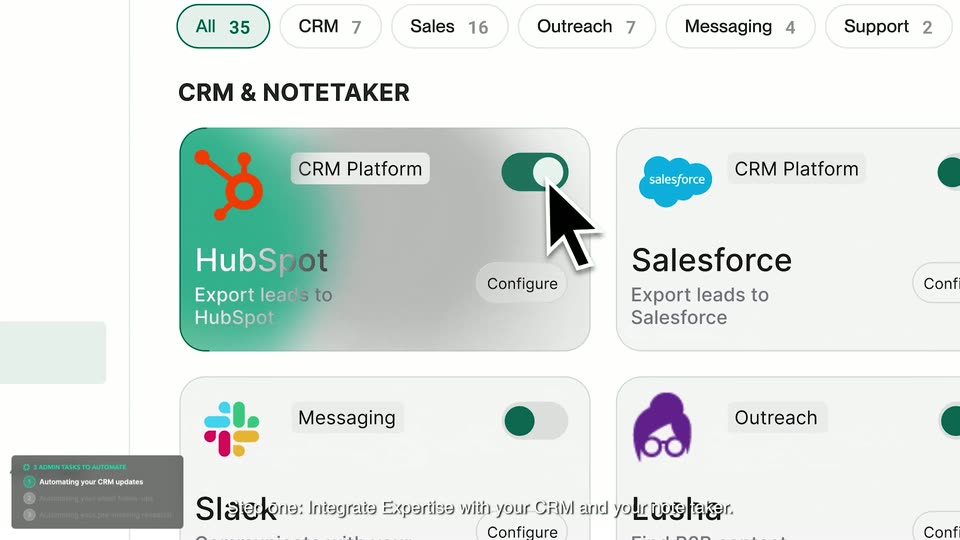 0:36–0:38Expertise · Expertise AI - Introducing Expertise: the executive assistant for Account ExecutivesA light integrations grid sits under a CRM & NOTETAKER heading, starting slightly zoomed in before settling. A cursor moves to the HubSpot card and flips its toggle on, tinting the card green. A bottom caption states the step.
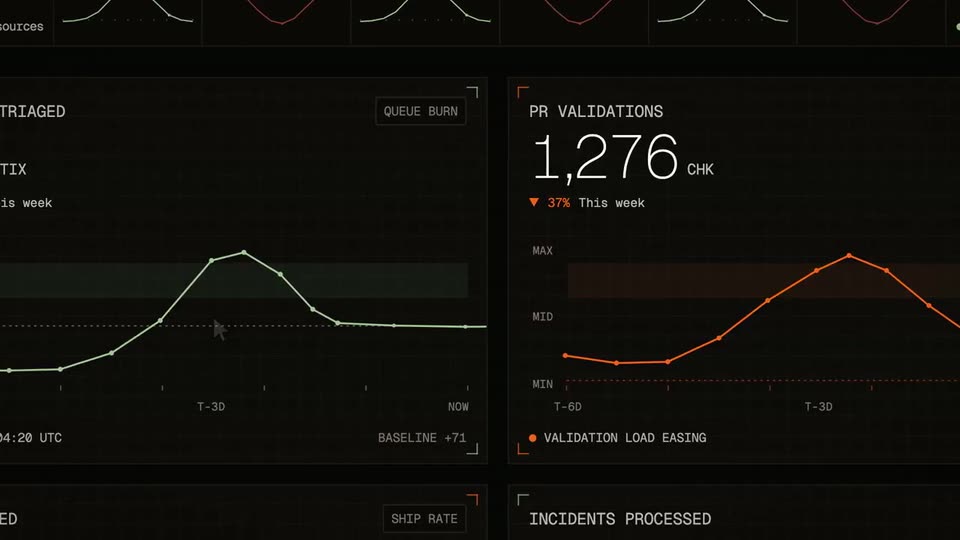 0:20–0:26Factory · Factory - Today, we're announcing Factory 2.0: from coding agents to software fA dark dashboard interface is shown in close-up, then the view scrolls down to two line-chart panels. A cursor hovers over points, raising tooltips with values, and the camera pulls back to reveal the full screen inside a tablet on a light background.
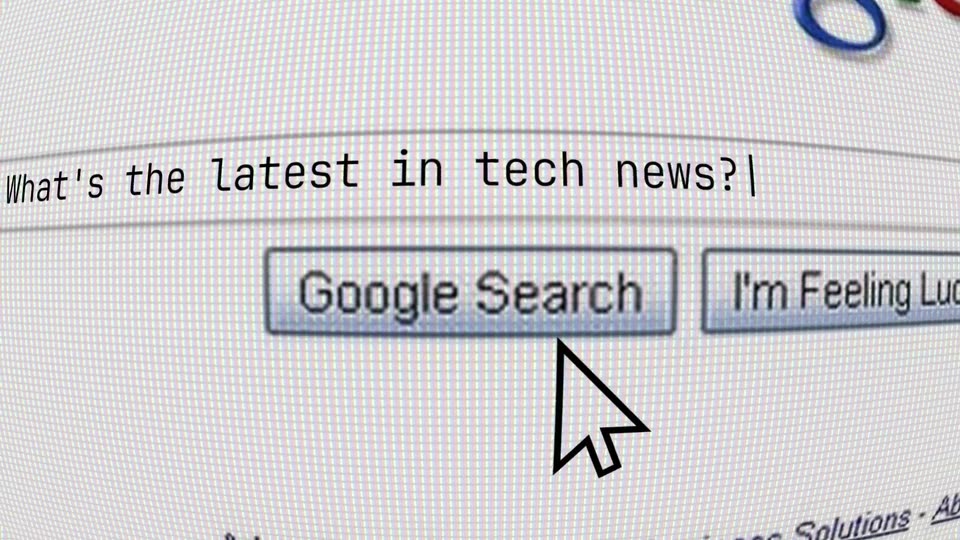 0:08–0:10Lightwork · Lightspeed - Introducing Lightwork. New episodes every Monday morning.A close-up of a search bar on a white pixel grid. The query types out letter by letter, then a pointer cursor glides to the Google Search button.
 0:18–0:19machine0 · machine0 (YC S26) - Introducing machine0: Persistent, powerful NixOS and Ubuntu VMS fromA flat dark browser window fills the frame. A cursor drifts over a blank page, then the page loads an authorization screen with a terminal icon and a connecting button. A small webcam self-view of a man stays in the bottom-right corner.
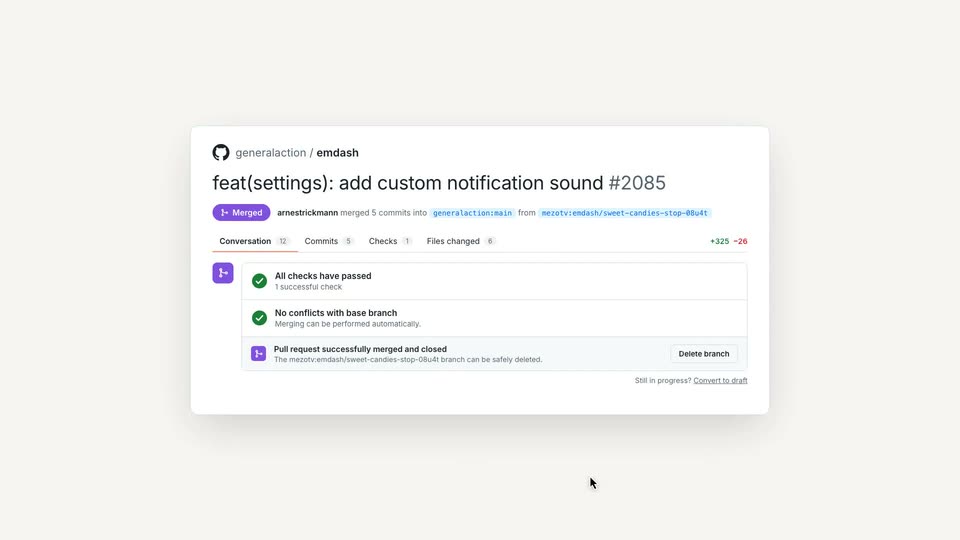 0:03–0:06Notra · Notra - Introducing Notra Image Generation On-brand marketing visuals, straiA flat GitHub pull request card sits on a light gray field. A cursor clicks the green Merge button, flipping the badge from Open to Merged and printing a success line. The card fades out and the serif line From merged appears, with merged in purple italic.
 0:04–0:05Palmier · Palmier (YC S24) Launch VideoA blurred book spine in the foreground racks into a monitor running a video editor. The camera pushes into a tight view of the dock, a cursor hovering the black Palmier icon with a red dot.
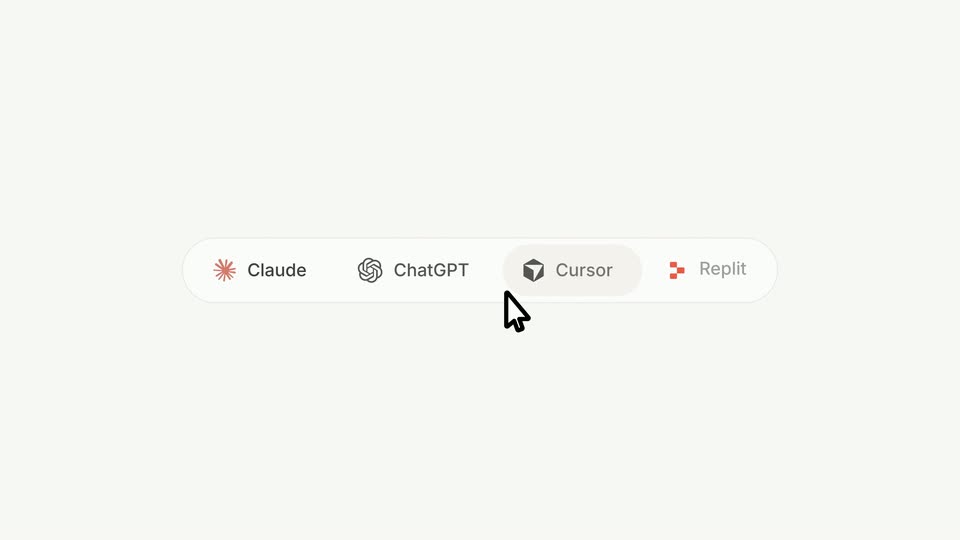 0:04–0:07Runway · Runway - Use Runway inside ChatGPT to generate and edit video and images. No tOn a plain off-white background, the heading Connect Runway to... sits above four small AI logos. A rounded pill forms around them as labels slide in, the camera zooms into the pill, and a cursor clicks ChatGPT, which grows into a large dark chip.
 0:07–0:08Vibiz · Vibiz - We just dropped the first AI that runs an entire business for you whiClose-up of a white rounded input bar on a pale blue dotted background. The query text slides left to settle on 'for AI engineer' with a blinking caret, while a blue up-arrow button appears at the right end and a mouse pointer hovers just below it.
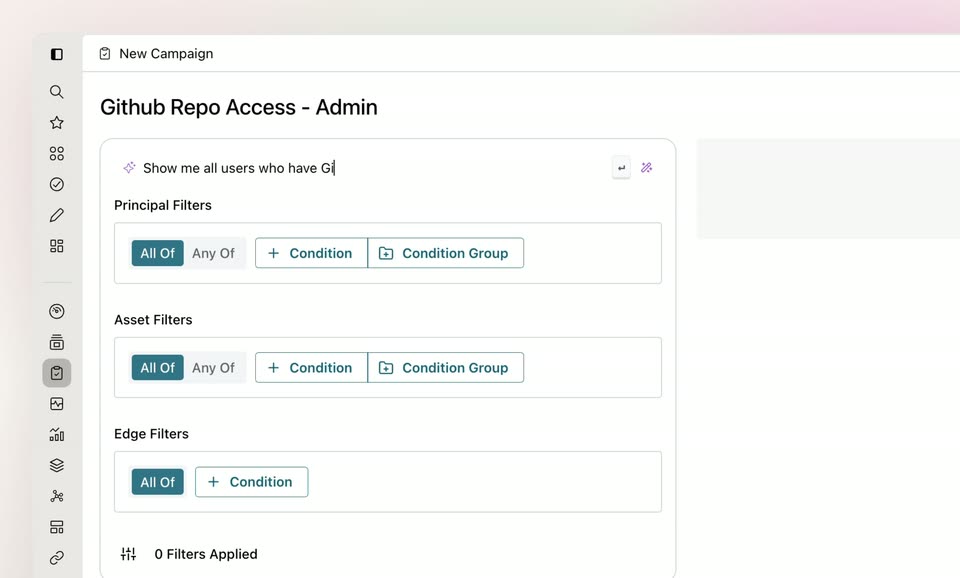 0:00–0:04Opal · New in Opal: Paladin, Access Campaigns, and OpalScript hit GA | Opal SecurityA light campaign builder UI with a left icon rail. A prompt field types the sentence “Show me all users who have Github Repo Admin Access” letter by letter, then the frame pulls back and defocuses to reveal a Reviewer Policy panel below the filter blocks.
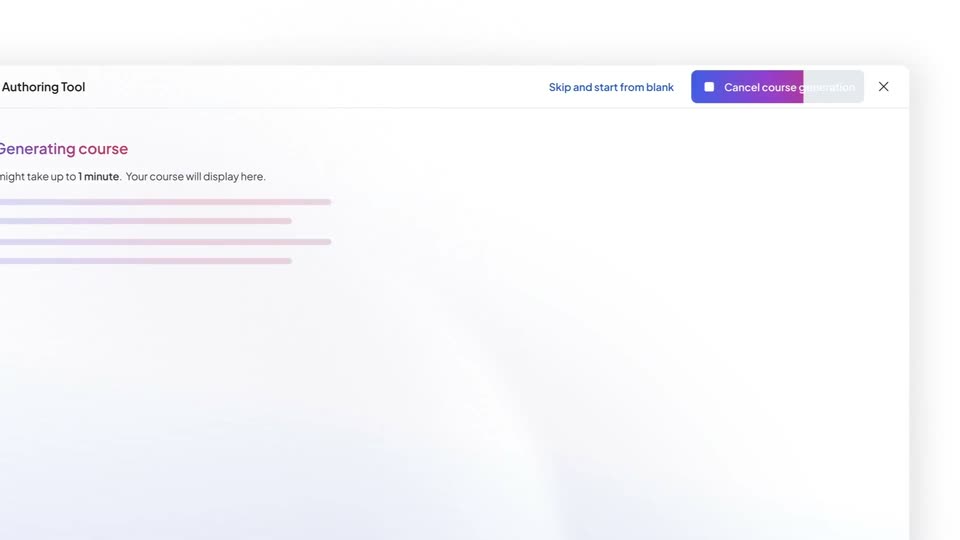 0:21–0:23360 learning · Why choose 360Learning?A tilted 3D view of the AI Authoring Tool window shows a green cursor over the blue Generate course button, tagged with a Nick label. The camera zooms in and flattens to a close-up of the Generating course heading and its skeleton loading lines.
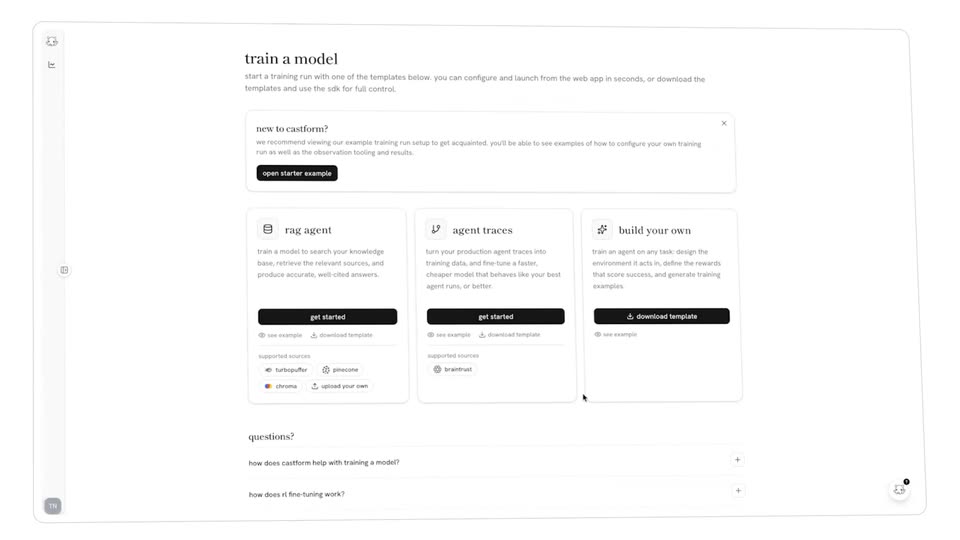 0:51–0:52Castform · girish - “don’t train your own model” is common ai advice. it's wrong. your toA locked-off documentation screen for the Castform product shows a 'train a model' heading, an info banner, and three template cards with dark buttons. A mouse cursor moves from the bottom-right corner to the middle card's 'get started' button.
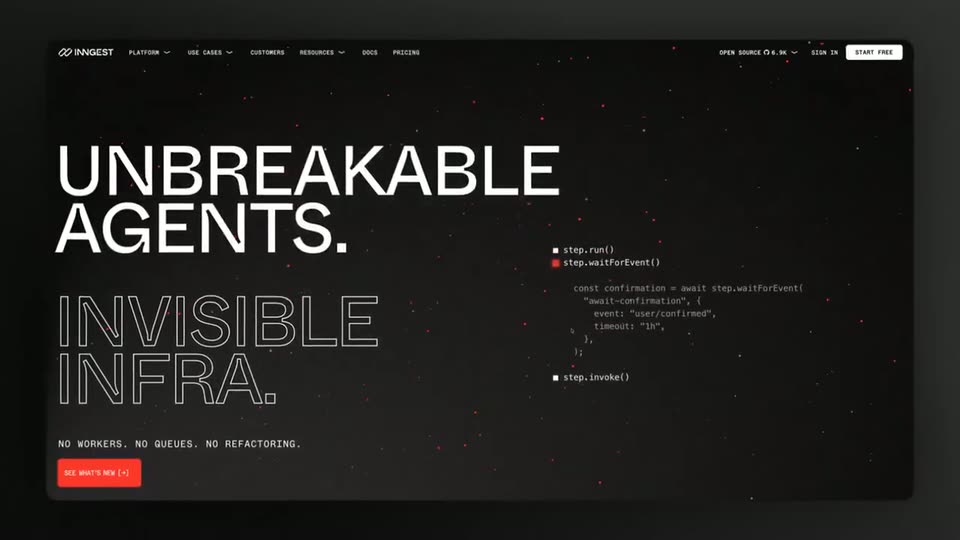 0:09–0:13Inngest · Inngest - Inngest is agent infrastructure that lives in your codebase. We knowA dark landing page with a bold headline and outline type pulls back from a tight crop to the full browser window. Red particles drift while code cycles on the right, and a cursor hovers the red button.
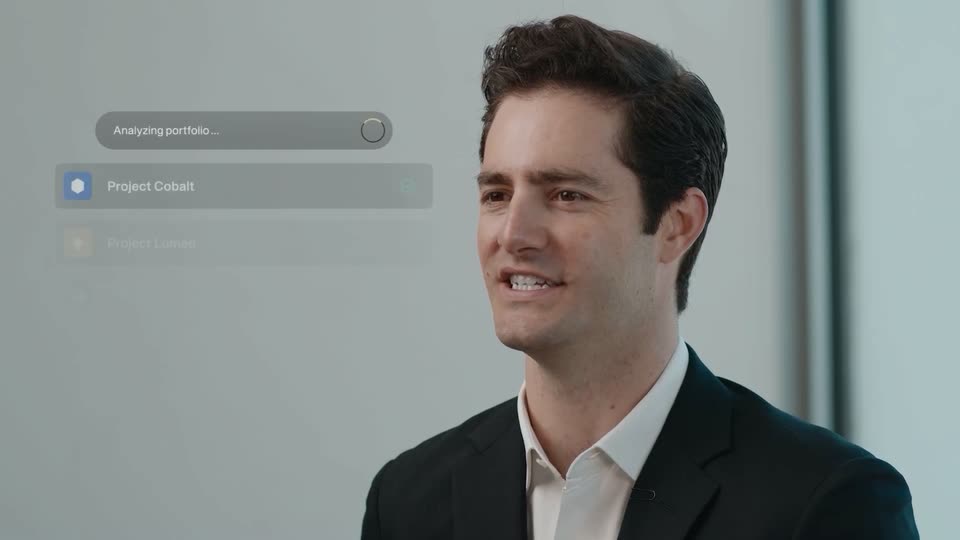 0:24–0:29F2 · Don Muir - 10 months ago we spun F2 out of Arc with a $10M pre-seed. Nascent tecA man in a dark suit speaks against a plain light wall while a chat overlay on the left types his question, the cursor clicks the send arrow, the input collapses into a loading pill, and five project rows with icons and green checks stack in.
 0:00 · 0.8sFactory · Factory - Missions are now available on Factory Desktop.A black app icon labeled Factory sits on a faint gray grid as a cursor glides in from the top right. The icon scales up and the grid brightens as the cursor reaches it, ending with a large arrow resting on the icon.
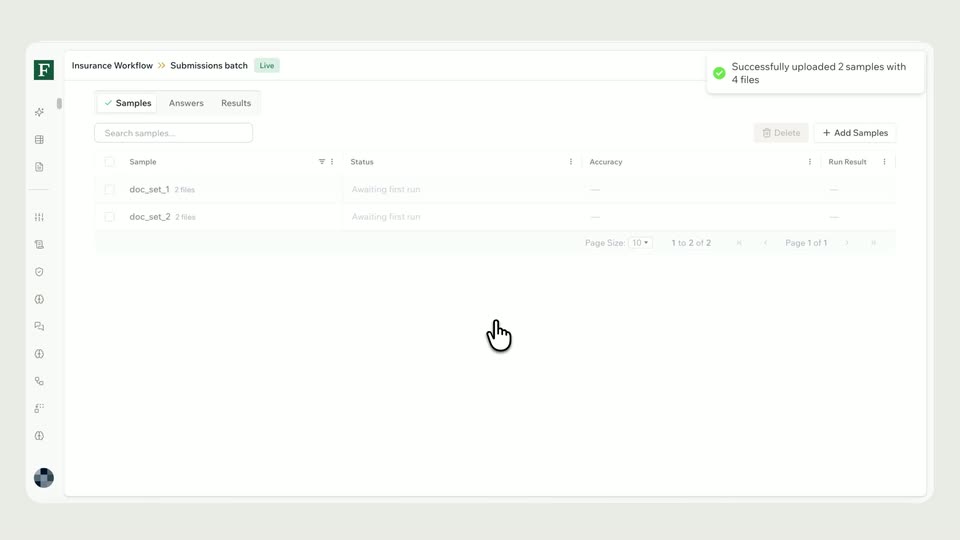 0:50–0:55FurtherAI · FurtherAI - Today we're launching Eval Studio — a test bench for AI workflows inA hand cursor clicks the blue upload button; a progress bar fills from 10% to 90% with uploading and finalizing labels, a green success toast slides in at the top right, and the upload panel swaps to a two-row table listing the two doc sets awaiting their first run.
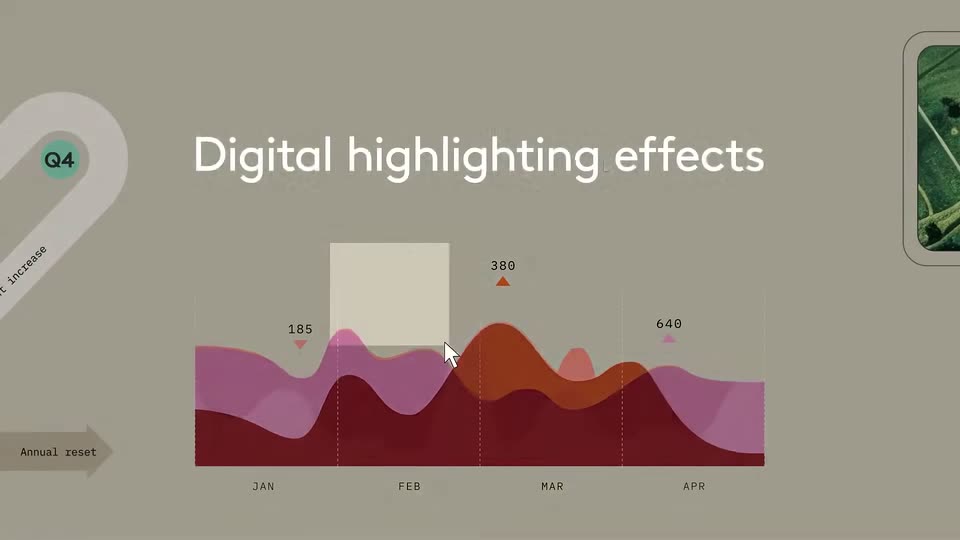 0:13–0:14Logitech · Present, engage, inspire | Logitech Spotlight 2A beige dashboard graphic sharpens from soft blur into focus, revealing a wavy pink and maroon area chart with month labels and a white cursor gliding across it. A white headline sits above, flanked by a curved Q4 badge on the left and a leaf thumbnail on the right.
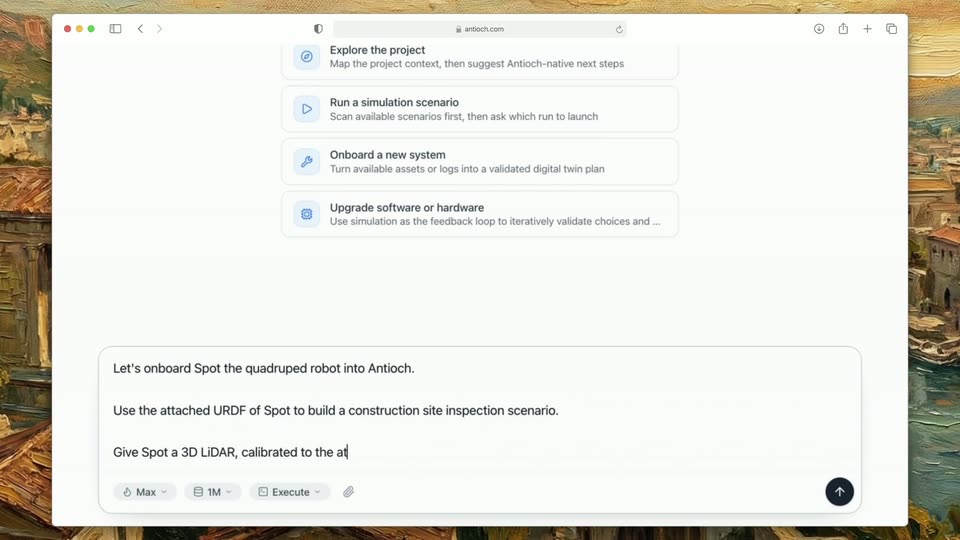 0:06–0:12Antioch · Antioch - Introducing Antioch Agent. For the first time, simulate the full physA flat browser window of the Antioch agent floats over a painted landscape. Four suggestion cards stay still while a prompt types itself into the bottom input field, line by line, with a blinking caret, and the send arrow darkens.
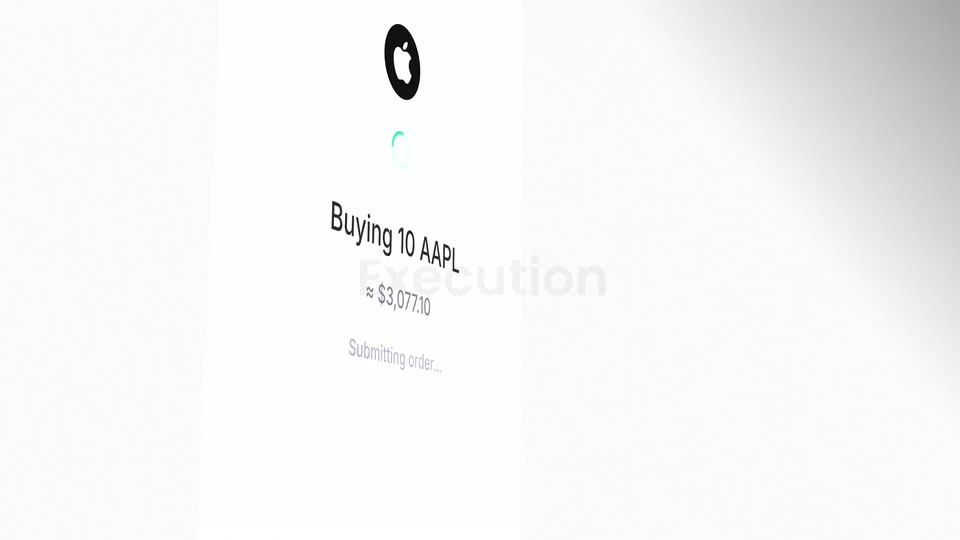 0:24–0:26Backpack · Backpack 🎒 - Public Beta is live. Trade real US stocks and ETFs alongside crypto,A white trading card tilts in 3D on a gray backdrop, a gray cursor hovers its green Confirm Buy button. The card slides off to reveal the headline Instant Execution, then a second 3D card loads and flips to a green checkmark confirming the trade.
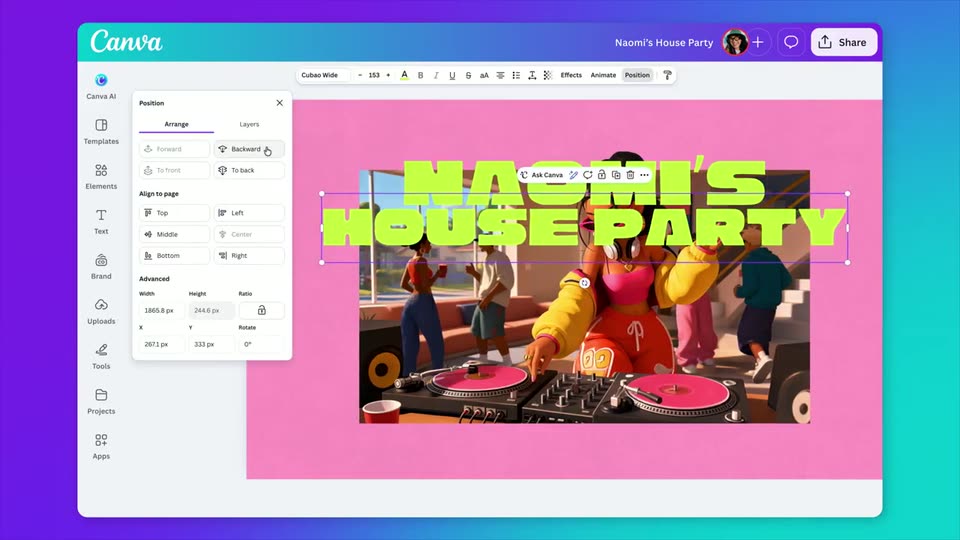 0:16–0:21Canva · Canva - PSA 📣 You can now turn your ChatGPT-generated images into fully editaA Canva editor window sits on a purple-to-teal gradient, its pink canvas showing a DJ at turntables. A lime-green headline 'NAOMI'S' scales in, then 'HOUSE PARTY' stacks below it. A cursor opens the Position panel and clicks Backward, after which a star and a yellow ring drop onto the art.
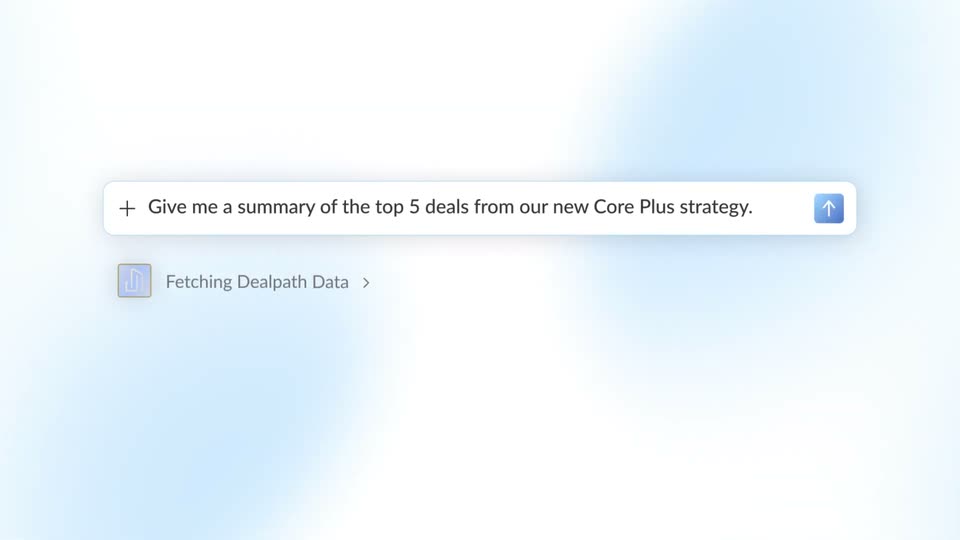 0:07–0:13DealPath · DealPath SaaS Video - AI Sales PlatformOn a soft blue gradient, a dark sans headline sharpens in above a white prompt bar. The prompt types a deal-summary request, a cursor clicks the blue send button, the bar slides up and a fetching-data row scales in below.
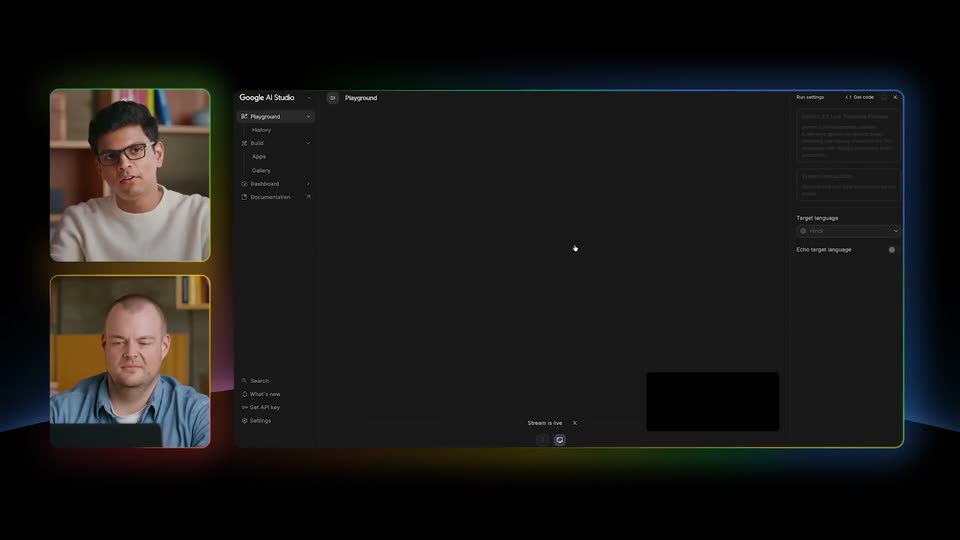 0:31–0:39Google · Introducing Gemini 3.5 Live TranslateA dark Google AI Studio screen fills the frame beside two stacked webcam tiles of presenters. A cursor opens the target-language dropdown, picks Hindi, then a live keynote video pops into the corner as the stream goes live.
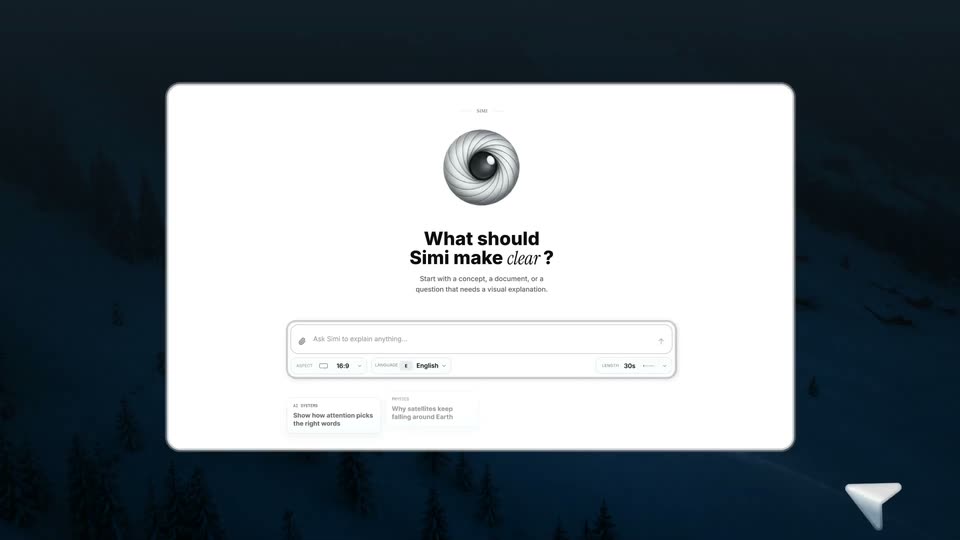 0:32 · 0.9sLamina Labs · Simi - The Fastest Way to Generate Whiteboard Explainer Videos Just from A Single PromptA white product card on a dark forest background scales up gently, its headline and spiral icon growing while a cursor drifts in from the right. Suggestion chips and aspect, language, and length controls sit below the input field.
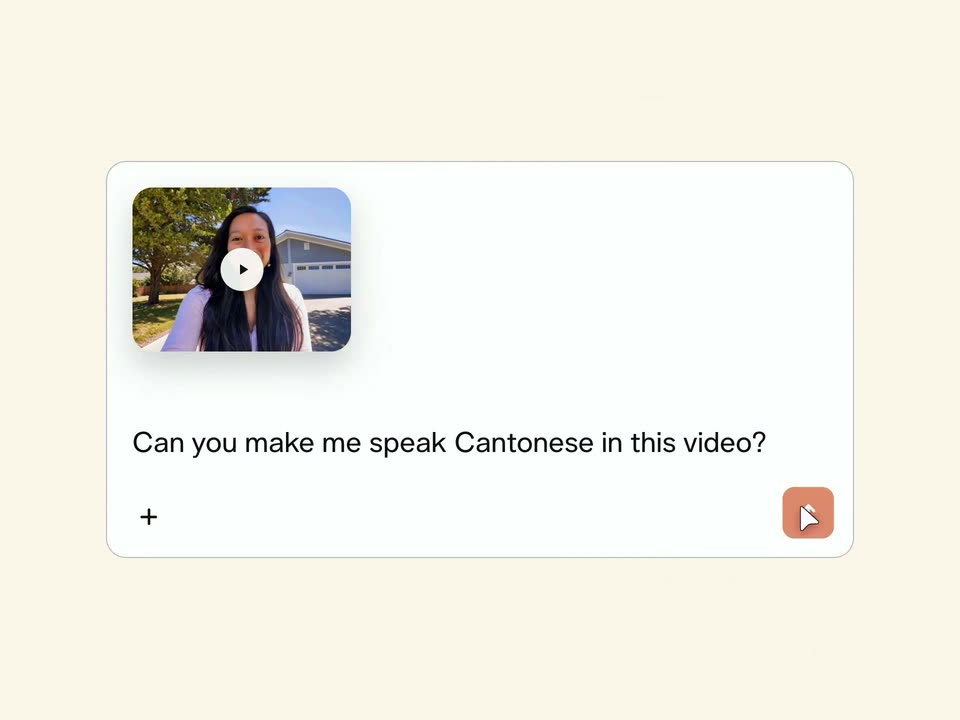 0:12–0:15Pika · Pika - Take your content global, already! The Language Swap skill via PikaA white chat card with a video thumbnail of a woman sits on a cream field. A prompt types out letter by letter, a cursor hops to the orange send button and presses it, then the card zooms in slightly.
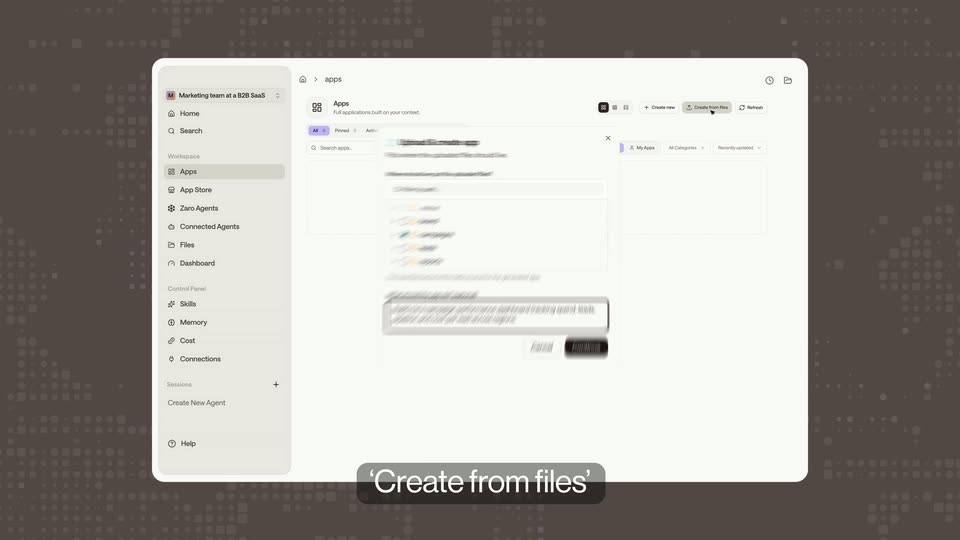 0:30–0:31Zaro · Michael Bajwa - In three years every company will have a context layer the same way eA flat apps dashboard sits on a dark dotted background as a cursor hovers the Create from files button. A Create new app modal pops up, then the panel switches to a Need a custom app prompt. A bottom caption swaps from Just click to 'Create from files'.