Cursor demo
A visible cursor operates the interface.
14,960 scenes · page 25 of 250
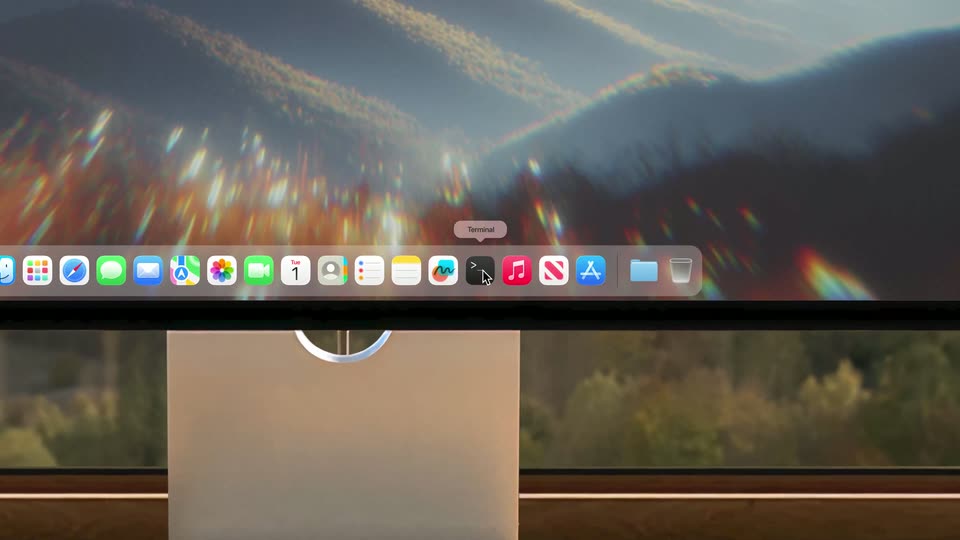 0:04–0:06Giga (Scout) · Giga - Everyone is trying to build a support agent. Now you can build one iAn iMac in front of a window zooms into its macOS dock as a cursor hovers the Terminal icon and a tooltip pops, while the caption “now live in the Terminal” scales in over the scene.
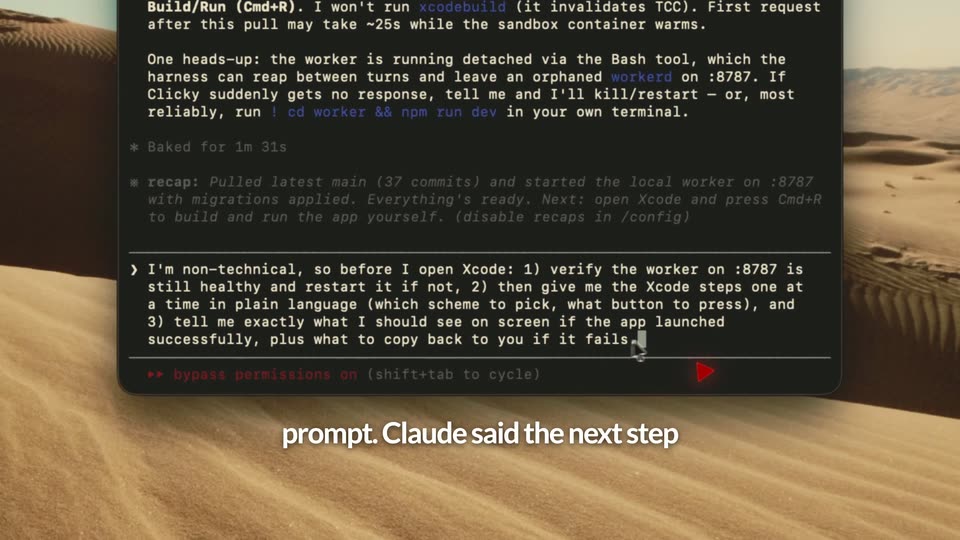 1:14–1:20HeyClicky · Farza 🇵🇰🇺🇸 - Today we're shipping screen-aware dictation. First, we built a speedA dark terminal window with chat and code text hovers over a desert dune backdrop, easing into frame with a brief motion blur before locking. A mouse cursor drifts across the prompt line while white captions cycle at the bottom.
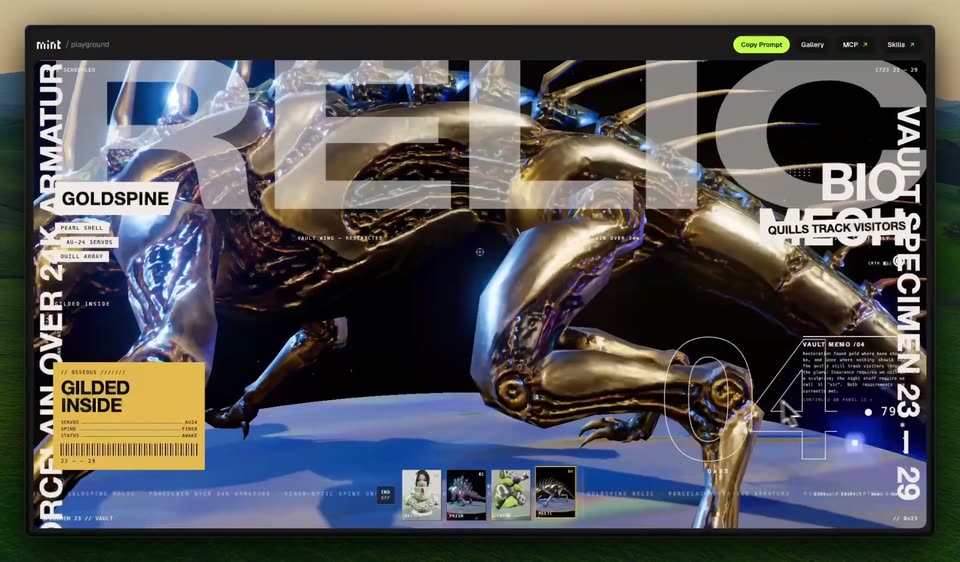 0:00–0:02Mint MCP · tamrat - Introducing Mint MCP - It turns your coding agent into a 3D engine!A mïnt playground screen shows a gold-and-chrome spined robotic lizard rotating on a circular platform, set against a starfield and a giant grey RELIC title. The view pushes in on the creature, then pulls back as a cursor hovers the bottom thumbnail strip.
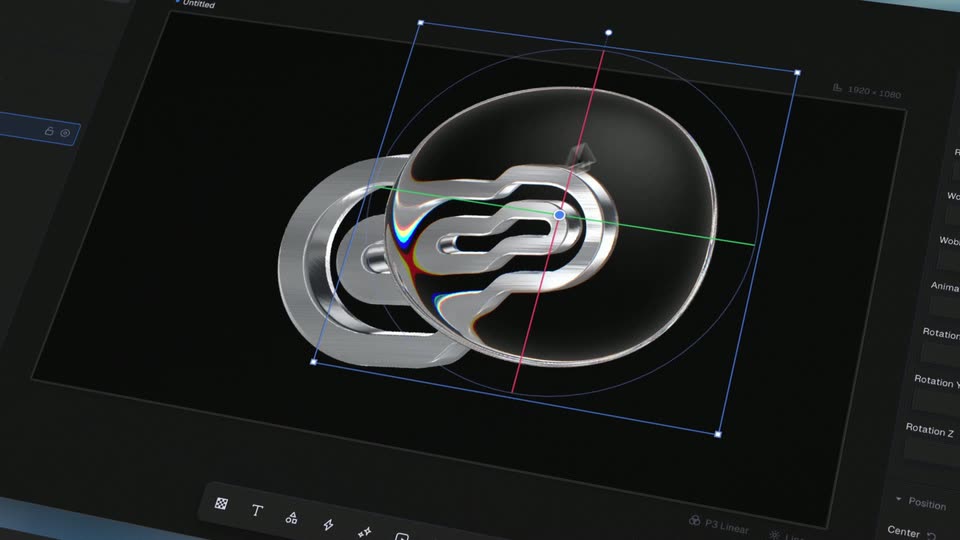 0:00 · 0.7sShaders · shaders - Introducing Shaders v3 🔥 Our biggest release yet. Built for design eA dark 3D software viewport shows a chrome, ribbon-like logo model wrapped in a glass ring, framed by blue bounding-box lines and red and green axis lines. The camera orbits the model while a white cursor arrow drifts across the scene, with a properties panel and icon toolbar lining the edges.
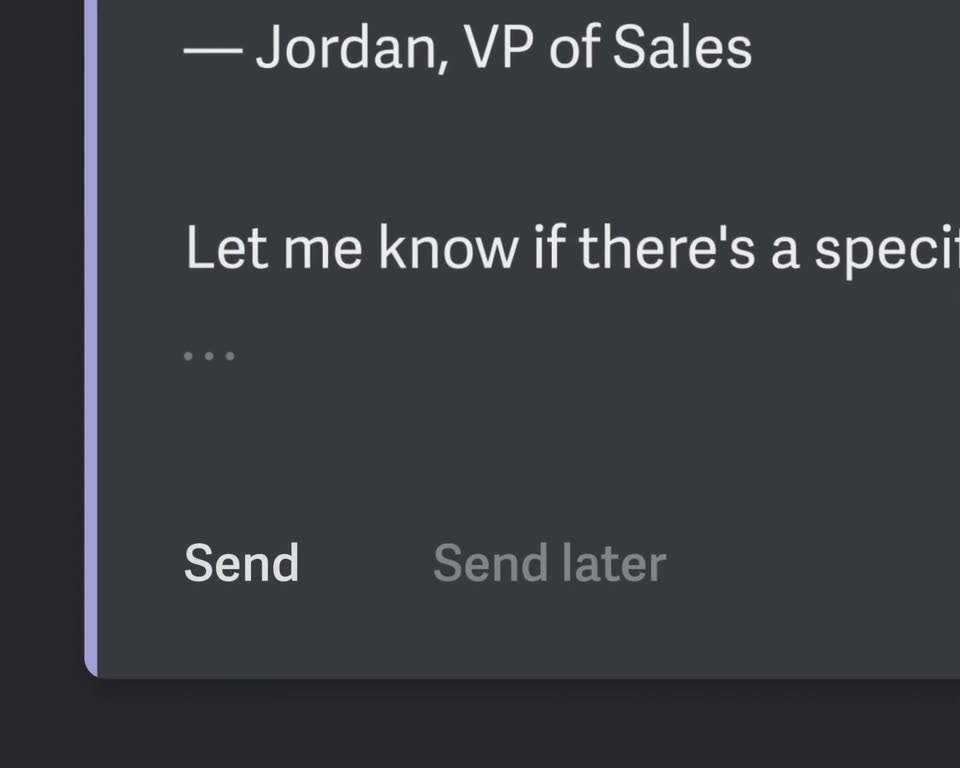 0:14–0:19Superhuman · Introducing: Auto Drafts 2.0 ✨A dark email draft panel scrolls up to reveal an auto-drafted reply listing three customer quotes with attributions, ending on the Send and Send later buttons as a hand cursor moves in and clicks Send.
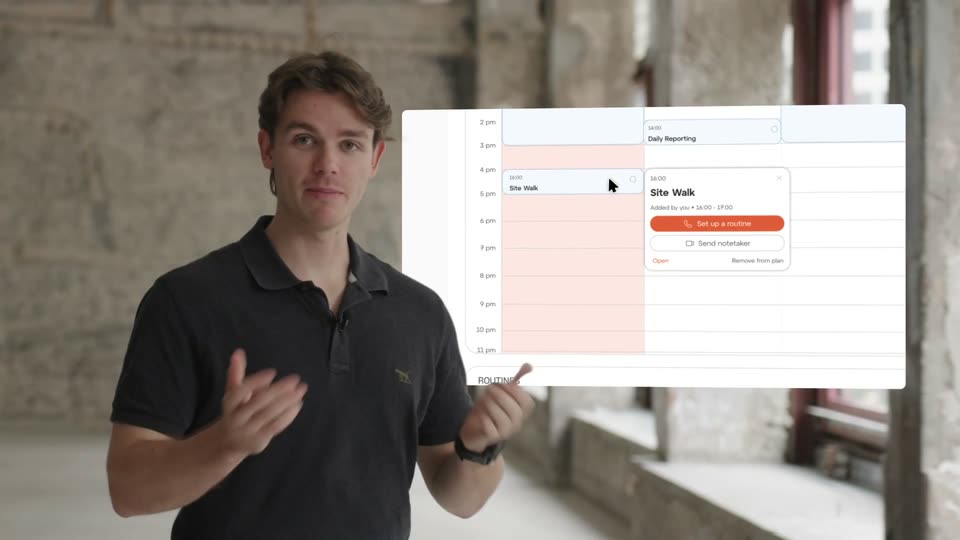 0:17–0:21Alloovium · Alloovium - Today, we launched @alloovium on @ycombinator On major projects, docA presenter in a black polo talks in a concrete hall while a floating, angled Aloovium app window hovers at his right. The window zooms into a day schedule, a Site Walk event opens a detail card with a cursor, then the window vanishes.
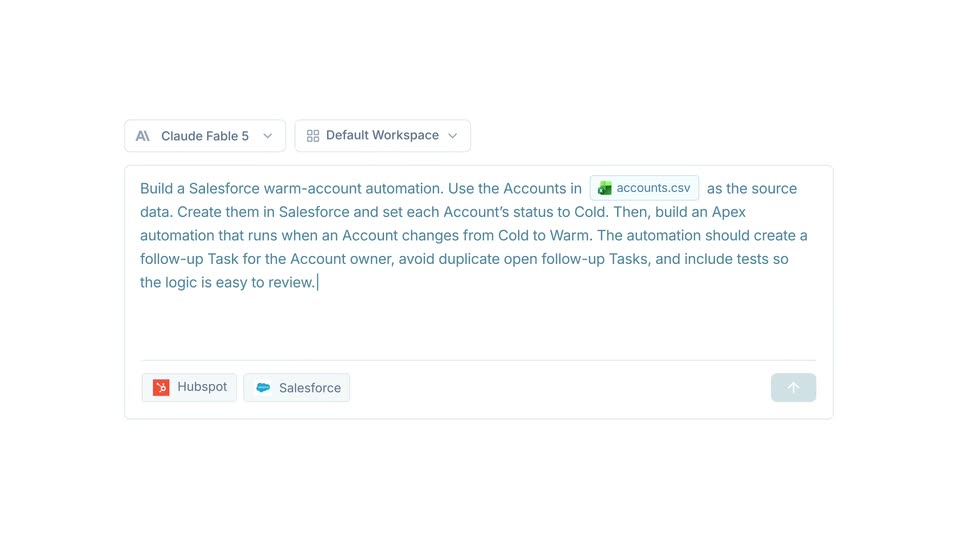 0:38–0:41Assemble · Assemble - Assemble builds agents that help IT teams maintain enterprise systemsA white prompt composer with two dropdowns at the top. A CSV file chip drops in, then a long prompt about a Salesforce automation types out across four lines. The send button turns blue and the frame zooms to it as the cursor hovers.
 0:18–0:21Hanover Park · Chris Hladczuk - No CFO signed up to be human duct tape. Today, we’re cutting the tapThe bold phrase “straight into” sits centered on a dark green gradient, then shrinks as a rounded bar of four AI app icons pops in. A cursor arrow drifts below while the icons blur, and a bottom caption changes to “So you can just ask,”.
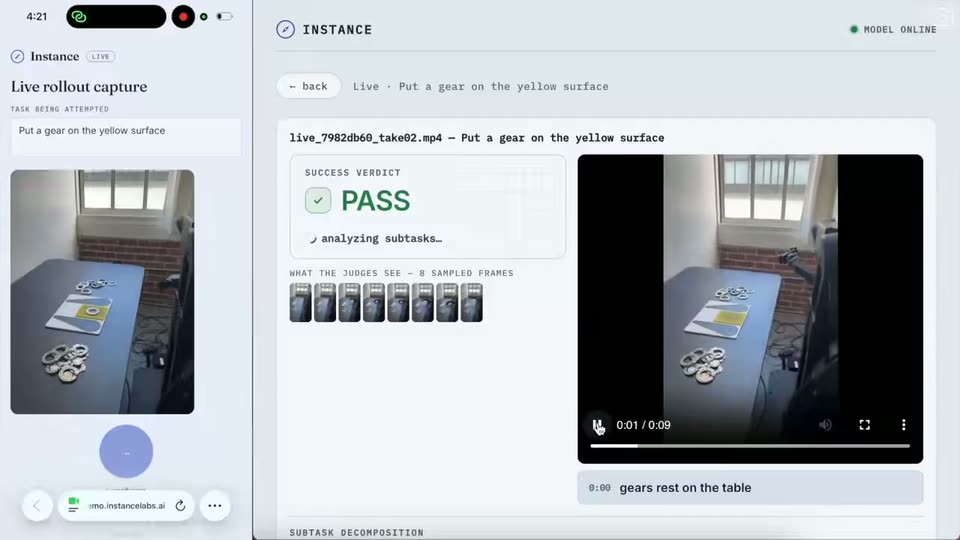 0:52–1:01Instance · Lucy Cai - We’re excited to launch Instance – a success detector for robot rolloA light dashboard shows a live task capture. A cursor clicks the play button on an embedded video of a robotic arm moving gears, while a caption bar below types live descriptions and the verdict panel switches from analyzing to complete.
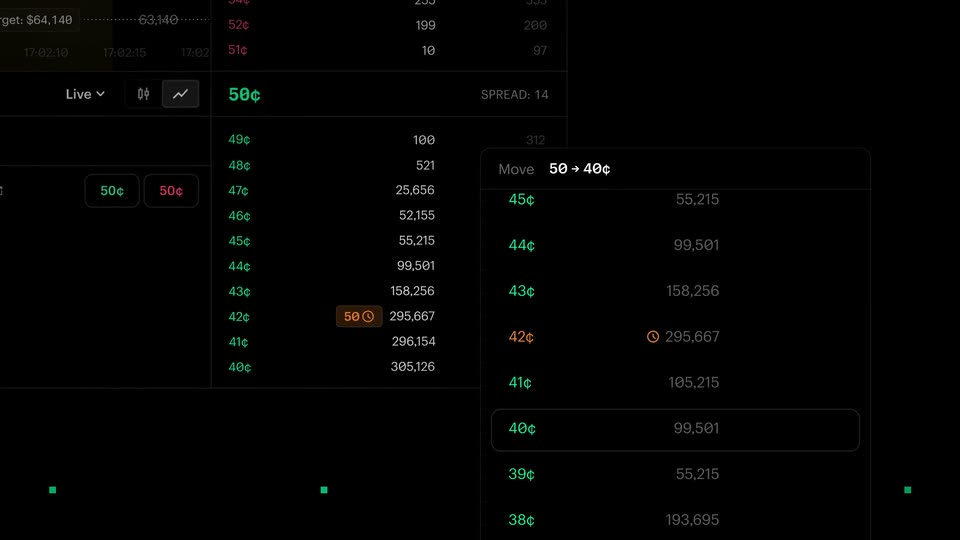 0:09–0:11Kalshi · Kalshi - Now introducing Kalshi Pro Trade multiple markets with maximum speedTwo dark trading dashboards sit side by side on black, then the view zooms into the order book. An orange cursor hovers a price row and steps it down, while a side panel logs the move from 50 to 39 cents.
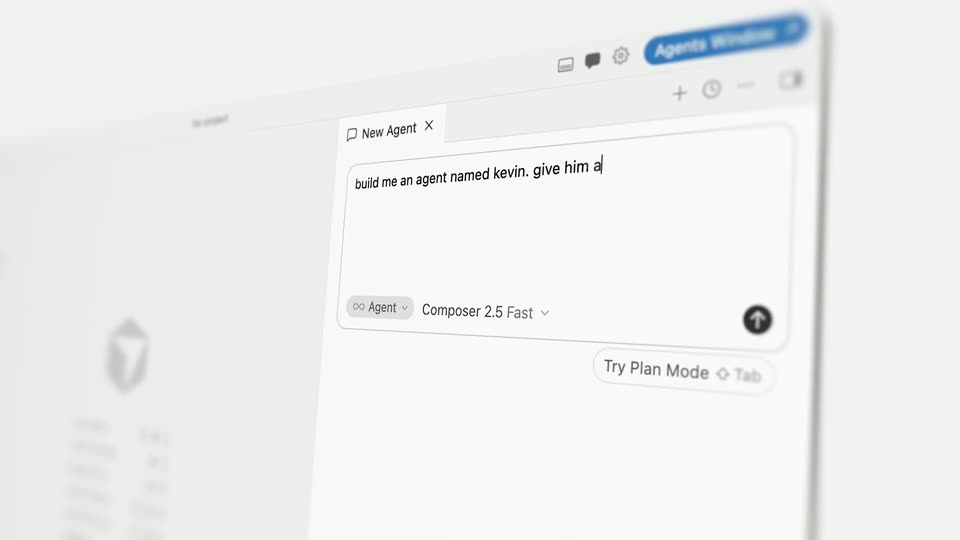 0:11–0:16Keystroke · Blake Rouse - Introducing Keystroke: an n8n alternative built for Cursor, Claude CoA white app window sits tilted in 3D perspective with soft depth of field, locked off. Inside a New Agent panel, a prompt types out letter by letter into the input box while a mouse pointer rests below. The model pill reads Composer 2.5 Fast.
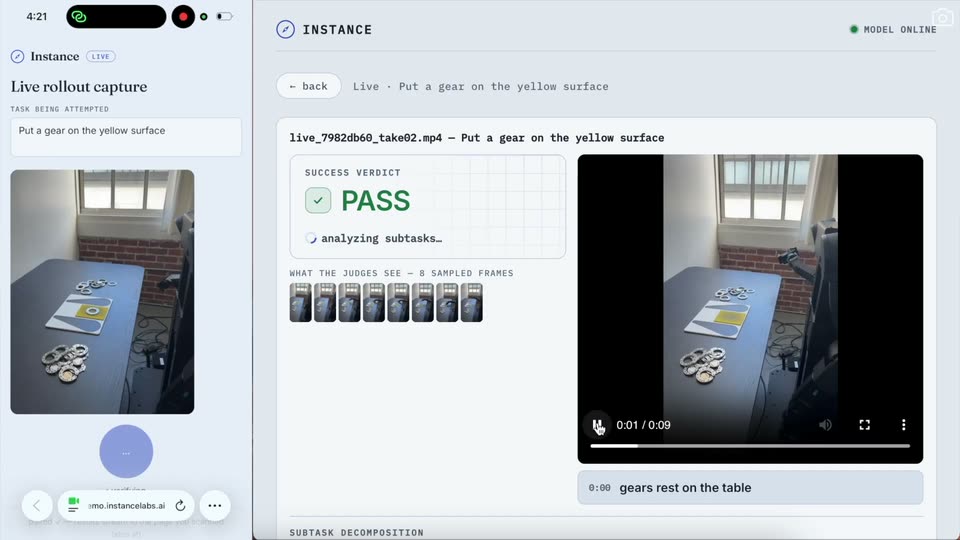 0:52–1:01Most Robotic · Instance - Automated evals for robot policiesA light web app screen shows a live rollout verdict panel with a PASS badge and eight sampled frame thumbnails. A cursor clicks the play button of an embedded video of a robot arm on a table; caption lines type in below it and the verdict updates to 3/3 subtasks complete.
 0:03–0:04Tilion · Tilion | For the internet's next evolutionA tight close-up of a search settings panel shows a column of radio buttons. A yellow arrow cursor clicks down the list, filling the dot next to Internet using Alta Vista, then moving to select Internet using Excite.
 0:28 · 0.4sBMW · Dress for success, drive with confidence | The new BMW X5.Inside a car, a hand reaches across the center touchscreen and presses the Join button on a video-call panel that also shows a clock and a Refresh control. Shallow focus blurs the dashboard and wheel in the foreground.
 0:09–0:10OpenAI · ChatGPT Computer Use: Now faster with Live Picture-in-PictureA glowing cursor arrow flies right across a starry night landscape above a misty lake. A white prompt window fades in on the left with the heading “What should we work on?” and a model selector row.
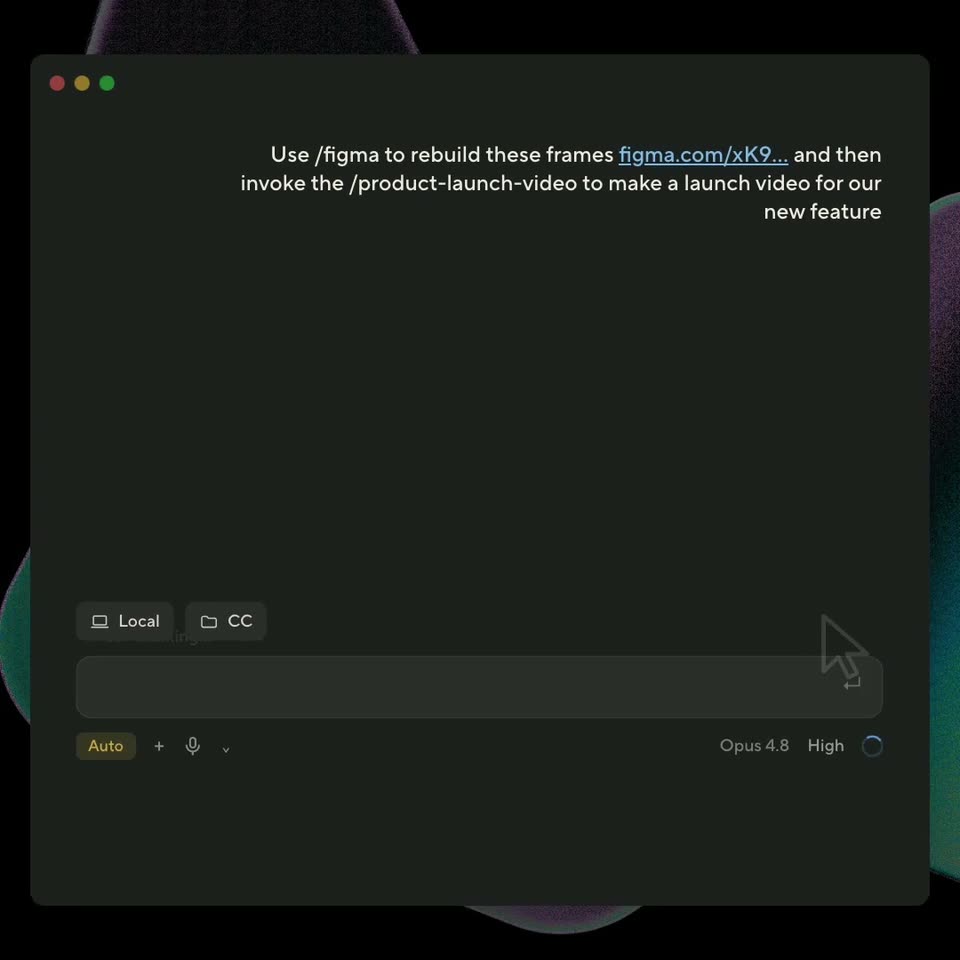 0:20–0:21HyperFrames · HeyGen - Figma -> HyperFrames Designers can now ship launch videos straighA dark chat input shows a typed prompt with a red caret and a large mouse pointer. The camera zooms out to reveal the full app window with traffic-light dots as the message lifts into the conversation area.
 0:20–0:22Jurni AI · Alex Socoloff - Another Friday, another brand launch. Excited to share the new brandOn a soft blue-to-peach gradient, the jurni app sidebar zooms in toward the Build section. A black cursor glides to the Funnels row, which fills with a white rounded highlight, while Experiments and Product sit below.
 0:24–0:27Kling AI · Kling AI - That winged horse. Now you see it too.✨ Humanity has always searchedA flat green-neon dialog box titled System message is centered on a dark dotted grid. A white arrow cursor drifts down from the question line and settles onto the Yes button, which stays outlined.
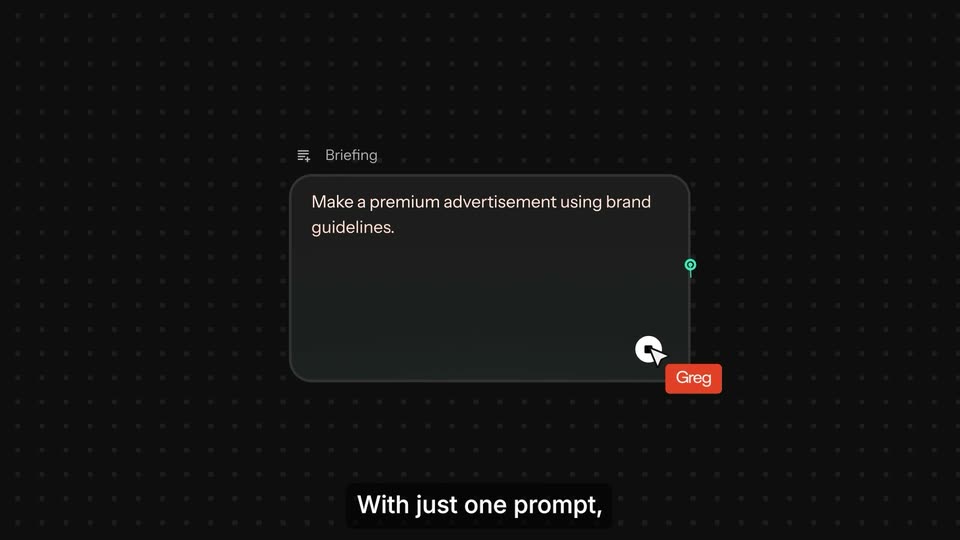 0:03–0:05Melius · joowon - If you’re a creative not using AI you’re fcked. Introducing Melius:A dark Briefing card snaps into focus, its prompt text legible, as a thin green line curves away from the right edge and a cursor hovers the red Greg button. A white caption on a black box sits at the bottom.
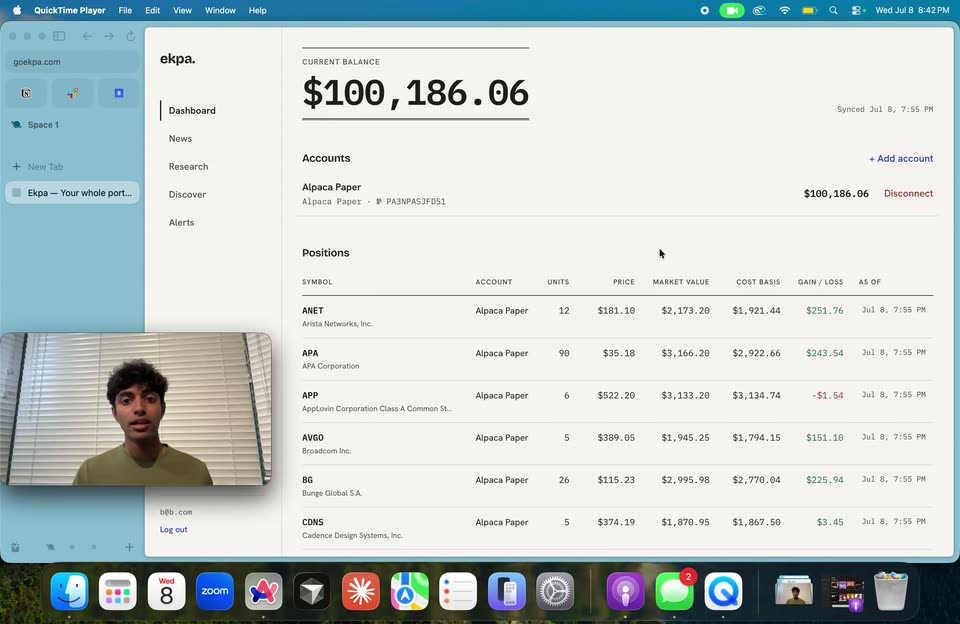 0:00–0:13Ekpa · Ekpa Demo VideoA macOS screen recording shows the Ekpa trading dashboard, with a balance figure and a positions table filling the frame. A small webcam inset at lower left shows a young man talking and gesturing. The mouse cursor drifts across the table, then moves up to the News menu item.
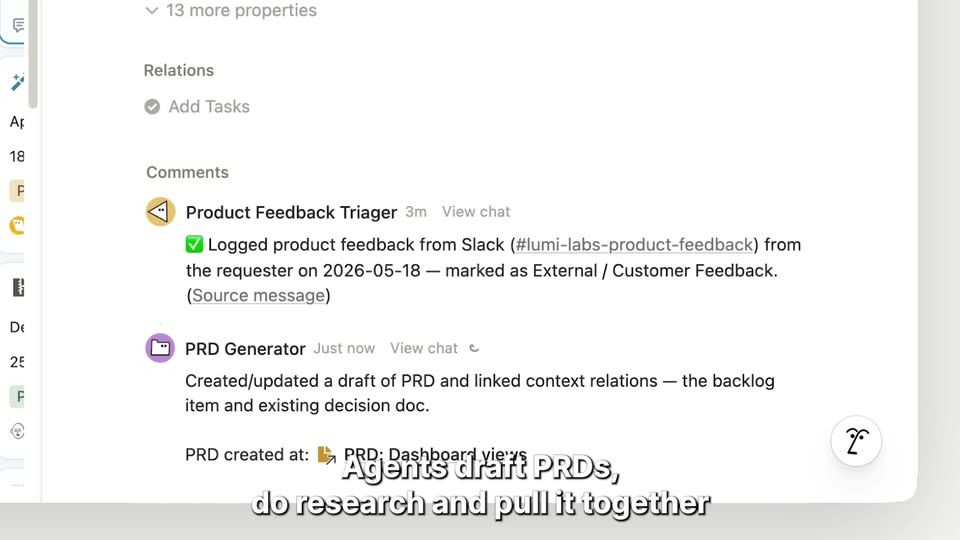 0:17–0:22Notion · Notion - Introducing Ship OS: The agent-native way to ship software. Run yourThe app window opens on a backlog list and detail panel, then the frame zooms into the comments section. A PRD Generator comment changes from a loading state to a finished note linking a PRD, and a cursor hovers the link. A white outlined caption sits at the bottom.
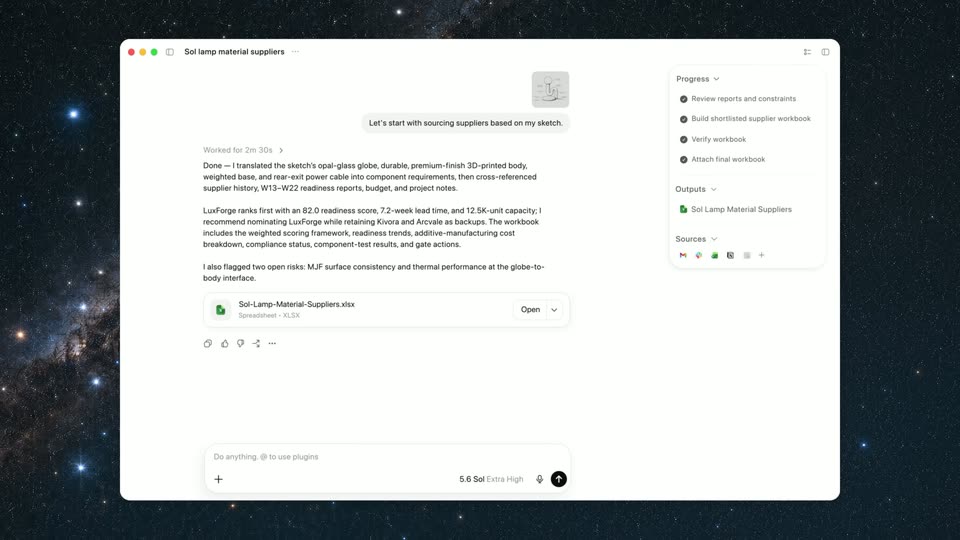 0:30–0:36OpenAI · Meet ChatGPT WorkA white chat window sits on a starry field. The assistant's reply text fills in under the user's prompt and lamp sketch, a spreadsheet file card appears beneath it, then a cursor glides to the expand icon at the top right.
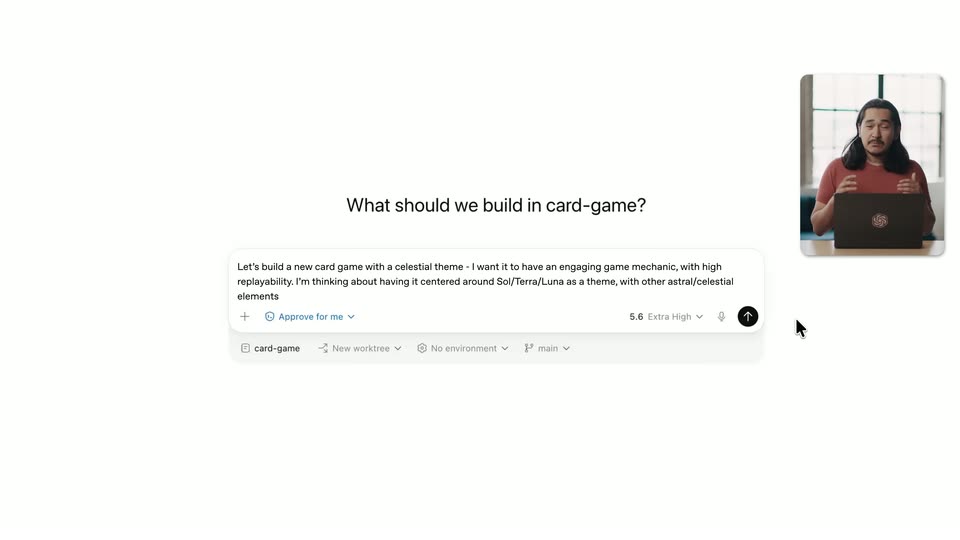 0:17–0:23OpenAI · Meet GPT-5.6A prompt composer under the heading 'What should we build in card-game?' fills with typed text about a celestial card game, while a small presenter video sits top right. A cursor clicks the send button and the view scrolls to a worktree log.
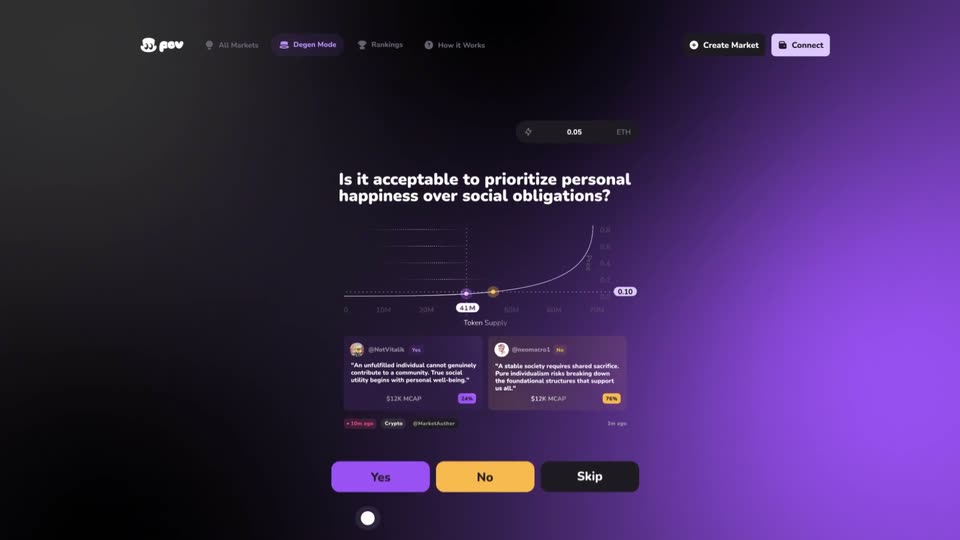 0:28–0:30POV · POV - The world's first permissionless Opinion Market. Built on convictionA dark prediction-market interface fades in, showing a question headline, an animated line graph with a moving marker, two argument cards and three buttons. A cursor glides up and presses the purple Yes button as a light sweep crosses it.
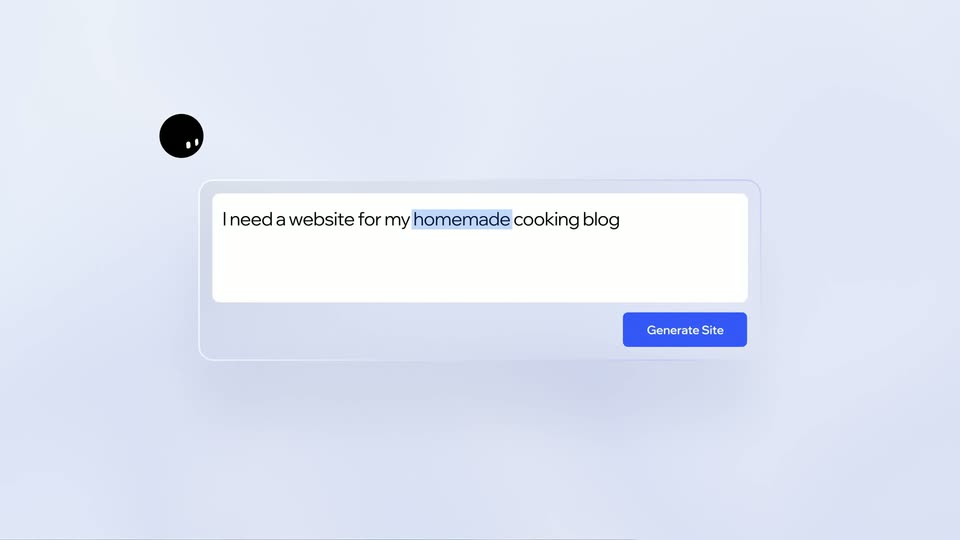 0:06–0:09Wix Harmony · The new way to tell your story | Wix HarmonyA white prompt card on pale lavender: the sentence I need a website for my homemade cooking blog is typed in, a cursor hovers over a highlighted word, then the tail is backspaced. A blue Generate Site button sits bottom right.
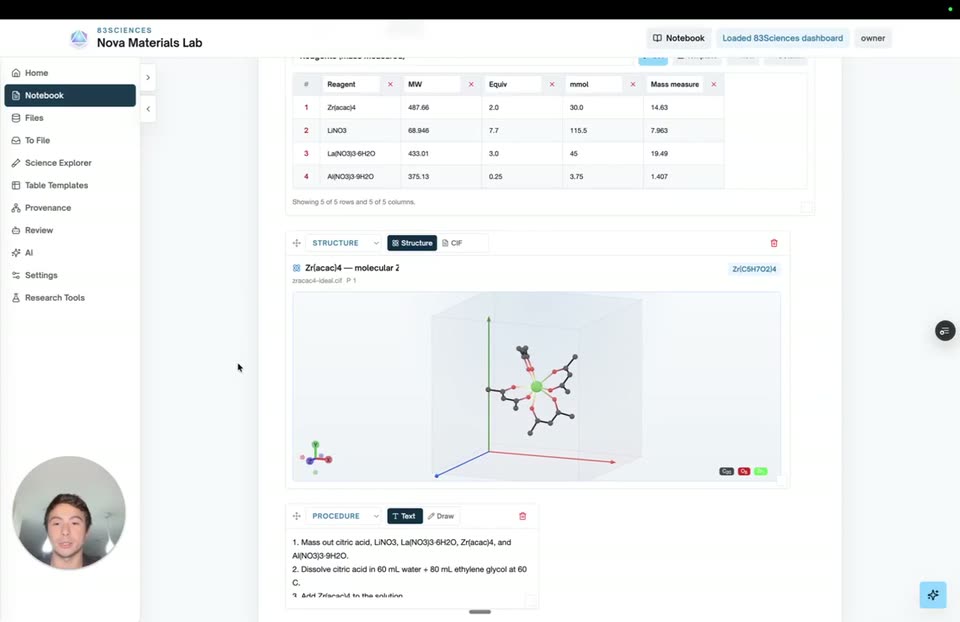 0:41–0:4883 Sciences · 83 Sciences - The next industrial era will be built on materials discoveries and inA flat screen recording of the 83sciences notebook shows a reagents table, then scrolls down to reveal a 3D molecular structure in a cube. The cursor drifts to the left sidebar and hovers Research Tools. A small circular video of a presenter sits in the lower left.
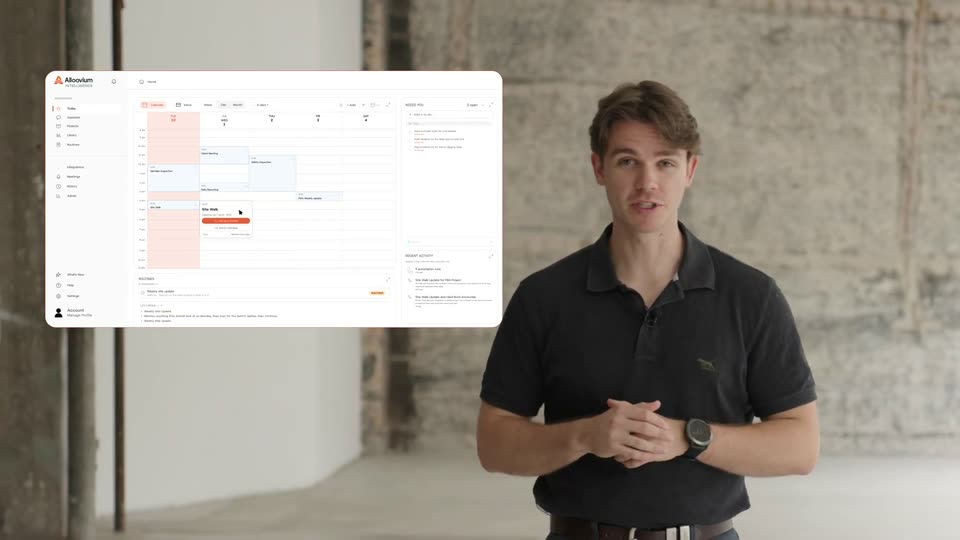 0:18–0:21Alloovium · Alloovium: Construction paperwork that finally works for your teamA man in a black polo shirt stands in a concrete room, talking and gesturing. A project calendar interface blurs into focus on the left, showing a week grid with orange and blue task blocks and a side detail panel, then blurs out at the end.
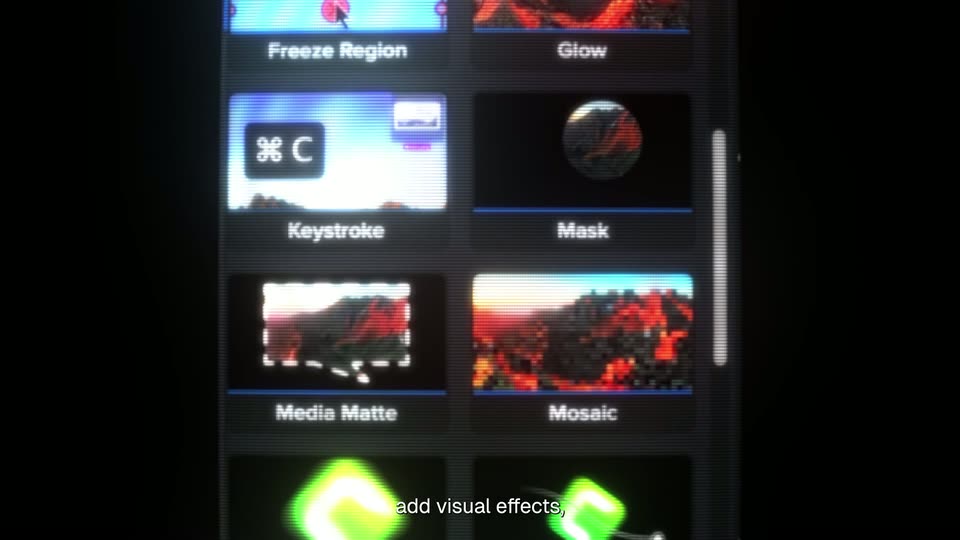 0:09–0:10Clueso · Fully Automate Your Product Videos | Clueso AgentsA dark grid of effect thumbnails scrolls upward as a cursor moves across the tiles, then the grid morphs into a purple panel crossed by a green curved path with control points. A white caption sits at the bottom.
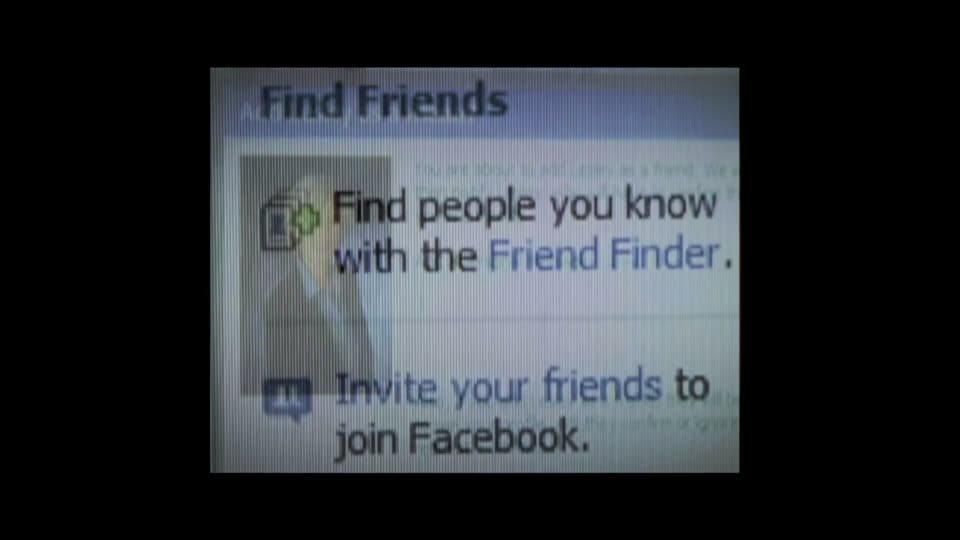 0:15–0:17Digipals · Digipals Launch VideoA Facebook screen opens on an Add Lesley as a friend dialog with a profile photo and a hand cursor, then cuts to a Find Friends panel listing the Friend Finder and friend-invite options.
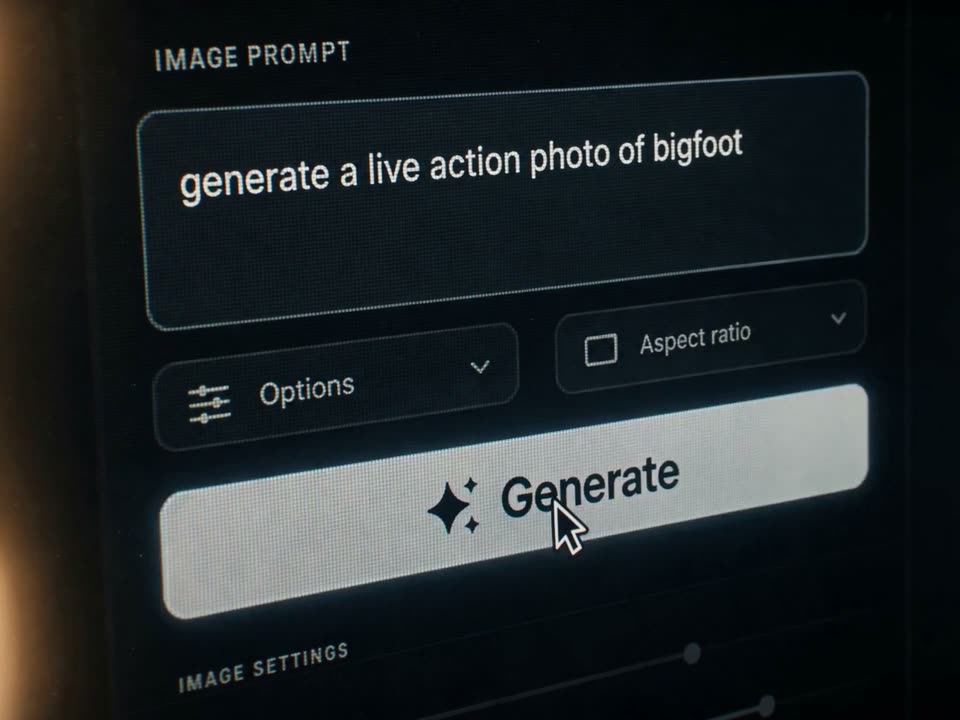 0:05–0:06Pika · Pika - Lights. Camera. EVERYTHING. Pika Director’s Suite, our experimentalA dark prompt panel shows a text field reading “generate a live action photo of bigfoot” above a Generate button. The cursor glides onto the button as the frame slowly zooms in, and a caption appears at the bottom.
 0:07–0:08PromptQL · Tanmai Gopal - We raised $136M to kill Slack. Introducing PromptQL: The first AI veA white chat card listing a Team AI summary sits on a dark background. A cursor rests on the purple Add to wiki button while the card zooms forward and a soft yellow glow blooms behind it.
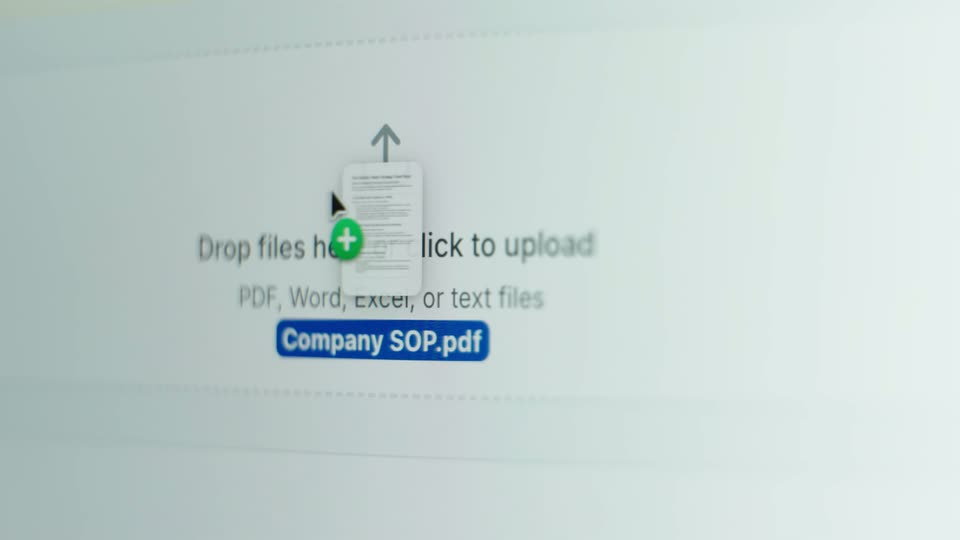 0:23–0:24Sidekick · Sidekick | Run Frontline Operations Over TextA close-up of a file upload panel with a dashed drop zone and an upload icon. A document icon with a green plus badge drifts toward the center, then a cursor appears beside it. The prompt text and a blue Company SOP.pdf chip remain fixed.
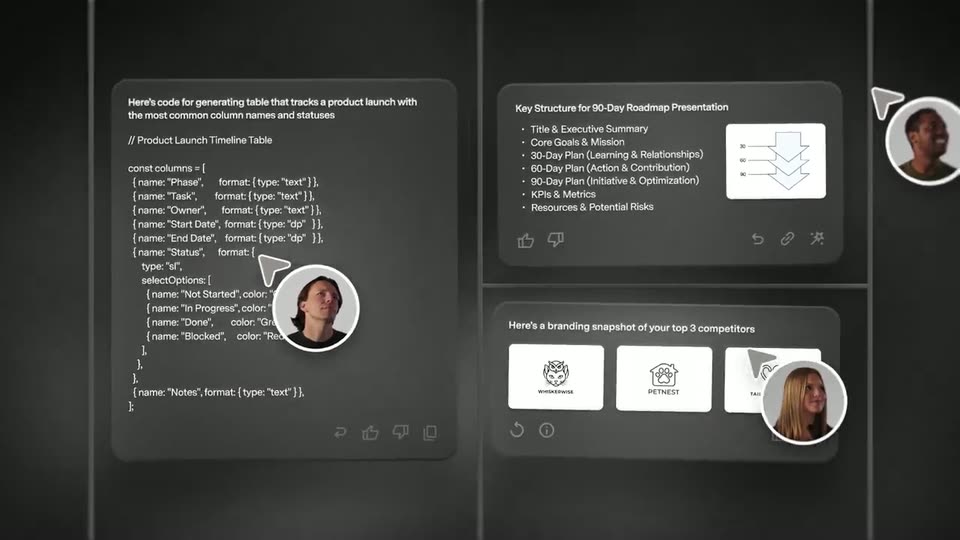 0:06–0:15Superhuman · Superhuman - Work together. Plan together. Stay ahead of the game together. CodaA dark grid of prompt cards types out example questions, then the tiles blur and reflow into response panels with code, bullets and logo cards. Circular headshot avatars with white cursor arrows point at each result. The frame stays locked off, edges blurred.
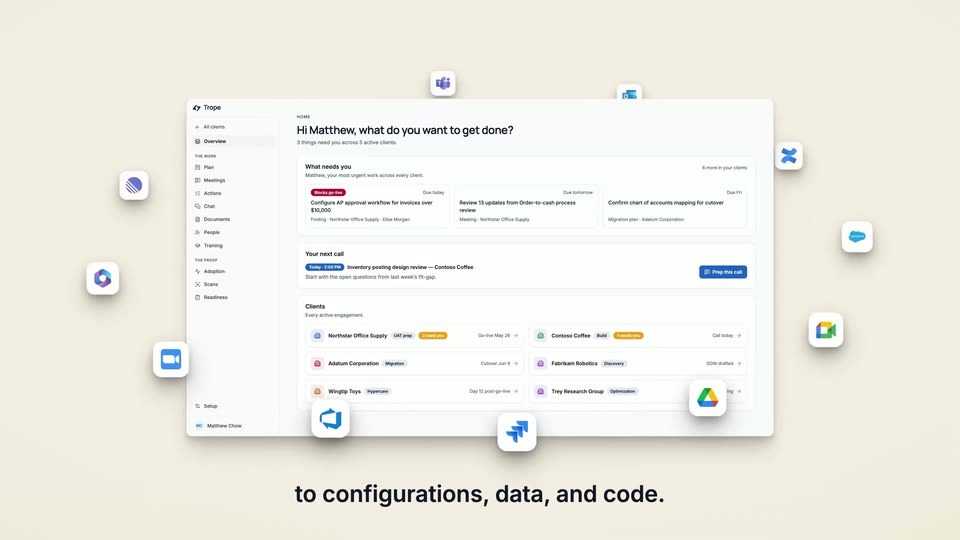 0:22–0:28Trope · Matt Chow - @trope_ai is backed by YC to make ERP transformations AI-native CompThe Trope dashboard tilts into 3D perspective on a cream field as app icons drift around it. A cursor selects Documents, opening a requirements page, while a bold black caption at the bottom swaps through phrases.
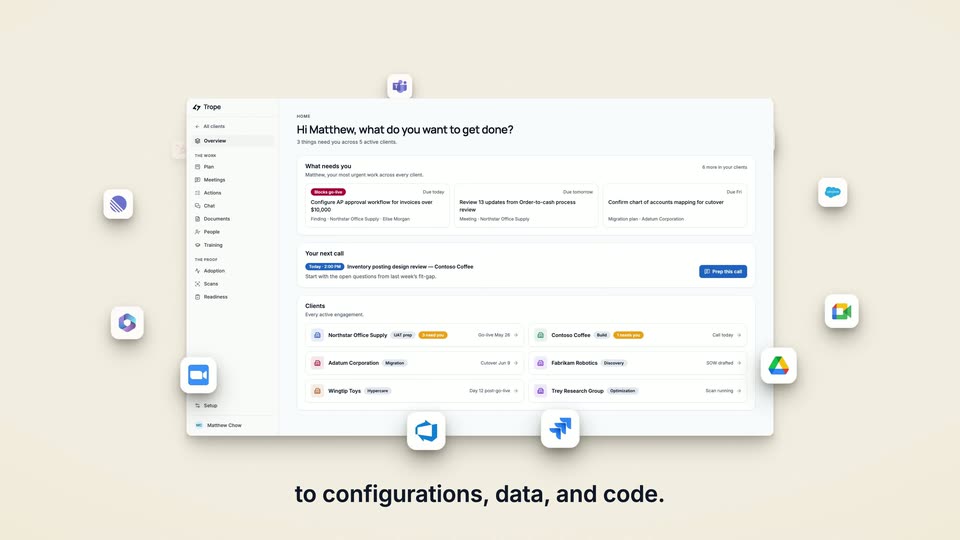 0:22–0:27Trope · Trope (YC S26) Launch VideoThe Trope dashboard sits as a white card in 3D perspective on a cream field, revealed by a pull-back from a close-up. Rounded app-icon tiles pop in and float around the card as bottom captions swap phrases, ending with a cursor hovering the sidebar.
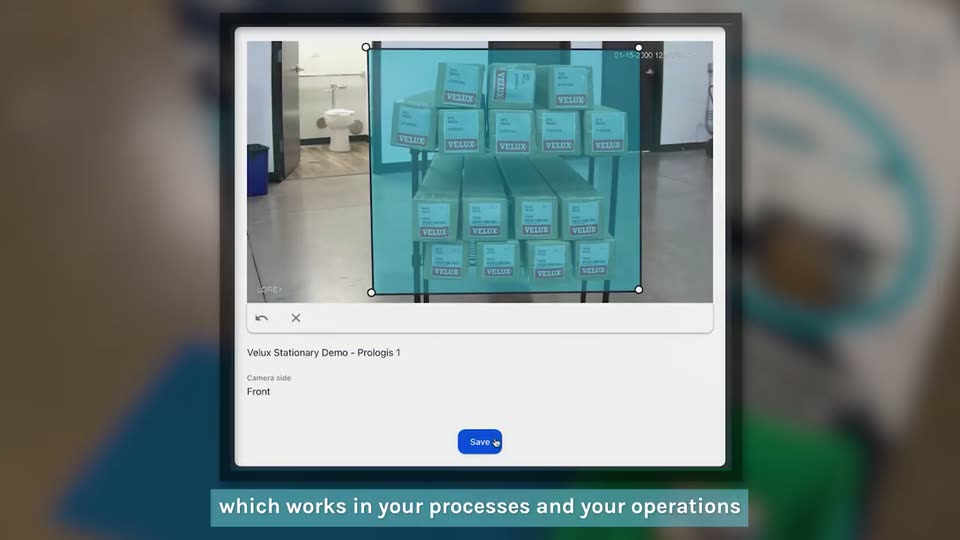 0:26–0:28Arvist · Arvist: experience centerA front-facing tablet shows a camera feed of stacked boxes with a translucent blue zone drawn around the pallet. A cursor moves down and clicks the blue Save button. A blurred office background sits behind, and a teal caption bar at the bottom carries the narration.
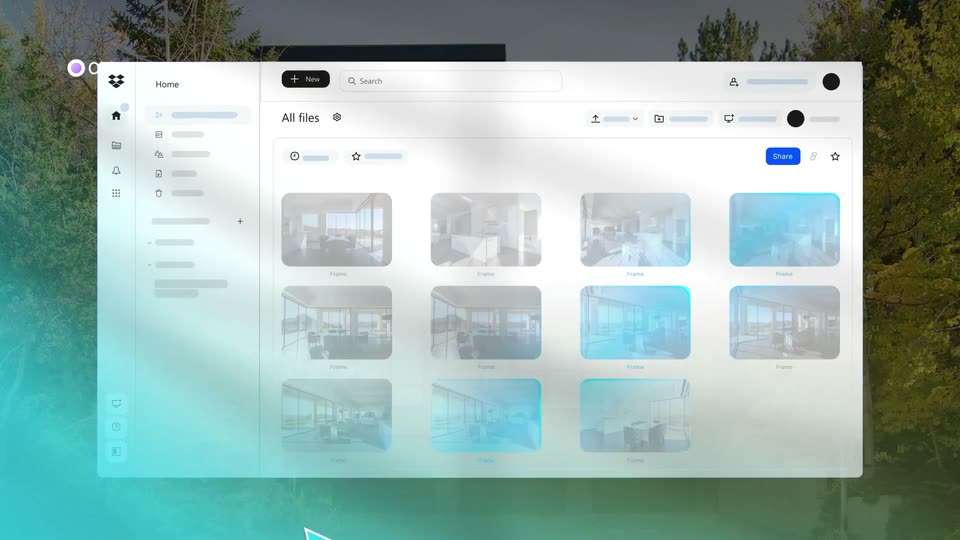 0:08–0:09AutoHDR · Best SaaS Product Video | AutoHDRA file manager window fades in from blur over an autumn lake backdrop, tilted in 3D perspective. A white hand cursor hovers over a photo thumbnail, enlarging it with a blue outline while a grid of image thumbnails labeled Frame loads in.
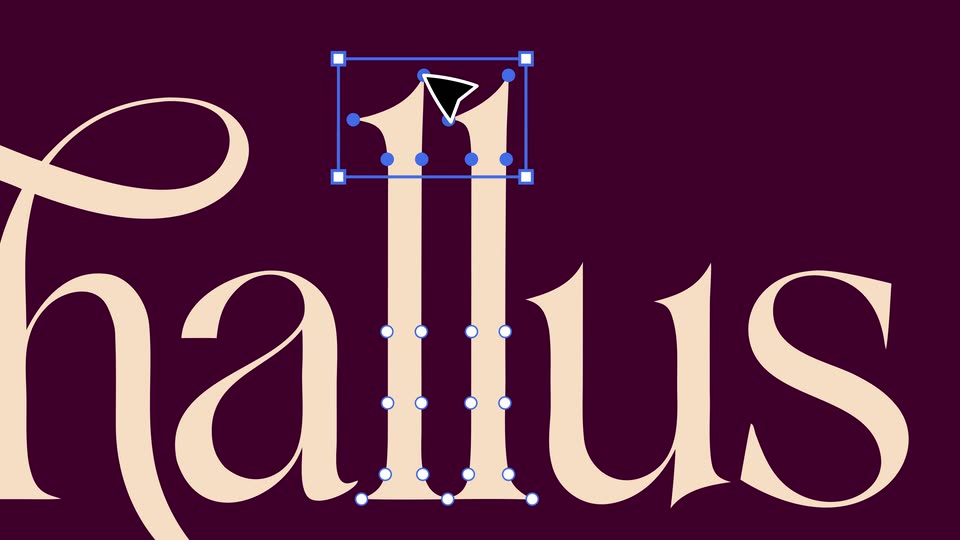 0:00–0:01Recraft · Recraft - You asked, we delivered. Say hello to Recraft’s Vector Editor. TweakA cream high-contrast serif wordmark, Thallus, fills a dark maroon screen. A blue vector selection box, anchor points, and arrow cursor edit the letters as the frame zooms into the central letters.
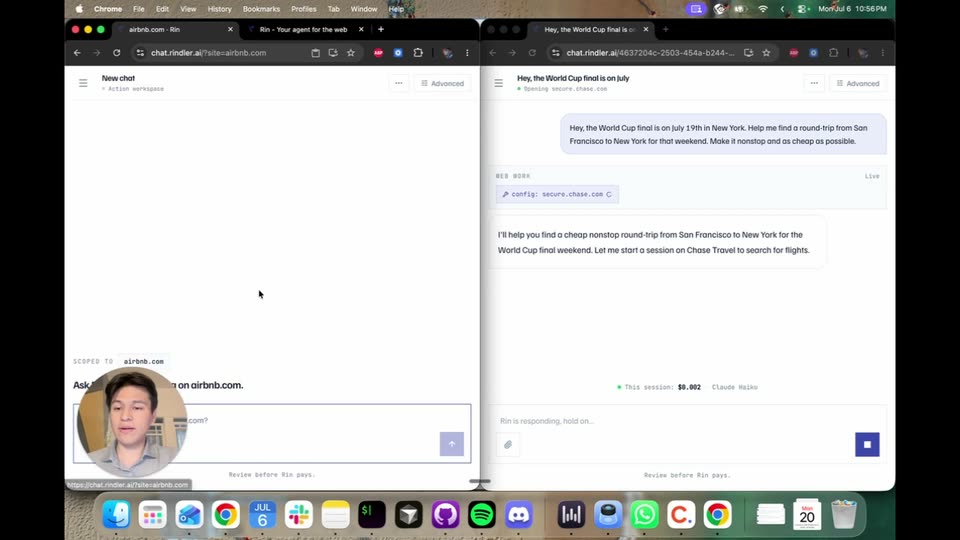 0:00–0:25Rindler · Rindler LaunchTwo Chrome windows sit side by side on a Mac desktop, a circular webcam feed of the presenter in the lower left. A cursor clicks a site in the right window, opening a chat view, then types a travel request; the left window switches to the same chat layout.
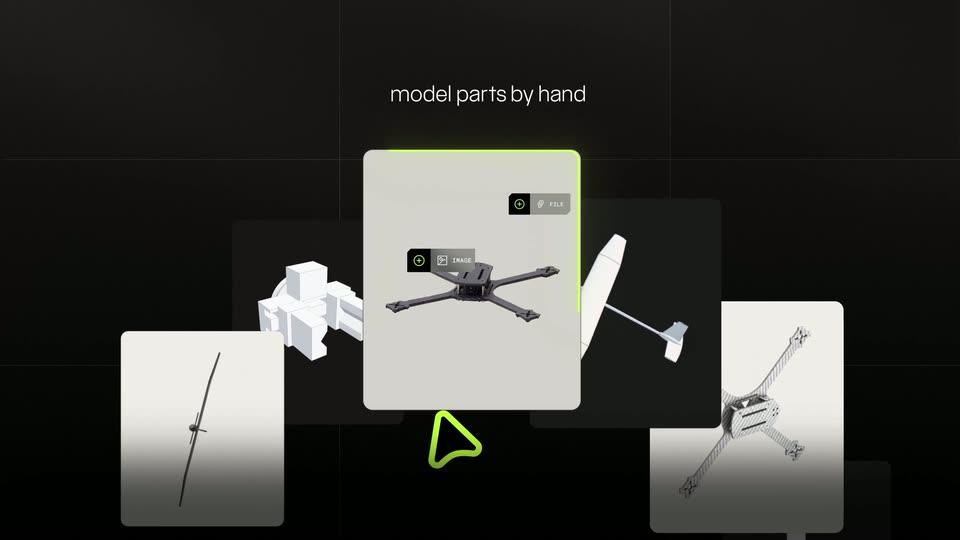 0:35–0:36Kyrall · OsamaAtwi - Today, we're officially launching Kyrall Until now, AI models couldnWhite rounded cards float in 3D perspective over a dark grid, each holding a 3D drone part like a quadcopter, propeller or fuselage. A green triangular cursor glides to point at the central card. The headline model parts by hand sits at top, hand in green easing to white.
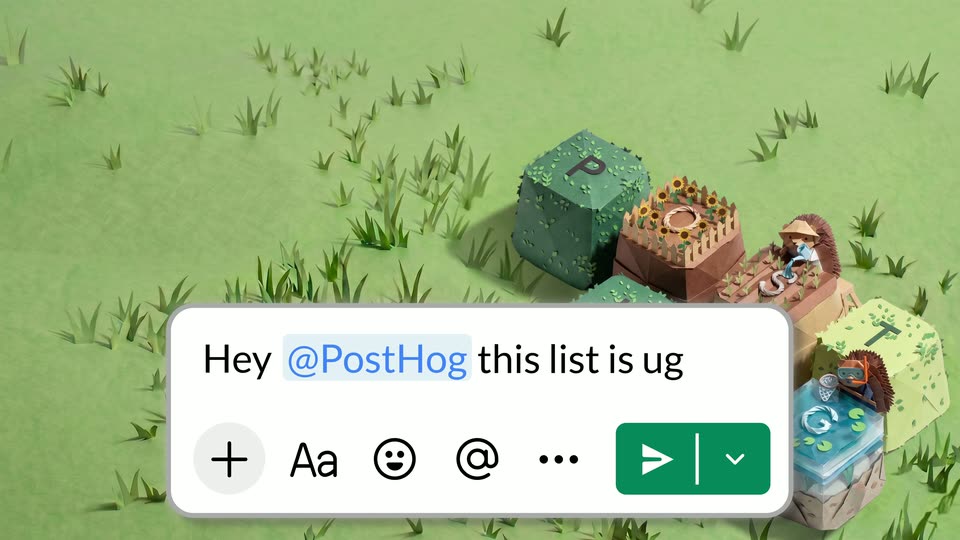 0:02–0:04Posthog · PostHog - Don't open PostHog. @PostHog in Slack.A 3D isometric grassy field with small diorama structures sits behind a white tweet compose box. The message types out word by word, then a hand cursor moves onto the green send button.
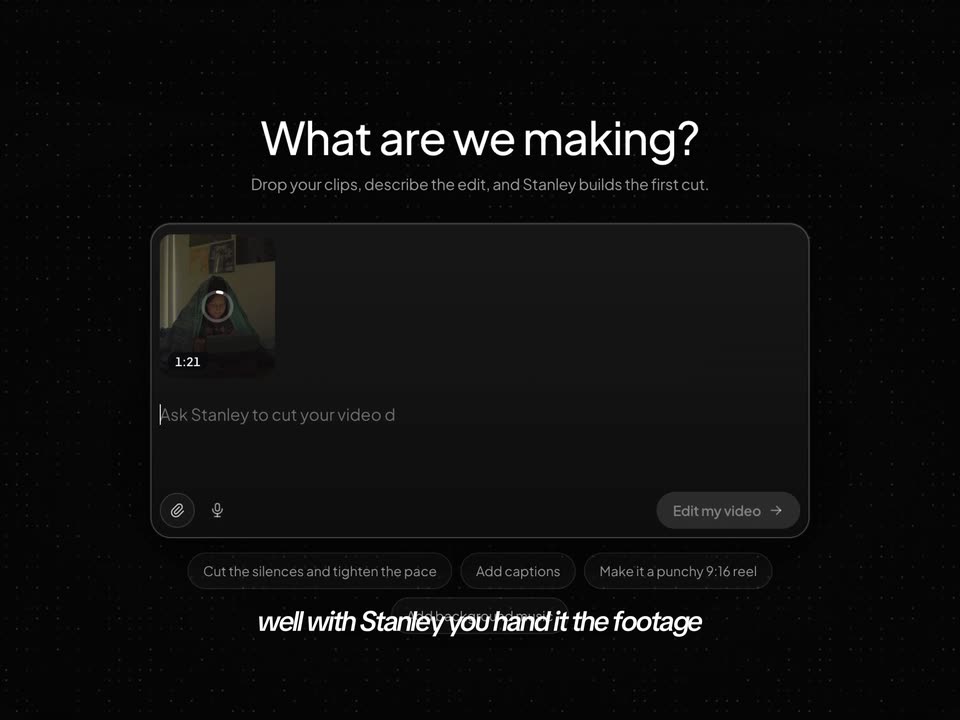 0:34–0:36Stanley · Daniel Park - Today, we're launching Claude Fable for video editing. Stanley is buA dark dotted background frames a centered video-editor UI panel. A thumbnail with a loading spinner sits top-left while a prompt is typed into the input field, with suggestion chips below. The headline and an italic voiceover caption hold the frame.
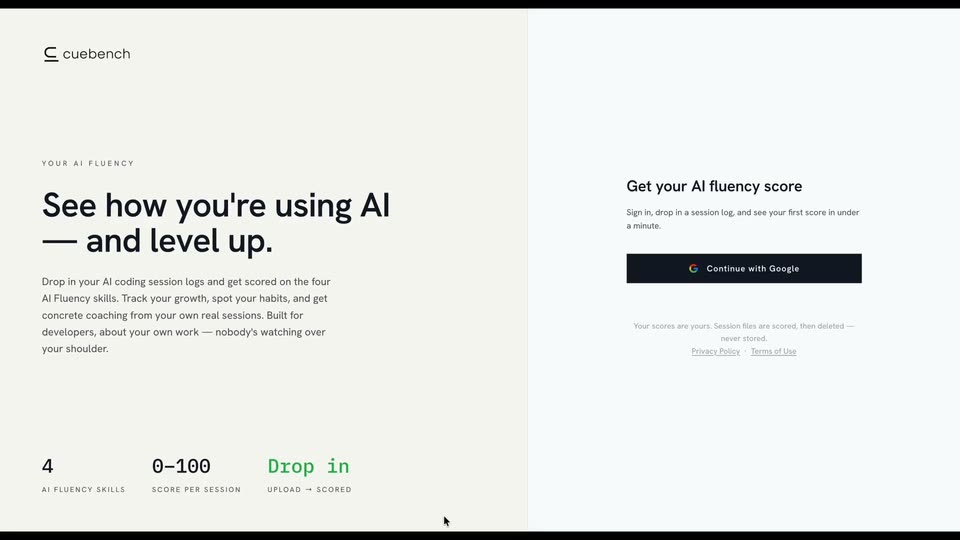 0:00–0:09CueBench · CueBench for Developers DemoA two-column landing page: left, a headline and three stat blocks; right, a talking-head video above a Google sign-in button. The video crossfades to a heading, the cursor glides to the button, and a cut lands on a Terms of Use modal over the dashboard.
 0:01–0:03Arcads · arcads AI - Introducing Claude x Arcads in Slack: Get viral ads in your Slack DMA blurred office with a seated woman fills the frame under a scanline glitch. The white arcads logo and a small x sit left of a peach pill that types out @Claude while a cursor hovers and a colorful app icon with a 1 badge pops in above.
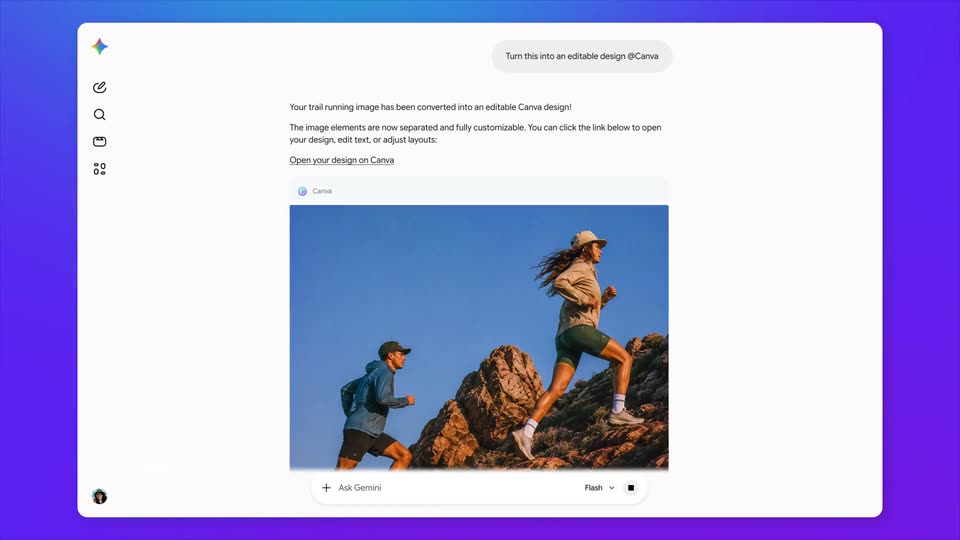 0:10–0:15Canva · Canva - Millions of people are trying out new workflows pairing Canva and AIA white Gemini chat panel sits on a cyan-to-purple gradient. A loading dot resolves into a message, then a link and a Canva card that fills with a photo of two runners on a rocky ridge. A cursor drifts in from the right and rests on the photo.
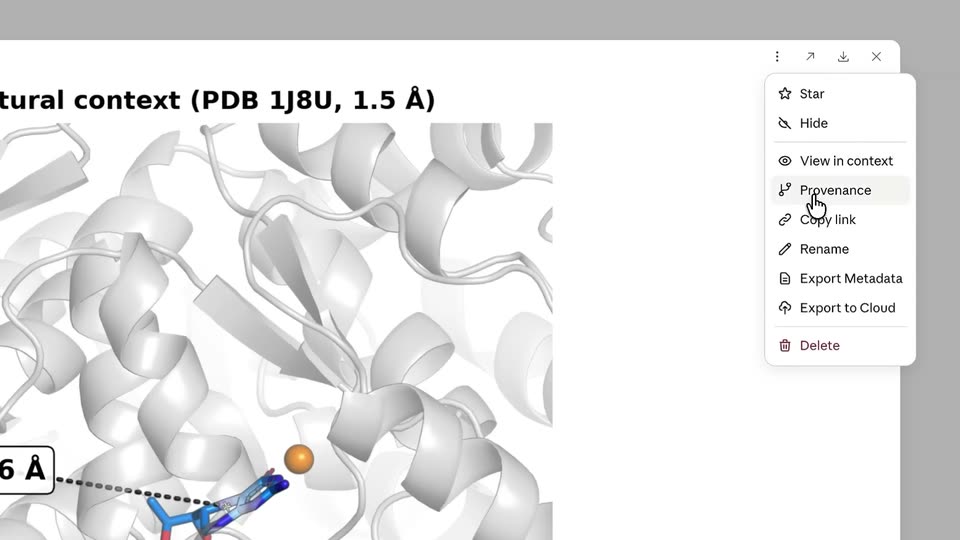 0:15–0:18Anthropic · Introducing Claude Science (now in beta)A gray protein ribbon model fills the left of a white viewer window, with a dashed line linking an orange sphere to a distance label. A hand cursor clicks the overflow icon at top right, a dropdown menu drops in, and the cursor slides down to hover Provenance.
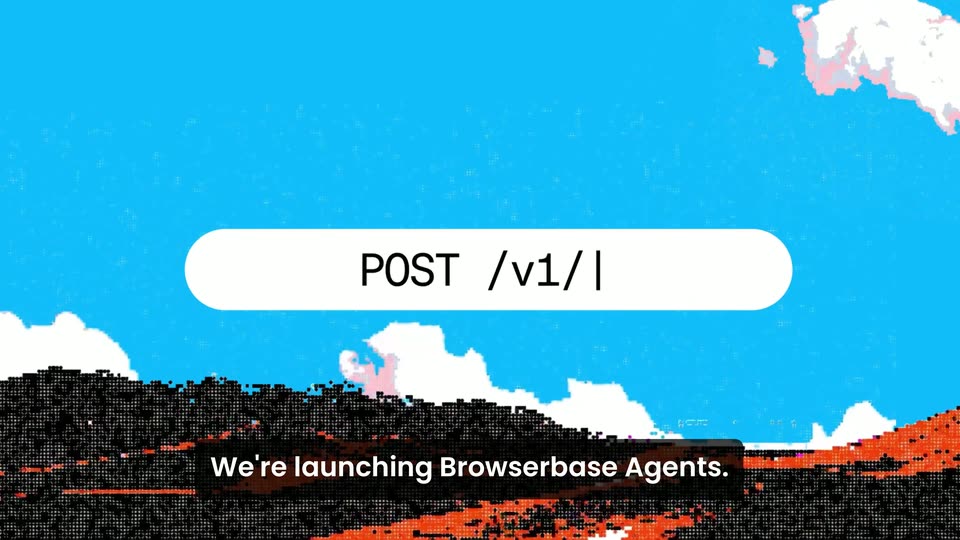 0:00 · 0.4sBrowserbase · Browserbase - Computer use is finally reliable. It just needed a real harness. NowA pixelated landscape of black and orange hills under a blue sky holds a centered white command bar. The text POST / types in letter by letter behind a blinking caret, then a black caption bar with white text appears at the bottom.
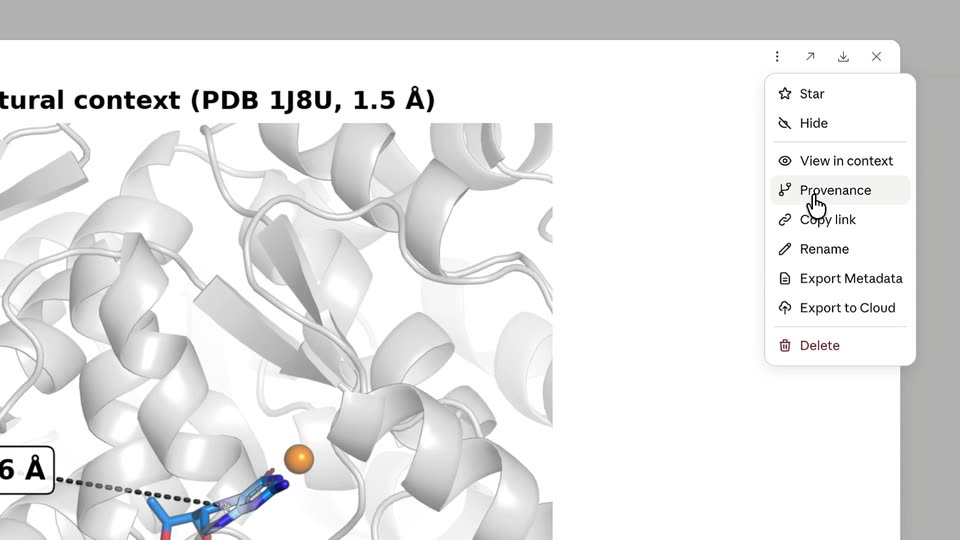 0:15–0:18Anthropic · Claude - Introducing Claude Science, a new app designed with every stage of reA white 3D protein ribbon with a blue ligand and an orange sphere fills the left side of a flat viewer panel. A cursor taps the top-right menu icon, a dropdown list opens, then the cursor slides down to hover a row. The frame stays locked.
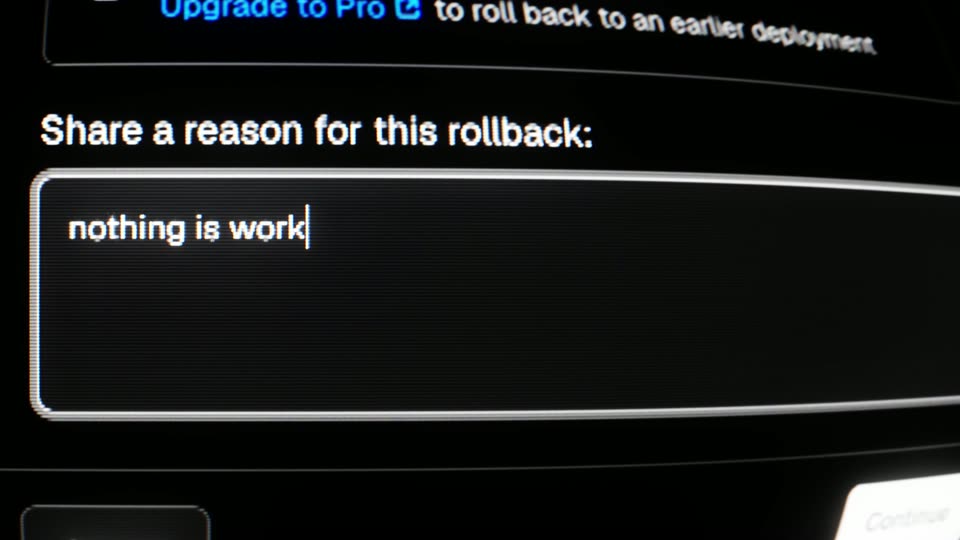 0:09–0:10Interfere · Interfere - Introducing Interfere. Interfere observes everything that happens inA dark interface close-up holds on a text field labeled Share a reason for this rollback. A blinking caret types the phrase nothing is working letter by letter into the field while the frame stays locked off.
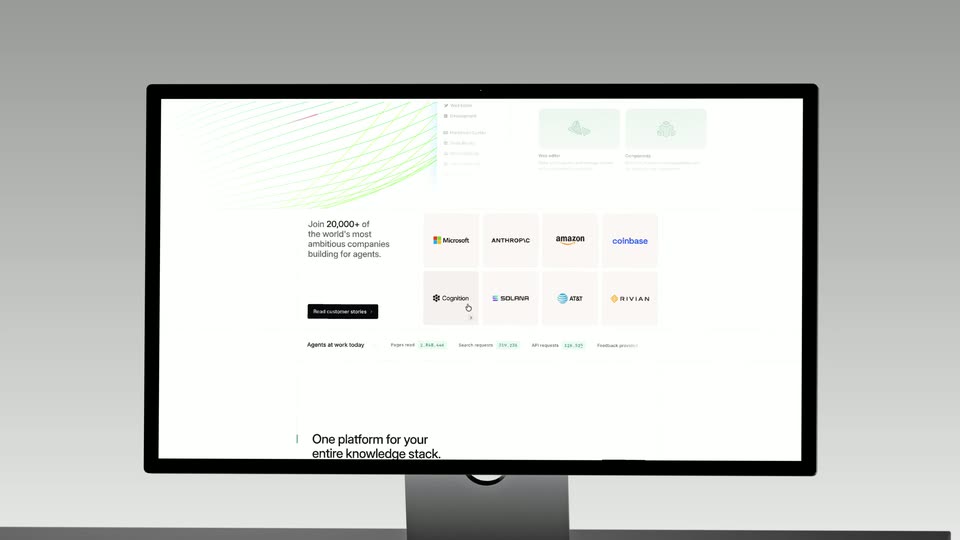 0:06–0:07Mintlify · Mintlify - We're excited to launch a newly redesigned The site reflects our greA desktop monitor on a stand sits centered against a gray gradient, shown in 3D perspective and locked off. Its screen displays a white webpage with a company logo grid, a heading and a stats row; a small cursor hovers over the grid. The frame holds still.
 0:05–0:06monday.com · monday.com | So arbeiten Menschen und KI-Agenten jetzt zusammen an ProjektenRounded avatar icons drift at varying depths on a black field, then collapse into one centered icon as a white cursor glides in to point at it, a small four-point sparkle twinkling at its upper right.
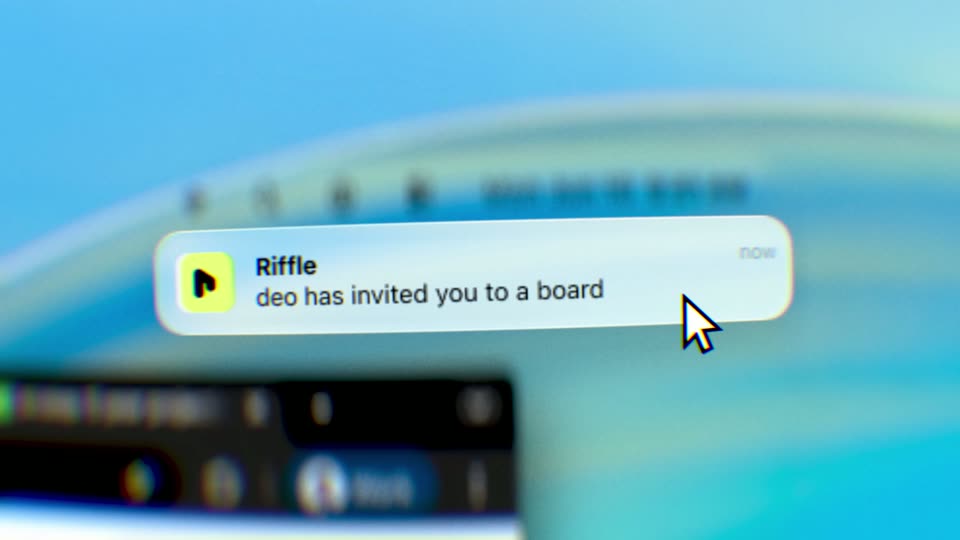 0:26–0:28Riffle · deo - introducing riffle 2.0 welcome to the social era of music creation.A white notification card with a yellow flag icon and the line “deo has invited you to a board” floats over a blurred blue interface. A black-outlined cursor arrow drifts right across the card as the text scales gently.
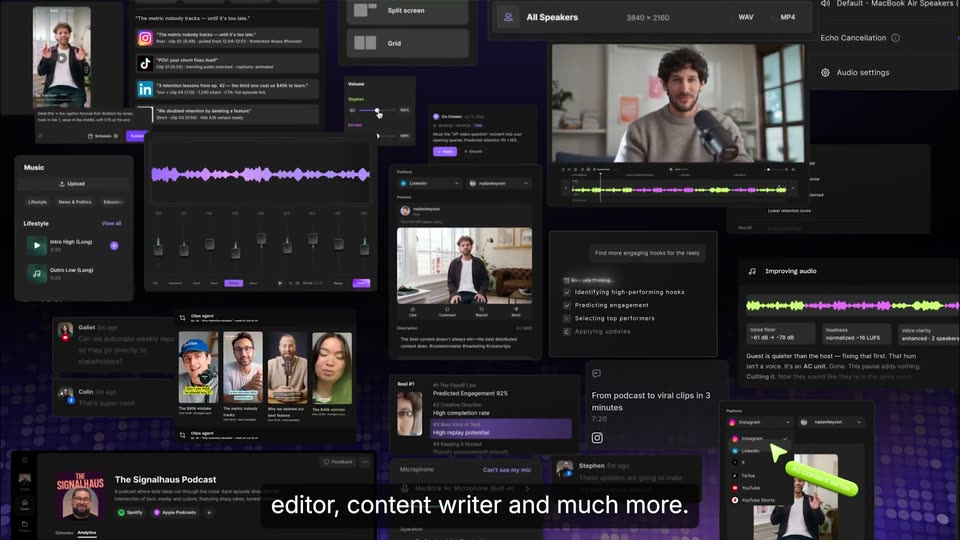 0:09–0:10Riverside · Nadav Keyson - AI Videos are ALL slop. AI should be making you a content machine.A dark purple field of floating UI panels, waveforms and video cards sits in 3D perspective, drifting slowly. A green cursor hovers over a social panel on the right. A white caption reads in a black bar at the bottom.
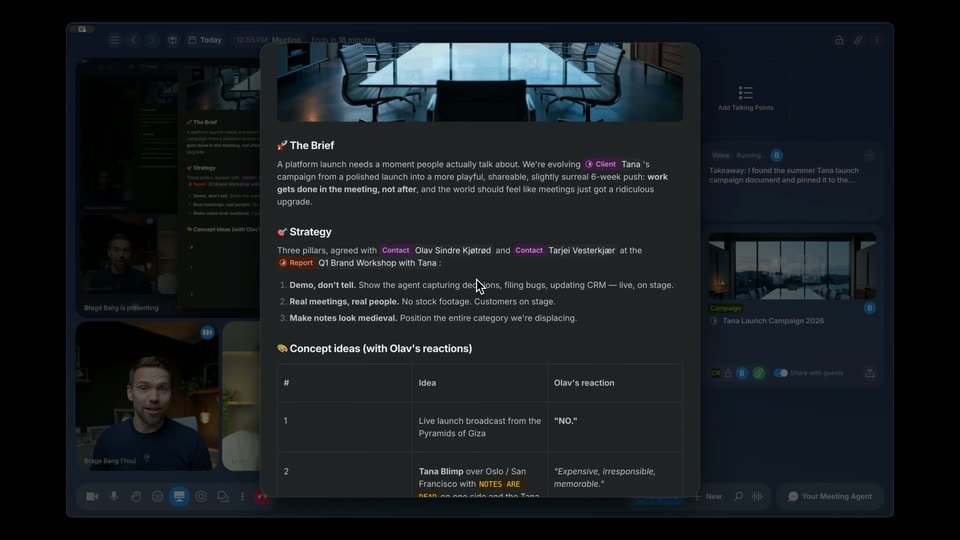 0:23–0:33Tana · Beyond AI Meeting Notes: Meet the New TanaA dark meeting app fills the frame with live video tiles and a LiveDigest panel. The cursor clicks the pinned campaign card, which expands into a full document view that scrolls through the brief, strategy and a concept table while the meeting dims behind it.
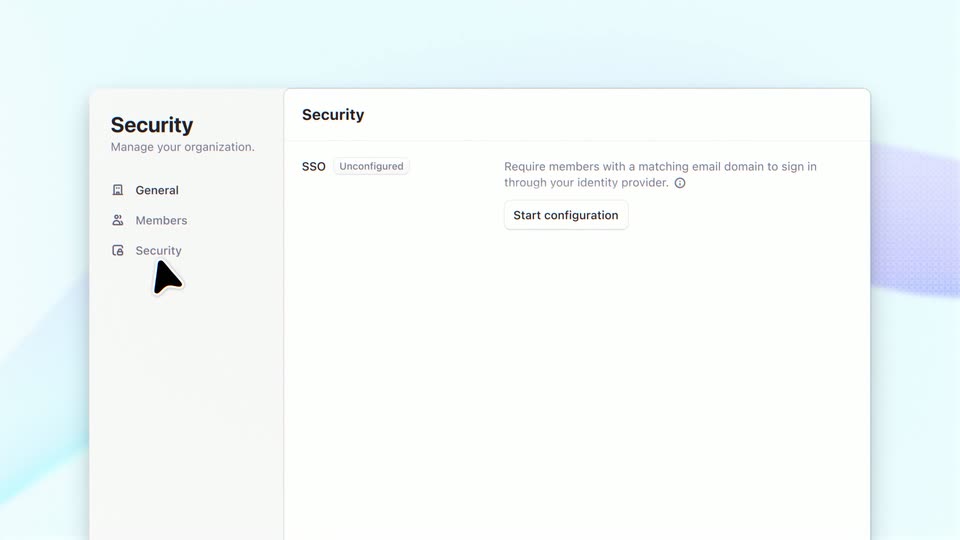 0:04–0:06Clerk · Clerk - Give your customers control of their SSO setup. Now their IT adminsA settings screen floats at a slight angle on a soft blue-and-lavender gradient, its sidebar and SSO panel settling into place as a black cursor glides up to the Security menu item.
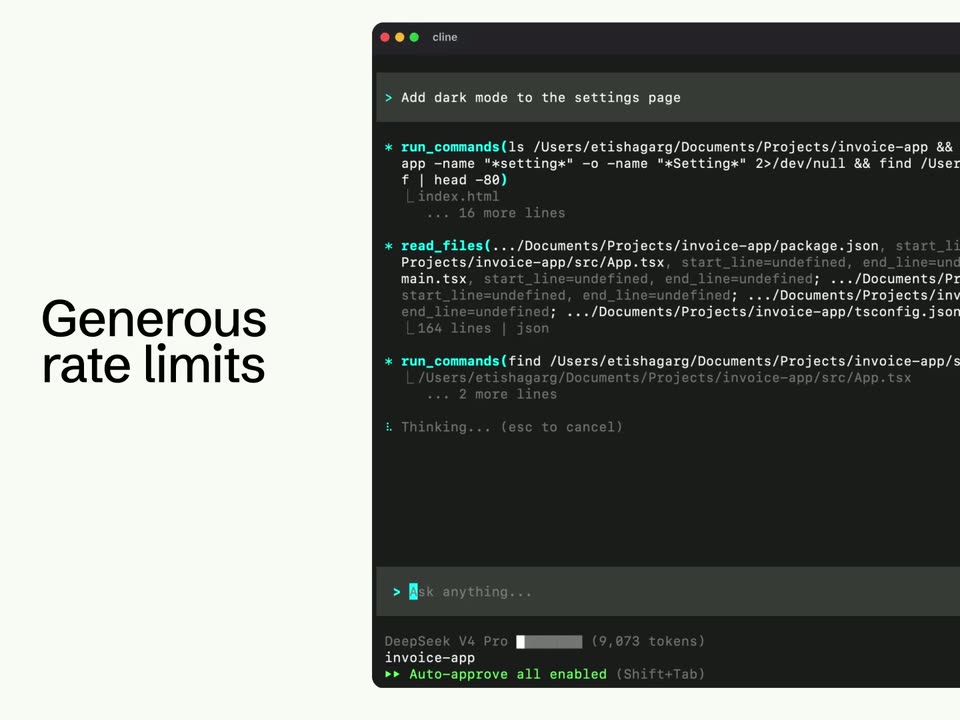 0:15–0:20Cline · Cline - We’ve been impressed with GLM-5.2 and so are introducing a $9.99/montA dark terminal window sits on the right of a cream background while the headline “Generous rate limits” fades in on the left. The terminal types a prompt, runs commands and counts tokens, then the scene cuts to centered text “Powered by Cline, best open-weights agent harness.”
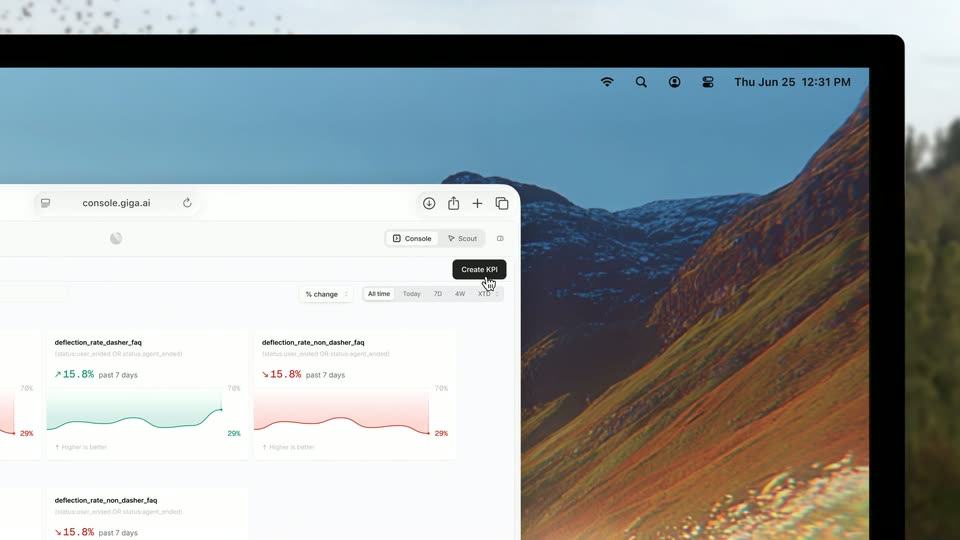 1:03–1:05Giga (Scout) · Giga - Introducing Scout. Tell it the KPI you care about, like funded deposA 3D laptop rests on a desk before a blurred mountain backdrop, its screen showing the Giga console with KPI chart cards. The camera pushes in on the window as a cursor hovers the black Create KPI button.
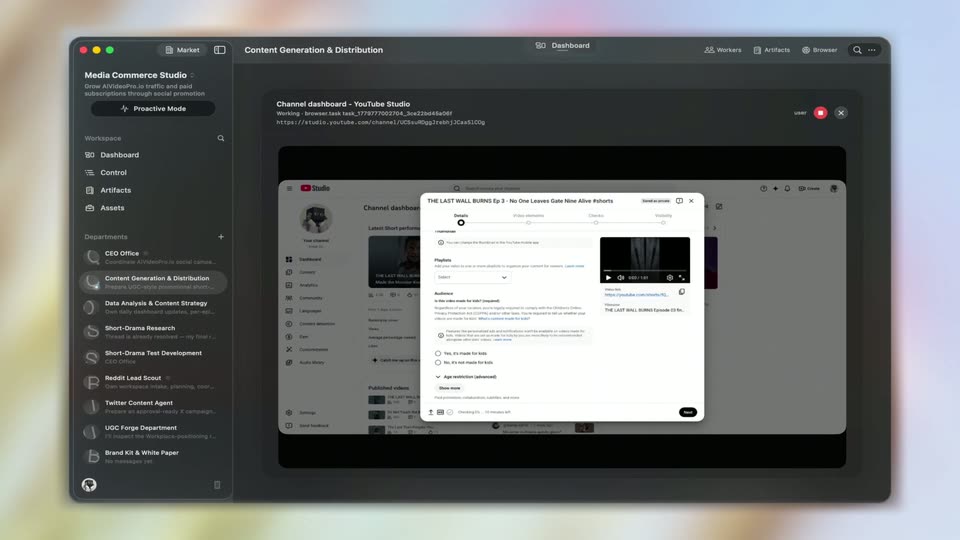 0:51–0:52Matrix · Matrix - what if you can run an entire 0-person company — without the grind ofA dark product dashboard fills the frame: a left sidebar lists departments, and a central browser window shows YouTube Studio with an open video details modal. A cursor glides over the modal's audience section.
 0:10–0:14Temporal · Temporal - Do these requests sound familiar? Handle these problems out of the boA blue button reading Enable Fairness rotates from a 3D tilt to face the camera over a purple grid, a cursor clicks it, and a ring of glowing particles bursts outward.
 0:19–0:22HeyGen · HeyGen - The next generation of HyperFrames skills is here 9 workflows your aA white video player mockup sits tilted in 3D on a yellow background. A cursor clicks the play button, the card rotates flat to face the viewer, the playback controls fade out, and a cyan underline draws in beneath the title.