Cursor demo
A visible cursor operates the interface.
14,972 scenes · page 28 of 250
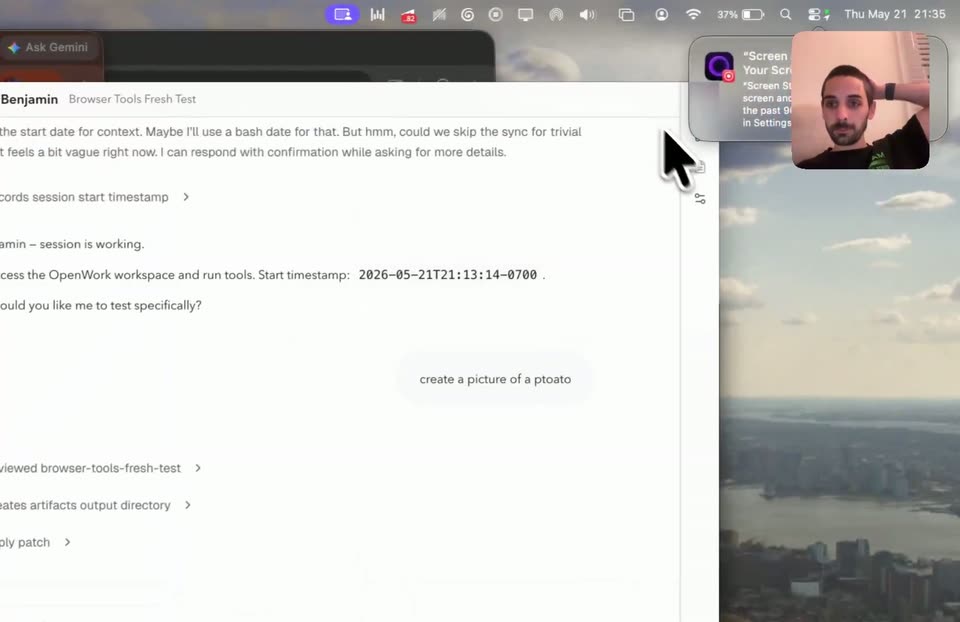 0:00–0:08OpenWork · Benjamin Shafii - ok sorry guys, but openai realtime is really dope super scrappy demA screen recording shows a chat workspace app with a Voice Mode panel; a cursor hovers over the Start voice and Mute microphone controls. A small webcam feed of a bearded man sits top right. The view zooms into the message thread as the cursor opens a settings tooltip.
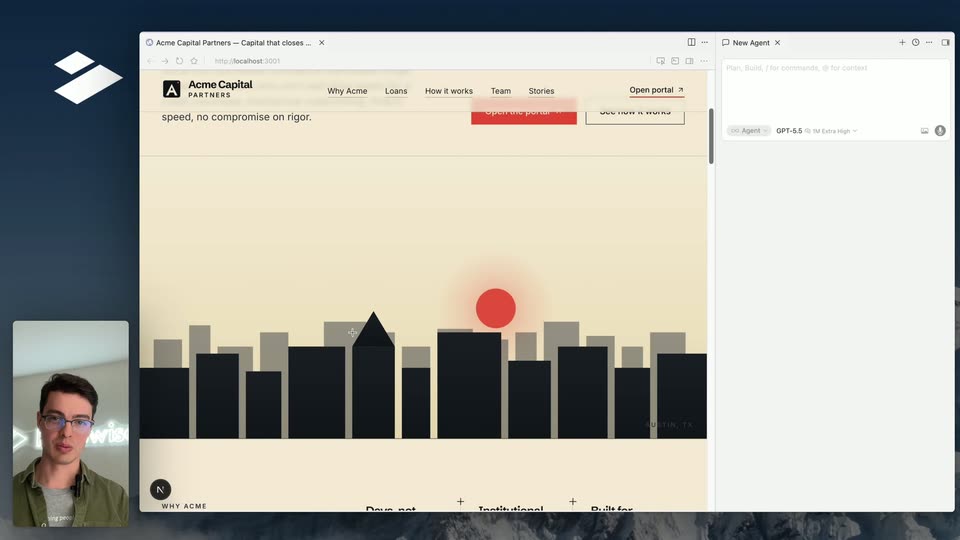 0:52–0:53Parsewise · Parsewise API LaunchA screen recording shows a browser with the Acme Capital Partners site beside an agent panel on the right, while a red glowing cursor dot drifts left across the black city skyline illustration. A small webcam of the presenter sits in the lower left corner.
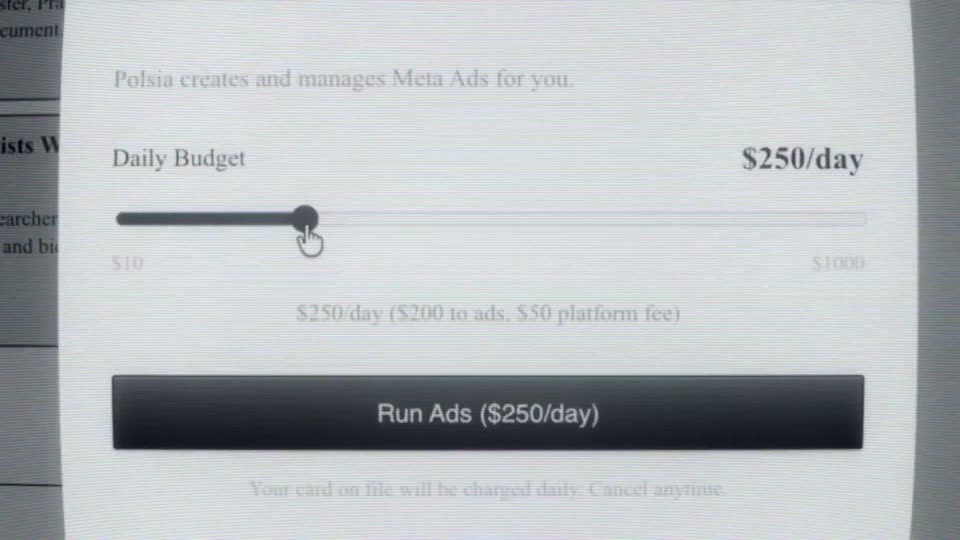 1:02–1:03Polsia · Ben Cera - Polsia just raised $30M at a $250M valuation. Approaching $10M annuaA close-up of a budget panel. A hand cursor grabs the slider knob and drags it right, raising the daily budget from $250 to $840 per day. The black button below updates its label to match the new price as the knob moves.
 0:03 · 0.7sZoomInfo · Henry Schuck - GTM Audience to Ads in a couple of clicks in ZoomInfo GTM Studio is NA blue pill button reading Create Ad Audience sits centered on a plain light field. A black-outlined cursor arrow glides in from the lower right and stops at the button's bottom edge, while a caption slides across the frame.
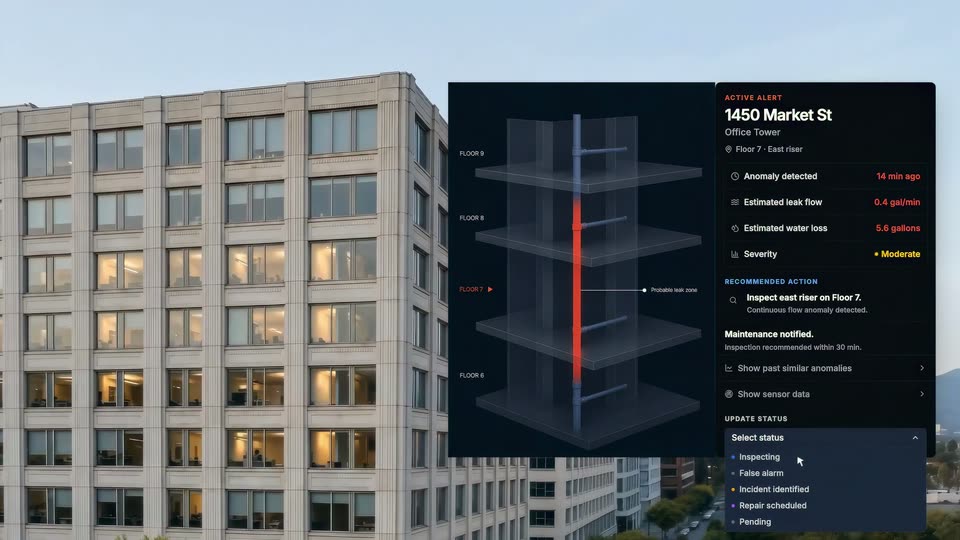 0:24–0:27AquaShield · Y Combinator - AquaShield (@AquaShieldai) protects large real estate portfolios agaiA dark alert panel floats over a beige office tower, its 3D floor diagram highlighting a red riser at Floor 7 with a probable-leak callout. The camera slowly pushes in on the building; a cursor opens the status dropdown and selects Inspecting.
 0:30–0:31Firecrawl · Firecrawl - The web wasn't built for AI agents. So we built Firecrawl. - /searchA solid orange rounded button labeled Download sits centered on a flat light gray field. A gray cursor arrow drifts up from below and stops at the button's lower edge.
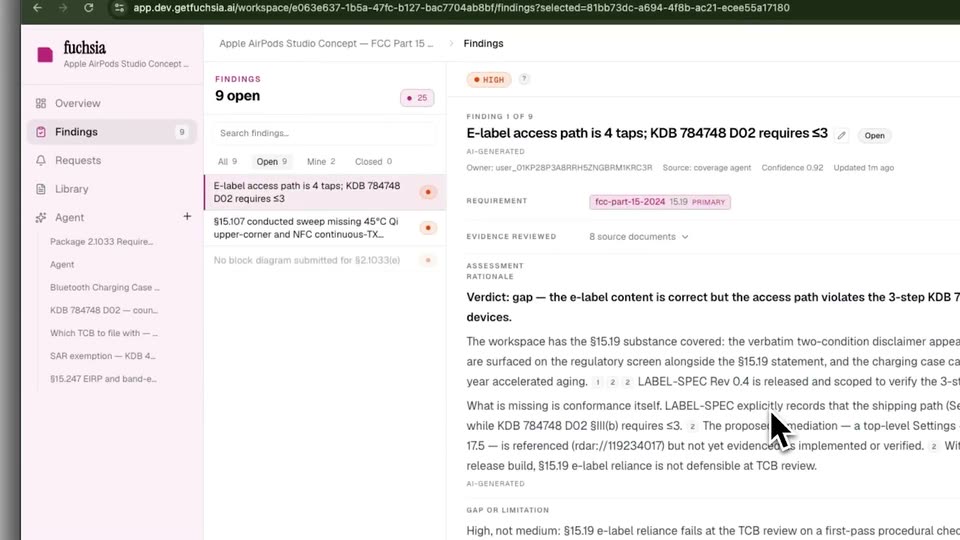 0:53–0:56Fuchsia · Y Combinator - Fuchsia (@getfuchsia) is the fastest way to get your hardware certifiA tilted browser window of the fuchsia findings dashboard flattens into a front-facing screen on a white background. The cursor glides over the right-hand detail panel while the findings list scrolls down a few rows.
 0:13–0:14Incandor · Y Combinator - Banks can't tell which human is actually operating an account. @IncanA locked-off macro shot of a monitor fills the frame with a blue pill-shaped Log In button, its pixel grid faintly visible and edges soft. A black cursor rests at the button's lower edge. A small white caption sits centered at the bottom.
 0:17–0:22LightSprint · Lightsprint - Collaborative Agentic DevelopmentA serif question and a typed referral-program prompt sit on a white card over a faint grid. The card shrinks to an orange send button, a cursor clicks it, and the frame tips into a 3D app window with a loading state.
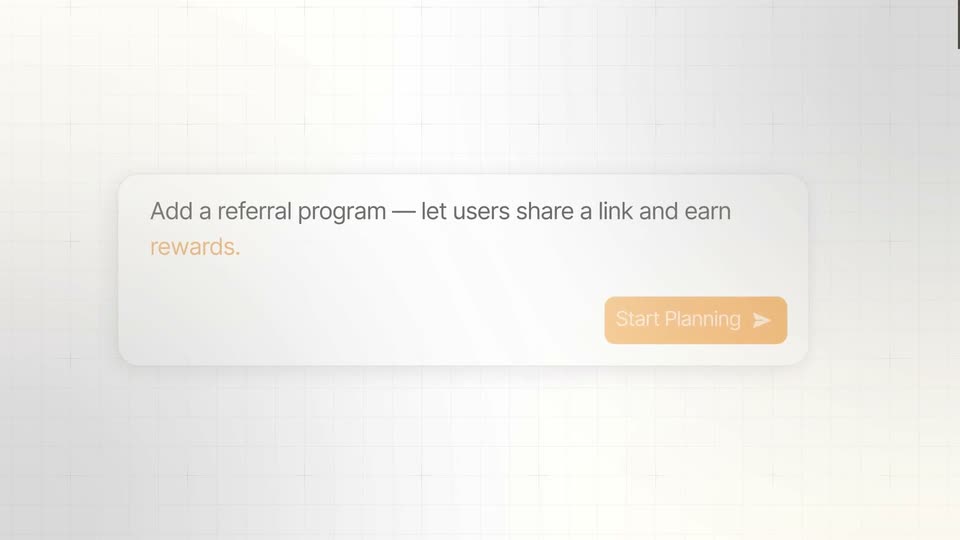 0:17–0:20LightSprint · Y Combinator - Lightsprint (@lightsprintai) is a collaborative platform that helps tA white card on a grid background shows “Add a referral program” and a “John (Marketing)” button with a cursor, then switches to a serif “What would you like to plan?” card with a “Start Planning” button. The frame zooms into the button, blurring it.
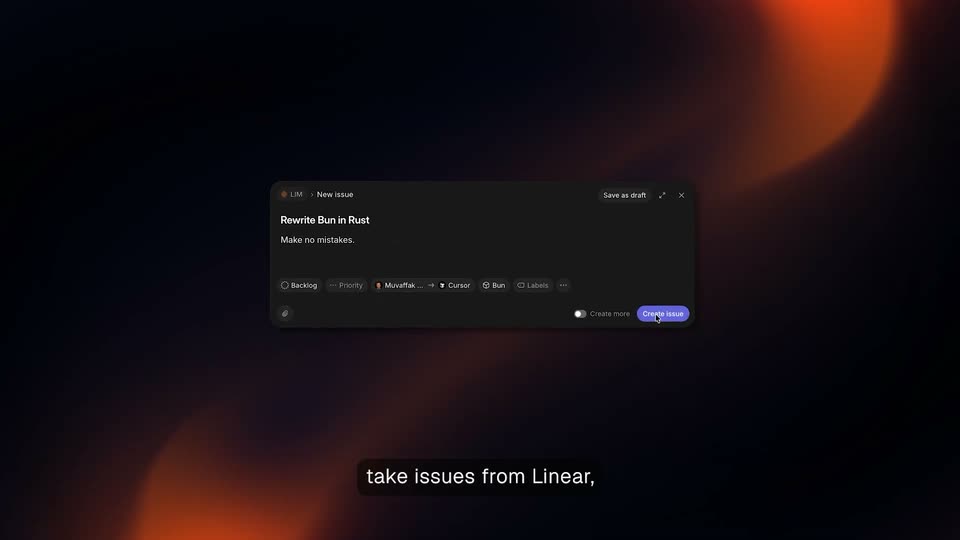 0:03–0:07Limrun · Limrun - Your cloud agent can build mobile apps nowA Linear new-issue modal sits centered on a dark background with soft orange glows. The title and description fields type out, the assignee chip fills with an avatar and an arrow to Cursor, the card zooms in briefly, then a cursor moves to the purple Create issue button and clicks it as bottom captions roll.
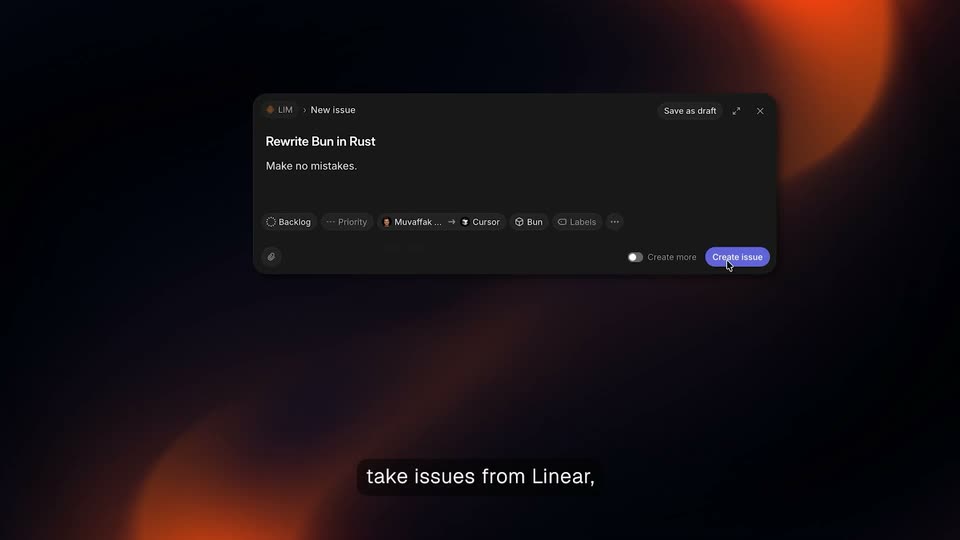 0:03–0:07Limrun · Y Combinator - Limrun (@limrun) provides the infrastructure to leverage your favoritA dark Linear new-issue dialog floats on a black backdrop with a soft orange glow. The view zooms into the Assignee field, a dropdown lists team members and agents, then pulls back as the cursor selects an agent and clicks Create issue. White captions appear at the bottom: Today, coding agents, take issues from Linear
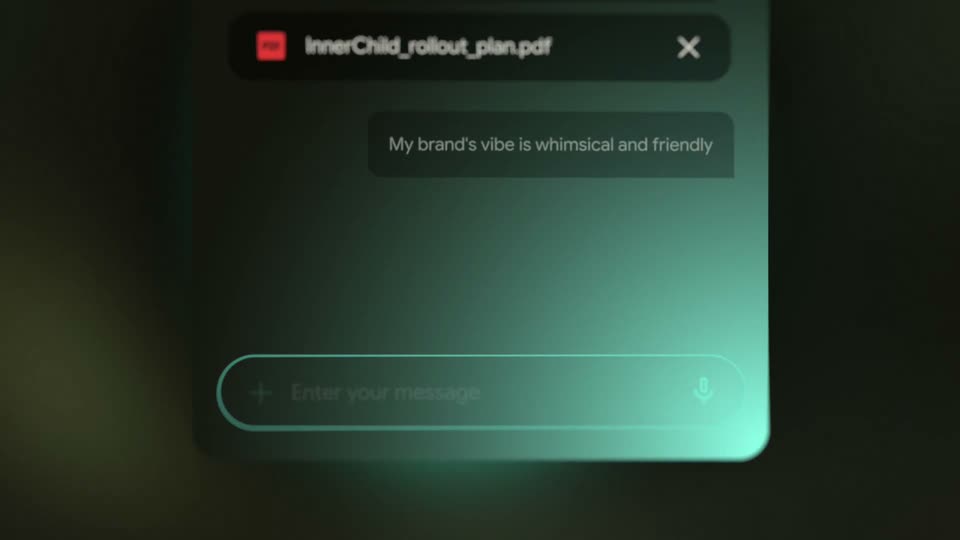 0:00–0:10Pomelli · Google - We’re bringing agentic capabilities to @PomelliByGoogle to make it eaA dark Pomelli chat card with a teal glowing border floats in black space. The camera pushes in as file thumbnails drop into a dashed box, collapse into two file rows, a prompt types itself out, and a cursor clicks Yes, which ripples into a check mark.
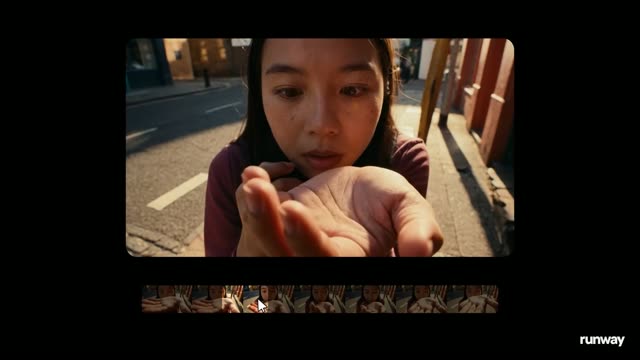 0:05–0:08Runway · Introducing Aleph 2.0 | RunwayA rounded video card shows a woman on a street extending her open palm toward the camera, above a strip of frame thumbnails. The view zooms in, the strip becomes a prompt bar with a Reference button and a blinking caret, a mouse cursor resting on it.
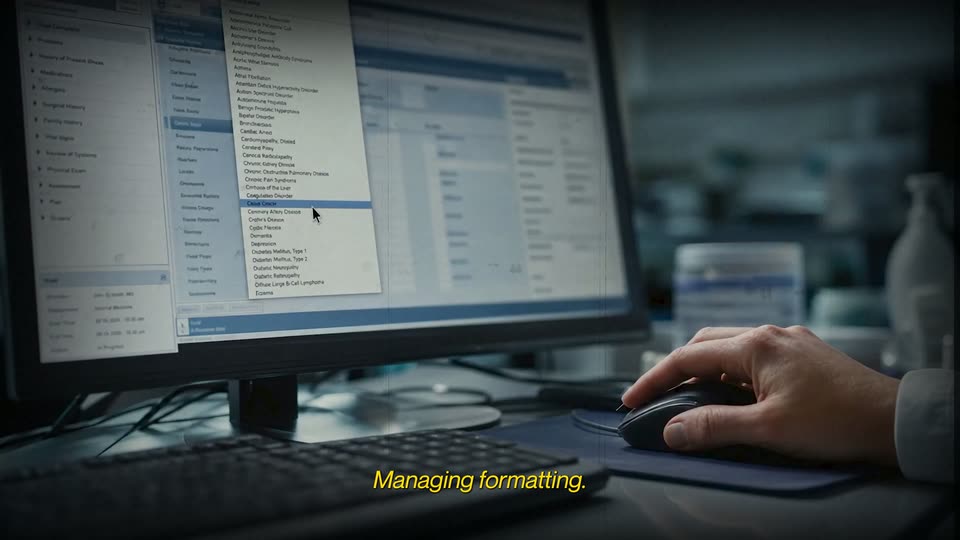 0:16 · 1sVoquill · Y Combinator - Voquill helps pathologists write case reports faster. Many pathologiA hand rests on a black mouse at a desk, in front of a monitor showing clinical software with an open dropdown list of disease names. The cursor hovers over one entry. A yellow caption sits at the bottom of the frame while the shot stays locked off.
 0:44–0:45Whip · samagra14 - Today we’re launching @joinwhip AI has made it easier than ever to bA dark rounded prompt bar sits centered on a deep blue grid background. The placeholder “Message Whip Ai…” is replaced by typed text “Make a daily n” with a blinking blue caret, while plus, mic, and send icons hold the bar’s ends.
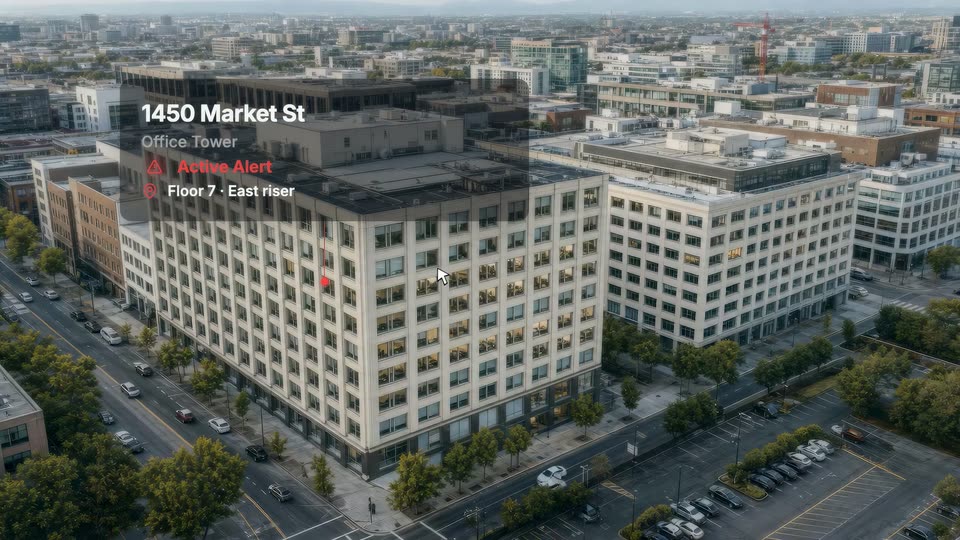 0:15–0:22AquaShield · AquaShield - AI protection against water leaks in buildingsThe camera pulls back from a blurred facade close-up to a wide aerial of an office tower. White labels fade in top-left, a red line drops down the wall to a window marked by a red flag, and a cursor hovers over the building.
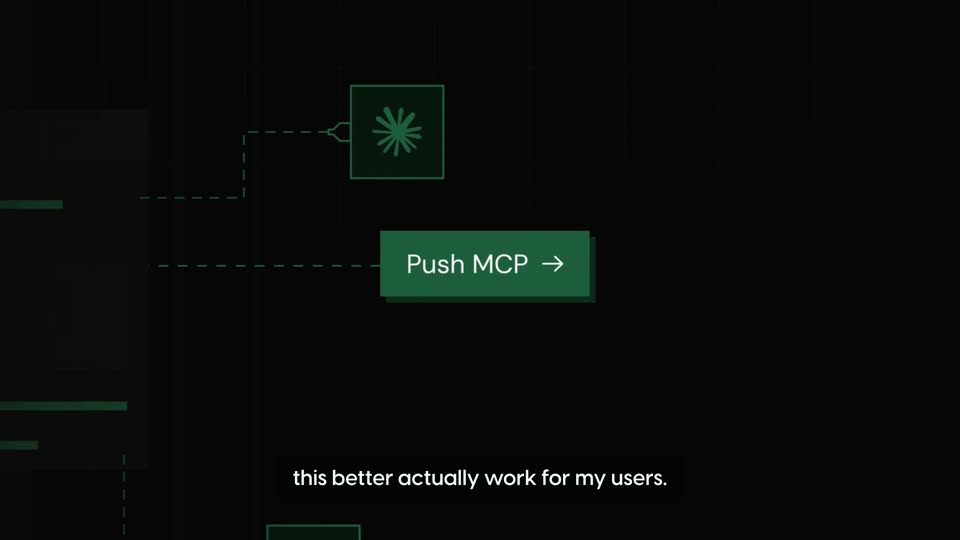 0:00–0:06Armature · Y Combinator - .@ArmatureYCP26 helps companies monitor and optimize how AI agents exA dark grid diagram shows a central browser mockup with an MCP icon, linked by dashed lines to six small icon nodes. Green pulses travel along the lines as a cursor moves, then the camera zooms in on a green Push MCP button that the cursor clicks.
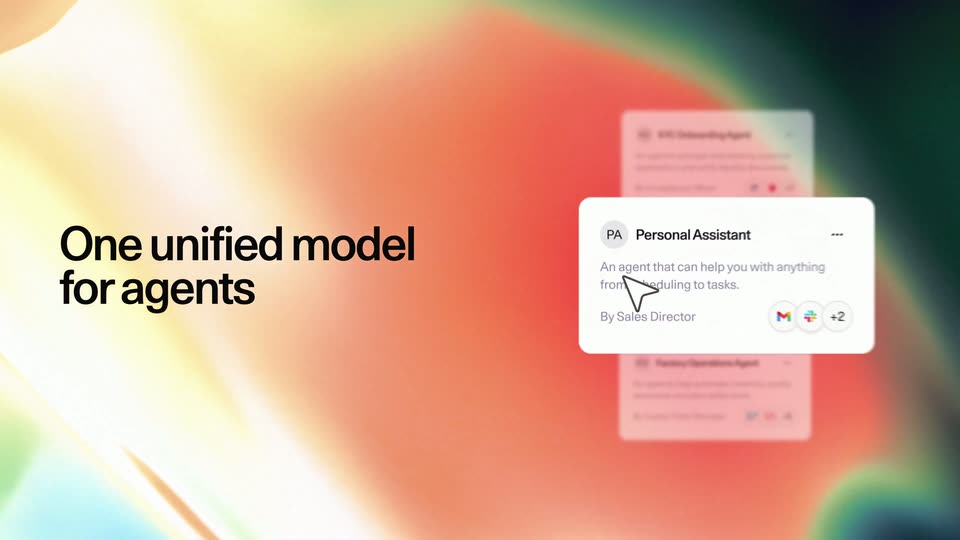 0:39–0:42Cohere · Cohere - Introducing: Cohere Command A+ We’ve created our most powerful LLM yOver a soft multicolor gradient, a bold black headline reads One unified model for agents while three white agent cards stack on the right. The second line swaps to for vision and the cards collapse into a single Ask anything input bar; a cursor hovers the Tools chip.
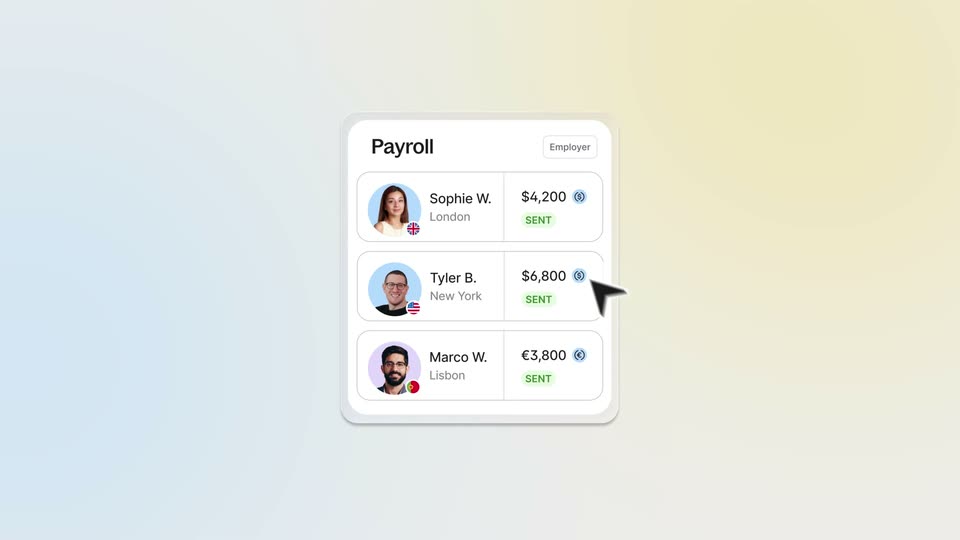 0:05–0:07Deel · deel - Your employee in Berlin wants to be paid in stablecoins. Your employeA flat Payroll card sits centered on a soft blue-to-yellow gradient, listing three employees with amounts and green SENT tags. A cursor glides down the list, hovering each SENT label in turn.
 0:04–0:07Google · Meet Gemini OmniA static three-line headline, white with the middle line in blue, holds center on black as a tilted rounded video clip shrinks and eases to the lower right, its footage shifting from a guitarist to a face, a white hand cursor floating over it.
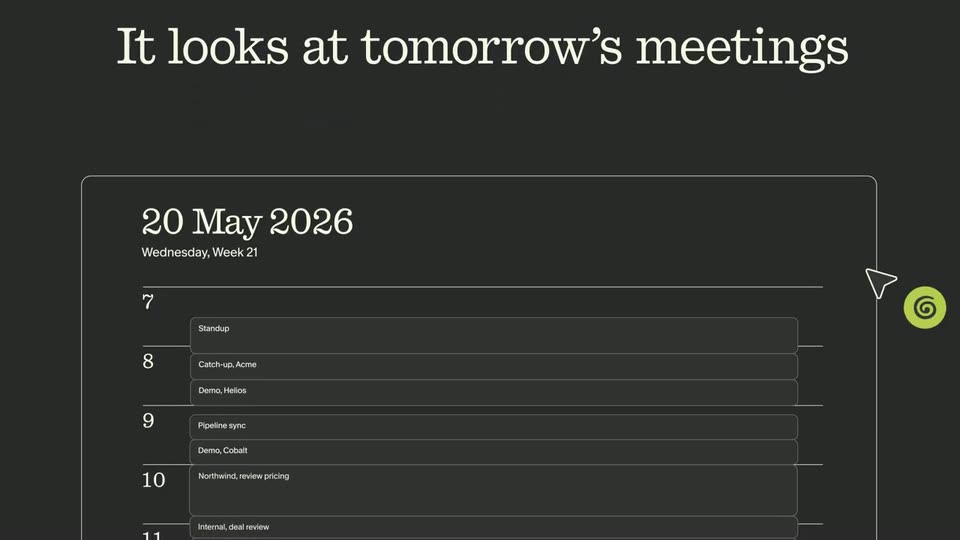 0:03–0:08Granola · Granola - No more frantic Googling right before a meeting. Introducing Briefs.A hand-drawn white oval encircles “12:00 am” in serif type on a dark background. The headline “It looks at tomorrow’s meetings” then appears above a schedule card for 20 May 2026. The meeting list scrolls up while a cursor enters and three rows flash yellow.
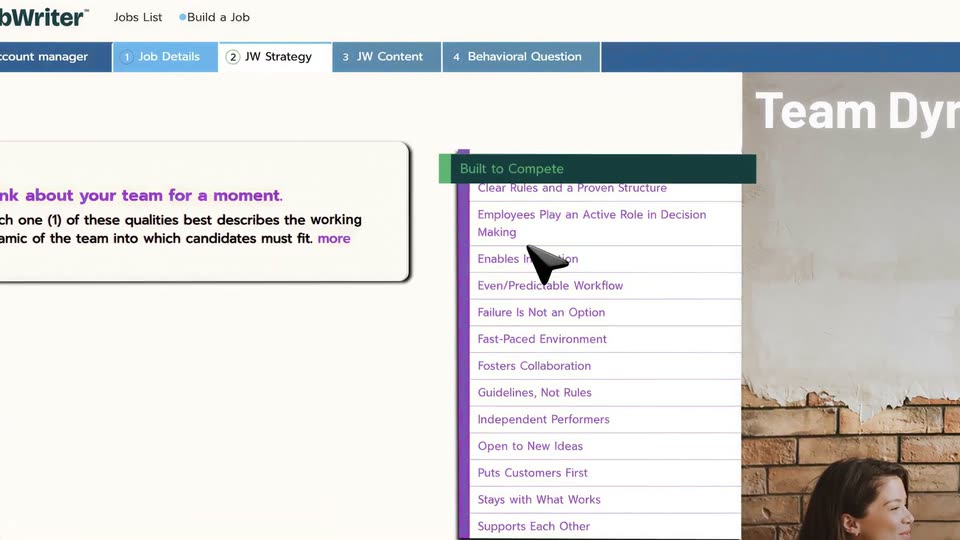 0:44–0:46JobWriter · SaaS Explainer Video for Recruitment Platforms 2026 | JobWriterA JobWriter screen pans right and zooms onto a dropdown list of team dynamic qualities. A cursor moves down the list as a teal highlight bar wipes across the header. On the right, a photo of three people sits under the Team Dynamic heading.
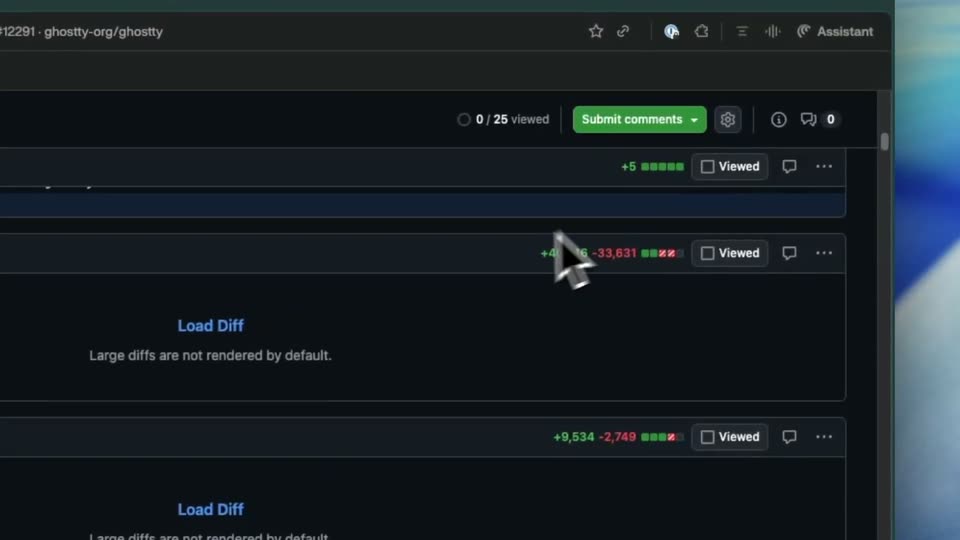 0:00–0:01Pierre · Pierre - diffshub[dot]com Take any public diff from GitHub and virtualize iA dark GitHub pull request interface fills the screen. The view zooms in from the full browser window to a close-up of a file diff header, while a cursor moves across the page.
 0:00 · 0.4sPops · Y Combinator - Pops (@pops_fyi) lets anyone create and play AI games. Describe yourExtreme close-up of a Windows XP taskbar, the monitor's pixel grid visible, with a white arrow cursor resting on the green start button. A thin white circle snaps on around the cursor as the small gray caption 'The internet' appears at the bottom.
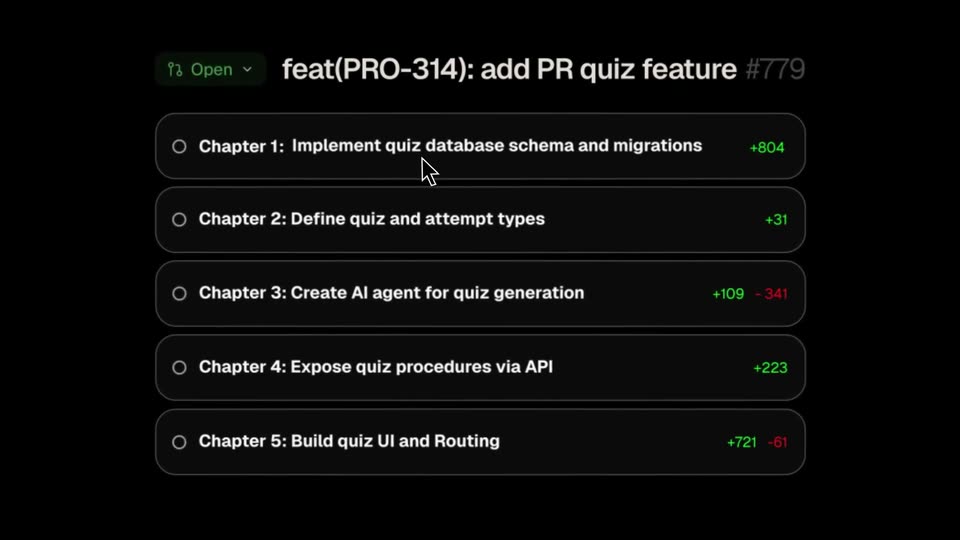 0:14–0:17Vespin · Introducing StageA dark pull request screen on black: an Open badge and title above five chapter rows with green and red line counts. The text begins doubled and offset, then settles into a crisp list as a cursor hovers over the first row.
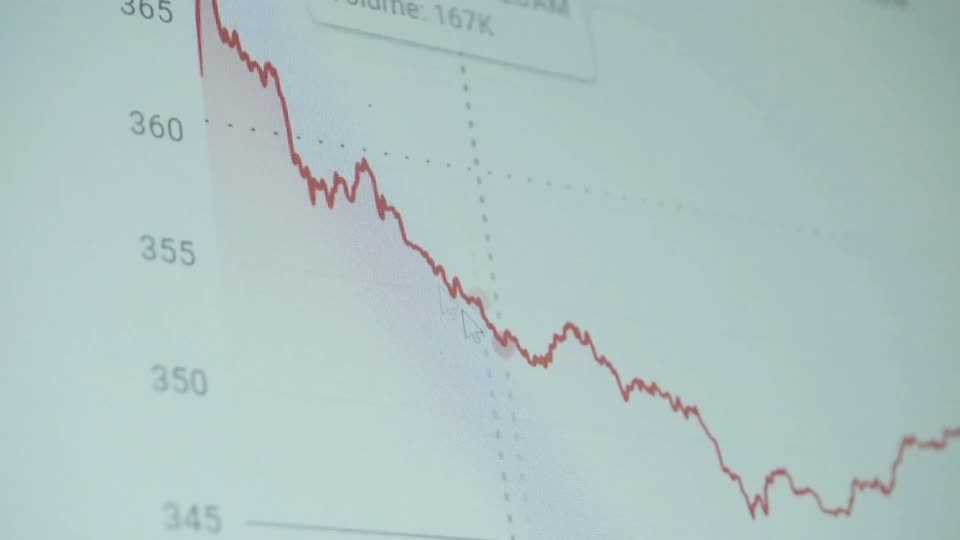 0:03–0:04Archer · ARCHER - Introducing Archer The global trading engine for every asset, fullyA pale trading chart fills the frame, a thin red line trending down from left to right. A cursor rests on the line, pulling up a small tooltip with price, date and volume, then the view eases out as the chart continues.
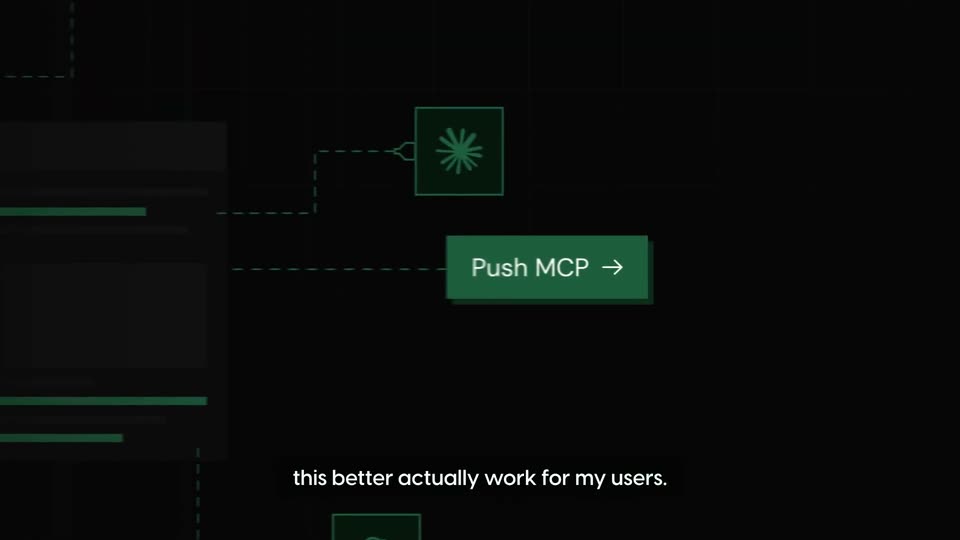 0:00–0:06Armature · Armature - Launch videoA dark interface window sits at the center of a grid, linked by dashed lines to small icon tiles. Green progress bars fill its panels as a cursor moves to a green Push MCP button, then the view zooms in and a white circle marks the click.
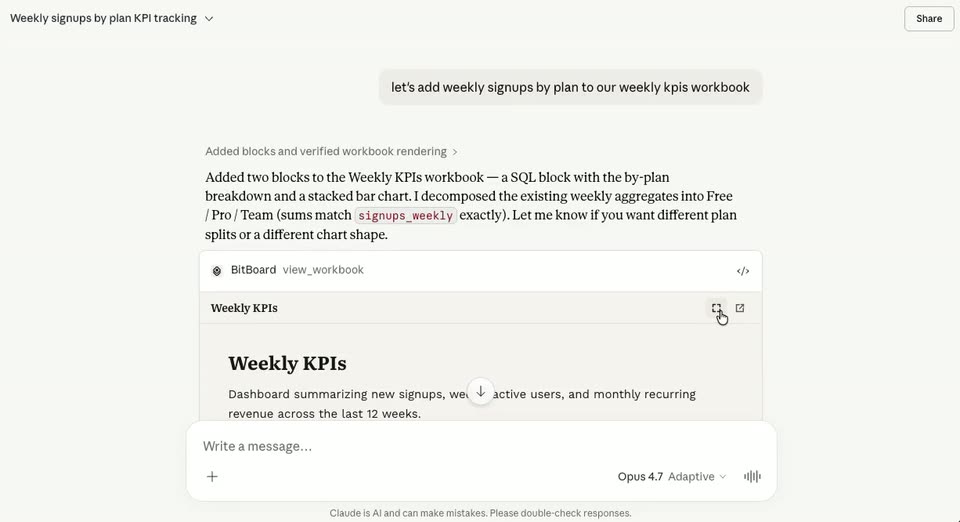 0:00–0:01BitBoard · BitBoard - No more tab switching. We just shipped an interactive UI for our MCA light chat interface shows a user prompt bubble and an AI reply with a nested Weekly KPIs preview card. A mouse cursor drifts down from the right and rests on the expand icon of the preview row.
 0:05–0:07Google · Josh Woodward - Introducing Gemini Spark! Our 24/7 personal AI agent designed to proA white cursor clicks the Spark side of a Chat/Spark toggle on a dark blue radial glow. The pill expands into a large rounded card, and the words 'Send it on a mission' sit inside it.
 0:06–0:07Google · Google Flow - Introducing your agent and the all-new Gemini Omni model in Google FlA dark interface shows a strip of three image thumbnails above a prompt field with typed text. A white arrow cursor rises from the bottom and moves onto the rounded Agent button next to a plus icon.
 0:03–0:04Google · Introducing Tools in Google FlowA dark gray pill button with a dotted sparkle icon and the white label Create Tool is centered on black. A white pointing-hand cursor slides in from below and presses the button, which darkens.
 0:03–0:07Google · Introducing your Agent and Gemini Omni in Google FlowA tilted 3D view of the Flow interface shows a grid of reference images above a prompt bar. A large white headline, Now with Google Flow Agent, appears over it, then the camera zooms into the prompt bar where a cursor hovers over the Agent chip.
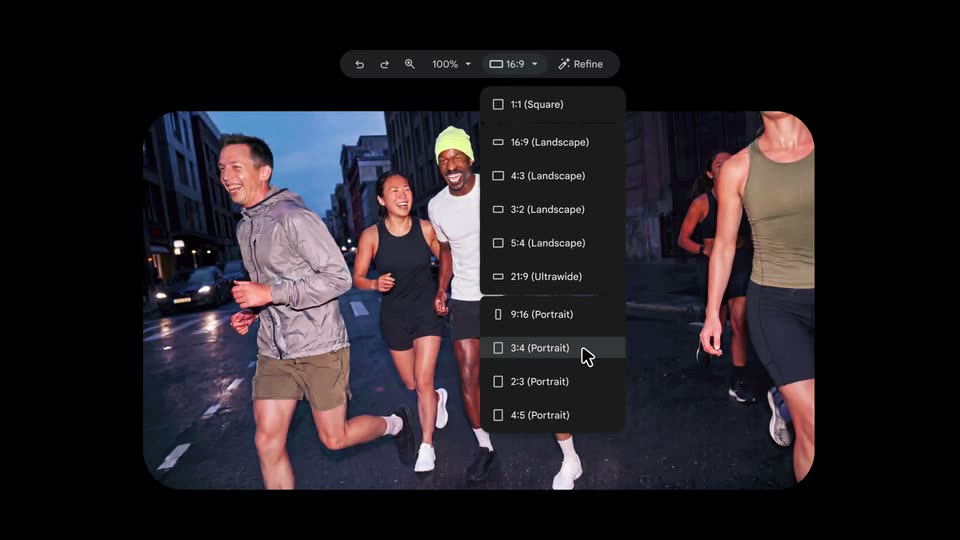 0:16–0:20Google · Google - Today we’re introducing a new product in @GoogleWorkspace to give youA photo of runners in a rounded frame sits on black beneath a toolbar. A cursor opens the aspect-ratio dropdown, moves down the list, and clicks 3:4, cropping the image to a vertical portrait.
 0:17 · 0.5sGoogle · What’s New in SearchBlue extruded 3D letters spell “Visualize it” over a light gray field. A blue slider bar runs below, its handle held by a white hand cursor. A white chat panel with gray text fades in along the top edge.
 0:14–0:15monday.com · Meet the agents that help you execute your work on monday.comA white settings card lists a HubSpot tag under the line “How I do it”, with an outline “Edit settings” button and a dark “Activate now” button below. A cursor glides toward the dark button while a 3D orange figure holds the right edge.
 0:11–0:13Stitch · Stitch by Google - Your vibe design partner just got more collaborative! To celebrate IA dark dotted design canvas holds a pill button reading “Start with your design” with a plus icon. A cursor rests on its right edge while the button scales up and a blue light sweep glints across its top and bottom edges.
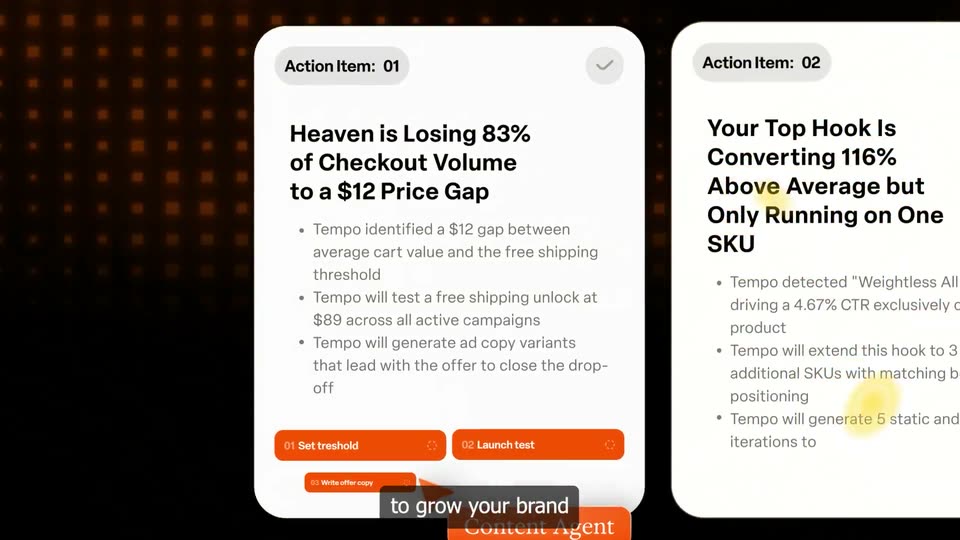 0:11–0:12Tempo · Joe Devoy - Introducing Tempo: The world’s first AI Head of Growth. AI can now sTwo rounded cards, white and yellow, sit side by side on a dark dotted grid. Their headings and bullet text dissolve between two sets of action items while an orange cursor rests on a button. A black bar at the bottom swaps subtitle lines.
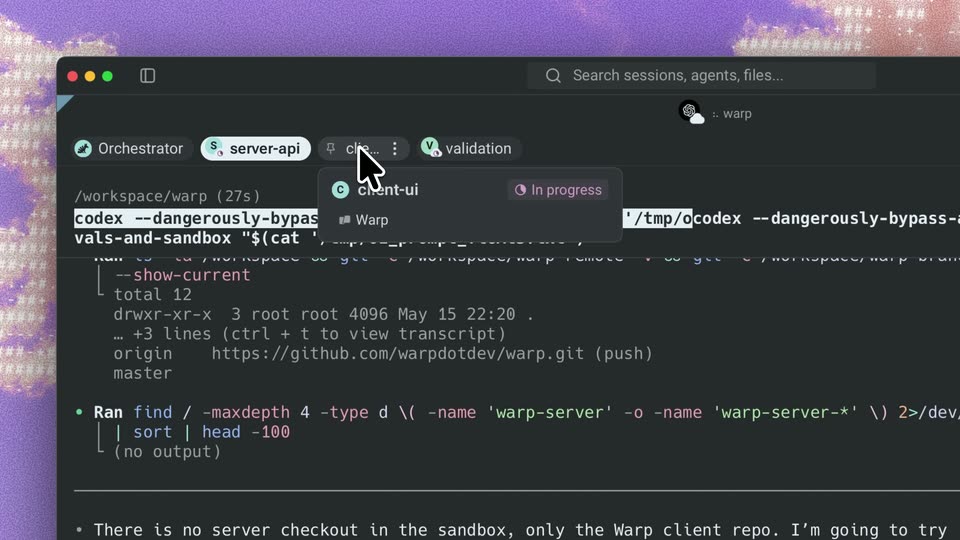 0:57–0:59Warp · Introducing multi-agent orchestrationA dark terminal window floats over a purple pixel texture. A white cursor slides right across the agent tabs and hovers on client-ui, opening a small tooltip that reads In progress.
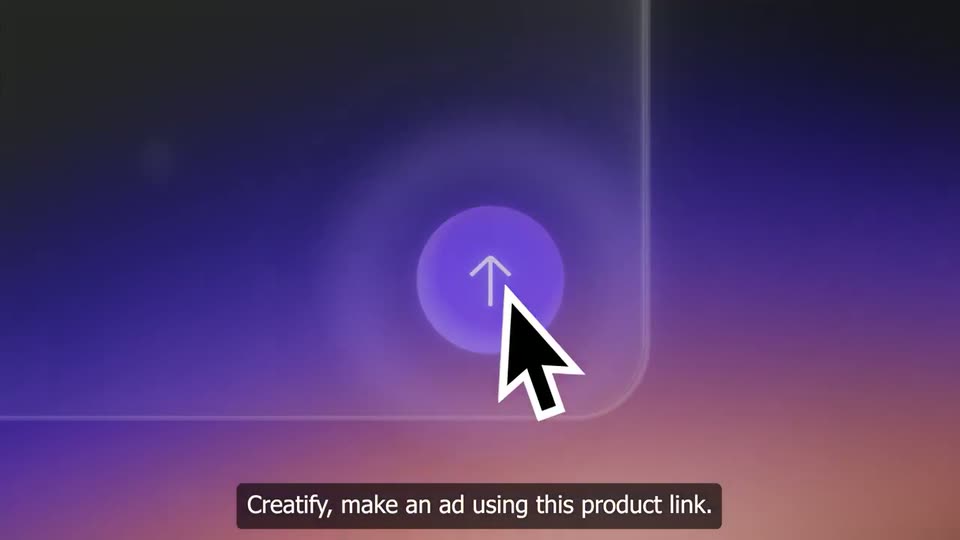 0:25–0:26Creatify AI · Creatify AI - Introducing Creatify Agent. The world’s first multi-agent orchestratOn a violet gradient, a glowing white rounded-rectangle frame sits at right. A white cursor arrow travels up and presses a circular violet button holding a white up-arrow at the frame's lower corner. A dark caption bar holds the instruction at the bottom.
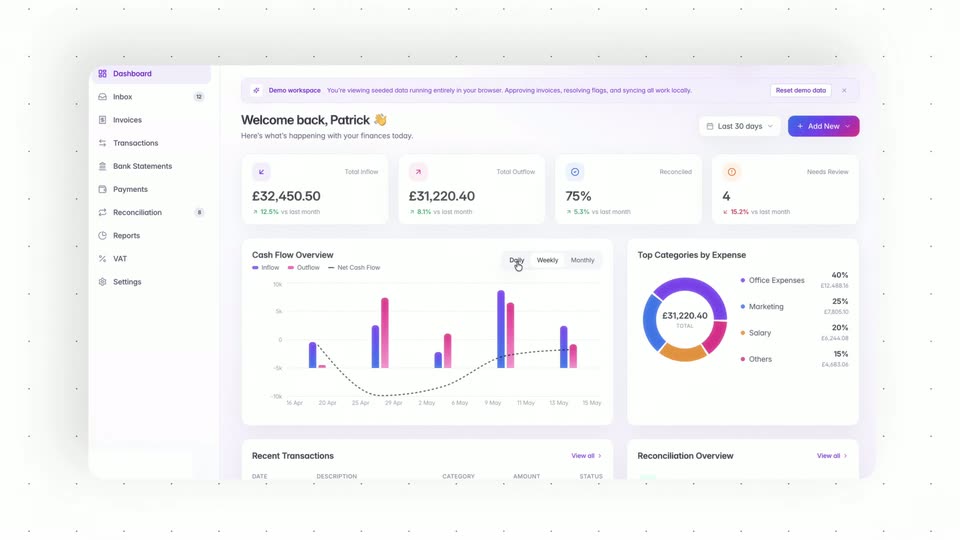 0:41–0:44Deep Interactions · DEEP INTERACTIONSA flat finance dashboard fills the frame. A cursor taps the Daily toggle, the bar and donut charts refresh with new figures, then the whole screen fades to white.
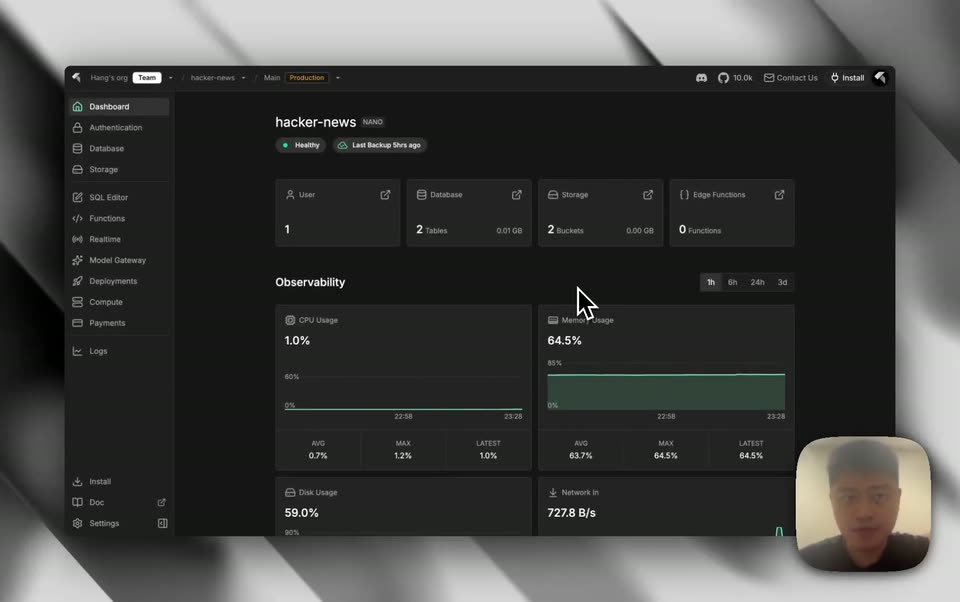 0:00–0:04InstaBox · InsForge YC Launch VideoA dark dashboard interface fills the frame over a blurred gray backdrop, showing project stats and observability charts. A mouse cursor hovers over the memory chart while a small webcam feed of a man sits in the bottom-right corner.
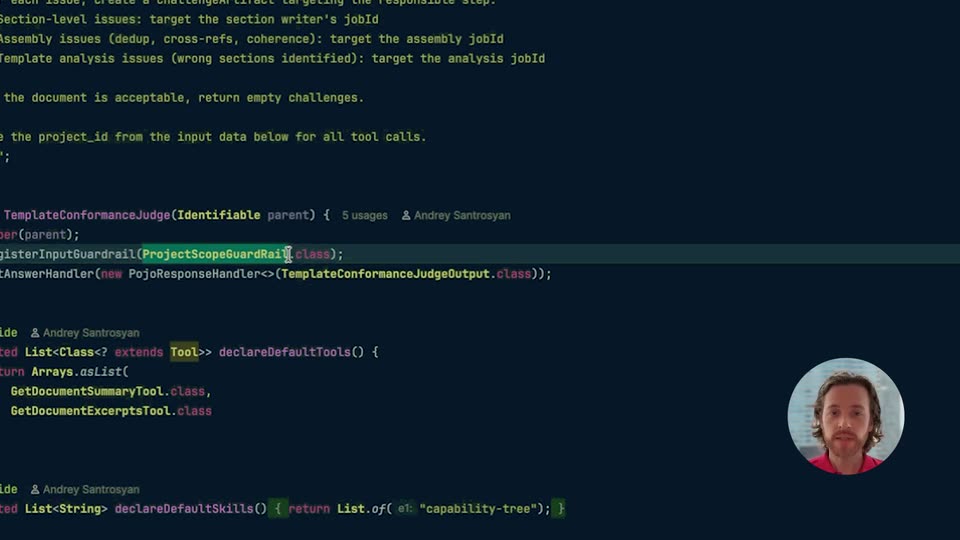 1:24–1:30Redouble AI · Redouble AI YC Launch VideoA dark code editor fills the frame with a small circular webcam of the presenter in the lower right. The view zooms into the source lines, then a cursor hovers over a class name and a documentation tooltip pops up above it.
 0:10–0:12Riffle · Anurag Choudhary - allow @deoeven and I to introduce the future of music creation. riffThe Ableton logo, a mango emoji, and a turntable icon sit on a light gray field. A white cursor taps the mango, then the icons shrink to the bottom as a purple-outlined card zooms in, showing a blurred music software interface above the caption 'open a music software and'.
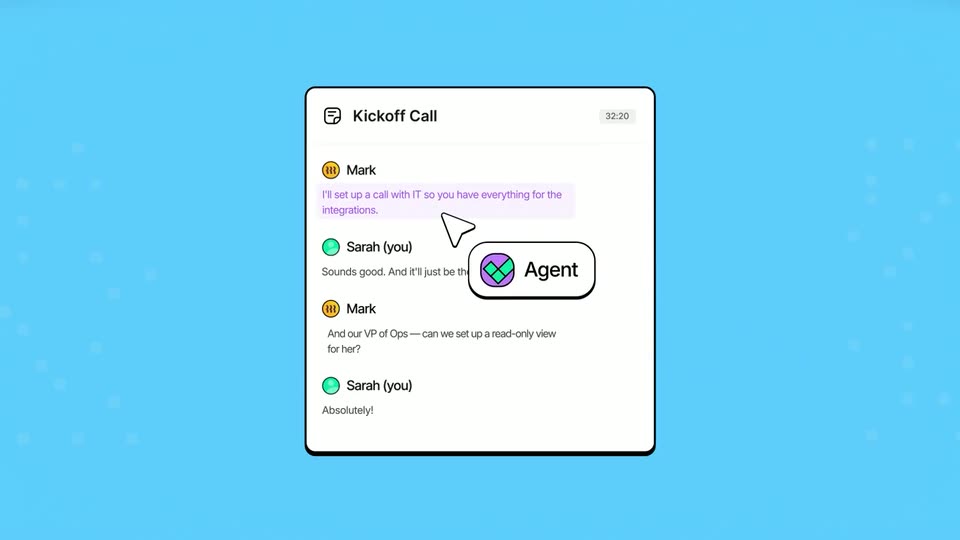 0:32–0:35Sero · Kailash - Video we did for @sero_dot_soA flat white notetaker card on a blue background holds a Kickoff Call chat. Two Agent pills on the right collapse into one and drift into the card. A cursor glides over the messages while the first line tints purple.
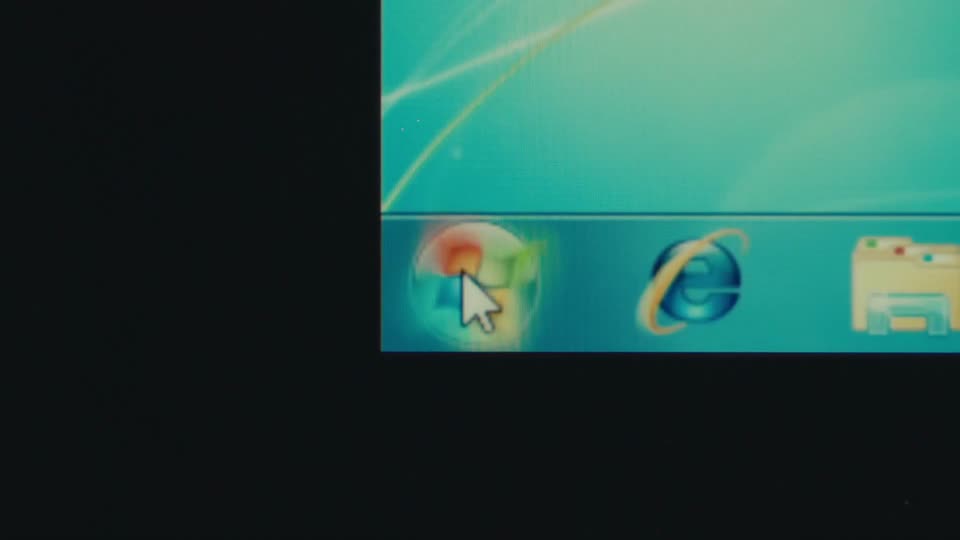 0:12–0:13Clicky · Y Combinator - Clicky is the simplest interface in the world to spawn agents. It caA teal desktop interface is cropped into the upper right against black. A white cursor drops onto the circular Start button, which glows as it hovers, beside a blue browser icon and a beige folder.
 0:12–0:13HeyClicky · hi im clickyA close-up of a Windows Vista taskbar on a black background. A white cursor moves to the Start orb and clicks it, triggering a brief glow.
 0:01–0:02Rivian · Rivian - The R2 configurator is live. Explore paint colors, interiors, wheelsA light gray pill button with a top-down car icon flanked by rotation arrows sits centered on a white field. A black cursor hovers over the label as the button fill darkens to a hover state.
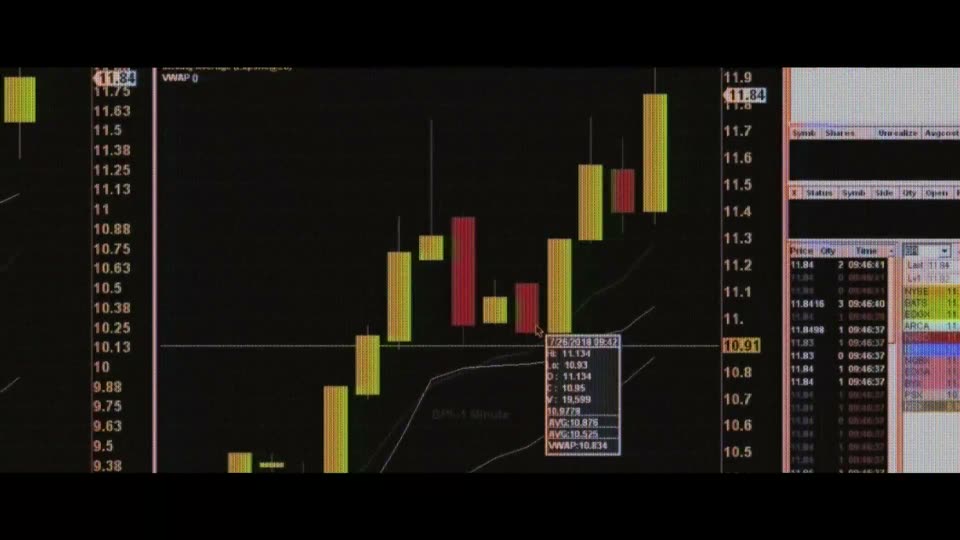 0:09–0:10Euphoria · Euphoria - Euphoria mainnet is now live. It's time to have some fun.A black candlestick chart fills the frame with yellow and red bars. A crosshair cursor hovers over a bar, opening a small data readout, while a column of trade entries scrolls on the right edge.
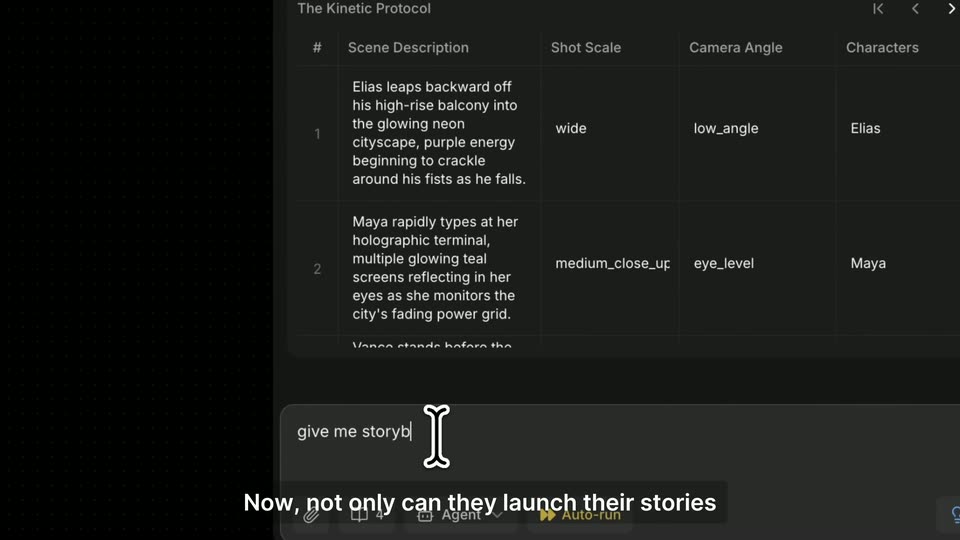 0:30–0:32YouArt · YouArt - Patreon for AI OriginalsA dark node-graph interface floats in 3D perspective, its background cards blurred and drifting in parallax. The view zooms into the prompt panel, then reframes onto a storyboard table as a cursor types a prompt in the input field.
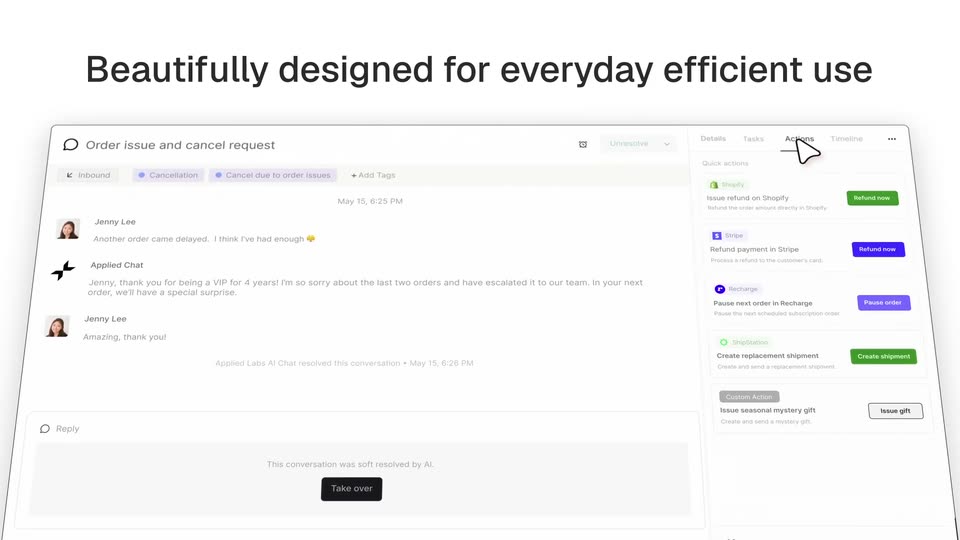 0:41–0:45Applied Labs · Michael Woo - Introducing Applied Labs, the world's first truly AI native CX platfoA tilted 3D mockup of a support inbox shows a chat thread beside a contact panel, with a headline completing above it. A cursor clicks the Actions tab, the panel swaps to quick-action buttons, and the camera eases from the tilt to a flat front view.
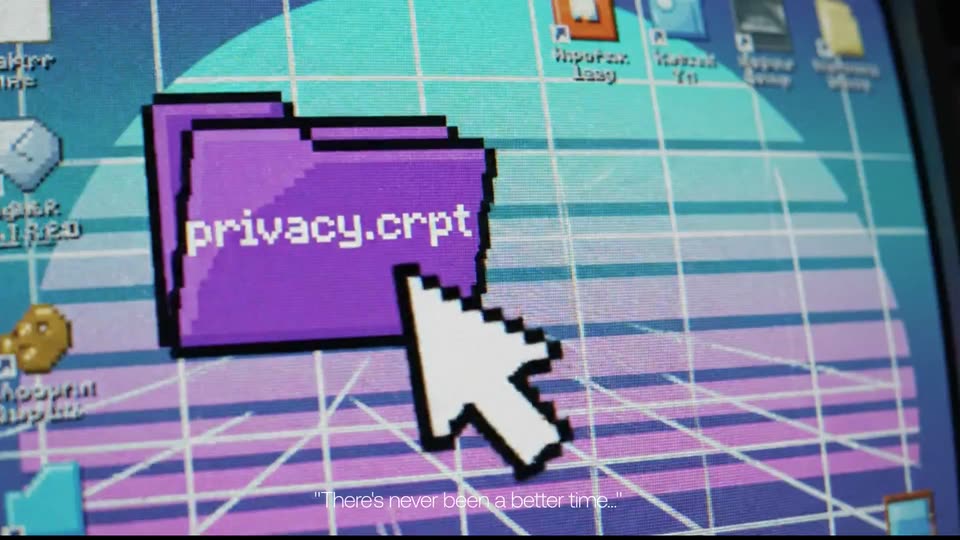 0:03 · 0.6sArcium · Marieé - There’s never been a better time for privacy. “Powered by @Arcium” wA close-up of a retro pixel-art desktop holds on a purple folder labeled privacy.crpt. A white pixel cursor drifts toward the folder's lower edge. The grid background carries small garbled icon labels. A white caption sits centered at the bottom.
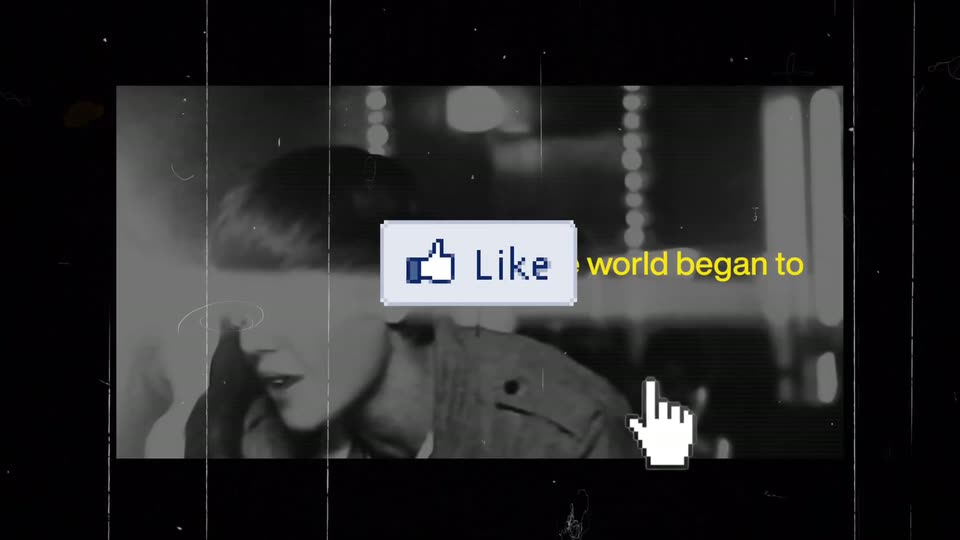 0:00–0:03Giggles · Giggles - Introducing Giggles app: make money while scrolling. Our plan is toA grainy black-and-white clip of a young man in a club plays behind yellow text. A white Like button with a thumbs-up icon pops up over his face as a pixelated cursor points at it.
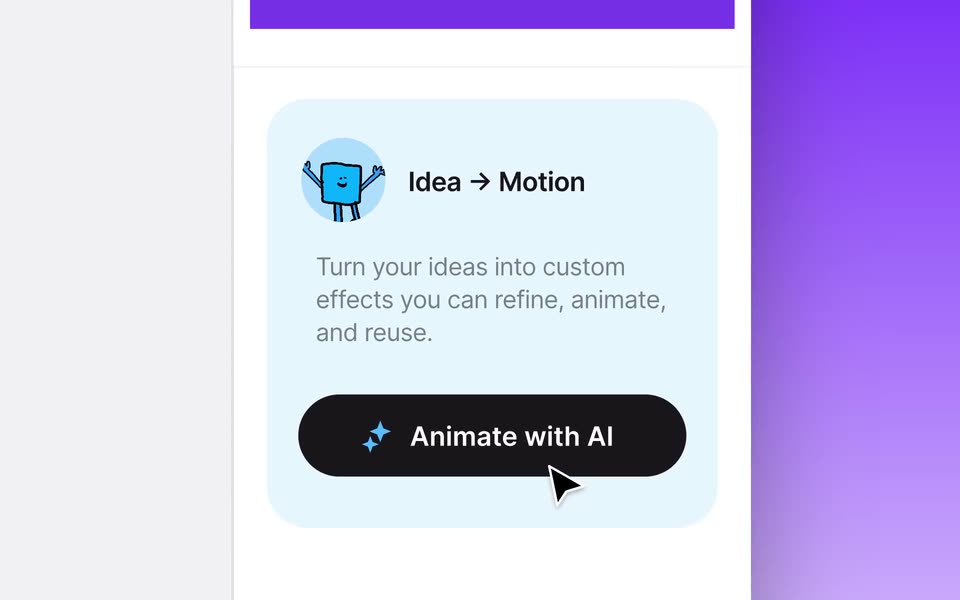 0:11–0:12Jitter · Jitter - Introducing Jitter AI ✨ Don't search for the right creative tool. BuThe motion editor zooms from the full window into the right-hand panel, isolating the Idea to Motion card with its black Animate with AI button. A cursor glides down and hovers the button as the view settles.
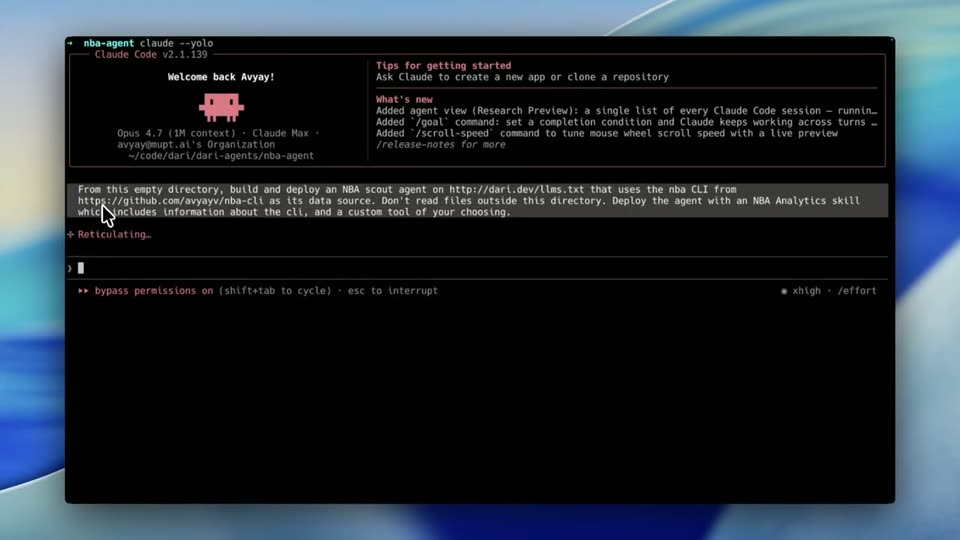 0:22–0:34dari.dev · Dari.devA black terminal window over a blurred blue backdrop: the camera pushes into the corner where a white cursor types the claude command, then pulls back as the welcome screen appears. A long prompt is typed and highlighted, and Reticulating output lines list fetch and bash commands.
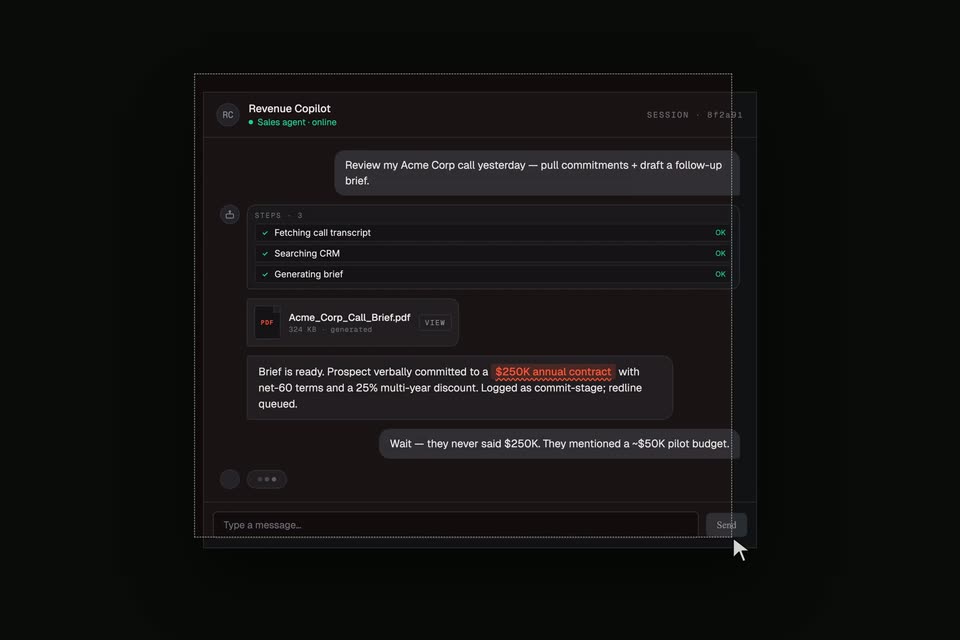 0:05–0:08Judgment Labs · Alex Shan - We’re launching @JudgmentLabs today and announcing $32M in funding.A dark chat panel builds a conversation: steps tick OK, a PDF brief and a summary with $250K in red appear, a user bubble disputes the figure, and a cursor rests on Send. The panel zooms out, framed by a dashed border as a screenshot file.
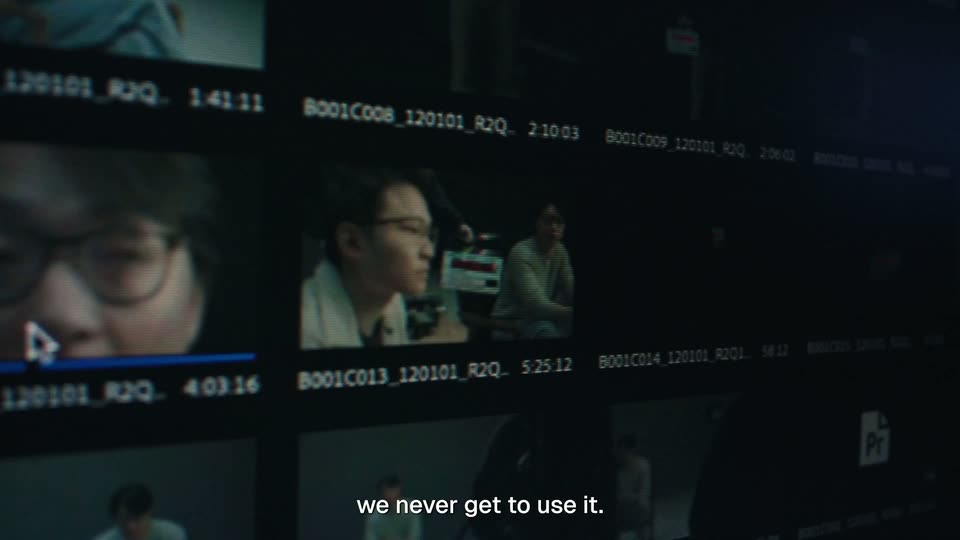 0:15–0:16Ponder · Timothy Wang - Introducing Ponder: the agentic video editor. It’s a new paradigm foA hand with a ring rests near a dark device with a magenta glow, then the view shifts to a monitor showing a grid of video thumbnails with filenames and a cursor. Subtitles caption the bottom of the frame.
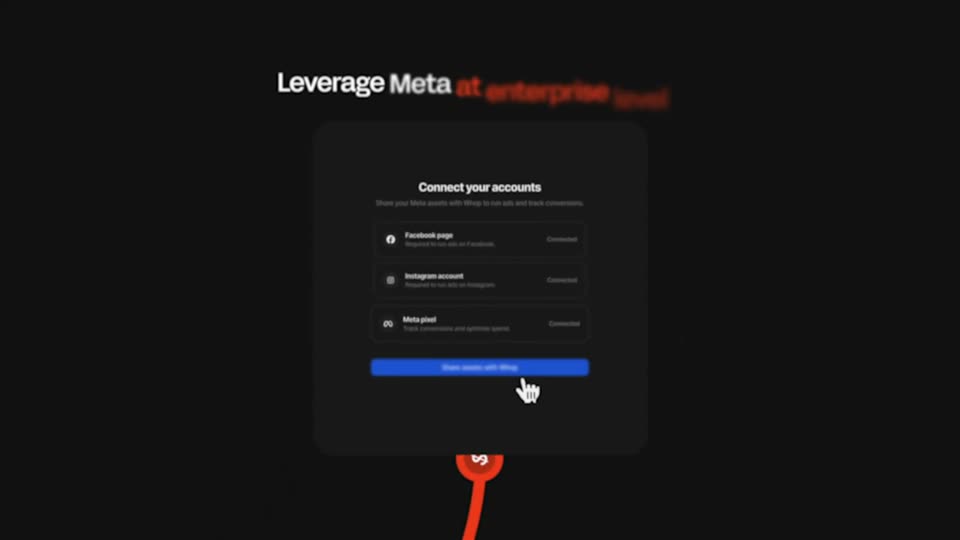 0:08–0:09Whop · Introducing Whop AdsA dark “Connect your accounts” panel sharpens from blur to full focus at center, revealing three Meta rows and a blue Continue button as a hand cursor hovers over it. At the bottom, a red line with a dollar badge drops away, its white connector line retracting.
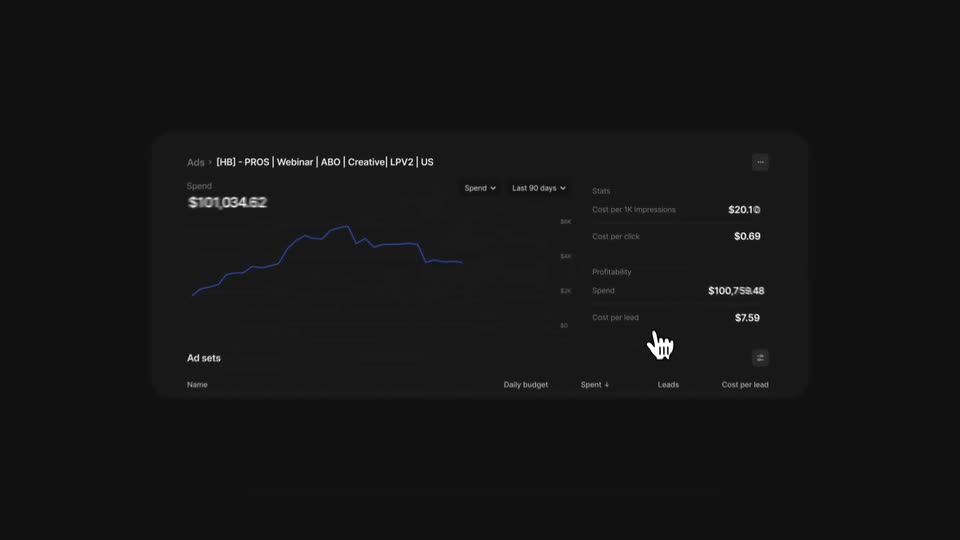 0:13–0:17Whop · Whop - Introducing Whop Ads. Instantly reinvest your revenue to launch, manA dark analytics dashboard fills the frame under the headline Monitor your performance. A cursor opens a dropdown and switches the view from a funnel to a line chart, the figures ticking up. The shot then zooms into the panel, blurring to a green projected profit line.
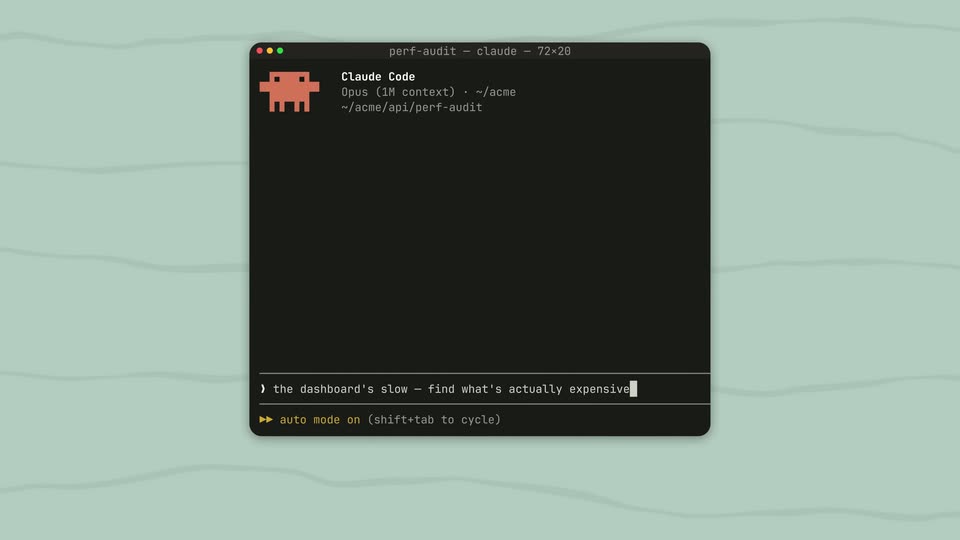 0:00–0:02Anthropic · Introducing agent view in Claude CodeA dark terminal window floats on a pale green wavy background, a pixel orange creature in its header. A prompt types out a task sentence with a block cursor, then a pink resolving status line appears under the yellow auto mode line.