0:19
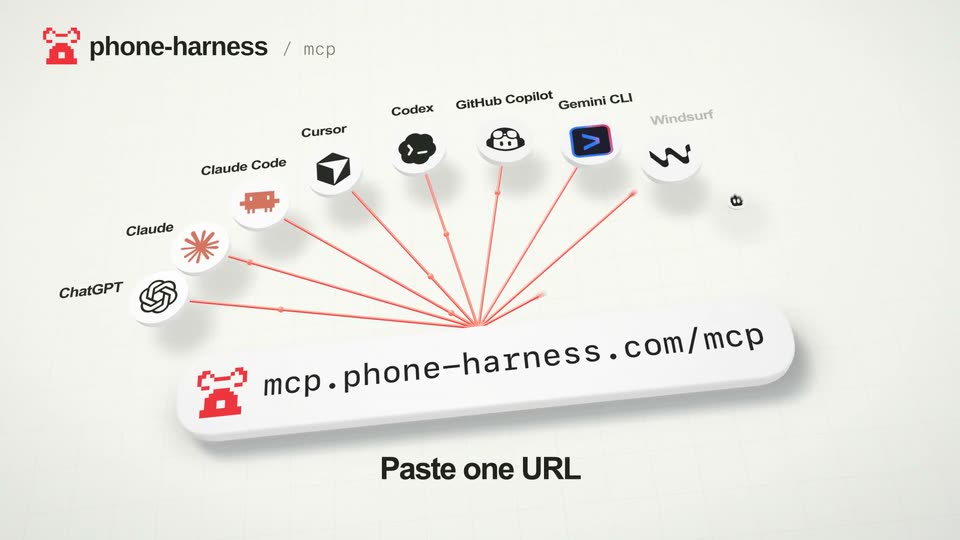

shawn - Introducing: Phone Harness MCP 🔌 Any agent that supports MCP can now
Phone Harness · B2B · Nov 2026
Anthropic’s 0:38 launch film runs 10 scenes, about 3.9 s each. The product is on screen from the first frame and 1 feature is revealed. The call to action lands at 0:31 (81% in). Mint wavy-line stage with dark terminal mockups and a coral pixel cowboy mascot; serif headlines over monospace UI. Open on the product in action, cut to a centered title card, then a slow 3D drift into a zoomed interface demo, and close on a black logo lockup.
Is this your launch? to your site or press kit.
Phone Harness · B2B · Nov 2026
Films whose music sounds like this one, voice left out
Denkiworks · Cinematic electronic, Japanese rock, live performance, sound design
Stitch · Upbeat electronic
DJI · Electronic, Rock
A dark terminal window floats on a pale green wavy background, a pixel orange creature in its header. A prompt types out a task sentence with a block cursor, then a pink resolving status line appears under the yellow auto mode line.
Techniques: Cursor demo
Camera: Static
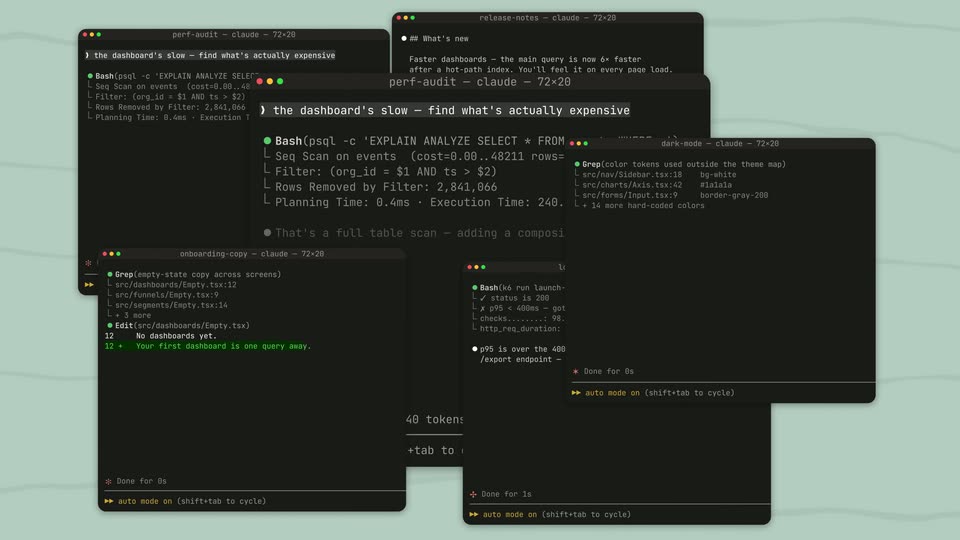
Dark terminal windows on a pale green wavy background type out commands and output. A smaller load-test window slides in at the lower right, then a third onboarding window pops in at the left.
Camera: Static
Dark terminal mockups float in 3D perspective over a mint wavy-line backdrop, then drift left to reveal a white card holding the orange Claude mark and a black serif headline.
On-screen text: “Introducing agents”, “in Claude Code”
Techniques: 3D mockup, Parallax
Camera: Push in
A pixel cow in a brown cowboy hat sits above a black serif headline on a mint background with faint wavy lines. Dark terminal panels drift slowly around the edges at different depths while the center stays locked.
On-screen text: “Introducing agent view”, “in Claude Code”
Techniques: Parallax
Camera: Push in
A mint background with thin wavy lines holds a pixel-art pig in a brown cowboy hat above a black serif headline. Dark terminal windows at the edges slide inward and grow, sliding over the headline to expose a code interface.
On-screen text: “Introducing agent view”, “in Claude Code”
Camera: Static
Several dark Claude Code terminal windows overlap on a pale mint background with faint wavy lines, drifting slowly left. A pixel-art cow in a cowboy hat sits at the right, grows an orange thought bubble, then a thin orange line stretches from it to a window.
Techniques: Parallax
Camera: Static
A pixel cow in a brown cowboy hat stands on a pale mint background as dark terminal windows in 3D perspective drift across the frame, revealing code and a Claude Code task list. A pixel rope links the cow to one window.
Techniques: 3D mockup
Camera: Static
A dark terminal window with a pixel mascot glides to center on a mint background, then the camera zooms into the session list. Task rows slide between Needs input, Working and Completed sections as replies type into the prompt, and the frame zooms back out.
Techniques: UI zoom
Camera: Push in
On a black background, a pixel pink mascot wears a brown hat; the hat and a loop beside it lift off and vanish, leaving the plain creature. White serif text below fades in, holds, then the whole frame fades to black.
On-screen text: “Agent view, now available”, “in research preview”
Camera: Static
On a near-black field, the white serif wordmark Claude Code slides in from the left while a coral starburst mark slides in from the right. The two elements settle into a centered lockup and hold for the remainder of the clip.
On-screen text: “Claude Code”
Techniques: Kinetic type
Camera: Static