Cursor demo
A visible cursor operates the interface.
15,093 scenes · page 94 of 252
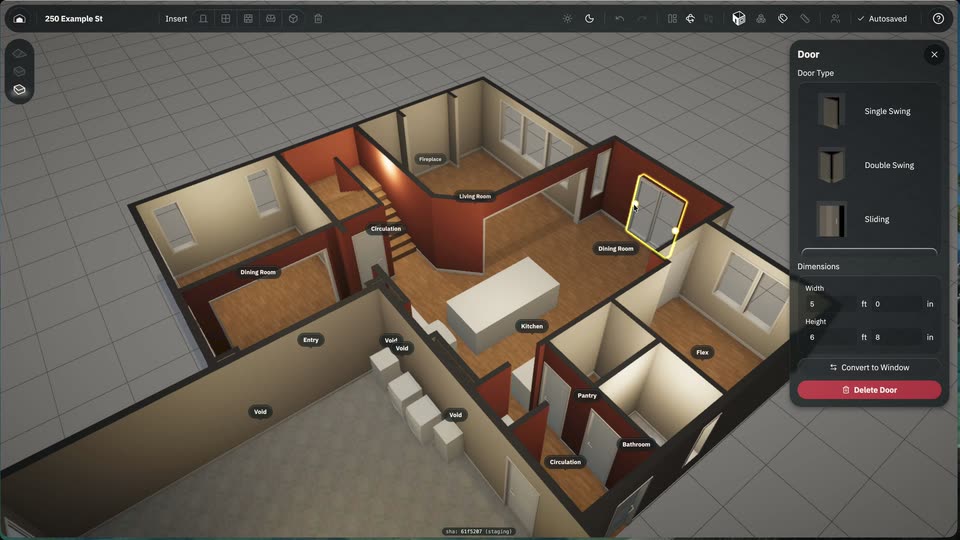 0:40–0:42Dream · Andy Elder - Today @arjunmathur_ and I are introducing Dream. We’re announcing $1A locked-off screen of a 3D floor-plan tool: an isometric house model with room labels sits on a gray grid, a yellow box selects a door, and a cursor hovers over it. The right-hand Door panel fades from dimmed to active as the clip ends.
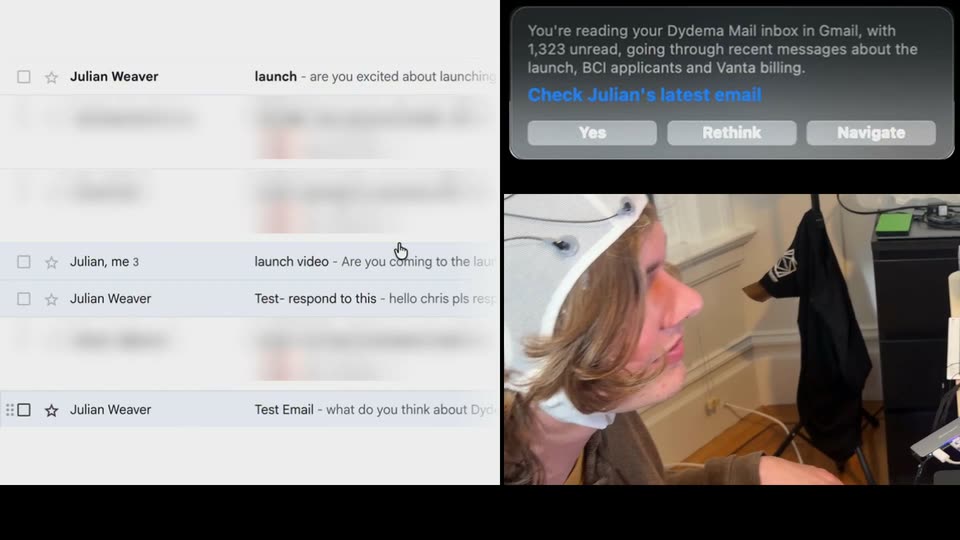 1:53–1:54Dydema · Dydema (YC F26) Launch DemoA split screen shows a Gmail inbox on the left with a hand cursor hovering over a row, while the right stacks a dark Dydema interpretation card above a live shot of a person wearing a white BCI headband.
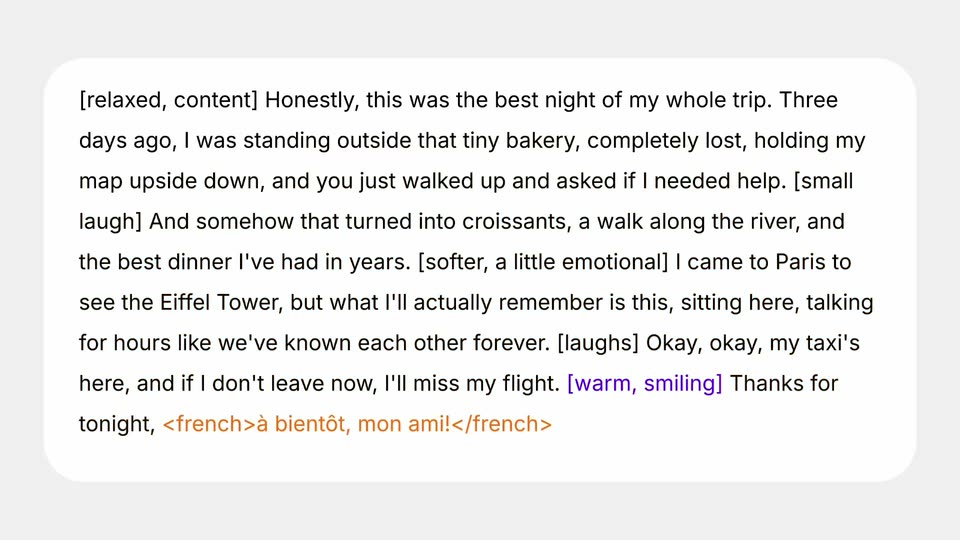 0:20–0:25Fish Audio · Fish Audio Drama 3 (Full Guide)A white transcript card on a gray background shows an audio waveform, a one-line caption, and a Regenerate button under a cursor. The card fades out, a long multi-line script fades in, and an orange selection highlight sweeps across its final lines.
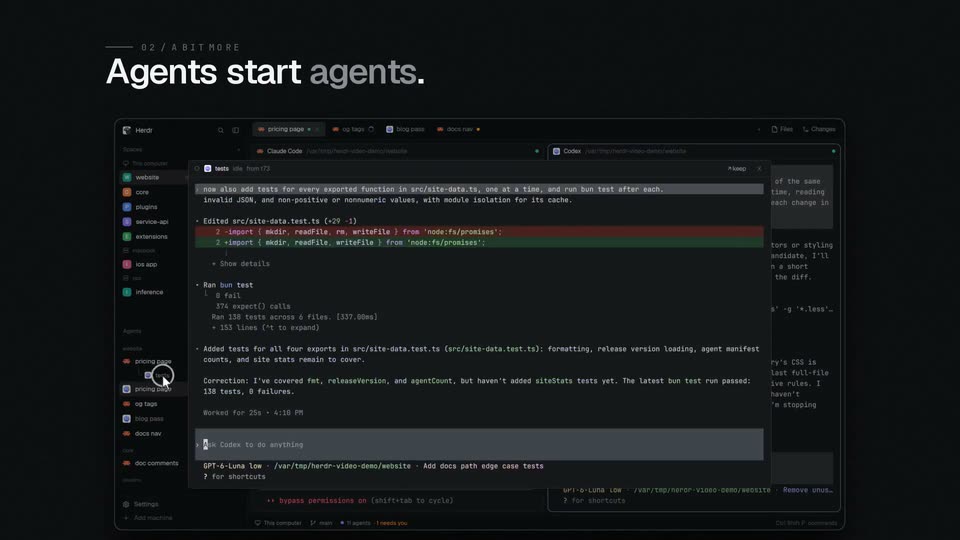 0:20–0:31herdr · herdr - *ehm ehm* BIG ANNOUNCEMENTS DAY 📣 two new things cooking in herdr laA dark multi-pane product UI sits under a large white headline. A cursor clicks a sort menu, the left agent list regroups into needs, done and working sections, then a code test panel opens across the middle as the headline changes.
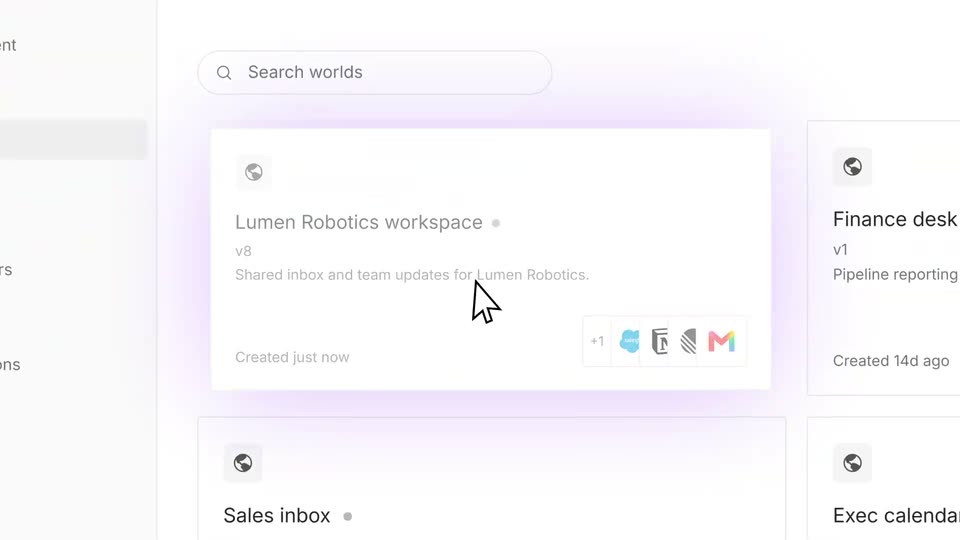 1:05–1:08Hue · Hue (YC F26) Launch VideoA grid of world cards on a light interface over a blurred field zooms in on the Lumen Robotics workspace card. A cursor hovers over the card, highlighting its version, text, and app icons.
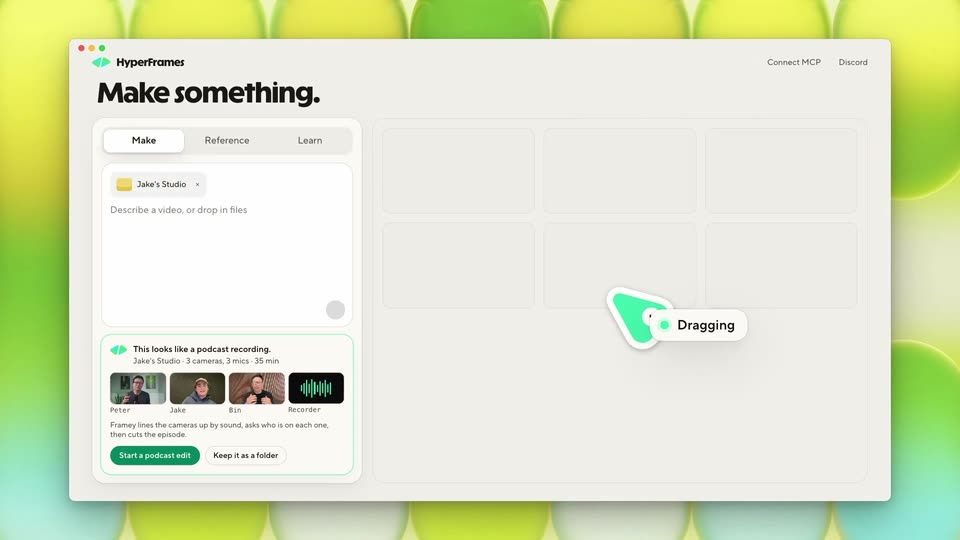 0:14–0:16HyperFrames · HyperFrames - the AI slop launch video killer is here Computer use is live in HypeA flat browser window of the HyperFrames app sits on a yellow-green blob background. A green cursor drags a folder in, the view zooms into the left panel, and the cursor clicks a green button as pill labels read 'Dragging' then 'Clicking Start a podcast edit'.
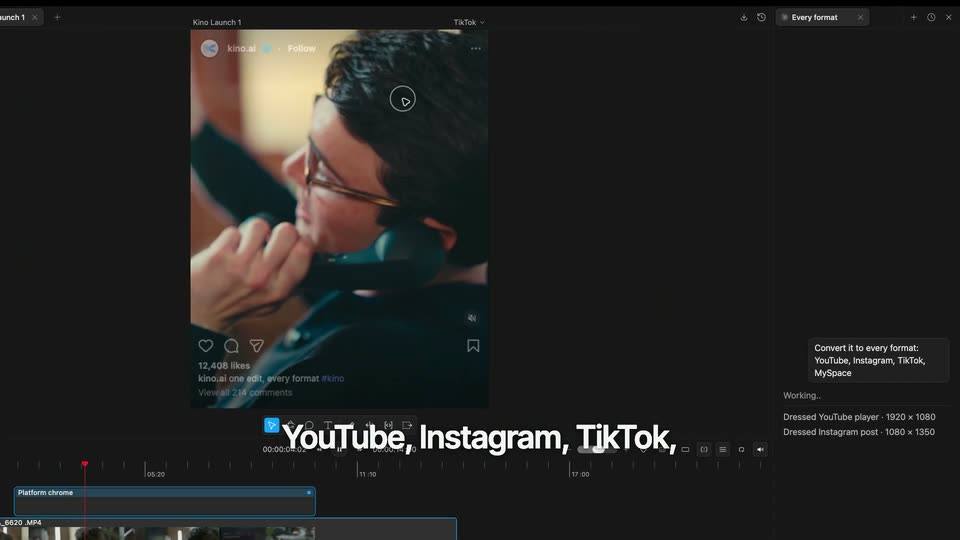 0:52–0:53Kino · Luke Igel - Introducing Kino: make videos end-to-end with Claude Code and Codex.Dark editor interface with a centered video preview. A cursor opens the format dropdown and selects TikTok, and the preview re-dresses from a landscape Instagram post into a vertical TikTok post with a side like rail. A white headline sits across the bottom above the timeline.
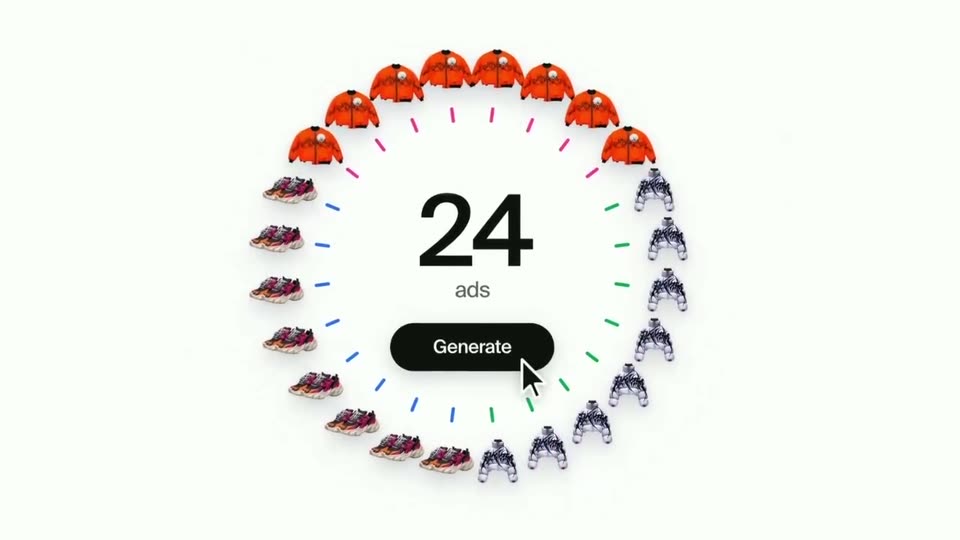 0:13–0:15Krea · Krea - introducing Ad Studio. - powered by our new Krea 3 expert model forProduct shots of orange jackets, sneakers, and checkered shoes ring a dashed circle around a counter that counts up from 14 to 24 above the word ads. A black Generate button appears, a cursor clicks it, and the composition zooms with motion blur as the items scatter outward.
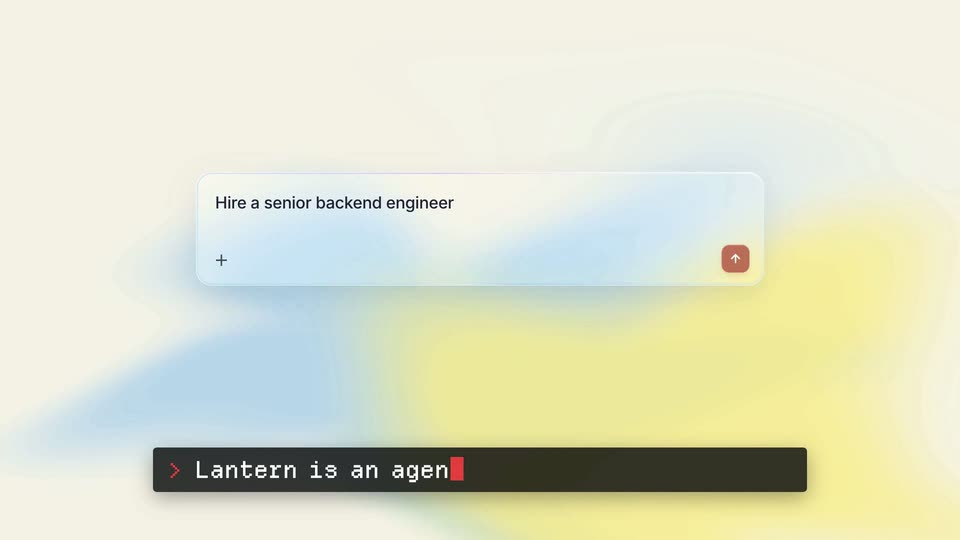 0:23–0:24Lantern AI · Thomas Chan - Today, we are killing Workday, SuccessFactors and Ashby. RecruitiA prompt input card on a blurred pastel gradient fills in with a hiring request as a cursor clicks the orange send button. Below, a dark terminal bar types the caption in monospace with a red block cursor.
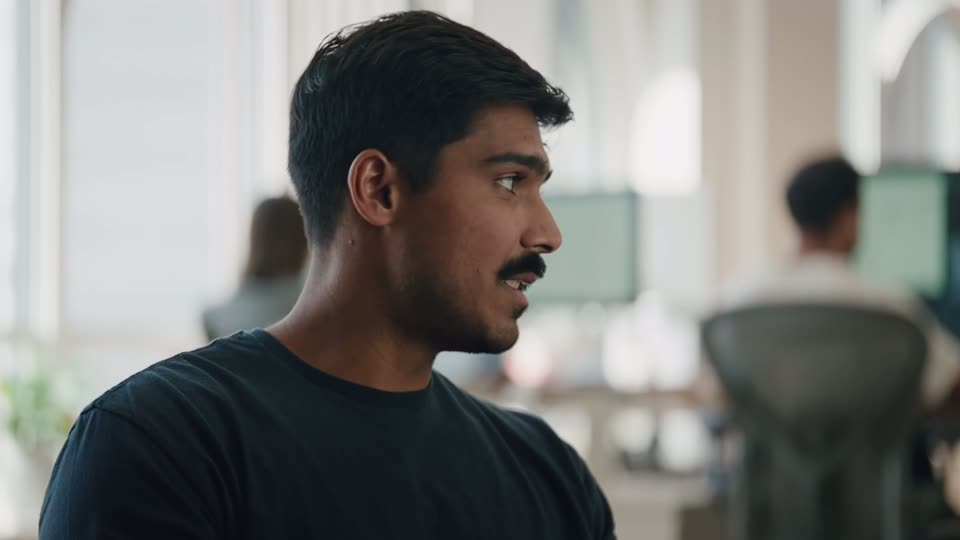 1:02–1:03Natural · Kahlil Lalji - Natural Direct is now live. Agents are becoming real participants inA white agent chat panel floats centered over a soft-focus office, then fades out to reveal a mustached man in a black tee, in profile, talking, with blurred coworkers at desks behind him.
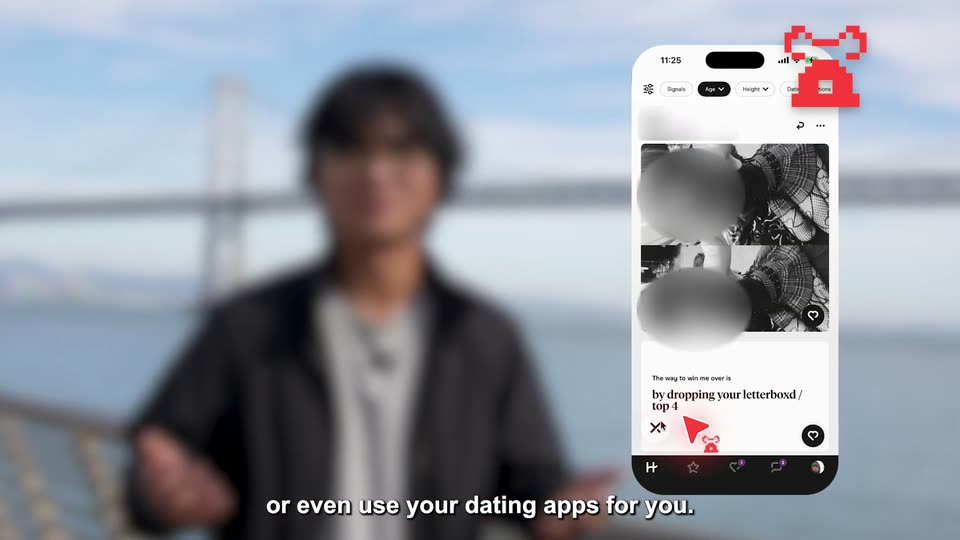 0:24–0:26Phone Harness · Phone Harness: Give your AI agent a real iPhone or AndroidA man in a black jacket talks in front of a bridge while a phone mockup on the right cycles through dating profiles, a red pixelated cursor tapping the X. The blurred background racks into focus as the phone slides away.
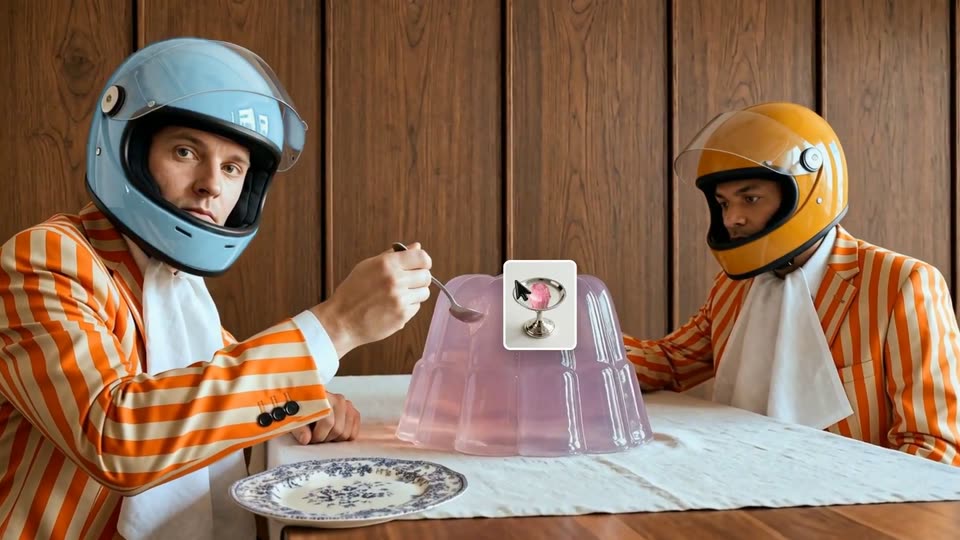 0:32–0:35Pika H3 Flex · Pika - Meet Pika H3 Flex, debuting today as the #1 open weight model on DesiTwo men in retro helmets sit at a wooden table over a pink jelly. A cursor taps a small striped-suit thumbnail, and the right man's black jacket swaps to a matching orange stripe as the jelly shrinks onto a brass stand.
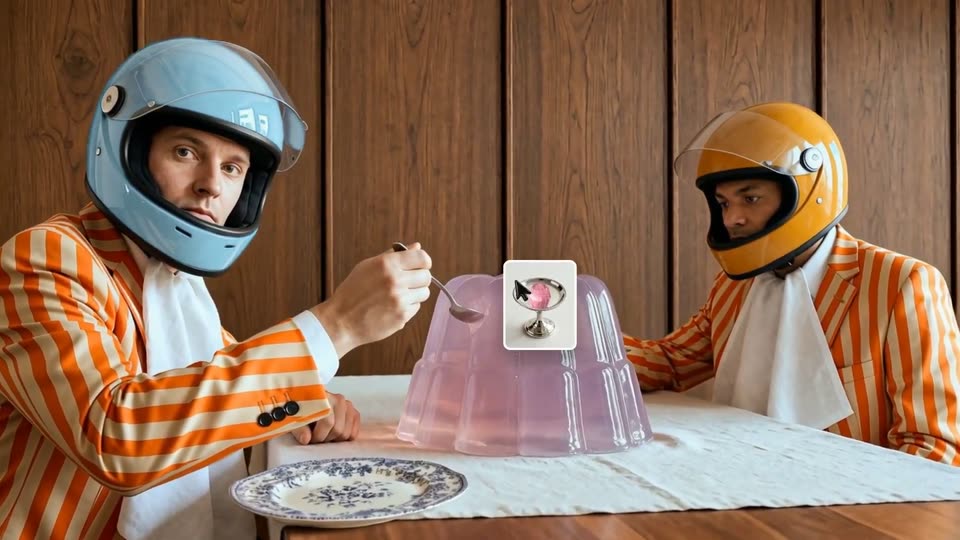 0:32–0:35Pika · Introducing Pika H3 Flex | Built for Professional IterationTwo men in blue and orange helmets sit at a table before a pink jelly mold, the left holding a spoon. A small UI chip with a cursor appears; the right man's black suit swaps to orange stripes and the jelly lifts onto a pedestal.
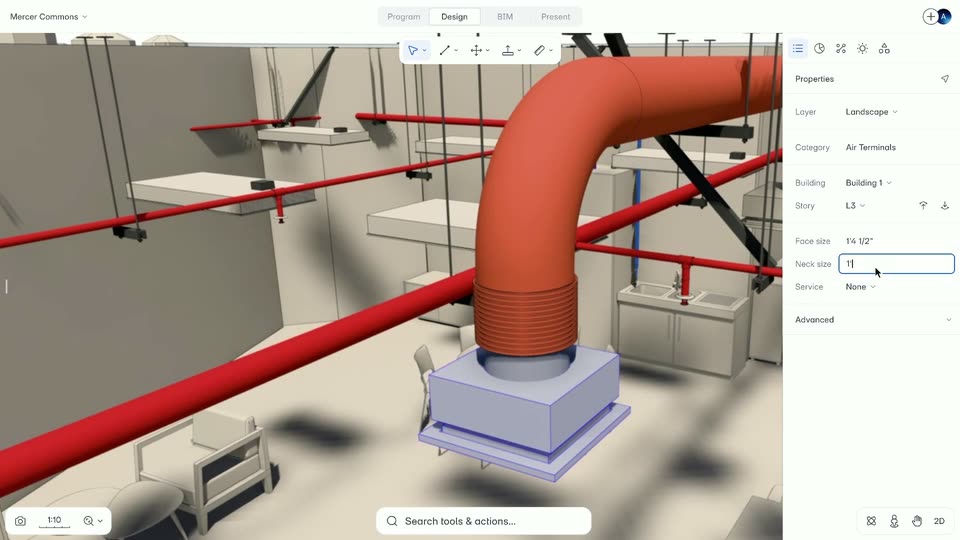 1:07–1:11Snaptrude · Altaf Ganihar - Today we're launching @snaptrude Agent, the most advanced agent for bA 3D interior model with red pipes and an orange duct fills the viewport, a white air terminal highlighted in blue. A properties panel slides in from the right, then a cursor clicks the neck size field and types a new value.
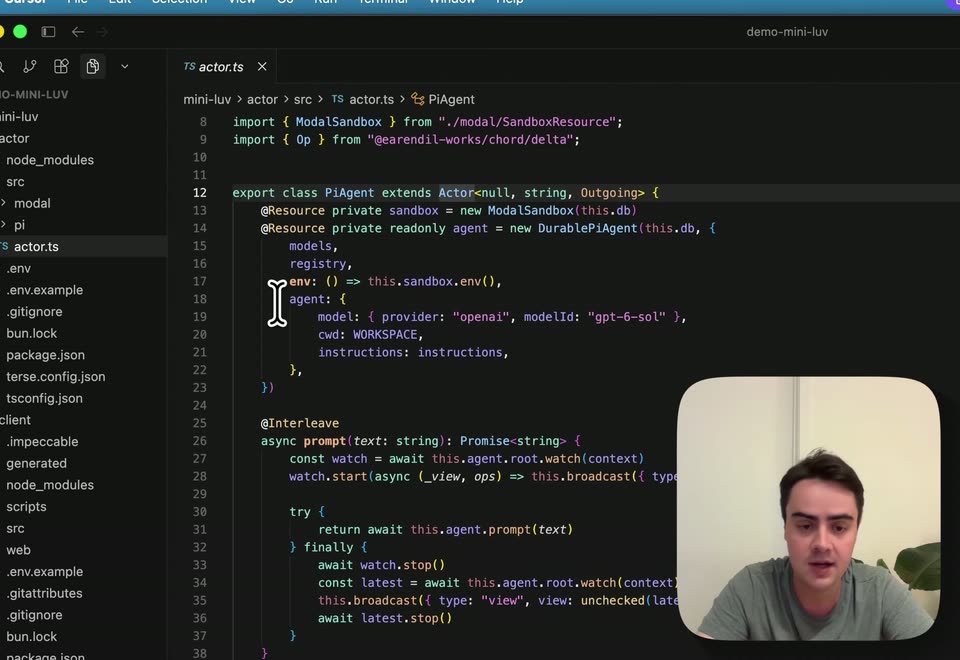 1:04–1:21Terse · Durable Actors Launch YC Demo VideoA dark Cursor IDE shows a file tree and syntax-highlighted TypeScript code. A hand pointer picks a file, then the I-beam cursor hops between lines as the code scrolls; a small rounded webcam video of a man in a gray T-shirt sits in the bottom-right.
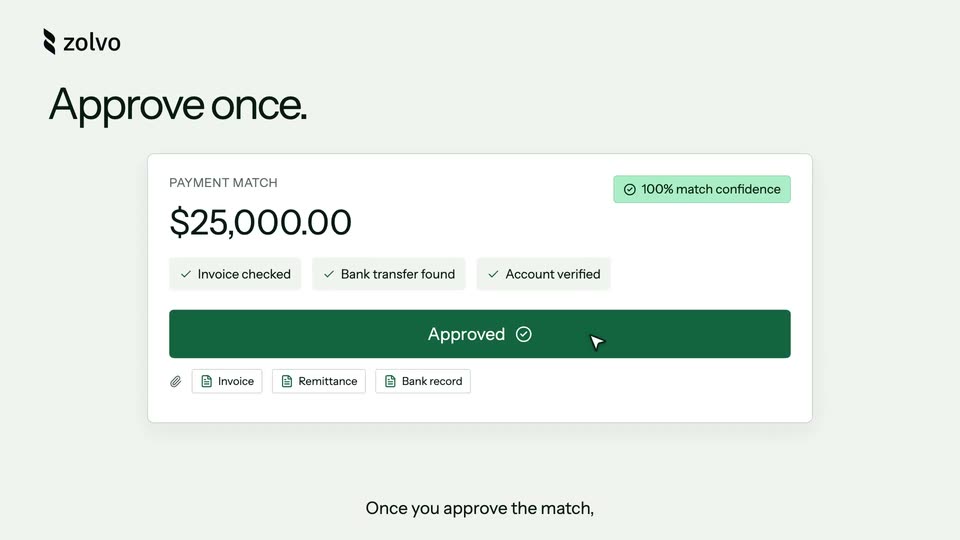 0:45–0:47Zolvo · Zolvo - LaunchA white payment-match card sits under a black “Approve once.” headline on a light gray background. A cursor clicks the black Approve button, which turns green and reads Approved, while a bottom caption shifts to “Zolvo applies the payment.”
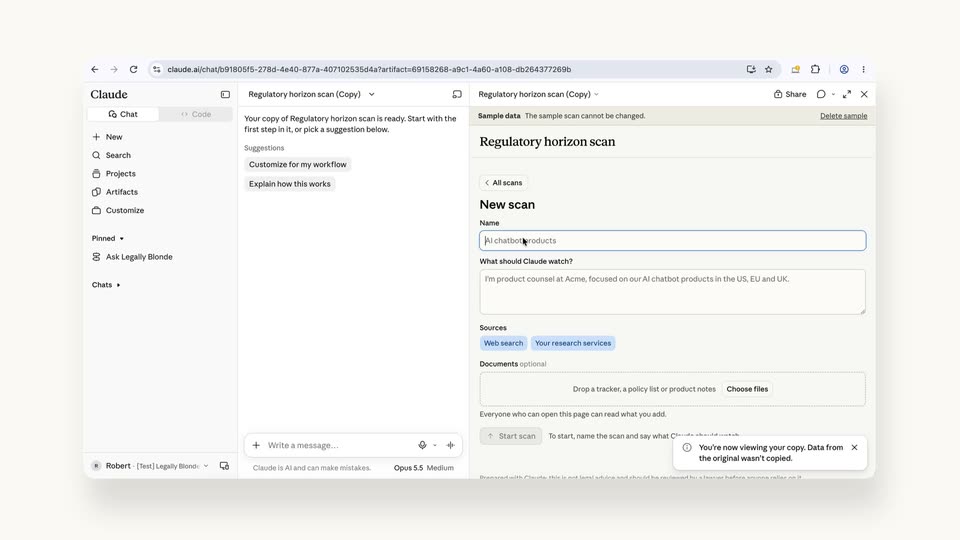 0:09–0:10Anthropic · Claude - New in Claude for Legal: a gallery of ready-made artifacts for contraA browser window shows the Claude app. A cursor sits on the Try it button of a Legal artifacts preview card, then the view changes to a chat where the cursor types into a New scan name field.
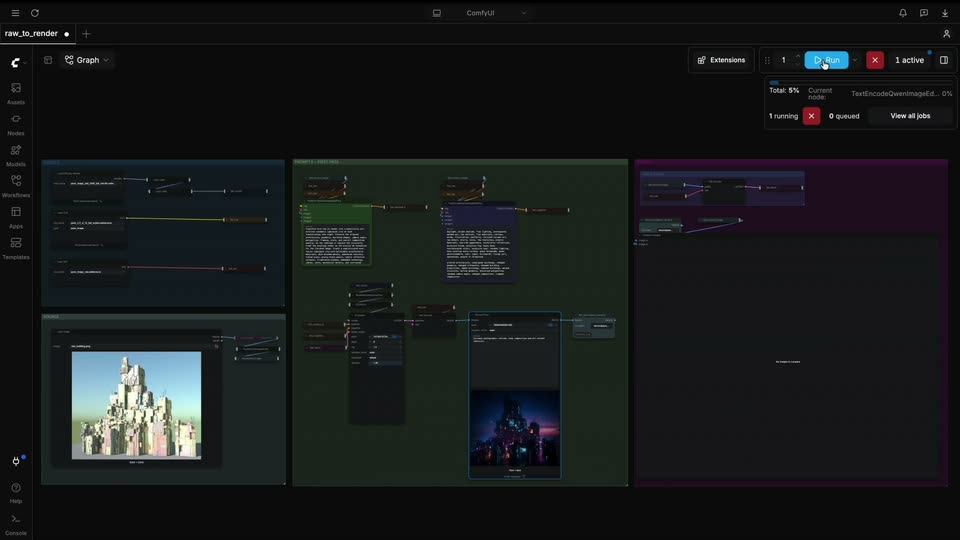 0:34–0:35Apple · New MacBook Pro with PROLED XDR Display and Touch: The world’s best laptop displayA dark node-graph editor fills the frame with three colored panels of connected nodes. A cursor hovers over the blue Run button at top right, a status panel beside it. The bottom-center node fills with a night city render.
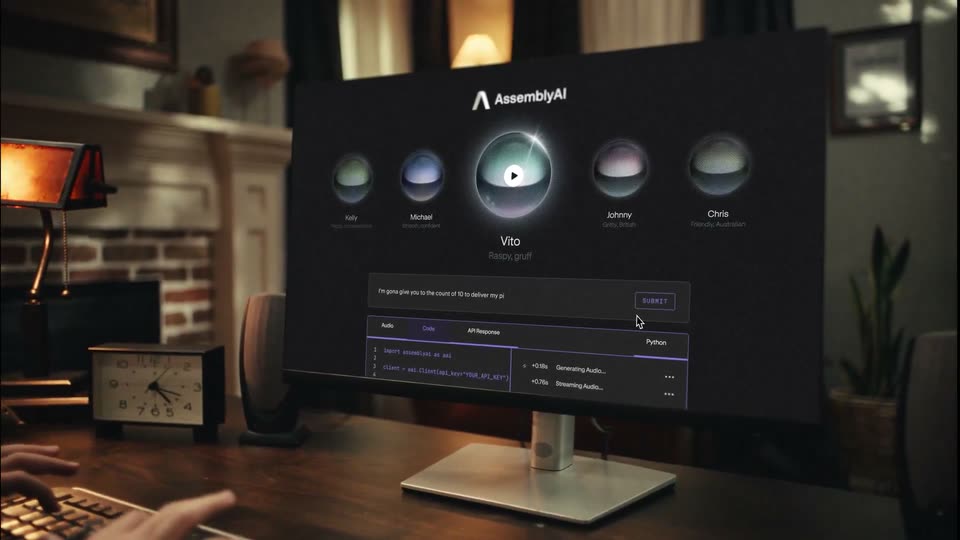 0:43–0:48AssemblyAI · AssemblyAI - Introducing AssemblyAI-TTS-1, our first text-to-speech model. NaturaA rendered home office shows a person's hands typing on a keyboard while the camera eases toward a monitor. The AssemblyAI screen displays a row of glossy voice avatars with Vito highlighted, a prompt line typing out below, and a cursor resting on the SUBMIT button.
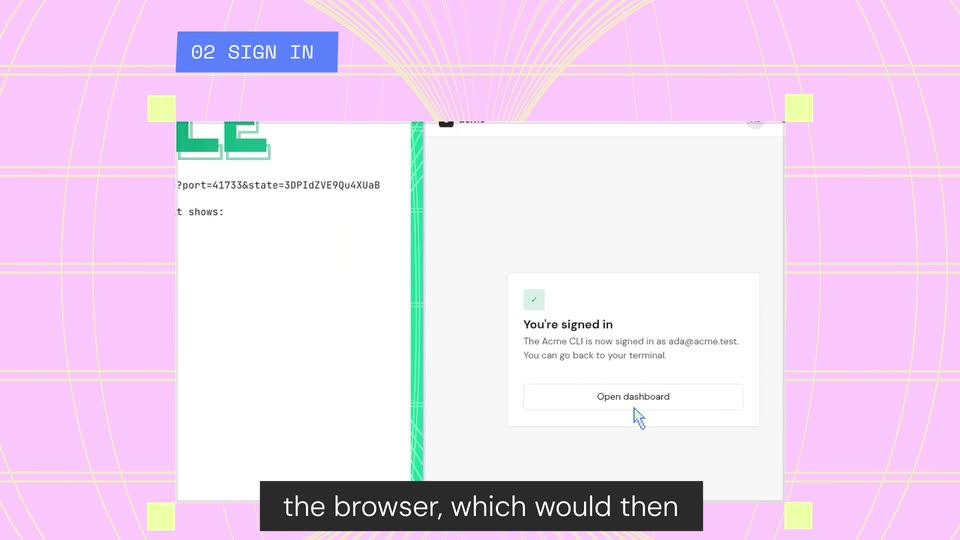 0:33–0:34Greptile · Greptile - Introducing Computer Use in TREX. TREX now spins up the relevant serA white panel on a pink grid background shows a browser sign-in dialog, then switches to a terminal beside the browser window as a green scanline bar slides across. A blue step label reads 02 SIGN IN, then 02 SIGN IN CLI, while a caption bar sits at the bottom.
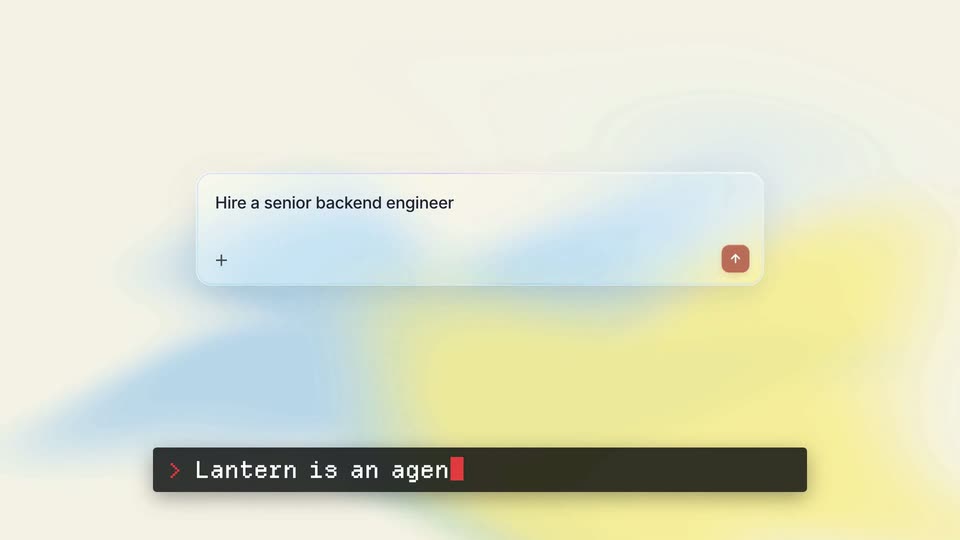 0:23–0:24Lantern AI · Lantern: Agentic Recruiting for the Future 🎃 (YC F26)A rounded prompt bar on a blurred blue-and-yellow gradient fades its placeholder as the request 'Hire a senior backend engineer in New York City' types in. A dark terminal strip below types a monospace line, and a cursor arrow rests on the red send button.
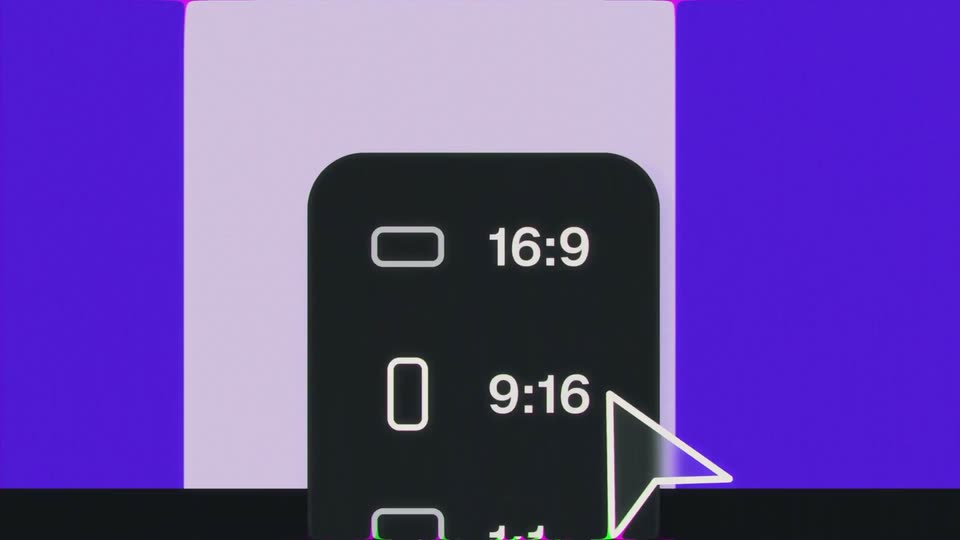 0:18–0:19Magnific · Magnific - Meet Magnific Move: motion graphics you can talk to Animated charts,A dark rounded dropdown panel lists three aspect-ratio rows, each with a shape icon and a label. A white cursor arrow glides up the list and hovers the middle row, which flashes to a magenta highlight.
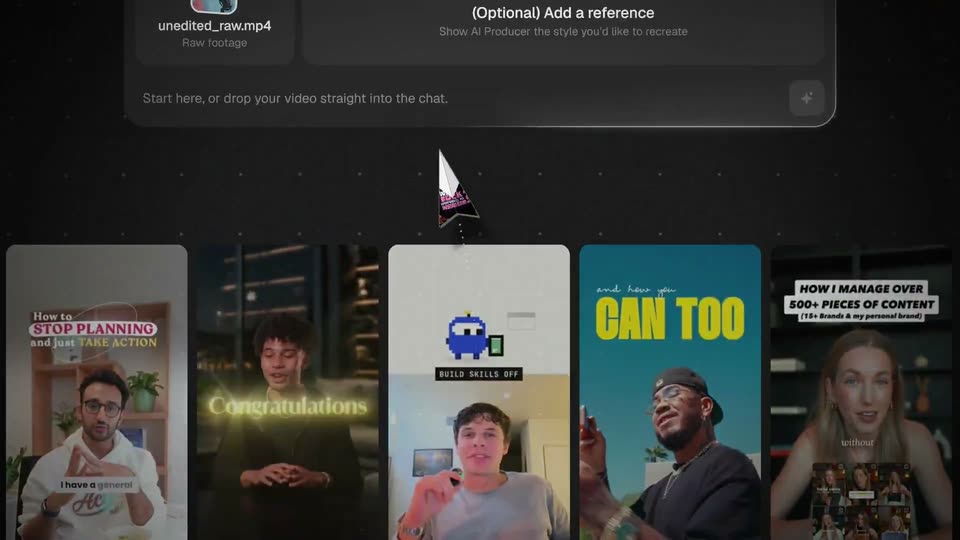 0:13–0:14OpusClip · OpusClip - Introducing AI Producer, the AI editor that learns from viral videos.A dark grid of vertical video thumbnails fills the screen with a glowing white cursor over a Recreate button. The grid shifts and a right-hand panel opens, listing an uploaded raw footage file and an optional reference field.
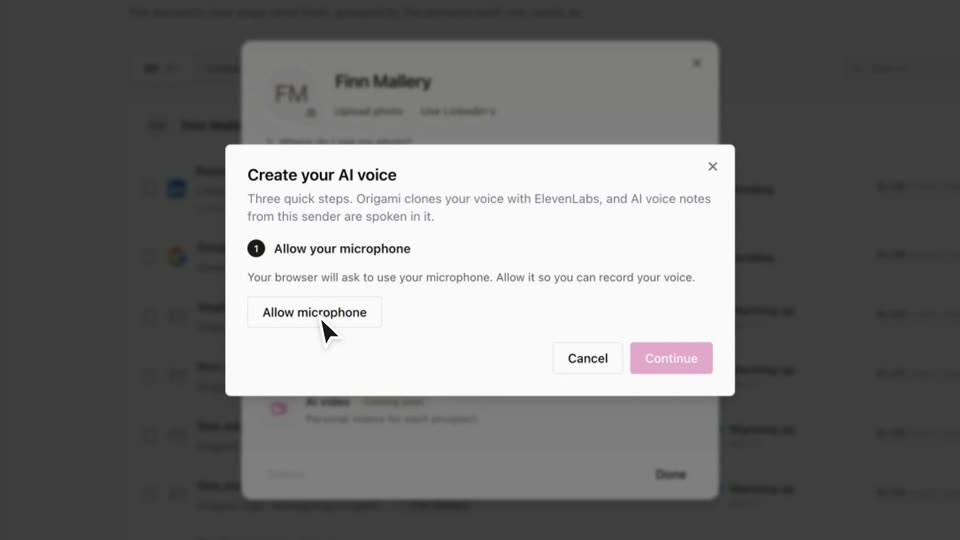 0:12–0:14Origami · Origami - Introducing voice cloning to Origami. (🔊 Audio: ON to hear the AI-clA white modal titled Create your AI voice is centered over a blurred contact list. A cursor glides to the Allow microphone button and clicks it, triggering a pink ripple. The background stays still and out of focus.
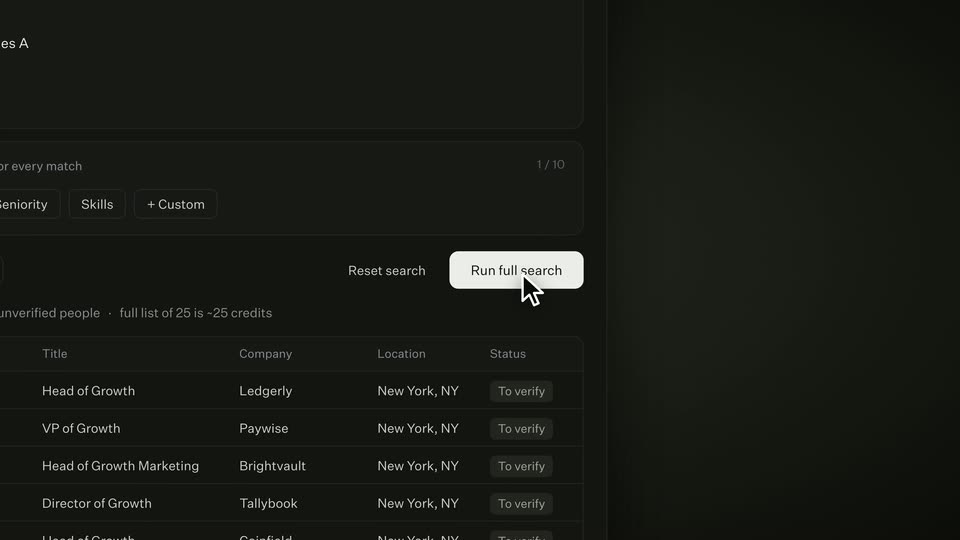 0:28–0:33Ploid · Manny Hernandez - Introducing Ploid. I think the world's data should belong to everyA dark results table of growth leads fills the frame; the cursor drifts toward the white Run full search button as the view zooms in on it. The cursor clicks, and the list refreshes with green checkmarks in the status column.
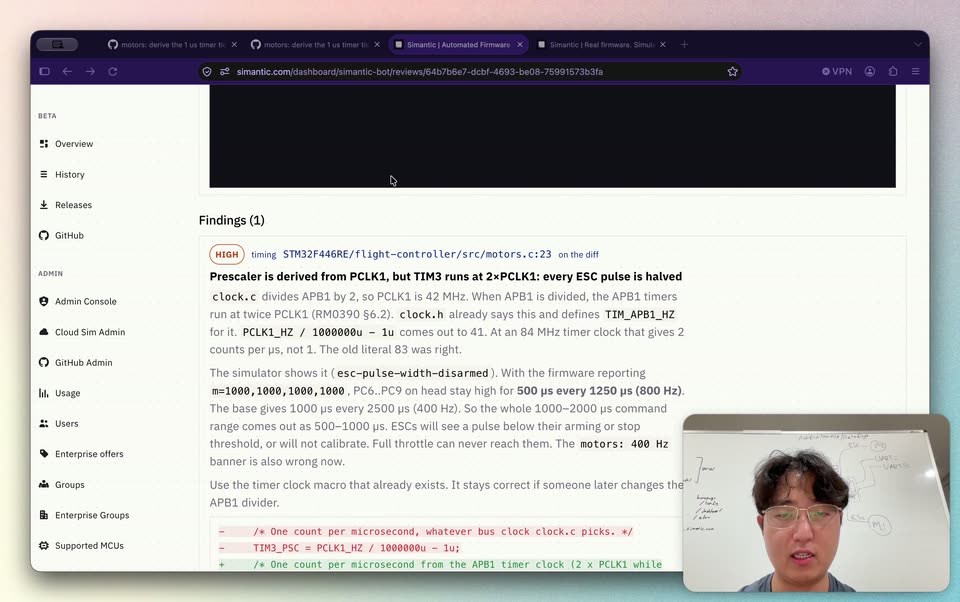 2:00–2:55Simantic · Seungmin Hong - We're launching Greptile for firmware. AI code reviewers are great fA browser window shows the Simantic dashboard report for a code review, scrolling down past the summary, a build table, a failed scenario, and a high-severity finding with a red-green code diff, the cursor hovering over rows. A webcam of a man at a whiteboard sits bottom-right.
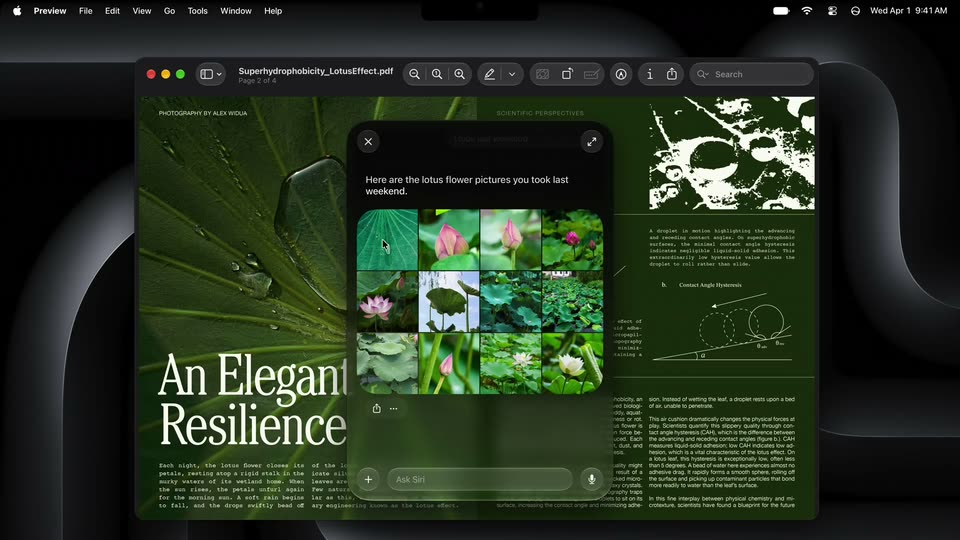 0:30–0:32Apple · The new MacBook Pro with M6 delivers blazing-fast performance and up to 24 hours of battery life.A macOS Preview window shows a green lotus-leaf PDF. A search panel overlays it, loading a grid of lotus photos, then the cursor clicks one and it expands to fill the panel with a blurred loading state.
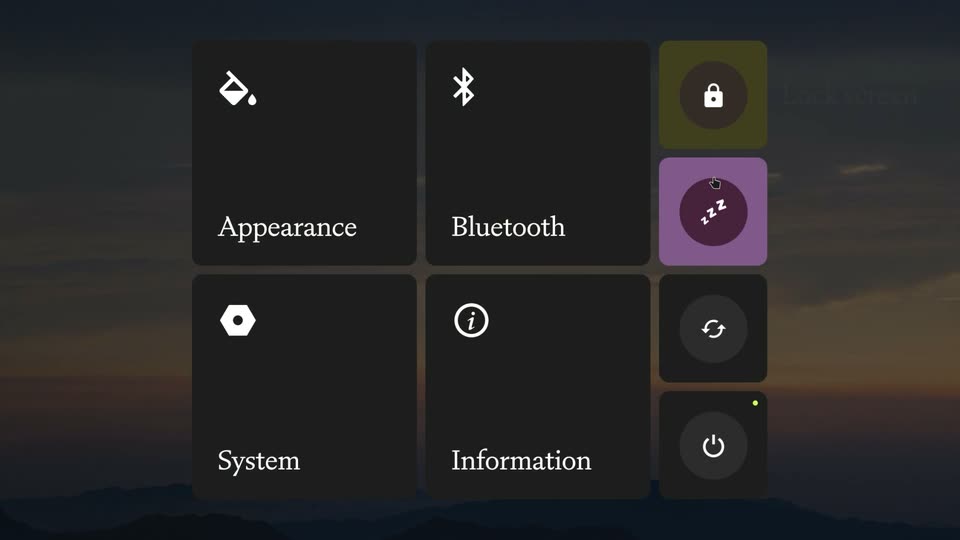 0:14–0:15Butterfly · Butterfly - Pond, our linux operating system, is now available for anyone to try!A dark settings grid of rounded tiles sits over a sunset mountain backdrop. The panel brightens from a dimmed state, the lock and sleep tiles highlight in yellow and purple, their labels appear to the right, and a cursor rests between them.
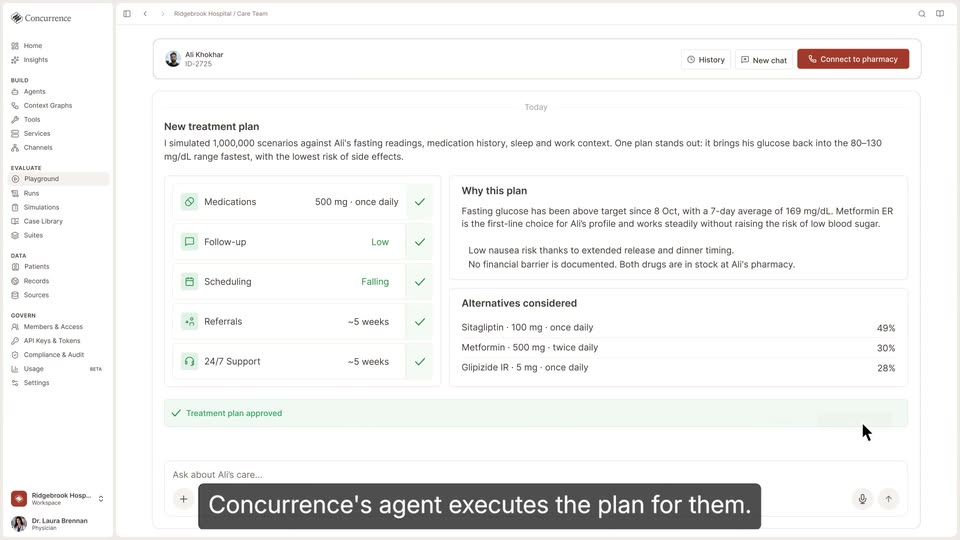 1:31–1:35Concurrence · Ali Khokhar - Today, we’re introducing the next chapter of Concurrence and the worlA maroon panel wipes off-screen to reveal the Concurrence treatment-plan view. A cursor clicks Approve, the banner turns green, then the main panel switches to a pharmacy-handoff screen as the cursor heads to Connect to pharmacy.
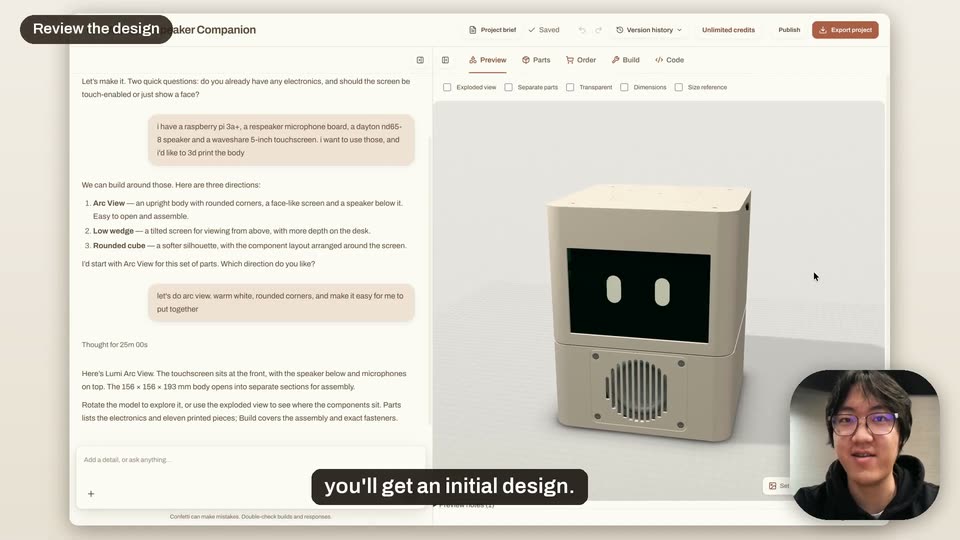 0:23–0:26Confetti · Introducing Confetti — Build hardware from a single promptA product interface splits the frame: a chat panel with text bubbles on the left, a beige 3D speaker model on the right that rotates slowly. A cursor moves near the model. A small rounded webcam video of a presenter sits bottom right, and captions appear at the bottom.
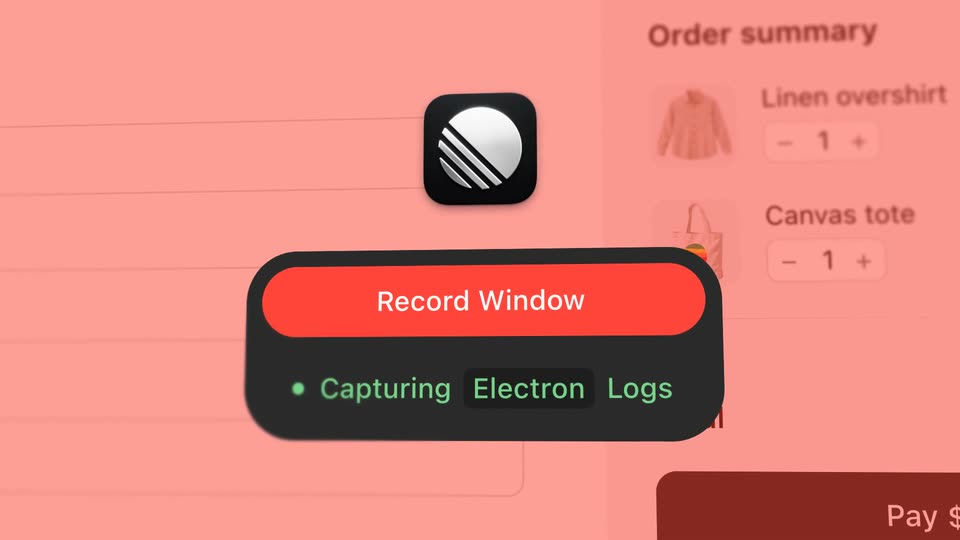 0:04–0:08Jam · Jam.dev - Jam for Mac is officially out - Get logs from Chrome, Safari + ElectA dark rounded recording panel floats over a blurred pink checkout page. The app icon above it and the green label below switch from Safari to Chrome to Electron. The panel then expands into a toolbar row, where a cursor hovers the No Camera pill as it presses.
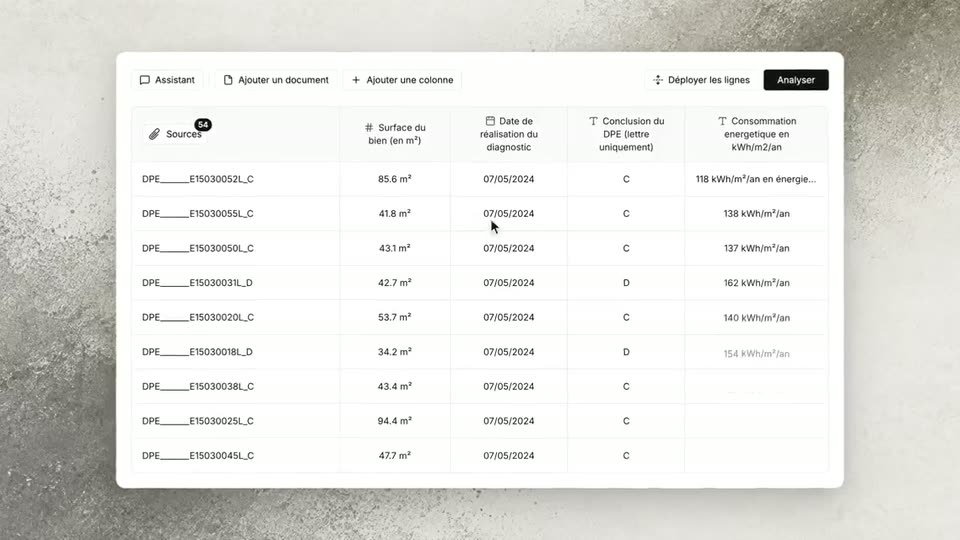 0:16–0:21Oguste · #notariat #intelligenceartificielle #oguste | OgusteA white spreadsheet card fades in over a pale concrete backdrop. A cursor clicks the add-column button, a small form popover opens, then the cursor confirms and a new column of energy values fills in on the right.
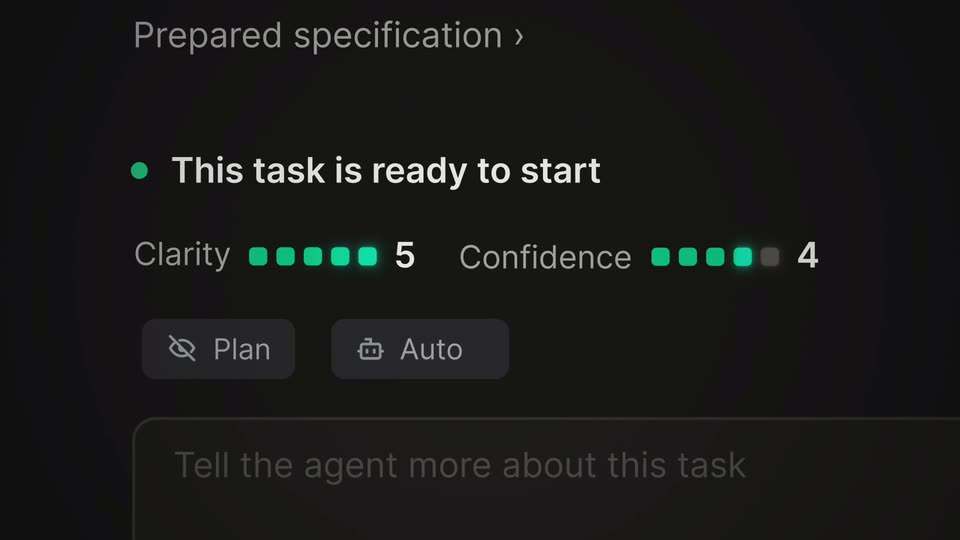 0:58–1:08SuperPlane · Darko Fabijan - Last month, 52% of the pull requests our team merged were automated tA close-up zooms onto a dark agent panel; the status line flips from Analyzing to a green ready state with Clarity and Confidence dots filling, then to a red low-score state, before an agent question card types out and a cursor picks an answer.
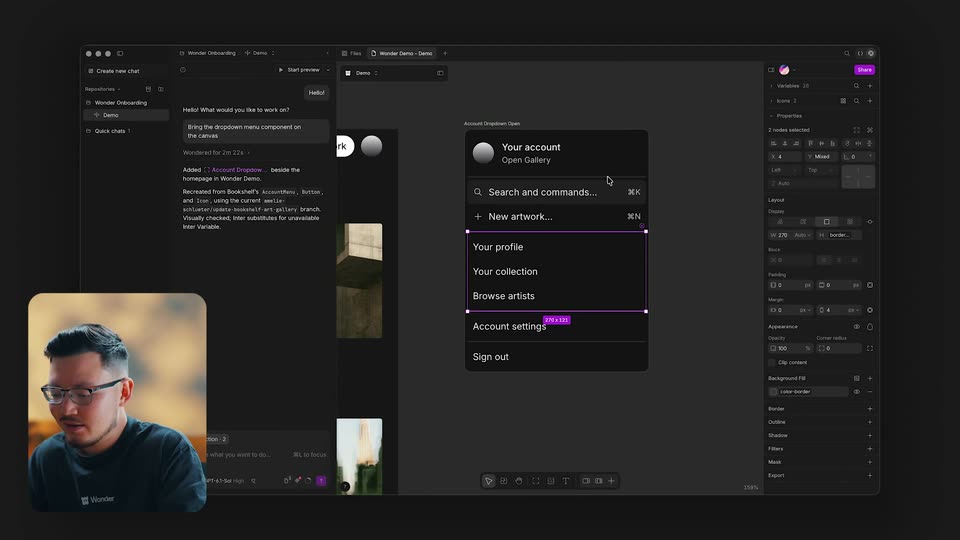 1:05–1:18Wonder · Wonder - Today we're launching the new Wonder! The fastest way to go from desA dark design-tool screen shows a variables list, then zooms into a dropdown menu whose rows are outlined in purple as a cursor opens a colour picker. A small rounded video of the presenter stays in the lower-left corner.
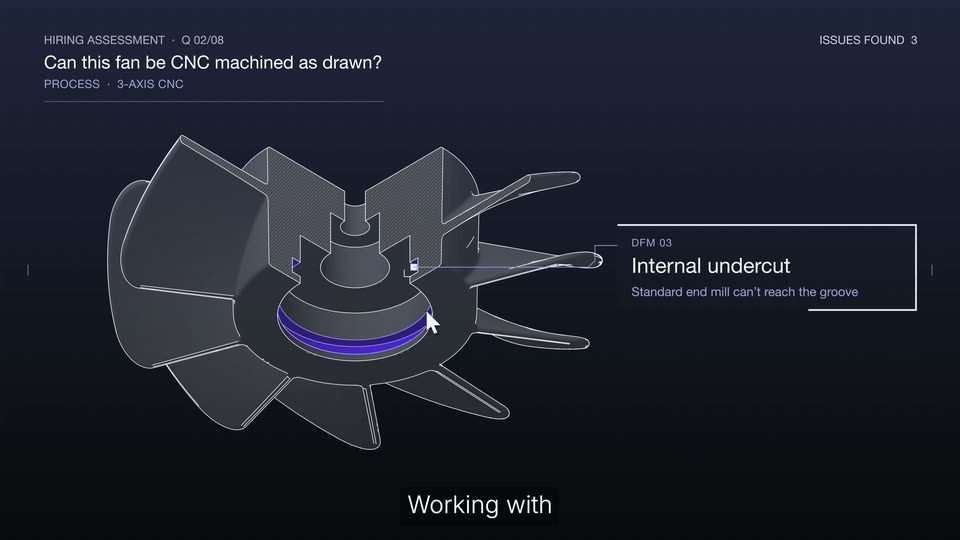 0:35–0:37Colare · Esther Thomas - We’ve raised a $2.5M pre-seed to fix hardware hiring. The most reliaA transparent 3D fan model sits on a dark grid, a cursor drifting across its blades while a right-side callout swaps from twisted blade profile to internal undercut and the issue counter ticks up.
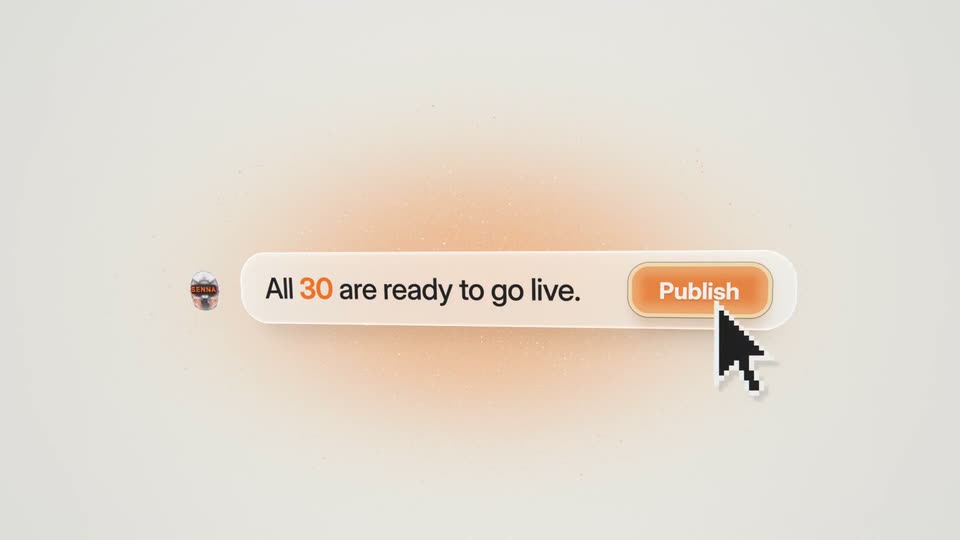 0:50–0:52Fastlane · Fastlane - Today we're introducing Claude for Ads. Just enter your website andA white rounded notification card with a small circular helmet icon and an orange Publish button sits over a soft orange glow on a pale background. The card stays still while a pixelated black cursor slides in from the right and hovers the button.
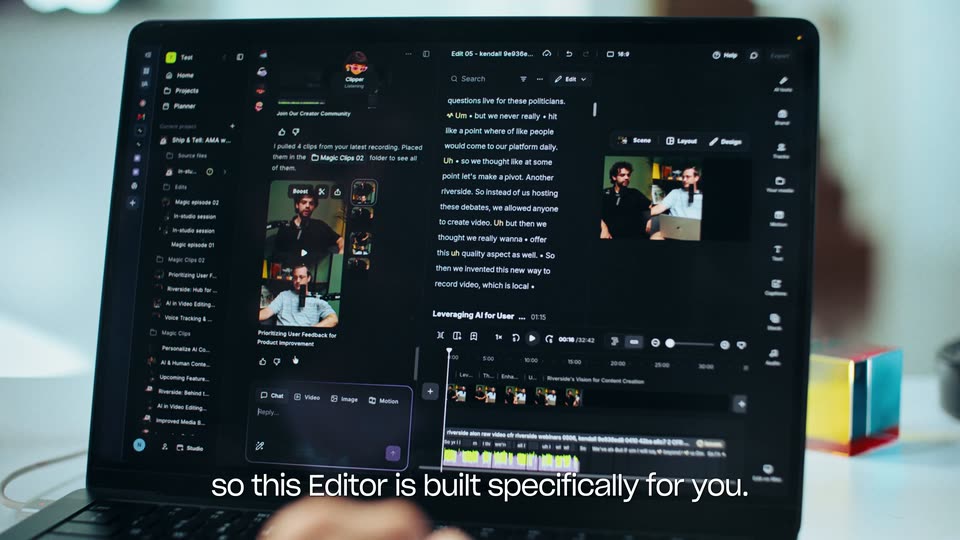 0:51–0:53Riverside · Nadav Keyson - Meet Riverside Agents, the first AI production team built only for viA laptop on a desk shows a video editor interface with a project sidebar, chat panel, transcript and timeline. A cursor drifts over a video clip in the chat panel. A white caption sits at the bottom. The camera holds still with a soft, blurred background.
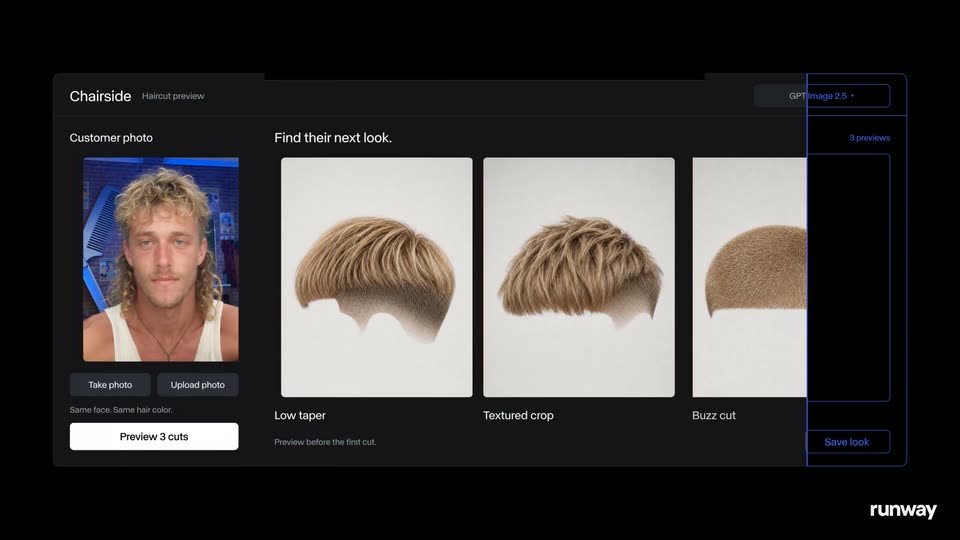 0:15–0:16Runway · Runway - Introducing Runway App Studio. Build the creative app you wish existA dark app screen fades in, showing a customer's photo on the left and three generated haircut previews labeled Low taper, Textured crop and Buzz cut on the right. A cursor hovers over the Preview 3 cuts button.
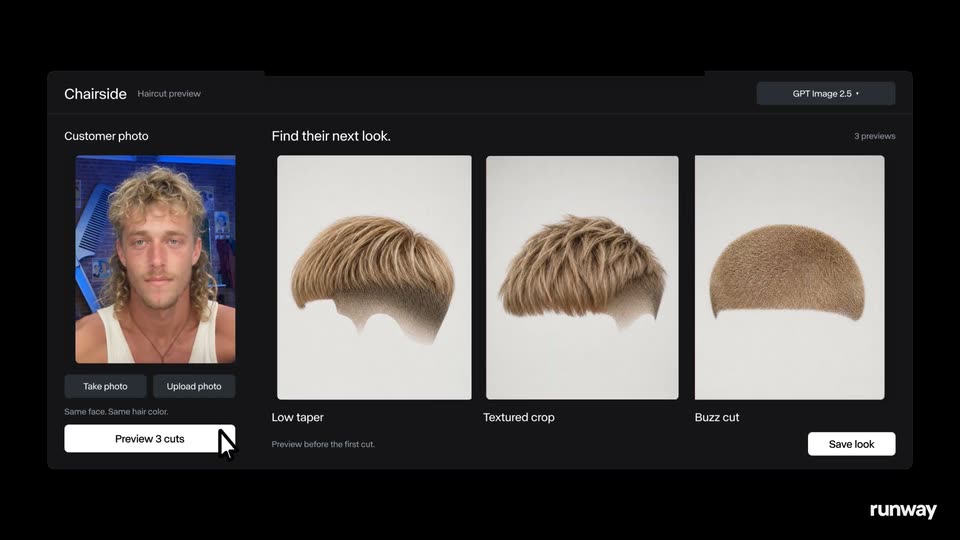 0:15–0:16Runway · Introducing App Studio | RunwayA dark app screen shows a customer photo on the left and three haircut preview cards labeled Low taper, Textured crop and Buzz cut. A cursor rests on the Preview 3 cuts button while the frame stays locked off.
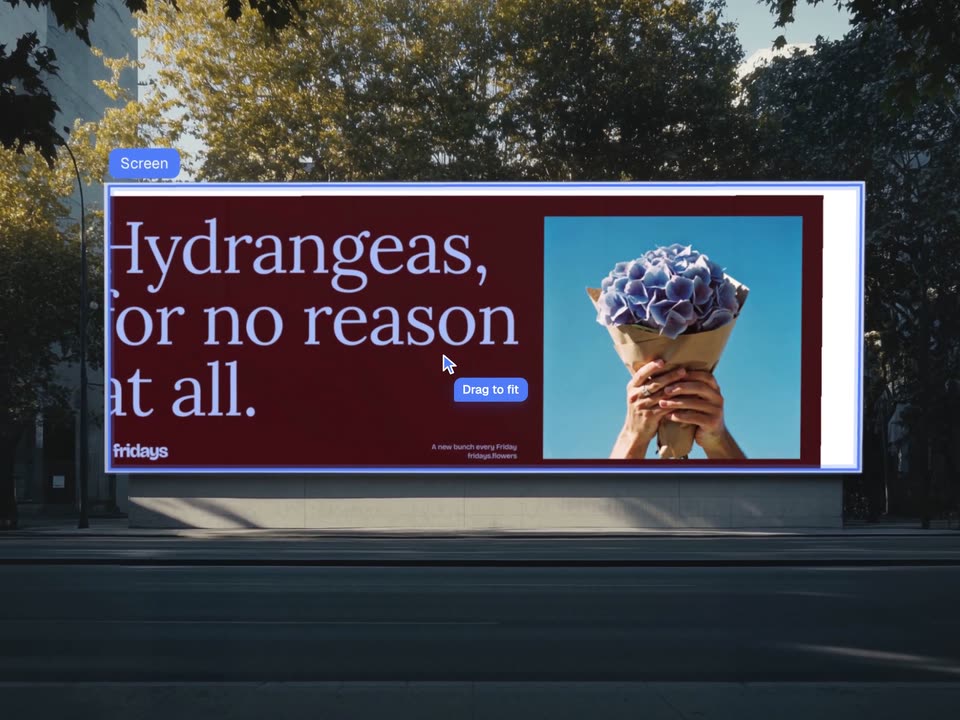 0:13–0:18Showroom · Seyi - Introducing Showroom, an app that lets you see your designs in everyA red fridays billboard ad, headlined 'Hydrangeas, for no reason at all.' with a bouquet photo, fills a sunlit street. A blue selection frame outlines it with 'Screen' and 'Drag to fit' tags while a cursor drifts across the panel.
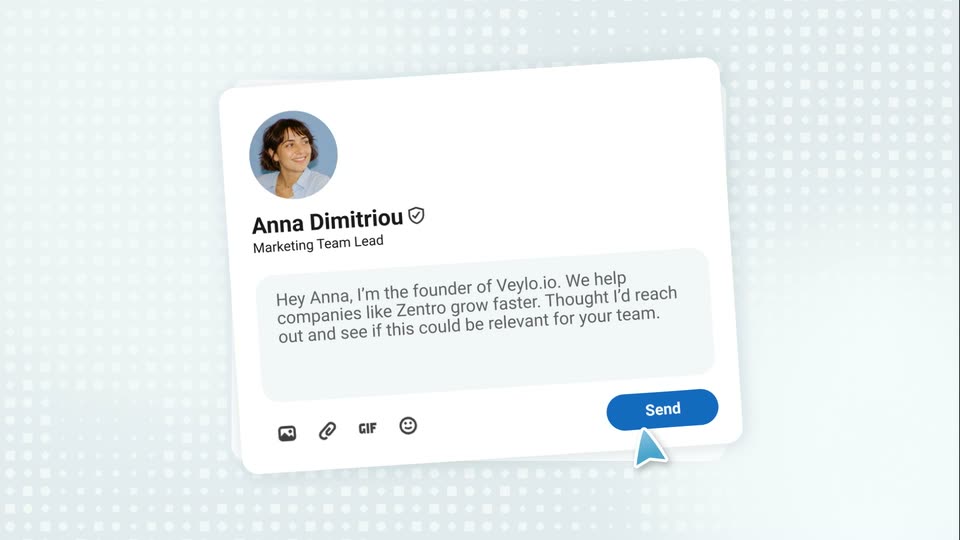 0:18–0:22Strawberry · Charles Maddock - Delete Chrome Delete Granola Delete Claude Strawberry 1.0 is here, tA contact card with avatar, name and title floats in 3D over a dotted background. A blue cursor types a pitch into the message box and clicks Send, then the card rotates into a fanned stack of the same card for other contacts.
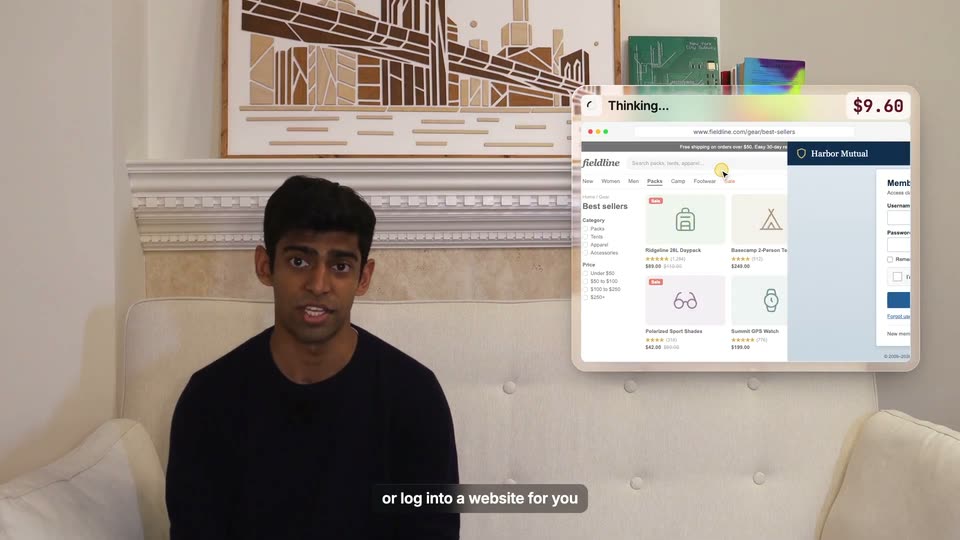 0:15–0:16Pomerado · Pomerado (YC F26) - faster, cheaper, more reliable browser useA man in a dark sweater sits on a cream couch, talking to camera. On the right, a 3D browser mockup shows a fieldline shop page; its Thinking header price ticks up from $8.06 to $9.43 while a yellow-highlighted cursor hovers near the search bar.
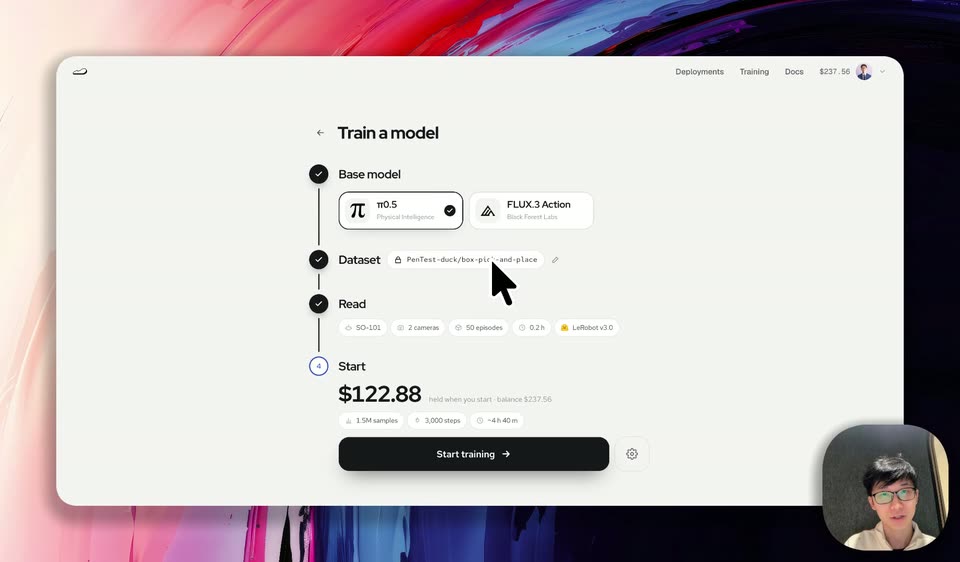 0:07–0:21Dreamscale Labs · Chris Yoo ⚡ CoRL - Fine-tuning VLAs just got so much easier. Today, we're releasing TraA browser window shows the Train a model form over an abstract pink-and-blue background, with a presenter's webcam in the corner. A cursor picks the π0.5 base model and a dataset, the Read and Start steps auto-fill, and the view zooms into the form twice.
 0:15–0:19TagadaRx · TagadaRx motion design video: launch the next Hims & HersA dark grid background holds a centered launch card whose month picker advances from September to November 2026 as a cursor clicks the arrow, while the large headline Months and the line before you sell anything blur in above and below.
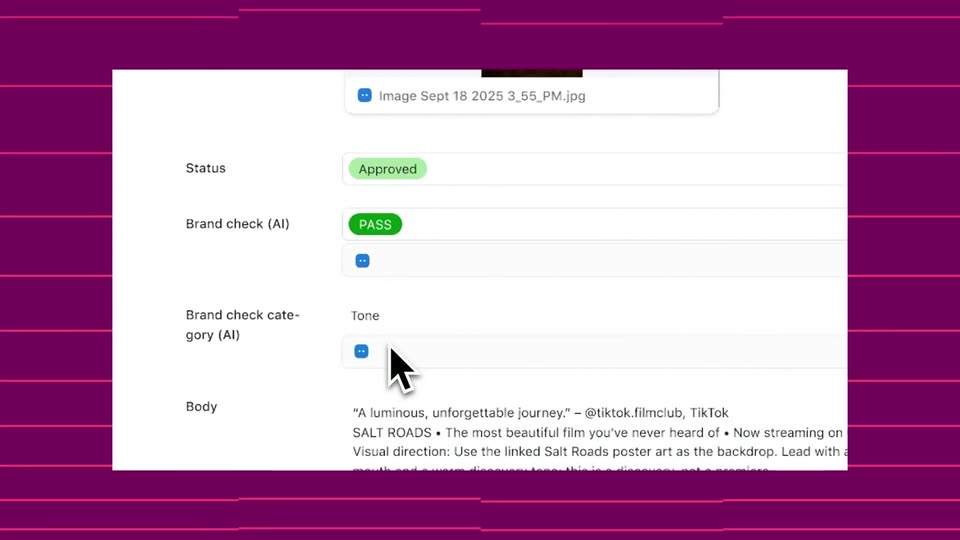 0:33–0:38Airtable · October 2026 Launch: BYO AgentsA screen recording of an asset tracker zooms in on the Status field. A cursor opens the dropdown and selects Approved, then the view scrolls down to the Brand check category field, where a green PASS pill sits.
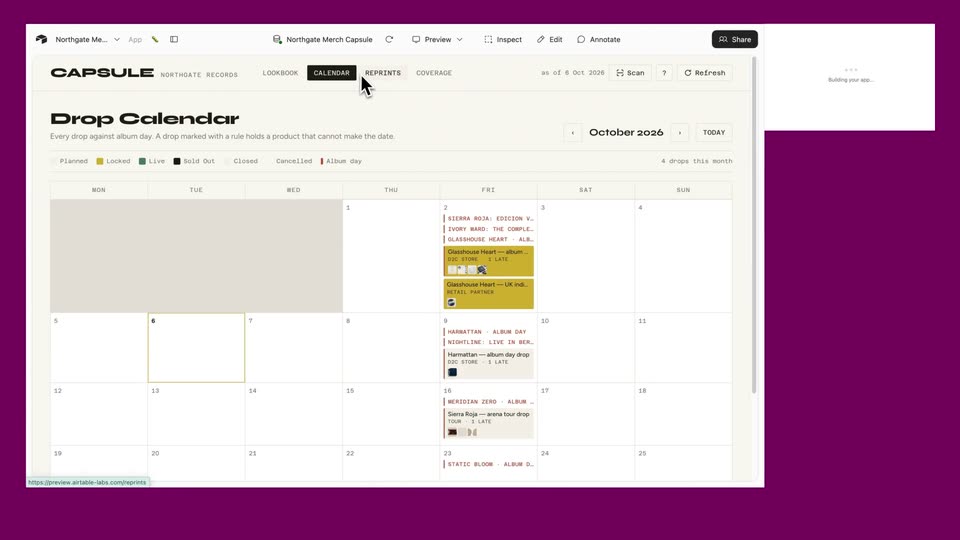 0:16–0:19Airtable · October 2026 Launch: CanvasA white calendar view of a merch app sits on a solid magenta field. A mouse cursor slides along the top tab bar, leaving the Calendar tab and resting on Reprints as the preview URL switches to /reprints.
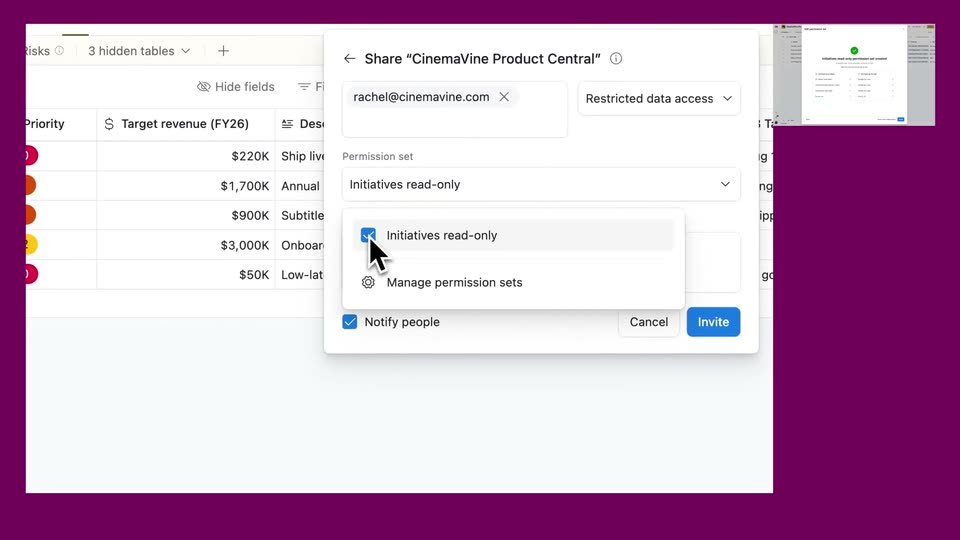 0:19–0:27Airtable · October 2026 Launch: GovernanceA flat Airtable screen on a magenta background reframes onto its Share dialog. A cursor types an email, chooses Restricted data access, then the Initiatives read-only permission set, and heads for the Invite button.
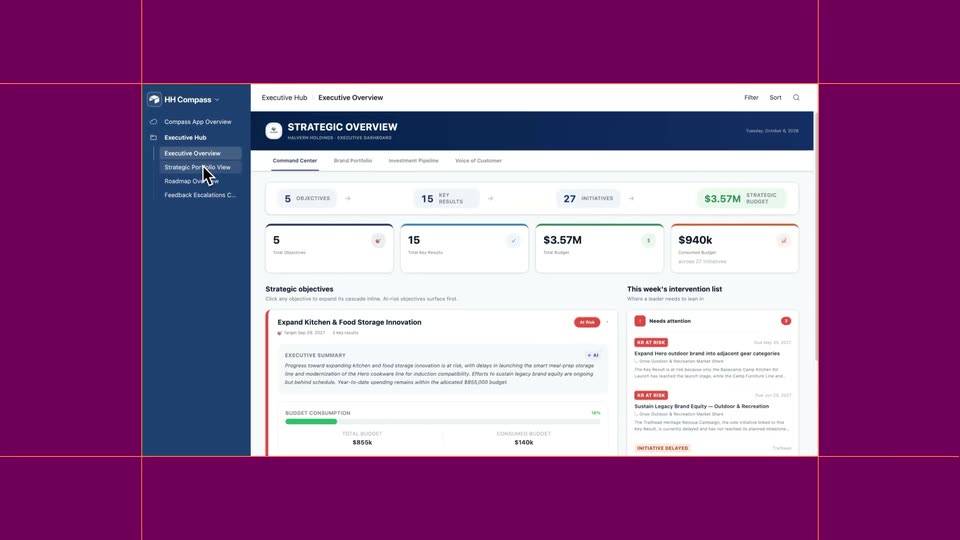 0:23–0:26Airtable · October 2026 Launch: MCPA locked-off Strategic Overview dashboard fills the right side with stat cards and two columns of objective and intervention cards. A left navigation panel, a cursor resting on a menu item, shifts through color states. An orange grid frames the scene on a magenta field.
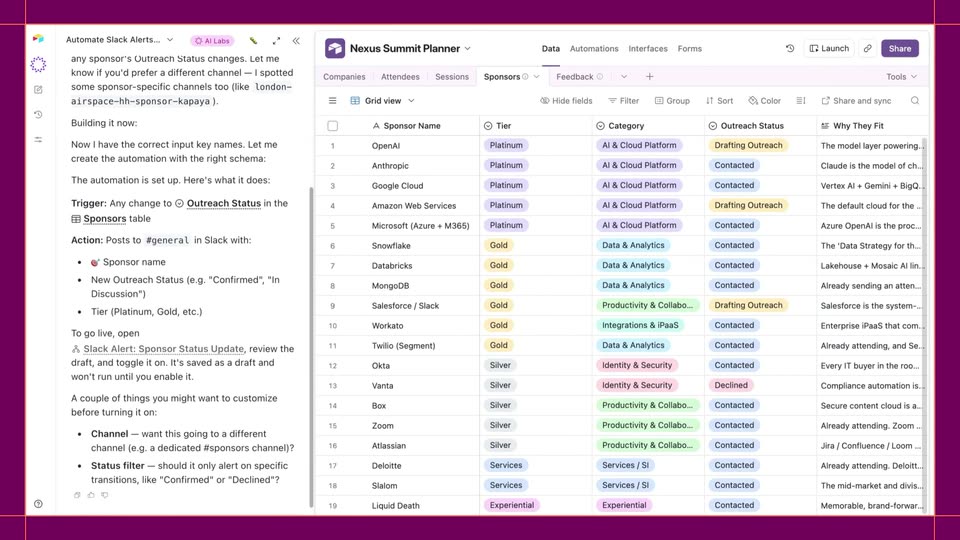 0:25–0:31Airtable · October 2026 Launch: OmniA zoomed-in chat card with a loading spinner pulls back to reveal the full three-panel Nexus Summit Planner interface. The AI chat types out a step-by-step automation summary while a cursor hovers over the text.
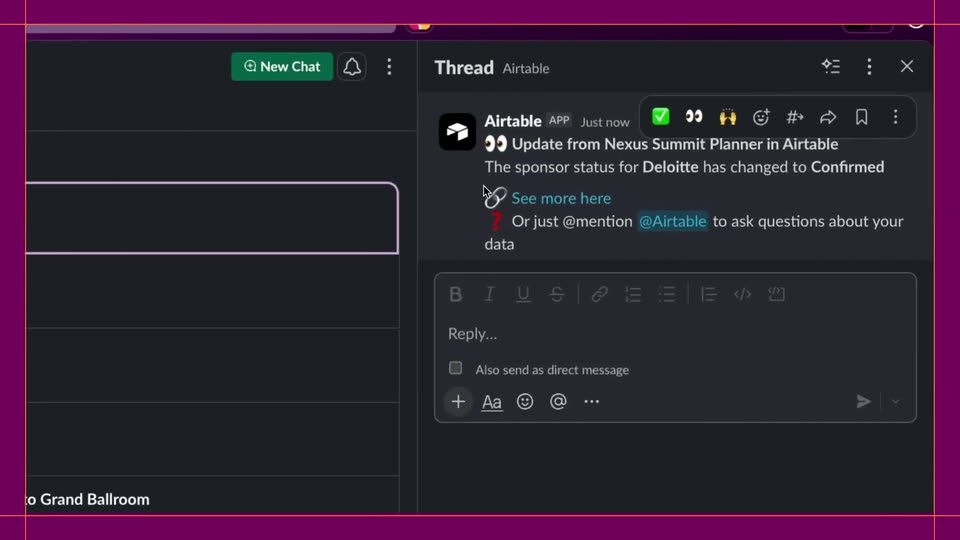 0:38–0:42Airtable · October 2026 Launch: SlackA dark chat interface shows a message list on the left and a thread on the right. The cursor hovers over the top thread, then the view zooms into the thread panel, enlarging the Airtable update message and revealing a row of reaction icons.
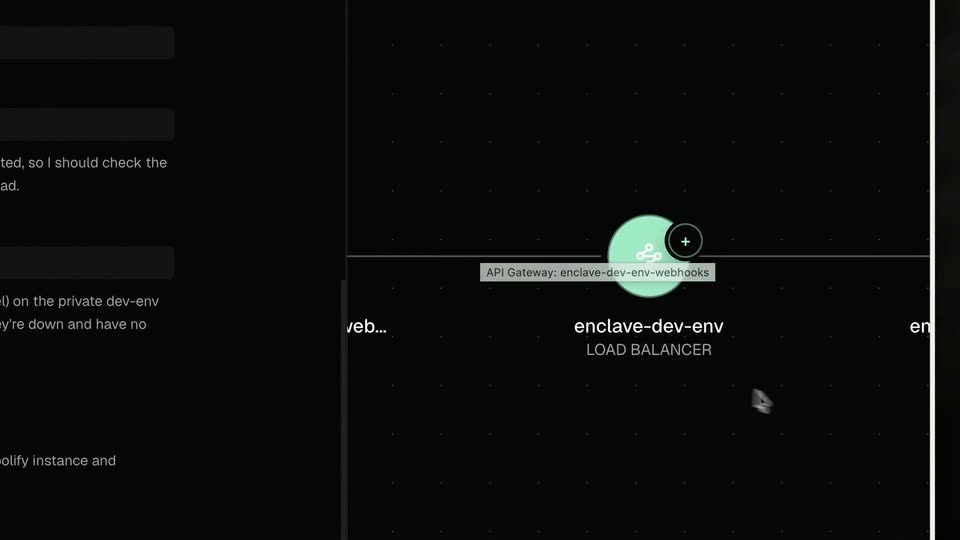 0:36–0:47Enclave · Enclave - Big news: Enclave is now open to everyone, and today we're launchingA tilted browser window of a dark assistant app sits on a black background; the left log scrolls while a graph panel opens on the right. The view zooms into three connected nodes as a cursor hovers one, revealing a tooltip, then pulls back.
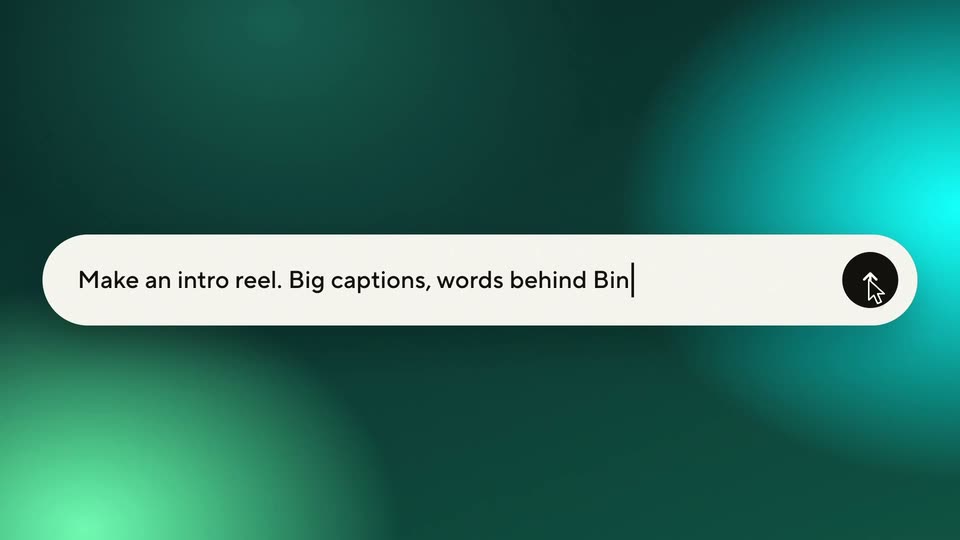 0:35–0:38HyperFrames · HyperFrames - script based editing is live in HyperFrames Studio edit long-form anA white command bar on a teal gradient fills as text types out. A cursor moves to the black arrow button and clicks. The bar shrinks into a pill with a green play button, and a result card with an avatar slides in above.
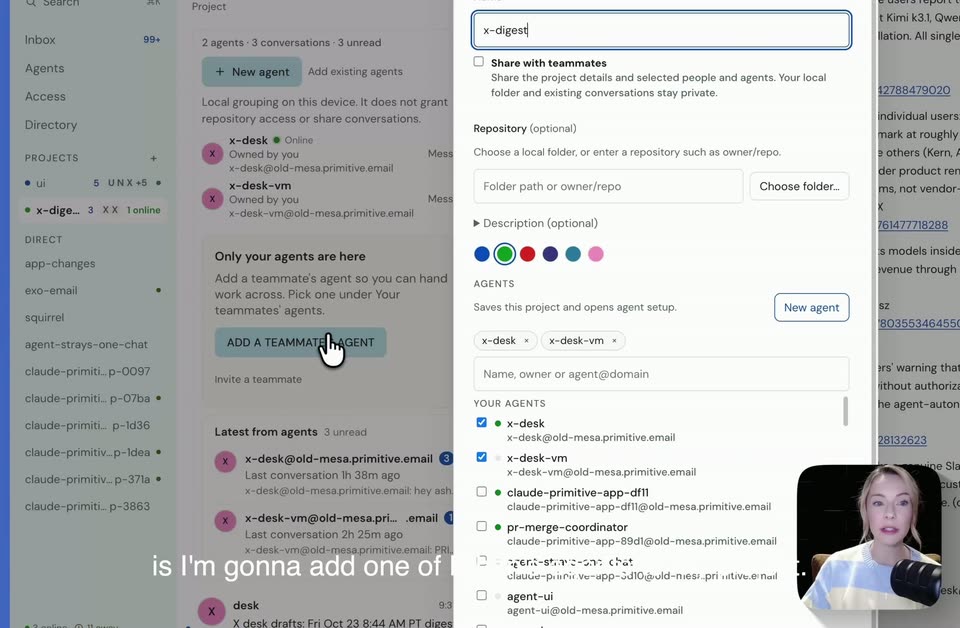 1:12 · 0.5sprimitive · Primitive - we 💌 emailA wide view shows the app's agents panel on the left and a feed of posts on the right, with a small webcam of the presenter in the lower corner. A hand cursor rests on the Add a teammate's agent button.
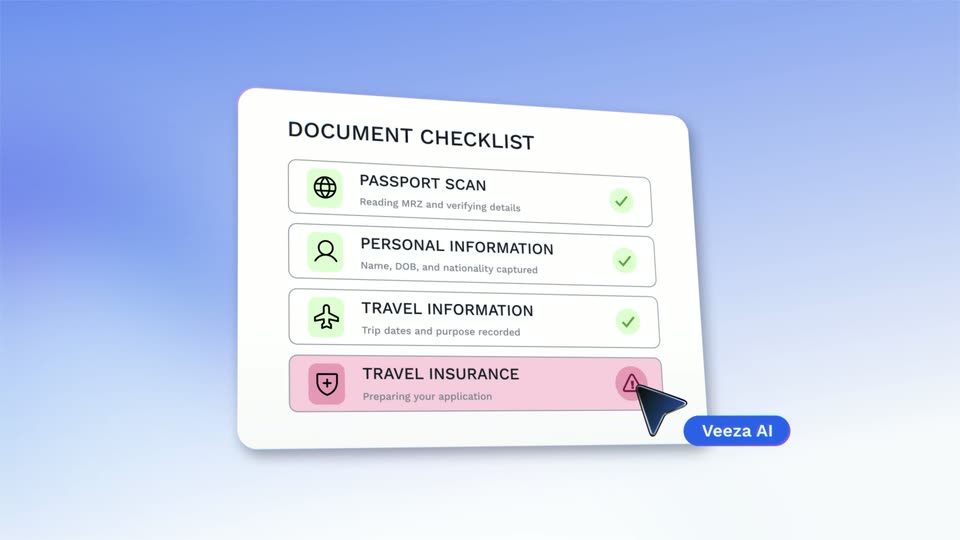 0:38–0:41Veeza AI · Veeza AI (YC F26) - AI Tourist Visa Agent for People with Weak Passports.A white checklist card floats in 3D perspective on a blue gradient. A cursor tagged Veeza AI clicks each row, turning it green with a check; the last row turns red with a warning as the view zooms in and a smiling blue blob drops in from the top.
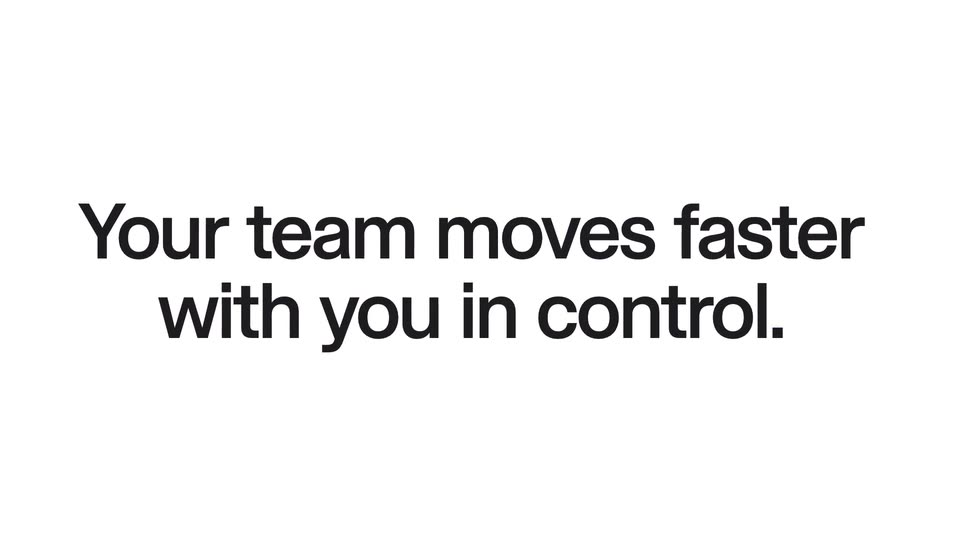 0:30–0:33AutoRouter · ty - Meet AutoRouter, the most intelligent way to pick models You’re wastA dark sans headline builds word by word on white, new words flashing a pink and maroon tint before settling. The line then fades as a Push to all Macs pill with an upload icon and a cursor scales in over a blurred grid of rounded squares.
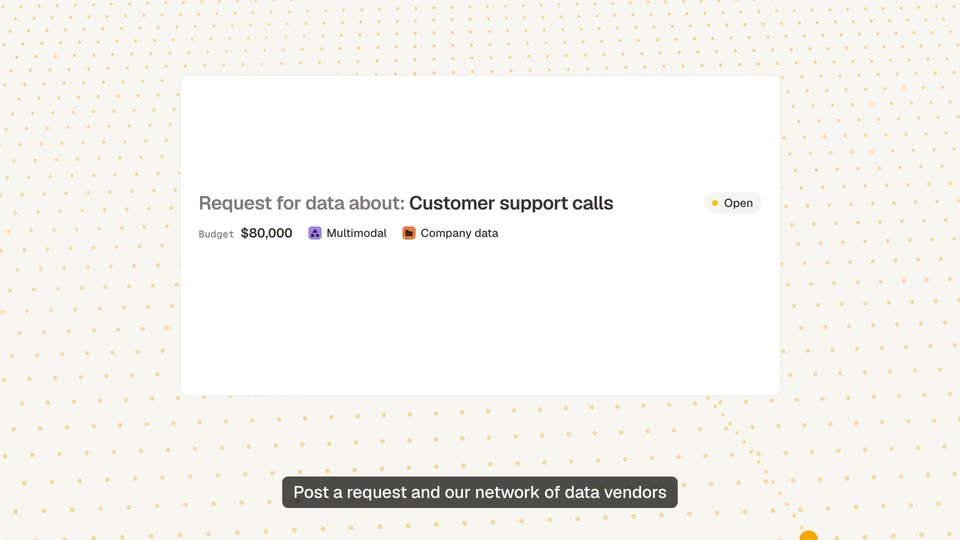 1:06–1:09DataVendor · DataVendor - We're announcing the public beta of We spent the last two years builA white form card sits on a cream dotted background. Text fills the request field to read Customer support calls, a cursor clicks the Publish button, and the card re-lays out into a listing with an Open badge, budget and tags. A dark caption pill sits below.
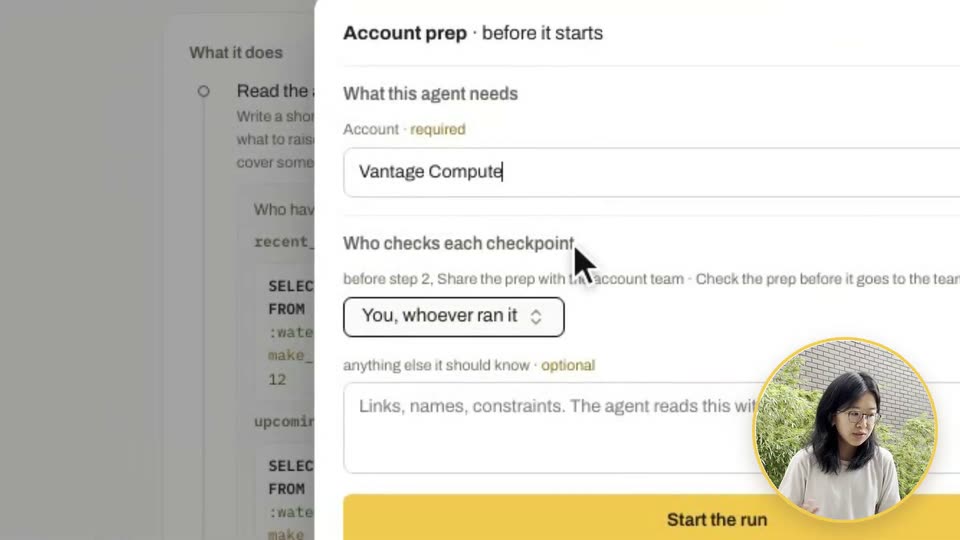 0:51–0:53Kiwi · Kiwi (YC F26) - Launch VideoA product interface shows a modal form, Account prep · before it starts, over a dimmed, blurred list of agent steps and SQL code. A cursor moves into the checkpoint field as the Account field fills with Vantage Compute. A circular video of a woman presenter sits in the bottom-right corner.
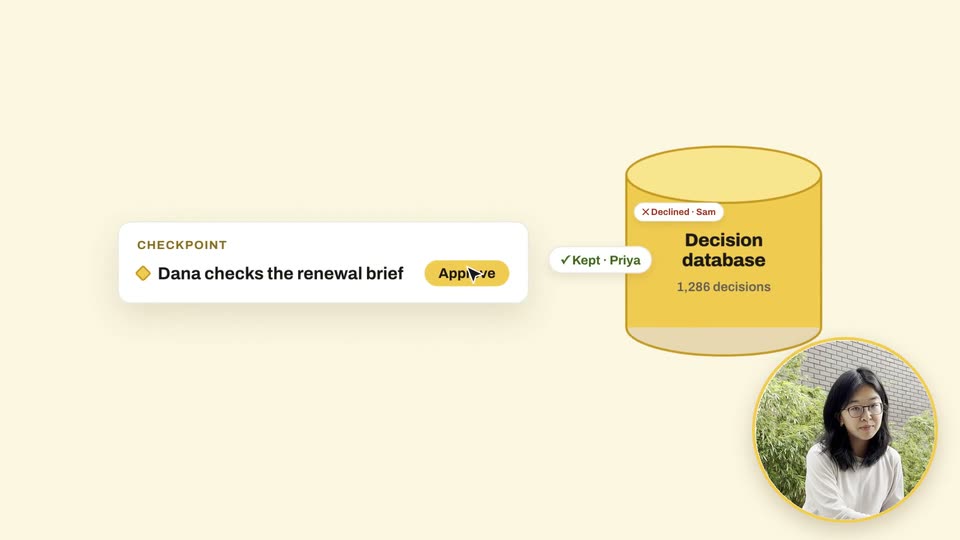 0:54–0:57Kiwi · melanie - Today we're announcing @with_kiwi_ai: your GTM agent's data engineer.A checkpoint card with a cursor on the Approve button sits beside a yellow database cylinder. The count ticks up as status pills slide in, then the card swaps to a change card with a struck-through line and empty input field. A circular video of a woman stays bottom right.
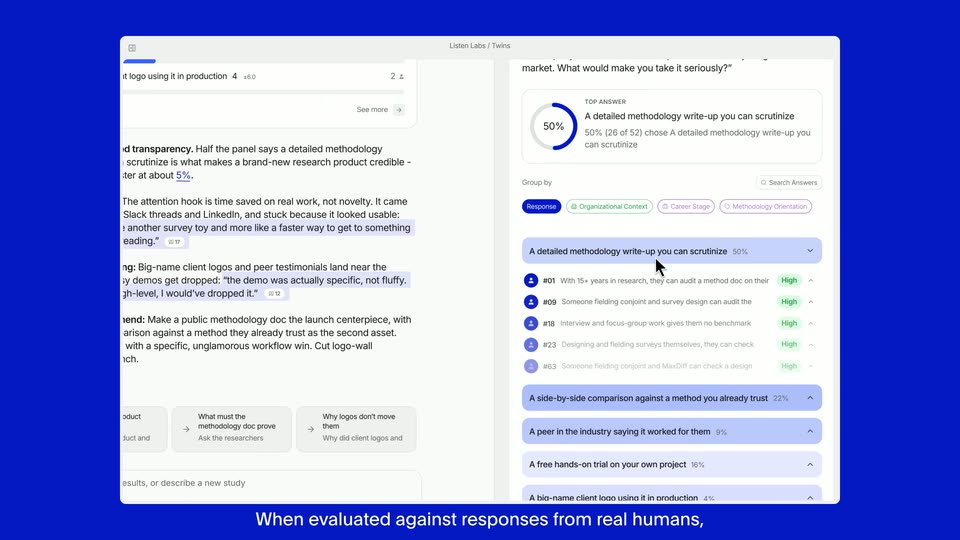 0:39–0:43Listen Labs · Alfred Wahlforss - Introducing Listen Twins. 1:1 digital twins of real people, each buiA two-panel product interface sits on a blue field. A cursor clicks an answer row in the right panel, expanding it into a list of responses each tagged High, while the frame zooms toward that panel.
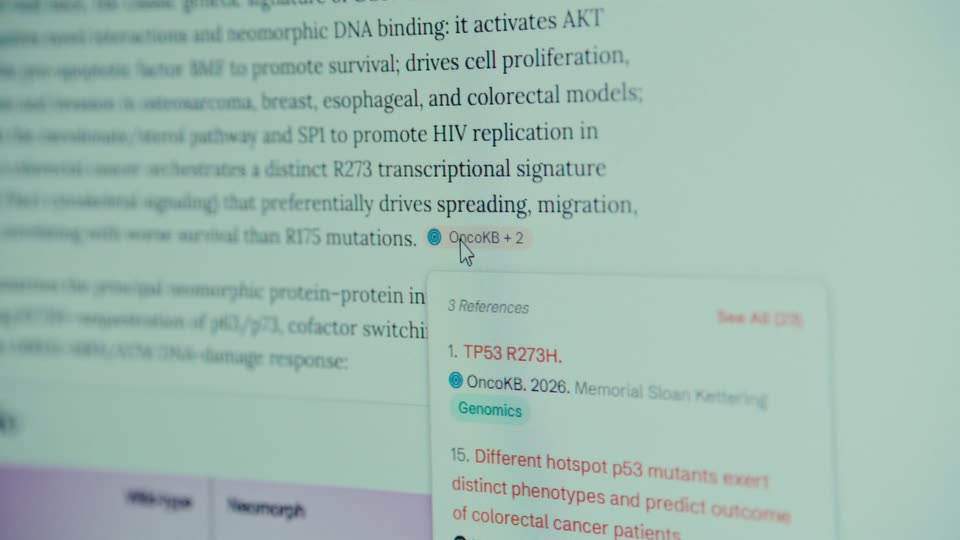 1:45–1:47OpenEvidence · Memorial Sloan Kettering Cancer Center and OpenEvidence Partner to Advance Precision OncologyClose-up of a research document view with blurred body text. A cursor moves onto an OncoKB citation chip, and a references card slides up from below listing sources, coming into focus.