Cursor demo
A visible cursor operates the interface.
15,080 scenes · page 62 of 252
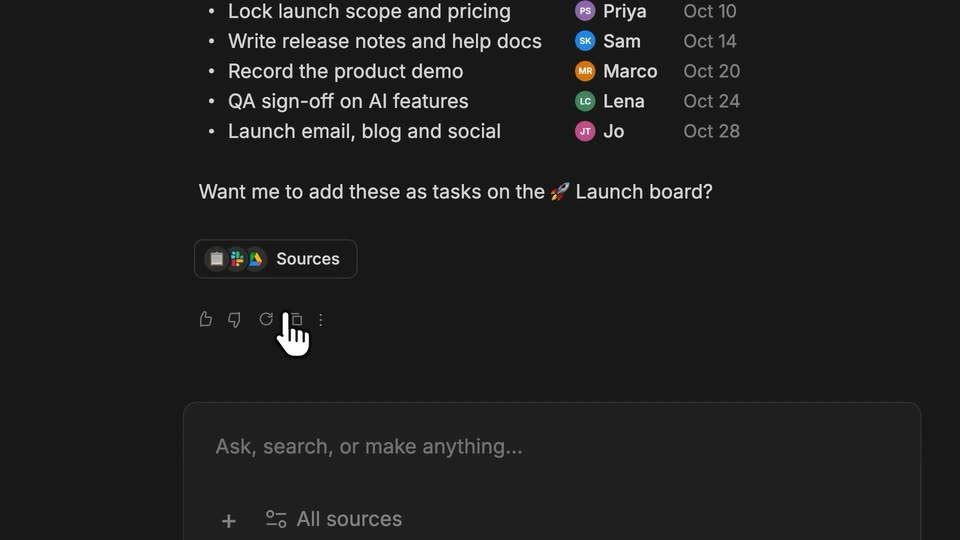 0:18–0:20Motionfly · Motionfly - Introducing Motionfly V2.0. We trained motionfly with more than 10A dark chat interface scrolls down through an AI reply, the Q4 launch plan and a named milestone list, ending on the empty input box as a hand cursor hovers over the like and copy icons.
 0:21–0:22Backpack · Backpack 🎒 - Introducing Backpack AI Search. Ask Backpack to find it. A stock. AA faint table of perp funding rates fades out, then a rounded white search field with a magnifying glass icon appears on a pale gray background. The word crypto is typed in letter by letter, followed by a blinking caret.
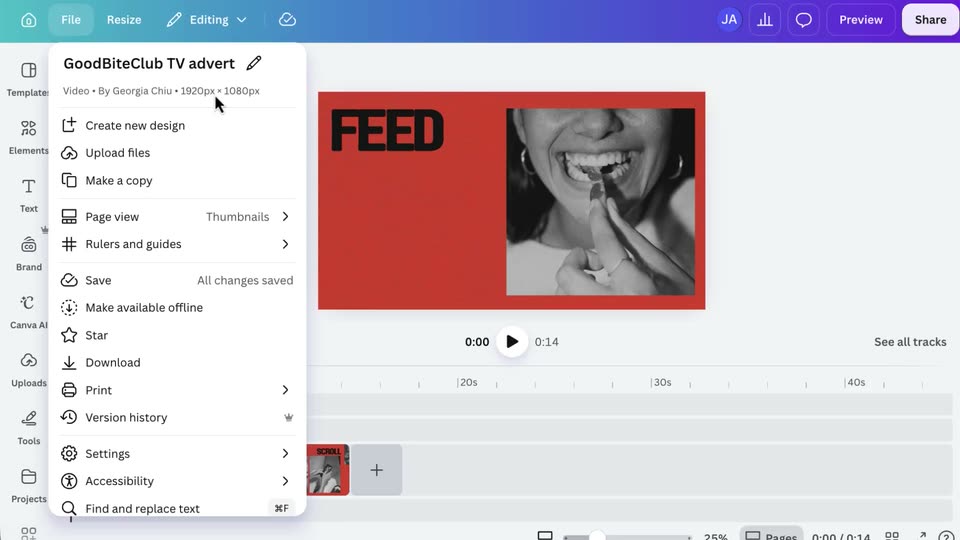 1:43–1:51Canva · Create and launch TV ads straight from CanvaA cursor clicks the File menu in the top bar, opening a dropdown with the project title and canvas size, then hovers over the 1920px by 1080px line. The canvas shows a red FEED frame beside a black-and-white photo of a woman biting a chocolate bar.
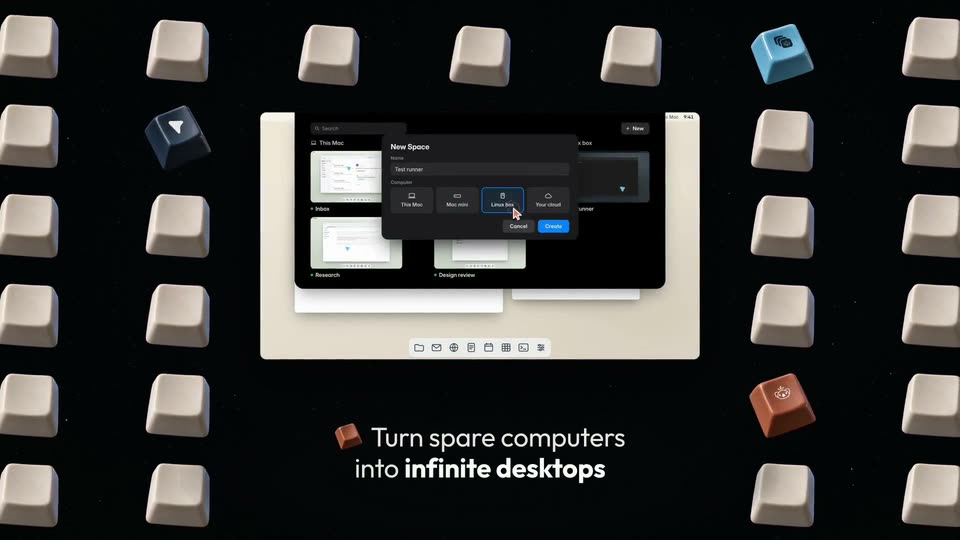 0:16–0:22Cua · Cua Spaces — a free Space for every agentA 3D keyboard of cream keycaps frames a floating app window of computer thumbnails. A cursor clicks New, opens a dialog, selects Linux box and Create, spawning a Test runner tile. A white two-line caption fades in below.
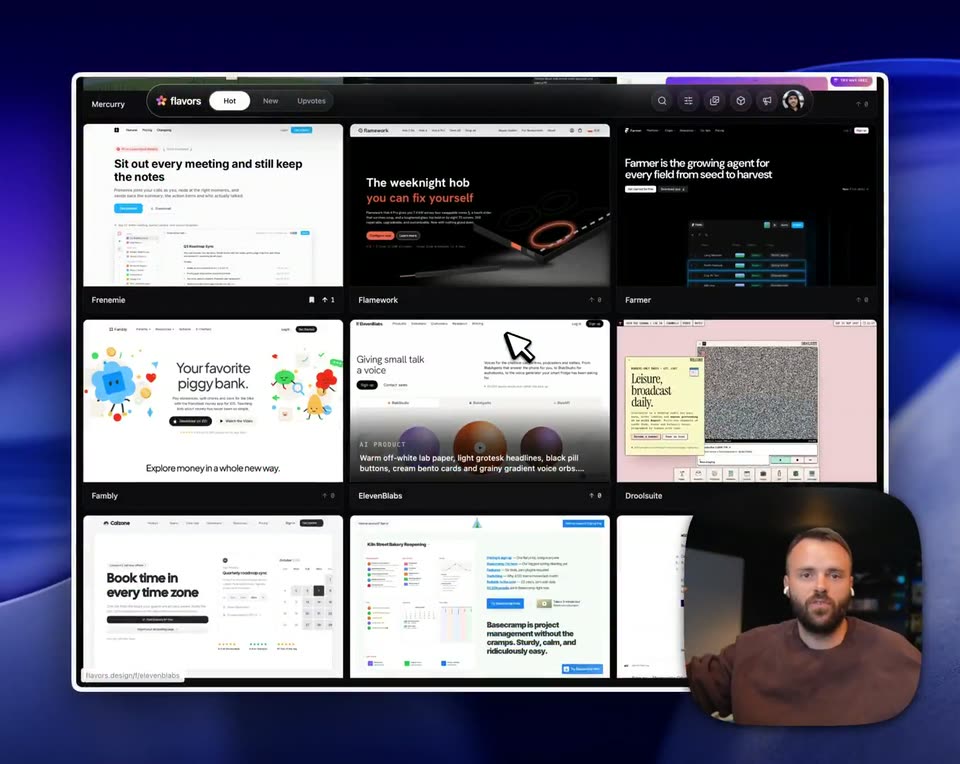 0:06–0:09flavors design · Dr. Kitze ❤️ healthmaxx.app - your agent can code, but it has zero taste. introducing 🌸 a galleryA 3D-tilted window of the flavors app floats over a purple gradient, its grid of design product cards scaling and sliding into place while a white cursor hovers. In a rounded inset at the lower right, a bearded presenter gestures and talks.
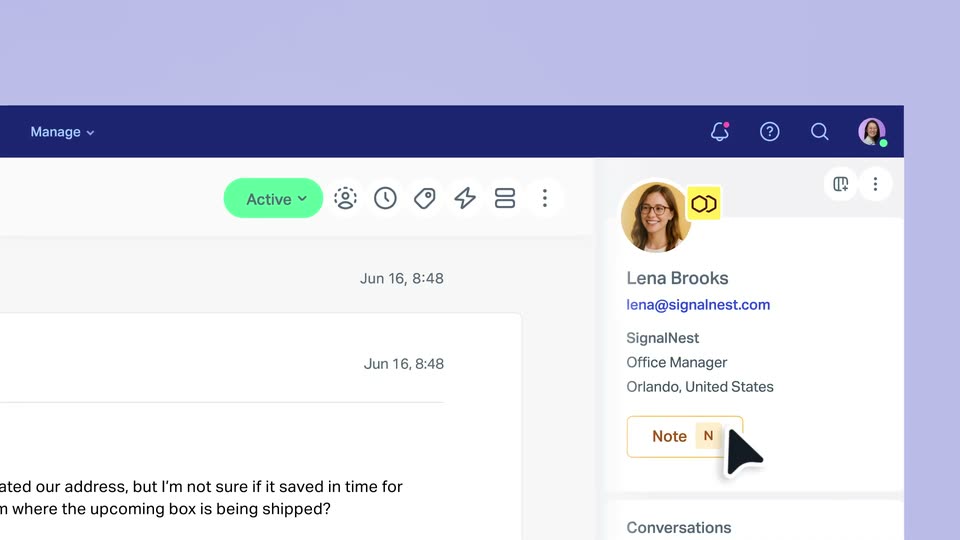 0:16–0:21Help Scout · Customer Support Software Demo | Help Scout x MotionCueA customer detail panel on the right switches from the SignalNest company profile to the Lena Brooks contact card. A cursor clicks the Note button, expanding a note box, then the view zooms in on the panel.
 0:26–0:28Maket · Maket - Introducing Maket 2.0: The all-in-one platform for designing your nexA pale UI form with a floor-count question and four option cards sits behind a large dark headline that scales in at center. The headline holds, then clears as a cursor slides up to the 4 floors card.
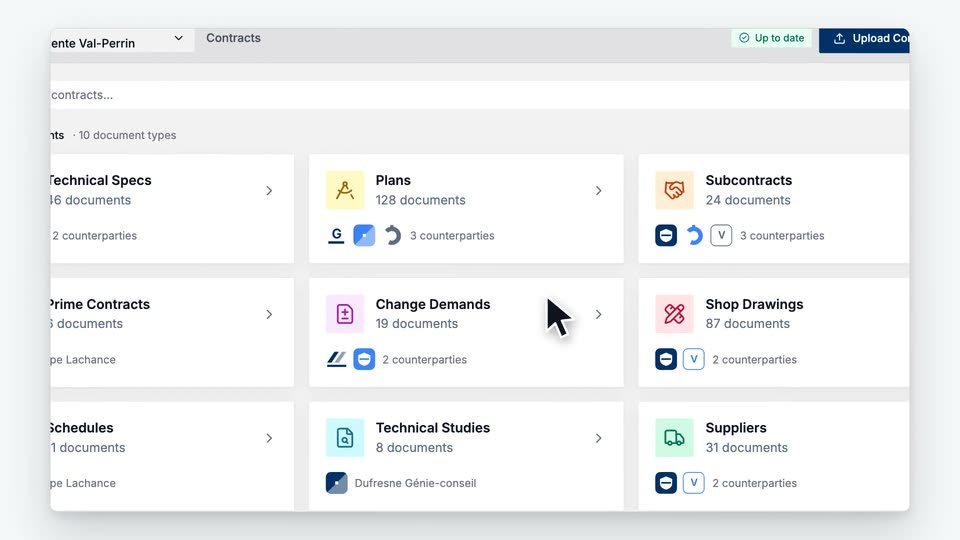 0:16–0:19Telamont · Introducing Telamont - Construction Risk Operations PlatformA flat contracts dashboard fills the frame, then the view zooms into the grid of document-type cards as their counts tick upward and the sync badge flips to up to date. A cursor hovers over the Change Demands card.
 0:07–0:09Arcads · arcads AI - Introducing Arcads plugin in ChatGPT, Access all your assets right iA white asset library screen shows a grid of image and video thumbnails under a row of filter chips. The view zooms into the first tile, a purple dog-treat can, and the cursor hovers over the Add to chat button that fades in.
 0:33–0:35Arden · Arden Launch Video (YC P26) | Unveil StudioA light admin console fills the frame. A green cursor with an Arden badge glides from the search card down to the first row as the view switches to a NAME and STATUS table, and the dark Arden Agent bar slides up out of frame.
 0:17–0:18Black Forest Labs · Black Forest Labs - Introducing FLUX 3 Image. Control every pixel. Make precise multi-tA white headline sits above a prompt bar holding ten reference thumbnails, a plus icon, and a dark button with a triangle mark and cursor. It cuts to a full-frame photo of a man with a greyhound beside a silver car, a dark gradient at the bottom.
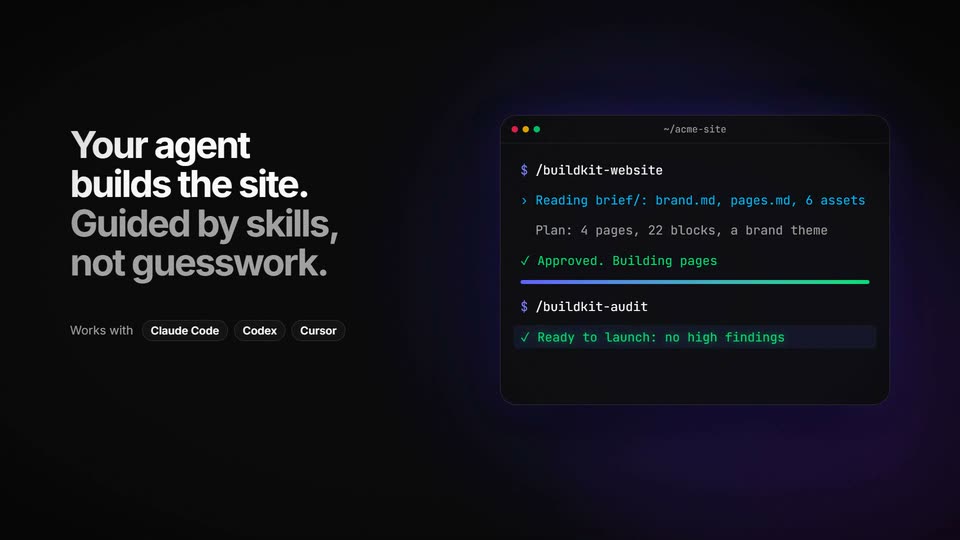 0:29–0:33Buildkit · John Champ - stop fixing what your AI agent got wrong in the design today I'm lauDark split layout: on the left, a bold white headline and gray subline fade in above three pill badges; on the right, a terminal window types a build command, prints status lines, and fills a progress bar before blurring out.
 0:38–0:41Capy · justin - Introducing Capy Desktop: the best way to orchestrate coding agents aA dark chat bar shows an open device dropdown; the cursor hovers 'Other device' and a submenu lists two remote machines. The menu closes, the top bar updates to 'Office Mac mini', and a bottom caption swaps to the next line.
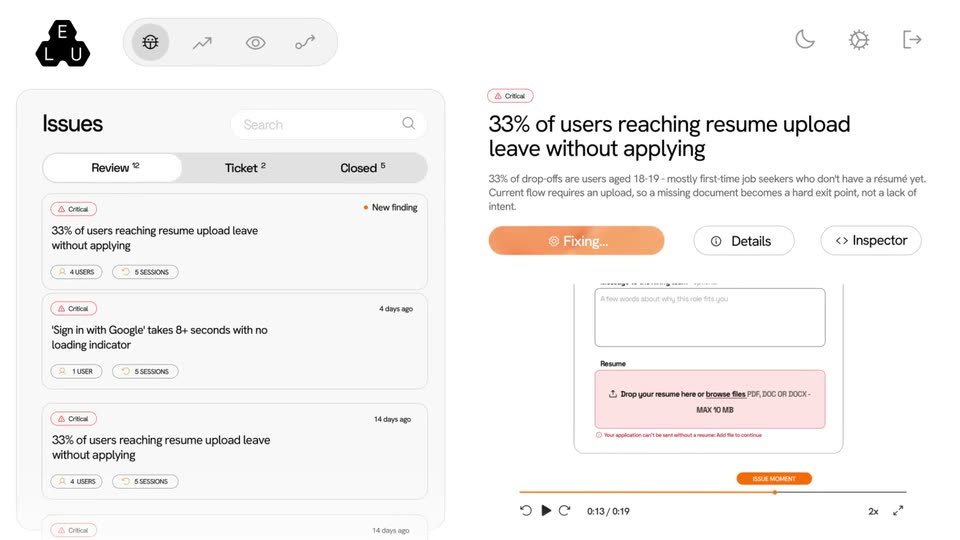 0:25–0:28ELU · Sorhan - Today, we’re introducing ELU: self-healing software for engineering tThe camera pulls back from a close-up of an issue detail, a cursor on an orange Fix button over a pink resume drop zone, to reveal the full two-panel dashboard: an Issues list left, the issue summary and a session replay right. The button switches to Fixing.
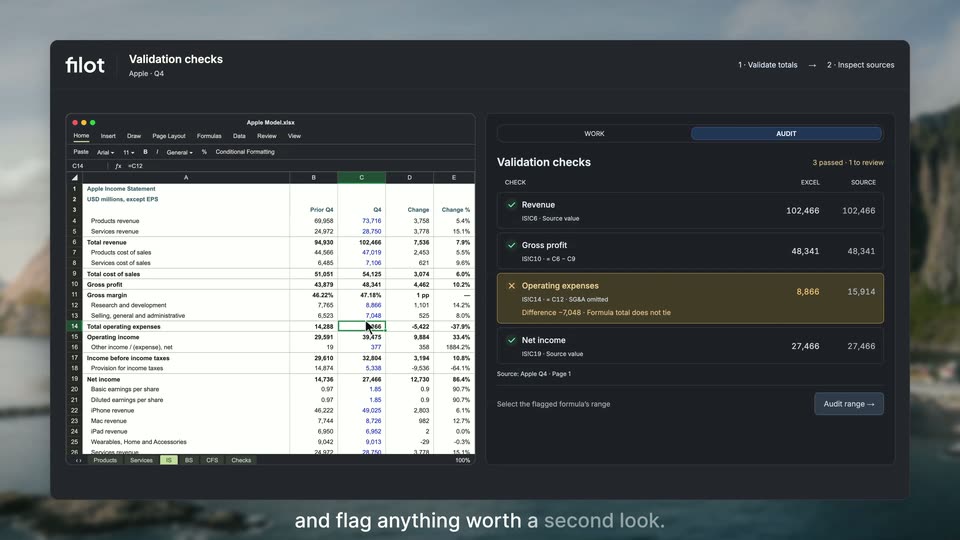 0:41–0:46Filot · Bjorn Birkelund - Today we're launching Financial Modeling Autopilot. It's the first AIA dark panel pairs a spreadsheet on the left with a validation list on the right. Checkmarks and source values fill in row by row, then an orange flag marks a mismatched row with a note. A cursor clicks an 'Audit range' button while a caption runs at the bottom.
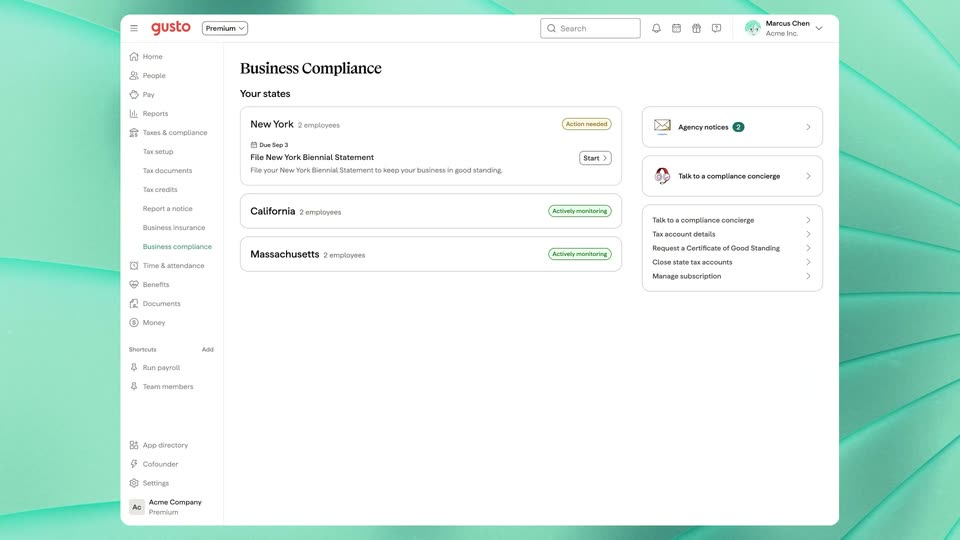 0:22–0:39Gusto · Gusto - HR and compliance keeping you up at night? We're launching 3 new featA Gusto dashboard loads on a teal radial background. On the Business Compliance page, a cursor clicks Start on the California tasks; they flip to green Complete checkmarks and the card collapses to Actively monitoring. The cursor opens Agency notices, revealing a Mailbox with an email under review.
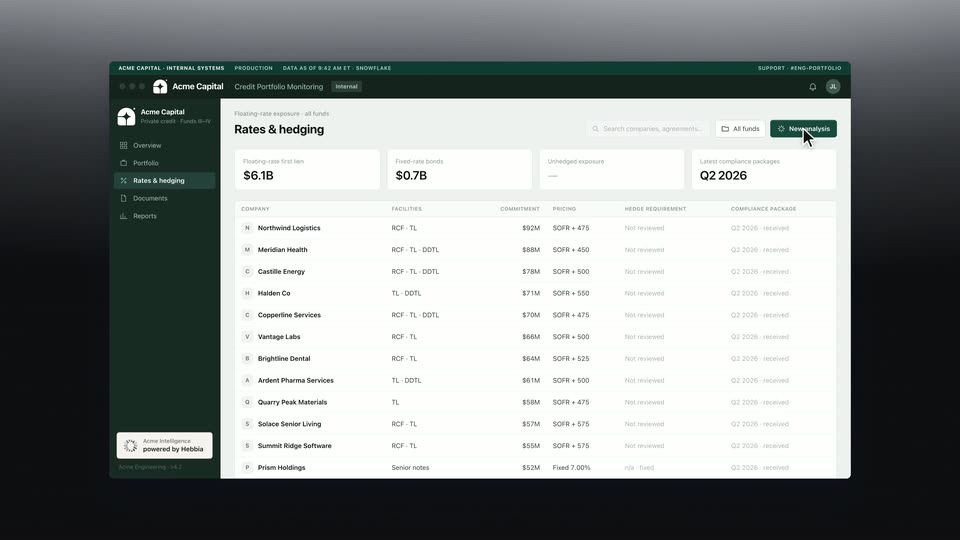 0:07–0:08Hebbia · Hebbia - Introducing Headless Hebbia: your firm’s knowledge, wherever you useA dark credit dashboard shows a Rates and hedging page with four summary cards and a company table. A cursor rests on the green New analysis button at the top right. The view stays static.
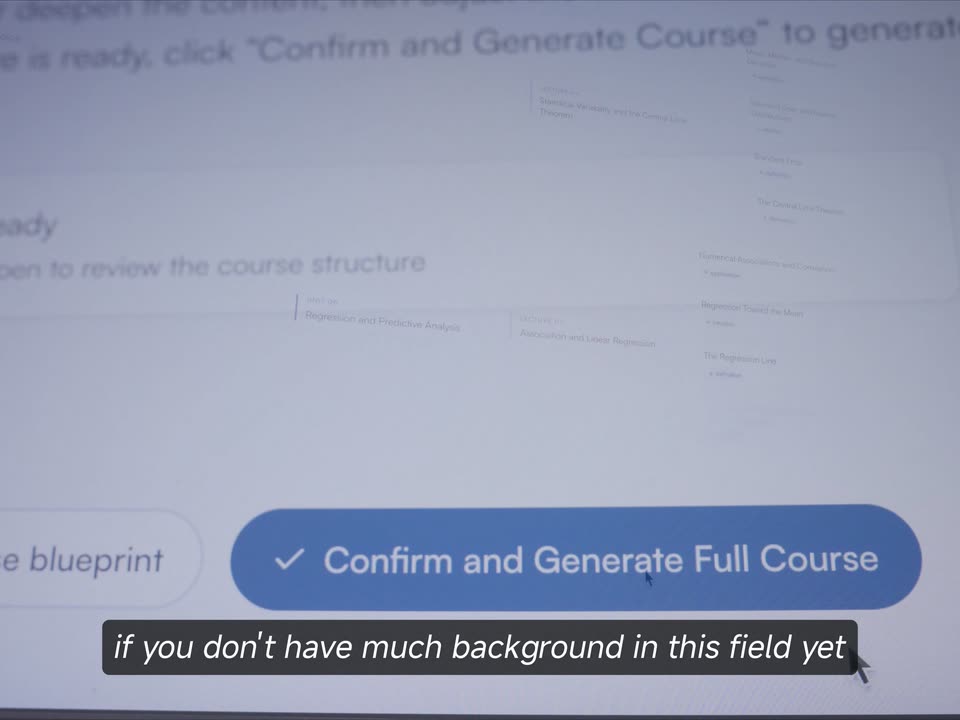 1:04–1:08Hyperknow · Leslie - Introducing @hyperknow_ai: a new way to learn. The AI professor thatA light course outline page with units and lectures fills the screen, then the view zooms onto a blue Confirm and Generate Full Course button as a hand cursor slides in toward it. Dark caption bars swap lines at the bottom.
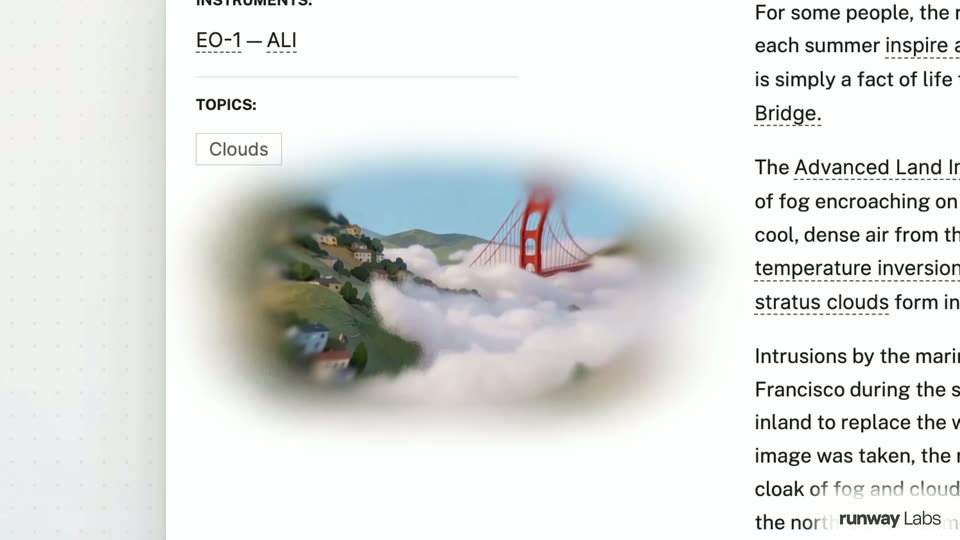 0:36–1:14Runway · Introducing Continuum: A Real-Time Video Operating System | Runway LabsA NASA article sits in a browser window; the view zooms into a paragraph, a dashed selection box appears, and a soft-edged video portal opens over it, playing a 3D diorama of the Golden Gate Bridge in fog that drifts into low-poly houses, then the cursor closes it.
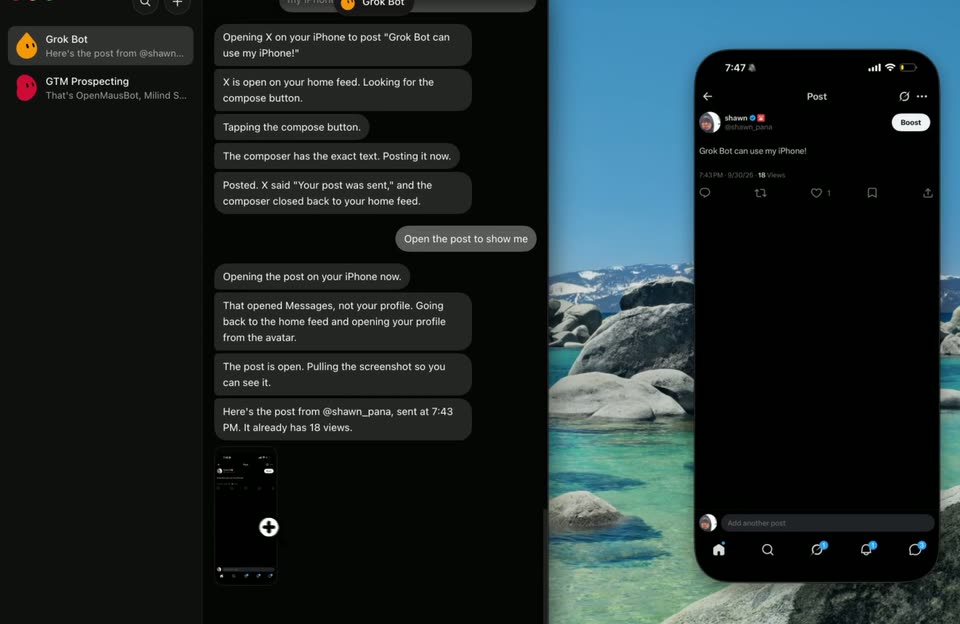 0:27–0:37Phone Harness · Phone Harness - Always-on agents can use your phone!A dark chat panel on the left streams status messages while a phone on the right shows an X post over a lake backdrop. The view then adds a second phone on the left, where a cursor moves across the post header.
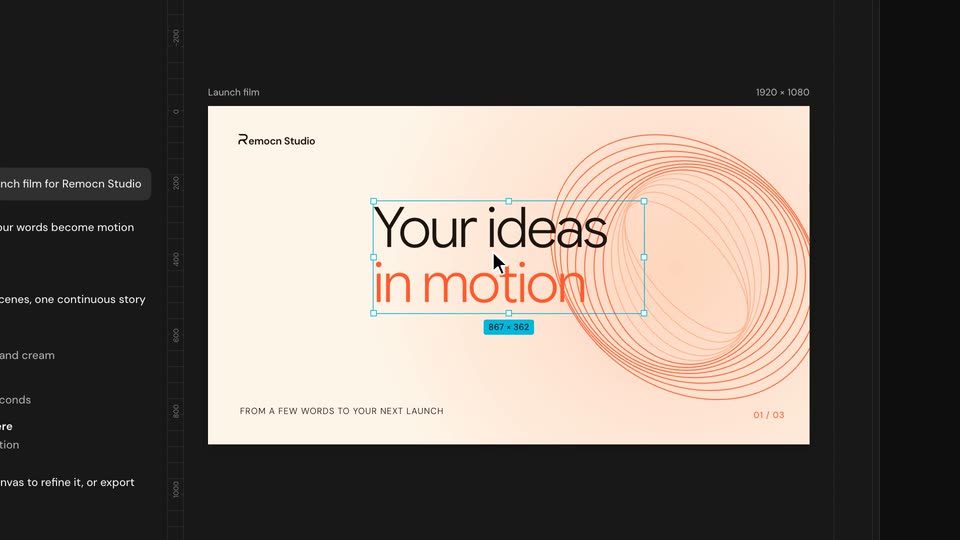 0:29–0:33Remocn · Remocn - Introducing Remocn Studio A macOS app for creating and editing videoA dark motion editor shows a peach canvas with the headline “Your ideas in motion” and a concentric orange oval. The view zooms into the canvas as a cursor selects the headline, drawing a blue bounding box with handles and a size tag, then a vertical guideline.
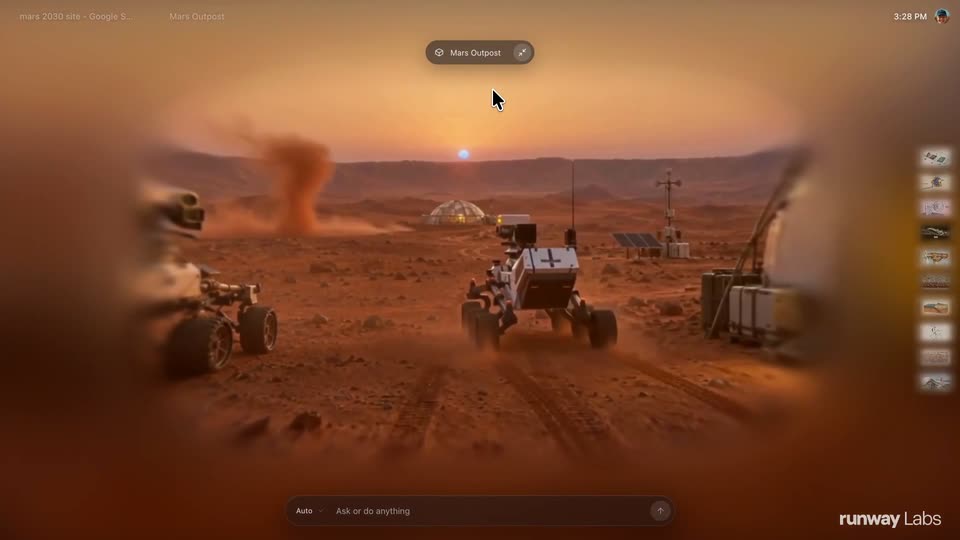 0:35–0:36Runway · Runway - Introducing Project Continuum by @runwayml_labs, a new operating systA 3D Mars outpost, rovers driving across rust-red dunes, sits inside a blurred rounded vignette framed by a thin UI: top tab, right icon rail, bottom prompt bar. The cursor hovers at the top as the prompt bar fills with typed text and a spinner.
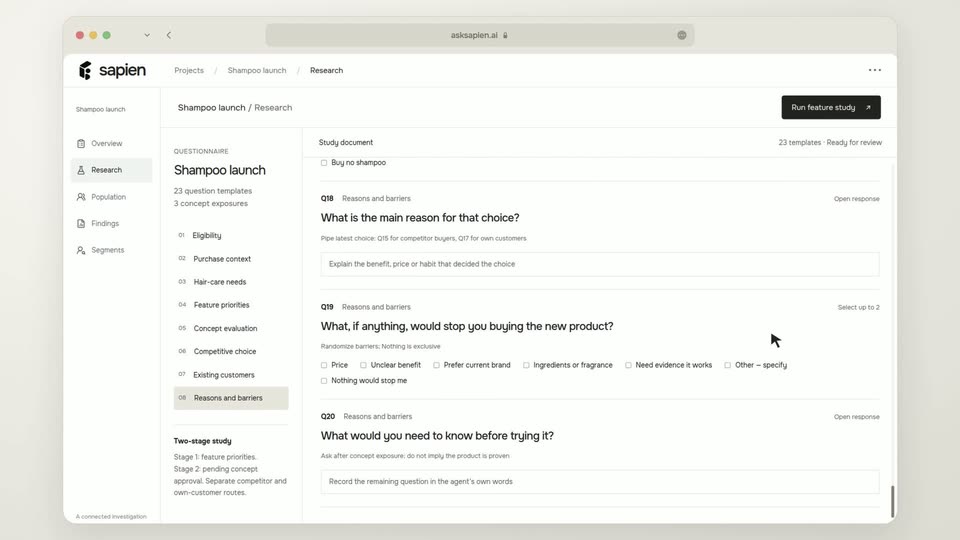 0:21–0:29Sapien · SAPIEN - This is Sapien.A browser window shows the Sapien research interface; a cursor hovers the Run feature study button as a status line counts to 23 templates and the questionnaire blurs into a fast scroll, then cuts to a feature-priorities table.
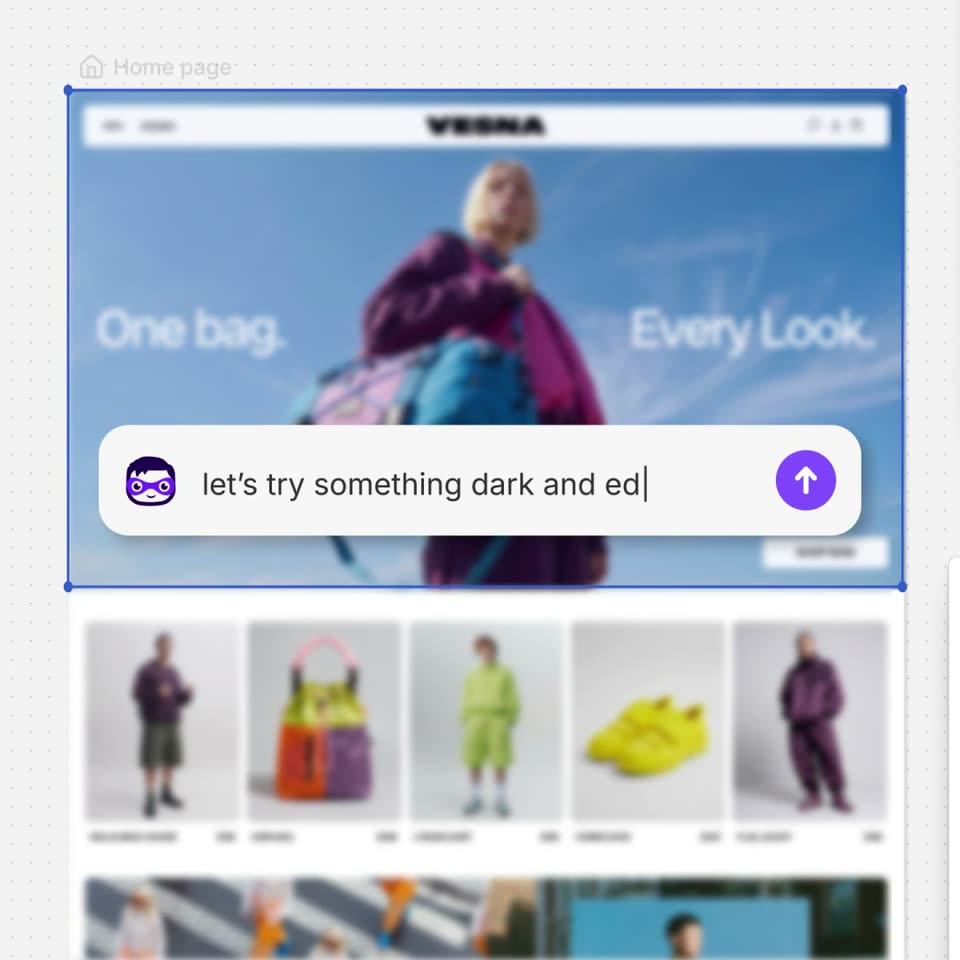 0:04–0:09Shopify · Shopify - There’s a new way to design stores on Shopify Introducing Canvas SeOn a dotted canvas, a VESNA homepage mockup sits inside a blue selection frame. The page blurs as a white prompt bar with a purple avatar slides in, and a cursor types 'let's try something dark and editorial' then clicks the send button.
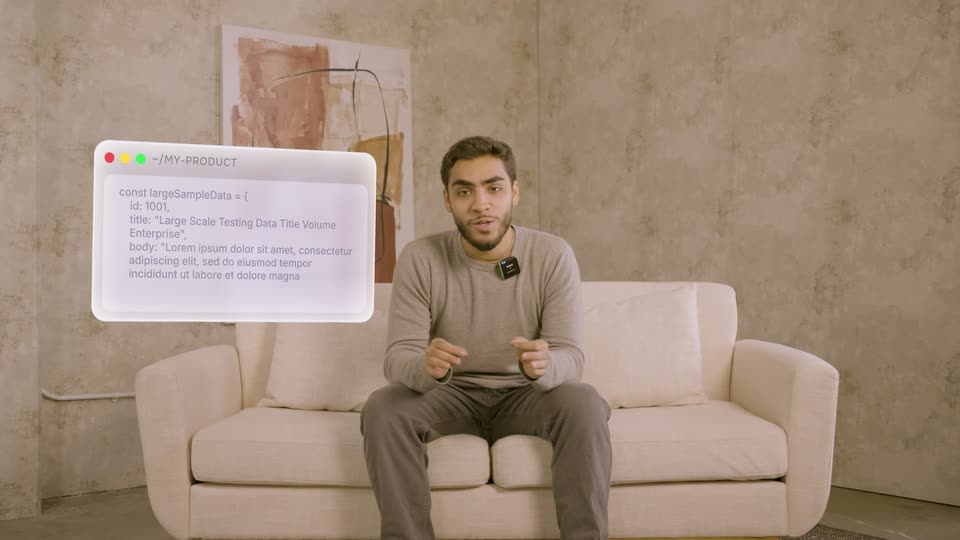 0:41–0:47Vendo · Vendo Launch Video (YC S26) | Unveil StudioA man sits on a cream sofa while a tilted 3D terminal window floats at left. The npm command types out, a purple icon with a cursor pops in, the window swaps to a code block with a padlock over it, then it cuts to two men in armchairs.
 0:24–0:28Wildcard · Wildcard Launch Video (YC W25) | Unveil StudioA man in a white shirt stands in a pharmacy sunscreen aisle, turns to face the camera and speaks, then lifts a yellow sunscreen tube. A light gray rounded “Purchase” button with a white cursor arrow pops in over the shelf behind him.
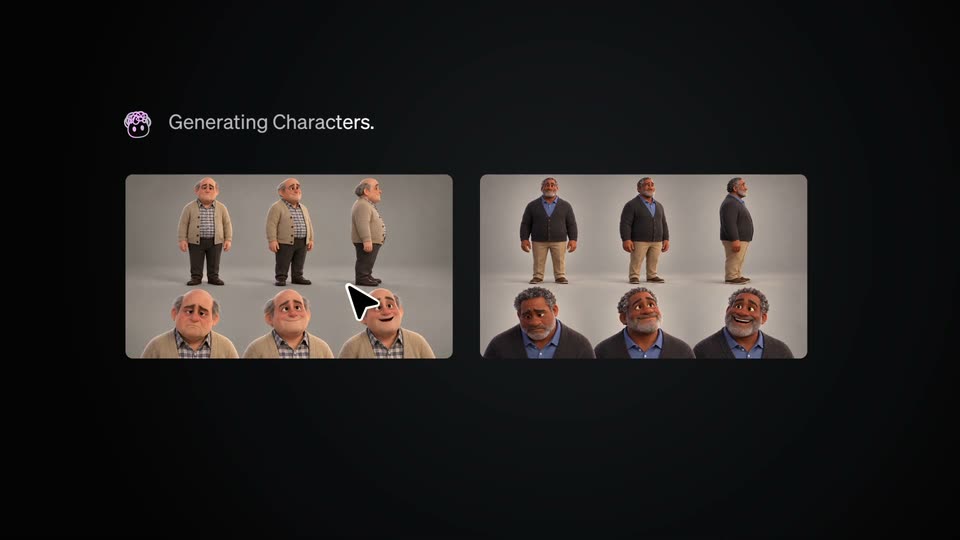 0:16–0:17Arcads · arcads AI - Introducing Arcads Singing Ads 🎶 This format is CRUSHING on Meta ..A dark interface shows two side-by-side panels of 3D male character turnarounds, each pairing three full-body views with three face close-ups. A Generating Characters label sits top left, a pink glow frames the left panel, a cursor hovers, then Generating Audio fades in below.
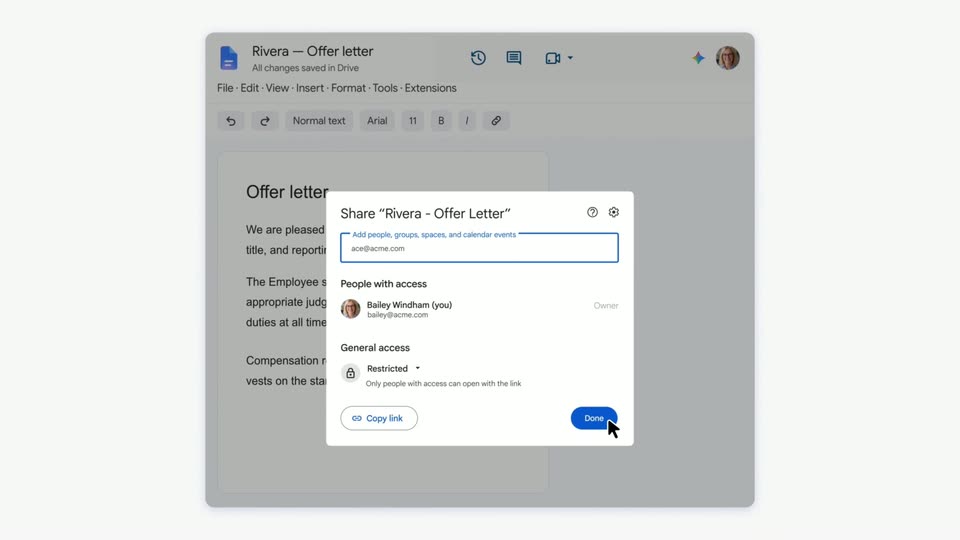 0:43–0:47Automat AI · lucas ochoa - "It's instinct but actually for work" for Instinct & Muse, workA Google Docs window shows an offer letter. The cursor clicks the Share button, which magnifies into a large pill, and a share dialog opens. After the cursor clicks Done, a comment card appears on the right side of the document.
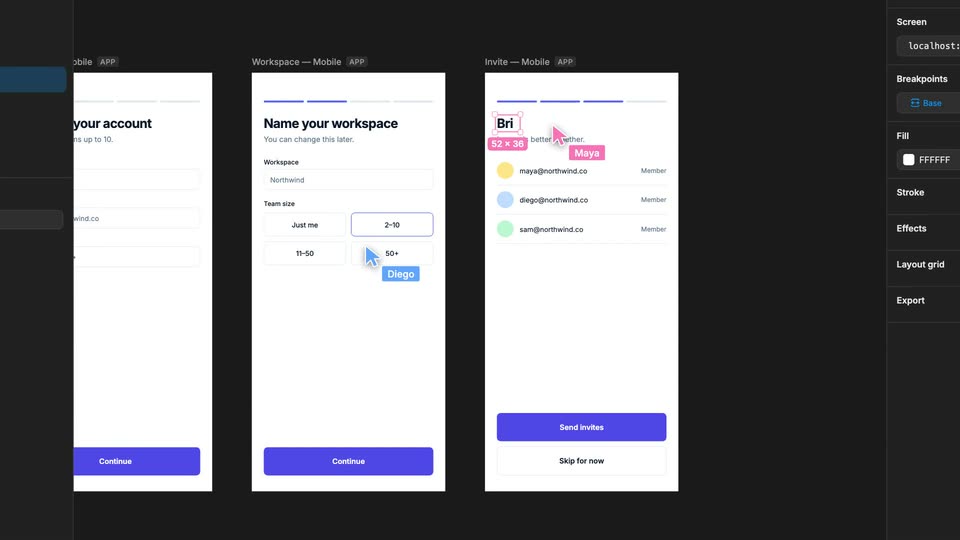 0:31–0:38Builder.io · Steve (Builder.io) - Introducing /visual-edit - a skill to visually edit your local code lA cursor clicks Share in a dark design tool and copies the live canvas link as two collaborators join. The view zooms into the mobile screens, where a pink Maya cursor edits the heading to “Bring it together” while a blue Diego cursor hovers.
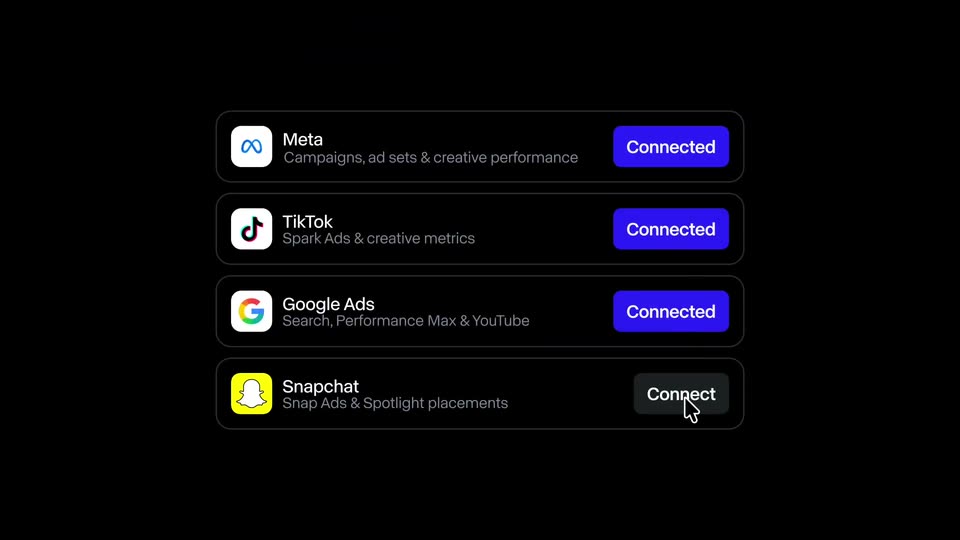 0:30–0:33Runway · Introducing Runway Ads | RunwayA black screen opens on a white headline and subtitle above a vertical list of four ad-platform rows. The layout scrolls up, the headline exits, and a cursor clicks each Connect button, flipping it to a blue Connected state from top to bottom.
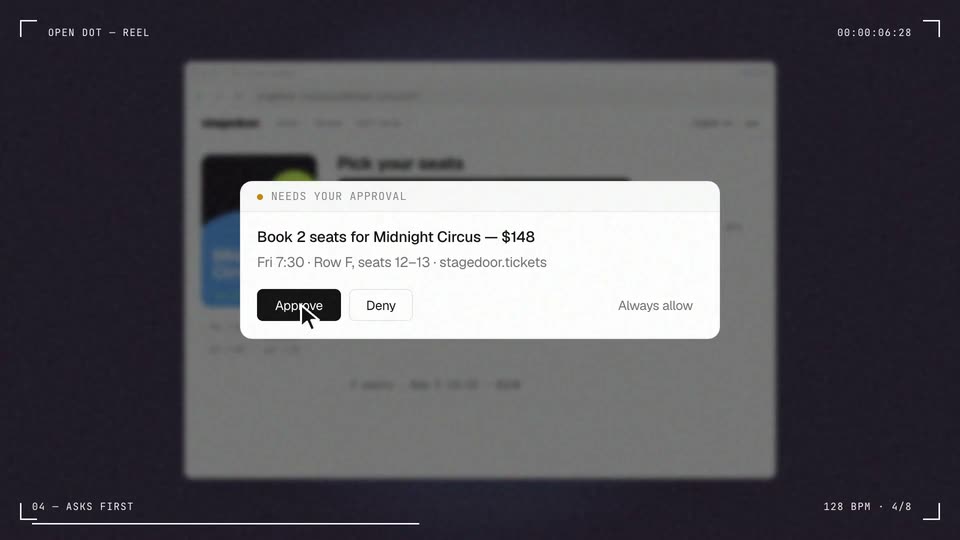 0:05–0:07Open Dots · Karan Vaidya - We are launching Open Dots, run the same capabilities in 1/10th of thA white approval card sharpens over a blurred booking screen. A cursor clicks the dark Approve button, the card collapses to a slim approved state with a green check, and multicolored dots drift out to the left, all inside a thin corner HUD frame.
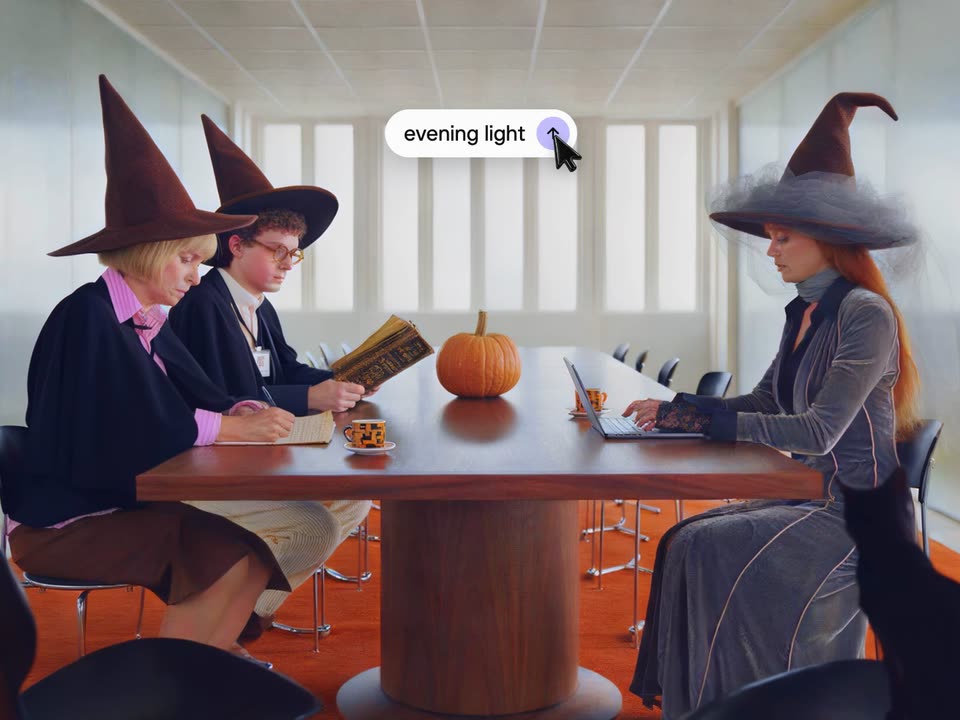 0:09–0:11Pika · Ideogram 4.5 on PikaA bright conference room holds three people in witch hats around a wooden table with a pumpkin. A white prompt pill at the bottom reads orange carpet; the green floor shifts to orange, the pill jumps to the top and types evening light.
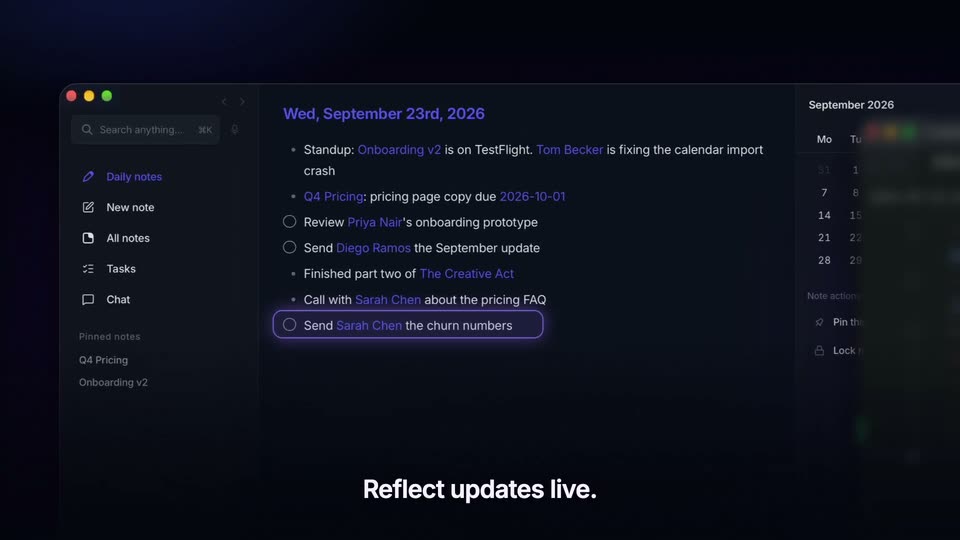 0:15–0:20Reflect · Reflect - Your notes are ordinary Markdown files. No Reflect account. No RefleA dark markdown editor types “the churn numbers” into a task line, then shrinks and slides right to reveal a notes app on the left mirroring the same daily note. The caption “Reflect updates live.” fades in at the bottom before the frame blurs out.
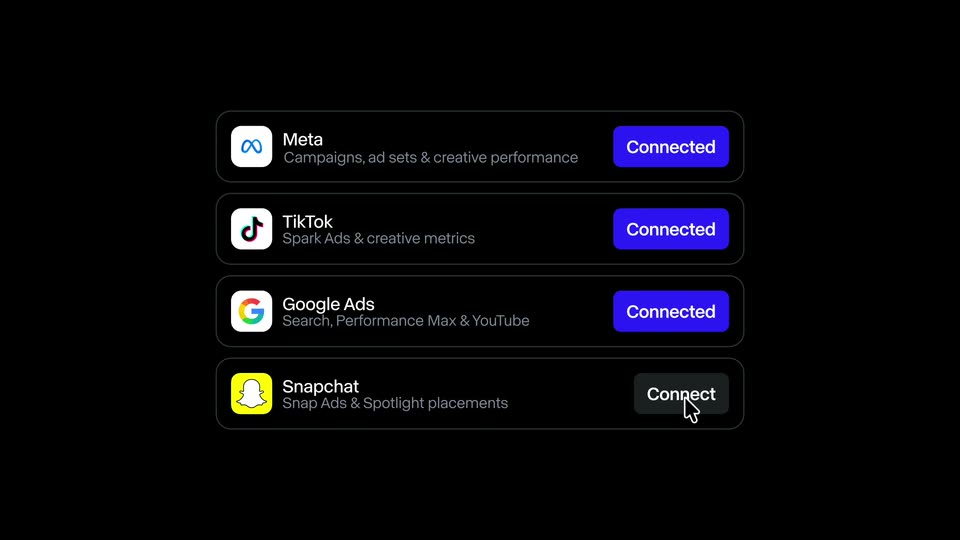 0:31–0:33Runway · Runway - Introducing Runway Ads, an autonomous engine for performance marketinA dark list of four ad-platform rows resolves from motion blur, centered on black. A white cursor clicks the Connect buttons for Google Ads and Snapchat, each flipping to a blue Connected label.
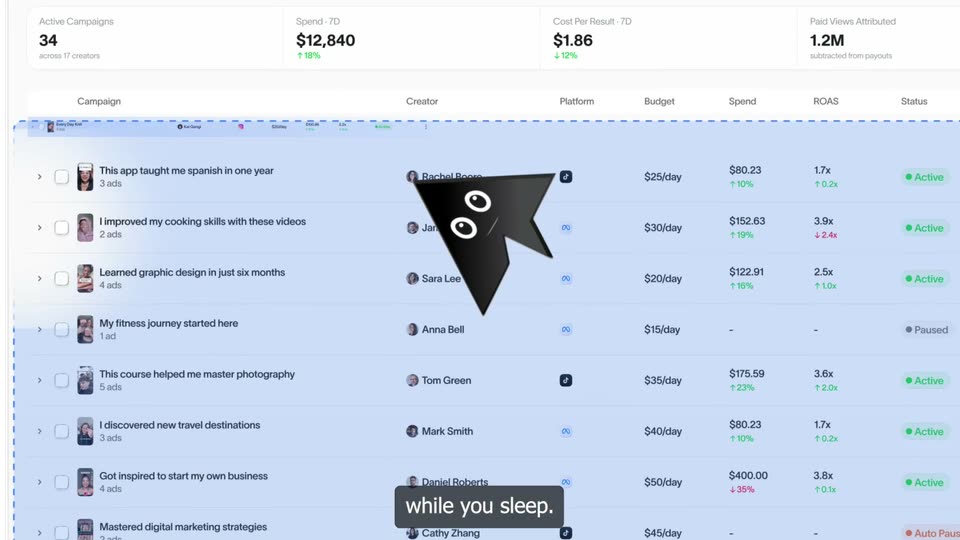 0:20–0:23SideShift · Nick Lawton - Introducing SideShift: the first AI creator marketer. AI can now scaA cartoon black cursor with a face floats beside a tilted video card, then hovers over a 3D-tilted campaign dashboard. The scene cuts to a bearded man in a blue sweater in an office, with captions running along the bottom.
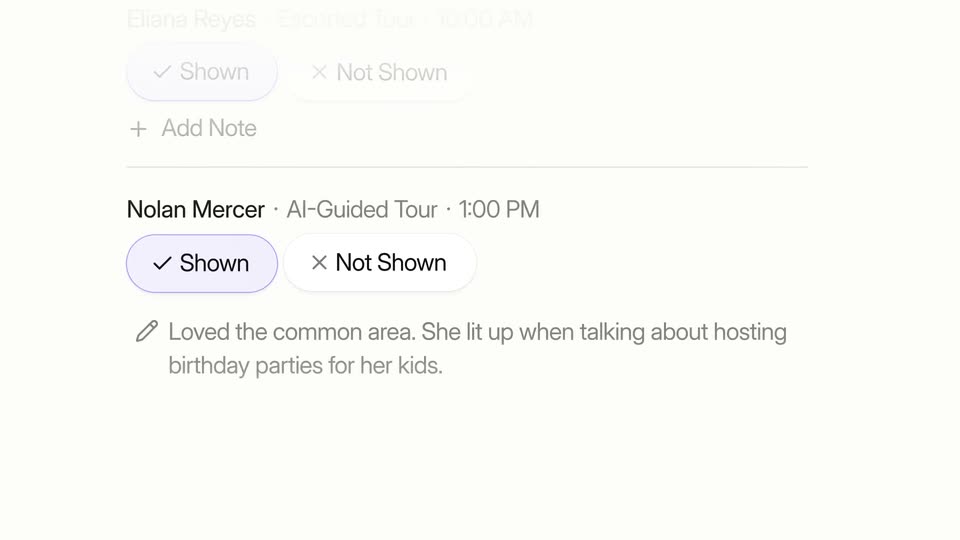 0:15–0:28Apollo · Best AI SaaS Product Video | ApolloA chat thread scrolls down as a cursor taps Shown on two prospect rows, then opens Add Note and types a closing note before saving it. The assistant's follow-up question appears, and a user bubble replies Yes, let's do that.
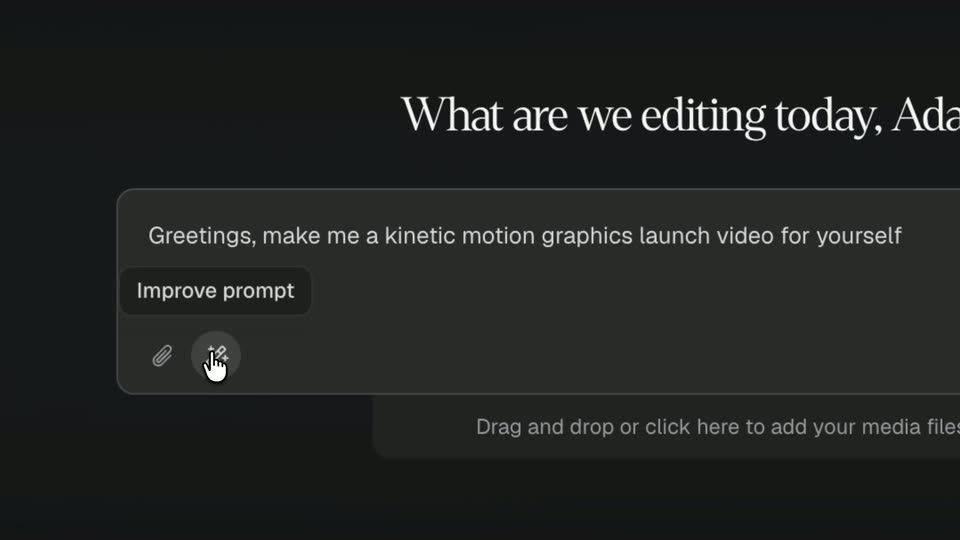 0:26–0:29Cardboard · Saksham - We have solved video editing once and for all and…. It’s FREE AvailA dark prompt screen reframes from offset to centered as a prompt types out; a cursor clicks a wand icon to expand the prompt into a paragraph, then a hand cursor sends it and the box clears.
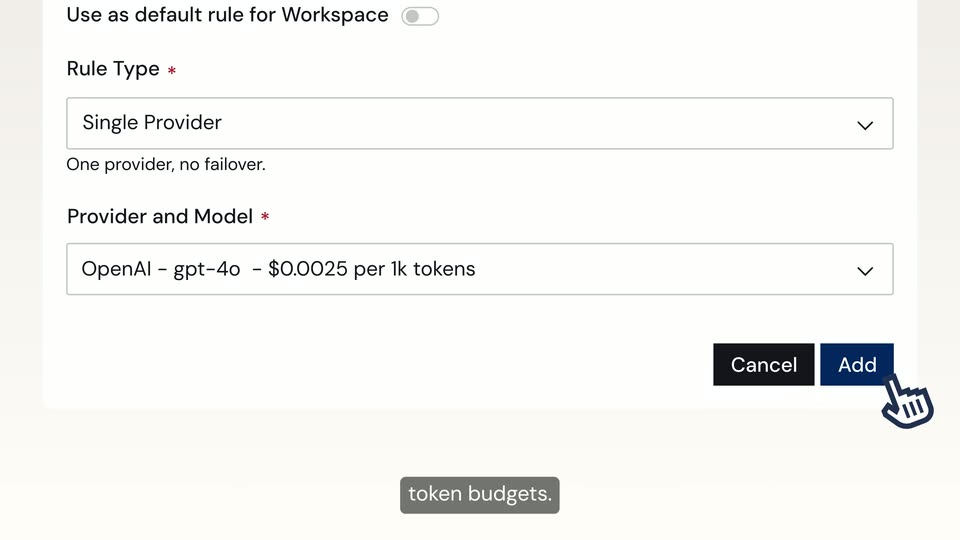 1:31–1:33CData · Raviv levi - You’ve spent years teaching people how your company works. Your AI neA white Add Routing Rule modal fills the frame. The view zooms toward the lower half as a hand cursor moves onto the blue Add button, while short caption words appear in a gray pill at the bottom.
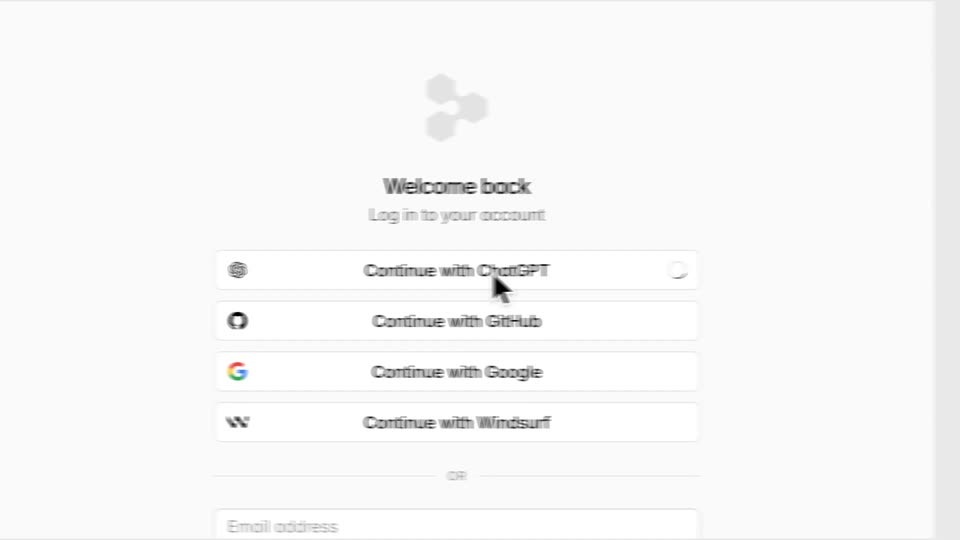 0:03–0:05Cognition · Cognition - Starting today, you can now use your ChatGPT subscription directly inA pale login panel shows a hexagon mark, a Welcome back heading and four provider buttons stacked vertically. A black cursor hovers over the top ChatGPT row as the frame slowly pushes in toward the list.
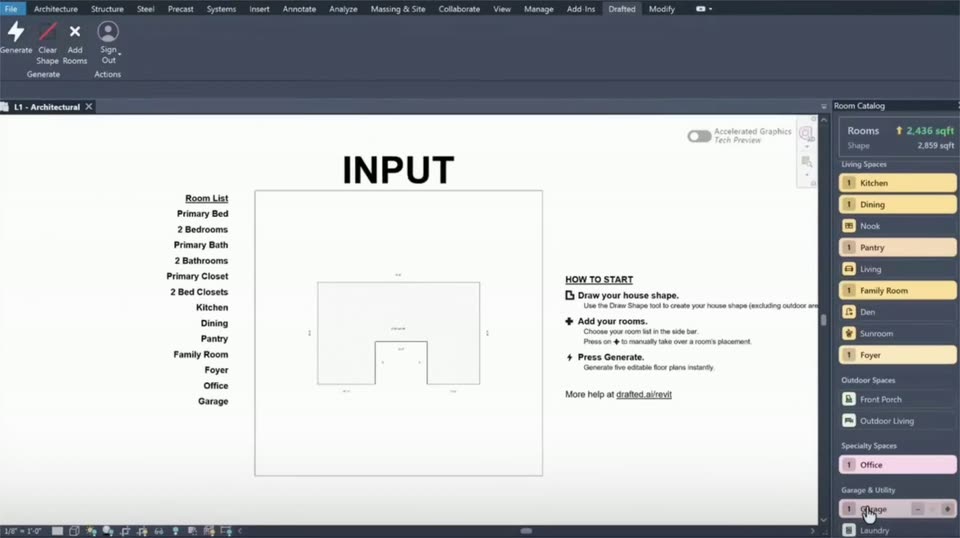 0:08–0:10Drafted · Drafted - Introducing Drafted in Revit. Draw a footprint, add your room list,A zoomed-in Revit sheet shows a house outline and a HOW TO START panel while the cursor rests on the room catalog. The view pulls back to the full window, then the cursor clicks Generate and a Loading Drafted Revit Families progress dialog appears.
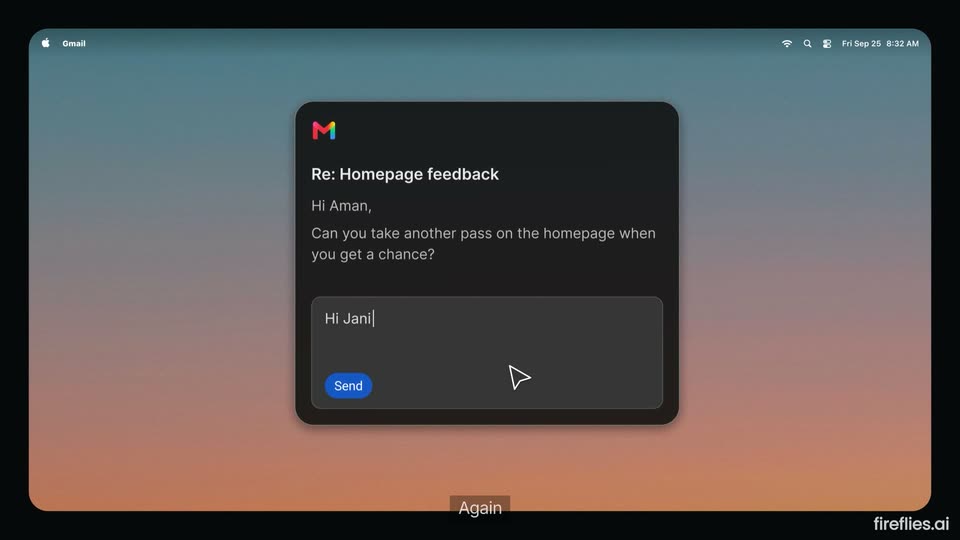 0:05–0:06Fireflies · Fireflies.ai - Fireflies Talk is live. Hold a key, speak, let go. Free and unlimiteA dark Gmail reply card floats on a teal-to-orange gradient desktop. A cursor moves into the reply box and types the same sentence repeatedly, while small dark captions reading Again and And again pop at the bottom edge.
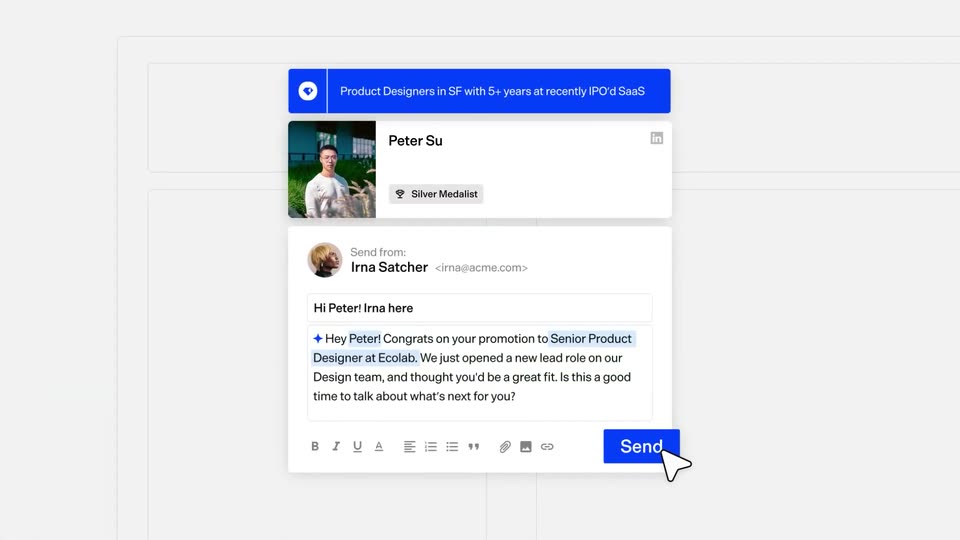 0:30–0:33Gem · A Fresh Look for Gem | UI Animation & Sound DesignA stack of three UI cards, a blue search banner, a candidate profile and an email draft, floats over a faint gray interface. A cursor glides to the blue Send button, then the whole stack slides out to the left, leaving a blank white frame.
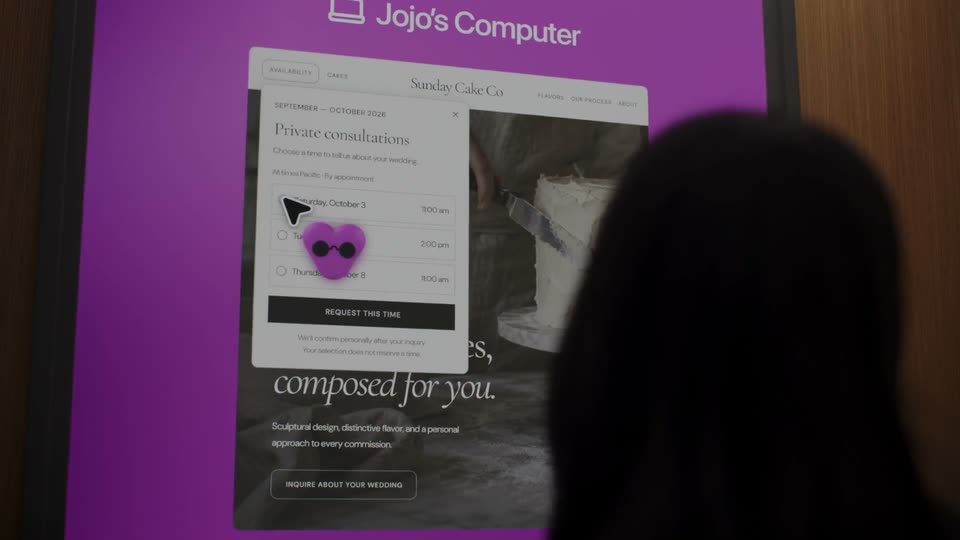 1:04–1:06OpenAI · Introducing dots, always-on agents built to handle everything.A monitor on a wood desk shows the Sunday Cake Co site while a person's dark head stays out of focus in the right foreground. A cursor glides over the page and a consultations form pops in over the cake hero image.
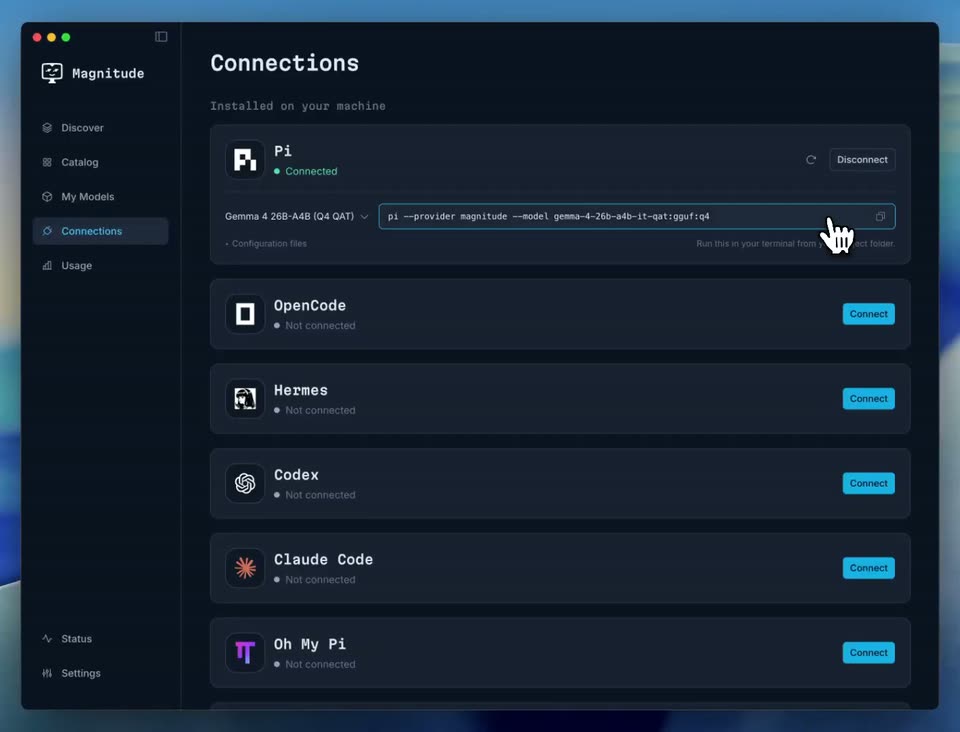 0:11–0:15Magnitude · Magnitude HN DemoA dark app window over a blurred desktop. A white cursor clicks Connect on the Pi row; it expands to a green Connected state with a model dropdown and a command field. The cursor clicks the copy icon and a checkmark appears.
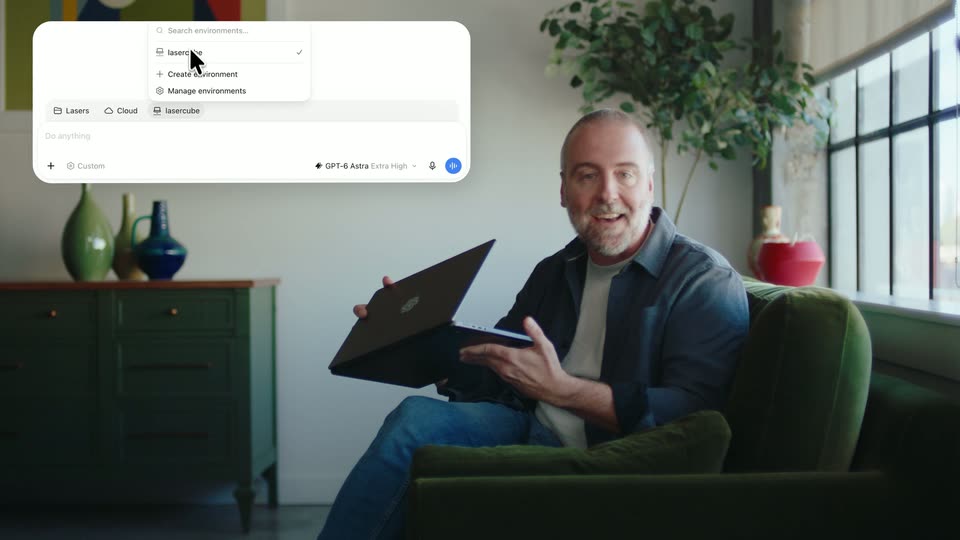 0:26–0:31OpenAI · Meet the all new Codex CloudA bearded man sits on a green sofa holding an open laptop. A white UI card overlays the top left; a cursor picks Cloud in a dropdown, then checks the lasercube environment. The card vanishes and the man snaps the laptop shut.
 0:13–0:14Perplexity · Perplexity - Introducing Automations in Perplexity Computer. Automations are forA dark message card holding a sales-monitoring prompt, a Slack badge and a High priority tag, is centered on a deep blue gradient with a vertical light beam. A white cursor points at the card's arrow button, then the whole card fades out, leaving the empty background.
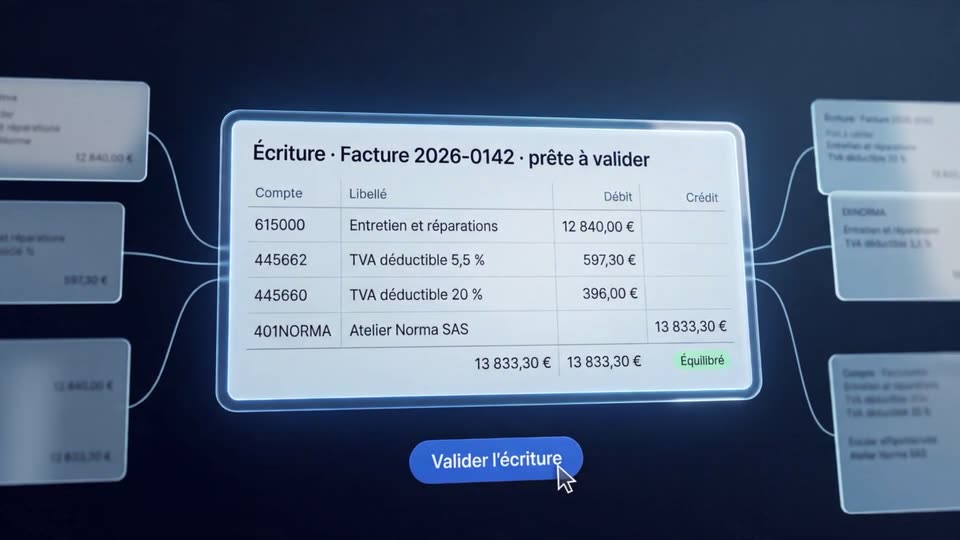 1:52–1:56Qantum · Qantum · L'ERP financier IA natif · PrésentationA glowing 3D card holding an accounting entry table floats in perspective between blurred side cards. A cursor clicks the validate button, a green Validé badge pops in, then the card collapses into thin bars and dissolves into particles.
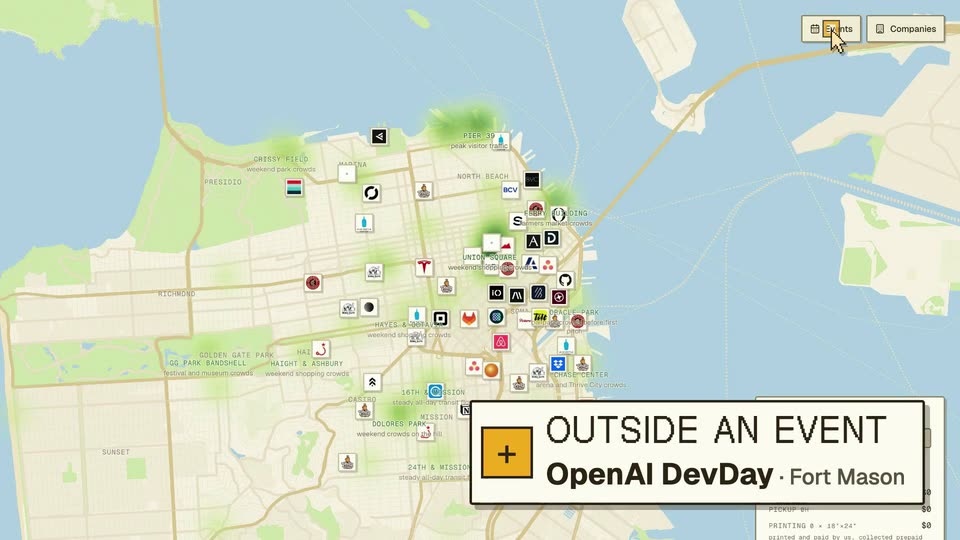 0:08–0:09Rentahuman · Alex - Today we're launching The easiest way to advertise your product to tA San Francisco map covered in company logos and green crowd heatmaps wipes in from the right as a cursor moves to the Events toggle. A caption block reading OUTSIDE AN EVENT, OpenAI DevDay - Fort Mason appears at the lower right.
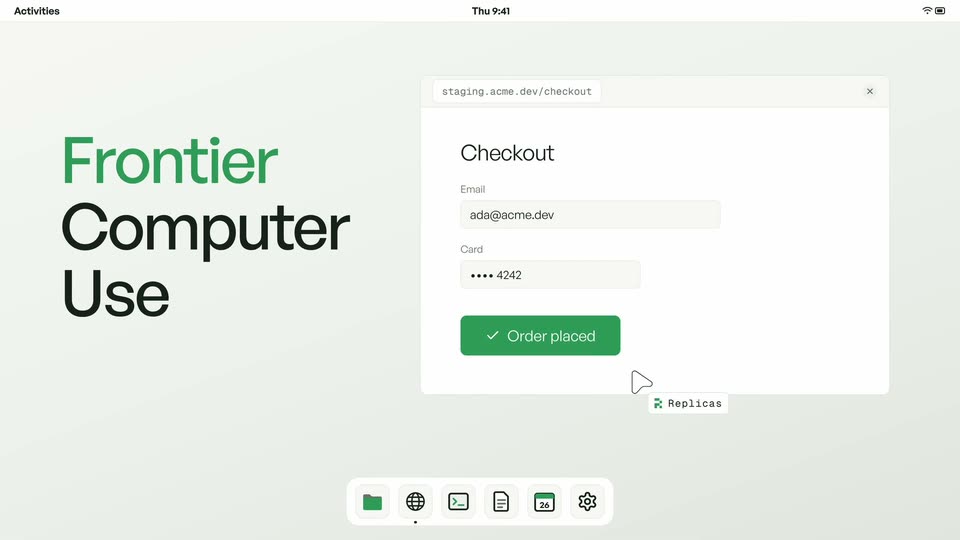 1:37–1:39Replicas · Connor Loi - Introducing Replicas V3: the most flexible and cost-efficient cloud aA desktop screen with a checkout window open on the right. A cursor moves to the Place order button and clicks it, and the button turns green reading Order placed with a check. On the left, the headline Frontier in green and Computer Use in black fades in line by line.
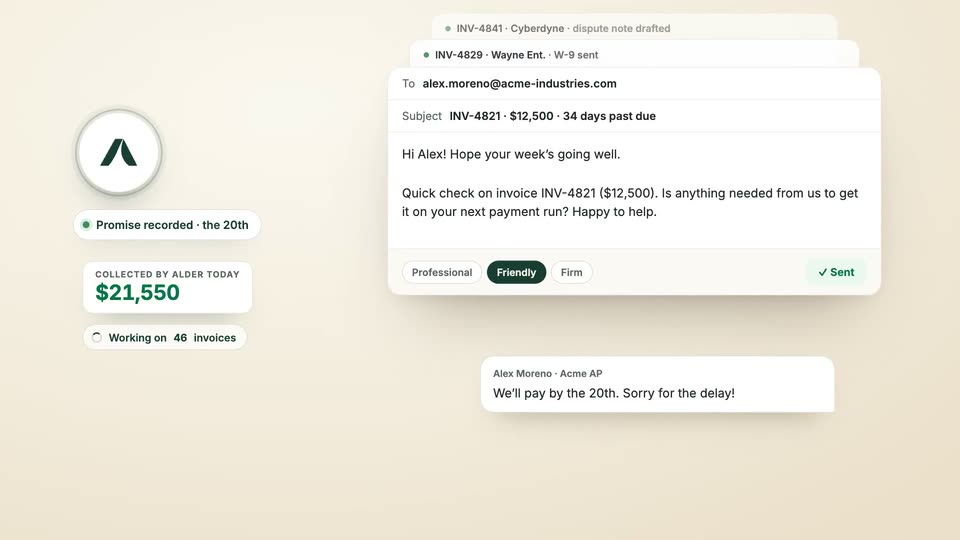 0:16–0:24Alder · Alder - The AI employee that gets you paidA flat product UI on beige: an email draft types itself, a cursor clicks Friendly then Approve & send, and a reply bubble pops in. Left-side counters tick up while a dark caption pill cycles lines at the bottom.
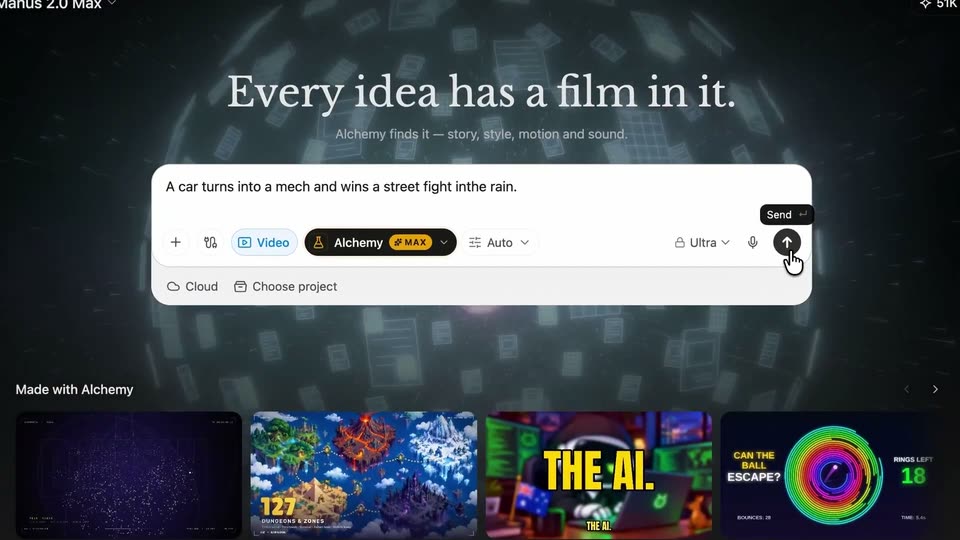 0:16–0:17Manus · Manus - Introducing Manus 2.0The Manus home screen fills the frame with a serif headline above a white prompt box holding a typed car-to-mech prompt. A hand cursor rests on the black send button, a Send tooltip pops up, and the row of video previews below plays.
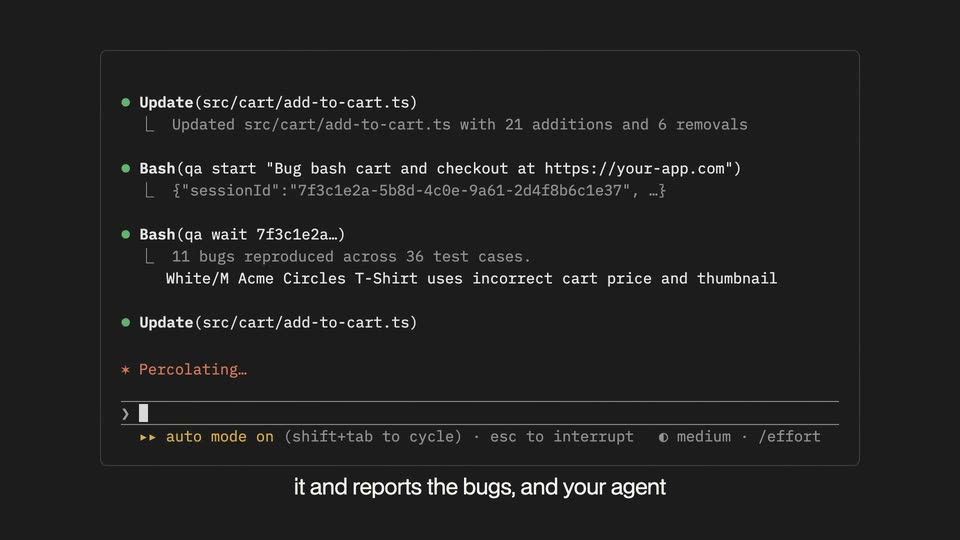 0:56–1:07Momentic AI · wei-wei - Introducing Mo, the world's first AI QA engineer Point it at your apA flat dark terminal panel fills the frame. A command types itself at the prompt, then agent log lines stream in and scroll up: a file update, a bug-bash report with red and green diff lines, and a verified fix. White captions swap at the bottom.
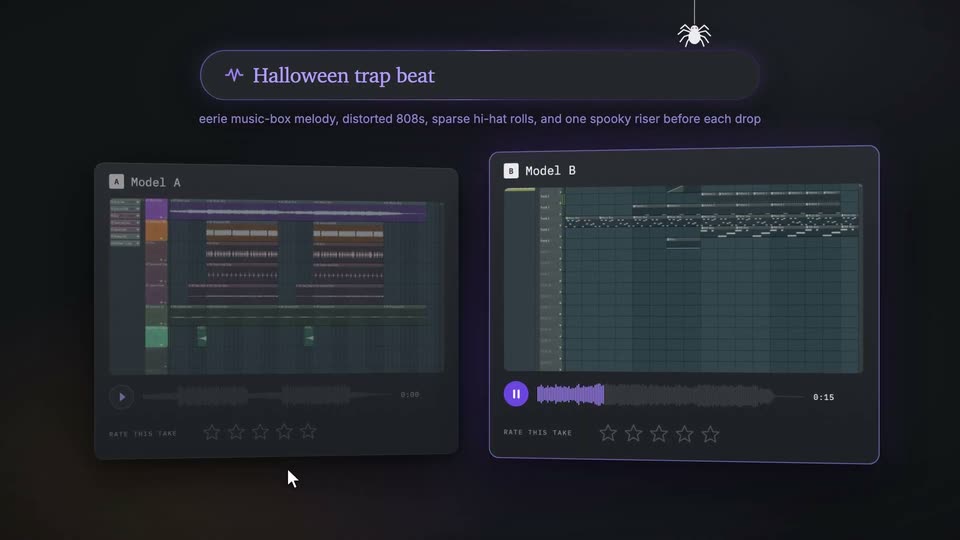 0:17–0:20MusicArena · MusicArena: The Crowdsourced Music Benchmark for AITwo dark panels labeled Model A and Model B sit side by side beneath a glowing Halloween trap beat title. Purple bats flutter across the panels, then a cursor clicks Model A's play button, turning it into a purple pause state while its waveform and timecode advance.
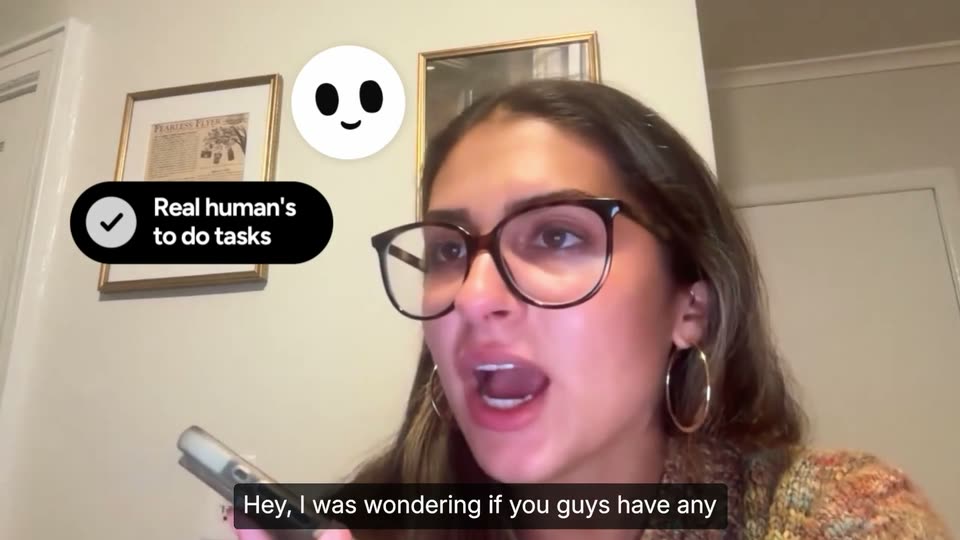 1:41–1:48Wajo AI · Shivani Poddar - I led engineering at Google DeepMind. Today, I'm proud to introduceA small video player with colored crop corners and a dark play button sits on a pixelated white background. A cursor clicks play, the footage of a woman with glasses expands to full screen, and a black check badge plus a white smiley icon pop in around her as she speaks.
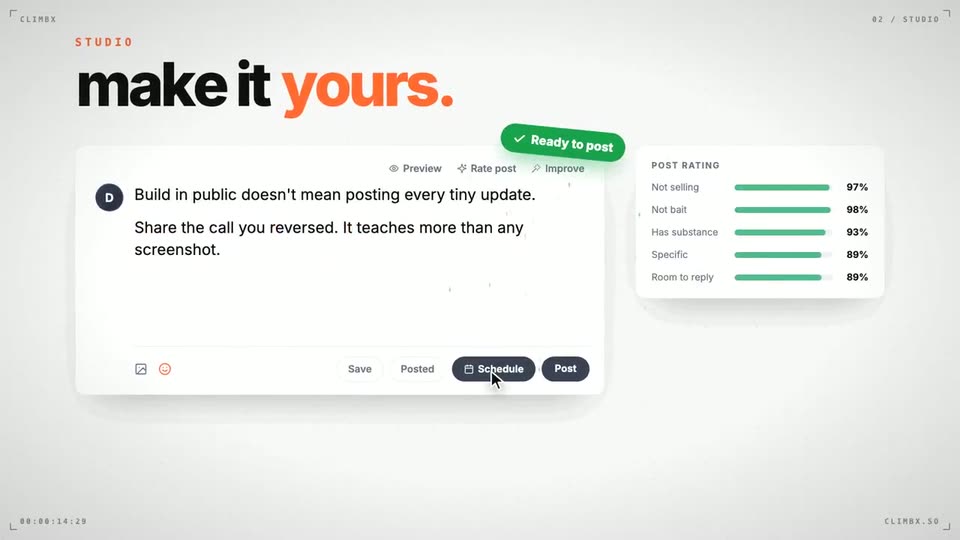 0:12–0:16ClimbX · Daniel Smidstrup - Motion designers are cooked 🤯 Opus 5.5 made this for ClimbX in 20 miUnder the headline “make it yours.”, a post composer types a tip; a green “Ready to post” badge pops with particles, a rating panel slides in, a cursor clicks Schedule, then the UI blurs out as a calendar card slides in.
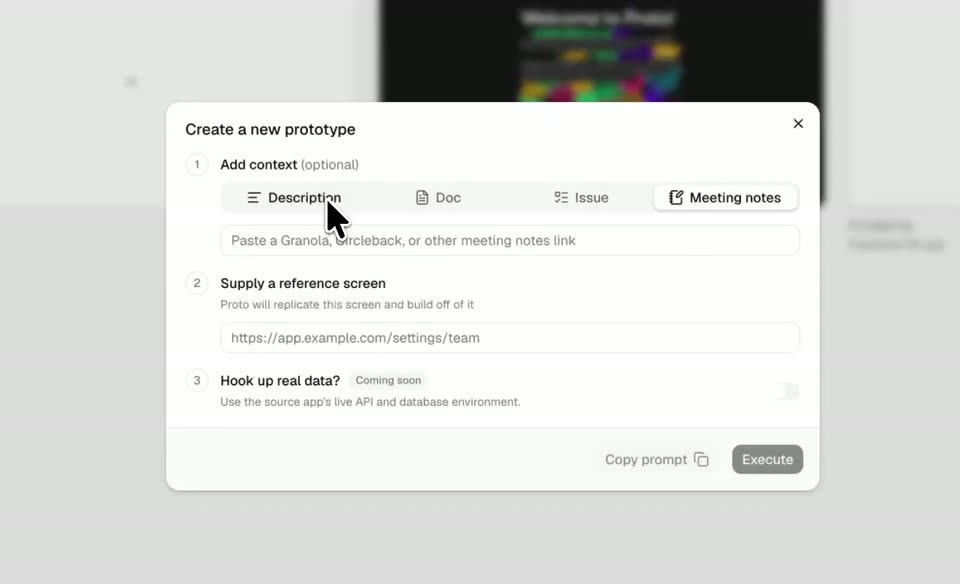 0:01–0:08Proto · Maayan Albert - You can generate a fully fledged prototype from all sorts of things,A white modal titled Create a new prototype sits over a blurred app screen. The view zooms in on the modal as a cursor clicks through the Description, Doc, Issue and Meeting notes tabs, swapping the placeholder text in the input field below.
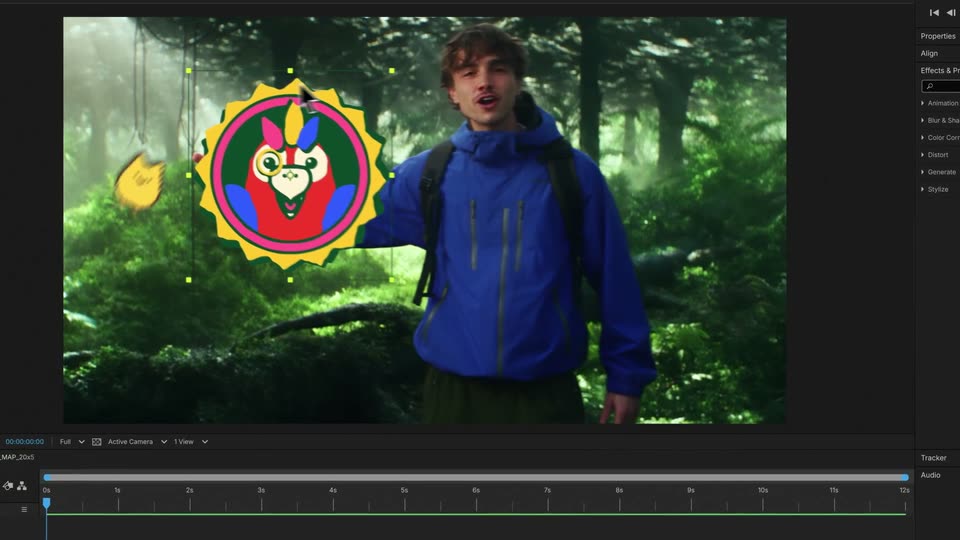 0:24–0:25Higgsfield · Higgsfield AI 🧩 - Introducing Higgsfield x Claude Opus 5.5 for Motion Design. With HigA locked-off screen of a video editor shows a forest clip: a man in a blue jacket gestures beside a green round badge with a cartoon face and a yellow pixel frame. The badge face morphs into a red parrot, and a small pixel cat hops down as he points at it.
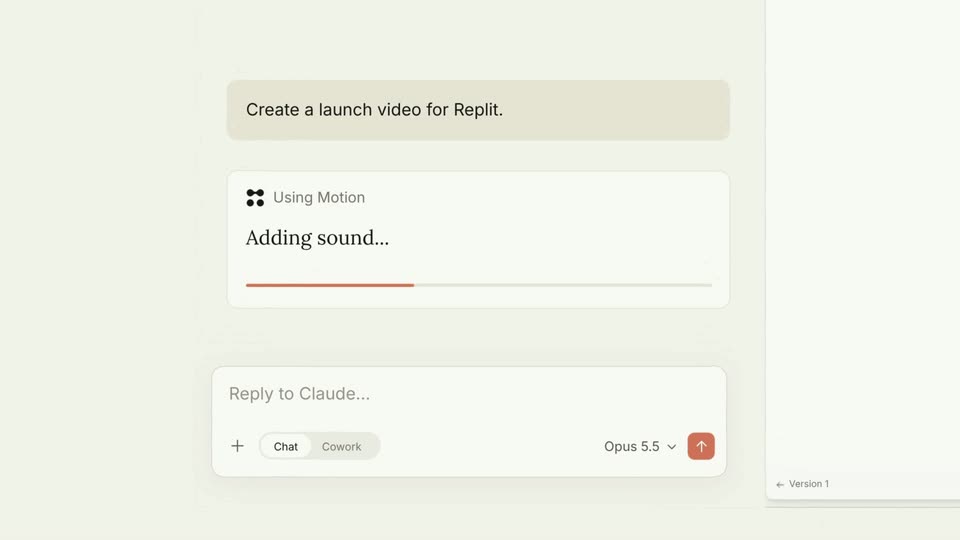 0:04–0:10Motion · Motion - Introducing Claude Opus 5.5 for launch videos. Give it an idea, yourA prompt types into the chat input, then a cursor clicks the orange send button. A status card appears with a filling progress bar, its label switching from Designing to Rendering, and the layout shifts to reveal a video preview panel on the right.
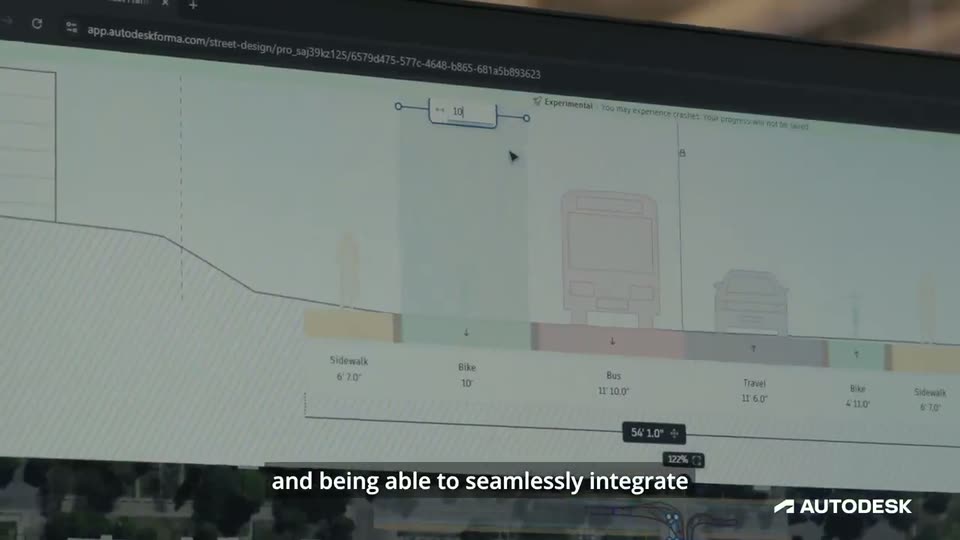 0:59–1:00Autodesk · Autodesk Forma Launch Film at Autodesk University 2026A close-up of a monitor showing a street-design interface with a cross-section diagram; a cursor hovers over it as the dimension labels update. A subtitle sits at the bottom and the Autodesk logo marks the corner.
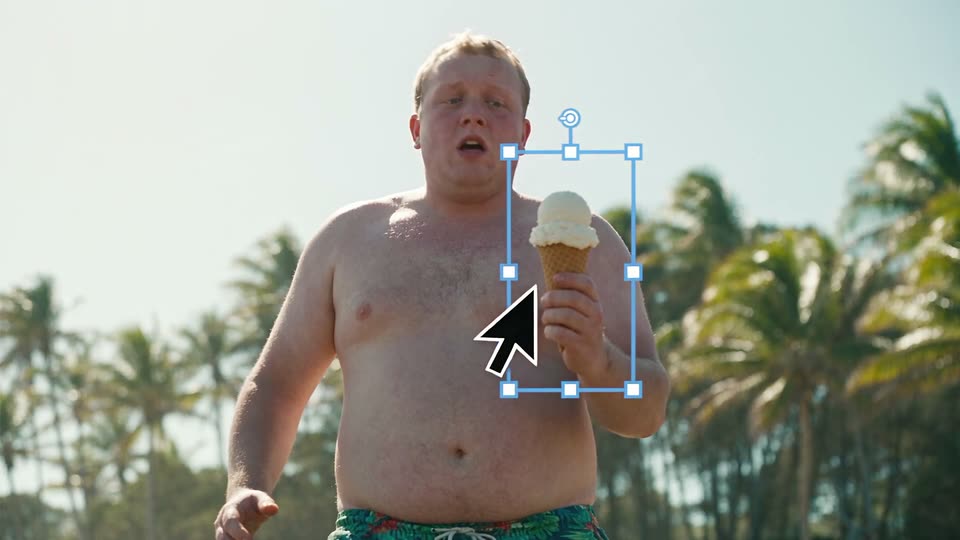 0:05–0:06Runway · Runway - New in Runway, Layers. Split any image into editable layers with a siA shirtless man stands on a sunny beach, looking upward. An ice cream cone in a blue selection box hovers over his chest, then a black cursor drags it into his raised hand, where he now grips the cone. The selection box tracks the cone as it moves.