Cursor demo
A visible cursor operates the interface.
15,063 scenes · page 57 of 252
 0:20–0:23Money Printer · Rithwik Pattikonda - Email. LinkedIn. Phone. Ads. ALL automated. Introducing Money PrinteA row of glossy app icons on a light gray field morphs between Photos, Mail, Maps and LinkedIn, Gmail as a large black cursor hovers over them. The italic labels Email, Linkedin and Phone scale in beside the icons while voiceover captions appear.
 0:12–0:13Motionfly · Motionfly - Today we are launching Motionfly MCP, The OPUS 5.5 of launch videosClose-up of a prompt input box reading “bit tracker app, upbeat and modern” beside a mic icon and a teal send button. A purple cursor clicks the button, which fades lighter as the field border shifts from gray to violet.
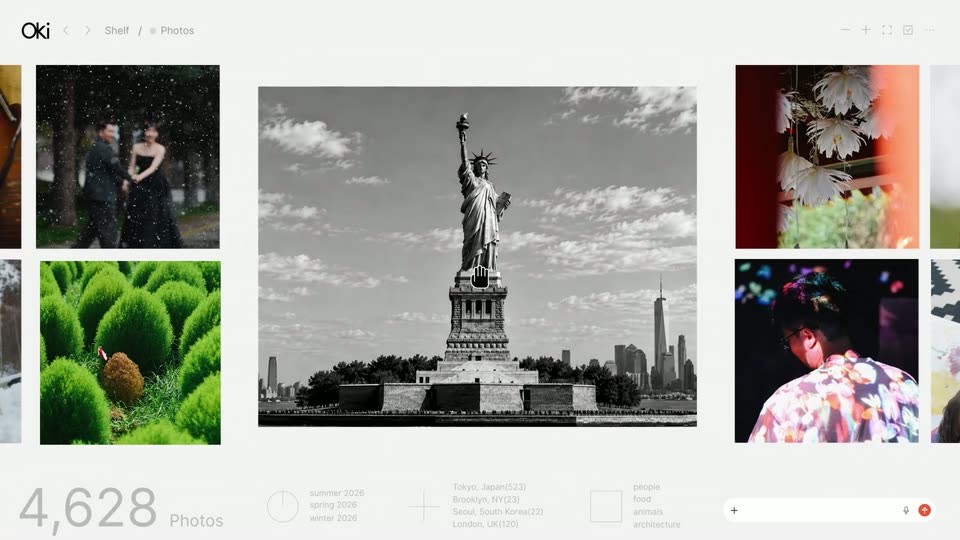 0:45–0:46Oki Home · Oki Home YC Launch VideoA light photo-library grid with a cursor hovering over a black-and-white Statue of Liberty shot. A selection frame snaps around the enlarged photo and a rounded caption badge fades in at the bottom center.
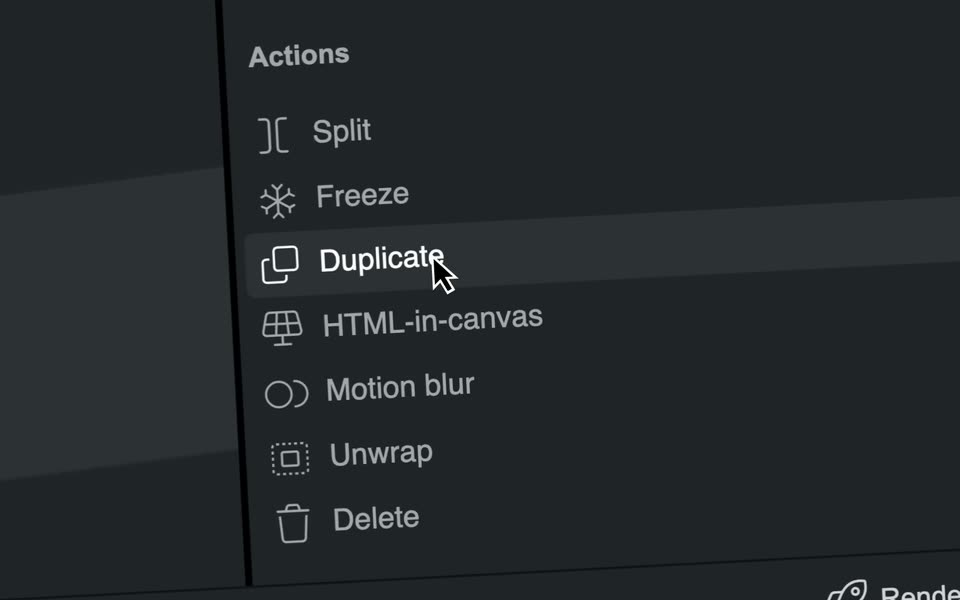 0:18–0:19Remotion · Remotion — edit agent-made videosA dark Actions menu, listing Split, Freeze, Duplicate, HTML-in-canvas, Motion blur, Unwrap and Delete, sits at an angle in 3D perspective over a faint grid. A white cursor glides down the list, each row lighting up as it passes, ending on Delete.
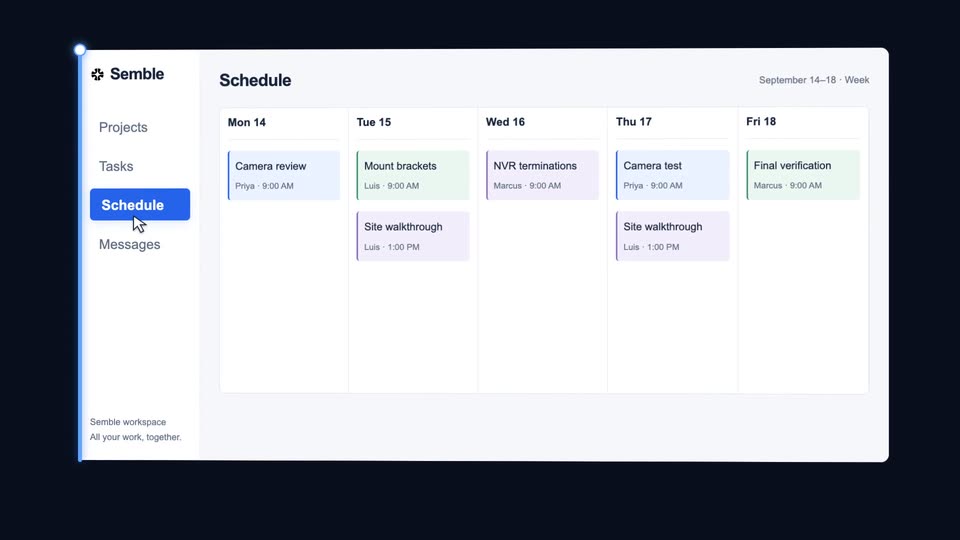 0:15–0:16Semble · Semble launch filmA light app window on a dark navy background. The cursor slides down the left sidebar from Schedule to Messages, and the main panel crossfades from a five-column week calendar into a list of message threads.
 0:14–0:17Software Mansion · Software Mansion - We just launched Velonos! It’s a desktop app for anyone using AI witA white ChatGPT input box holds a PDF attachment while a typed prompt grows word by word. The view then zooms into the bottom right corner as a cursor moves onto the blue send button.
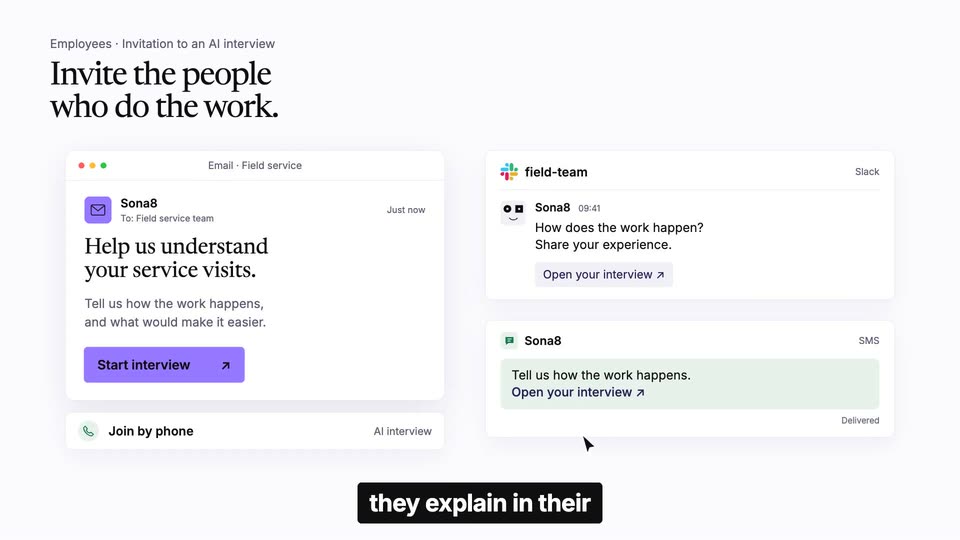 0:13–0:20Sona8 · Sona8 (F26) - Launch & DemoA serif headline sits top-left above flat email, Slack and SMS invitation cards that slide into place on a light background. A black caption pill at the bottom cycles through phrases while a cursor moves to the purple Start interview button and presses it.
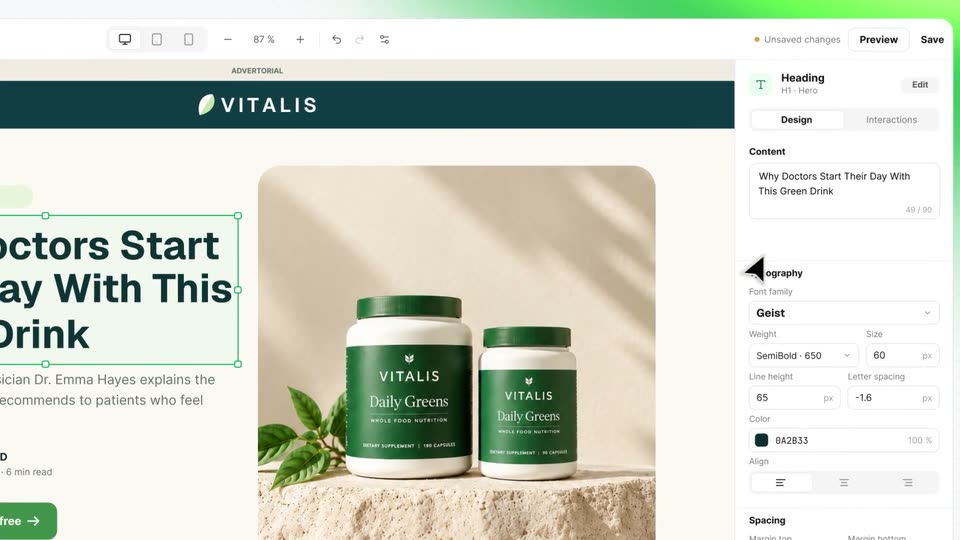 0:32–0:35Tagada Pay · Eden - Scaling Direct Response offers? We shipped Tagada V3 fully AI native.A design tool canvas shows a VITALIS advertorial page. A cursor taps the green headline, the right panel swaps to the heading inspector, and the view reframes tighter. The cursor then clicks the green Rewrite with AI button.
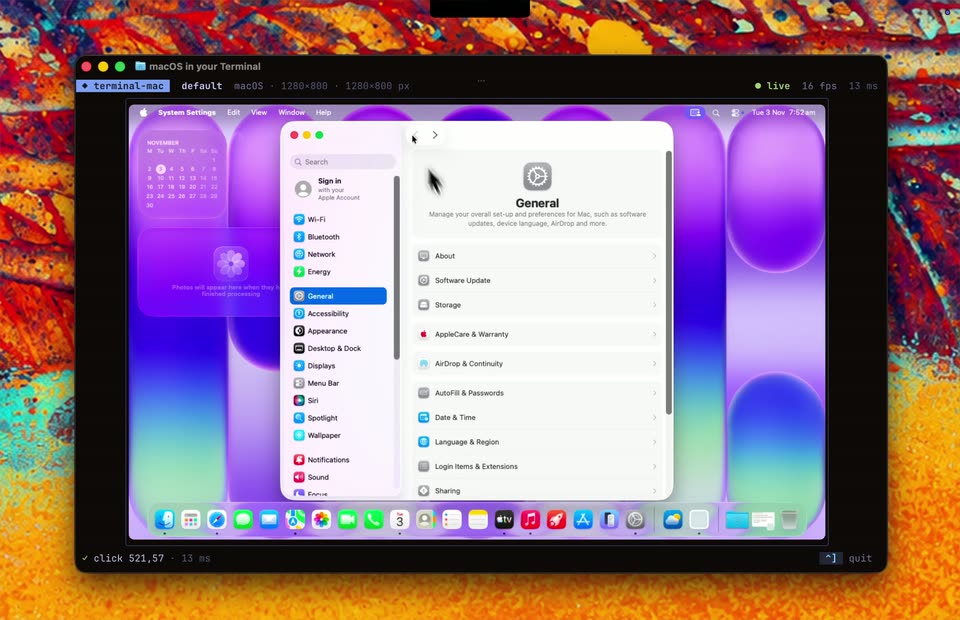 0:06–0:17terminal-mac · govi - Introducing terminal-mac. Entire MacOS that runs inside your existinInside a terminal window, a macOS desktop runs; a cursor navigates System Settings, opening About and Software Update, then selects the Sequoia wallpaper, switching the desktop from purple ovals to pink and blue diagonal stripes.
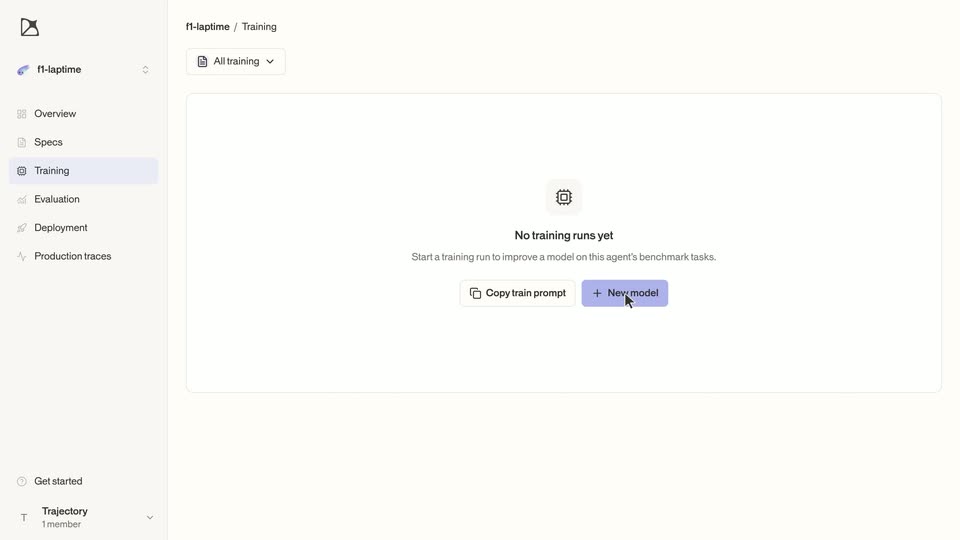 1:22–1:24Trajectory · Trajectory - Yesterday we launched the Trajectory platform to the world, the easieA flat dashboard view shows a left menu with Training selected and an empty panel reading No training runs yet. A mouse cursor slides up from the lower right to rest on the purple New model button.
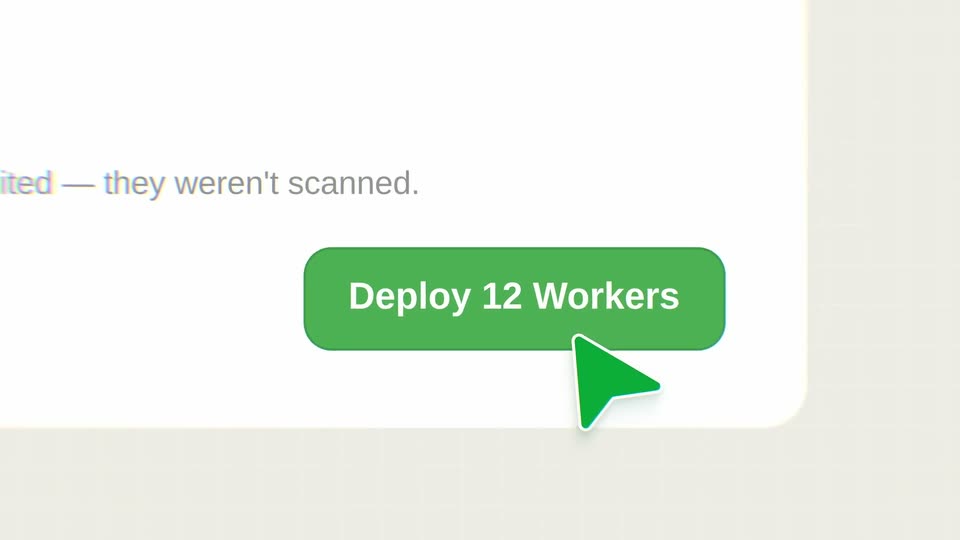 0:21–0:23Traversal AI · Introducing Traversal, the AI SRE for the enterpriseA settings panel titled Deploy Workers lists incident and alert worker options with channel chips, then the view zooms onto the green Deploy 12 Workers button as a large green cursor arrow points at it.
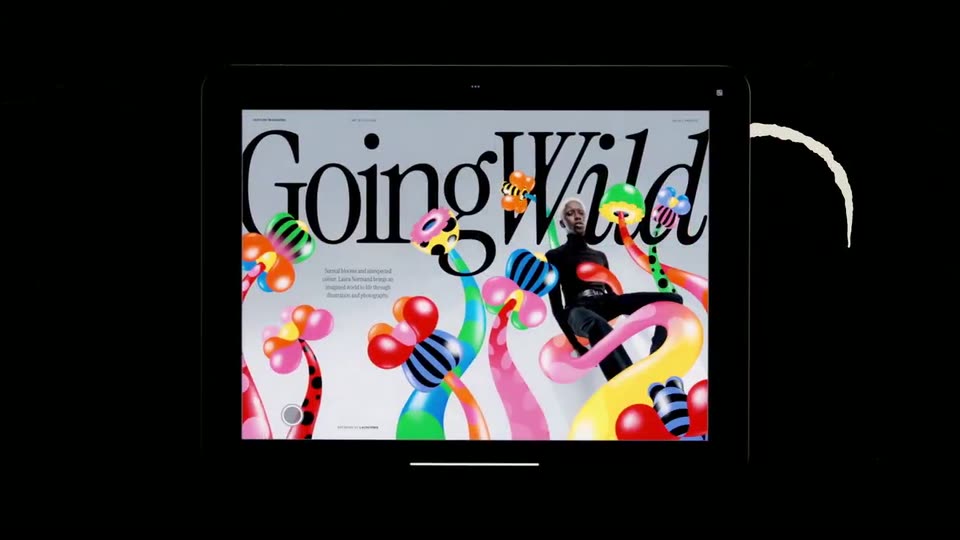 0:17–0:18Affinity · Affinity - When iPad? NOW iPad. Affinity for iPad is live 🔥 One app to craft iA tablet in 3D perspective on black shows a design app with a Going Wild poster and colorful balloon shapes. A hand with a white stylus draws on the canvas, then the view zooms to the poster as a white curved stroke appears at the right.
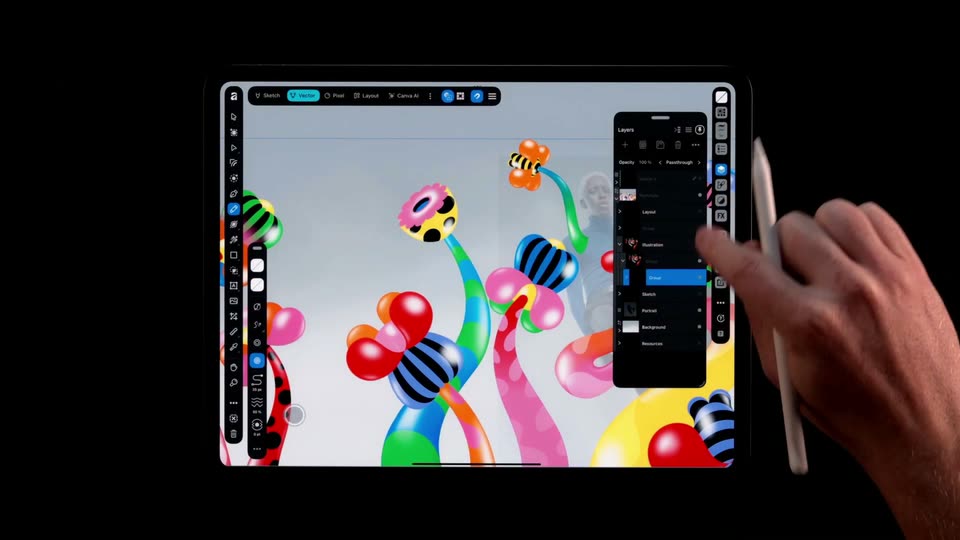 0:11–0:12Affinity · One app to craft it all, Affinity for iPad is officially live!A tablet angled in 3D perspective shows a colorful 3D balloon illustration in a design app. A hand holding a white stylus taps the layers panel, and a dark context menu with layer actions opens over it.
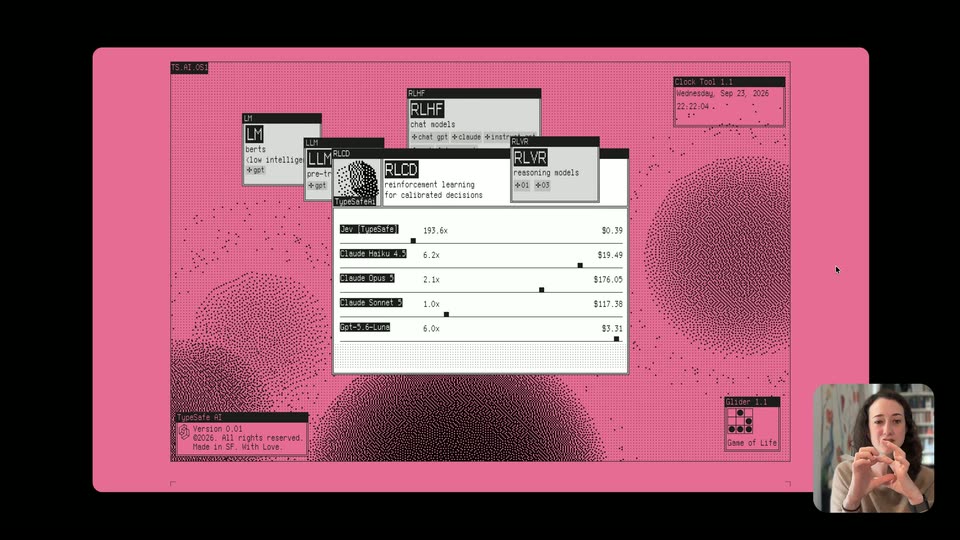 0:29–0:47Framer · Launching TypeSafe AI's site in 4 days with the Framer AgentA white window holds a pink halftone desktop of dot-formed blobs, layered with retro panels; the central one lists models with multipliers and prices. A cursor drags a panel aside as a corner webcam inset shows a woman gesturing.
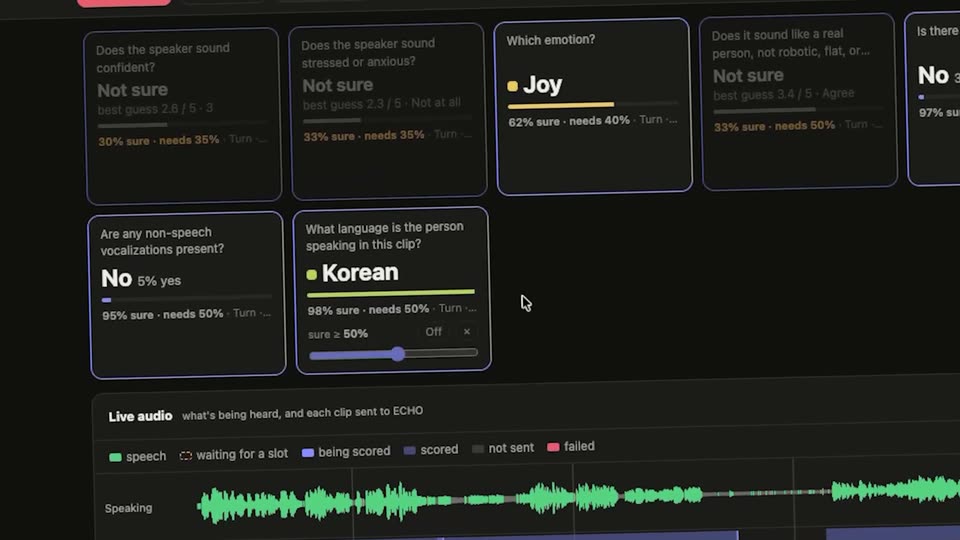 1:20–1:22Hume AI · Hume AI - Introducing the Hume Audio Decision API. Ask anything: How many speaA dark interface displays a grid of text cards and a green audio waveform. A cursor hovers over a card, changing its text from English to Korean. White captions appear at the bottom.
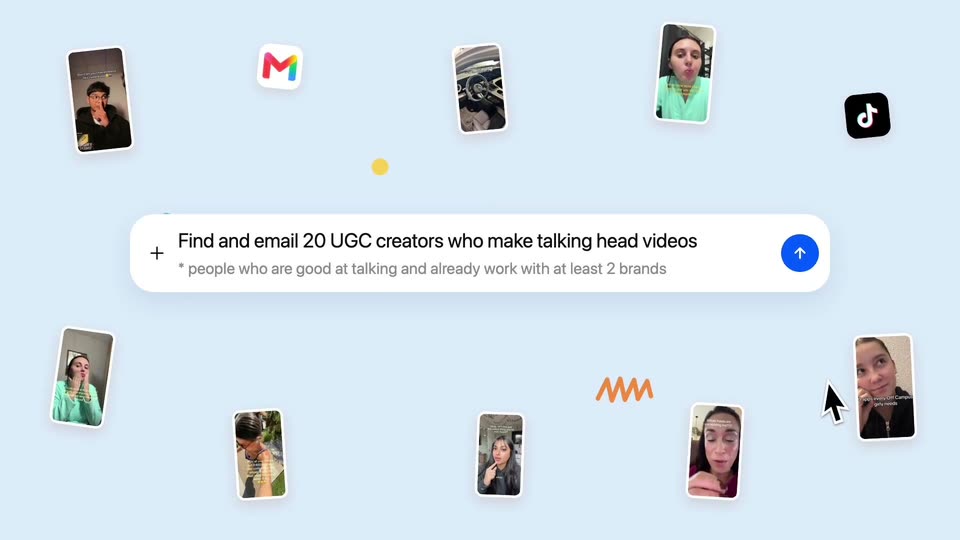 0:11–0:14Lightreel AI · Lightreel AI - We rebuilt Claude, just for marketing Ask Lightreel to run your markA white search bar on a pale blue canvas, ringed by floating video clips and app icons, types out a prompt about finding UGC creators. A cursor clicks the blue send button, then the bar and the surrounding clips fade out.
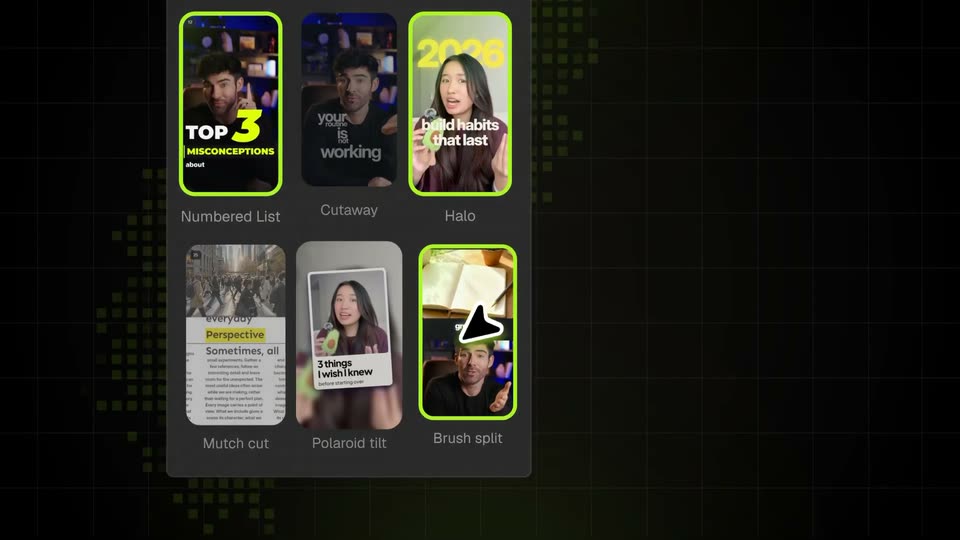 0:42–0:43OpusClip · OpusClip - OpusClip 4.0 is here. We used to find the best moments in your videoA dark interface panel titled 'Choose a hook style' shows a grid of video thumbnails, each with a label. A green selection frame jumps from the top-left card to the bottom-right as a cursor moves in and the view zooms slightly.
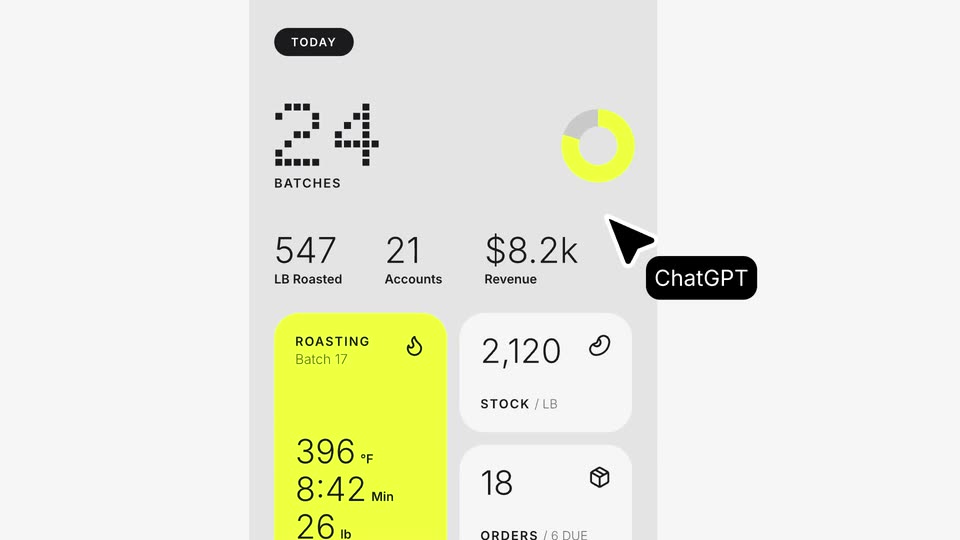 0:10 · 0.5sPenDev · Tom Krcha - Introducing @pendev canvas plugin for Codex. This gives your @ChatGPA flat coffee-roasting dashboard sits on a light gray field, showing a dot-matrix batch counter, a yellow donut chart, stat columns and a yellow roasting card. A black cursor hovers at the right edge beside a black ChatGPT tag. The frame holds still.
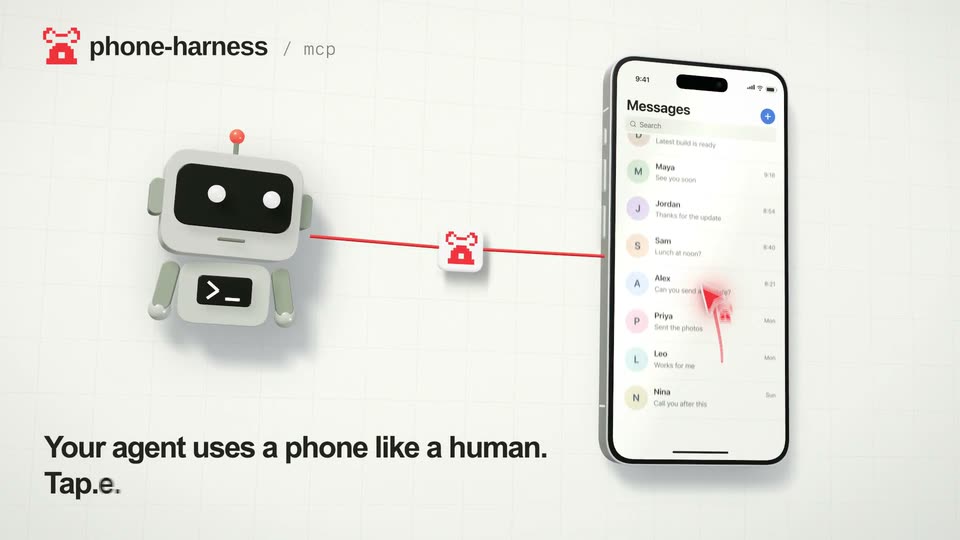 0:08–0:09Phone Harness · shawn - Introducing: Phone Harness MCP 🔌 Any agent that supports MCP can nowA 3D robot on the left connects through a red line and icon to a 3D phone on the right. The phone screen opens from the home grid into a Messages list as a red cursor taps, while a bold headline types out at the bottom left.
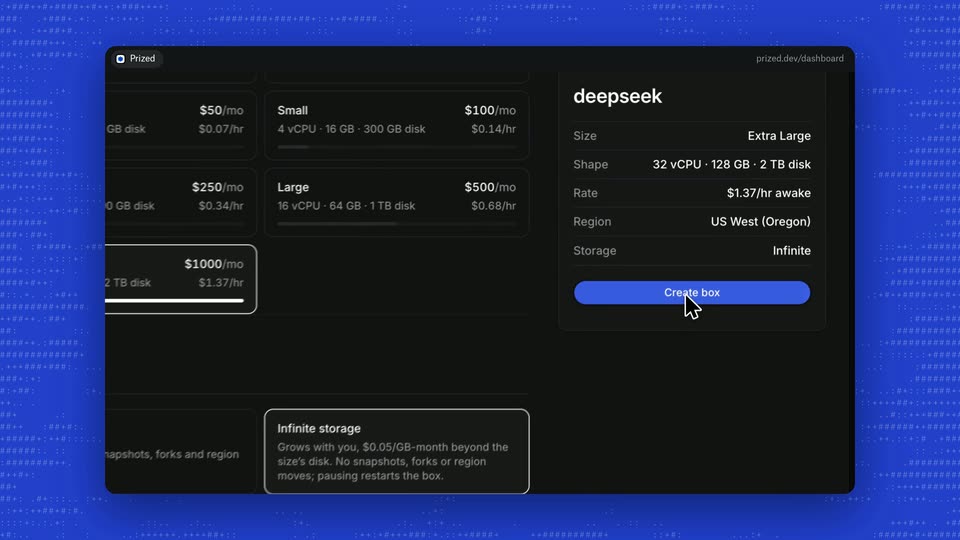 0:06–0:07Prized · Prized - Your dev box now has infinite storage!A dark dashboard window floats over a blue grid of dots and plus signs. A pricing list occupies the left, a deepseek spec card with a blue Create box button sits right. A cursor rests on the button while the frame eases into a tighter reframe.
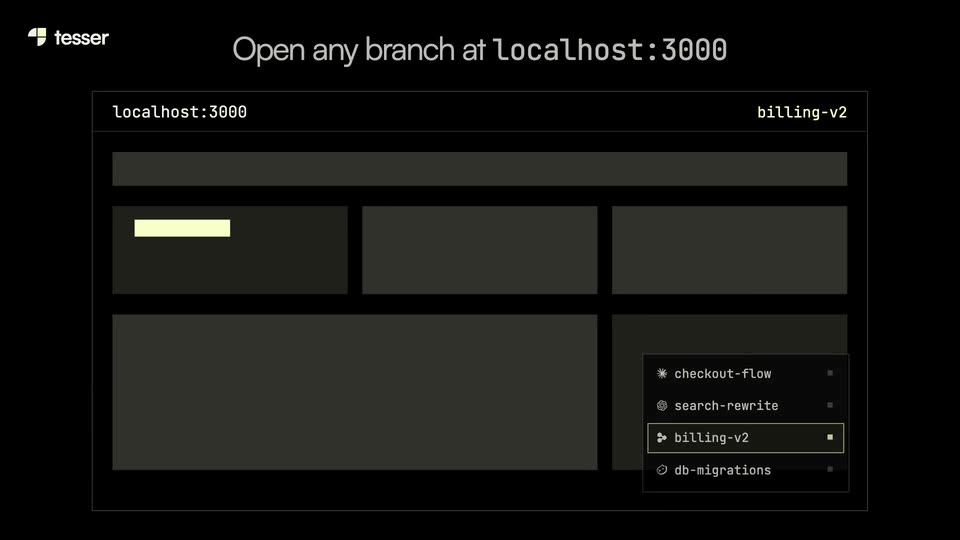 0:21–0:22Tesser · rohan - introducing @tesser_sh (YC W27) tesser is the simplest way to offloaA dark browser window on black shows a skeleton page with a branch dropdown at the lower right. A cursor moves down to billing-v2, the layout reflows, then the window and the white headline fade out, leaving only the tesser logo.
 0:45–0:46Trajectory · Ronak Malde - Imagine if everyone had the tools to shape intelligence itself. ThatA rounded button labeled Start training sits centered on a cream background, outlined in violet. A black cursor rests at its lower edge, then drifts away to the right.
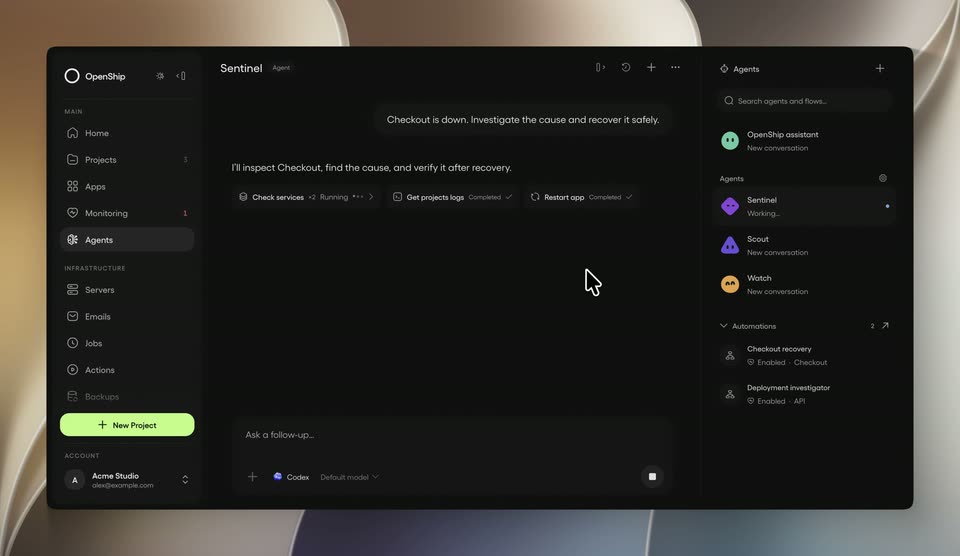 0:05–0:26OpenShip · OpenShip - Introducing OpenShip Agents. Your cloud now has a night shift. WhenA cursor types an incident prompt into a dark agent chat and sends it. The window pulls back to three columns; task chips flip from running to completed as the agent reports the service healthy, then the cursor clicks an automation card and the view zooms in on run history.
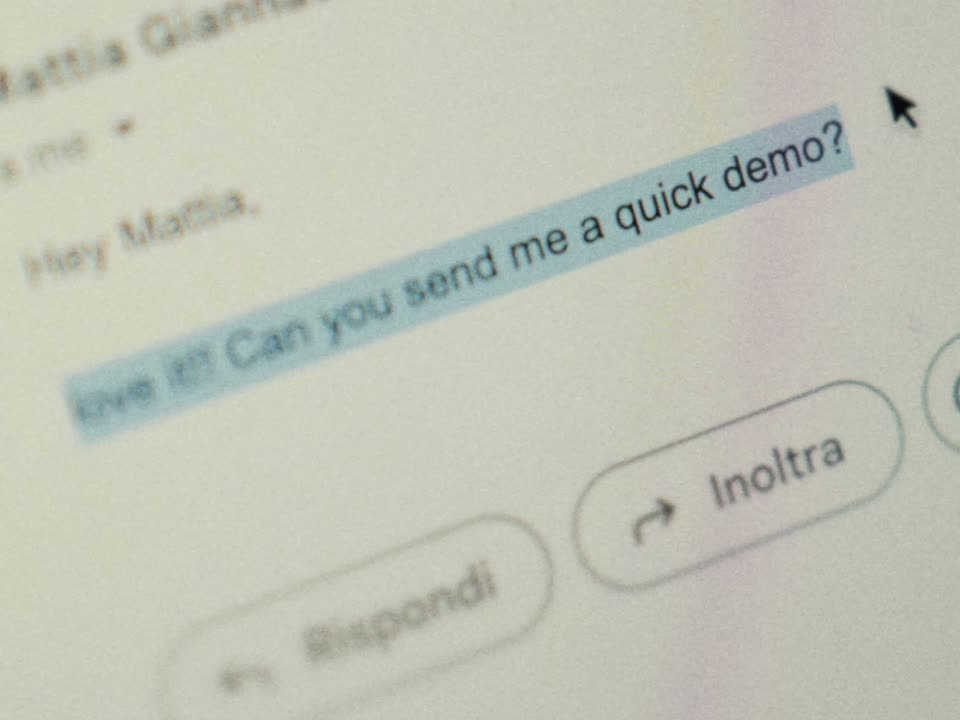 0:08–0:11Screen Studio · Screen Studio - Screen Studio 4.0 is live on Product Hunt. What should we build nexA tilted, shallow-focus close-up of an email screen. The line 'Can you send me a quick demo?' is highlighted in pale blue while the recipient name and the 'Rispondi' and 'Inoltra' buttons blur at the edges. A black cursor arrow eases into the top right corner.
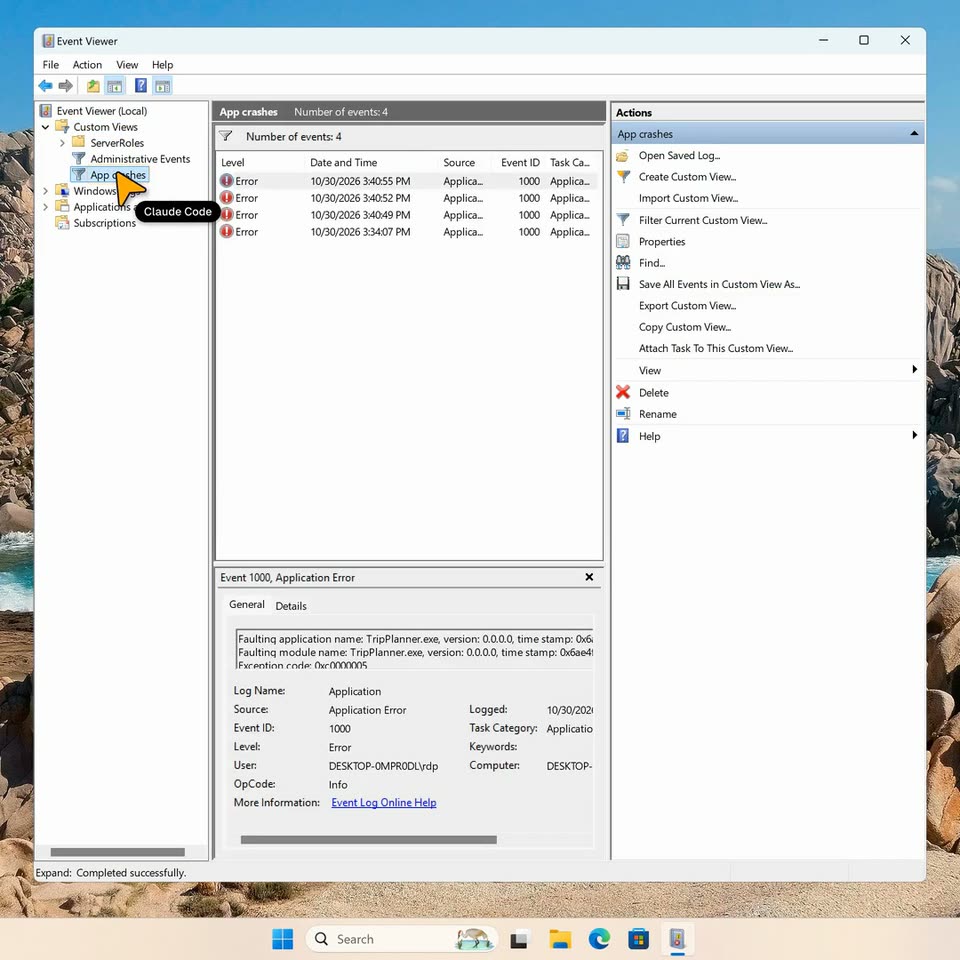 0:07–0:13Vercel Doctor · Chris Tate - Introducing agent-desktop agent-browser, for your whole computer →A Windows Event Viewer window sits on a coastal desktop. An orange cursor tagged Claude Code expands Custom Views in the left tree, clicks App crashes, and the center pane fills with four error rows and a details panel. The cursor then selects the top row.
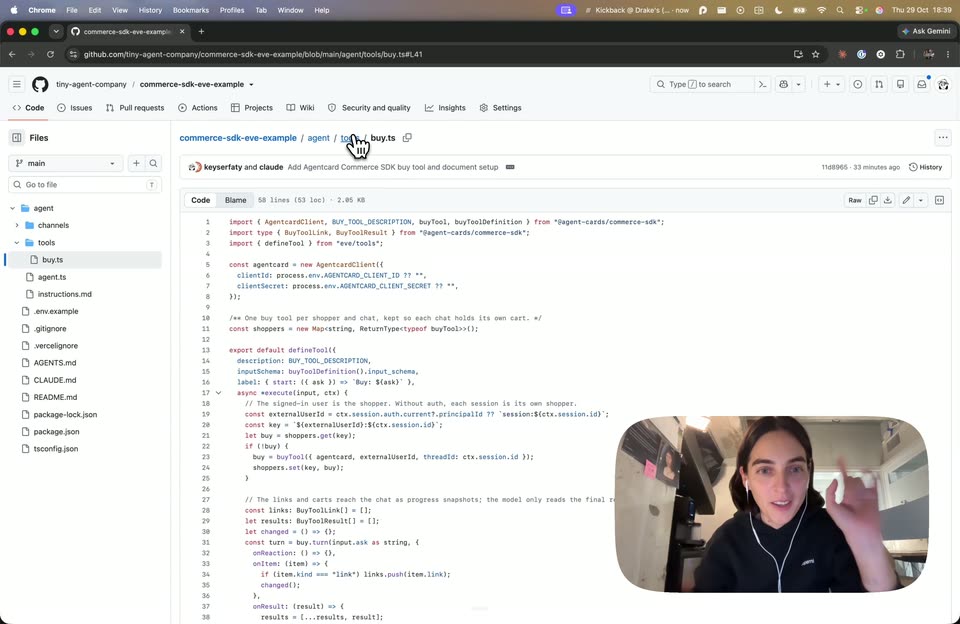 2:30–2:36Agentcard · mrs. robot - today we are announcing openrouter for commerce: a single endpoint tScreen recording of a GitHub code file with a presenter's video inset at bottom right. The cursor clicks the file tree to open the tools folder while the presenter gestures and talks, and a static brand caption sits over the screen.
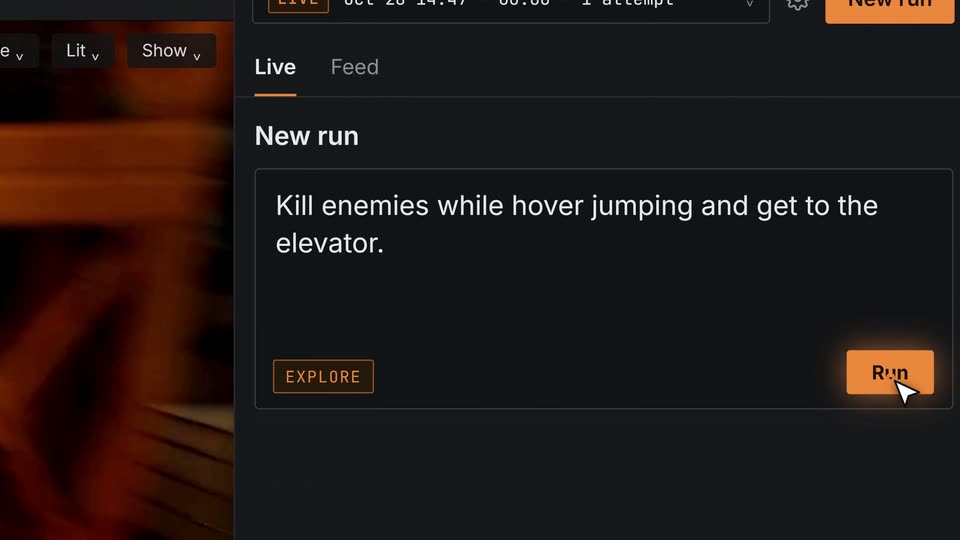 0:16–0:17Aura · Aura - We're open-sourcing Autopilot. A self-improving agent that plays youA dark interface panel shows a New run prompt box as the instruction text types out character by character. A white cursor glides to the orange Run button at the bottom right and hovers it, while a blurred orange panel sits at the left edge.
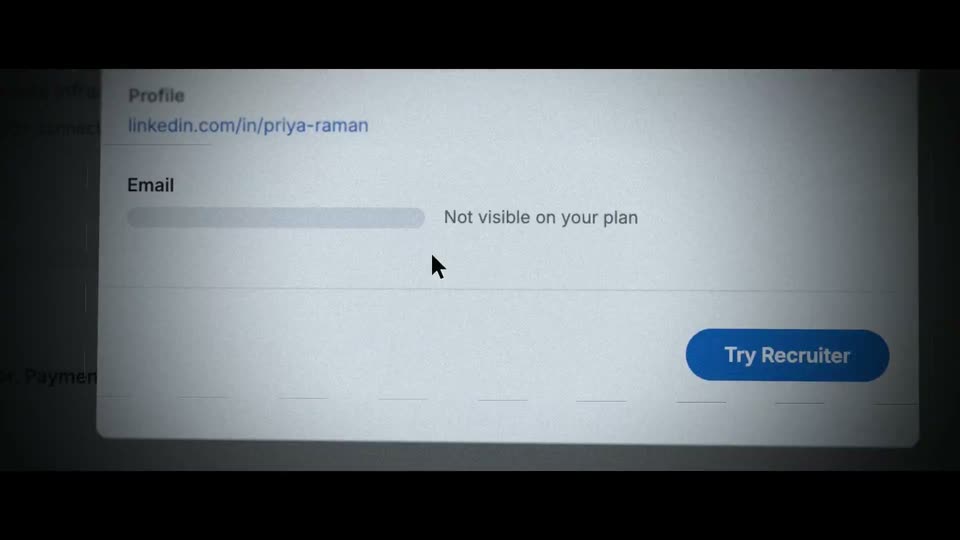 0:00–0:02Composio · Karan Vaidya - Hiring is no longer a problem, We built the best Recruiter agent ItA white profile card fills the frame with a dark vignette. The view reframes from a wider search layout to the name and job title, and a cursor hovers over the blue Contact info link.
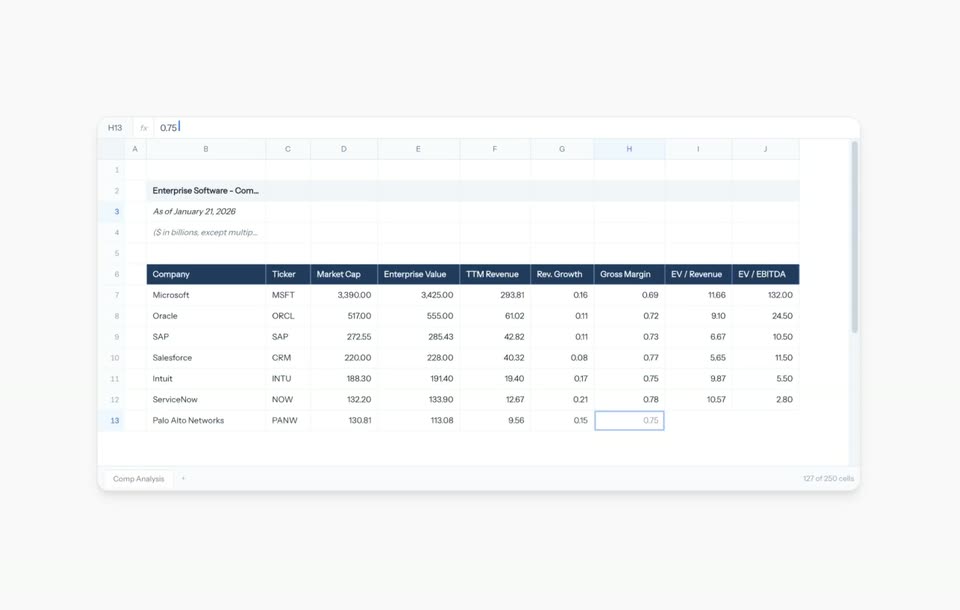 0:07–0:11Doe · Doe launch filmA spreadsheet card floats in 3D perspective on a pale gray backdrop. A comparison table fills in row by row: the dark blue header row and company rows appear while the cell selection jumps and the formula bar types values.
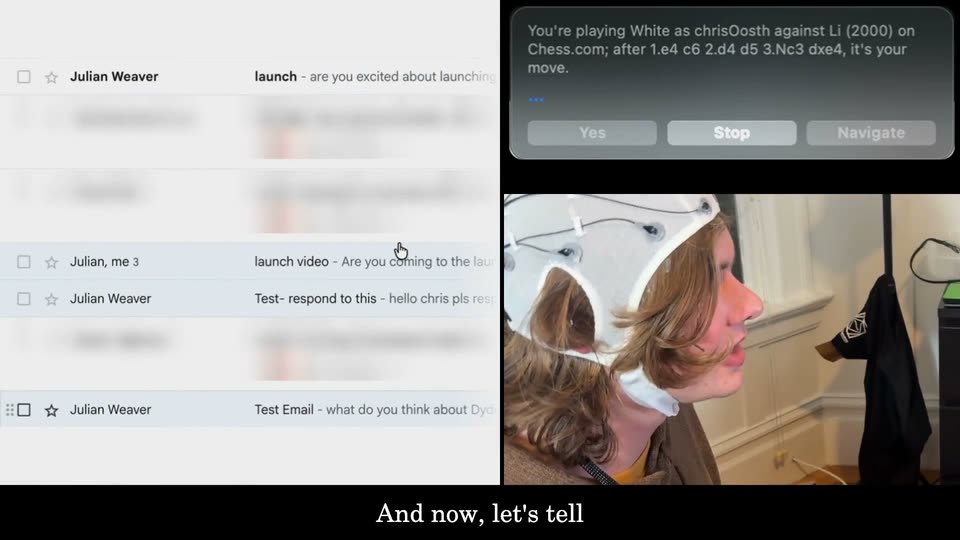 1:37–1:41Dydema · Dydema - We've launched!A Gmail inbox on the left zooms in on the message list as a cursor hovers one row, while the right side pairs a dark agent prompt panel with a profile shot of a person wearing a white mesh headband. A bottom caption appears.
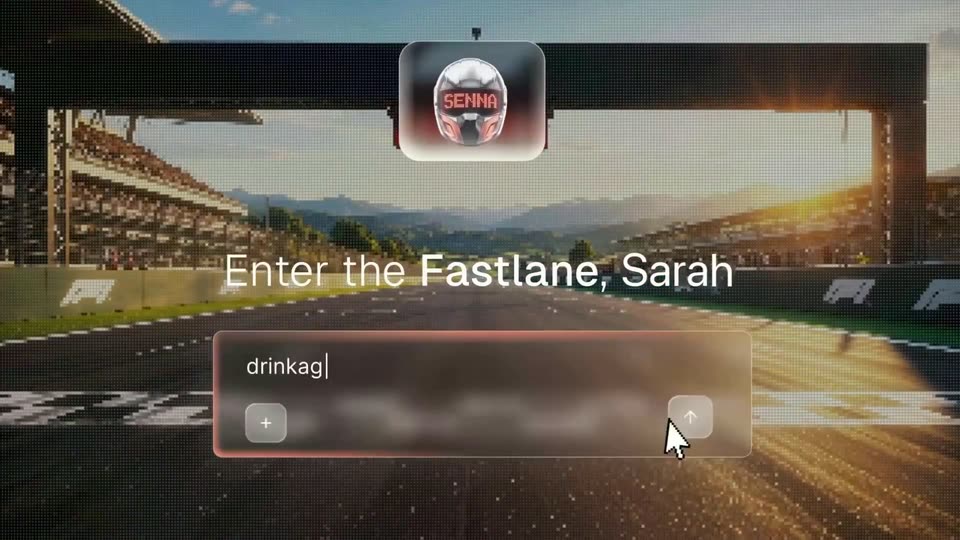 0:07–0:09Fastlane · Gaurav - We raised $3.5M to build Claude for Ads. Just enter your website, anA 3D F1 starting grid fills the frame under an overhead gantry. A rounded helmet icon and the white headline sit above a glass input field. The headline scales up as a cursor types a URL and hovers the up-arrow button.
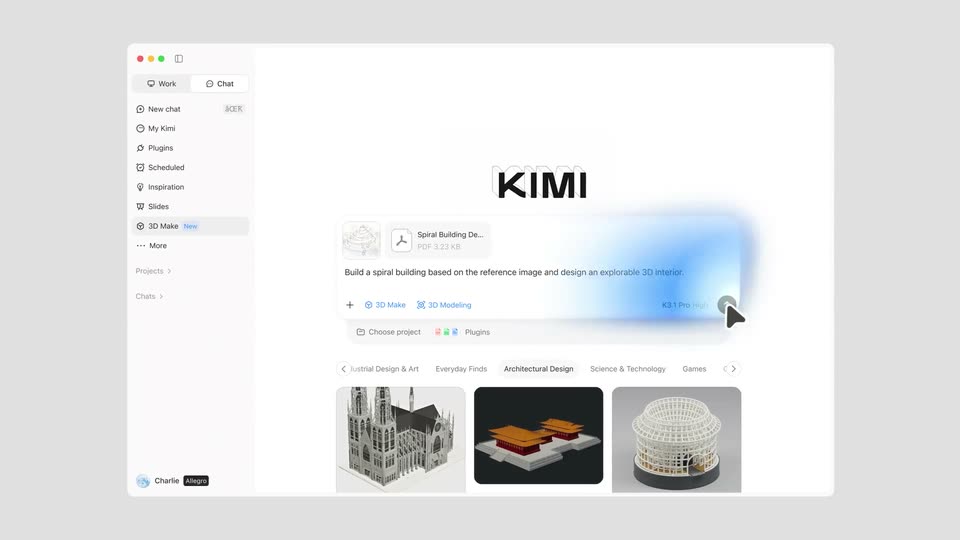 0:13–0:14Moonshot AI · Introducing 3D Make in KimiA white KIMI app window sits on a light gray field, its sidebar and a spiral-building prompt filling the pane. A cursor glides in from the right and hovers by the input box, which lights up with a soft glow, while the KIMI wordmark scales into place.
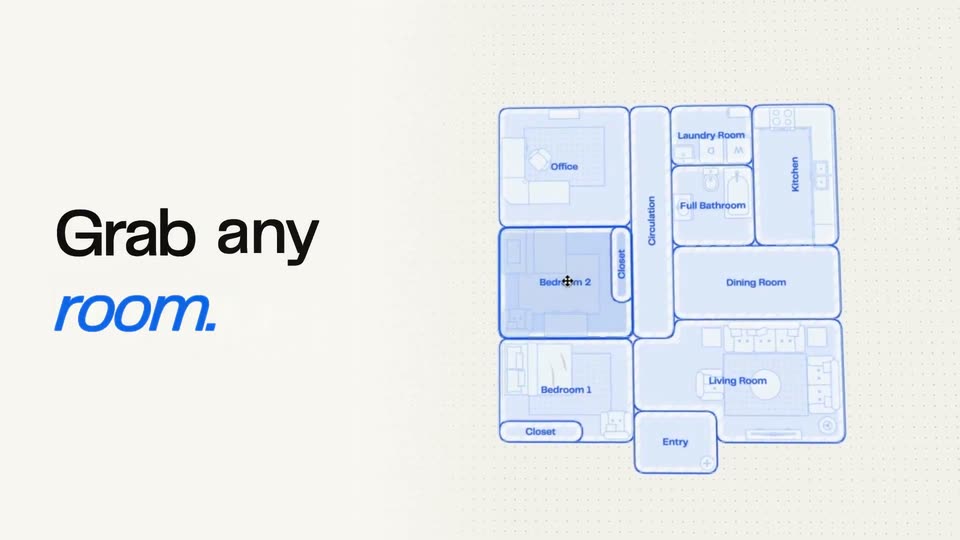 0:05–0:07Maket · Maket - Your floor plan isnʼt final until you say it is. Move Rooms is now lOn a dotted cream background, a blue blueprint floor plan on the right swaps its Office and Bedroom 2 rooms via a crosshair cursor, while the static headline 'Grab any room.' holds on the left.
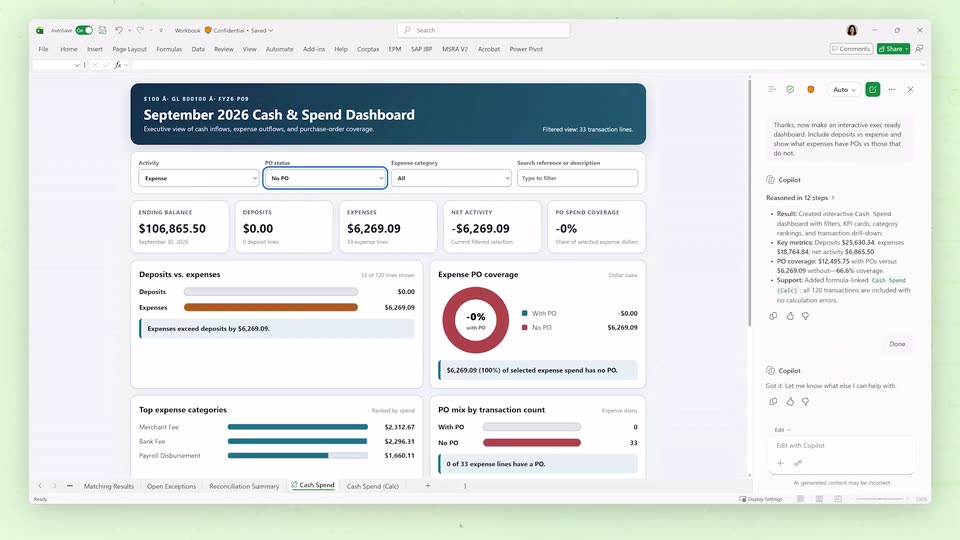 0:48–1:03Microsoft · New accounting skills in Copilot in ExcelA full-screen Excel sheet shows the September 2026 Cash & Spend Dashboard beside a Copilot panel. A glowing ring cursor opens the Activity and PO status filters, and the KPI cards, donut chart and bar lists recalculate as each selection lands.
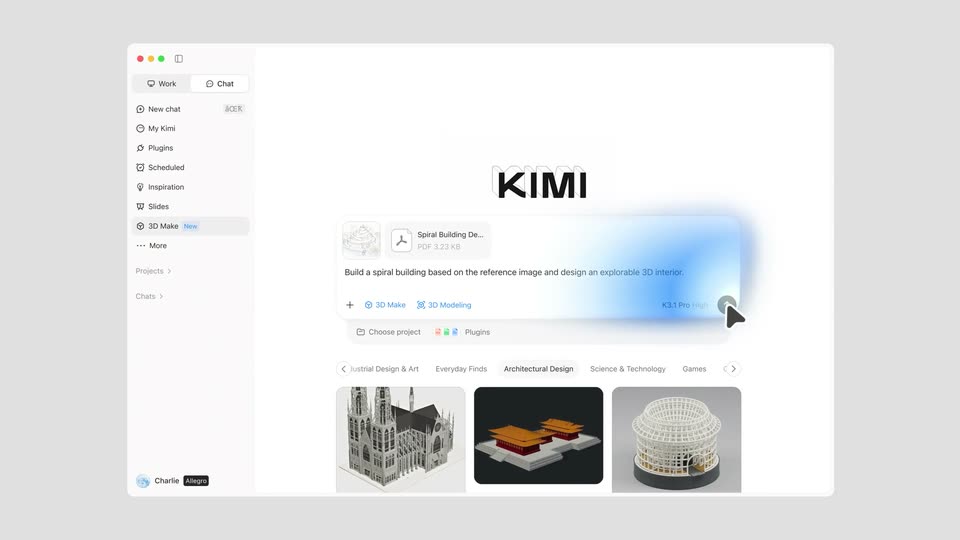 0:12–0:14Moonshot AI · Kimi.ai - Introducing 3D Make in Kimi. Kimi connects to tools like Blender andA light gray backdrop holds the KIMI desktop window, which scales up to fill the frame as the central KIMI wordmark enlarges. A cursor appears at the right of the chat input, which flashes a blue highlight, above the prompt line and three 3D building thumbnails.
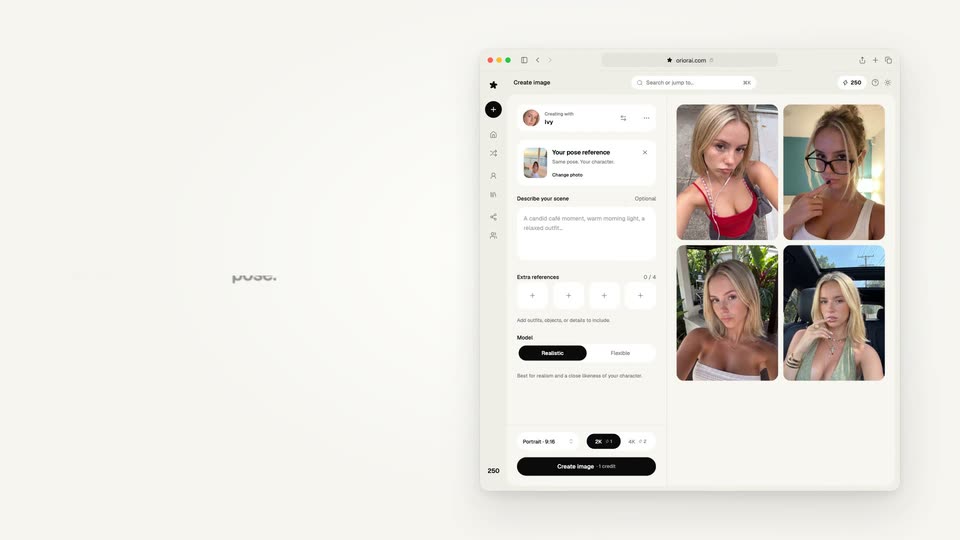 0:07–0:08Orior AI · Orior - you don’t need a prompt anymore. find a pose. drag it in. one click.A flat Oniral browser window sits on a cream field beside a black headline. A cursor drops a reference photo into the panel, which updates to a 'Creating with Ivy' prompt, while the left headline and subline blur out of focus.
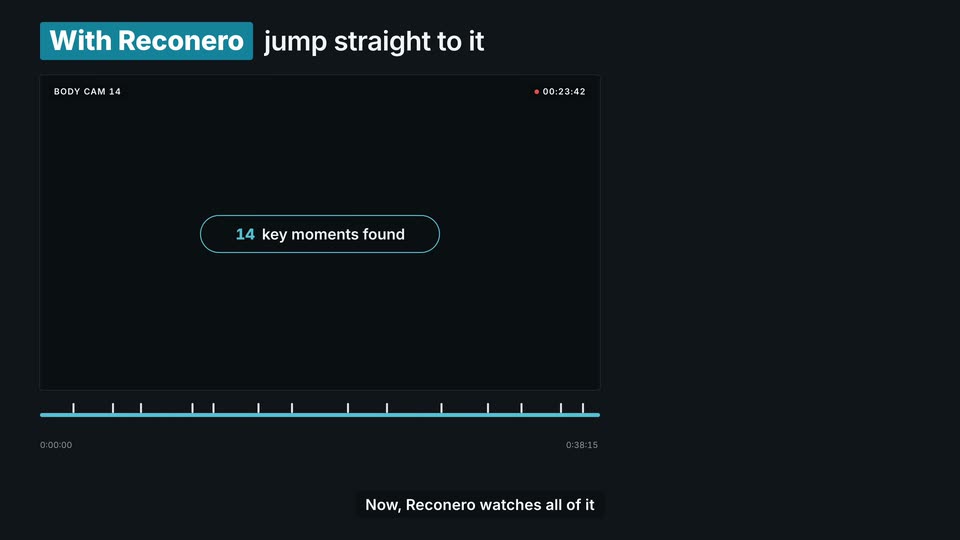 0:30–0:32Reconero · Reconero: Supercharge your police force with AIA dark video-player UI labeled BODY CAM 14 sits under the headline “With Reconero jump straight to it.” The moment counter ticks up, the timeline fills with tick marks, then colored markers and a three-card key-moments list slide in on the right, a cursor hovers the first card.
 0:29–0:30RightNow · RightNow Lab - RightNow is out today. our first “System Zero” model it streams in tA pixelated green circular mask expands to reveal a blurred sky and grass field, with a green button reading Available now centered. A white pixel cursor points at the button as the button scales up.
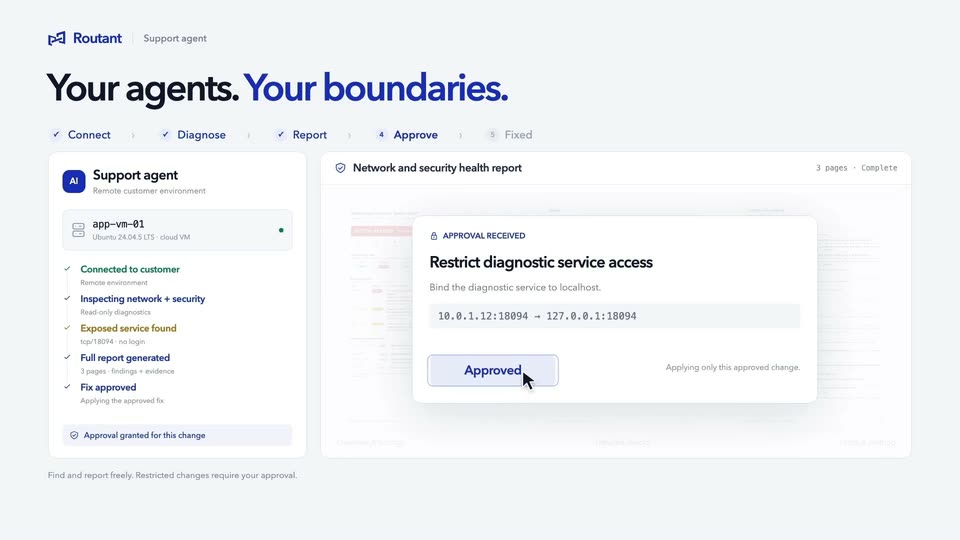 0:48–0:53Routant · Routant LaunchUnder a static headline, a flat product screen shows a support agent workflow: a left checklist beside a three-page report. The report completes, an approval modal appears, a cursor clicks Approve fix, and the modal turns green and verified as the step bar advances to Fixed.
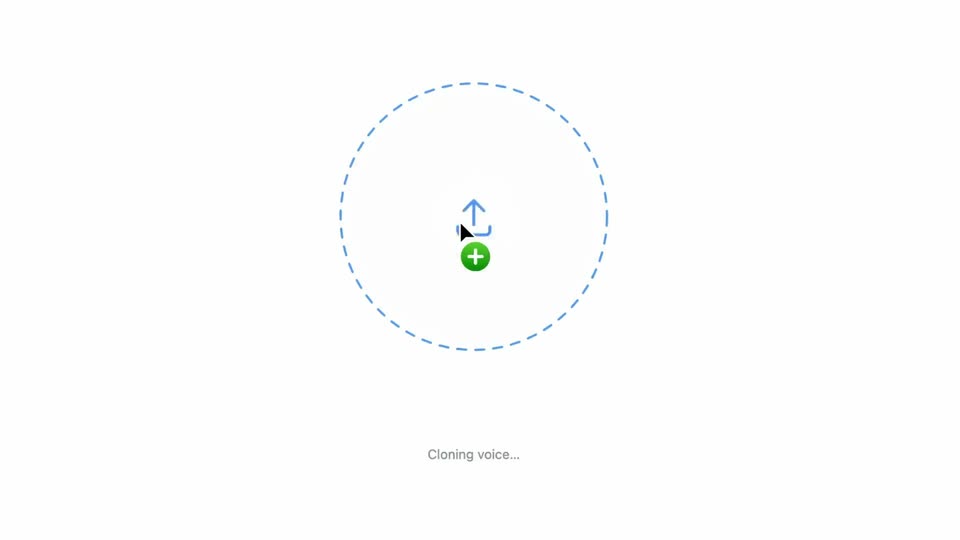 0:09–0:10Soniox · Soniox | Meet Soniox Text-to-Speech v2A gray drop zone with a dashed circle, upload icon and caption 'Drop an audio file to clone a voice.' A cursor drags a music file, mike.m4a, from the right into the circle; the dashes turn blue and the file becomes a white disc as 'Cloning voice...' appears below.
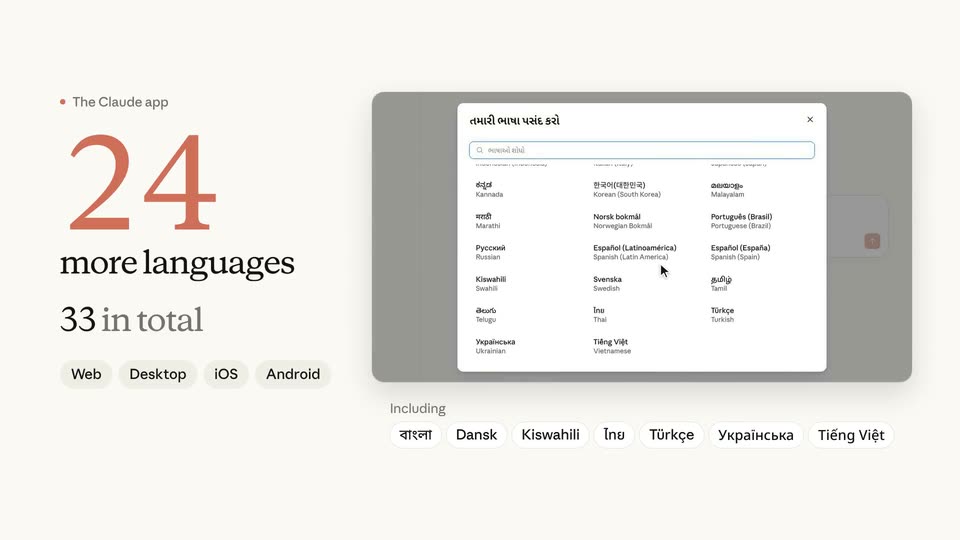 2:02–2:06Anthropic · Claude's new mobile app updates are hereA static left panel holds a big orange 24, more languages, 33 in total, and platform pills. On the right, a language-picker dialog sits over a dimmed app window; a cursor moves through the three-column list as it scrolls, while an Including row of language pills stays fixed below.
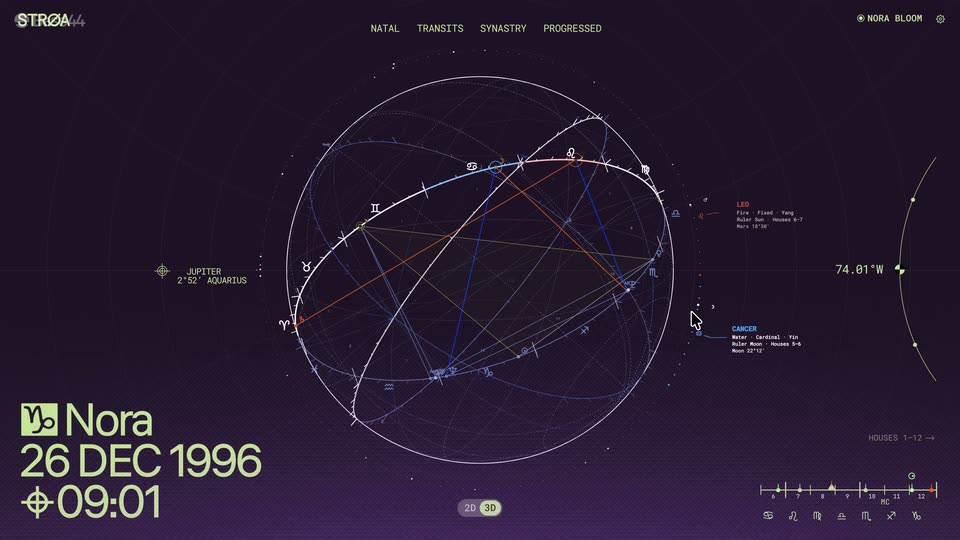 0:02 · 0.5sBase44 · Beautiful from the first prompt | Base44A centered 3D astrological chart rotates slowly, a wireframe sphere of zodiac lines and node labels on a dark field. A cursor hovers near the Cancer marker as the 3D toggle stays active.
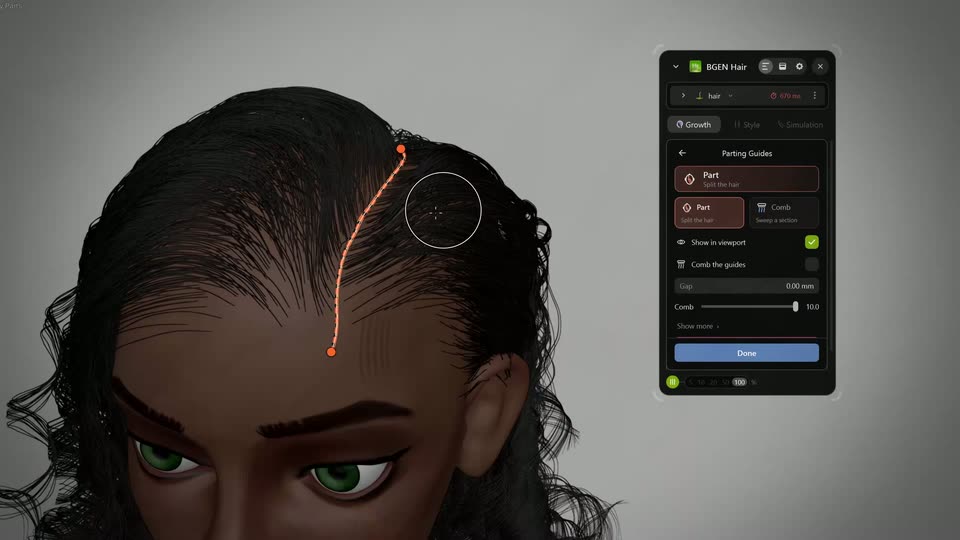 0:16–0:18BGEN Hair · M2ky - We just made creating hair in Blender ridiculously easy. IntroducingA 3D character head with wet-look hair fills the frame, a settings panel floats in perspective at right. A dashed orange guide line is drawn down the scalp by a white reticle, while large lime text reads over the face and pink comb lines overlay the lower half.
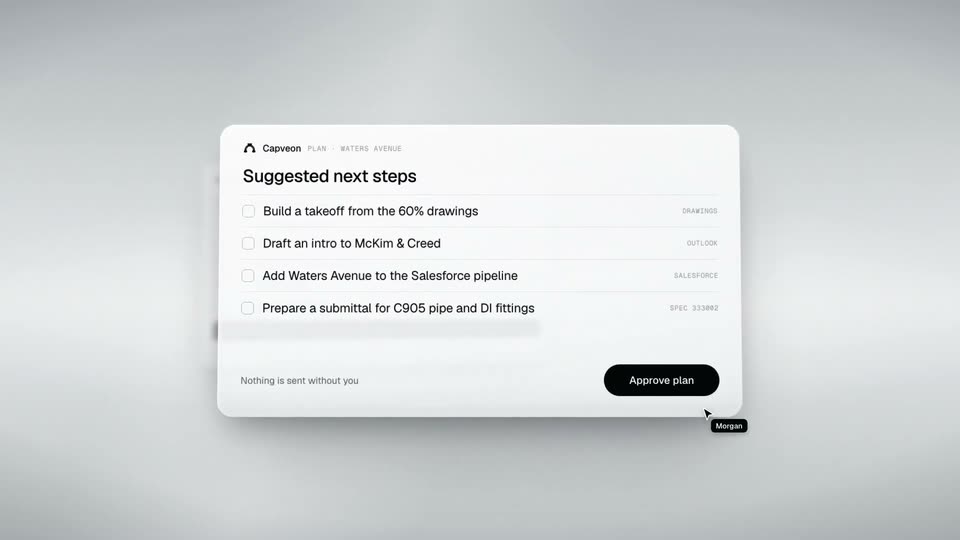 1:10–1:14Capveon · Capveon - AI that discovers, understands, and wins government workA white UI card titled Suggested next steps sharpens from a blur on a gray gradient background. Four task rows appear with checkboxes that tick off one by one, and a cursor labeled Morgan clicks the black Approve plan button, which flips to Approved.
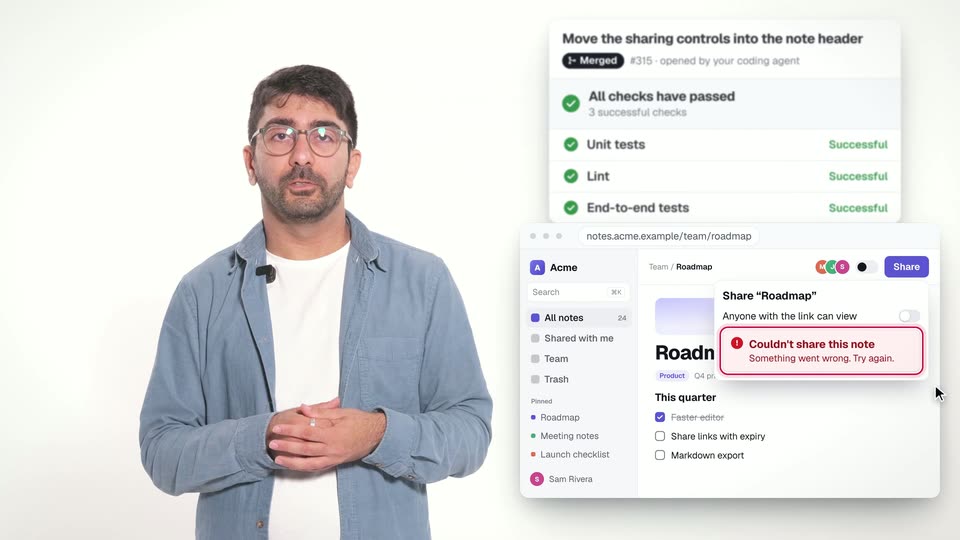 0:11–0:16Composal · Introducing Composal: A swarm of agents that tests your product like real usersA presenter in a denim shirt talks at left on a white backdrop. At right, a pull-request card slides in, its checks turning green under a Merged badge, then a notes-app window appears below with a Share dialog and a red error box, and both panels fade out.
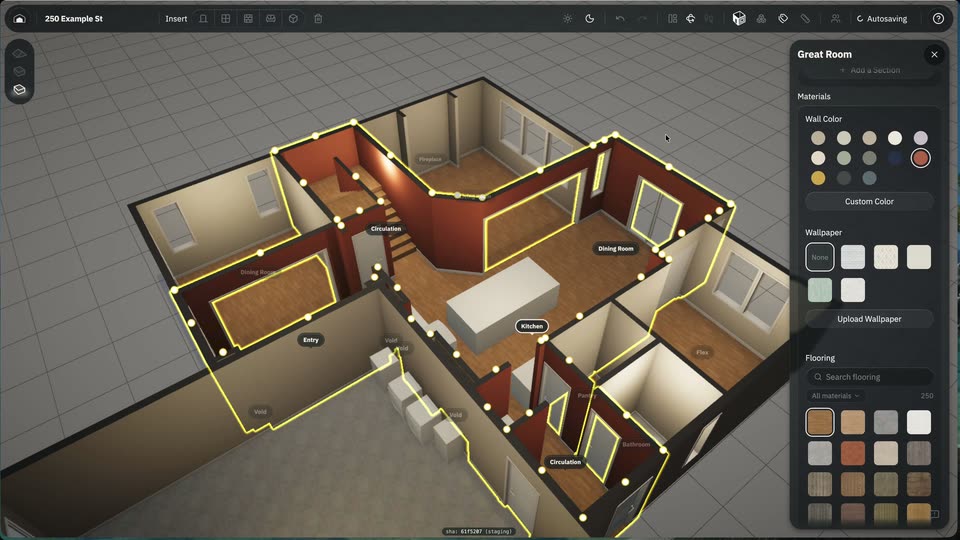 0:38–0:40Dream · Andy Elder - Today @arjunmathur_ and I are introducing Dream. We’re announcing $1A dark app screen frames an isometric 3D floor plan with yellow-outlined walls and small room labels. On the right, a materials panel lists wall colors, wallpaper and flooring swatches. A cursor glides over and clicks the first flooring tile, which gains a white ring.
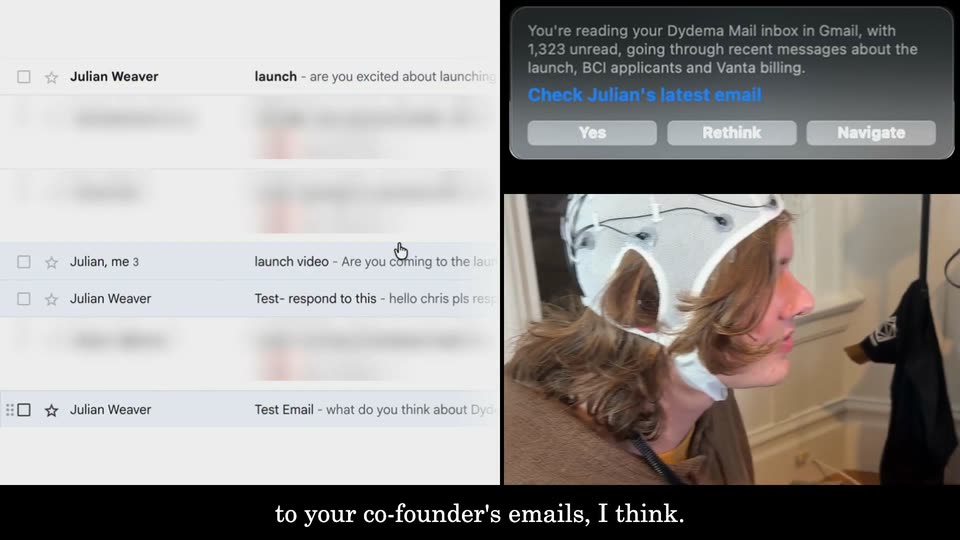 1:37–1:52Dydema · Dydema (YC F26) Launch DemoSplit screen: the Gmail inbox on the left zooms in as a cursor hovers over an email row, while on the right a person in a white brain-computer headpiece talks; a dark panel above shows the agent's prompt with Yes, Rethink and Navigate buttons.
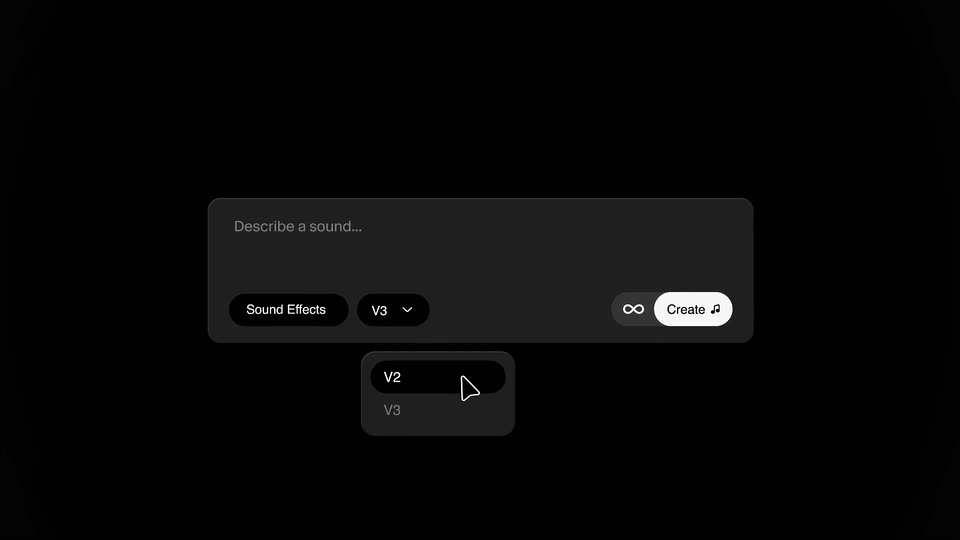 0:32–0:35ElevenLabs · Introducing SFX v3A dark sound-generation input bar sits centered on a black background. The camera zooms into the version selector as a cursor clicks it, opening a dropdown with V2 and V3, then cuts to a rounded Prompt card sliding in from the right.
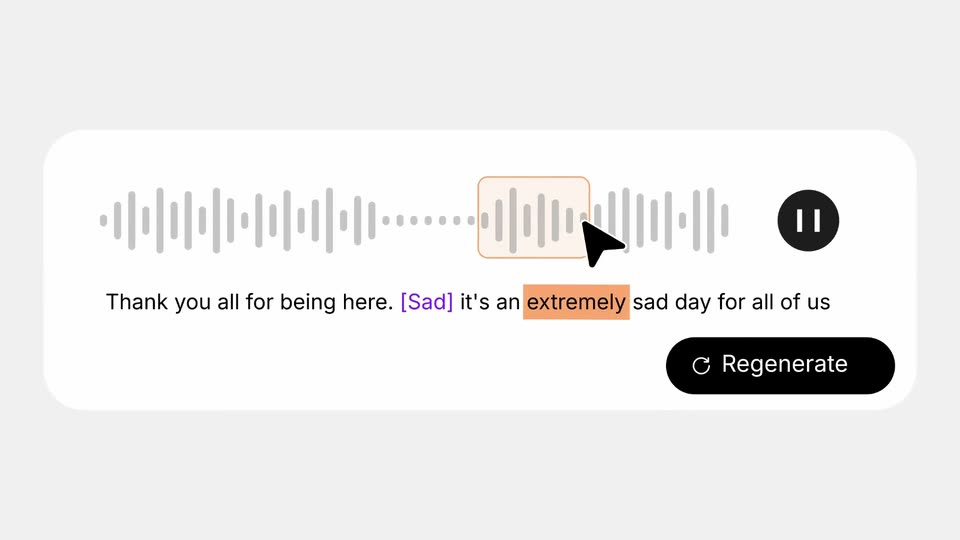 0:17–0:20Fish Audio · Fish Audio Drama 3 (Full Guide)A white audio-editing card on a gray background: a cursor draws an orange selection box around a segment of the waveform, the word “extremely” in the transcript highlights in orange, then the cursor moves down to the black Regenerate button.
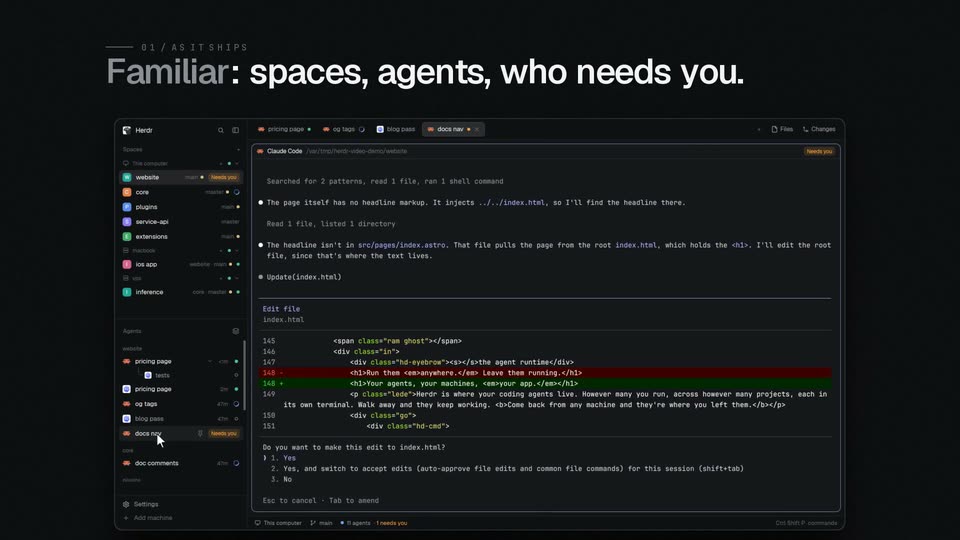 0:15–0:20herdr · herdr - *ehm ehm* BIG ANNOUNCEMENTS DAY 📣 two new things cooking in herdr laA dark Herdr dashboard sits below a white headline. A cursor hovers over agent rows in the left sidebar while the center and right panels swap between a code diff and a chat log. At the end the headline cuts to a second line as the cursor moves on.
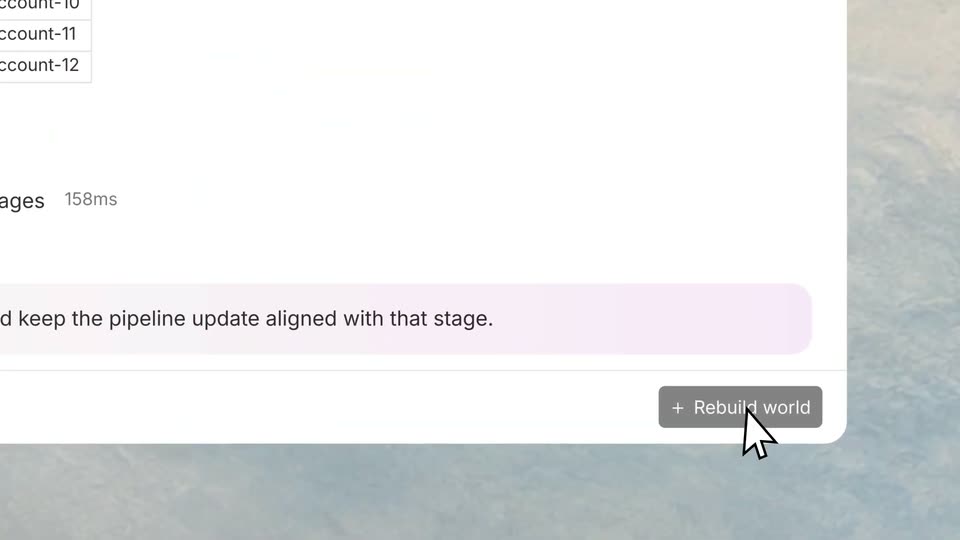 1:03–1:05Hue · Hue (YC F26) Launch VideoA task list with Slack, Google Sheets, and Gmail entries plus a spreadsheet preview fills the frame. The view zooms into the lower right corner as a cursor glides toward the dark Rebuild world button.
 0:08–0:09HyperFrames · HyperFrames - the AI slop launch video killer is here Computer use is live in HypeA light chat input box holds the typed prompt about recording a podcast edit flow, with a text cursor at the end. A mouse pointer moves onto the black round send button at the right, then the whole box blurs and fades as if the prompt is submitted.
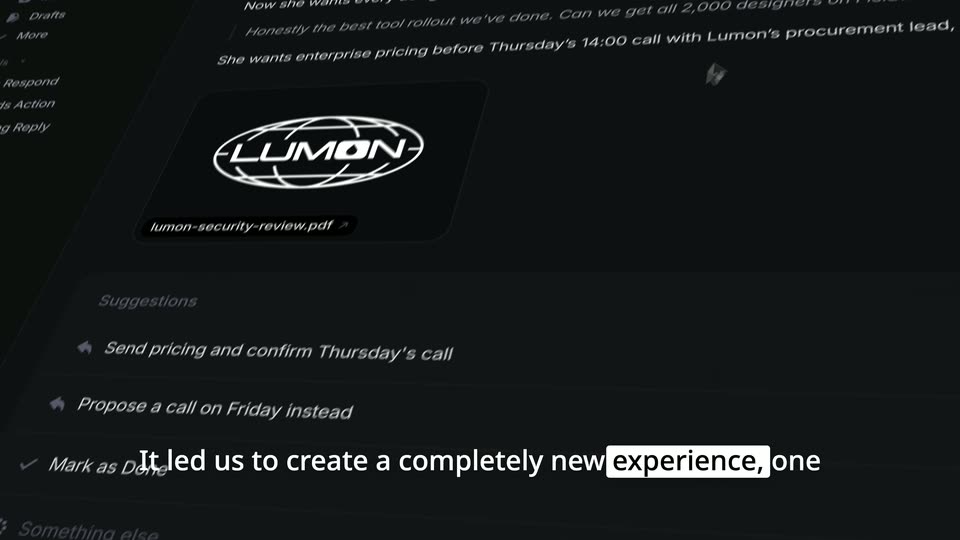 0:07–0:09Input Systems · Krijn - Announcing @InputSystems. A new way to email ✨ It handles your messaA dark email thread in the product UI pans downward, revealing a white LUMON wireframe globe logo, a PDF attachment, and a list of reply suggestions with a cursor, while a bottom caption highlights words in sequence.
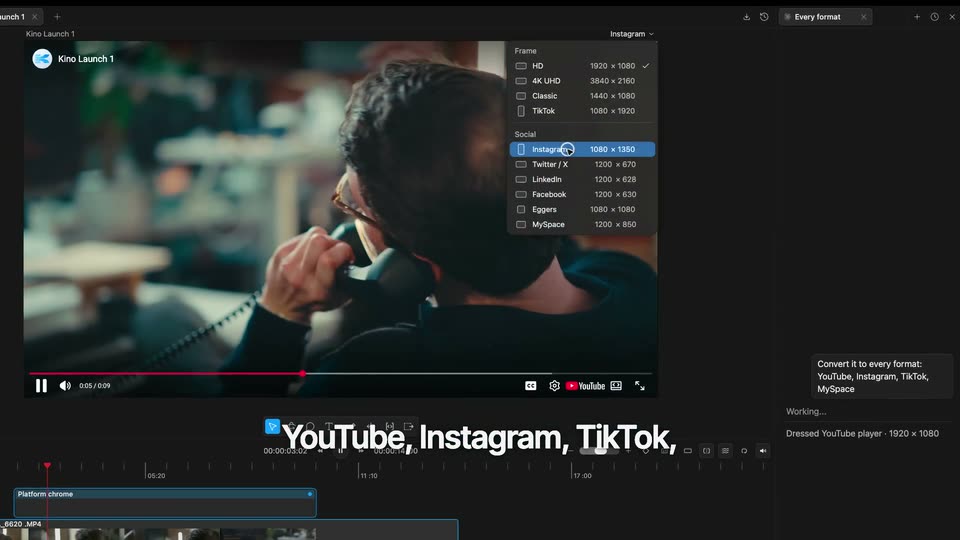 0:52 · 0.8sKino · Luke Igel - Introducing Kino: make videos end-to-end with Claude Code and Codex.A dark editor UI fills the frame, a centered preview playing a man on a phone. A format dropdown opens over the preview listing social dimensions, the cursor hovering it. A white caption YouTube, Instagram, TikTok, sits at the bottom.
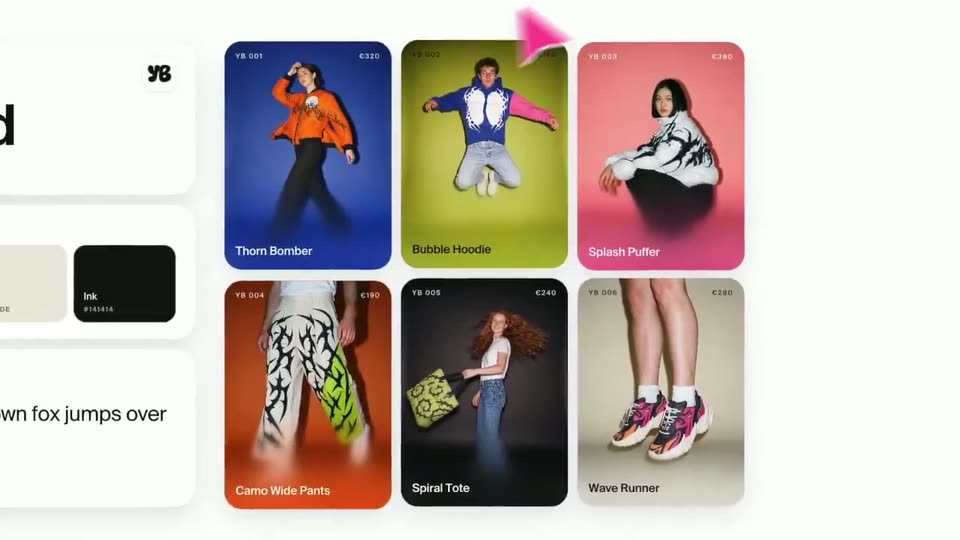 0:07–0:10Krea · Krea - introducing Ad Studio. - powered by our new Krea 3 expert model forA white brand-kit board with logo, name, color swatches and font samples sits beside a grid of six fashion product cards. The camera zooms onto the product grid, then pink, green and blue cursor arrows tap the cards.
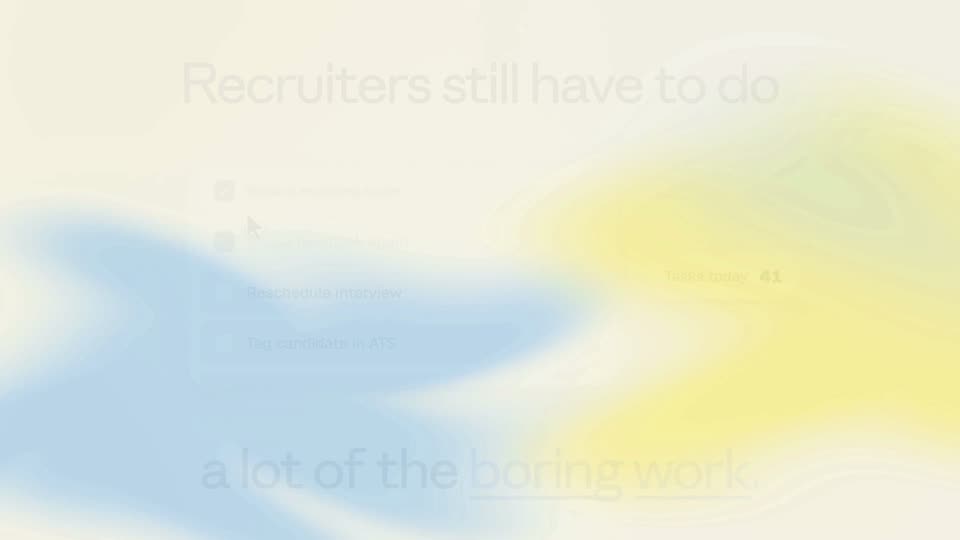 0:23 · 0.5sLantern AI · Thomas Chan - Today, we are killing Workday, SuccessFactors and Ashby. RecruitiA task-list card with a cursor ticking a checkbox sits between two headline lines on a soft blue-yellow gradient. The card and text fade out, then a chat screen with a dark command box fades in as text is typed.
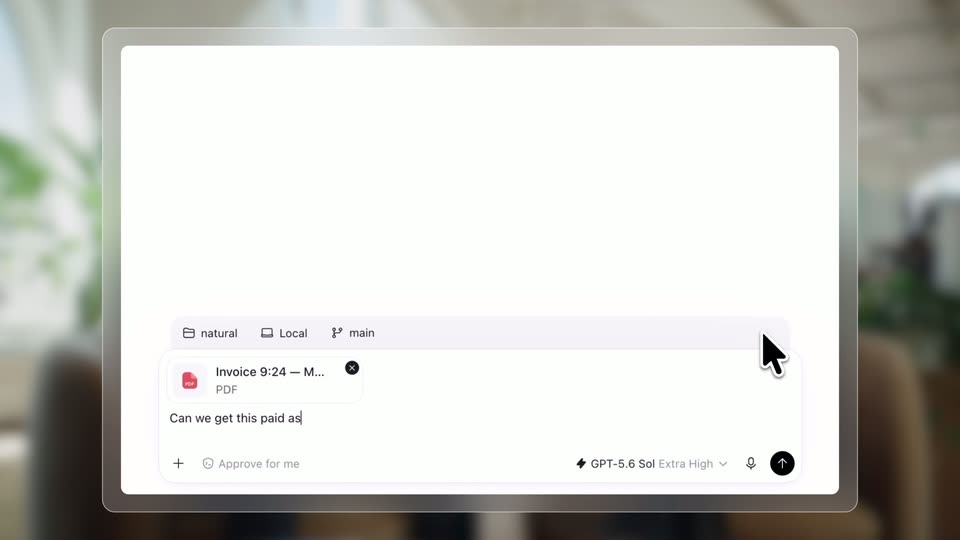 0:32–1:02Natural · Kahlil Lalji - Natural Direct is now live. Agents are becoming real participants inTwo men sit in an office lounge as a large Natural interface hovers between them. The camera zooms into the window, blurring the room, while a cursor picks an invoice PDF from a file dialog, types a payment request, and the AI reply streams in.
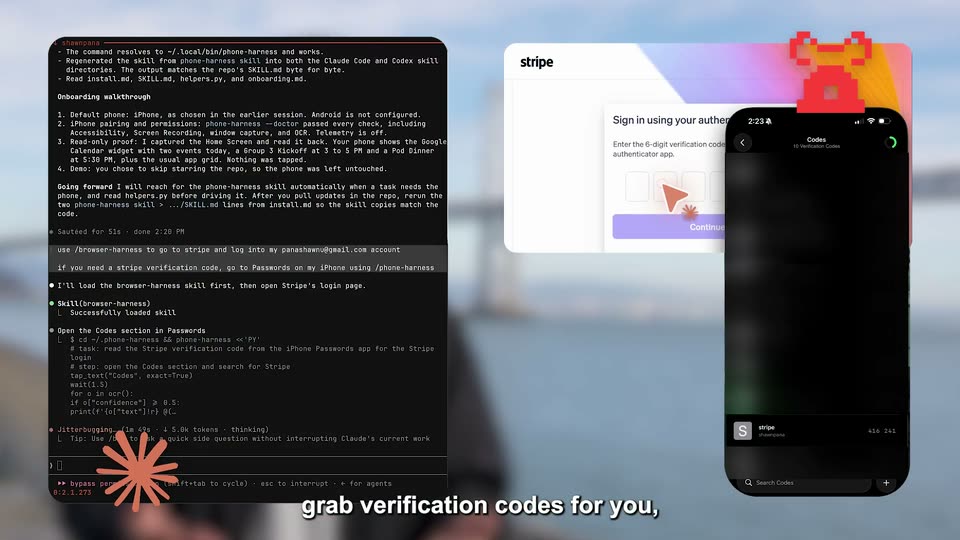 0:18–0:20Phone Harness · Phone Harness: Give your AI agent a real iPhone or AndroidA split screen pairs a dark terminal on the left, its agent log updating line by line, with a Stripe window and iPhone Codes app on the right, where the login screen switches to the dashboard. A white cursor points at the setup guide.
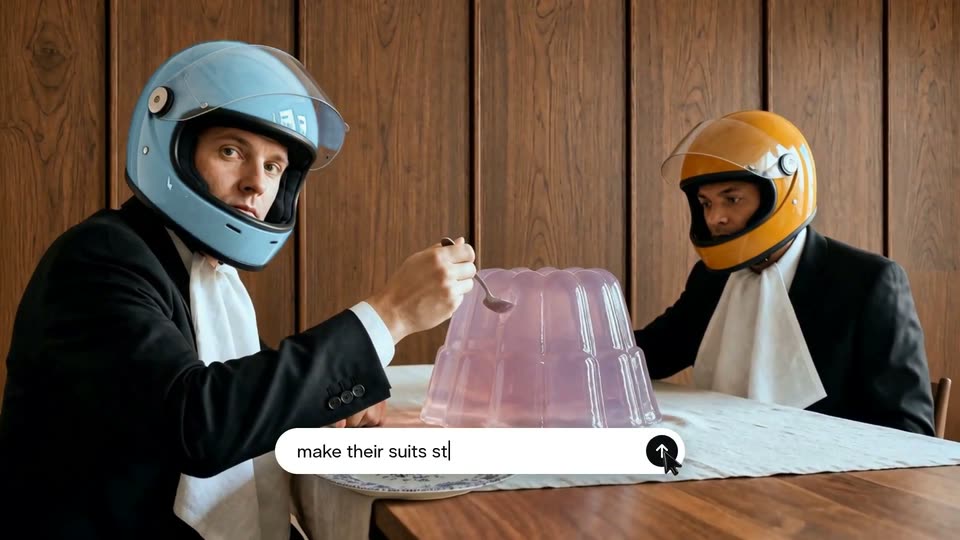 0:29–0:32Pika H3 Flex · Pika - Meet Pika H3 Flex, debuting today as the #1 open weight model on DesiTwo men in black suits and motorcycle helmets sit at a wood-paneled dining table; the left man pokes a large pink gelatin mold with a spoon. A cursor taps the helmet in a corner card, then a prompt bar types 'make their suits striped' as his helmet shifts from cream to blue.
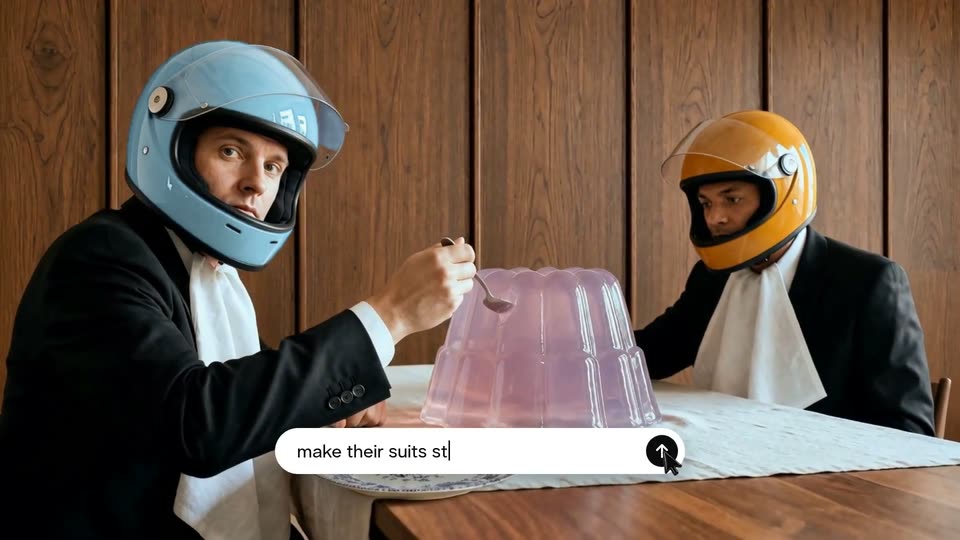 0:29–0:32Pika · Introducing Pika H3 Flex | Built for Professional IterationTwo men in motorcycle helmets and white bibs sit at a table before a pink jelly mold, one tapping it with a spoon. A cursor clicks a helmet chip top right, the left helmet shifts from cream to blue, and a prompt is typed into a bottom input bar.