1:08

Introducing Cowork: Claude Code for the rest of your work
Anthropic · AI · Jan 2026
Software Mansion · Nov 2026 · 0:46 · AI-annotated
Software Mansion’s 0:46 launch film runs 18 scenes, about 2.6 s each. The product shows up at 0:05 and 6 features are revealed. The call to action lands at 0:38 (82% in). Minimalist cream-and-ink launch film built from serif type cards and clean UI mockups, where a recurring charcoal brushstroke masks and reveals the key phrase of every headline. Pacing is steady at about 123 bpm with short locked-off text beats alternating with slow zooms and pans over the dashboard and document, and the signature moves are the brushstroke wipe, the gold highlight sweep and the blur-to-sharp title transitions.
Is this your launch? to your site or press kit.
Anthropic · AI · Jan 2026
Airtable · Productivity · Sep 2021
Polygon · Oct 2026
On a cream background, the serif word ID numbers sits over a gray brushstroke; the stroke darkens to charcoal and the word swaps to Bank accounts.
On-screen text: “ID numbers”, “Bank accounts”
Techniques: Kinetic type
Camera: Static
On a cream background, a black brushstroke bar forms, then the serif word Redact scales in beside it. The stroke widens to mask sensitive information in white, and the line before sending it to AI appears below.
On-screen text: “Redact sensitive information before sending it to AI”
Techniques: Kinetic type, Masking
Camera: Static
On a pale gray field, a black ink stroke holds “Introducing” in white typewriter type as it scales up; the large black serif wordmark “Velonos” sits below it. The frame then blurs out and refocuses on the small serif word “Turn”.
On-screen text: “Introducing”, “Velonos”, “Turn”
Techniques: Kinetic type
Camera: Static
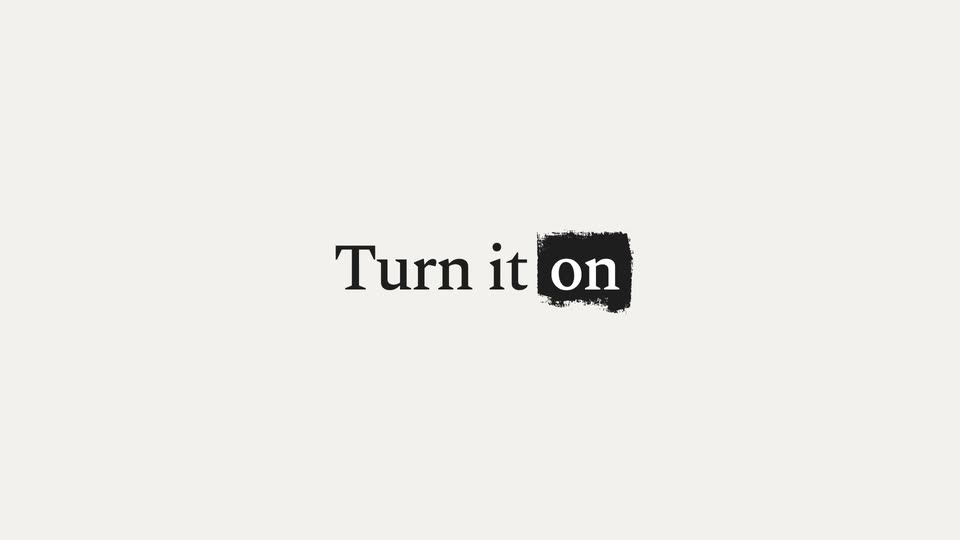
Centered serif headline reads Turn it on. The word on sits inside a rough black square that scales up and rotates upright, while the rest of the line darkens from gray to black.
On-screen text: “Turn it on”
Techniques: Kinetic type
Camera: Static
A light dashboard opens zoomed in on a dark banner reading “Not protected”. A cursor clicks the Turn on button, the banner updates to “Protected · up 0s”, and the camera pulls back to reveal stat cards and a recent activity list.
Techniques: Cursor demo, UI zoom
Camera: Pull out
Black serif text reading “Prompt AI” holds on a light gray field. A gray brushstroke mask then opens to the right, revealing the words “as usual” in white.
On-screen text: “Prompt AI”, “as usual”
Techniques: Masking
Camera: Static
A centered line of serif type sits on a plain light gray background. 'Prompt AI' is set in black, while 'as usual' is reversed in white over a rough black brushstroke highlight. The frame is locked off and the text holds still for the full shot.
On-screen text: “Prompt AI as usual”
Camera: Static
A white ChatGPT input box holds a PDF attachment while a typed prompt grows word by word. The view then zooms into the bottom right corner as a cursor moves onto the blue send button.
Techniques: UI zoom, Cursor demo
Camera: Push in
A plain off-white card holds the sentence in black serif type, the second line set in white over a rough black brushstroke. The line resolves from a soft blur into a sharp, locked-off lock-up.
On-screen text: “Personal data is redacted locally”
Techniques: Kinetic type
Camera: Static
A tenancy agreement sits on a pale background as yellow highlights mark the names, addresses and phone number. The view pans down to a summary table, where the address and phone fields carry the same gold highlight. A caption states the personal data is redacted locally.
On-screen text: “Personal data is”, “redacted locally”
Camera: Pan
A tenancy agreement template in a serif face fills the frame, its name, address and IBAN fields shown as gray placeholders. A thin gold line sweeps up the page while the text drifts slowly.
Camera: Static
A plain cream background holds one centered serif line. The words 'AI only sees' fade in in black, then a black brushstroke wipes in from the left to reveal 'placeholders' in white on top of it.
On-screen text: “AI only sees placeholders”
Techniques: Kinetic type, Masking
Camera: Static
A ChatGPT chat window shows a document titled Landlord's and Tenant's Details, each value a bracketed placeholder that fills with a pink highlight and red underline as the page eases upward. The frame then blurs into a plain background reading Original details.
On-screen text: “AI only sees placeholders”, “Original details”
Camera: Push in
A light gray card holds two lines of serif text. The top line, Original details, sits in white on a rough black brushstroke. The second line, come back in the answer, fades in word by word from a faint ghost to solid dark gray, then holds still.
On-screen text: “Original details”, “come back in the answer”
Techniques: Kinetic type
Camera: Static
A ChatGPT document view shows a landlord and tenant details list. Placeholder tokens are replaced by real names, addresses and an IBAN, each highlighted in yellow, while the frame zooms in on the list.
On-screen text: “Original details”, “come back in the answer”
Techniques: UI zoom
Camera: Push in
The serif headline “Works with” scales in at the top center of a plain beige field. Three white rounded-square app icons then pop in one by one, each with a small sans-serif label: ChatGPT, Claude, Gemini.
On-screen text: “Works with”, “ChatGPT”, “Claude”, “Gemini”
Camera: Static
On a plain cream background, the black serif wordmark Velonos slides up into place, the tagline Work with AI and protect sensitive data fades in below, a black brush highlight wipes over its last phrase, and the small gray URL velonos.ai appears underneath. The frame is locked off.
On-screen text: “Velonos”, “Work with AI and protect sensitive data”, “velonos.ai”
Techniques: Kinetic type
Camera: Static
A white wireframe box outline sits centered on a black background. The lowercase software mansion logo scales up inside it from small to full size, then the frame fades to black.
Camera: Static