0:36

Result - We built the best experience for local AI on MacOS Introducing Resul
Result · Consumer · Nov 2026
OpenShip · Nov 2026 · 0:36 · AI-annotated
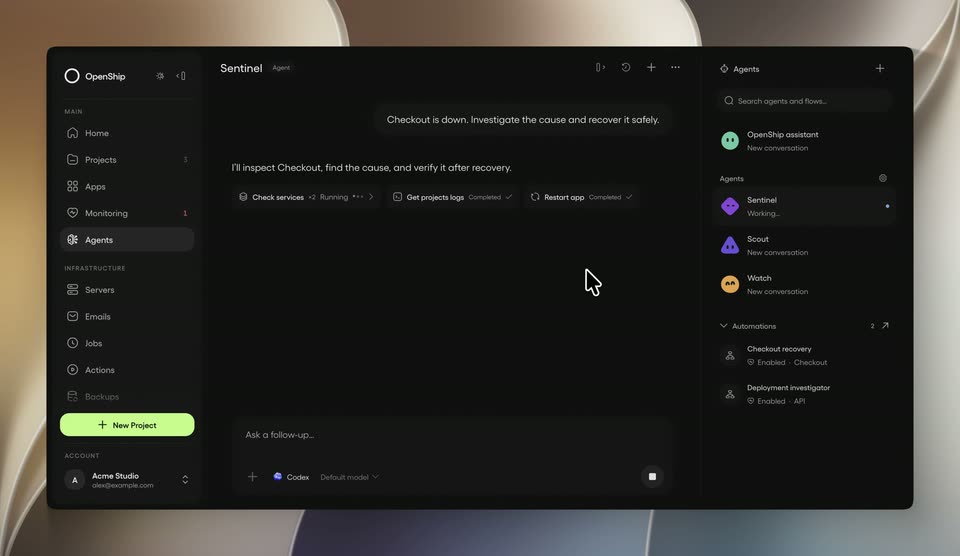
OpenShip’s 0:36 launch film runs 3 scenes, about 12 s each. The product shows up at 0:05 and 1 feature is revealed. There is no explicit call to action; a voiceover carries the film. One continuous demo carries the story: a 3am outage prompt drives a cursor through the dark OpenShip interface while the window tilts in and out of 3D space. Signature moves are the fast zoom-in cuts into panels, the flip of task chips from running to completed, and the floating perspective that keeps the UI feeling physical.
Is this your launch? to your site or press kit.
Result · Consumer · Nov 2026
Vercel · Developer tools · May 2023
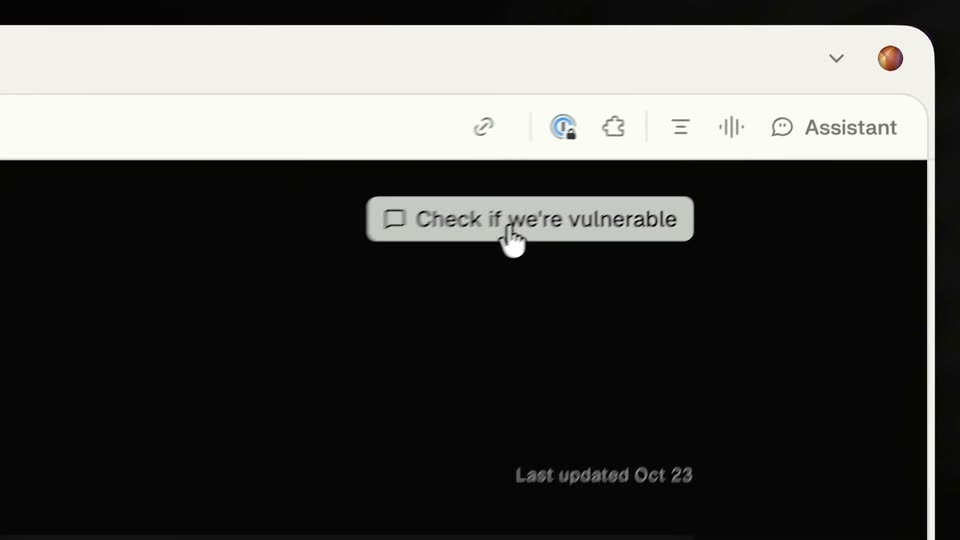
A dark OpenShip dashboard sits in 3D perspective on a soft cream backdrop. A cursor drifts across the center panel, then clicks the Sentinel agent as the view zooms into the right panel, blurring into a fast cut.
Techniques: 3D mockup, Cursor demo, UI zoom
Camera: Push in
A cursor types an incident prompt into a dark agent chat and sends it. The window pulls back to three columns; task chips flip from running to completed as the agent reports the service healthy, then the cursor clicks an automation card and the view zooms in on run history.
Techniques: Cursor demo, UI zoom
Camera: Static
A close-up of a dark chat interface pulls back to reveal the full app window floating in 3D against a soft beige background. A cursor clicks a status chip, a Restart app tool-call card pops up, then selects an agent row that swaps the center view.
Techniques: UI zoom, 3D mockup, Cursor demo
Camera: Pull out