
0:14


Launch film
Callab AI · B2B · Oct 2026
Result · Nov 2026 · 0:36 · AI-annotated
Result’s 0:36 launch film runs 3 scenes, about 12 s each. The product is on screen from the first frame and 1 feature is revealed. There is no explicit call to action. One continuous UI session built from slow push-in zooms: from the full window to the chat bar, into the agent's Safari panel, out again, and back in on the Models list. Pacing is deliberate, holding on each completed step (model pick, typed prompt, climbing step counter, result line) before the next camera move, with the sunset beach desktop as a fixed backdrop.
Is this your launch? to your site or press kit.
Callab AI · B2B · Oct 2026
Result · Consumer · Nov 2026
The app window over a beach desktop zooms into the chat input bar. A cursor opens the model menu, selects Qwen3.8 27B, then types a money-transfer prompt into the field as the send button turns blue.
Techniques: UI zoom, Cursor demo
Camera: Push in
A dark chat window over a beach wallpaper shows a prompt bubble; a small Safari panel pops into the top right, cycling through read and click states as a step counter climbs. The camera zooms into the panel, then into the result line, with a cursor drifting.
Techniques: UI zoom, Cursor demo
Camera: Pull out
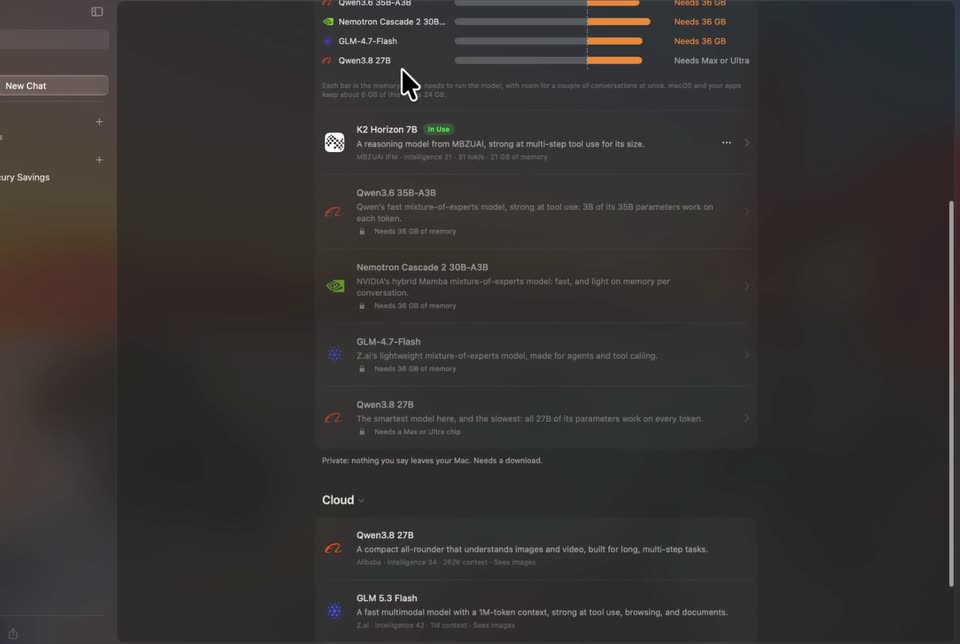
A macOS window floats in 3D perspective over a sunset desktop. The view zooms into the Models panel, then scrolls the model list past the Cloud section while a cursor hovers over rows, before pulling back to the full window.
Techniques: 3D mockup, UI zoom, Cursor demo
Camera: Pan