Feature reveal
A sequence devoted to one feature: its announcement and its demo.
88,906 scenes · page 486 of 1482
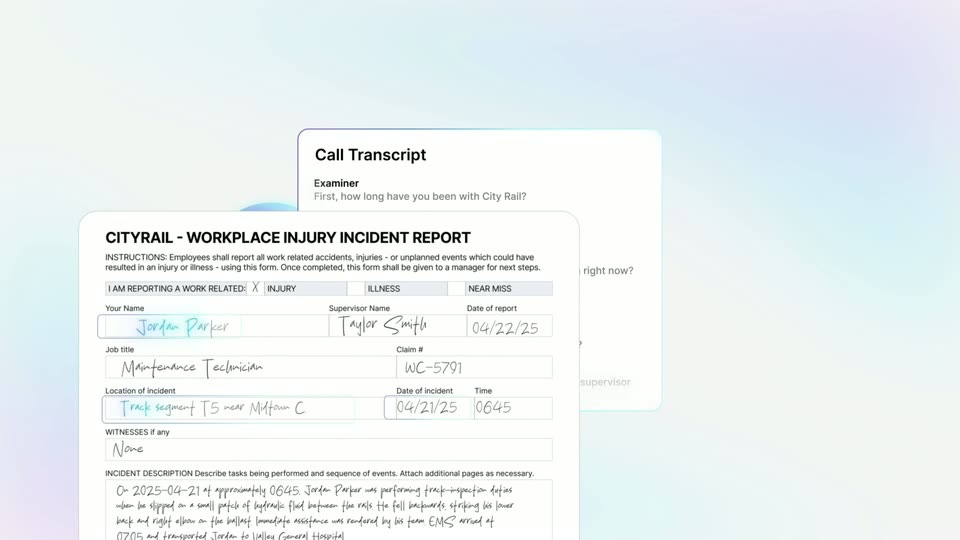 1:06–1:08Avallon AI · Introducing Avallon AITwo rounded document cards, a call transcript above a handwritten injury report form, float on a pale blue gradient. They drift slowly down and left, the form sliding into fuller view beneath the transcript.
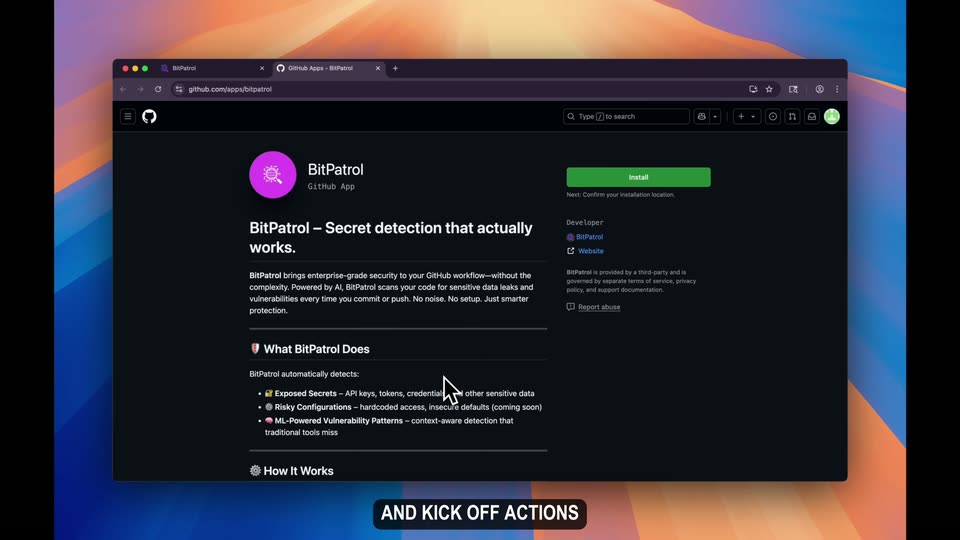 1:14–1:16BitPatrol · BitPatrol - Secret Detection That Actually Works (YC X25 Launch Video)A flat browser window shows the dark BitPatrol GitHub App page with a green Install button and a cursor. A white PagerDuty incidents panel slides in from the left, covering half the page. A black caption bar at the bottom swaps its text.
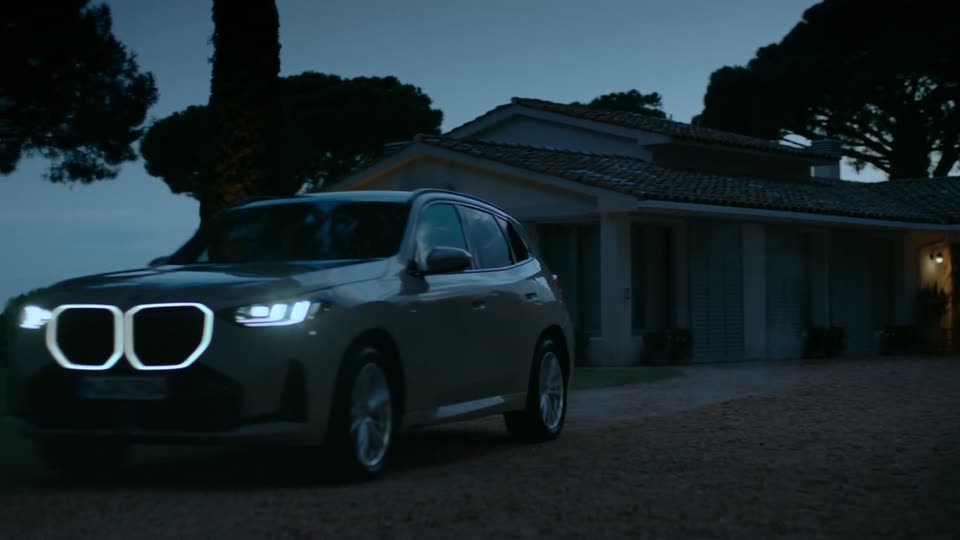 0:32–0:34BMW · BMW Intelligence | BMW Digital Key on Apple Watch.A silver SUV sits on a gravel drive before a villa at dusk, its headlights and kidney grille glowing white. The camera pans slowly right, sliding the car toward the left edge as the lit facade fills the frame.
 0:19–0:22Simplex · Simplex Launch VideoOn a pale lavender gradient, the phrase “Built for” types out behind a thin vertical cursor. The view then zooms in as “developers” types in blue, and a faint white line pattern fades into the background.
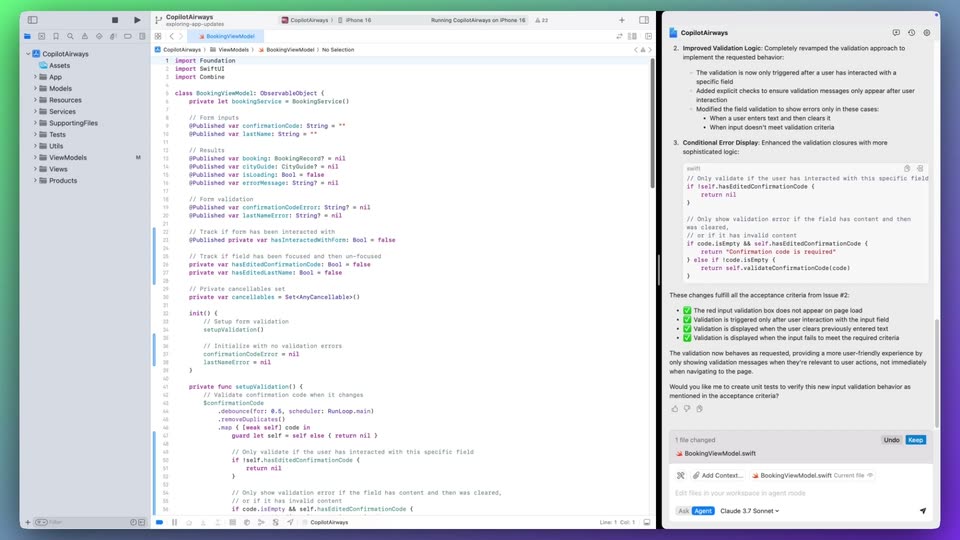 1:16–1:26GitHub · Copilot Agent Mode is now available in GitHub Copilot for XcodeA code editor and an AI chat panel share the screen. The assistant's reply streams into the right panel line by line over the static Swift code on the left, then a replace dialog opens and the cursor moves to its Cancel button.
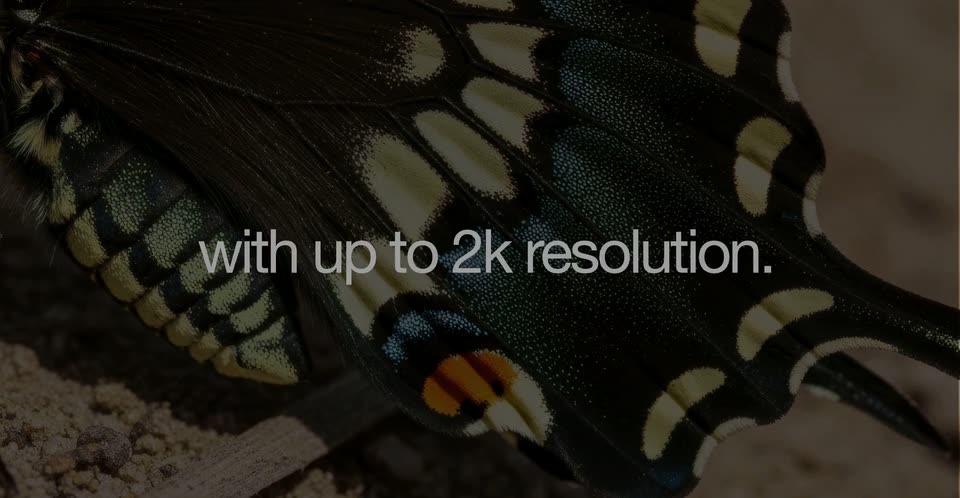 0:11–0:13FLORA · FLORA © - Photorealism, 2K resolution, and precise typography. Introducing ImaExtreme close-up of a black swallowtail butterfly with cream and yellow markings resting on dry soil, its wings filling the frame. A white centered caption reads “with up to 2k resolution.” and fades out in the final second.
 0:26–0:27Google · Introducing Google AI Ultra: The best of Google AI in one subscriptionThree bordered cards show dark forest renders of an owl and a badger, labeled Generated with Veo. The cards fade to black and the headline And for the creatives fades in centered.
 1:27–1:29Descript · Introducing the New Descript Timeline: Faster, Smarter, Cleaner Video EditingA 3D metallic microphone head with a human face holds on a black background beside the static white serif title, then a hard cut reveals the app's editing screen with transcript, speaker preview and timeline.
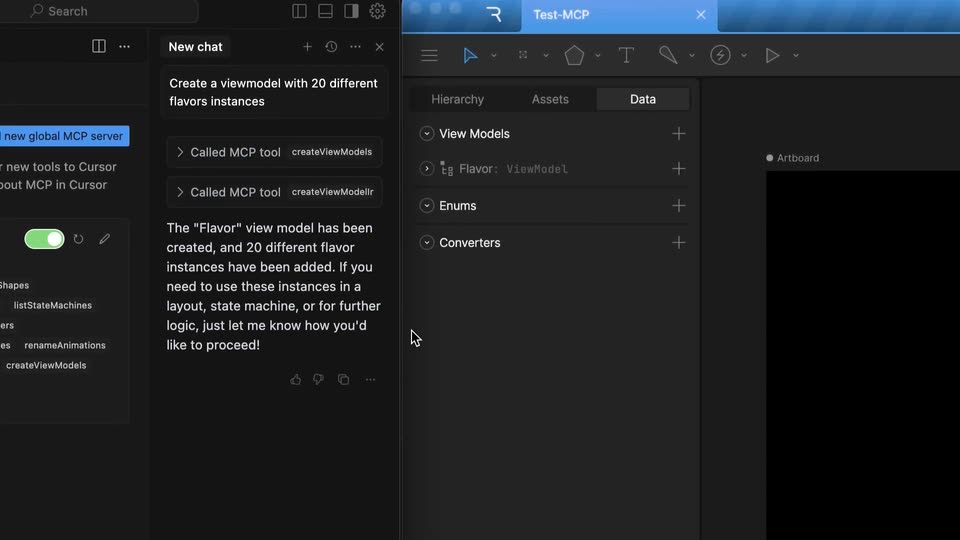 0:36–0:46Rive · 🚀 MCP support is now available in Early AccessSide by side, Cursor's AI chat (left) and a data inspector (right) are shown in a static screen recording. A cursor sends a prompt, clicks two Run tool buttons, then expands and highlights a new Flavor row in the inspector's View Models list.
 0:26–0:28stratify · Stratify Demo VideoA white pill-shaped button labeled Launch scales up from a glowing point in the center of a dark blue gradient. A blue cursor arrow slides in from below and hovers at the button's lower edge.
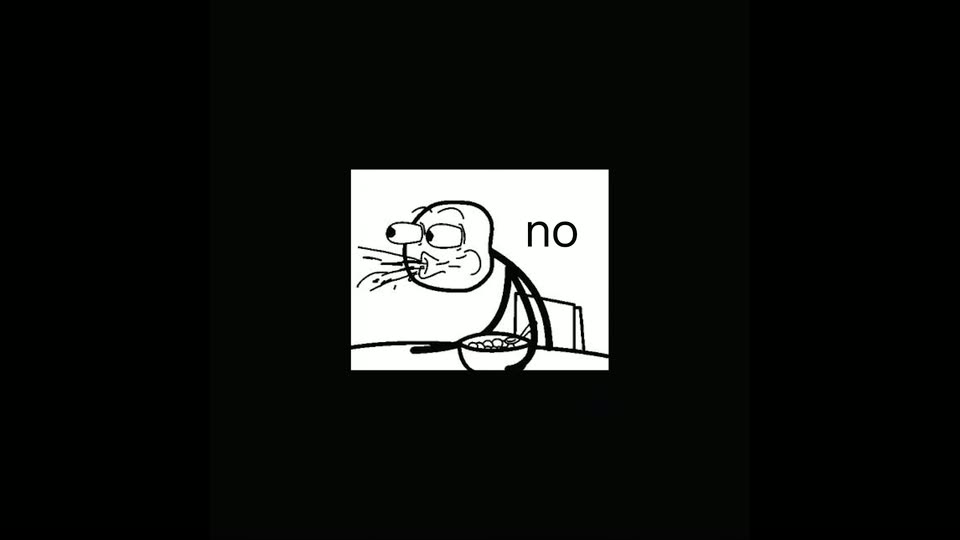 0:11–0:12Wavedash · Meet WavedashA small white meme panel sits centered on black. A bald cartoon man points at a cereal bowl under the caption must be cloud gaming, then a cut shows him leaning in with a skeptical face beside the word no.
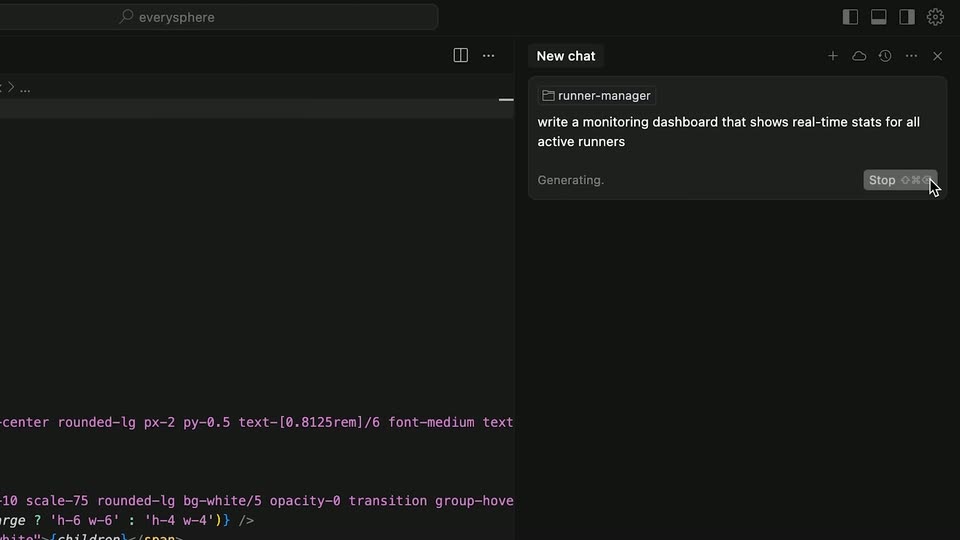 0:45–0:54Cursor · Cursor's largest update yetA dark two-pane app screen: code editor left, chat panel right. The cursor opens the model dropdown, toggles MAX Mode on, and clicks send. The prompt card turns into a Generating state while a plan streams in below.
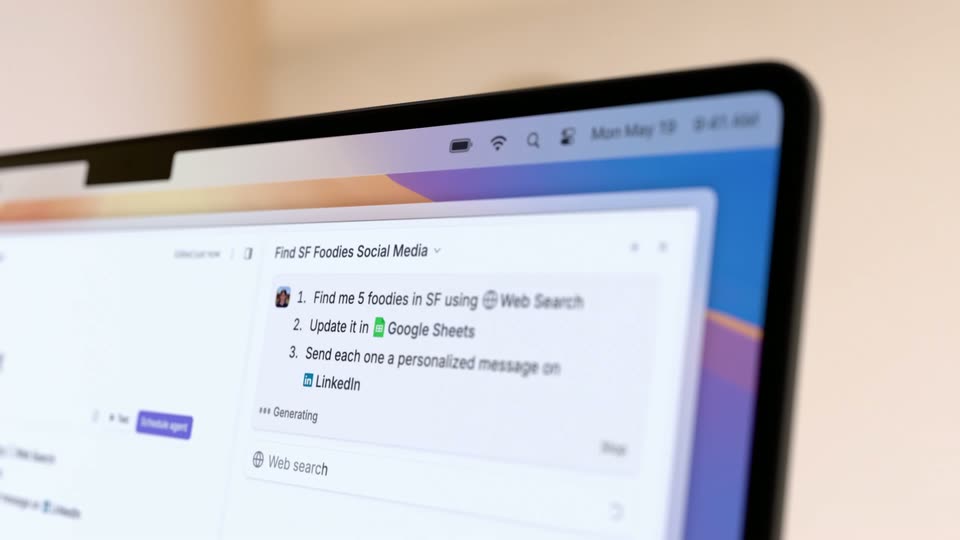 0:41–0:42Den · Introducing Den (2025)A laptop sits at a sharp angle on a desk against a beige wall, the screen in shallow focus. The interface shows a dropdown titled Foodie Social Media with a three-step task list naming Web Search, Google Sheets and LinkedIn. The lens racks from soft to crisp on the list.
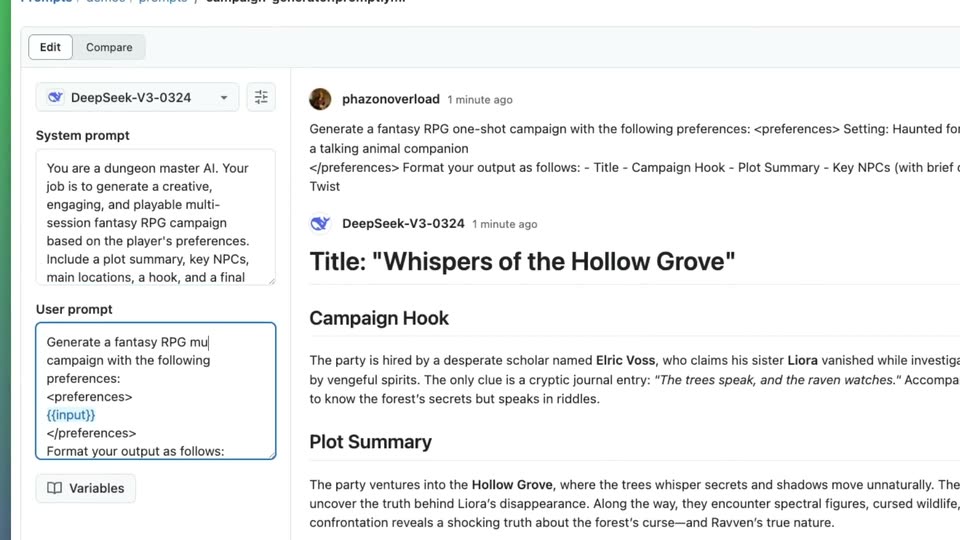 0:32–0:37GitHub · Introducing the GitHub Models tab: Manage & test your AI promptsA GitHub-style prompt editor fills the frame. The camera zooms into the left panel, where a cursor highlights and edits words in the System and User prompt boxes, each box flashing a blue outline. The view then pulls back to the full screen.
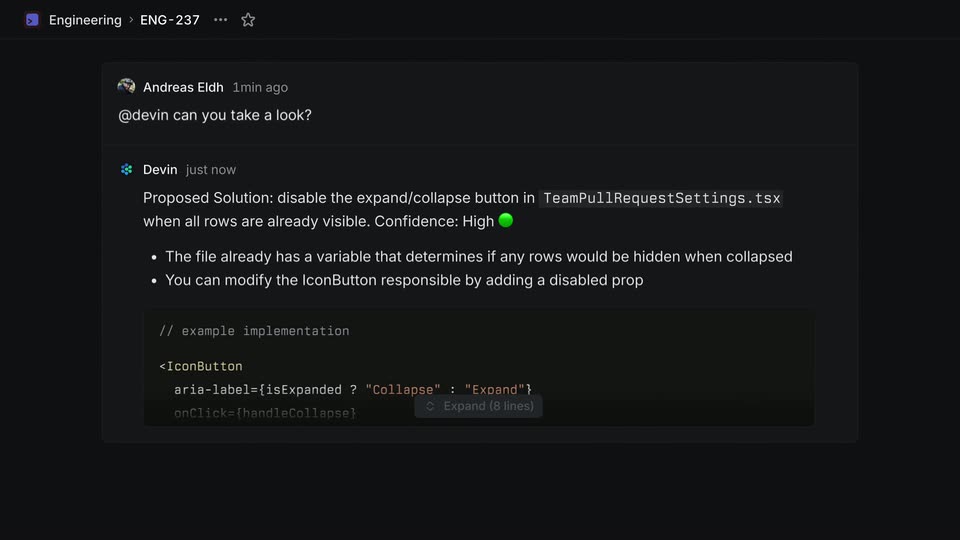 0:17–0:24Linear · Introducing Linear For AgentsA dark ticket interface scrolls down while an agent named Devin answers a question by typing their message, then a block of code character by character, and the scene cuts to a black screen with the text “Agents for Coding”.
 0:54–0:56Tinfoil · Introducing Tinfoil: Verifiable Privacy for Cloud AIThe green NVIDIA logo scales in at the center of a white background, then gives way to a black line-art GPU card icon, flanked by the words Confidential and Computing.
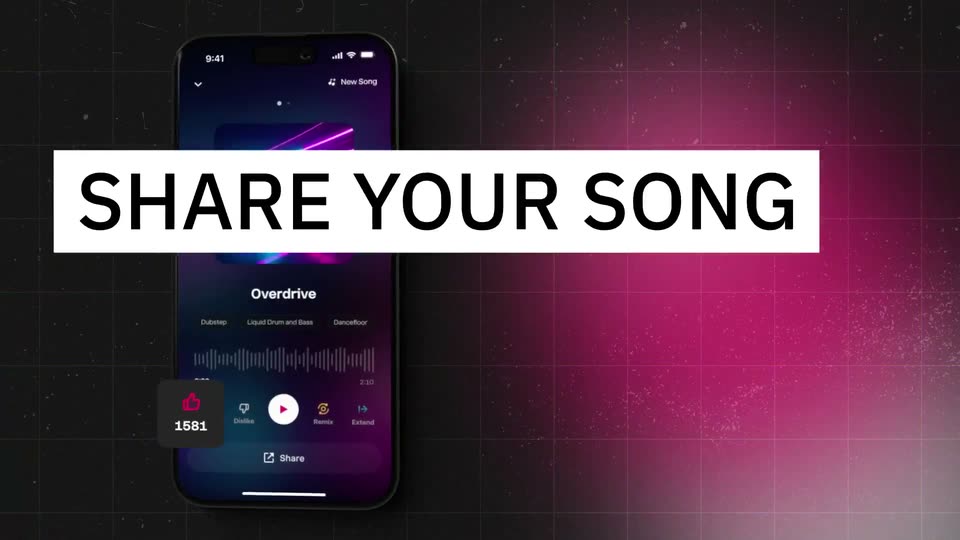 0:37–0:38Udio · udio - Udio is now available on iOS so you can make your music on the go andA 3D phone mockup of a music app sits on a dark gridded backdrop with a pink glow. A white banner reading SHARE YOUR SONG slides up and exits as a second banner, WITH THE WORLD, slides in from below while the like counter ticks up.
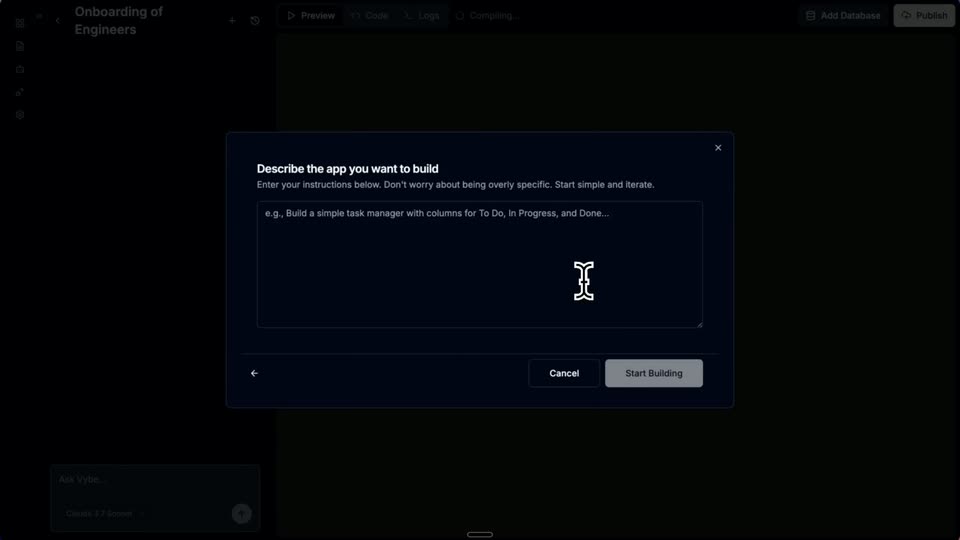 0:49–0:50Vybe · Vybe Demo - Build internal apps 10X fasterA white cursor clicks the “I have an idea” button in a dark app-builder modal, and the dialog swaps to a “Describe the app you want to build” prompt with an empty text field and a large I-beam cursor icon.
 0:43–0:44Bramante · Bramante Biologics (YC X25) Launch VideoGreen smoke billows to fill the frame behind the centered white text “bio threat”, then dissolves into a 3D hospital bed where a patient lies under a blue blanket beside an IV stand.
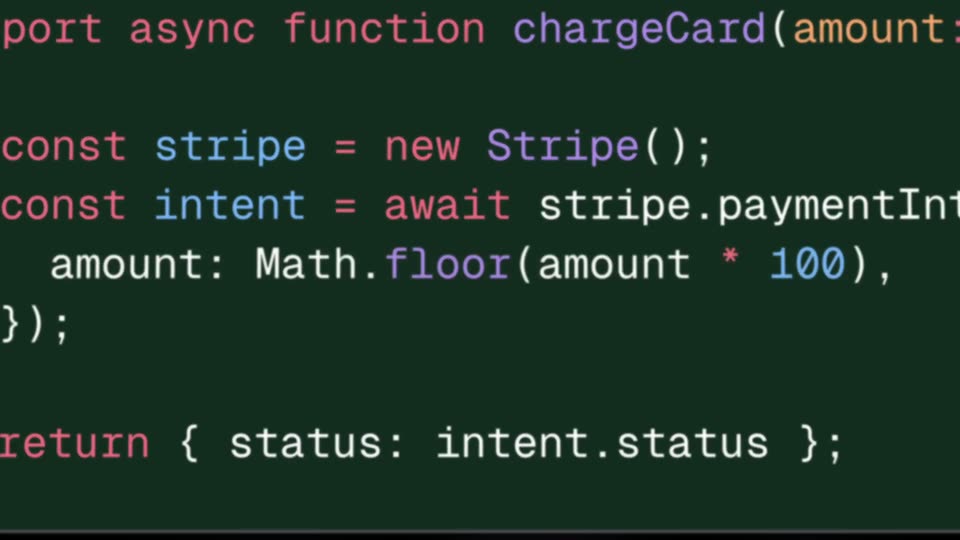 0:27–0:28cubic · Introducing cubic.devA dark code editor shows a highlighted line of JavaScript. The code blurs and dims as a translucent comment card reading 'cubic commented now Bot' fades in over the center of the screen.
 0:12–0:13Descript · Descript - Vibe editing is here. Any job, any video. Underlord’s got it.A black arrow cursor with a white outline drifts down and right across a white rounded card, closing in on a purple circular button with a white up arrow, and stops at its lower edge. The frame stays locked off throughout.
 0:31–0:32Google · Introducing Flow | Google’s New AI Filmmaking ToolA dark rounded prompt bar with typed text and a send arrow sits in 3D perspective over a blurred blue background. The bar slides away, the circular arrow button scales up to center, and a white hand cursor clicks it.
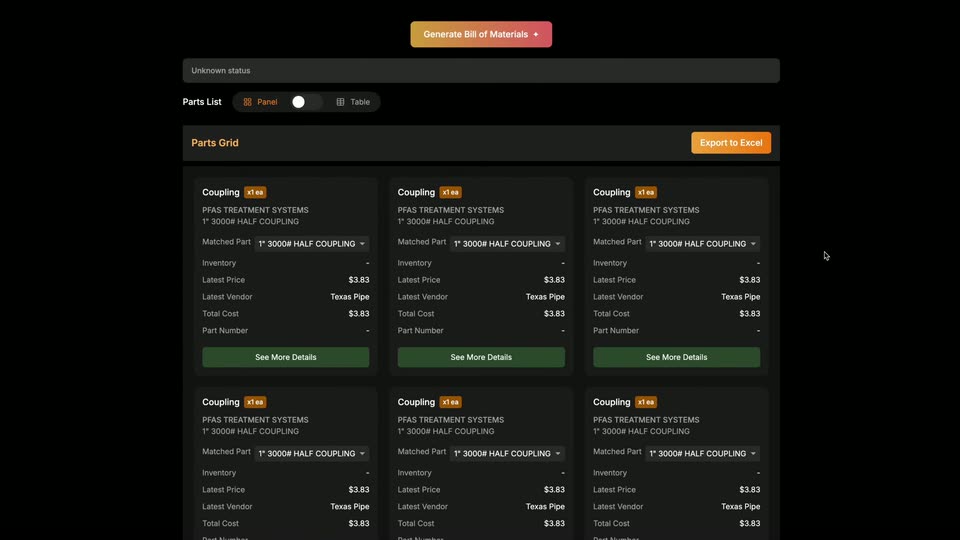 3:11–3:16Jeevy Fabrication · Introducing Jeevy FabricationThe dark product interface scrolls vertically, moving past a drawing viewer and revision history panel to land on a parts grid filled with identical coupling cards.
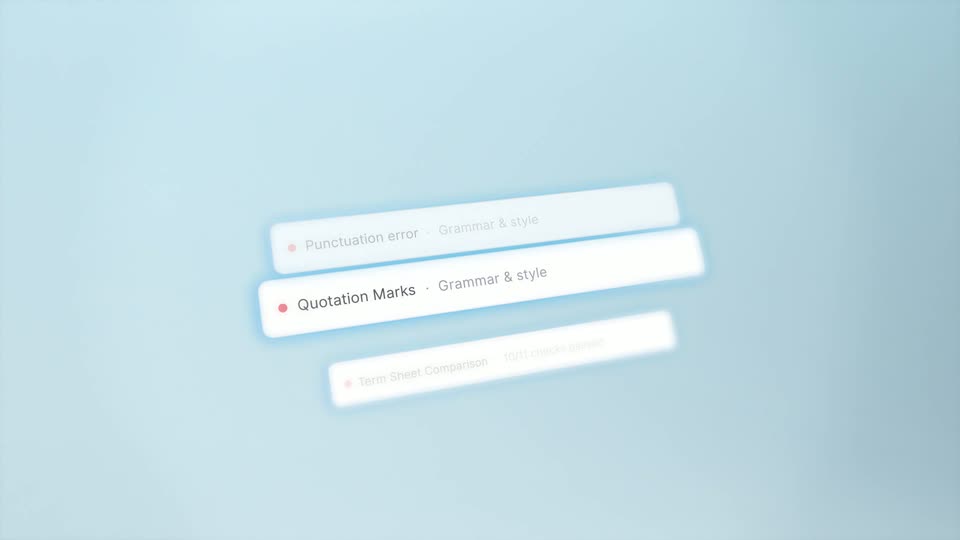 0:30–0:31Vesence · Vesence - Agentic AI for Transactional Law FirmsOn a pale blue field, a tilted white checklist card recedes in 3D as three notification bars with red dots rise into the foreground and settle in a staggered stack.
 0:13–0:14GitHub · Introducing the GitHub Copilot coding agentA single white sentence holds centered on a dark blue gradient background, then clears to the empty gradient. The frame is locked off with no camera movement.
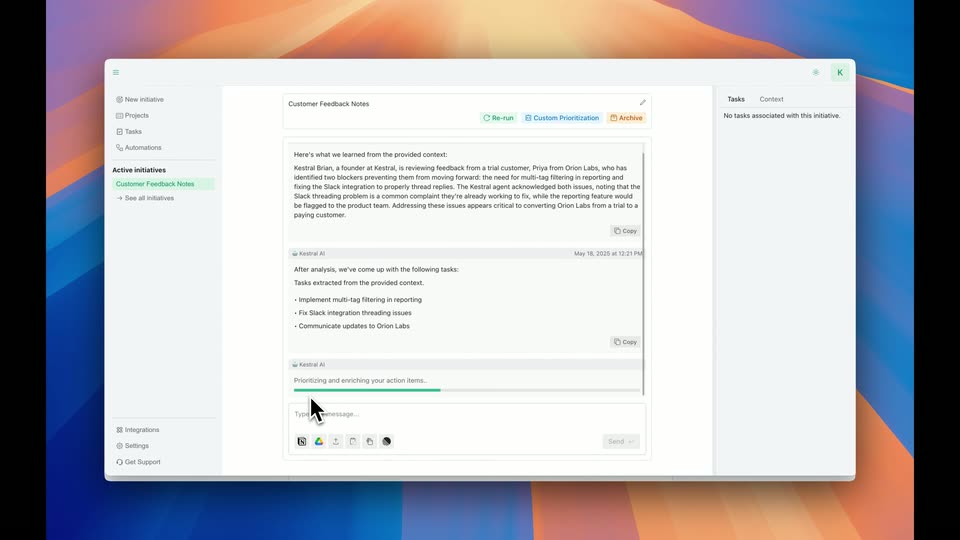 0:32–0:45Kestral · Kestral - Your AI Work Prioritizer -- Launch YCA product window sharpens from a blurred close-up into a full chat view. A cursor hovers as AI messages stream in with green progress bars; the panel scrolls to a prioritized task list, then zooms into the right Tasks sidebar.
 0:35–0:36Bluejay · Bluejay: Quality Assurance for AI Voice AgentsA tilted 3D simulations dashboard sits below a bold two-color headline, then the frame clears to white as the line 'each with unique' slides in centered, the last word fading up from light gray.
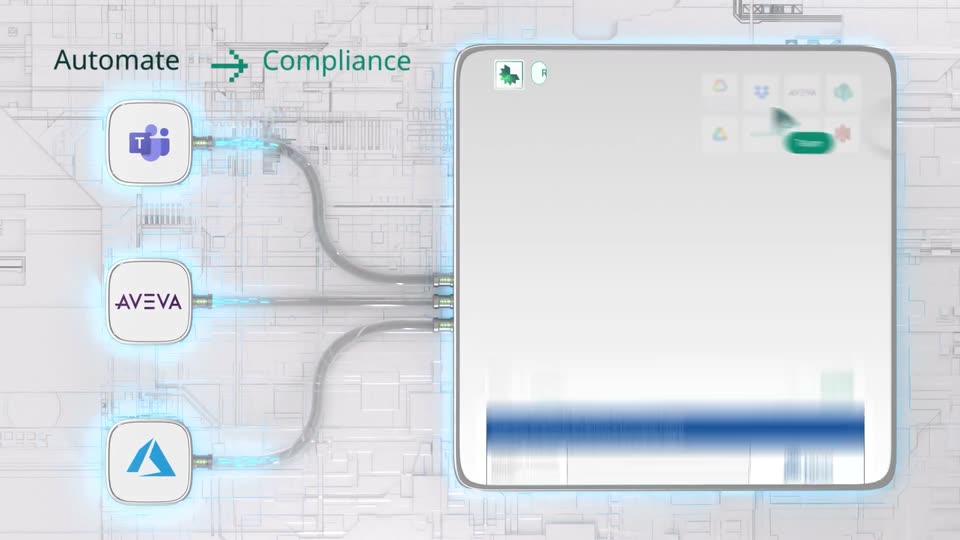 0:29–0:30Rimba · Rimba AI - Launch (YC X25)A blueprint background holds three glowing app icons on the left, joined by curved tubes to a tablet on the right. The top label swaps from Automate to Verify while the tablet screen cuts from a monitoring dashboard to a reporting form.
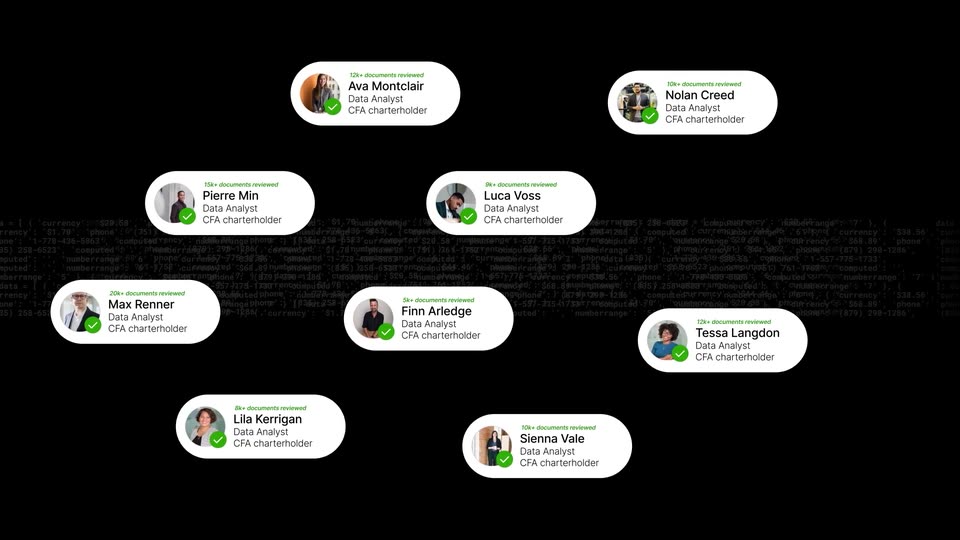 1:11–1:14sieve · sieve (YC X25) launch videoA tilted 3D plane of data code anchors the left of a black frame as a gray “sieve ai / sieve team” wordmark slides right. White profile cards with avatars and green checkmarks drift left in a loose grid.
 0:41–0:43Minerva · Meet MinervaA black circular line-art face logo holds center over the bold caption 'Connects to all your platforms'. Colored app icons (Gmail, WhatsApp, Shopify, Stripe, QuickBooks, Drive) pop in one by one and drift outward, spreading into a loose ring around the logo.
 0:24–0:27Alex · Alex - Xcode AI Coding AssistantA white headline “Read Console Logs” fades in centered on a black screen. A dimmed code editor with an AI chat panel fades in behind it, while the headline stays locked in the center.
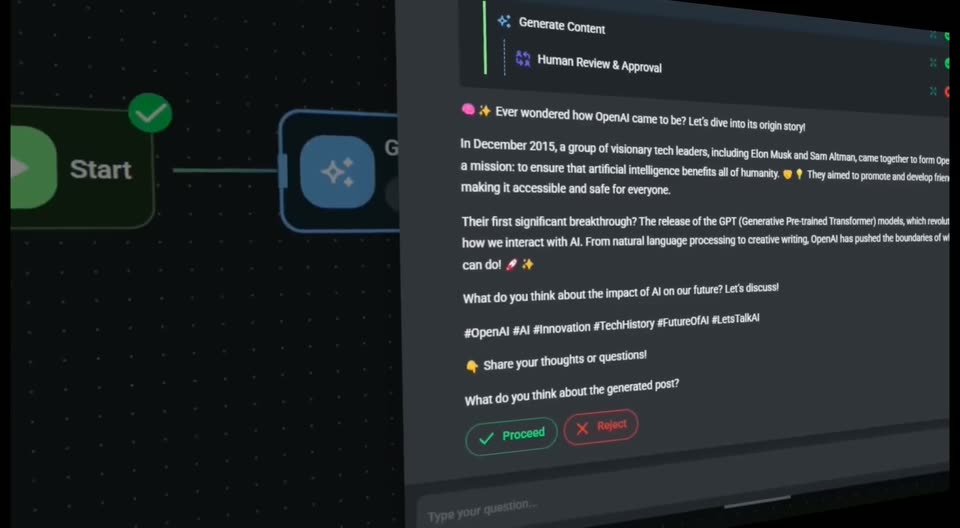 0:39–0:40FlowiseAI · Flowise 3.0A dotted dark grid holds a green Start node linked to a blue sparkle node, set at an angle beside a tilted approval panel. The panel shows an AI-generated post with green Approved and red Reject pills, the whole composition drifting in slow 3D perspective.
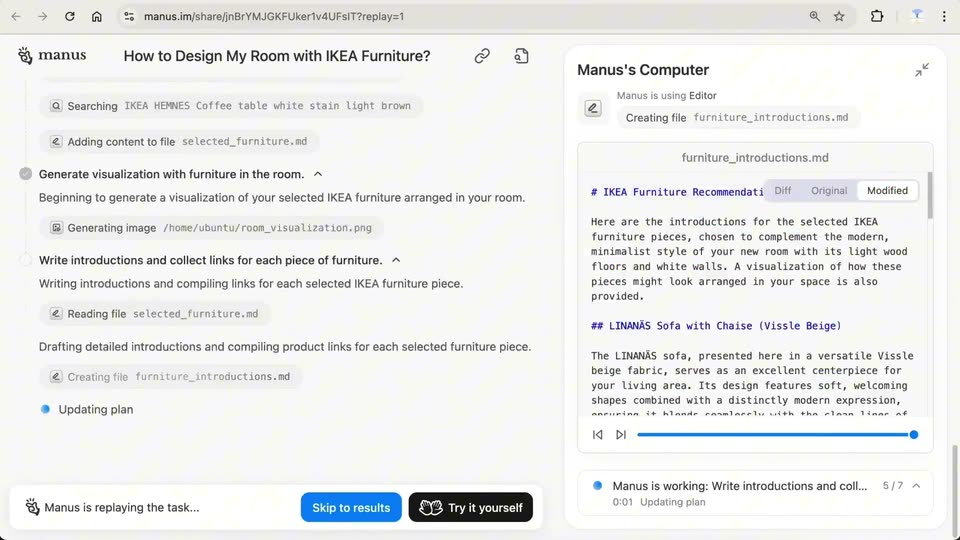 0:15–0:16Manus · Manus - Introducing Manus image generation. Manus doesn’t just generate imagA light interface splits into a left task log that scrolls upward and a right panel titled Manus's Computer showing a browser open to an IKEA page with yellow shelving. The status line shifts from Scrolling down to Browsing as the list updates.
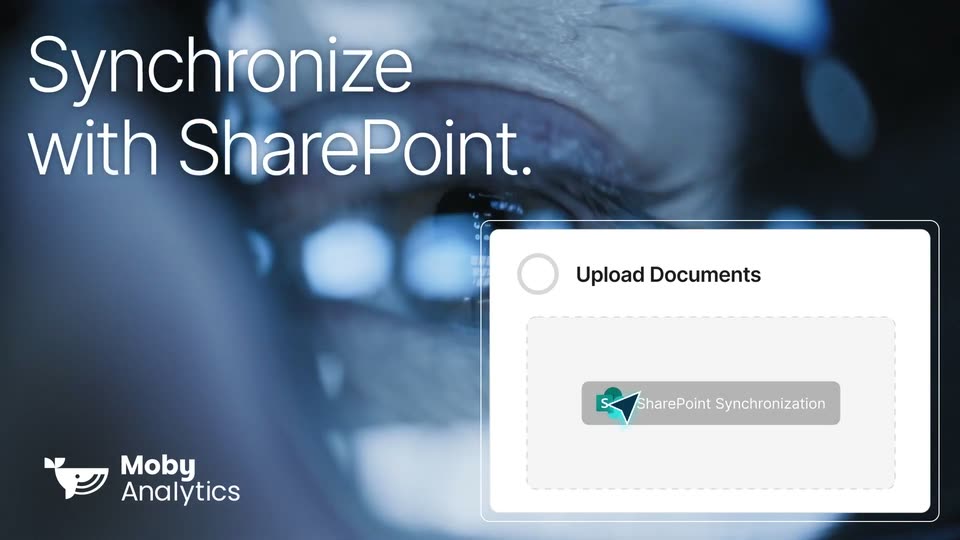 0:35–0:38Moby Analytics · Moby Analytics - AI Platform for Financial AuditorsA blurred blue close-up of a face fills the background. A white card on the right shows an Upload Documents panel with a SharePoint Synchronization button, then crossfades into a Document Matching list with green Match found tags. The headline Synchronize with SharePoint. fades in and out at top left.
 0:26–0:27Sifflet · Data Observability, Reimagined for the Age of AIA vertical stack of dark rounded alert chips, each with an orange sparkle icon and white label, scrolls upward over a blurred code editor. The chip at the center holds sharp focus while the ones above and below fall soft, the background code drifting beneath.
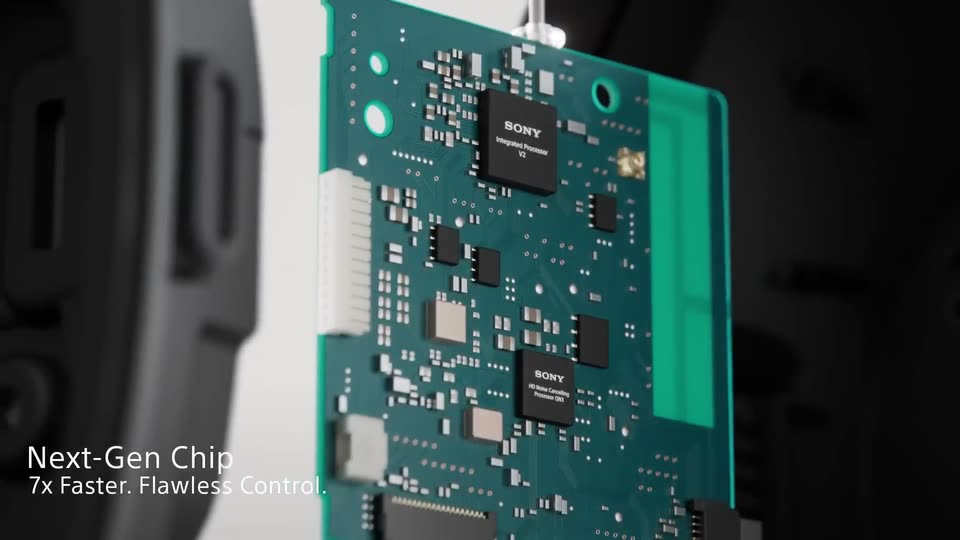 0:22–0:24Sony · Introducing the Sony WH-1000XM6 Wireless Noise Cancelling HeadphonesA teal circuit board carrying two black SONY chips tilts in 3D perspective against a black background, then loses focus. A white two-line caption holds in the lower left corner.
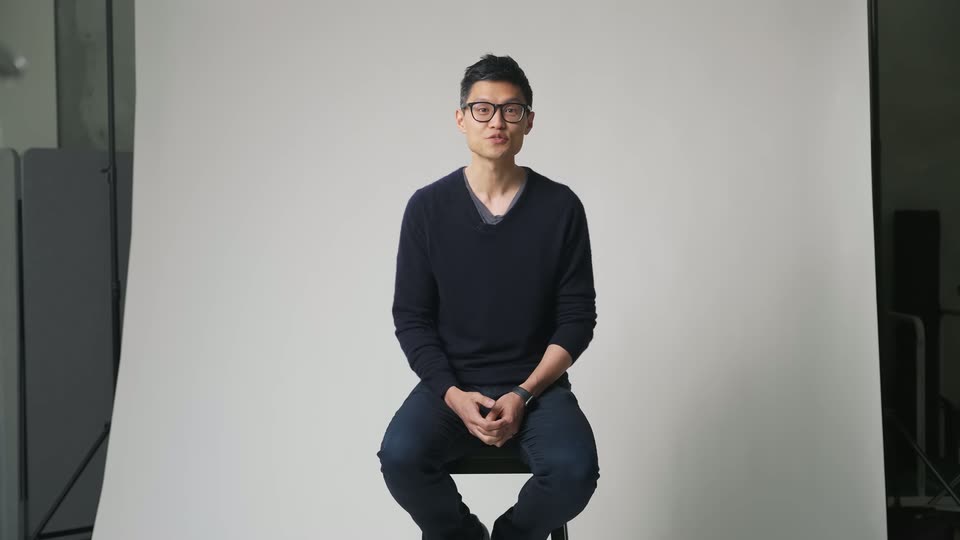 1:15–1:20Windsurf · Windsurf Wave 9: Introducing SWE-1, Our Frontier ModelsA man in glasses and a dark V-neck sweater sits on a stool before a white backdrop, speaking to camera. He shifts his weight and gestures lightly with clasped hands while his head tilts, in a centered, locked-off medium shot.
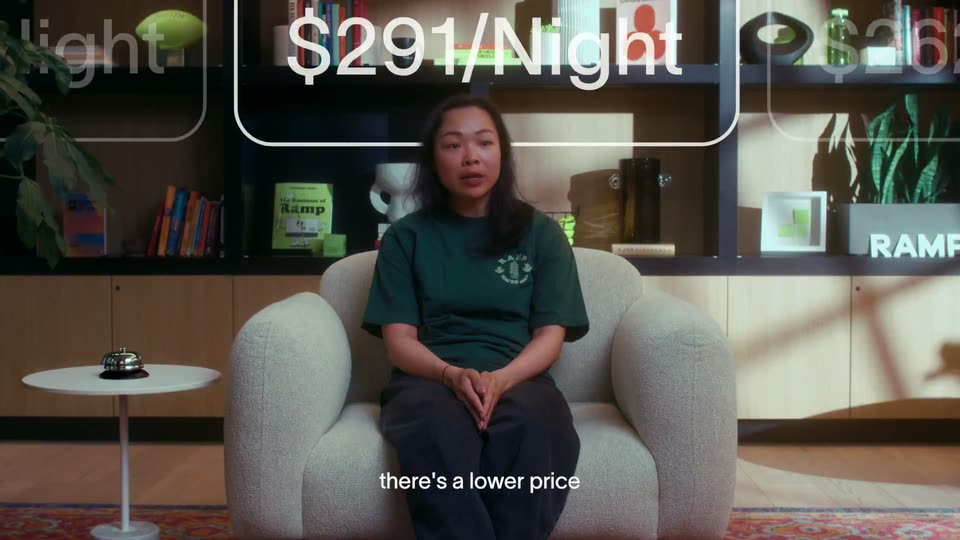 0:24–0:27Ramp · Ramp - Ramp Price Drop has… dropped. Now, book a hotel through Ramp TravelA woman in a green tee sits in a beige armchair before a bookshelf, talking to camera. A white ticker of $298/Night scrolls across the top inside rounded outline frames, while white subtitles at the bottom caption her words. The frame stays locked off.
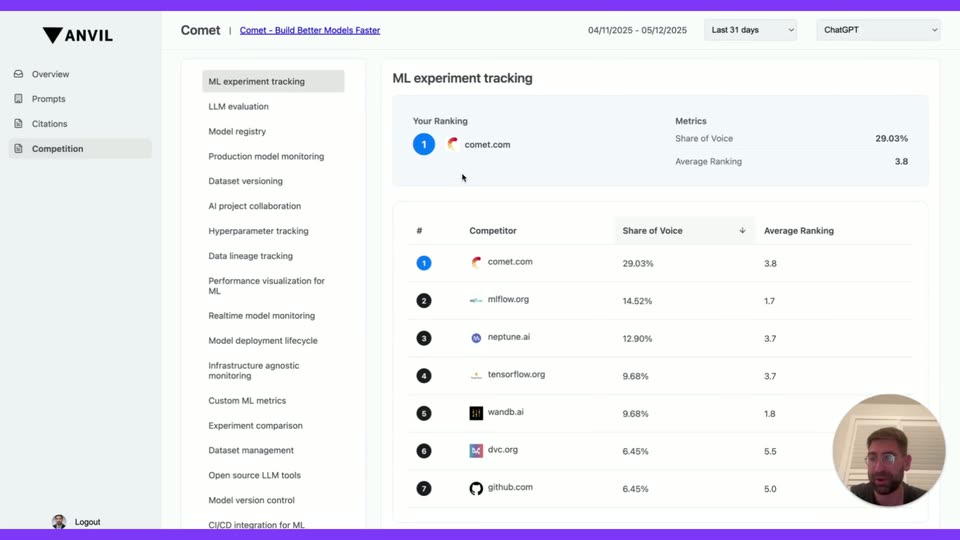 0:58–1:05Acolite · Anvil (YC X25) - Launch VideoA white dashboard interface with a left menu and a column of topic labels. The right panel loads from gray skeleton bars into a ranking table as a cursor moves from the sidebar across the rows and hovers the top card. A circular webcam feed sits bottom right.
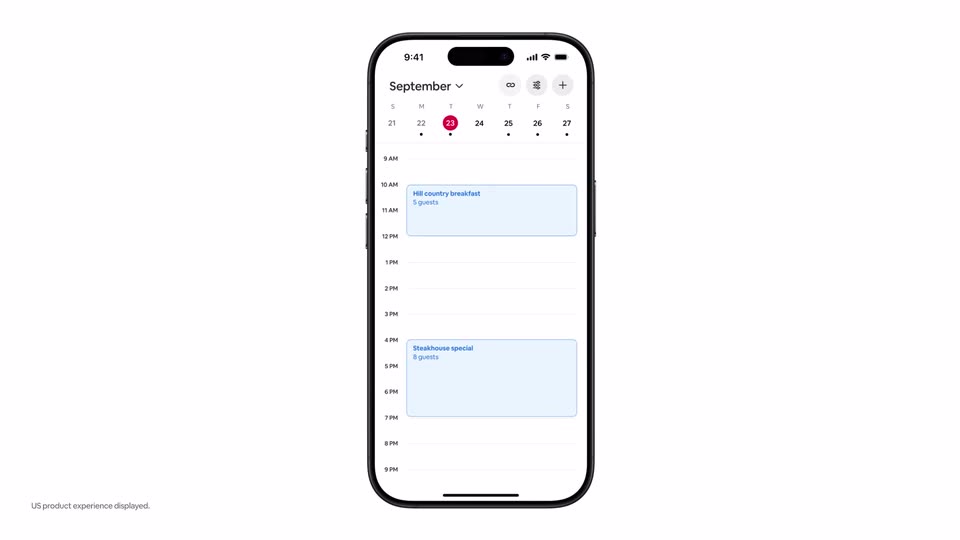 0:47–0:55Airbnb · Introducing Hosting Tools for Airbnb ServicesA flat iPhone mockup on a plain background shows a September month grid; rows fade in and a blue event card appears at 10 AM. The grid compresses to a one-week strip as the screen reflows into an hourly day view with two event cards, ending on a highlighted toggle.
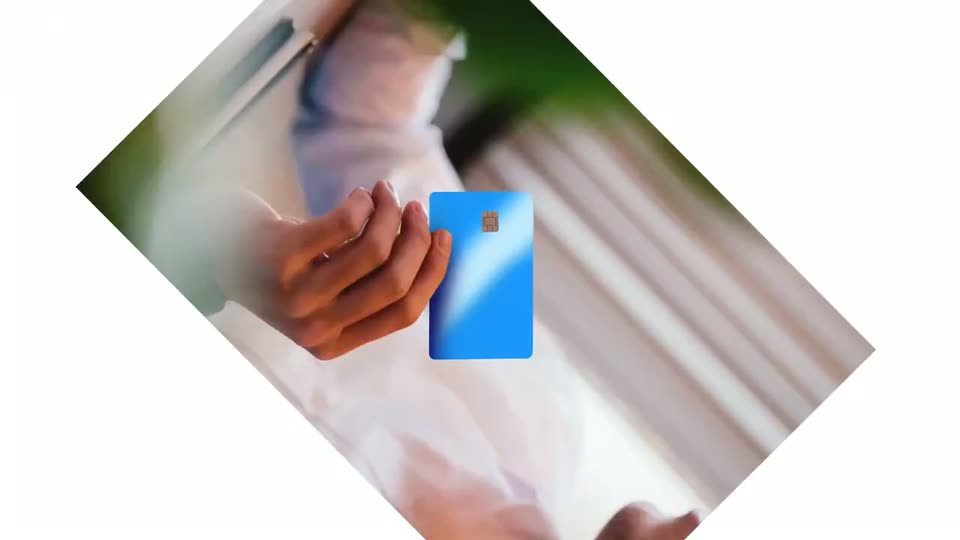 0:17–0:18Arbitrum · Arbitrum - We’re scaling Arbitrum. Everywhere.Two tilted photo frames rotate into view on a plain white background. The first shows a hand holding a green card near a phone with a contactless symbol; the second shows the same card held over a payment terminal displaying an amount. The frames tilt and swap quickly.
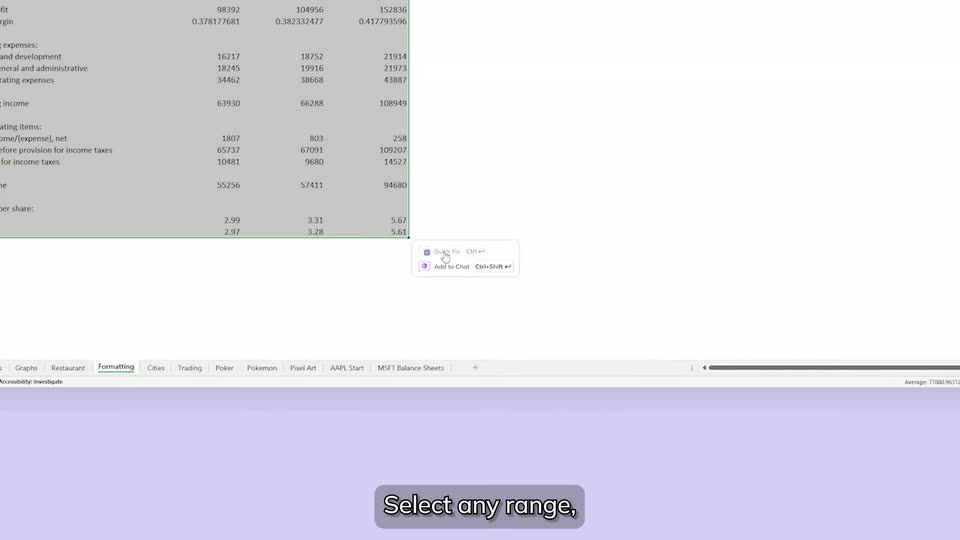 0:32–0:35Carousel Technologies · Carousel: Use AI in ExcelA full Excel window showing a financial statement reframes into a close-up of a selected cell range, where a cursor hovers over an Add to Chat menu. A bottom caption reads 'Need to fix something fast?' then swaps to 'Select any range,'.
 0:26–0:28DJI · Introducing DJI Mavic 4 ProA white SUV carrying a bundled load on its roof drives away down a sandy desert track at sunset, seen from a low aerial chase angle behind it. A plume of dust trails the vehicle as it moves, with a fence line and scattered trees on the horizon.
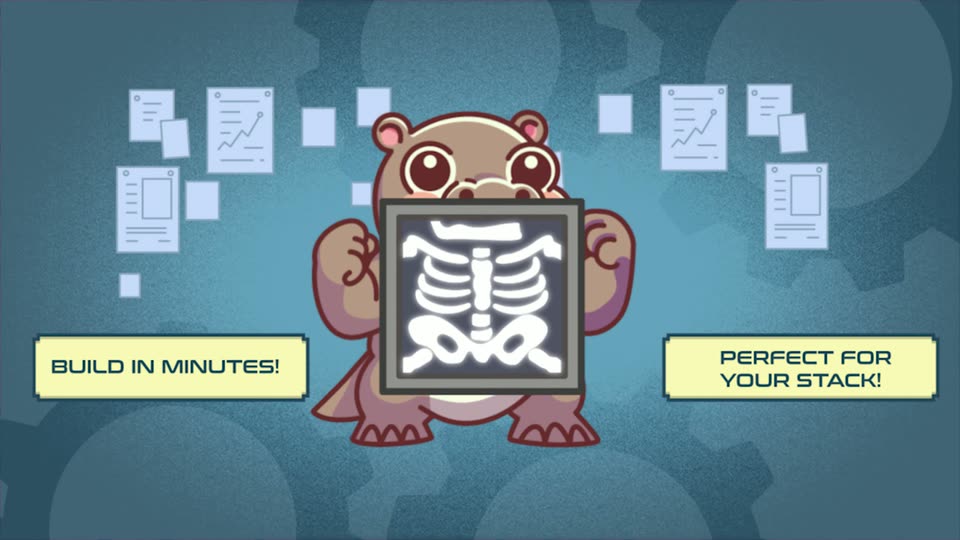 0:31–0:33Feyn · Chonkie - Open Source Data Ingestion For AIA cartoon hippo stands centered on a blue background dotted with floating document icons, raising and lowering a glowing X-ray frame of a skeleton in front of its chest. Two yellow caption boxes sit at the lower corners.
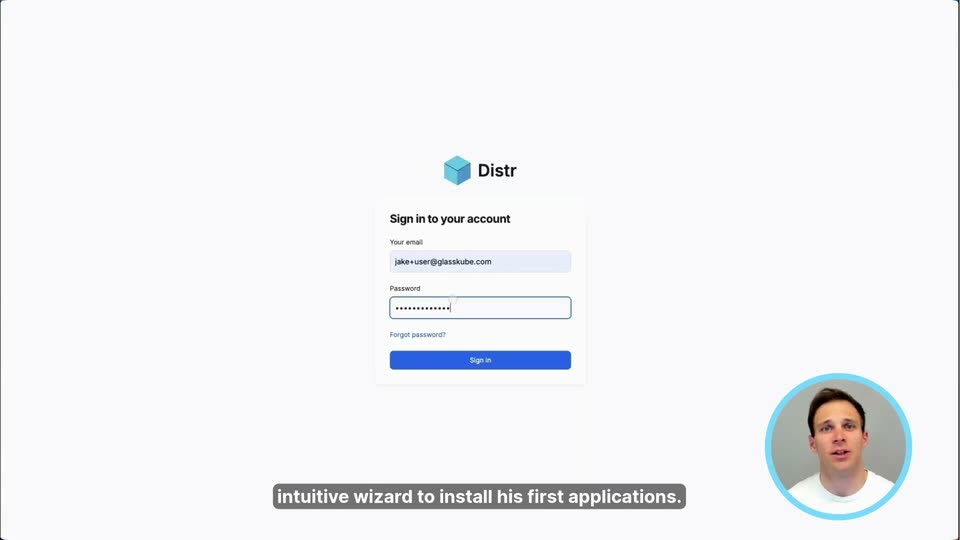 1:53–1:54Glasskube · Distr DemoA centered Distr sign-in card on a light background fills in: the email field shows a typed address and the password field gains dots as a text cursor blinks. A circular talking-head video sits in the bottom right while caption subtitles update along the bottom.
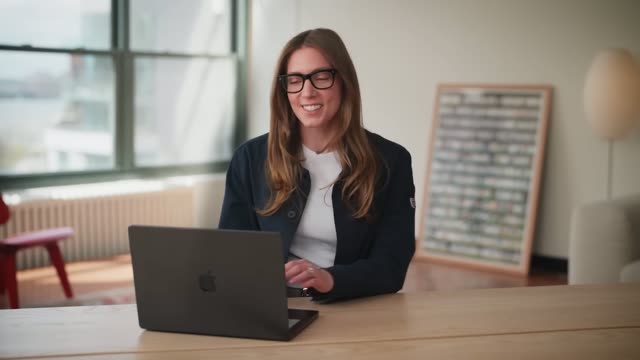 0:19–0:21Notion · Introducing AI Meeting NotesA woman in glasses and a dark blazer sits at a wooden table behind an open dark laptop, speaking to the camera. She then glances down at the screen and smiles. The bright room has a window and a framed collage on the wall.
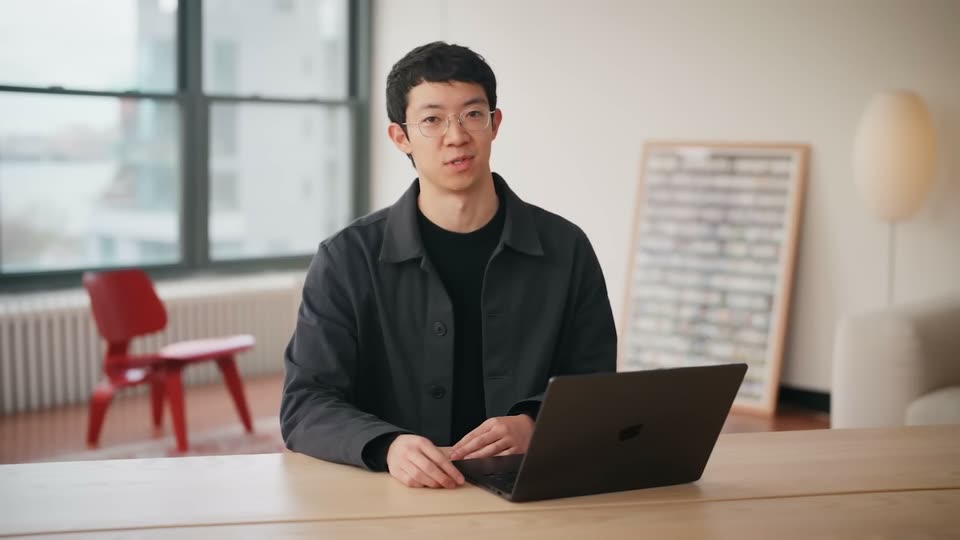 0:17–0:19Notion · Introducing Enterprise SearchA man in a dark jacket and glasses sits at a light wooden table, typing on a laptop and speaking to camera. The bright room holds a red chair, a framed grid poster and a floor lamp. Small app-name labels for box, salesforce and PDF appear as overlays.
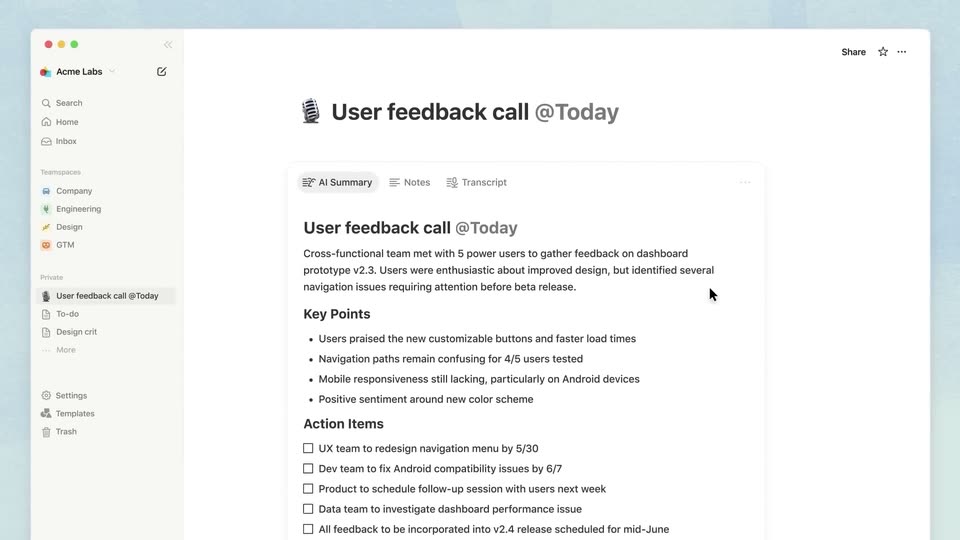 0:22–0:23Notion · Meet the all-in-one Notion AI for workA flat notes-app interface fills the frame: a left sidebar of workspaces and a document titled 'User feedback call @Today' with summary, key points and action items. A cursor rests at right as the view sharpens from soft blur to focus.
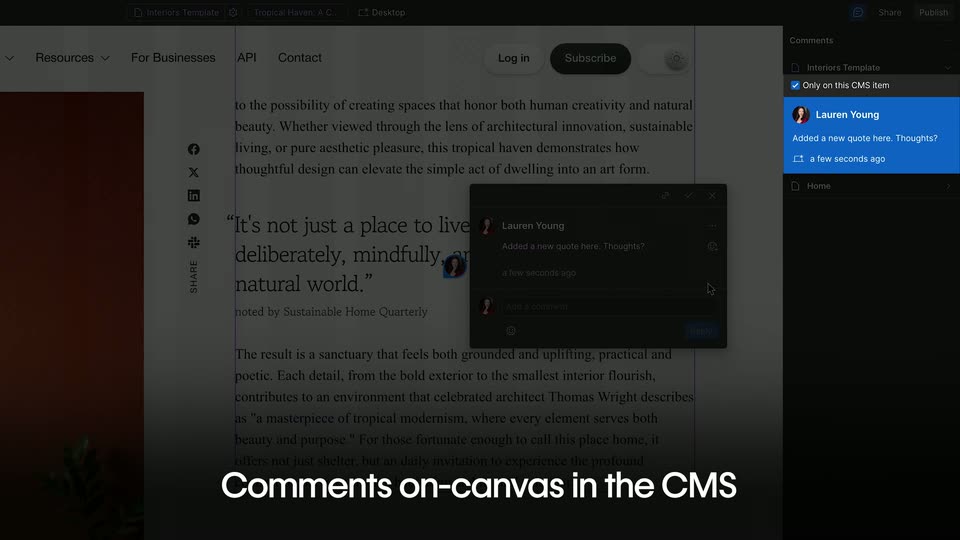 0:36–0:41Webflow · Teamwork Just Got an Upgrade – Meet the New Webflow Commenting Experience 💬⚡A CMS editor shows an article on the canvas with a comment box. A cursor clicks Post, the box expands into a posted comment card, and the right comments panel updates. A white caption reads Comments on-canvas in the CMS at the bottom.
 0:22–0:26Peko · SaaS Explainer Video for the FinTech Product: Peko / Motion Graphics Animation #explainervideoA white two-option card floats at the center while brand logos for Microsoft 365, Chrome, Nord, Windows, McAfee, AVG and Google Workspace orbit it on dashed rings. A cursor clicks the Exciting Discounts radio, which turns green.
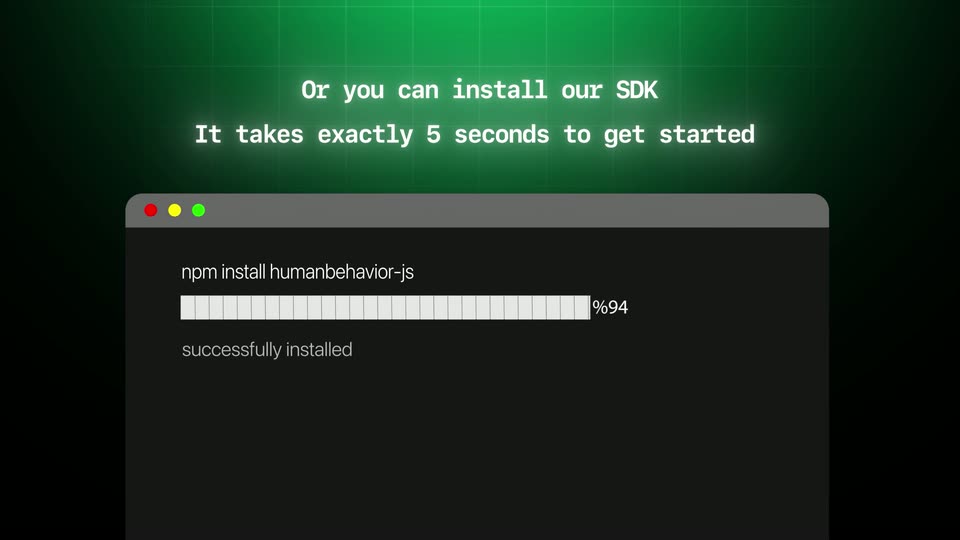 0:30–0:37Human Behavior · Human Behavior LaunchA flat terminal window on a dark green grid types the install command, then a segmented bar fills to 100 percent with a confirmation line below. Two glowing monospace captions enter above the window.
 0:09–0:11Luma AI · Luma AI - Introducing ReframeA small rounded card showing a seal in green water sits on a black dotted grid and scales up to fill the frame, then back down. The caption Customize it. scales with the card.
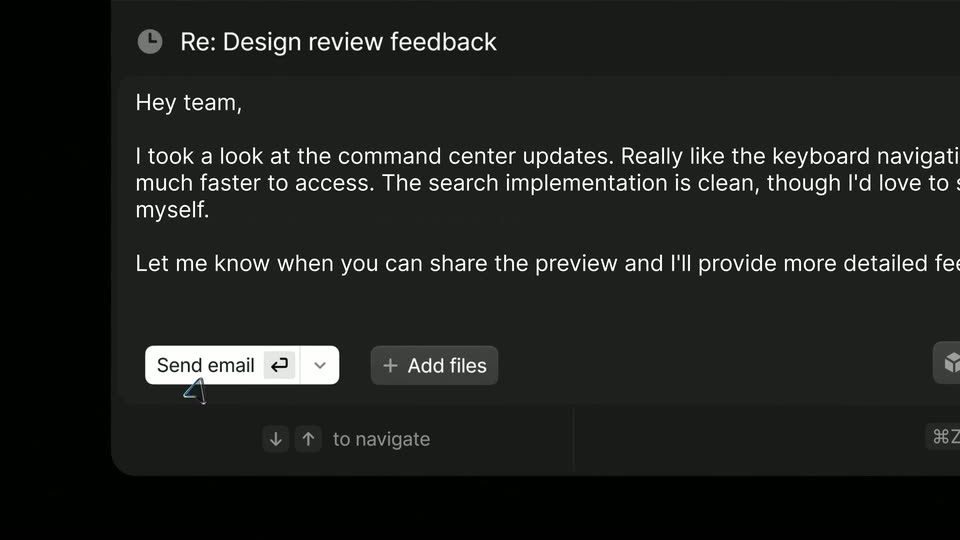 0:52–0:56Orchid · Zero - The AI-native email that manages your inboxA dark email compose window fades in on a black background while the body text types itself out line by line. The camera then pushes in on the lower half of the card as a cursor glides in toward the Send email button.
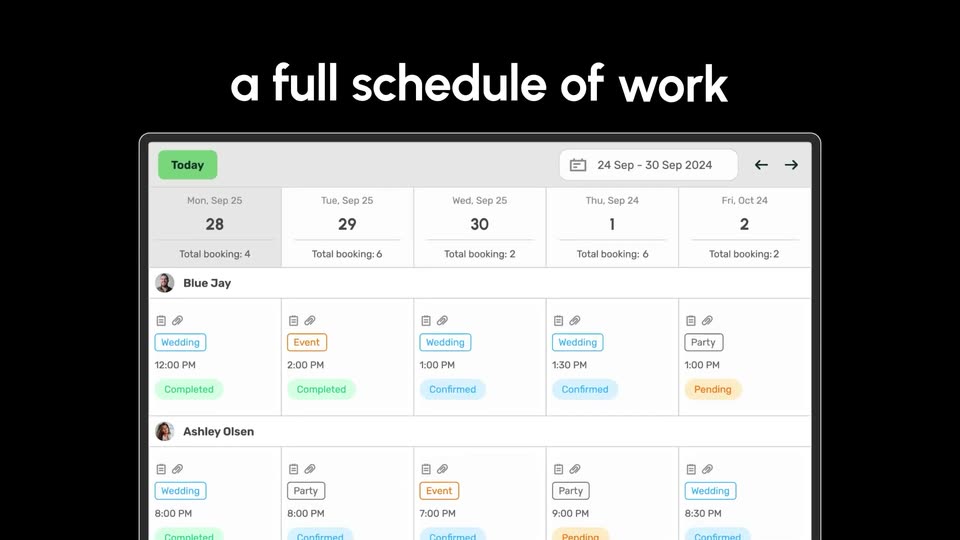 0:29–0:31Cactus · ✨ Introducing CactusA white headline builds word by word at the top while a flat booking-calendar interface slides up from the bottom into a static frame. The grid shows day columns, client rows, event tags and status pills, settling centered on a black background.
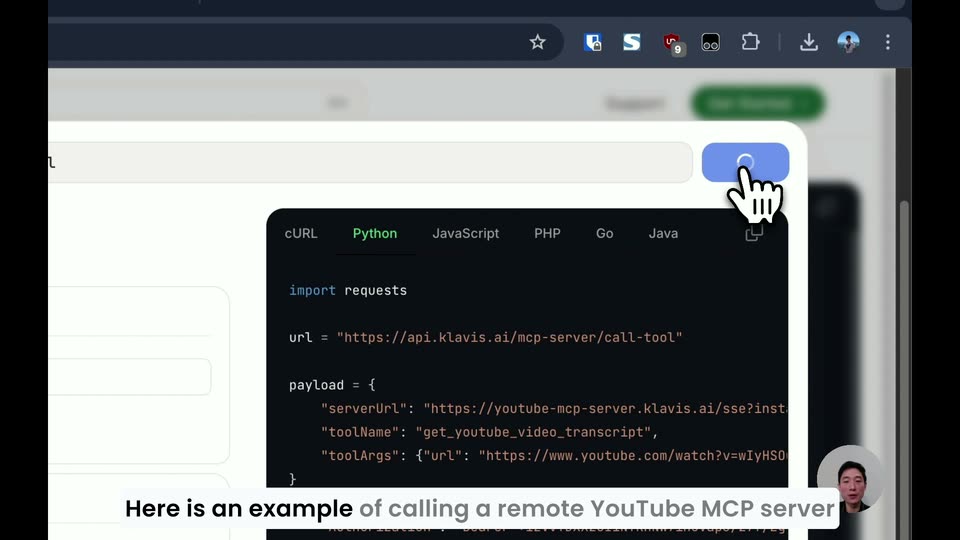 0:44–0:59Klavis AI · Klavis AI: Open Source MCP integrations for AI ApplicationsA screen capture of the Klavis API docs page shows the Call Tool form beside a Python code panel. The view zooms onto the Send button, the cursor clicks it, and the panel switches to a 200 JSON response. A presenter's face sits in a circular inset at bottom right, with caption bars along the bottom.
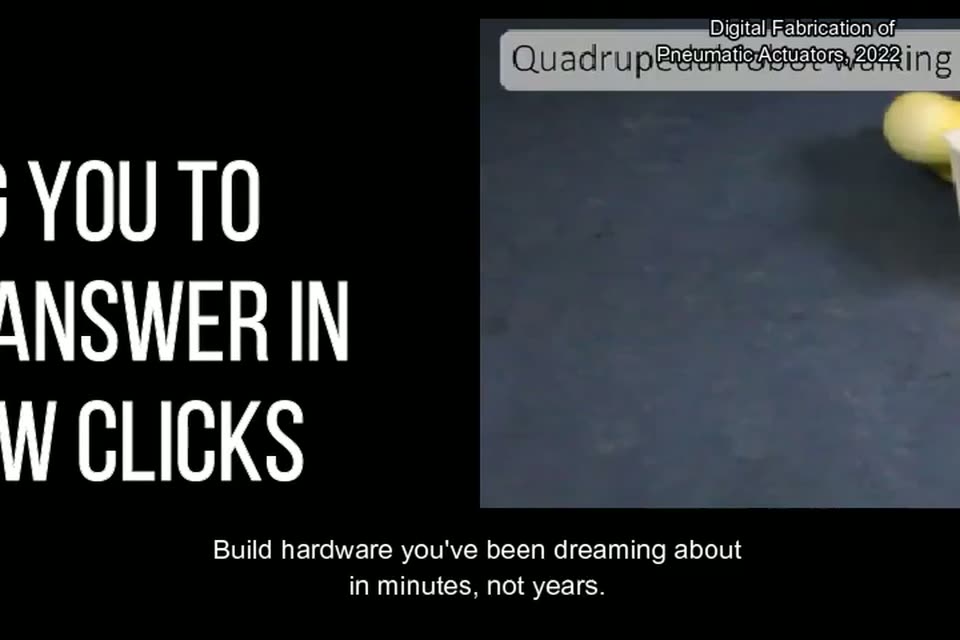 0:52–0:53MorphoAI · MorphoAI YC LaunchA white three-line headline on black slides left while a dark caption card with a small gray image and the words Quadrupedal robot, Pneumatic Actuators, 2022 wipes in from the right edge.
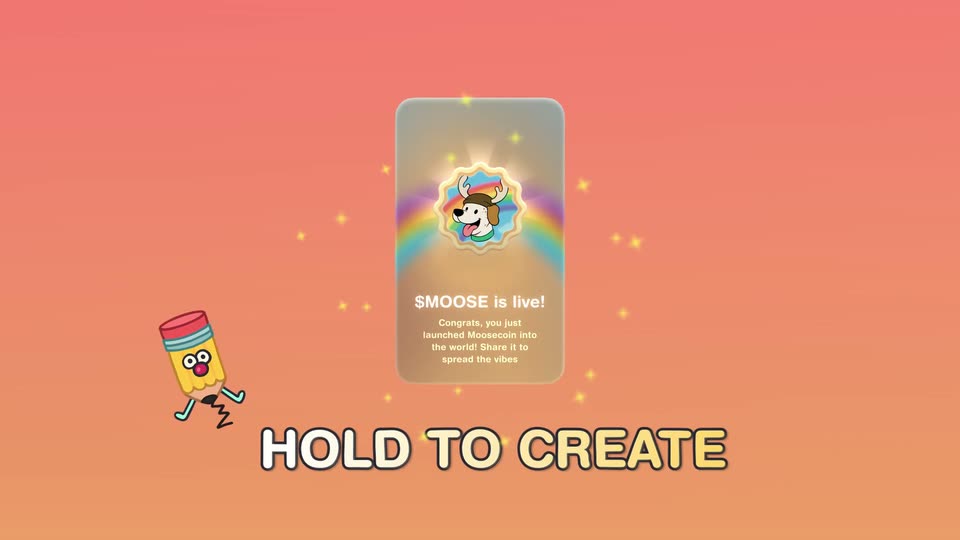 0:20–0:22Rainbow · Rainbow - 🌈 Meet Rainbow's Token Launcher! No more clunky launchpads. You canA flat phone screen centered on an orange gradient shows a coin review form, then flips to a success card with a glowing dog avatar and rainbow burst as sparkles scatter. A cartoon pencil walks on the left and a HOLD TO CREATE caption pops in below.
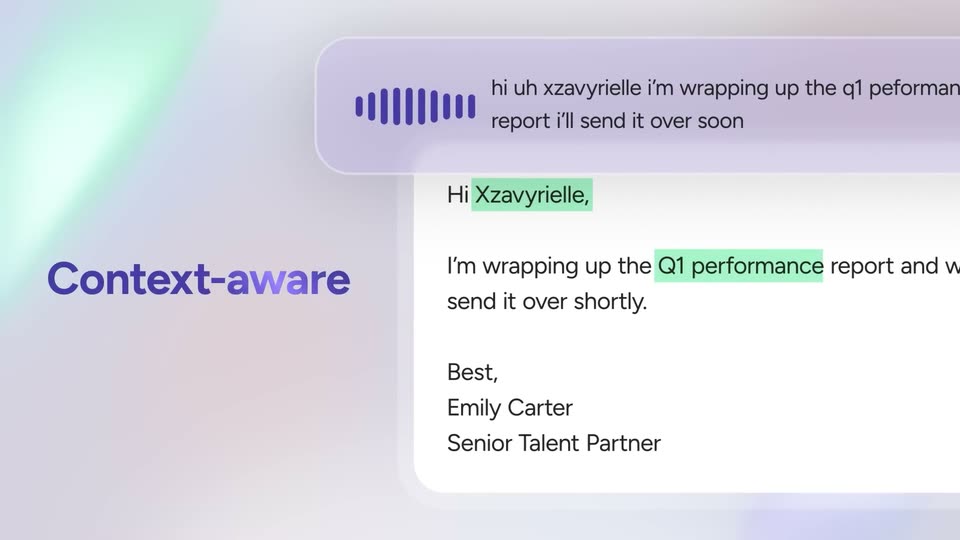 0:33–0:36Willow · Meet Willow — Make Voice Your New KeyboardA tilted voice bubble and a white email card float on a soft pastel gradient. The email types itself word by word while green highlights pop over the name and “Q1 performance”. The framing widens and straightens as the bold label “Context-aware” slides in on the left.
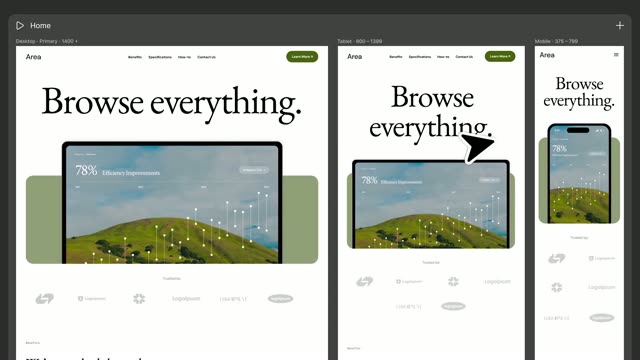 0:08–0:10Figma · All the launches at Config 2025 | FigmaA design tool window shows three responsive previews of one website side by side, labeled desktop, tablet, mobile. Each shows the same homepage: a large serif headline over a green hill with data markers. A cursor glides from the tablet preview to the top-left corner.
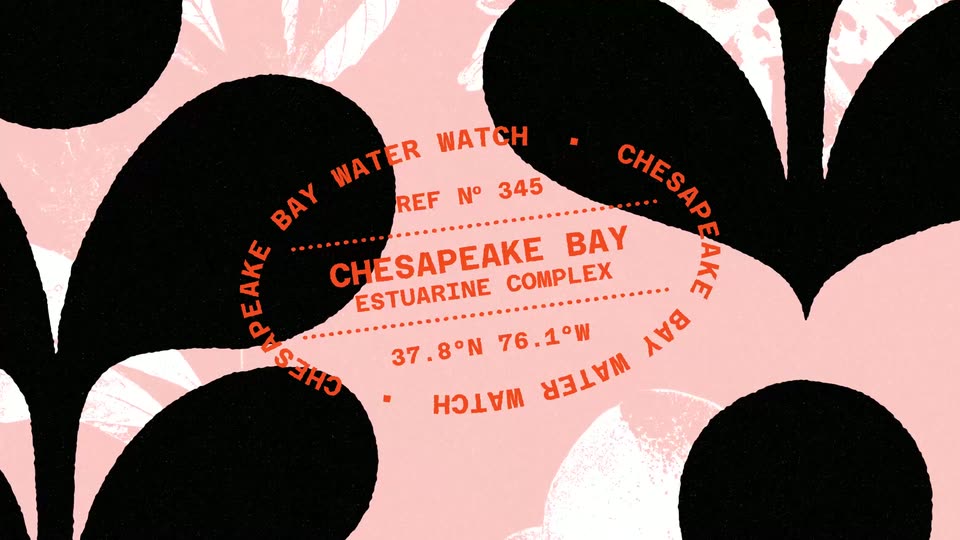 0:14–0:17Figma · Figma - Introducing Figma Draw New fills, effects, brushes, and more, now inOn a pink field, a tight close-up of red CHESAPEAKE lettering and a blue orbit line with a moving white dot pulls back to reveal a full circular emblem. Black leaf silhouettes and white brush strokes grow in around the edges as the badge settles.