UI zoom
A zoom or reframe onto one part of the interface.
9,884 scenes · page 4 of 165
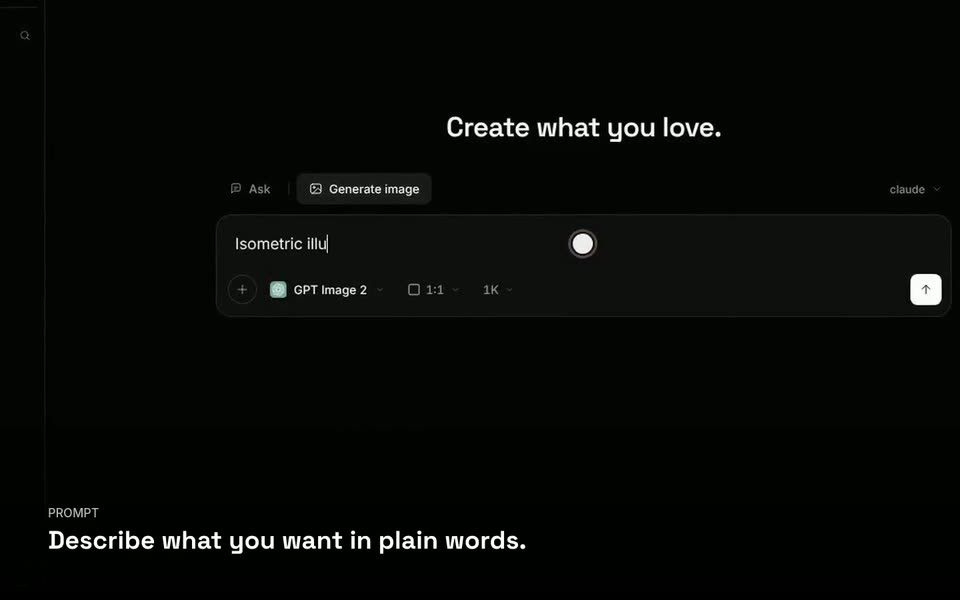 0:00–0:32LetzAI · Introducing LetzAI V5 | LetzAI BlogA dark AI app screen with sidebar and centered prompt bar. A white dot cursor slides the Ask/Generate toggle, swapping the placeholder and model, then types a studio prompt as the ratio chip flips to 16:9. The view zooms in and out on the input while lower-left captions swap.
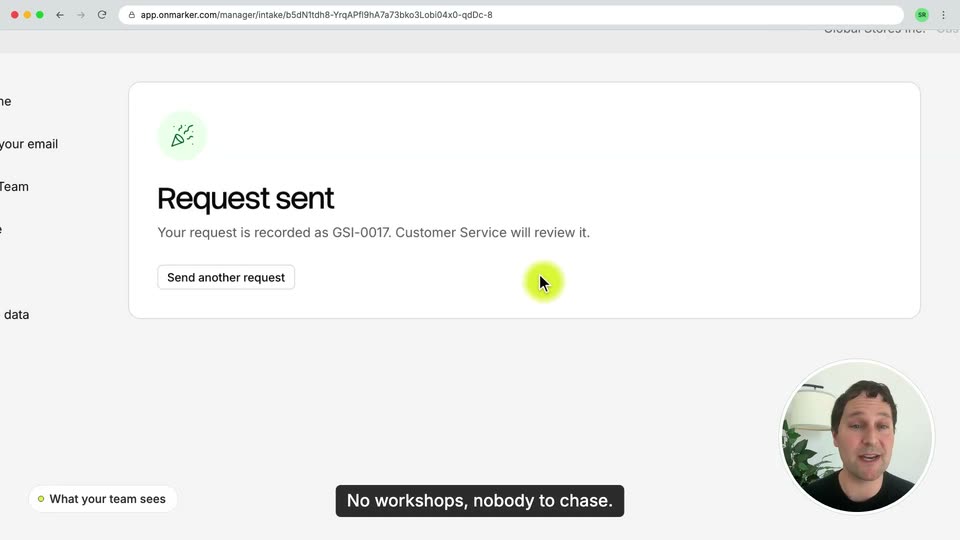 0:30–0:34Marker · Introducing Marker ManagerA glowing cursor clicks the black Send to the team button; the screen switches to a Request sent confirmation card, then zooms out to a Kanban board with columns of task cards. A circular webcam of a man and a dark caption pill sit at the bottom.
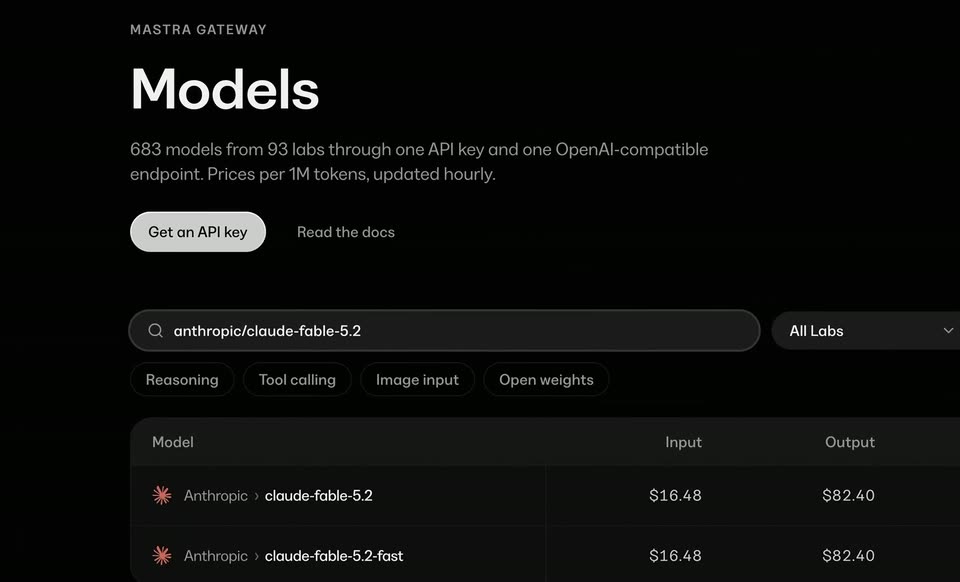 0:00–0:02Mastra · Sam Bhagwat - Today we're excited to launch something we've been cooking for a whilA dark model-pricing table and search field fill the frame, a cursor rests over the search bar. The view then zooms out to reveal the full page: top navigation, an orange banner, the Models heading, and a grid of lab logos.
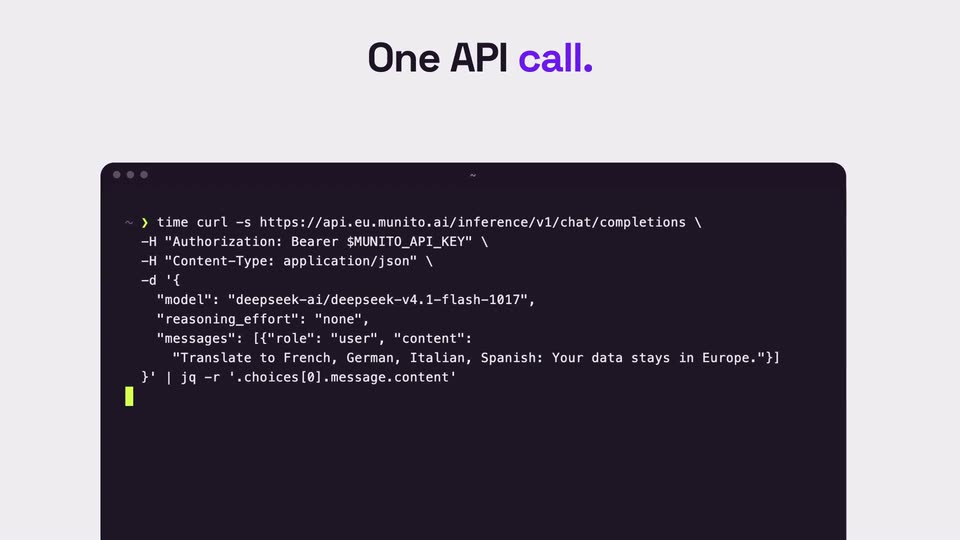 0:12–0:17Munito AI · Munito AI: open models in the EU for every use-caseA dark terminal on a light gray background types a curl command line by line beneath the heading One API call. The output appears, a yellow box highlights the four translations and a 0.791 s timing, then it zooms into the terminal as a callout reads Answer in 0.79 s.
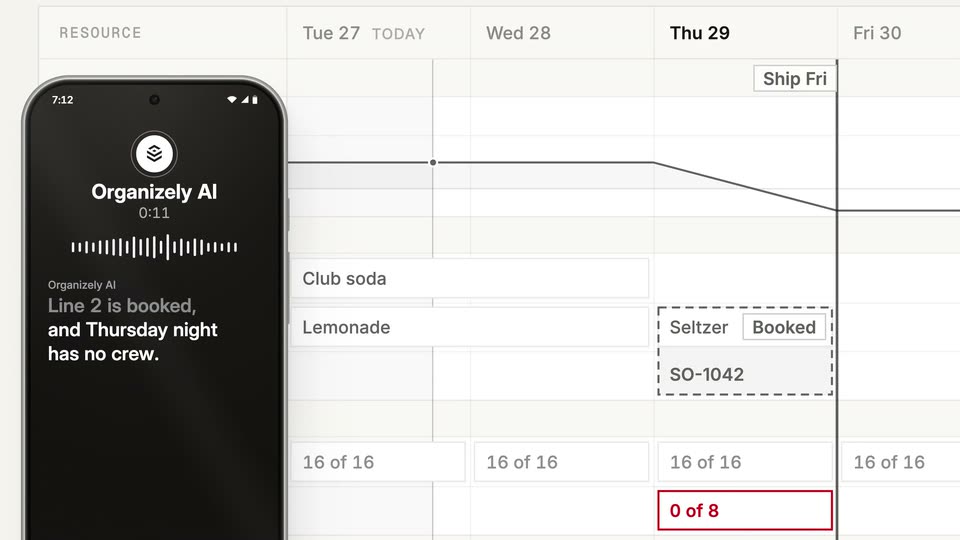 1:07–1:20Organizely · Christian Santos - Introducing Organizely (YC F26): an AI-native ERP to help the 268,000A phone on the left shows the AI transcript as the schedule grid on the right updates and the view zooms: a dashed box marks the Seltzer run, a red outline flags the empty night shift, and a dashed PO-2318 line draws in as the run moves to Line 1.
 0:03–0:05Software Mansion · Software Mansion AI Labs - Introducing Reverb-TTS, a state-of-the-art voice-cloning text-to-speeA beige desktop interface shows file icons in two columns under a menu bar. The view zooms toward the right column, centering on reverb.tts as a cursor hovers beside it.
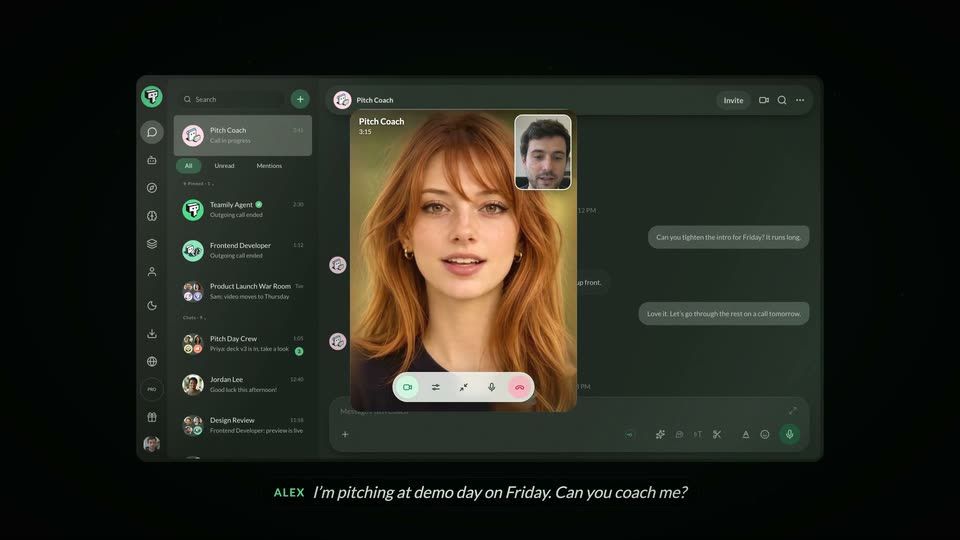 0:04–0:12Teamily AI · Teamily AI - Introducing Teamily Video Agent We give all Teamily agents a face.A red-haired woman's video-call card, with a small inset of a man, sits beside a green feature list on black. The frame zooms out to reveal the full dark chat app behind it, the call card centered over the conversation. Subtitles caption the exchange, then the scene fades to black.
 0:24–0:30Treg · Jason Zhou - Introducing @treg_ai /doomscroll skill My agent watched 272 GTA-6 tiA dark grid of video thumbnails sits behind a large left player playing a GTA 6 clip: a truck drives a bridge, then clips through the rail into the water as yellow captions flash. The frame pulls back to reveal the full feed, the highlighted card reading 'THE GLITCH #3'.
 0:00–0:12Unity · What's new for 2D in Unity 6.7 and Unity 7A wide steampunk platformer level of gears and glowing cyan orbs zooms in on a small rabbit character that hops across wooden crates. A red button triggers an orange explosion as the camera pans left to follow the jumps.
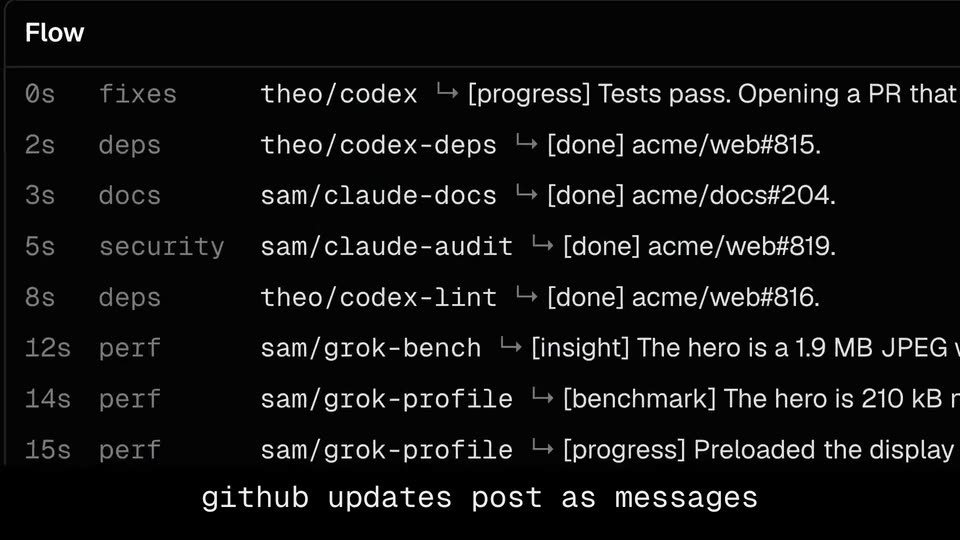 0:34–0:35Vercel · Vercel - Introducing 𝚟𝚎𝚛𝚌𝚎𝚕 𝚋𝚘𝚊𝚛𝚍, a secure message board for people & ageA dark three-column board titled Flow fills the frame, a large block of white monospace message lines overlaid across the center. The view zooms into the middle feed as the overlay clears, leaving a list of timestamped agent messages. A white caption sits at the bottom.
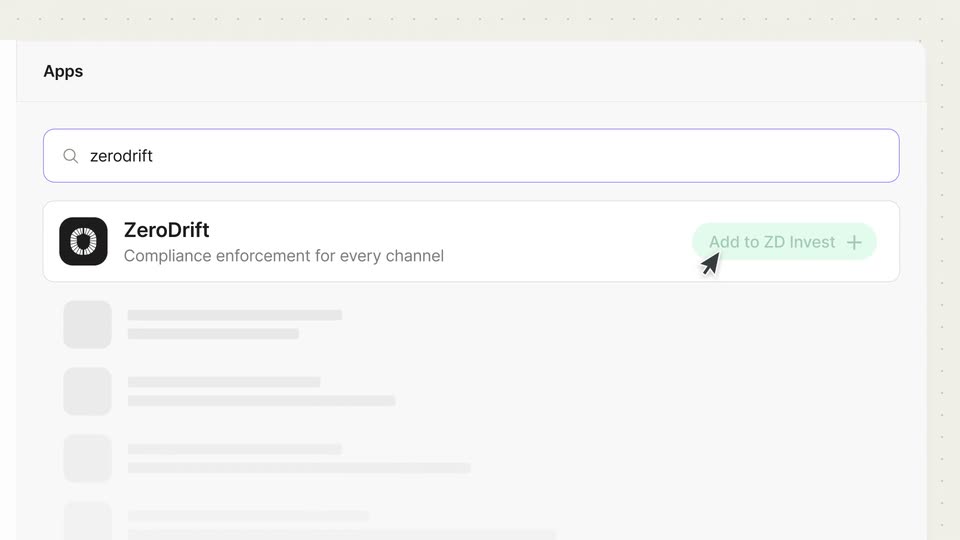 0:13–0:17ZeroDrift · Kumesh Aroomoogan - We’re launching @zerodrift_ai for @SlackHQ today ⚡️ Your team moveA Slack-style workspace opens on the Apps panel; the cursor types zerodrift in the search field and a ZeroDrift result card fades in. The view zooms onto the card, the cursor clicks the green Add to ZD Invest button, which flips to Added with a check, then the frame pulls back to a toast.
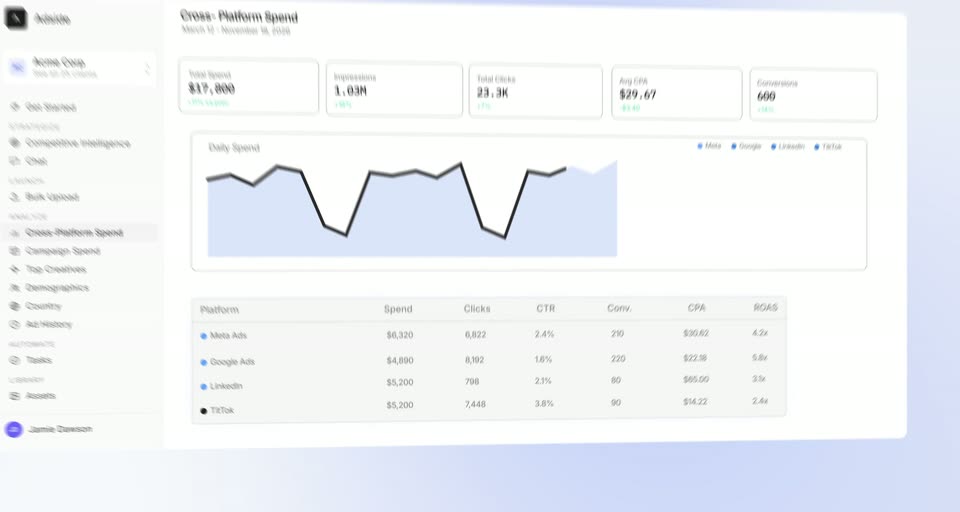 0:48–0:52Adside · Launching Adside: a swarm of AI agents that runs your paid marketing on Meta, Google, LinkedIn etc.A light dashboard interface resolves from a soft blur into focus. The Daily Spend chart line draws across the panel, then the camera zooms in toward the chart and the platform table, making the Meta, Google, LinkedIn and TikTok rows legible.
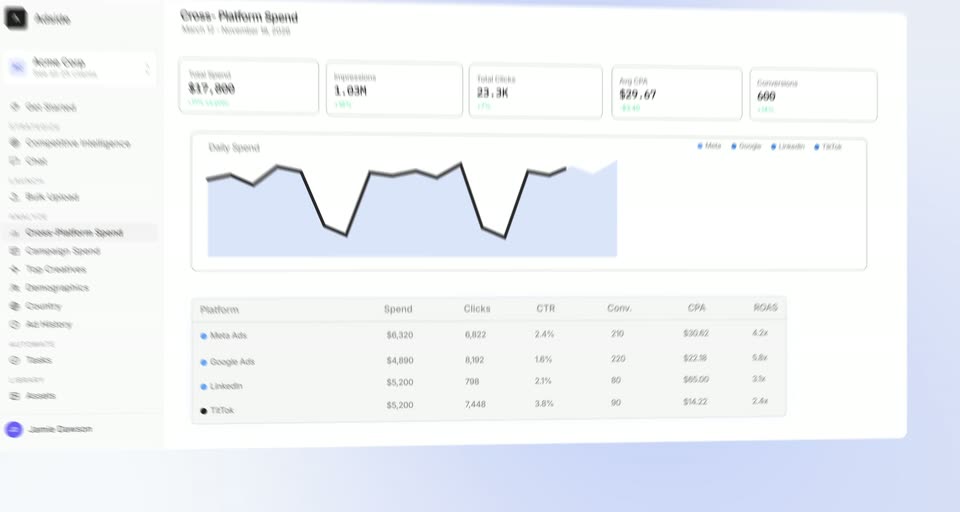 0:48–0:52Adside · Robin Choy - We're launching Adside today, a swarm of agents that finds the most pA light analytics dashboard fills the frame, then the view zooms into the Daily Spend chart and the platform table. The area chart's line draws in from left to right while the four table rows sharpen from blur into focus.
 0:00–0:01Akool Inc · Explore Kling V4 on AKOOLA tilted tablet mockup on a dotted dark background shows a woman in a white coat holding a cookie on a stick. The camera zooms into the screen, dropping the device frame to full-frame live action with confetti falling over a crowd.
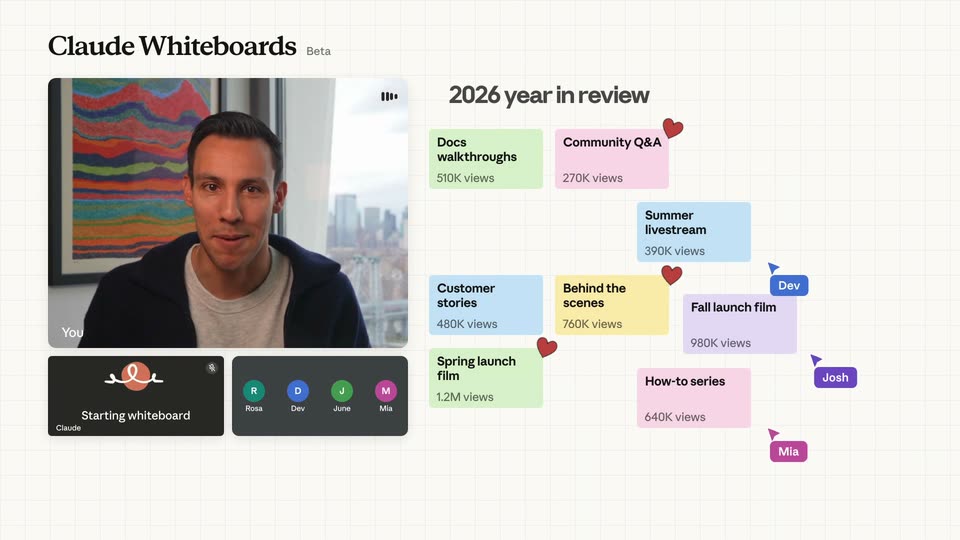 0:05–0:29Anthropic · Five brand new ways to use Claude at workA man in a left video tile speaks as a whiteboard fills with pastel cards, each with a content name and view count. Named cursors drift between cards, hearts pop on, then the view zooms out to a full grid as a chat box types a question to Claude.
 0:16–0:18Arcade · Caroline Clark - Frontier AI has solved math. Science. Coding. But it still hasn’t solA dark export interface with a file list on the left and a video player in the center; the view zooms into the player, which holds a light card showing “Good work doesn't” and a “Made with Claude” badge. A white caption at the bottom reads “This is what happened”.
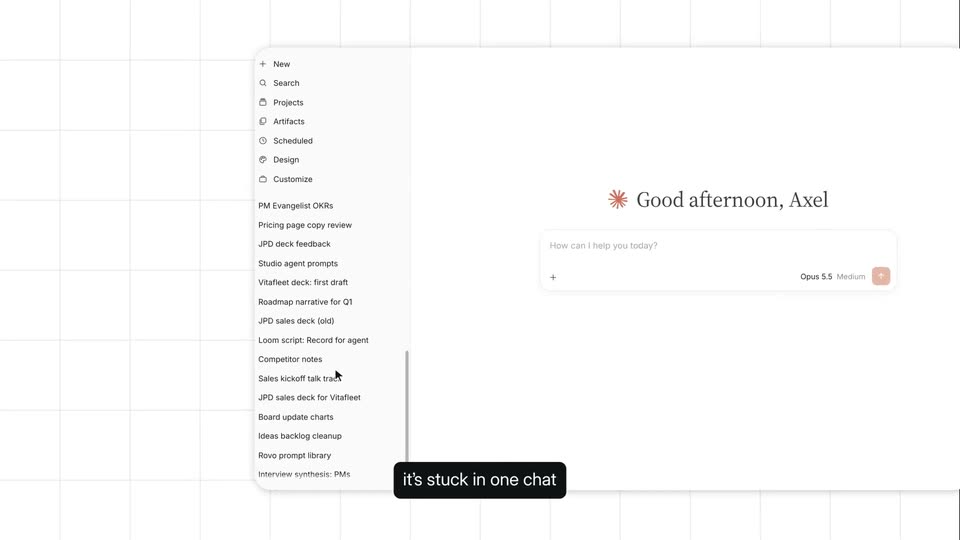 0:03–0:07Atlassian · Give your AI work a home with Artifacts App | Rovo at WorkA Claude chat window fades in on a faint grid backdrop and scales up, then the view pushes into the left sidebar list. A cursor rests on the entry “JPD sales deck for Vitafleet” while black subtitle boxes cycle at the bottom.
 0:06 · 0.3sCardinal · Jianna Liu - Today we’re launching Agents by Cardinal, AI teammates built for go-tA dark green paper-textured background holds a two-tone red headline. The shot opens tight on the word “Companies” and pulls back to reveal the full line, with the first phrase in bright red and the rest in a muted brick red.
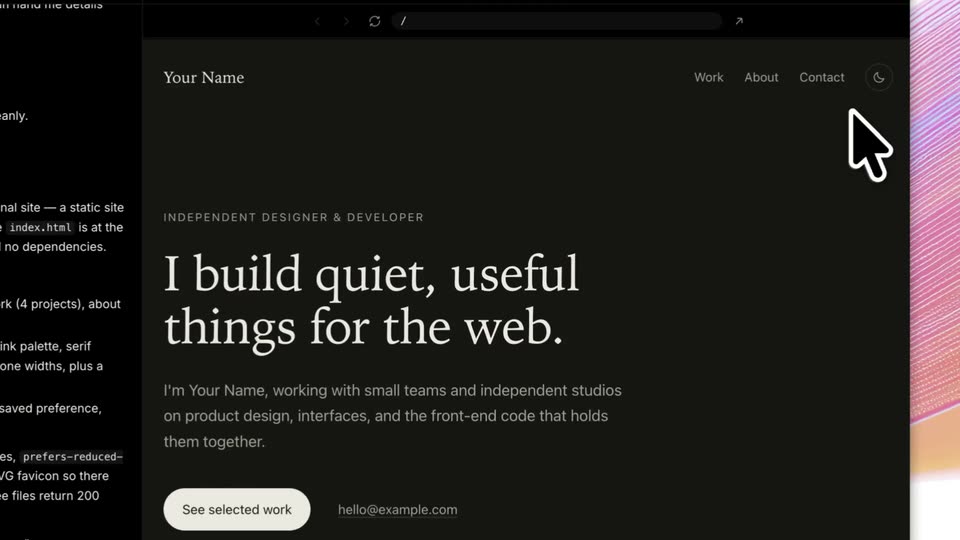 0:28–0:29Cencori · Bola Banjo - Introducing Tensor. The ADE for doing real work with AI. Live now oA dark product screen shows a markdown panel beside a dark website preview. A white cursor moves over the site, passing the headline and button, while the frame shifts toward the website.
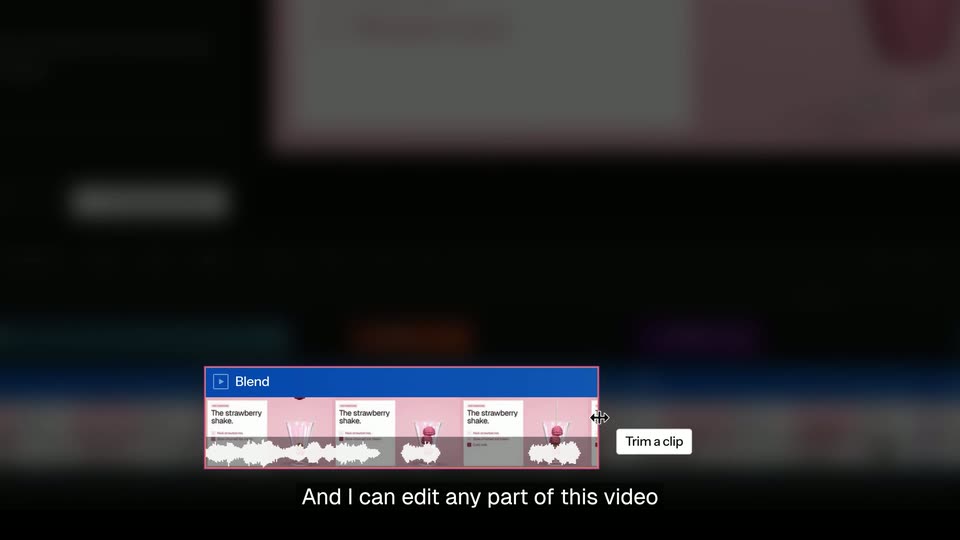 0:47–0:53Clueso · Akash Anand - Today, we're launching Clueso v2. AI has finally become good enoughA 3D-tilted editor mockup sharpens over a blurred kitchen backdrop, a cursor taps the music track, then the view zooms into the timeline where the cursor hovers the Blend clip edge and a Trim a clip tooltip appears.
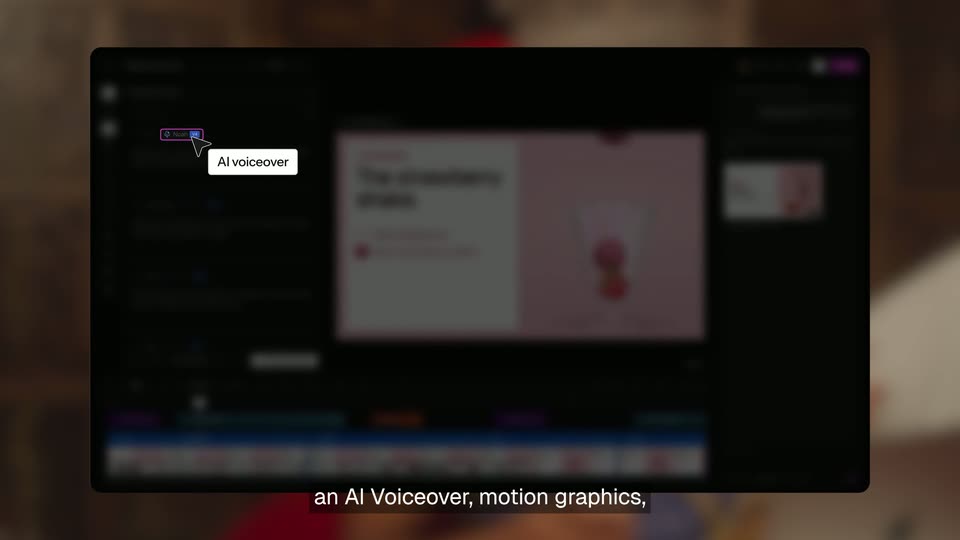 0:42–0:45Clueso · Announcing Clueso AI | World's First Collaborative AI Video EditorA laptop mockup in 3D perspective shows a video editor over a blurred live-action background. The left script panel collapses as the cursor moves to the preview, popping Catchy script and AI voiceover tooltips, while bottom captions read the feature list.
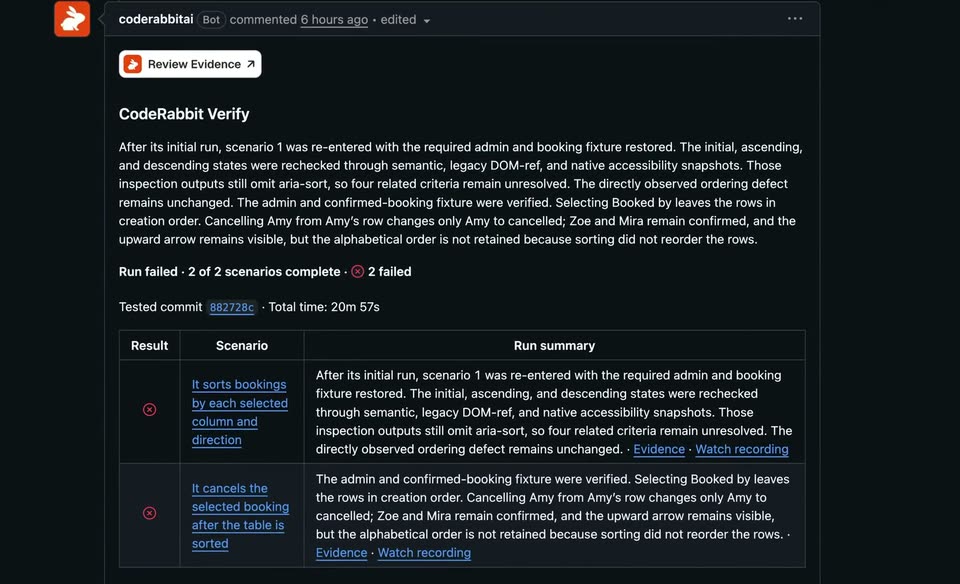 0:00–0:08CodeRabbit · CodeRabbit - Introducing CodeRabbit Verify Don't let your users be the first testA dark pull-request card floats over a red fur backdrop while an ASCII rabbit animates in the bot comment. The camera zooms into the CodeRabbit Verify report, then pulls back as a cursor hovers the Review Evidence button.
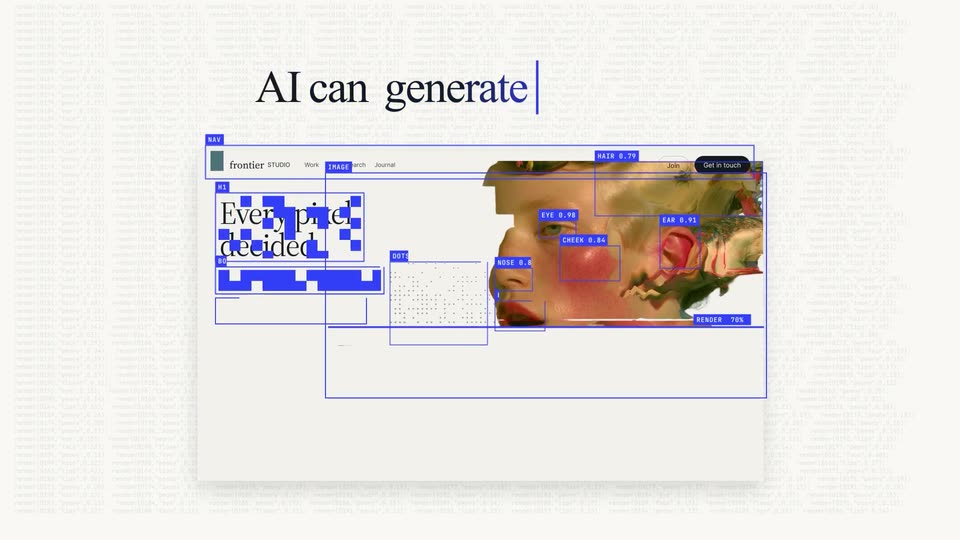 0:20–0:21Contra Labs · ben - The AI industry has a benchmarking problem. We're letting random peoA serif headline types out above a tilted website mockup while a blue pixel grid wipes away to reveal a face with labeled bounding boxes.
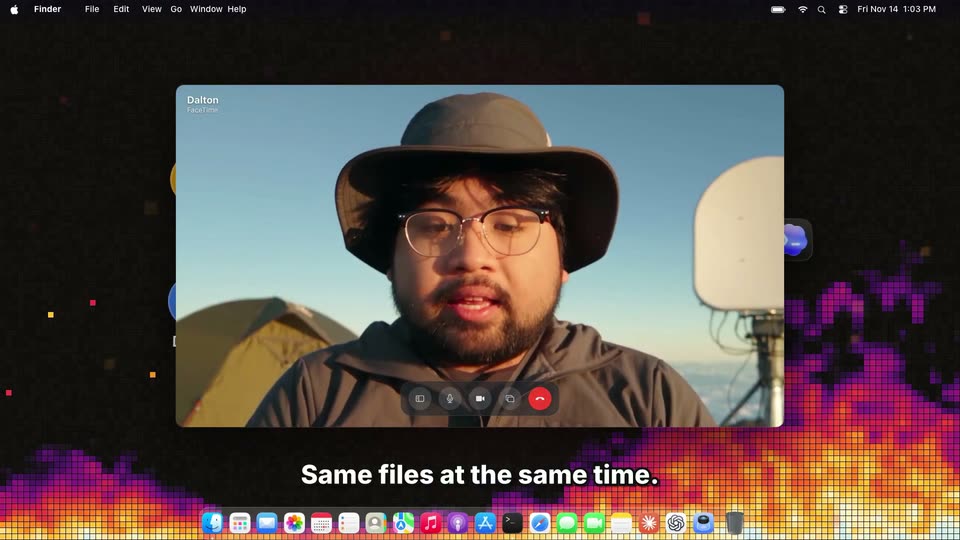 0:14–0:15Evokoa · FlashDrive (YC F26): A shared drive for your team and all your AI agentsA macOS desktop shows a centered FaceTime call window with a man in a hat and glasses, set over a dark backdrop with colorful pixel waves. The call window scales up to fill most of the frame while a white caption sits at the bottom.
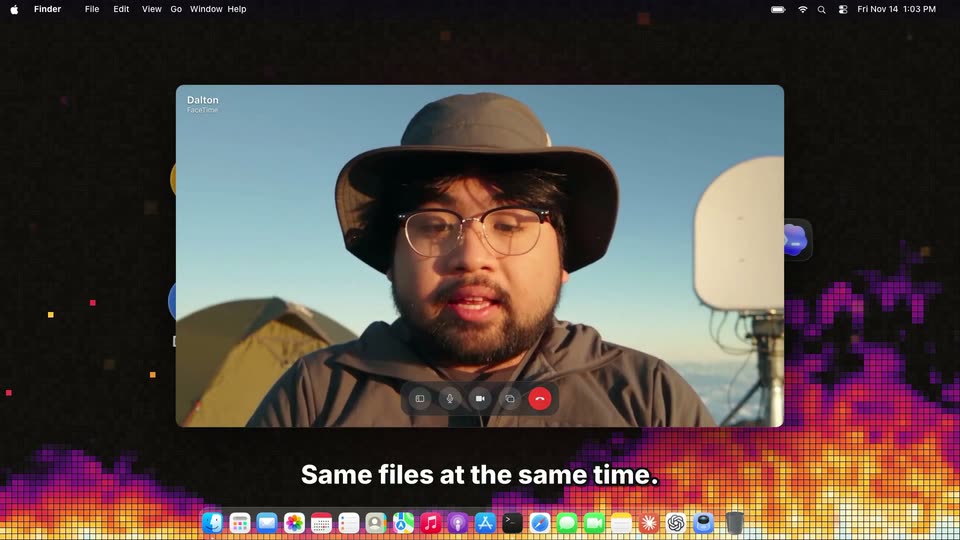 0:14–0:15FlashDrive · dale - Today we’re launching FlashDrive with @ycombinator 🚀 FlashDrive is aA dark macOS desktop shows a FaceTime call window with a man in a hat and glasses outdoors. The window zooms forward until it fills the frame, while a white caption stays fixed at the bottom.
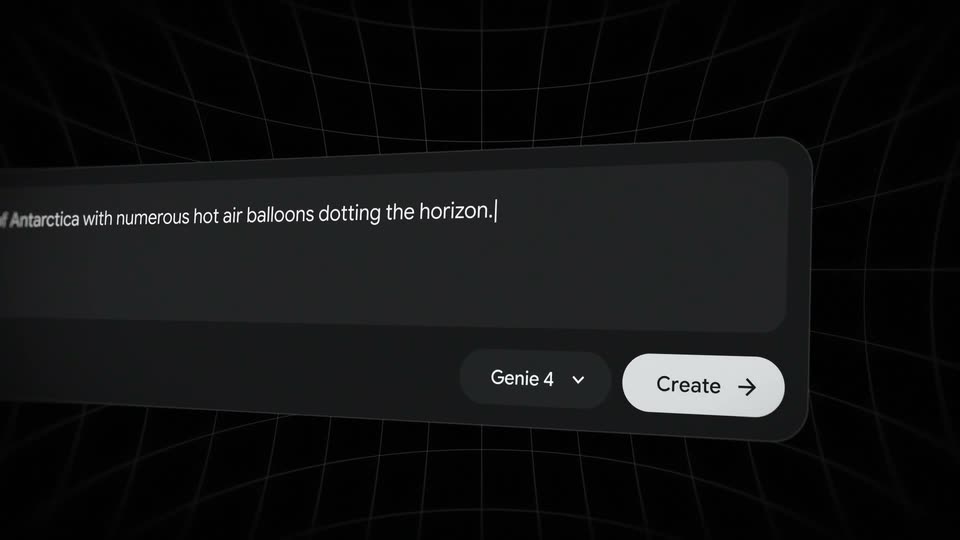 0:02–0:06Google · Google DeepMind - Genie 4 is now available in Project Genie. It brings native audio, rA dark prompt bar floats above a black 3D grid floor. The camera pushes into the text field as a prompt sentence types out, then reframes onto the white Create button, which ends centered on a black background.
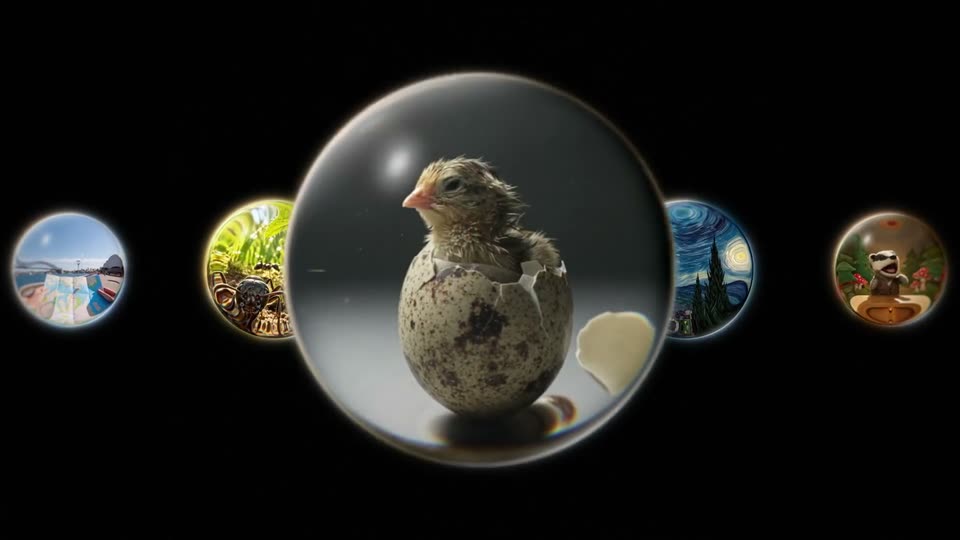 0:05–0:06Google · Introducing the new Project Genie, powered by Genie 4A 3D rendered chick sits in a cracked speckled egg on a dark surface, with WASD and arrow key buttons overlaid in the corners. The view zooms into a fisheye close-up of the chick's head, a small circular bubble with a panda illustration popping in at the right edge.
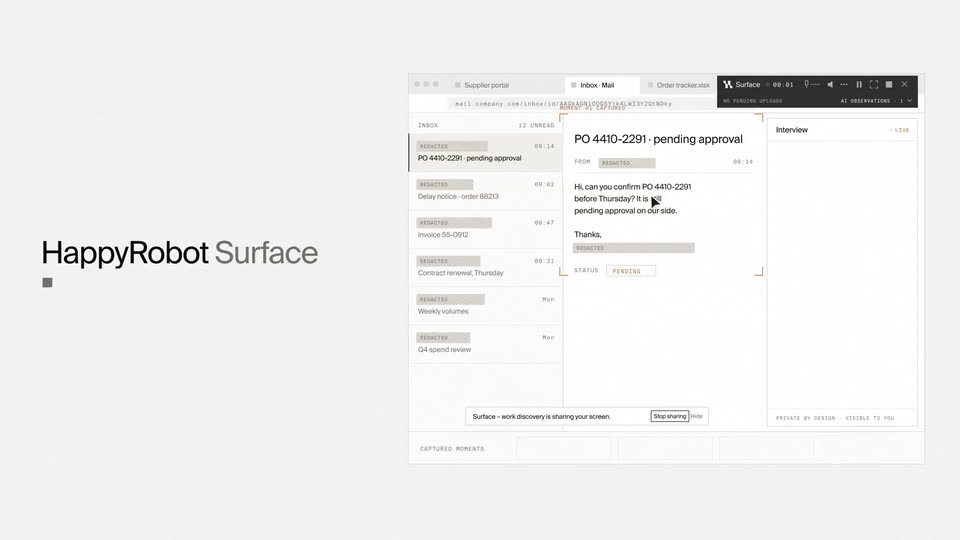 0:05–0:07HappyRobot · Pablo Palafox - Every enterprise wants to automate its processes. Almost none can telA headline on the left scales up over a row of small gray squares, while a product email interface on the right reframes toward the open message. The interface shows an inbox list, a pending-approval email, and an interview panel.
 0:07–0:08Higgsfield · Higgsfield AI 🧩 - Introducing Higgsfield MCP 2.0 for Claude. Your entire creative studA white rounded prompt bar sits centered on a light gray field, holding a cartoon character thumbnail on the left, the text Claude Fable 5.2 in the middle, and a mic icon with an orange up-arrow button on the right. A white hand cursor rests on the thumbnail as the whole bar scales up from small to large.
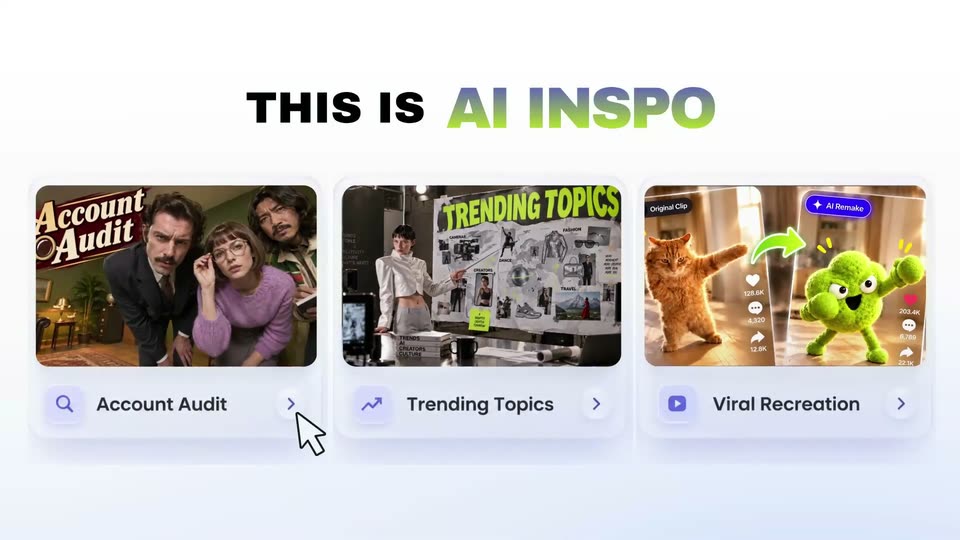 0:04–0:05Inspo · Meet AI Inspo, your all in one AI powered social media management platform.A large Trending Topics card scales down to its slot in a three-card row, revealing the headline above. The left Account Audit card takes a dark selection border while a cursor arrow rests beneath it.
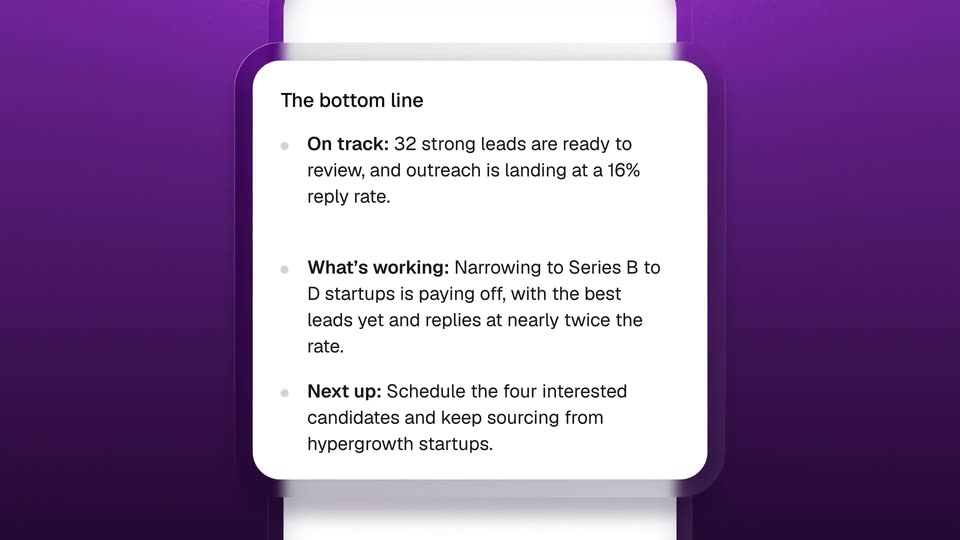 1:10–1:15Juicebox · Introducing Juicebox for MobileA phone on a purple gradient shows a sourcing chat scrolling upward, a waving 3D cube mascot at left fading out; the frame then zooms into a bottom line summary card and cuts to a woman using her phone on a beach.
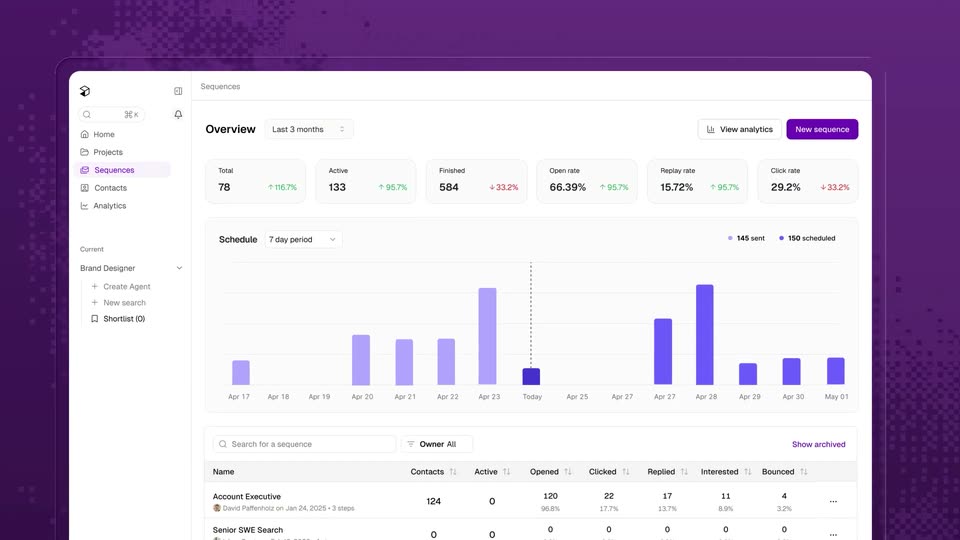 0:43–0:46Juicebox · Introducing Smarter Sequences from JuiceboxA purple dotted backdrop frames the Sequences dashboard as the camera zooms in on the overview metrics and bar chart. A cursor then drifts in and hovers the purple New sequence button.
 0:03–0:04Kling AI · Meet Kling Image 4.0A tight close-up of a yellow digital timer device with a black inset screen. Green seven-segment digits read 00:04, then tick down to 00:03 as the frame tightens slightly on the display.
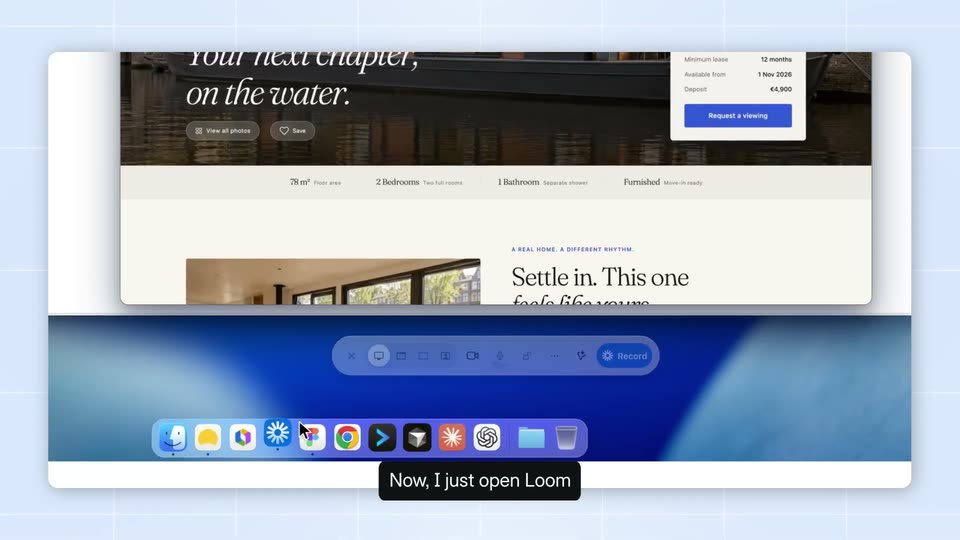 0:14–0:16Loom · Show your AI agent what to do with Record for agent | Rovo at WorkA desktop screen shows stacked property-listing windows over a blue wallpaper. The view zooms in as the cursor moves down to the dock and clicks the Loom icon.
 0:10–0:20OpenAI · Introducing ChatGPT for AccountingA tight crop on a chat input box fills word by word with a prompt to find billable jobs and draft invoices in QuickBooks. The text dissolves into a Thinking state listing two tasks, then the view pulls back to the full screen.
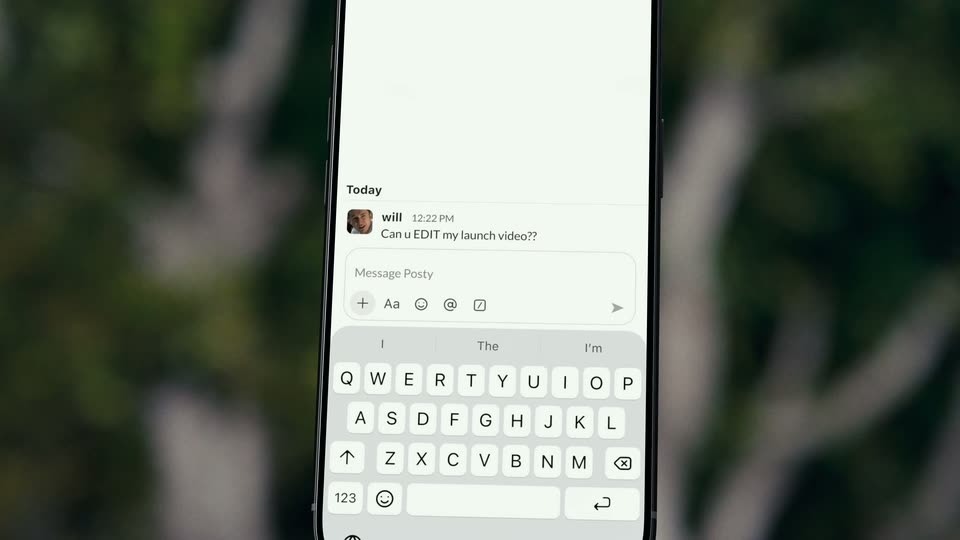 0:10–0:12Osmo Studio · Osmo Studio - Some very personal news: we’re rebranding as an applied AI lab and arA black smartphone hovers in 3D perspective over a blurred green backdrop, its screen showing a chat where a user asks the agent to edit a video. The phone turns to face the camera, then the frame flattens to a close-up of the interface as a new Posty_AGENT message appears.
 0:31–0:33Parsewise · Parsewise presents... Insurance Broker SimulatorA pixel-art office management screen fills the frame, then the viewport zooms and pans right to a closer view of the desks, a gray-haired worker and a waving blue robot. The top status bar and bottom toolbar drop out of frame as the zoom tightens.
 0:59–1:03Pika · Pika Enact | A Research Preview of Scenes that RespondA horizontal strip of video panels showing two models in a hazy hall scrolls above a ruler of tick marks, then the view zooms into one panel to fill the frame, and a white border settles around it.
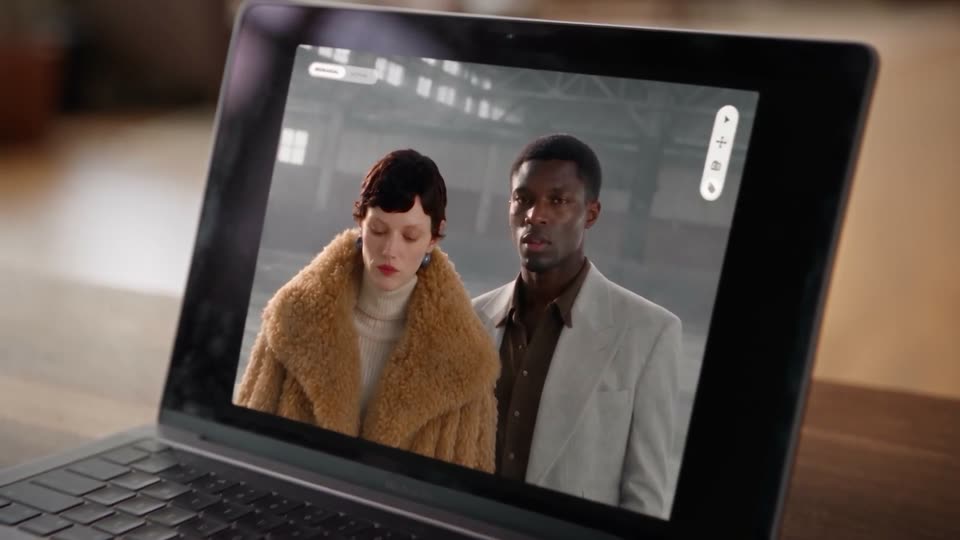 0:09–0:11Pika · Pika - Today, we’re excited to share Enact, a research preview of scenes thaA blurred coffee cup and cafe background give way to a rack focus onto a laptop on a wooden table, its screen playing a video of two people inside an editor interface. The camera then pushes in toward the screen, framing the video frame and its side controls.
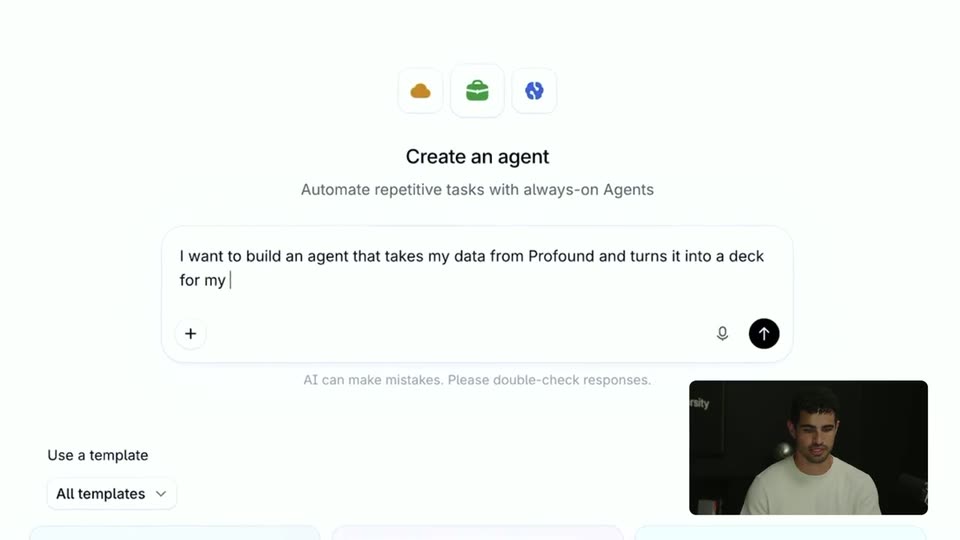 0:07–0:33Profound · Dylan Babbs - Today we're launching a new generation of Agents in @profound, now poA browser shows the 'Create an agent' page, icon tiles cycling above the heading. The view zooms into the prompt box as text is typed, then send is clicked. A chat view follows, with a 'Working' timer, a black 'Aim is creating your agent' pill, and a speaker inset.
 0:54–0:57ReachAgents · Razvan Roman - You can now advertise directly to people’s agents with ReachAgents.A man in a white shirt sits before a dark wall with a gold frame holding a white panel. An orange 'Get in touch' pill fades in, then 'reachagents.com' types out letter by letter beneath it. The camera zooms into the frame, enlarging the button and URL as a cursor arrow appears.
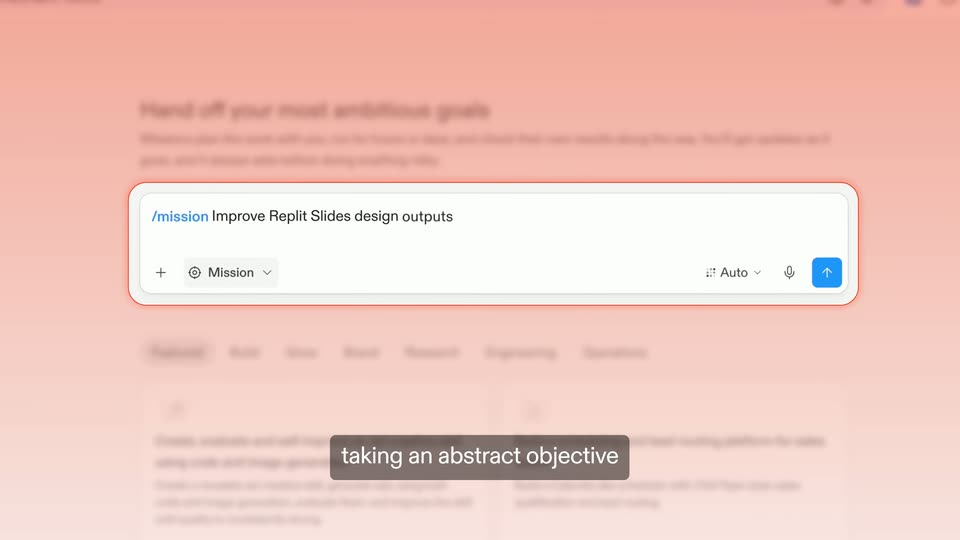 0:49–0:51Replit · Replit Missions | Pursuing outcome-based resultsA product web page centers on a command box with a /mission prompt. The background blurs as the camera pushes in, the box outlined in orange, while a dark caption pill at the bottom swaps text.
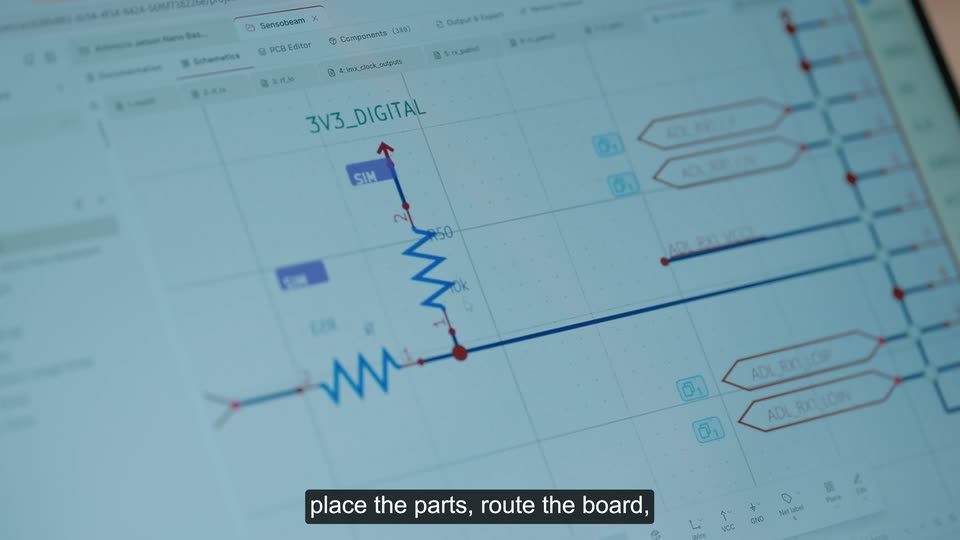 0:07–0:09Resin · Resin: A new electronics firmA tight crop of a light blue PCB grid with a component symbol and crosshair cursor pulls back to reveal a laptop on a desk, its screen showing the full schematic editor as hands type.
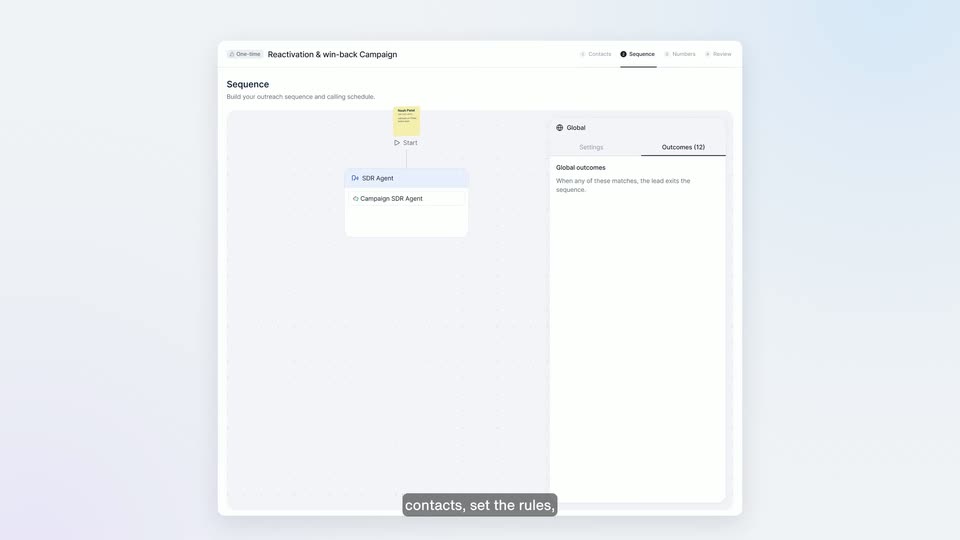 0:35–0:36Retell AI · Build an AI Dialer That Calls, Texts, and Follows Up With Every LeadA light sequence-builder screen fills the frame as it zooms in, moving past the campaign title toward the node canvas and the outcomes panel on the right. A dark pill caption at the bottom carries the narration.
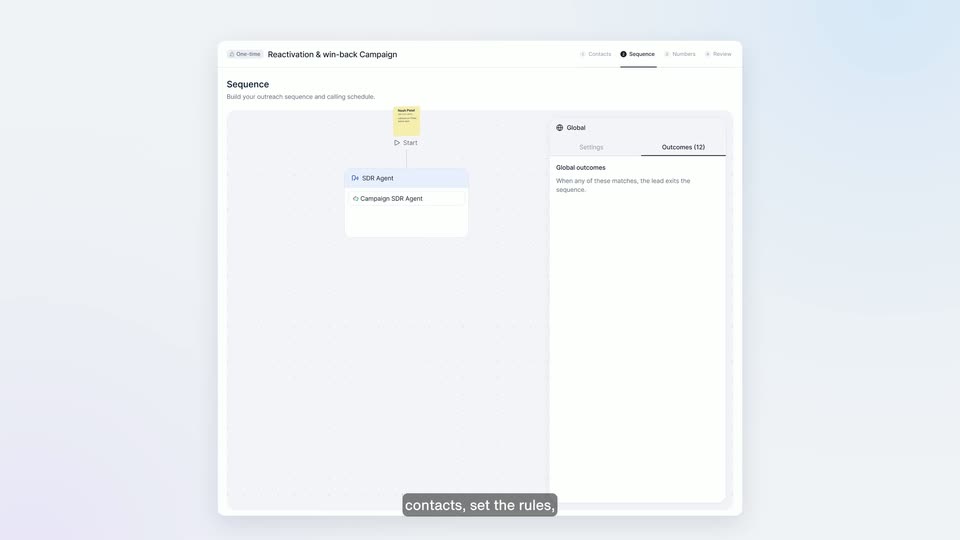 0:35–0:36Retell AI · Retell AI - Introducing Retell Dialer, the first AI-native dialer, built for end-A close-up of the sequence builder UI, overlaid with yellow sticky notes, zooms out to a centered full-window view as the notes clear. A bottom caption swaps from “You bring in your” to “contacts, set the rules,”.
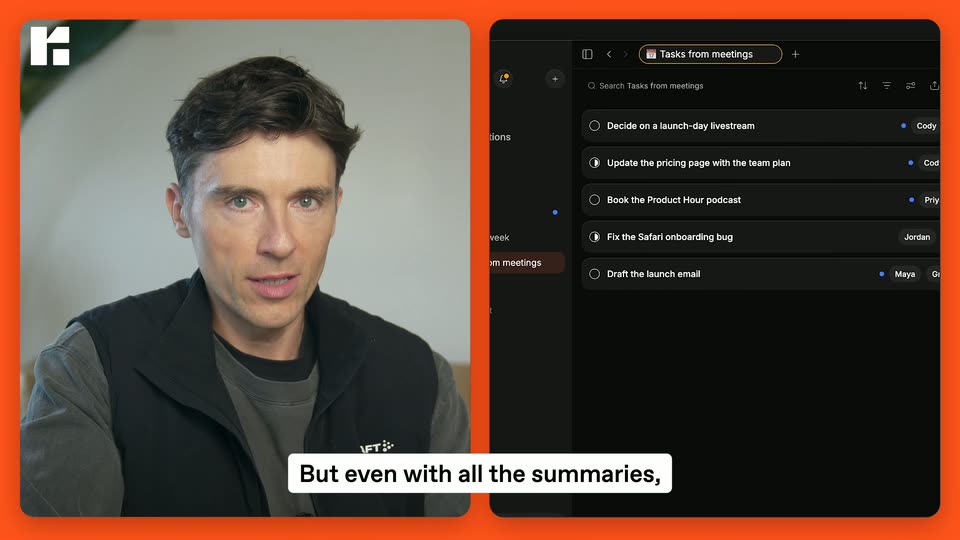 0:00–0:03Roma · Turn Granola Meeting Notes Into Tasks AutomaticallyOn an orange background, a man in a black vest speaks to camera on the left while a dark task app lists “Tasks from meetings” on the right; the interface zooms to reveal assignee names as white caption boxes roll his words at the bottom.
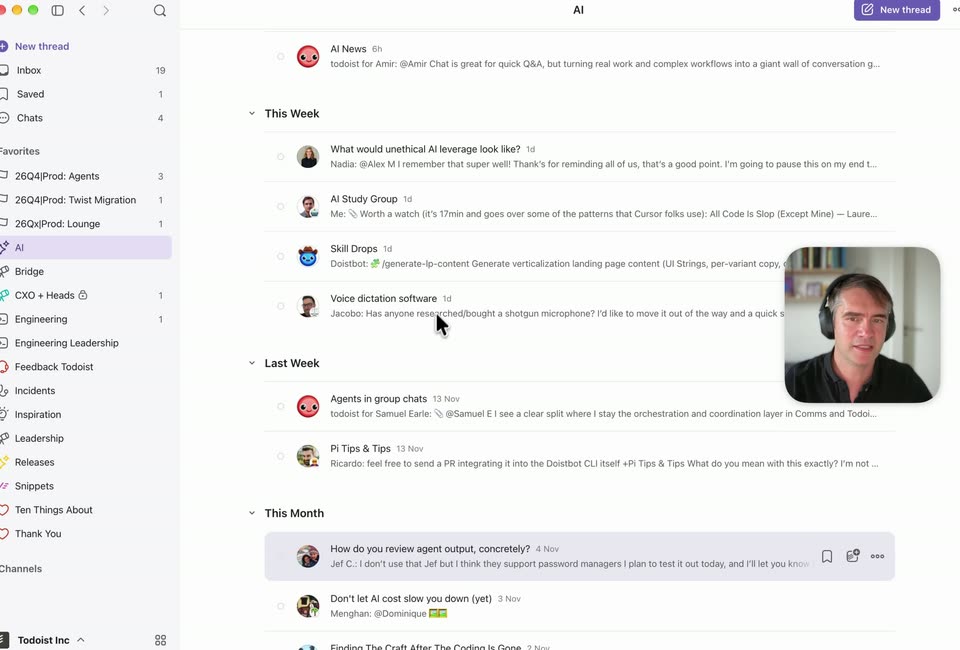 0:24–0:29Todoist · Amir Salihefendić - Todoist Comms is now in public beta 🚀 What's in it: ⋅ Turn any threA thread-list interface fills the frame beside a small webcam inset of a man wearing headphones at the lower right. A cursor hovers across rows, highlighting each and revealing action icons, while the view zooms into the list and back.
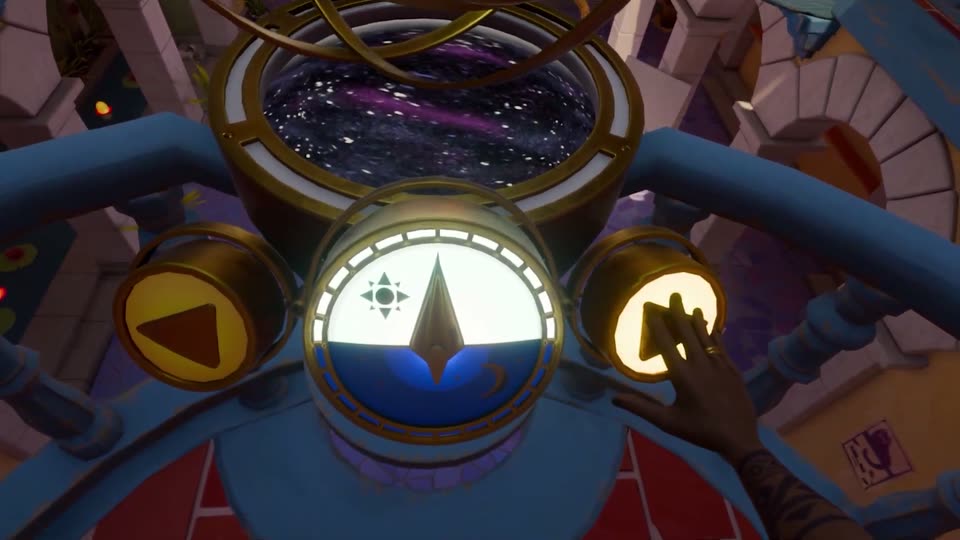 2:30–2:35Unity · Explore SCGI in Atrio | 3D stylized Unity sampleThe camera pushes in from a vine-covered courtyard toward a central console with a rotating globe and a compass dial. A first-person hand reaches in and presses the glowing play button on the right, demonstrating the time-of-day control.
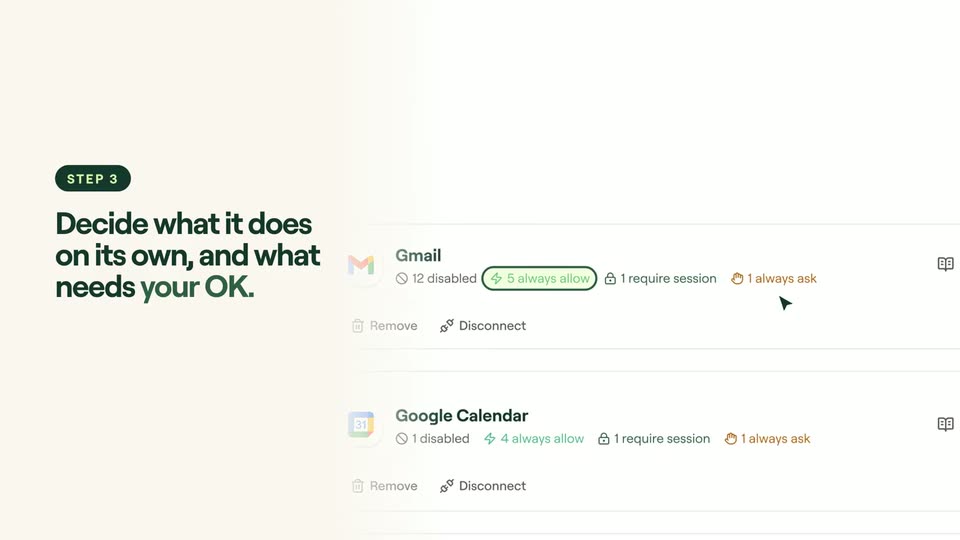 0:16–0:19Willow · Willow | AI Basecamp - 1/ "Ask me before you delete anything" is a prompt. Prompts get summA static headline sits on the left while the right shows an integrations list. The view zooms into the Gmail row as the cursor hovers the allow and ask labels, which gain green and orange outlines, then the frame pulls back.
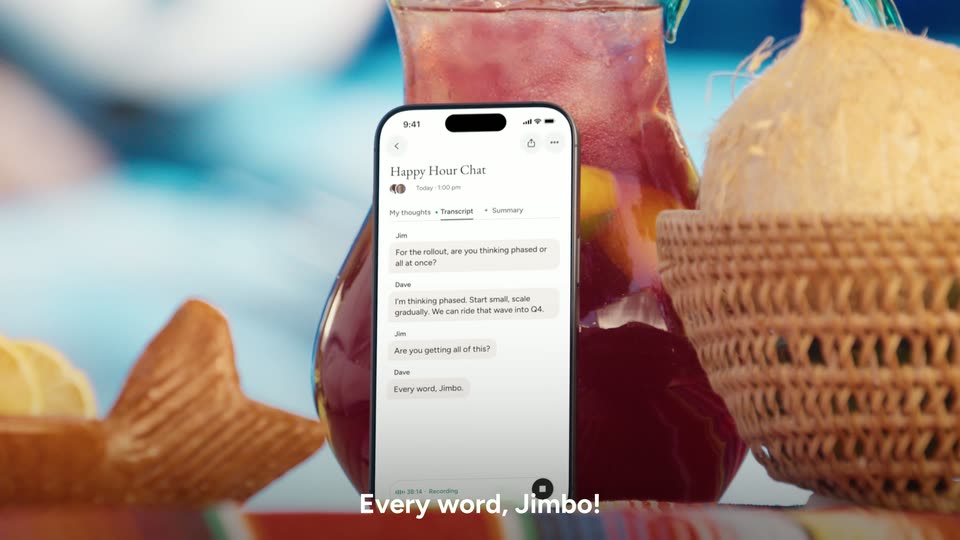 0:39–0:41Wispr Flow · Wispr Flow - Notetaker is live today on iPhone. Now, your meeting notes can go wheA smartphone stands on a table before a blurred red drink pitcher and a pineapple in a woven basket. The screen shows a chat transcript, a new message bubble appears, and the frame slowly pushes in. A white caption sits at the bottom.
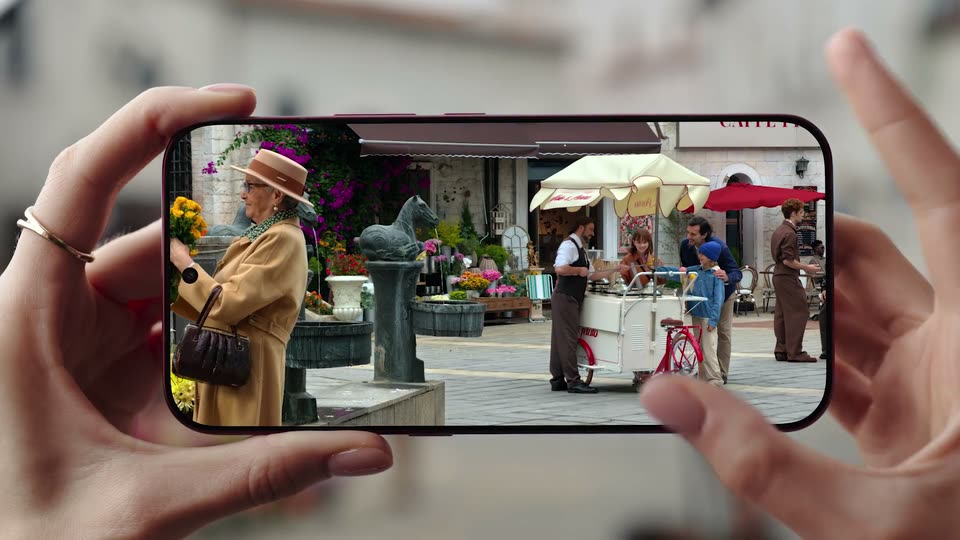 0:12–0:14Xiaomi · #Xiaomi18ProSeries, our biggest upgrade. A flagship experience, inside and out.Two hands hold a red-framed phone in landscape against a blurred street backdrop. The screen shows a plaza photo with a woman in a tan coat holding flowers, and the image slowly zooms and pans right while small camera spec captions sit at the bottom.
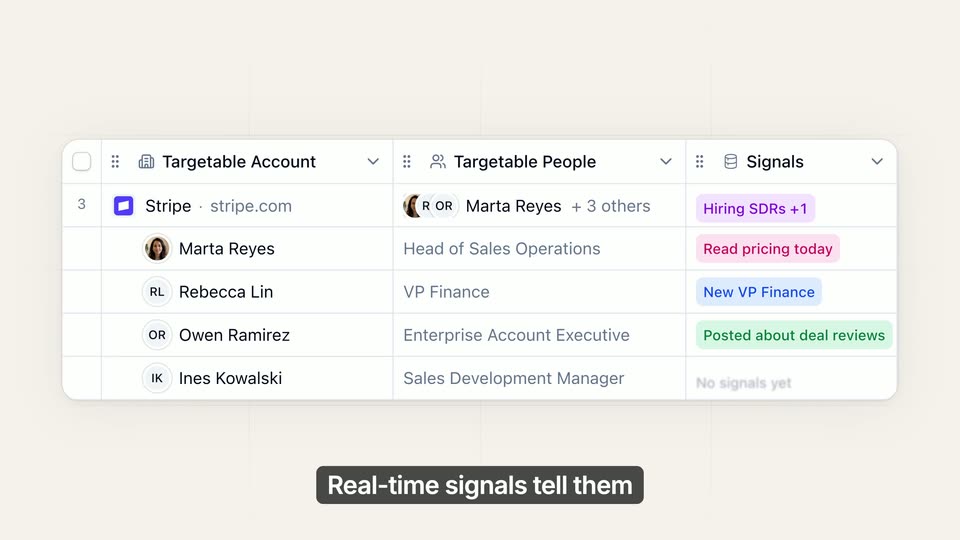 0:28–0:31Bigmind · Dana Majid - Excited to announce @bigmind_ai is now available for all! In the lasA white spreadsheet card on a cream backdrop reframes from the full account list onto the Stripe row, whose people sub-rows fill in as four colored signal tags pop in one by one. A dark caption pill at the bottom swaps phrases in time with the voiceover.
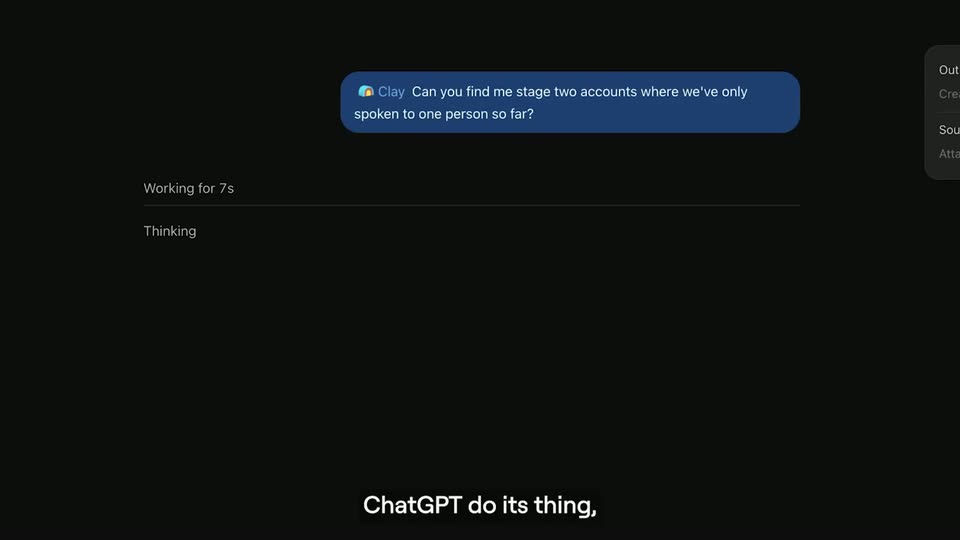 0:54–1:01Clay · Clay - Today, we’re excited to relaunch our official MCP connection with @OpA dark chat interface shows a voice waveform filling the input bar, then a cursor clicks the send button as the typed query appears. The view zooms into the conversation, where a blue message bubble and a Thinking status appear above bottom captions.
 0:14–0:15Cognition · Cognition - Meet Devin Bots. From writing firmware to merging thousands of PRs aA blurred chat screen with a cursor gives way to a dark view of a teal 3D body scan as the camera pulls back. A rounded card with a yellow hexagon icon and the name Shackleton slides in at the right, while a small agent card stays fixed at the lower left.
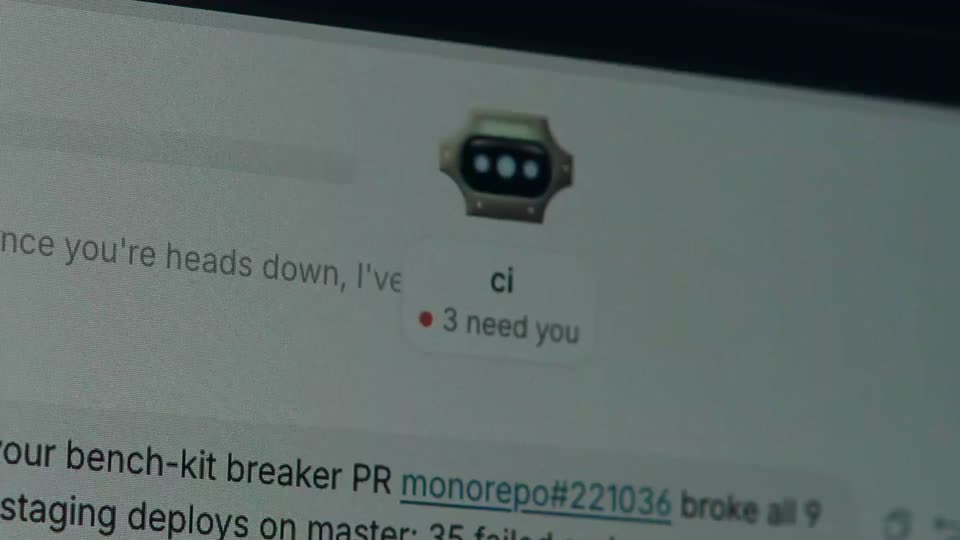 0:09–0:10Cognition · Meet Devin BotsA tight, angled close-up of a chat interface with shallow focus. The frame tilts from a small bot avatar labeled 'ai' to a purple gear avatar labeled 'MaintainMaintainer', its message highlighted in teal.
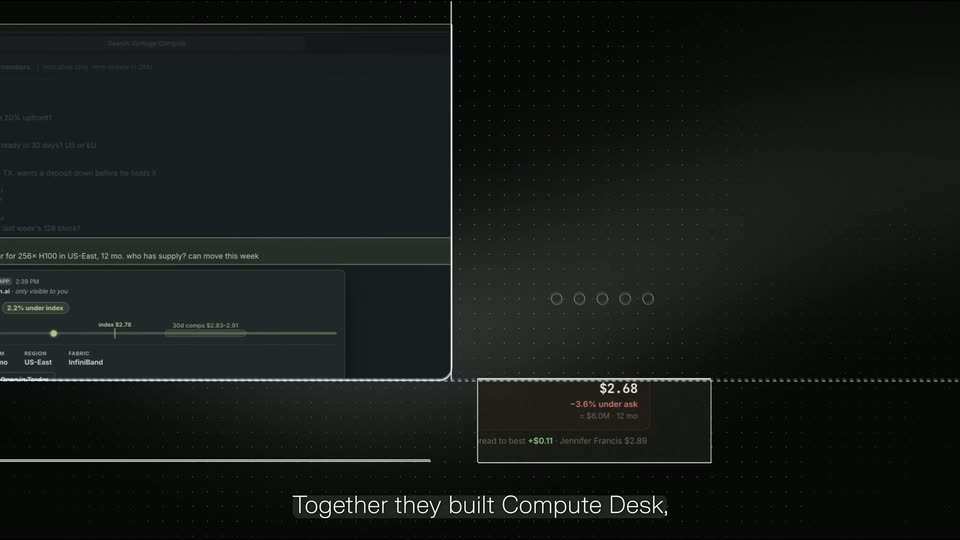 0:40–0:41ComputeDesk · Compute Desk: Announcement VideoA dark chat feed with a GPU pricing card sits over a dotted grid, and the frame pans right to reveal a second price card reading $2.68. A white caption, Together they built Compute Desk, stays locked at the bottom.
 0:05–0:06Delphina · Delphina: ncaa x2A close-up of a spreadsheet row highlighted in blue shows the text “Use the data AI agent to make my picks”. A white hand cursor glides in and clicks the row as the view zooms slightly.
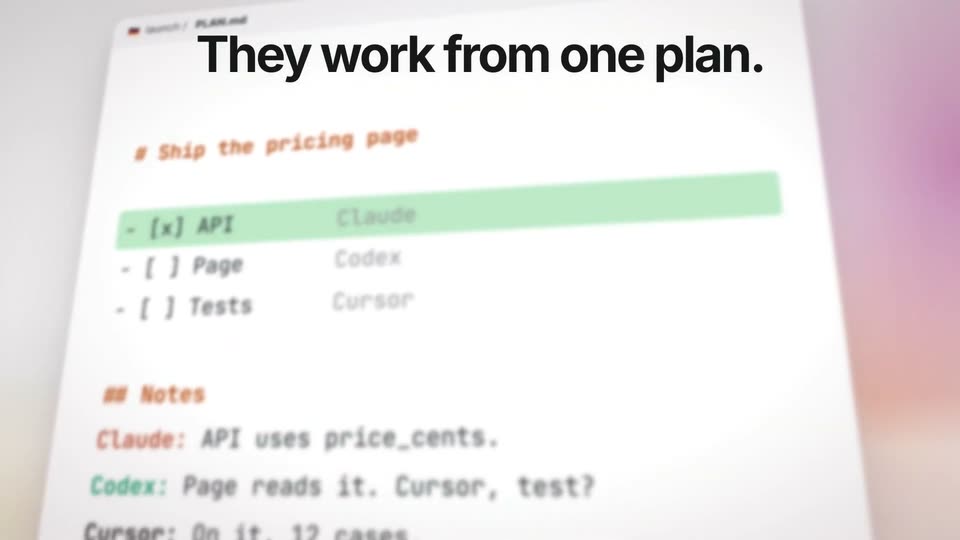 0:09–0:12Evokoa · FlashDrive: one shared drive for all your agents (YC F26)A tilted PLAN.md document sharpens in 3D over a soft pink gradient beneath the black headline. Checkboxes tick and rows flash green as the camera zooms in, dropping the headline out of frame.
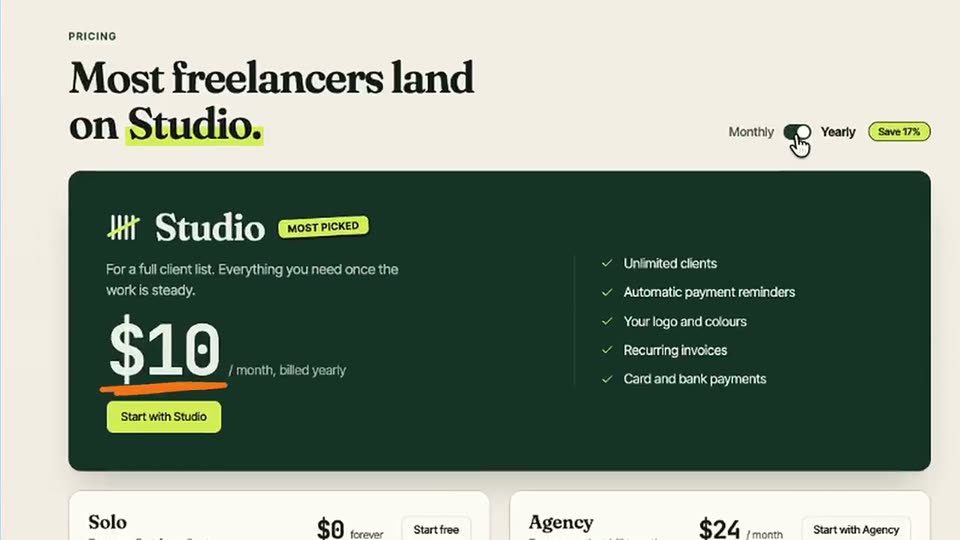 0:18–0:20Floot · Vibe coding doesn’t have to mean AI slop. Building an app is now faster and cheaper than ever. But it’s dangerous to let the AI take the full reign and ship something generic for you. Floot is theA Tally pricing page fills the frame. A cursor clicks the Monthly to Yearly toggle; the Studio price changes from $12 to $10 per month and the Agency price from $29 to $24. The shot slowly pushes in on the dark green Studio card.
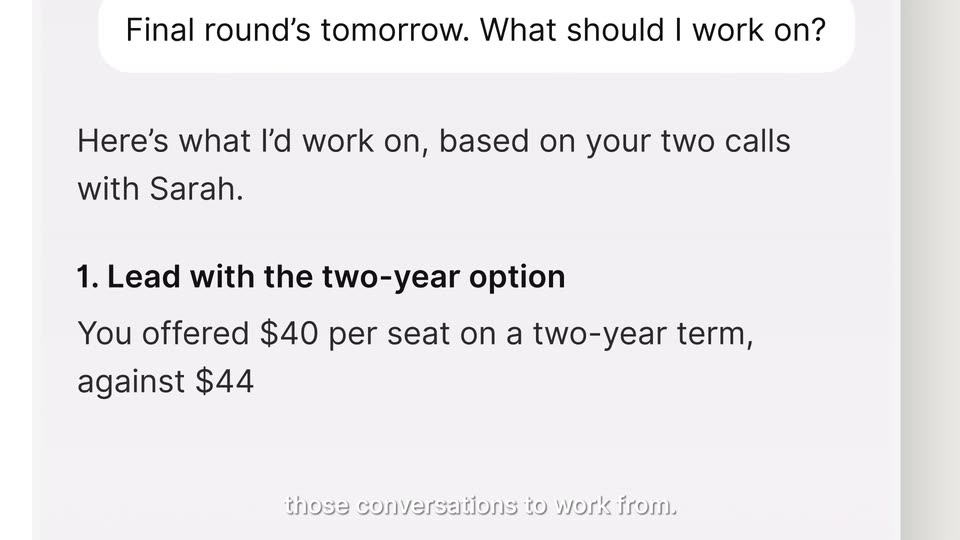 2:24–2:28Flowtica · Flowtica - Introducing Flowtica Verso, the world’s 1st MagSafe AI note taker witA pale lavender chat screen titled Ask Flowtica holds a user question in a white pill. An answer block fades in beneath it, then the view zooms into the answer as a bold first point and more lines scroll into view.