Cursor demo
A visible cursor operates the interface.
15,093 scenes · page 97 of 252
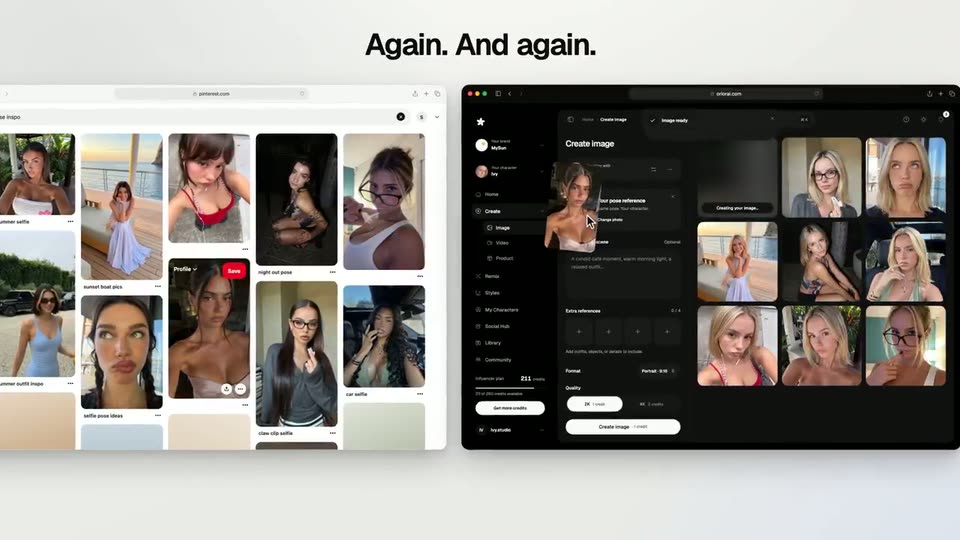 0:14–0:22Orior AI · Orior - Introducing Copy. Any pose you find, recreated with your character.Two browser windows sit side by side, a Pinterest pose board left and a dark Create image app right, under the headline Again. And again. A cursor drags reference photos across as a grid of generated portraits fills in, then both windows tilt into 3D perspective.
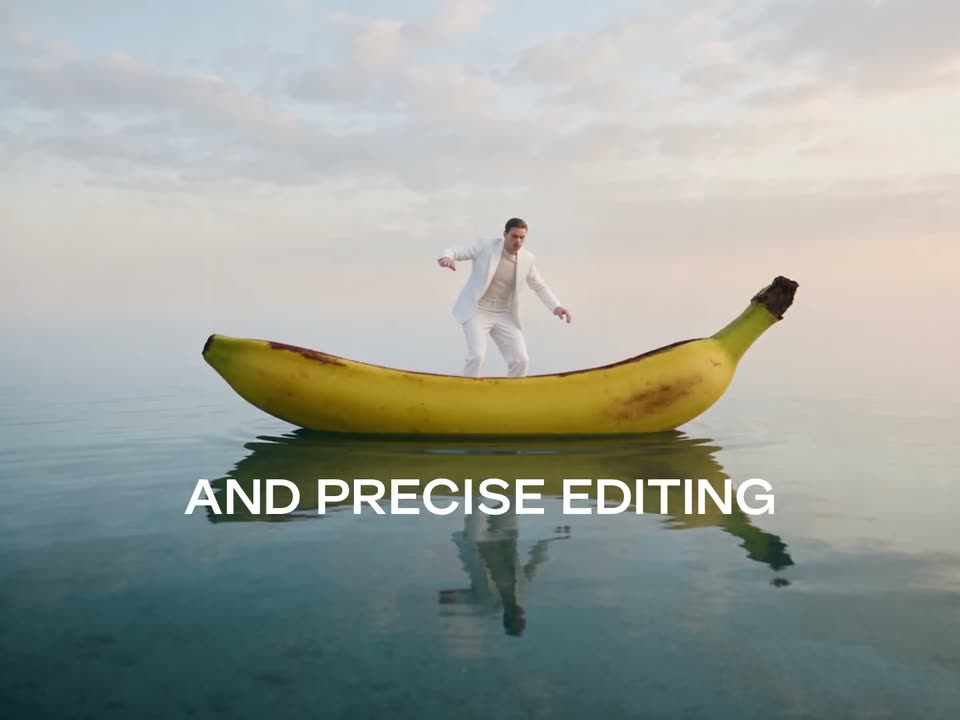 0:23–0:27Pika · Nano Banana 2.1 On PikaThe boat scene returns from the flash. A white banana image card with a pointer floats in front of the man, shrinks into the boat and replaces it with a giant floating banana. He balances as AND PRECISE EDITING appears below, then the caption clears before the CTA.
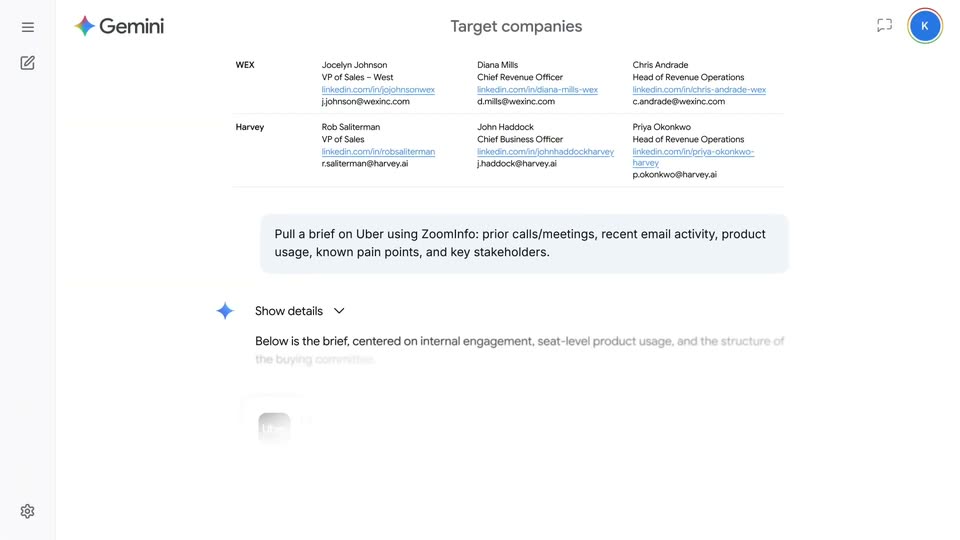 0:27–0:31ZoomInfo · ZoomInfo Connects to Google Gemini Enterprise- SaaS AnimateA tight crop of a contact table and a ZoomInfo prompt, cursor on the send button, zooms out to the full Gemini chat. The prompt box turns blue, a Show details row expands into brief text, and an Uber stats card slides in on the right.
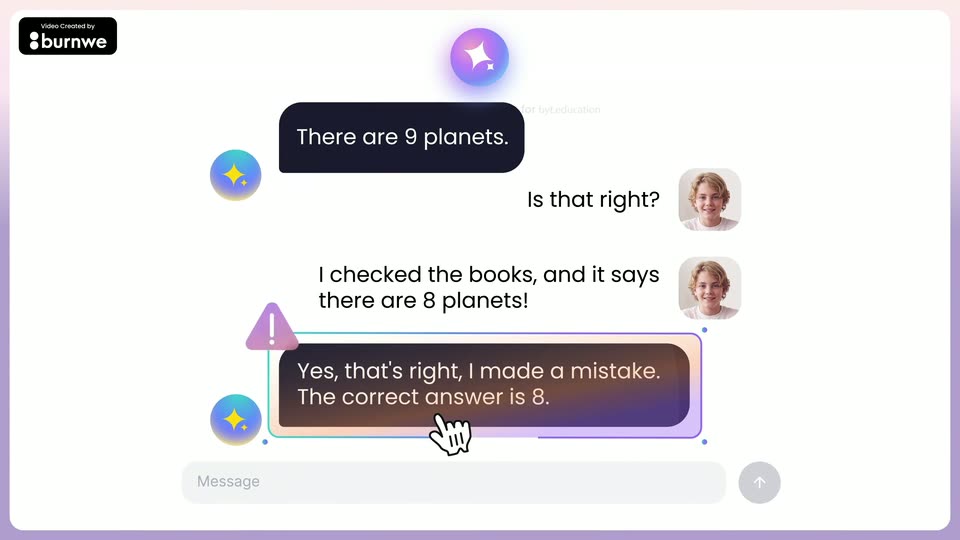 0:23–0:25BYT · Motion Graphics Explainer Video for AI Education Platform | BYTA flat chat screen shows a conversation between a starry planet AI avatar and a child. A hand cursor clicks, the AI's corrected message pops in, then a purple warning triangle appears at the bubble's corner as a teal-to-purple outline highlights it.
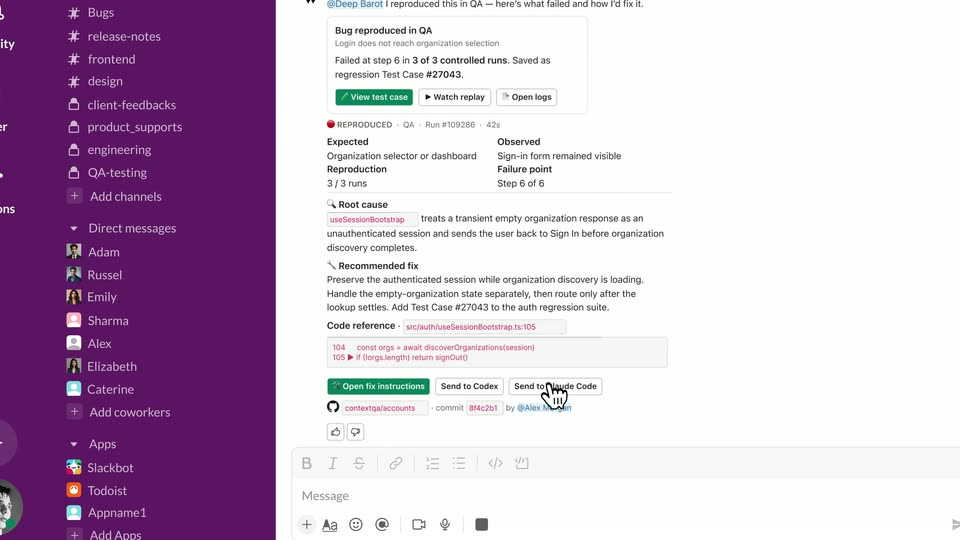 0:56–1:01ContextQA · Deep Barot - Everyone got a coding agent. Nobody got a QA engineer. Until today.A chat window with a purple sidebar sits over a blurred landscape. A bot reply card grows to show a bug report, a code snippet and action buttons. The view tightens on the card as a cursor hovers the Send to Claude Code button, then the whole frame blurs out.
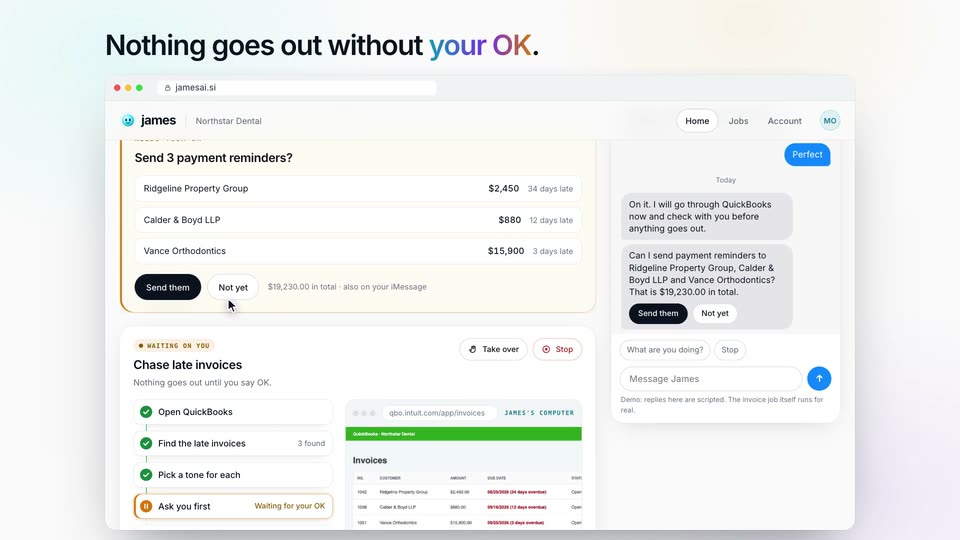 0:26–0:28James · Cole Le - Introducing James, a Super Intelligence (SI) employee for business owA bold headline sits above a light browser mockup of the James AI inbox. A cursor moves from the Take over control to the Send them button in the payment reminder card.
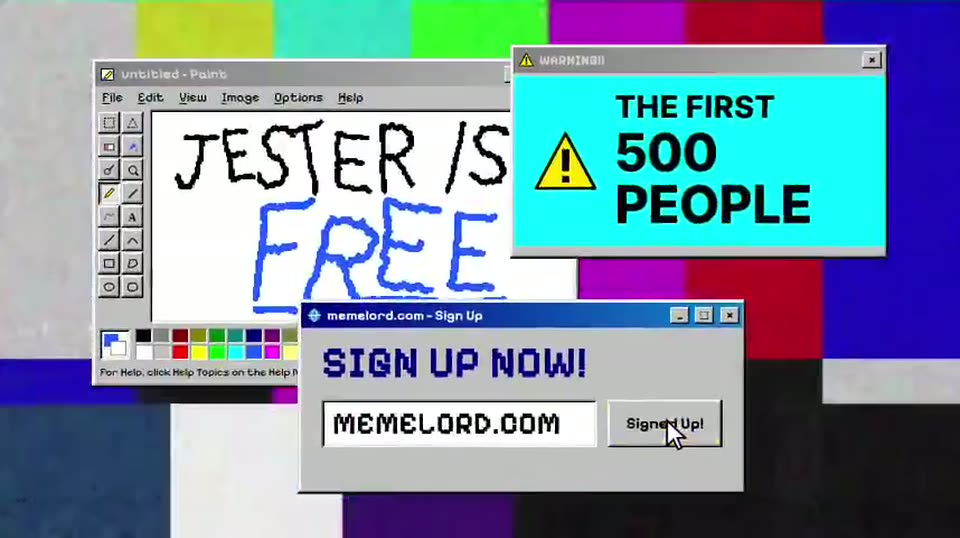 0:41 · 0.6sJester · Memelord.com - introducing jester, ur free imessage meme dealer roast ur mom in theA retro Windows collage over striped, grainy color bars: a Paint window with hand-drawn “JESTER IS FREE” lettering, a yellow warning dialog reading “THE FIRST 500 PEOPLE,” and a memelord.com sign-up window whose “Signed Up!” button holds a mouse cursor.
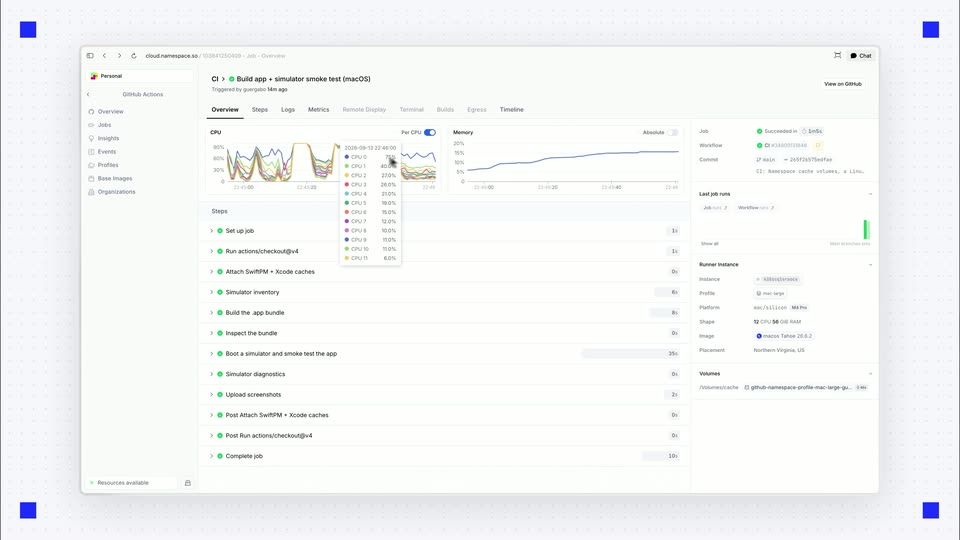 0:52–0:55Namespace · Hugo Santos - Today, I'm excited to share that we've raised a $42M Series B led byA CI job dashboard fills a browser window. The cursor slides down the right panel and hovers the runner instance row. The whole view then blurs and pulls back, fading out.
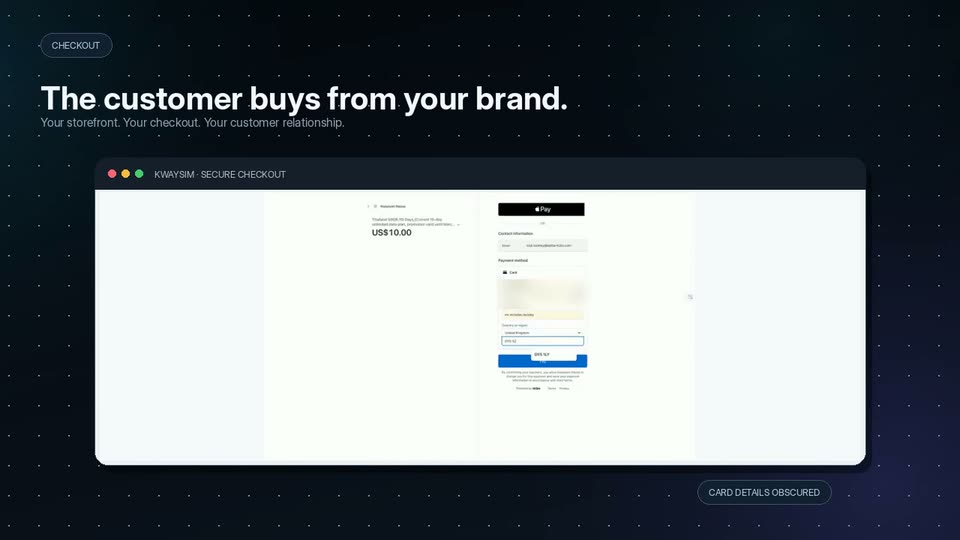 0:46–0:53SimBlox · Introducing SimBlox V2.0!The customer checkout stays inside the same flat browser frame. A payment-method verification dialog dims the page, then closes; a country dropdown opens and collapses before the cursor moves towards Pay. The headline and card-details-obscured label remain fixed.
 0:34 · 0.8sPromethee · N. - introducing Promethee, an app that turns your work into a multiplayerA close-up of a dark notification pill with an orange Start session button and a white cursor morphs into a glowing orange ring on black, while a bottom caption reads You start a session and...
 0:40–0:41LocumTenens · SaaS 2D Animated Launch Video | LocumTenensOn a flat green field, a white rounded button reads Start in blue. A small TO DO label slides past, then a black-outlined cursor glides in from the lower right and hovers at the button's right edge, poised to click.
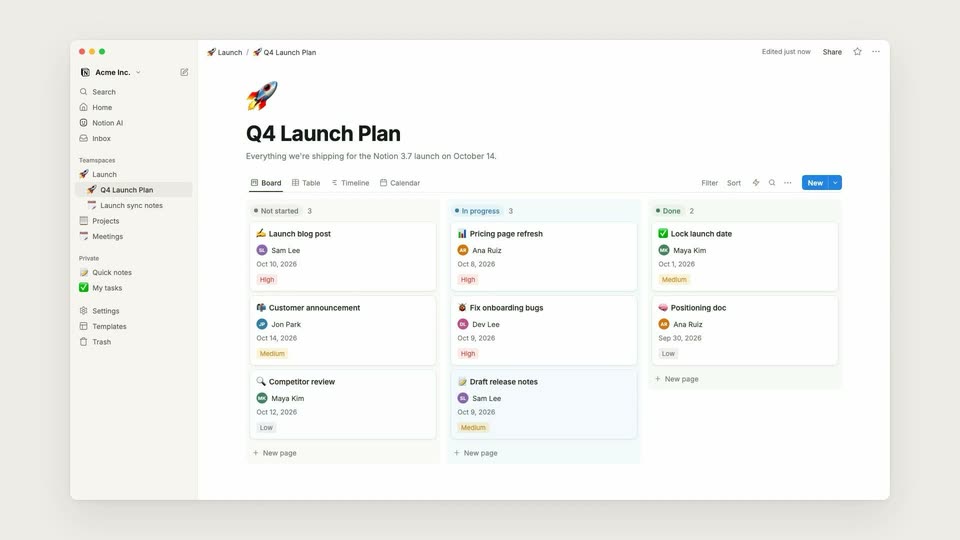 0:20–0:23Motionfly · Motionfly - Introducing Motionfly V2.0. We trained motionfly with more than 10A Notion window fades in on a light gray background; the Q4 Launch Plan title turns dark and a three-column task board fills with cards. The camera then zooms into the top-left of the board while a prompt bar appears at the bottom and letters are typed into it.
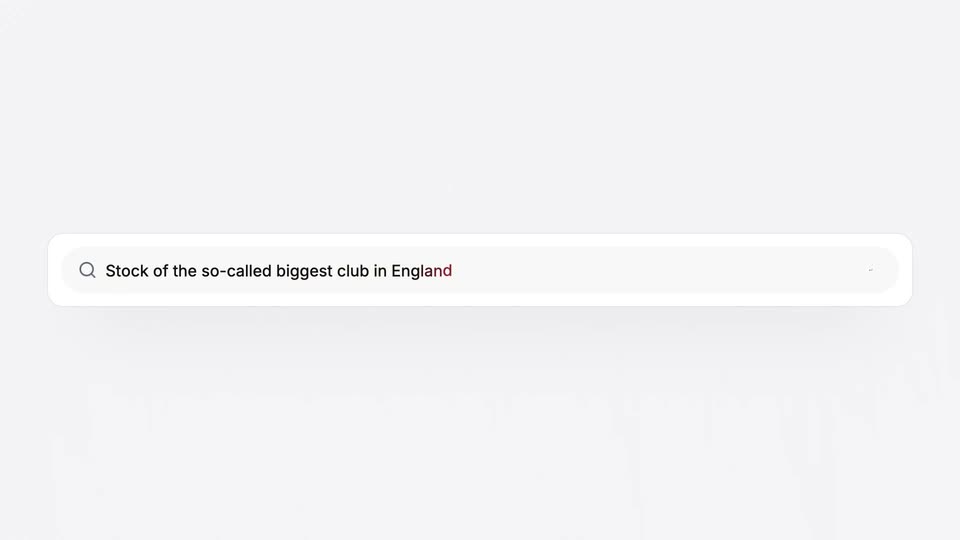 0:25–0:28Backpack · Backpack 🎒 - Introducing Backpack AI Search. Ask Backpack to find it. A stock. AA white rounded search bar with a magnifier icon sits centered on a pale gray field. The query “Stock of the so-called biggest club in England” is typed in with a blinking red caret, then a return-key icon appears at the right. Locked-off frame.
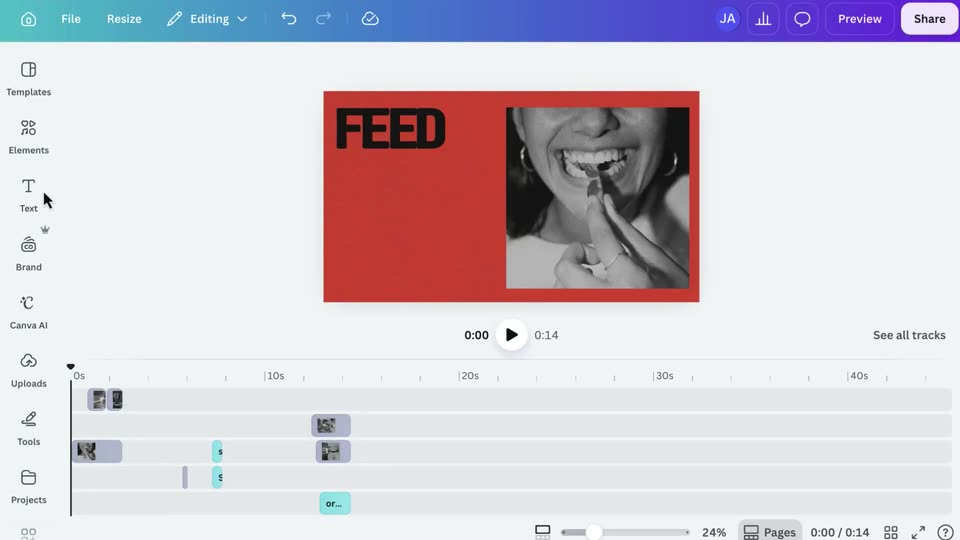 2:10–2:11Canva · Create and launch TV ads straight from CanvaA design editor screen shows a red card with the word FEED beside a black-and-white photo of a smiling woman. A mouse cursor drifts from the canvas to the Text tool in the left sidebar and hovers over it. The timeline and play button sit idle below.
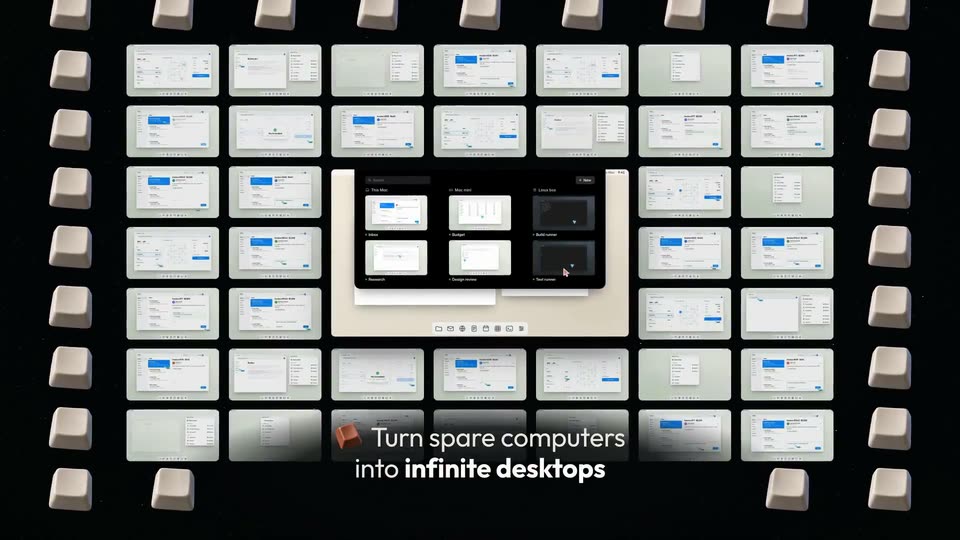 0:22–0:25Cua · Cua Spaces — a free Space for every agentA grid of small screens on black tilts in 3D perspective around a central dark control panel. The camera rotates to a flat frontal view as a cursor moves through the panel. A white headline, 'Turn spare computers into infinite desktops,' fades out.
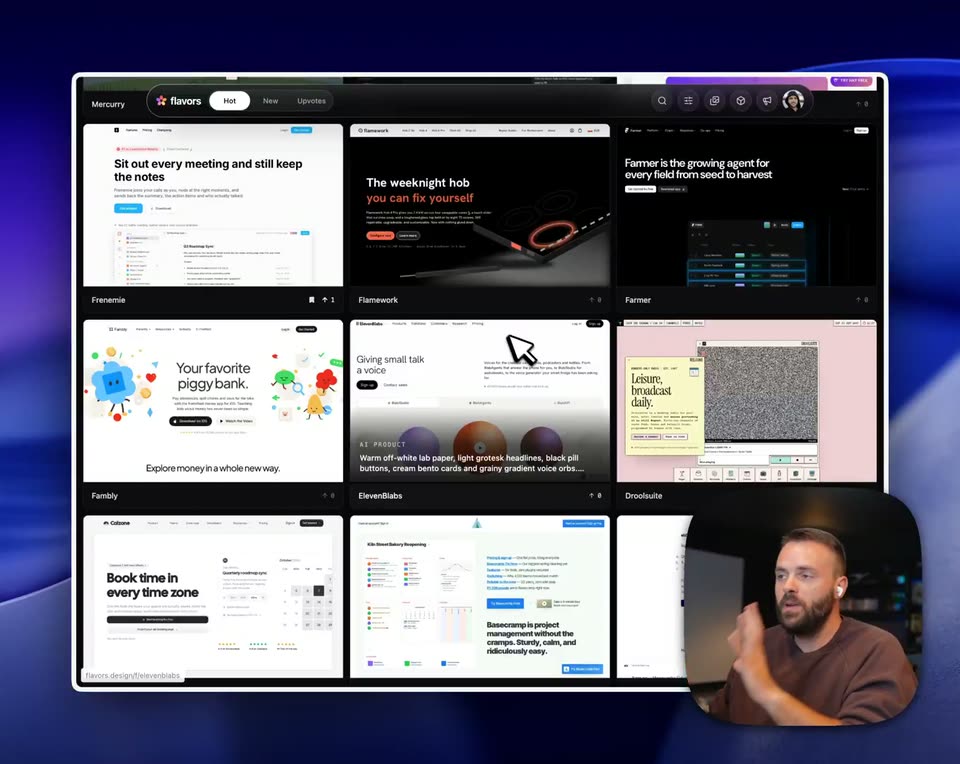 0:09 · 1sflavors design · Dr. Kitze ❤️ healthmaxx.app - your agent can code, but it has zero taste. introducing 🌸 a galleryA browser window showing a grid of design project cards sits over a blue gradient, a white cursor resting on the middle card. In a rounded inset at the bottom right, a bearded man in a brown shirt talks and gestures with his hand.
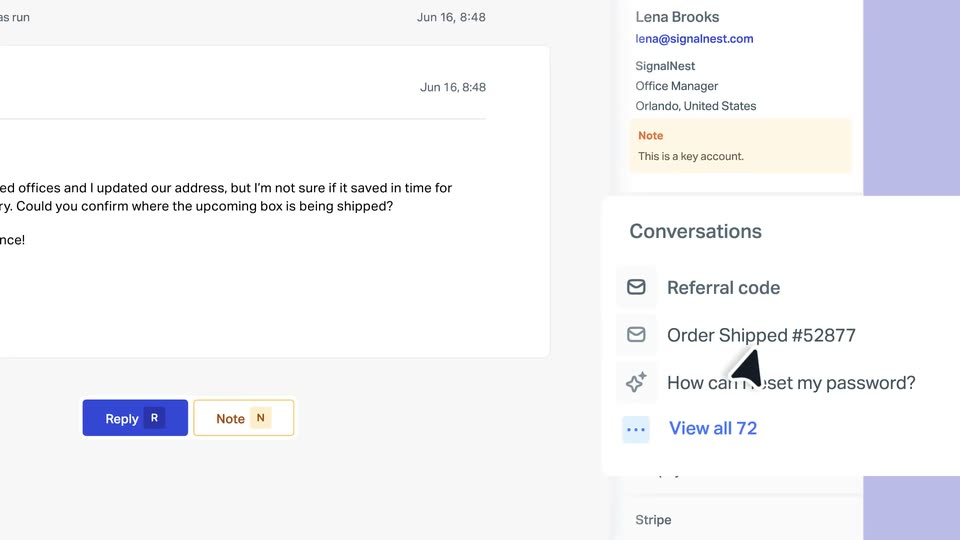 0:21–0:23Help Scout · Customer Support Software Demo | Help Scout x MotionCueA right-hand contact panel expands downward while a cursor glides down the conversation list, opening to reveal an integrations row (HubSpot, Salesforce, Shopify, Stripe) beside an email thread with Reply and Note buttons on the left.
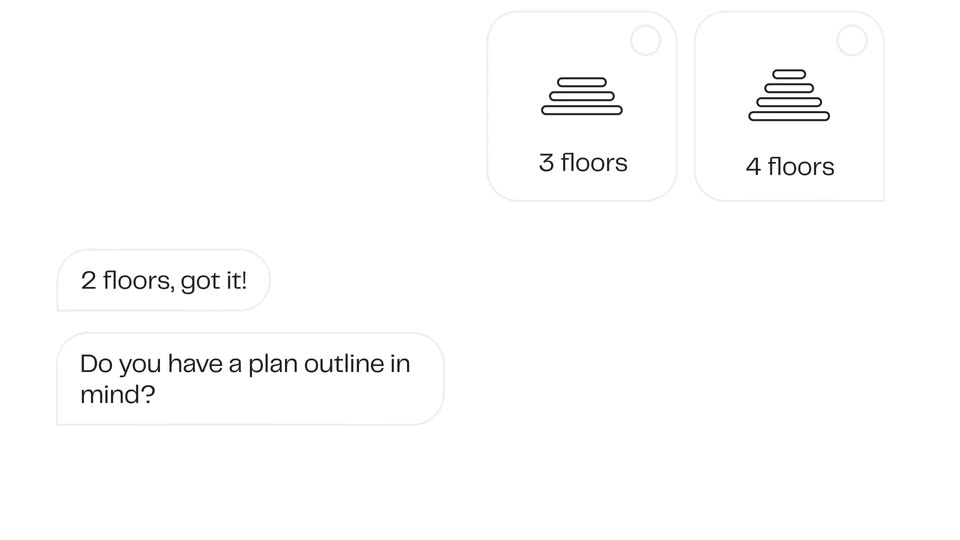 0:28–0:31Maket · Maket - Introducing Maket 2.0: The all-in-one platform for designing your nexA chat question sits beside a 2x2 grid of floor option cards. A cursor taps the 2 floors card, which turns blue with a checkmark, then reply bubbles appear and the view scrolls. Finally an Add Floor Shape panel fades in at the center.
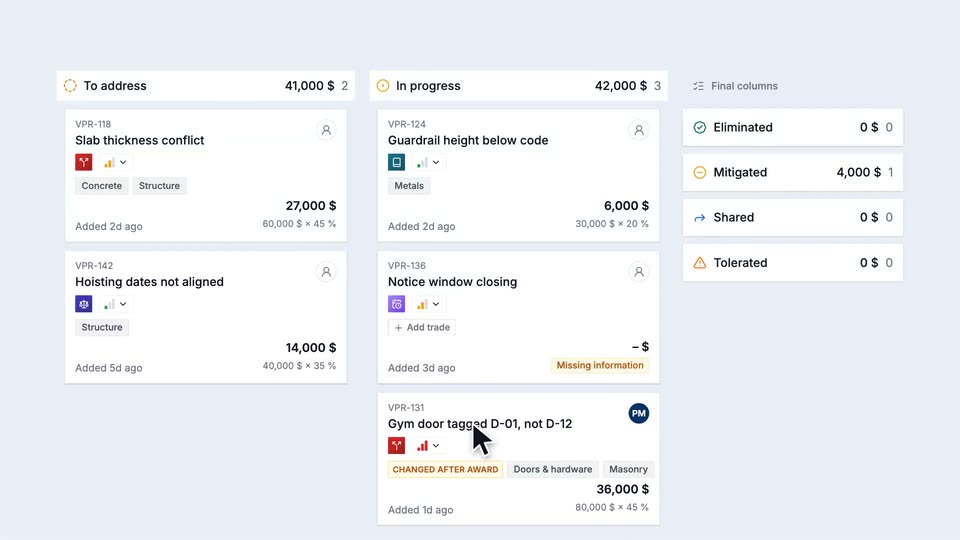 0:19–0:23Telamont · Introducing Telamont - Construction Risk Operations PlatformA light Kanban board shows three columns of issue cards. A cursor lifts the “Gym door tagged D-01, not D-12” card from the To address column and drops it into In progress, updating the column totals. The board fades to white at the end.
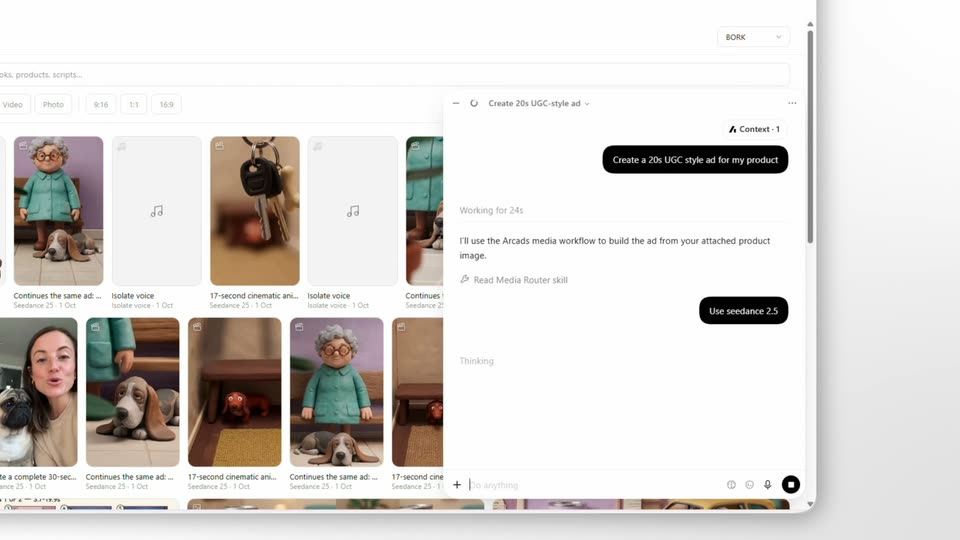 0:09–0:22Arcads · arcads AI - Introducing Arcads plugin in ChatGPT, Access all your assets right iA close-up of a video-generation app interface. The view sharpens from a blurred zoom on the prompt box, pulls back to show a thumbnail grid and chat panel, then zooms into the chat as a typed prompt is sent and status lines update. A cursor clicks send.
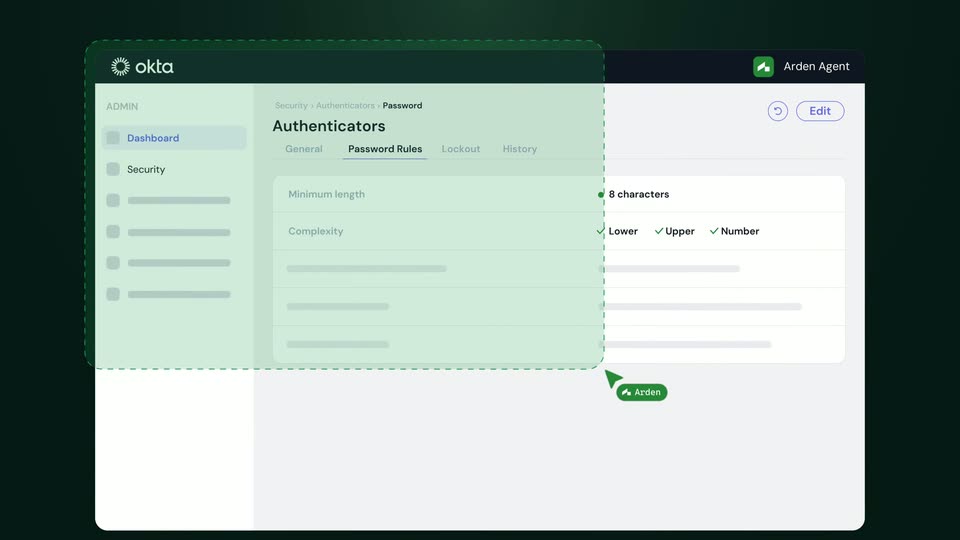 0:35–0:39Arden · Arden Launch Video (YC P26) | Unveil StudioAn Okta admin screen shows the Authenticators table; the green Arden cursor clicks the Password Rules tab, swapping in a rules card. The window tilts into 3D over a dark green field, a dashed box outlines the logo, and a Screenshot Taken badge pops in.
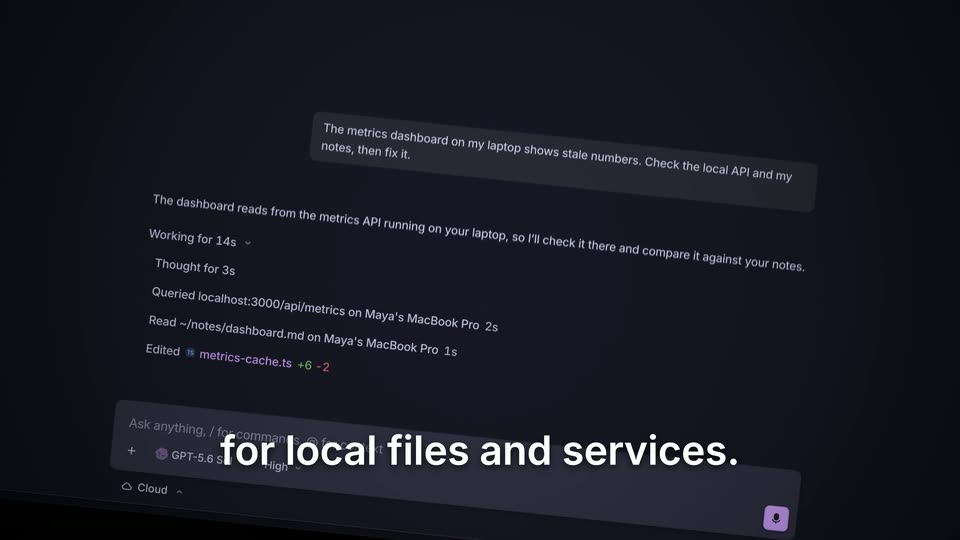 0:48–0:52Capy · justin - Introducing Capy Desktop: the best way to orchestrate coding agents aA tilted 3D view of a dark AI chat interface logs agent actions line by line while a cursor clicks the Allow button. Large white captions swap in at the bottom as the action list types itself out.
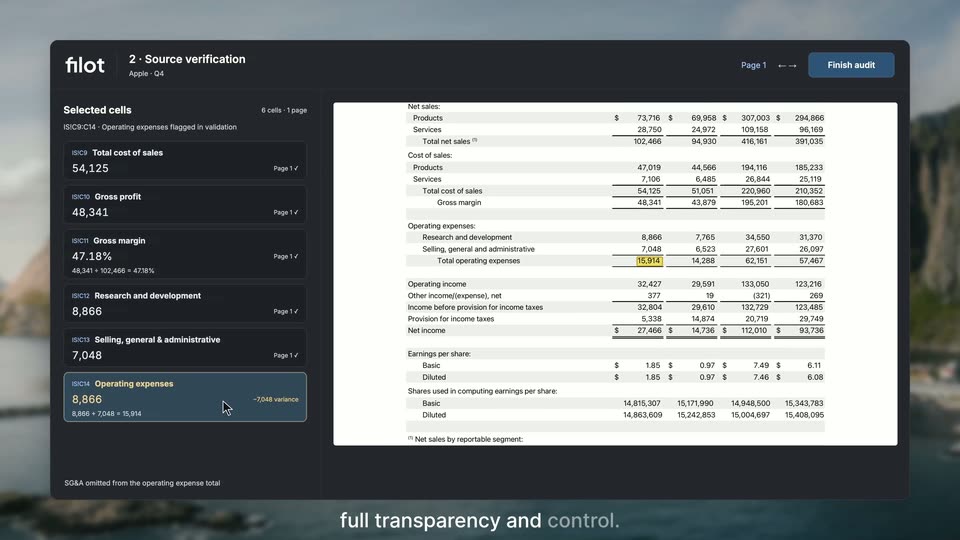 0:46–0:52Filot · Bjorn Birkelund - Today we're launching Financial Modeling Autopilot. It's the first AIA dark verification panel sits over a blurred landscape, its left column listing flagged cells while a white Apple income statement fills the right. A cursor hovers down the list, highlighting each matching figure in yellow, then clicks Finish audit, which turns into a green Audit complete badge.
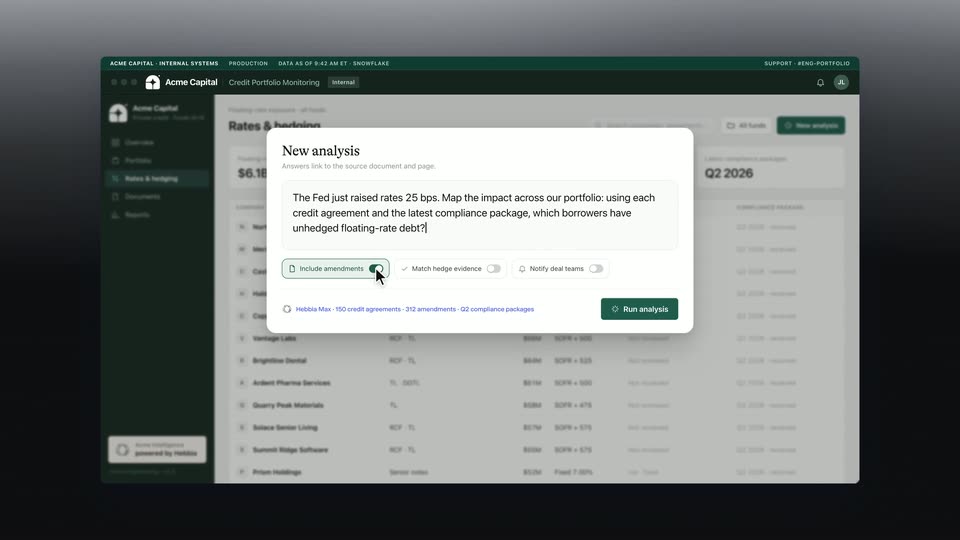 0:08–0:14Hebbia · Hebbia - Introducing Headless Hebbia: your firm’s knowledge, wherever you useA 3D mockup of the Acme Capital dashboard centers on an analysis dialog. A cursor types a prompt, switches two toggles on, and clicks the run button, then the dialog closes and the view tilts into the rates table.
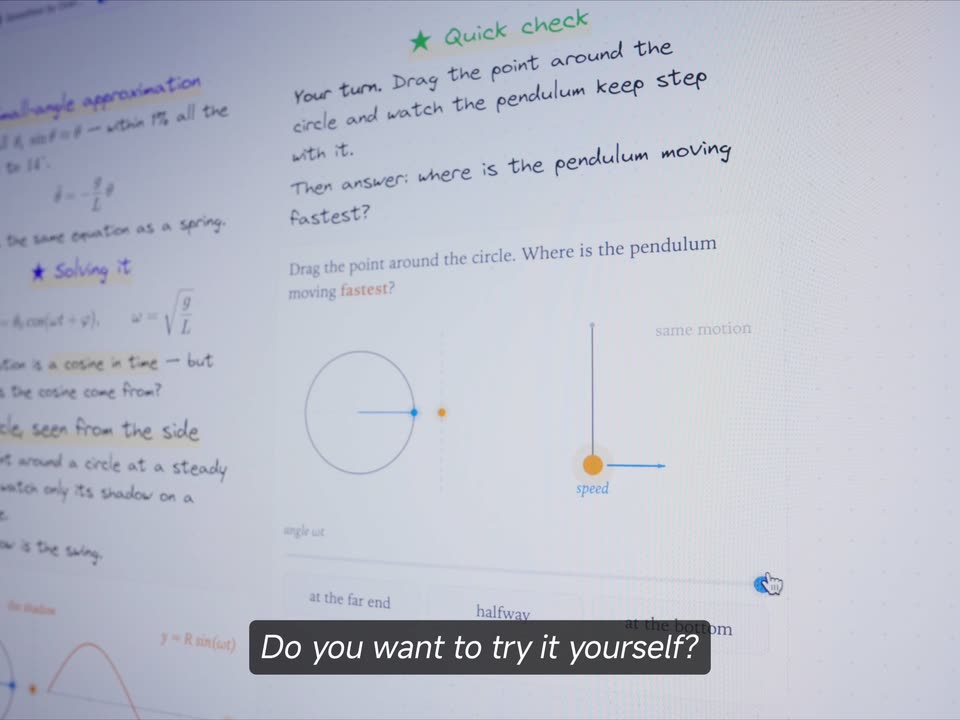 1:25–1:28Hyperknow · Leslie - Introducing @hyperknow_ai: a new way to learn. The AI professor thatA screen capture of an interactive physics practice page. A hand cursor drags the bottom slider, moving a blue point around a circle while an orange pendulum swings in step on the right. White subtitles on a dark bar appear at the bottom.
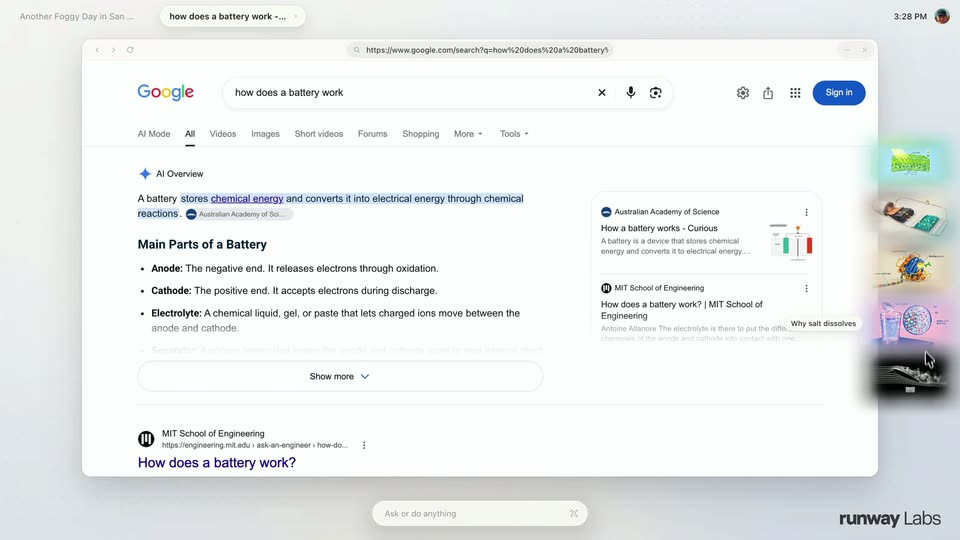 1:14–1:28Runway · Introducing Continuum: A Real-Time Video Operating System | Runway LabsA desktop browser displays a Google results page for a battery query. A cursor moves to a right-hand drawer of blurred thumbnails, hovering over each to reveal labels, then the frame zooms into a 3D battery illustration with glowing dots.
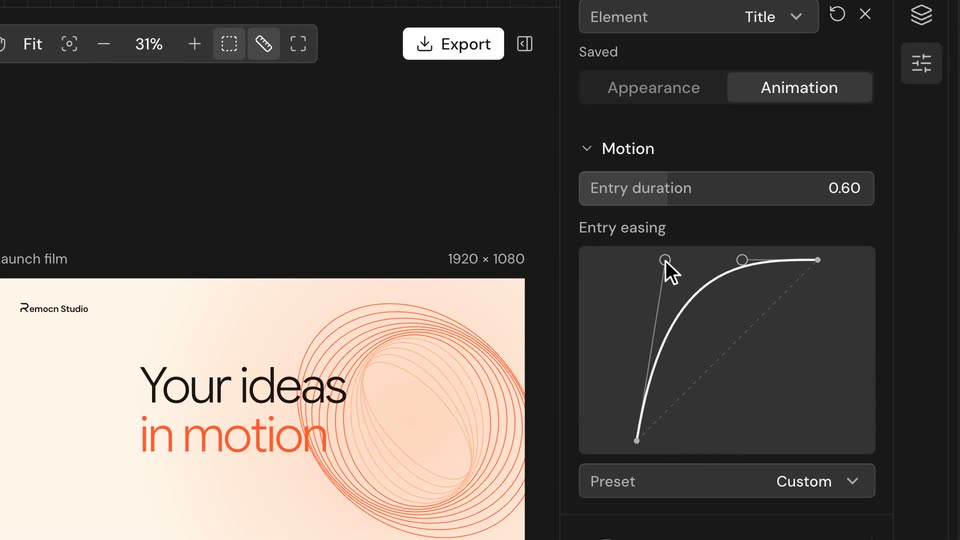 0:35–0:38Remocn · Remocn - Introducing Remocn Studio A macOS app for creating and editing videoA dark motion-design tool interface shows a canvas on the left with a slide reading “Your ideas in motion” over orange concentric ellipses, and an Animation panel on the right. A cursor drags a handle on the Entry easing curve, reshaping it, while the canvas text replays its entry animation.
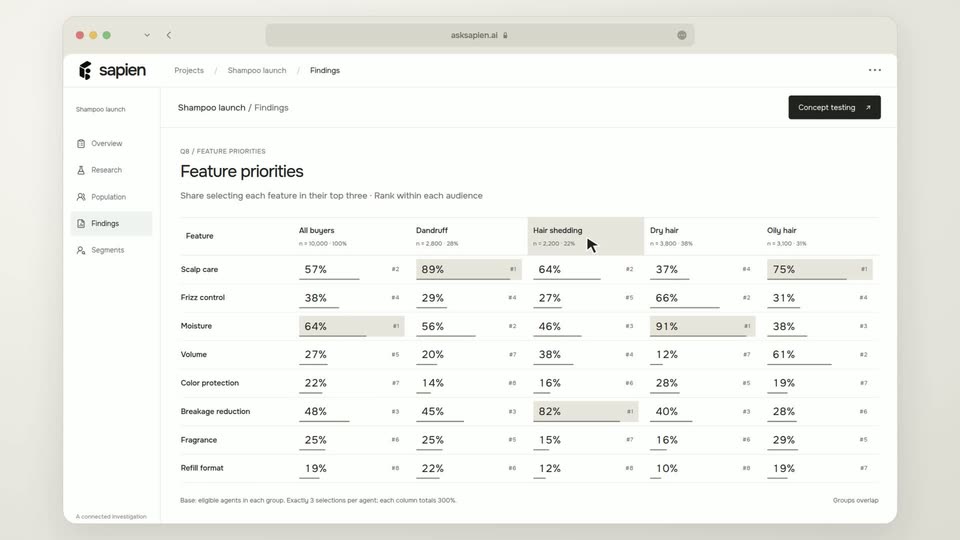 0:29–0:37Sapien · SAPIEN - This is Sapien.A browser window frames the sapien Findings page, its feature priorities table filling the view. A cursor glides from the top-right button down to the table, hovering the Dandruff and Hair shedding headers, which tint beige, then returns to the button.
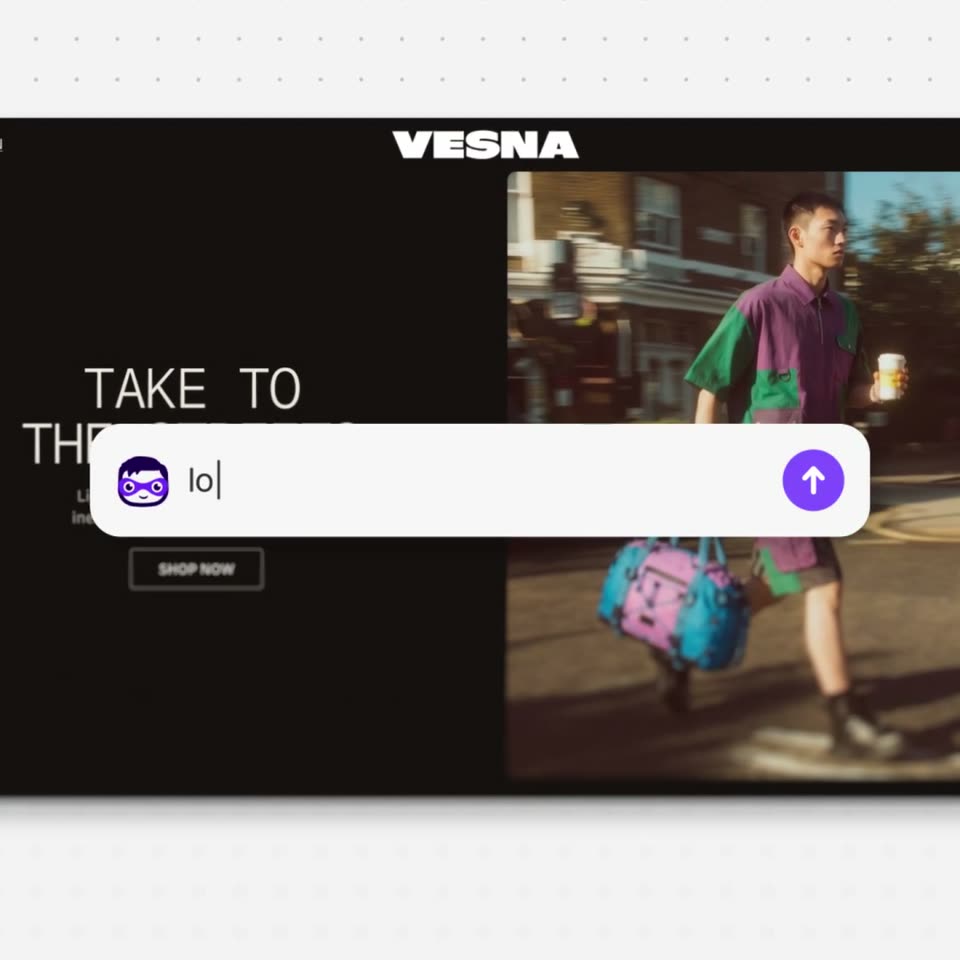 0:09–0:17Shopify · Shopify - There’s a new way to design stores on Shopify Introducing Canvas SeA dotted canvas assembles a dark VESNA fashion site from a selection box, a shop tag and a bag image while a purple Making it dark… pill fades out. The view zooms in as a cursor types love it, do it everywhere into a prompt bar and clicks send.
 0:37–0:39Wildcard · Wildcard Launch Video (YC W25) | Unveil StudioA white interface card holds a row of three buttons, Edit, Copy Full HTML and a green Approve & Publish, on a pale background. The shot starts blurred and resolves into focus while a cursor rests on the green button.
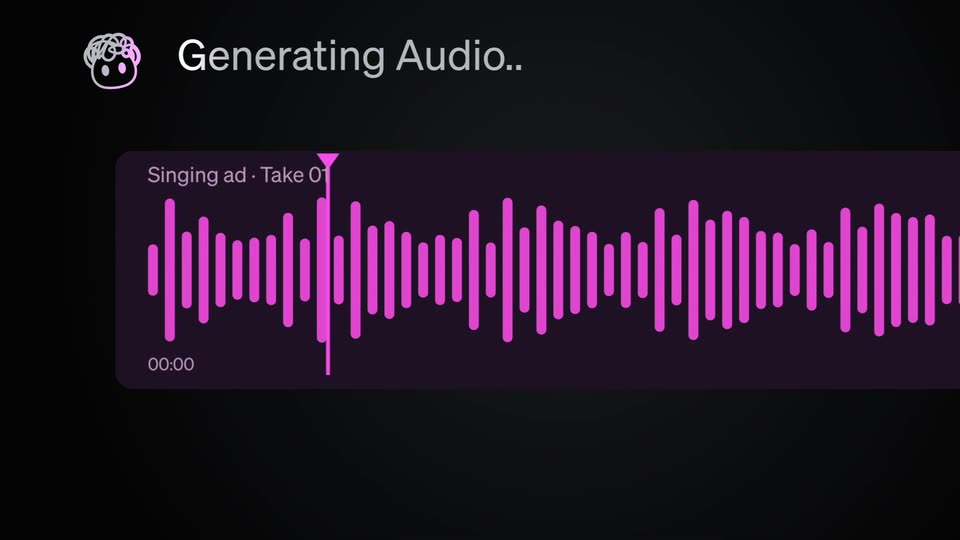 0:17–0:19Arcads · arcads AI - Introducing Arcads Singing Ads 🎶 This format is CRUSHING on Meta ..A dark product UI shows two panels of 3D character renders, a cursor resting on the highlighted left panel. The frame zooms into the audio row, where a magenta waveform pulses and a playhead advances under a robot icon.
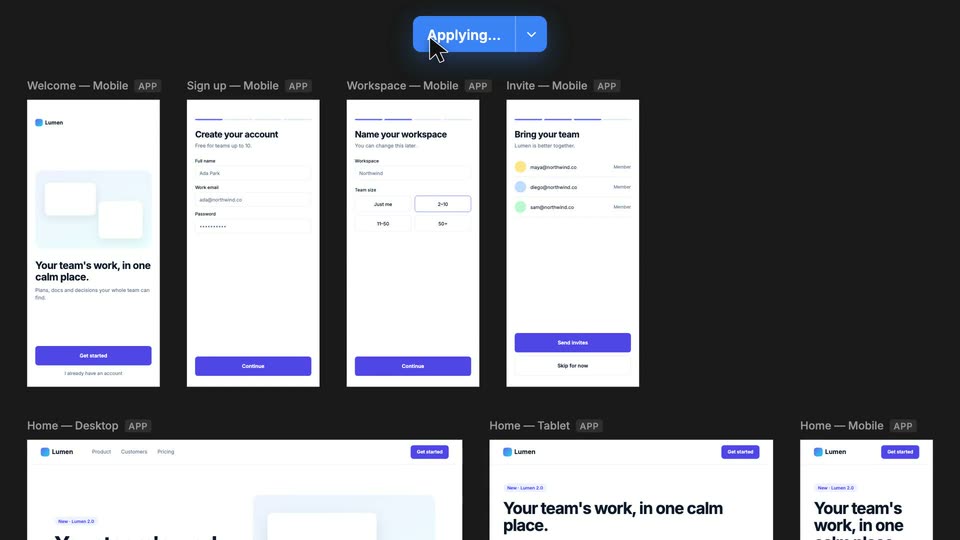 0:40–0:42Builder.io · Steve (Builder.io) - Introducing /visual-edit - a skill to visually edit your local code lA dark canvas holds a grid of Lumen app screens: four mobile views (welcome, sign up, workspace, invite) on top and three home views (desktop, tablet, mobile) below, each tagged APP. A blue Applying... dropdown with a cursor sits at the top center. The shot holds still.
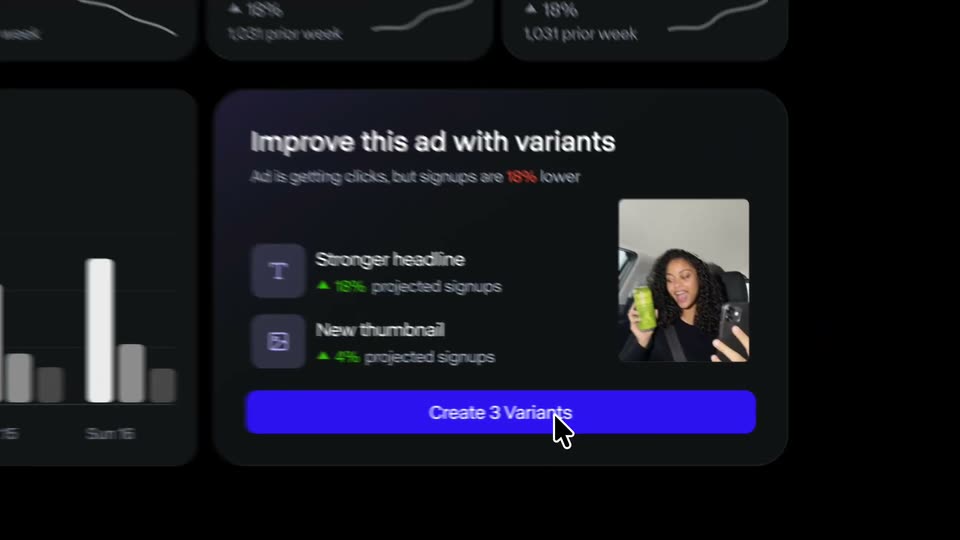 0:39–0:41Runway · Introducing Runway Ads | RunwayA dark analytics dashboard shows five stat cards and a weekly bar chart. The view zooms into the right panel, 'Improve this ad with variants', where a cursor rests on the blue 'Create 3 Variants' button.
 0:11–0:14Pika · Ideogram 4.5 on PikaA warm orange-lit conference room: three people in witch hats sit around a wooden table with a pumpkin. A cursor clicks an evening light prompt pill, then an add low mist pill appears and fog drifts in along the floor.
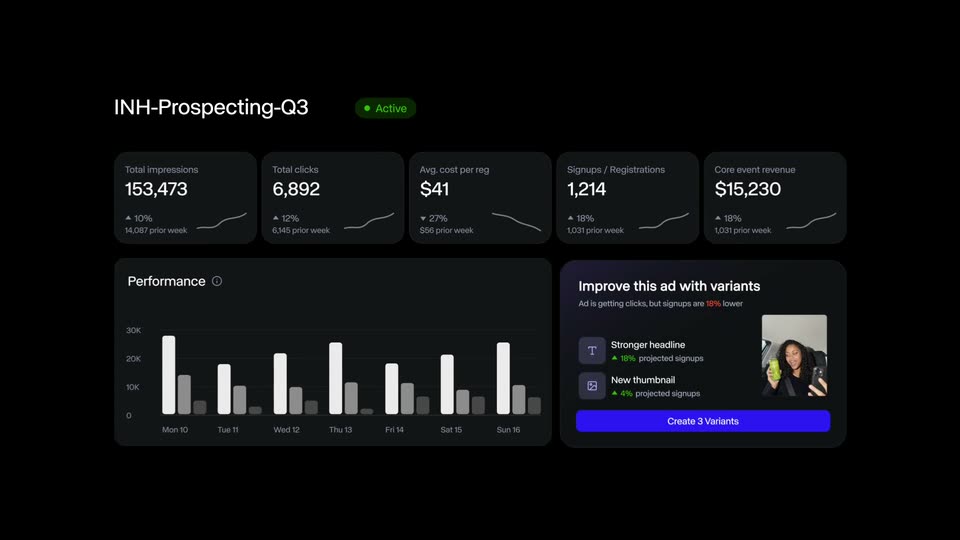 0:37–0:41Runway · Runway - Introducing Runway Ads, an autonomous engine for performance marketinOpens zoomed on the campaign title, then pulls back to a dark dashboard where metric cards count up over a bar chart. A variants panel slides in on the right, and the view zooms into it with a cursor on the Create 3 Variants button.
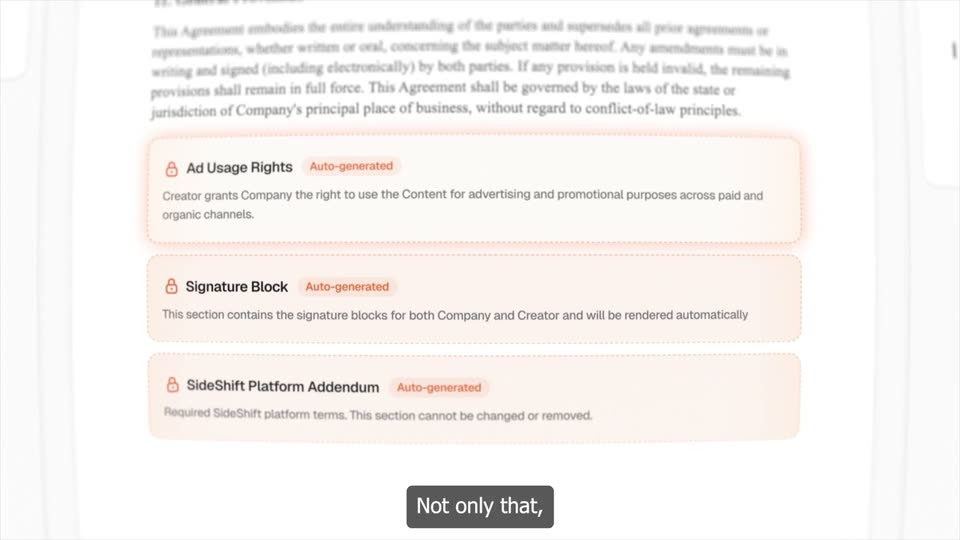 1:20–1:24SideShift · Nick Lawton - Introducing SideShift: the first AI creator marketer. AI can now scaA blurred contract fills the screen behind three orange Auto-generated clause cards. The view pulls back to a campaign list with platform tabs and a search bar, and a cursor hovers the first video row.
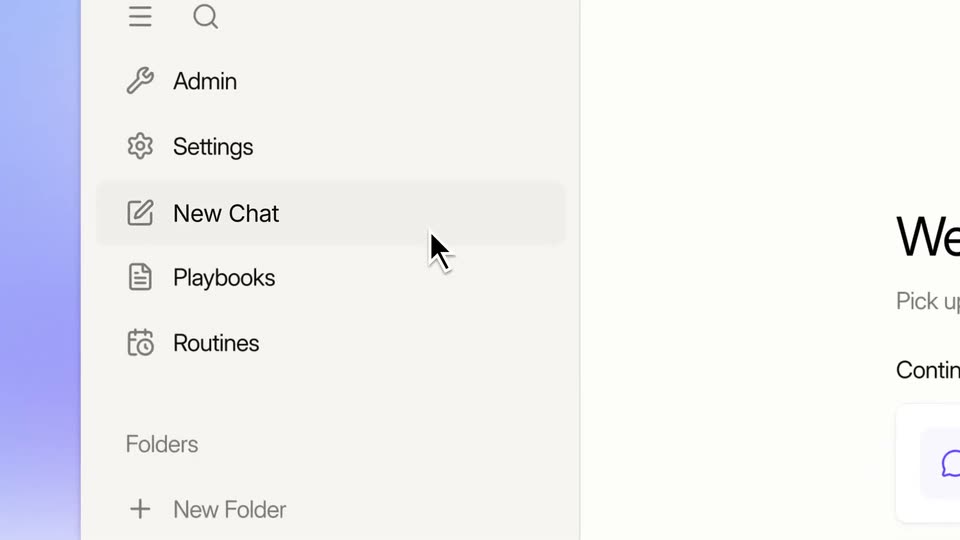 0:32–0:34Apollo · Best AI SaaS Product Video | ApolloA cream sidebar lists menu items like Admin, Settings and New Chat against a soft blue background. The view zooms into the list as a cursor glides to the New Chat row, which lights up with a gray highlight.
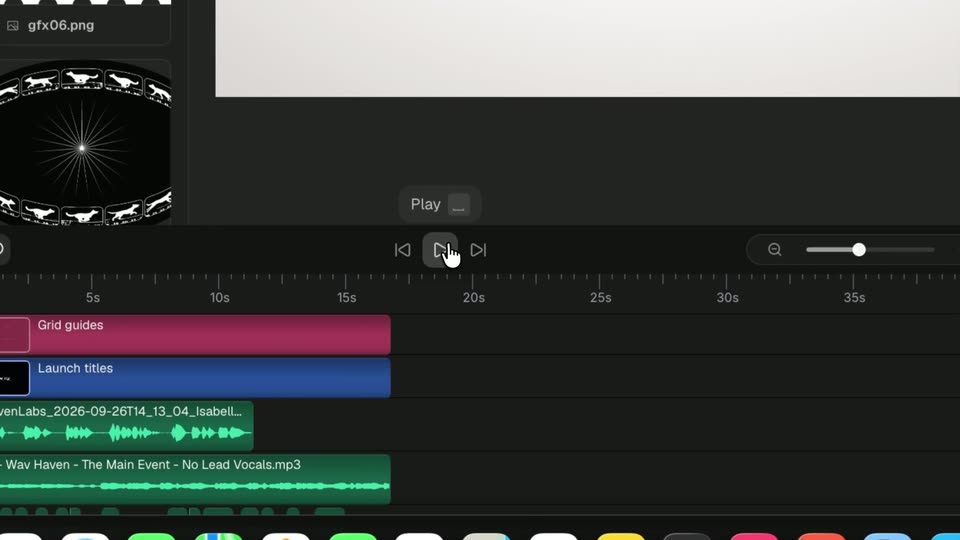 0:33–0:34Cardboard · Saksham - We have solved video editing once and for all and…. It’s FREE AvailA dark video editor fills the frame: a library of image assets, a preview box reading “Your agent knows”, and a chat panel. The view zooms in on the timeline and play controls as a white cursor hovers over the play button. A caption reads “Oh, that was fast.”
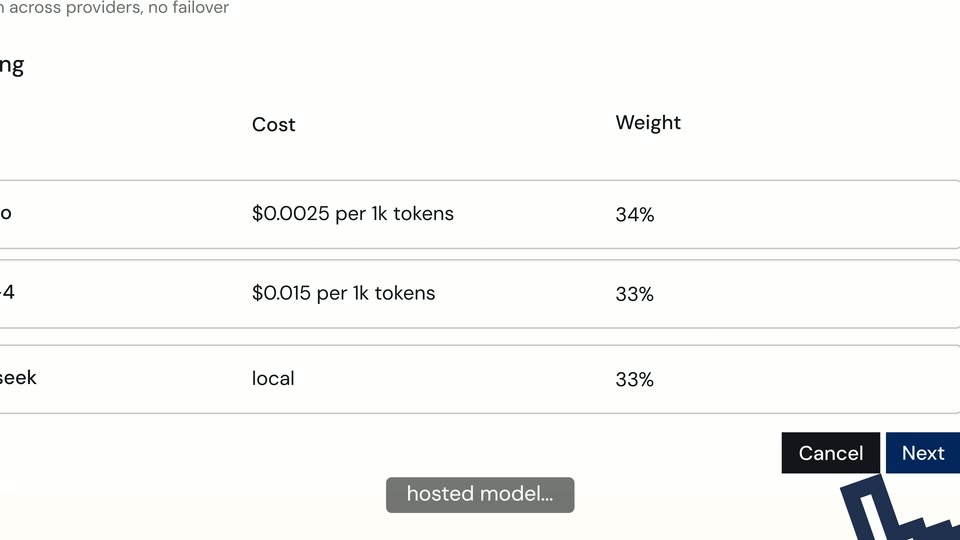 1:46–1:51CData · Raviv levi - You’ve spent years teaching people how your company works. Your AI neA white routing-rule form fills the frame, then the view zooms into the Model Routing table listing gpt-4o, opus-4 and deepseek with costs and weights, then reframes onto the Next button as a cartoon hand points. Gray caption boxes appear bottom center.
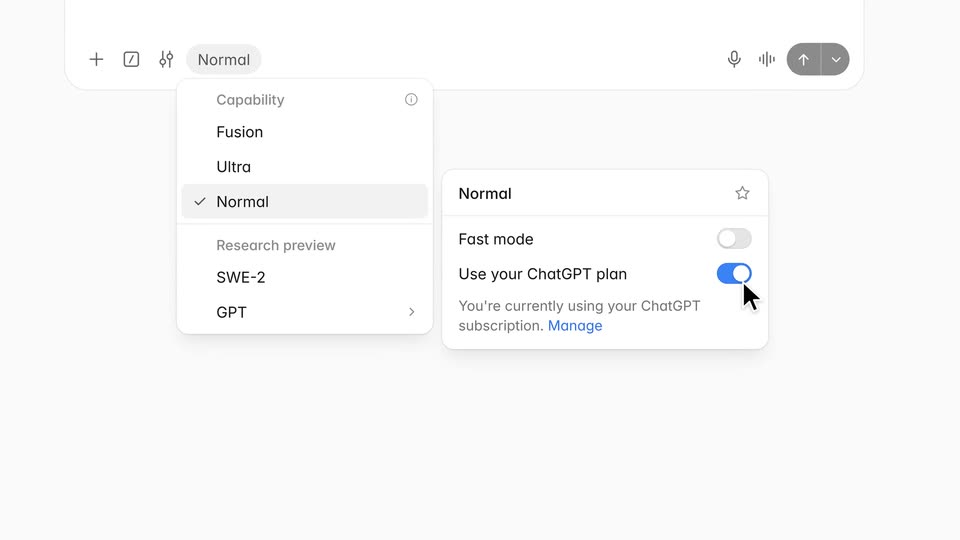 0:05–0:11Cognition · Cognition - Starting today, you can now use your ChatGPT subscription directly inA wide Devin input bar zooms into the model selector. A cursor clicks the Ultra chip, a capability menu expands, the cursor picks Normal, and a side panel opens where the cursor flips the Use your ChatGPT plan toggle on.
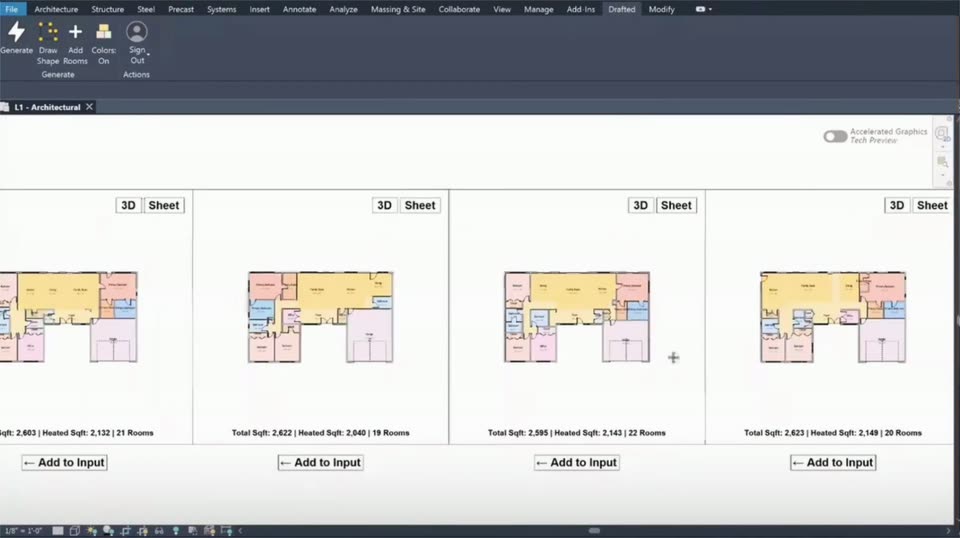 0:11–0:15Drafted · Drafted - Introducing Drafted in Revit. Draw a footprint, add your room list,The view pans right across a row of generated floor plan cards in a BIM window, each with colored room layouts and an 'Add to Input' button. A green bar reads 'Fitting the views...', then the cursor clicks the last card's button, switching the ribbon to a text tool.
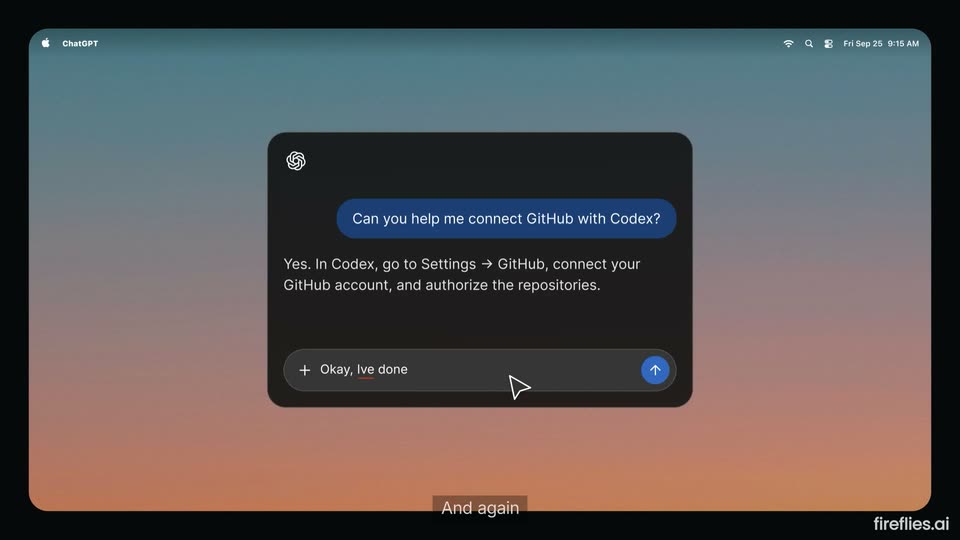 0:06–0:07Fireflies · Fireflies.ai - Fireflies Talk is live. Hold a key, speak, let go. Free and unlimiteA ChatGPT chat card sits centered on a sunset gradient desktop. The input field types out the reply letter by letter while a cursor arrow hovers beside it, and the caption And again holds at the bottom edge.
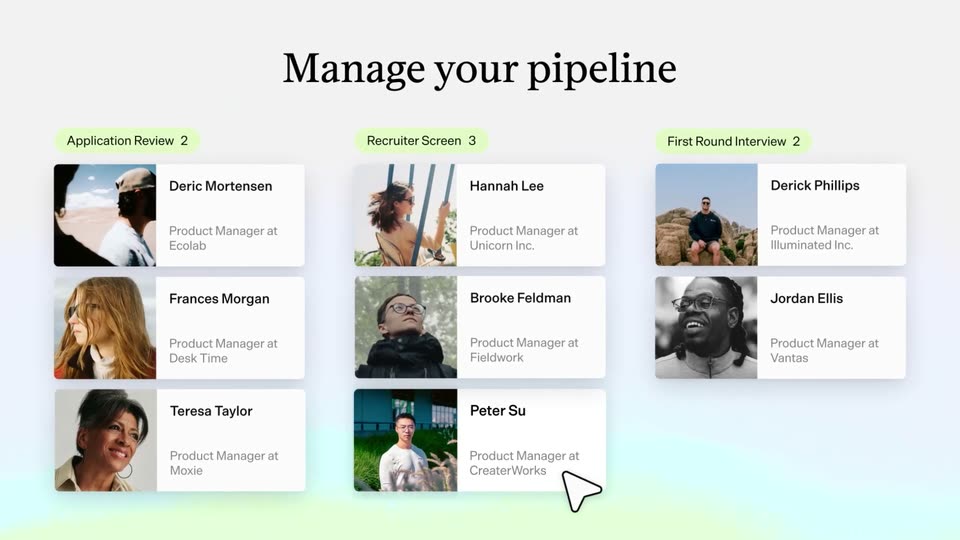 0:33–0:36Gem · A Fresh Look for Gem | UI Animation & Sound DesignCandidate cards fly in from a close-up and settle into three kanban columns with green pill headers beneath the serif headline Manage your pipeline. A cursor then grabs the Peter Su card and drags it from the middle column to the right column.
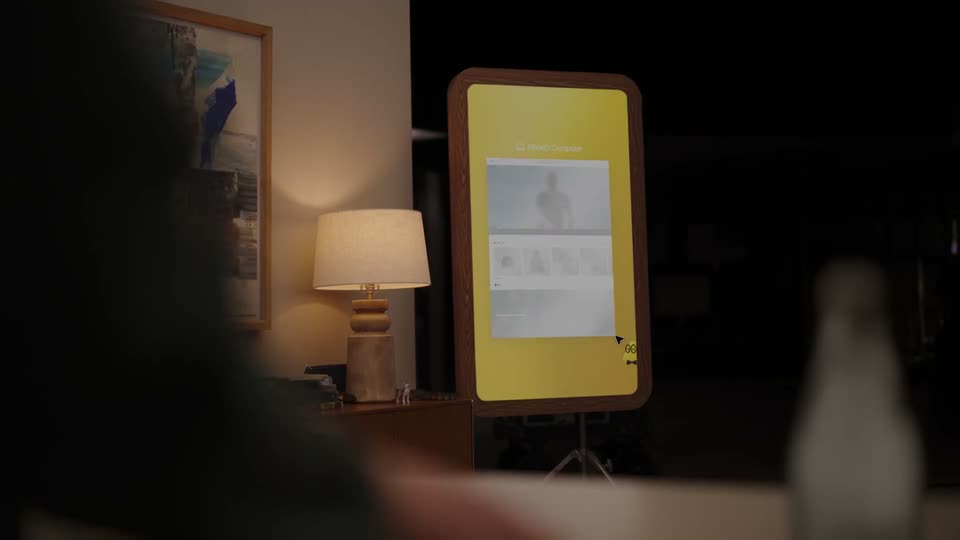 1:25–1:26OpenAI · Introducing dots, always-on agents built to handle everything.A wooden-framed display on a stand glows in a dim living room, its yellow screen building a webpage from a blank white block into a grid of clothing photos and thumbnails. A small cursor hovers at the screen's edge. The foreground stays softly out of focus.
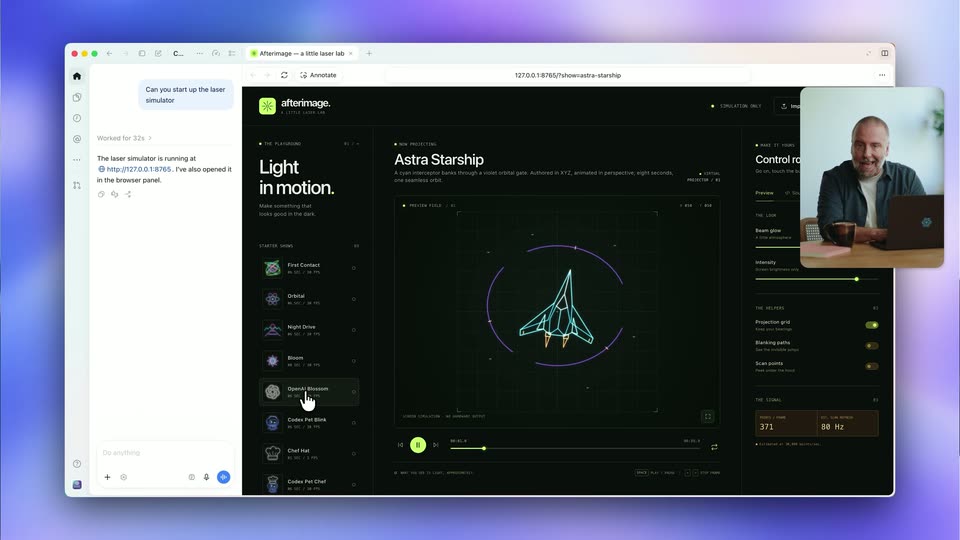 1:12–1:14OpenAI · Meet the all new Codex CloudA flat, locked-off browser window shows a dark laser-simulator interface. A cursor clicks a scene in the left list, and the central 3D view swaps from a wireframe starship to a glowing line-art blossom, then the frame blurs out.
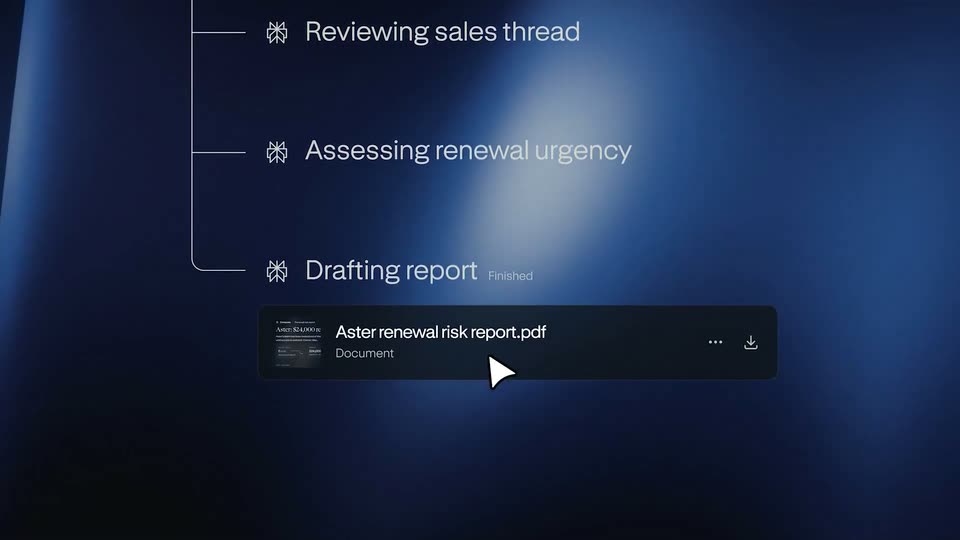 0:32–0:34Perplexity · Perplexity - Introducing Automations in Perplexity Computer. Automations are forA dark blue interface shows a vertical list of three AI steps with icons, the last marked Finished. A white cursor glides up from the bottom and hovers over a document card labeled Aster renewal risk report.pdf.
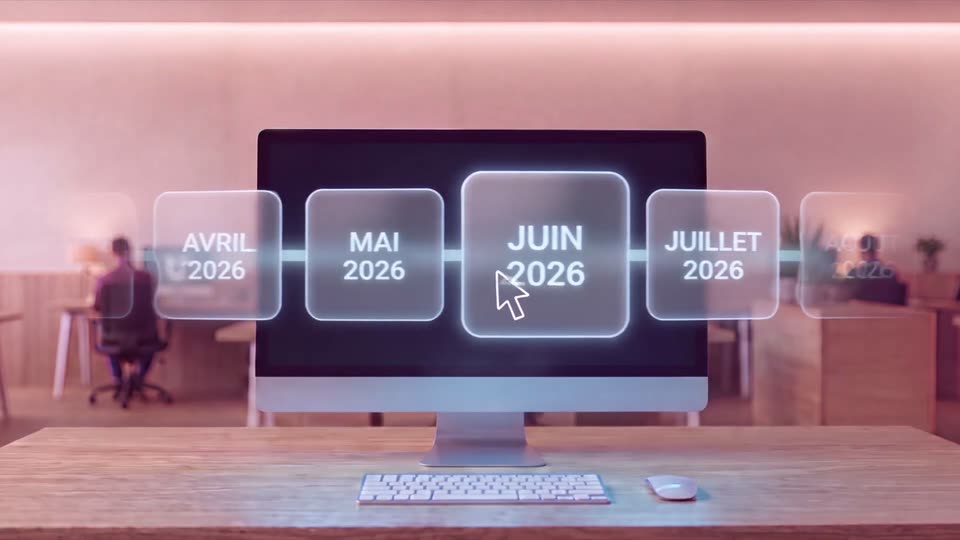 2:10–2:15Qantum · Qantum · L'ERP financier IA natif · PrésentationWhite particles swirl off a monitor screen in a blurred office as a timeline of month cards scrolls left, a cursor highlighting each month. The cards break out of the screen in 3D perspective while the camera pulls back.
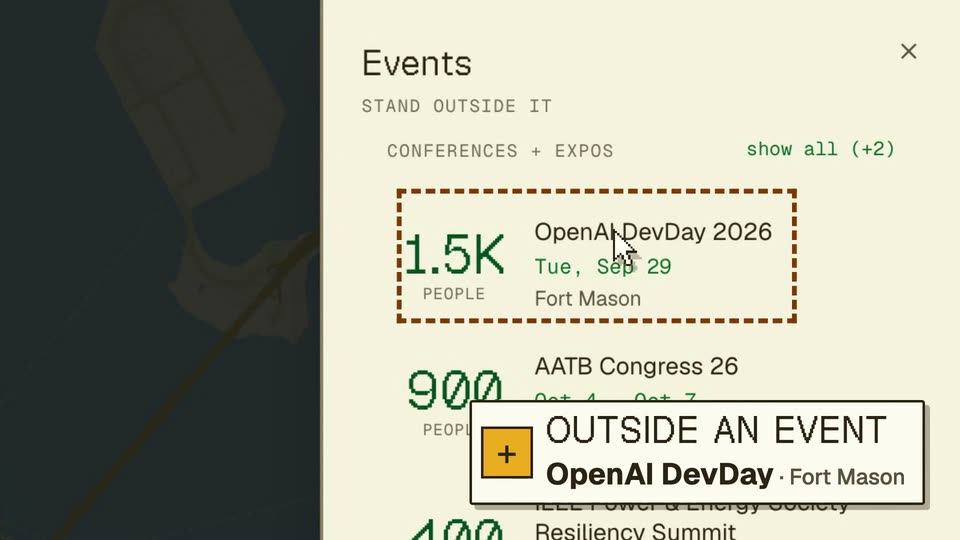 0:09–0:10Rentahuman · Alex - Today we're launching The easiest way to advertise your product to tA map with an events panel on the right zooms in on the OpenAI DevDay 2026 row, marked by a dashed outline and a hovering cursor. A white caption box with an orange plus icon at the bottom reads “OUTSIDE AN EVENT, OpenAI DevDay - Fort Mason”.
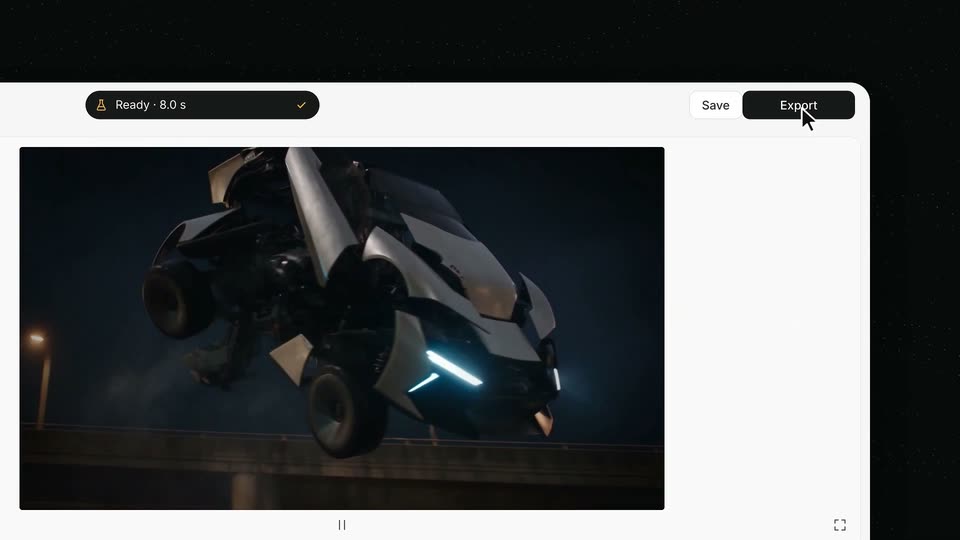 0:23–0:26Manus · Manus - Introducing Manus 2.0A light video editor interface shows a preview window playing dark 3D robot and car footage. A cursor moves to the Export button, the top status updates to ready, and export progress appears on the button.
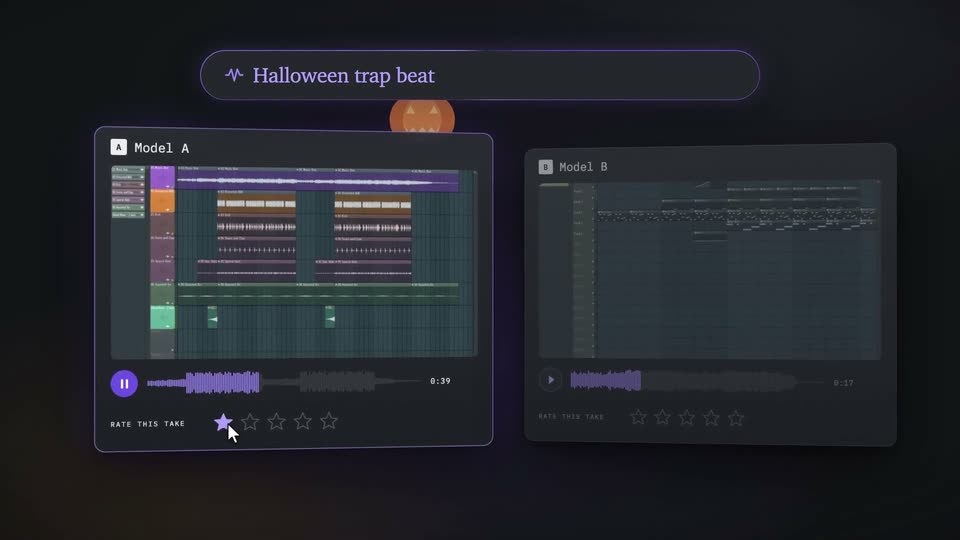 0:20–0:24MusicArena · MusicArena: The Crowdsourced Music Benchmark for AITwo music-production panels, Model A and Model B, sit side by side under a prompt bar reading Halloween trap beat, with a small pumpkin above the gap. A cursor clicks the star rating on Model A, filling it from one to five stars as the frame slowly zooms in.
 2:29–2:30Wajo AI · Shivani Poddar - I led engineering at Google DeepMind. Today, I'm proud to introduceFaint product cards dissolve out of the top of a pale, softly glowing frame, leaving a centered pill button that fills from a gradient outline to solid dark as a cursor hovers it; a dark caption sits below.
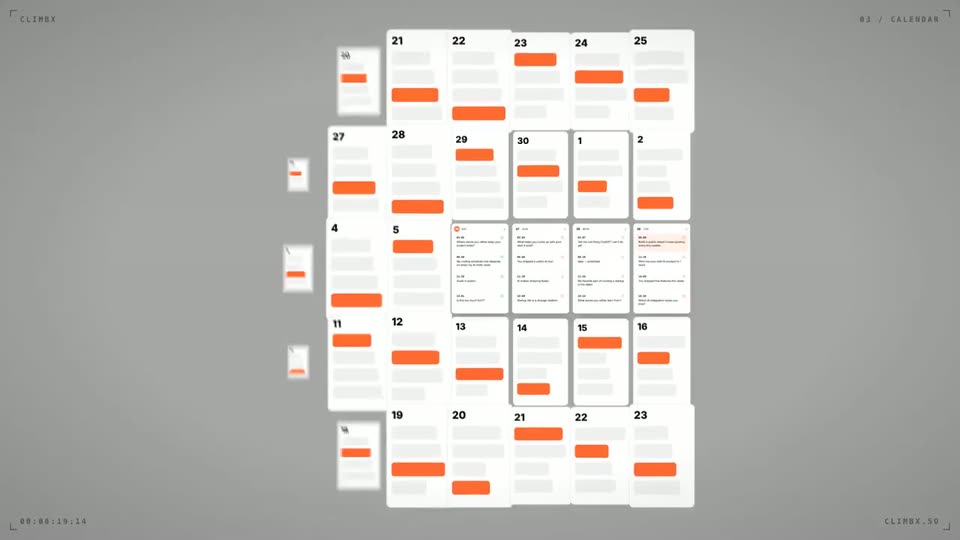 0:18–0:20ClimbX · Daniel Smidstrup - Motion designers are cooked 🤯 Opus 5.5 made this for ClimbX in 20 miA faded full calendar app on a white field, with a side list and a tip panel, cuts to a sharp 4x7 grid of white calendar cards with orange event bars on black. A cursor hovers one card and a tooltip appears.
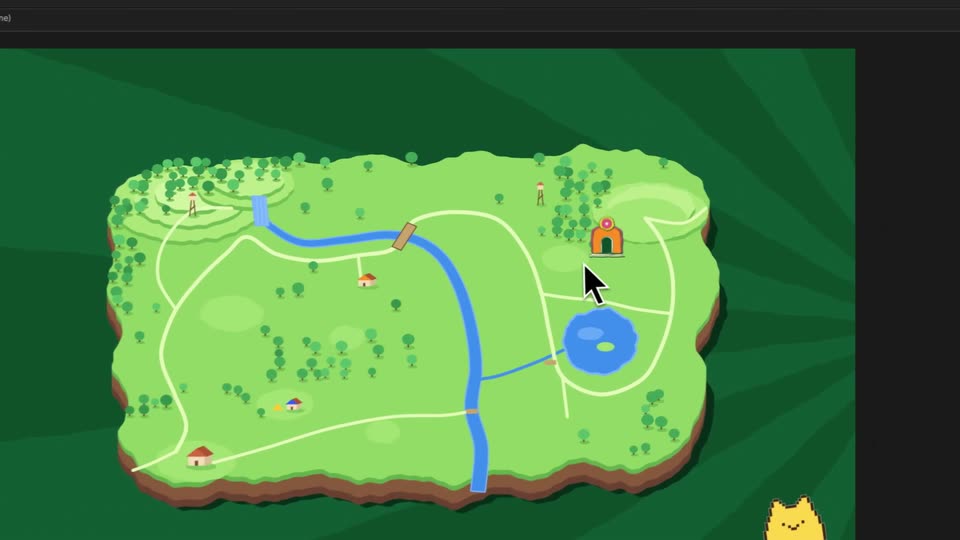 0:43–0:44Higgsfield · Higgsfield AI 🧩 - Introducing Higgsfield x Claude Opus 5.5 for Motion Design. With HigA cartoon island map with a blue river and white paths sits in yellow selection handles inside a dark app window. The view zooms into the map as the chrome fades, a cursor hovers over the terrain, and a small yellow cat icon sits in the corner.
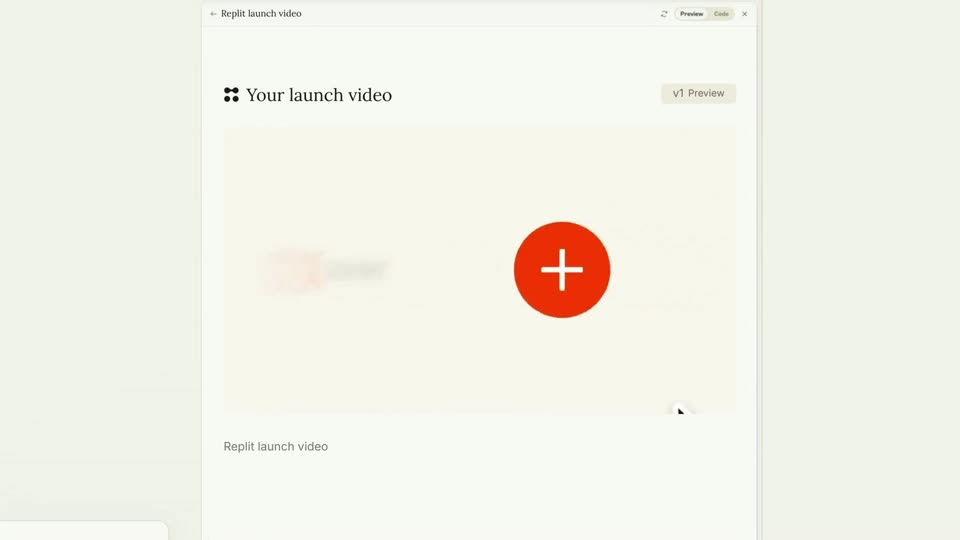 0:11–0:13Motion · Motion - Introducing Claude Opus 5.5 for launch videos. Give it an idea, yourA cream preview card displays the headline 'We now connect with over', two words in red pills. The frame zooms onto the line, a black cursor clicks a round red plus button, and the canvas changes to a large red '0 Tools' above a blue plus button.
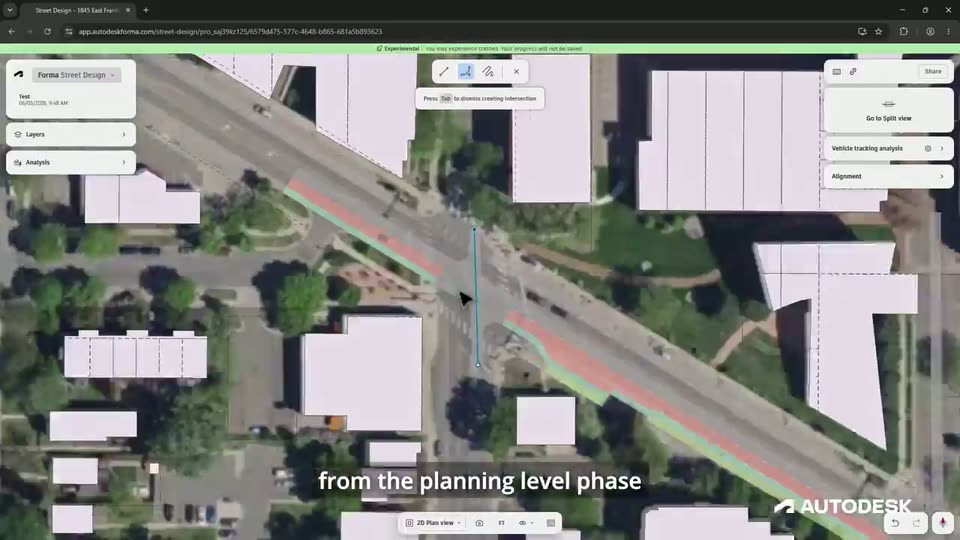 1:00–1:01Autodesk · Autodesk Forma Launch Film at Autodesk University 2026A Forma Street Design interface fills the frame over a satellite intersection, with white building footprints, side panels, and a blue alignment line. The map pans slightly while lower-third captions swap, and a cursor rests on the line.
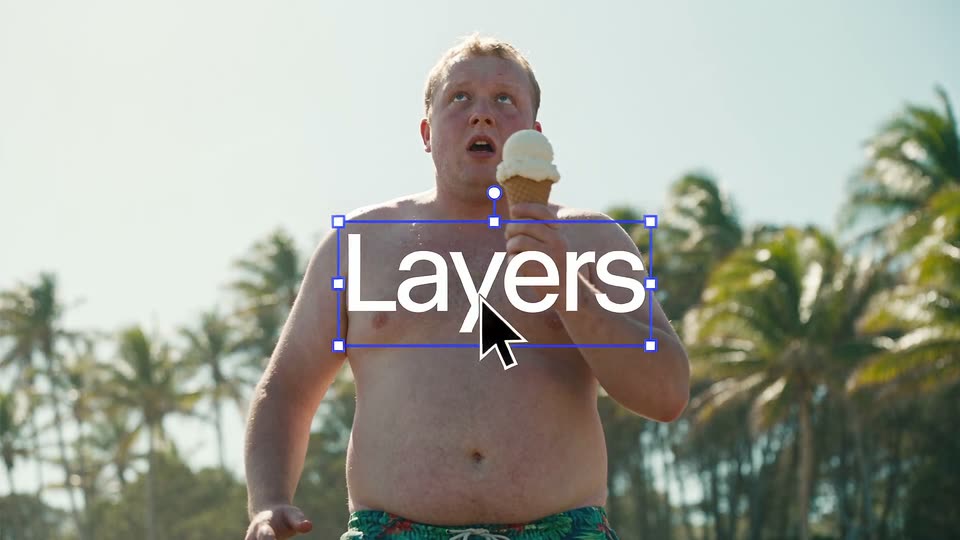 0:06–0:07Runway · Runway - New in Runway, Layers. Split any image into editable layers with a siA shirtless man walks and eats an ice cream cone on a sunny beach with palm trees. A blue design-tool selection box with corner handles frames the word Layers over his chest, two cursor arrows hover, then the box fades leaving the text.
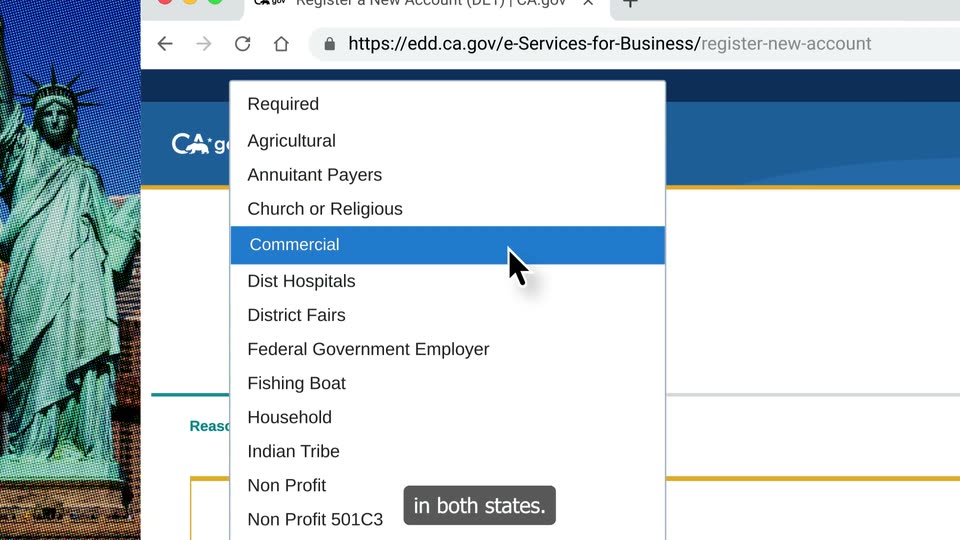 0:47–0:48Warp · Ayush S - We’ve raised $85M for this moment. Introducing Warp 2.0: The firstA close-up of a web browser displays a dropdown menu on a California business registration page. The cursor hovers over the 'Commercial' option, highlighting it in blue, while a caption reading 'in both states.' remains at the bottom.
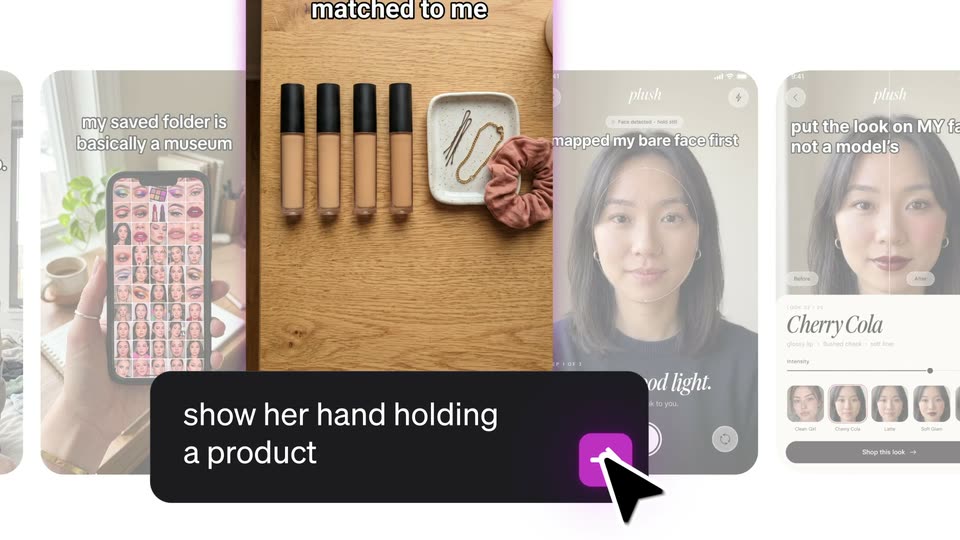 0:14–0:16Arcads · arcads AI - introducing AI Slideshows Create Viral TikTok Carrousel in one clickA horizontal carousel of phone mockups shows the plush app, the center screen, a top-down photo of four concealer sticks, enlarged with a purple glow. The frame zooms out to reveal the full phone and a black caption card as a cursor slides to the purple arrow button.
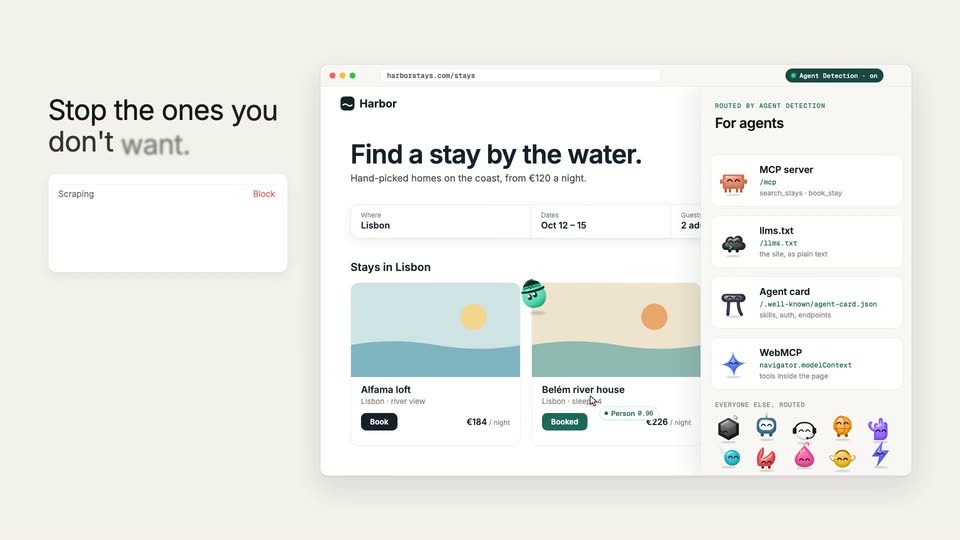 0:46–1:04Resemble AI · Dev Shah - Today, we are launching Agent Detection-1, the first system-one modelA booking-site browser mockup sits beside a black headline. Labeled blob mascots drift over the page as a cursor clicks Book, turning it green; a timer card swaps 41.0 s for 1.2 s. The headline crossfades to Stop the ones you don't want. as a red line sweeps down, blocking gray robot bots.
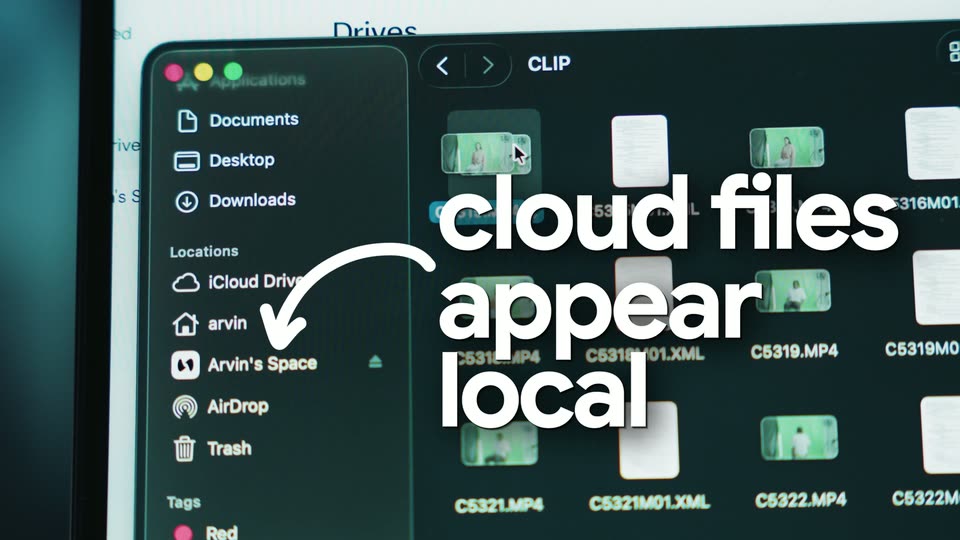 0:44–0:47Space · Jason Zhao - introducing Space: the infinite filesystem once mounted you can: → sClose-up of a dark Finder window; a white arrow points from the caption to the cloud-synced folder in the sidebar while a cursor hovers over video thumbnails in the CLIP folder. The shot then cuts to a wider view of the monitor on a desk.