Feature reveal
A sequence devoted to one feature: its announcement and its demo.
88,165 scenes · page 414 of 1470
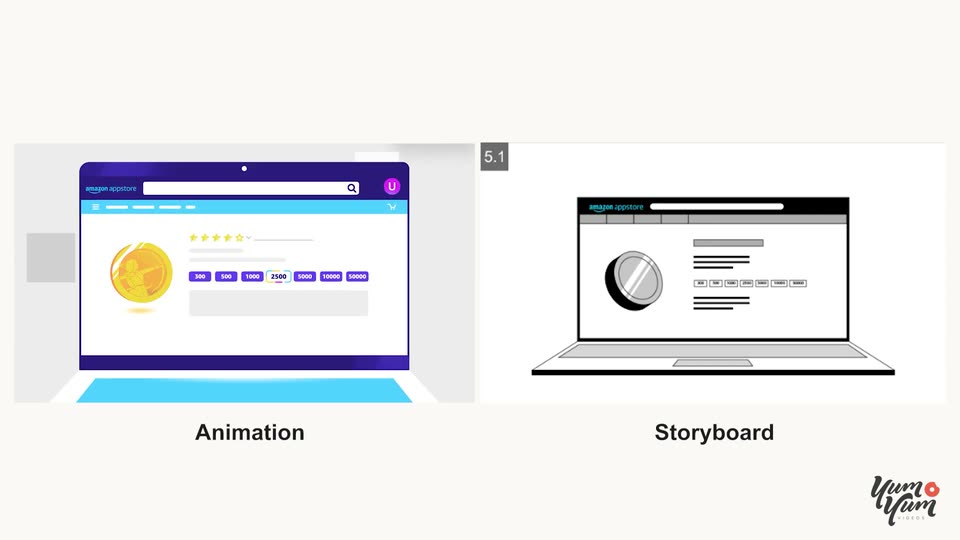 0:18–0:20Amazon · Amazon | Storyboard vs Animation by Yum Yum VideosA split screen pairs an animated 3D laptop on the left, rotating from a tilted angle to face forward, showing an Amazon storefront with a coin and price buttons, beside a flat black-and-white wireframe storyboard on the right tagged 5.1.
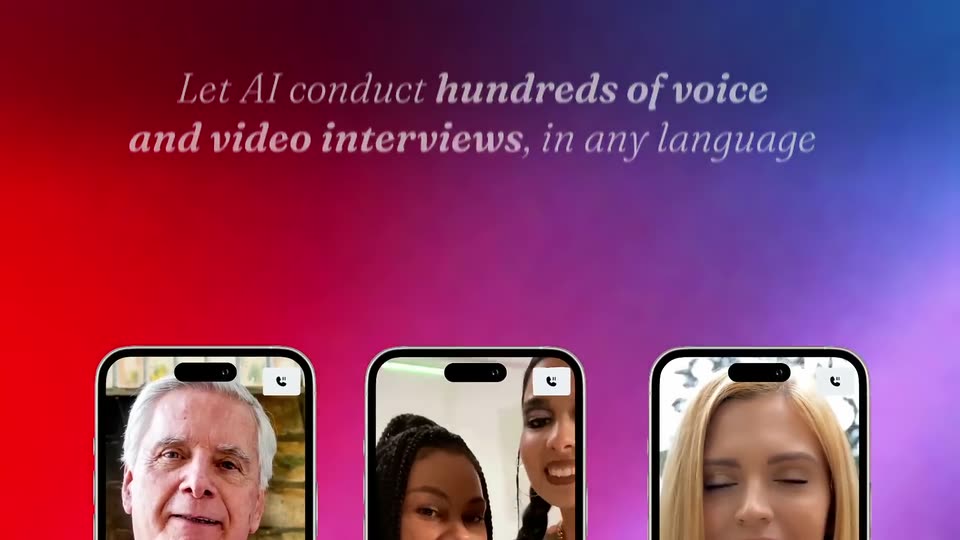 0:34–0:35Conveo · Conveo in 60 SecondsA red-to-blue gradient fills the frame beneath a static white serif headline. Three flat phone mockups stand side by side, each playing a video call of a person. The phones drift slowly downward while the footage inside each screen pushes in on the faces.
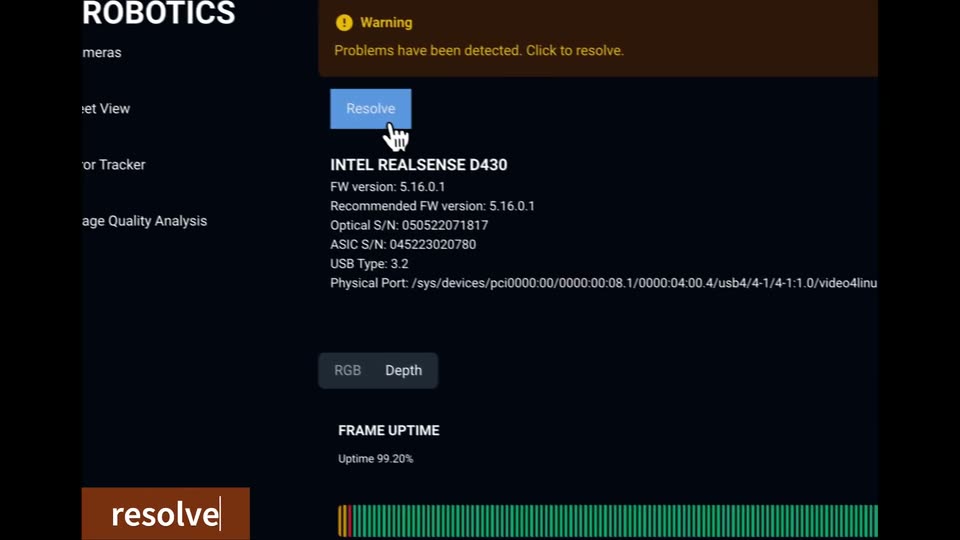 0:13–0:14Ember Robotics · 🔥 Introducing Ember Assistant 🔥- Robotics Camera System Assistant!A dark software panel scrolls upward as a hand cursor moves to the orange warning banner and clicks the Resolve button. Device details and a green uptime bar fill the frame, while a small orange caption box types words at the lower left.
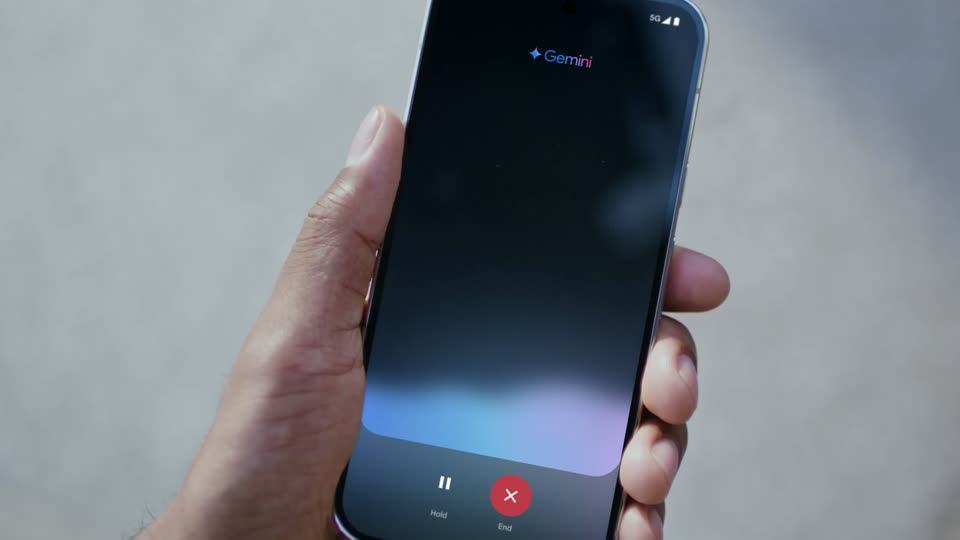 0:23–0:28Google · Meet Google Pixel 9 and Pixel 9 Pro With Gemini | The Best of Google AIA hand holds a phone showing the Gemini Live screen: a dark display with the Gemini logo at the top and a soft blue-purple glow rising at the bottom above the Hold and End buttons. The white Gemini Live title sits centered and fades out as the glow brightens.
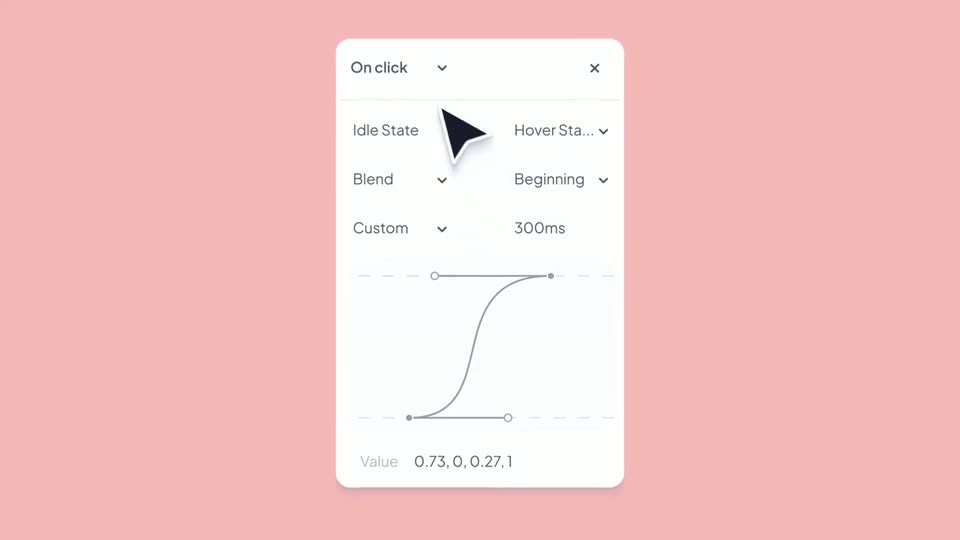 0:23–0:24Lottielab · Lottielab - Interactivity is now live on Lottielab. 📣A white easing-settings panel fades in at center on a flat pink background, displaying a bezier curve and dropdown rows, while a black cursor arrow drifts upward near the top edge.
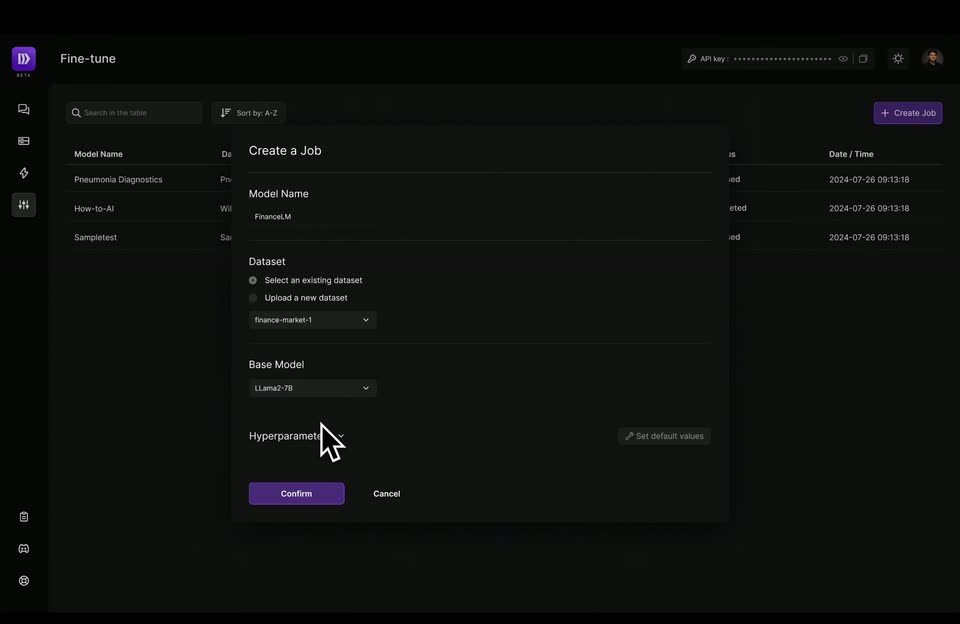 0:55–1:08Pipeshift · Pipeshift AI - DemoA dark fine-tune dashboard lists training jobs in a table. A hand cursor clicks Create Job, opens a form modal, types a model name, selects a dataset and base model from dropdowns, expands the hyperparameters grid, then clicks Confirm, which shows a Processing bar.
 0:17–0:19Canva · Introducing Canva’s Brand RefreshA white headline types itself out letter by letter behind a pink caret on a blue-to-purple gradient. A pink speech bubble reading Anna drifts down from the top right and stops beside the finished word.
 0:33–0:38Inventive AI · Inventive AI – Powerful AI RFP Automation Software, AI RFP Agent & Questionnaire Response PlatformOrange 3D shapes drift and rotate on a cream background while a white pill wipes open to reveal the headline. A tilted Knowledge Hub interface then fades in behind the text.
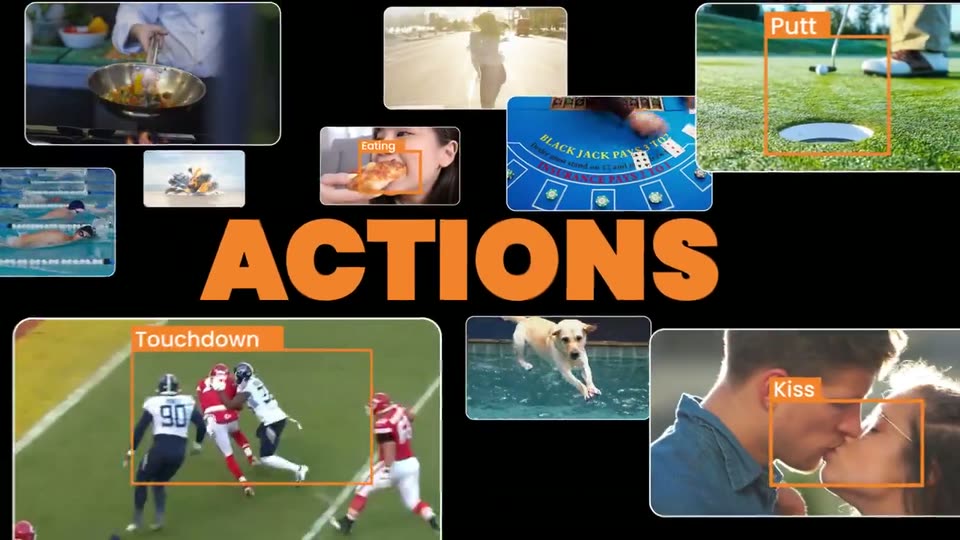 0:21–0:22OpusClip · OpusClip - Introducing 𝘾𝙡𝙞𝙥𝘼𝙣𝙮𝙩𝙝𝙞𝙣𝙜, the first-ever multimodal AI clipping thatA blurred close-up resolves into a black grid of small video clips: cooking, running, swimming, a boat, a dog, a kiss. Orange bounding boxes with small labels frame several tiles and slide in. Bold orange ACTIONS holds the center.
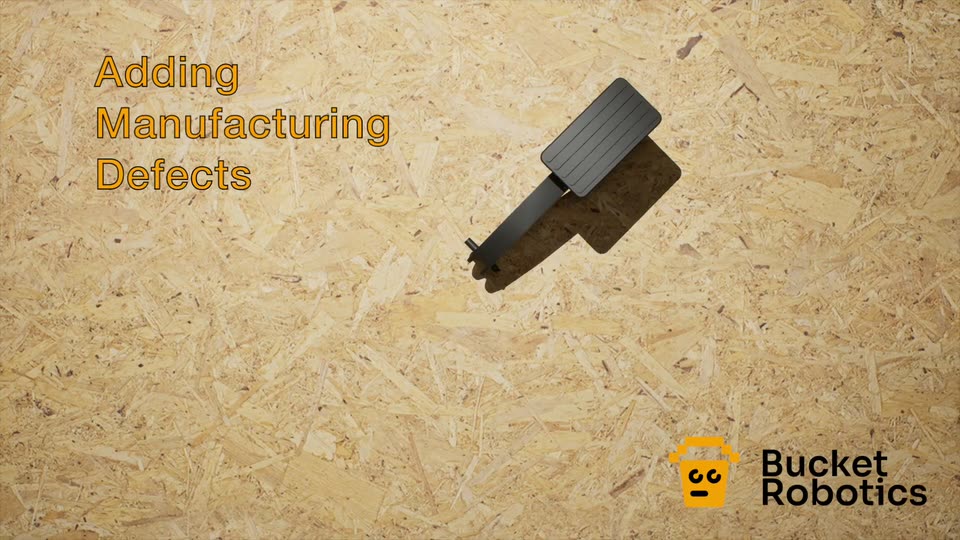 0:12–0:16Bucket Robotics · Bucket Robotics (YC S24) | Defect DetectionA dark gray 3D part with a flat plate and curved body rests on a chipboard surface, casting a soft shadow. The caption 'Simulating Orientation & Lighting' fades out top right as 'Adding Manufacturing Defects' fades in top left; the Bucket Robotics logo holds in the bottom corner.
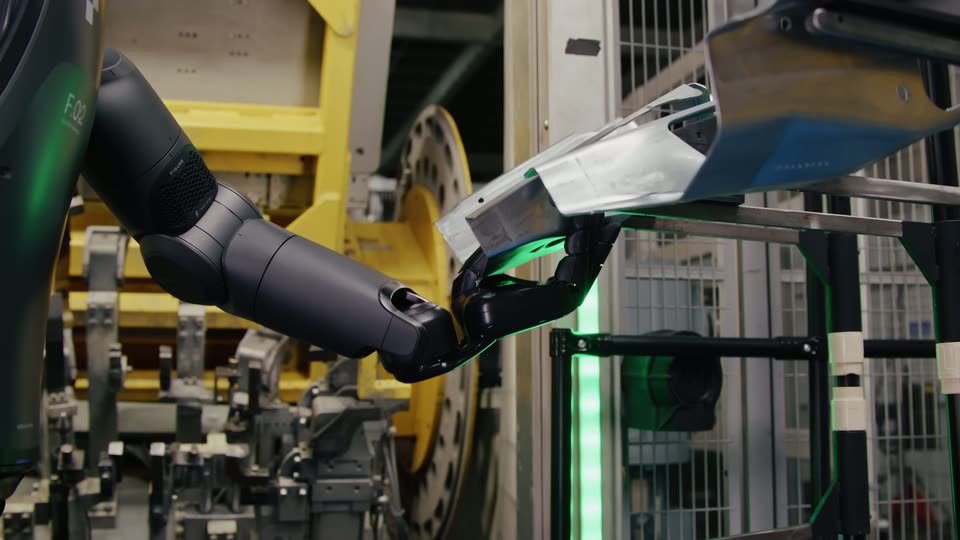 1:38–1:42Figure AI · Introducing Figure 02A black robotic arm in a factory grips a silver car panel and lifts it onto a metal rack, its fingers adjusting the part's position. Yellow machinery and green light bars fill the background. The camera stays locked off while the captions hold static.
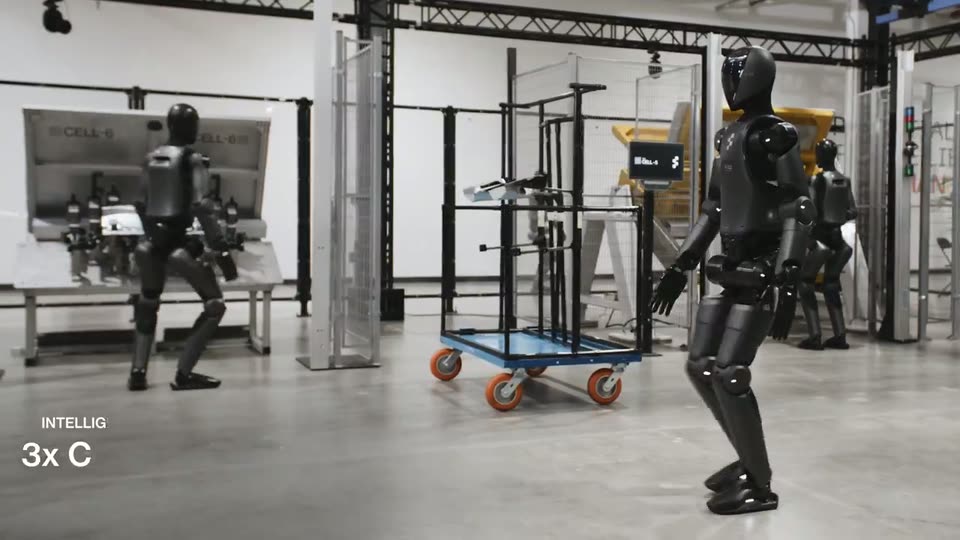 0:59–1:13Figure AI · Brett Adcock - Introducing Figure 02 The world's most advanced AI hardware ExclusiTwo glossy black humanoid robots walk a bright warehouse test floor past yellow machines, racks and blue carts as the camera tracks left. A white caption block wipes in at the lower left, then is replaced by a second block.
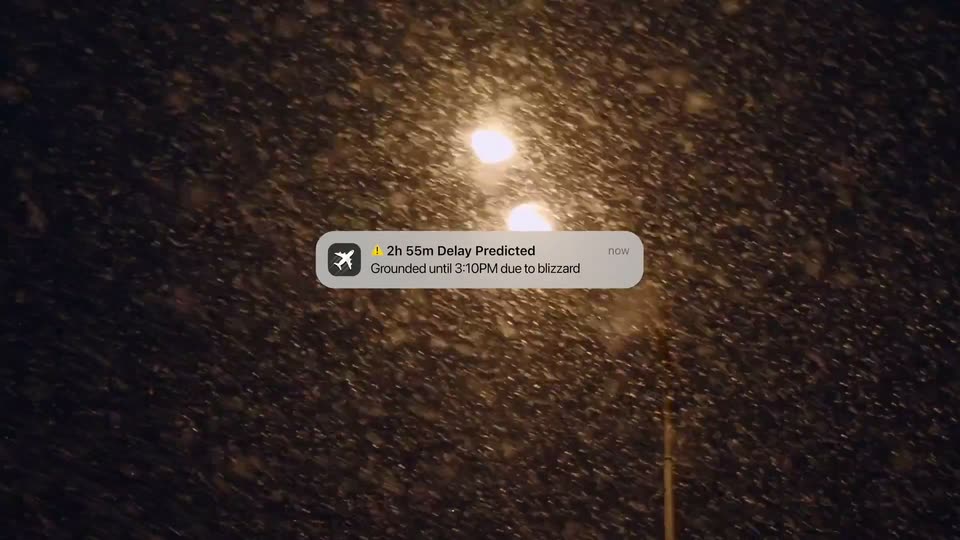 0:18 · 0.5sFlighty · Flighty - Introducing @Flighty 4 😱 See WHY you're delayed. Finally! ✈️ Late AiHeavy snow falls past a glowing streetlamp at night. A white notification card with a dark airplane icon slides into the center, showing 2h 55m Delay Predicted and Grounded until 3:10PM due to blizzard, with now at the right.
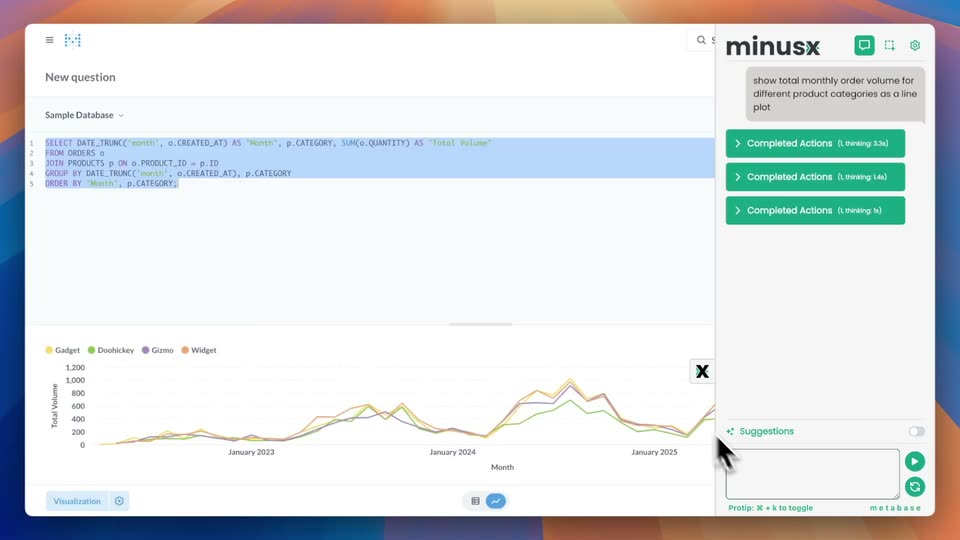 0:24–0:25MinusX · MinusX: AI Data Scientist for Jupyter and MetabaseA split product interface: the left SQL editor and line chart clear to a blank panel while the right sidebar switches from completed actions to a running state. A cursor slides down from the prompt box to the shortcut hint at the bottom.
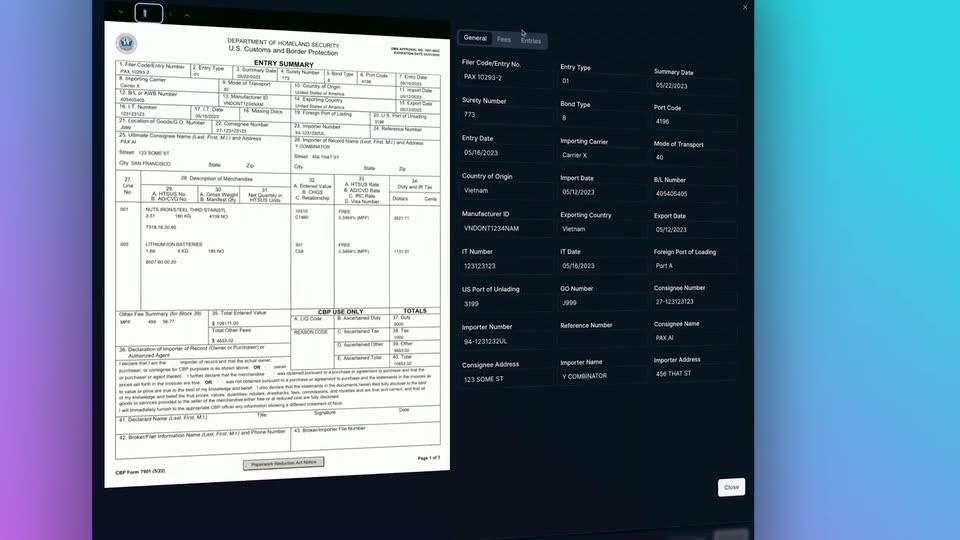 0:14–0:15Pax · Pax AI (YC s24) LaunchA dark tablet mockup angles in 3D against a blue-to-purple gradient, its screen showing a customs form PDF on the left beside a data-extraction panel with a Copy button on the right.
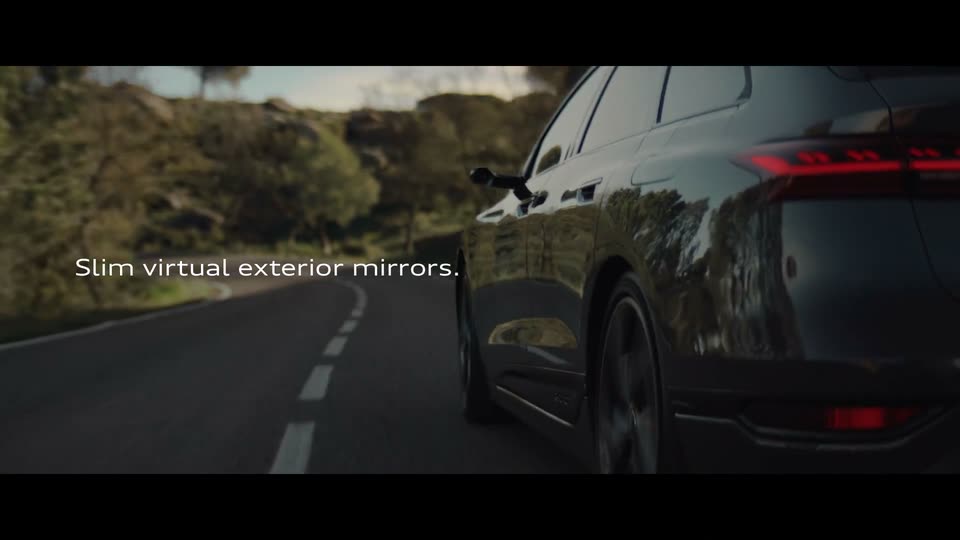 0:30–0:32Audi · Meet the Audi A6 Avant e-tronA black car drives along a tree-lined road while the camera tracks alongside it, framing the small camera unit where a mirror would be. The caption appears on the left and holds still as the car moves.
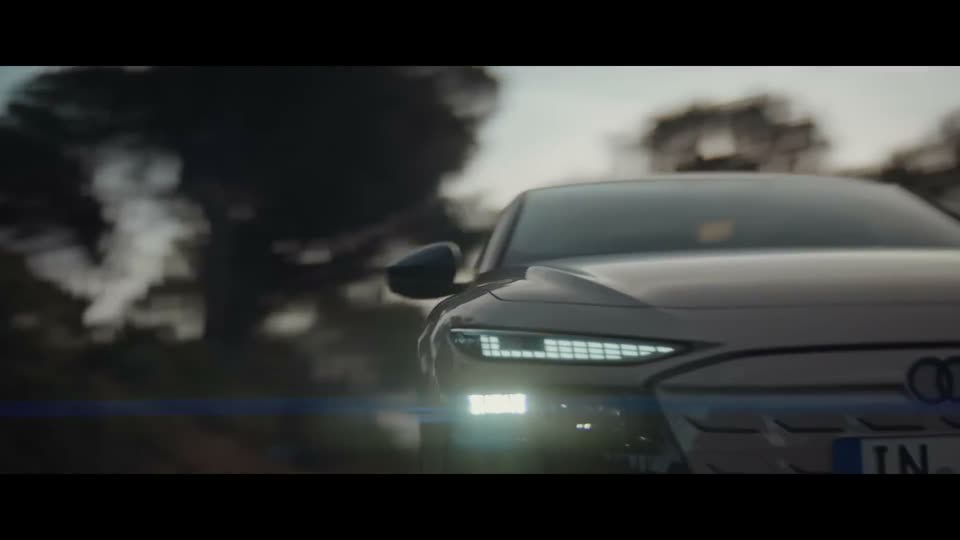 0:23–0:24Audi · Meet the Audi A6 Sportback e-tronA dark Audi sedan is framed in a low front three-quarter view, its pixelated LED headlights glowing. The camera tracks around the car as it moves, the trees and dusk sky blurred behind. A small disclaimer line sits at the bottom.
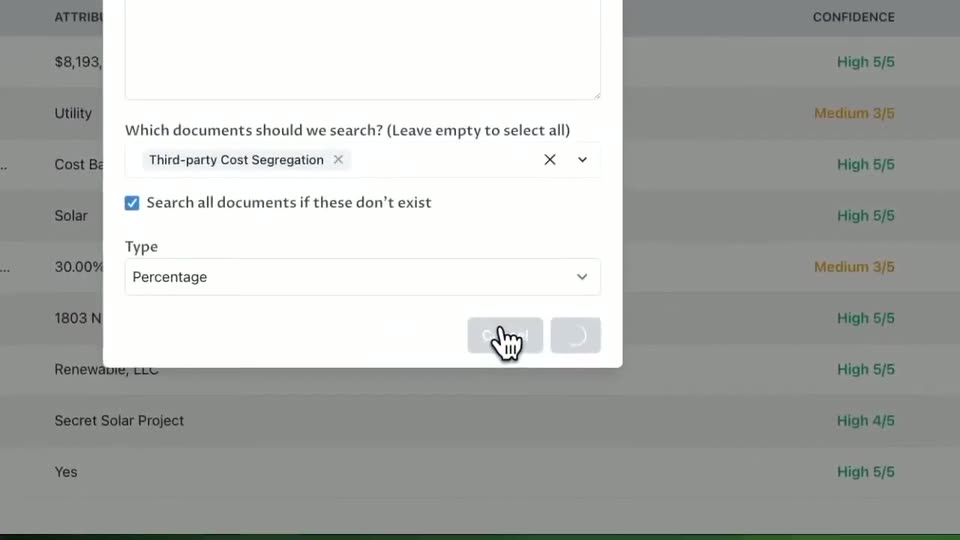 0:36–0:45dili · Dili: The Most Reliable LLM for High-Stakes DealsA close-up of a settings modal over a data table. Text is typed into the Instructions field, then a hand cursor clicks Save and Rerun, which switches to a loading spinner. The camera pulls back to reveal the full project document screen on a green gradient.
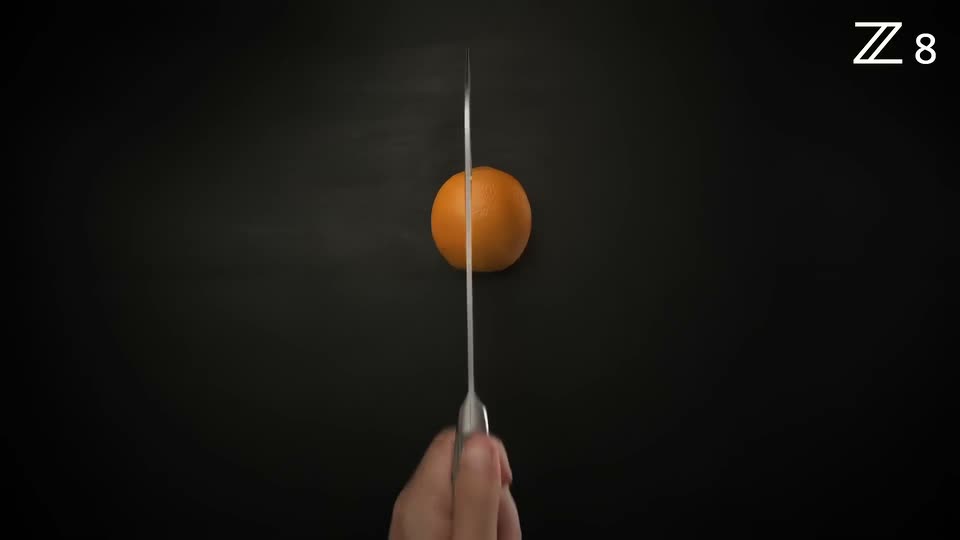 0:14 · 0.6sNikon Z 8 · Making an Orange Look Epic? - Shot on the Nikon Z 8A hand raises a knife and slices an orange in half in slow motion against a black backdrop, the two halves drifting apart as the blade passes below. The white Z8 logo sits in the top right corner.
 0:19–0:20Overeasy · Meet IRISA solid black frame holds for the full duration, a static blank with no visible content, motion or text, staged as a fade or cut point between scenes.
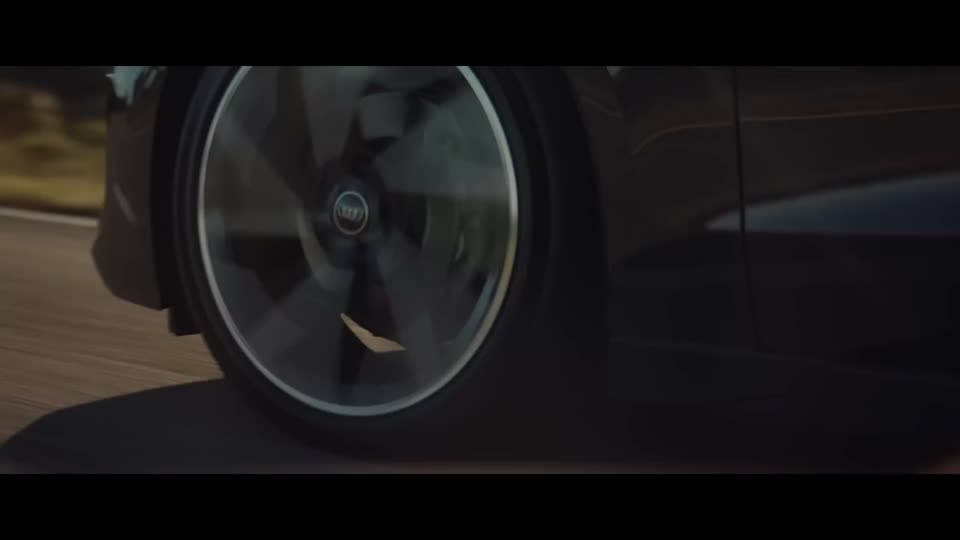 0:21–0:22Audi · Meet the Audi A6 e-tron modelsA low, static close-up holds on a spinning alloy wheel as the car rolls along a sunlit road. The hub badge blurs with the rotation and the roadside streaks past, while caption text stays fixed over the frame.
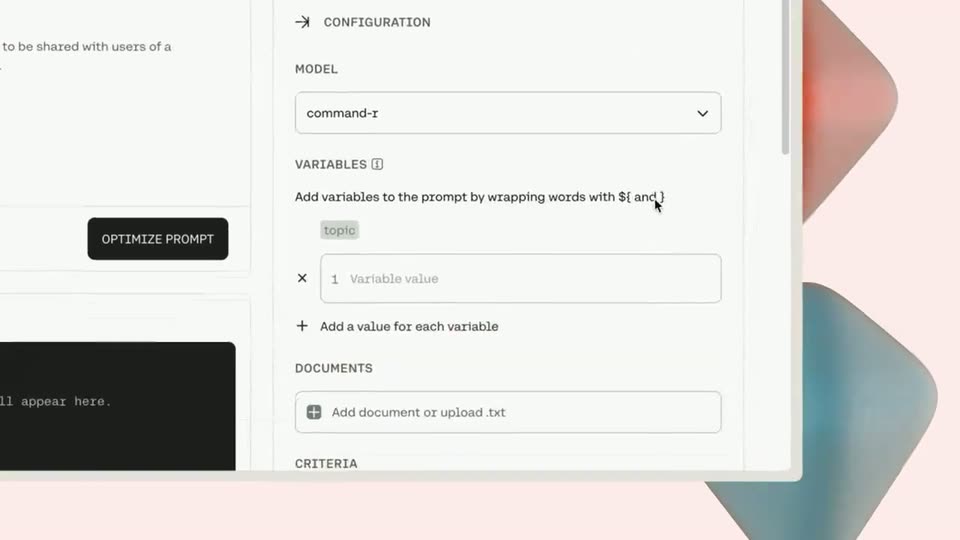 0:15–0:16Cohere · Cohere - We are excited to be introducing Prompt Tuner in beta today. It is aA white Prompt Tuner panel sits on a pale pink background beside a curved 3D ribbon. The view zooms into the form as a cursor hovers over the variables and model fields, then pulls back to reveal the full card and the brand logo at the bottom.
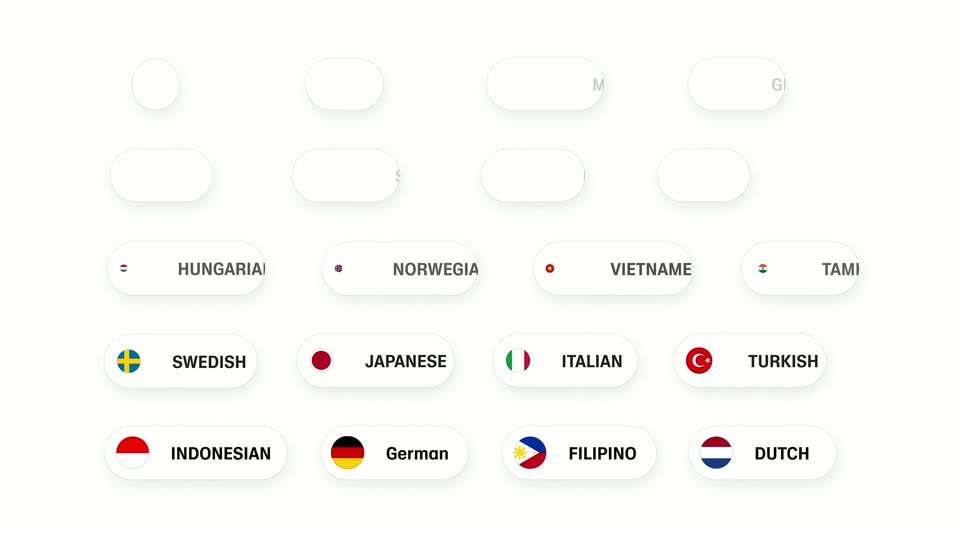 0:09–0:10ElevenLabs · Introducing three new languages: Hungarian, Vietnamese and NorwegianA grid of white rounded pills on a plain white background, each holding a circular flag icon and a bold black language name. The bottom row of labels briefly shows doubled, ghosted text before settling into a clean single line.
 0:13–0:14Framer · Framer Design: Design on an intuitive CanvasThree rounded bars, two white and one pale gray, begin as a tight stack on a cream background and ease apart into an evenly spaced vertical column.
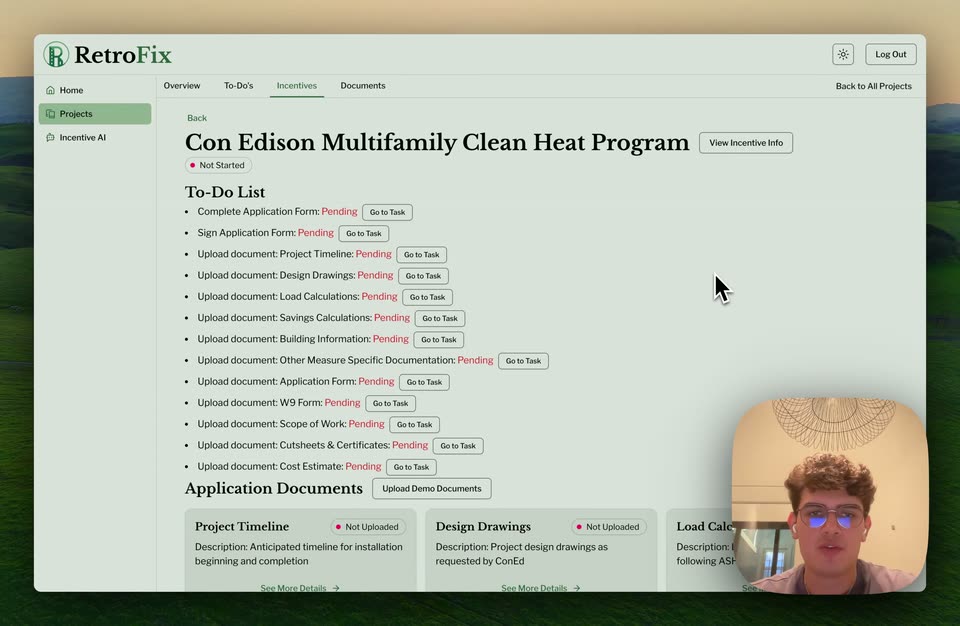 0:41–1:00RetroFix · RetroFix Product DemoA tight crop of a to-do list zooms out to reveal the full RetroFix dashboard for the Con Edison program. A mouse cursor hovers over Go to Task buttons while a man with glasses talks in a rounded webcam inset at the bottom right.
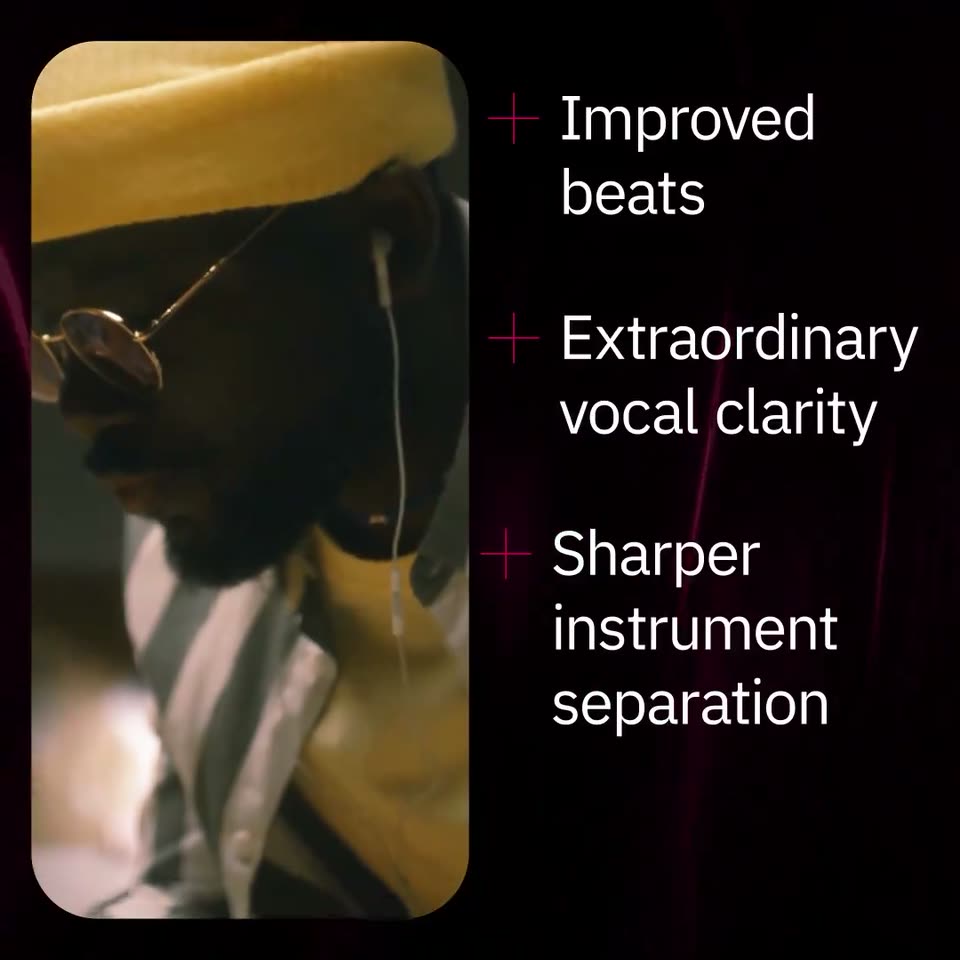 0:08–0:10Udio · udio - Udio v1.5 is here with advanced tools for creators! Make extraordinarA rounded vertical video on the left shows a person in a yellow hat and round glasses with white earbuds, head bowed. On the right, three benefit lines with pink plus marks sit on a dark field with faint magenta streaks. The footage shifts subtly; the text stays fixed.
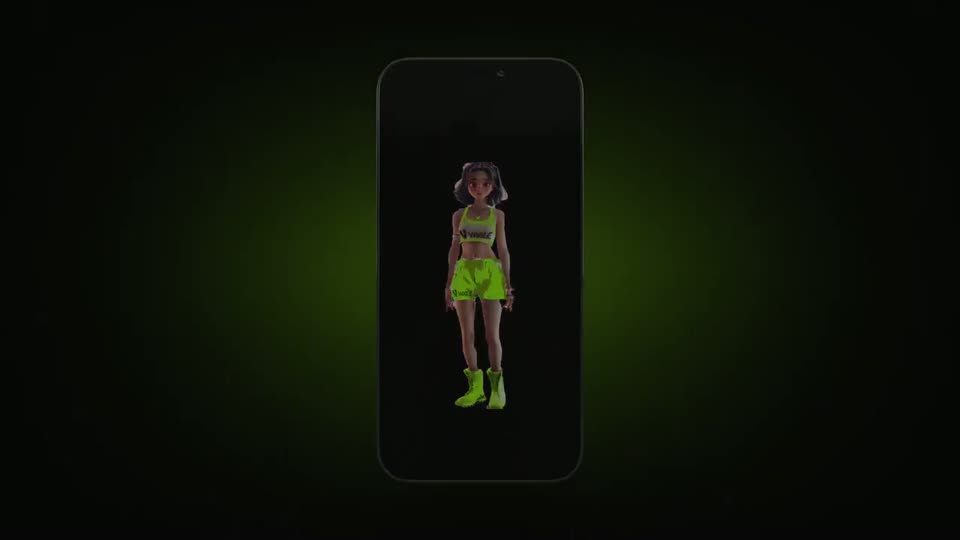 0:09–0:10Viggle · ViggleAI - Viggle iOS and Android apps are now live! Place your character inA 3D female avatar in a neon yellow crop top and shorts stands inside a thin phone-shaped outline. The shot opens tight on her torso, then pulls back to a full-body view against a dark background with a green radial glow.
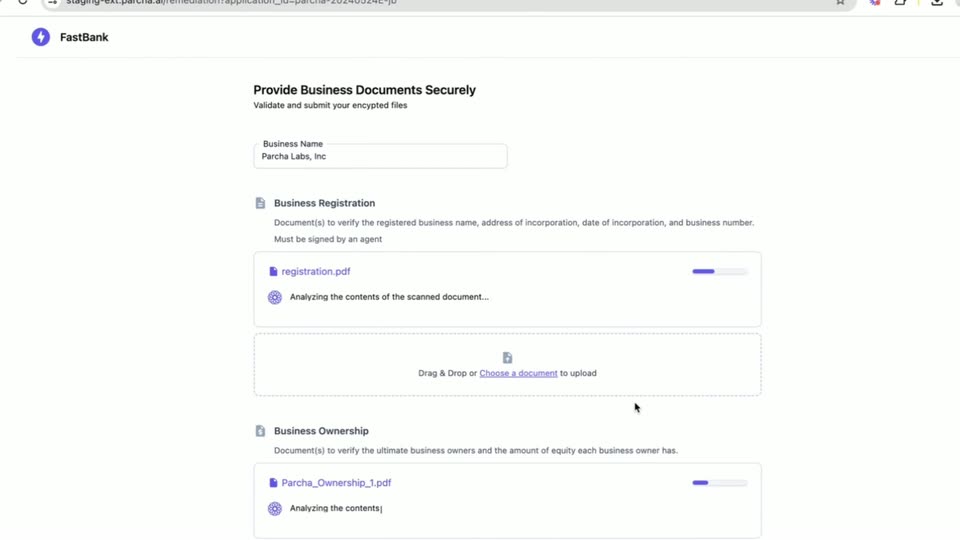 1:01–1:14Grep AI · New feature: Real-time document remediationA FastBank document form fills the screen with upload cards for business registration and ownership. The view scrolls as status lines type out scanning and verification messages, and a cursor moves across the fields.
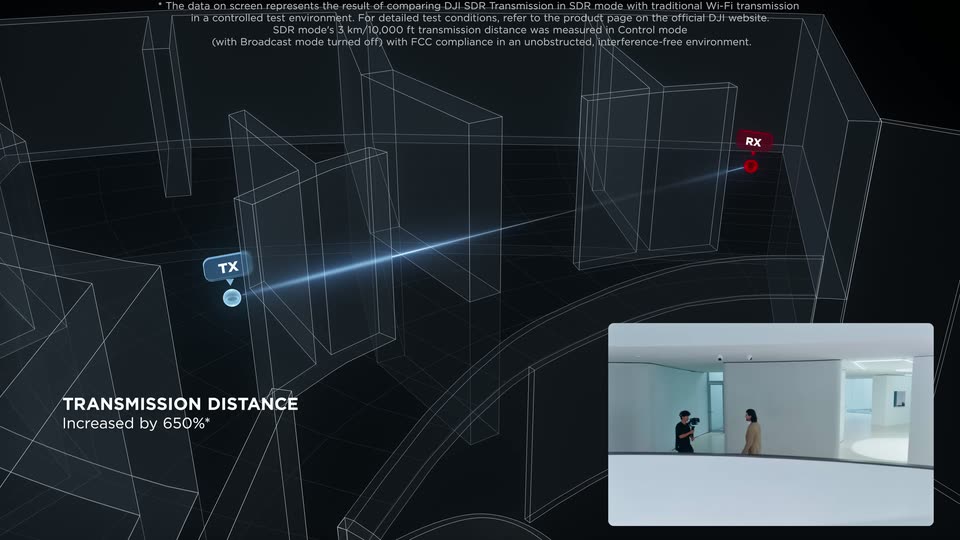 0:18–0:21DJI · Introducing DJI SDR TransmissionA dark 3D wireframe city drifts past as a blue beam runs from a blue TX node to a red RX node between the buildings. A live-action inset at bottom-right shows a camera operator filming a man in a tan suit crossing a white room.
 0:24 · 0.9sMiro · Unveiling Intelligent Canvas: Your Ultimate AI-Powered Innovation Workspace 🚀A vertical white strip scrolls down against a soft gradient background, revealing a sequence of black line icons and a blue square with a cursor.
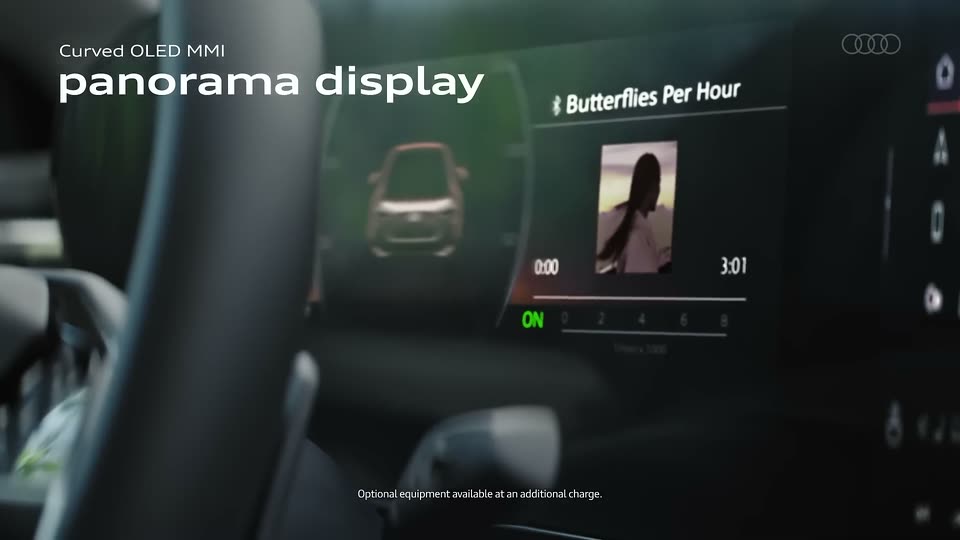 0:18–0:20Audi · Meet the Audi A5 Avant and SedanA shallow-focus close-up frames the car's center display, where a music player shows album art and a track title in sharp detail. The steering column and a soft vehicle icon sit blurred in the foreground. White headline text holds the top-left corner.
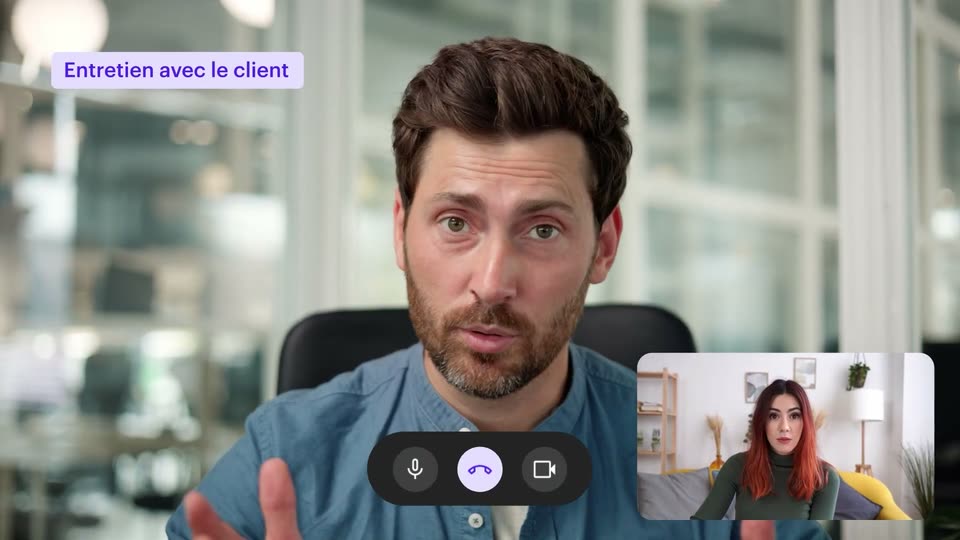 0:25–0:27Crème de la Crème · Crème de la crème - Plateforme ClientsA bearded man talks and gestures in a video call, a red-haired woman in a smaller inset at the bottom right, a dark control bar with mic, end-call, camera icons below him. A lavender caption chip slides in from the left as a resume card slides up out of frame.
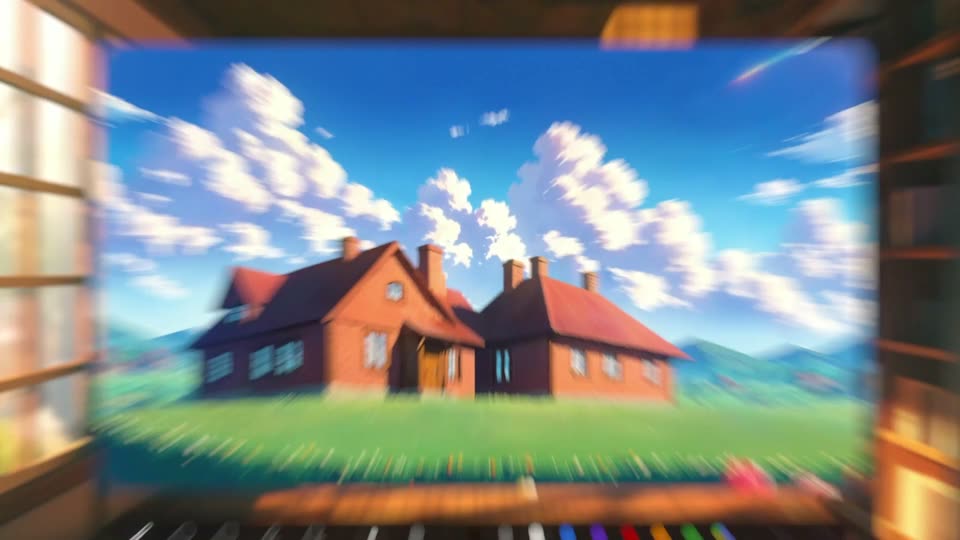 0:37 · 0.5sMorphic · Introducing Morphic StudioA 3D mockup of the image-generation interface floats in a sunlit room with bookshelves. The panel shows a painted countryside house above a prompt bar and a blue button. The camera pushes in, reframing onto the canvas with motion blur.
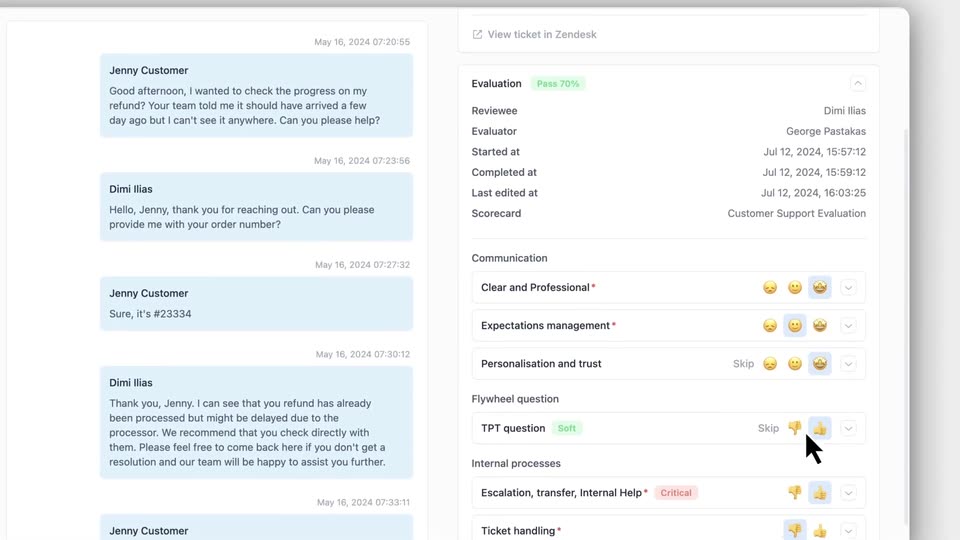 0:21–0:22Intryc · Intryc YC Launch videoA split view shows a customer chat thread on the left and an evaluation scorecard on the right. Both panels scroll slowly while a hand cursor moves down the rating rows, hovering over the emoji face scales.
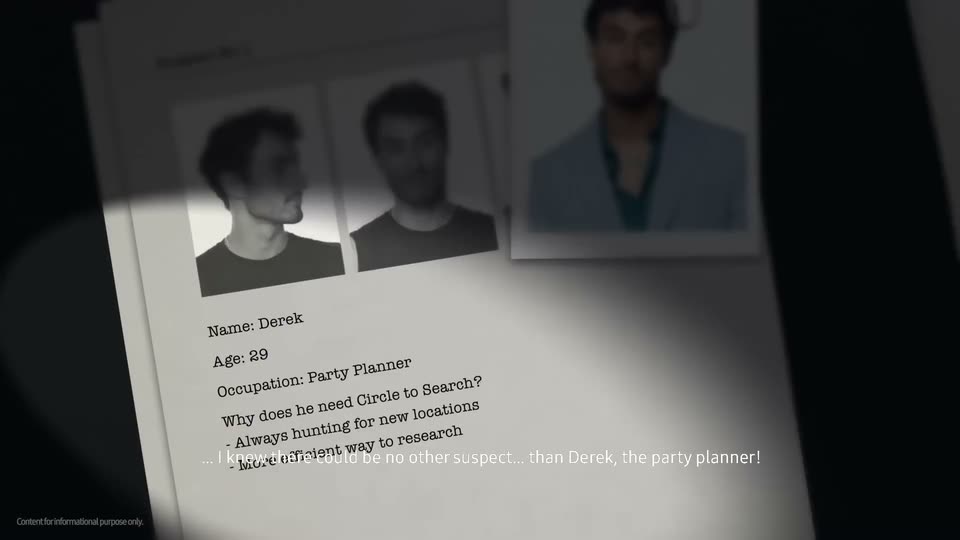 0:33–0:34Samsung · Introducing Galaxy Z Fold6 and Z Flip6 | SamsungA tilted two-page case file sits in 3D perspective under a moving spotlight. The light first isolates the right page's heading, then the frame pulls back to reveal the left page with a portrait of a man labeled Derek, while the spotlight shifts onto a photo of a person in a white suit.
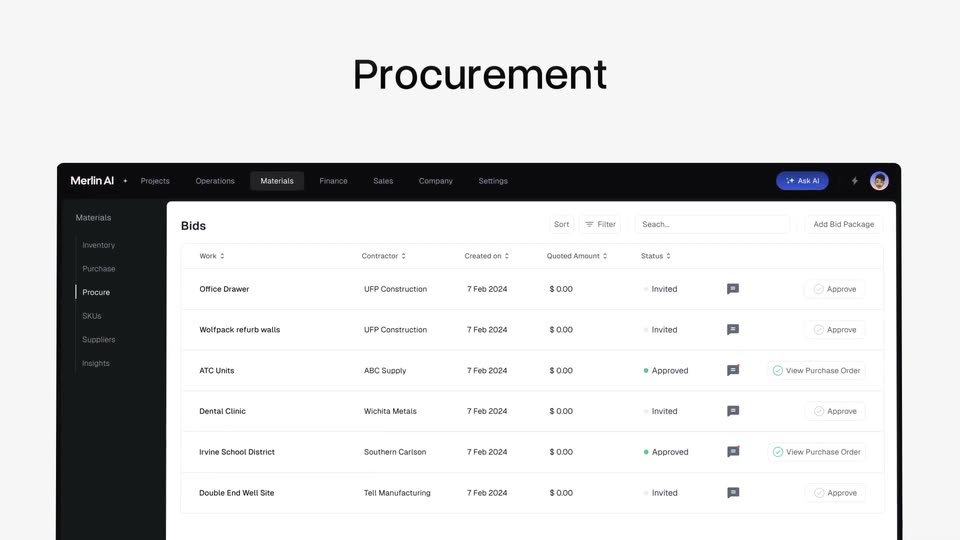 0:27–0:30Merlin AI · @MerlinAITechnology The AI Game-Changing Tool for your Construction BusinessThe “Procurement” headline holds centered above a dark Merlin AI window listing a Bids table. The window eases up into place, then the frame zooms into the table rows and defocuses to exit.
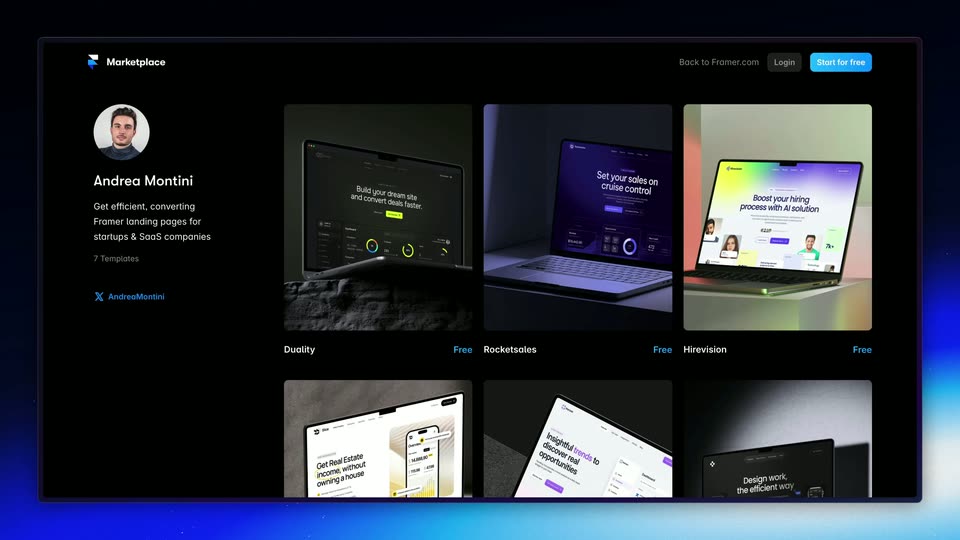 0:52–0:54Framer · The New Framer MarketplaceA dark marketplace profile page fills the frame. A left column holds a creator avatar, name, bio and template count beside a grid of template cards, each showing a laptop mockup of a landing page with a name and Free tag.
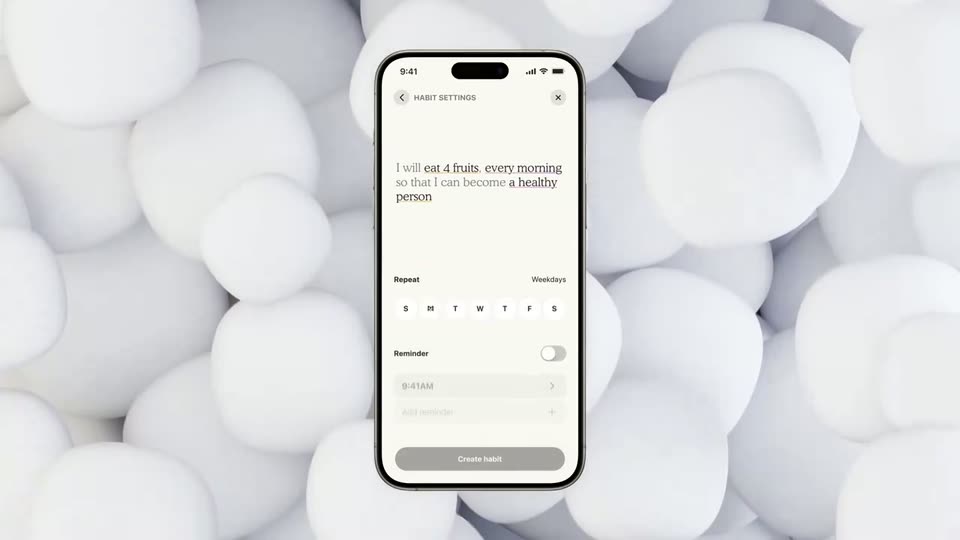 0:12–0:19Atoms · Metalab - Say goodbye to bad habits. Together with @JamesClear (you know who),A locked-off iPhone mockup rests centered on a field of white 3D spheres. Inside, a habit app types a sentence, a confirmation card rises, then the screen swaps to settings where weekday circles fill black and a reminder toggle turns orange.
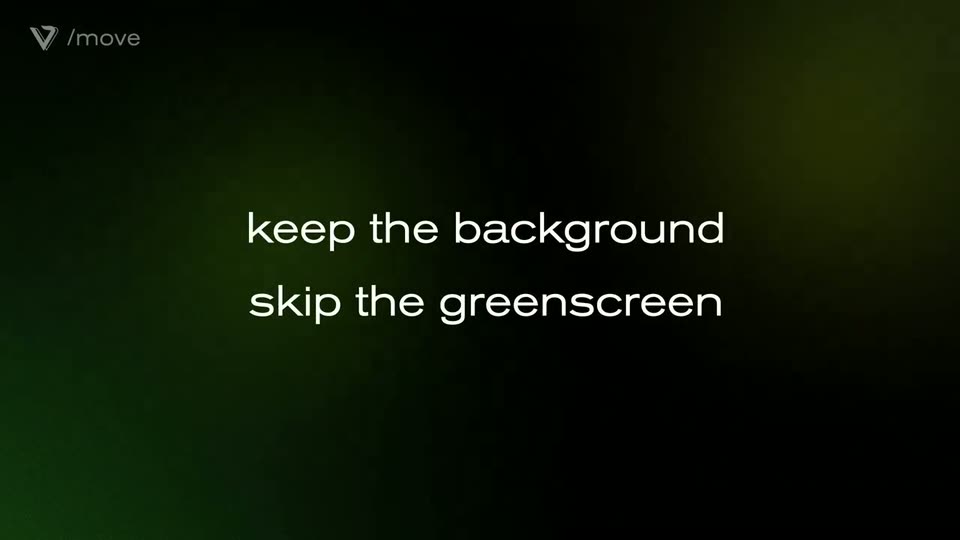 0:19–0:22Viggle · ViggleAI - Viggle's new feature "Move" is now live! Visit to animate your pic riTwo lines of white lowercase text fade in at the center of a dark green gradient background: “keep the background” and “skip the greenscreen”. The /move logo sits in the top-left corner and the frame stays locked-off throughout.
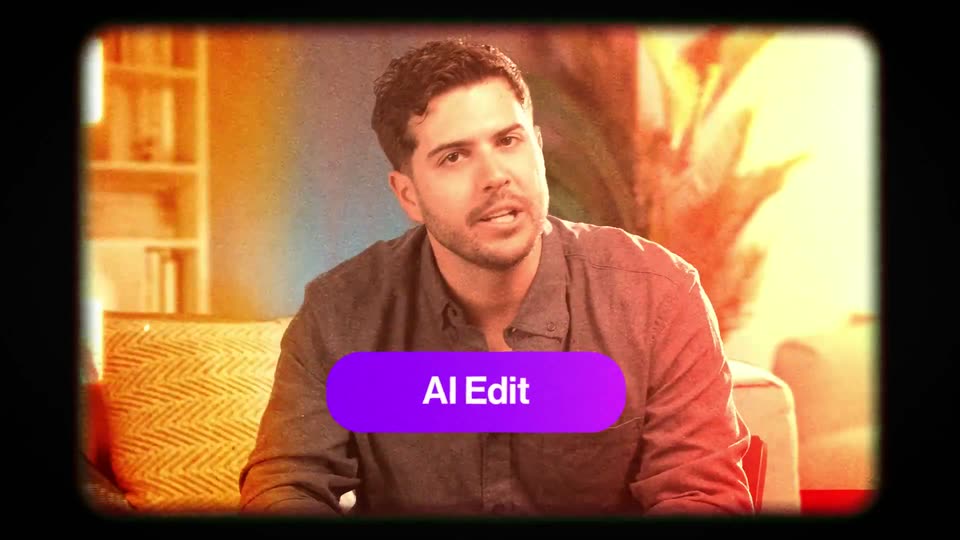 0:03–0:04Captions · Mirage - What if AI could edit your videos for you? Now it can. Introducing AA man in a dark shirt talks on a sofa, the shot heavy with chromatic-aberration glitch before it snaps into a sharp portrait inside a white rounded-rectangle mask. A purple pill button reading AI Edit pops in over his chest and holds.
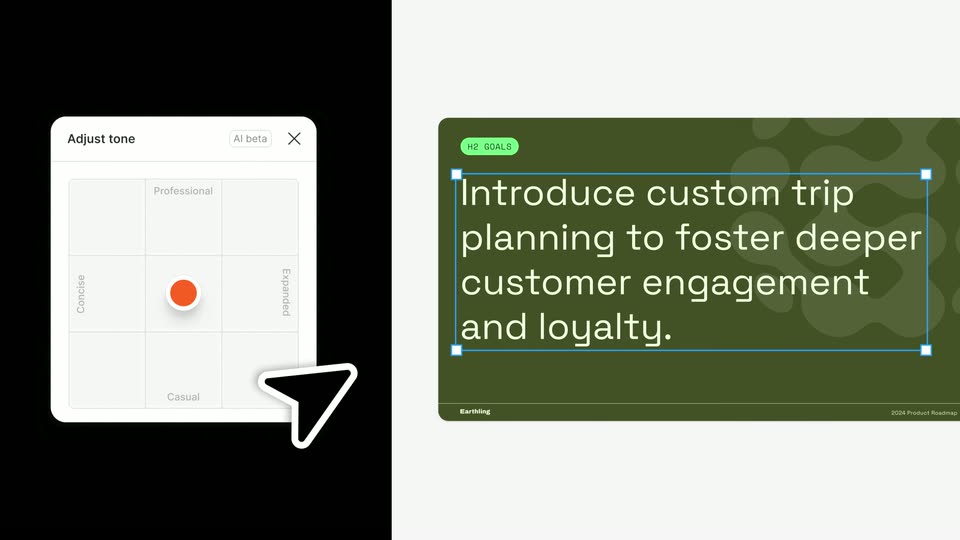 0:29–0:30Figma · Presenting: Figma SlidesA white tone panel with a 3x3 grid and an orange dot floats on black beside a white outline cursor. The dot drifts across the grid as the frame splits: the left keeps the panel, the right reveals a dark green editor with a highlighted paragraph.
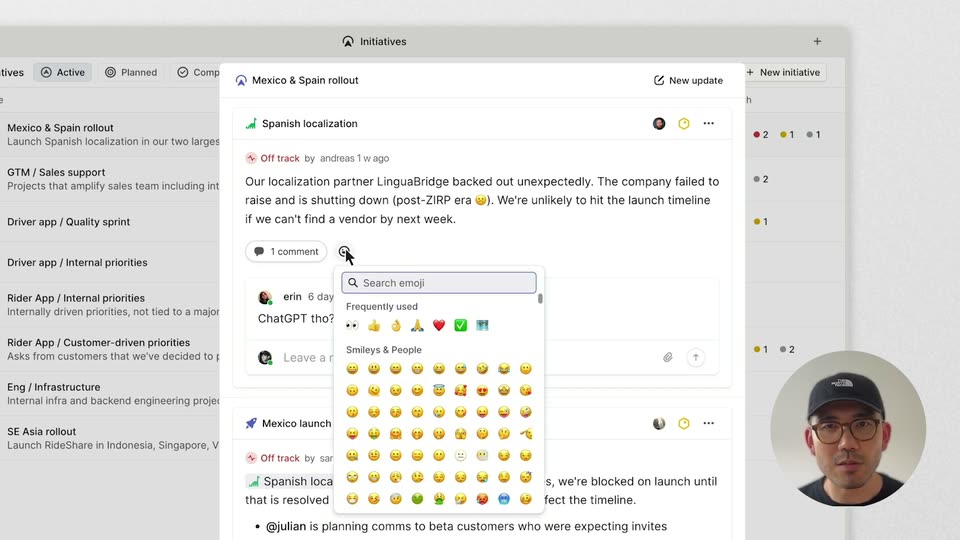 1:13–1:27Linear · Introducing Linear InitiativesA project management UI displays an initiative panel with an Off track status and a comment thread; a cursor clicks the reaction icon, an emoji picker pops open, and a reaction is added. A circular presenter face cam sits in the lower right.
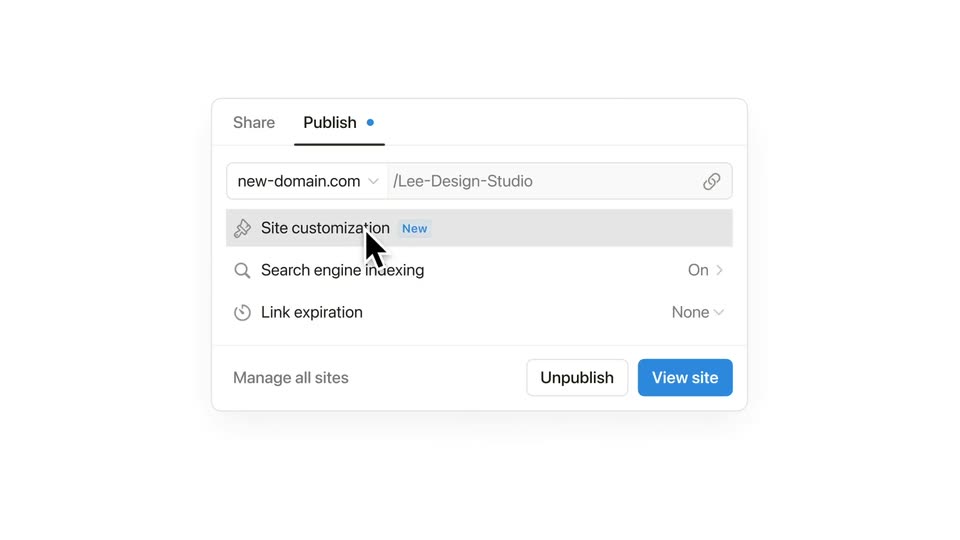 0:11–0:13Notion · Introducing: Notion SitesA white settings card sits on a light background. A cursor glides to the Site customization row, and the card swaps to a Customize your site view with Light and Dark theme tiles. The cursor clicks Light, which takes a blue outline.
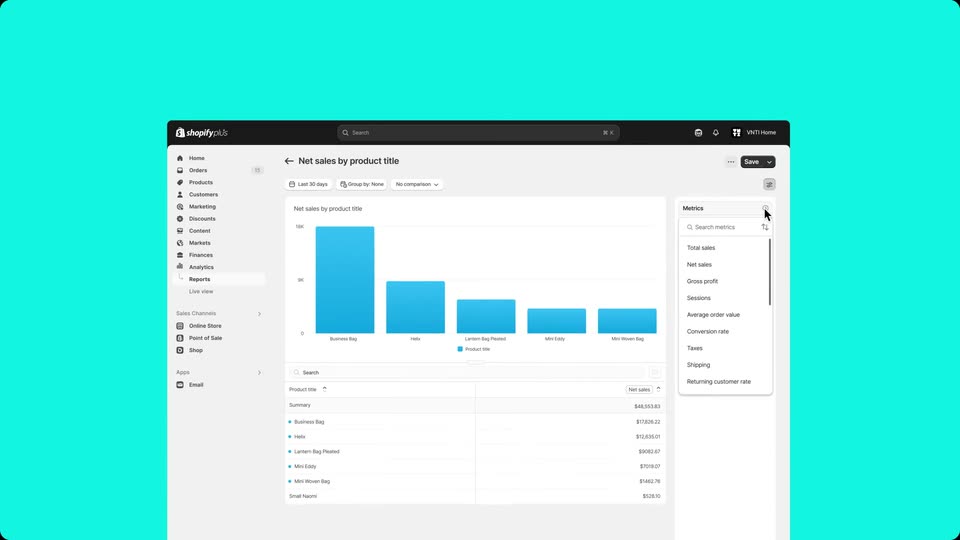 0:44–0:45Shopify · All new Analytics | Shopify Editions Summer '24On a cyan background, a Shopify Plus admin window slides in from the right. The cursor hovers over Reports, then the Net sales by product title report with a blue bar chart centers, and a metrics list panel slides in from the right edge.
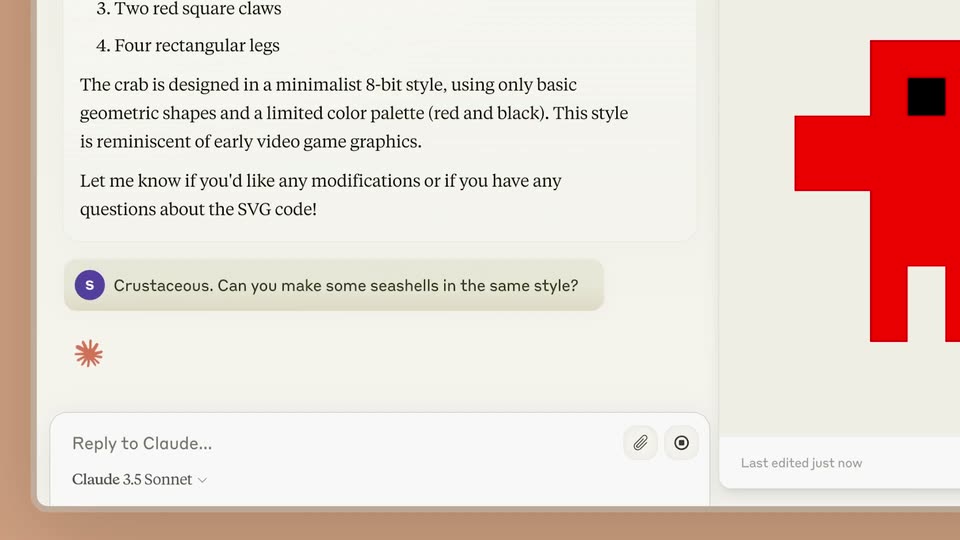 0:13–0:22Anthropic · Claude 3.5 Sonnet for sparking creativityA cream chat interface on a peach backdrop displays a red 8-bit crab in a side panel. The frame zooms into the chat column as a new prompt is typed in the input field and an AI reply streams in with a generating card.
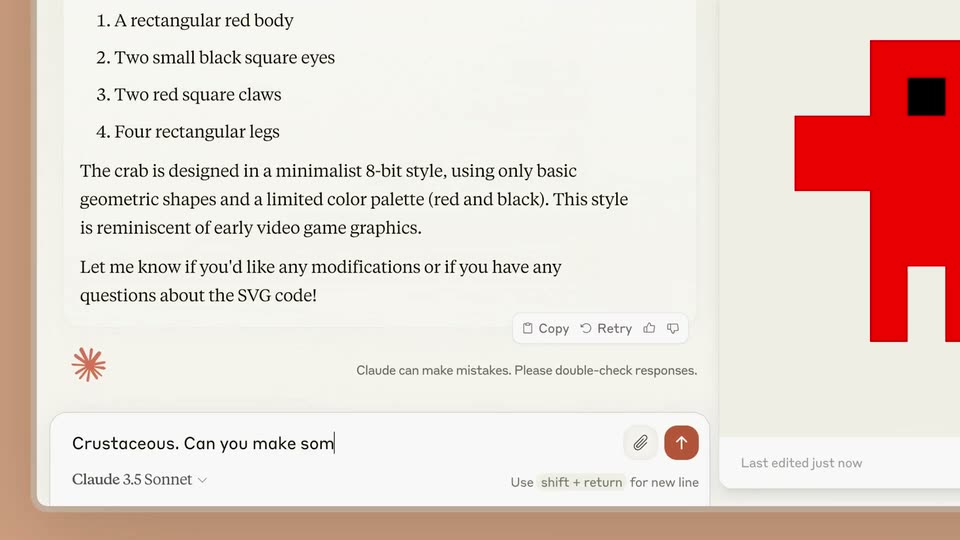 0:13–0:18Anthropic · Anthropic - We're also launching a preview of Artifacts on You can ask Claude toA cream chat window on a tan backdrop shows a Claude thread on the left and a red pixel crab on the right. The view zooms into the reply box as the prompt Crustaceous. Can you make some seashells in the same style? types out.
 0:15 · 0.8sFramer · Introducing: Framer FormsA plain black background holds the centered white phrase Fast and flexible. The first two words are already set while the word flexible fades in from a faint ghost to full opacity, completing the line.
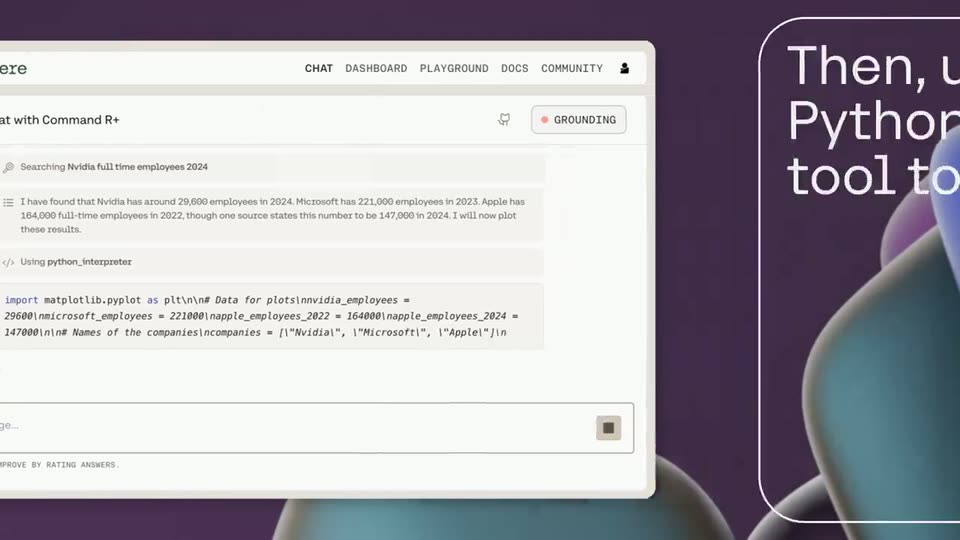 0:25 · 0.4sCohere · Cohere - Multi-step tool use is now available in the Cohere API! Build advancThe Cohere chat window, showing a search query and a Python code block, shrinks and slides to the left as a dark text panel with a white headline slides in from the right edge.
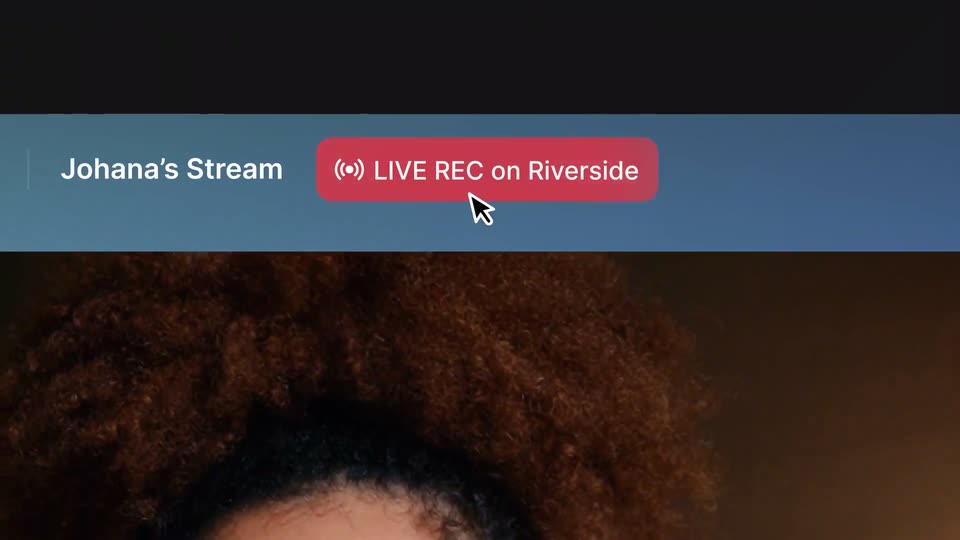 0:15–0:16Riverside · Riverside - Introducing the new Conversation Studio. With full HD live streamingA teal status bar labeled Johana's Stream sits over the top of a person's curly hair. A white cursor slides up and clicks the Ready to stream pill, which flips to red and reads LIVE REC on Riverside.
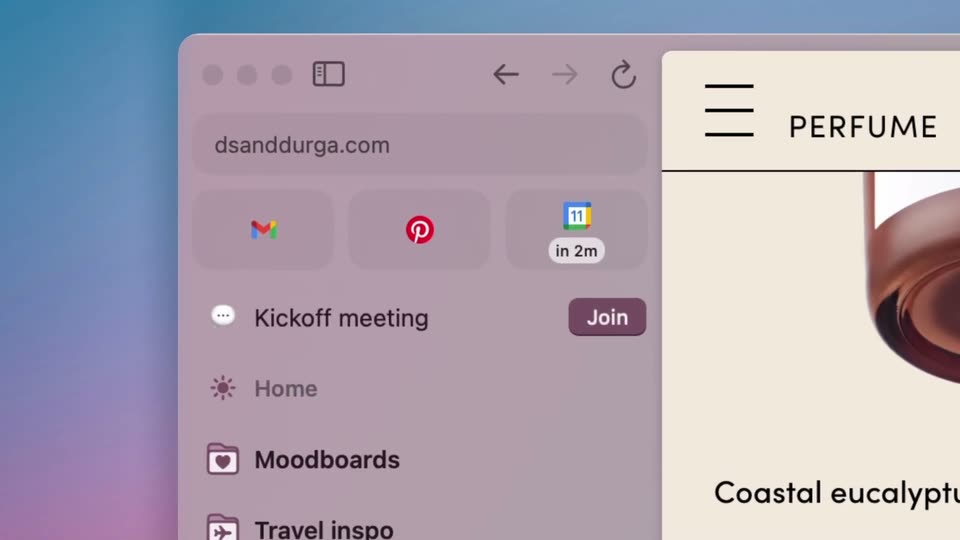 0:11–0:12The Browser Company · Introducing Live Calendar | Never be late againClose-up of a translucent browser sidebar beside a cream perfume card. A Kickoff meeting row with a Join button slides in above Home while a calendar chip counts down from 3m to 2m; the caption A friendly nudge holds still.
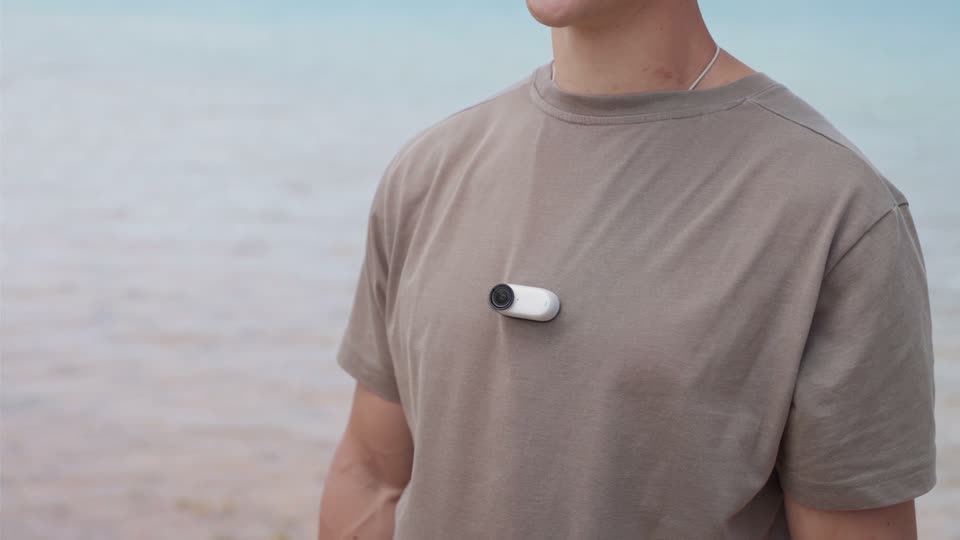 0:08–0:09Insta360 · Buy Insta360 GO 3S - 4K Small CameraA person in a tan T-shirt stands against a blurred beach; a small white camera with a black lens hangs on a white cord at chest height, ringed by a thin circle. Wear and it flank the device, then fade as the cord vanishes and the shot fades to white.
 0:32–0:34LottieFiles · LottieFiles - 🚀 Introducing Motion Copilot! - Describe your animation in any languA flat illustration shows a pink hand holding a stack of mint coins on a dark green field. A coin drops from above and lands on the stack, while stylized blue, green and yellow leaves, small flowers and white sparkles sway gently around the hand.
 0:08–0:09Luma AI · Introducing Luma Dream Machine - Next Generation AI VideoA green three-line headline “Image to Video” scales up on black while a photo card of a classic car slides in from the bottom right, turns from green duotone to full color, and settles centered with a slight tilt.
 0:07–0:08Stability AI · Stability AI - Today, we’re thrilled to announce the open weights for Stable DiffusiA photorealistic portrait of a red-haired man in a green cloak stands in a misty forest on the left. Bold white text on the right reads 'NEW LEVEL OF PHOTOREALISM' and 'NO COMPLEX WORKFLOWS NEEDED'. The still image dissolves with a horizontal glitch at the end.
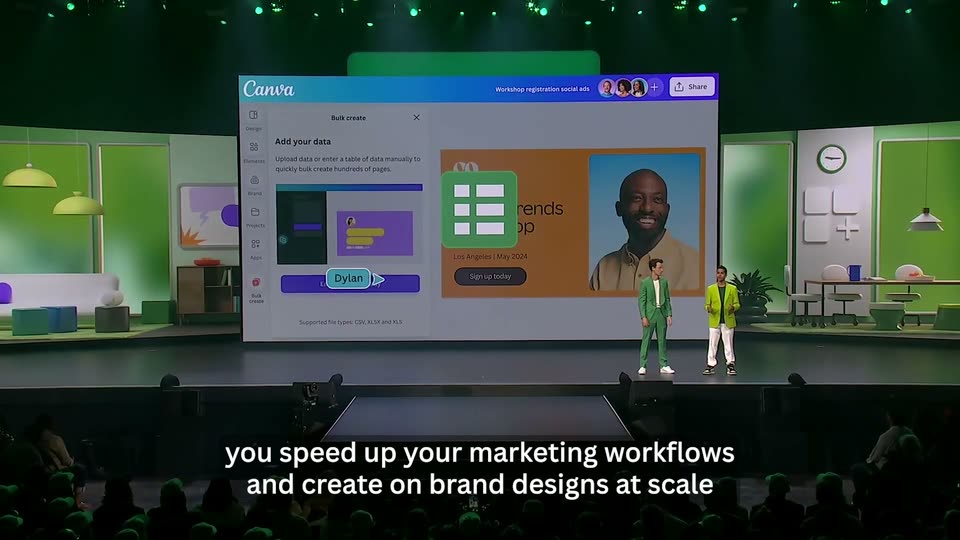 0:17–0:20Canva · Canva Create 2024: Introducing Bulk CreateTwo presenters in green stand on a stage before a large screen showing the Canva bulk create panel beside an orange workshop design. A green grid icon slides across the design as a labeled cursor moves. White subtitles run along the bottom.
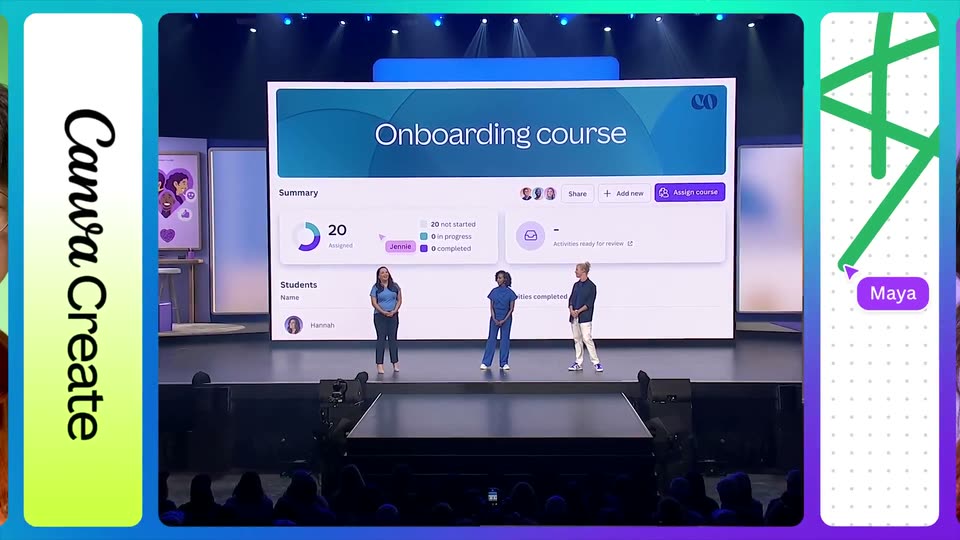 0:46–0:47Canva · Canva Create 2024: Introducing Canva CoursesThree presenters stand on a dimly lit stage before a large screen showing an onboarding course dashboard with summary stats and a student list. The camera holds a wide locked-off frame; the presenters shift weight while the interface stays static.
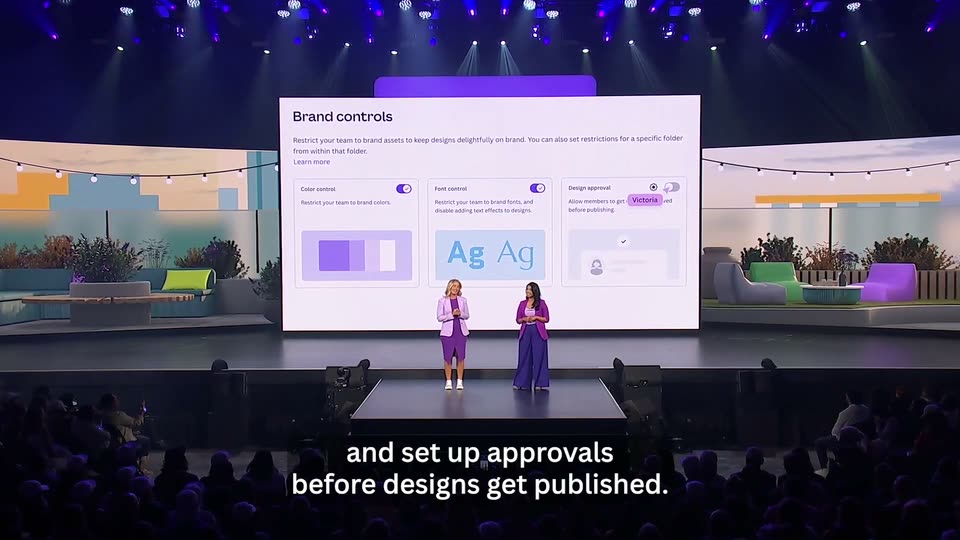 0:56–1:03Canva · Canva Create 2024: Introducing Canva EnterpriseTwo presenters in purple stand on a wide stage before a large screen showing a Brand controls panel. Toggles flip on, swatches and Ag font samples fill in, a pink approval card appears. Subtitles change below; the audience sits in dark foreground.
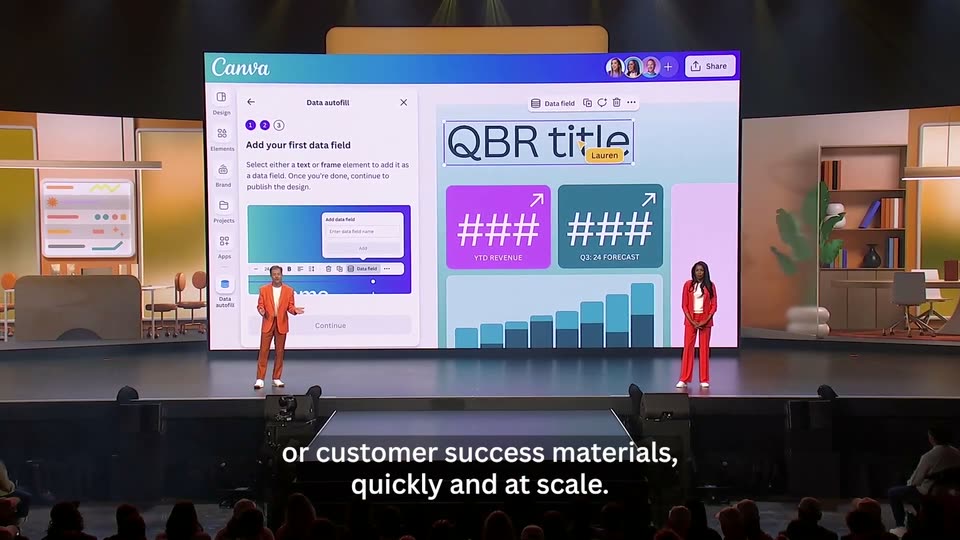 0:34–0:44Canva · Canva Create 2024: Introducing Data Autofill & RecordingsA wide stage shot holds two presenters in orange suits flanking a large screen. The Canva interface on it cycles through Data Autofill setup panels as a named cursor clicks each step, while white subtitles run along the bottom.
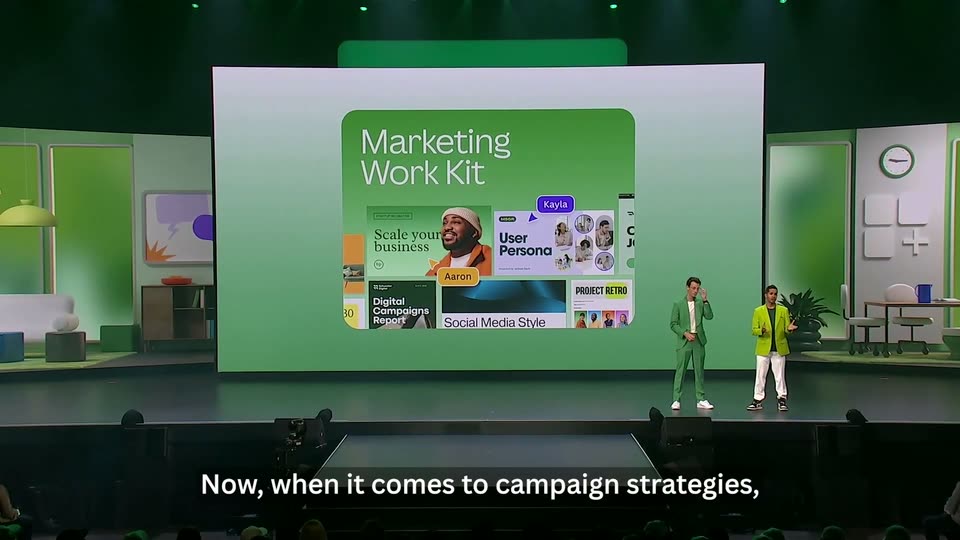 0:21–0:23Canva · Canva Create 2024: Introducing Work KitsTwo presenters in green outfits stand on a stage before a large screen. The screen shows a green Marketing Work Kit card, then switches to a guide view with template documents. A white subtitle reads the voiceover line at the bottom.
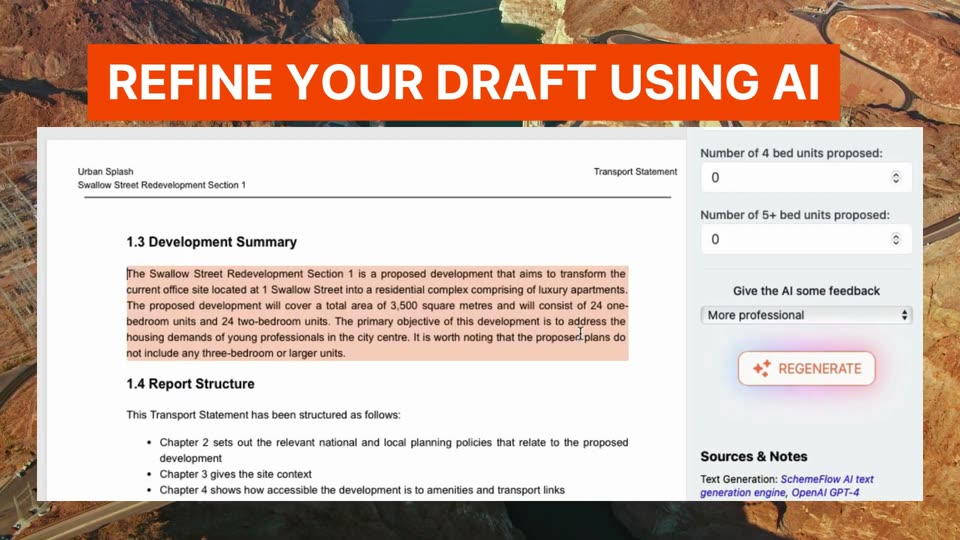 0:11–0:15SchemeFlow · SchemeFlow Intro VideoA product UI under an orange 'Refine Your Draft Using AI' banner: a document with a highlighted paragraph left, a feedback panel right. A cursor clicks Regenerate; the button shows a generating state and the paragraph rewrites with new wording. A white panel slides in from the right.