0:43
PlanetScale - PlanetScale now supports Postgres.
PlanetScale · Jul 2025
Grep AI · Jul 2024 · 2:31 · Full motion · AI-annotated
Grep AI’s 2:31 launch film runs 18 scenes, about 8.4 s each. The product is on screen from the first frame and 1 feature is revealed. There is no explicit call to action; a voiceover carries the film. The video is built as a brand open, a stat-led problem, one long single-feature demo, a benefits montage, and a brand close, all held on a single drifting purple wave background. Its signature moves are word-by-word text builds over the wave and UI recordings that tilt, zoom, and float as rounded cards on the same purple field.
Is this your launch? to your site or press kit.
PlanetScale · Jul 2025
OpenAI · AI · Sep 2026
Harvey · Oct 2025
Films whose music sounds like this one, voice left out
Arcus Power · Electronic
Manus · Upbeat electronic
Routant · Corporate electronic
The Parcha logo, a gold floral mark beside a white wordmark, sits centered on a purple wavy gradient background, then gives way to a large pale-lilac 40% numeral.
On-screen text: “40%”
Camera: Static
Centered on a purple gradient with slowly drifting wave shapes, a large “40%” and the line “Onboarding drop-off” fade in and hold. The text stays locked in place while the abstract waves shift gently behind it.
On-screen text: “40%”, “Onboarding drop-off”
Camera: Static
A centered two-line question in white serif type sits over a purple gradient with soft diagonal wave bands. The text softens into focus at the start, holds steady, then fades to dark at the end. The frame is locked off with no camera move.
On-screen text: “Are you losing customers and revenue due to slow onboarding?”
Camera: Static
A dark purple backdrop of soft diagonal wave bands holds a centered title that fades in over the first second, stays still, then fades out at the end of the clip.
On-screen text: “Top”, “5”, “reason for manual reviews”
Camera: Static
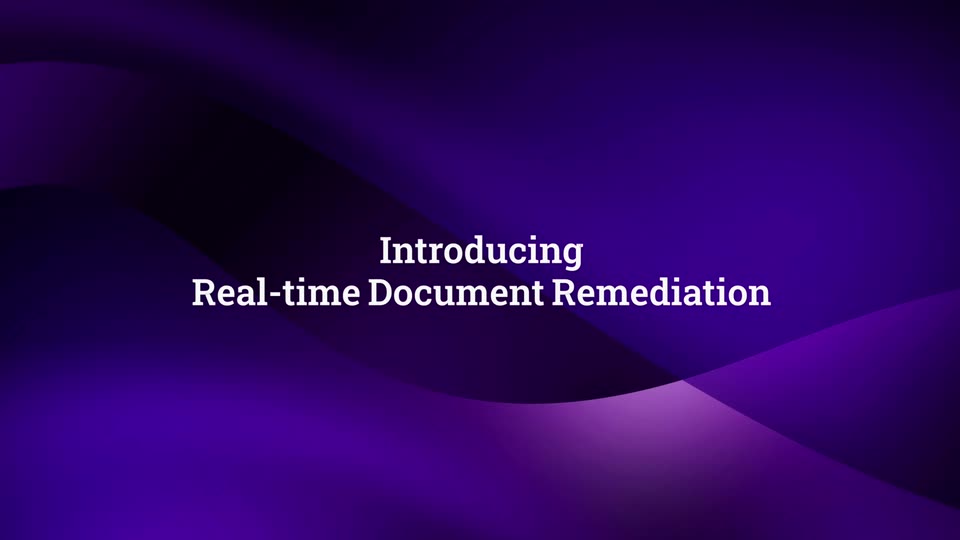
A white serif title, 'Introducing Real-time Document Remediation', sits centered over a dark purple abstract wave background and holds still. In the final second a browser window showing a document-upload form fades in over the title.
On-screen text: “Introducing”, “Real-time Document Remediation”
Camera: Static
A browser window on a purple gradient background zooms into the FastBank document upload form. The cursor clicks the Business Name field, types “Parcha Labs, Inc,” then moves down and clicks “Choose a document” under Business Registration.
On-screen text: “Introducing”, “Real-time Document Remediation”
Techniques: UI zoom, Cursor demo
Camera: Push in
A macOS file picker opens over a FastBank form; the cursor selects registration.pdf and clicks Open. The file uploads with a progress bar, then a spinner shows Scanning the document. A second PDF is dragged into the ownership field as the page scrolls down.
Techniques: Cursor demo
Camera: Static
A macOS file picker dialog sits centered over a light gray document form. The cursor moves into the file list, highlights OLD_address.pdf, and a page preview appears in the right pane. The cursor then clicks the blue Open button.
Techniques: Cursor demo
Camera: Static
A FastBank document form fills the screen with upload cards for business registration and ownership. The view scrolls as status lines type out scanning and verification messages, and a cursor moves across the fields.
Techniques: Cursor demo
Camera: Static
A browser PDF viewer shows a three-page Delaware incorporation document for Parcha Labs. A cursor clicks the left thumbnails, switching the main pane from the title page to the certificate and the signed final page, then back. The page fades from gray to white at the start and end.
Techniques: Cursor demo
Camera: Static
A FastBank verification page shows a progress bar filling on registration.pdf, then turning into a green check. The view scrolls down to a rejected OLD_address.pdf with a red error box. The cursor hovers over the message and highlights the phrase 'outside the validity period.'
Techniques: Cursor demo
Camera: Pull out
A dark web editor fills the frame, with a narrow left sidebar and a large gray canvas. A white square thumbnail outlined in blue, labeled 1, pops into the top of the sidebar while a mouse cursor hovers in the open canvas.
Camera: Static
A static screen recording shows a PDF viewer holding an old IRS mailing-address letter, then hard cuts to the FastBank upload page where the same file triggers a red error box about the 90-day validity period.
Camera: Static
A FastBank document-upload page shows a rejected PDF with a red validity error. A cursor clicks the lower upload box, a new PDF chip drops in, then the frame pulls back to reveal the full browser window with a green Upload button.
Techniques: Cursor demo, UI zoom
Camera: Pull out
A tilted browser mockup of the FastBank document upload page floats over a soft purple abstract background. The new file scans and turns into a green check, then the camera straightens and zooms in as the cursor moves to the Submit button.
Techniques: 3D mockup, UI zoom, Cursor demo
Camera: Push in
A static browser window shows a white page with a green Success line, a bold headline and two buttons. After three seconds the frame pulls back, revealing the window as a rounded-corner card with a soft shadow floating on a purple abstract backdrop.
Camera: Pull out
A browser success page with the word “Eliminate” overlaid dissolves into a deep purple abstract wave background as the headline completes and recenters. Centered white serif benefit phrases then swap in one after another, each building word by word.
On-screen text: “Eliminate hours of onboarding delays”, “Faster onboarding”, “Higher activation”, “Happier customers”, “Stronger compliance”
Techniques: Kinetic type
Camera: Static
A deep purple gradient with soft diagonal waves holds a centered yellow rosette mark and the white wordmark Parcha; both fade in, hold, then fade out. A small still headline reads Stronger compliance.
On-screen text: “Stronger compliance”
Camera: Static