
0:52
Explore
Introducing: Framer Forms
Framer · Jun 2024 · 0:47 · Full motion · AI-annotated
- Length
- 0:47
- Scenes
- 23 · 2.1 s avg
- Product on screen
- 0:01
- Features shown
- 4
- Call to action
- 0:34 · 72%
- Voiceover
- Yes
- Views
- 93K on YouTube
as of November 27, 2026
00:00:00 / 00:47:22
- Length
- 0:47
- Scenes
- 23 · 2.1 s avg
- Product on screen
- 0:01
- Features shown
- 4
- Call to action
- 0:34 · 72%
- Voiceover
- Yes
- Views
- 93K on YouTube
as of November 27, 2026
Framer’s 0:47 launch film runs 23 scenes, about 2.1 s each. The product shows up at 0:01 and 4 features are revealed. The call to action lands at 0:34 (72% in), over a voiceover. The video alternates centered word-by-word title cards with rapid UI morphs and editor cutaways, all cut at a brisk 145 BPM pace on a black field. Signature moves are the left-to-right text fill, blur-resolve headlines, and forms reflowing in place on locked-off frames.
No filming indicatedEstimated needs: 5 capture groups — your screens or recordings · 1 official logo — reused across the film · 1 3D passage — build or supply
Is this your launch? to your site or press kit.
More like this
1:01
Framer: Stop Waiting. Start Shipping.
Framer · Design · Nov 2025
4:32


Qantum · L'ERP financier IA natif · Présentation
Qantum · Sep 2026
Similar soundtrack
Films whose music sounds like this one, voice left out
1:47

Introducing Aina | The AI Ring That Knows What You Need Next
Aina · Electronic dance music (EDM), future bass, and trap
1:03

Aptos - The new era of Aptos starts now. A fresh look. A sharper vision. 10x
Aptos · Electronic (Downtempo, Chillout, Lo-fi Hip-hop)
1:02
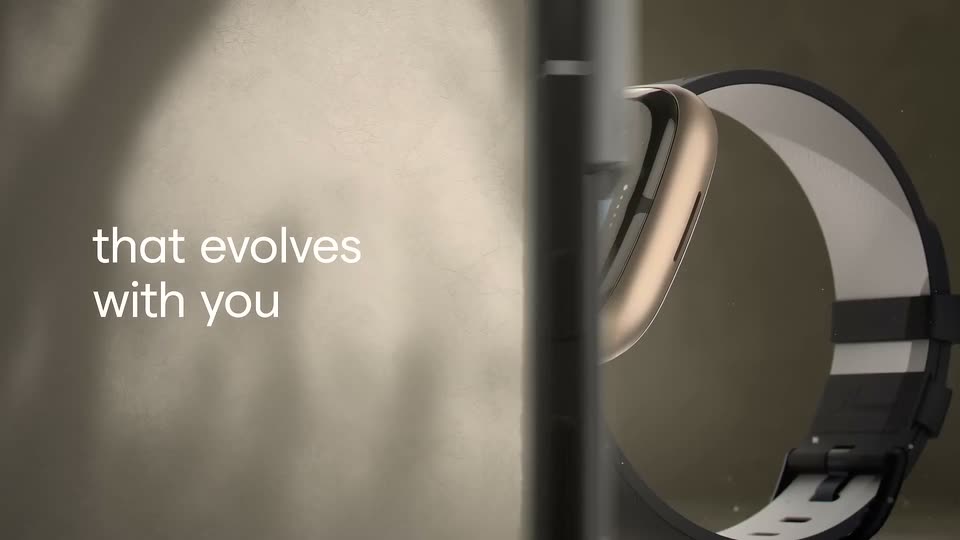

Tackle stress & sleep better with Fitbit Sense 2
Fitbit · Electronic dance music (future bass, melodic dubstep, big room)
Introducing: Framer Forms, scene by scene
· 23 scenes as text
01 · Hook · 0:00–0:00
On a near-black background with a faint blue glow, the word 'Introducing' sits centered in thin blue outline. A solid blue fill sweeps across the letters from left to right, completing the word.
On-screen text: “Introducing”
Techniques: Masking
Camera: Static
02 · Hook · 0:00–0:01
The blue word Introducing fills in from left to right on a dark gradient, then a rounded pill outline fades in behind it. The word drops to an outline as a white 3D case and a blue ring rise from the bottom edge.
On-screen text: “Introducing”
Techniques: Masking, 3D mockup, Light sweep
Camera: Static
03 · Product intro · 0:01–0:04
On a black background, glowing blue 3D check and plus shapes sit at the bottom. The words Framer Forms type out letter by letter in a dark pill, then a white Let's go pill slides in from the right as a hand cursor hovers over it.
On-screen text: “Framer Forms”, “Let's go”
Techniques: Kinetic type, Cursor demo
Camera: Static
04 · Demo · 0:04–0:06
On a black background, a flat support form with Title, Message and OS radio buttons slides up and fades as a booking form with Email, Date and Time fields fades in, the fields reflowing in place on a locked-off frame.
On-screen text: “Framer Forms”, “Let's go”
Techniques: Morph, Kinetic type
Camera: Static
05 · Demo · 0:06–0:07
A black screen holds a registration form that morphs from a wide two-column layout into a compact card. The heading switches to “Let's get you going,” the name fields merge into one, and a Continue button slides in.
Techniques: Morph
Camera: Static
06 · Demo · 0:07–0:08
A dark form on a black background transitions as a card holding a headline and a Continue button dissolves out, while filled Name and Email fields and a white Submit button settle into a centered layout.
Camera: Static
07 · Feature reveal · 0:08–0:08
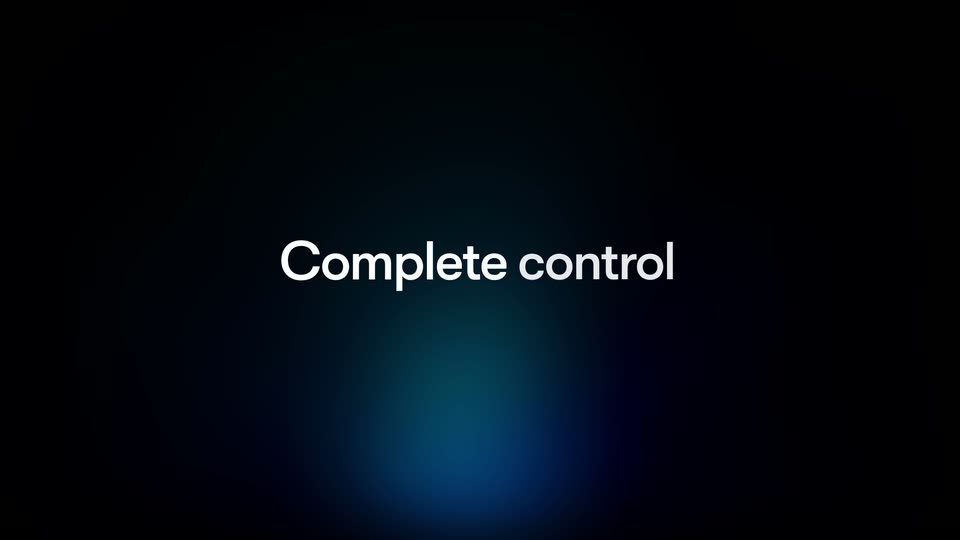
A dark background features a soft blue glow at the bottom center. The white text “Complete” is centered, and the word “control” fades in beside it.
On-screen text: “Complete control”
Techniques: Kinetic type
Camera: Static
08 · Feature reveal · 0:08–0:09
The headline “Complete control” sits centered on a near-black field with a soft blue glow below. The text resolves from a horizontal blur, then a white cursor arrow appears at the lower right.
On-screen text: “Complete control”
Camera: Static
09 · Feature reveal · 0:09–0:14
A dark form with three white input fields loses its fill to become outlined boxes, then the name fields slide side by side as an Email field appears with a blue focus glow and a floating label. A cursor moves and clicks between the fields.
Techniques: Cursor demo, Morph
Camera: Static
10 · Feature reveal · 0:14–0:15
A dark contact form shows First name, Last name, Email and Phone fields, the Email field ringed in glowing blue. The other fields fade out, the blue ring expands to center, and the tagline Fast and flexible fades in as the ring dissolves.
On-screen text: “Fast and flexible”
Techniques: UI zoom
Camera: Static
11 · Feature reveal · 0:15–0:15
A plain black background holds the centered white phrase Fast and flexible. The first two words are already set while the word flexible fades in from a faint ghost to full opacity, completing the line.
On-screen text: “Fast and flexible”
Techniques: Kinetic type
Camera: Static
12 · Feature reveal · 0:15–0:18
A Framer editor fills the frame while a white headline 'Fast and flexible' fades in at the center. A hand cursor grabs the Form Builder from the left search panel, the panel switches to Layers, and the element lands on the canvas.
On-screen text: “Fast and flexible”
Techniques: Cursor demo
Camera: Pan
13 · Feature reveal · 0:18–0:18
A dark Framer editor fills the frame. On the canvas, a cursor clicks a green plus icon on a purple card, which swaps into a contact form with name, email and location fields. The layers list on the left and the properties panel on the right update in sync.
Techniques: Cursor demo
Camera: Static
14 · Feature reveal · 0:18–0:19
Inside the dark editor, a form on the canvas reflows as the layers selection moves from a label to a stack. A caret appears in the name field and the width property in the right panel changes.
Camera: Static
15 · Feature reveal · 0:19–0:21
The Framer editor displays a dark website design with a contact form on the canvas. A cursor works the inspector panel on the right, and the form rows reflow live as Job title and Country fields appear.
Techniques: Cursor demo
Camera: Push in
16 · Feature reveal · 0:21–0:23
White text builds word by word at center on a near-black field, a soft teal glow blooming at the bottom. The words scale and fade in, then hold steady.
On-screen text: “Connect and collect”
Techniques: Kinetic type
Camera: Static
17 · Feature reveal · 0:23–0:27
A dark design-tool editor reframes onto its right properties panel. A cursor clicks Add beside Send To, a dropdown opens, and the cursor selects Google Sheets, filling the row with a blue Sheets icon. A large headline, Connect and collect, scales in over the panel.
On-screen text: “Connect and collect”
Techniques: UI zoom, Cursor demo
Camera: Pan
18 · Feature reveal · 0:27–0:29
On a black background with a soft blue glow at the bottom, the word Custom resolves from a blur, then redirects joins it to form the phrase, which sharpens before blurring and fading out.
On-screen text: “Custom redirects”
Techniques: Kinetic type
Camera: Static
19 · Feature reveal · 0:29–0:32
A dark sign-up form sits centered on a black background. The Name field holds “Abby Gilbert” while an email address types itself into the Email field, then a white mouse pointer glides down and rests on the white Submit button.
Techniques: Cursor demo
Camera: Static
20 · Feature reveal · 0:32–0:34
A confirmation screen fades in on a black background. A white rounded checkmark badge sits centered above the white line “Thank you kindly.” and the gray line “We'll reach out soon.”, with a white cursor arrow resting below. The layout holds still after the fade.
Camera: Static
21 · CTA · 0:34–0:40
A black frame with a soft blue-teal glow at the bottom cycles centered white headlines: “Native forms” builds word by word, “Now in Framer” scales in, then “Get started today” holds as tiny white particles drift around it.
On-screen text: “Thank you kindly.”, “We'll reach out soon.”, “Native forms”, “Now in Framer”, “Get started today”
Techniques: Kinetic type, Particles
Camera: Static
22 · Outro · 0:40–0:42
The white tagline “Get started today” holds centered on a dark field with a blue glow, then dissolves into a white geometric logo that fades in at center and slowly dims to black.
On-screen text: “Get started today”
Camera: Static
23 · Outro · 0:42–0:47
A small dark gray geometric logo, two angular shapes, sits centered on a black field with a faint teal glow below, then fades to full black.
Camera: Static