UI zoom
A zoom or reframe onto one part of the interface.
9,951 scenes · page 35 of 166
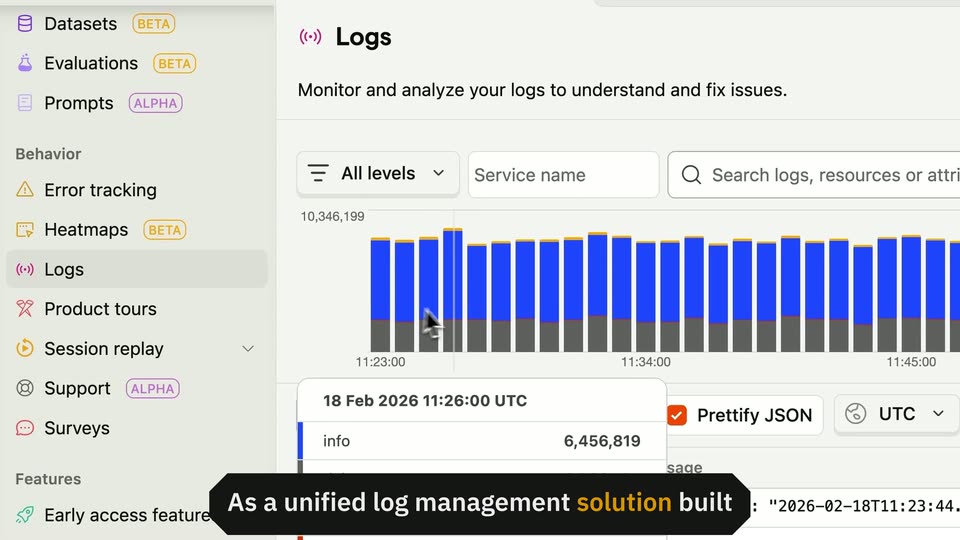 0:47–1:05Posthog · PostHog - Introducing Logs by PostHog - Free, up to 50 GB for free every monthThe PostHog Logs dashboard fills the frame, a flat cartoon of an armored knight on a red horse pinned to the left edge. A black subtitle bar at the bottom cycles through captions as the view briefly zooms into the log chart.
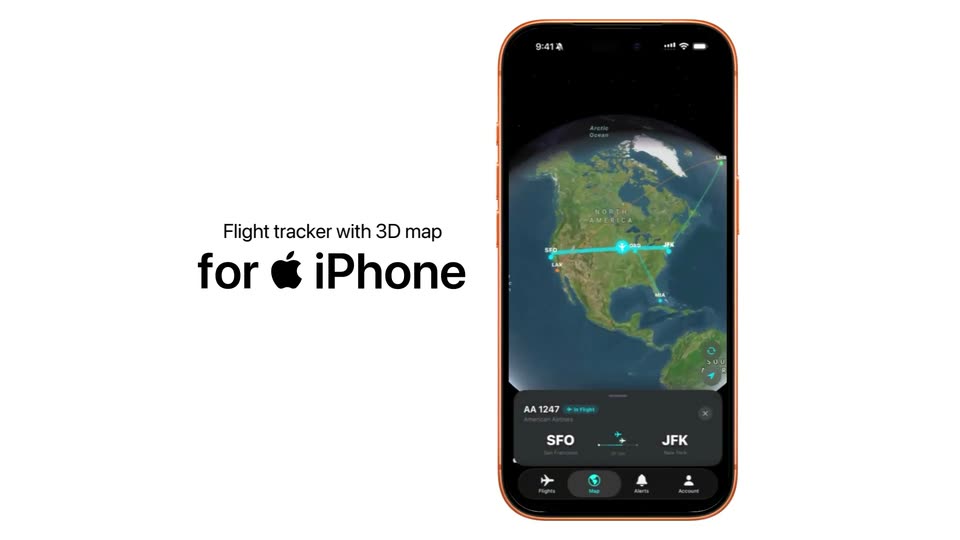 0:10–0:13Rork · Rork - Introducing Rork Max AI that one-shots almost any app for iPhone, Black headline text sits left of an orange iPhone on a white background. The phone's flight app scrolls from the details card to a map, which unfolds into a 3D globe tracing the SFO to JFK route, then zooms in over North America.
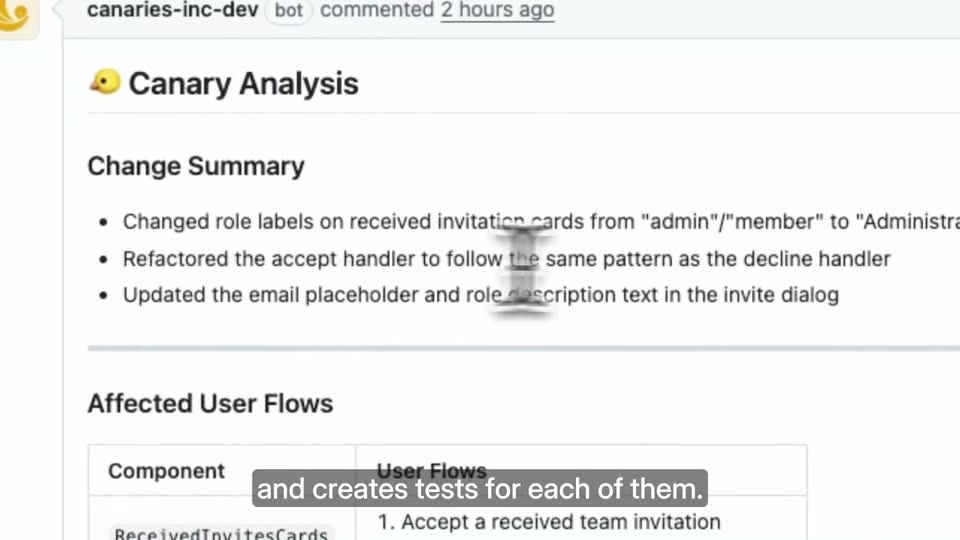 0:25–0:31Canary · Canary - Friday. 5:47 PM. Quick Claude session, small auth refactor. LGTM, meA GitHub pull request view zooms into a bot comment showing a Canary Analysis and Change Summary. A text cursor glides over the bullet points as caption lines appear at the bottom. The interface text stays still while the camera pushes in.
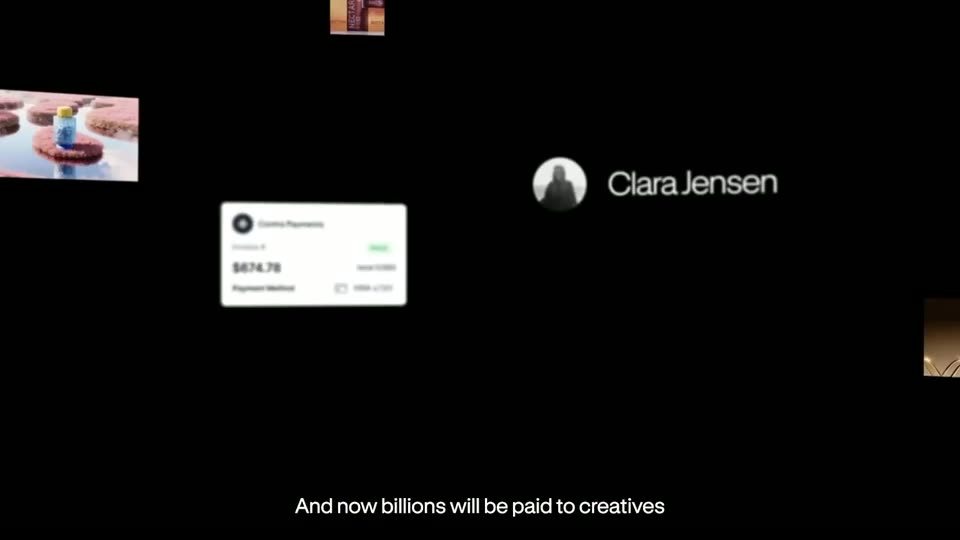 0:12–0:13Contra Payments · ben - Introducing Contra Payments. The first payments platform that lets yA blurred payment card and creator name sharpen, then the view pulls back into a 3D perspective field of floating Contra invoice cards, creator names, and product images. A white caption line runs along the bottom.
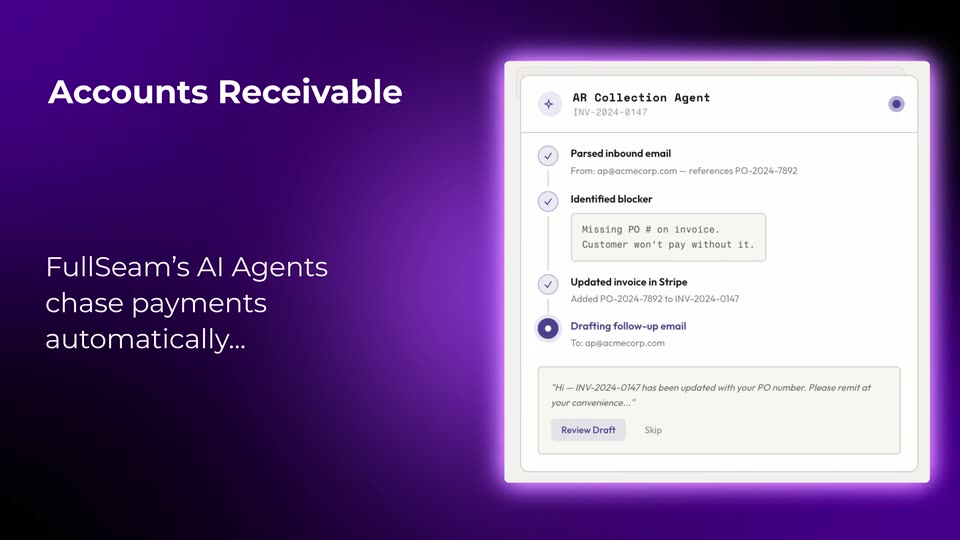 0:27–0:30FullSeam · FullSeam Launch VideoPurple gradient, white headline “Accounts Receivable” top left. A glowing card on the right fills in step by step: parsed email, blocker, invoice update, drafted follow-up. Caption lines slide in on the left, then the frame reframes onto the card, cropping it at the right edge.
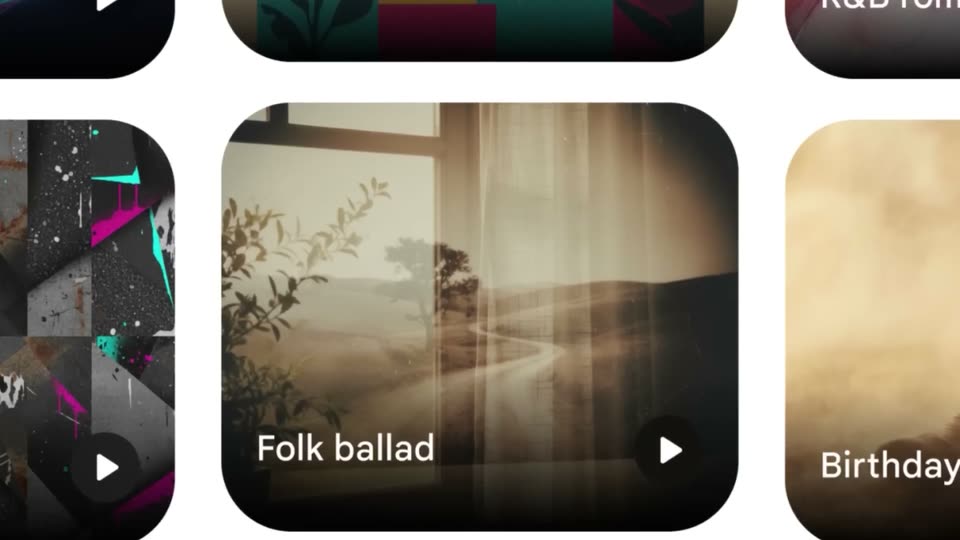 0:42–1:01Google · Introducing Lyria 3 music generationA prompt bar reading “I need a track that says Congratulations” sits above a grid of rounded genre tiles. The view scrolls down and zooms onto individual tiles, each showing a pause button and a circular progress ring as its track plays.
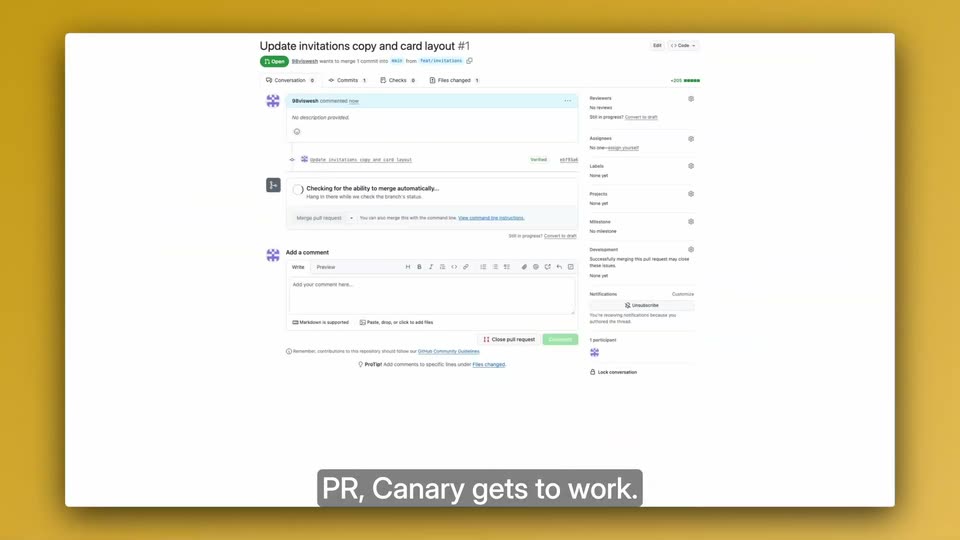 0:21–0:25Canary · Canary Launch VideoA close-up of a GitHub pull request page shows a hand cursor pressing the green Create pull request button under a dark caption bar. The view blurs and pulls back to the full PR page, tilted in 3D on a mustard yellow background.
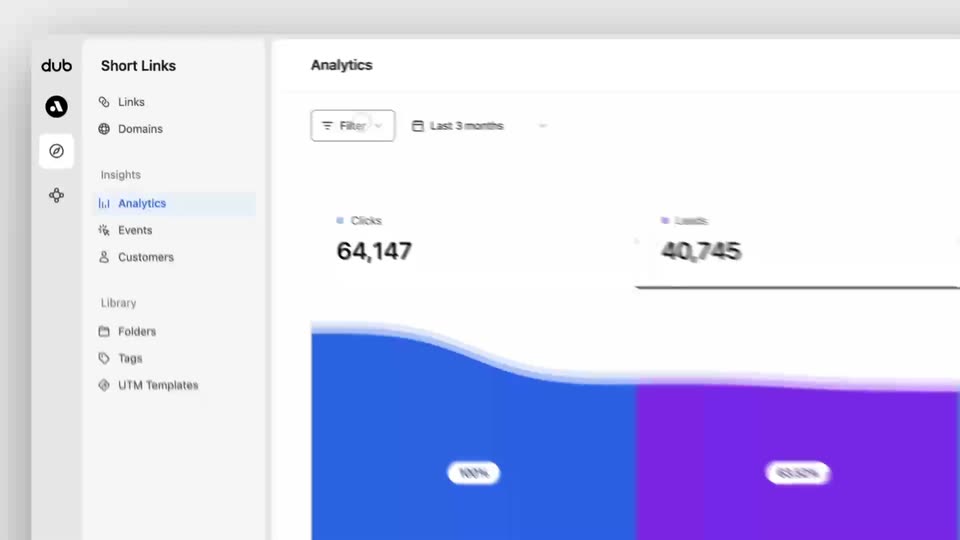 0:00–0:13Dub · Dub: ask AIA dub analytics funnel chart with blue, purple and teal bands sits in a dashboard. The Filter menu opens, the view zooms to its search field, and a query for new sales in the last 30 days is typed. The screen pulls back as the funnel shrinks to filtered figures.
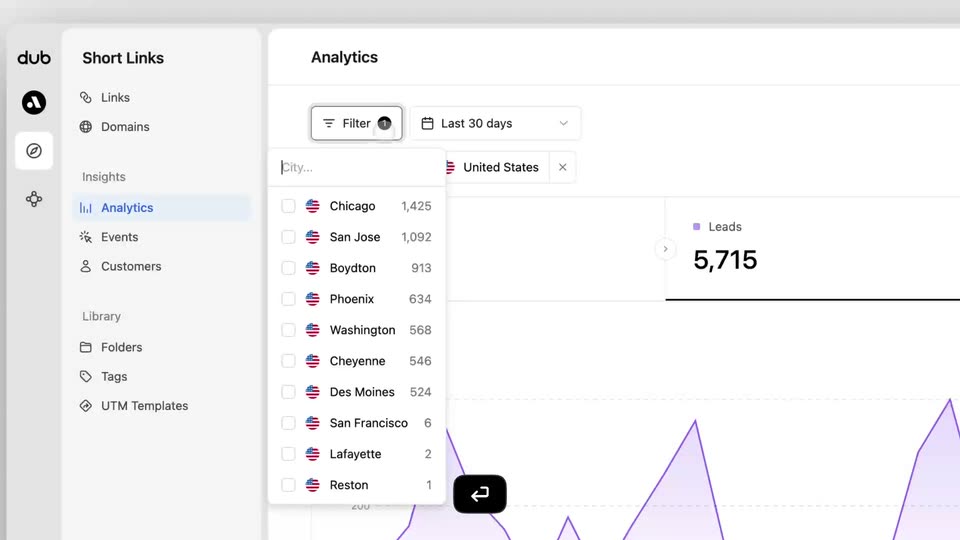 0:00–0:16Dub · Dub: new filtersA white analytics dashboard fills the frame. The view zooms into the Filter control, where a black cursor pill opens a dropdown, checks United States, then Chicago. Filter chips appear and the metric numbers and purple chart update. The frame zooms back out to the full dashboard.
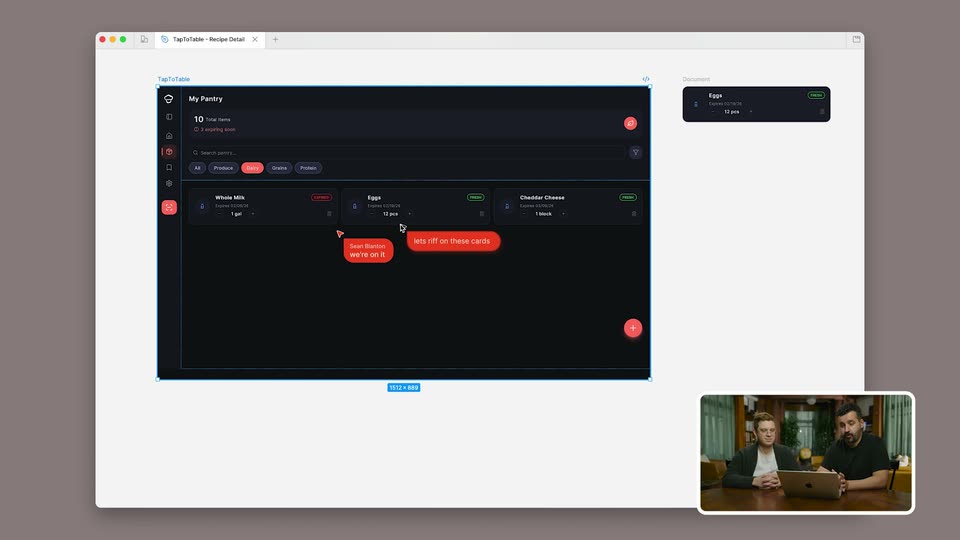 2:03–2:14Figma · Figma - Tired: code or canvas Wired: code AND canvas Introducing Claude CodeA dark pantry app design fills a browser canvas, with a corner video of two men at a laptop. A cursor selects the frame and drops a red comment on the cards, then the view reframes to center the design as the corner video cuts to one speaker.
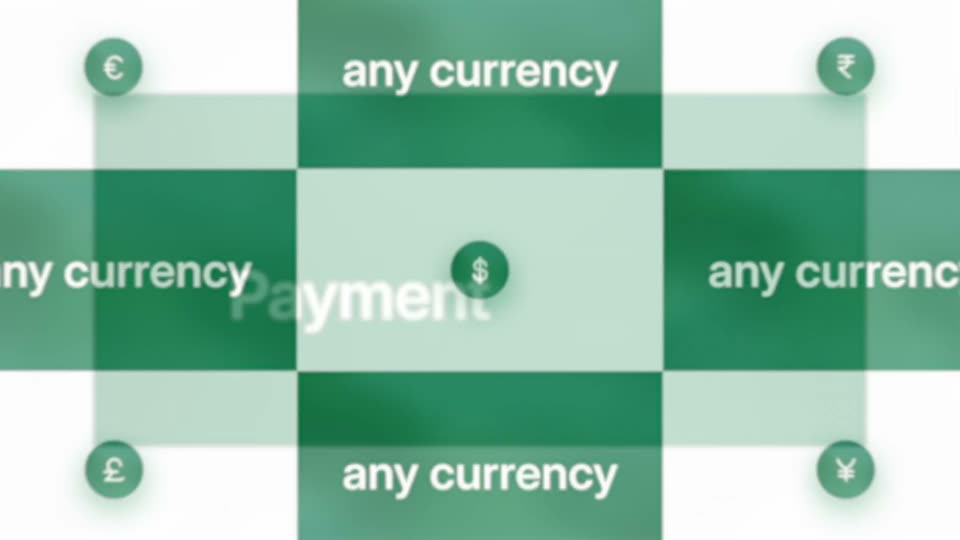 0:37–0:38Grade · Grade: Performance-Based Payroll, $380k Paid in 30 DaysA checkerboard grid of green tiles reading any currency and white tiles holding green coin icons with currency symbols. The coins drift diagonally, then the frame zooms in on the center dollar coin.
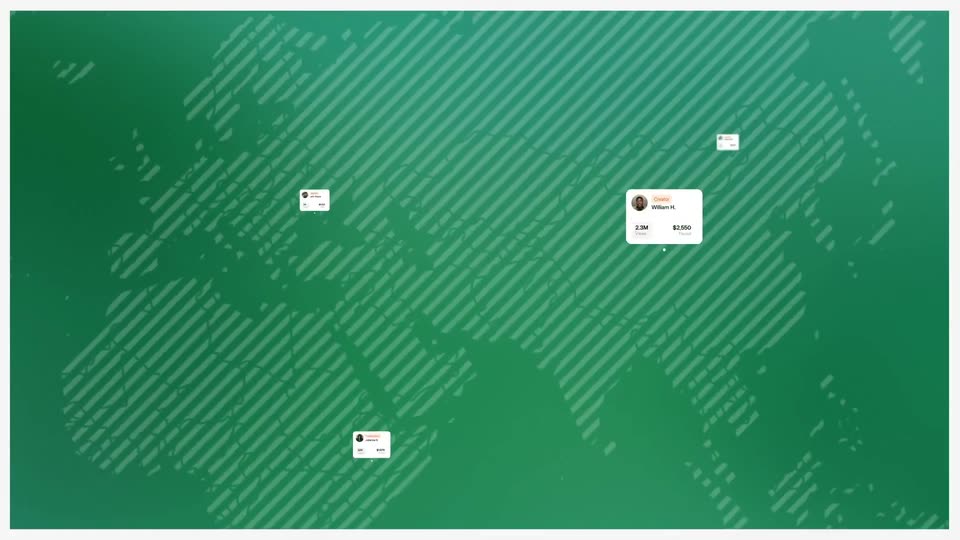 0:53–0:57Grade · Y Combinator - .@usegrade is building payroll for performance, helping companies payA white headline with a $1,878 pill slides over a green gradient, then yields to a second line as a hatched green world map fades in. Four white payout cards with avatars and amounts float over the map while the frame zooms in on them.
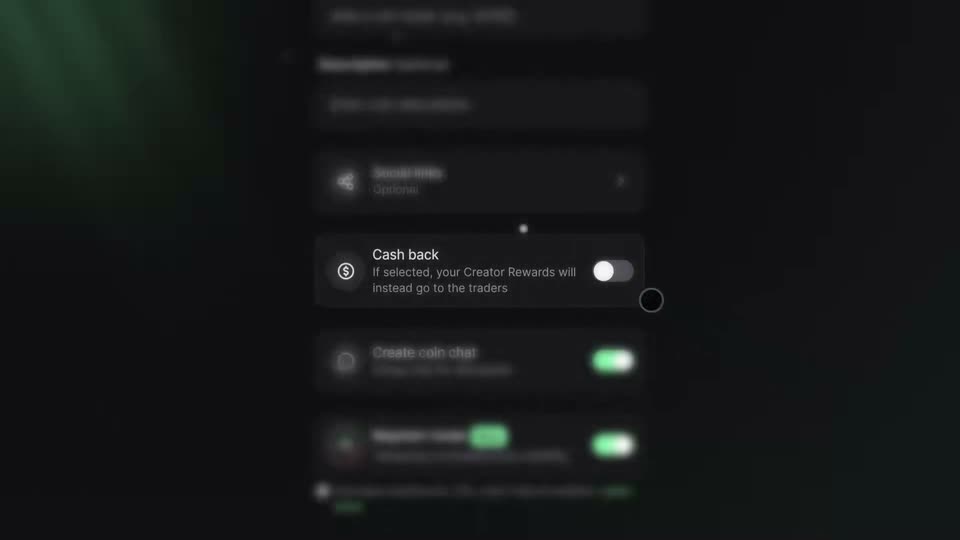 0:15–0:21Pump.fun · Pump.fun - Creator Fees need change. Not every token deserves Creator Fees. NowA dark settings list scrolls upward with shallow depth of field, the surrounding rows blurring until the Cash back toggle sharpens into focus at the center. A soft glint sweeps across the row as it locks in.
 0:12–0:14Emdash · Y Combinator - .@emdashsh is building an open-source Agentic Development EnvironmentA dark task-list interface fills the frame. The view zooms toward the top-right as a white cursor moves to hover the '+ New Task' button. A small webcam feed of a man sits in the bottom-right corner.
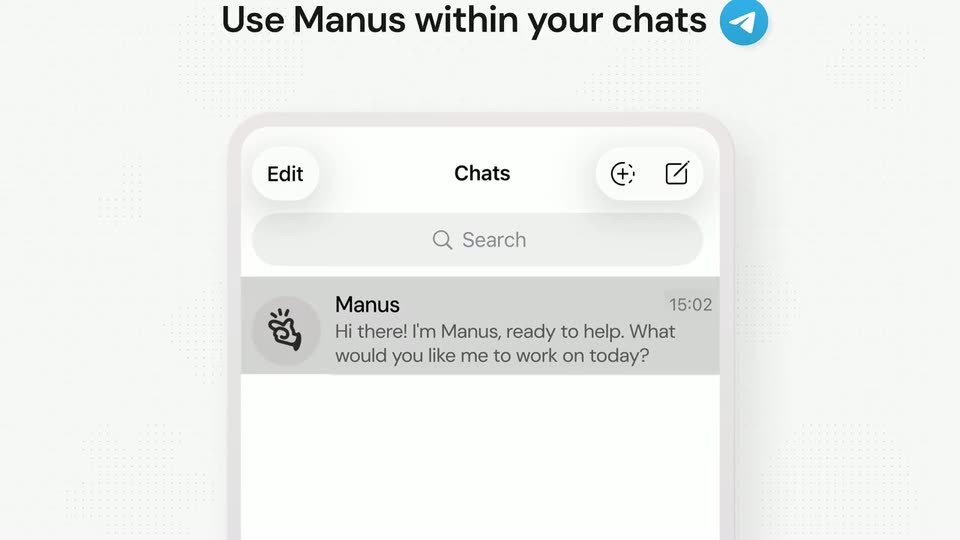 0:03–0:04Manus · Manus - Introducing Manus Agents — your personal Manus, now inside your chatsA flat chat interface card with a search bar and a highlighted Manus message sits beneath a bold black headline and a blue paper-plane badge. The frame pulls back to show the whole card and a green doodle strip along the bottom.
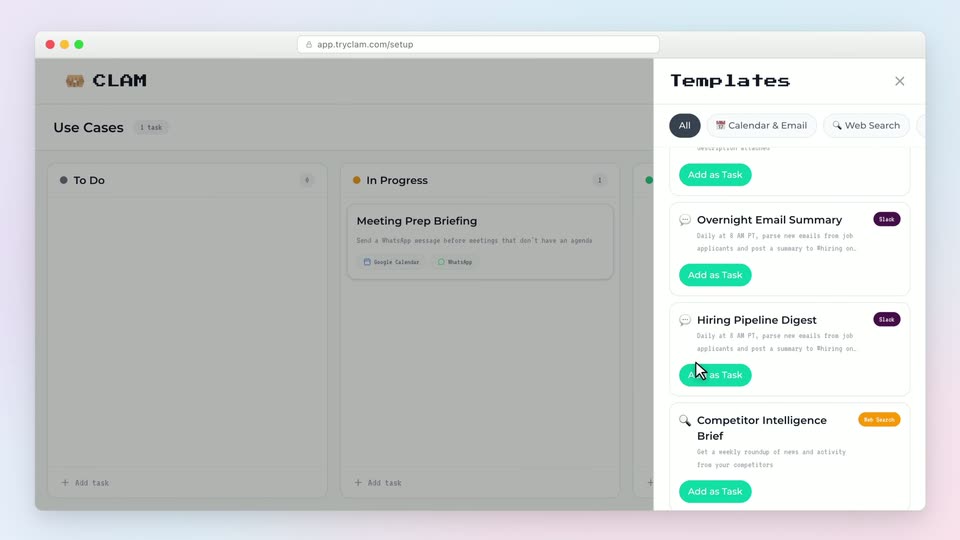 0:36–0:47BaseFrame · Clam (YC W26) - Security meets OpenClawA kanban board in a browser window. A cursor opens the Templates panel from the right and clicks Add as Task on an entry; a new card drops into the In Progress column and the count ticks up. The panel closes and the view zooms into the column.
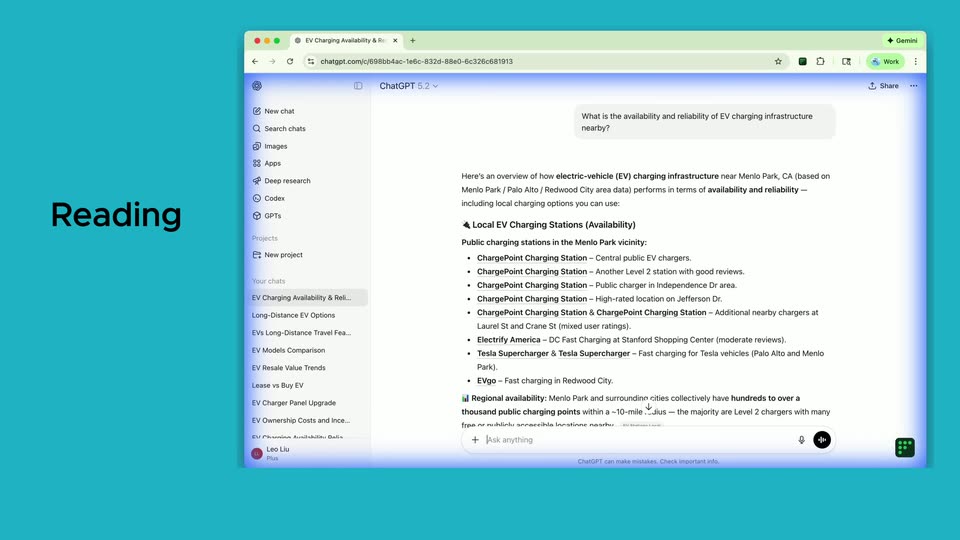 0:24–0:28Frevana · Frevana AEO Agent Team Launched 🎉A ChatGPT browser window sits on a flat blue field with a large black word on the left. The answer pane updates in place, swapping the long list for a short summary with a map and a Citations panel sliding in from the right, then the frame wipes to solid orange.
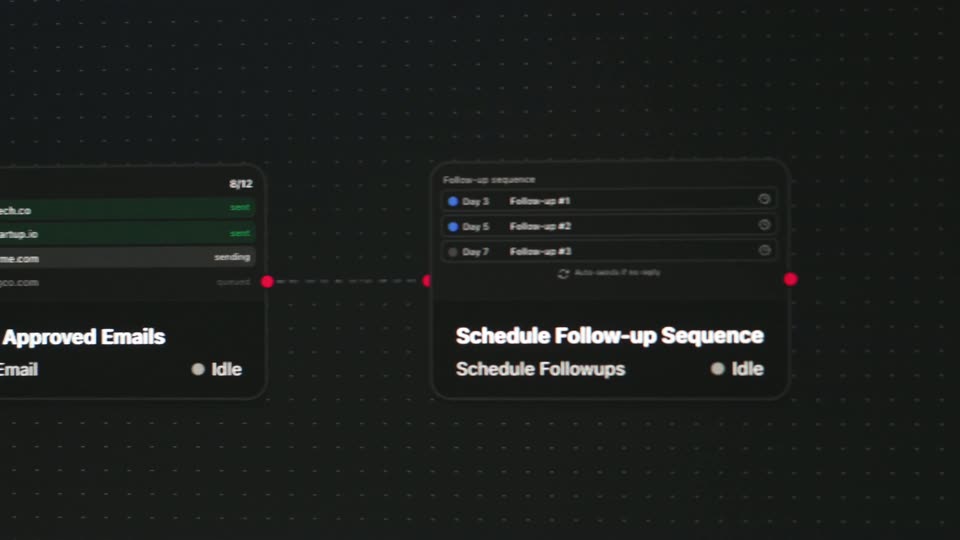 0:57–0:58Jam · jia - i proposed... introducing jam. you build, jam spreads.Two dark UI panels sit on a dotted grid. The left panel lists sent emails, the right lists a follow up sequence. The composition pans right, sliding the left panel off screen while the right panel centers.
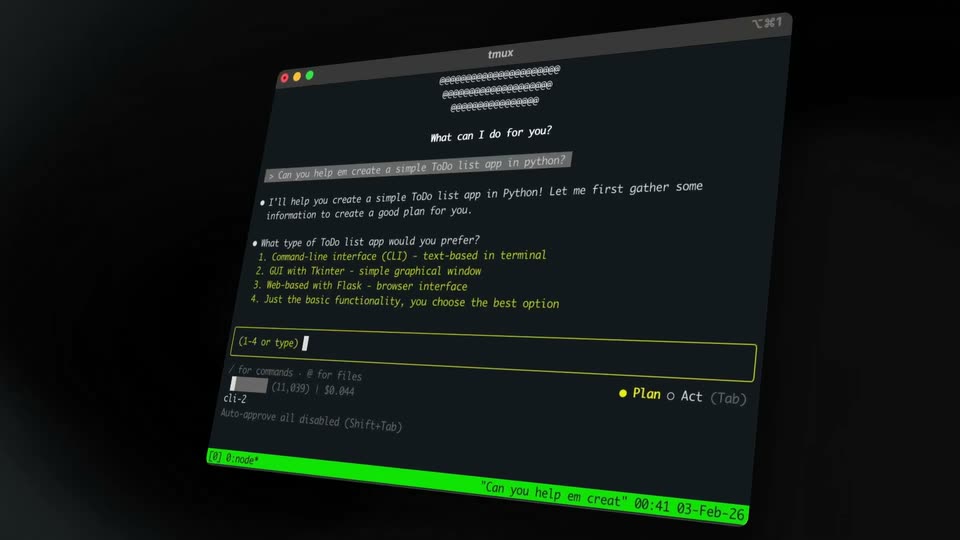 0:02–0:13Cline · Cline - Introducing Cline CLI 2.0: An open-source AI coding agent that runs eA tilted tmux terminal floats in 3D on black beside the static white headline Launch Interactive Mode. An ASCII logo assembles, a prompt types a request, then the camera pushes in on the numbered options as the answer fills.
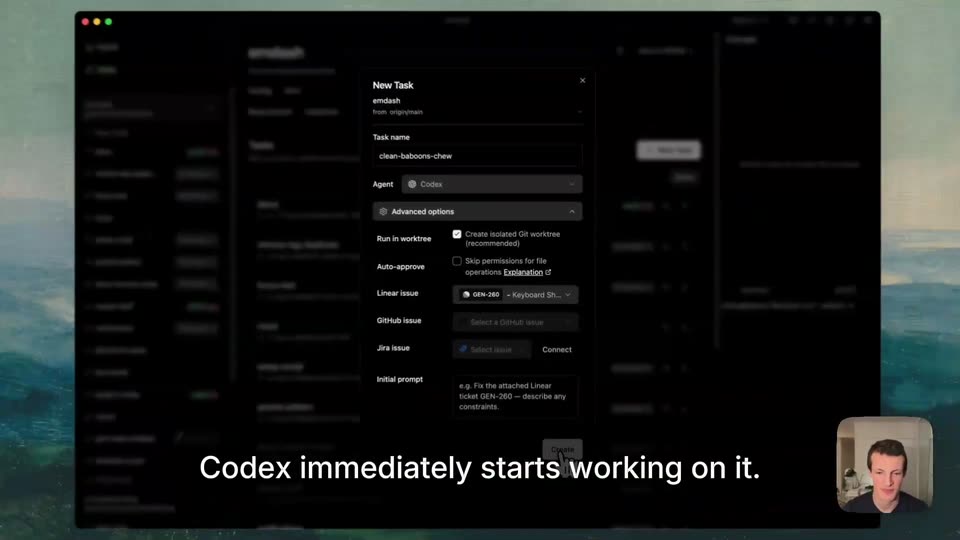 0:16–0:19Emdash · Launch Emdash (YC W26)A dark New Task dialog sits over a blurred app window; a cursor picks an issue ID from a search dropdown, expanding Advanced options with two checkboxes. The view reframes closer, then the dialog closes to reveal a tasks list.
 0:02–0:03Polymarket · Polymarket - Bitcoin up or down? 5 minute up/down crypto polymarkets are now liA dark pill badge with a Bitcoin B icon and the words 5 minute markets sits centered on a black navy field. The view zooms into the badge so the coin circle grows to dominate the frame, the label slides off the right edge, and a glowing cursor arrow appears beneath the coin.
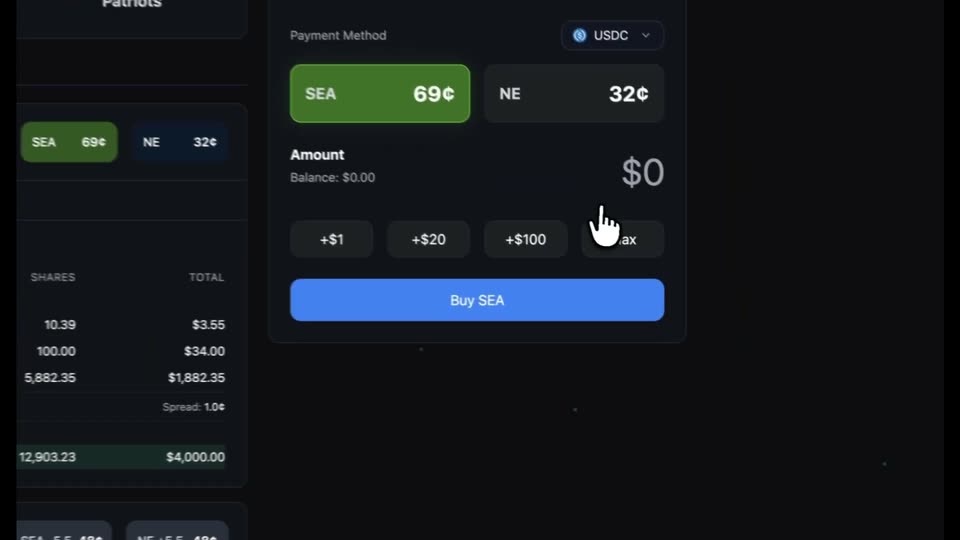 0:03–0:08Unifold · Unifold - Universal Deposit InfrastructureA screen recording zooms from the full Alpha Arcade market list into a single Seahawks versus Patriots card, then into its trading panel. A white caption box states the USDCa requirement while a cursor hovers over the amount buttons.
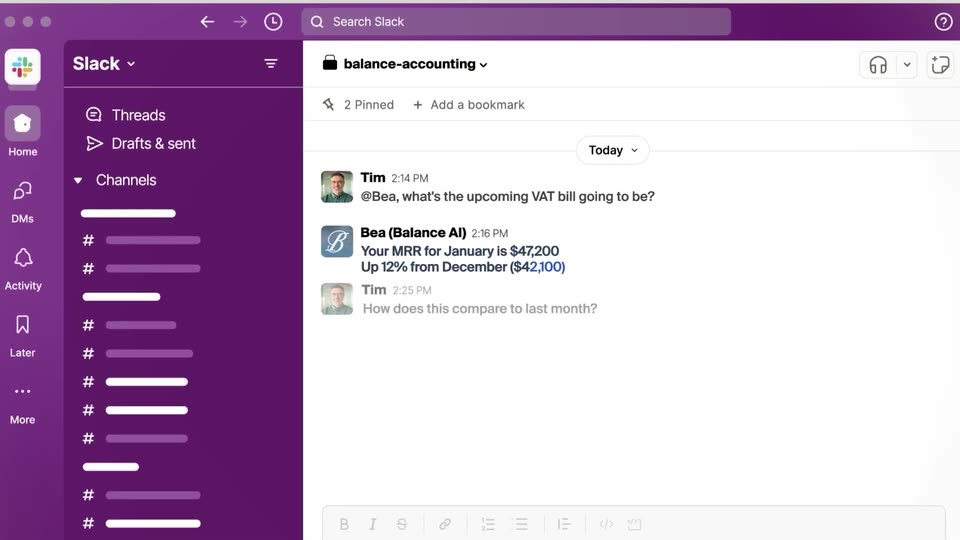 0:53–0:56Balance · Balance (YC W26) - The Accounting Firm Rebuilt for the AI EraA flat Slack window mockup rests centered on a light gray grid, then the frame zooms into the chat pane while Tim's question and two Bea replies load in sequence.
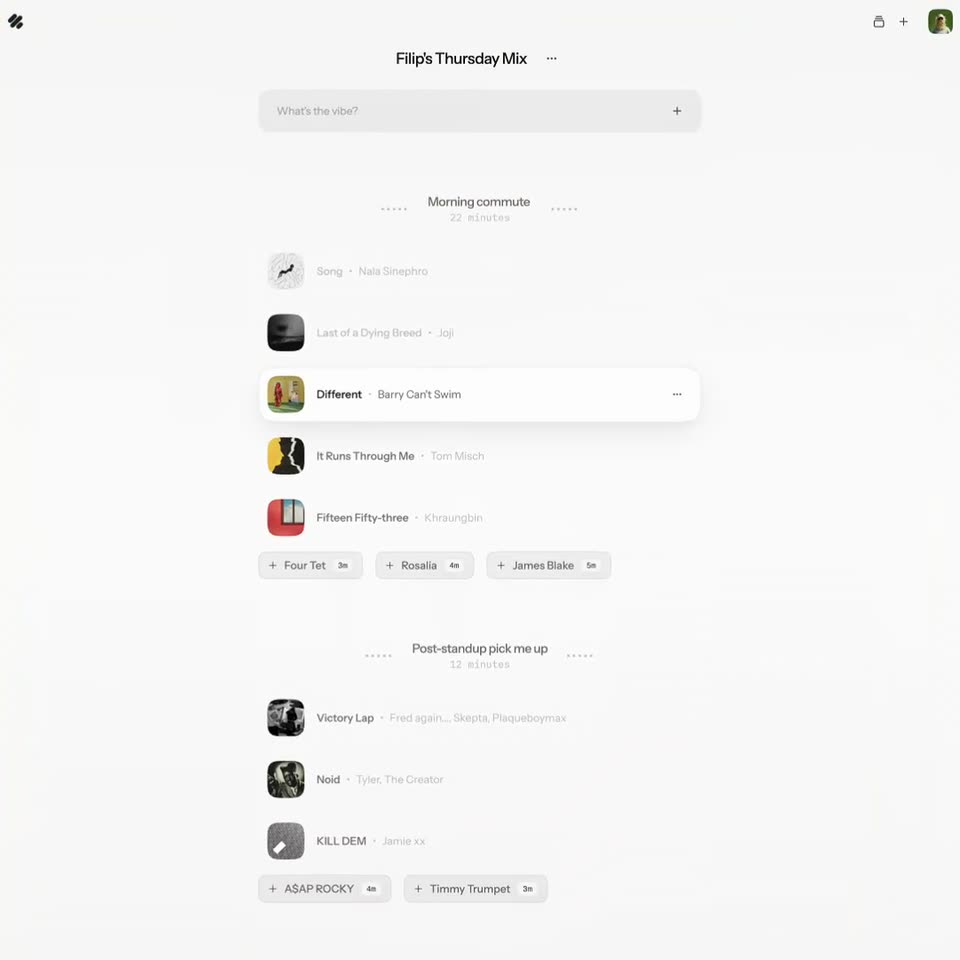 0:06–0:07Design Canvas · Irvin Zhan - Today we’re launching Design Canvas for AI agents. AI can build a feA light-themed playlist screen fills the frame as a centered card scales up through a brief crossfade. The settled view shows a search field, a song list with square album thumbnails and titles, and a row of artist pills along the bottom.
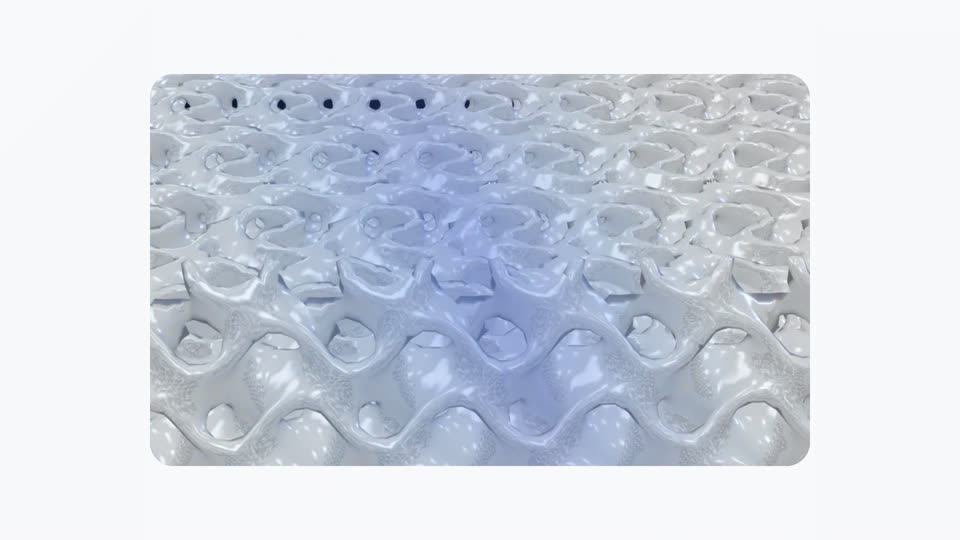 0:20–0:23Google · Google Gemini - Today, we’re releasing a significant upgrade to our specialized reasoA light webpage with article body text and a CSS code block scrolls upward, then the view zooms into a rounded-corner photo of a white 3D-printed gyroid lattice, which fills the frame.
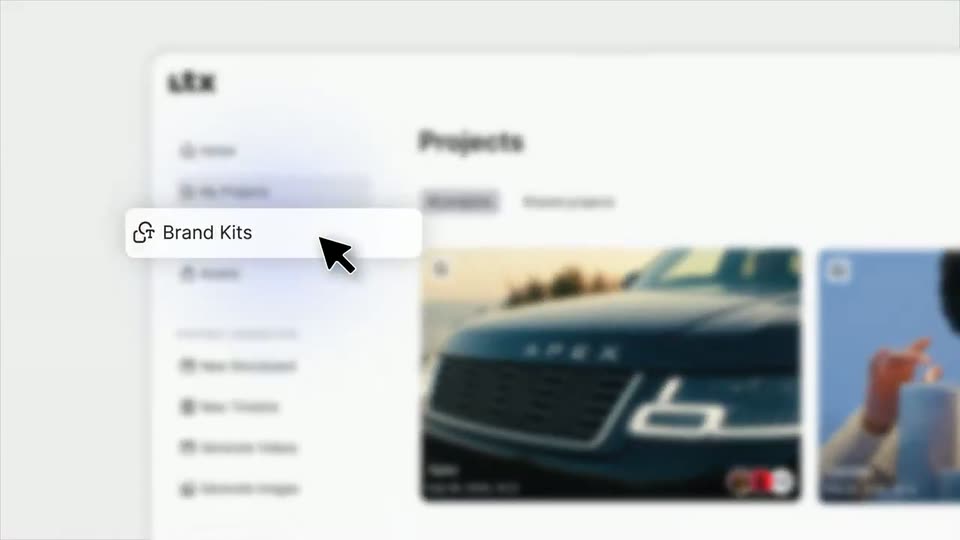 0:02–0:03Lightricks · LTX.io - Introducing Brand Kit. A new enterprise feature in LTX Studio that lA product dashboard with a left navigation menu is shown, then the view zooms in and blurs the background, isolating the Brand Kits menu item in a floating card under a hovering cursor.
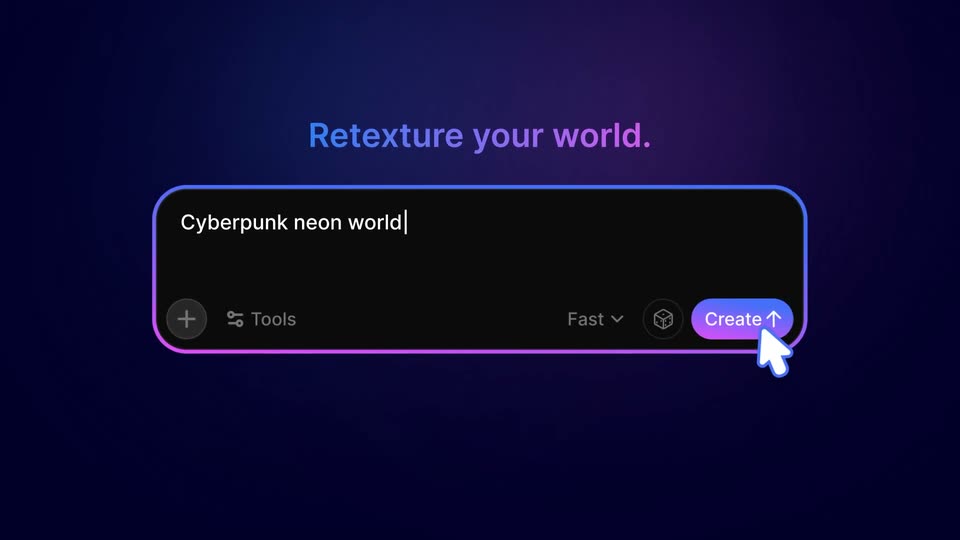 0:26–0:28osu.ai · TSM - INTRODUCING @OSUAIapp 👀 Our team has been hard at work on a desktopA dark blue gradient backdrop holds a rounded prompt bar with “Cyberpunk neon world” typed into it beneath the headline “Retexture your world.” A large arrow cursor glides in and clicks the Create button as the bar gently zooms.
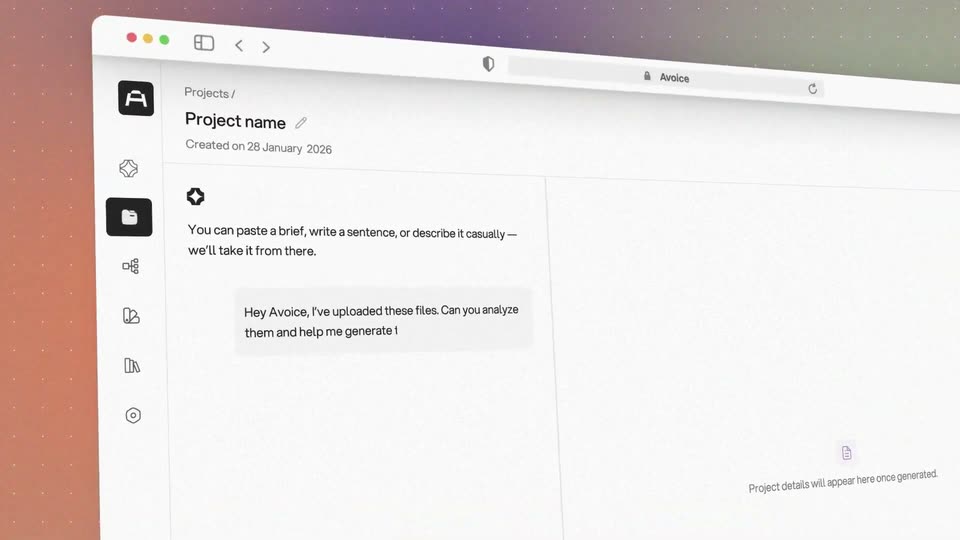 0:17–0:22Avoice · Avoice | The AI Workspace For ArchitectsA tilted browser mockup of the Avoice app resolves from blur, then the camera zooms onto the Projects page as the cursor hovers the Create project button. The view reframes onto a chat thread where a user asks Avoice to analyze three uploaded PDF files.
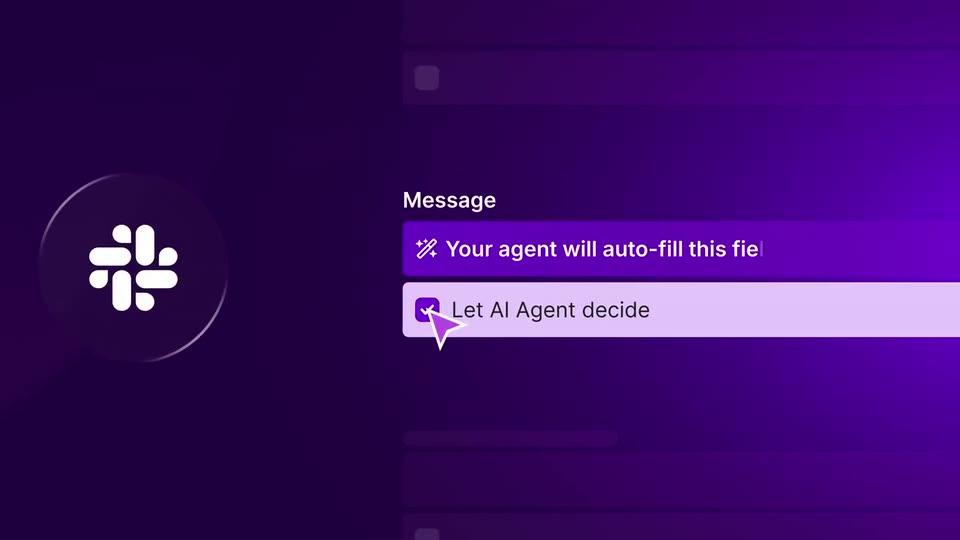 0:31–0:35Make · Make - Make AI Agents are here - reimagined 🦾 #AIAgents promised a lot. ButA purple form panel with a Message field; Hello Make! fills the input, then a Let AI Agent decide chip appears and a purple cursor hovers it, revealing a banner Your agent will auto-fill this field. The camera pushes in and the frame blurs out.
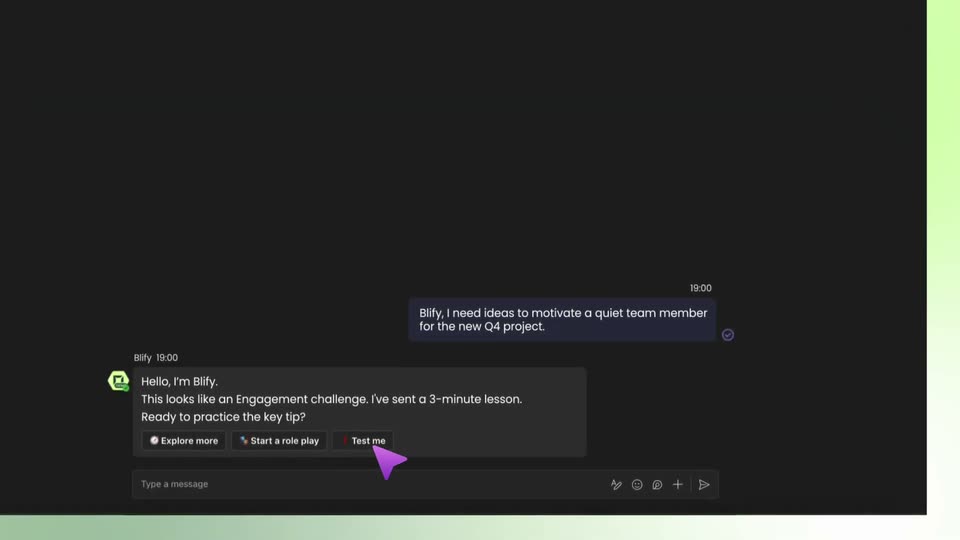 0:23–0:26Blify · Meet Blify ✨A dark chat interface fills the frame after a zoom from the full app window. A user message and a Blify reply with three action buttons appear, a purple cursor hovers over the buttons, then a multiple-choice question card slides in below.
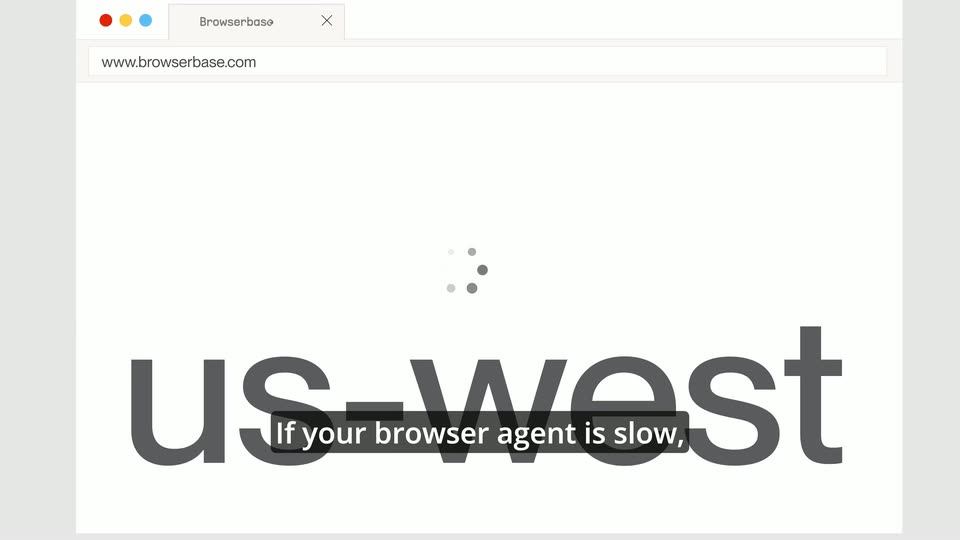 0:12 · 0.8sBrowserbase · Browserbase - We just built AWS Lambda with a browser built-in. Introducing FunctA white page shows a four-dot loading spinner above large gray 'us-west' text. The frame pulls back to reveal a full browser window with the Browserbase tab and address bar, while a dark caption bar reads 'If your browser agent is slow,'.
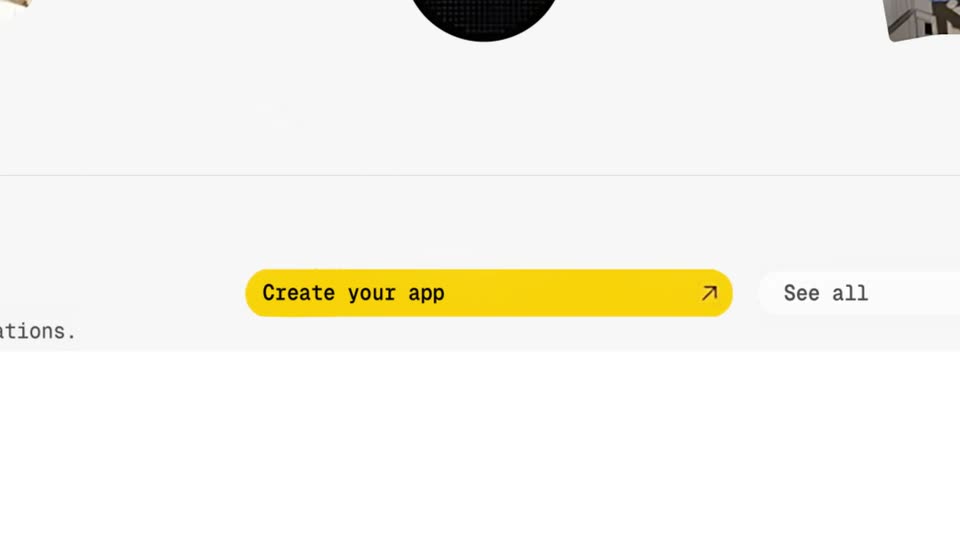 0:24–0:27Essential · Essential - Create apps shaped exactly around your specific needs and context. TA flat white Nothing Playground web page holds a grid of circular avatars, a yellow 3D object, a black dial and pixel logo around a centered serif headline. The camera then zooms into the yellow Create your app pill button as edit captions appear at the bottom.
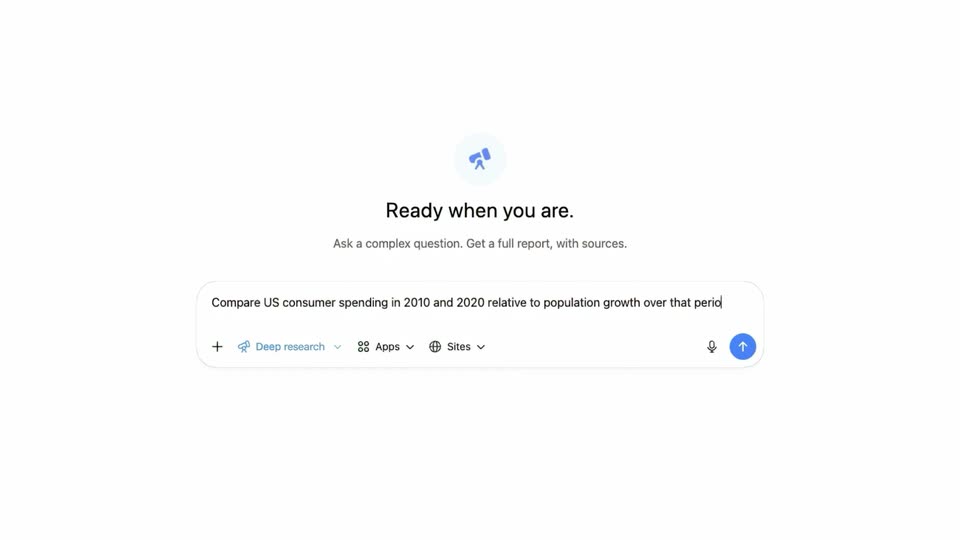 0:03–0:20OpenAI · OpenAI - Deep research in ChatGPT is now powered by GPT-5.2. Rolling out starA static two-line headline frames a ChatGPT window on a soft blue-pink gradient. The cursor collapses the sidebar, the shot zooms to the input field, a research prompt is typed, then the Apps and Sites menus open to toggle a source.
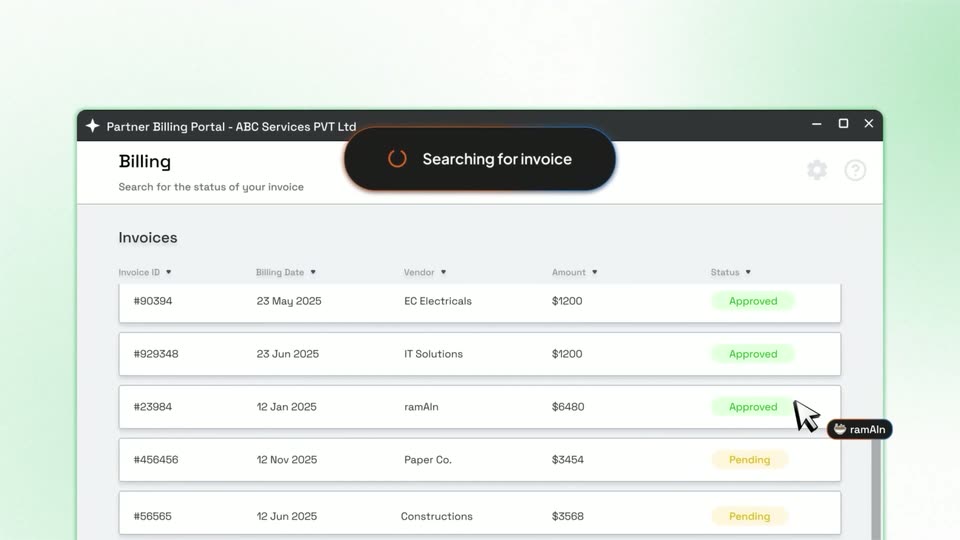 0:37–0:40RamAIn · Y Combinator - Business teams waste 100s of hours manually copy-pasting data acrossA flat billing portal window sits on a light green gradient. The invoice list scrolls down while a black Searching for invoice pill with a spinner hovers at the top. A cursor tagged ramAln lands on the ramAln row as the frame zooms into a tighter crop.
 0:12 · 0.7sSarvam · Sarvam - The all-new Sarvam is here. Designed for all of India.A close-up of a four-petal gradient logo, blue on top and orange below, on a white phone screen pulls back to reveal the full device, with a purple Thinking label at the top and three round control buttons at the bottom.
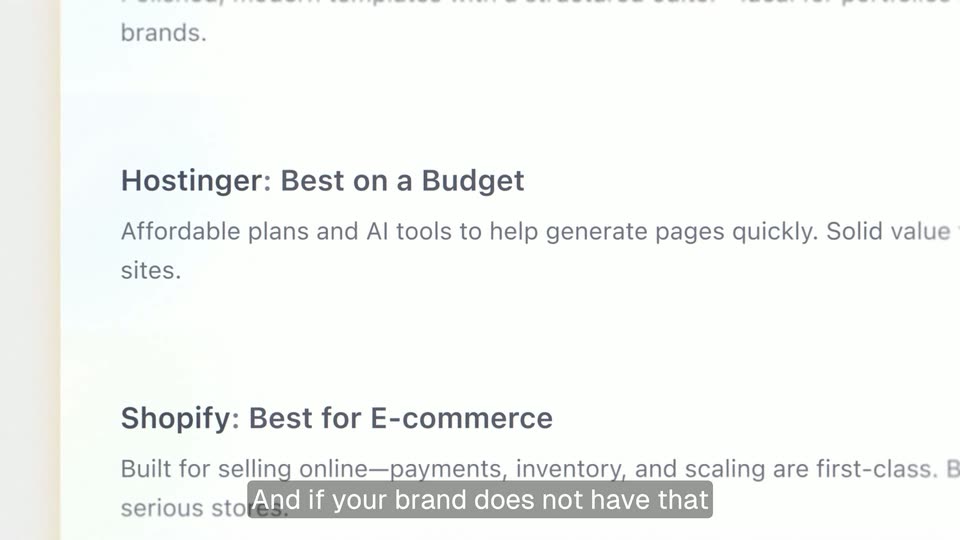 0:18–0:24Sitefire · Launch YC: sitefire.aiA wide shot of an AI answer page lists website builders (Wix, Squarespace, Hostinger, Shopify) under a search query, with a related-links sidebar on the right. The view zooms into the list and pans down the entries as white caption lines appear at the bottom.
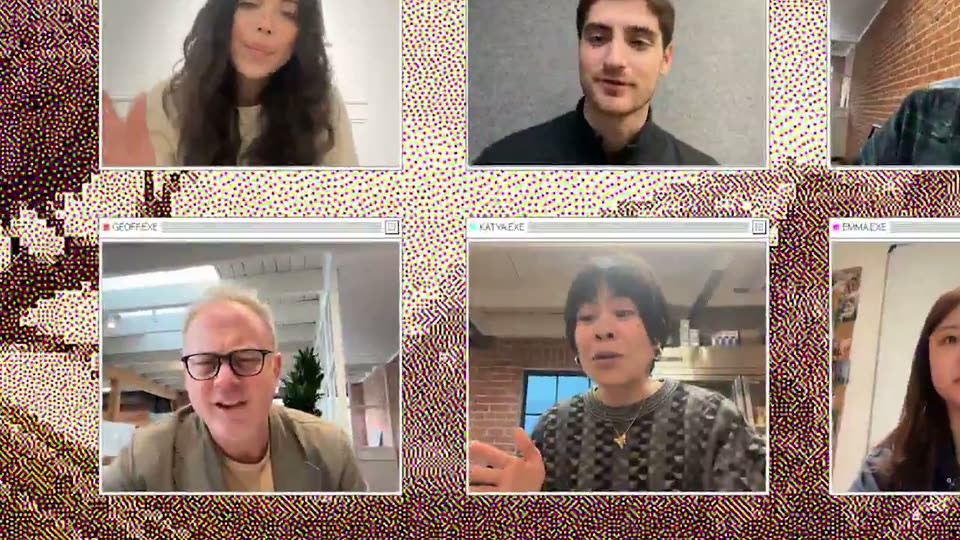 1:37–1:38Tavus · Tavus - Most conversational AI understands words, not people. Introducing RaA 2x3 grid of video call tiles shows six participants over a mottled brown and purple textured background. The grid then zooms in, enlarging the tiles and bringing the small participant name tags at each tile's base into clear view.
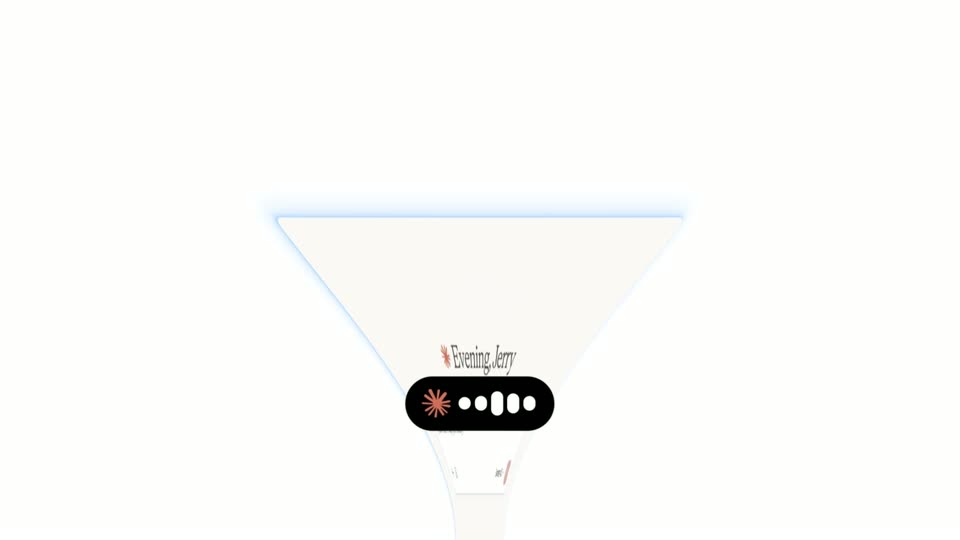 0:24–0:25VoiceOS · Y Combinator - .@VoiceOSApp is the voice interface designed for productivity. It woA black pill with an orange asterisk and a loading bar sits centered on a plain off-white field, then the frame pulls back to reveal a 3D-tilted card titled Evening, Jerry, the pill now docked as its input bar at the bottom.
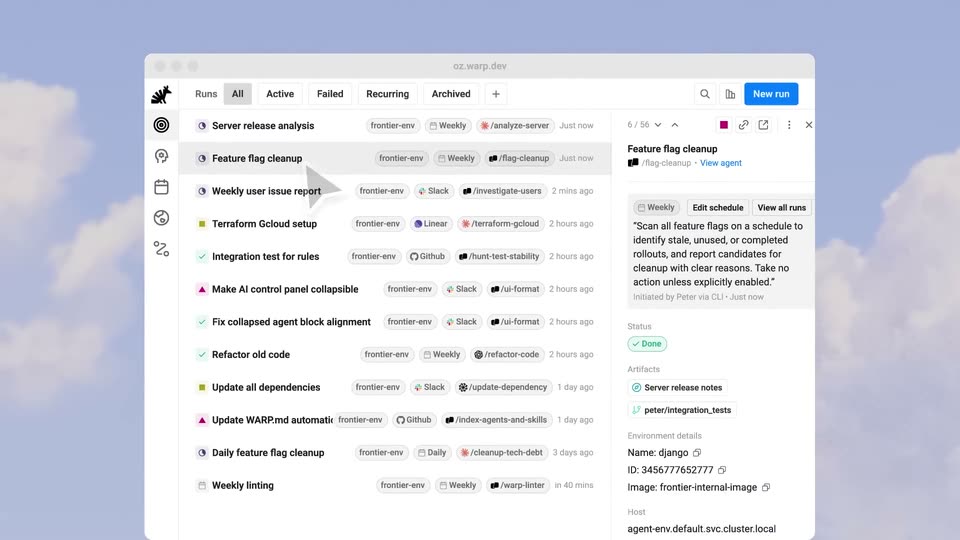 0:42–0:48Warp · Introducing Oz: the orchestration platform for cloud agentsA browser window mockup of a runs list zooms out from a tight close-up to sit centered on a soft sky background. A cursor clicks a row, opening a detail panel on the right, then the frame fades to white.
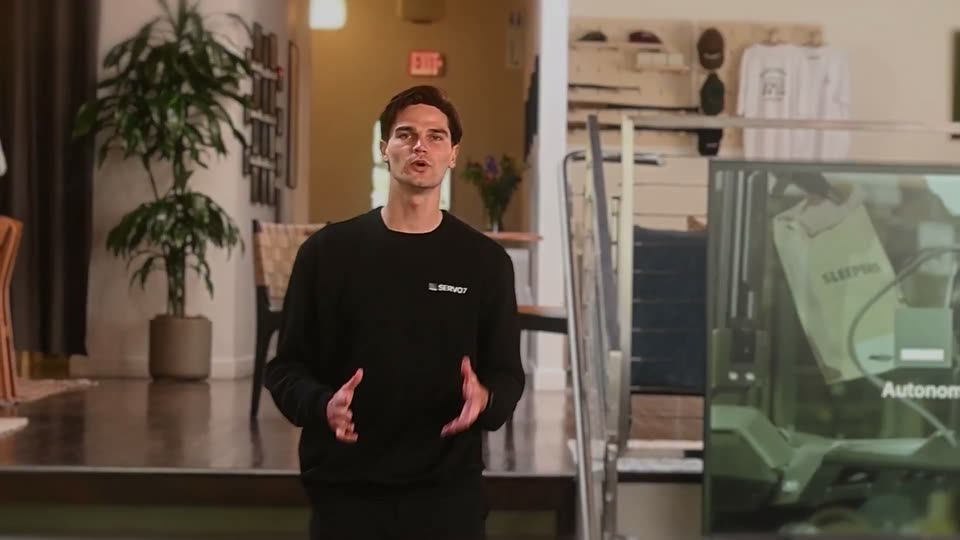 0:43–0:44Servo7 · Y Combinator - .@Servo7Robotics builds industry robots that work in existing operatiA presenter in a black sweatshirt stands in a warehouse lobby beside a large monitor playing a SERVO7 robot video. The camera zooms in on him as he gestures, the monitor and its title card sliding out of frame to the right.
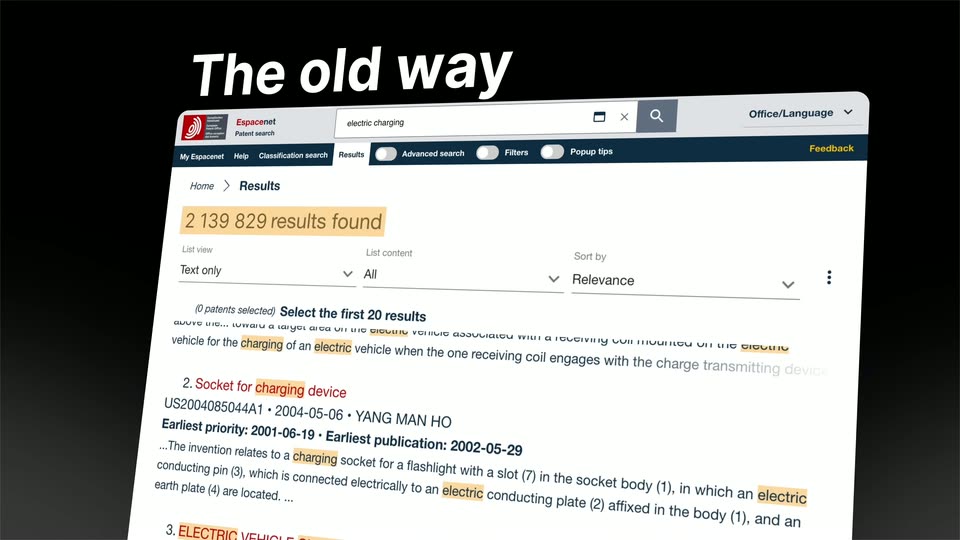 0:10–0:12Stilta · Stilta | Cursor for Patent PractitionersA tilted 3D browser window of a patent search results page rotates to face the camera and zooms in. A static white italic headline reads The old way at the top. The results count is briefly highlighted in orange.
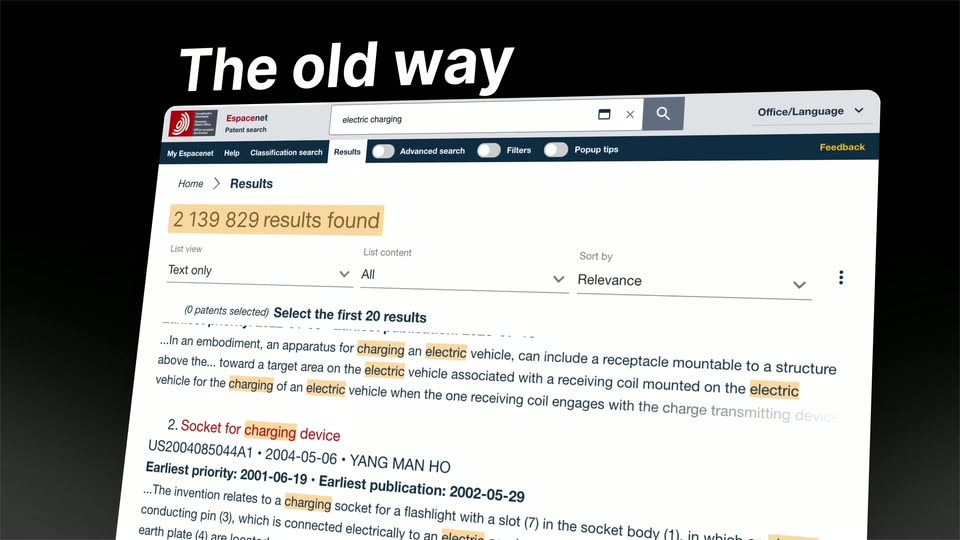 0:09–0:12Stilta · Y Combinator - Stilta (@StiltaIP) is building the Cursor for patent practitioners.A black background holds a tilted 3D mockup of an Espacenet patent search window, the white italic headline The old way above it. The window zooms in to fill the frame as the results count ticks up and lines of patent text highlight in yellow.
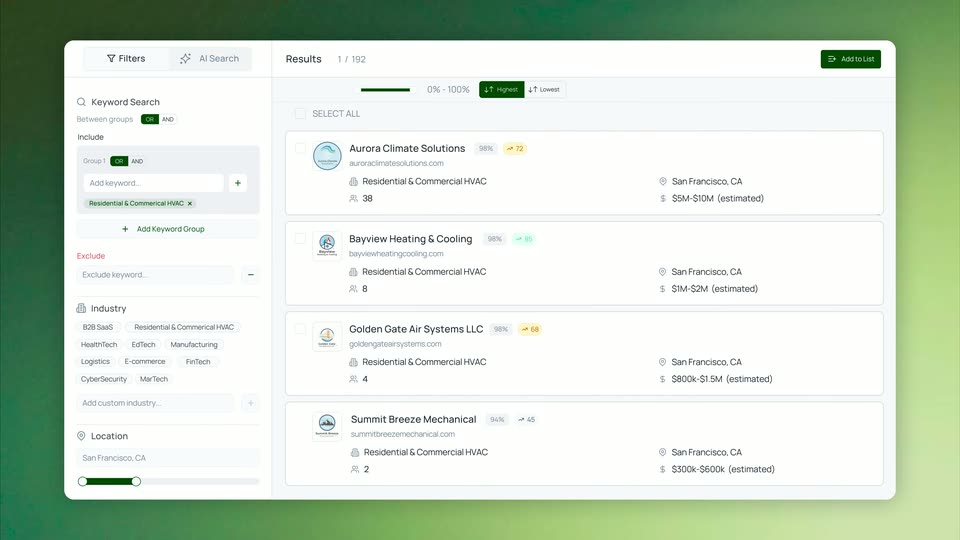 0:32–0:44Q2Q · Q2Q (YC W26) Launch VideoWhite company cards stack on a green gradient, then the view pushes into one card to reveal firmographics, contacts and an AI panel. It pulls back to the full interface with a filter sidebar; checkboxes tick on four rows and a green confirmation card fades in over the blurred screen.
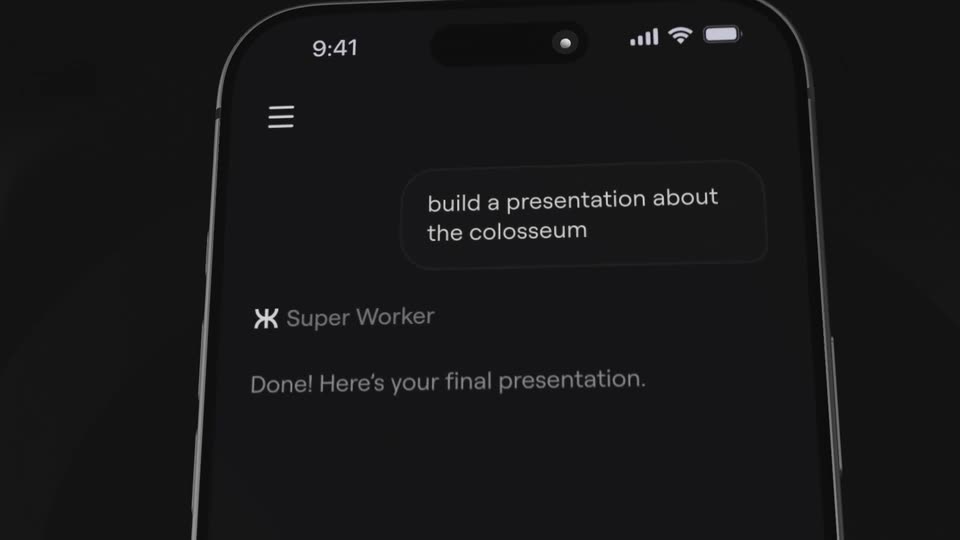 0:05–0:09Kortix · Kortix - Our Super AI Worker just landed in your pockets Out on all app stoA dark iPhone in 3D perspective sits on black. A chat prompt reads 'build a presentation about the colosseum'; the AI status flips from 'Searching the web' to 'Done! Here's your final presentation.' as slide cards scroll in. The view tilts and reframes onto the slides.
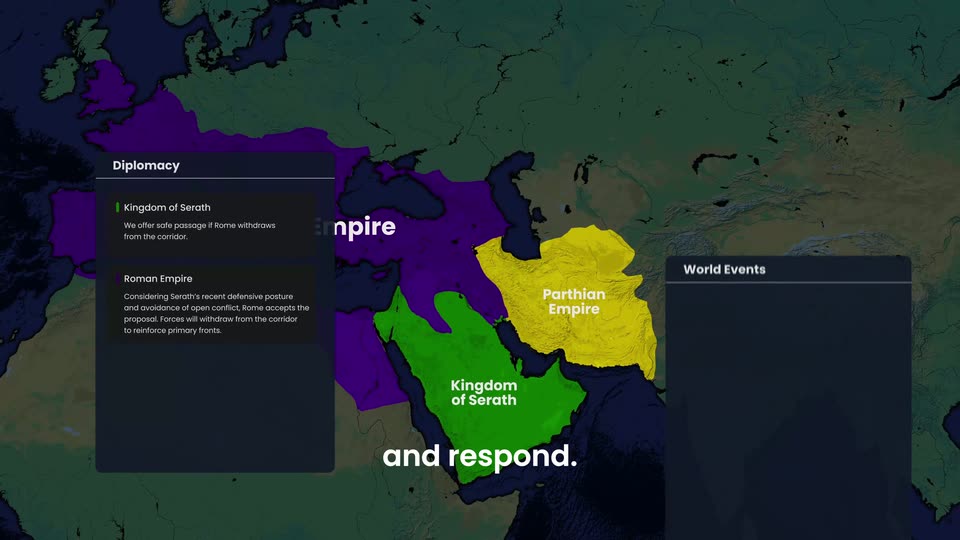 0:18–0:28Pax Historia · Y Combinator - Pax Historia is the first-AI powered sandbox game. Players create woA dark satellite map of purple, yellow, and green empires. A Diplomacy panel slides in from the left with typing entries, a World Events panel joins on the right, white captions cycle at the bottom, the view zooms, then black: 35,000+ and Daily scale up.
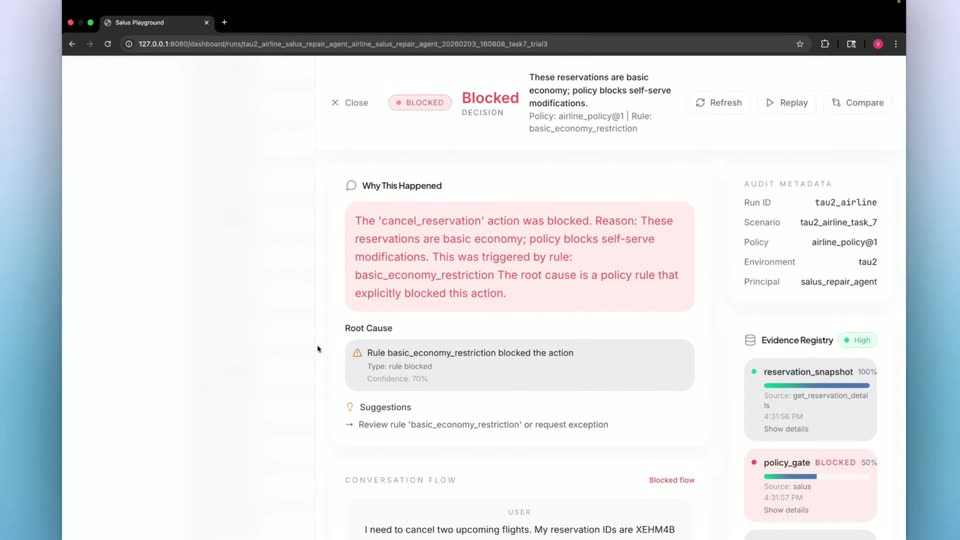 0:35–0:37Salus · Salus (YC W26) Launch DemoA browser window opens on an agent dashboard showing a red Blocked Decision banner, root cause card and evidence registry. The frame starts as a tight crop of the interface and pulls back to reveal the full window with browser chrome, while a black caption bar slides in at the bottom.
 0:10 · 0.7sAmie · Amie - our integration with attio is now live 🤍A light grid of app icons sits above a video call window. The view zooms down to the call tiles, where a man in a yellow shirt fills the main frame next to a dark tile with a small circular self-view.
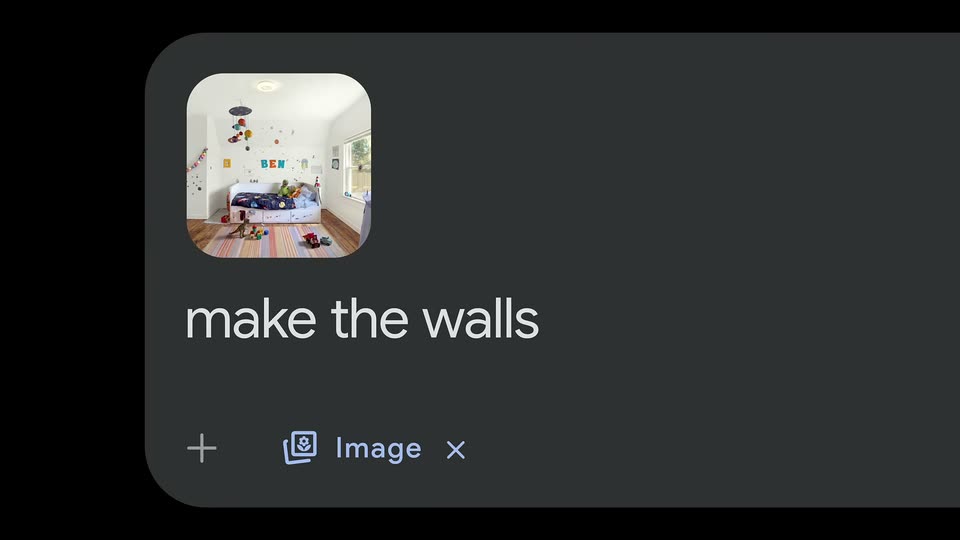 0:20–0:22Google · New Home | Google Gemini SB Commercial 2026A dark prompt card holds a bedroom photo thumbnail while “make the walls” types out behind a blue caret. The card shrinks to the top-left corner as the room fills the frame, its walls now blue.
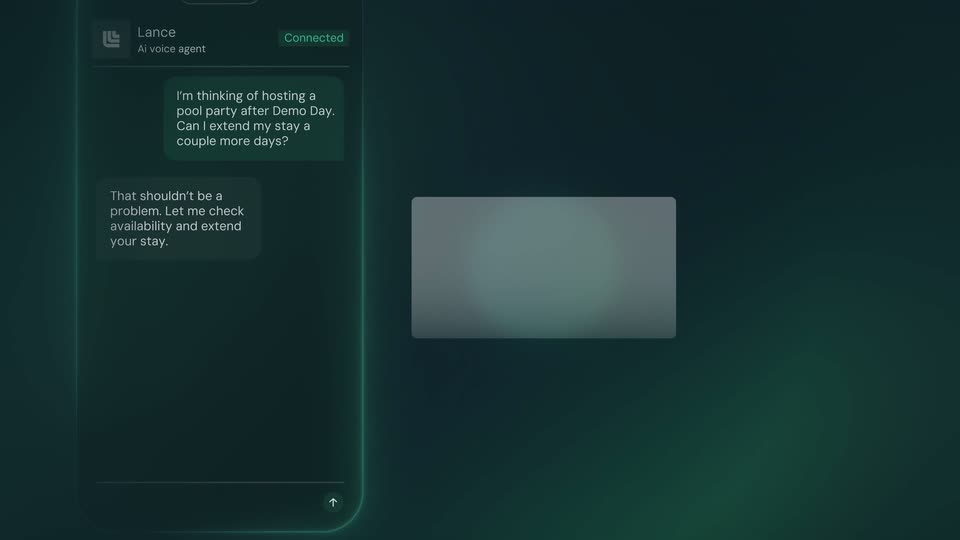 0:39–0:41Lance · guests got places to beA glowing phone mockup floats on a dark teal gradient. A zoomed chat card shows a user's pool-party message, then the view pulls back to reveal the full phone with the AI agent's reply, while a second phone slides in at the left edge.
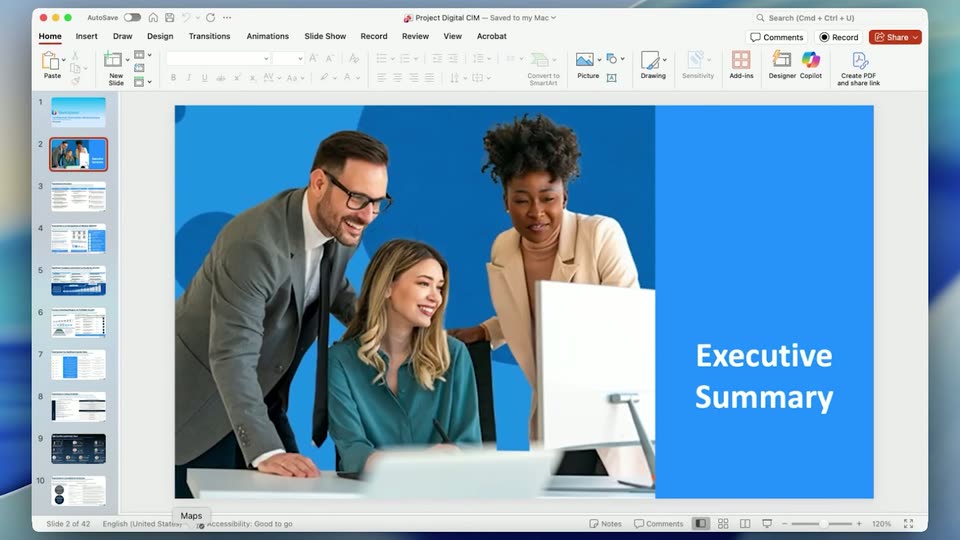 0:39–0:40Maywood · Maywood Launch VideoA PowerPoint window on a Mac desktop scales up, tightening the frame on a slide where three colleagues gather around a monitor beside a blue panel titled Executive Summary.
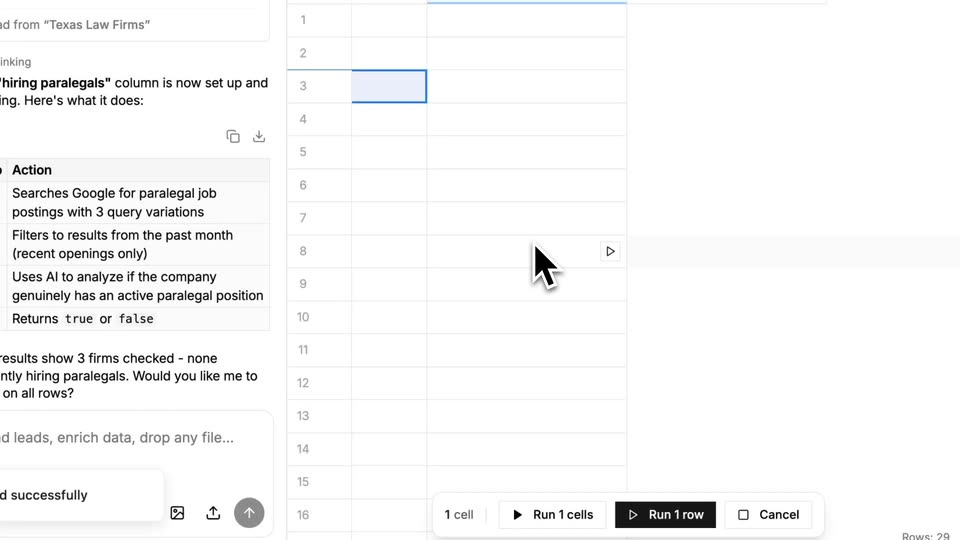 0:32–0:33Orange Slice · Orange Slice LaunchA close-up of a spreadsheet-style database grid, a black cursor hovering over row 8, zooms out to reveal the full window: a left chat panel listing an AI action and a black Run 1 row button at the bottom.
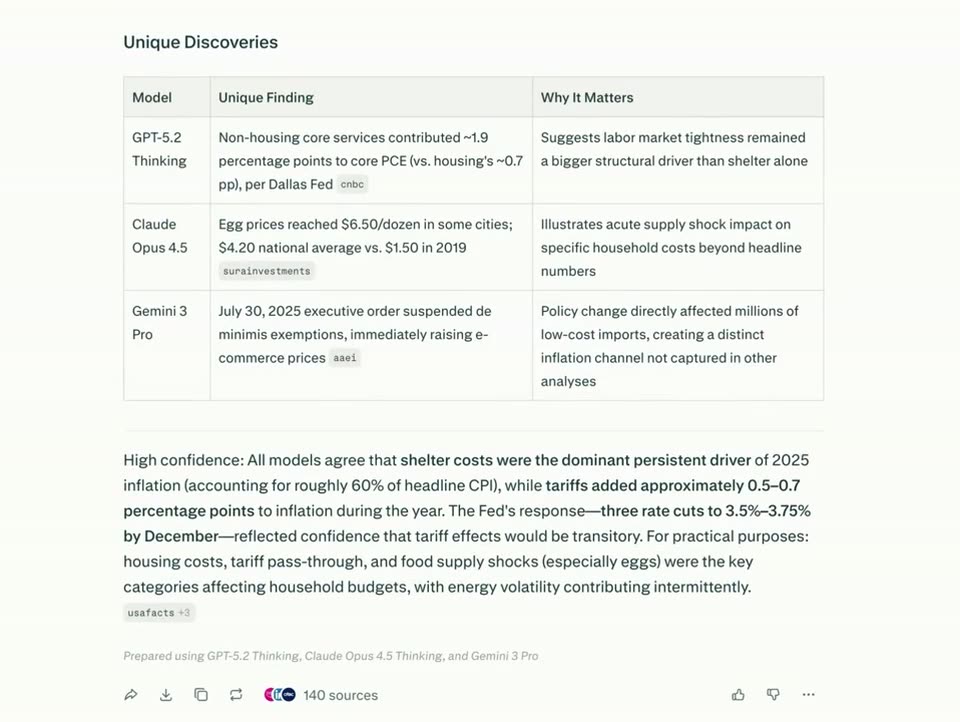 0:27–0:30Perplexity · Perplexity - Introducing Model Council in Perplexity. Run three frontier models aA document view with a three-column comparison table and a summary paragraph zooms in slightly. A right-hand panel then slides open over the page, revealing a numbered, bulleted analysis list with a Share button at the top.
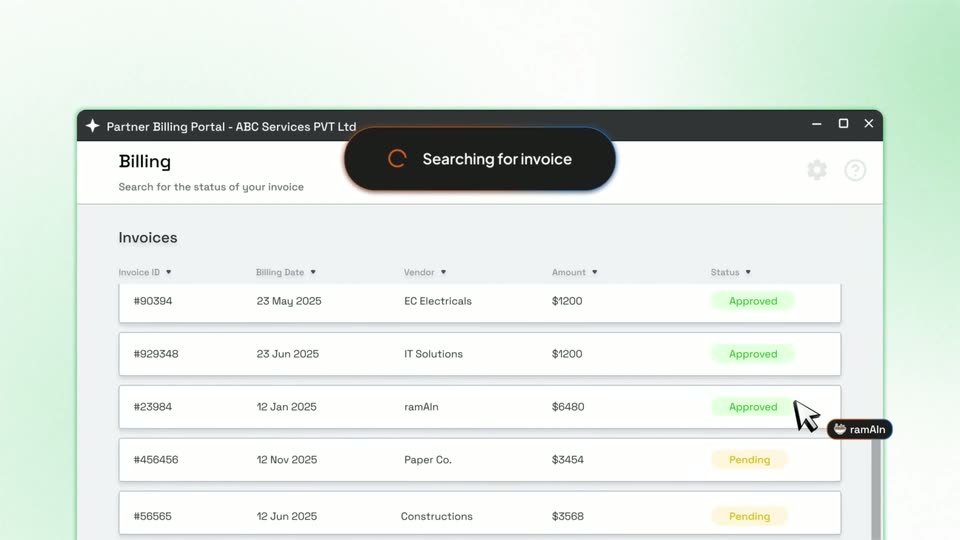 0:37–0:40RamAIn · RamAIn (YC W26) Launch VideoA billing portal window on a pale green gradient scrolls its invoice list downward while a cursor tagged ramAln hovers across rows and settles on the ramAln vendor entry. A dark Searching for invoice pill with an orange spinner floats above the header as the frame tightens onto the list.
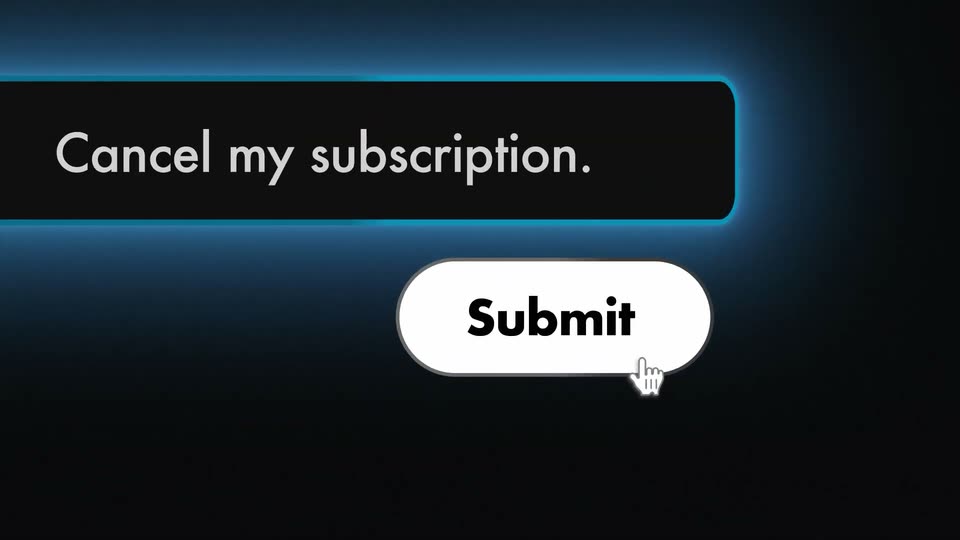 0:06–0:10Sentrial · Sentrial: Production Monitoring for AI AgentsA glowing dark input field types out the words Cancel my subscription letter by letter, then a white hand cursor moves up and clicks the white Submit pill. The view zooms in on the button as a blue bar slides in below.
 0:00 · 0.4sAniStudio · Anijam AI - We weren't planning to launch today, but @Adobe just gave up Animate.A news article screen shows the headline and a grid of Adobe app icons, then reframes to a close-up of body text with two dates highlighted in yellow. A white outlined caption reading Adobe Animate is shutting down fades in over the paragraph.
 0:00–0:04Attio · Introducing Ask AttioA light dashboard fades in showing a greeting, a search field and a meetings list. The camera zooms into the search bar as the query is typed, then the screen transitions to a chat view with the question in a bubble and a Thinking indicator.
 0:24–0:28Booko · Introducing BookoA close-up of a dark interface shows a list of hours on the left while a blue text field types out a sentence. The camera pushes in until the field fills the frame, the screen curving with scanlines.
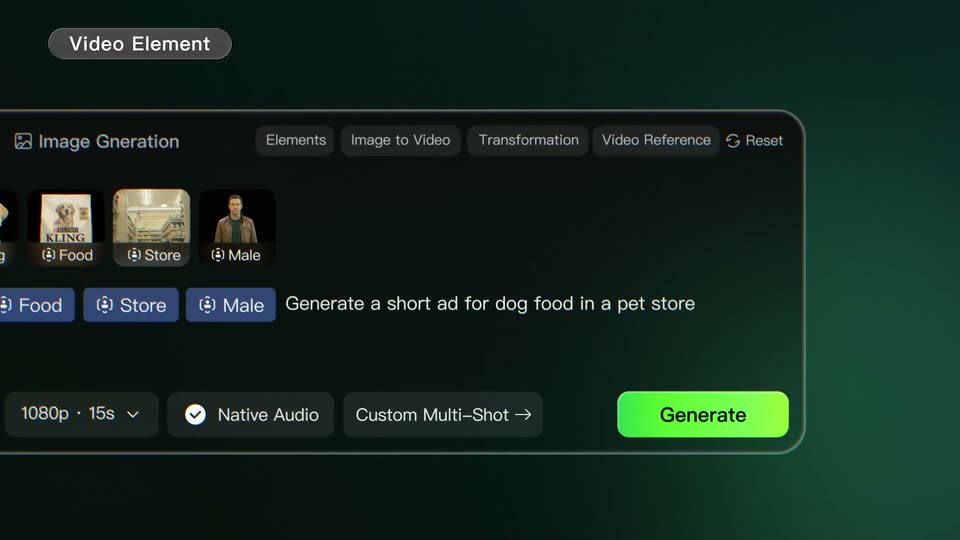 1:07–1:11Kling AI · Kling AI - 🚀 Introducing the Kling 3.0 Model: Everyone a Director. It’s Time.A dark AI interface tilts in 3D perspective, panning across reference thumbnails labeled Dog, Food, Store and Male, then flattens to reveal a typed prompt and a green Generate button. The view zooms into the glowing button as a white cursor clicks it.
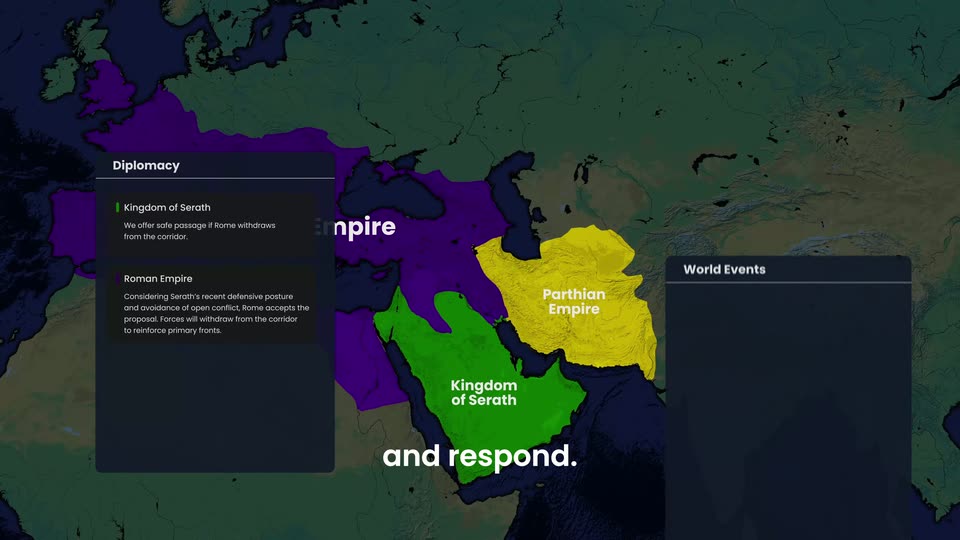 0:18–0:28Pax Historia · Pax Historia IntroductionA PAX HISTORIA watermark fades over a dark map of the ancient Mediterranean with purple, yellow, and green territories. A Diplomacy panel slides in from the left with message cards typing, a World Events panel appears on the right, captions cycle below, and a 35,000+ Daily counter scales in.
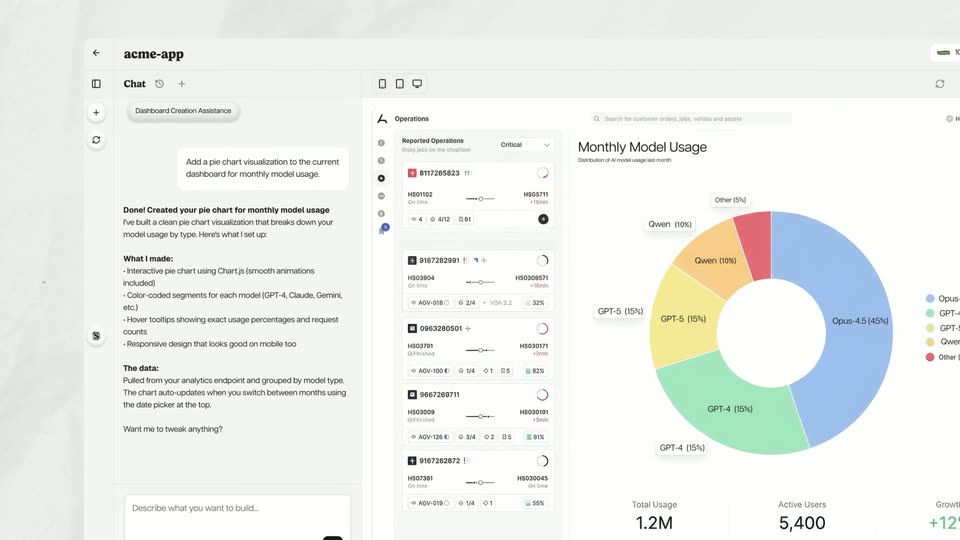 0:30–0:32Sparkles · Sparkles (YC W26) Launch video ✨A three-panel dashboard fills the frame: a chat assistant on the left, an operations ticket list in the middle, and a donut chart of model usage on the right. The view slowly zooms out to reveal the input field and usage stats along the bottom.