2:34

Introducing Latent
Latent · B2B · Oct 2026
Essential’s 1:08 launch film runs 24 scenes, about 2.8 s each. The product shows up at 0:04 and 1 feature is revealed. The call to action lands at 1:01 (90% in), over a voiceover. The video alternates locked-off live-action studio shots with flat UI panels that slide, zoom and disintegrate on a light gray field, following one continuous beat from a typed prompt to a deployed app on the phone. Pacing runs at a moderate 13 cuts per minute against a 114 bpm bed, with signature moves like serif headlines fading onto the studio wall, yellow pill buttons, and dot-matrix type swapping into the brand wordmark.
Is this your launch? to your site or press kit.
Latent · B2B · Oct 2026
Showroom · Oct 2026
Films whose music sounds like this one, voice left out
ElevenLabs · Modern electronic
Gojiberry AI · Electronic
Krea · Modern ambient electronic
A woman in olive cargo pants stands in a sparse, light-gray studio, holding a mug and looking at her phone. The wide shot stays locked off, framing a clothing rack, desk, and shelf. A caption sits at the bottom.
On-screen text: “In a world full of apps,”
Camera: Static
A hand holds a smartphone upright, its home screen showing a grid of app icons, while the person's head stays blurred in the left foreground against a soft gray backdrop. A white caption line appears at the bottom as the frame holds still.
On-screen text: “In a world full of apps,”, “and none are built around you.”
Camera: Static
A woman with long brown hair and bangs stands against a plain gray wall, holding a white phone with a circular camera array and looking down at it. She tilts her head and gives a faint smile while the subtitle reads 'none are built around you.'
On-screen text: “none are built around you.”
Camera: Static
A woman in olive cargo pants and neck headphones walks left to right across a bare white room with a clothing rack and desk, the camera panning to follow. White serif captions 'Billion apps' and 'Billion people' fade in on the wall behind her, then out.
On-screen text: “Now imagine a world with a billion different apps”, “Billion apps”, “Billion people”, “for a billion different people.”, “That's what Essential Apps are.”, “Say you're training for the London Marathon”, “and want an app that suggests the best time to run,”
Camera: Pull out
A woman in a gray top with headphones around her neck sets a white smartphone on a desk beside a laptop, then sits down. A white calendar tile with a large 10 scales in to her right, followed by a weather tile showing a rain cloud and London.
On-screen text: “and want an app that suggests the best time to run,”, “10”, “Tue”, “based on your calendar and the weather.”, “6°”, “London”
Techniques: Kinetic type
Camera: Push in
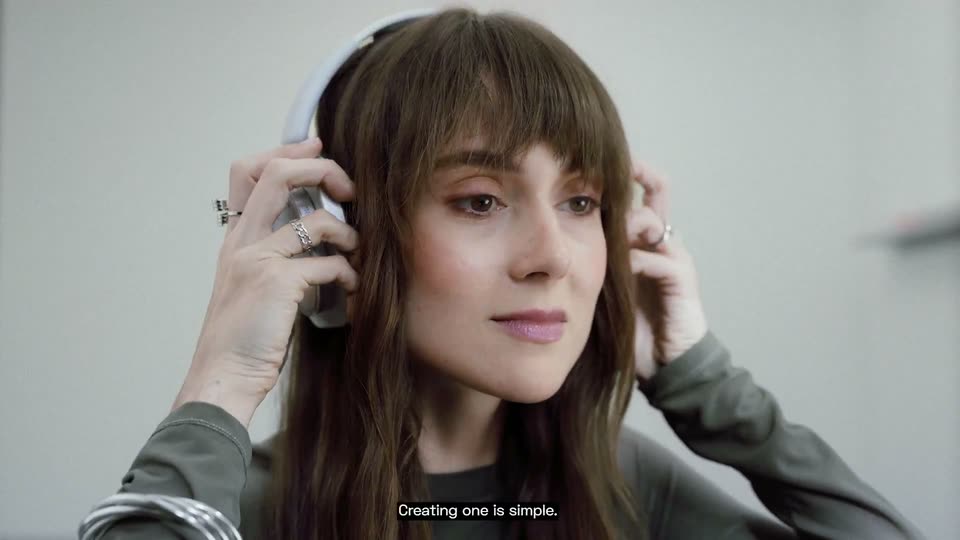
A woman with long brown hair and bangs lifts silver over-ear headphones onto her head, holding each ear cup with ringed hands, against a plain light gray wall. White subtitles run along the bottom of the frame.
On-screen text: “based on your calendar and the weather.”, “Creating one is simple.”
Camera: Static
A woman with over-ear headphones sits at a gray desk in a plain room and reaches out to close a silver laptop lid. A small white device rests on the desk. Locked-off medium shot, soft even light, she holds the lid as it lowers.
On-screen text: “Creating one is simple.”
Camera: Static
Two hands with rings and manicured nails type on a laptop keyboard in a low, shallow-focus close-up. The camera stays locked off as the fingers move across the keys. White subtitles read at the bottom center, switching from one line to the next.
On-screen text: “Creating one is simple.”, “You go to Nothing Playground.”
Camera: Static
A woman in a green top and white headphones types on a silver laptop at a white desk. A yellow search bar floats to the right of the laptop and fills with the URL as her fingers move.
On-screen text: “You go to Nothing Playground.”, “playground.nothing.tech”
Camera: Static
A flat white Nothing Playground web page holds a grid of circular avatars, a yellow 3D object, a black dial and pixel logo around a centered serif headline. The camera then zooms into the yellow Create your app pill button as edit captions appear at the bottom.
On-screen text: “Click “Create your app.””, “Simply type your prompt.”, “playground.nothing.tech!”
Techniques: UI zoom
Camera: Push in
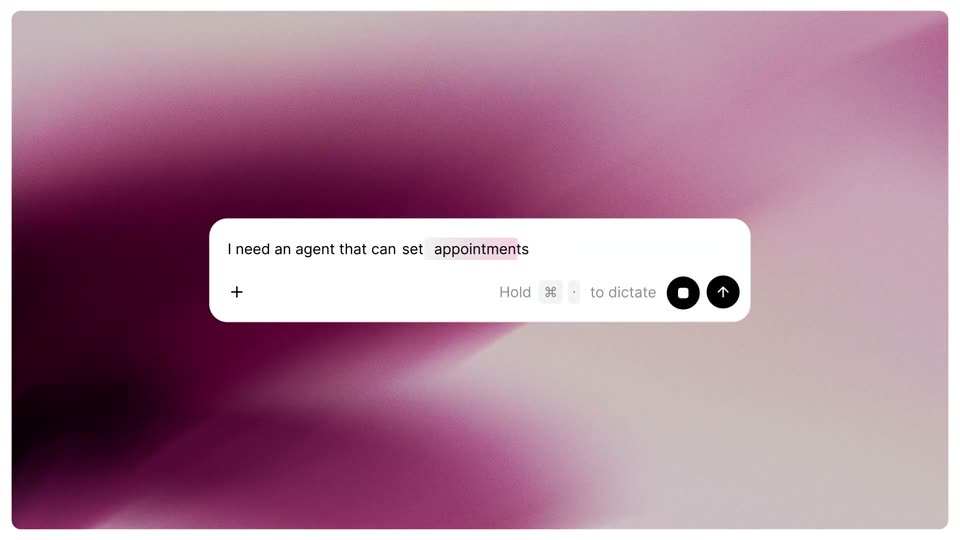
A white prompt card on a light gray background opens with a yellow highlight over the placeholder text, then a yellow caret types a sentence word by word. A yellow Create button sits at the lower right, and a black subtitle caption appears at the bottom.
On-screen text: “Simply type your prompt.”, “AI takes it from there.”
Techniques: Kinetic type
Camera: Static
A white prompt card on a light gray background; monospace text types itself into the field, a yellow Create button sits at the right. A small black caption reads “AI takes it from there.” at the bottom.
On-screen text: “AI takes it from there.”
Techniques: Kinetic type
Camera: Static
A white prompt card holding a running-app request shrinks toward the lower left as a dark code editor panel fills the right side, its TypeScript lines appearing. A black caption reading AI takes it from there. sits centered at the bottom.
On-screen text: “AI takes it from there.”
Techniques: UI zoom
Camera: Pull out
A dark code editor fills the frame, with a file tree on the left and a TypeScript file in the main pane. The code lines resolve from a stacked overlap into a clean view, and a white caption sits at the bottom.
On-screen text: “AI takes it from there.”
Camera: Push in
A dark code panel slides out to the left while a pale schedule widget fades in and recenters on a light gray field. The widget shows a seven-day strip with status dots, a red-to-green timeline bar, a small runner icon, and two short status lines.
Camera: Push in
A white schedule widget card on a light gray field. The frame pans down across it, past the weekly dots and the weather and meeting panels, past a small monospace caption, to reveal a large serif headline at the bottom.
On-screen text: “Essential Apps 0001. 4 x 2. User: Samuel Brown”, “Private share. NOS 4.0.”, “Deploy your app”
Camera: Pan
Close-up of a light gray interface card with a serif 'Deploy your app' heading and a yellow 'Start deployment' pill button. A dark circular cursor slides onto the button, and a black caption box reading 'Everything comes together.' appears at the bottom.
On-screen text: “Everything comes together.”
Techniques: Cursor demo
Camera: Pan
A top-down flat lay holds a white modular smartphone face-down on a grainy gray desk, its camera ring showing a lit pixelated chevron. An open laptop sits at the right edge. The frame stays static with only a faint film grain.
Camera: Static
A woman with dark hair and bangs wears silver over-ear headphones, framed left of center against a pale gray wall. She looks down with a faint smile while a blurred desk lamp sits in the background right. The camera holds a slow, subtle push-in.
Camera: Static
A woman in over-ear headphones sits at a desk, holding a phone in one hand and glancing at it with a small smile. Her other hand drops to her hip. An open laptop sits in front of her against a white wall with a floor lamp.
Camera: Static
A woman in headphones stands in a bright room with a clothing rack, looking at her phone. A white schedule widget floats at the top right, the headline Essential Apps holds on the left, and a caption sits at the bottom.
On-screen text: “Essential Apps”, “An app. Created by you. For you.”
Camera: Static
A woman in olive clothes and headphones stands in a bright gray studio, looking at her phone, as the words By you and For you fade in on either side of her. She then cuts to a mint workout outfit, checks her watch, and walks off to the right.
On-screen text: “An app. Created by you. For you.”, “By you”, “For you”, “Create your app”
Camera: Static
Centered on a light gray field, a yellow “Create your app” bar and a white prompt card hold example app ideas that cycle through the input line via soft crossfades, then the UI disintegrates into drifting gray dots.
Techniques: Kinetic type, Particles
Camera: Static
A plain off-white field holds a centered line of small black pixel text reading the URL, which swaps to the brand wordmark NOTHING (R) in the same dot-matrix type. The frame stays locked off and static through the hold.
On-screen text: “Create your app”, “playground.nothtng.tech”, “NOTHING (R)”
Camera: Static