UI zoom
A zoom or reframe onto one part of the interface.
9,898 scenes · page 12 of 165
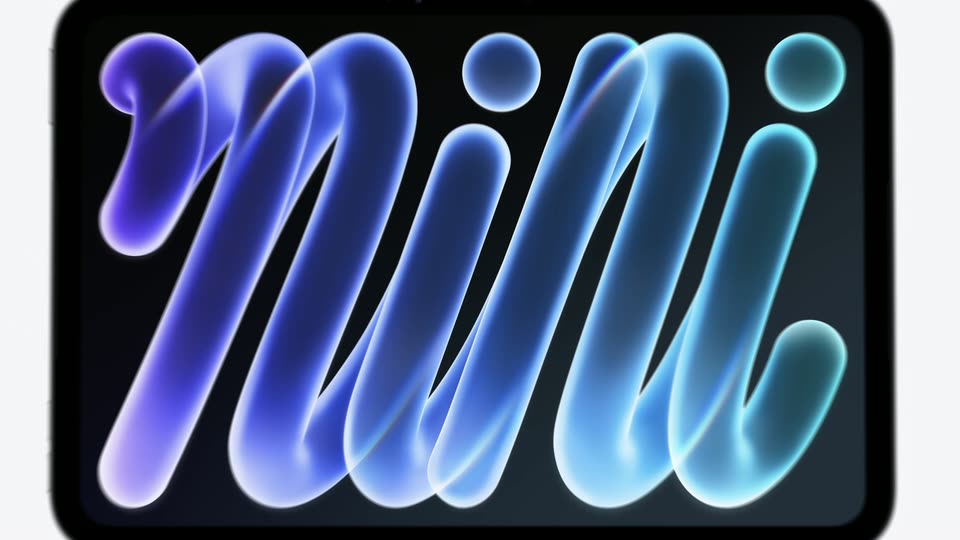 0:09–0:10Apple · The new iPad mini: Thinner. Lighter. Ultraportable.A tablet in 3D perspective on a pale gray background displays the word mini in glossy inflated bubble letters, blue to cyan, on a black screen. The camera pushes in until the letters fill the frame.
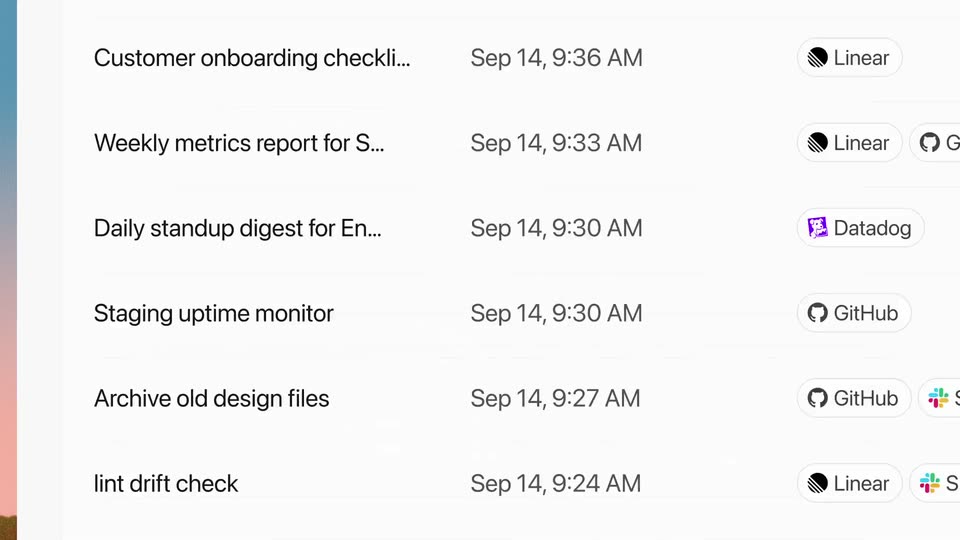 0:15–0:17Cursor · Cursor - The Agent SDK is now available. Define agents as code, with promptsA light product panel floats over a sunset strip on the left. The view scrolls up past a Team toggle and two 24-hour stat cards, then through a list of automation runs with timestamps, before reframing out to a dense table of integrations and green or amber status pills.
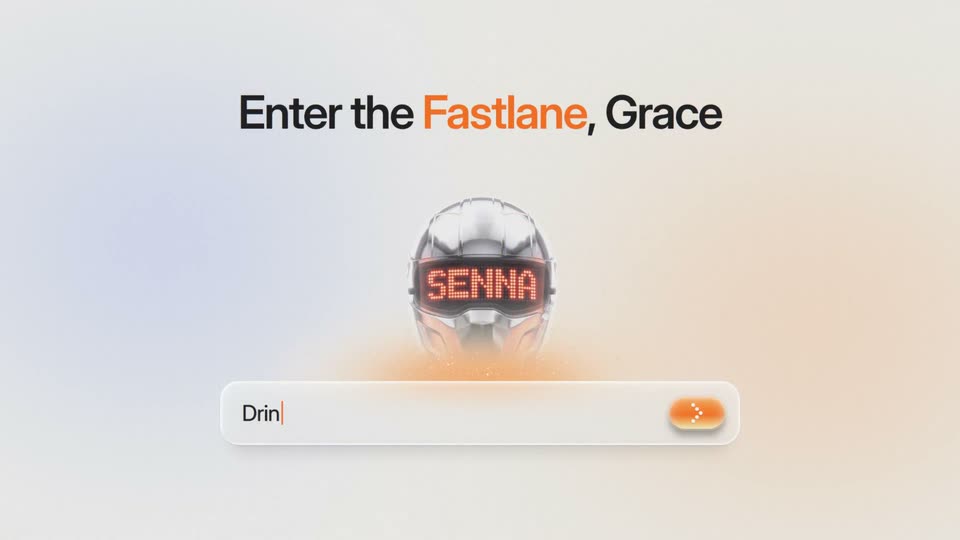 0:06–0:08Fastlane · Fastlane - Today we're introducing Claude for Ads. Just enter your website andA 3D racing helmet with an orange dot-matrix visor reading SENNA hovers above a website input bar on a pale gradient, trailing orange particles. The camera zooms into the bar as DrinkAG1.com types in, beneath the static headline Enter the Fastlane, Grace.
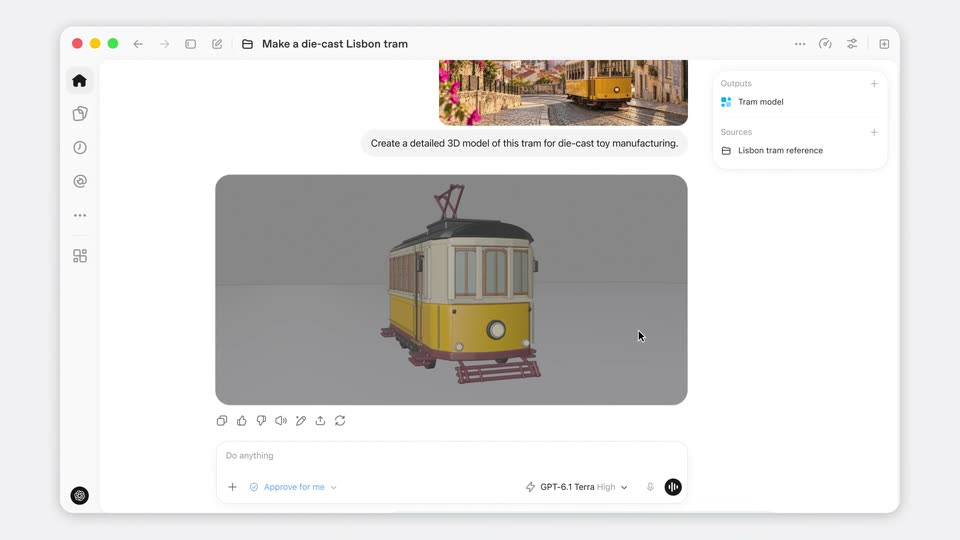 0:17–0:22GPT-6.1 Terra · OpenAI - GPT-6.1 Terra: delivering fast and capable computer use at a lower prA chat app window shows a prompt and a 3D model of a yellow Lisbon tram rotating inside its output card. The view zooms into the model card while the surrounding interface fades, leaving the tram on a plain light background.
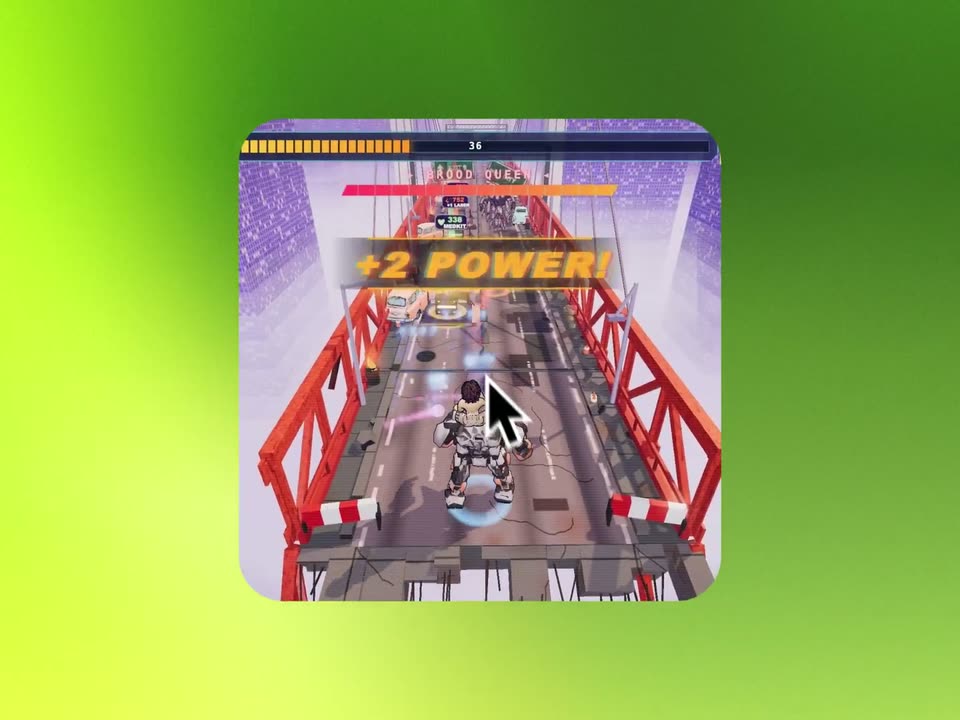 0:03–0:04Higgsfield · Higgsfield AI 🧩 - You can now make a mobile game from a single prompt. Introducing HigA full-screen game view of a mech running down a red bridge, with a boss bar and a Cute Defenders install ad at the bottom, scales down into a centered rounded card on a green gradient, leaving a blurred trailing copy to the right as a cursor appears.
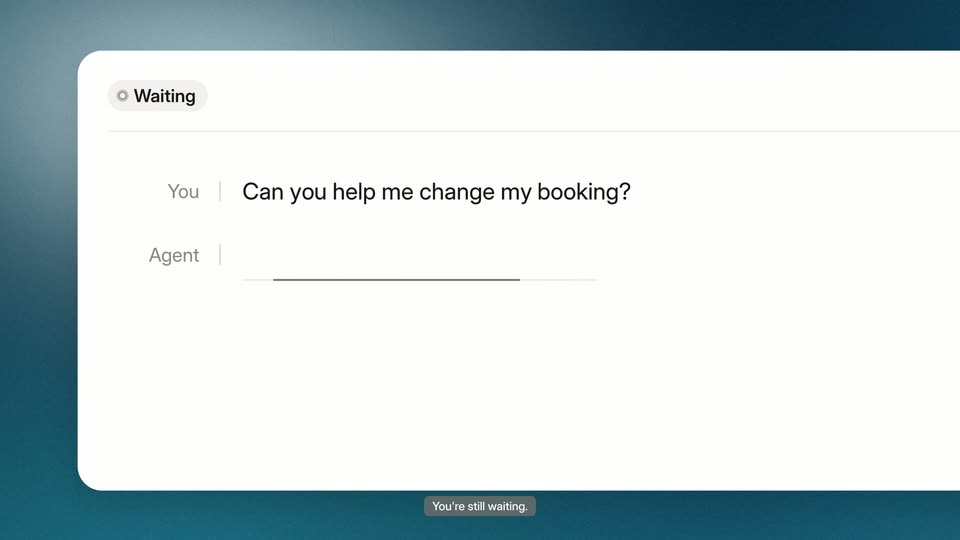 0:09–0:13Hopper Research · Pavan Katta - There’s a huge blindspot in the inference market today: it’s built alA white chat card on a teal gradient shows a Listening state with an audio waveform. The view zooms in as the badge flips to Waiting, the user's question appears, and the agent row holds a three-dot typing indicator. Gray captions sit at the bottom.
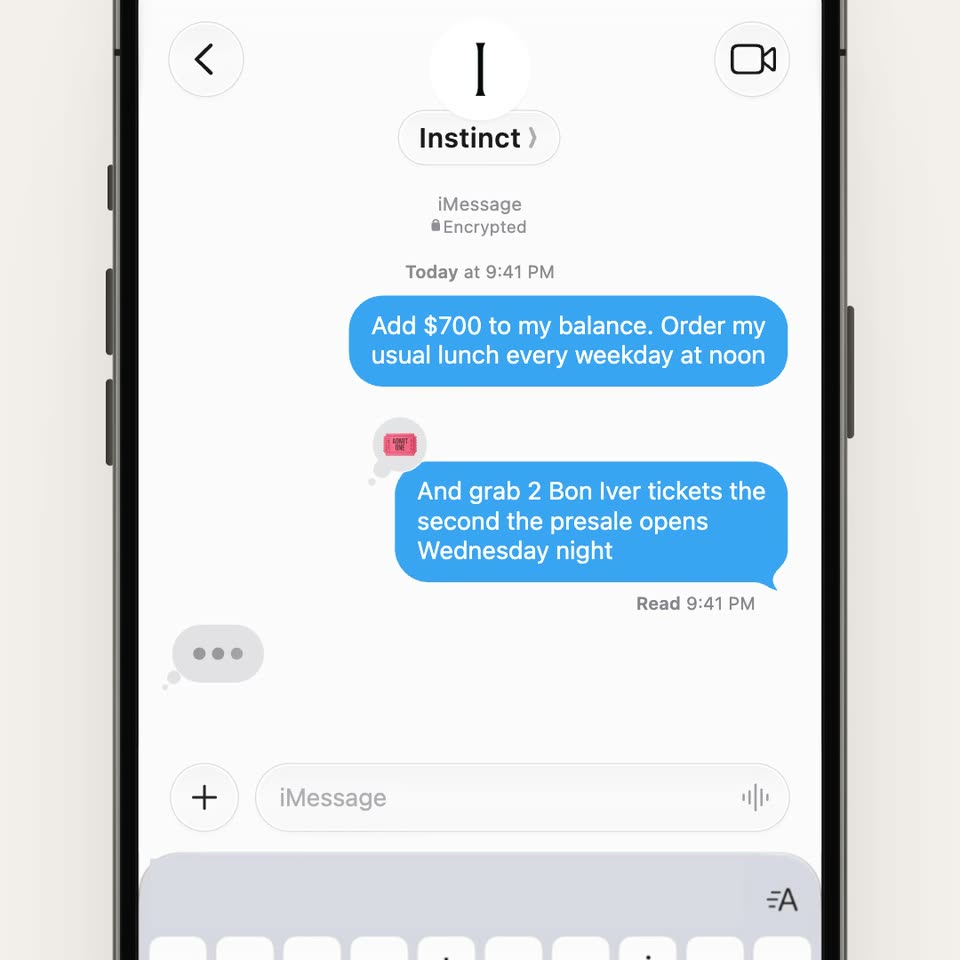 0:00–0:11Instinct · Noah Shinn - Give your Instinct a budget Built with @Stripe and @link, we're launA front-facing iPhone on a beige backdrop zooms into the iMessage thread with Instinct. Commands are typed letter by letter and sent as blue bubbles, then a gray reply and a Link balance card slide up.
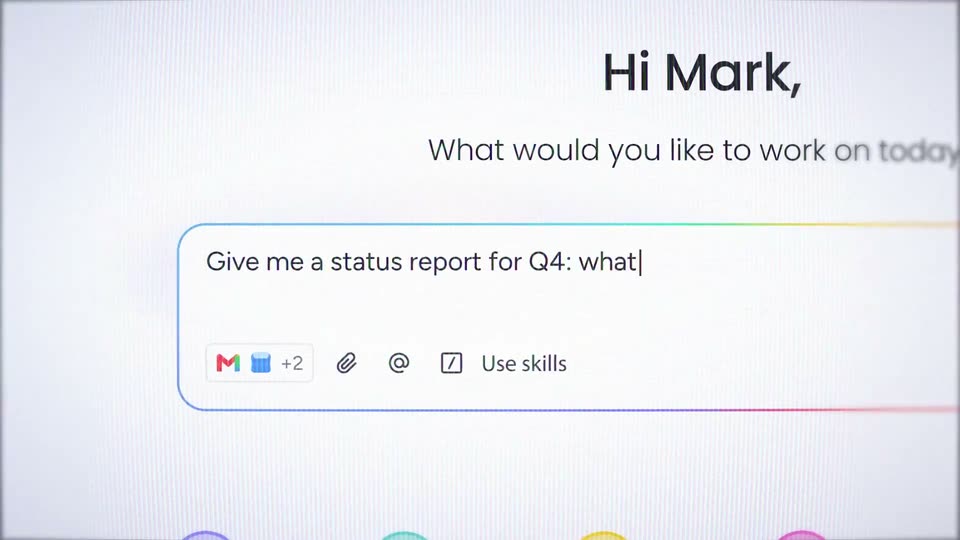 0:04–0:08monday.com · No multi-agent framework needed. Build the workflow your work needs with Sidekick on monday.comThe Sidekick home screen opens wide with a brief double-exposure, then zooms into the prompt field as a status-report query is typed. A cursor glides in from the lower right and moves onto the blue send button.
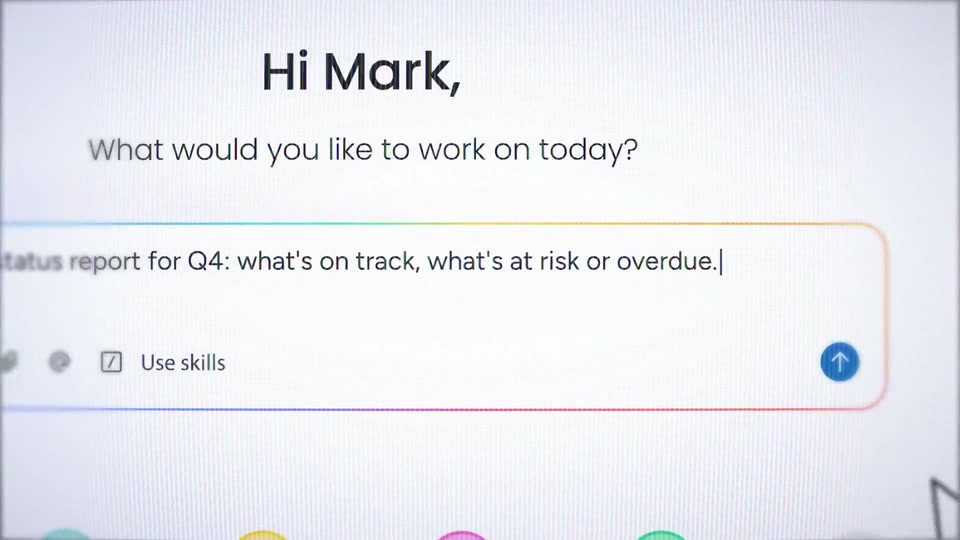 0:05–0:08monday.com · No Python or API keys. Build the workflow your work needs with Sidekick on monday.comA 3D-tilted view of the Sidekick home screen zooms into the prompt box, where a status-report request types out line by line. A mouse cursor then slides in and points at the blue send button.
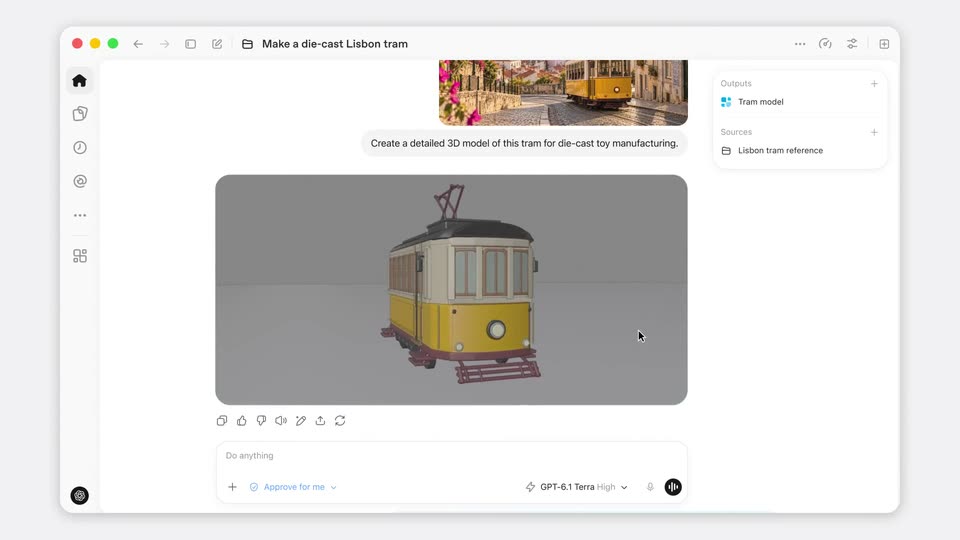 0:17–0:22OpenAI · GPT-6.1 Terra is now in orbitA product interface window tilts in 3D perspective, then flattens. Inside, a yellow and cream Lisbon tram 3D model rotates on a gray stage while a cursor drifts. The chrome fades out, reframing onto the model alone on white.
 0:02–0:03Orior AI · Orior - Copy any pose, right from Pinterest. Any pin you find, recreated witA close-up of a Pinterest-style board with a search bar and photo grid zooms out, revealing the full browser window and a second Create image panel with a photo grid on the right.
 0:31–0:33Riverside · Nadav Keyson - Meet Riverside Agents, the first AI production team built only for viA dark rounded input card on a black frame types out a query letter by letter behind a blinking cursor, with a light-blue wand icon at the lower left and a purple send button at the lower right. A white caption at the bottom swaps text.
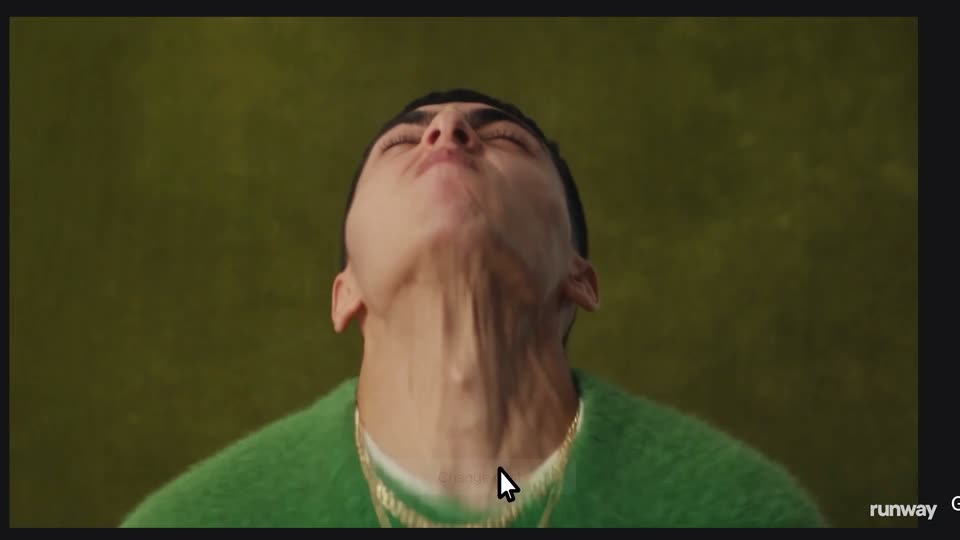 0:20 · 0.8sRunway · Runway - Introducing Runway App Studio. Build the creative app you wish existA filmed man in a green sweater squints, then throws his head back as a white “Change cast” chip with a cursor sits over him. The frame zooms out to reveal the Casting room UI: his shot becomes the scene preview, and a shortlist card shows a different woman.
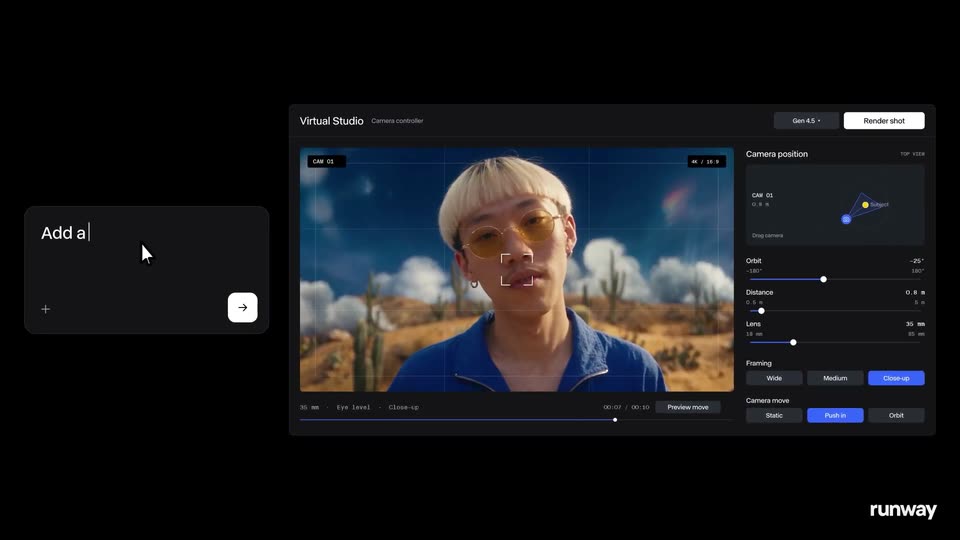 0:29–0:38Runway · Introducing App Studio | RunwayThe view pulls back from a full-frame desert close-up to the Virtual Studio interface, where a cursor drags the camera in the top view as the preview reframes from close-up to wide. A side card types a green-screen prompt and the preview switches to a green plate.
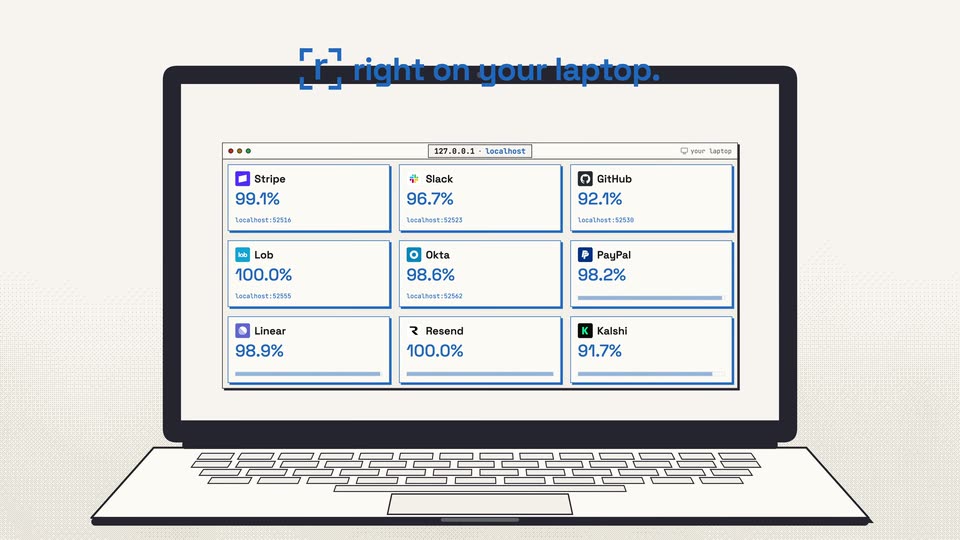 0:44–0:47Rystic · Rystic: Launch YCA flat laptop illustration on a dotted cream background shows a grid of service cards with uptime percentages. A bold blue headline above swaps from “simulators, on localhost” to “right on your laptop.” as the camera zooms into the screen to fill the frame with the cards.
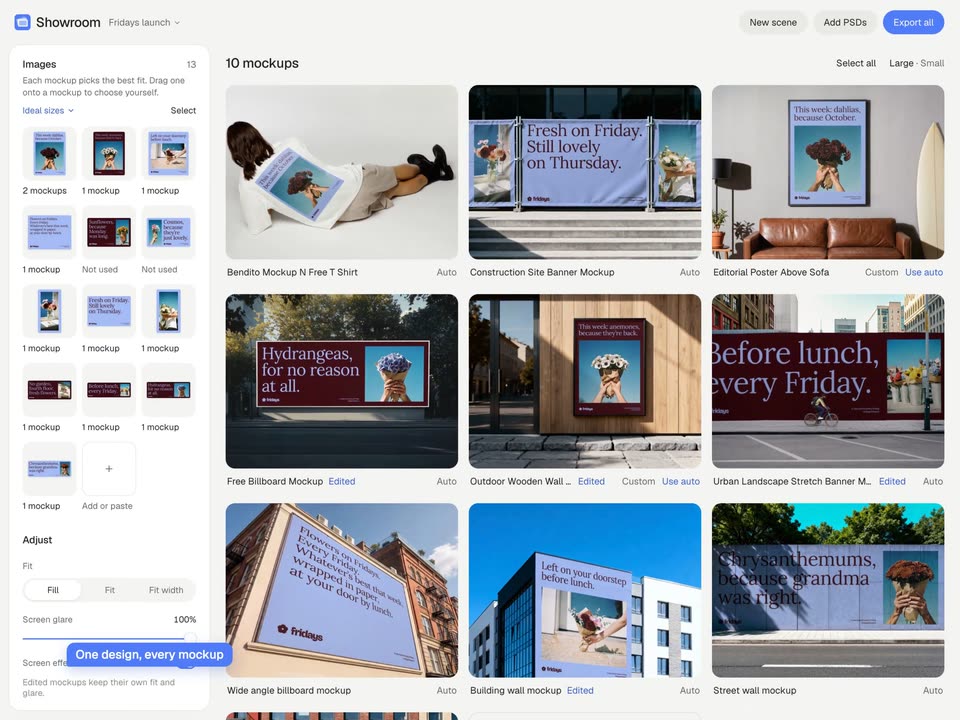 0:00–0:03Showroom · Seyi - Introducing Showroom, an app that lets you see your designs in everyA design-tool screen opens zoomed into a grid of poster mockups, then pulls back to reveal the full workspace: a left column of image thumbnails and a top toolbar. A blue 'One design, every mockup' tooltip rests at lower left.
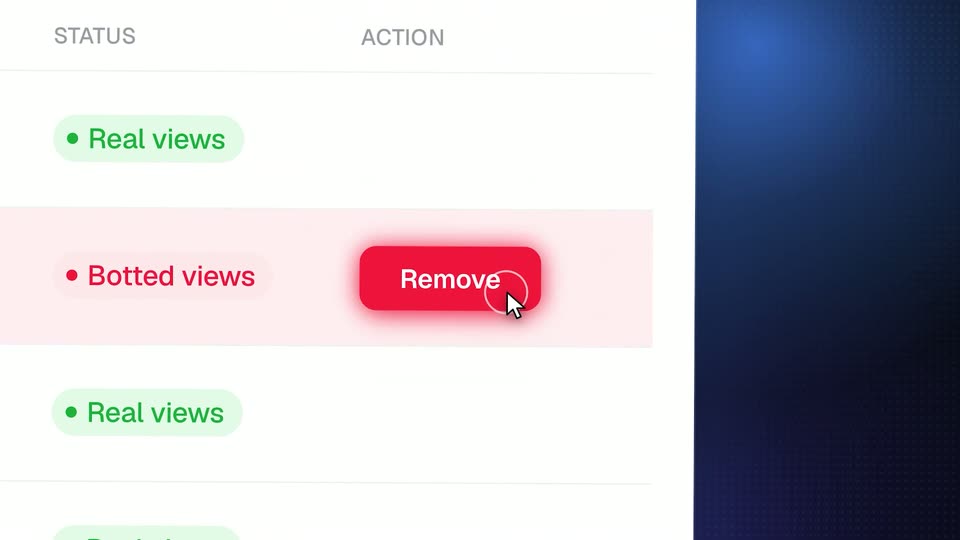 0:06–0:08SideShift · SideShift - LAUNCH ALERT: NEVER PAY FOR A BOTTED VIEW AGAIN. Bot Detection is noA white dashboard titled Campaign posts fills the frame, then the view zooms into the right columns of its table. A white cursor glides in and hovers over the red Remove button on a Bottled views row.
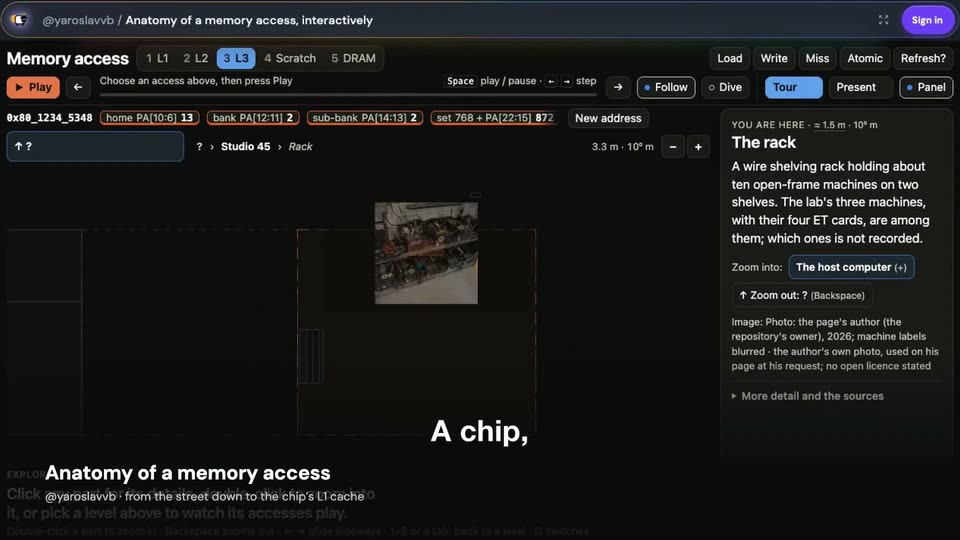 0:58–0:59Spacesheep · Michael Makarov - It sucks reading the 4,000 words my agent gives me every time I ask iA dark interactive interface zooms from a street-level floor plan of a co-working space into a photo of a machine rack, the right panel switching from the building to the rack. A large white caption, “A chip,” holds at the bottom center.
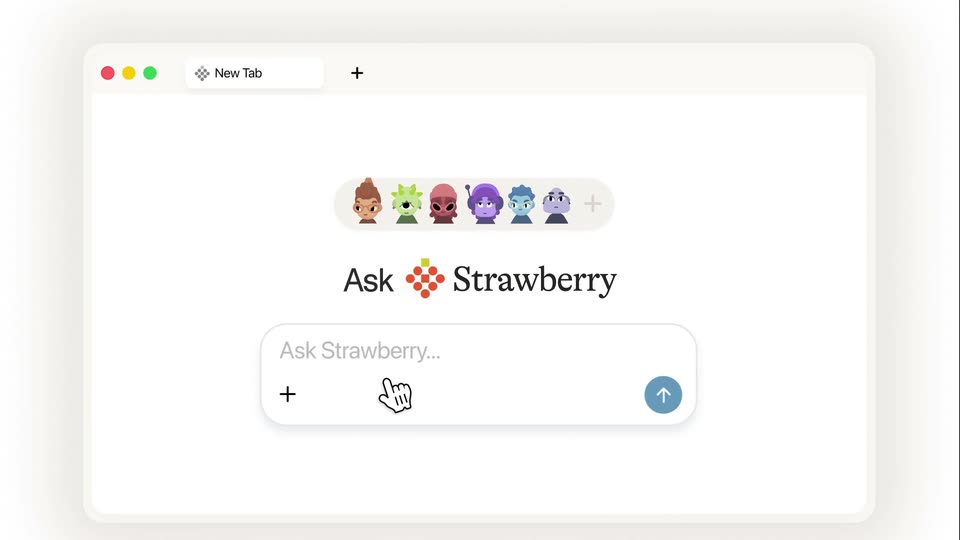 0:12–0:13Strawberry · Charles Maddock - Delete Chrome Delete Granola Delete Claude Strawberry 1.0 is here, tA flat browser window mockup pulls back from a close-up of the top-left corner to show the full new tab page: a row of six cartoon avatars, the heading 'Ask Strawberry' with a red berry icon, and an input field marked by a pointing hand cursor.
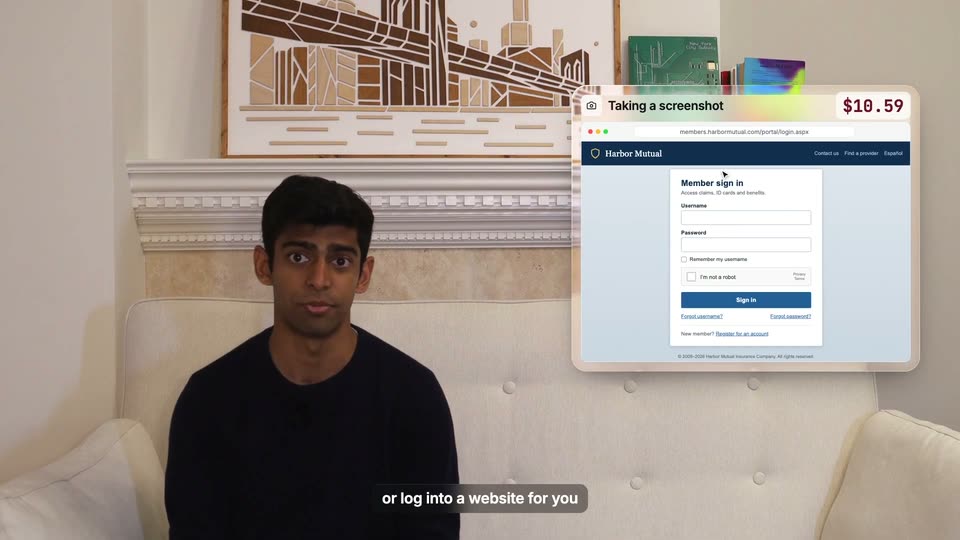 0:16 · 0.9sPomerado · Pomerado (YC F26) - faster, cheaper, more reliable browser useA man in a dark sweater sits on a cream sofa, talking. A tilted 3D browser window floats to his right, showing a sign-in page. The status bar switches from Thinking... to Clicking at (263, 337) as the page zooms onto the form and a dollar counter ticks up.
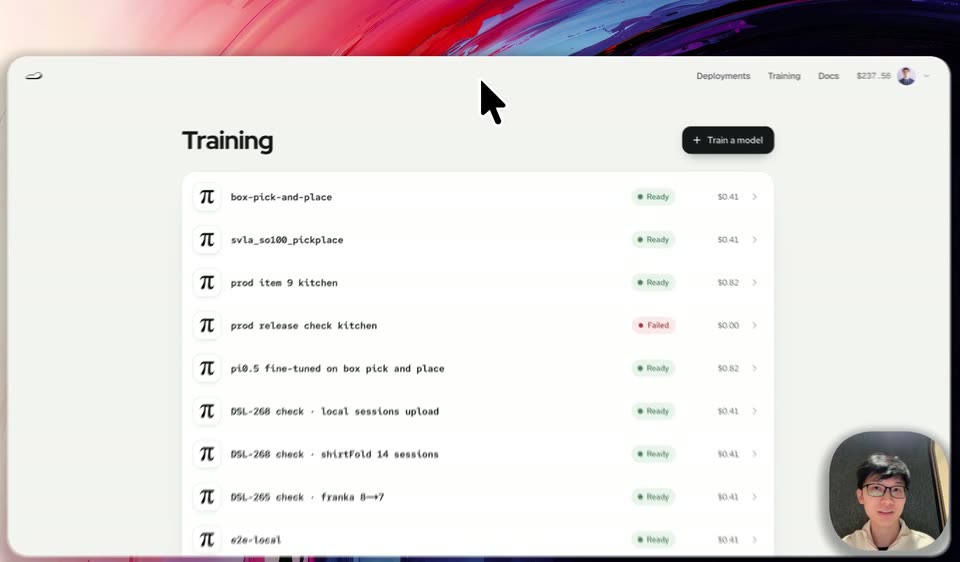 0:00–0:06Dreamscale Labs · Chris Yoo ⚡ CoRL - Fine-tuning VLAs just got so much easier. Today, we're releasing TraA flat UI view of a Training dashboard lists model entries with status badges and prices on a colorful paint-textured background. A cursor drifts across the top, then the frame zooms into the header as a hand cursor hovers the Train a model button.
 0:10–0:11HeyClicky · Farza 🇵🇰🇺🇸 - I have an announcement. Today, we make Bill Gates proud. @heyclickyA motion-blurred browser window in 3D perspective zooms past, then cuts to a flat blue Windows error screen. A man in a tan jacket sits centered on a black exercise ball in front of it, while a caption holds at the bottom.
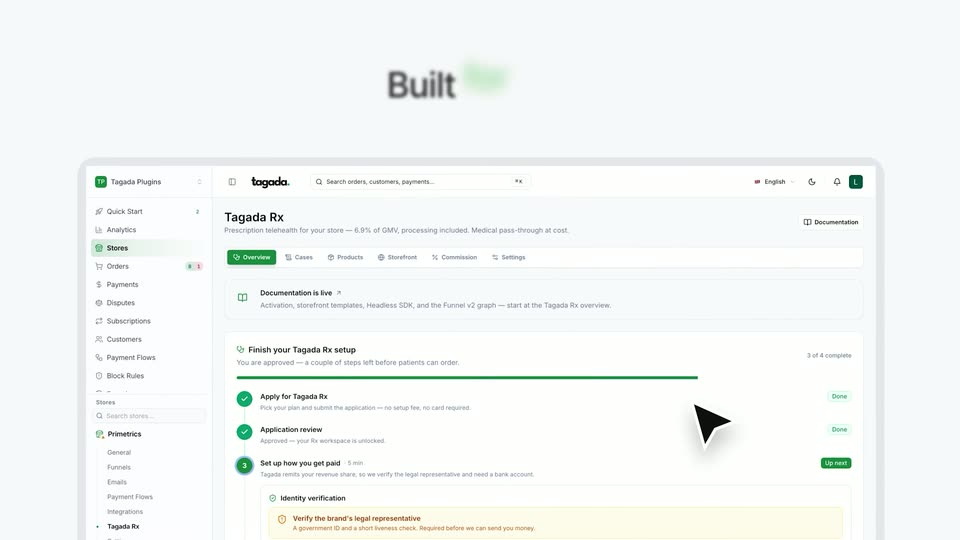 0:22–0:25TagadaRx · TagadaRx motion design video: launch the next Hims & HersOn a green gradient, the headline “One certified platform / Built for you” appears line by line, then fades out as the Tagada Rx dashboard screenshot scales up to fill the lower frame.
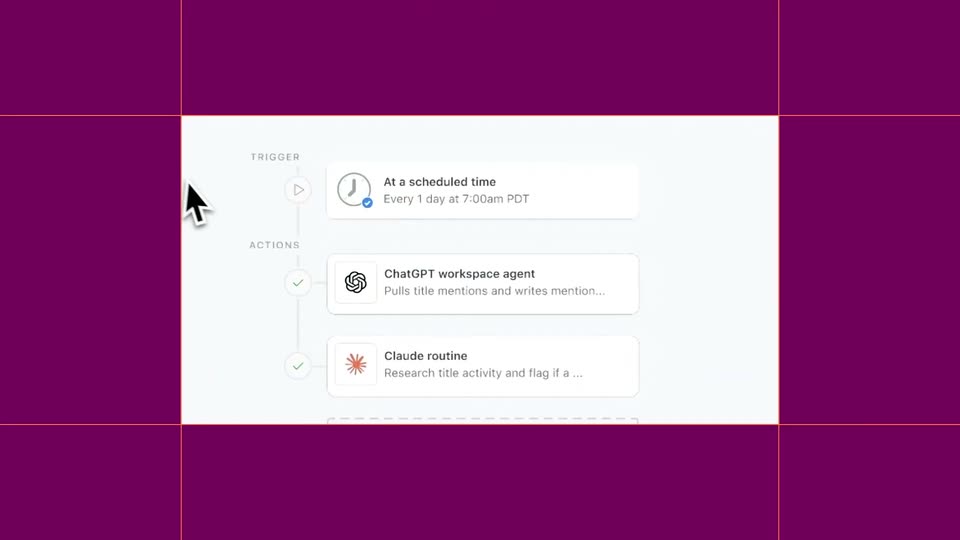 0:09–0:10Airtable · October 2026 Launch: BYO AgentsA white automation card grows from a small centered panel to fill the frame over a magenta grid, revealing trigger and action rows as a cursor slides in from the left.
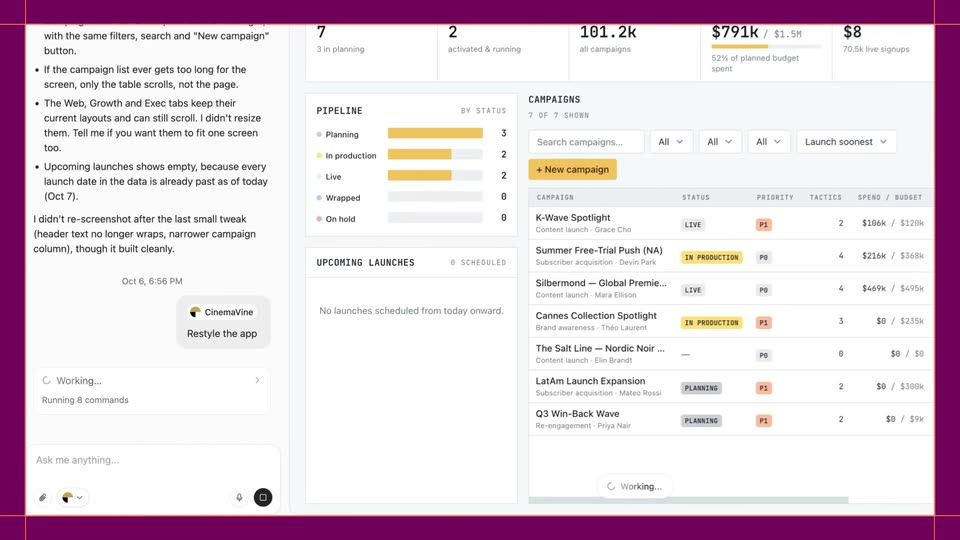 0:29–0:38Airtable · October 2026 Launch: CanvasA cursor types a restyle prompt into a chat input and clicks send, then the frame pulls back as the dashboard re-renders with gold accents and a donut chart, closing on a wide zoom out of the two-pane interface.
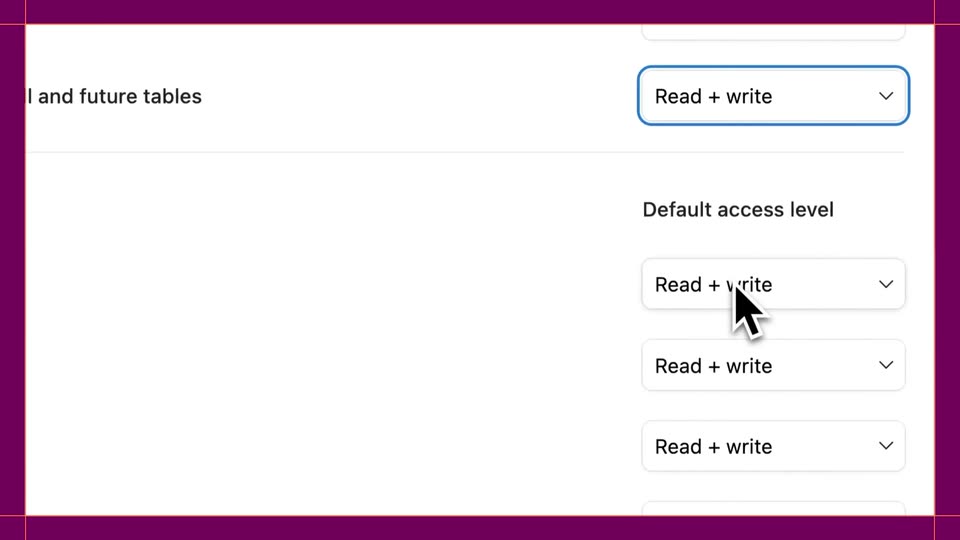 0:10–0:16Airtable · October 2026 Launch: GovernanceA white product form titled Create permission set fills the frame. A cursor types Initiatives read-only into the Name field, then the view reframes to the access section, where the cursor opens a dropdown listing Read-only and No access.
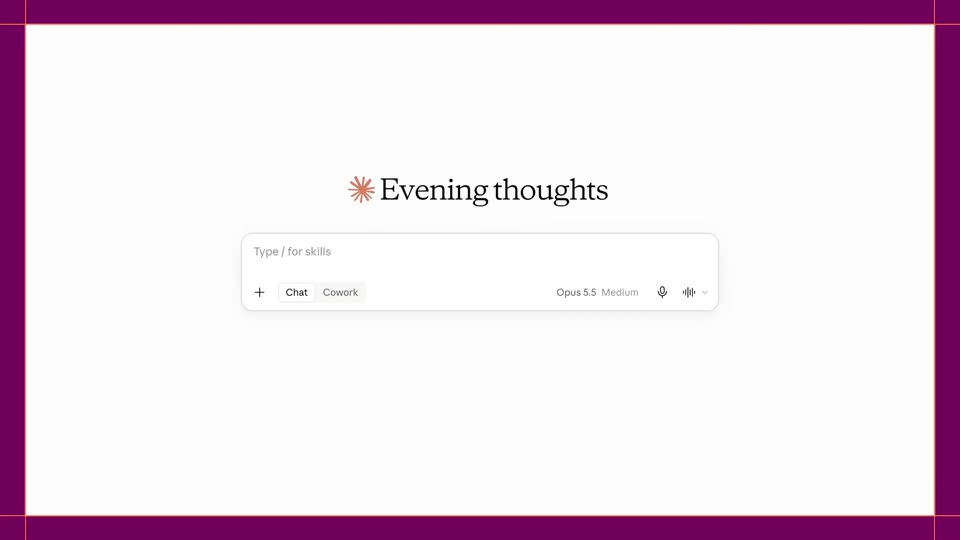 0:15–0:17Airtable · October 2026 Launch: MCPA white chat card showing the heading Evening thoughts and an empty input bar sits centered on a magenta field with thin orange grid lines. The card scales up until it nearly fills the frame.
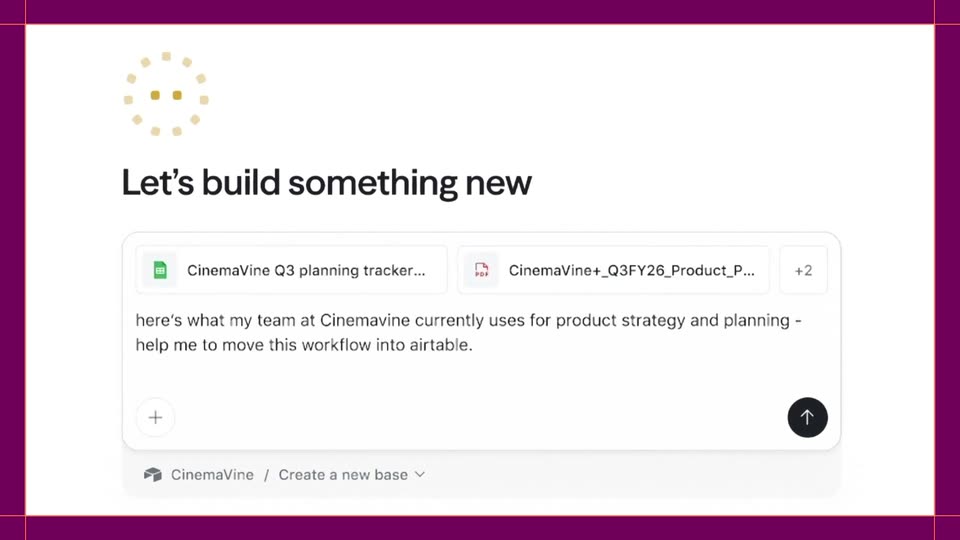 0:09–0:13Airtable · October 2026 Launch: OmniA white card on a magenta grid shows a dotted spinner and the heading “Let's build something new”. File chips and a typed prompt fill the input box, then the frame zooms in to tighten on the card.
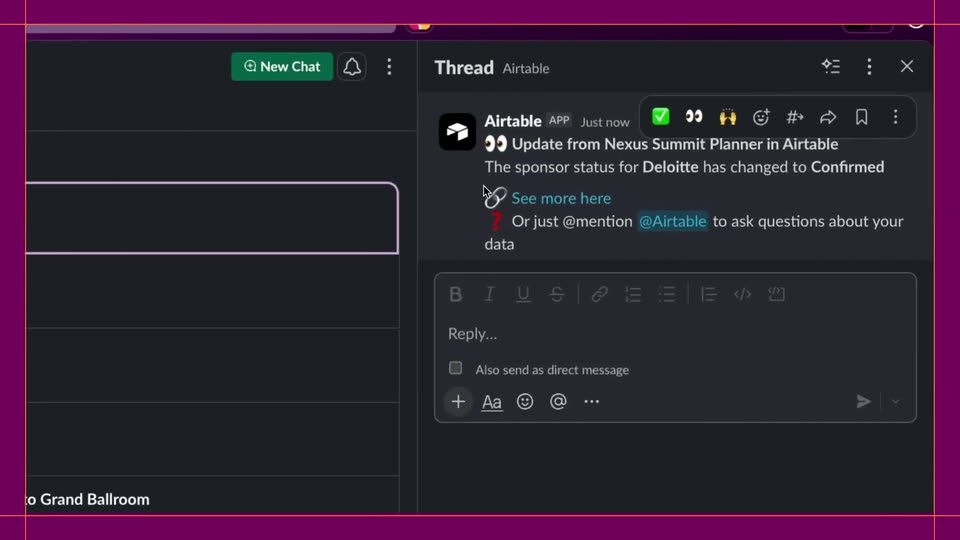 0:38–0:42Airtable · October 2026 Launch: SlackA dark chat interface shows a message list on the left and a thread on the right. The cursor hovers over the top thread, then the view zooms into the thread panel, enlarging the Airtable update message and revealing a row of reaction icons.
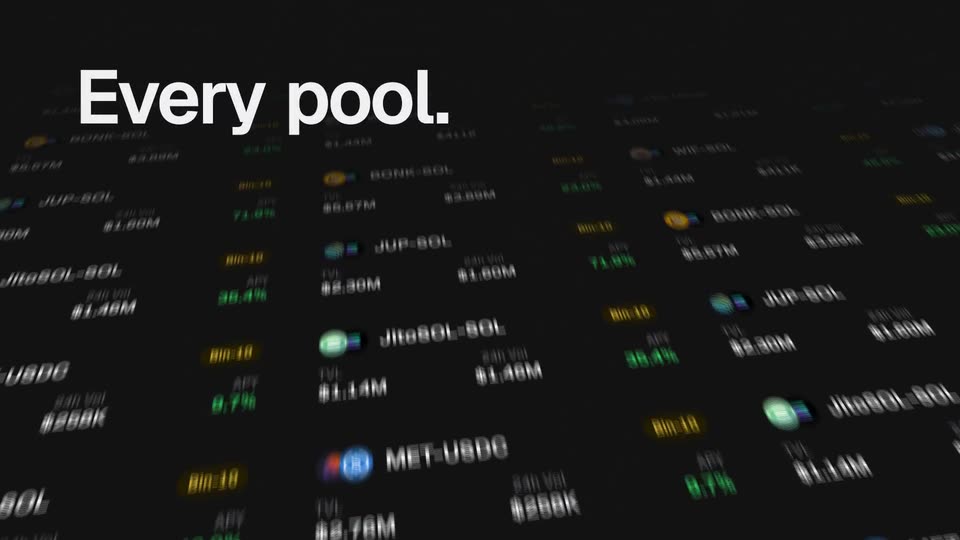 0:02–0:04Aurus · Aurus - Your @MeteoraAG position went out of range while you were out. You foA dark grid of small trading-pair data fills the screen as the white headline
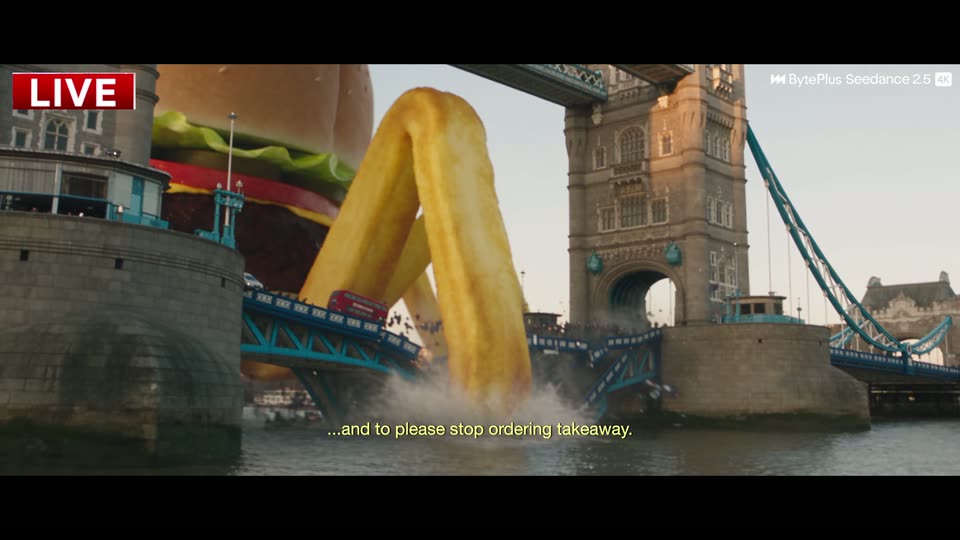 2:01 · 0.8sBytePlus · Seedance 2.5 4K | Built for the Big ScreenA colossal burger and two bent fries stand in the Thames before Tower Bridge, a red bus crossing the span between them. The frame slowly pushes in while a yellow caption holds at the bottom.
 0:05–0:07Context.dev · Yahia Bakour - Introducing the people search API 1 billion people, one API > deA pale contact panel occupies the right side; the labels Company and Email scale in above a LinkedIn mark, then the rows slide to show X and Instagram. The view pulls back to reveal the full two-column layout: the blue Context logo with Context.dev and an email address on the left.
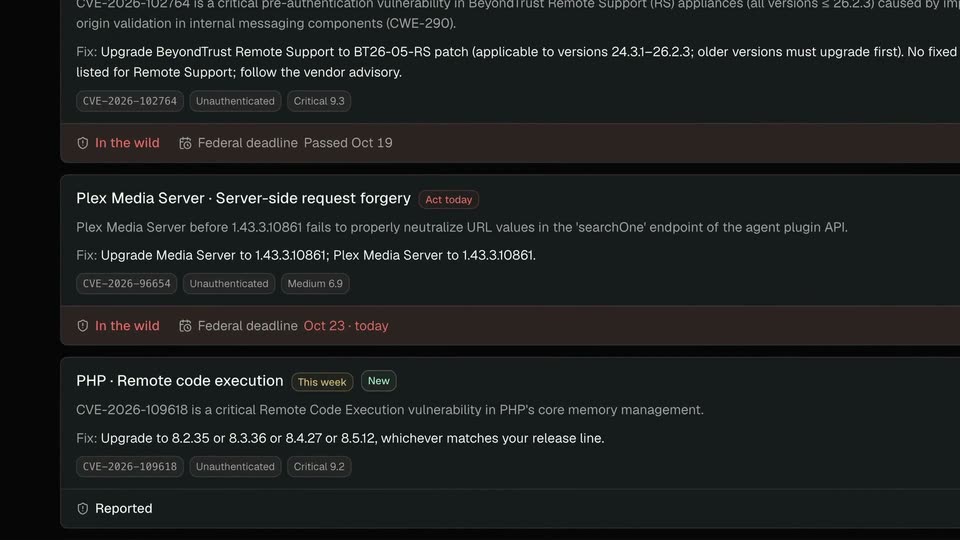 0:00–0:03Enclave · Enclave - Big news: Enclave is now open to everyone, and today we're launchingA tilted 3D browser mockup of the Encive Threat Feed floats on a dark striped background, then the view zooms into the list, enlarging the vulnerability entries until they fill the frame.
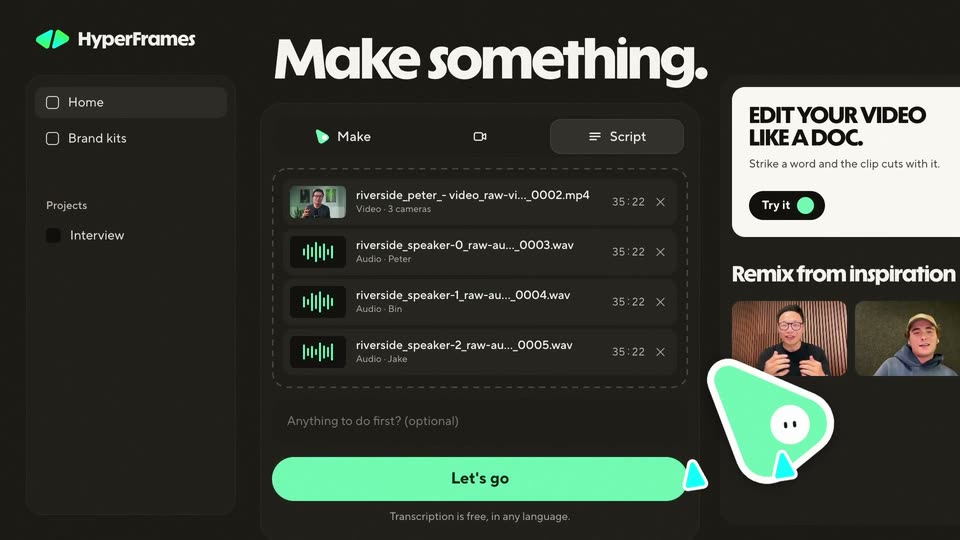 0:04–0:06HyperFrames · HyperFrames - script based editing is live in HyperFrames Studio edit long-form anA dark app interface opens on the Make page with an empty drop zone; rows of audio and video files slide in, the view pushes in on the list, and a green blob mascot hops beside the glowing Let's go button.
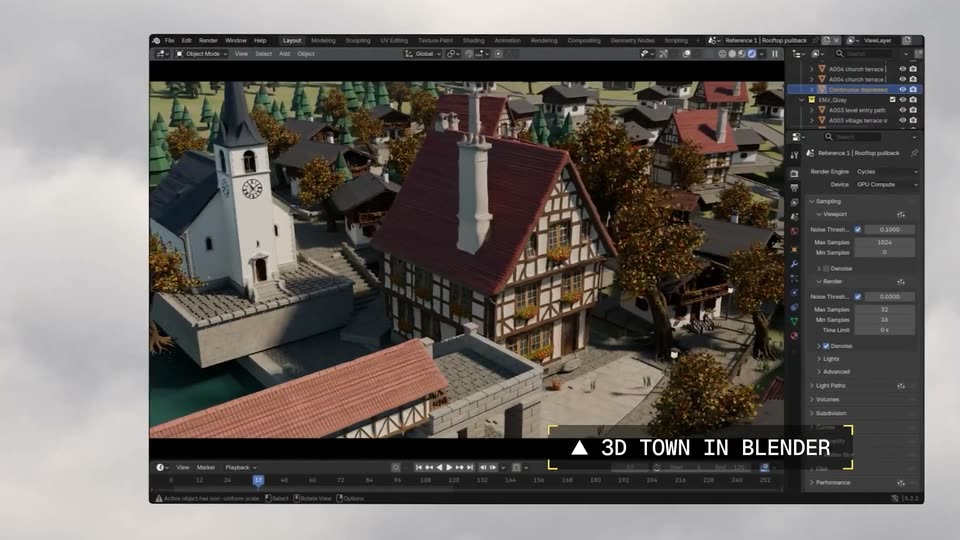 0:44–0:45Moonshot AI · Meet Kimi K3.1 ProA dark 3D city with a launching rocket clears into a full Blender window showing a 3D town with a clock tower and timber houses, the viewport panning slightly. A white caption in corner brackets reads 3D TOWN IN BLENDER along the bottom.
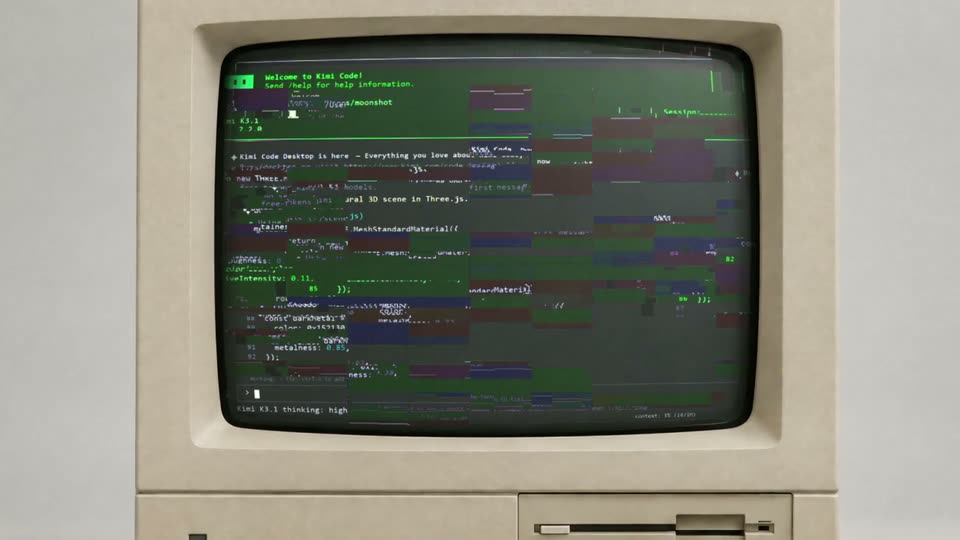 0:00–0:01Moonshot AI · Kimi.ai - https://t.co/Ev0g2EbAywA beige retro computer with a keyboard sits on a plain light backdrop. The camera pushes in from a full view of the monitor to a close-up of the screen, where a code terminal shows lines of text and a status line.
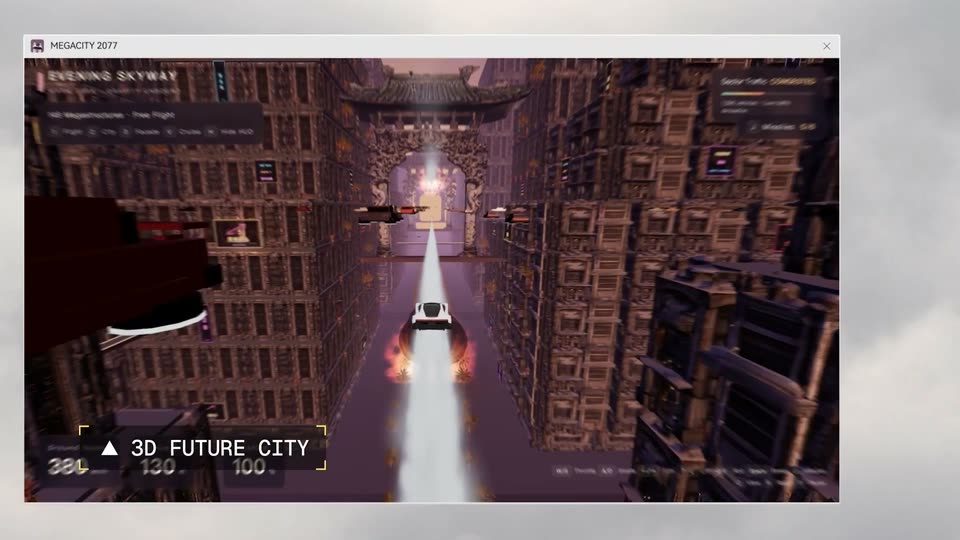 0:43–0:44Moonshot AI · Kimi.ai - Meet Kimi K3.1 Pro, our most capable 3T-class model.A game window titled MEGACITY 2077 shows a flying car speeding down a dim city canyon, trailing white light. The frame pulls back from a tight crop to the full window, and a bracketed caption reading 3D FUTURE CITY sits at the lower left.
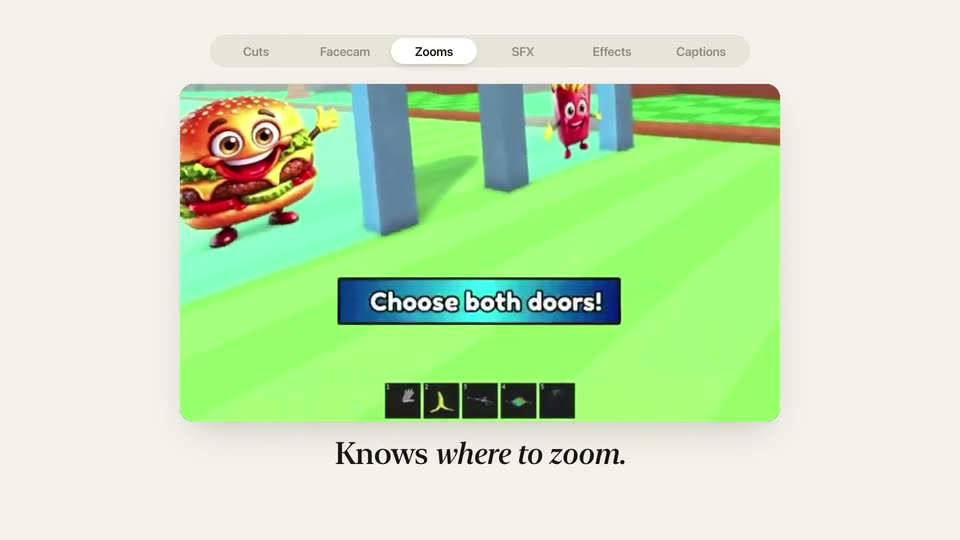 0:10–0:12Pause · Pause - Introducing Claude Duet for Video Editing Just describe the edit anA cream screen shows a video editor with the Zooms tab selected. Inside the preview a bright 3D game clip zooms in on an outlined 'Choose both doors!' prompt. A dark serif caption sits below the frame.
 1:08–1:12primitive · Primitive - we 💌 emailA three-pane Primitive interface fills the frame, a small presenter video pinned at the bottom right. The cursor travels from the right chat pane into the center column as the view reframes onto it, then hovers over the add-teammate button.
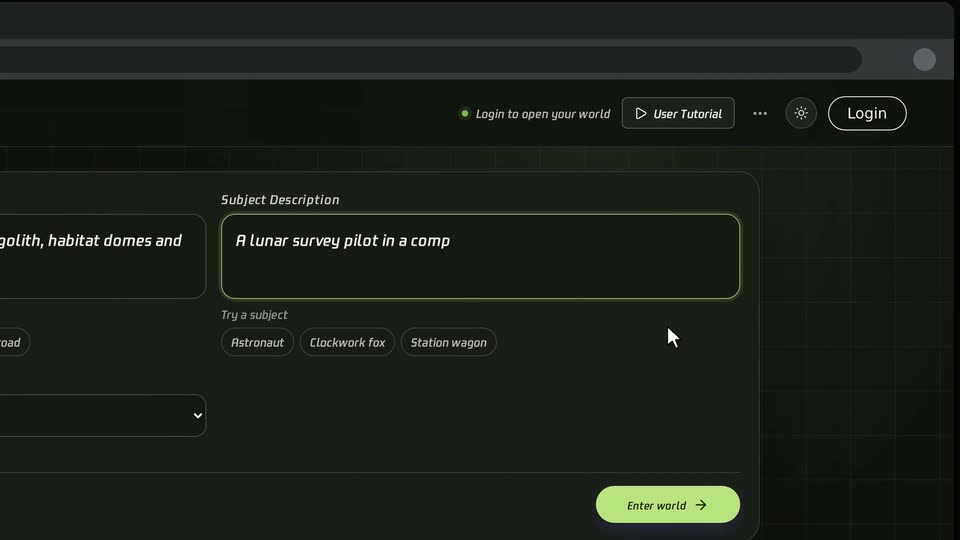 0:11–0:17Tencent · Tencent Hy - 🚀 Introducing Hy-Nomas: An Open Source Free-Form Interactive Video WoIn a dark browser window, a cursor types a moon-base scene into the Environment field and a lunar pilot into the Subject field, each glowing green while active. The view reframes between fields, then zooms out to reveal the Enter world button and a row of gallery thumbnails.
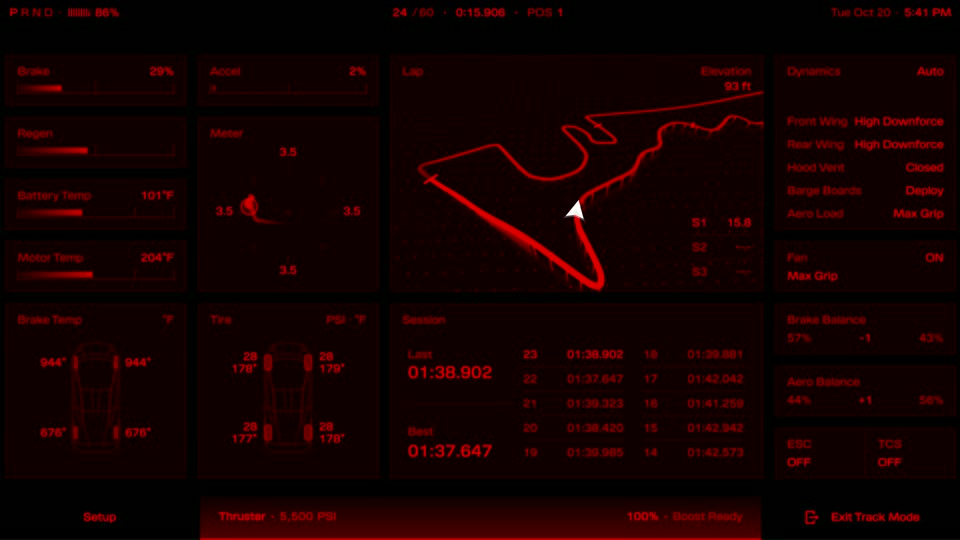 0:12–0:14Tesla · Tesla - Inspired by fighter jet cockpits, Roadster’s interface was designed aA red-on-black racing telemetry dashboard fills the frame. A top-down track map in the center pans and zooms to keep a small car icon centered as it laps the circuit. Surrounding panels update live: brake and accel bars, tire temps, a lap timer counting up, and a session times table.
 0:28–0:30Veeza AI · Veeza AI (YC F26) - AI Tourist Visa Agent for People with Weak Passports.A white landing page shows five destination cards under a two-line headline. The UK card scales up toward the center over a soft blue glow while the other cards shrink and shift, and a cursor dot appears over it.
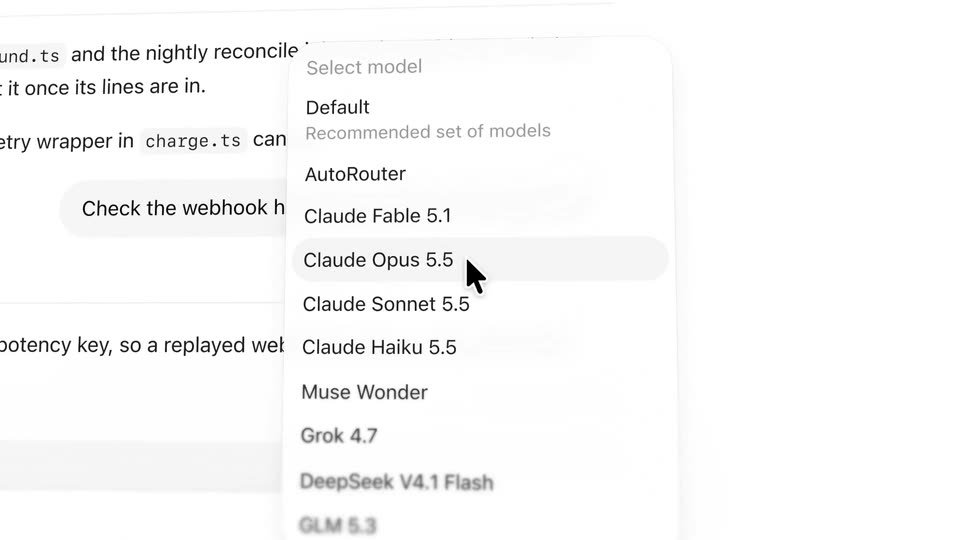 0:05–0:07AutoRouter · ty - Meet AutoRouter, the most intelligent way to pick models You’re wastA blurred code document and chat bubble sit behind a model-selection dropdown that snaps into focus, the list of model names appearing as a cursor glides down and hovers on Claude Opus 5.5.
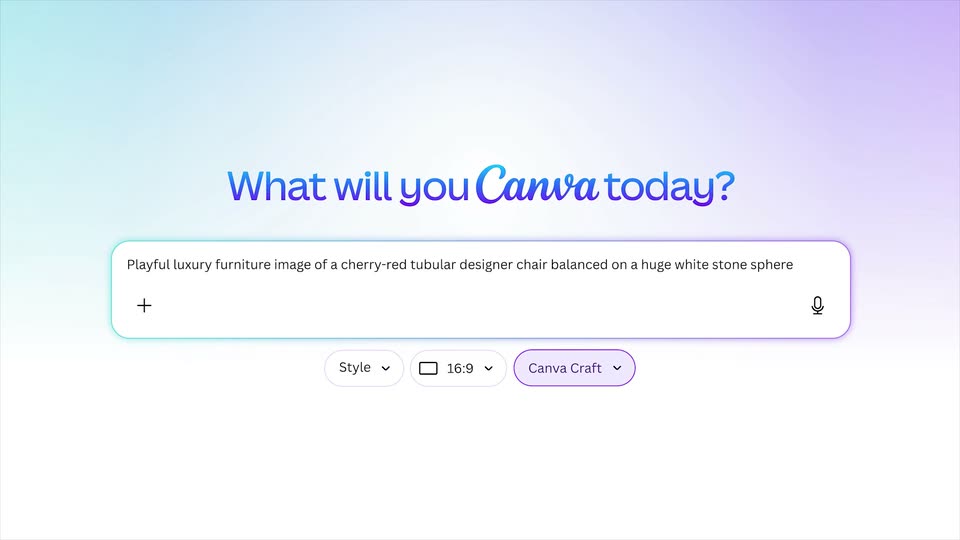 0:10–0:14Canva · Canva - Introducing Canva Craft 🚀 Extraordinary image generation is now avaiA Canva prompt screen on a soft blue-purple gradient. The heading 'What will you Canva today?' sits above a rounded input field where a prompt about a red chair on a white sphere is typed. The view scrolls up to reveal four generated images of the chair on the sphere.
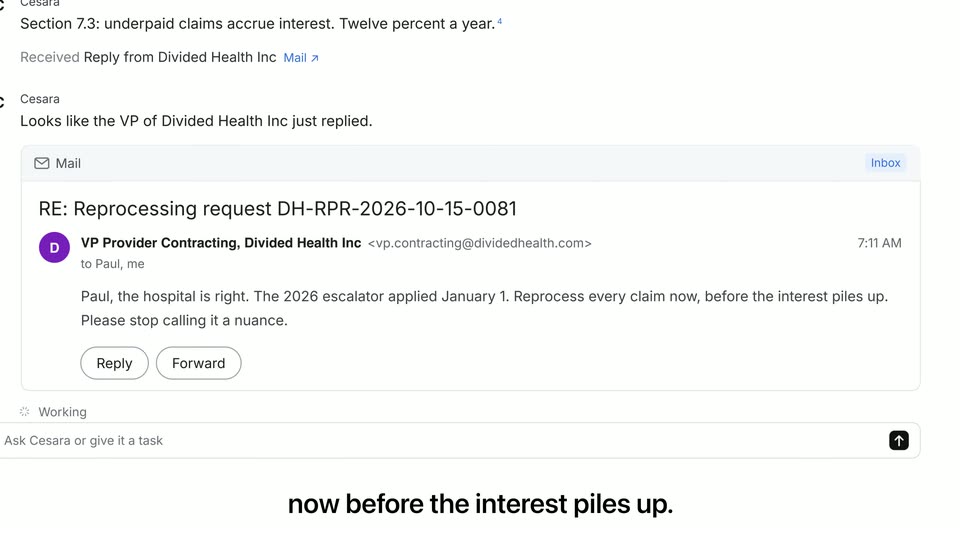 1:16–1:20Cesara · Cesara Launch.A light email client UI fills the frame, an inbox card showing a reply from a VP. The view zooms into the mail card as bold black captions at the bottom swap phrase by phrase, echoing the voiceover.
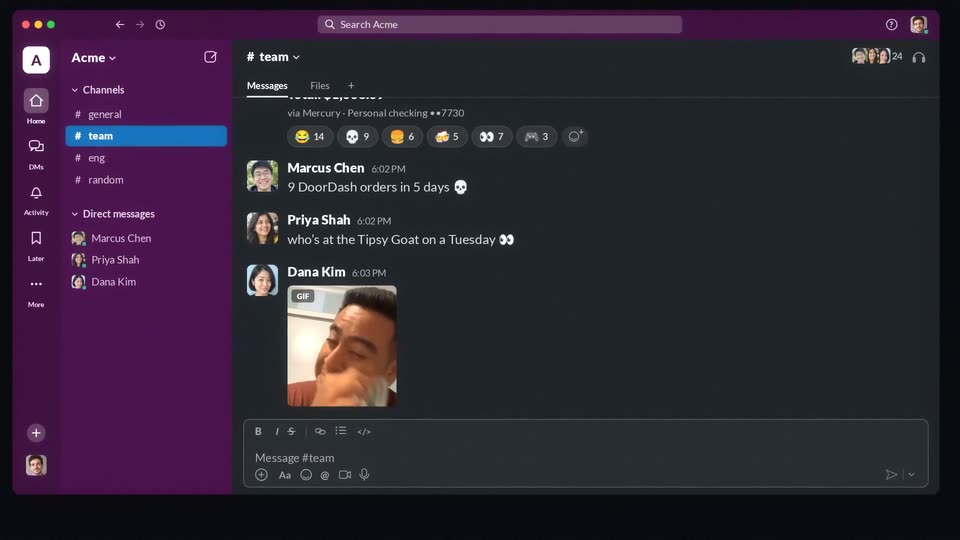 0:09–0:15Composio · Karan Vaidya - Agents have a trust problem. Today’s models can do most work. What tA dark Slack-style chat window with a purple sidebar fills the frame. Teammate messages appear one after another in the #team channel, the list scrolls down, and a GIF of a man drinking zooms in to fill the screen.
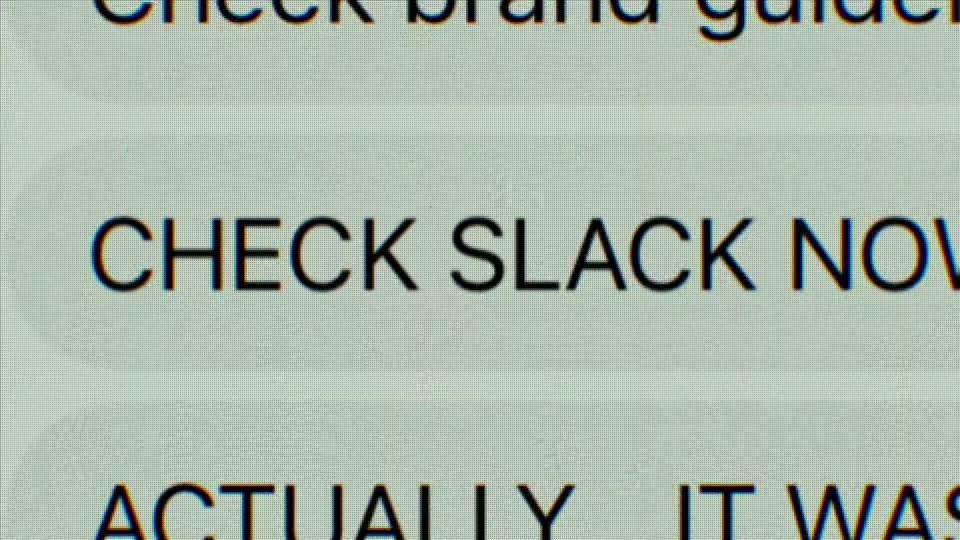 0:11–0:16Framer · Introducing the Framer MCP: Connect your favorite AI tools to FramerA close view of the phone shows an urgent Boss thread. Repeated Are you awake messages give way to NEED NEW LANDING PAGE, DUE FOR TOMORROW, Mobile first, MAKE IT POP!!!!, Fully responsive, Check brand guideline, CHECK SLACK NOW and ACTUALLY... IT WAS DUE YESTERDAY. The framing enlarges and pans down the same message thread; no landing-page canvas is shown in this section.
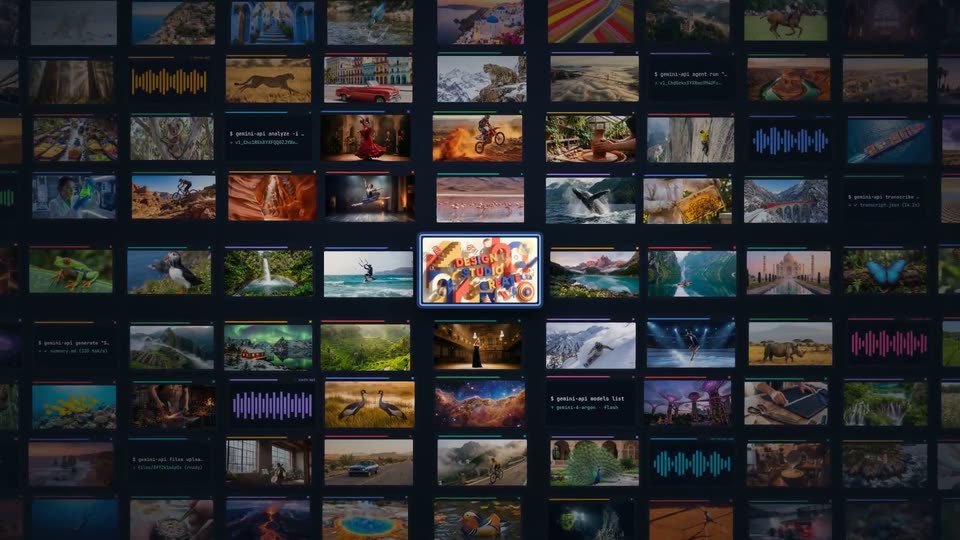 0:23–0:27Google · Dmitry Lyalin - Introducing Gemini API CLI (gemini-api), now available in preview! OA dark grid of small media thumbnails fills the screen, with a colorful poster tile reading DESIGN STUDIO centered under a glowing border. The framing pulls back from a tight crop to reveal the full grid of generated images and audio clips.
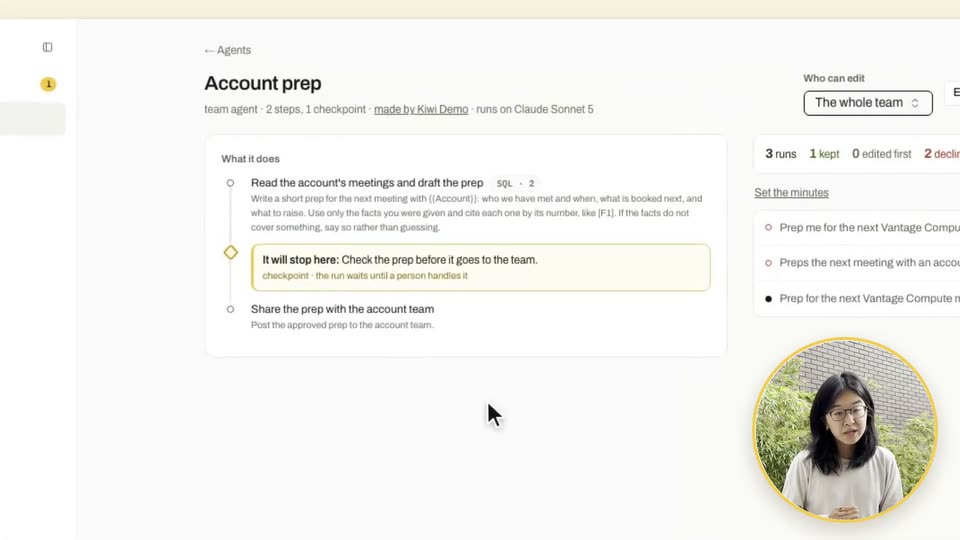 0:46–0:48Kiwi · Kiwi (YC F26) - Launch VideoA light product dashboard for an Account prep agent fills the screen, with a circular video of a presenter in the bottom-right corner. The view zooms in on the steps list as a cursor glides to the highlighted checkpoint row.
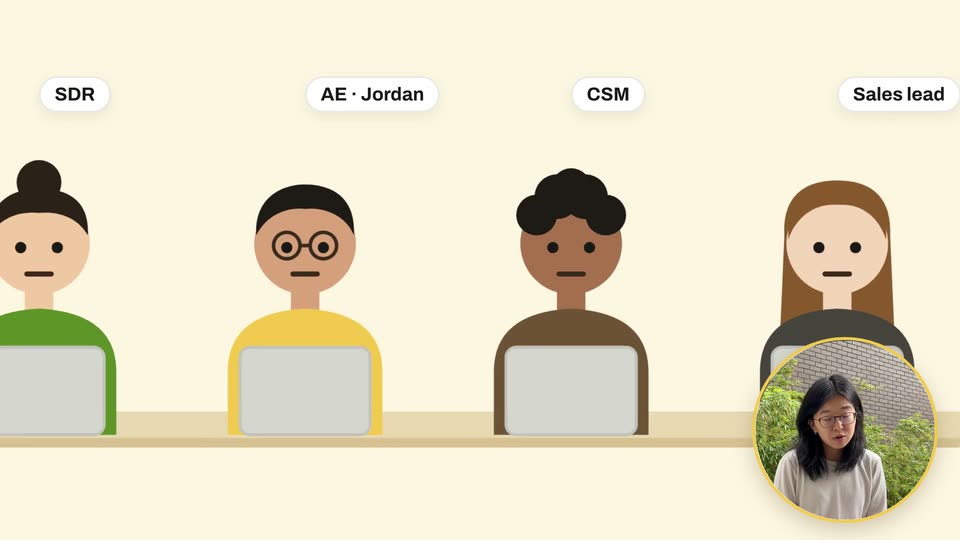 0:04–0:08Kiwi · melanie - Today we're announcing @with_kiwi_ai: your GTM agent's data engineer.Four flat avatars sit at a desk with laptops under the fading-in headline, as role labels pop in above them while a presenter talks in a circular inset at bottom right. The view zooms into the yellow-shirted agent as a white agents panel slides in.
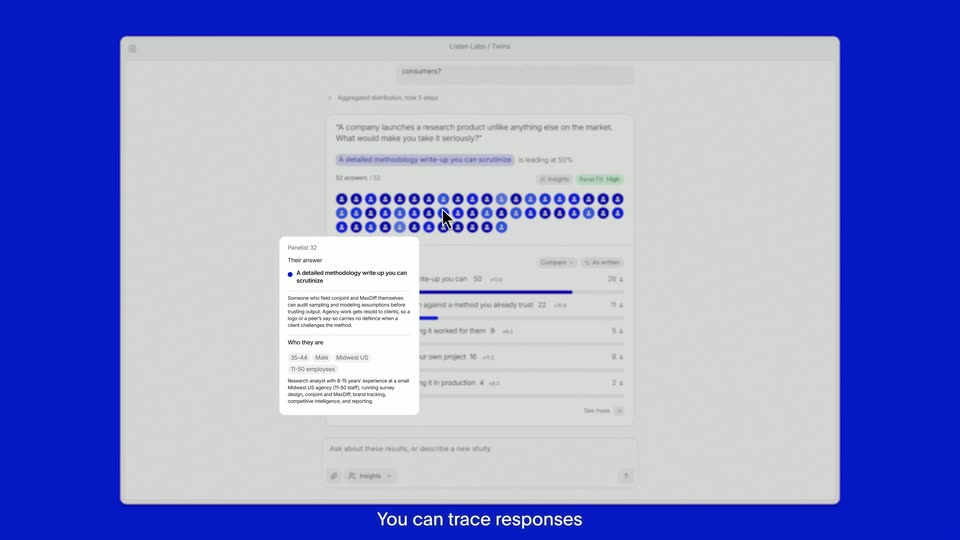 0:33–0:35Listen Labs · Alfred Wahlforss - Introducing Listen Twins. 1:1 digital twins of real people, each buiA white results dashboard on a blue background. A cursor hovers over a circular avatar in the response grid, a tooltip with the panelist's answer pops up, then the view slides left to open a profile side panel. A white caption line at the bottom swaps mid-scene.
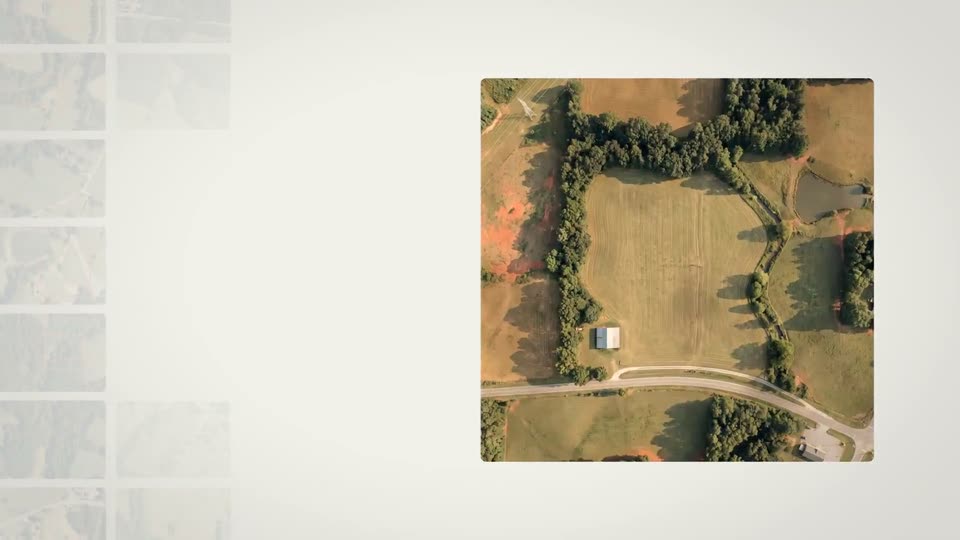 0:05–0:06Mireye · Ansh - introducing land search and enrich api + mcp billions of real worldA grid of labeled aerial parcel thumbnails fills the right as a black serif headline and a ticking requests counter sit left. The headline scrolls up and out while one field parcel, ringed in white, zooms in to fill the frame.
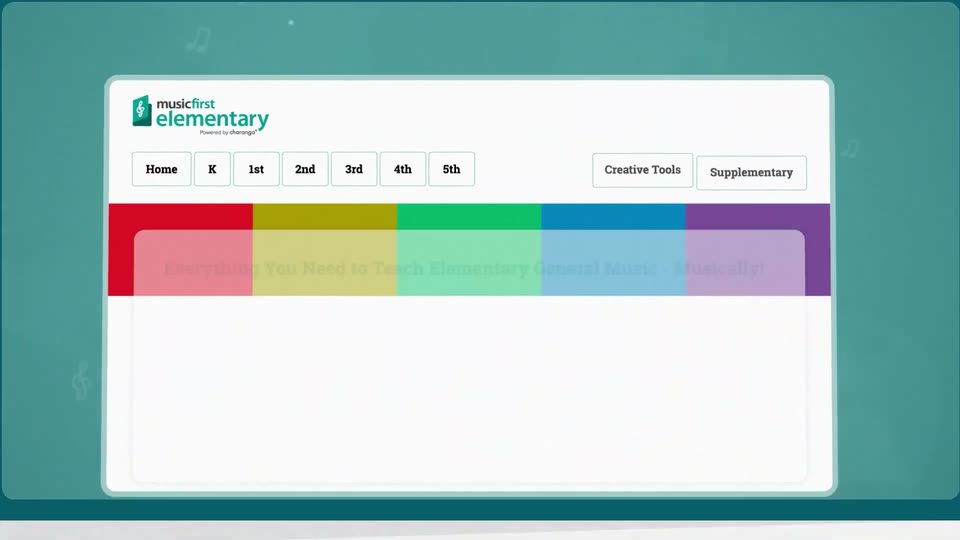 0:10–0:11MusicFirst · Music Education Software Explainer Video | MusicFirst x MotionCueA tablet in 3D perspective displays the Music First Elementary site above two illustrated children. The view zooms into the screen, dropping the frame to reveal a white content card with a colored grade bar on a teal field of floating notes.
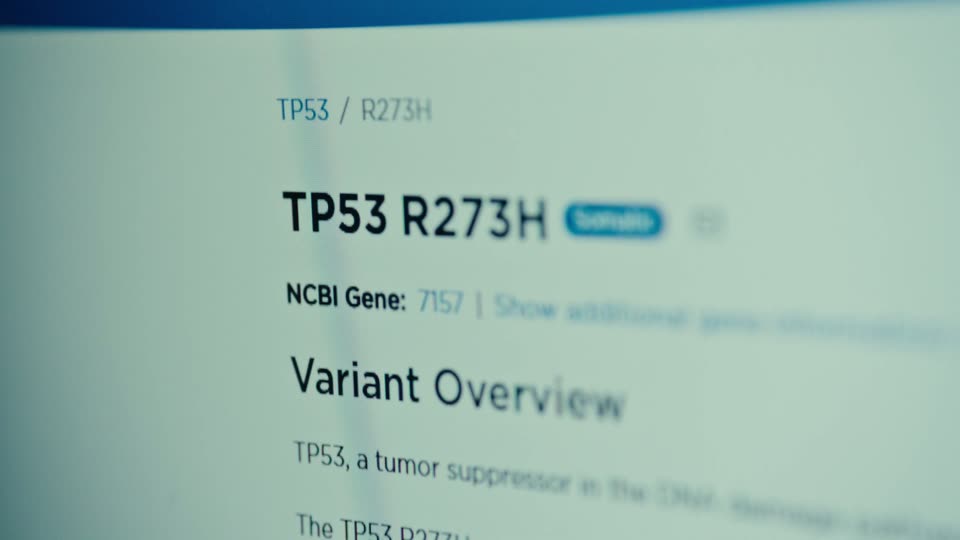 1:47–1:49OpenEvidence · Memorial Sloan Kettering Cancer Center and OpenEvidence Partner to Advance Precision OncologyA locked-off close-up of a monitor showing the OncoKB website. Focus starts on the white OncoKB logo in the blue header, then racks down as the page scrolls slightly, bringing the bold TP53 R273H heading and Variant Overview section into sharp focus.
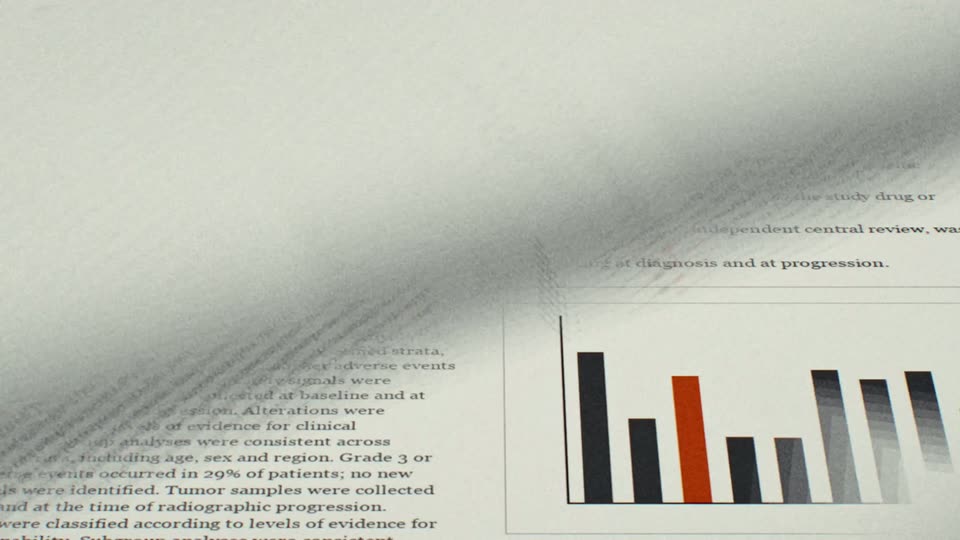 1:25–1:26OpenEvidence · OpenEvidence - Over 85% of oncologists at Memorial Sloan Kettering Cancer Center useA scientific journal page fills the frame, title and abstract at the top, a two-line survival curve at the lower right. The view slowly zooms in, the heading and body text growing larger while the curve stays anchored bottom right.
 0:59–1:03Sloosh · Ajay PV - 483 days ago, @5aitec and I raised $20M from @binnybansal to build ShThe yellow SLOOSH logo hovers above a dark sloosh.ai dashboard. The view pulls back from a close crop to the full window as a yellow promo card slides into the left column, then scrolls down the All spaces template grid to the yellow Spacelab panel.
 0:28–0:29Treg · Jason Zhou - Introducing OpenSource Recruiter for Claude - Paste any job post → 5A tight frame on a white card and a small teal square quickly pulls back to reveal the full interface. A header row holds three labeled logos, Recruiter Lite, Sales Nav, treg, above the card. The teal square stays centered in the card.
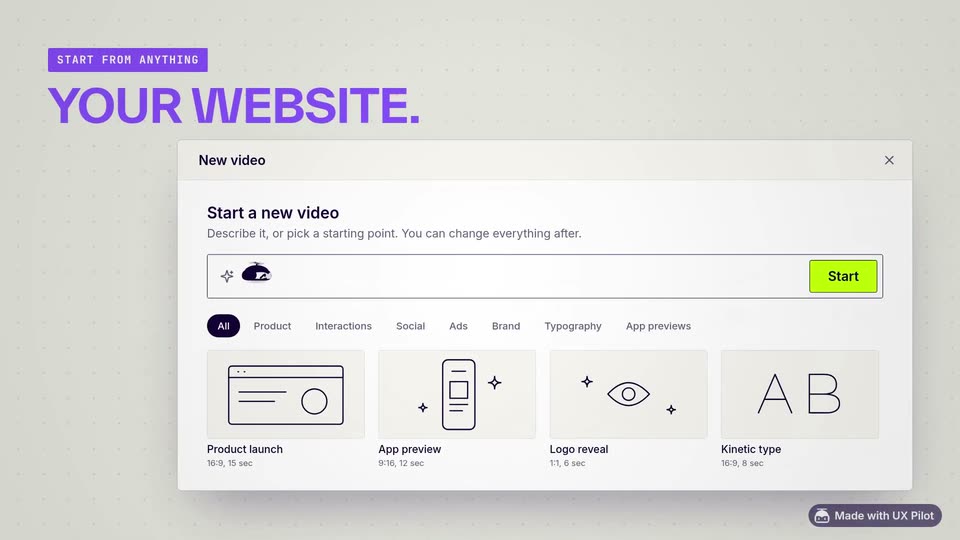 0:07–0:08UX Pilot · Adam Fard - Today we’re launching UX Pilot Motion ⚡️ Start with your website orA grid of video template cards on a dotted gray canvas zooms into a 'New video' dialog with a prompt field, green Start button and starter options, set over large purple 'YOUR WEBSITE.' text and a 'START FROM ANYTHING' badge.
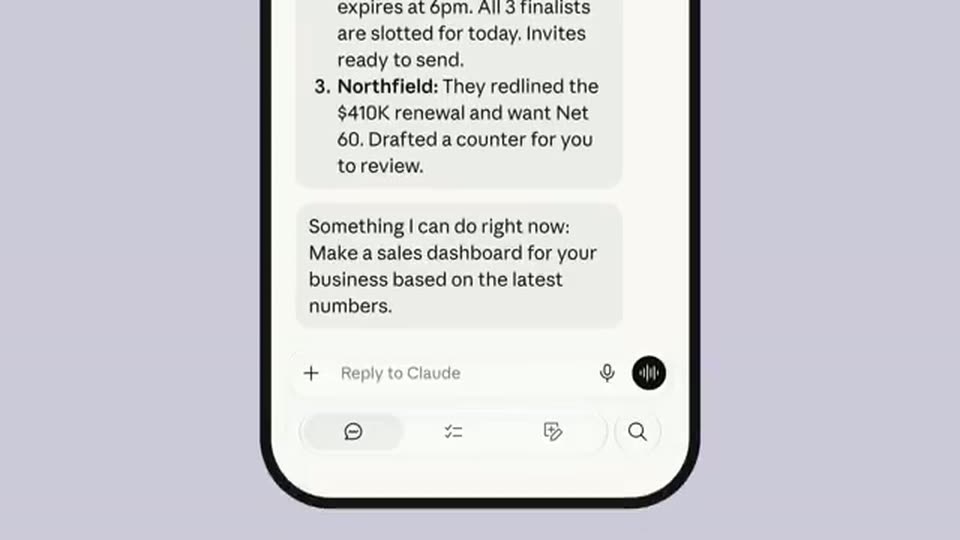 0:03–0:08Anthropic · Claude - We’re opening a research preview of Claude Duet, a new app where ClauA front-facing phone mockup on a lavender background shows a Claude chat: a greeting bubble, then a numbered morning brief and a follow-up bubble scroll into view as the camera slowly zooms in on the screen. A static 'Claude Duet' title holds in frame.
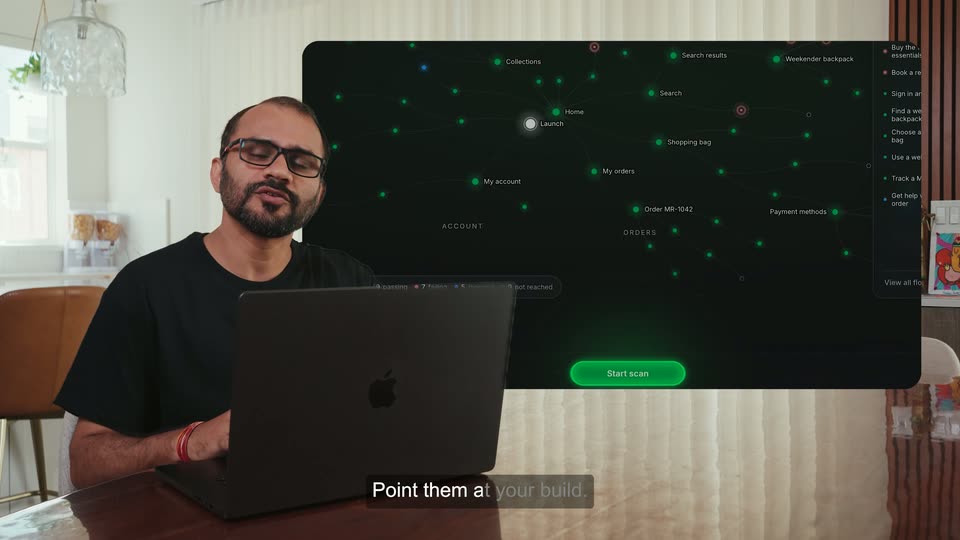 0:26–0:28Aucert · Aucert (YC F26): AI experts that test your mobile app before it shipsA presenter in a black tee sits at a laptop in a bright room while a dark product interface floats in 3D perspective behind him. The interface zooms in on its node map of green dots, ending on the Start scan panel.