Split screen
Several distinct areas shown at the same time, side by side.
5,585 scenes · page 29 of 94
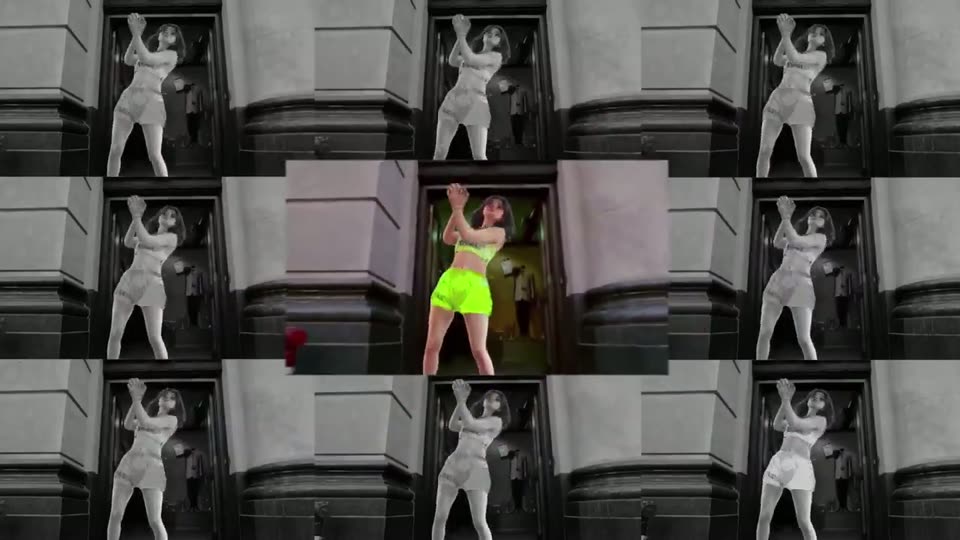 0:20–0:21Viggle · ViggleAI - Viggle iOS and Android apps are now live! Place your character inA dancer in neon green sportswear moves in the center tile of a 3x3 grid; the eight surrounding tiles show desaturated copies of her in different poses. A blurred red shape flickers at the edge of the center frame.
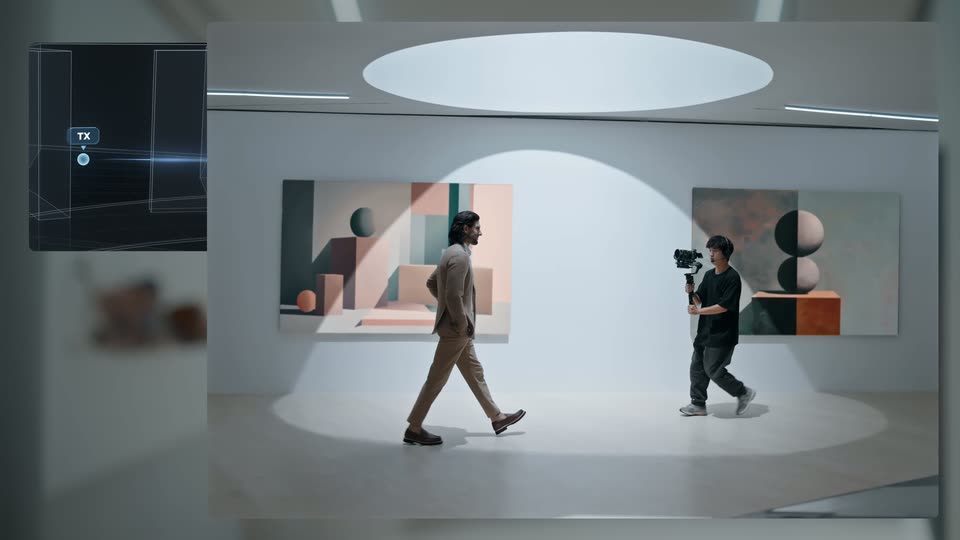 0:13–0:14DJI · Introducing DJI SDR TransmissionA man walks past a gimbal operator on a white circular stage under a spotlight. The footage shrinks into a right-hand panel while a dark wireframe room diagram with blue TX and red RX markers and a light beam slides in on the left.
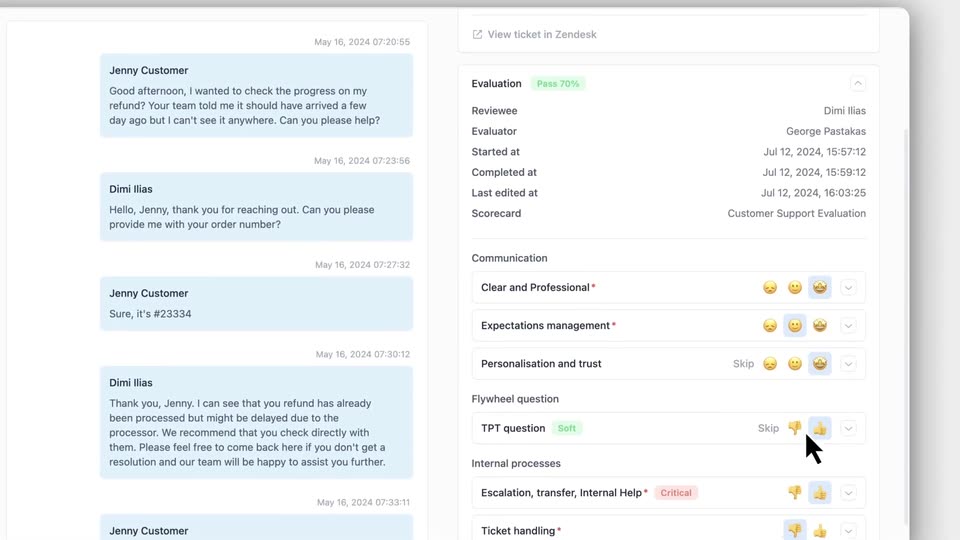 0:21–0:22Intryc · Intryc YC Launch videoA split view shows a customer chat thread on the left and an evaluation scorecard on the right. Both panels scroll slowly while a hand cursor moves down the rating rows, hovering over the emoji face scales.
 0:24–0:25Samsung · Introducing Galaxy Z Fold6 and Z Flip6 | SamsungIn a dim interior, a mustached man and a red-haired woman holding a folder face the camera. A quick blurred close-up of a hand gripping a pen cuts in, then the frame splits into four tilted vertical panels, each showing a serious suspect looking forward.
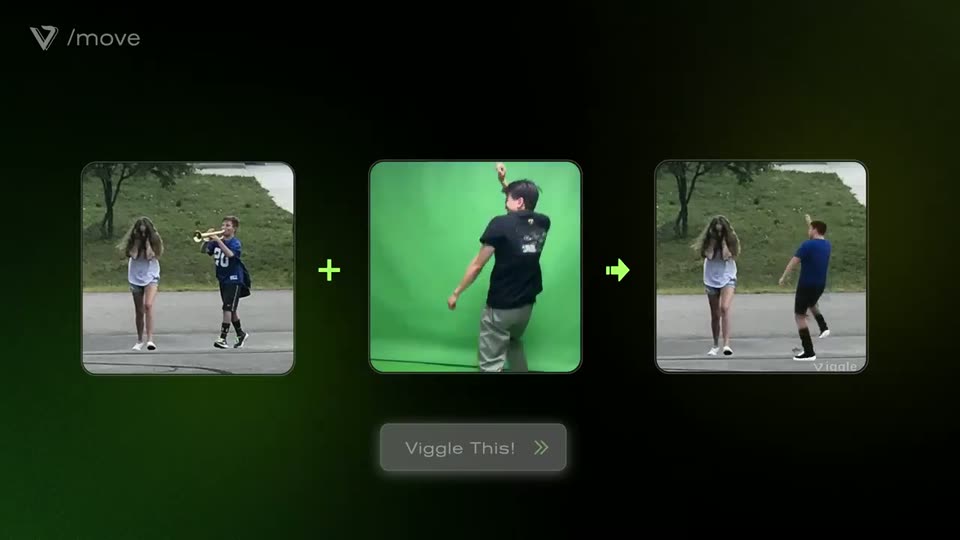 0:24–0:28Viggle · ViggleAI - Viggle's new feature "Move" is now live! Visit to animate your pic riTwo video cards labeled character and motion sit above a Viggle This! button on a dark green-glowing background, a cursor hovering on it. The layout expands to three cards with a plus and arrow, the third showing the green-screen dancer's moves composited onto the original clip.
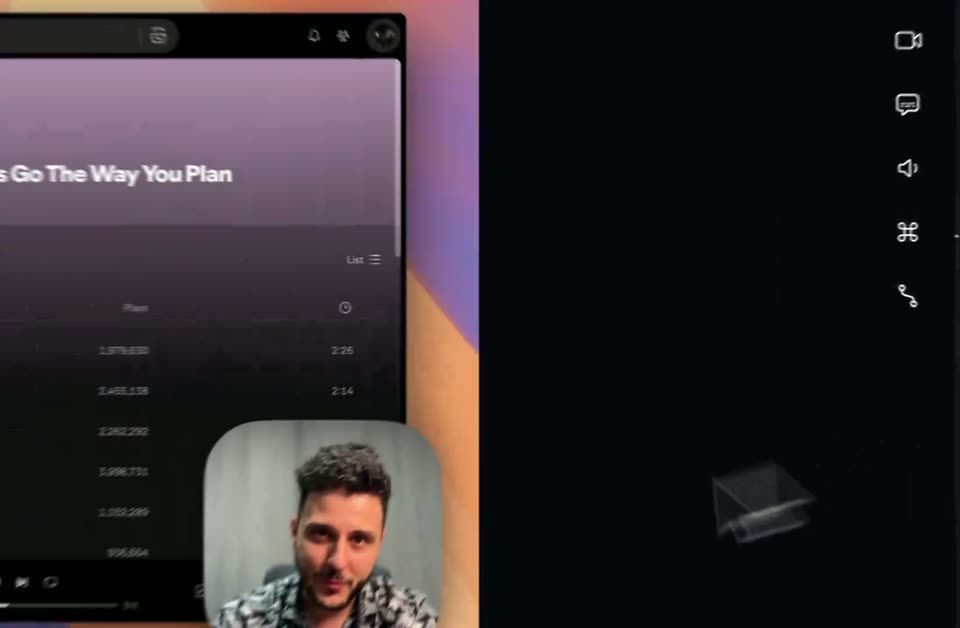 0:17 · 0.4sScreen Studio · Screen Studio - There is a major new update coming soon to Screen Studio! The updateA horizontal slide pans left across a wide composite, revealing a music streaming app with a webcam video on the left while the dark cursor-settings panel slides off to the right, a wireframe cube resting on the dark edge.
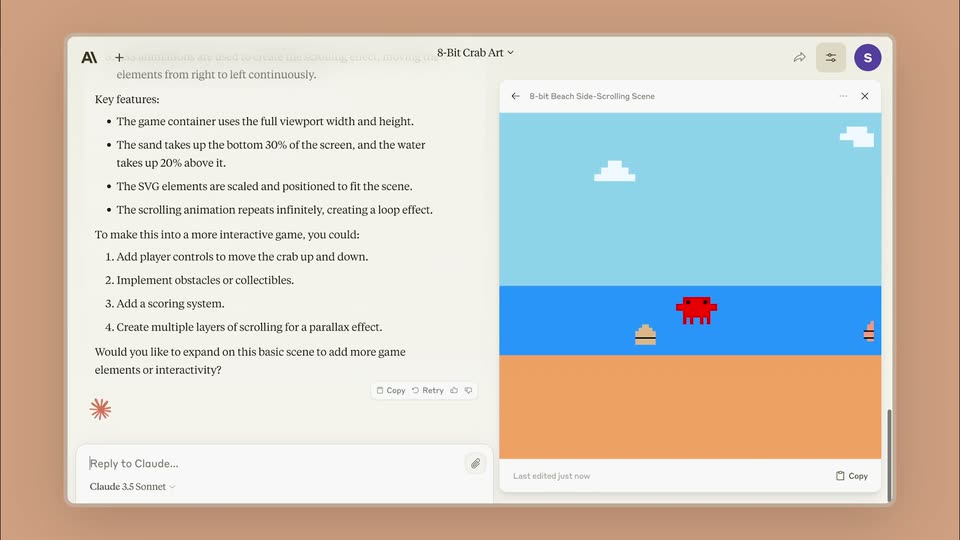 0:45–0:50Anthropic · Claude 3.5 Sonnet for sparking creativityA split view pairs a chat window on the left, its text scrolling up, with a preview card sliding in from the right. Inside, an 8-bit beach scene loops as pixel clouds, a red crab and a shell drift across the water and sand.
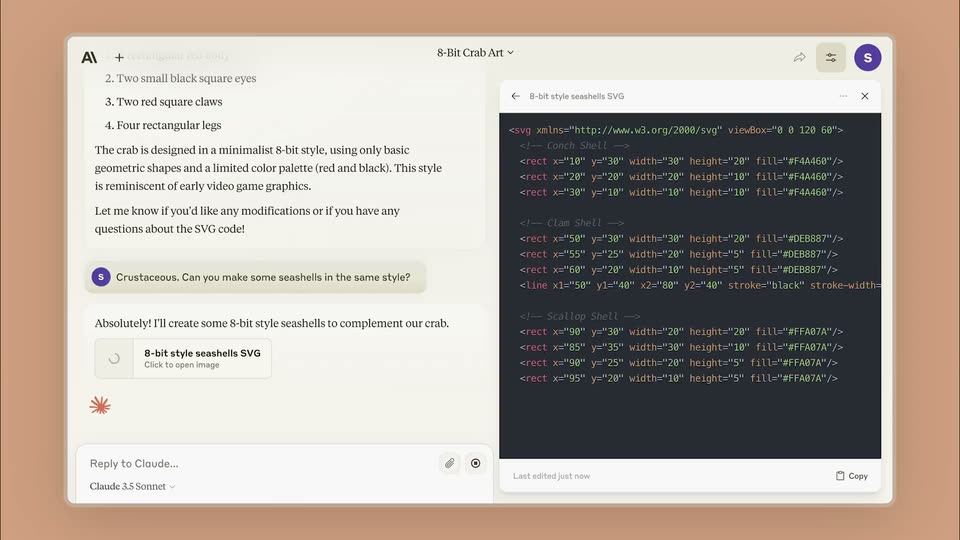 0:22–0:25Anthropic · Anthropic - We're also launching a preview of Artifacts on You can ask Claude toA two-pane chat interface on a peach background. The left pane shows the user asking for 8-bit seashells and the assistant replying with a file card. The right pane types SVG code line by line; a small red crab icon sits at the bottom left.
 0:29 · 0.6sCohere · Cohere - Multi-step tool use is now available in the Cohere API! Build advancTwo rounded white outline panels sit side by side on a purple field above soft teal and grey 3D blobs. The left panel holds a static white headline; the right panel fills with the Cohere chat interface, displaying a Python plotting script and a message box.
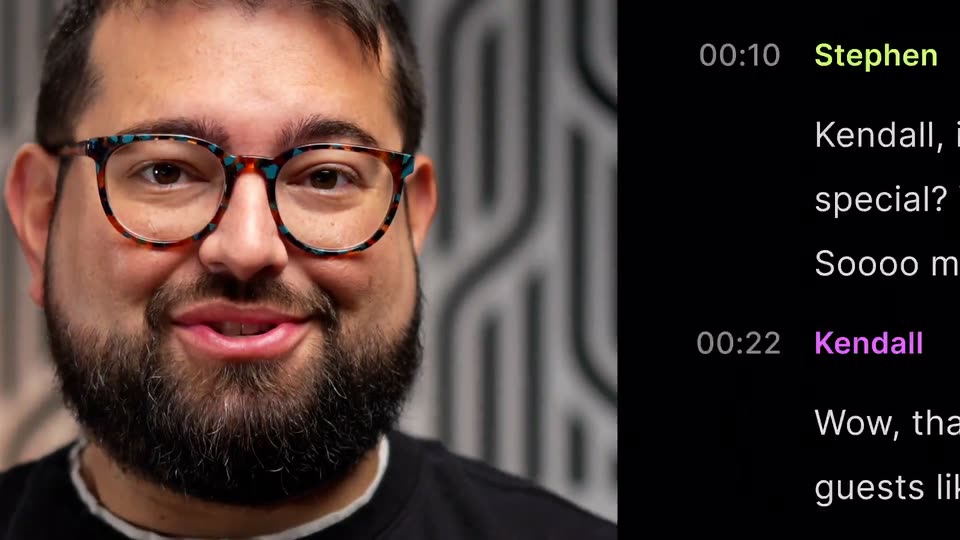 0:36–0:37Riverside · Riverside - Introducing the new Conversation Studio. With full HD live streamingA bearded man in patterned glasses talks to camera in close-up against a textured gray wall. The frame then splits, his video filling the left half while a dark transcript panel with colored speaker names and timestamps fills the right.
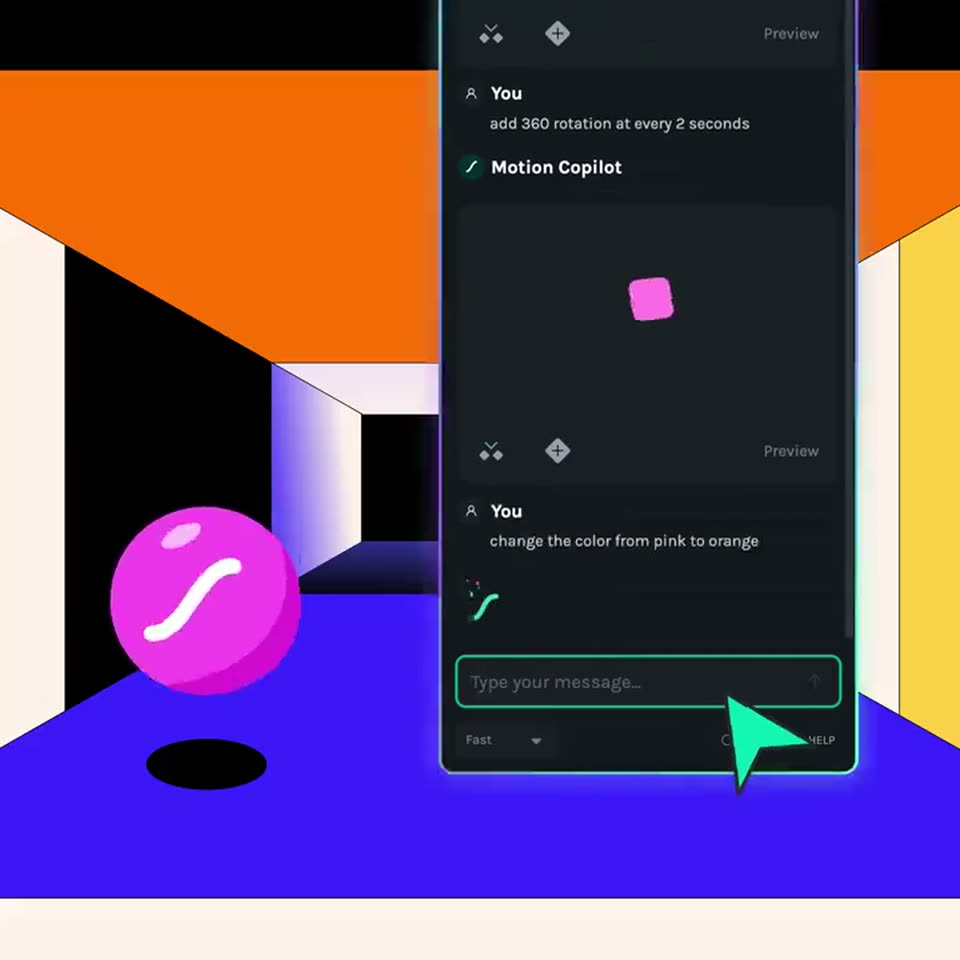 0:36–0:48LottieFiles · LottieFiles - 🚀 Introducing Motion Copilot! - Describe your animation in any languLeft of frame, a pink ball bounces on a blue floor in a colorful 3D room; right, a dark Motion Copilot chat panel. A teal cursor clicks previews and types prompts, and the ball spins and turns orange as the panel slides out.
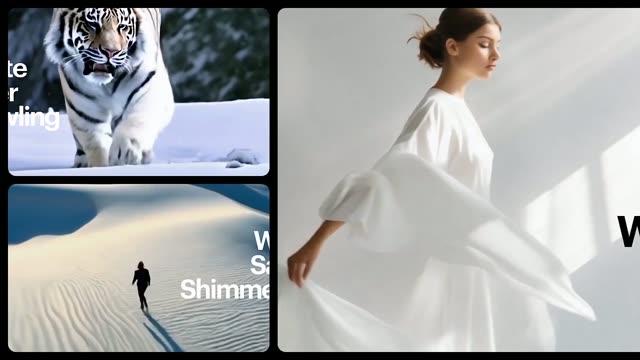 0:06–0:07Luma AI · Introducing Luma Dream Machine - Next Generation AI VideoTwo stacked live-action panels: a white tiger walks through snow above, a lone figure crosses white dunes below. White labels read White Tiger Prowling and White Sands Shimmering, the last word typing in.
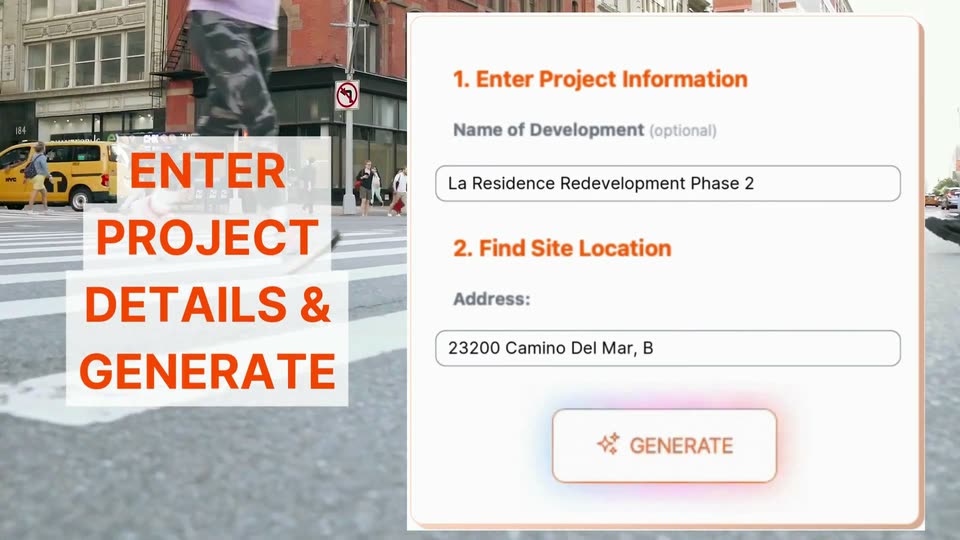 0:02–0:06SchemeFlow · SchemeFlow Intro VideoA split layout pairs a live street scene on the left with a white product form on the right. An orange headline on white blocks slides in over the footage while the address field types out 23200 Camino Del Mar, Boca and the GENERATE button glows.
 0:34–0:36Berachain · Berachain Foundation 🐻⛓ - Berachain's Public Testnet bArtio B2 is now live. Hot Bera Summer beFour vertical panels show rocket launches, flames and smoke filling each frame. Black-outlined 3D boxes in magenta, yellow and red slide in from the left, carrying the delegate and block-rewards copy.
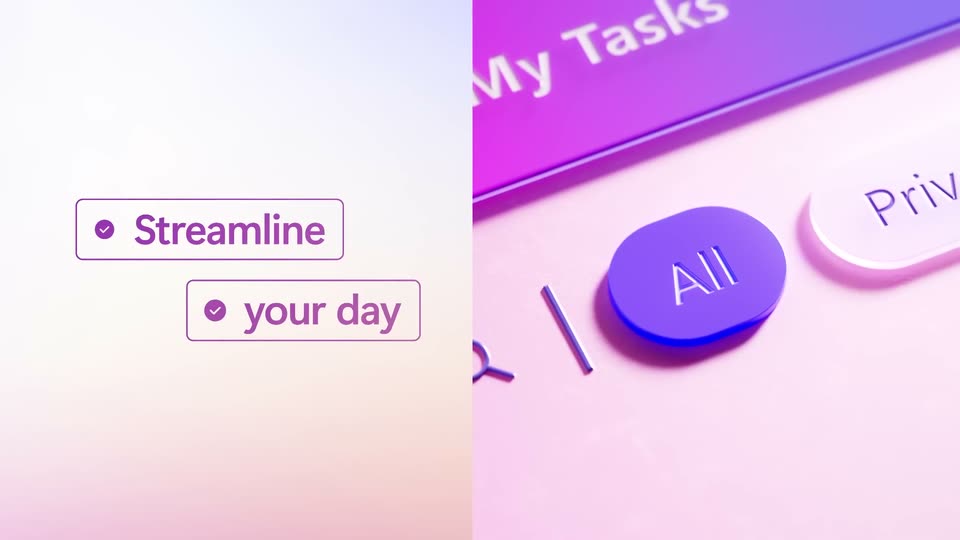 0:05–0:07Microsoft · The new Microsoft Planner is here! Streamline the planning, management, and execution of workSplit layout: on a pale gradient, two outlined pill chips reading “Streamline” and “your day” slide in and gain filled checkmarks, while a 3D “My Tasks” screen with purple “All” and white “Priv” pill buttons scales into view on the right.
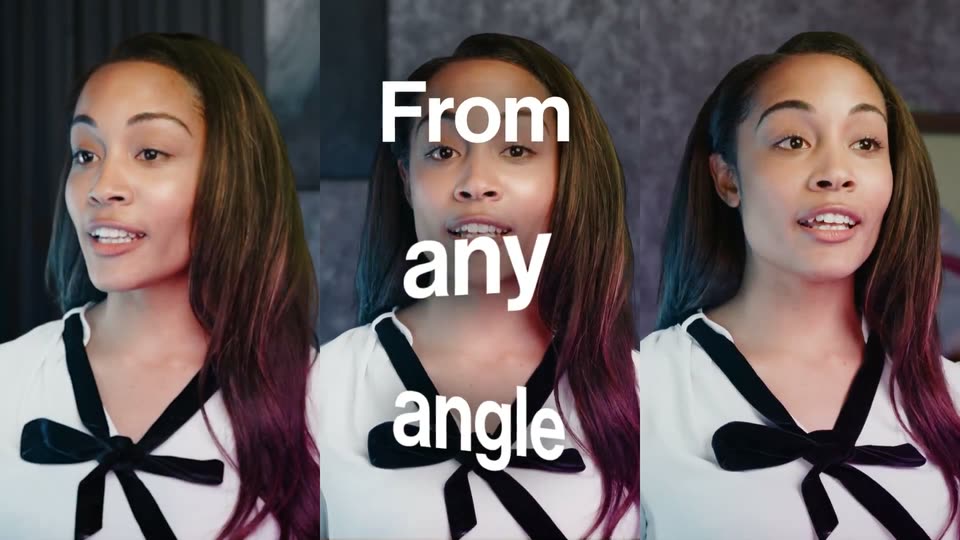 0:21–0:22Mirage · Mirage - Talking videos, reimagined. Introducing AI Creator: the world’s firsThree side-by-side vertical panels show the same woman from the left, front, and right, her head turning slightly as she speaks. White stacked text reading From any angle sits centered over the middle panel, static throughout.
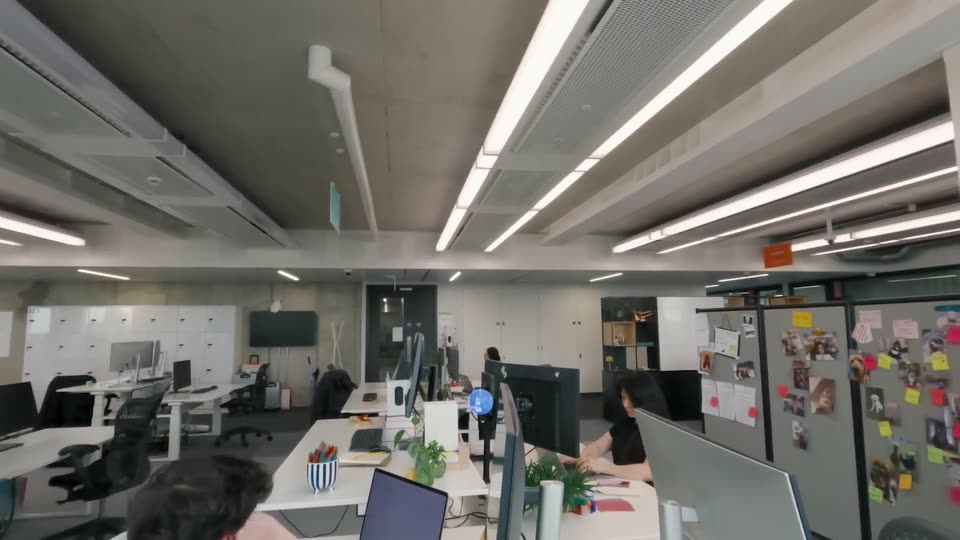 1:34–1:37Google · Project Astra: Our vision for the future of AI assistantsA wide office shot pans right past desks, monitors, and ceiling light strips while a person works at a workstation. A small picture-in-picture call window in the lower right shows a person with glasses. The pan ends on a sticky-note partition and whiteboard.
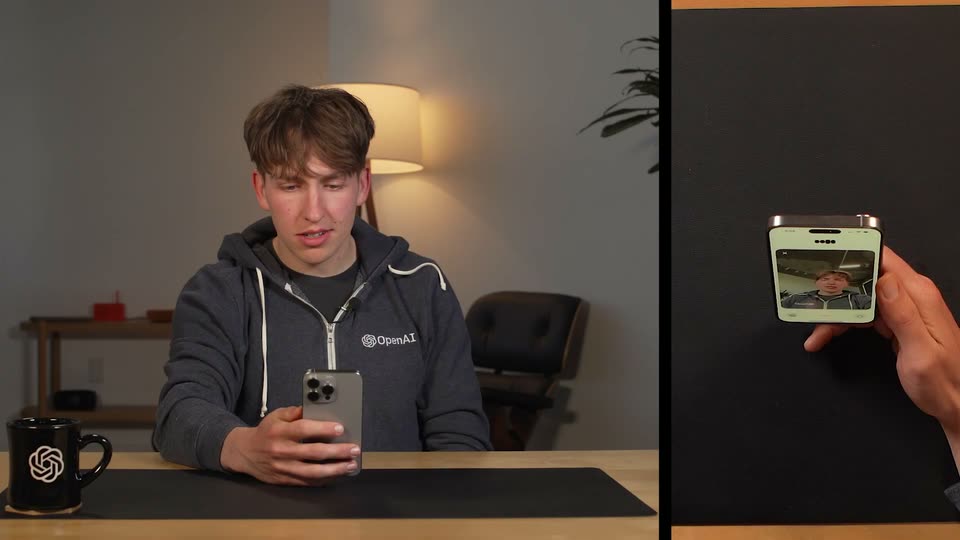 0:00–0:15OpenAI · Say hello to GPT-4oSplit screen: left, a man in a gray OpenAI hoodie sits at a desk holding a titanium iPhone and talking; right, a hand holds a small square device with a pale green screen against a black backdrop, its display showing the man's camera feed. The hand tilts the device.
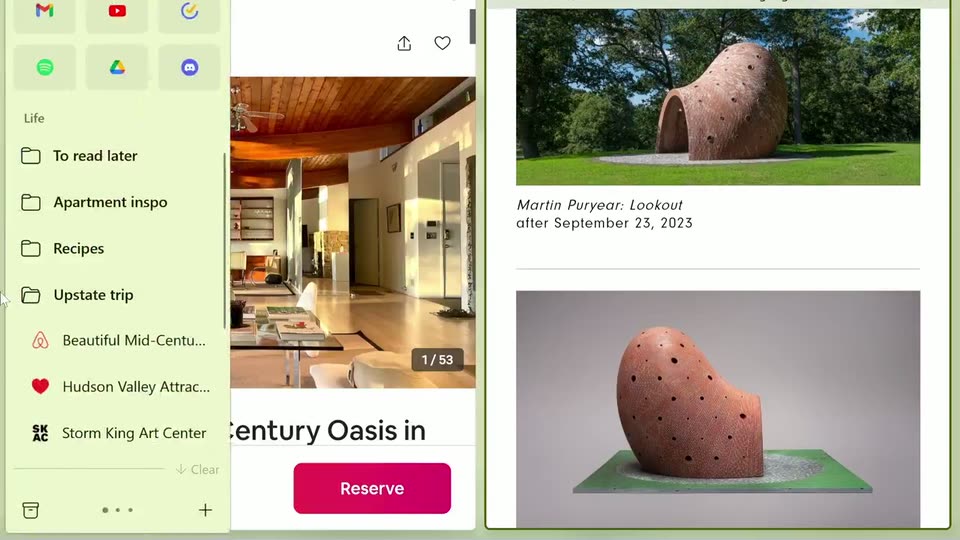 0:19 · 0.5sThe Browser Company · The Browser Company - Arc on Windows is finally here. No more waitlists, no more betas. DA split screen shows a home listing on the left as a sidebar slides open to reveal a folder list, and a right column of two brick-sculpture photos with captions.
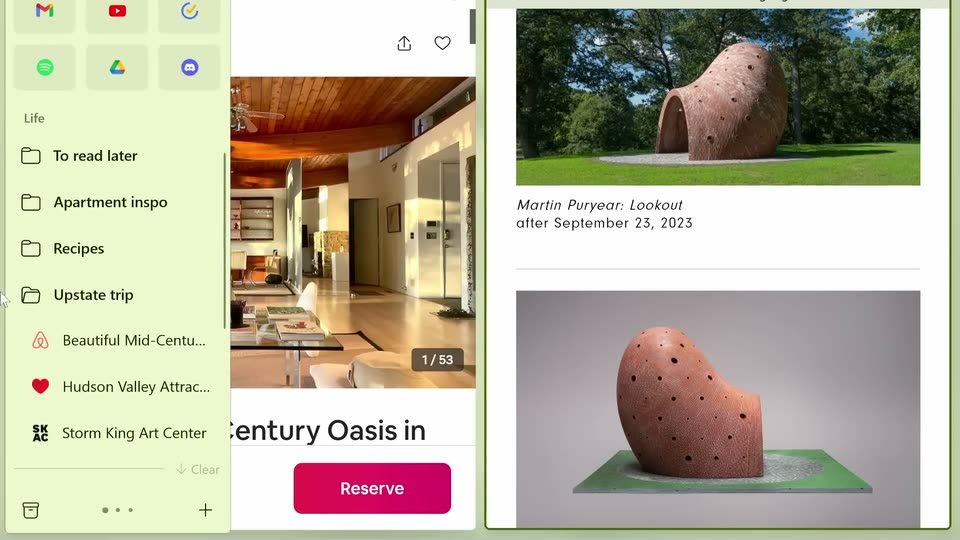 0:19 · 0.5sThe Browser Company · Arc on Windows. Download now.A pale green sidebar of saved folders slides in from the left over a listing card with an interior photo and a pink Reserve button. A web page showing a brick pavilion photo and a 3D brick model sits in a right-hand split view.
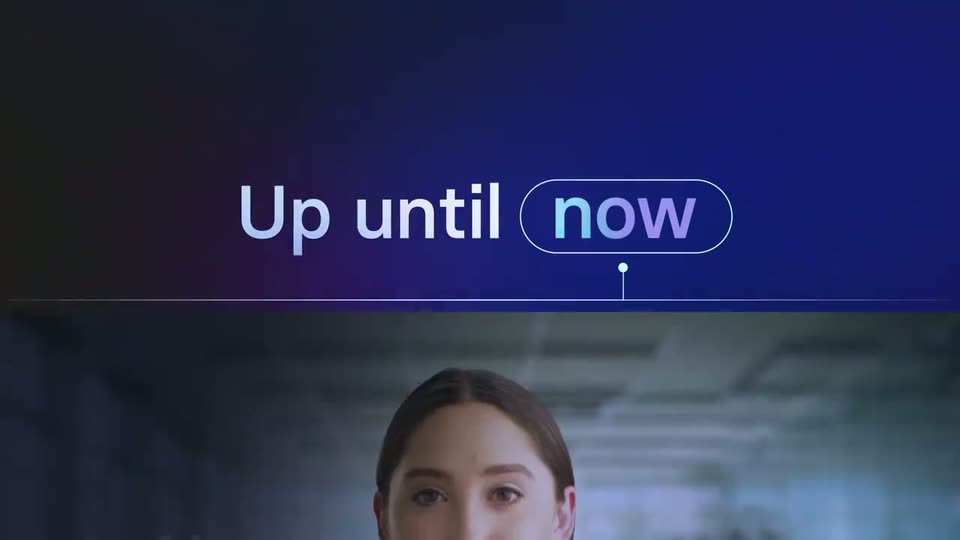 0:07–0:08Synthesia · Synthesia 🎥 - 💥 This is it. This changes everything. 💥 For the first time in histA horizontal split divides a dark blue gradient headline panel from a blurred office shot of a woman. The seam slides up, compressing the top panel so the headline “Up until now” rises out of frame while her face fills more of the lower half.
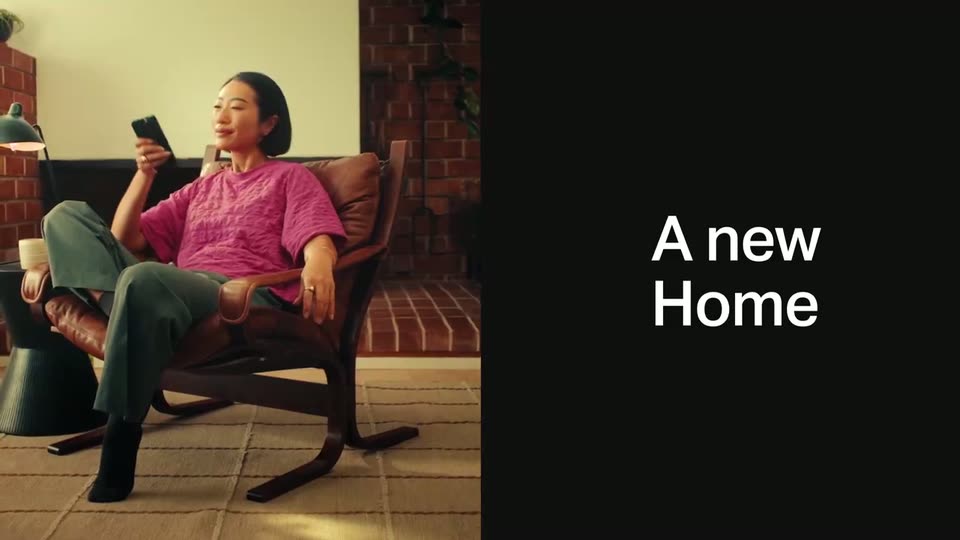 0:05–0:06Sonos · Sonos - A fresh look. Quicker access to your music. Easier control. The SonosLeft half shows a woman in a pink shirt seated in a leather armchair by a brick fireplace, raising a phone. Right half is solid black with the white words 'A new Home' that settle from a letter-scramble into place.
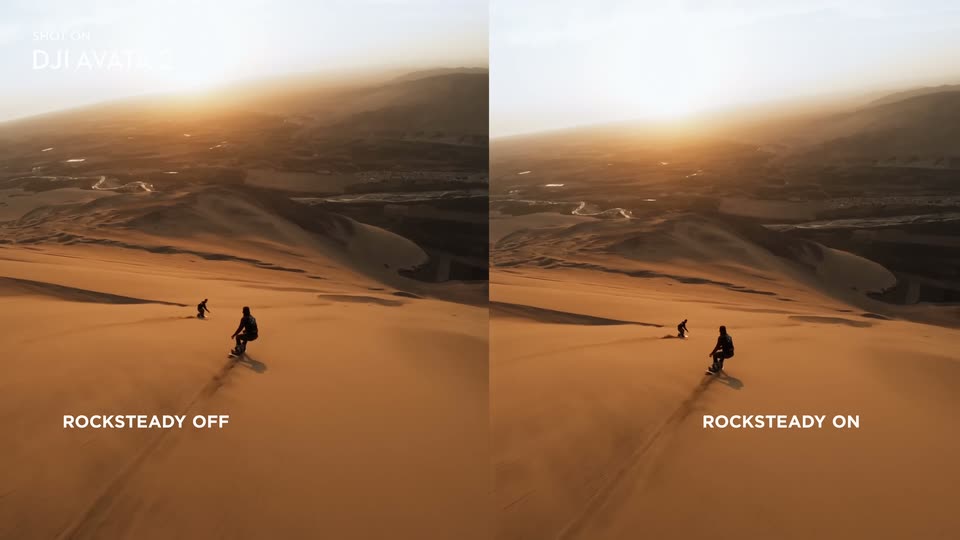 0:35–0:37DJI · Meet DJI Avata 2A split screen compares two sunset aerials of a desert dune: the left frame shakes, the right holds steady as two riders board downhill. A cut swaps in a rider launching off a crest. White corner labels mark each side.
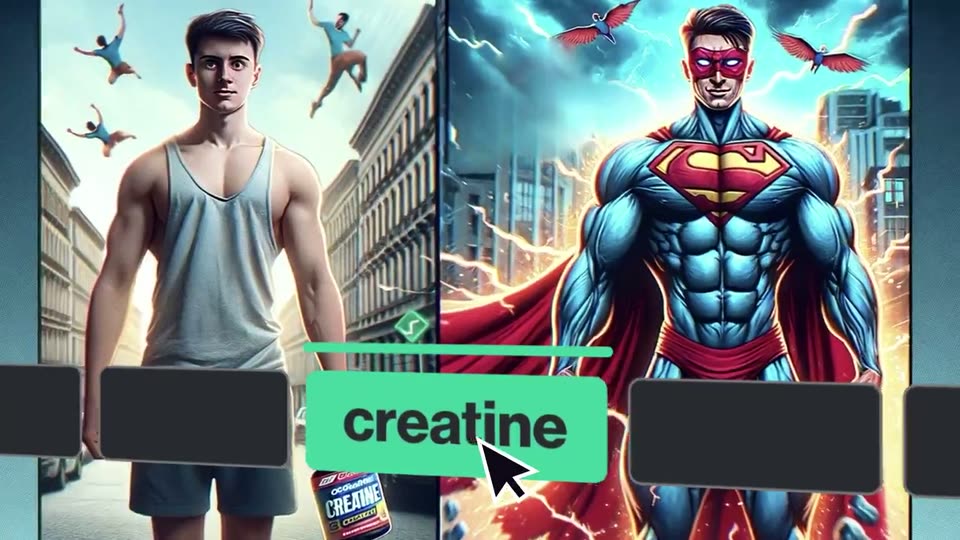 0:21–0:22Captions · Mirage - Introducing Captions for web. Video editing made simple, thanks toA split screen shows a realistic man in a grey tank top on a street at left and a comic-book superhero version at right. A green rounded label reading creatine with a cursor scales in at the center, flanked by dark placeholder boxes.
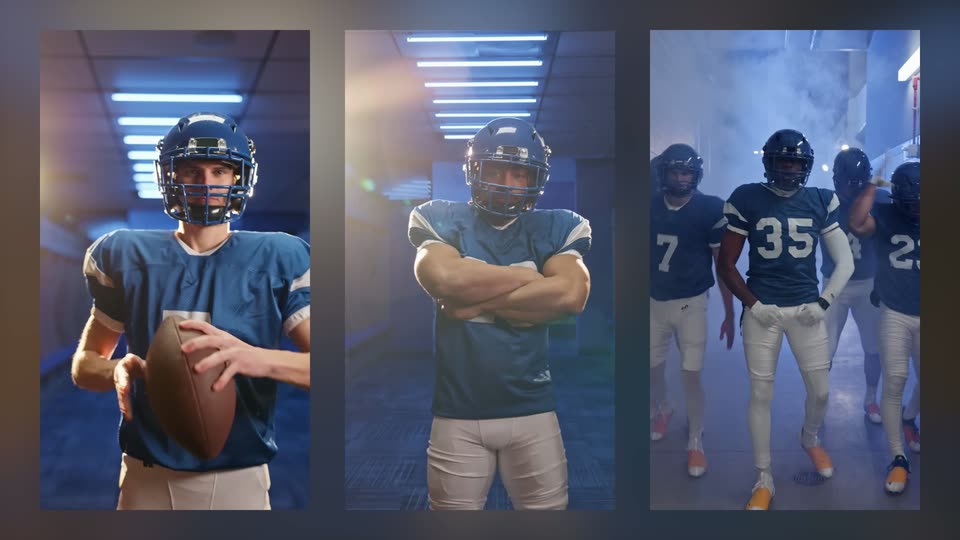 0:37–0:41DJI · Introducing DJI RS 4 SeriesThree vertical panels show football players in blue jerseys and helmets. The left player holds a football, the middle player crosses his arms, and the right panel shows a group walking through smoke. The panels sit side by side against a dark background.
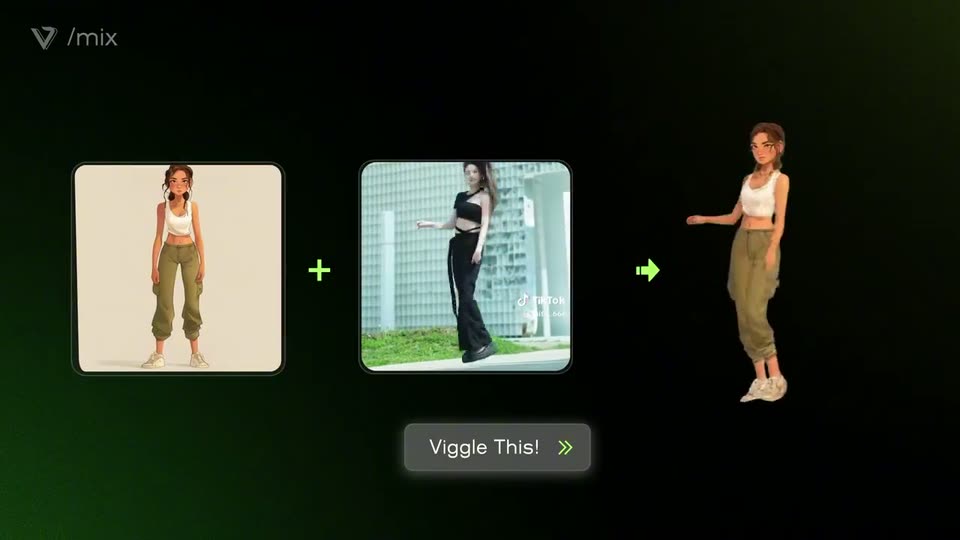 0:12–0:15Viggle · ViggleAI - VIGGLE'S NEW MODEL IS HERE! Controllable video generation is our mOn a black stage with a green glow, a 3D woman on a cream card, a green plus, a square video of a dancer, a green arrow, then the same 3D woman on the right mirrors the dance. A grey 'Viggle This!' button sits below.
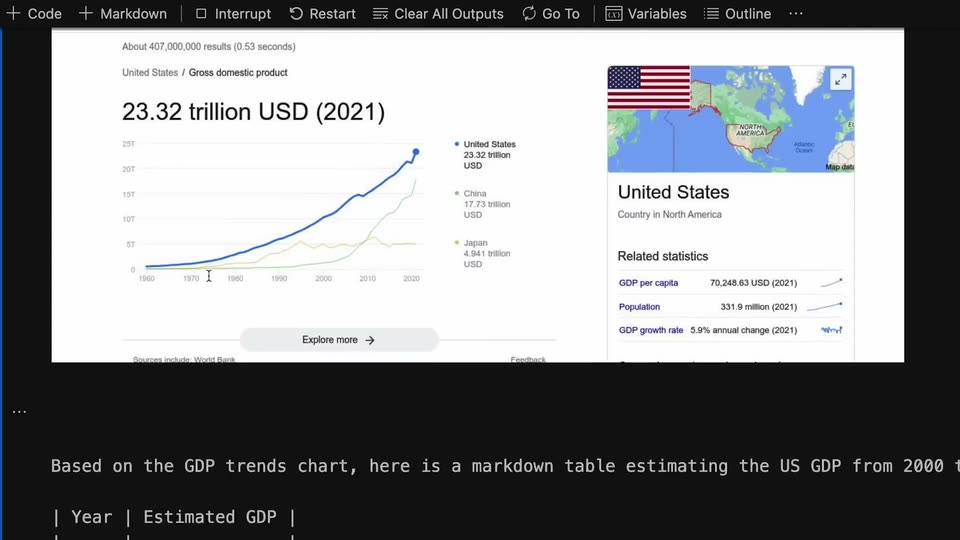 0:44–0:45Anthropic · Claude 3 Opus as an economic analystA dark code editor shows a markdown table of yearly US GDP estimates. Above it, a light browser panel presents the GDP line chart and a country stats card; the frame scrolls up to reveal the browser alongside the table.
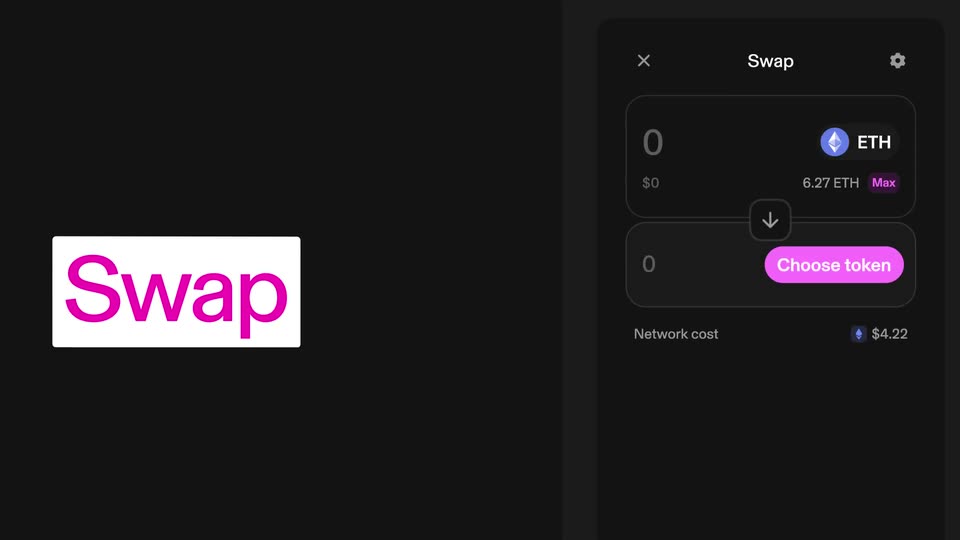 0:19–0:20Uniswap · All New Uniswap Extension and More Tools for Users to Swap SmarterA side-by-side layout shows a white card with the word Swap in pink on the left and a dark swap panel on the right. The panel lists an ETH amount with a Max tag, a pink Choose token pill and a network cost line. Both areas drift slowly downward.
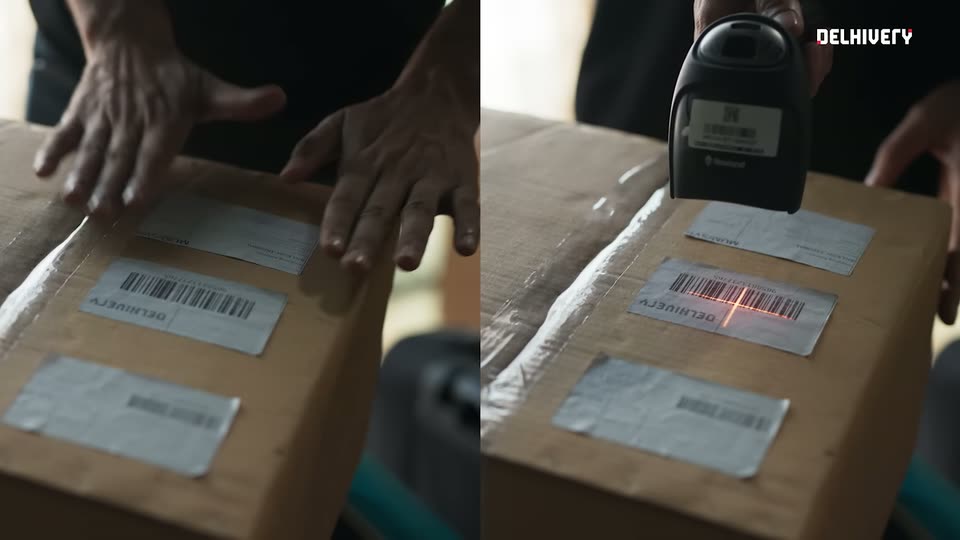 0:21–0:23Delhivery · Delhivery | Send upto 50 kg | Save Excess Baggage Fees | Download the Delhivery AppA split screen shows two angles of a cardboard parcel. On the left, hands smooth a shipping label flat on the box. On the right, a handheld barcode scanner hovers over the label. A white DELHIVERY logo sits in the top right corner.
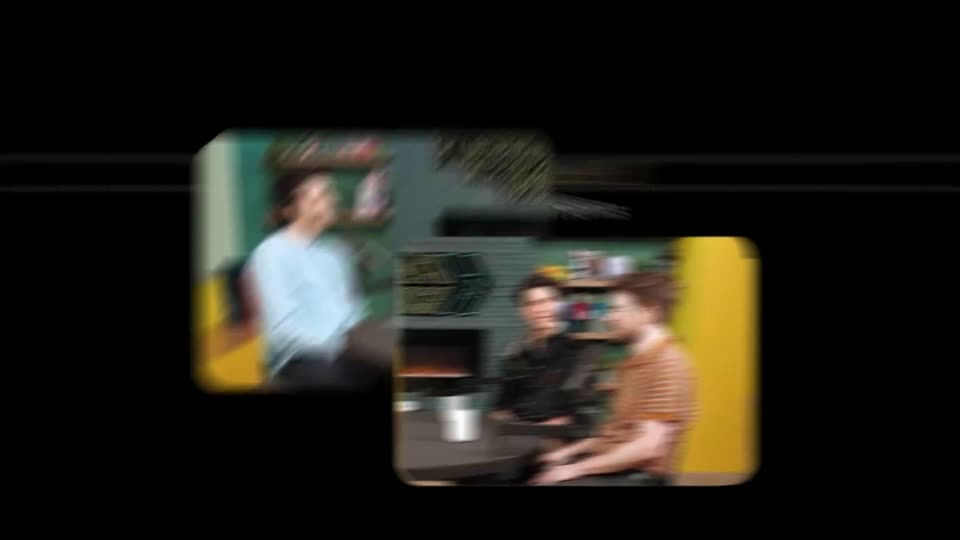 0:15–0:16OpusClip · OpusClip - Introducing OpusClip 3.0. The smartest AI video clipping tool just goOn a black background, a filmstrip scrubber sits above two rounded interview clips shown side by side beneath the white headline “More Relevant Moments.” The left clip expands to fill the frame, crossfading the two panels into one.
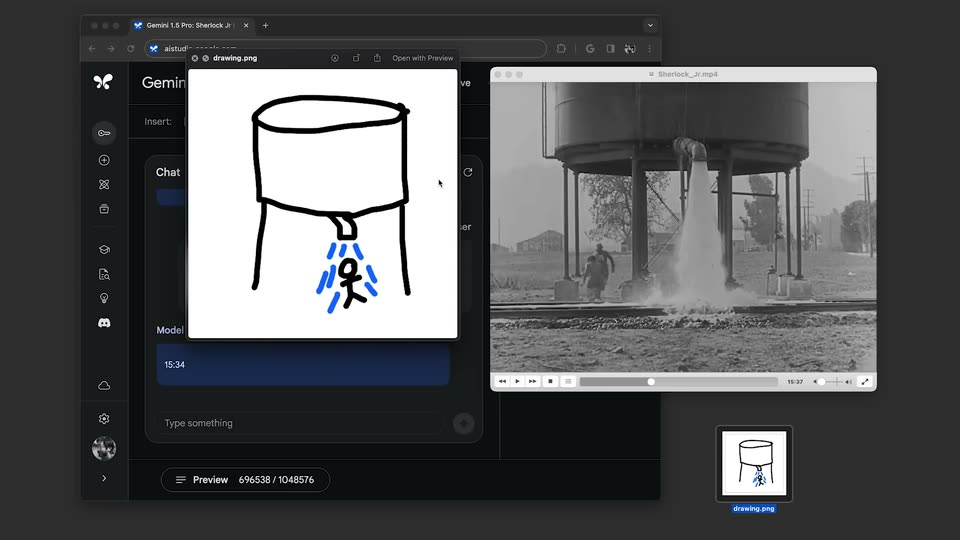 1:19–1:44Google · Multimodal prompting with a 44-minute movie | Gemini 1.5 Pro DemoA dark chat panel on the left pairs with a video player on the right. The player jumps to 15:34 via a dialog, showing a water tower scene, then a cursor clicks the sketch thumbnail to open the full hand-drawn image in a new window.
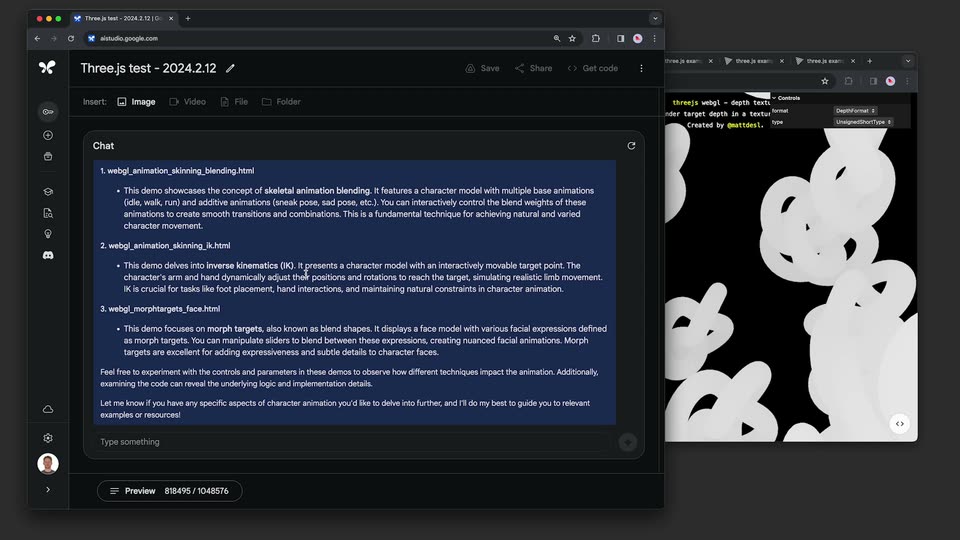 0:18–0:48Google · Problem solving across 100,633 lines of code | Gemini 1.5 Pro DemoA dark AI Studio chat window fills the left of the frame as the model's answer about three character animation demos completes and the thread scrolls up. A second window on the right shows a code editor panel above a black canvas of white organic shapes.
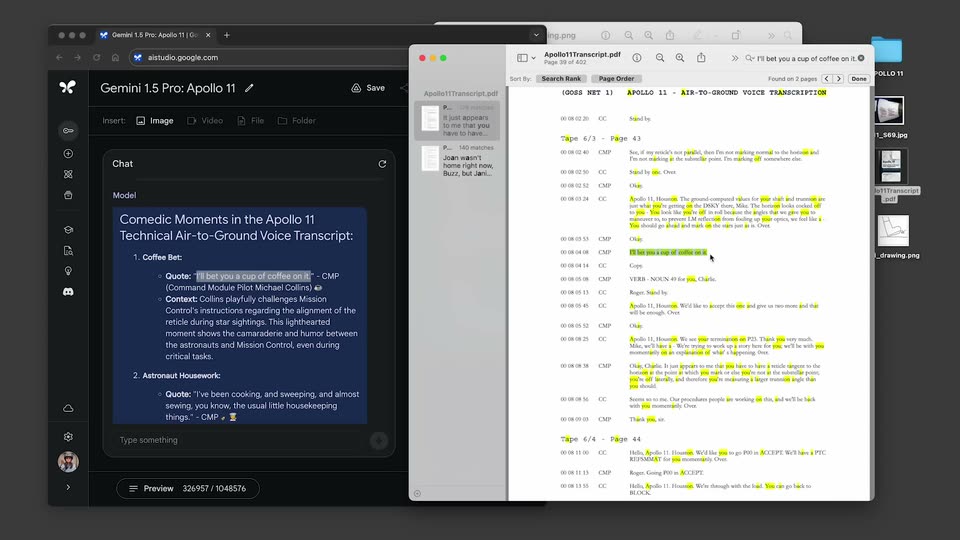 0:49–0:53Google · Reasoning across a 402-page transcript | Gemini 1.5 Pro DemoTwo desktop windows sit side by side: a Gemini chat panel listing comedic moments from the Apollo 11 transcript, and a PDF viewer of the same document with yellow highlights and a search bar. A cursor glides from the search field down to the highlighted coffee quote.
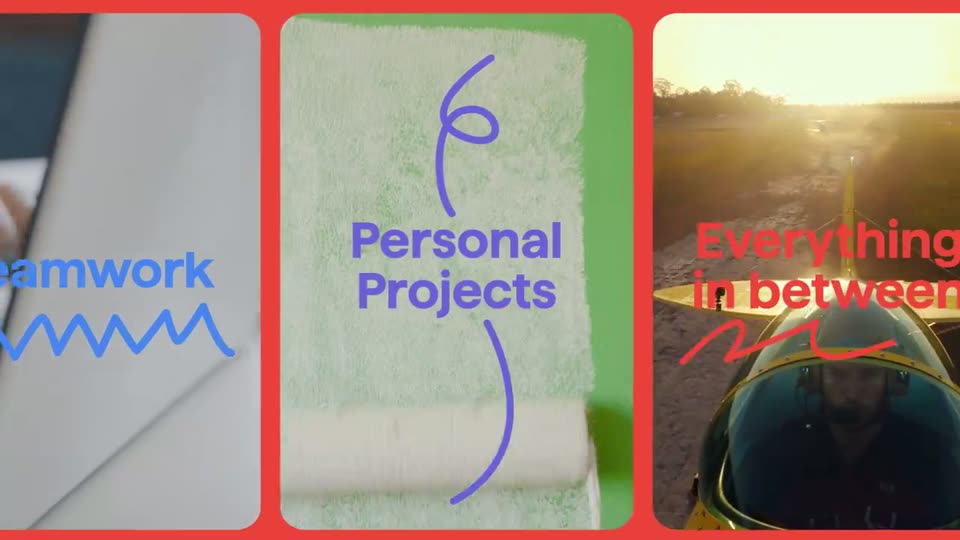 0:23–0:24Superlist · Superlist - We've got wunderful news: Today, we're releasing Superlist 1.0 – theThree vertical panels on a red background show a whiteboard, a wall being painted, and an astronaut at sunset, each with a hand-drawn label. The view zooms into the left panel, which resolves into the app's project view as a cyan line draws across.
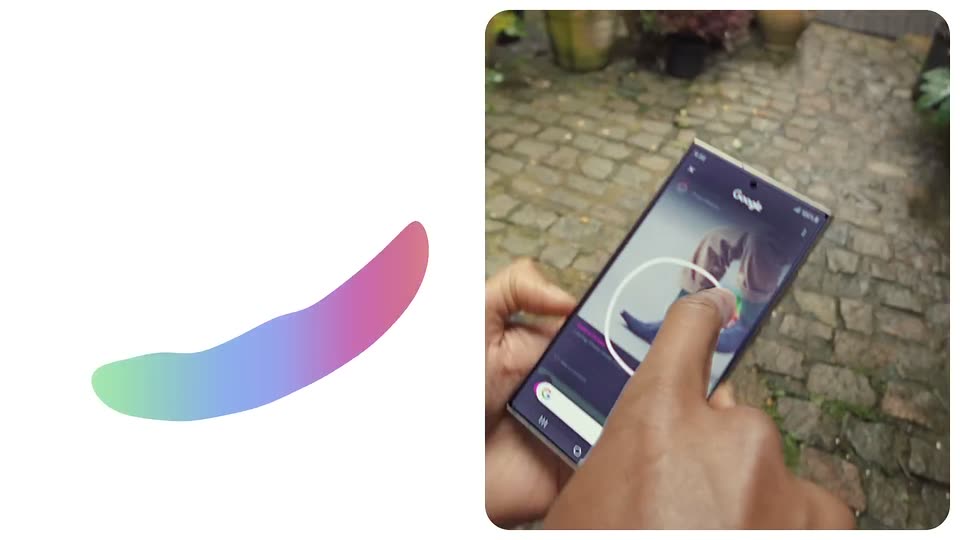 0:11–0:13Google · Introducing a new way to search | Circle to SearchSplit layout: on the left, a white panel where the headline “Circle it.” slides in, then gives way to a green-to-purple gradient blob; on the right, a hand holds a Pixel phone over a cobblestone path as a finger draws a circle on the screen.
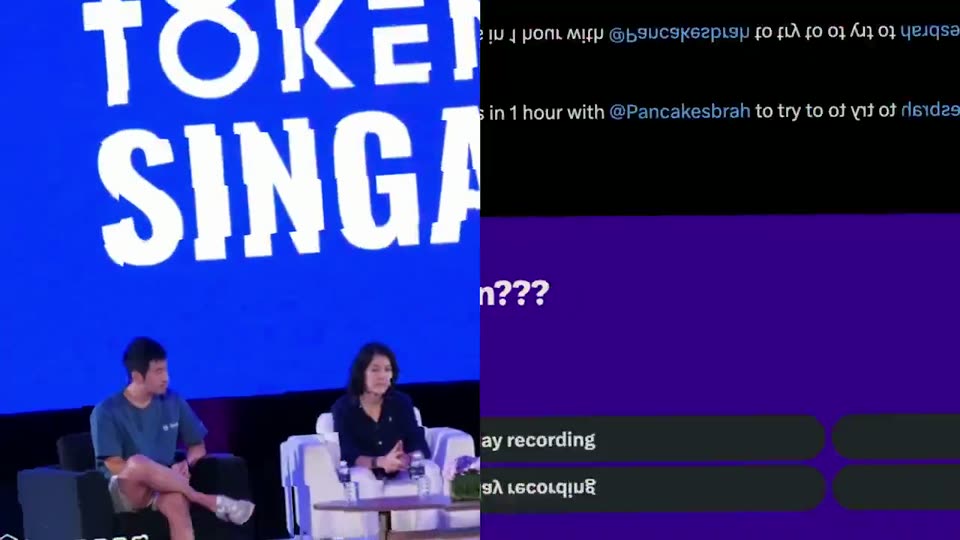 0:36–0:37Berachain · Berachain Foundation 🐻⛓ - Berachain’s Public Testnet "Artio" is now live. The March of the BerA dark, out-of-focus frame resolves into a blue stage backdrop reading TOKEN 2049 SINGAPORE with two seated speakers. The view then splits down the middle: the left half shows a Twitter Spaces screen, the right half mirrors the stage, divided by a thin purple line.
 2:00–2:01DJI · Introducing DJI FlyCart 30 | DJI DeliveryTwo workers in red hard hats and blue shirts each grip a DJI RC Plus controller, shown side by side in a split screen against a green hillside and a pale sky. A white caption reads DJI RC PLUS at lower left.
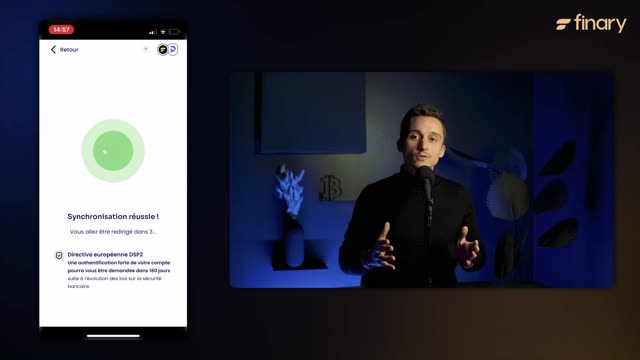 0:10–0:14Finary · Gérez votre budget efficacement et simplement avec Finary !A tilted phone mockup on the left plays the Finary app: the account list screen swaps to a green checkmark success screen. On the right, a man in black talks into a microphone in a blue-lit room with a Bitcoin symbol on the wall. The finary logo stays top-right.
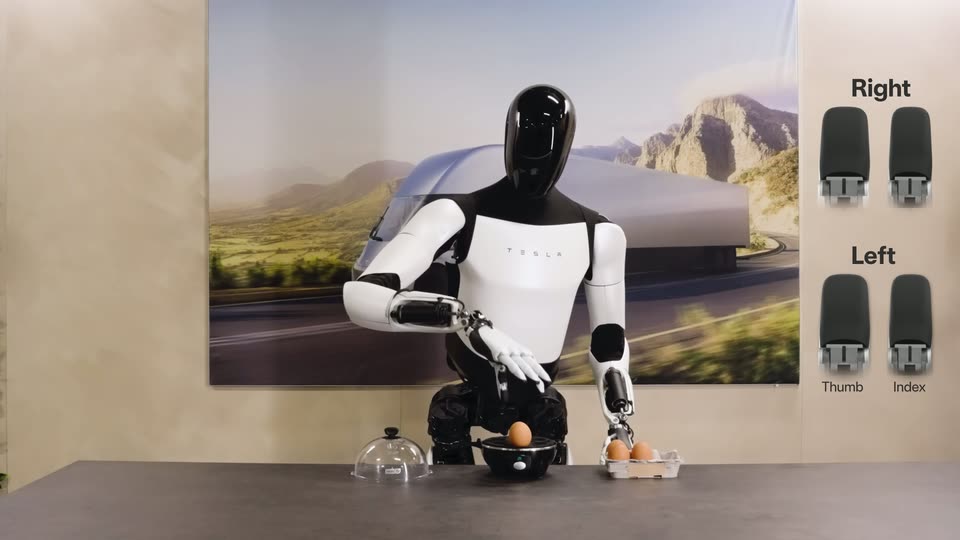 1:19–1:25Tesla · Optimus - Gen 2 | TeslaA humanoid robot stands at a table and lowers an egg from its right hand into a black bowl beside a glass dome and egg carton. A right-side panel shows fingertip close-ups labeled Right and Left with a fading pressure heatmap, while the caption fades out.
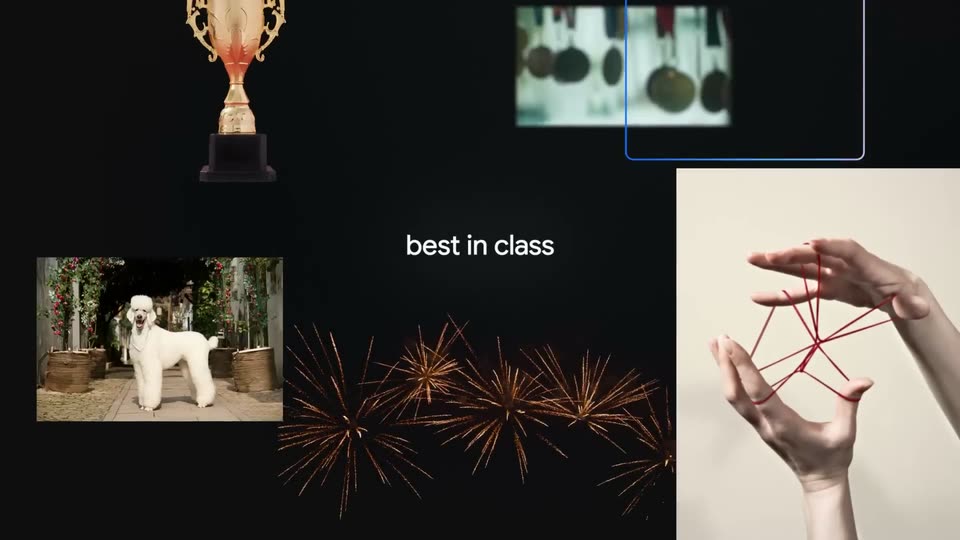 2:17–2:18Google · Google's newest and most capable AI | GeminiA dark grid of video clips (poodle, hands with red string, fireworks, trophy, circuit board) scrolls upward while gray text labels slide across the frame. The collage pans so new panels enter at the top as older ones exit at the bottom.
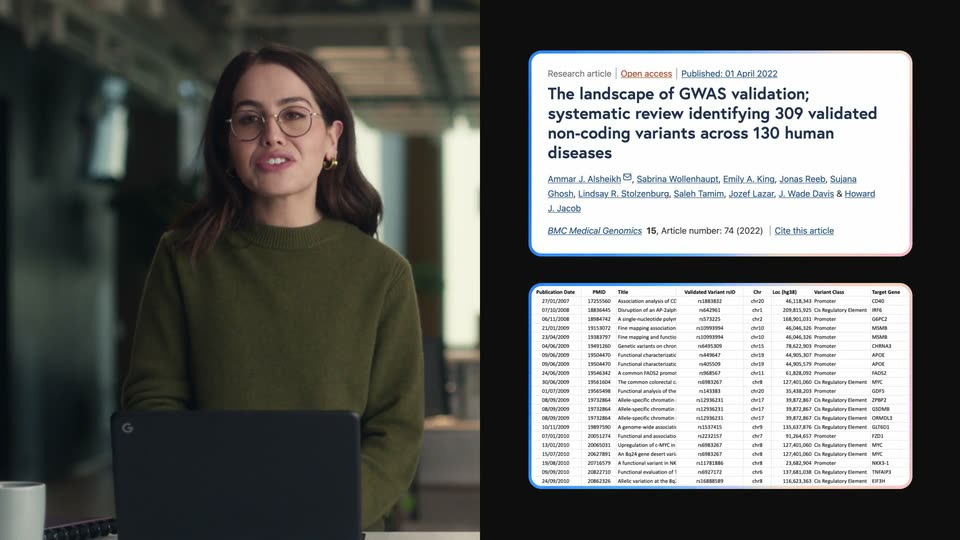 0:26–0:40Google · This is changing the way scientists research | GeminiSplit screen: left, a woman in a green sweater and glasses speaks to camera behind a laptop; right, on black, a white research-article card sharpens into focus, then a data-table card slides in beneath it while she talks.
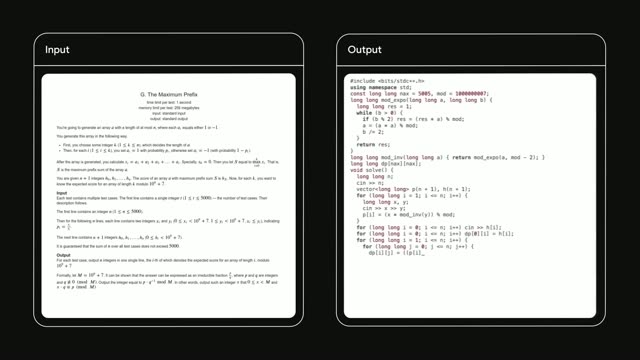 0:40–0:44Google · Google's newest AI in 90 seconds | GeminiA split screen on a black background shows two white rounded cards. The left card, labeled Input, holds a static problem statement. The right card, labeled Output, fills with C++ code line by line, then scrolls upward as it completes.
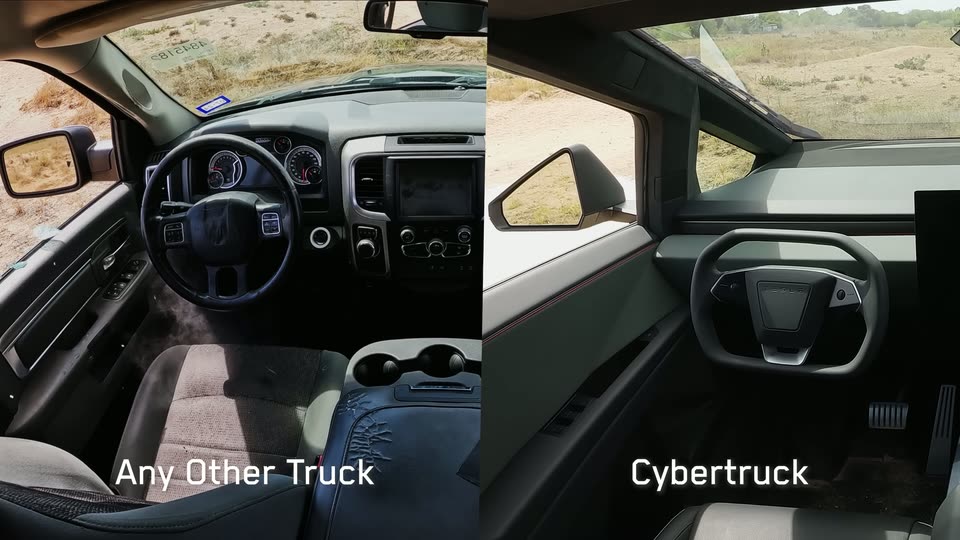 3:16–3:19Tesla · Cybertruck Bullet TestA locked-off split screen places a conventional truck cabin on the left, with its gauges and center screen, against the minimalist Cybertruck cabin on the right, with its yoke wheel and wide glass. White captions label each side at the bottom.
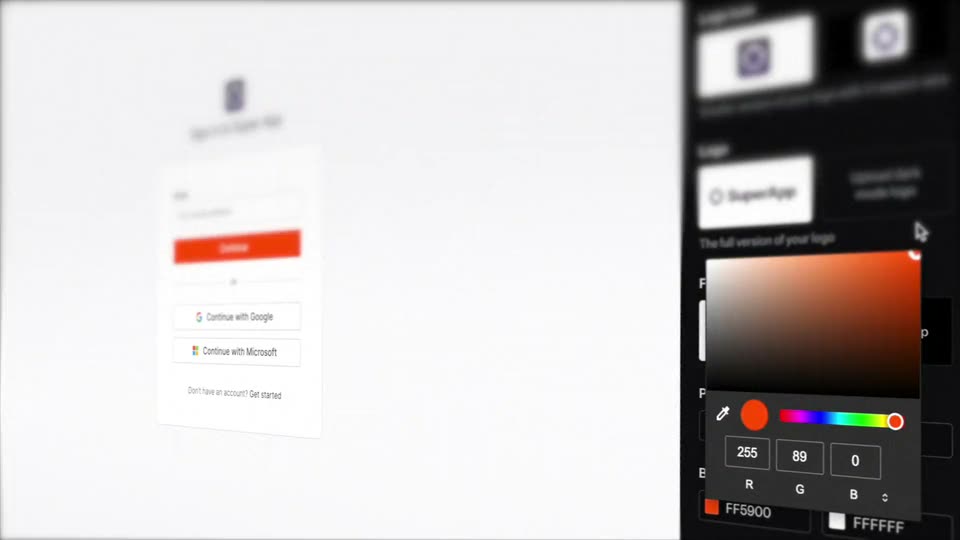 0:19–0:21AuthKit · WorkOS - Introducing @AuthKit — an open source auth UI built on @radix_ui.A split screen displays a blurred login interface on the left and a dark theme editor on the right. A cursor drags a color slider to orange, updating the login button color in real time.
 0:15–0:20Notion · Meet Q&A: Answers now, not laterA hand-drawn black QA bounces on white while a speech bubble with an exclamation mark pops above the A. The Q squashes into a blob, springs back, then the frame splits: the letters drop bottom-left, a gray panel fills the right, and “Questions,” lands top-left.
 0:04–0:05Bose · Surrender To The Feel With Immersive Audio | BoseA split screen holds two extreme close-ups of eyes, the left with dark skin and the right with orange eyeshadow, both opening slowly. The white BOSE logo sits in the top right corner.
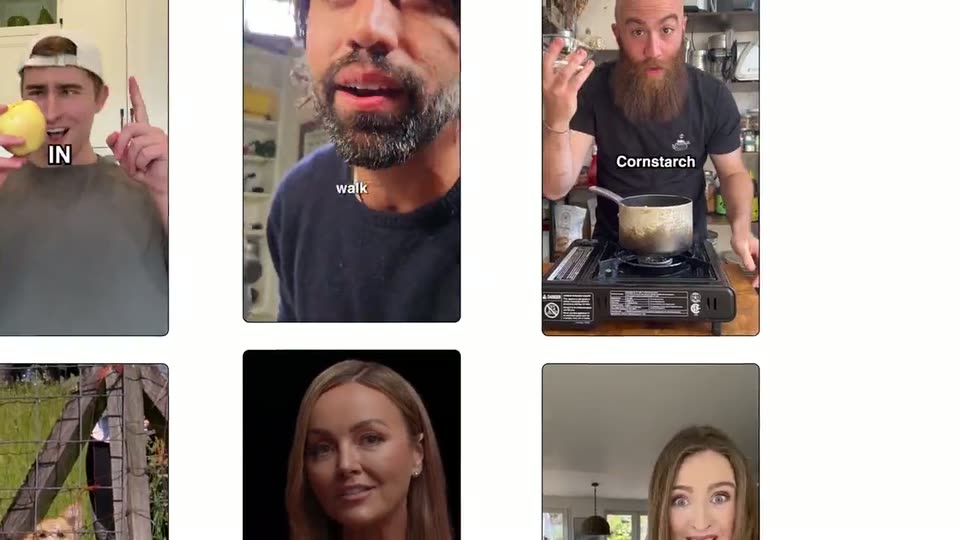 0:14–0:15beehiiv · beehiiv 🐝 - introducing beehiiv Talent, built for creators turning their big ideaA grid of vertical video clips on a light background shifts and relabels with sliding white captions, then resolves into a large blue BEEHIVE wordmark on the right.
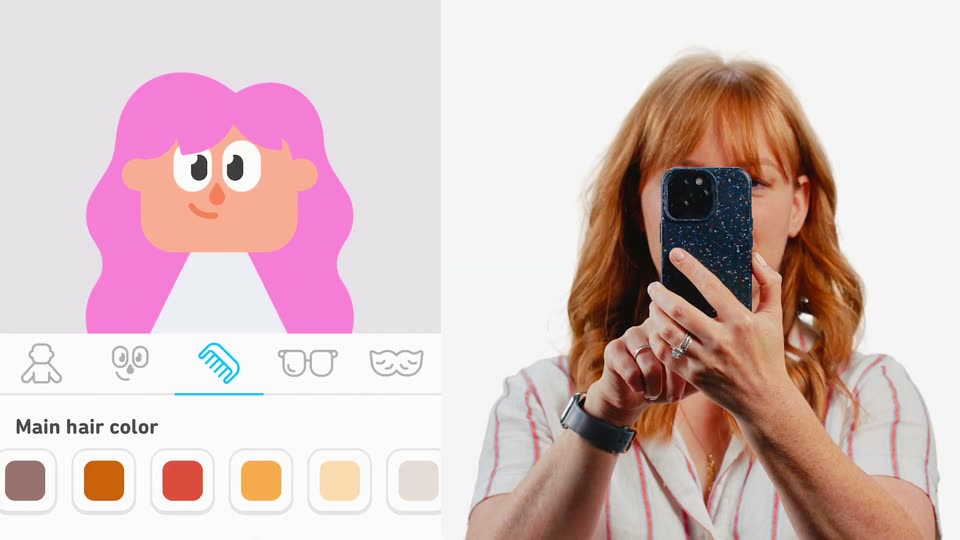 0:07–0:08Duolingo · Duolingo Avatar CreatorSplit screen: the left panel reveals a Memoji creator with a pink-haired face, an icon row and a hair-color swatch strip that scrolls horizontally. On the right, a red-haired woman holds a speckled blue phone to her face against a white backdrop.
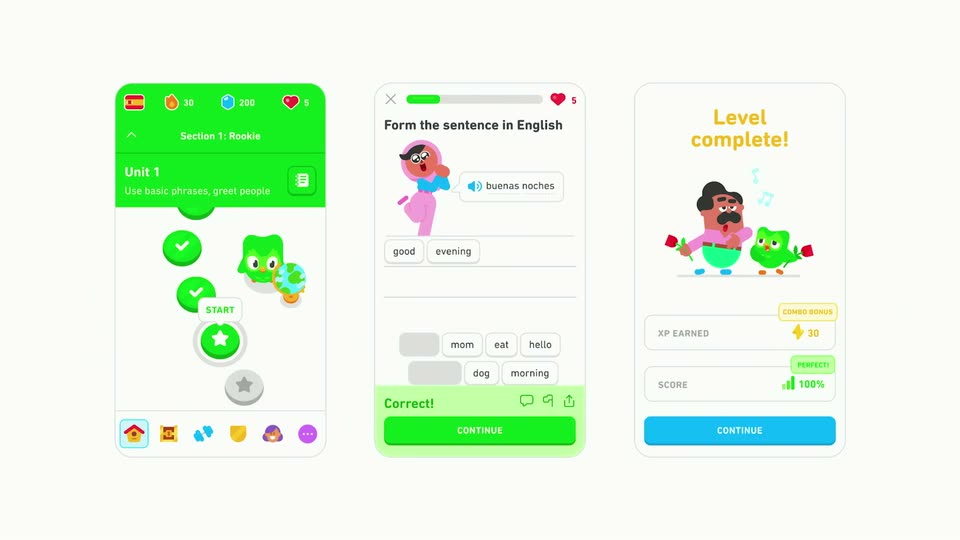 0:55–1:01Duolingo · New subjects coming to Duolingo - Learn more the Duolingo wayThree phone screens sit side by side on a light gray background, showing a green lesson map, a sentence-building exercise, and a level-complete screen. The frame is locked off and static throughout.
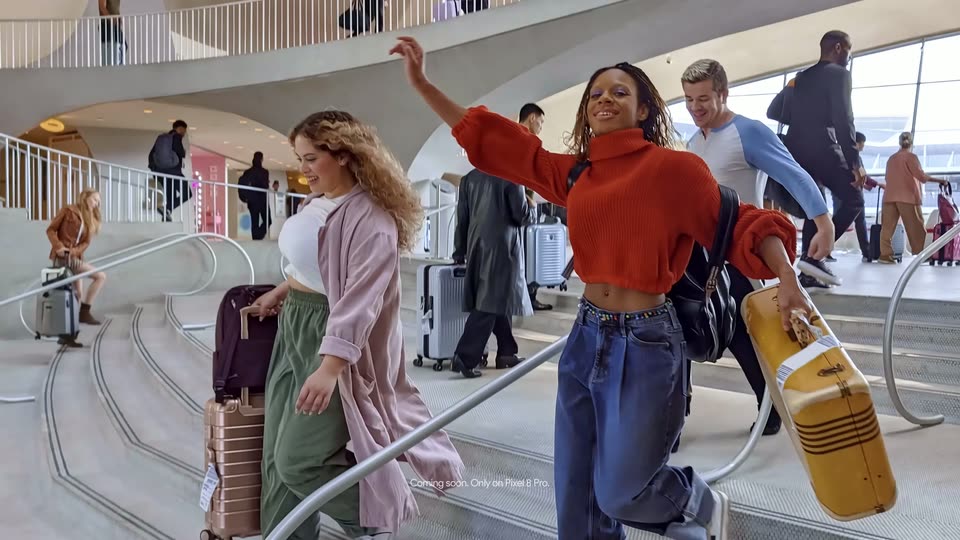 0:10–0:11Google · Meet Google Pixel 8 and Pixel 8 ProIn a bright modern transit hall, two women walk down a staircase with rolling luggage as the lighting ramps from dim to full. A thin white line then splits the frame into two side-by-side angles of the same walk.
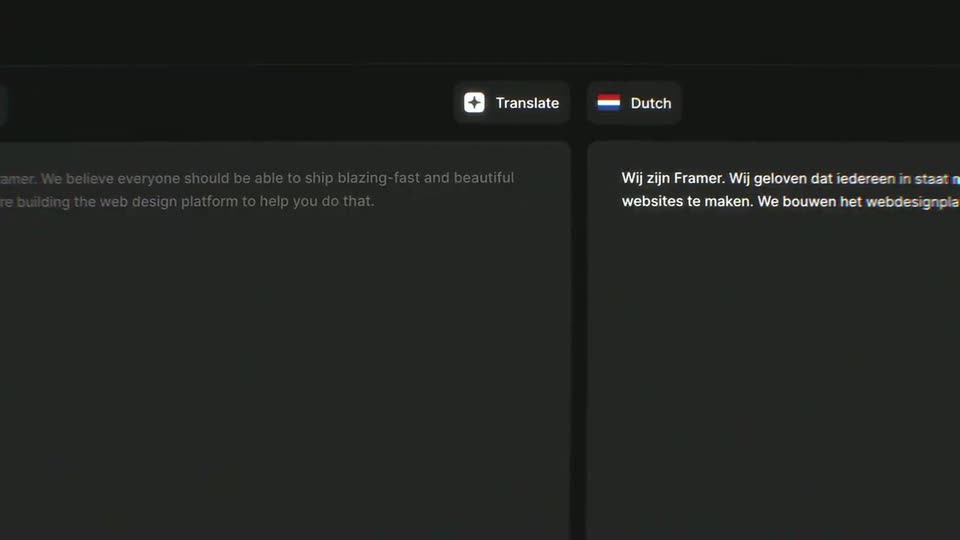 0:17–0:19Framer · Framer - 🌎 Hola, Bonjour, こんにちは! Introducing AI-powered Localization for yourA dark localization screen shows two panels side by side with the same copy in English and Dutch. The paragraphs slide horizontally with ghosting while the top bar with language chips and a Translate button holds still.
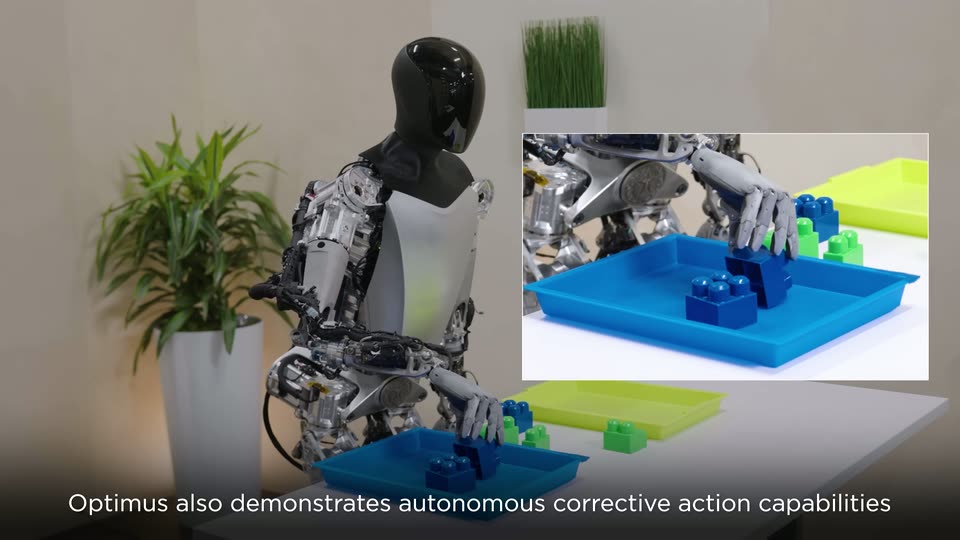 0:44–0:52Tesla · Tesla Bot Update | Sort & StretchA silver humanoid robot sits at a white table, its gripper hand picking blue and green blocks into a blue tray. A close-up inset of the hand and tray appears top right. Beige walls, a potted plant and a wall grass planter frame the set.
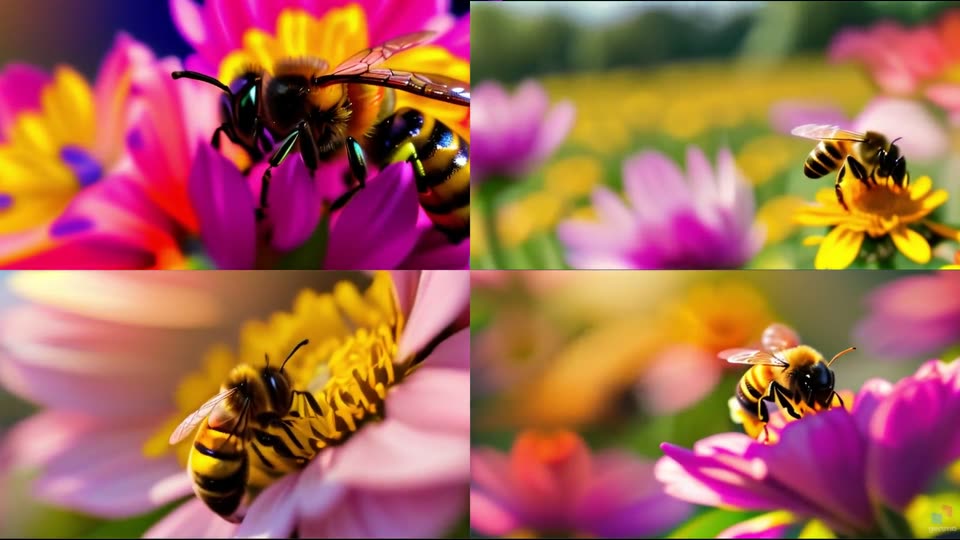 0:09–0:11Genmo · Genmo - Camera movement drives emotion, pace, and mood in filmmaking. AnnounA 2x2 split screen shows four macro shots of bees on pink, yellow, and purple flowers. Each quadrant stays locked off while the bees shift slightly.
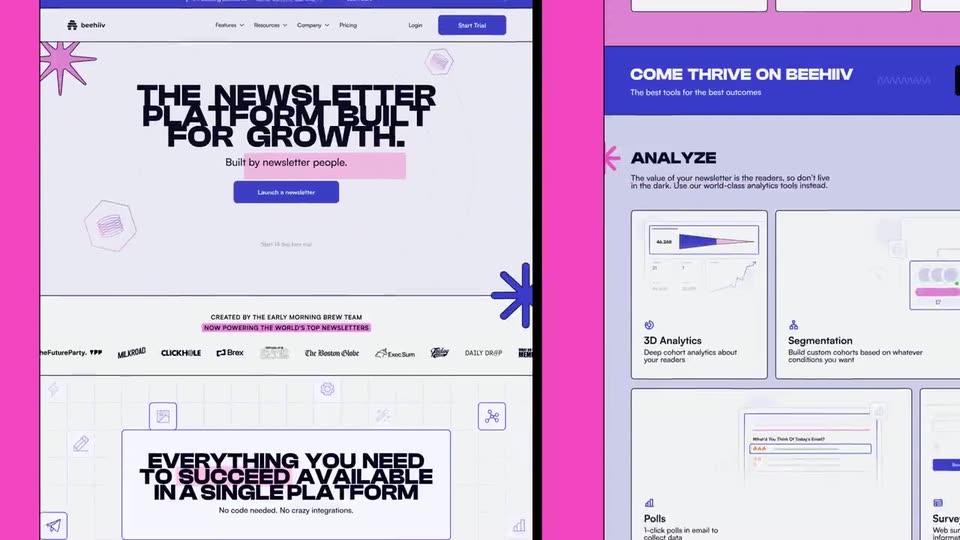 0:22–0:23beehiiv · beehiiv 🐝 - new beehiiv who disA split screen shows the beehiiv website in two panels, both scrolling. The left panel moves from a magenta hero to a white section with a logo row and a bold headline, while the right panel scrolls through feature cards for analytics and segmentation.
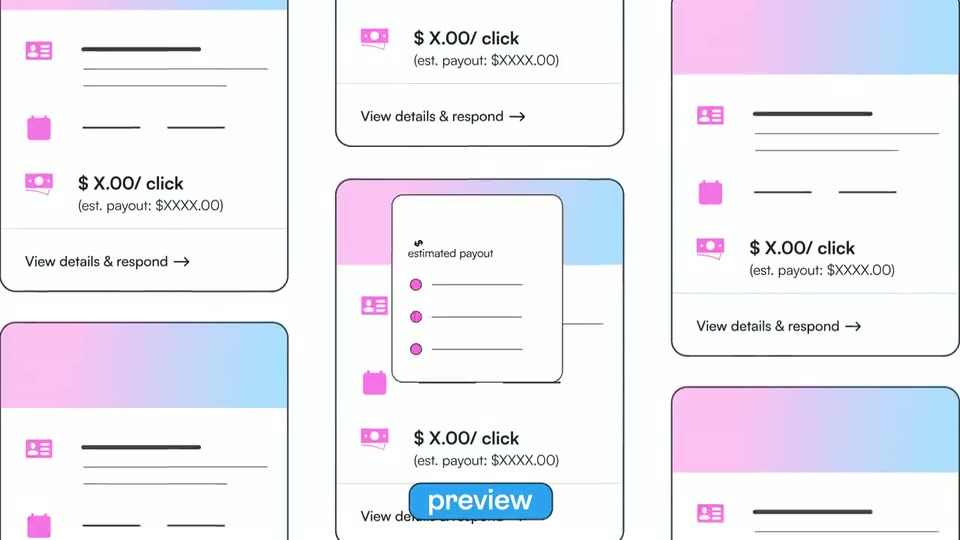 0:08–0:09beehiiv · beehiiv 🐝 - your newsletter 🤝 quality sponsors enter: the built in ad networkThree vertical columns of ad cards, each with a pink-to-blue gradient header and pink icons, scroll upward in parallel. A fixed blue pill at the bottom center displays the caption “you can browse,”.
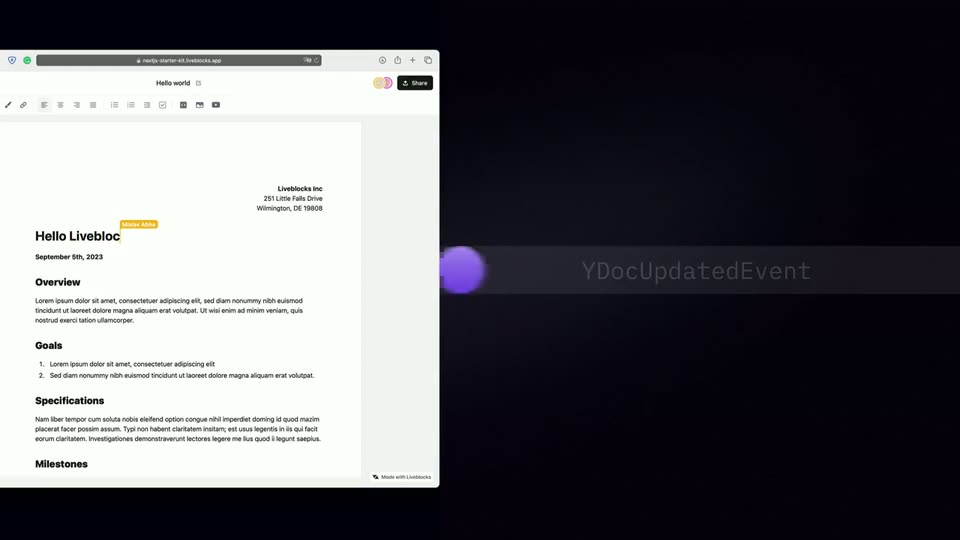 0:55–1:00Liveblocks · Liveblocks - Introducing the most advanced platform for Yjs. →A browser window slides in from the left showing a document editor, its title updating from Hello world to Hello Liveblocks with a loading then saving badge, then slides out, while a dark band on the right holds the label YDocUpdatedEvent as a purple glow sweeps across.
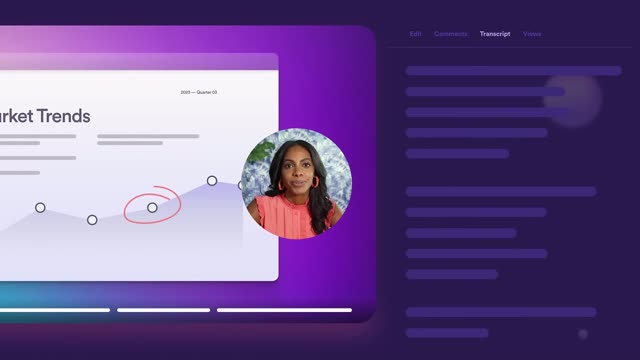 0:27–0:31Loom · Introducing Loom AIThe frame splits: left, a Market Trends slide with a line chart and red circled point, overlapped by a circular video avatar of a woman in pink; right, a transcript panel of purple bars with pill labels for uhms and silences that fade out, then the panel exits.
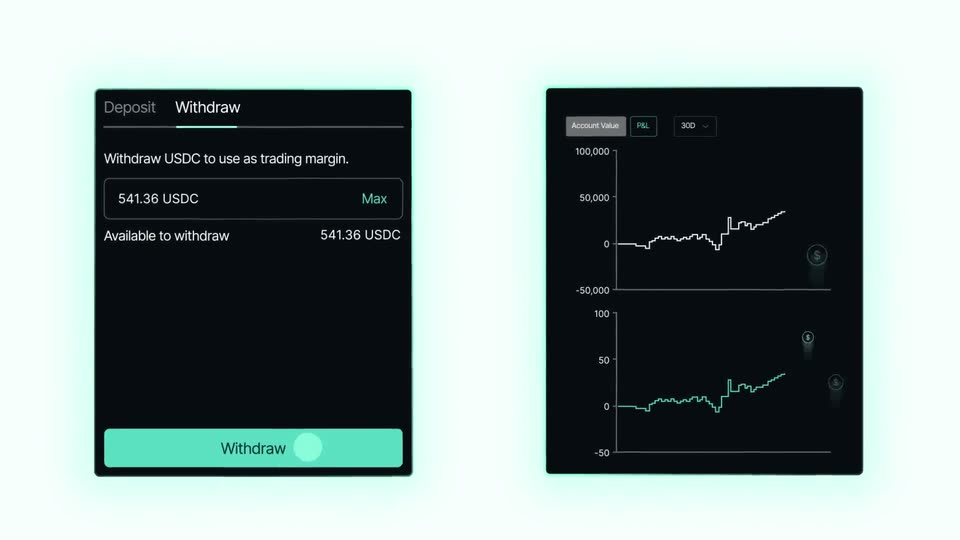 0:37–0:43Hyperliquid · Hyperliquid - Welcome to Hyperliquid. Trade 40+ perps on the Hyperliquid L1, incluTwo dark trading panels sit side by side on a pale background. A teal dot taps the deposit field and button, the form switches to Withdraw, and two line charts on the right draw upward as glowing dollar coins rise. The scene then shrinks into a rounded-rectangle mask.
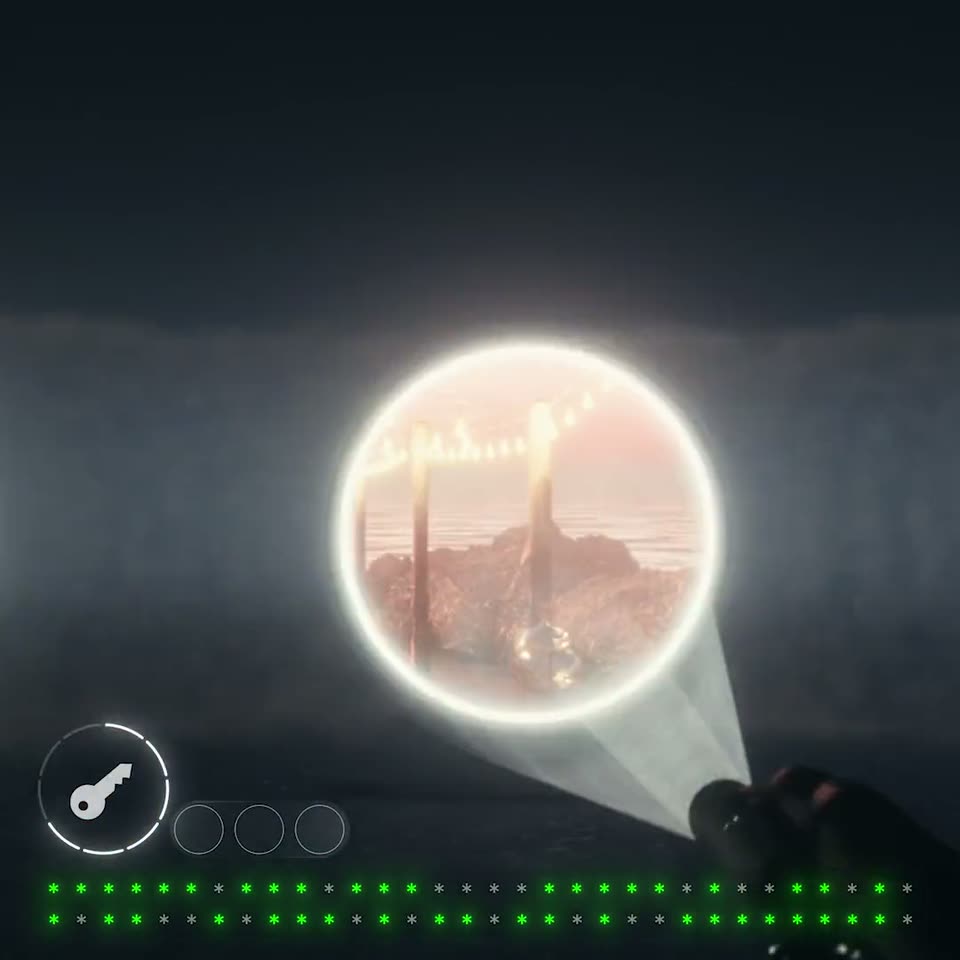 1:37–1:38Open Innovation · Alex Price - Welcome to the era of spatial computing Introducing Memory PalacesA dark screen holds three glowing circular cutouts, each framing a different live scene (sunset pool, dark gym, bright gym). The cutouts scroll left, then the mask opens to a full bright frame while a key icon and a row of green asterisks stay fixed at the bottom.
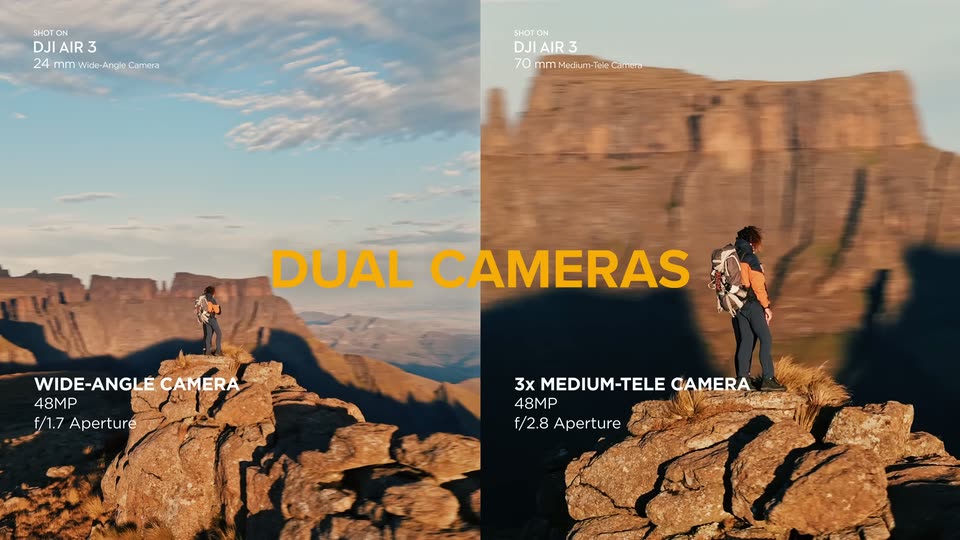 0:23–0:25DJI · Introducing DJI Air 3Split-screen of the same cliff scene as the drone orbits: left, a wide-angle view of two hikers on a rocky outcrop over a desert canyon; right, a 3x medium-tele view with the hikers larger. An orange DUAL CAMERAS headline spans the center; white spec labels sit in the corners.