Split screen
Several distinct areas shown at the same time, side by side.
5,584 scenes · page 27 of 94
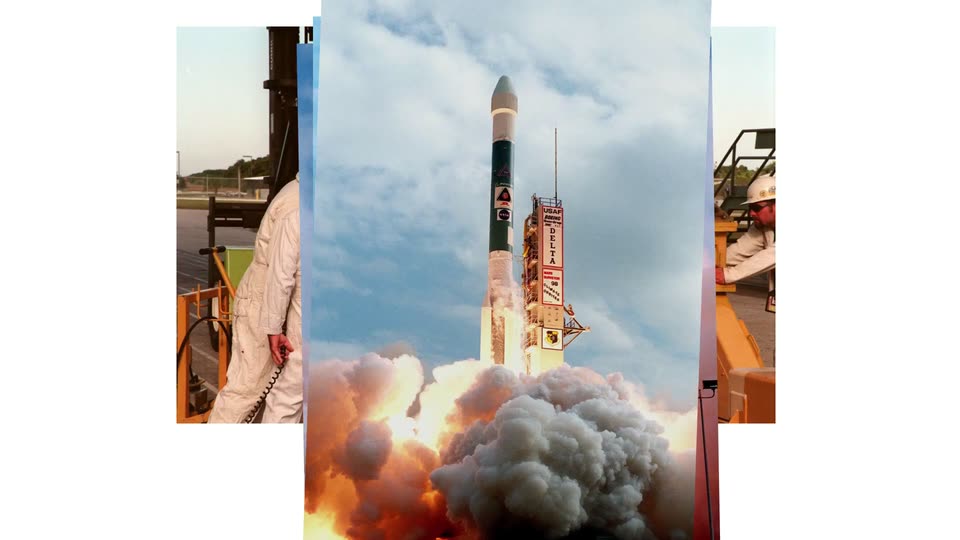 0:16 · 0.8sAuctor · Auctor AI (YC X25) Launch VideoThree still photos of a rocket launch sit side by side on a white background. The center photo of a Delta rocket lifting off tilts and skews in 3D while the side photos of suited technicians at the pad stay fixed.
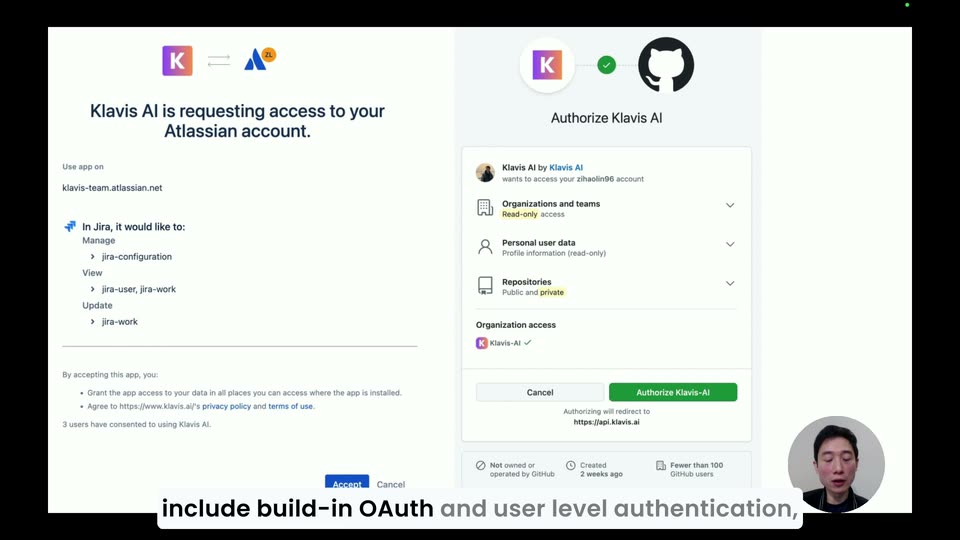 0:35–0:40Klavis AI · Klavis AI: Open Source MCP integrations for AI ApplicationsTwo OAuth pages sit side by side: an Atlassian access request on the left and a GitHub authorization panel on the right. A circular webcam of the speaker sits bottom right, and a white caption bar slides in along the bottom.
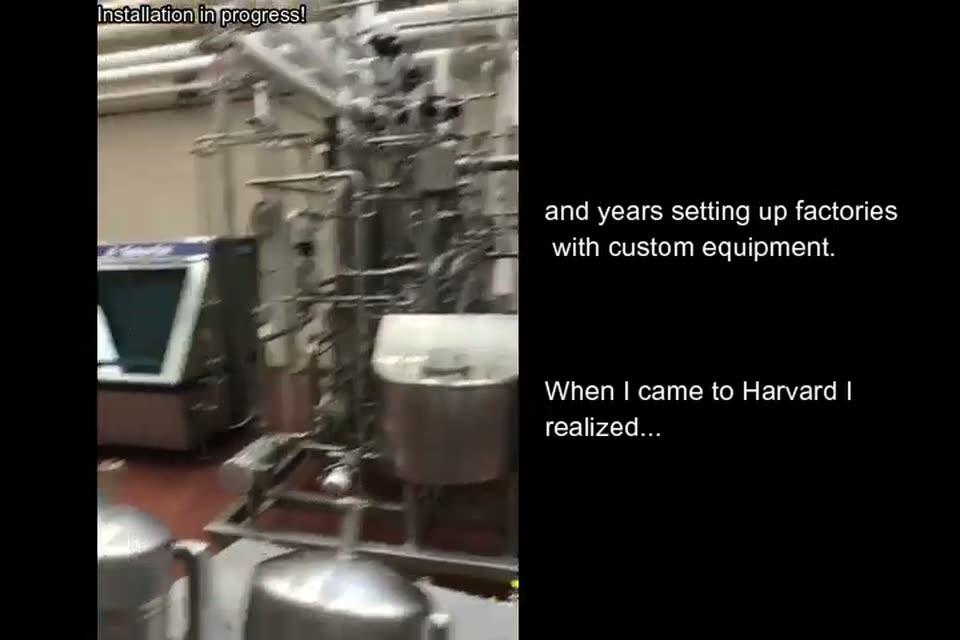 0:18–0:19MorphoAI · MorphoAI YC LaunchA vertical clip of stainless steel tanks and pipes in a factory room pans slowly across the machinery, beside a black panel holding white text. A bottom caption introduces the speaker.
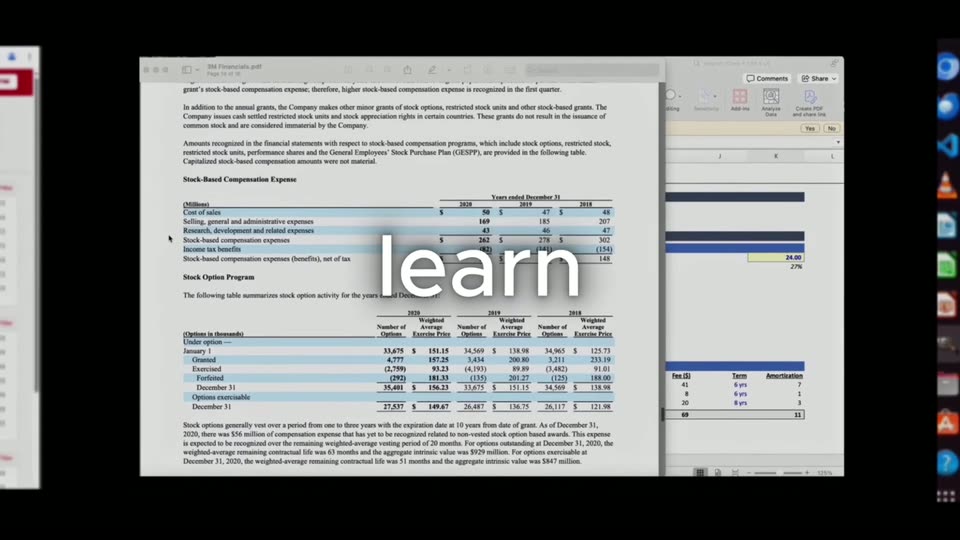 0:31–0:33Theta · Theta Software: Self-Learning for AI AgentsA financial report PDF is open in a document window beside a spreadsheet, with large white lowercase text typing out across the center. The frame then widens to a grid of app windows, adding a calendar, a chat thread and a stock ticker around the document.
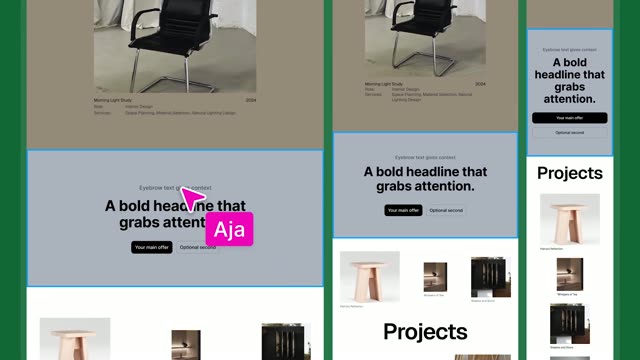 0:14–0:16Figma · All the launches at Config 2025 | FigmaThree interior-design website mockups sit side by side. On the left panel a blue selection box slides up over the hero headline, with a pink Aja tag and a pink cursor resting beside it.
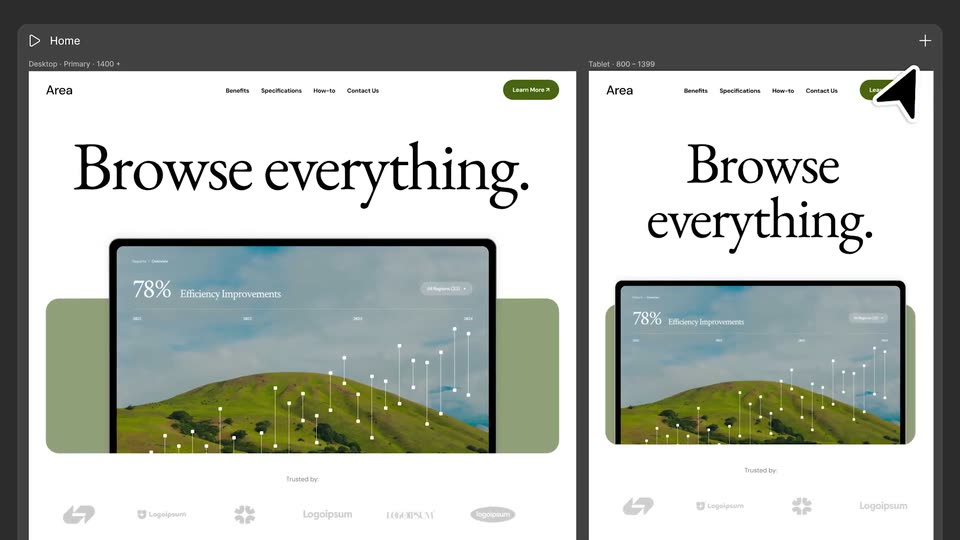 0:07–0:12Figma · Figma - Introducing Figma Sites Take your designs straight to the web. WithA breakpoint dropdown (Desktop, Tablet, Mobile, Custom) hovers over a blurred webpage; the cursor clicks Tablet, the canvas sharpens and pulls back to show three responsive mockups of the same page side by side, each with a serif “Browse everything.” headline and a device frame over a green hill.
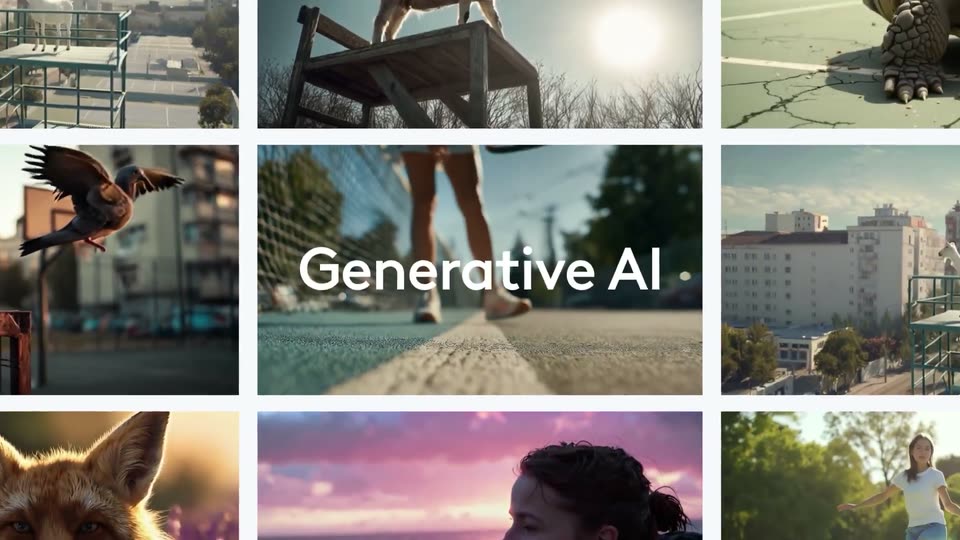 0:02–0:04Lightricks · Lightricks - We’re excited to launch our new model — LTXV-13B! 💫 LTXV-13B is ourA white nine-panel grid of live-action clips fills the frame. The center panel shows a tennis player's legs and racket on a court as the title scales in over it.
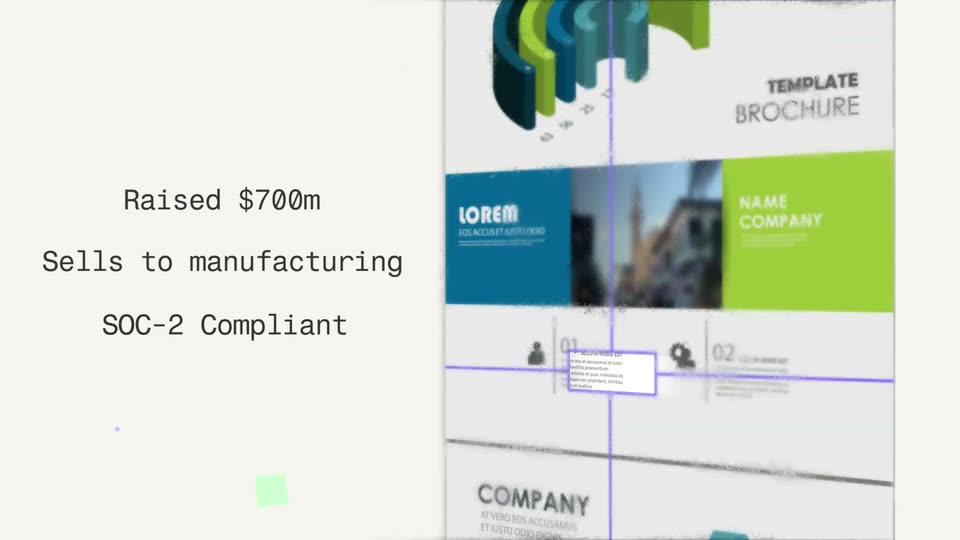 0:25–0:26throxy · throxy (YC X25) Launch VideoA cream panel on the left holds three black monospace lines while small green and purple squares drift; on the right a vertical stack of blurred brochure and slide mockups scrolls upward behind thin purple grid lines.
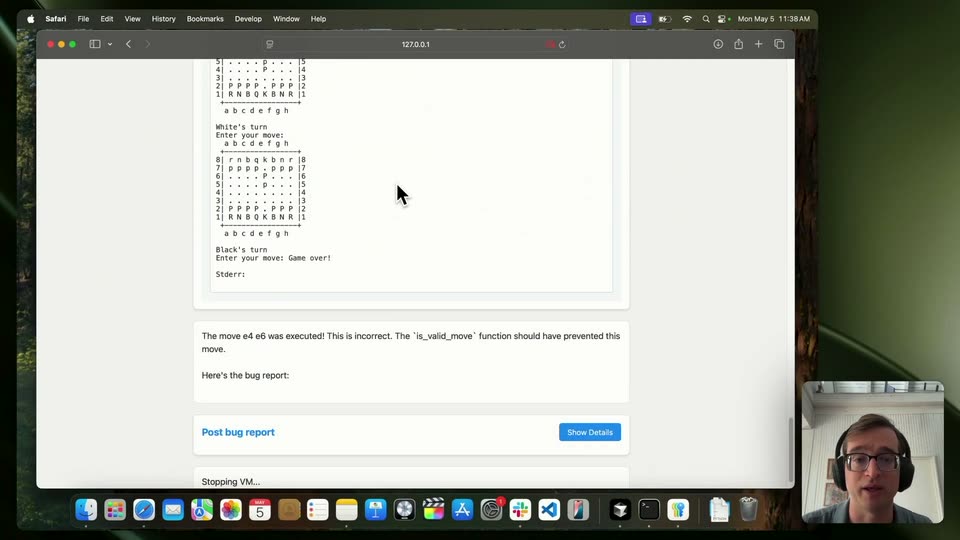 2:30–2:32Cartpole · Jazzberry DemoA Safari window shows a monospaced board-game log and bug-report rows, with a cursor over the log. It reframes into two side-by-side browser windows, and a GitHub issue modal opens left; a webcam feed stays bottom right.
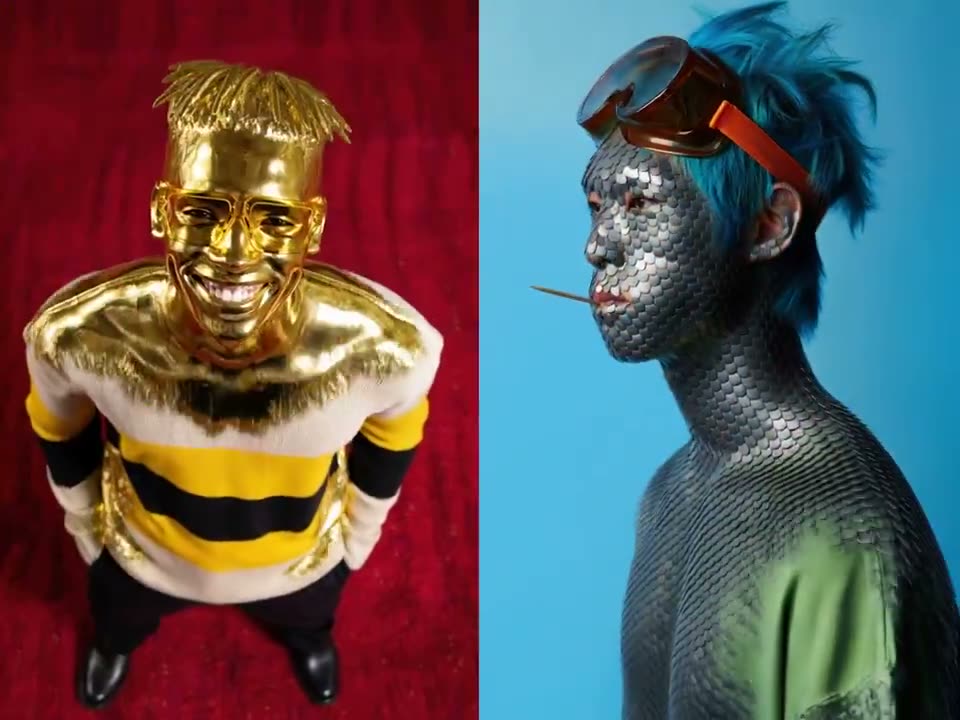 0:06–0:08Higgsfield · Higgsfield AI 🧩 - Introducing Higgsfield Effects - a cinematic pack of high-impact VFX.A split screen pairs two subjects. Left, a top-down man in a bee sweater on red, his head filling with gold metal. Right, a blue-haired man in profile on blue, his face and neck spreading with silver fish scales, a thin stick at his lips.
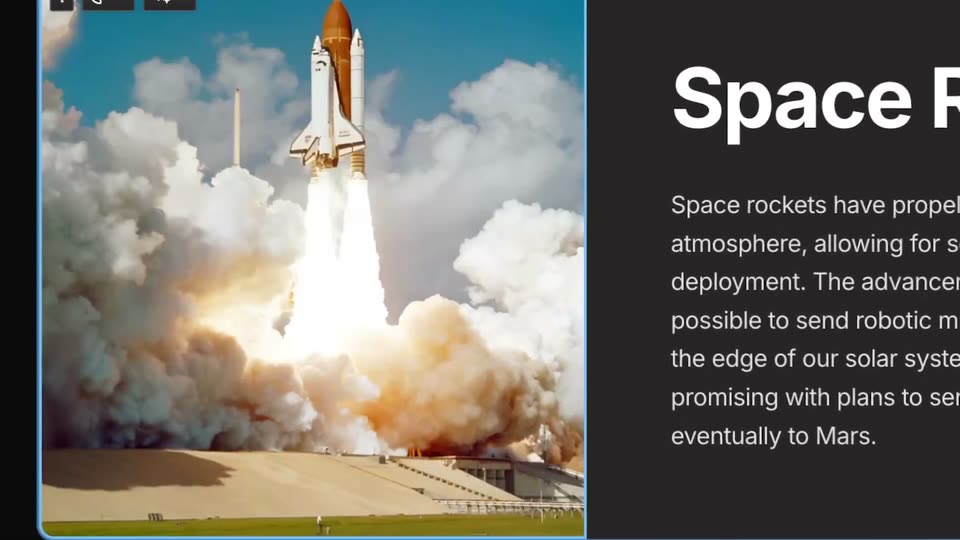 0:44 · 0.5sGamma · Gamma - Introducing AI Image Editing with animation! You can now edit and anA split layout holds a space shuttle lifting off amid billowing smoke in a blue-bordered panel on the left, while a dark panel on the right carries a large white headline and a paragraph of body text. The shot stays static.
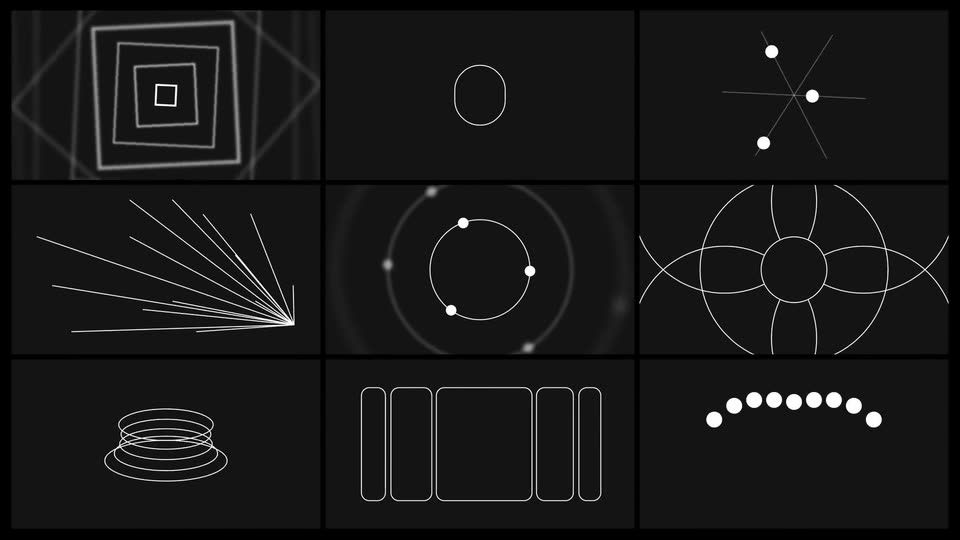 0:01–0:02Spline · Introducing Hana - A new canvas for interactivity - by SplineA 3x3 grid of white line-art loops animates on black. Each cell runs its own geometric motion: rotating nested squares, a pill collapsing to a circle, orbiting dots, radiating lines, a wireframe ring, and shifting rounded rectangles.
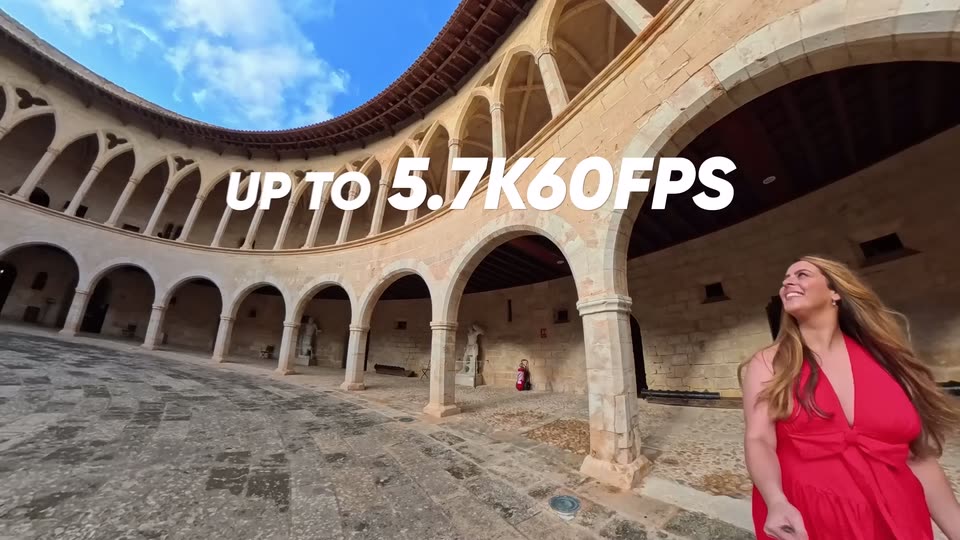 0:50–0:53Insta360 · Meet Insta360 X5 - New Flagship 8K 360 Action CameraA low-angle view of a circular stone courtyard opens to the sky as a vertical line wipes across, splitting the frame to reveal a woman in a red dress. The shot then widens to a full view of the courtyard.
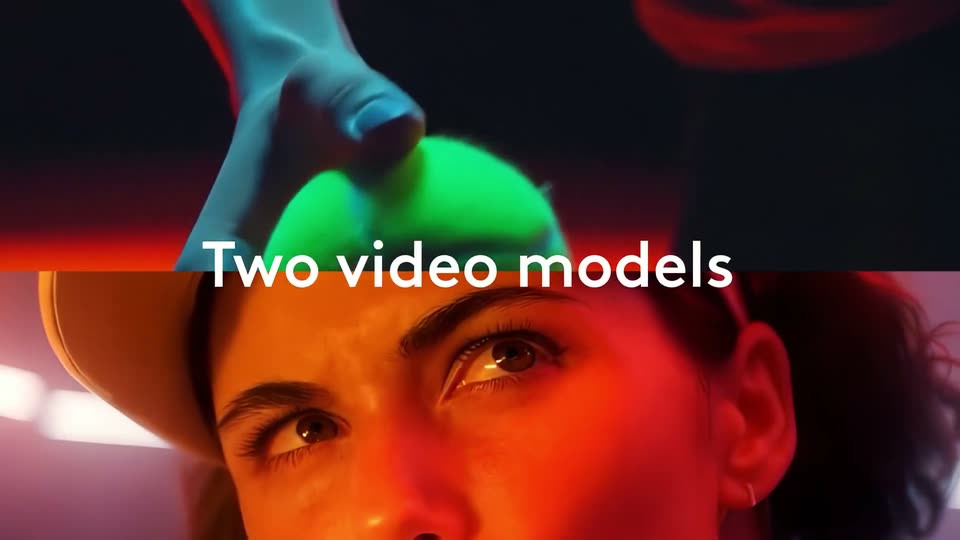 0:05–0:07Lightricks · Lightricks - Today we’re introducing Veo 2 in @LTXStudio . We’re giving you the fA split screen shows a gloved hand pressing a glowing green dome in the top half and a woman's face lit in red in the bottom half. White text Two video models scales across the center as the green object expands and the lighting shifts.
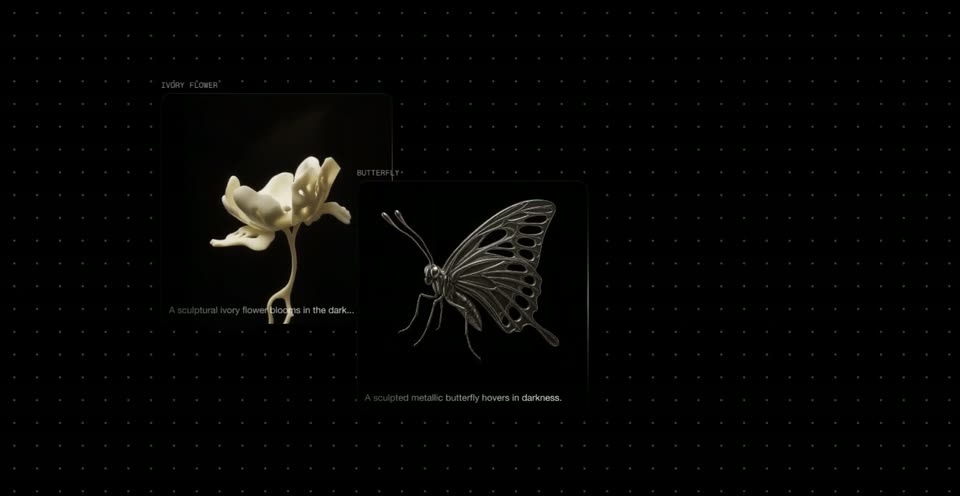 0:14–0:15FLORA · FLORA © - Image Blending is now live in FLORA. Connect two image blocks into oTwo framed cards sit side by side on a black dotted background. The left holds a 3D ivory flower, the right a 3D metallic butterfly, each with a small uppercase label above and a one-line caption below. The cards drift slowly upward.
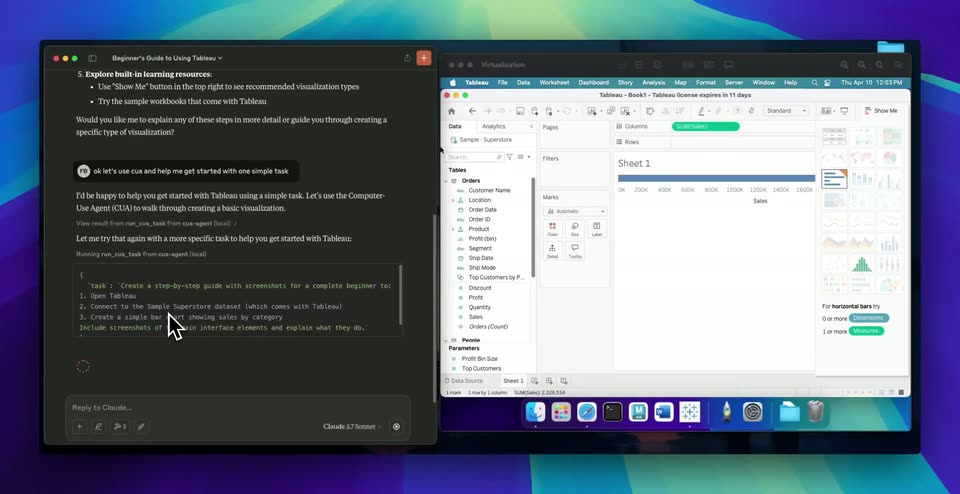 1:03–1:55Cua · c/ua ❤️ MCPA desktop shows two windows side by side: a dark chat panel with a Tableau guide and task prompt on the left, a Tableau window on the right. Fields in the data pane get highlighted and dropped into the marks shelf, building a horizontal bar chart of Sales.
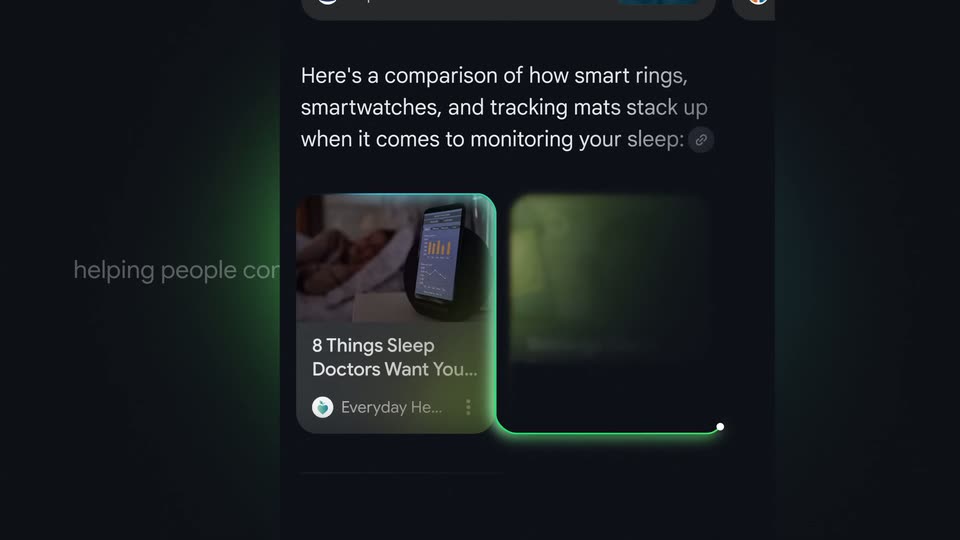 0:16–0:17Google · Introducing AI Mode: A New Experiment in Google SearchA green connector line draws itself from the left tagline across a vertical seam, tracing a rounded rectangle that opens as a mask to reveal a tweet card with a thumbnail and title. The Twitter post text sits blurred behind on the right.
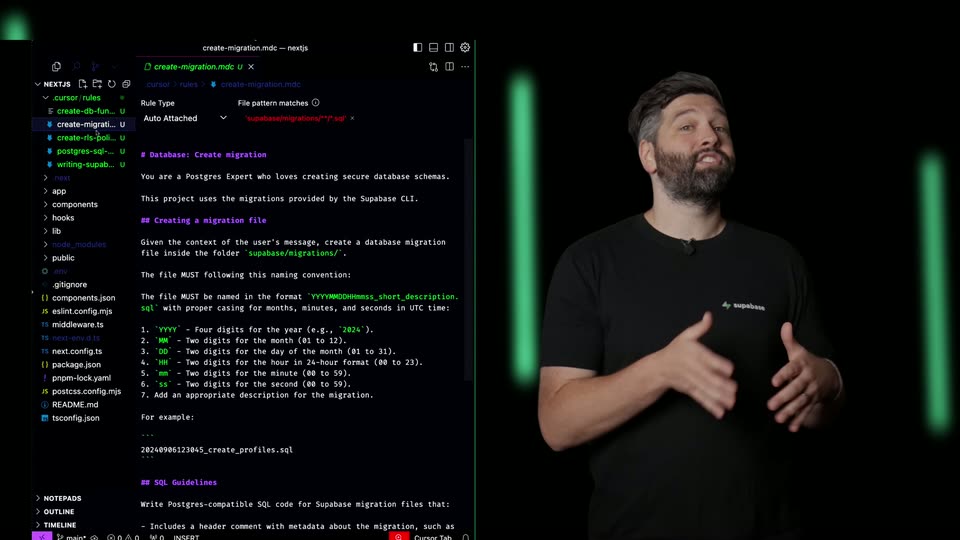 0:40–0:45Supabase · Introducing the official Supabase MCP ServerA bearded presenter in a black Supabase tee stands on the right of a dark set with green light bars, gesturing while he speaks. On the left, a code editor shows a file tree, then opens Supabase AI rule files: database functions, migrations, RLS policies, and an SQL style guide.
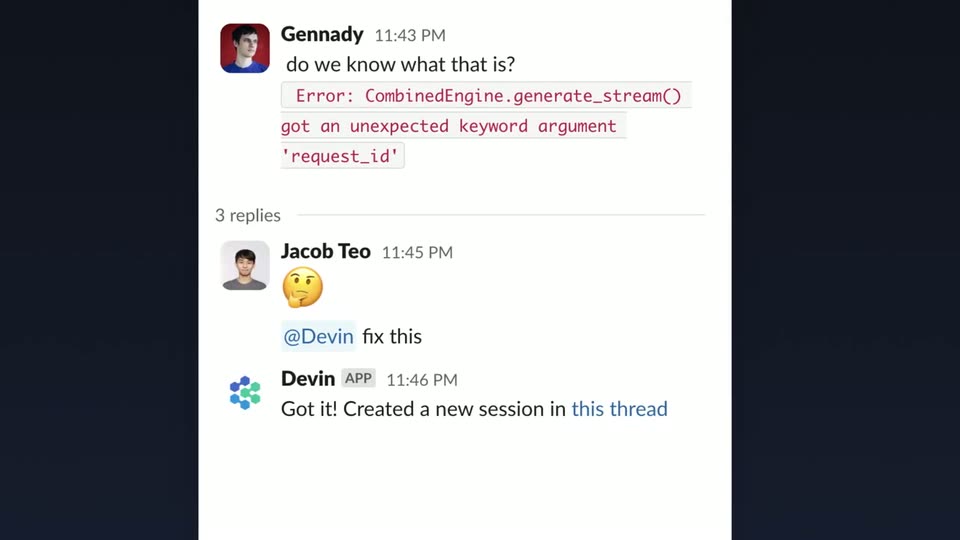 0:15–0:16Devin · Cognition - Introducing Devin 2.0: a new agent-native IDE experience. GenerallyA white Slack thread card fills the left of a dark frame, showing a red error line and a Devin reply. A dark task panel with a checklist then appears on the right, splitting the screen into two side-by-side views.
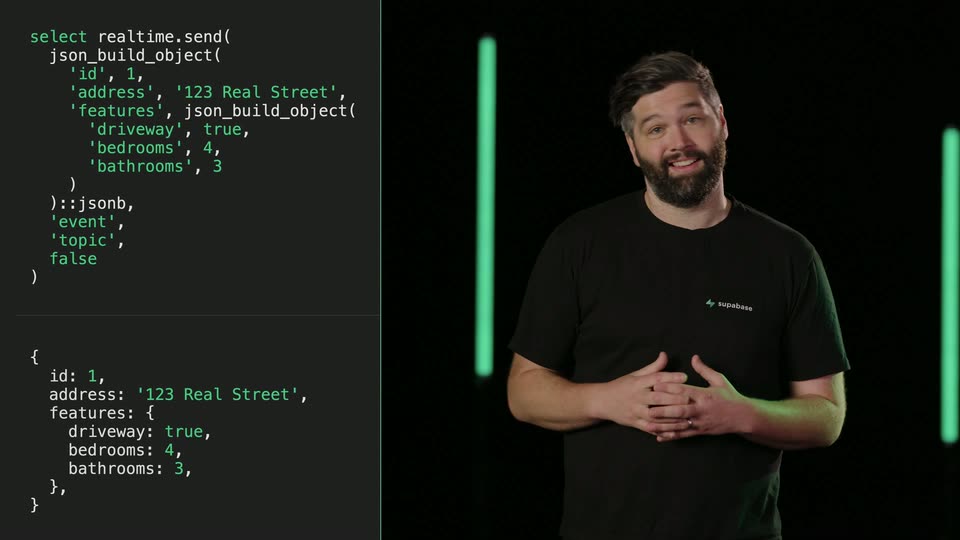 0:42–1:10Supabase · Introducing Realtime Broadcast from DatabaseA split screen shows a dark code editor on the left, its JSON and SQL snippets crossfading, while a bearded presenter in a black Supabase shirt gestures on the right beside a green light tube. At 20s the code exits and he fills the frame.
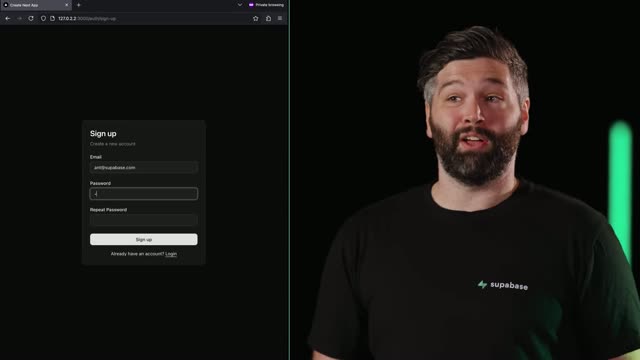 0:33–0:34Supabase · Announcing the Supabase UI LibrarySplit screen: on the left a dark browser window shows a Supabase sign-up form as an email and password get typed into the fields; on the right a bearded man in a black Supabase tee talks against a black set with green neon tubes.
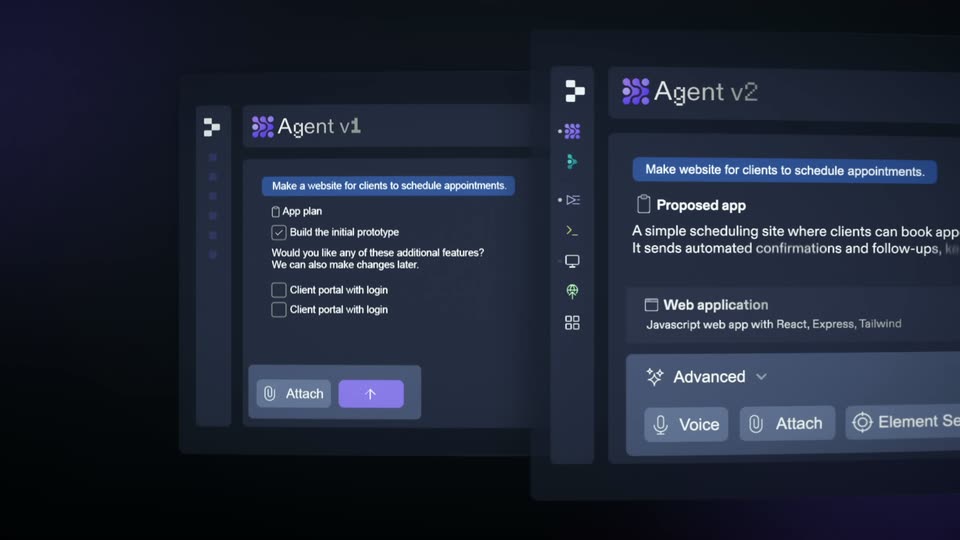 0:11–0:12Replit · Now Available: Replit Agent v2Two dark chat panels sit side by side in a dim space, the left Agent v1 panel blurred in the background and the right Agent v2 panel sharp in the foreground. The composition drifts slowly, sliding the right panel's message bubble and button row further into frame.
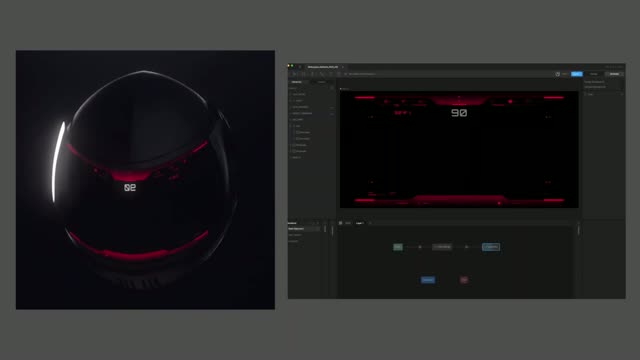 0:15–0:17Rive · Rive for Product Design Reel 2025Split view on a gray desktop: a glossy black helmet on the left ignites red visor lines and a small counter, while a node editor window on the right builds the matching red HUD graphic in its viewport.
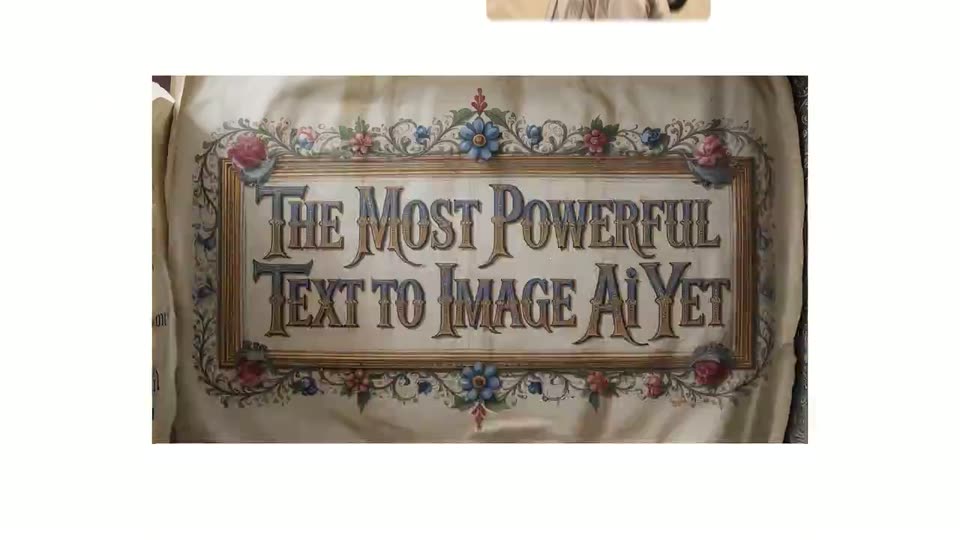 0:21–0:22Ideogram · Ideogram - Meet Ideogram 3.0 — stunning realism, creative designs, and consistenFour blurred vertical strips of people scroll up and out of frame, revealing an ornate floral-framed card that opens into a full photo of a woman holding a white cat. Over the image, the fantasy-style headline scales up to fill the center.
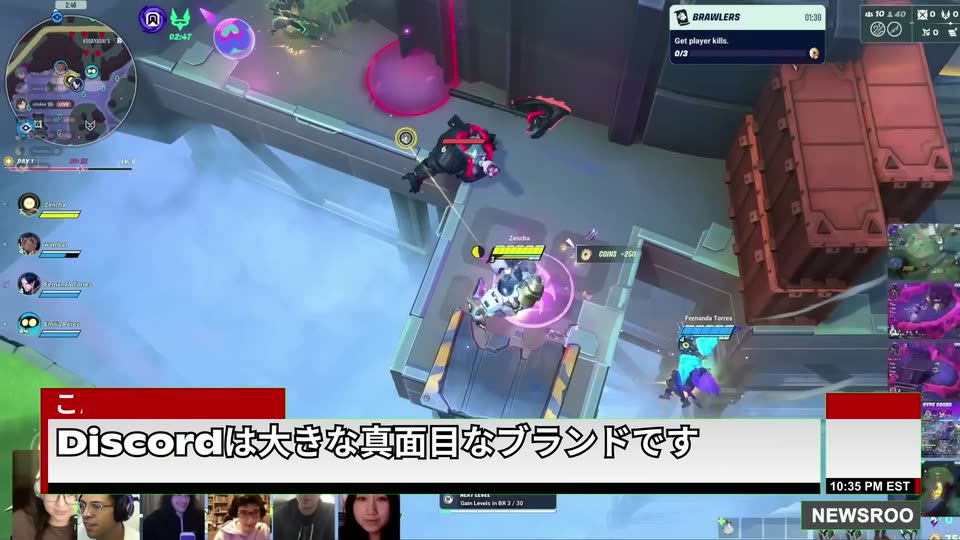 1:20–1:21Discord · Introducing the NEW Discord Game OverlayA top-down Brawl Stars match fills the frame as characters fight on a blue platform. A lower-third banner with Japanese text appears above a row of webcam thumbnails, while small time and NEWSROOM chips sit at the lower right.
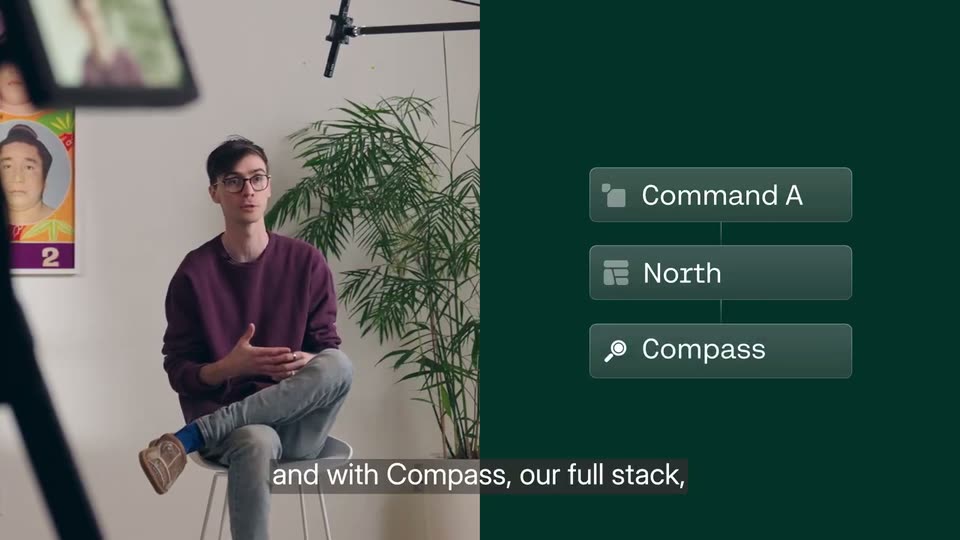 0:08–0:14Cohere · Cohere - We’re excited to introduce our newest state-of-the-art model: CommandA man in a maroon sweater sits on a stool, filmed past out-of-focus camera gear; a dark green panel wipes in on the right and three labeled chips, Command A, North and Compass, stack vertically, while subtitles caption his speech.
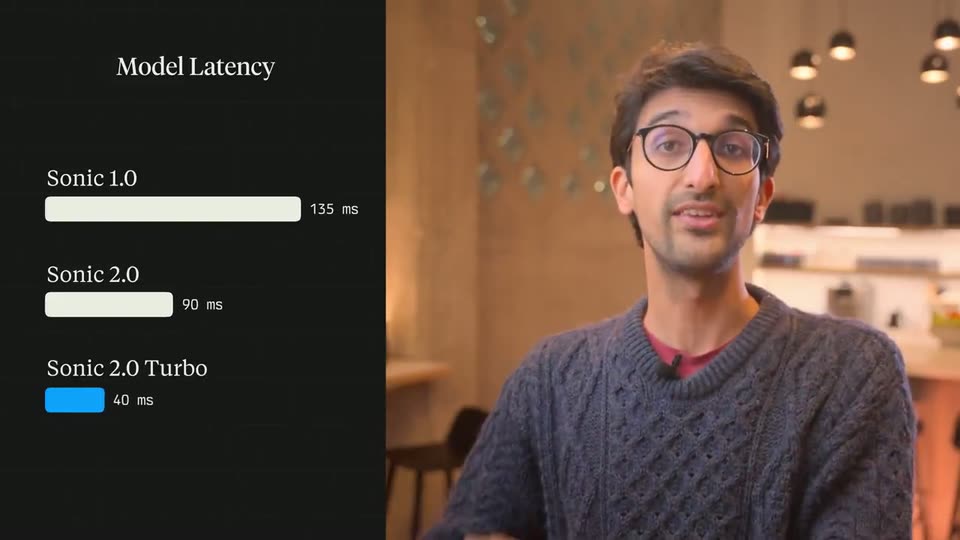 0:40–0:49Cartesia · Cartesia - We've raised a $64M Series A led by @kleinerperkins to build the platA man in a gray sweater talks on the right; a dark panel on the left slides in and builds a latency chart: Sonic 1.0's bar fills to 135 ms, Sonic 2.0 to 90 ms, a blue Sonic 2.0 Turbo bar to 40 ms, numbers counting up.
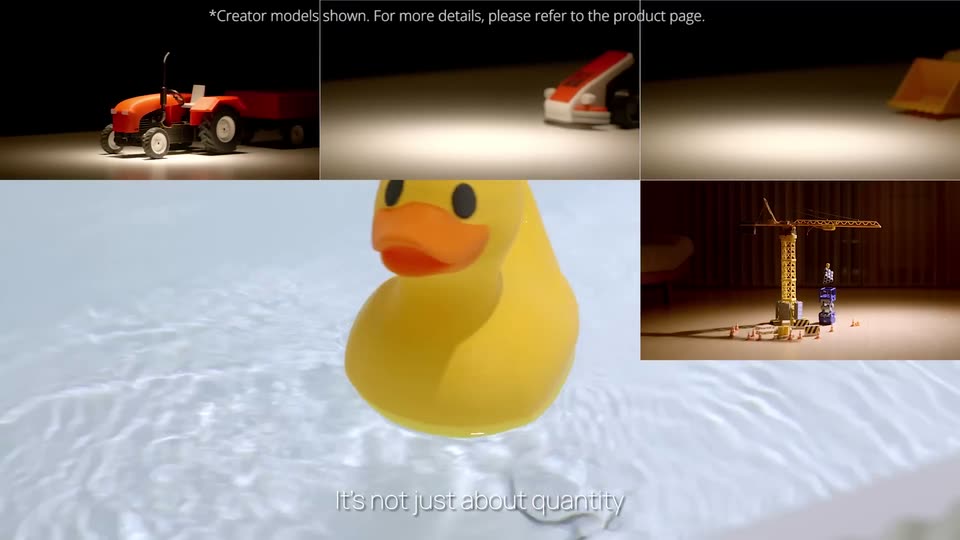 0:31 · 0.7sBambu Lab · CyberBrick: Build smarter. Code freer. Share globally.A split-screen montage shows a yellow rubber duck bobbing on rippling water in the lower left while the top row and lower right hold spotlighted stages with creator models: an orange tractor, a red-and-white vehicle, a yellow loader, and a construction crane. The duck grows larger, beak opening.
 0:01–0:05Lightricks · Lightricks - 🚀 LTXV 0.9.5 is here! Our latest AI video model brings: ✅ CommercialThe blue LTXV wordmark appears on a pale gray field, then gives way to the headline “Major Upgrade.” The line “The fastest open-source video model on the market” slides right to left, and two live-action clips pop in at the frame edges.
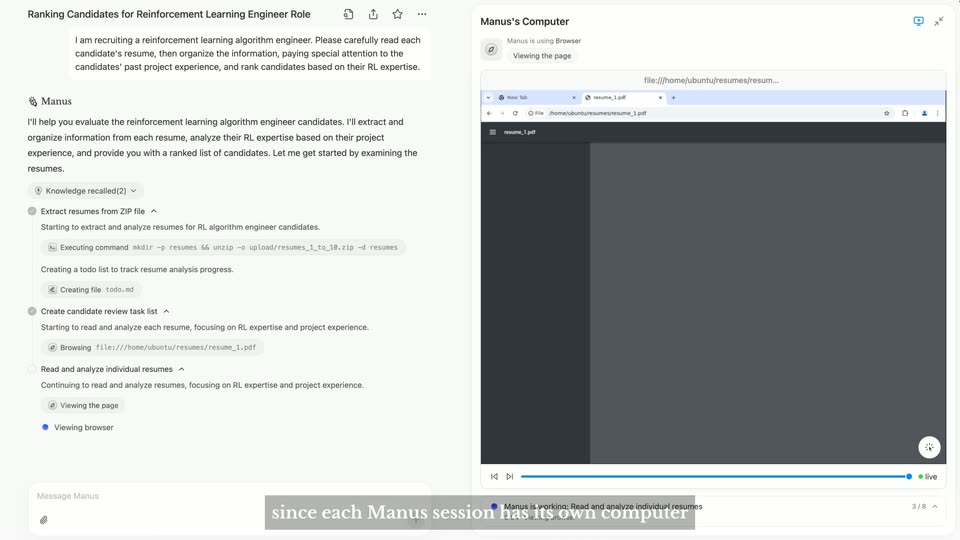 0:43–0:44Manus · Introducing Manus: The General AI AgentA split view of the Manus app: the left chat log scrolls upward while the right panel shows a live browser window opening a resume PDF. A white caption sits on a gray bar across the bottom.
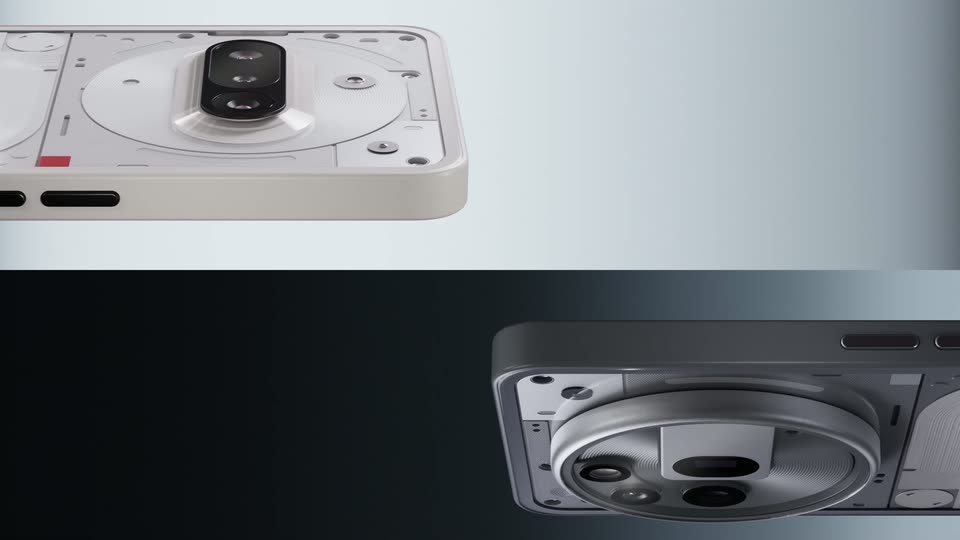 0:08–0:10Nothing · Phone (3a) Series: Power in PerspectiveA horizontal split shows two phones in 3D: a white model on a light field above and a dark model on a black field below, each seen from the back with its raised camera ring. The view slowly rotates around both, bringing the side edges and ports into view.
 0:35–0:36TamLabs · Introducing TamLabsA Word service order with yellow highlighted fields sits beside a chat panel listing plugin purchase details. The view zooms into the document as the focus blurs.
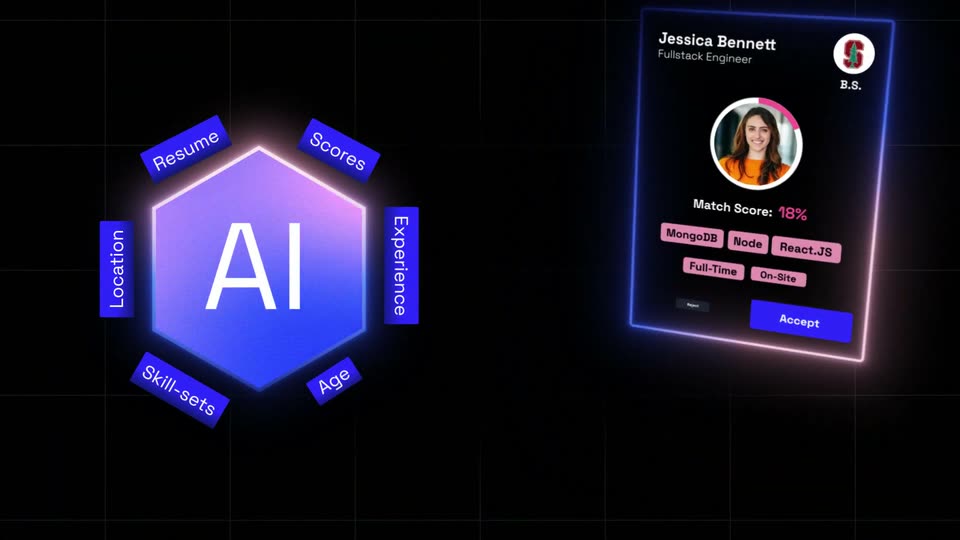 0:21–0:24Contrario · Contrario Launch VideoA glowing AI hexagon ringed by blue labels sits left of a neon candidate card on a black grid, the card filling in with a name, photo, and a match score that counts up. The shot then reframes onto the card as it scales up.
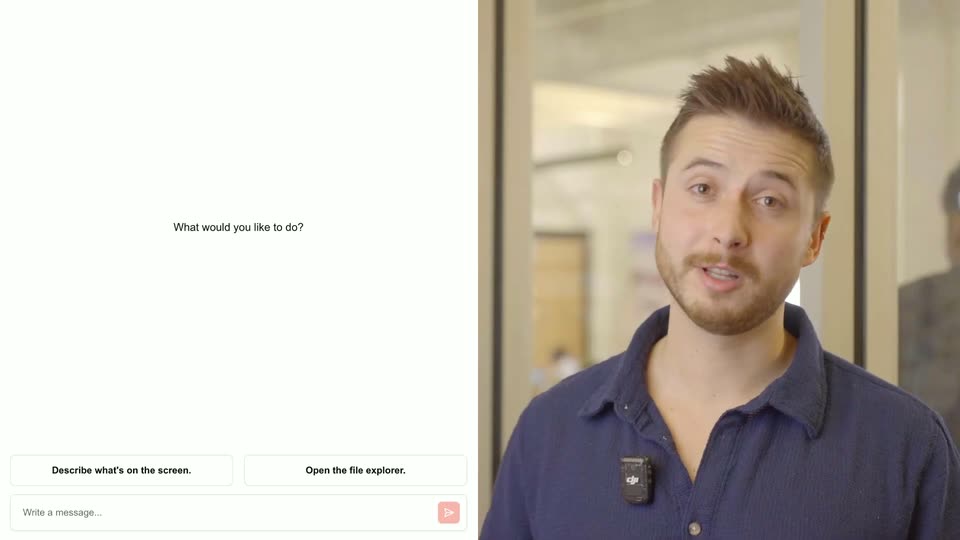 0:06–0:08Butter · Pig Official LaunchA locked-off split frame: a white interface panel on the left holds the prompt 'What would you like to do?' with two buttons and a message field, while a man in a blue shirt talks to camera on the right.
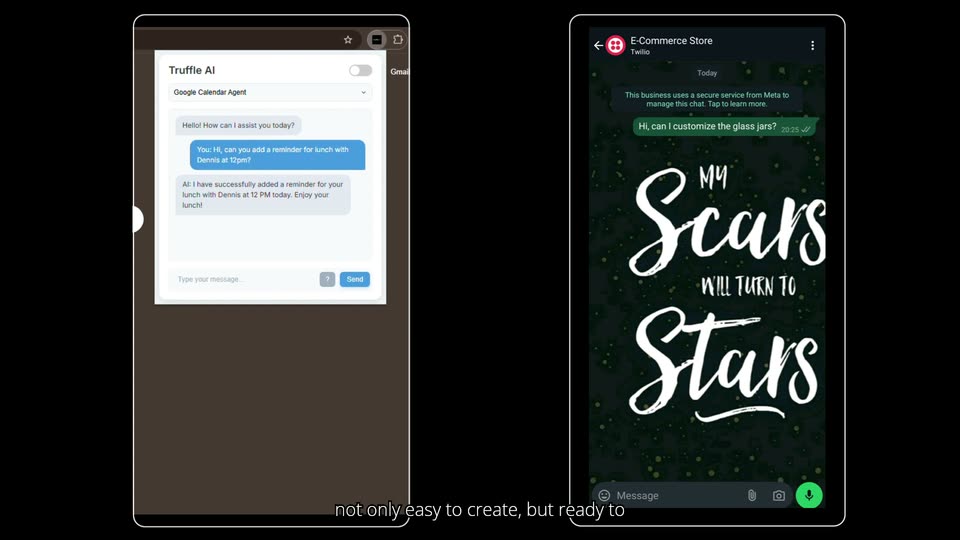 1:05–1:20Dexto · Truffle AI Launch YCTwo flat phone mockups sit side by side on black. Left, a Truffle AI chat logs a calendar reminder request and the agent's confirmation. Right, a WhatsApp-style store chat types out a customer question and replies. White subtitles swap along the bottom.
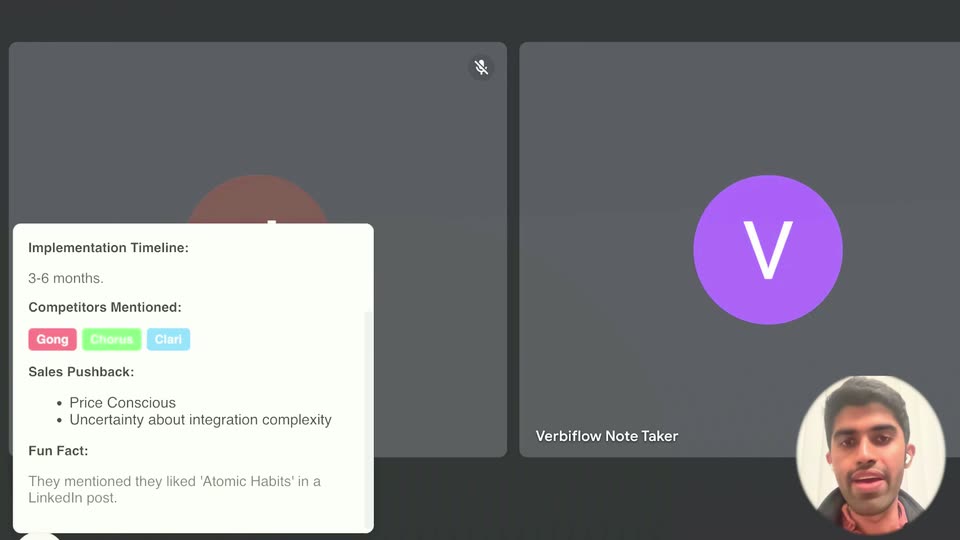 0:58–1:21Verbiflow · Verbiflow (YC W25) - LaunchA dimmed meeting panel left holds a white note card with timeline, colored competitor tags and a fun fact; a purple 'V' badge labeled Verbiflow Note Taker sits right. A man talks in a circular webcam inset bottom right. A teal clock pops into the center near 9s, then vanishes.
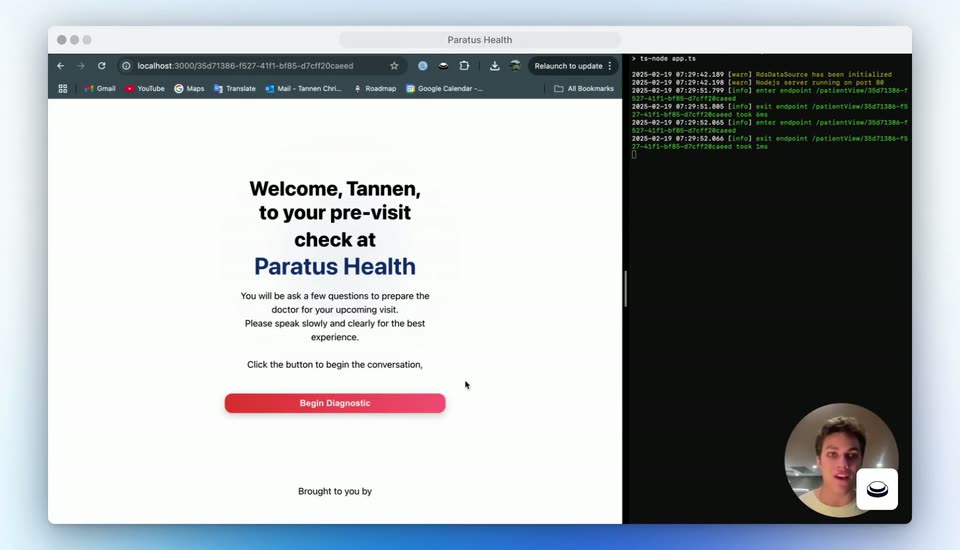 0:25–0:49Paratus Health · Paratus Health - Product DemoA screen capture shows a Paratus Health welcome page in a browser beside a terminal of green logs, with a circular webcam feed of a talking man in the corner. A cursor clicks the red Begin Diagnostic button, and the page fades to a microphone-permission loading screen.
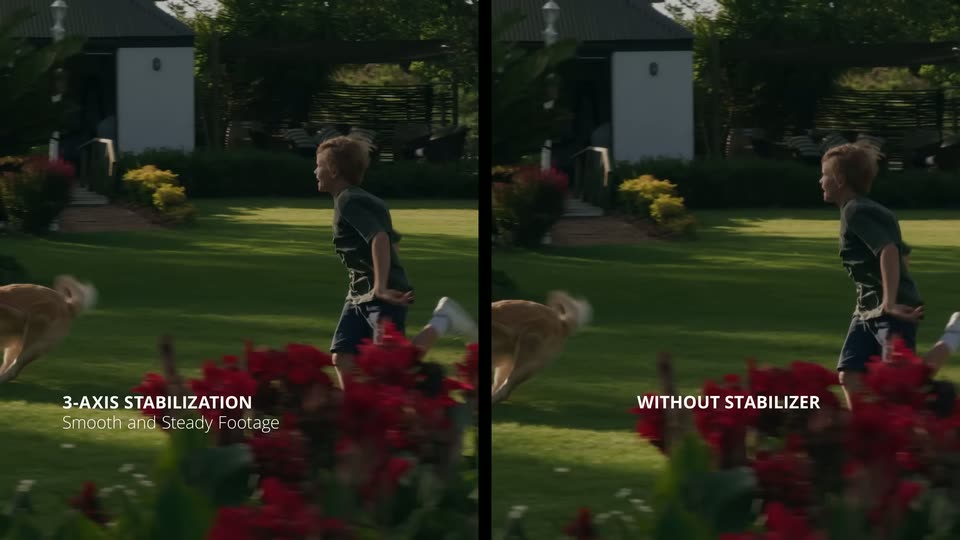 1:11–1:13DJI · Meet DJI Osmo Mobile 7 Series: Flagship Intelligent Tracking Phone GimbalsA vertical split screen shows the same park scene twice, a child and a woman running with a dog past red flowers. The left panel, labeled stabilized, tracks smoothly while the right panel, labeled without stabilizer, shakes and blurs in the foreground.
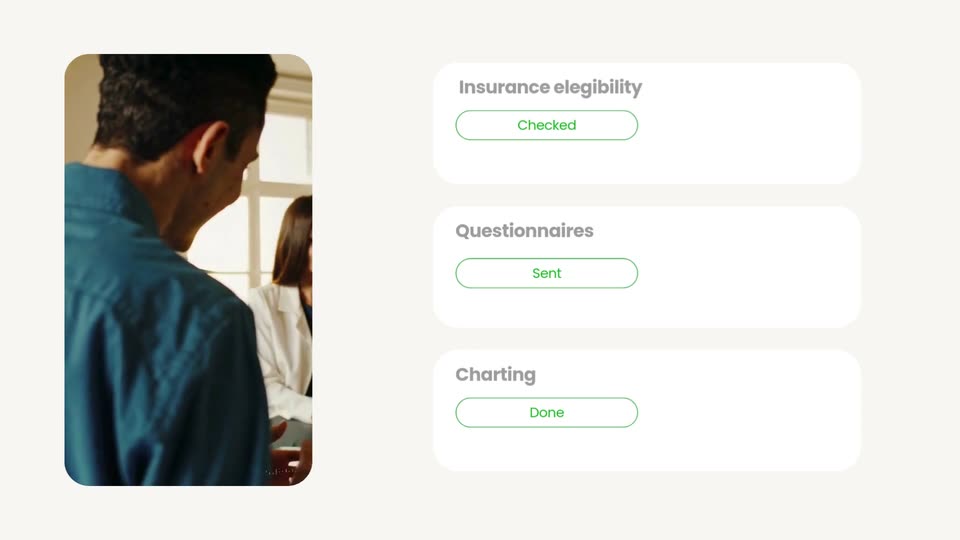 0:40–0:46mdhub · AI-PoweredMental Health ClinicsA vertical clip of a smiling clinician plays in a rounded panel on the left as a man in a blue shirt leans in. On the right, three titled white cards stack in, their status pills flipping from in-progress to green done, then fade out.
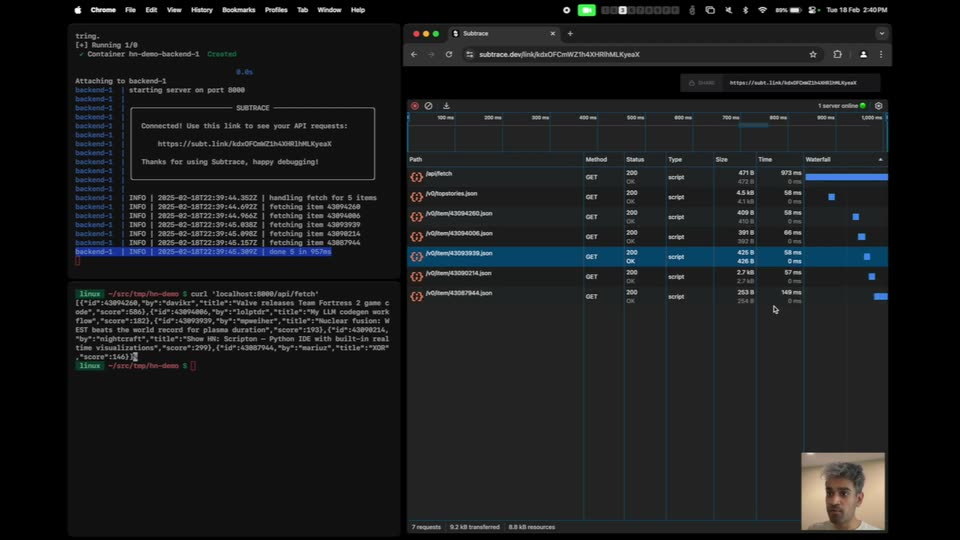 1:18–3:00Subtrace · Subtrace: Wireshark for Docker ContainersA split screen shows two terminal windows on the left and a browser with the Subtrace request log on the right. A cursor clicks through request rows, opening headers, preview and timing panels, while a small webcam feed of the presenter sits in the corner.
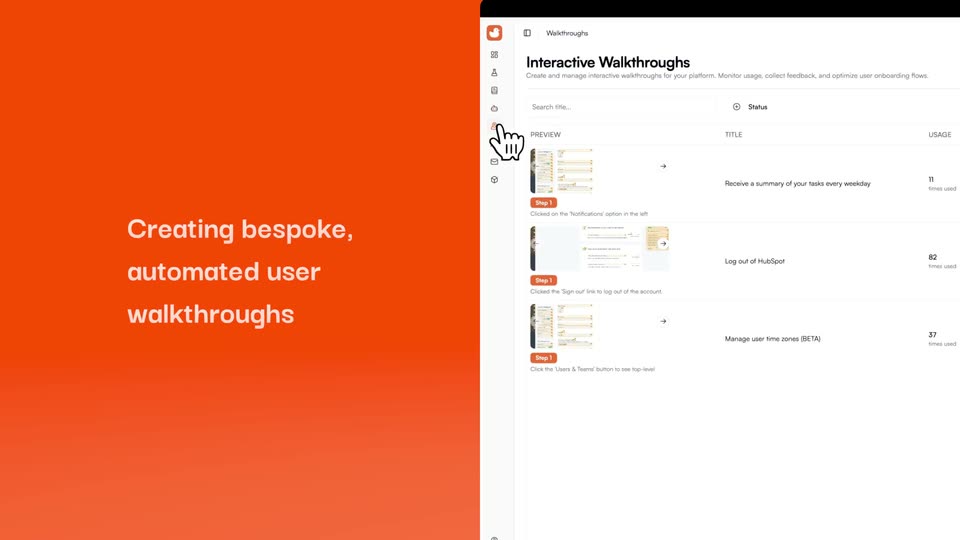 0:15–0:20SAMMY Labs · SAMMY Labs - Product TourA split layout pairs a white headline on an orange field with a dashboard on the right. A hand cursor hovers the sidebar and the page switches to Interactive Walkthroughs, then the camera zooms into the interface, cropping the headline.
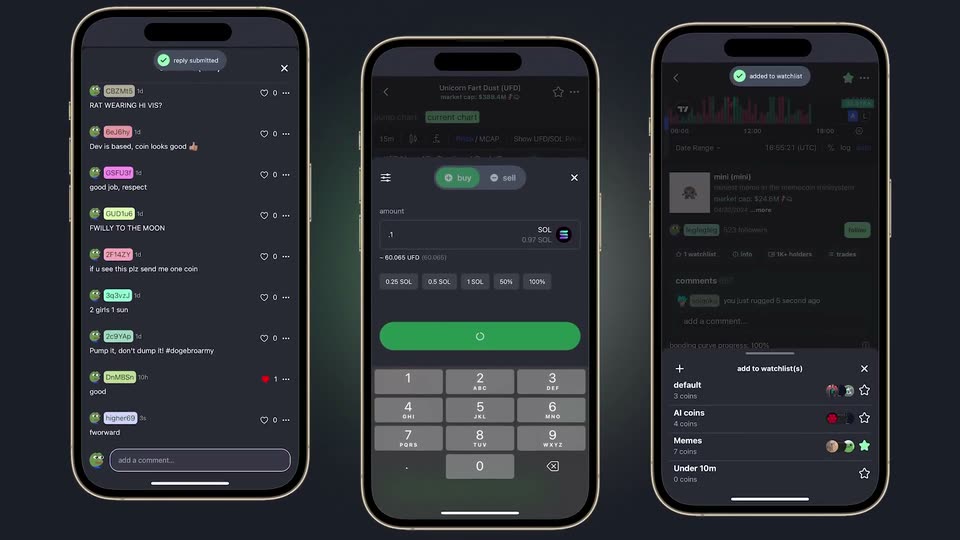 0:23–0:26Pump.fun · Pump.fun - introducing the PUMP FUN MOBILE APP the BEST way to trade ALL memecoThree phone mockups in 3D perspective sit side by side on a dark backdrop, each running a different screen of a crypto trading app. Confirmation toasts pop in, a digit is typed on the keypad, and the middle screen switches to a candlestick chart.
 0:07–0:08OpenSea · OpenSea - OS2 open beta is now live: • A fully reimagined product built entireThree tilted panels show OpenSea screens side by side: a search page, an NFT card with an anime character, and a red price chart on black. Large white letters OS2 pop in over the panels as the clip ends.
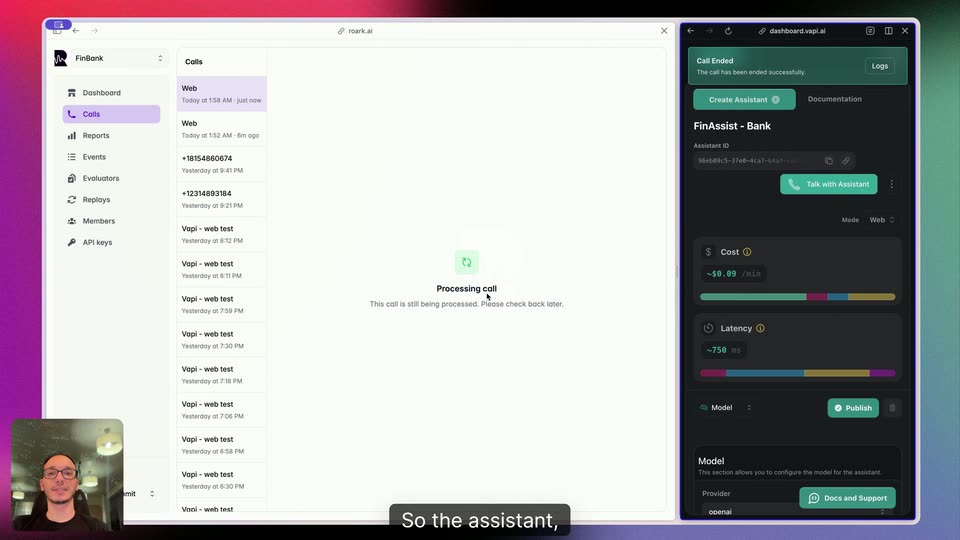 0:00–1:15Roark · Roark (YC W25) - DemoTwo browser windows sit side by side: the FinBank calls dashboard left, the VAPI assistant dashboard right, with the presenter's webcam in the corner. A cursor clicks Talk with Assistant, a call runs and ends, then the view zooms into the logged transcript and compliance flags.
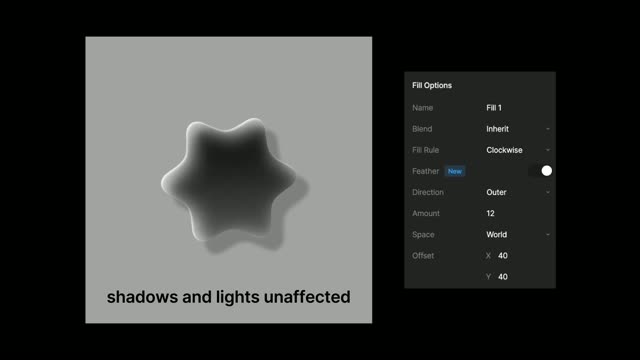 0:42–0:53Rive · Feathering AnnouncementA rotating gradient star sits on a gray canvas beside a dark Fill Options panel, captioned 'shadows and lights rotate.' A cursor switches the Space field from Local to World as arrows point to it, and the caption becomes 'shadows and lights unaffected.'
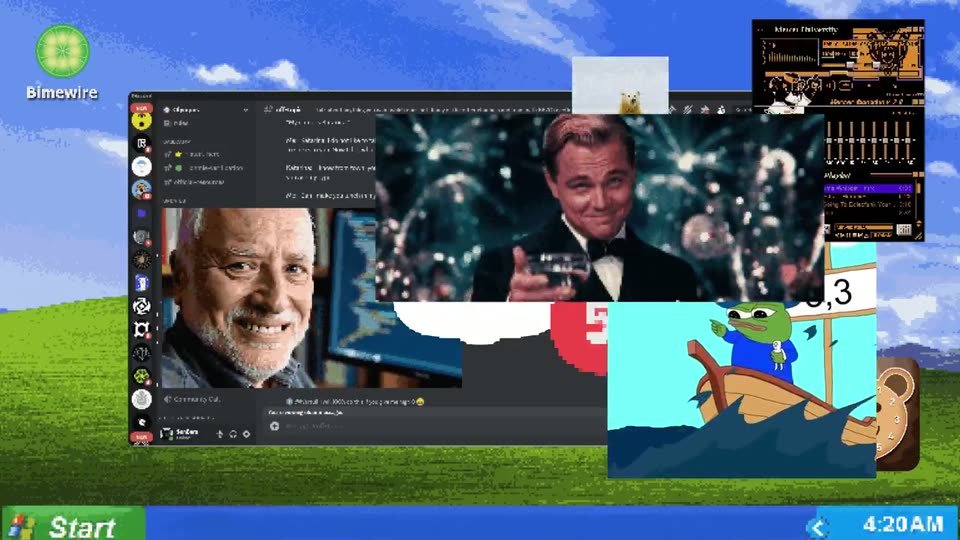 0:07–0:08Berachain · Berachain Foundation 🐻⛓ - Berachain is finally real.A Windows XP desktop fills the frame, green hills and blue sky behind a collage of overlapping windows. A chat panel with a bearded man sits left, a tuxedoed host toasts center, a retro game runs top right, and a cartoon crocodile paddles a boat in the lower right tile.
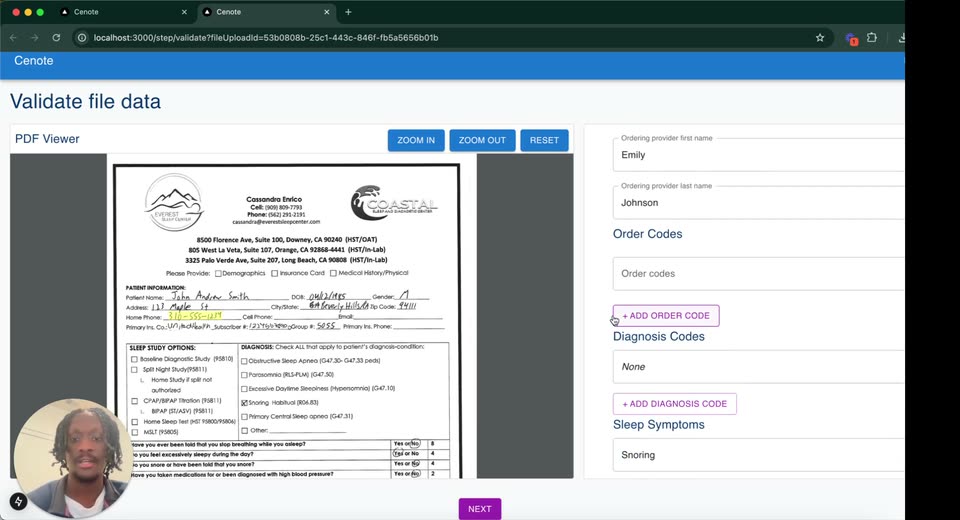 1:58–3:00Cenote · Cenote DemoA browser window shows the Cenote app split into a PDF viewer of a handwritten sleep referral on the left and a structured patient form on the right. The form auto-scrolls down through demographic, contact and clinical fields while a cursor clicks between them.
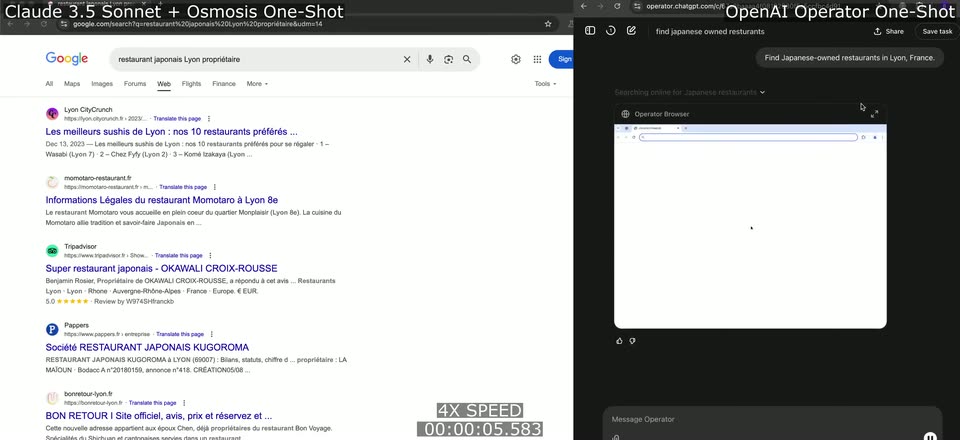 0:00–0:01Osmosis · Osmosis Demo (Head-to-Head with OpenAI Operator)A split screen compares two browser agents side by side. On the left, a blank page fills with Google search results; on the right, a dark Operator panel expands to open a blank browser window. White titles label each side, and a 4X speed counter runs at the bottom.
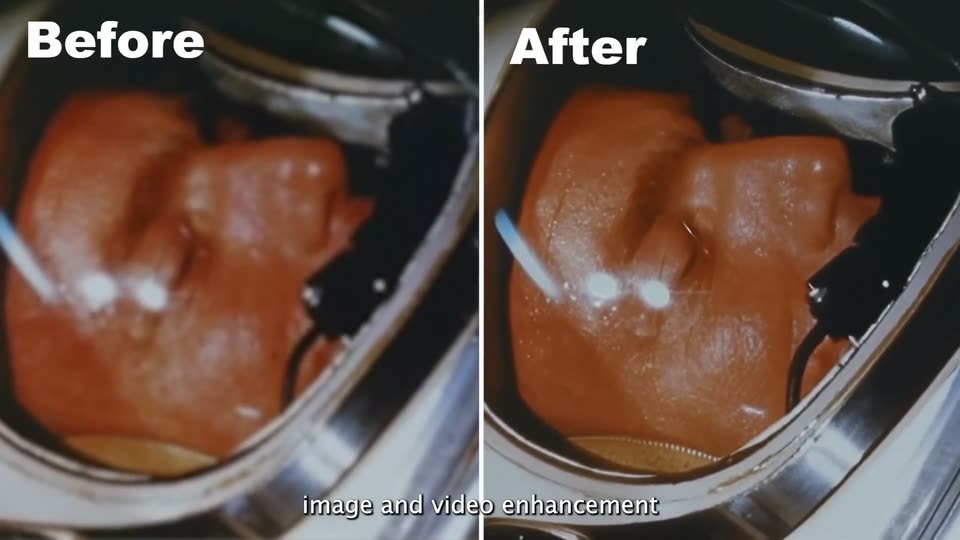 0:00–0:01Topaz Labs · Topaz Labs - 🚀Big news! We’re launching Project Starlight: the first-ever diffusioA side-by-side split screen shows a close-up of a face inside a metal basin, the left panel muted and the right panel warmer and sharper. White labels Before and After sit at the top corners, and white subtitles appear at the bottom.
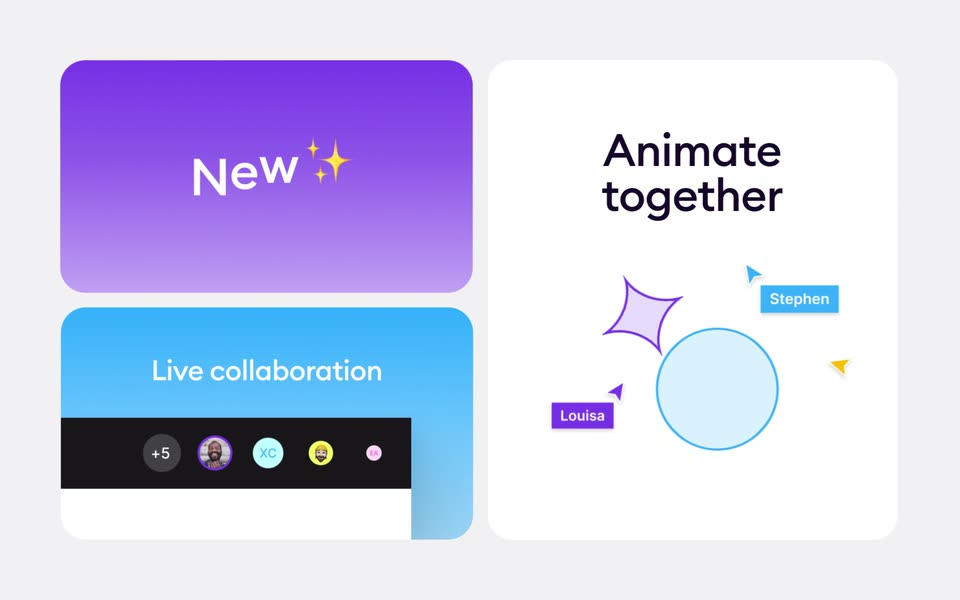 0:00–0:01Jitter · Jitter for Teams · JitterTwo cards sit side by side on a light gray field. Left, a cursor clicks a Create new team button, then a purple New card slides above a blue Live collaboration card. Right, under Animate together, a purple star and blue circle swap places while Louisa and Stephen tags follow.
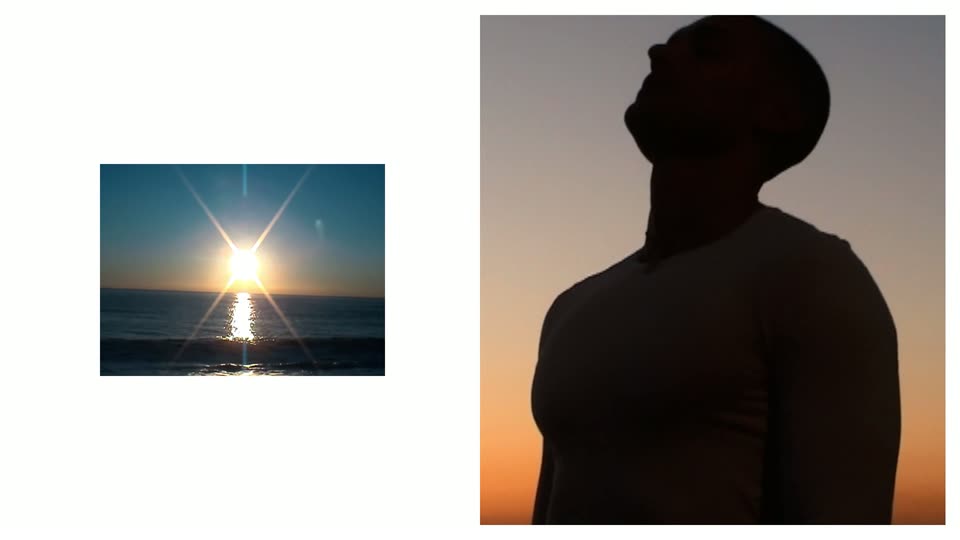 1:22–1:23OpenAI · Refreshed.A white frame holds two panels side by side. On the left, a small square photo of the sun setting over the ocean with a starburst flare. On the right, a tall vertical clip of a man in silhouette tilting his head back against an orange sky.
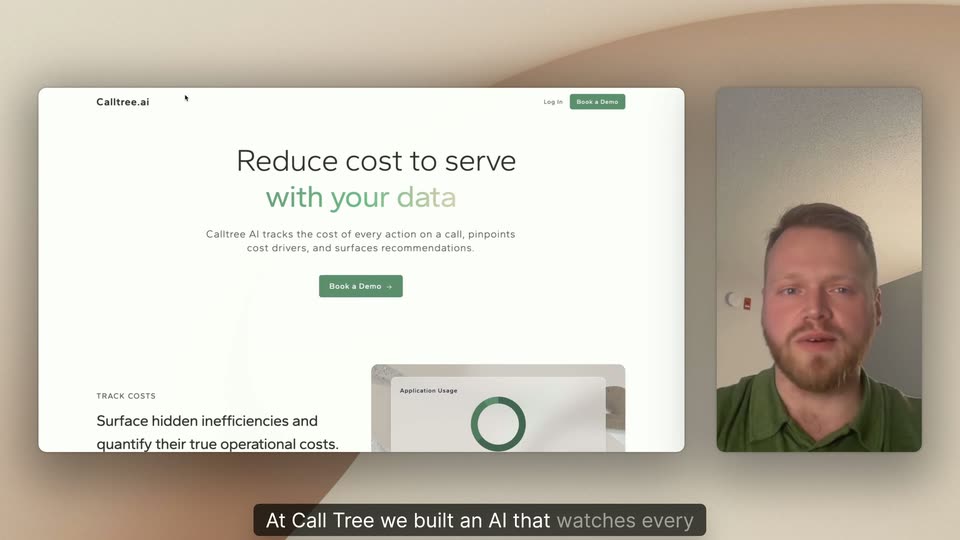 0:00–0:24Calltree · Calltree IntroductionA split-screen shows the Calltree.ai website on the left, its headline cycling between 'cost to serve,' 'ops expense,' and 'handle time,' while a bearded man in a green polo speaks to a webcam on the right. White subtitles on a dark bar appear at the bottom.
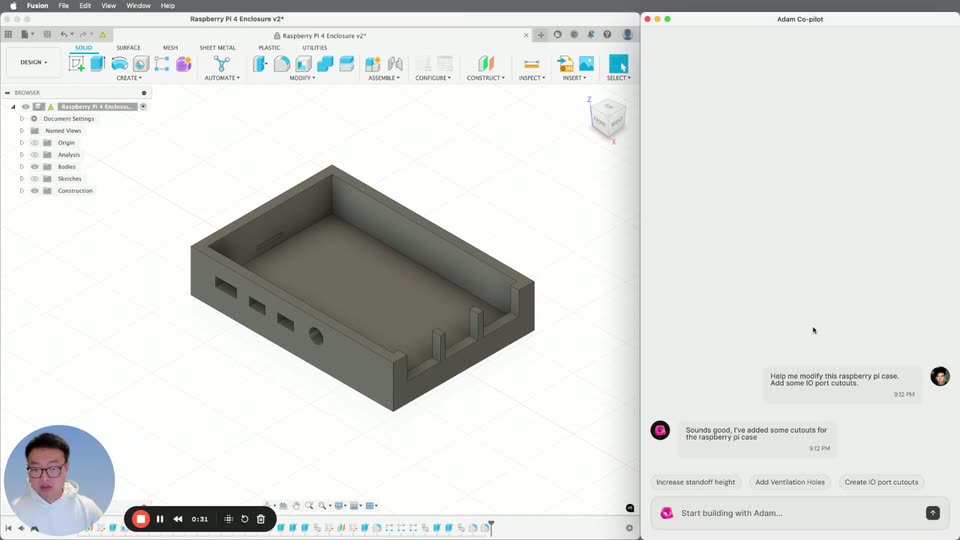 0:00–0:53Adam · Adam Co-pilotA split screen shows a Fusion viewport with a gray 3D box on the left and the Adam Co-pilot chat on the right. A cursor types a prompt and clicks a face, and the box updates with port cutouts and a grid of ventilation holes.
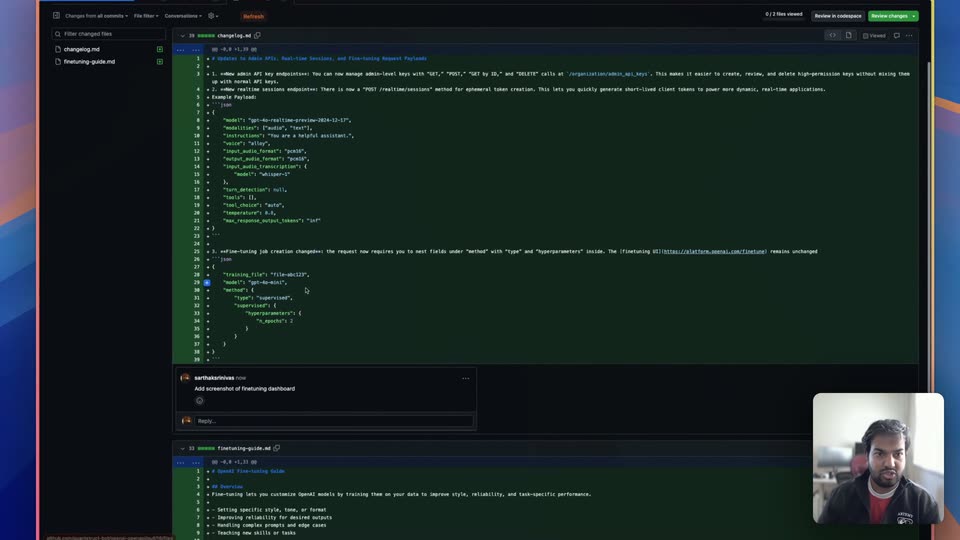 0:38–0:41Quantstruct · Quantstruct Launch VideoA split screen shows a code editor and a markdown file scrolling down, then a pull request review interface. A presenter video feed sits in the bottom right corner. The caption just a few seconds. appears at the bottom center.
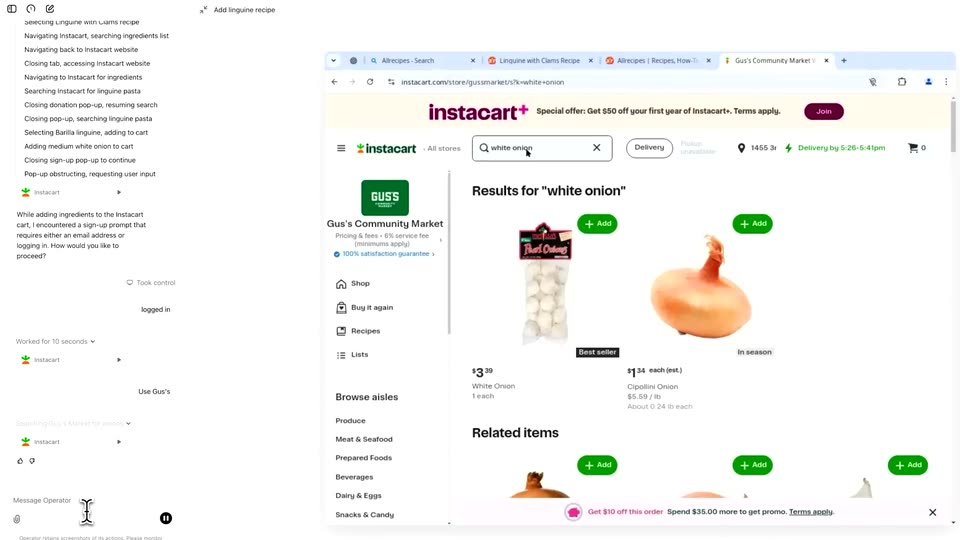 3:28–3:33OpenAI · Demonstrating OperatorA split screen shows an automation log on the left and a live Instacart browser on the right. The store page loads from gray placeholders into onion product cards while a cursor hovers the search field; left-panel steps highlight in sequence.
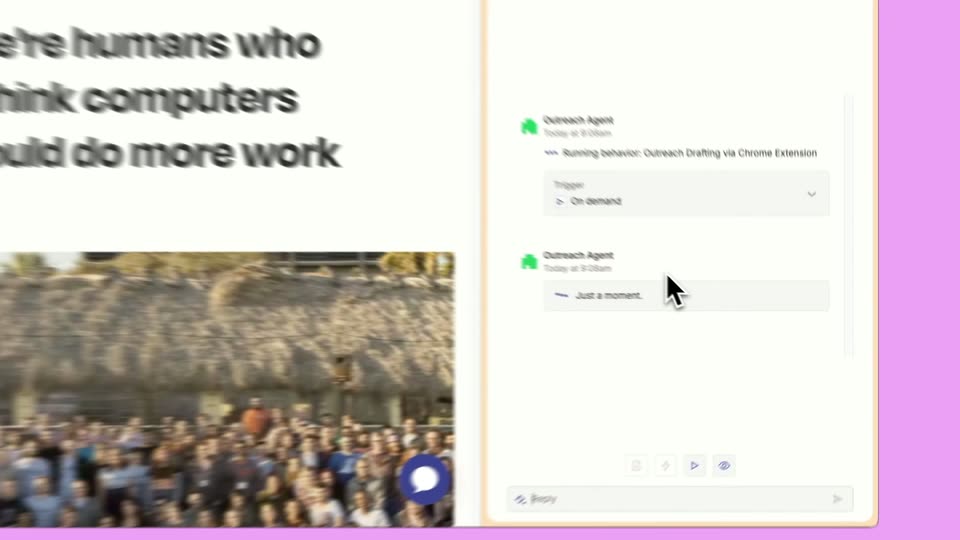 0:39–0:40Zapier · Introducing Zapier Agents: The Future of Automation is Here!Split screen: a Zapier webpage with a video thumbnail fills the left, the Agents chat panel the right. The view reframes from a close crop to the full layout while a cursor hovers over the panel and a 'Just a moment' line appears under the Outreach Agent entry.
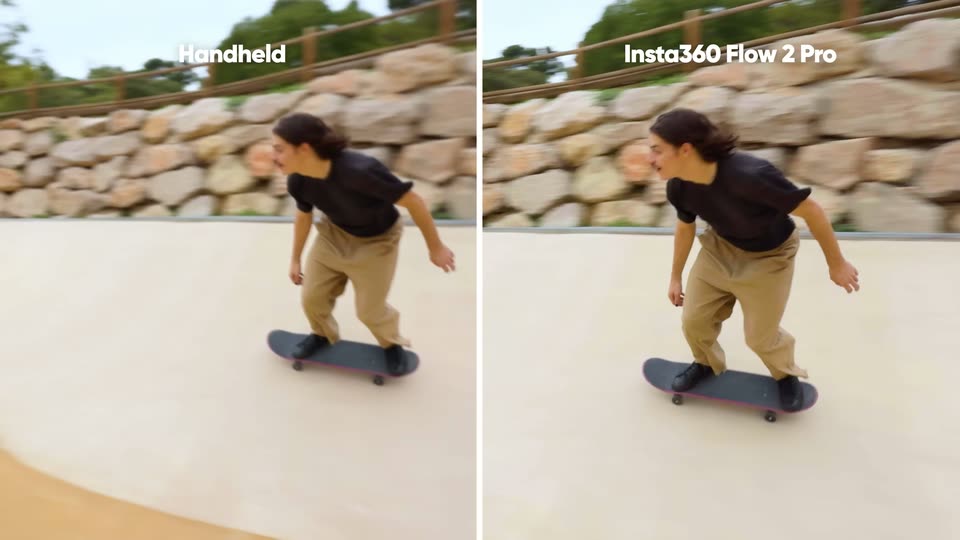 0:12–0:15Insta360 · Introducing Insta360 Flow 2 Pro - Your Pocket AI FilmmakerA split screen compares two takes of a skater carving a concrete bowl. The left Handheld panel shakes and blurs with the motion, while the right Insta360 Flow 2 Pro panel tracks the same ride smoothly. A 3-Axis Stabilization caption anchors the bottom left at the start.
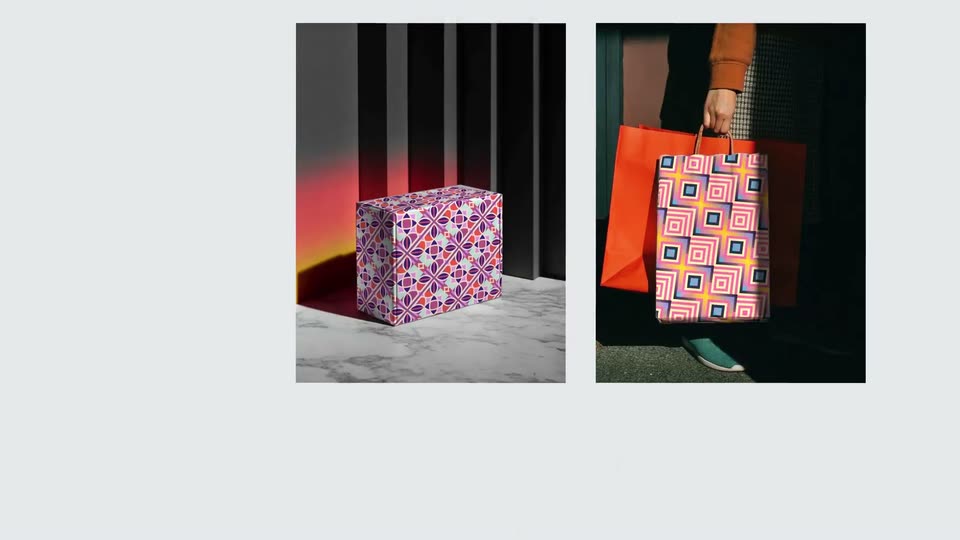 0:14–0:15Recraft · Recraft - Seamless patterns are here! Designers, now you can create endless, peVideo panels slide into a row on a light gray background: a person in green holds a chili-print box, a purple geometric box sits on marble before a red gradient wall, and a person walks with a patterned bag behind an orange one. The left panel slides out, leaving two.
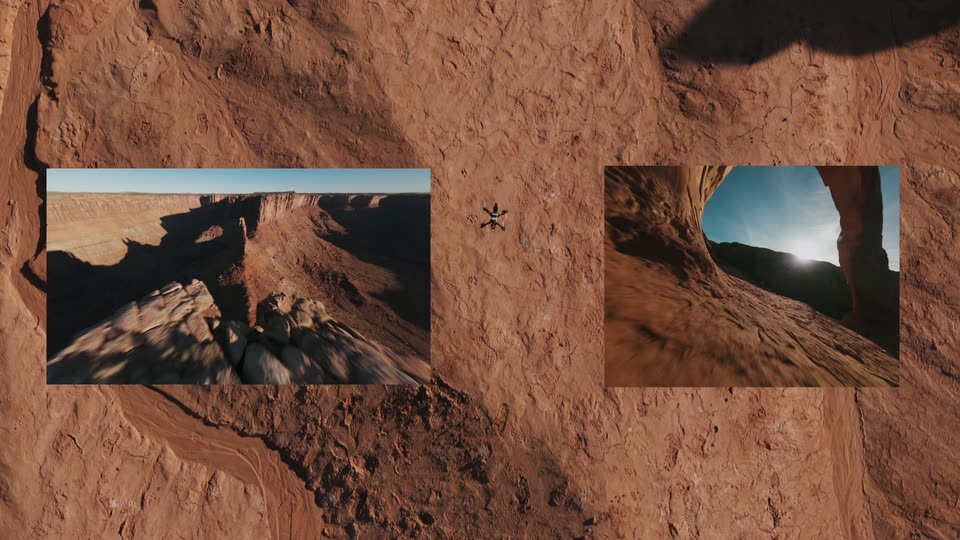 0:53–0:55DJI · Meet The DJI O4 Air Unit SeriesA reddish canyon rock wall fills the frame as a small quadcopter hovers in the center. Two inset windows show fast point-of-view drone flights, one over a rocky ridge, one through a sunlit arch.
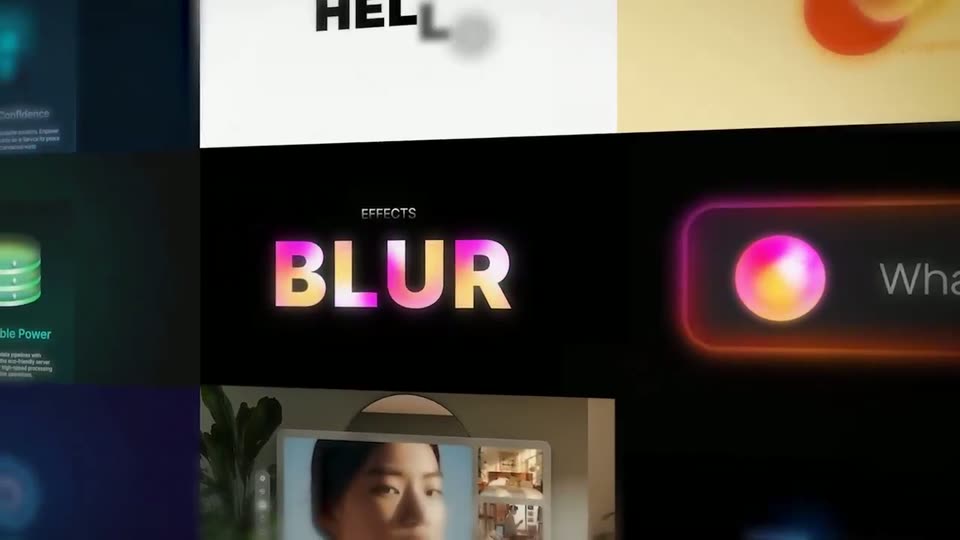 1:28–1:29Lottielab · Lottielab - After months in public beta, we’re thrilled to announce that LottielaA grid of panels drifts across a locked frame. The center black card holds the word BLUR in glowing gradient letters beneath a small EFFECTS label, flanked by a white headline card, a glowing pink orb, and short interface clips.