Split screen
Several distinct areas shown at the same time, side by side.
5,584 scenes · page 26 of 94
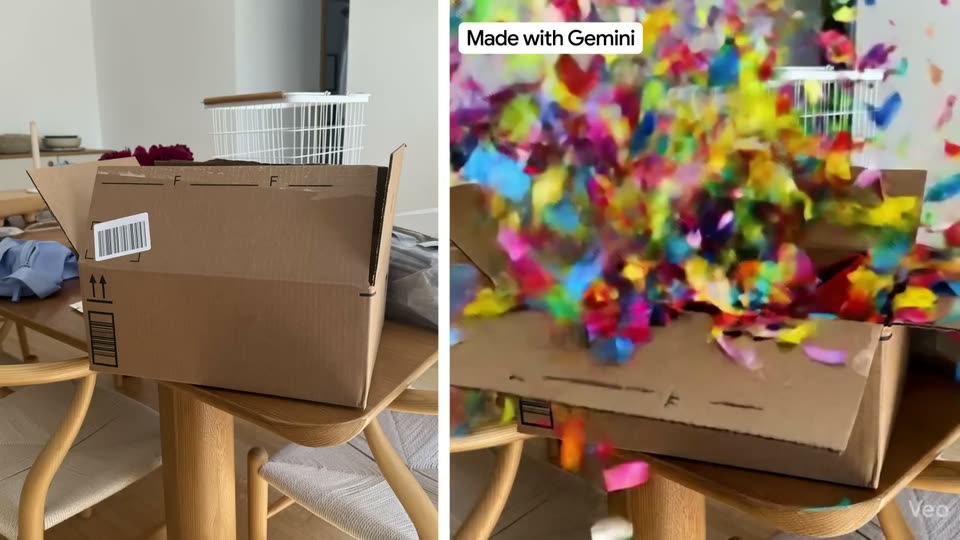 0:00–0:01Google · Turn your photos into videos using Veo 3 in GeminiA locked-off split screen compares a cardboard box on a wooden table, the left panel the original and the right panel badged 'Made with Gemini'. At one second, a swarm of multicolored confetti erupts from the right box.
 0:02–0:06IronLedger.ai · The easiest way to do your property accounting | Save 100s of hours coding invoices and expensesA talking-head video of a bespectacled man in a grey jacket plays inside a vertical phone-shaped frame on the right, while the IronLedger.ai logo, tagline, and contact email sit on a white field with faint building line-art.
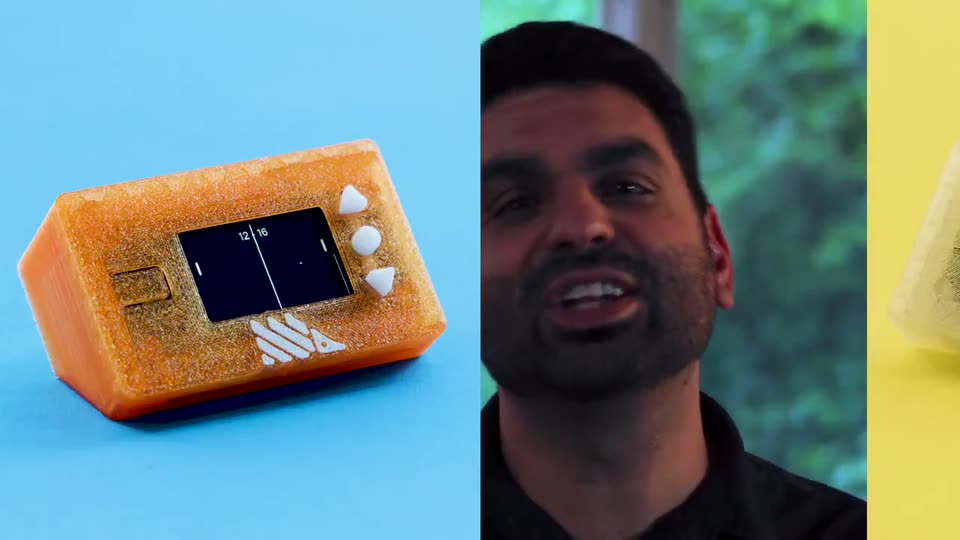 2:22–2:23Posthog · PostHog - Introducing... DeskHog! DeskHog is an open-source, 3D printed, palA bearded man in a black shirt talks at the right of a split screen. The left panel shows an orange 3D-printed device with a black screen and white buttons on a blue background. The two panels then slide horizontally across the frame.
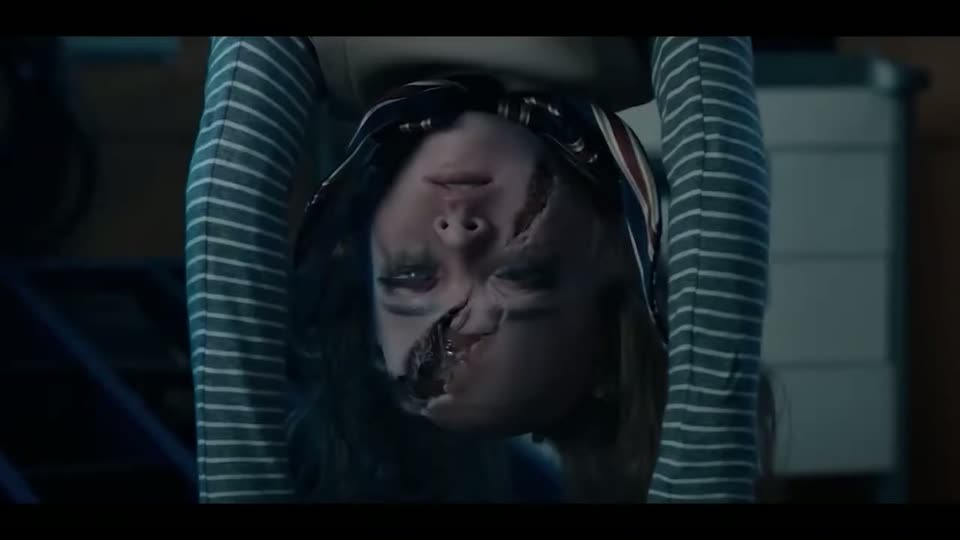
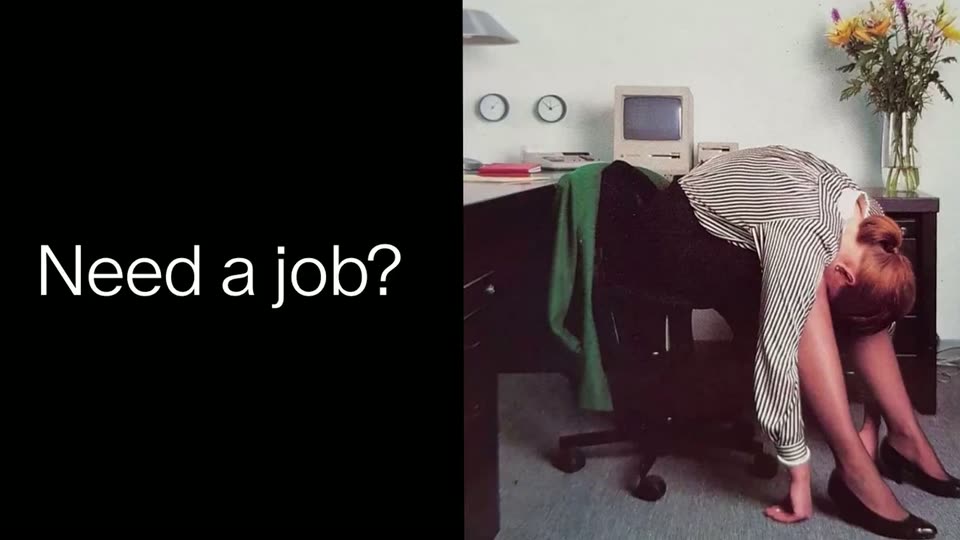 0:00–0:01The Browser Company · Dia - Need inspiration? There’s a /skill for that. 🖼️ Dia Skills Gallery vA locked-off split layout holds a black panel on the left carrying the white headline beside a vintage photo on the right of a woman in a striped shirt bending over a desk chair in an office.
 0:00–0:19Supabase · Branching just got a whole lot easier!A bearded presenter in a black tee gestures in a synth-lined studio. A green line wipes in to split the frame; the left half goes dark as two green lightning-bolt icons pop in side by side, then small database and gear line icons fade in below each.
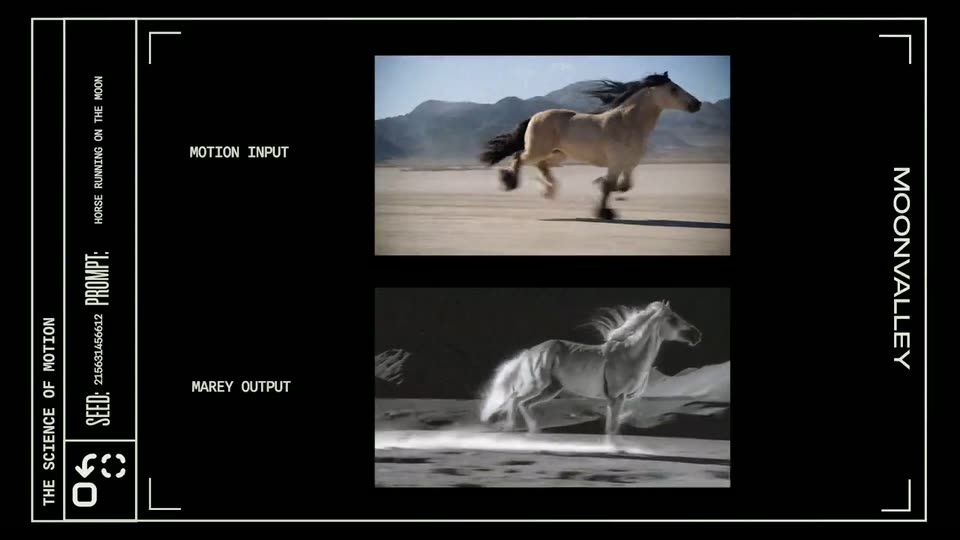 0:14–0:16Marey · Moonvalley - Copy the motion, change the scene. Motion transfer for Marey lets yTwo stacked video windows inside a white technical frame show a color horse galloping in a desert and a monochrome horse in dust, labeled MOTION INPUT and MAREY OUTPUT. Vertical captions read THE SCIENCE OF MOTION and MOONVALLEY, with a prompt and seed line the left column.
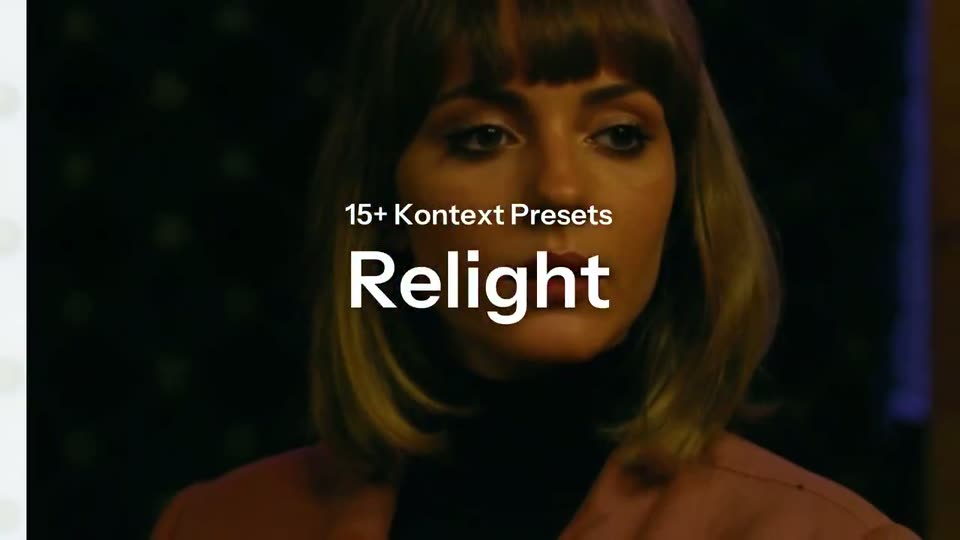 0:20–0:21Black Forest Labs · Black Forest Labs - We just shipped the Kontext Komposer + Kontext-powered Presets TraA blonde woman in a black turtleneck and pink jacket is centered on a white dotted background. A vertical split divides the frame, the right half falling into a dark, moody relit grade. White text '15+ Kontext Presets' and a large 'Relight' hold still over her face.
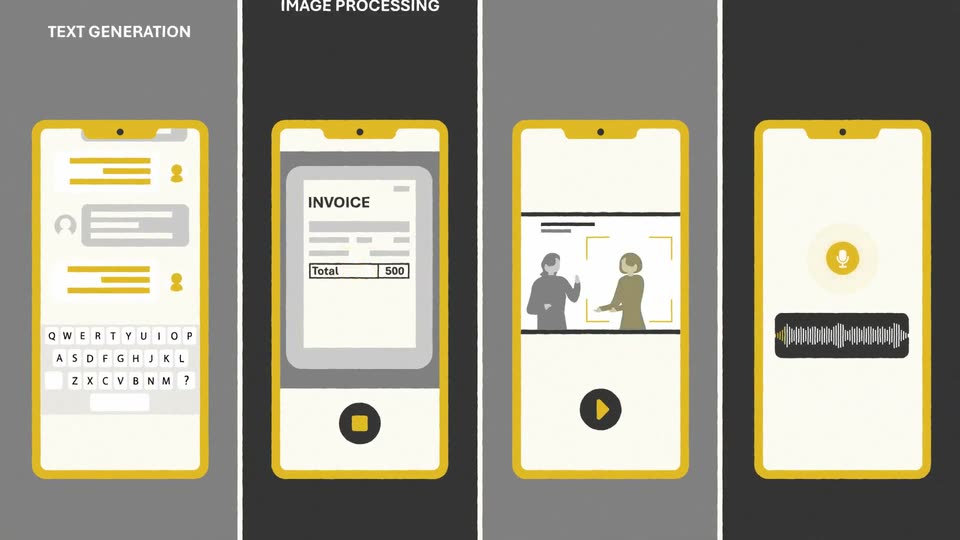 0:18–0:40Cactus Compute · Introducing Cactus - Mobile AI inference frameworkSplit screen: left, a yellow phone with the Cactus logo and gear icons; right, a phone linked to a cloud icon. Scissors cut the link, and the right phone fills with ERROR lines. The frame then slides to four phone mockups labeled text, image, video, and audio generation.
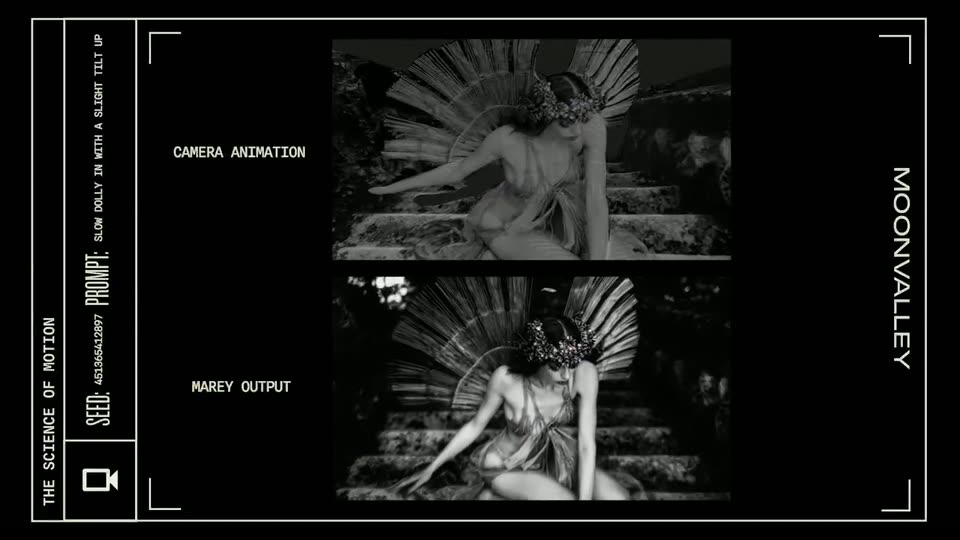 0:27–0:29Marey · Moonvalley - Most AI tools generate footage. Marey helps you direct it. Marey givA black layout framed by thin white corner brackets holds two stacked black-and-white windows of a feathered figure on stone steps, each animating a slow dolly in. White monospaced labels name the panels, with vertical text and a seed/prompt sidebar at left and the brand at right.
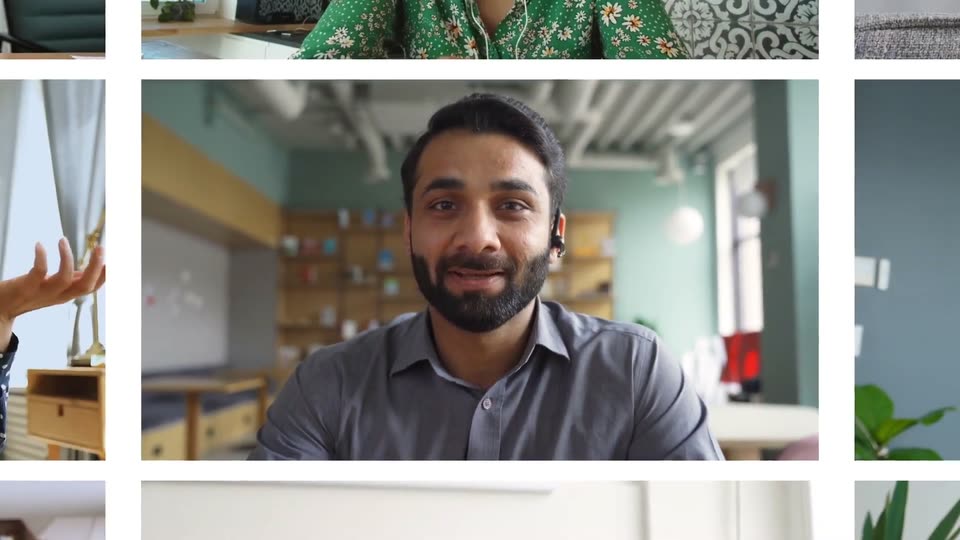 0:04–0:05Motives · Motives AIA smiling man in a gray shirt occupies the central tile of a white video-call grid, while partial tiles around him show other participants. The central frame stays steady as he speaks.
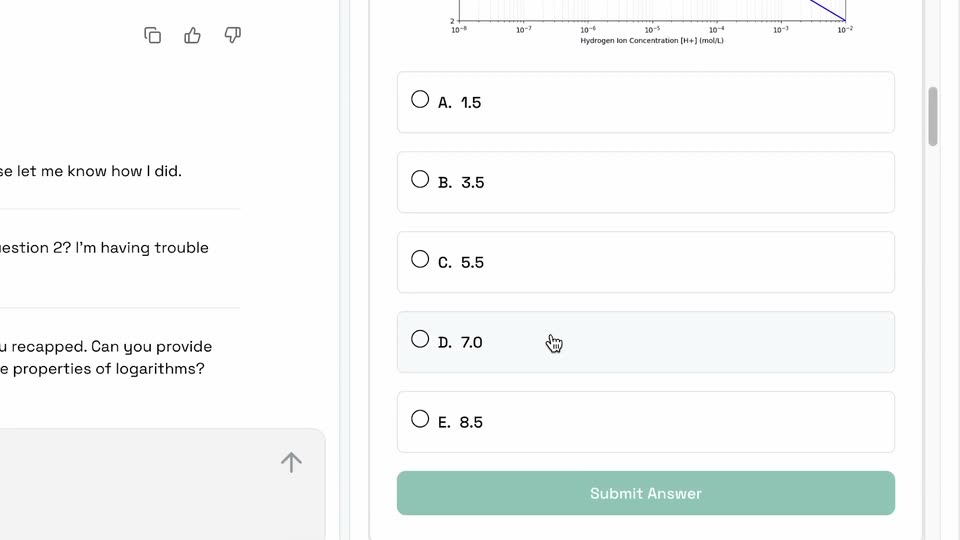 0:44–0:48Opennote · Introducing OpennoteA two-panel interface scrolls down through a pH quiz: the question and graph give way to five answer rows. A cursor taps option D, which flashes red as option C turns green and the button relabels Show Explanation.
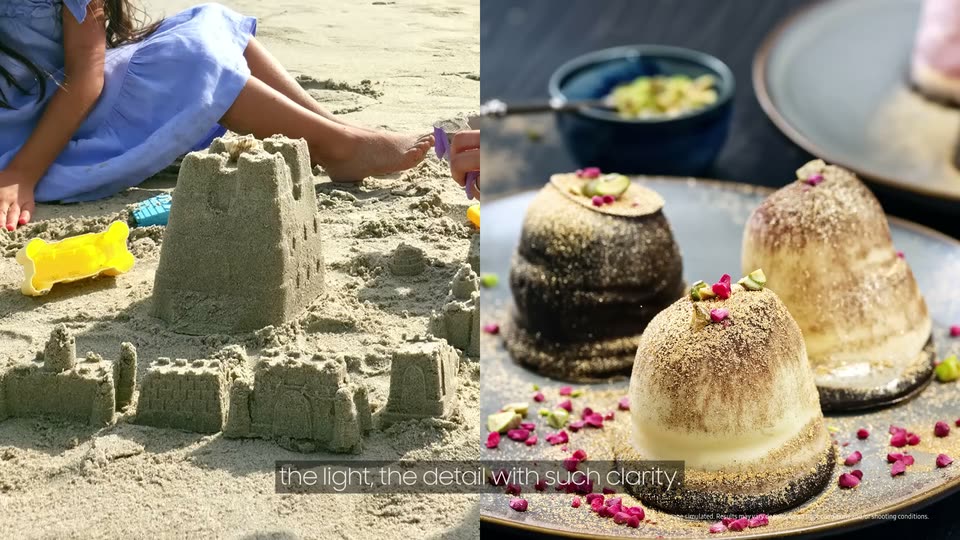 3:14–3:16Samsung · Introducing Galaxy Z Fold7 | Galaxy AI | SamsungSplit screen holds two live shots: a child in a blue dress shapes a sandcastle on the beach at left, three caramelized crème brûlées garnished with rose petals at right. A caption scales in at the bottom center.
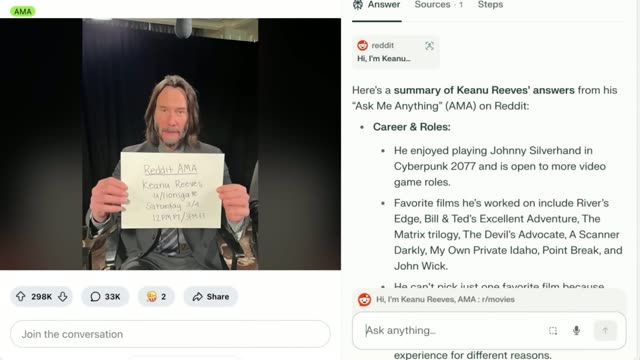 0:30–0:37Perplexity · Introducing Comet: Browse at the Speed of ThoughtA split screen pairs a Reddit post, a man holding a handwritten AMA sign, with the app's chat panel. A query types itself into the input box, then a bulleted summary of the AMA streams in. The frame zooms into the answer column.
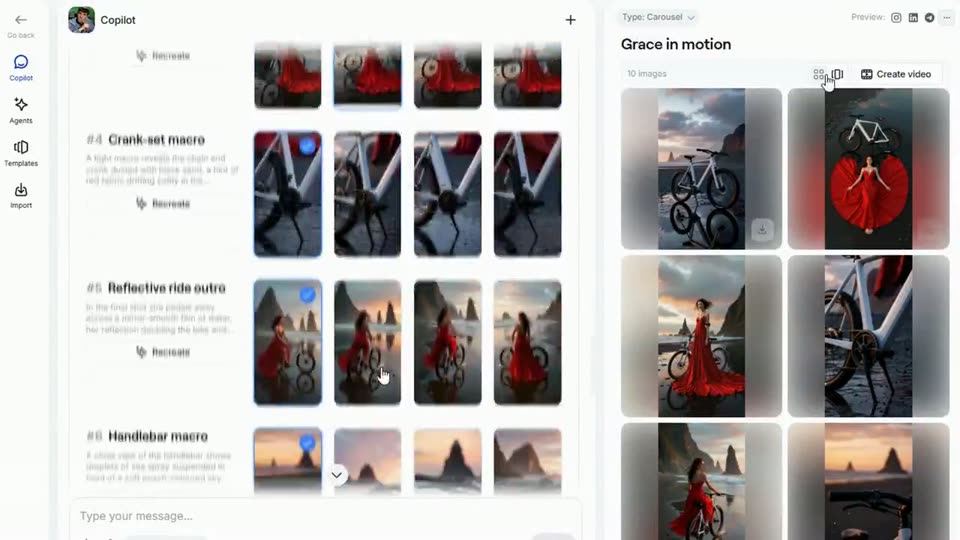 0:16–0:18Scade · scade.xyz - Meet Scade. The first full-cycle marketing system Forget the 30-persA split view of an AI design tool: the left chat panel scrolls up through numbered scene prompts, each with a row of four thumbnails, while the right panel holds a two-column image grid of a woman in red on a beach. A cursor hovers over the layout toggle at top right.
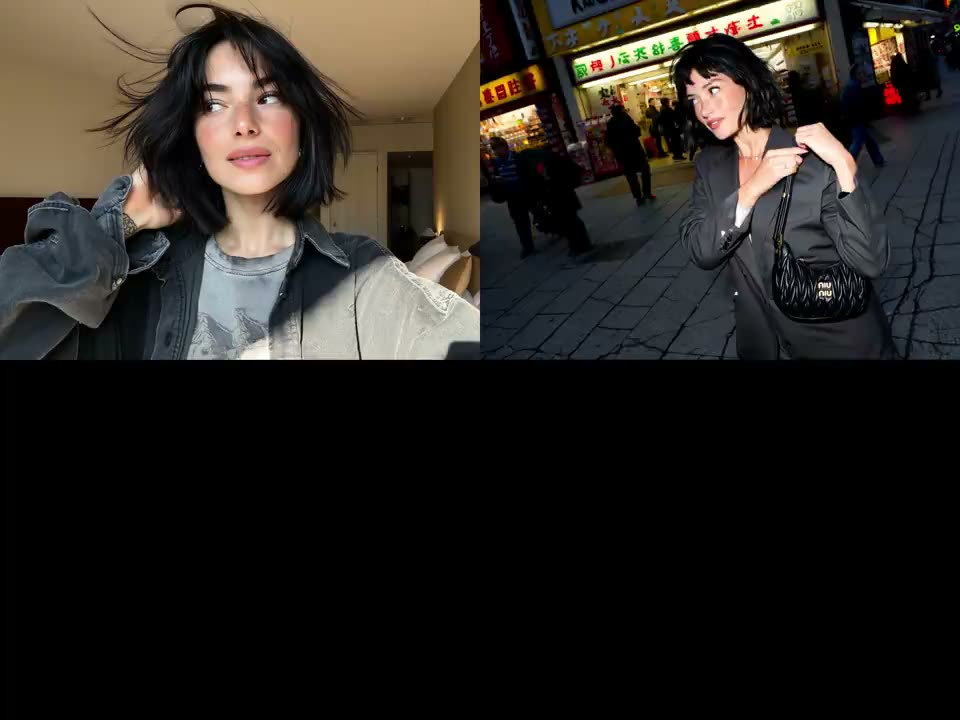 0:06 · 0.5sHiggsfield · Higgsfield AI 🧩 - Higgsfield Soul is now FREE for everyone. Just unlocked Daily Free GA woman in a denim jacket fills the left half of a black frame, then a second shot of her on a lit night street appears on the right, forming a two-panel split.
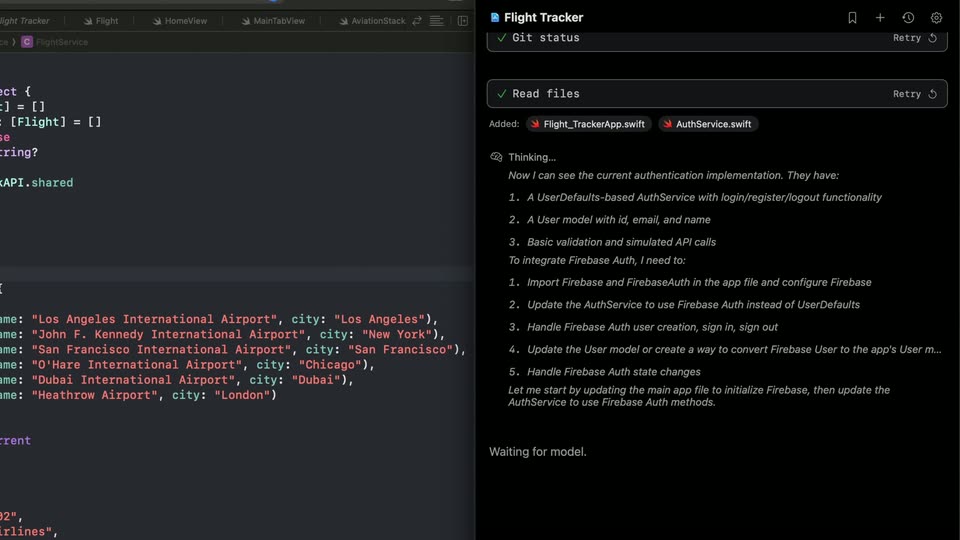 0:02–0:19Alex · Alex - Xcode AI Coding AssistantXcode code on the left, an AI chat panel on the right, a white “Planning” title over the code. The view zooms into the chat as a cursor types and sends a Firebase Auth request; the assistant’s reply, action rows and a numbered plan stream in as the panel scrolls.
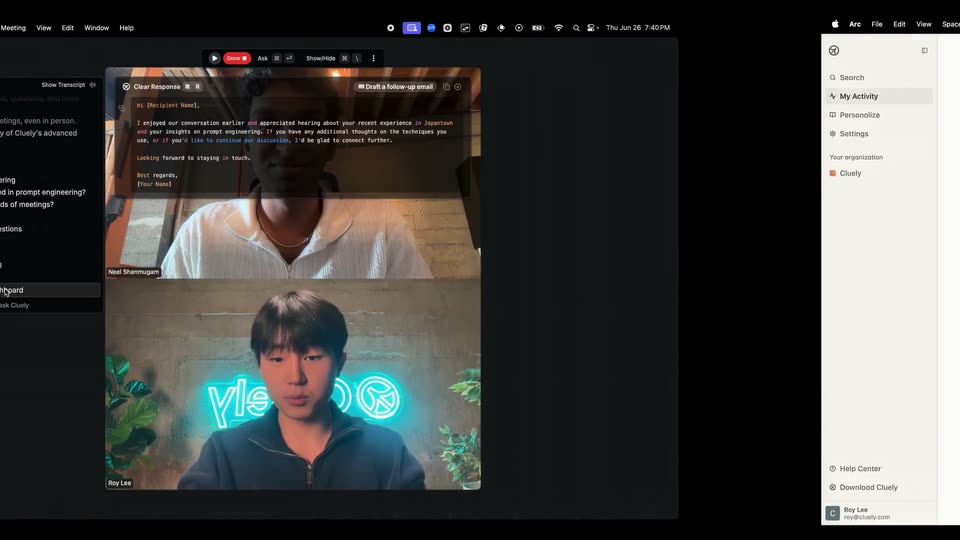 1:21–1:22Cluely · Roy - introducing @cluely. today is the start of a world where you never hA screen recording shows a Zoom call with two participants and a draft email, then the view opens into a side-by-side layout. The call remains on the left while a conversation list fills the right. A subtitle appears at the bottom.
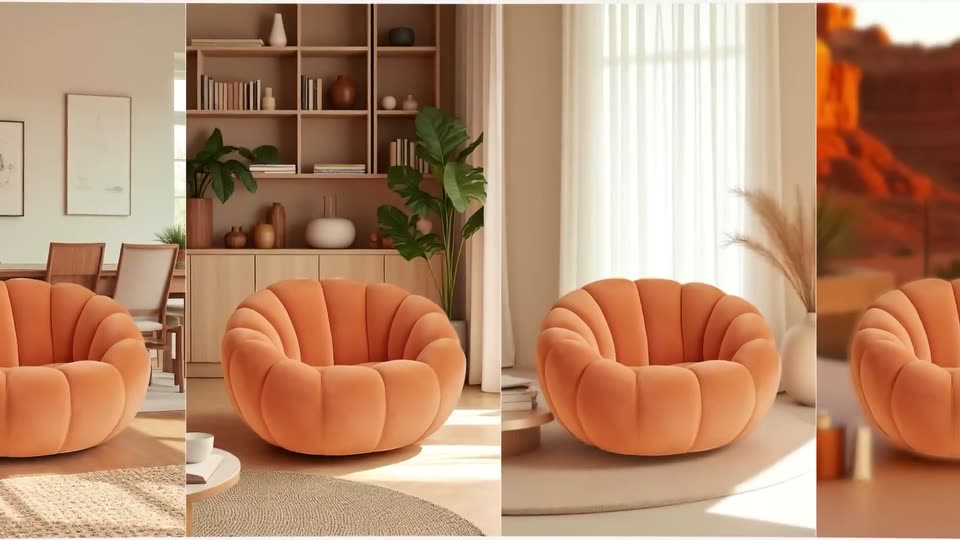 0:09–0:10Photoroom · Studio HD by Photoroom: Our most realistic AI Backgrounds yetA split screen displays four vertical panels of an orange ribbed armchair placed in distinct 3D interior mockups, including a dining room, a library, a sunlit space, and a desert view.
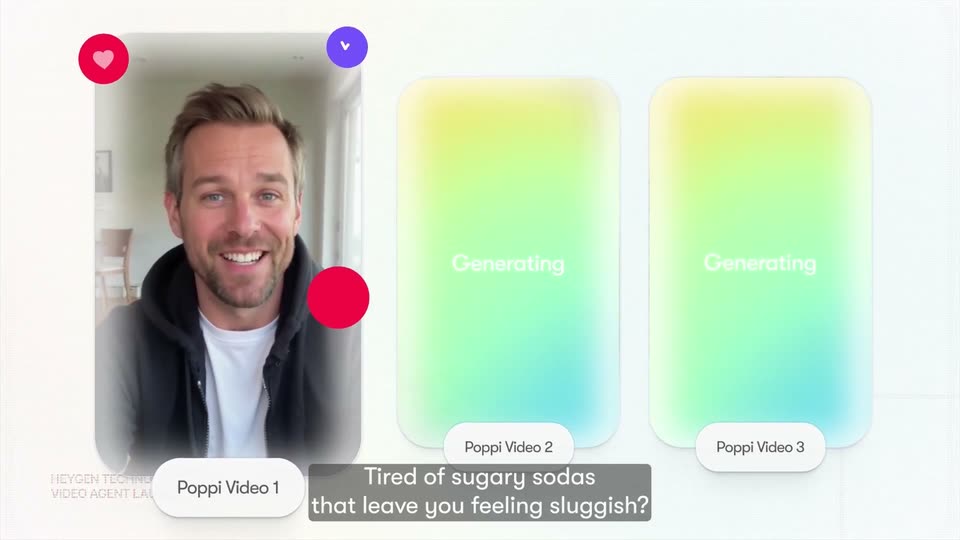 0:05–0:08HeyGen · Joshua Xu - Today we’re introducing you to the future of video. The world’s firsThree vertical video cards blur into focus on white: the left shows a man talking, the others show green Generating placeholders. A bottom caption reads 'Tired of sugary sodas that leave you feeling sluggish?' and the left card ends on a purple soda can.
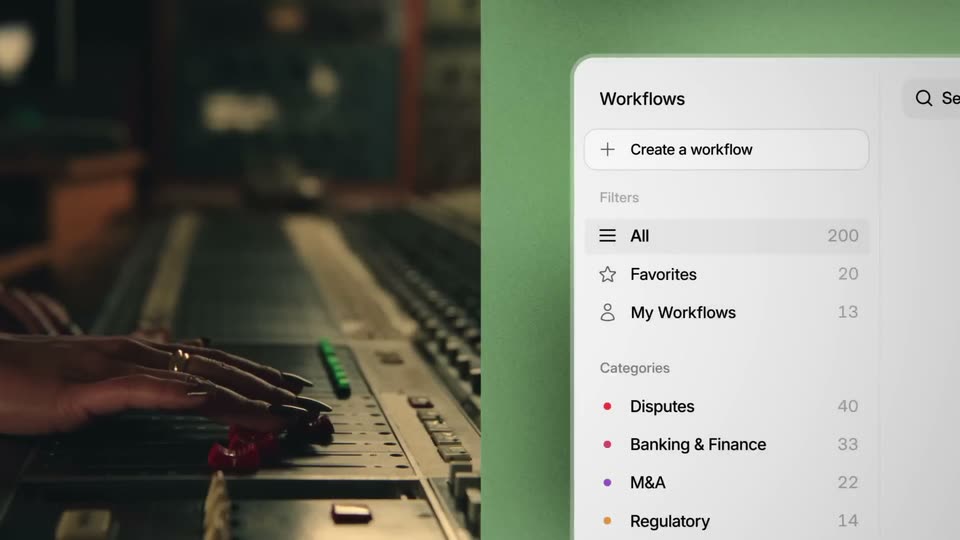 0:04–0:05Legora · Legora Workflows - The orchestration layer for legal workA dark close-up of hands operating an audio mixing console. The frame splits vertically, revealing a white workflows interface panel on the right against a green background.
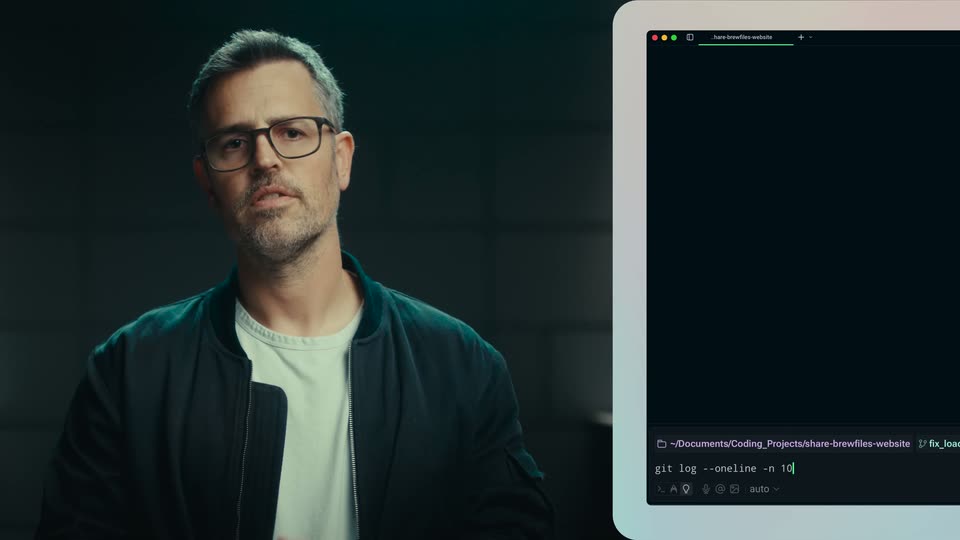 0:12–0:13Warp · Introducing Warp 2.0: The Agentic Development EnvironmentA man in glasses and a dark jacket speaks on the left. A rounded terminal window slides in on the right, showing a project path and a git command that slides into place.
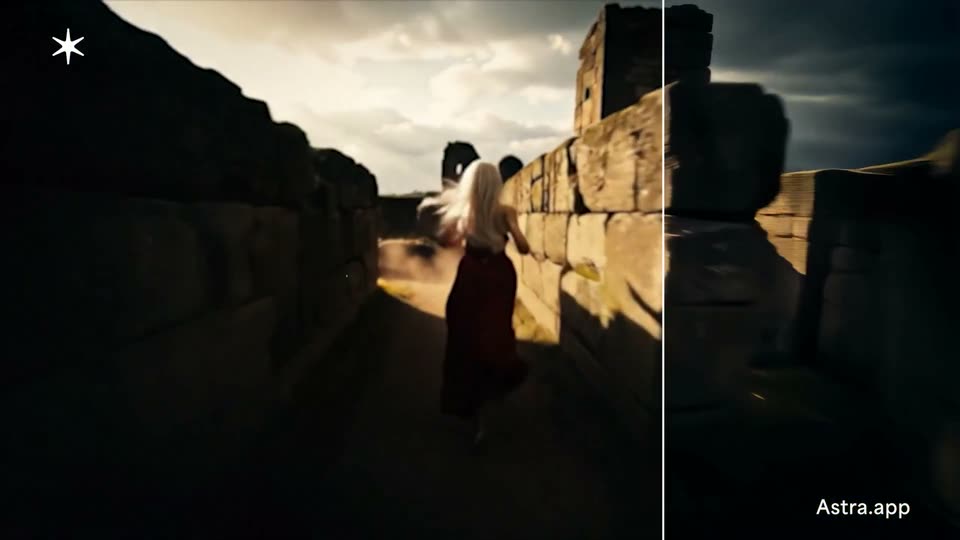 0:15–0:18Topaz Labs · Topaz Labs - 📢Huge update: Astra is live & available for everyone ✨ Astra isA blonde woman in a red dress sprints through stone ruins, camera tracking behind her with motion blur. A white star mark sits top left, the URL bottom right. At two seconds a vertical line splits the frame; left holds a sunlit wall, right keeps the runner.
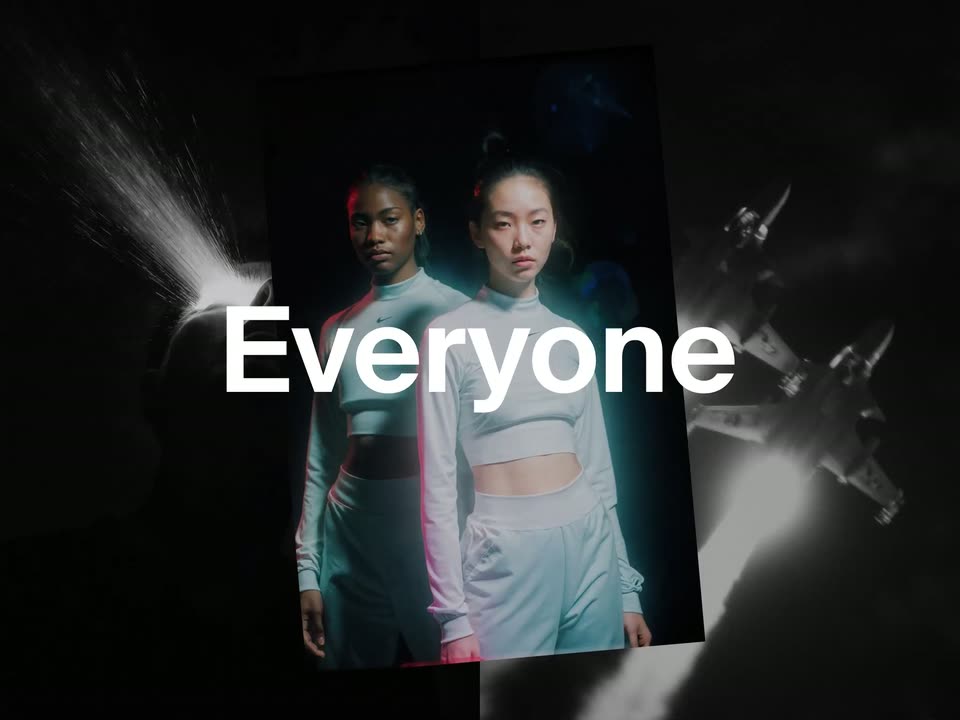 0:03 · 0.4sKrea · Krea - Krea 1 is now available to everyone. today, we're releasing the publA black-and-white split screen shows a silhouetted head with light beams on the left and two fighter jets on the right, while a tilted portrait of two athletes in light blue Nike wear fades in at the center under the static word Everyone.
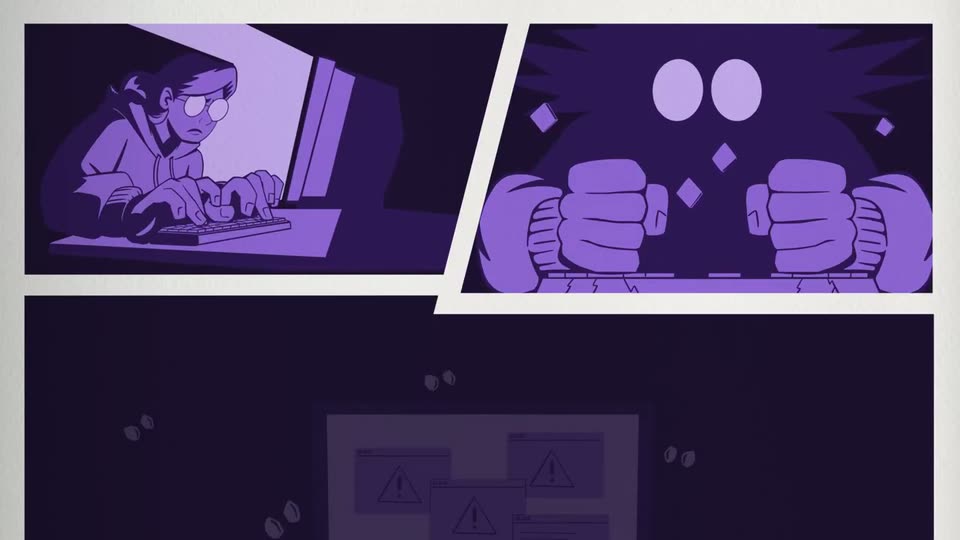 0:02–0:05Sentry · Sentry - Seer, Sentry’s AI debugger, is now generally available. It taps intoThree purple comic panels sit side by side: a person hunched over a keyboard, an angry character clenching fists that crack the desk, and a dark lower panel where error dialogs with warning triangles fade in among drifting particles.
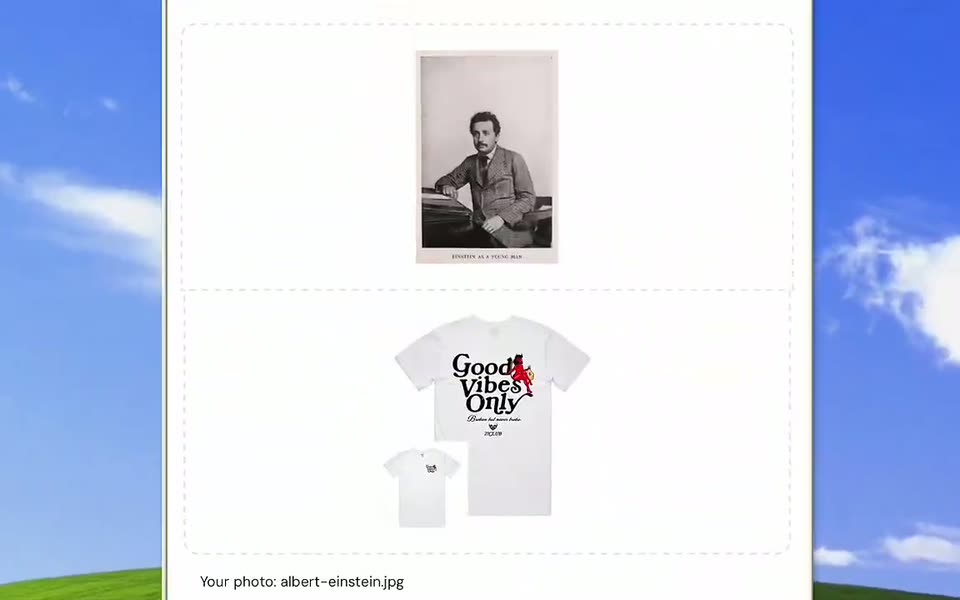 0:09–0:11Sharpe · Introducing Solar by LumenaryA file picker overlay clears from a try-on page, then the view widens to three browser windows on a desktop: left shows an Einstein photo and shirt, middle shows a satellite article and form, right shows a highway video. Small captions and the shirt logo scale and slide.
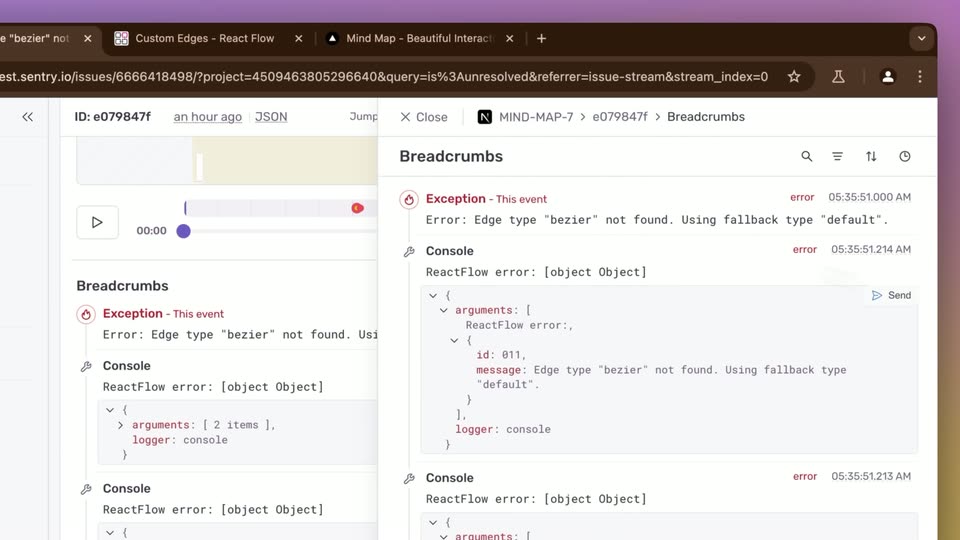 0:33–0:39Windsurf · Windsurf Wave 10 – Day 2: Windsurf BrowserTwo app windows sit side by side: a code editor with a Cascade chat panel on the left, a Sentry error page on the right. The view zooms into the Sentry page, reframing on the breadcrumbs list of console errors.
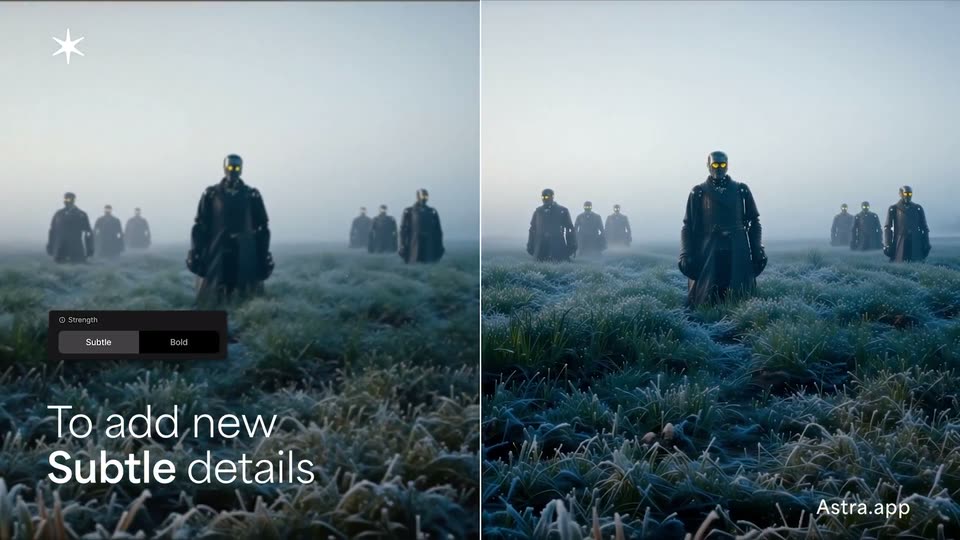 0:14–0:17Topaz Labs · Topaz Labs - 🚀BIG NEWS! We’re launching Astra: the first-ever creative upscaler foCinematic foggy field of black-coated figures with glowing eyes. A Strength control sits at left under the headline. A vertical wipe opens a split screen: left stays hazy, right sharpens to the Bold result. The shot cuts to a 3D grey alien walking on white ground under blue sky.
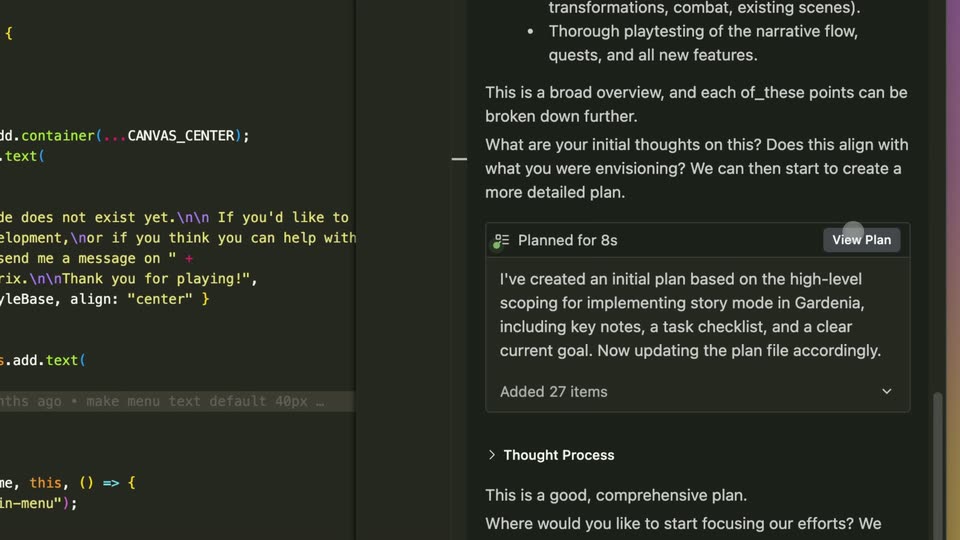 0:34 · 0.5sWindsurf · Windsurf Wave 10 – Day 1: Planning ModeA dark split screen shows a syntax-highlighted code editor on the left and a chat panel on the right. The chat displays a plan card labeled 'Planned for 8s' with a View Plan button, and a gray cursor dot hovers beside it. The view is static.
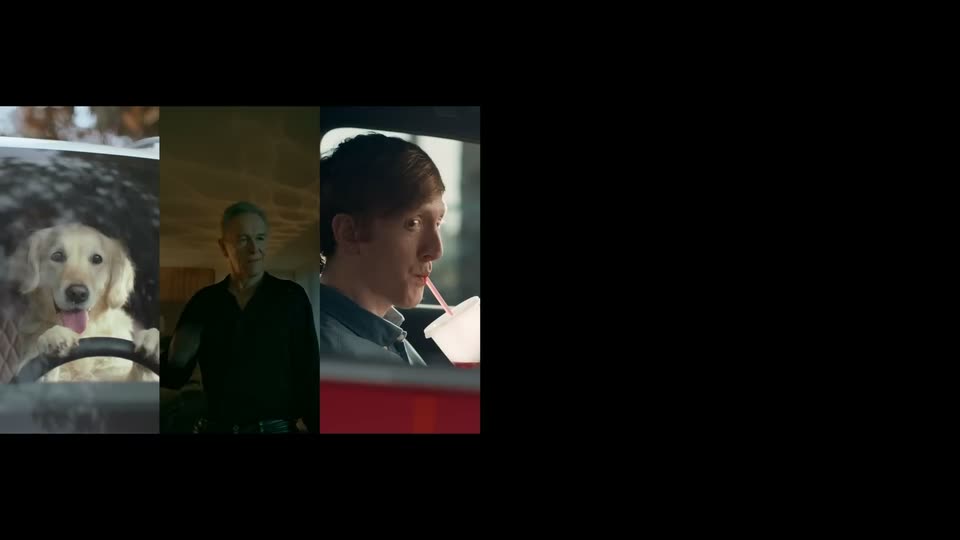 0:41–0:43BMW · BMW Intelligence | BMW Curve-Ahead View.A horizontal row of vertical video panels builds from left to right, each revealing a new subject behind a wheel: a puppy, an older man, a young man sipping a drink, an orange fish, and two women, all framed in driving contexts.
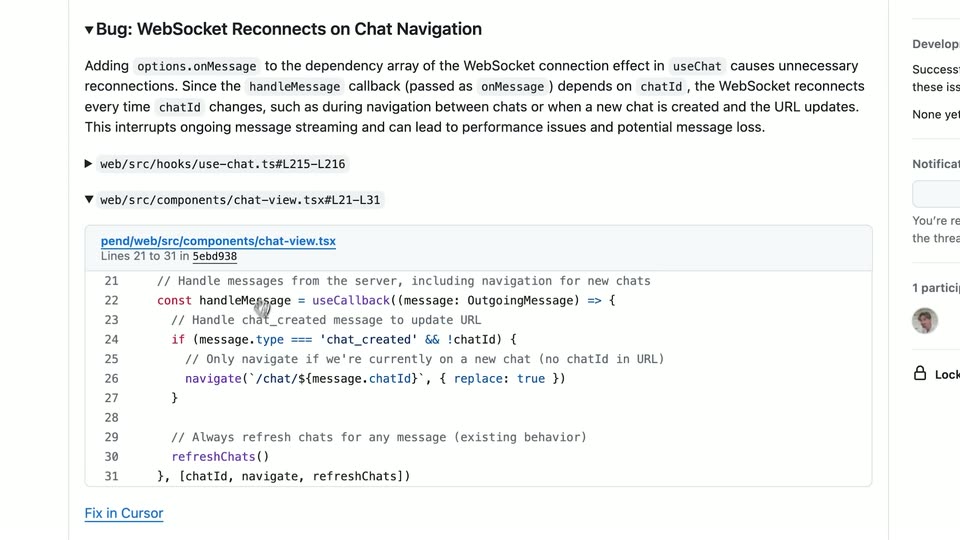 0:20–0:24Cursor · Meet Cursor 1.0A GitHub pull request review lists two bug annotations with body text and file references. The cursor clicks a file link, expanding a syntax-highlighted code block. The view then widens to show the Cursor editor beside the review panel.
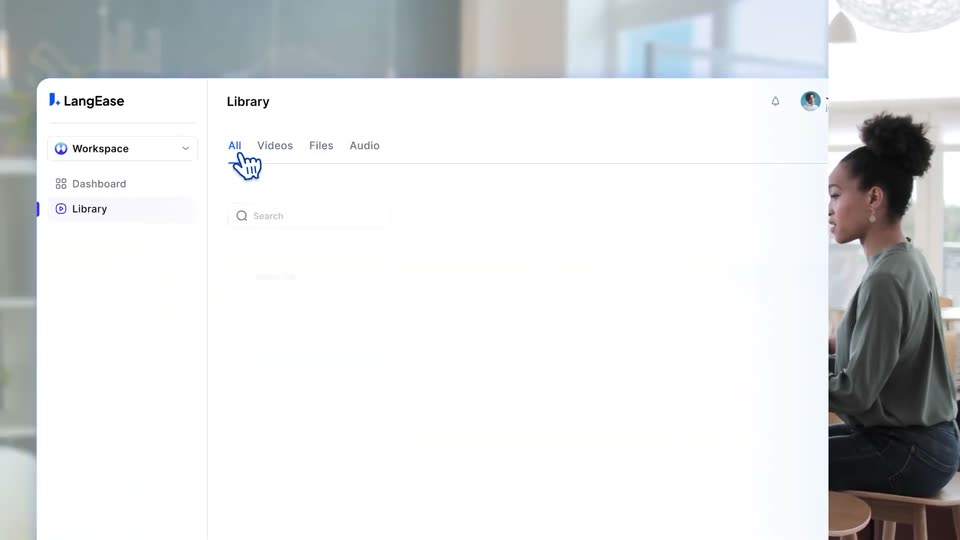 0:08–0:11LangEase · B2B Corporate Video Ad Example for SaaS Companies | LangEaseSplit screen: a white library interface on the left, a woman working at a table on the right. The interface panel expands to fill the frame and floats as a card over the now blurred office while cursors select tabs and files.
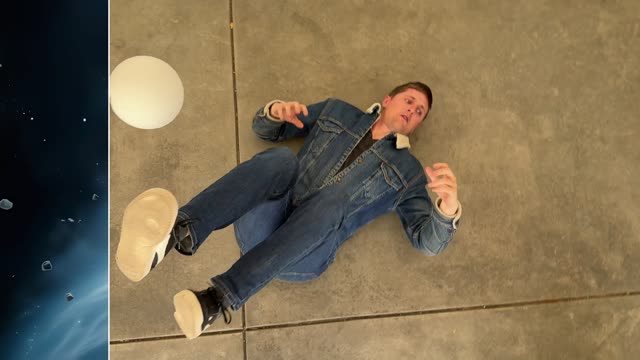 0:14–0:15Luma AI · Luma AI - Introducing Modify VideoTop-down view of a man in a denim jacket lying on a concrete floor, hands raised. A dark space panel with drifting asteroids and a glowing horizon slides in from the left, dividing the frame.
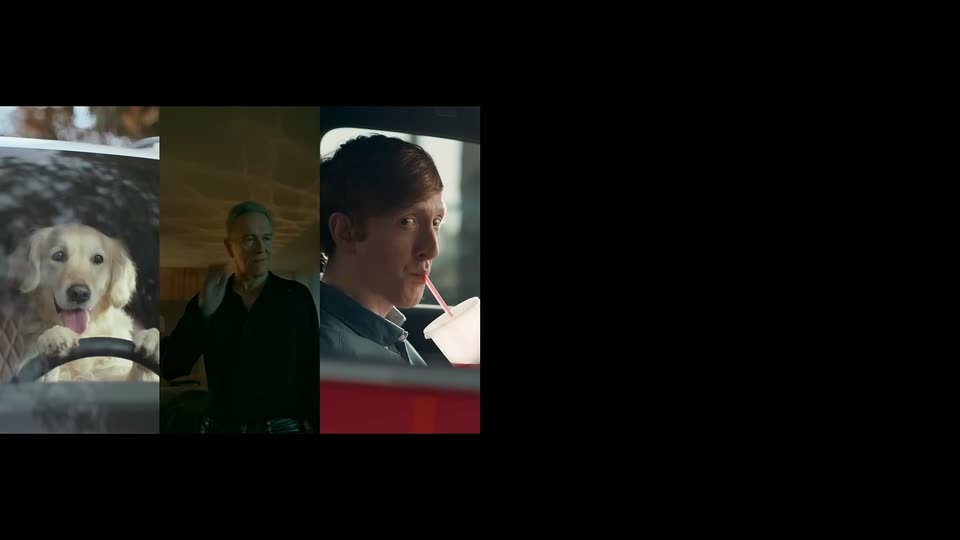 0:33–0:34BMW · BMW Intelligence | BMW Remote Control Parking.A black background fills with vertical video strips appearing left to right: a dog at a wheel, an older man, a man drinking, an orange fish, a woman gripping a wheel, a young woman in a seat.
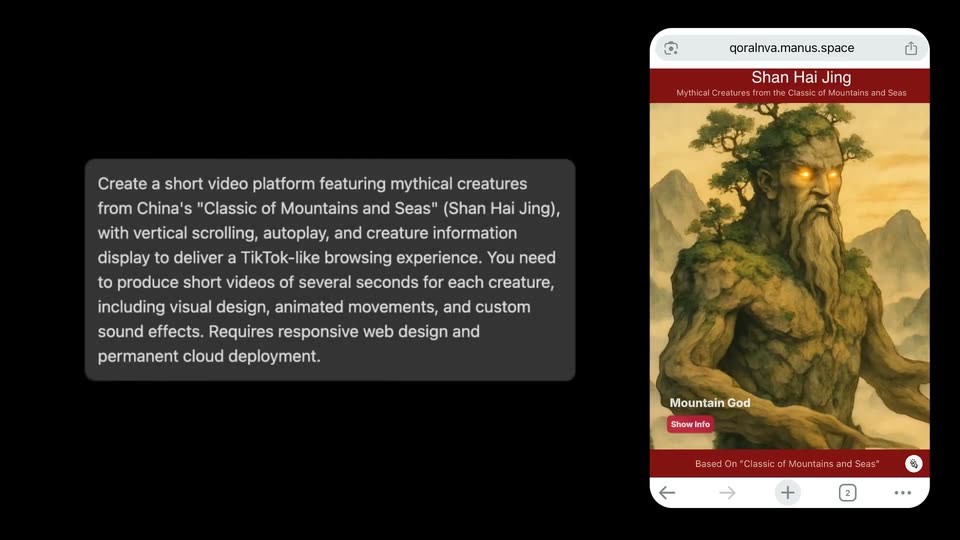 0:41–0:44Manus · Manus - Introducing Manus video generation. Manus transforms your prompts inSplit layout on black: a gray prompt card sits on the left while a phone on the right shows the Shan Hai Jing app, its vertical feed scrolling from a feathered bird creature to a mossy stone mountain god.
 0:17 · 0.8sOpusClip · OpusClip - Welcome OpusSearch, the first AI growth agent that can automaticallyA green rounded card bearing the white word RE-MONITIZABLE holds center on a black field, flanked by two rounded video clips of a bespectacled man in a dark office lit by teal X-shaped lights. The lock-off frame stays static.
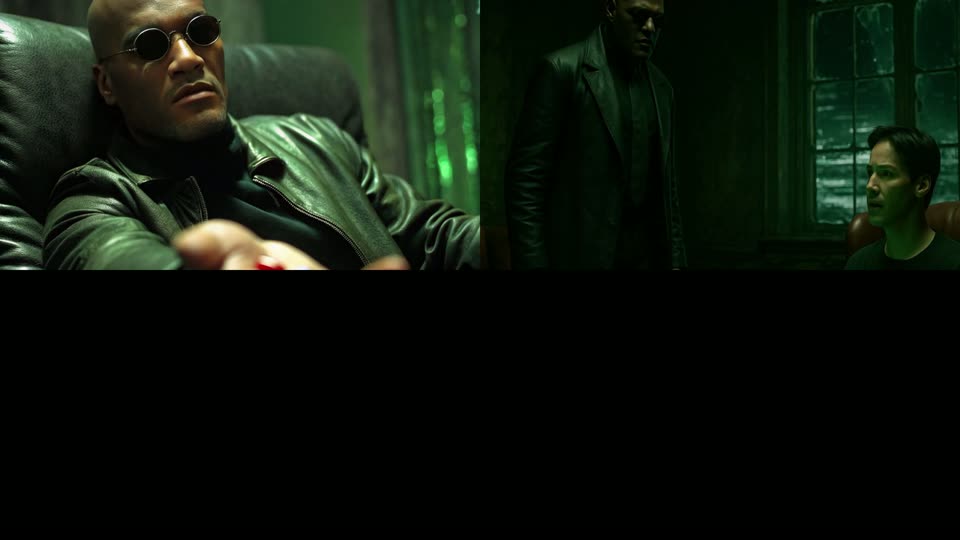 0:35 · 0.5sFlowith · Flowith - flowith neo is now open to everyone. no more codes hunting. gen anytTwo green-tinted live-action clips run side by side across the top half of the frame, the bottom half black. Left, a man in round sunglasses reclines in a chair; right, a man in a dark coat stands over a seated man near a window.
 0:00–0:12Leeroo · Leeroo Continuous Learning AgentsA bearded man in glasses and a gray blazer speaks to camera in a right-side panel, gesturing with his hands. On the left, black caption lines stack on a cream background in sync with his speech, under a small multicolored logo.
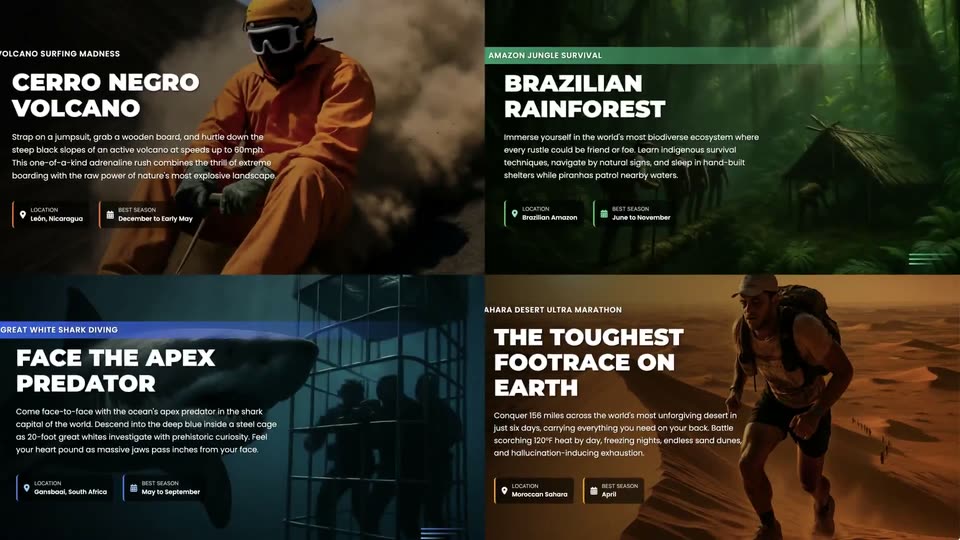 0:29–0:30Manus · Manus - Today, we are introducing Manus slides! Manus creates stunning, struA 2x2 grid of four destination cards, each pairing a bold white heading and body copy over a full-bleed photo (volcano surfer, jungle, shark cage, desert runner). The text slides up and sharpens from a blurred offset into place.
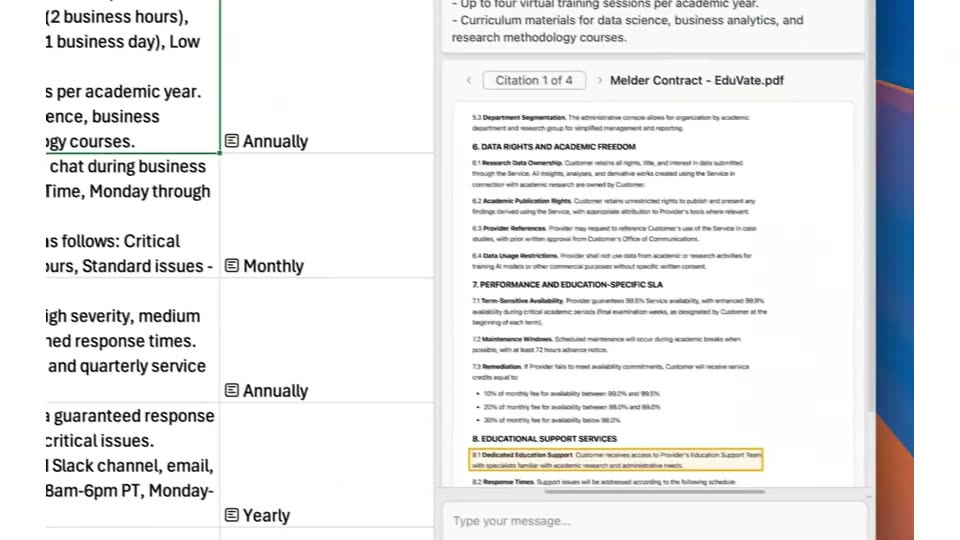 0:35–0:39Melder · Melder - AI for ExcelA two-pane interface shows a comparison spreadsheet on the left and a PDF contract on the right. The left table blurs as it shifts, while the right PDF switches to a cited section where a yellow box frames a support clause.
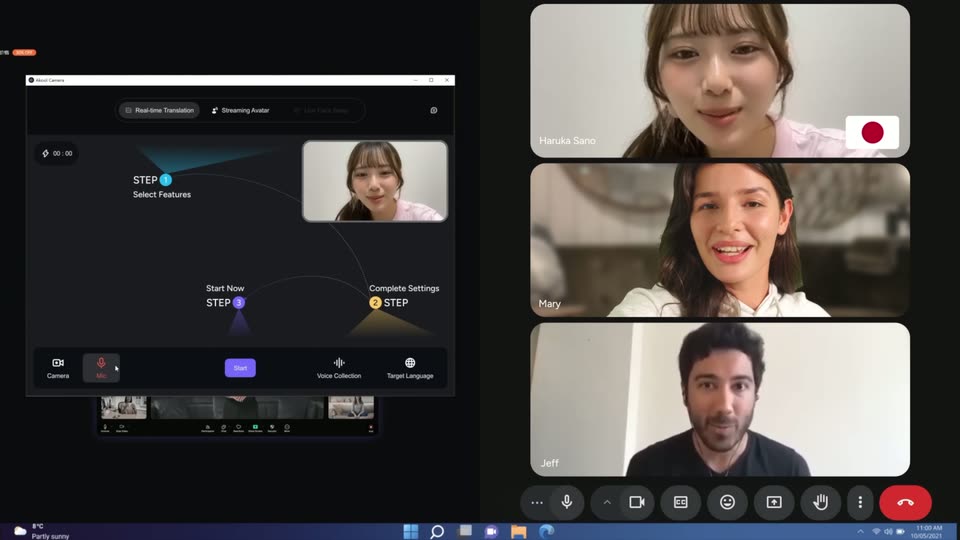 1:27–1:34Akool Inc · Introducing Akool Live Camera: Real-Time AI Video CreationA screen recording splits the frame: left, a dark app window where a translation panel with language dropdowns closes and a step-by-step onboarding screen appears, a cursor clicks Start and a camera preview pops in. Right, three stacked live video tiles of people talking and smiling, the top one raising a glass of water.
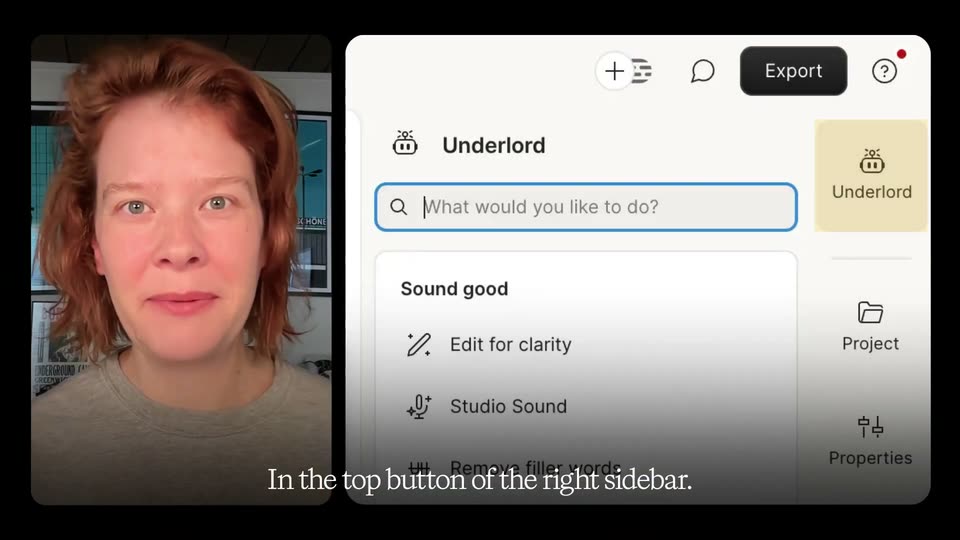 0:06–0:10Descript · Meet the Underlord: Descript's Open Beta Feature DropA red-haired woman speaks to camera on the left while the Underlord interface fills the right, a peach highlight pulsing on its top sidebar button. The feature list swaps from sound options to look options.
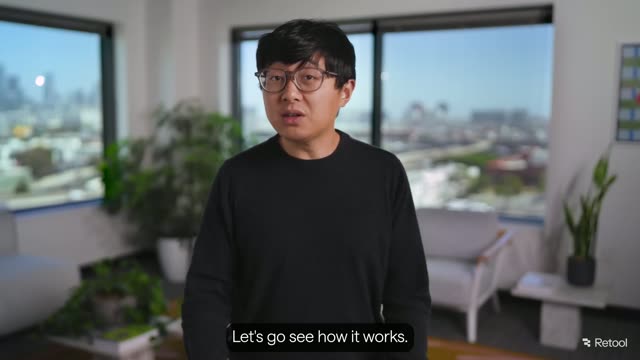 0:25–0:26Retool · Introducing Agents from RetoolA man in a black sweater stands in an office with city-view windows, captioned 'Let's go see how it works.' It cuts to a split screen: workers at desks on the left, a dark web of connected tool icons on the right, with a 'Retool Agents' title and tagline.
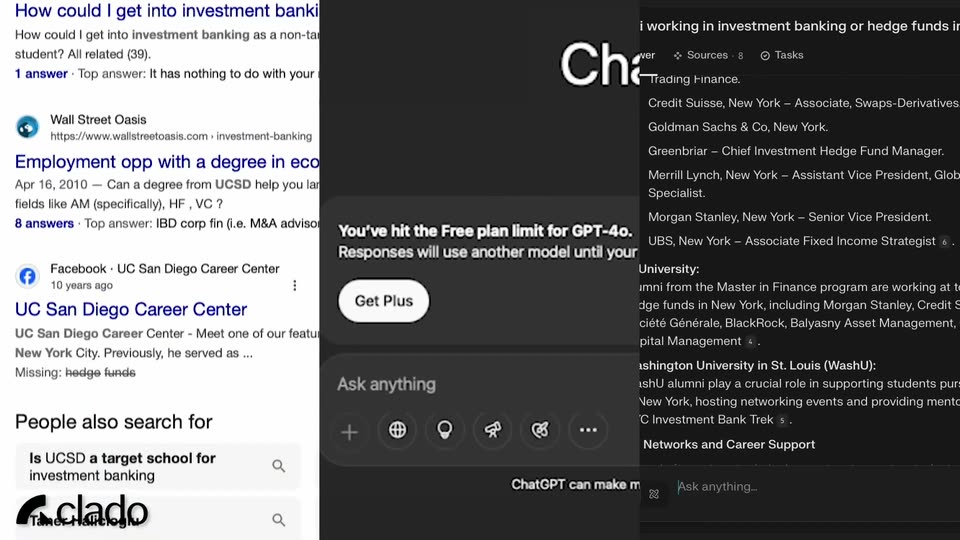 0:07–0:10Freesolo · Introducing Clado (YC X25): Deep Research for PeopleSplit screen: a Google search results list on the left, a dark AI chat answer on the right. The left column scrolls down into a ChatGPT screen while a large white heading fades in on the right, then a fast blur wipe streaks both panels into a white frame.
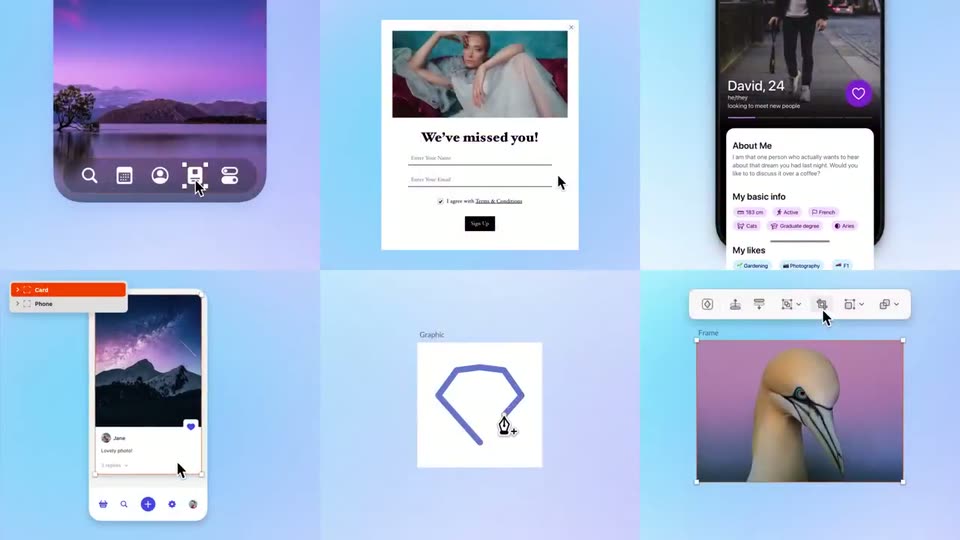 0:04–0:05Sketch · Sketch - Remember when we said auto layout was coming to Sketch? It’s here. ItA 2x3 grid of product screens sits on a blue gradient: a sunset photo editor, a sign-up card, a dating profile, a phone mockup, a shape being drawn, and a 3D bird in a frame. Cursors hover over toolbars while the profile scrolls.
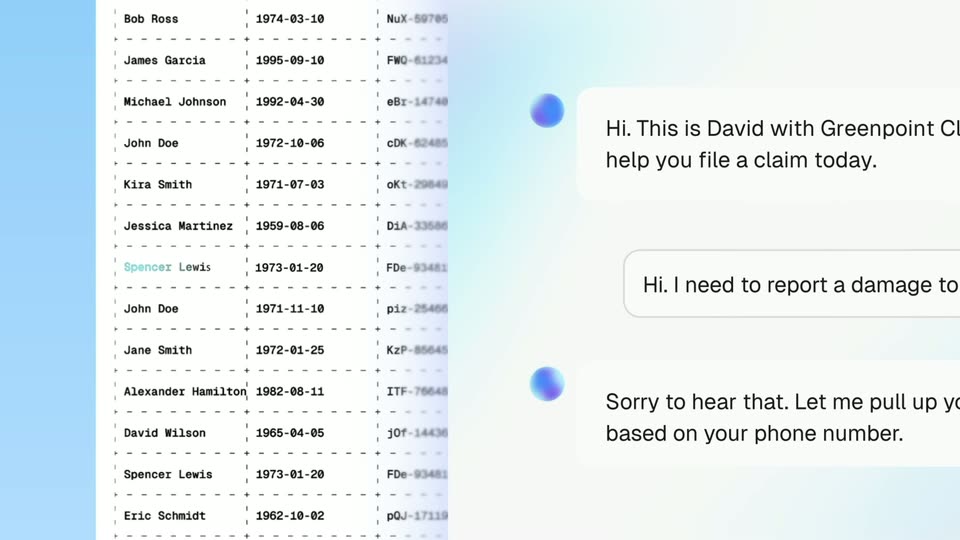 0:48–0:49Avallon AI · Introducing Avallon AIA locked-off split view pairs a contact table scrolling up on the left with a chat panel on the right, where a support greeting and a user claim message appear as bubbles that scale in.
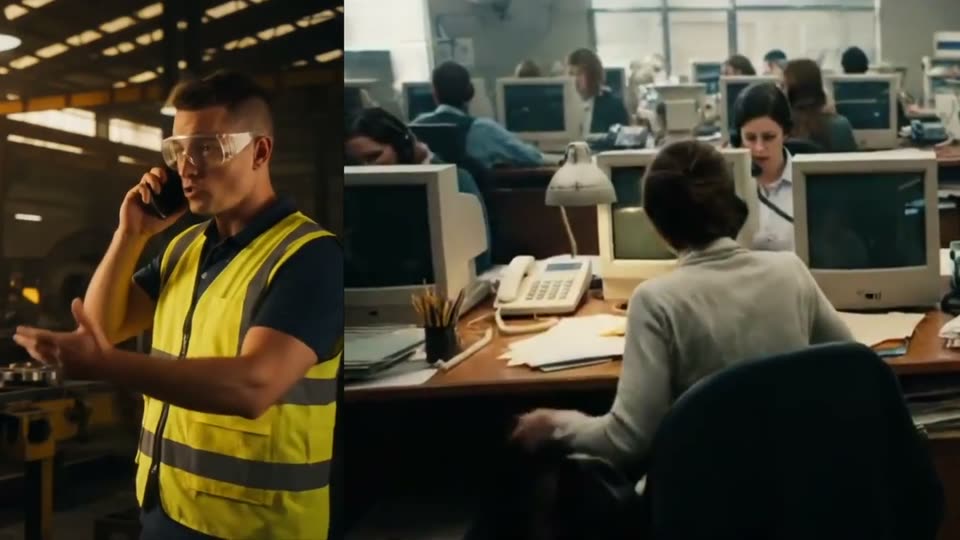 0:01 · 0.8schrt · chrt YC LaunchA factory worker in a yellow vest and safety glasses talks on a phone as the frame wipes open into a split screen, his shot on the left and an office of staff at old monitors on the right.
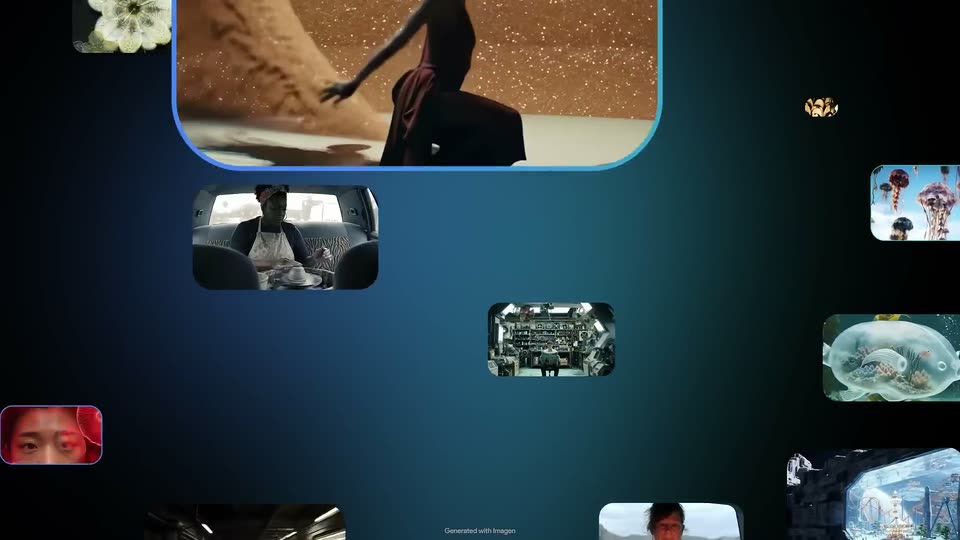 0:42–0:43Google · Introducing Google AI Ultra: The best of Google AI in one subscriptionA dark blue field of rounded video tiles, each looping a different generated clip, drifts across the screen as the camera glides through the collage. A glowing blue border marks the active tile while the layout shifts from a lantern-lit street to a desert dancer.
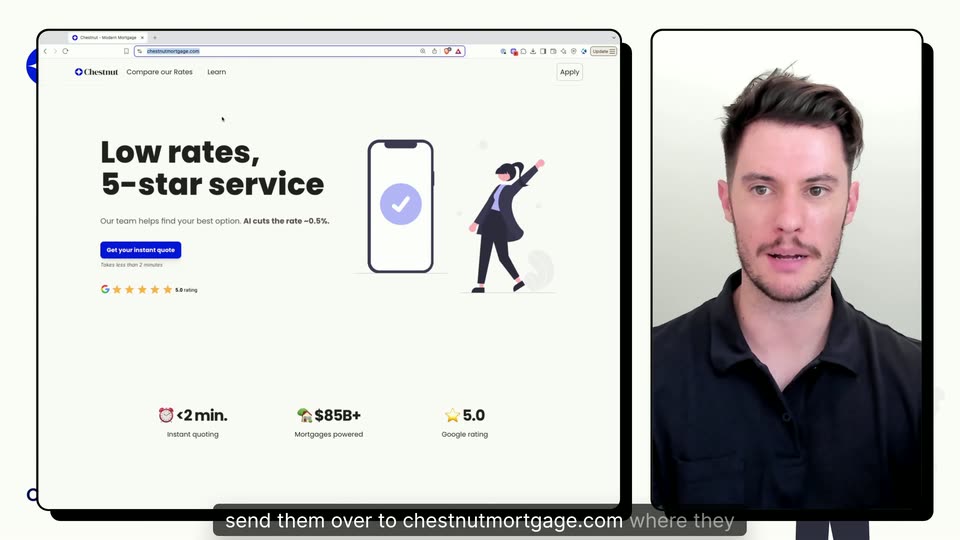 1:22–1:29Chestnut · Chestnut: the 1st AI mortgage lender 🏡Split screen on a cream background: a browser window on the left shows the Chestnut homepage, a man in a black shirt talks to camera in a phone-shaped frame on the right. A cursor moves and clicks the rates menu as a comparison list slides in.
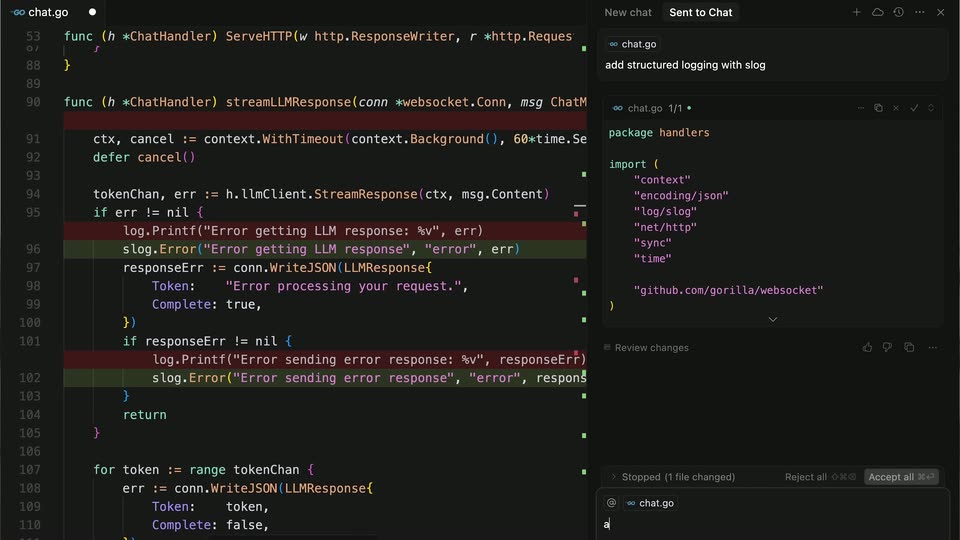 0:58–1:03Cursor · Cursor's largest update yetA dark code editor shows Go source with red and green diff lines, and an inline chat box at the bottom holds the prompt to add structured logging. A chat panel opens on the right listing the file diff, then 'add' is typed into its input field.
 0:01–0:02Den · Introducing Den (2025)A man with glasses speaks into a microphone against a blue curtain. A framed inset on the right shows the same speaker, then widens to place him beside a man in a beige blazer. Thin white curves drift across the frame.
 0:17–0:18MindFort · Security is dead - Introducing MindFort.aiA dark savings account window sits centered over a red grid of broken UI panels marked with skull, warning and X icons. The window jitters as a pixelated glitch tears a horizontal band across its middle, displacing its edges.
 0:55–0:57Minerva · Meet MinervaA ledger table of RBC account rows fills the left half while a bold black headline builds on the right, its final line fading in before the words swap for a line-drawn brain icon.
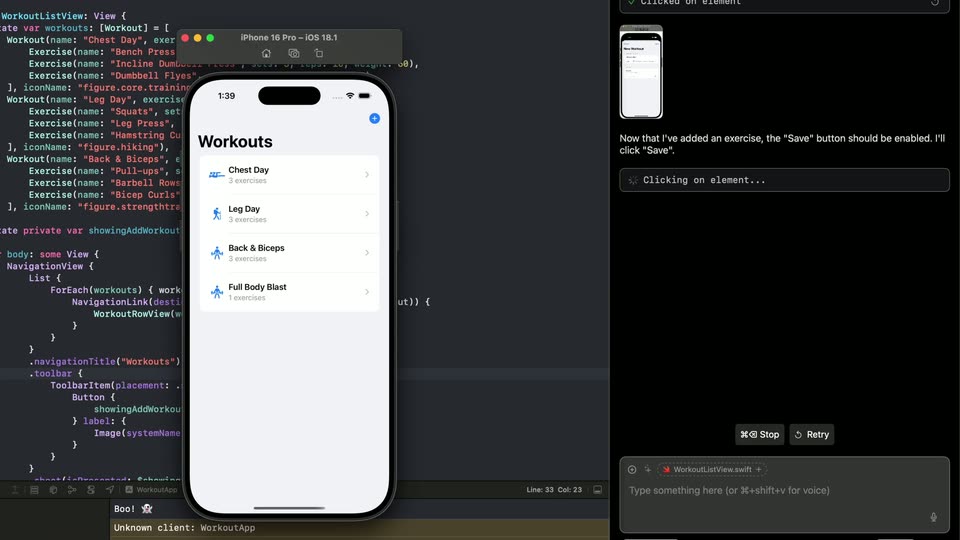 0:11–0:24Alex · Alex - Xcode AI Coding AssistantXcode code, a centered iPhone simulator, and a dark AI chat panel share the frame. The agent runs the app, then fills the New Workout form with a name, icon, and a Squats exercise. Saving returns to the list, which zooms in on the new Full Body Blast row.
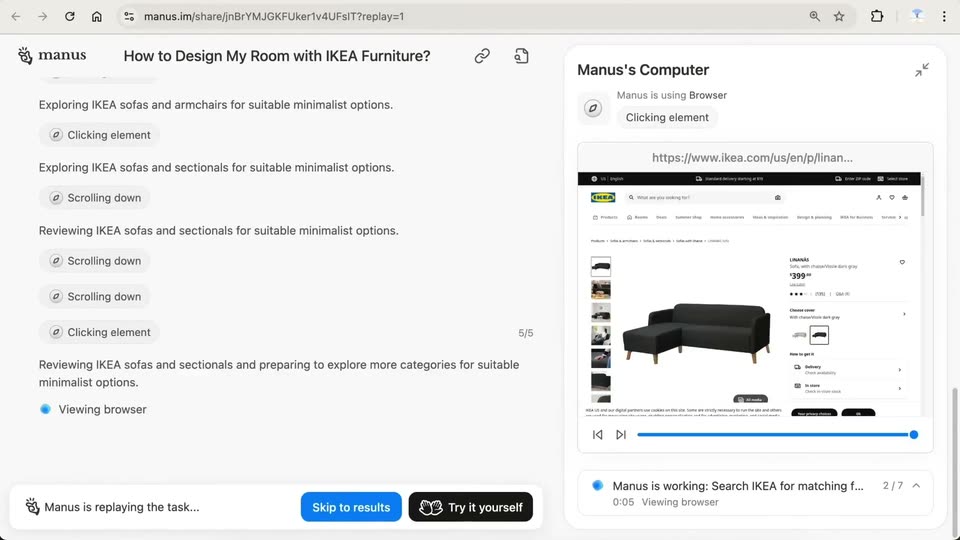 0:08–0:15Manus · Manus - Introducing Manus image generation. Manus doesn’t just generate imagA split view of the Manus app: the left activity feed scrolls up through task steps while the right panel, labeled Manus's Computer, plays back a browser navigating the IKEA site from search results to a sofa page and storage shelves, with replay controls below.
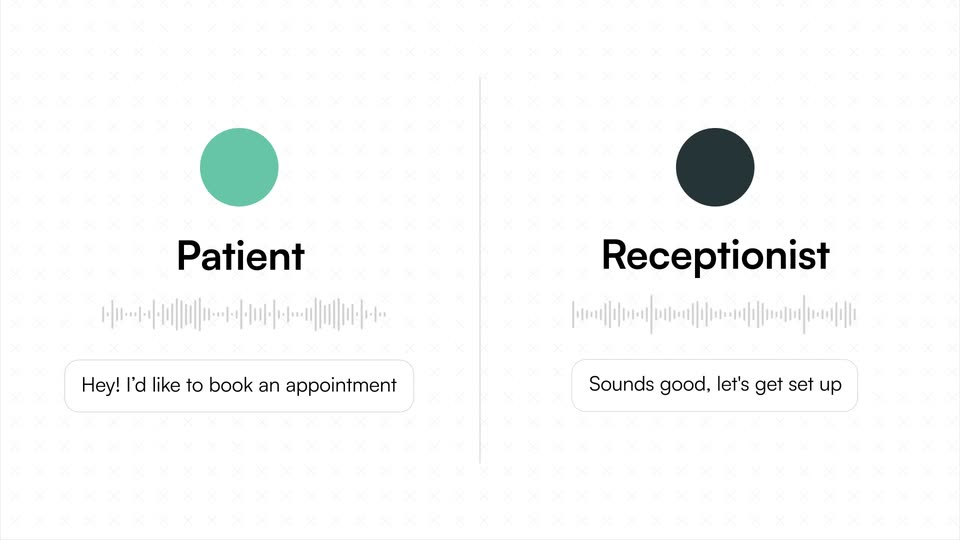 0:03–0:08Novoflow · Novoflow Launch (YC X25)A vertical divider splits the frame; a teal circle labeled Patient and a dark circle labeled Receptionist sit above. Gray audio waveforms pulse beneath each label while rounded white bubbles type out the spoken lines one by one.
 0:14–0:15Arbitrum · Arbitrum - We’re scaling Arbitrum. Everywhere.A grid-paper collage stacks small video clips of ATMs and a desk, a blue-purple band of repeated logo cards, and the black word TRANSACTIONS. A green pixelated creature head with a red tongue slides in from the left, covering the start of the word.
 0:00 · 0.8sAttune · Attune - Faster Builds, Zero EffortThree terminal windows sit side by side, each overlaid with a build-time label, then the frame cuts to a black title card where the cyan Attune wordmark and a gray monospace tagline sit above a persistent bottom caption.
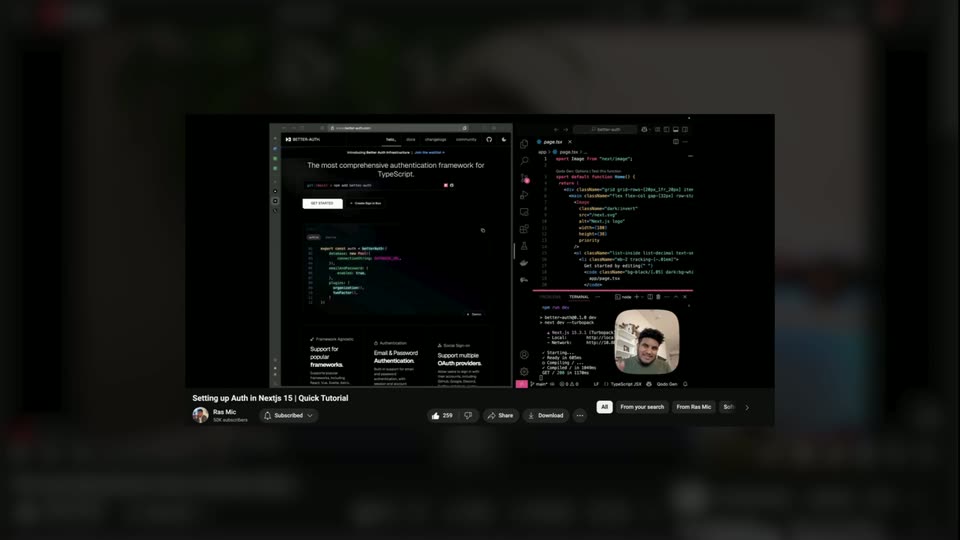 0:24–0:29Better Auth · YC Launch VideoA locked-off screen capture of a YouTube player shows a tutorial: a Better Auth documentation page on the left, a dark code editor on the right, a small webcam of a man talking in the corner. It dissolves into a second video with a bearded man holding a phone.
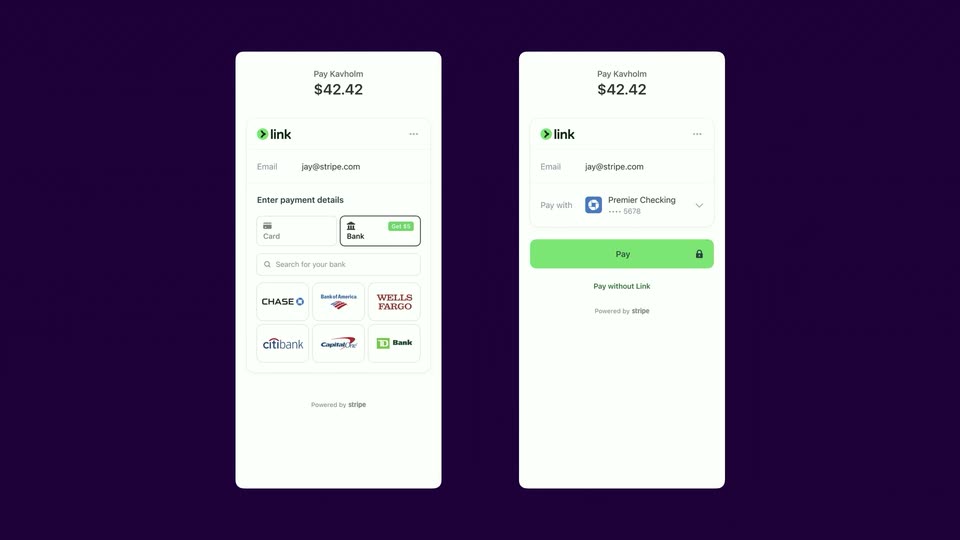 0:03–0:28Link · Link: brk02 the consumer network teaser1Two white mobile checkout cards sit side by side on a dark purple field. The left card lists six bank logos under a bank tab; the right card shows a saved account and a green Pay button. Both panels stay static for the full take.
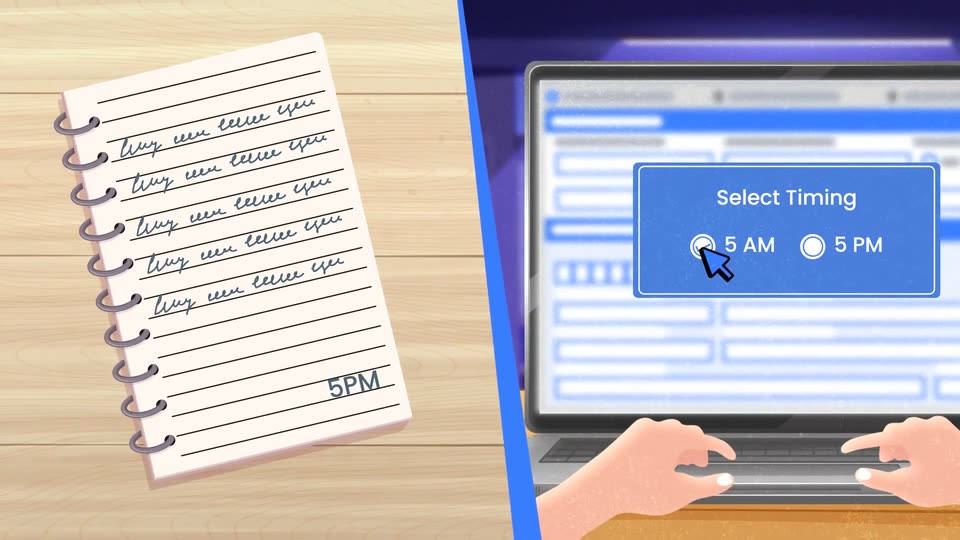 0:29–0:33Adentris · Adentris – AI Compliance Copilot for Healthcare Providers | Prevent Claim DenialsAn illustrated laptop on a desk shows a blue Select Timing modal; a cursor clicks 5 AM. A blue diagonal wipe splits the frame, revealing a notepad with scribbled lines on the left as 5PM is written on it, then the cursor selects 5 PM and the notepad slides away.