Cursor demo
A visible cursor operates the interface.
14,925 scenes · page 17 of 249
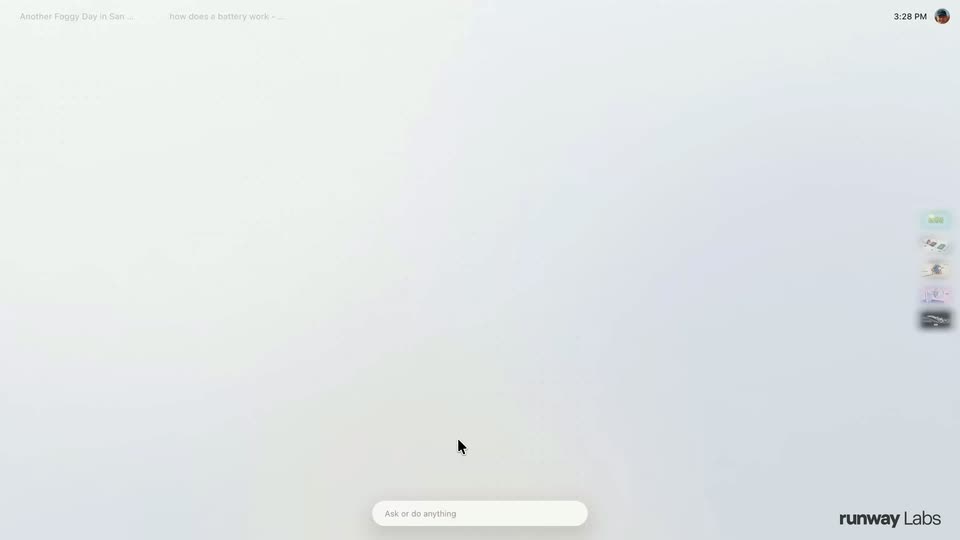 0:24–0:36Runway · Introducing Continuum: A Real-Time Video Operating System | Runway LabsA white splash card reading Continuum, with a blurred circular photo at its center, fades out to an empty dotted workspace. The cursor drifts up to the top tabs, clicks one, and a NASA article page fades in from the top edge.
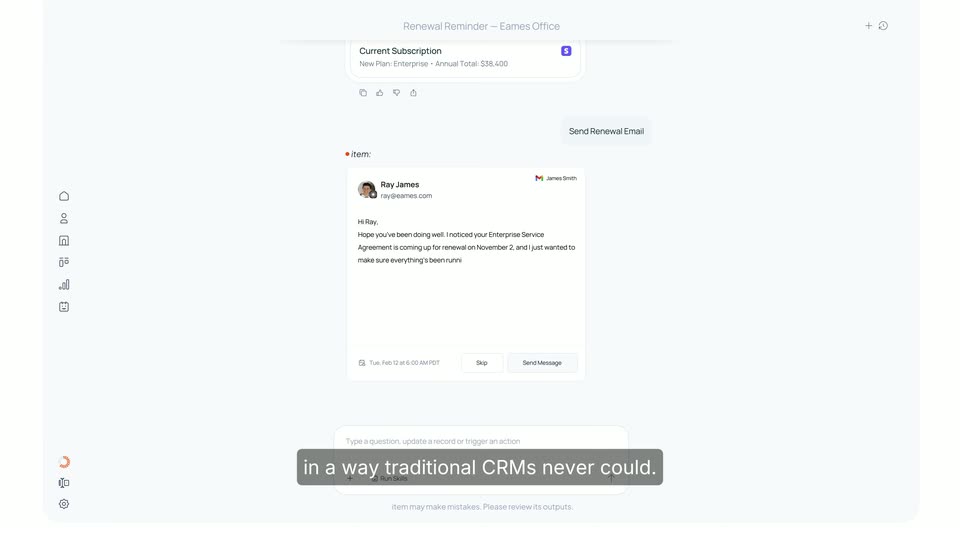 1:04–1:12Item · Item Launch Video (YC F25) | Unveil StudioA white CRM contact card for Ray Eames scrolls up to reveal a payment item, then the frame zooms out to the full assistant app as a cursor clicks Send Renewal Email. An email draft types itself into a card while bottom captions track the voiceover.
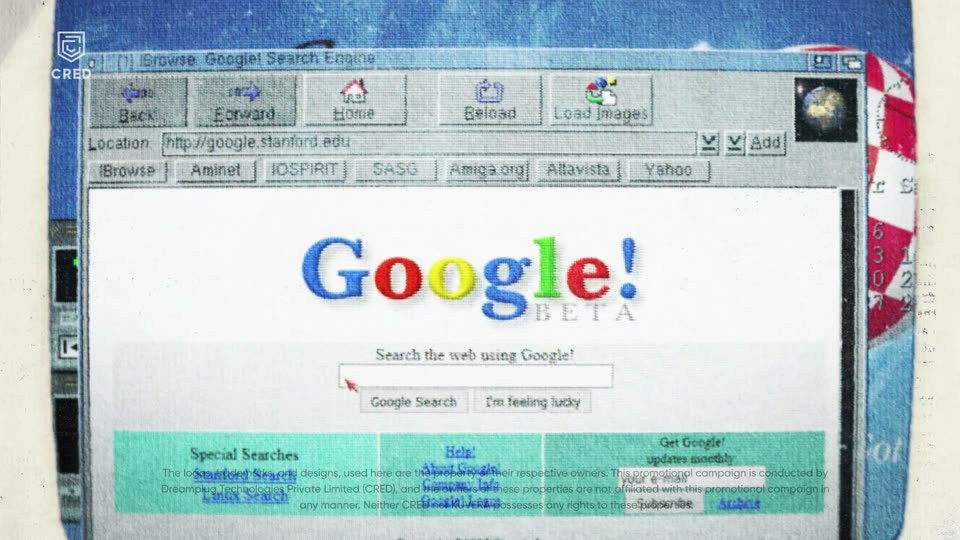 0:02–0:03Kuvera · miten sampat - aim higher than a single market @Kuvera_InA flat browser window shows the vintage Google! BETA homepage with its multicolor logo and search box, framed on a blue textured surface with a clock at the right edge. A red arrow cursor drifts around the search field.
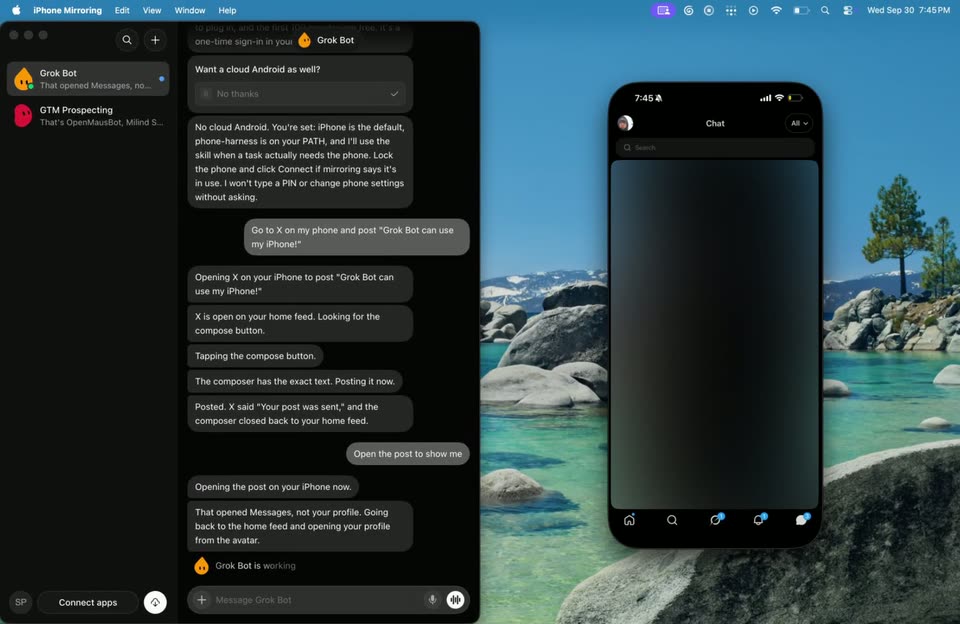 0:16–0:27Phone Harness · Phone Harness - Always-on agents can use your phone!A dark chat window on the left scrolls up as new Grok Bot messages slide in, while a flat iPhone mockup on the right steps through the X app: home feed, composer, menu, then profile. A cursor hovers bottom left and the view briefly zooms onto the chat.
 0:20–0:21Remocn · Remocn - Introducing Remocn Studio A macOS app for creating and editing videoA purple macOS dock holds five app icons on an abstract wallpaper. A cursor moves to the dark purple R icon, which magnifies in place while the surrounding icons stay still.
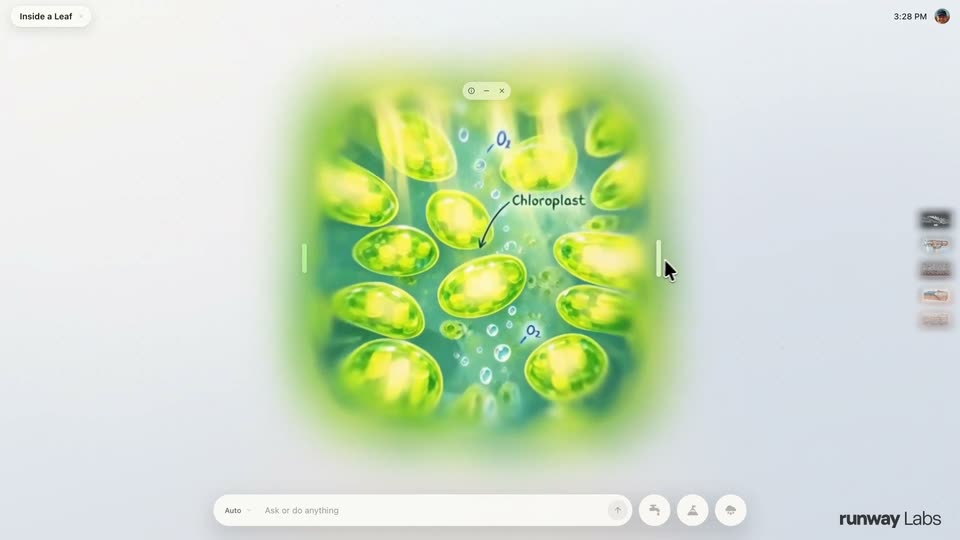 0:14–0:16Runway · Runway - Introducing Project Continuum by @runwayml_labs, a new operating systA light app frame holds a 3D render of a leaf cell: green oval chloroplasts drift among O2 bubbles while a “Chloroplast” label with an arrow scales in place. A cursor hovers at the right edge by a thin scrubber; a bottom input bar and a thumbnail column sit still.
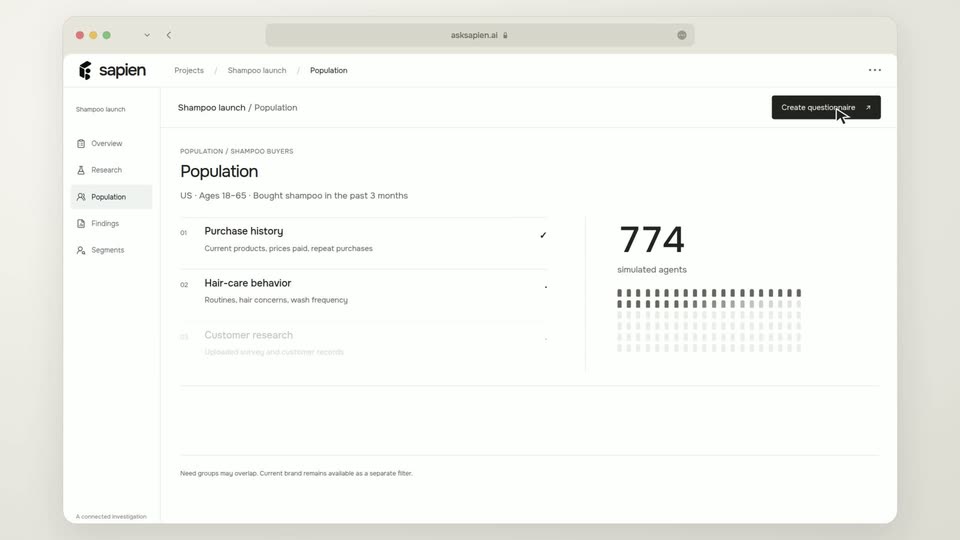 0:10–0:21Sapien · SAPIEN - This is Sapien.A flat browser mockup of the Sapien app walks a study setup. A cursor types a question, drops in a PDF, then clicks through Population and Questionnaire pages. A counter ticks 4 to 10,000 agents as a dot grid fills and four hair-condition stats appear.
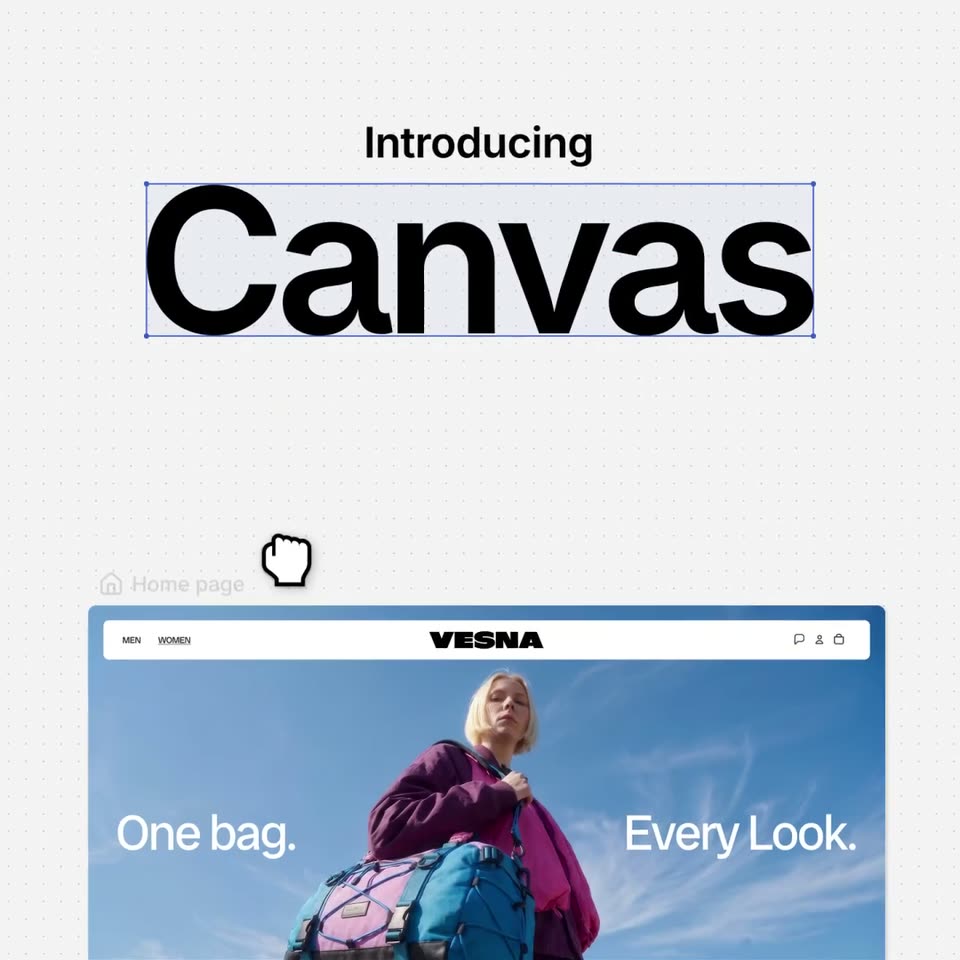 0:02–0:04Shopify · Shopify - There’s a new way to design stores on Shopify Introducing Canvas SeA dotted gray canvas holds the black “Introducing Canvas” headline inside a blue selection box. A hand cursor lifts the VESNA site mockup as the page scrolls from the hero image to the product grid, and the headline slides up out of frame.
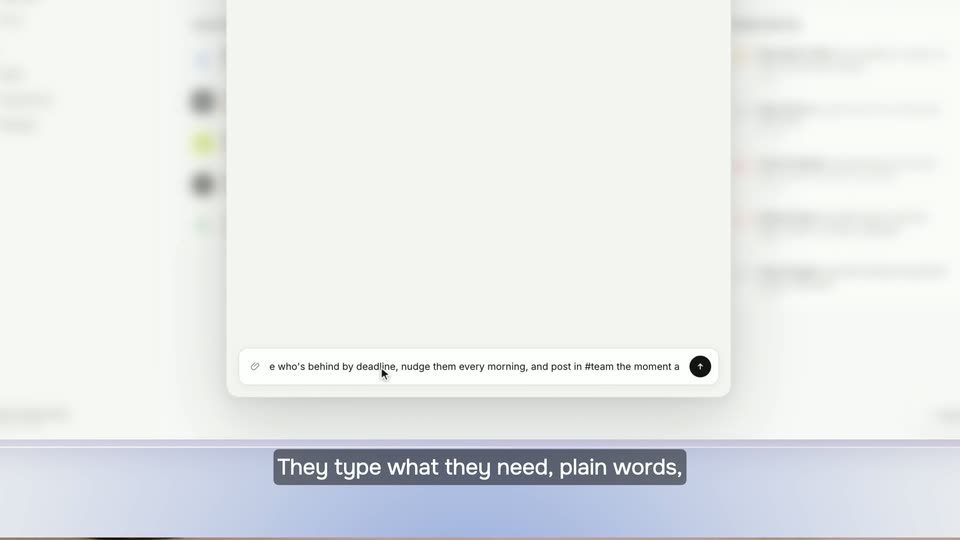 0:14–0:18Vendo · Vendo Launch Video (YC S26) | Unveil StudioA white modal card floats over a blurred product board. A cursor types a prompt into the input bar at the card's base, then the frame zooms out as the prompt slides up into a dark pill. Subtitle captions sit along the bottom.
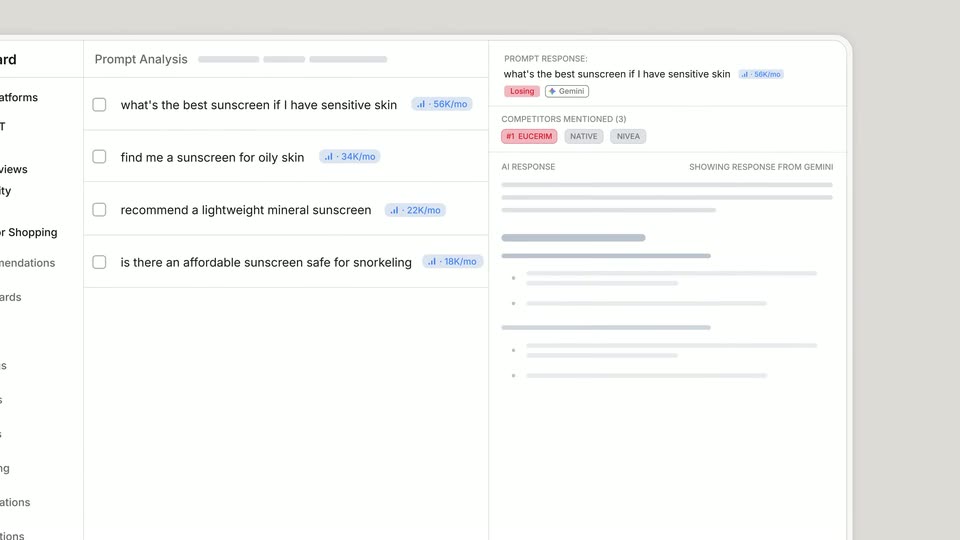 0:12–0:16Wildcard · Wildcard Launch Video (YC W25) | Unveil StudioA close-up of a prompt-analysis panel pulls back to reveal the full Wildcard dashboard with its left sidebar. A cursor clicks Gemini, and the right panel swaps to a losing response with new competitor tags.
 0:10–0:14Arcads · arcads AI - Introducing Arcads Singing Ads 🎶 This format is CRUSHING on Meta ..A dark prompt field on black types out “create a singing ad for my product” beside a blinking cursor, above a Shakedown cereal chip. The frame then zooms to the lower corner as a purple arrow button pops in and a cursor hovers over it.
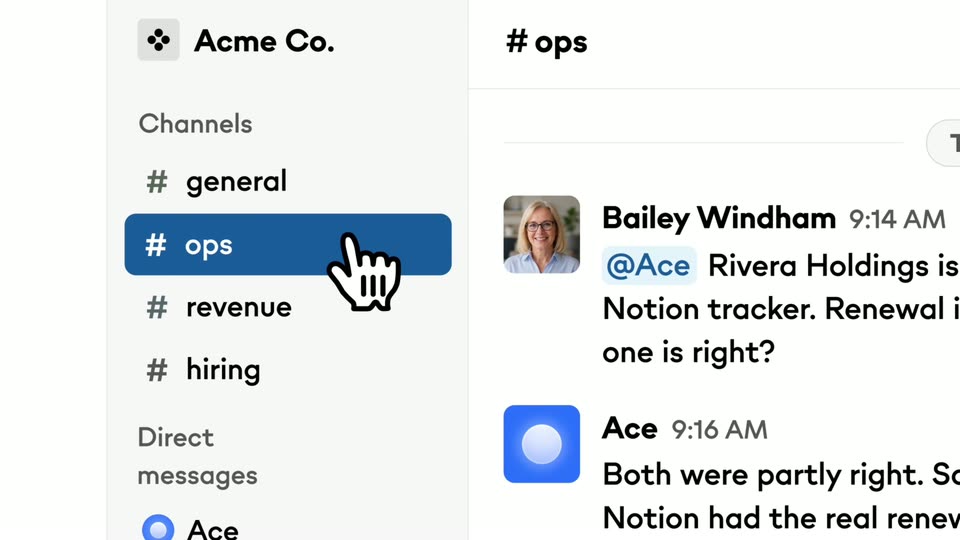 0:33–0:35Automat AI · lucas ochoa - "It's instinct but actually for work" for Instinct & Muse, workA Slack-style interface fills the frame. A hand cursor taps the highlighted ops channel in the sidebar, while the chat pane on the right stays still.
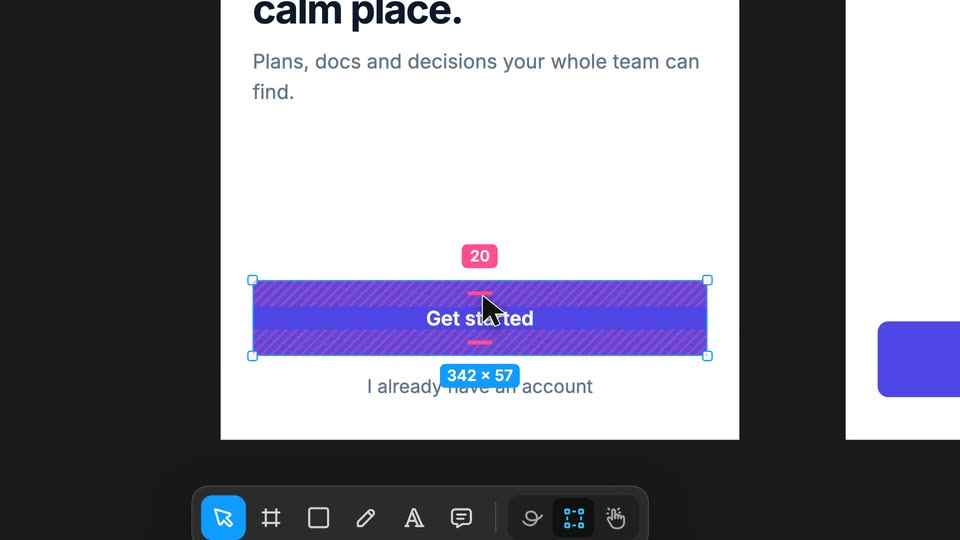 0:21–0:30Builder.io · Steve (Builder.io) - Introducing /visual-edit - a skill to visually edit your local code lIn a dark design-tool workspace, a cursor selects the Get started button on a mobile screen, opens a color picker and drags it to blue, updating the button fill live. The canvas then zooms out to a grid of artboards under an Apply design update button.
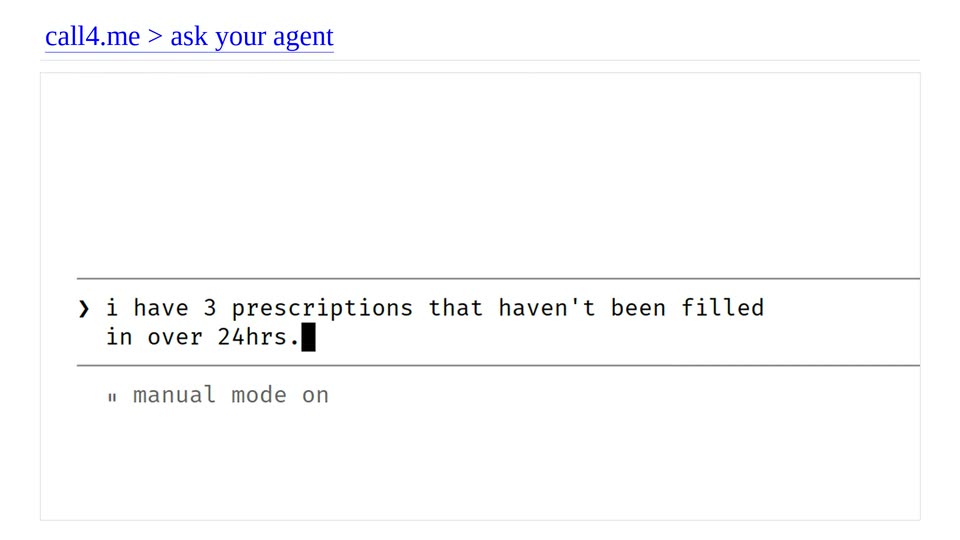 0:00–0:02call4me · Nick Khami - introducing an ai agent that handles phone calls for you. you can usA white terminal interface displays a blue underlined title above a bordered box. A pixelated red icon and monospace text clear as a prompt line types a message about prescriptions. A block cursor follows the typing, and a status line reads “manual mode on” below.
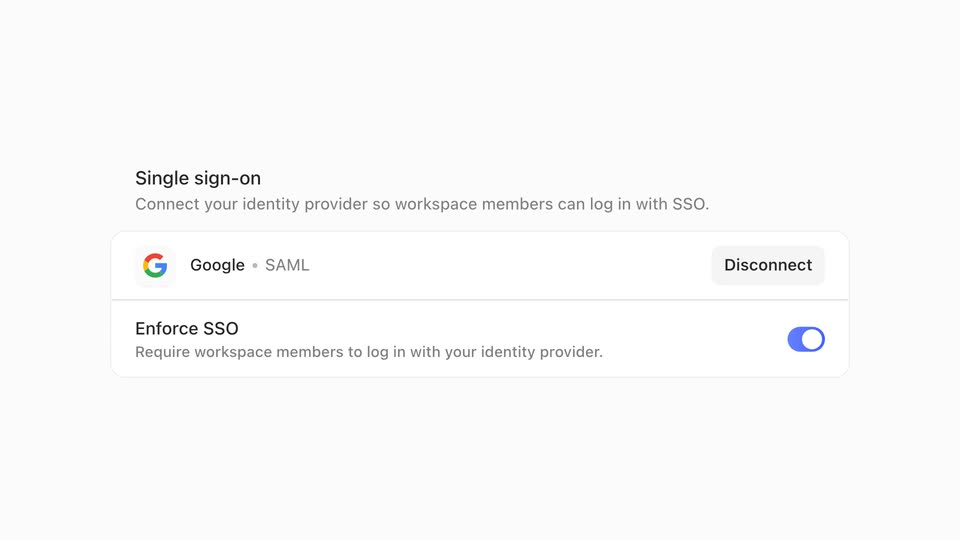 0:00–0:07Circleback · Circleback - New: SSO Connect Okta, Google Workspace, Microsoft Entra ID, or anyA light settings panel shows a Single sign-on heading and a two-row card with a Google SAML entry. A cursor glides in from the bottom right, taps the Enforce SSO toggle, and the switch flips from gray to blue before the cursor exits.
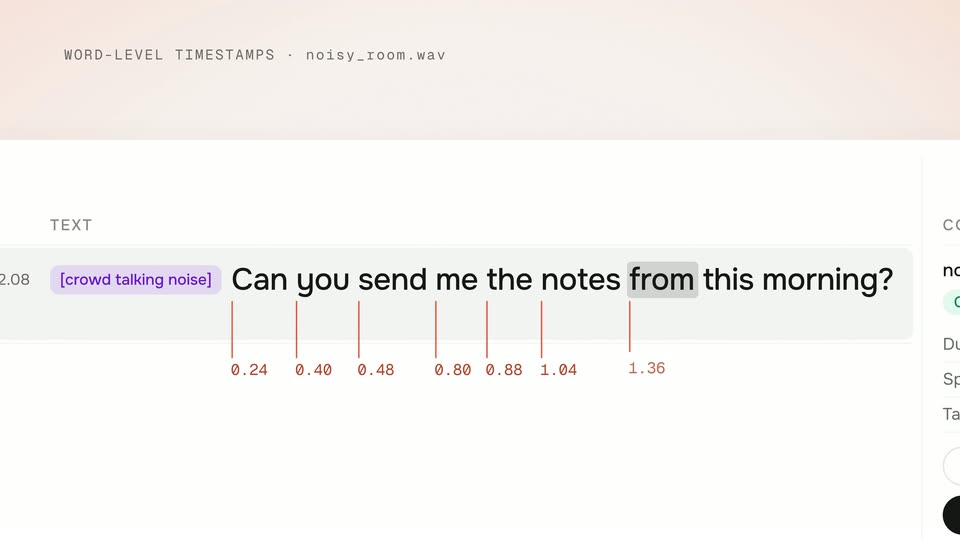 0:35–0:37Fish Audio · Today, we're ending boring transcripts. Introducing Fish Audio’s STT modelUnder a monospace WORD-LEVEL TIMESTAMPS label, a white transcript card slides left, revealing red word-time markers and a controller sidebar with an Export button and a black Import to Studio button, where a cursor hovers.
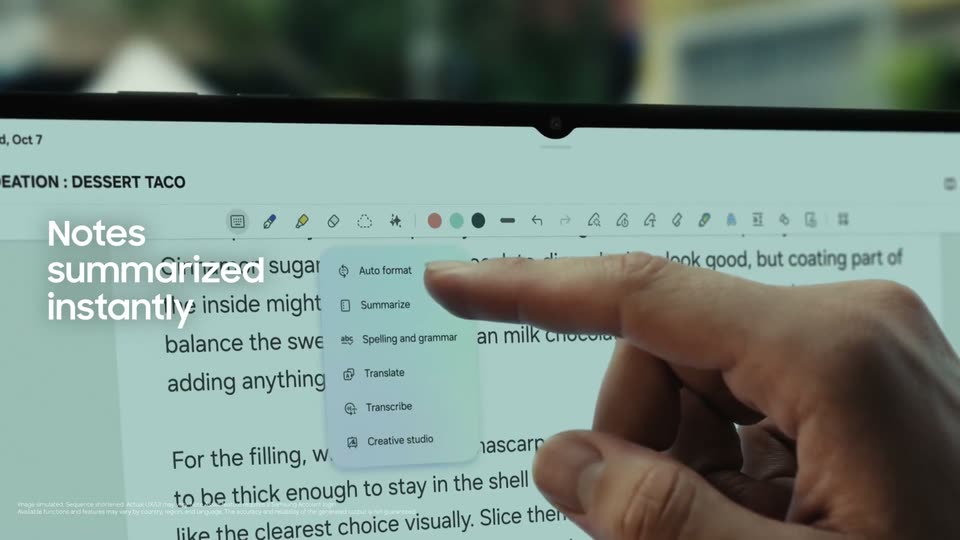 1:46–1:48Samsung · Introducing Galaxy Tab S12 Ultra | SamsungClose-up of a tablet showing a recipe note. A finger taps the body text and a dropdown menu pops up with options such as Summarize and Translate, then closes. White overlay text sits on the left. The hand moves slowly across the screen.
 0:24–0:26Ideogram · Ideogram 4.5: The Most Precise AI Image Editing ModelA 3D perfume bottle with a speckled cream cap stands centered on a mauve gradient, a cursor resting on its label. The scent name on the label switches from AMBRE to LE VERT, and the captions Write on it and Launch it scale in over the bottle in turn.
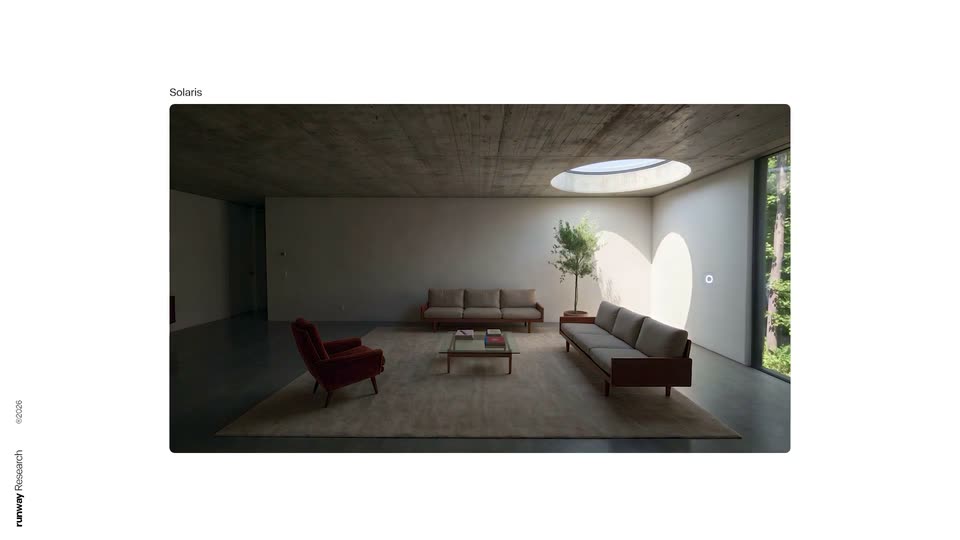 1:15–1:21Runway · Introducing Praxis-1 | RunwayA rendered concrete living room sits in a white card labeled Solaris. A selection ring with a dot moves across the scene; the ceiling skylight slides right, the floor light follows, and the right wall opens into a window of trees.
 0:27–0:30Runway · Introducing Runway Ads | RunwayDark product screen: a blue Get Started button sits centered on black beside the word marketing. A cursor glides in from the lower right and hovers on the button, then the view cuts to a Connect Your Ad Platforms list with Meta and TikTok rows.
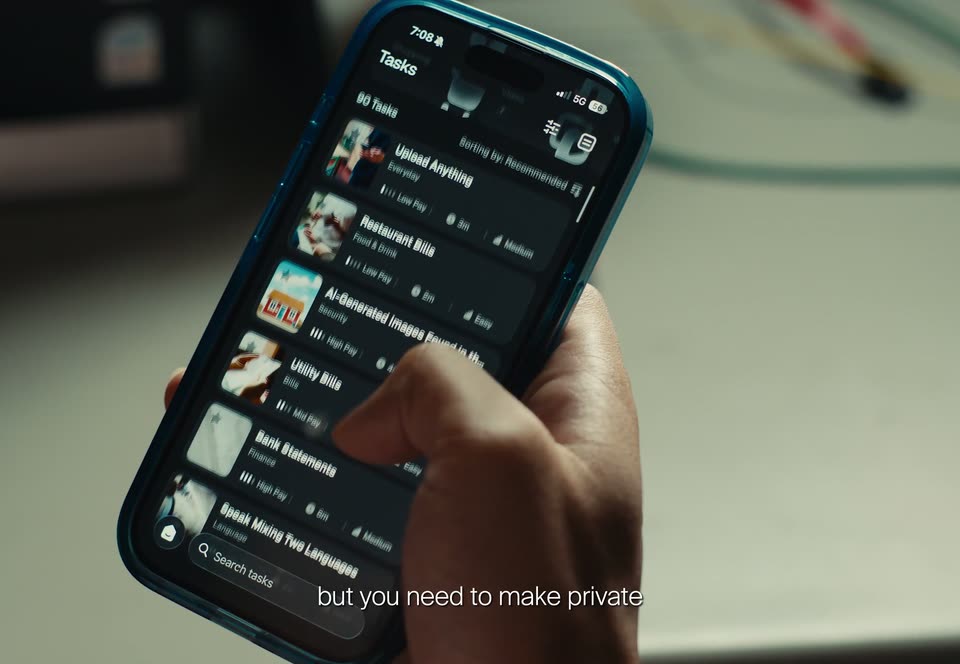 1:58–1:59Kled · Kled AI - This is Kled V3. We've solved data collection for artificial generalA hand holds a tilted phone in a dim room, its screen showing a dark list of tasks. A finger swipes up to scroll the list, while white subtitle lines appear at the bottom of the frame.
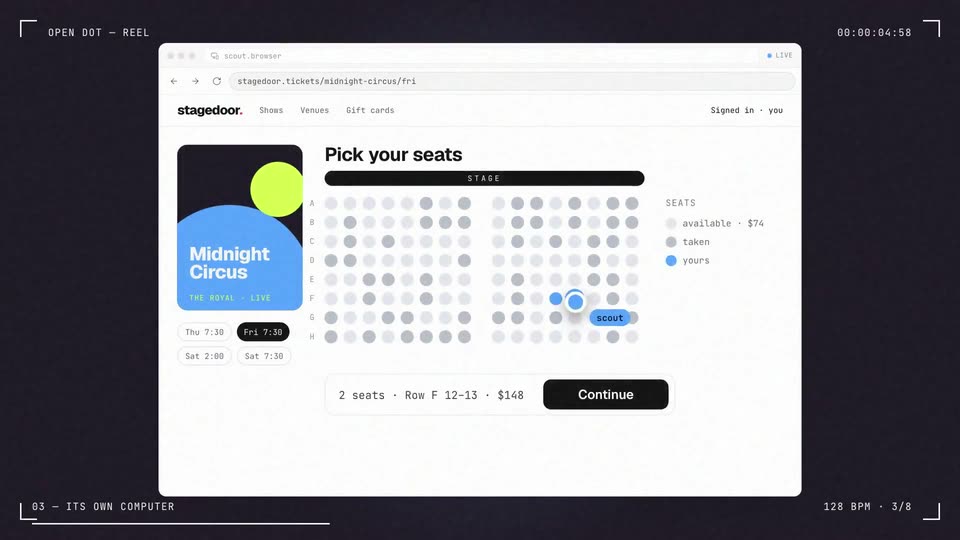 0:04–0:05Open Dots · Karan Vaidya - We are launching Open Dots, run the same capabilities in 1/10th of thA flat browser window shows a seat map for a show. A second seat turns blue, the summary line updates to 2 seats with a price, and a cursor dot lands on the Continue button.
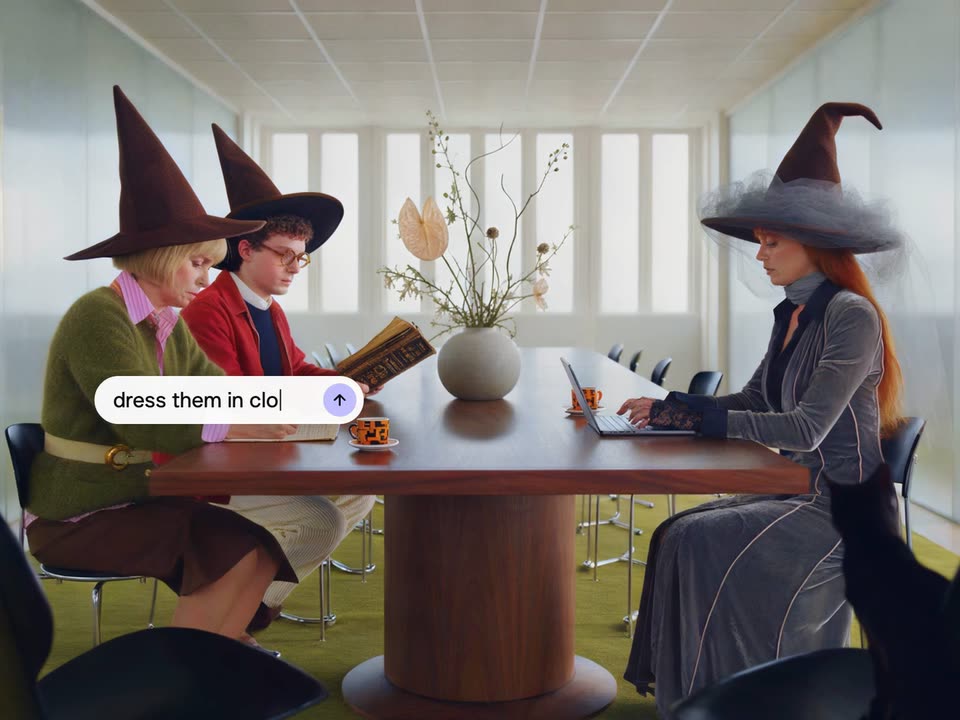 0:01–0:09Pika · Ideogram 4.5 on PikaThree people at a long wooden conference table. A large white “YES, BUT” title holds center as pill-shaped prompt bars type commands; the scene updates each time: book becomes a spellbook, chairs turn black, witch hats and cloaks appear, a black cat enters, the vase becomes a pumpkin.
 0:14–0:15Razorpay · Harshil Mathur - Apple Pay is here in India. And it’s already live on Razorpay. 🍎🇮🇳 WA locked-off close-up of a phone screen shows a glass perfume bottle above a black ADD TO BAG button. A translucent circular touch marker slides in from the right edge and settles over the button's right side.
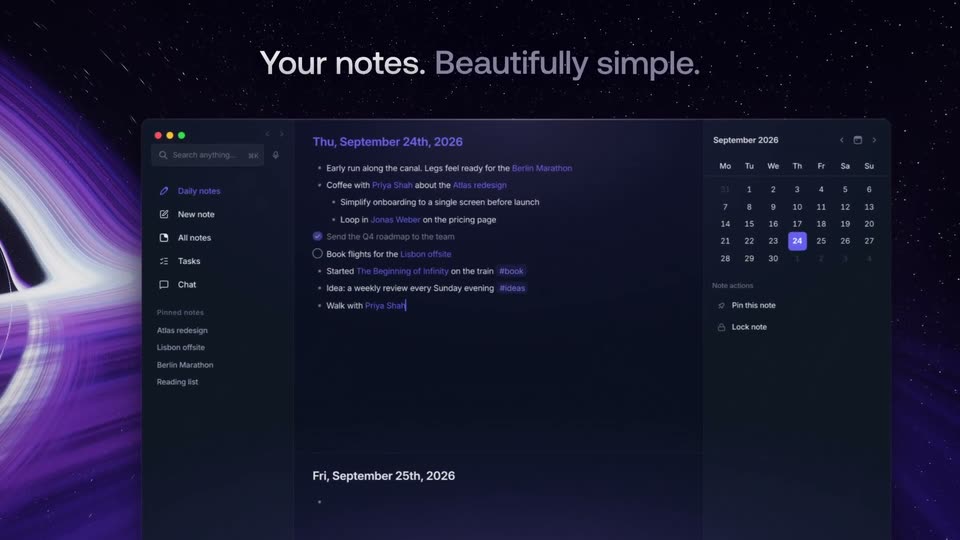 0:15–0:19Reflect · Reflect - We built the notes app we always wished Apple Notes was. Beautiful,A notes app window floats in 3D perspective over a purple nebula, then flattens as the camera pushes in on the interface. A cursor types a line and opens a small context menu while the tagline reads above.
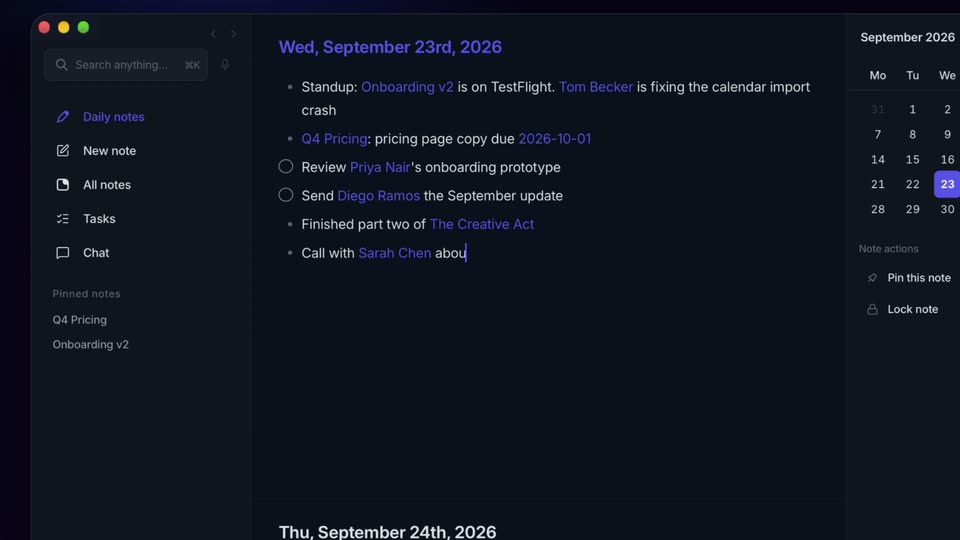 0:02–0:08Reflect · Reflect - Your notes are ordinary Markdown files. No Reflect account. No RefleA dark three-column notes app fills the frame as the view pushes in on the daily note. A caret types a new line, an autocomplete box offers Sarah Chen, the pick fills the line, and the rest of the sentence is typed out.
 0:27–0:30Runway · Runway - Introducing Runway Ads, an autonomous engine for performance marketinA blue Get Started button pops in centered on black, a white cursor glides to its lower corner and clicks, then the frame cuts to a dark Connect Your Ad Platforms screen listing Meta and TikTok rows with Connect buttons.
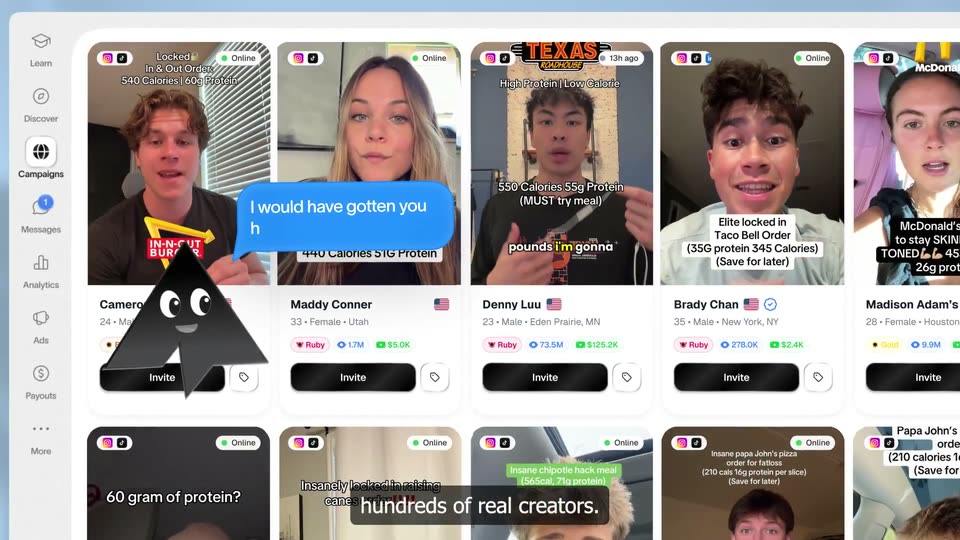 0:14–0:15SideShift · Nick Lawton - Introducing SideShift: the first AI creator marketer. AI can now scaA dashboard grid of creator cards, each with a video thumbnail, name and stats, fills the frame. A black arrow cursor with cartoon eyes glides across the cards. A dark caption bar reading hundreds of real creators. sits at the bottom.
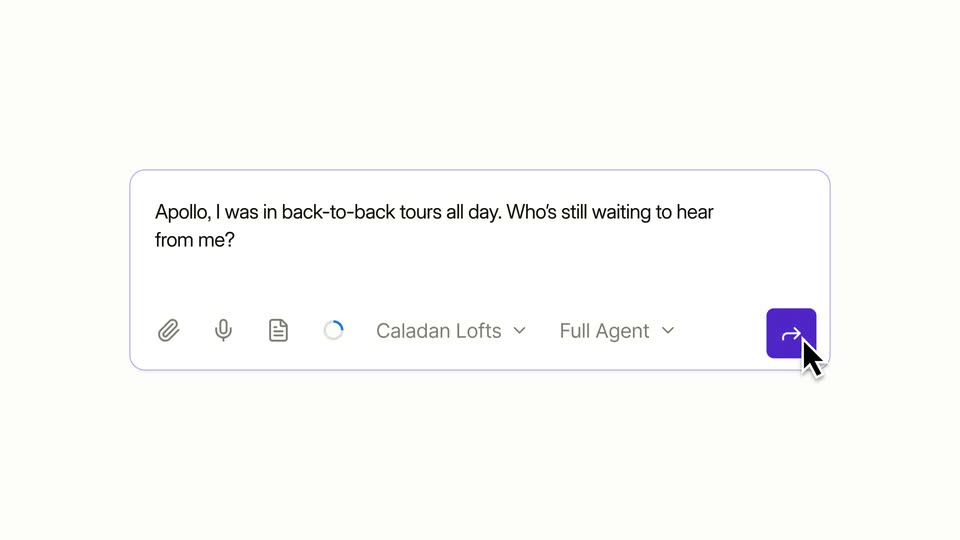 0:03–0:07Apollo · Best AI SaaS Product Video | ApolloA close-up of a white prompt box types out a sentence letter by letter on a cream background. The frame pulls back to reveal the full card and toolbar, then a black cursor clicks the purple send button, which collapses to a small loading square.
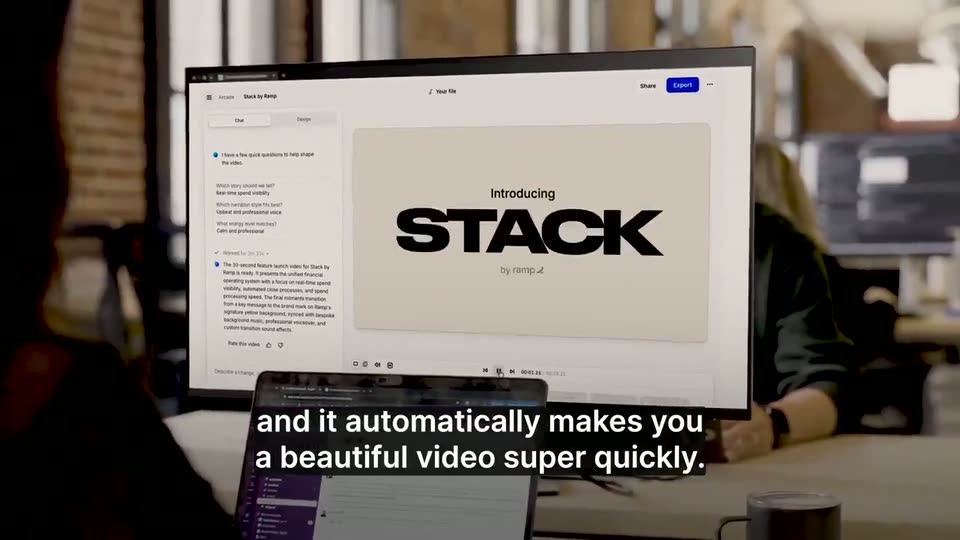 0:21–0:23Arcade · Arcade Partnerships - AI made your product team fast. Now your marketing team is backed upA monitor in a blurred office shows the Ramp editor as its preview cuts from a prompt screen to a bold Introducing STACK title card. A person works at the desk behind it and a laptop sits in the foreground.
 0:22–0:23Cardboard · Saksham - We have solved video editing once and for all and…. It’s FREE AvailClose-up of the lower edge of a dark Mac screen. The macOS dock with colorful app icons slides left, and a white cursor settles under a dark striped icon, all against a blurred warm-toned desk background.
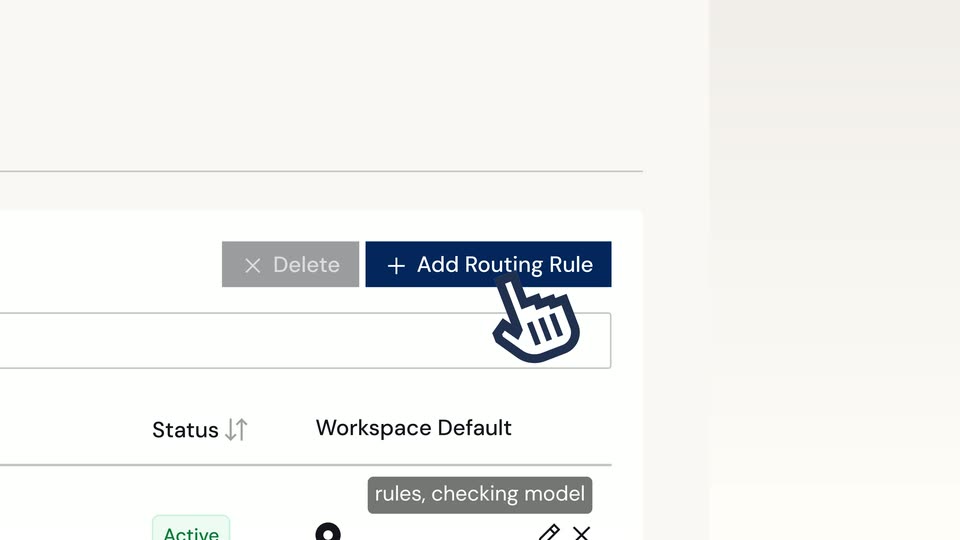 1:29–1:31CData · Raviv levi - You’ve spent years teaching people how your company works. Your AI neA Connect AI routing screen shows a rules table; a white callout on the right magnifies the Add Routing Rule button and the row's Projects, Status and Workspace Default cells as a hand cursor hovers, with a caption updating. The scene cuts to the Add Routing Rule form modal.
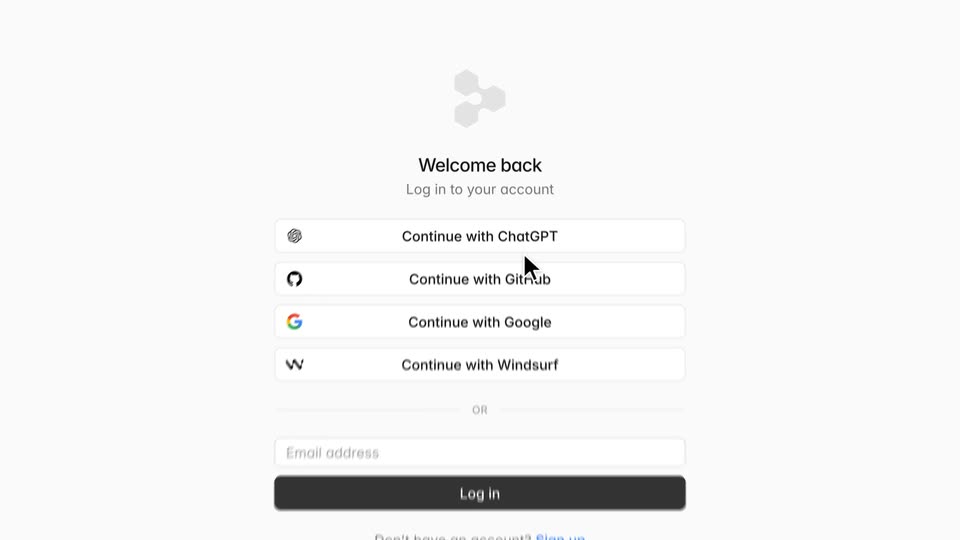 0:00–0:03Cognition · Cognition - Starting today, you can now use your ChatGPT subscription directly inA pale login screen fades in on a light gray background, listing social sign-in buttons above an email form. The view then zooms in as a cursor glides in to hover over the ChatGPT button.
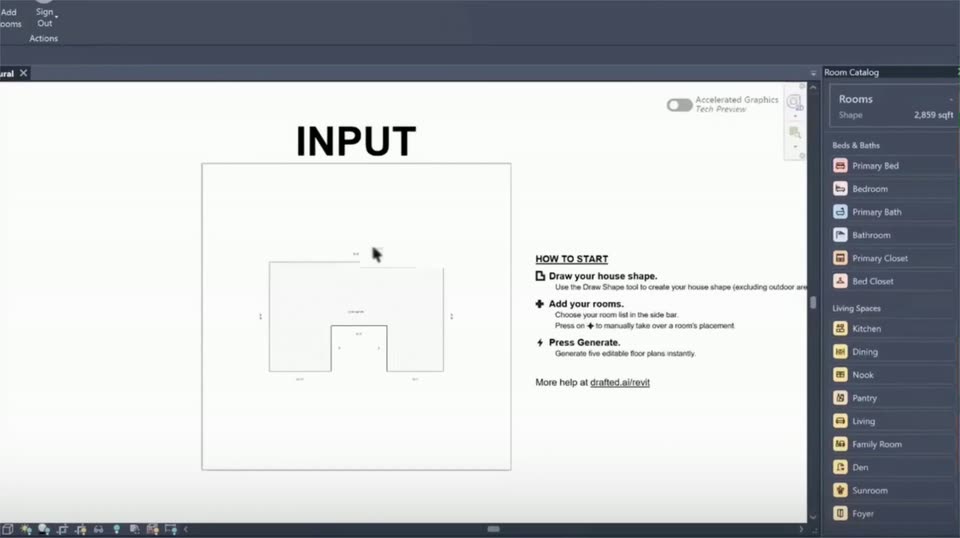 0:04–0:08Drafted · Drafted - Introducing Drafted in Revit. Draw a footprint, add your room list,A wide view of a Revit workspace shows a cursor tracing a house outline under a large INPUT heading, dimension tooltips tracking the draw. The frame tightens as a Room Catalog panel slides in from the right, the cursor hovering to highlight colored room rows.
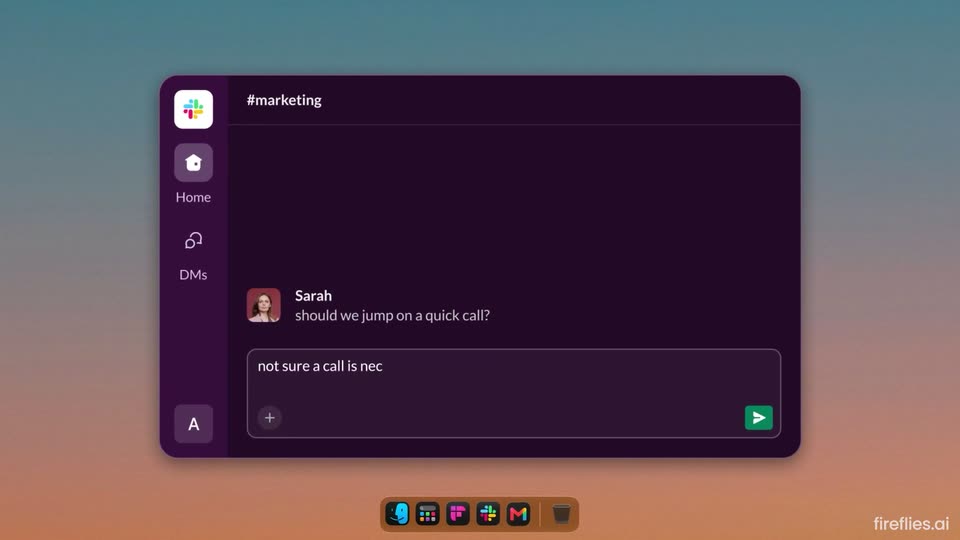 0:00–0:05Fireflies · Fireflies.ai - Fireflies Talk is live. Hold a key, speak, let go. Free and unlimiteA Slack chat window floats over a teal-to-orange gradient desktop with a macOS dock below. A hand cursor hovers the dock as the message box types “not sure a call is necessarry,” letter by letter. The camera slowly pushes in on the window.
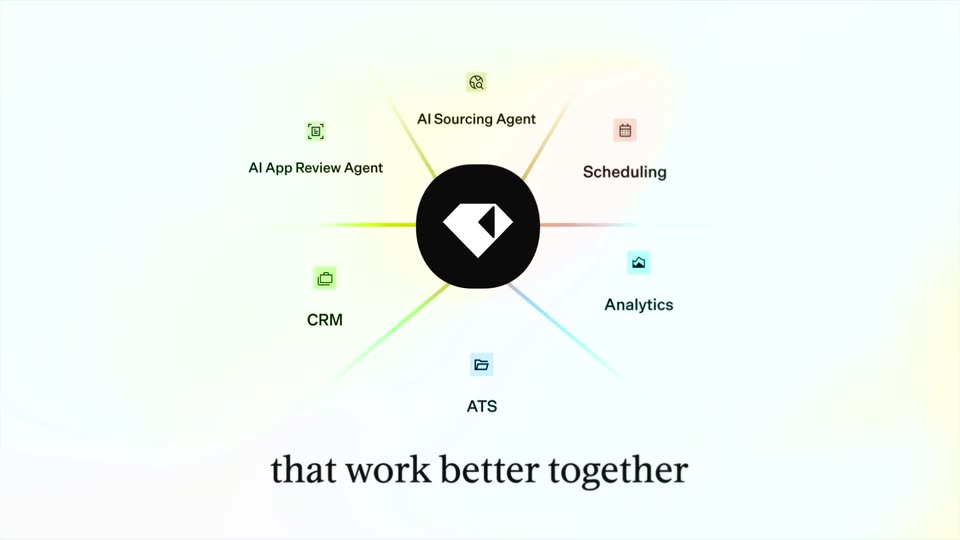 0:10–0:16Gem · A Fresh Look for Gem | UI Animation & Sound DesignSix labeled tiles orbit the headline with AI-powered solutions, then collapse into colored spokes around a central black logo as that work better together appears below. The camera zooms past the blurred logo to the AI App Review Agent tile; a cursor clicks it, revealing a white UI panel.
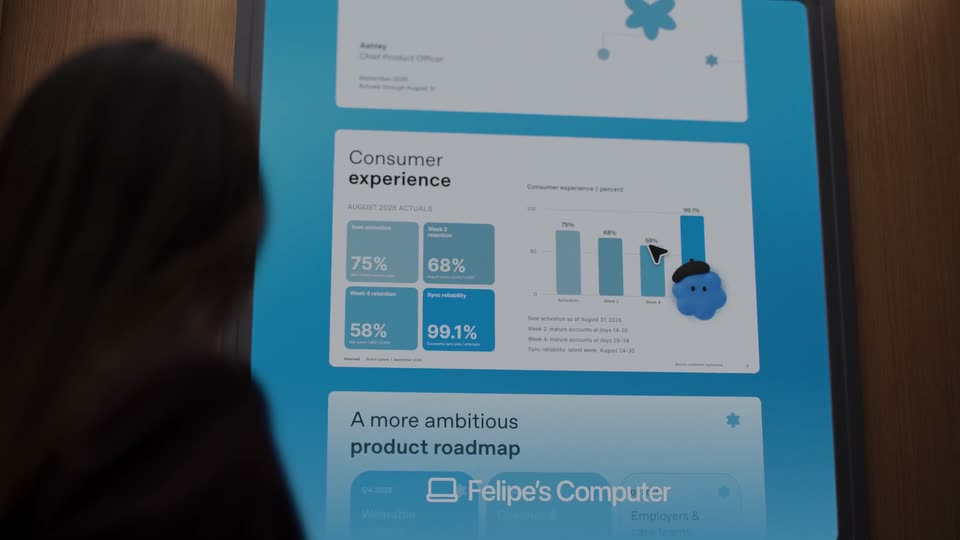 0:46–0:48OpenAI · Introducing dots, always-on agents built to handle everything.A monitor shows a blue dashboard with metric cards and a bar chart, a person's head blurred in the left foreground. A blob-shaped cursor with a beret glides across the chart's bars. A caption reads Felipe's Computer at the bottom.
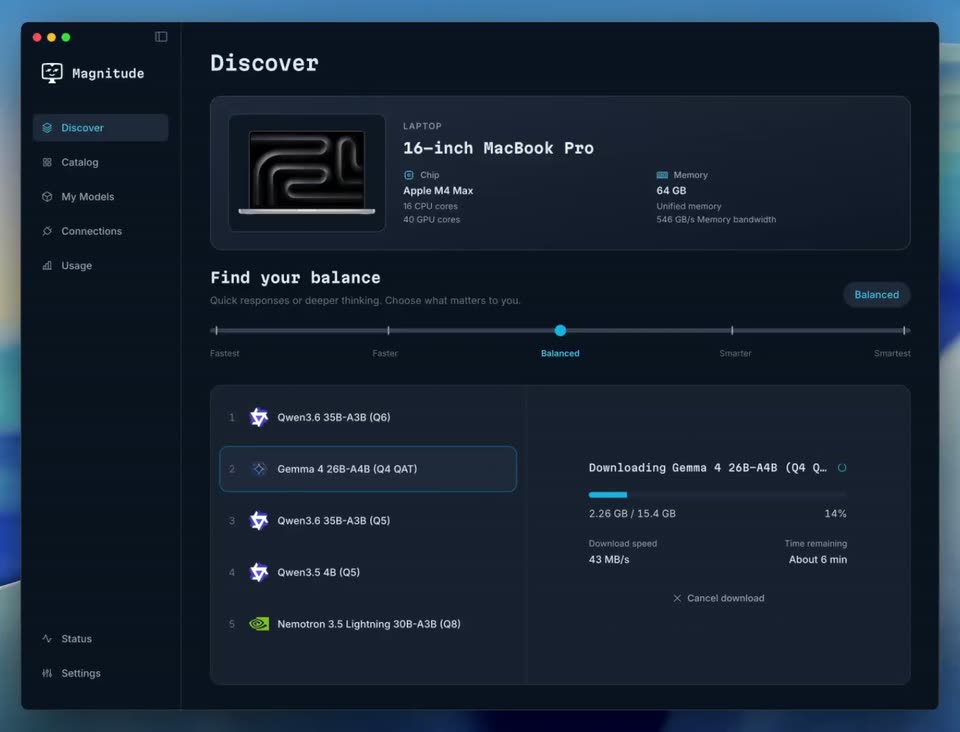 0:00–0:11Magnitude · Magnitude HN DemoA dark Discover screen shows a laptop spec card and a balance slider. A cursor drags the slider across the scale, the model list and radar chart update live, then it selects a row and a download bar fills before the button becomes Connect Agent.
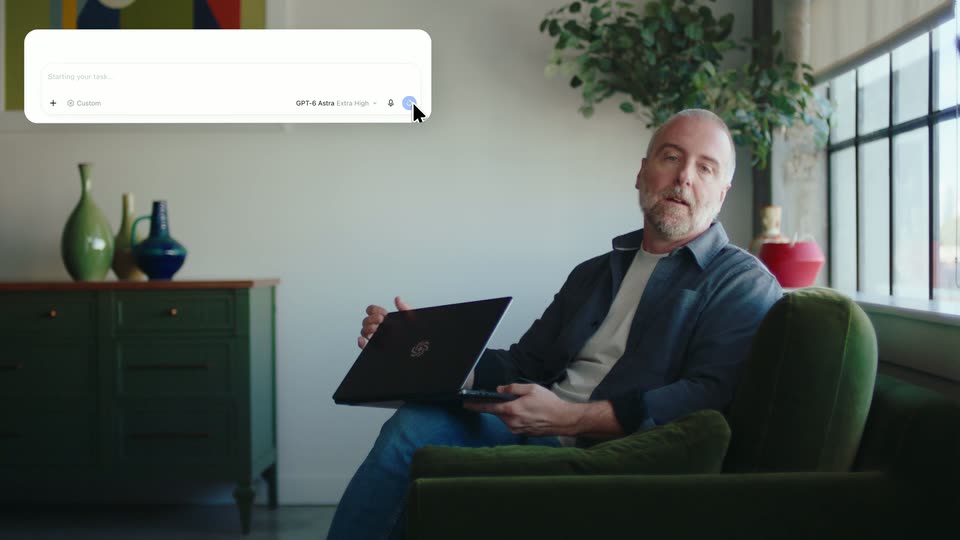 0:08–0:26OpenAI · Meet the all new Codex CloudA man on a green sofa talks and gestures while a white command bar floats top-left; a cursor stops dictation and typed text fills the bar, which then slides off-screen as he lifts the laptop lid to show its logo.
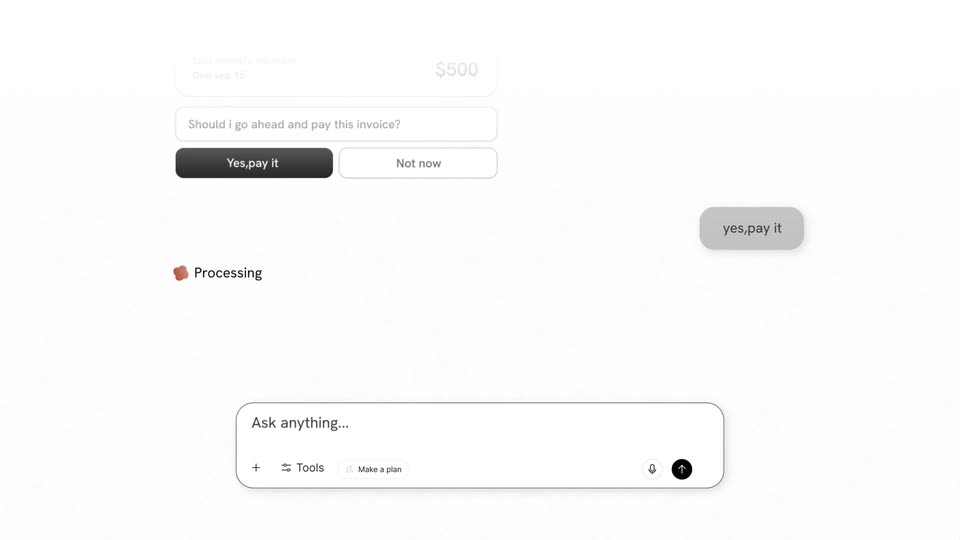 0:10–0:12Perflo · Perflo - There will be more agents than people online. Most will need to moveA cursor glides to the black 'Yes, pay it' button and clicks it. The chat view scrolls up, revealing a 'yes, pay it' bubble on the right and a 'Processing' spinner on the left above the input bar.
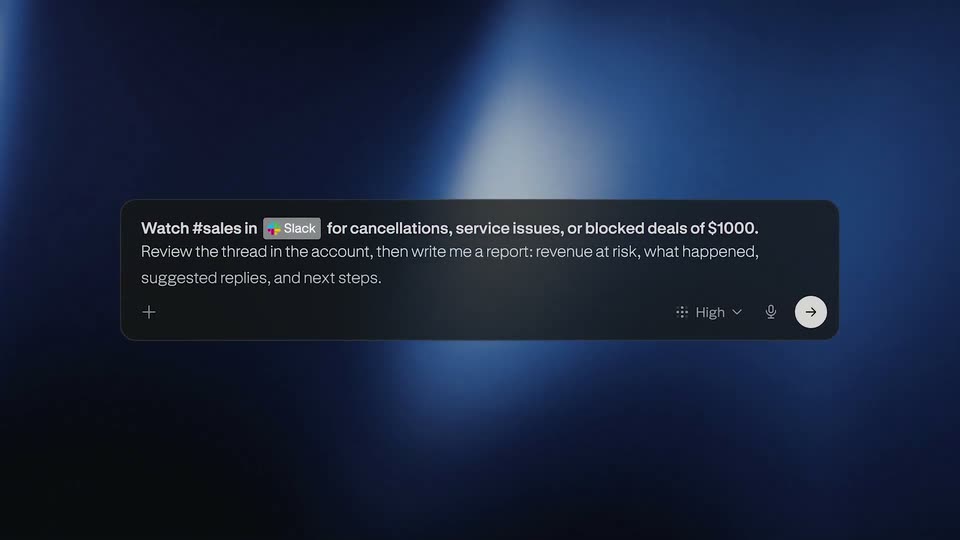 0:05–0:13Perplexity · Perplexity - Introducing Automations in Perplexity Computer. Automations are forA dark input card on a blurred blue background starts in close-up on the placeholder, then zooms out as a prompt types itself in with an inline Slack chip. A second line of instructions fills in, and a white cursor moves in to click the circular arrow button.
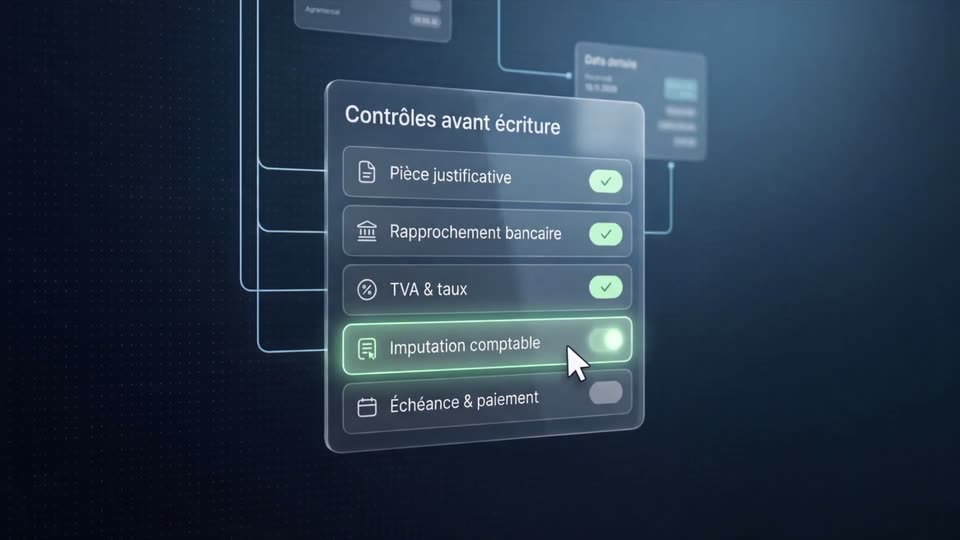 1:47–1:51Qantum · Qantum · L'ERP financier IA natif · PrésentationA glass checklist panel titled Contrôles avant écriture floats in 3D over a dark dotted grid, linked to blurred flow cards. A cursor flips five toggles to green checkmarks one by one, then the panel bursts into particles.
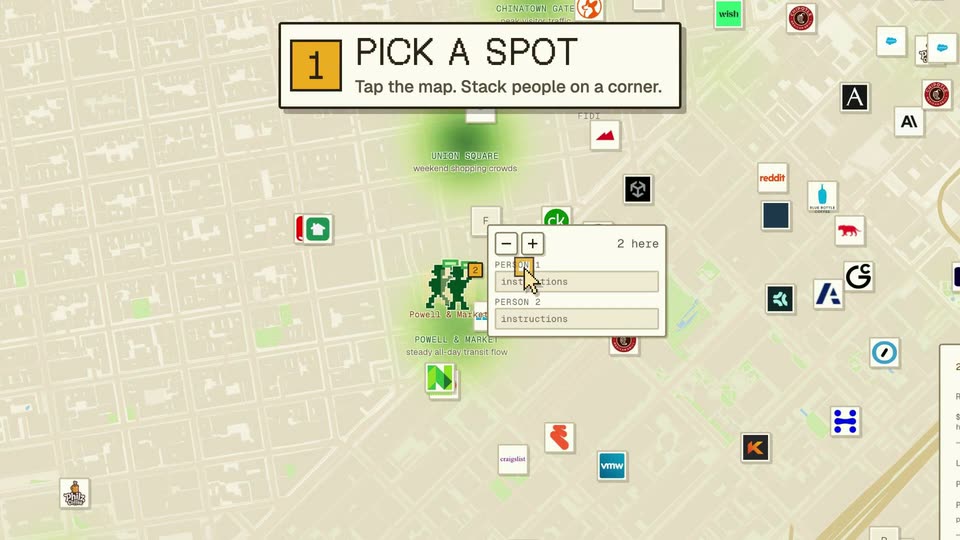 0:04–0:08Rentahuman · Alex - Today we're launching The easiest way to advertise your product to tA 'PICK A SPOT' step card sits over a city map as a cursor taps down a pixel person on a corner. The view zooms in and the cursor clicks plus, stacking the count from one to three.
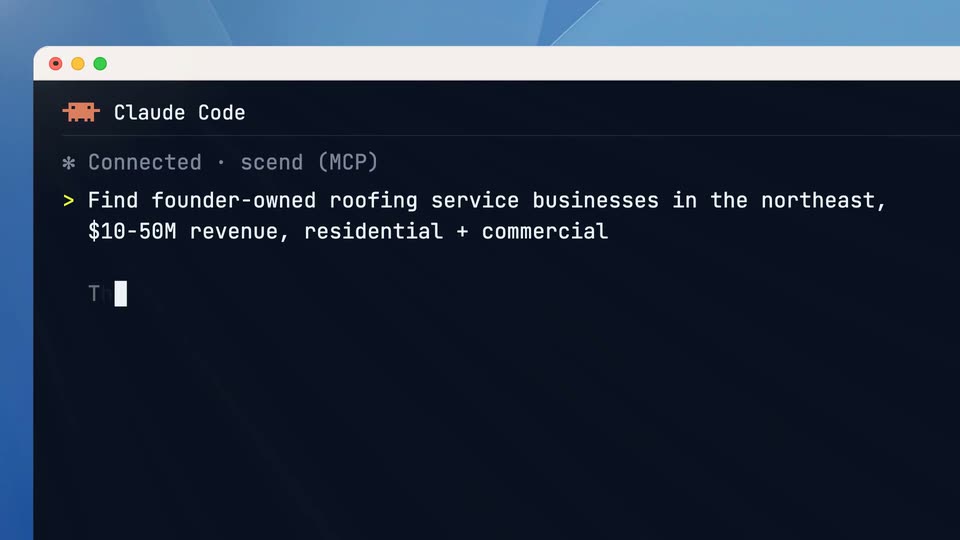 0:00–0:10Scend Ai · Scend Inc. - "Claude, find me my next service business acquisition, make no mistakA 3D-rendered desktop monitor sits in a bright room with a blurred hillside behind it. The camera zooms into its dark terminal as a prompt types out character by character, a search line appears, then a light vertical wipe closes the shot.
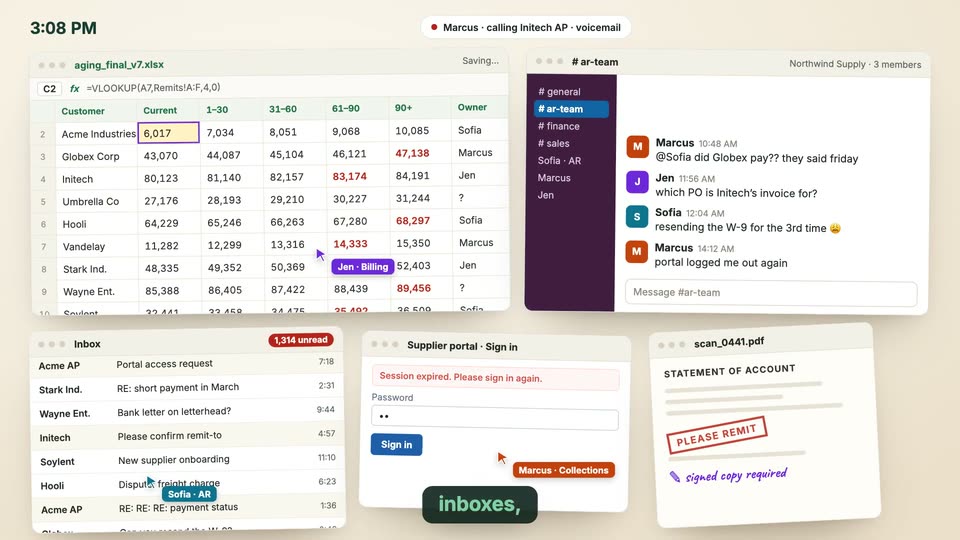 0:02–0:05Alder · Alder - The AI employee that gets you paidFlat collage of office UI panels (spreadsheet, chat, inbox, sign-in) on cream; a top-left clock runs 9:08 AM to 5:48 PM as chat messages and inbox rows fill in. A serif headline card holds center, then a dark pill types the caption word by word.
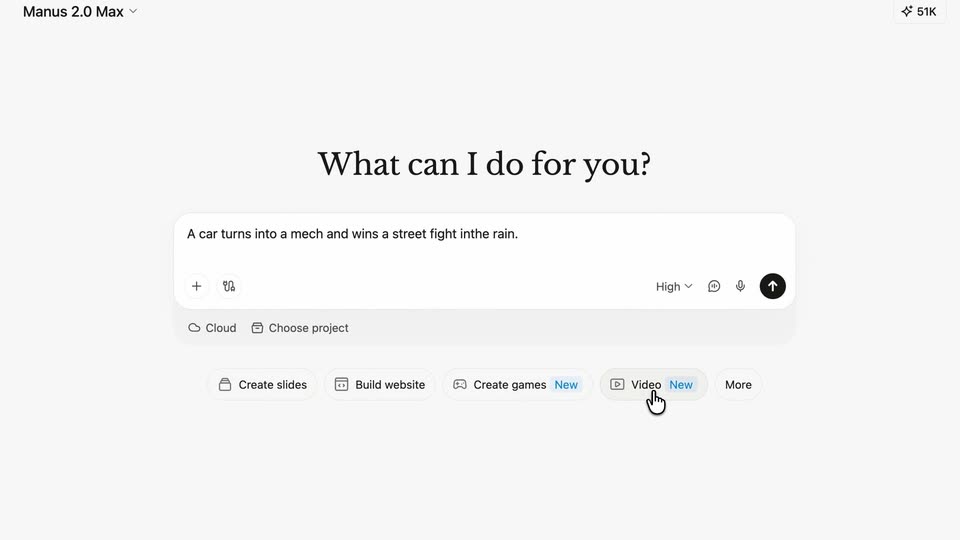 0:14–0:15Manus · Manus - Introducing Manus 2.0A light product home screen shows a serif greeting and a typed prompt in the input box. A hand cursor clicks the Video option, and a Video chip plus model chips slide into the box as the caption Create videos scales in.
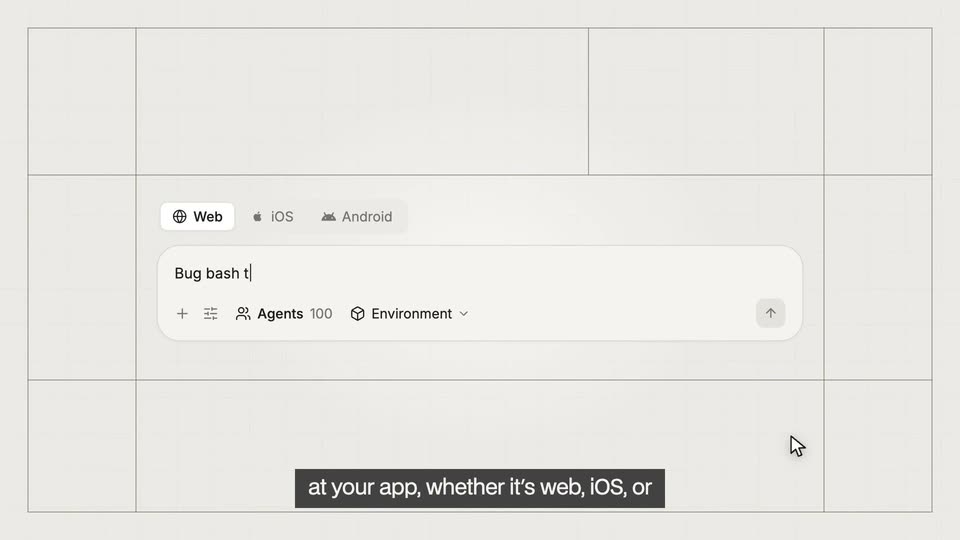 0:20–0:25Momentic AI · wei-wei - Introducing Mo, the world's first AI QA engineer Point it at your apA pale grid backdrop frames a centered command bar with Web, iOS and Android tabs. Text types itself into the input field, then a hand cursor taps the lime-green send button. A dark caption bar at the bottom carries the narration.
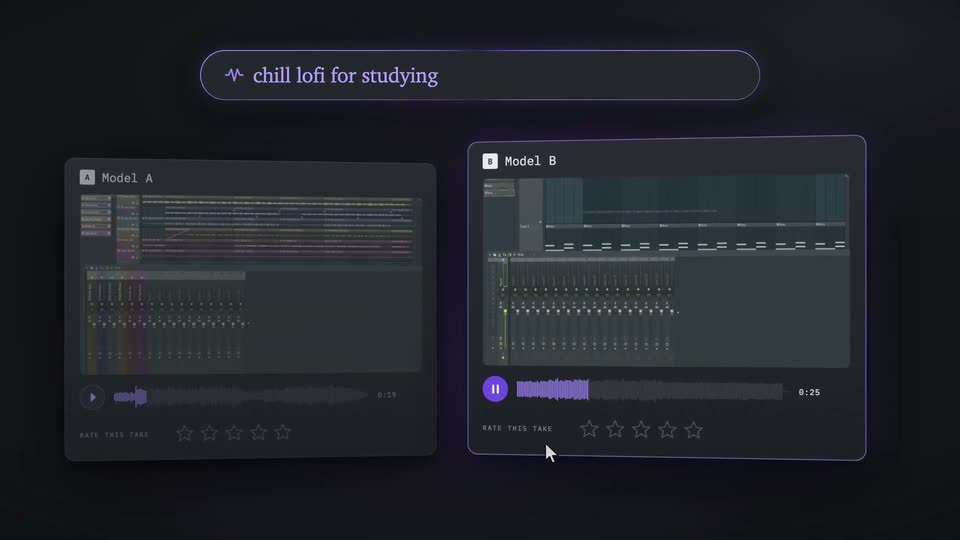 0:10–0:16MusicArena · MusicArena: The Crowdsourced Music Benchmark for AIA dark UI shows a prompt bar reading “chill lofi for studying” over two model cards with DAW-style track views. A cursor clicks play on Model B, which glows and scales up as Model A dims; the prompt then changes to “synthwave for a midnight drive”.
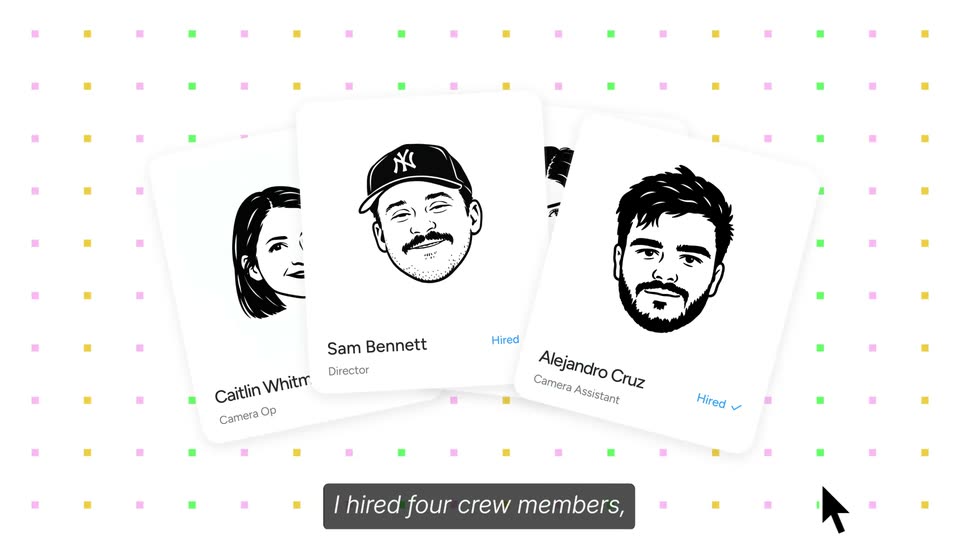 0:33–0:34Wajo AI · Shivani Poddar - I led engineering at Google DeepMind. Today, I'm proud to introduceA single white profile card with a line-art face, name and role sits center on a white field dotted with a grid of small pink, yellow and green squares. The card then fans out into four tilted cards showing four crew members, each with a Hired tag, while a cursor hovers over the rightmost card. A dark caption bar reads at the bottom.
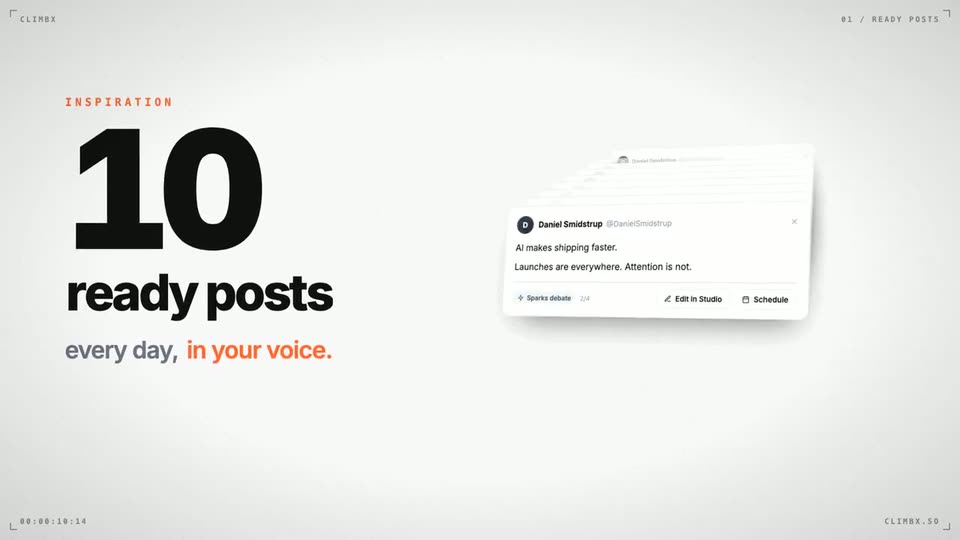 0:08–0:11ClimbX · Daniel Smidstrup - Motion designers are cooked 🤯 Opus 5.5 made this for ClimbX in 20 miOn a pale gray field, a bold black headline counts up to “10 ready posts” beside an orange tagline, while a 3D stack of post cards on the right cycles through new copy. A cursor taps Schedule, then the left text blurs and slides off as the stack holds.
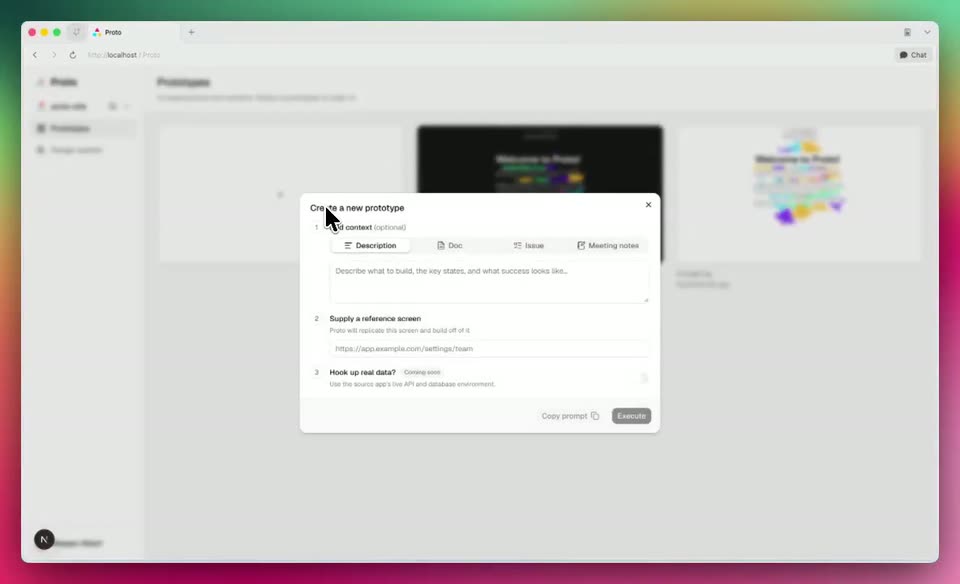 0:00–0:01Proto · Maayan Albert - You can generate a fully fledged prototype from all sorts of things,A browser window shows the Proto app's Prototypes page with three cards on a gradient background. The cursor moves to the plus button on the empty card and clicks, opening a Create a new prototype modal in the center.
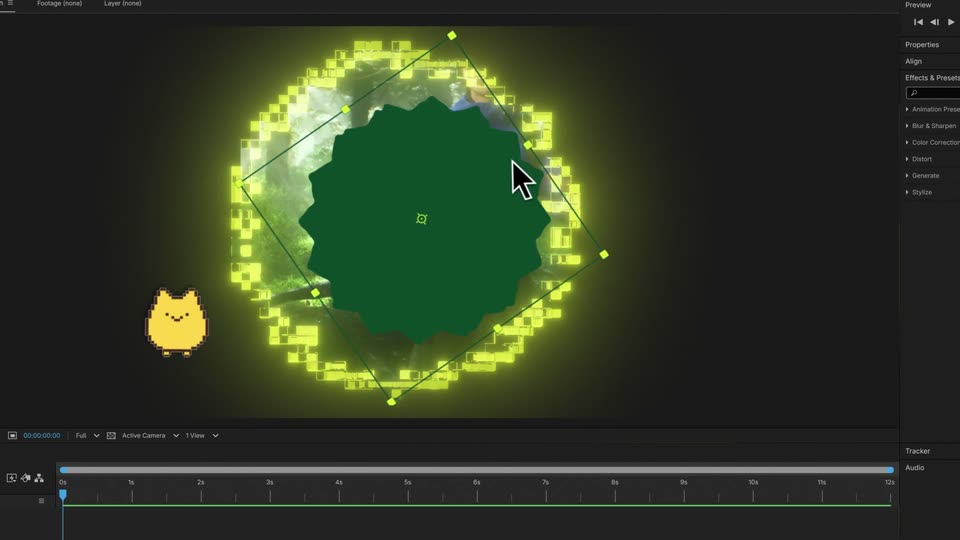 0:23–0:24Higgsfield · Higgsfield AI 🧩 - Introducing Higgsfield x Claude Opus 5.5 for Motion Design. With HigA video editor interface is locked on a preview where a green scalloped mask with corner handles covers forest footage of a person and a pixel yellow creature. A cursor glides across the mask while a ring of yellow pixel squares forms around it, and two caption lines slide in.
 0:00–0:04Motion · Motion - Introducing Claude Opus 5.5 for launch videos. Give it an idea, yourAn orange asterisk mark scales in at the top right of a cream card. “Claude Opus 5.5” fades in, then “for launch videos” rises through a mask, followed by a small “Powered by Motion” credit. Finally a chat input panel with a cursor slides in from the right.
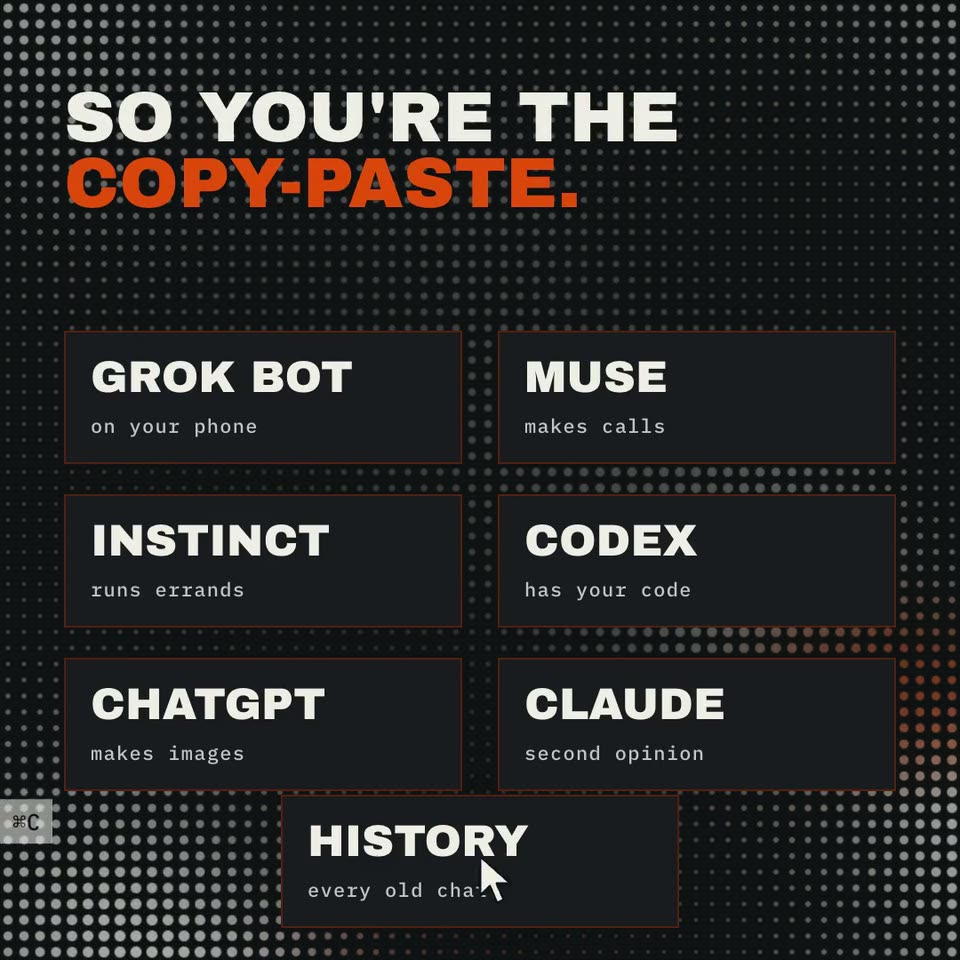 0:21–0:22Agent Tincan · Matt Van Horn - Introducing Agent Tincan. Let your AI agents ask each other for help.A dark dot-grid background holds a grid of orange-bordered tiles, each pairing a bold white tool name with a monospace caption. A mouse cursor hops between tiles, pulling a small gray tag along, under the static headline “SO YOU'RE THE COPY-PASTE.”
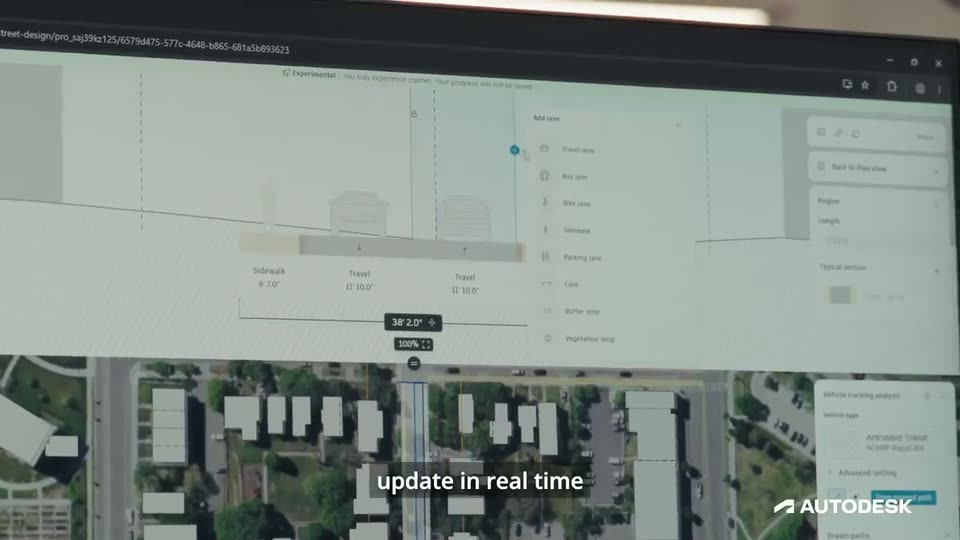 0:56–0:57Autodesk · Autodesk Forma Launch Film at Autodesk University 2026A locked-off close-up of a design software screen: a road plan view with lane labels sits above a satellite aerial map. The right panel switches from a section list to an add-lane menu as a cursor hovers, and white subtitles read across the bottom.
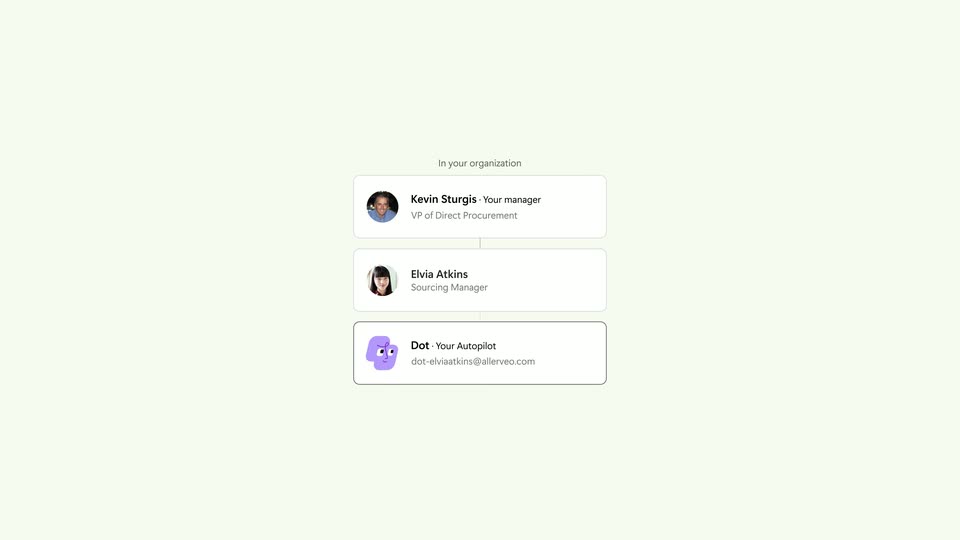 1:05–1:08Microsoft · The new Copilot: where work comes togetherA setup card names the purple mascot Dot, with progressive typing and a cursor at Continue. The card fades into an organization list with Kevin Sturgis, Elvia Atkins and Dot. The names arrive as whole UI rows, rather than animated letter headlines.
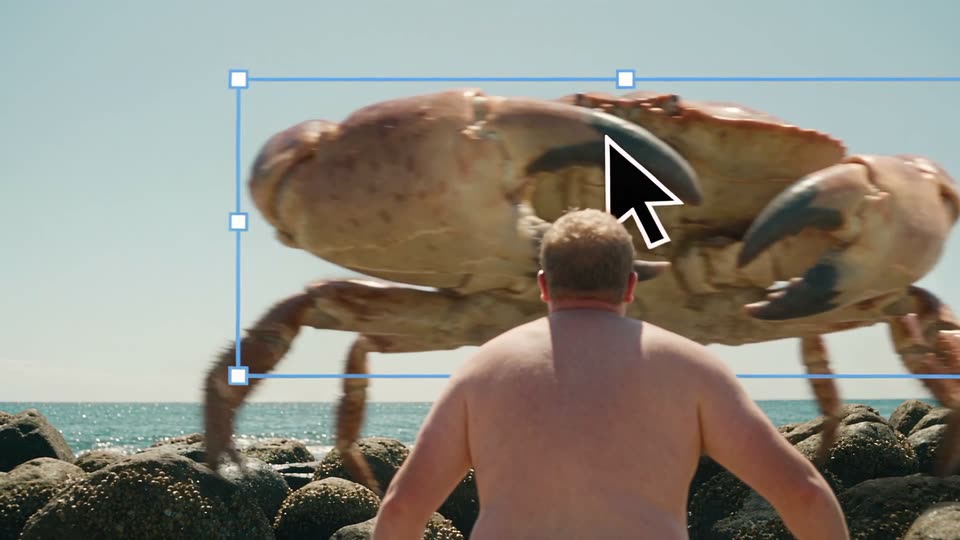 0:01–0:05Runway · Runway - New in Runway, Layers. Split any image into editable layers with a siA shirtless man in green patterned shorts runs in front of a giant crab on a rocky beach. A white cursor arrow moves in from the top right and drops a blue selection box with corner handles around the crab, and the man stops and turns to face it.
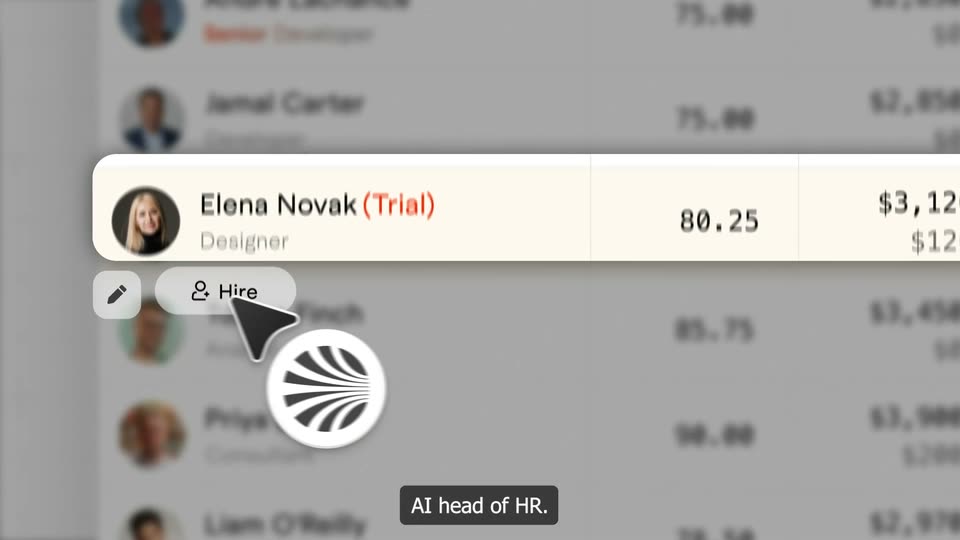 0:14–0:18Warp · Ayush S - We’ve raised $85M for this moment. Introducing Warp 2.0: The firstA blurred HR roster zooms onto one employee row as a cursor taps Pay, Promote and Offboard pills, the row's name and buttons updating with each click. The scene cuts to a man in a gray jacket against a black studio wall, speaking to camera.
 0:05–0:07Arcads · arcads AI - introducing AI Slideshows Create Viral TikTok Carrousel in one clickA white cursor clicks a purple rounded button on a dark panel. The white arrow icon morphs into a spinning loader ring, then the frame pushes in and defocuses onto the glowing button.
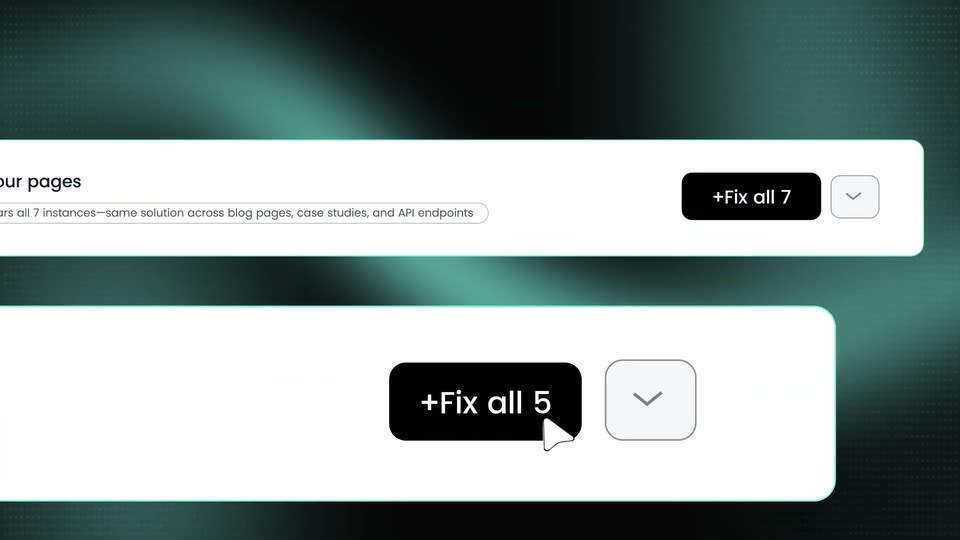 0:26–0:30Nekod · Best Product Launch Video Created by Beliv8 Motion for Nekod | Product Teaser VideoTwo white security-finding cards float on a dark teal dotted backdrop. A cursor glides to the black +Fix all 5 button as the camera pushes in, then past the cards into the empty gradient, where a small red X circle appears.