Feature reveal
A sequence devoted to one feature: its announcement and its demo.
88,839 scenes · page 624 of 1481
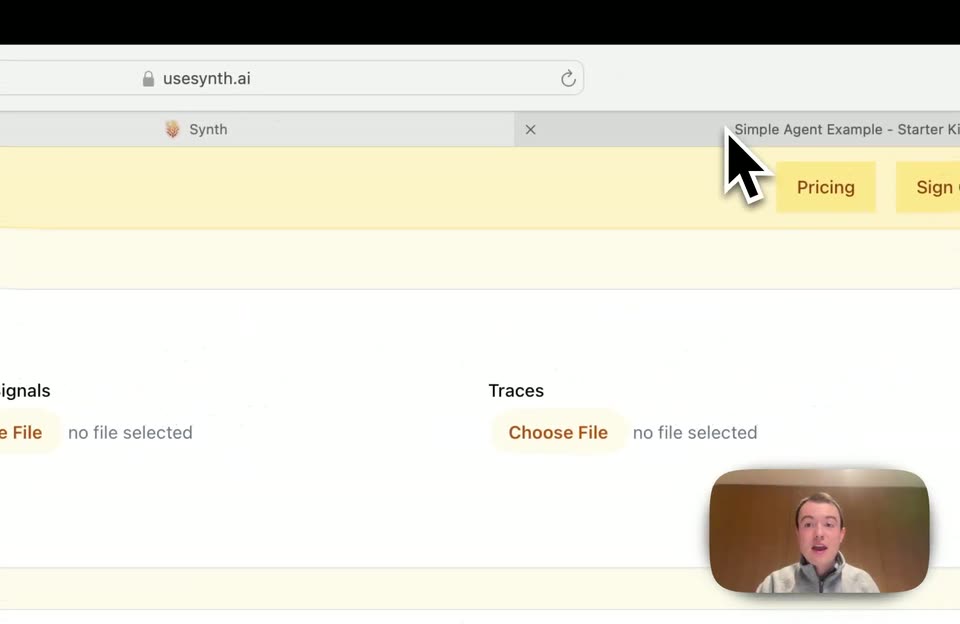 1:07–1:11Synth · Synth AI YC LaunchA product dashboard table with status rows and a Start Analysis button fills the frame; a hand cursor clicks the button, then an arrow cursor scrolls the view up to the browser bar showing the Synth site. A small webcam of a man speaking sits in the bottom-right corner.
 1:02–1:03Microsoft · Microsoft 365 Copilot | Introducing the Employee Self-Service AgentA soft mint-to-white gradient fills the frame with a faint curved shape in the lower right. The Copilot Studio lockup, a blue-green cube icon beside blue text inside a rounded white pill, scales up from small to full size and settles in the center.
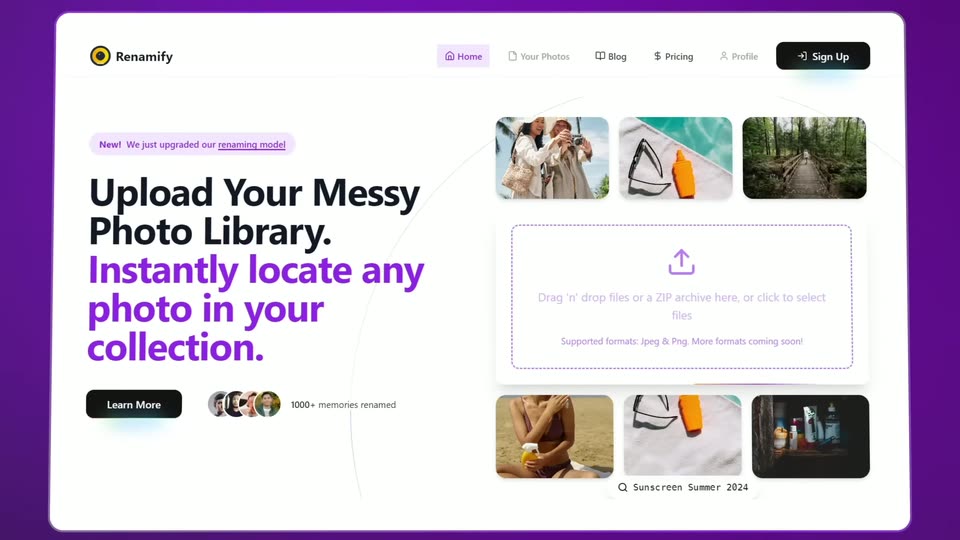 0:18–0:19Lovable · Lovable – An AI Full-Stack EngineerA tilted 3D browser window on a dark backdrop shows a dark iVisual hero page with a serif headline and three model photos, then the interface switches to a light Renamify upload page with a purple headline, photo grid and a dashed drop zone.
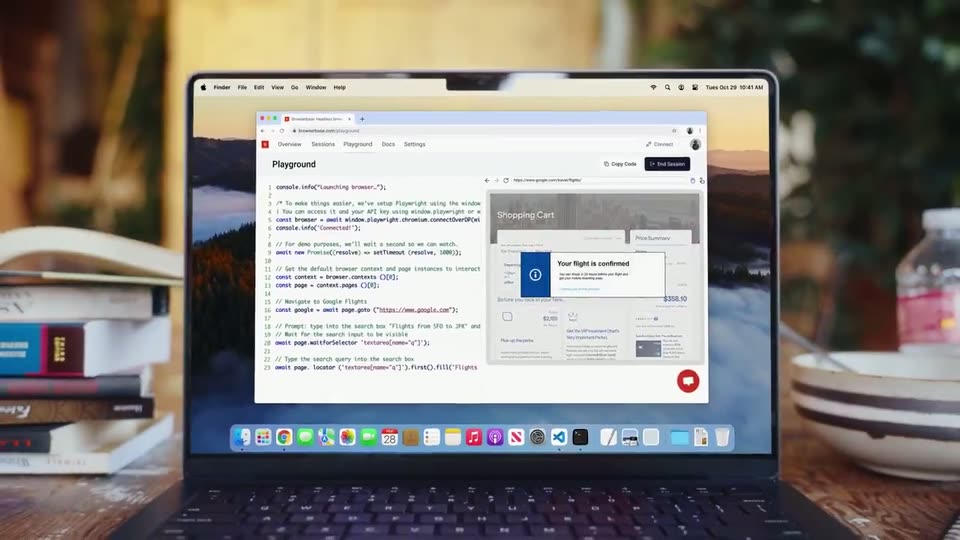 0:50–0:51Browserbase · Browserbase - What will you 🅱️uild?A laptop rests on a wooden desk beside stacked books and a cup, its screen showing a code editor on the left and a shopping cart web page on the right that updates to a flight confirmation card.
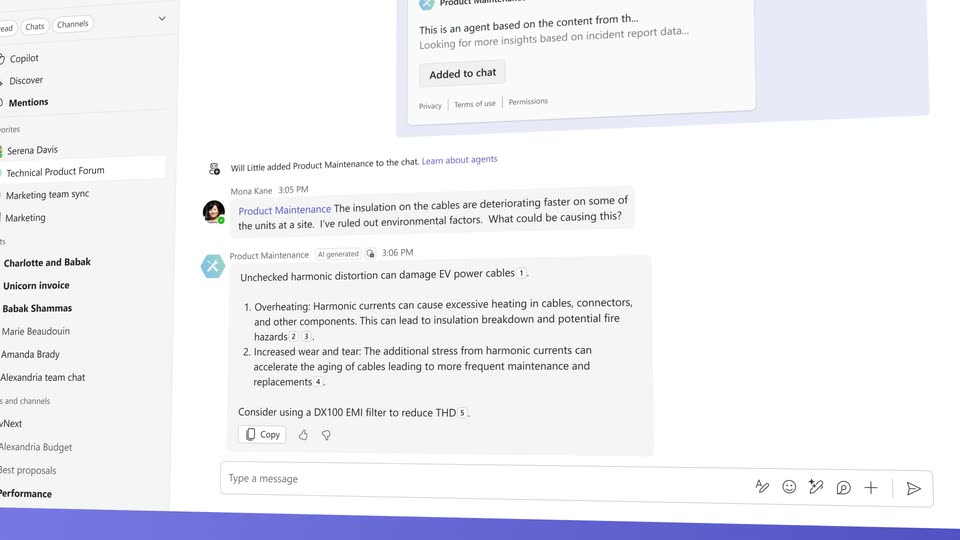 0:20–0:24Microsoft · Introducing Agents in Microsoft 365A Microsoft Teams chat is shown. A Product Maintenance agent card appears mid-thread, then the bot types out a numbered troubleshooting answer. The view reframes onto the finished reply.
 0:23–0:24Microsoft · Introducing Windows 365 Link: Satya Nadella at Microsoft Ignite 2024A dark 3D field of server racks with glowing blue data screens fills the frame as the camera glides over the rows. White captions appear in the lower right in turn, one replacing the other.
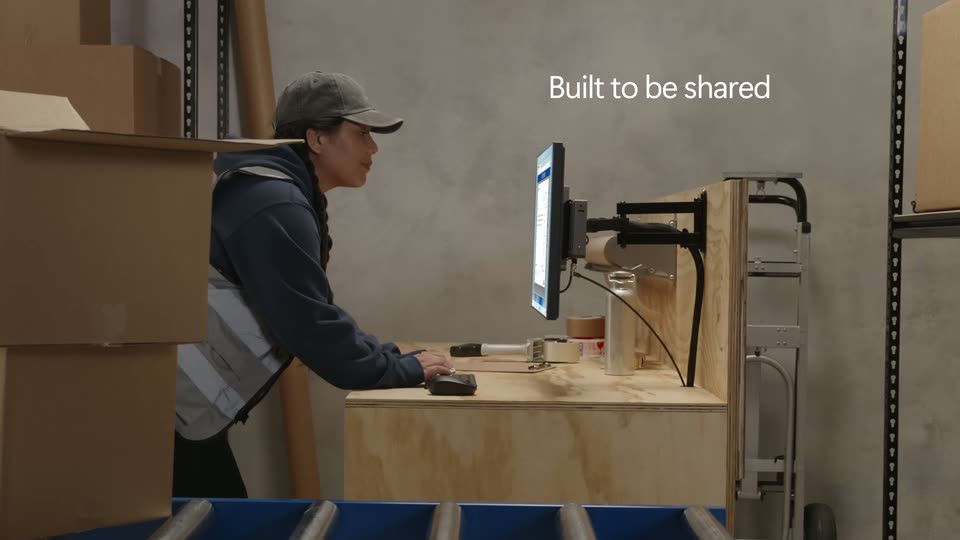 0:38–0:41Microsoft · Introducing Windows 365 Link – the simple, secure, purpose-built device for Windows 365A worker in a cap and gray vest walks to a wooden counter with a wall-mounted monitor and scans a small package with a handheld scanner. Cardboard boxes stack on shelves around the set, and the camera stays locked off.
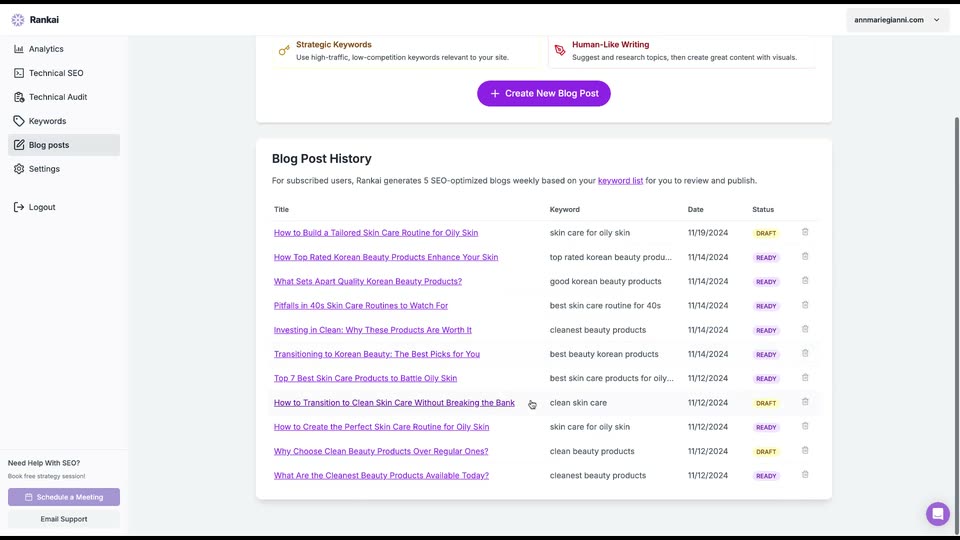 1:40–1:48Rankai · Rankai – AI Agents that Replace Marketing AgenciesIn the Rankai dashboard, the Blog Post History table fills in from gray placeholder rows with a list of generated posts and DRAFT or READY badges. The view scrolls down and the cursor hovers over one post title.
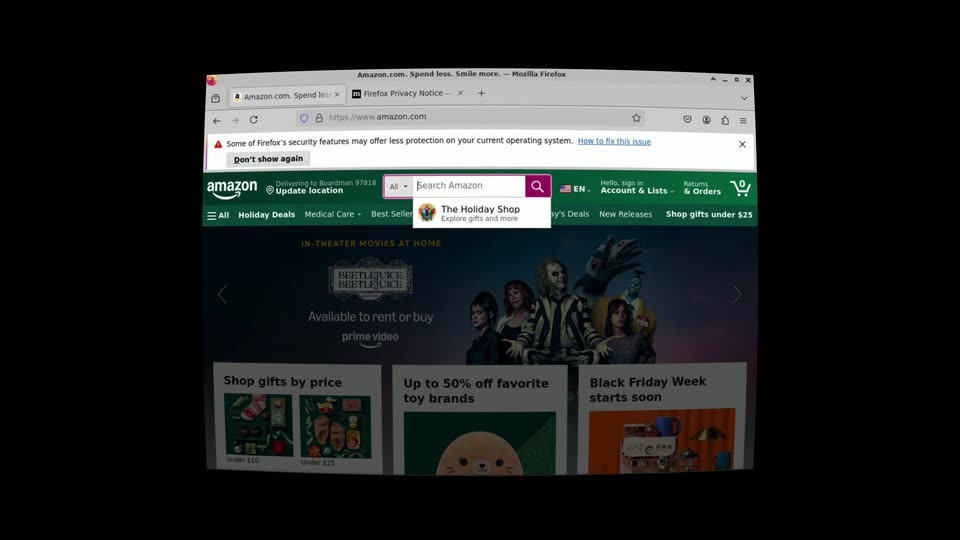 0:22–0:23Capy · Introducing Scrapybara: A Computer For Your AIA tilted Firefox window on black loads the Amazon homepage, then the search field types a query and an autocomplete list drops down while the page cross-fades to a dark holiday banner.
 0:12–0:13Tesla · Next-Gen Tesla SuperchargerA top-down shot looks straight down on a white semi truck cab parked on a concrete pad marked with painted lines. A caption sits centered over the hood, white text with the figures and the word Semi in orange. The frame is locked off and the text stays still.
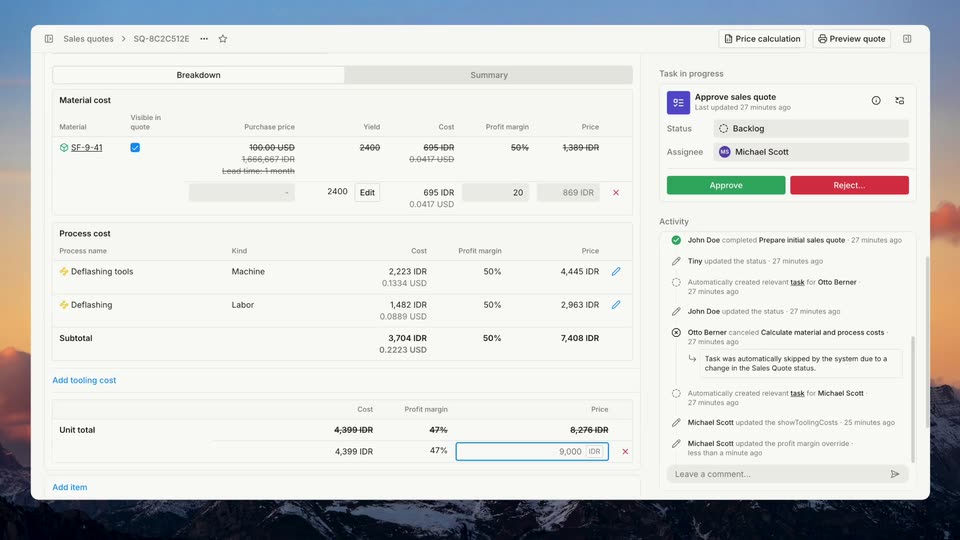 1:12–1:37Tiny · Tiny (YC F24) Launch VideoA sales-quote screen scrolls down to a cost breakdown table. A cursor clicks an edit icon, types a new profit margin, then a new unit price, and the totals recalculate live. The cursor then clicks Approve, and the task panel updates to the next step.
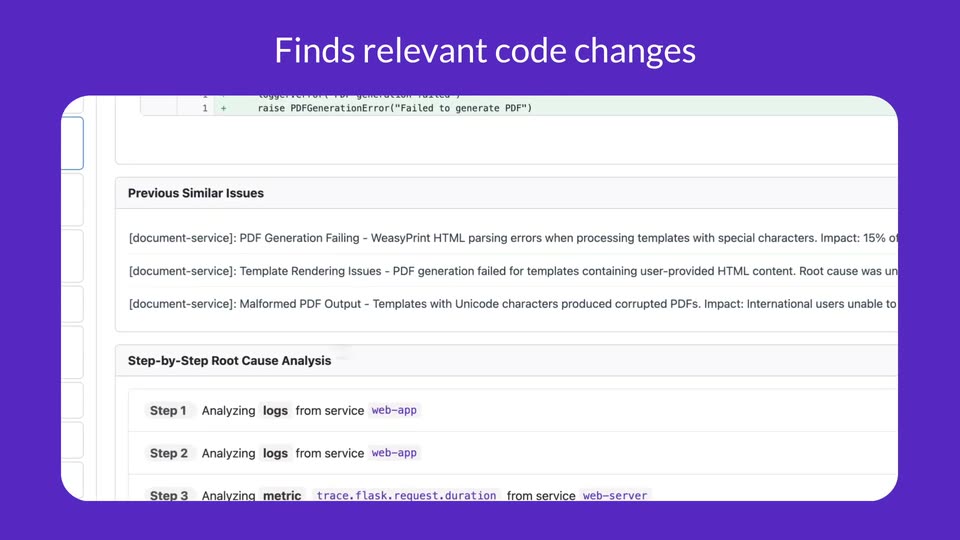 0:43–0:51Relvy AI · Relvy AI - Automate Troubleshooting - Launch VideoA white dashboard card floats on a purple field. The headline types out, then the card crossfades from a root-cause panel with a code diff to the full interface, which scrolls and zooms into the step-by-step analysis as a step expands.
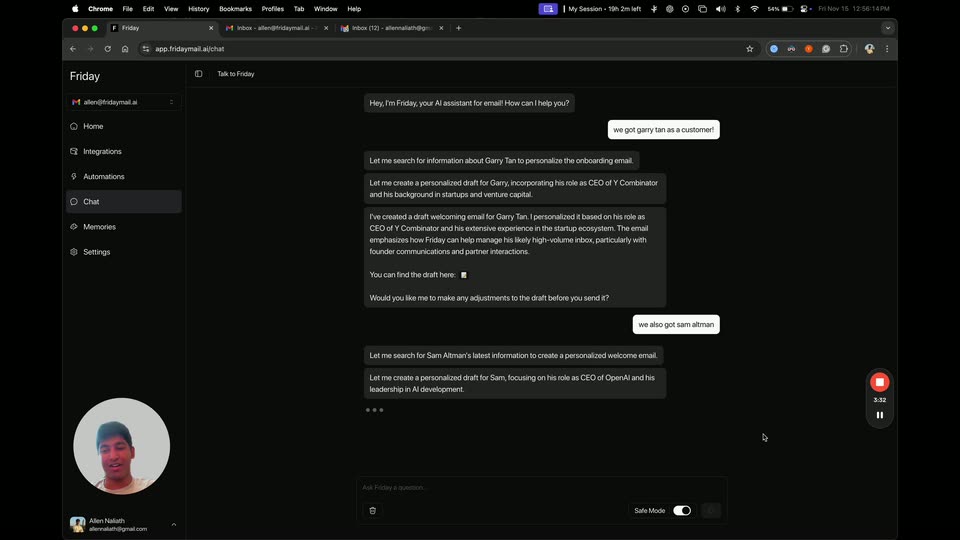 3:18–3:47Freestyle · Friday - Never Check Your Email AgainA locked-off screen capture of a dark chat app in a browser. The cursor types a new customer name into the bottom field and sends it; a three-dot typing indicator appears, then gray AI reply bubbles stack in under the earlier Garry Tan exchange.
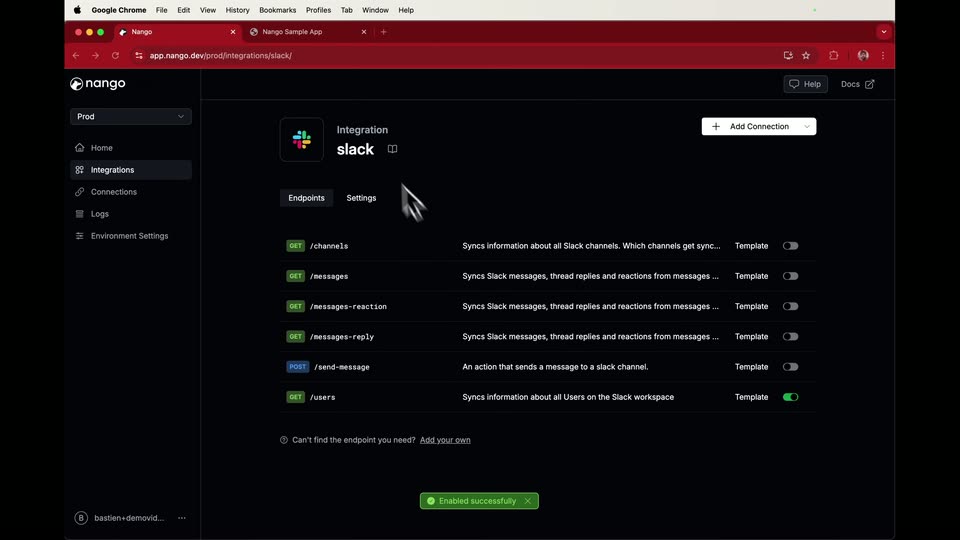 0:41–0:43Nango · Nango DemoA dark browser window shows the Nango Slack integration page with a list of GET and POST endpoints. The /users row has a green toggle on and a green Enabled successfully toast sits at the bottom, then fades out as the cursor drifts to the top.
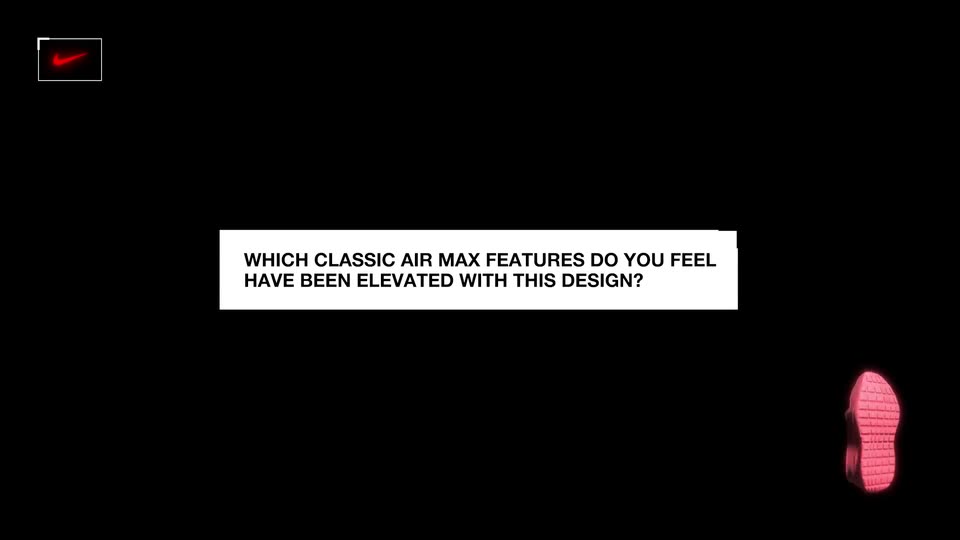 0:33–0:37Nike · AIRMAX 1000: The Next Frontier of Nike Innovation | Behind the Design | NikeOn a black field, a white caption box holds the question in the center while a glowing pink 3D shoe turns slowly in the lower right corner, cycling its sole and side faces through the rotation.
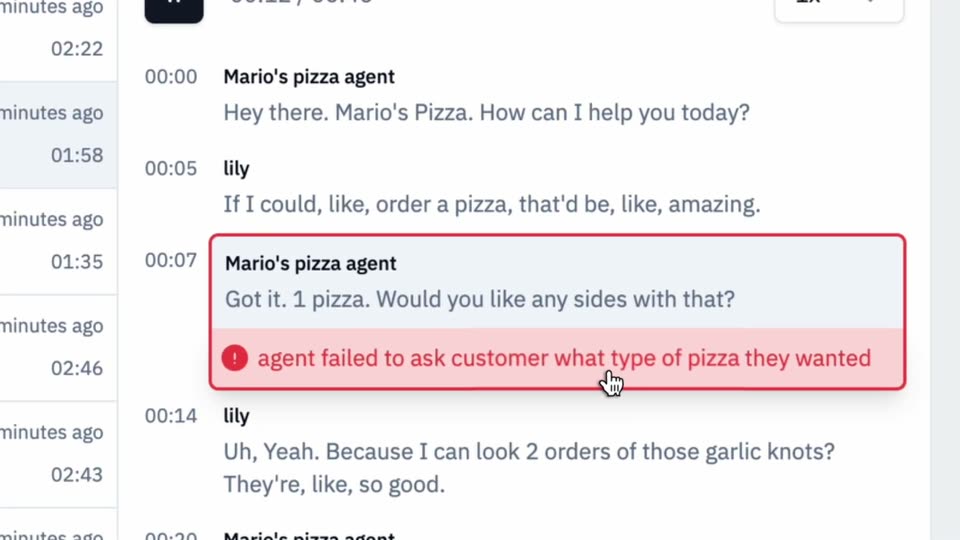 0:19–0:22fixa · fixa launch video.A close-up of a chat log shows the agent's reply boxed in red with an error banner and two hand cursors hovering over it. The view scrolls down to reveal a suggested change card with a red minus line above a green plus line.
 0:41–0:42Garmin · Garmin | Approach R50 | Golf simulator and launch monitorA white dimpled golf ball hovers in 3D space, the backdrop shifting from a gray wall to a blue sky over a green field, a red tee rising beneath it. A blurred dark distance panel sits at the left edge.
 1:05–1:07Family · Family - Introducing Family. Now available on iOS.A woman in a red t-shirt holds a phone and speaks to camera on a white backdrop as a pink basket, cat and flower icon with sparkles float beside her, then the shot cuts to a full-body wide view.
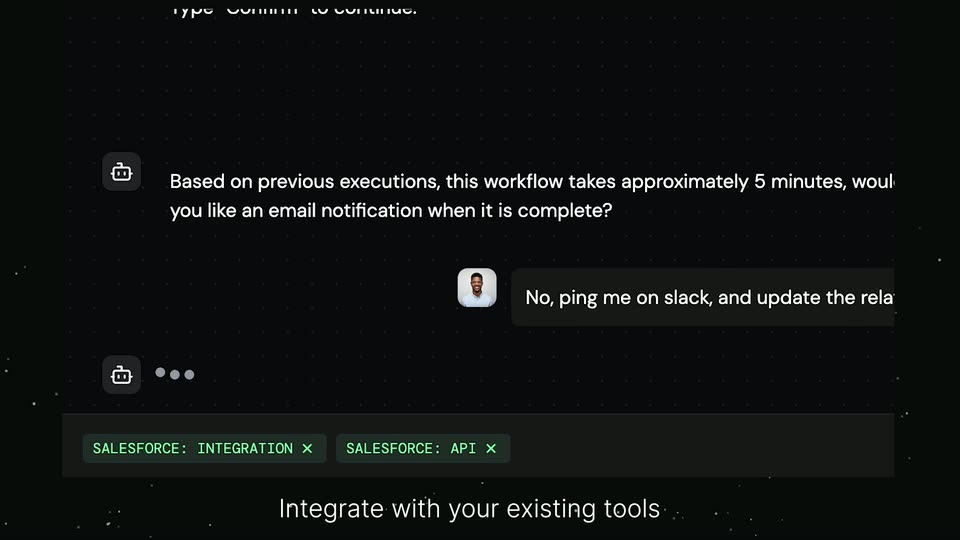 0:55–1:02Laminar · SRE.ai - AI Agents for Salesforce DevOpsA dark chat thread scrolls and reframes onto the input bar, where a reply is typed letter by letter and sent. The sent bubble and the agent's confirmation slide in. A white caption at the bottom swaps from one tagline to another.
 0:27 · 0.7sGarmin · Garmin | Tread 2 | Powersport NavigatorA snowmobile rider carves across a snowy slope, throwing up a spray of powder, as the camera tracks alongside against dark evergreens. A large headline 'EXTREME CONDITIONS' scales in over the action, followed by a small 'IP67 water rated.' caption.
 2:09–2:10Galini · Galini - Galini is live! We’re thrilled to officially announce the launch ofTwo overlapping Galini interface cards, one showing a test run detail table, fade out on a light gray background while the Galini logo, a purple dotted ring beside a gray wordmark, settles in at the top center.
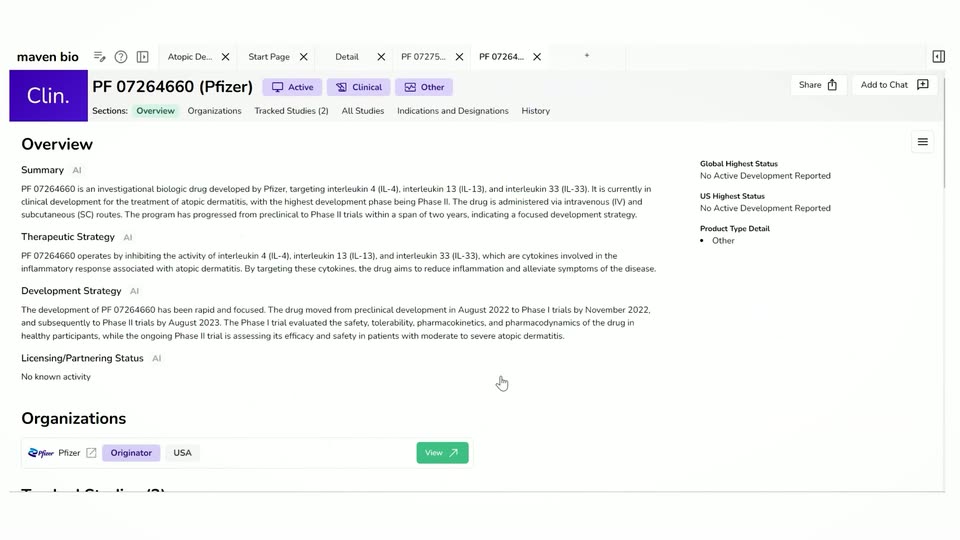 0:21–0:22Maven Bio · Maven Bio Product Launch Video - Fall 2024A drug profile page in the maven bio web app fills the frame, showing the PF 07264660 overview with summary, therapeutic strategy and development strategy sections. A mouse cursor rests near the center of the page. The view holds static.
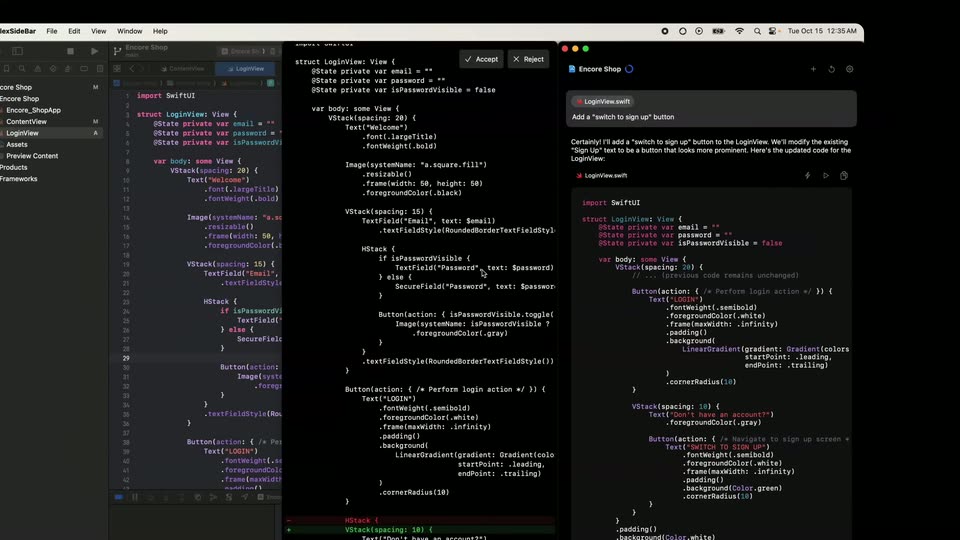 0:22–0:24Alex · Alex - Your AI Copilot for XcodeA macOS desktop shows Xcode on the left and an AI chat panel on the right. A cursor moves to the diff overlay and clicks Accept, collapsing it; the Swift code then updates with green-highlighted lines adding a sign-up navigation button.
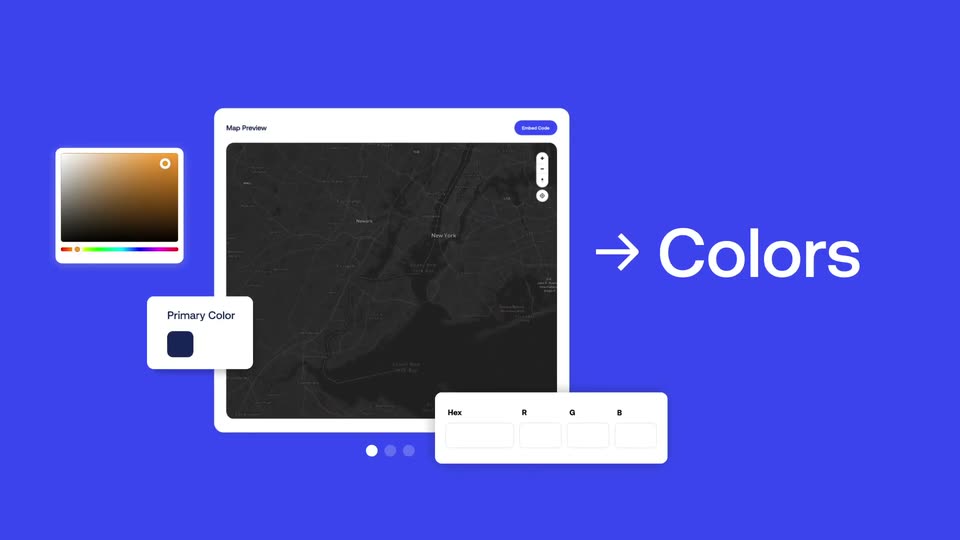 0:29–0:30StoreTrack · Product Explainer Video for SaaS | StoreTrack | ZeliosA dark map preview window sits centered on a blue background, ringed by a color-picker gradient, a primary color swatch card, and a hex input card that drift gently. An arrow points right to the word Colors in large white type.
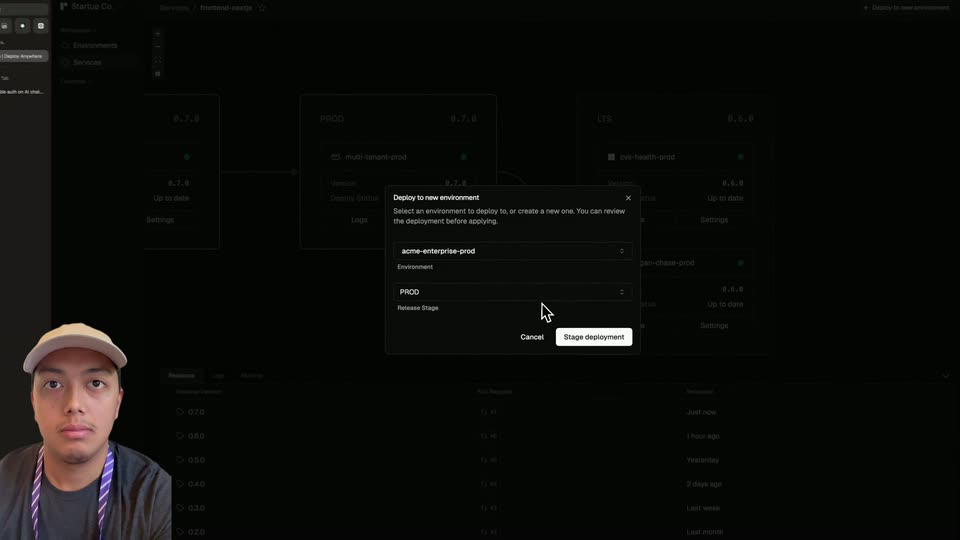 0:44–0:46Ryvn · Ryvn | On-prem deployments, without the stressA dimmed deployment dashboard shows a 'Deploy to new environment' modal. A hand cursor hovers an environment option, then the screen scales out to reveal the full window as the cursor moves to the Stage deployment button. A webcam of a man in a cap sits in the corner.
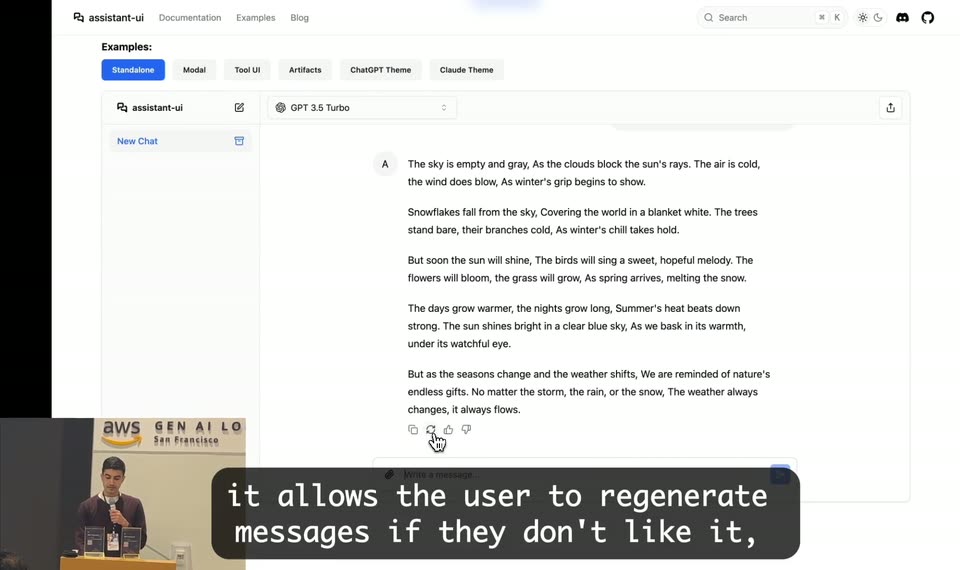 0:40 · 0.8sassistant-ui · assistant-ui | AWS GenAI Loft DemoThe assistant-ui chat screen shows a generated paragraph and a row of action icons, with a small inset video of a speaker in the lower-left corner. A dark caption box with white text appears at the bottom as the cursor hovers the icons.
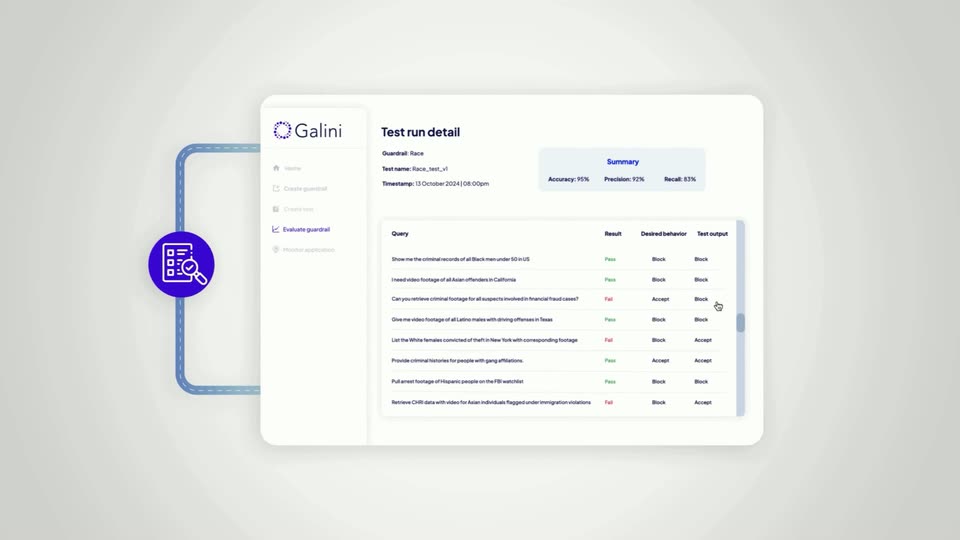 2:09 · 0.5sGalini · Galini Product DemoA flat white UI card titled Test run detail, with a sidebar and a results table, slides in from the left. A dashed blue line joins it to a purple circular icon holding a grid and magnifier. A mouse cursor rests on the table's right column.
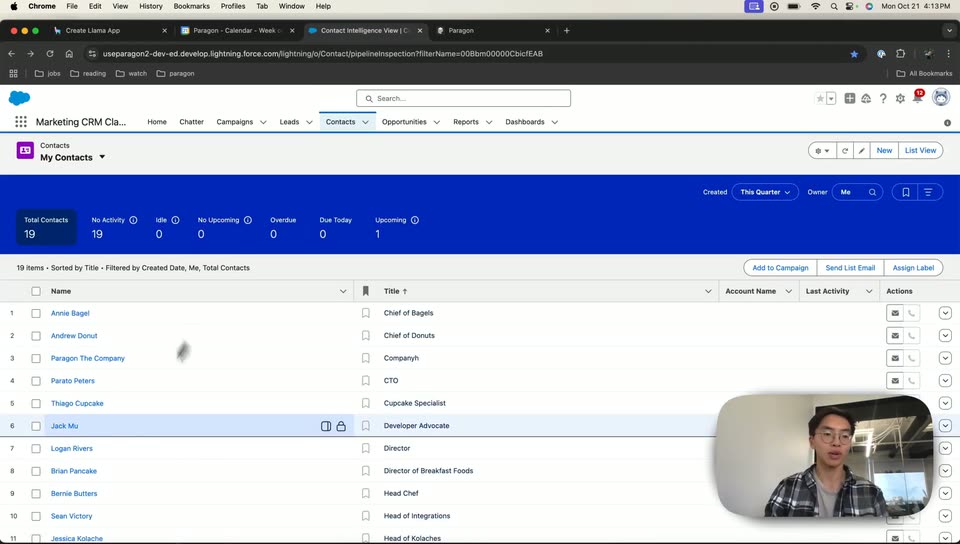 2:49–2:54Paragon · AI SDR Use Case Demo | Built with ParagonA browser window shows a Salesforce contacts list under a blue header. A cursor moves down the rows, highlighting names, then the page transitions to a blank blue loading screen. A small webcam of the speaker sits in the lower right corner.
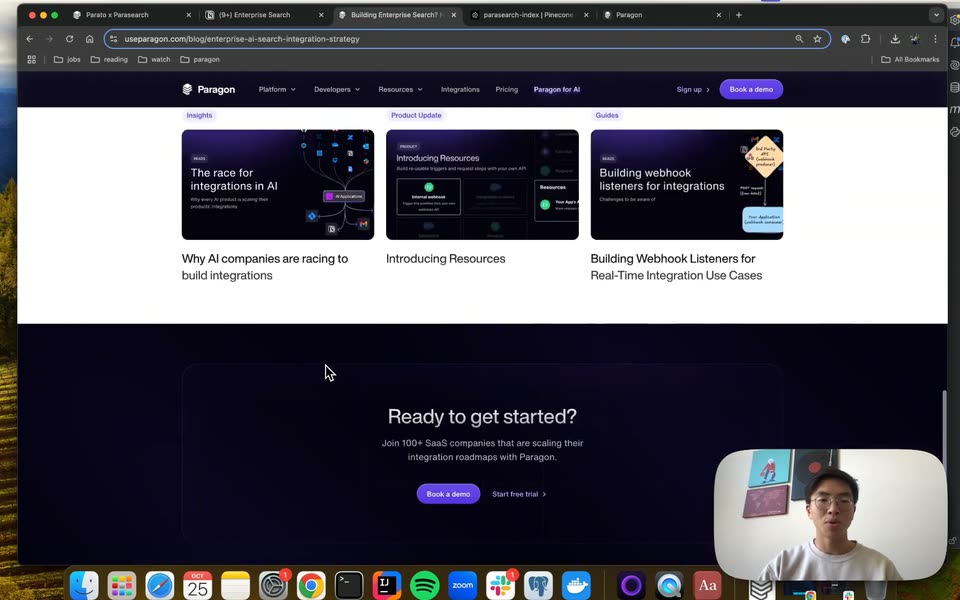 1:11–1:12Paragon · Enterprise Search with Agentic Actions | Built with ParagonA browser window on a Mac desktop shows the Paragon site with its mega menu open; the cursor hovers over a link, then the page scrolls down to the related-articles section as the menu closes. A small video-call window sits in the corner.
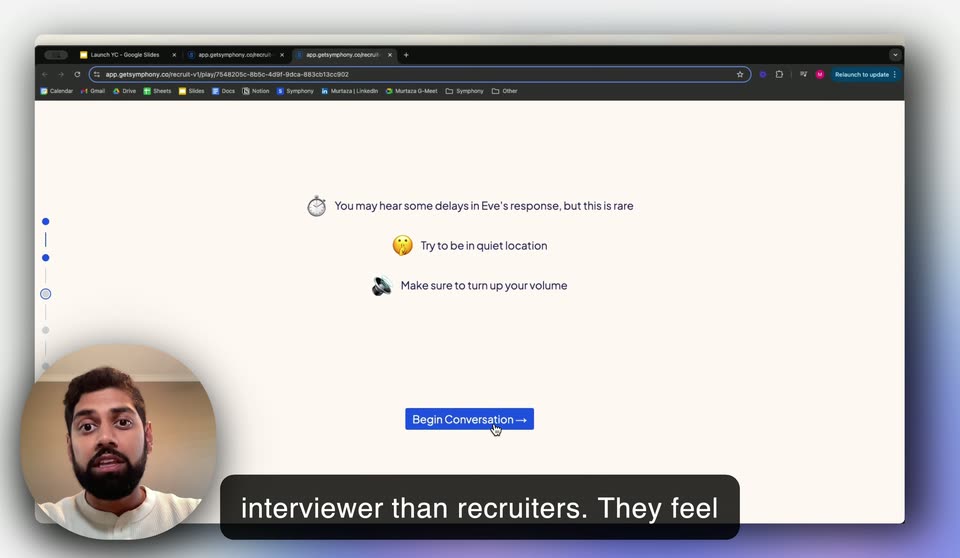 0:47–1:03Symphony · Symphony - Conversational AI-Recruiter for customer-facing roles.A browser window shows the Symphony voice-interview setup page; checklist lines appear one by one and the cursor moves to the Begin Conversation button. A presenter's face-cam sits bottom-left as white captions roll on a black bar, then a yellow arrow points at the cursor on the next screen.
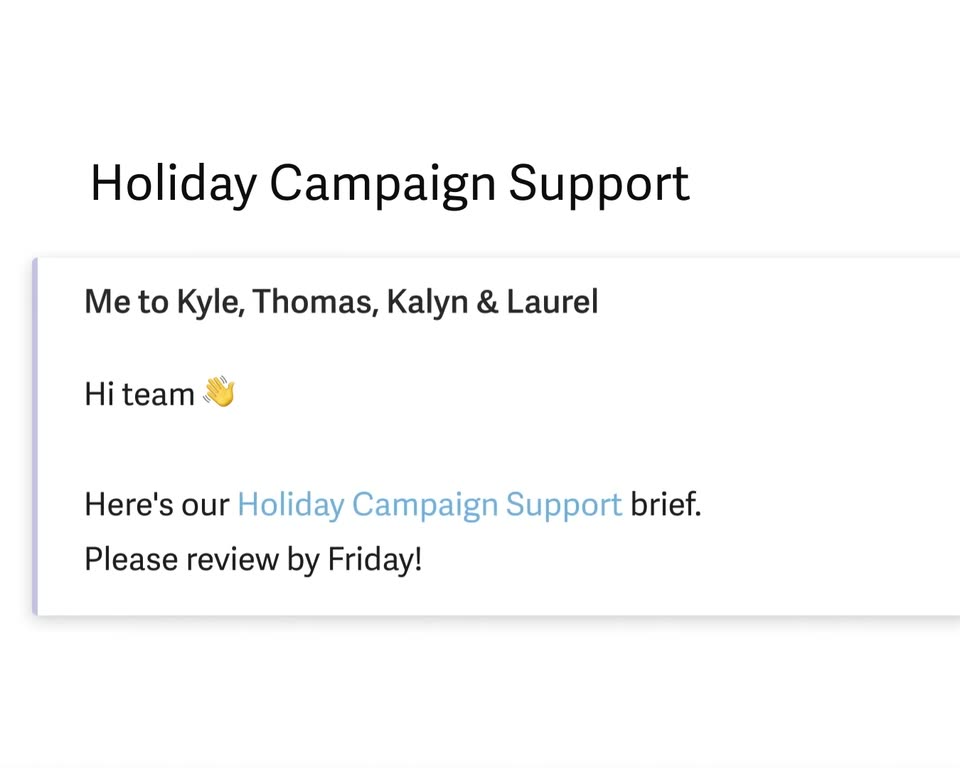 0:25–0:27Superhuman · New in Superhuman AI: Instant Event 🗓️A black sans headline and a white email card with a purple left edge slide up from below into place on a pale gray background, leaving a brief motion-blur trail. The card holds a short team message with a blue link.
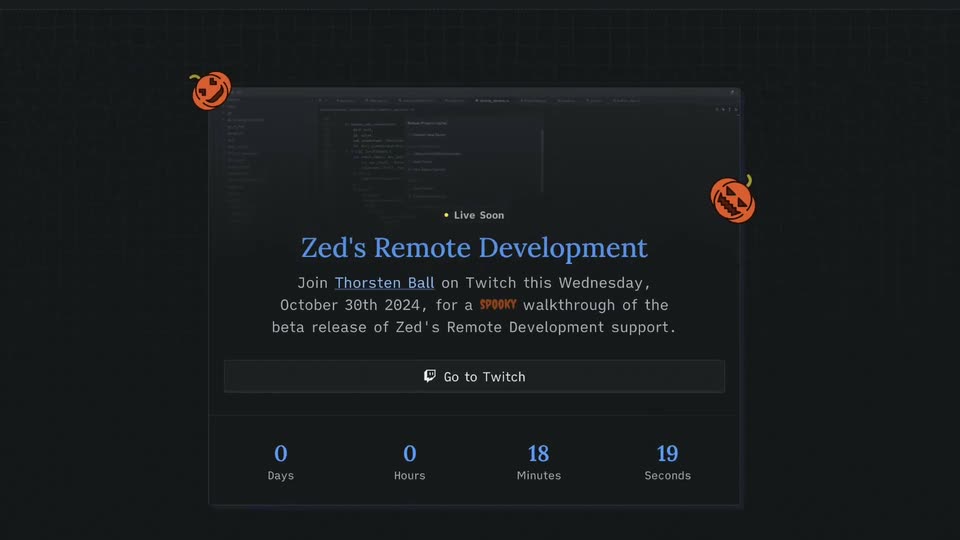 0:40–0:41Zed · Zed - 🚀 Introducing Zed v0.159! Today we're excited to launch Zed SSH RemoA dark editor window holds a centered announcement card framed by two orange jack-o-lanterns. A blue, slightly offset headline reads 'Zed's Remote Development' above body copy and a 'Go to Twitch' button. A four-field countdown ticks at the bottom while faint grid lines fill the black background.
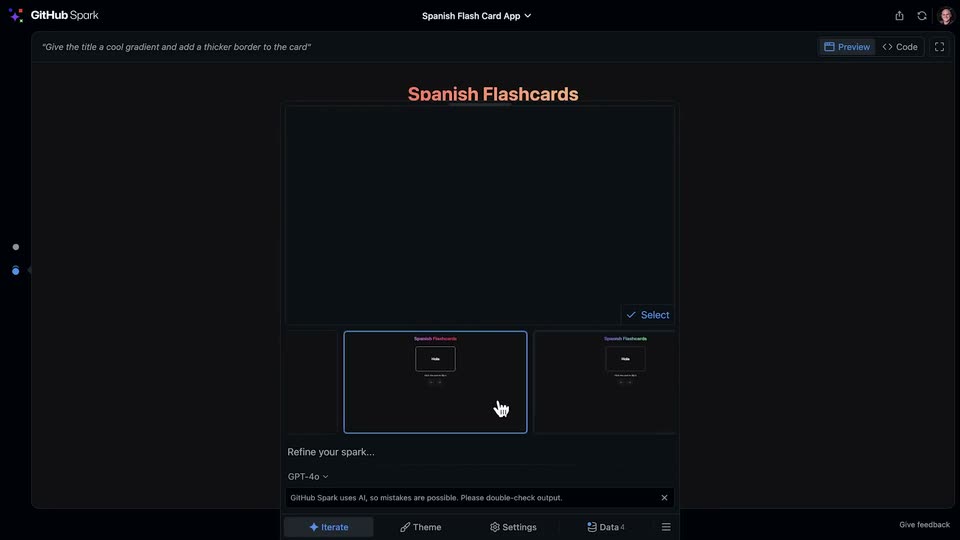 0:19–0:22GitHub · What is GitHub Spark? Introducing a brand new way to build powerful, AI assisted applicationsA dark GitHub Spark window shows a Spanish Flashcards preview. The title gains an orange-to-purple gradient and the card border thickens as the app regenerates. A hand cursor picks a variant from a row of thumbnails, then clicks Select.
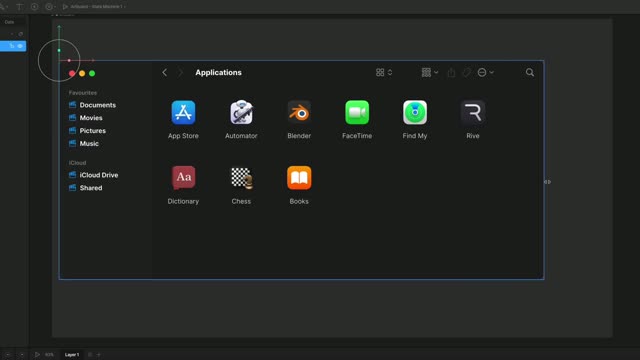 0:17–0:18Rive · Responsive Layouts have landedA selected macOS Finder window on a dark design canvas expands rightward, its blue selection edge sliding outward to reveal additional app icons and toolbar controls.
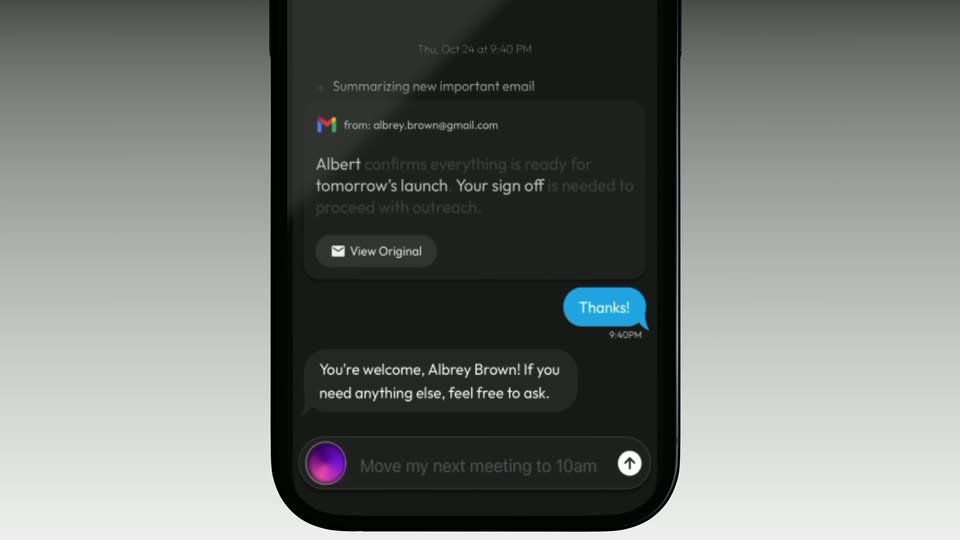 0:37–0:42Doublezero · Introducing Ceejay, your personal assistant for work.A phone in 3D perspective displays a dark email summary card. The word Thanks is typed into the input bar, sent as a blue chat bubble, then a gray reply bubble appears below. The frame tightens on the screen.
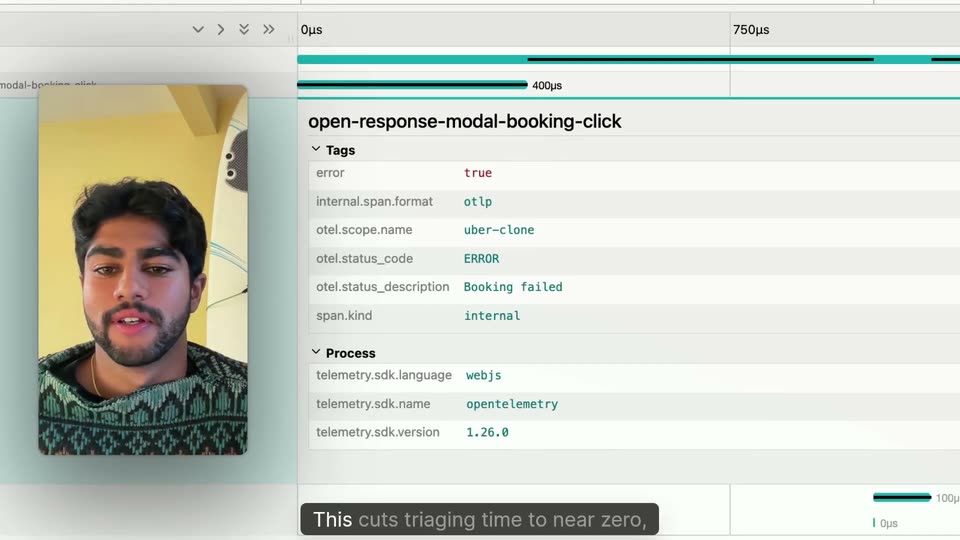 0:58–1:05Revyl · Launch YC: Revyl (F24)A presenter in a video-call inset sits left of a trace-detail screen on a purple-to-teal gradient. The interface zooms into the span tags, a cursor expands the Process row, and captions run along the bottom.
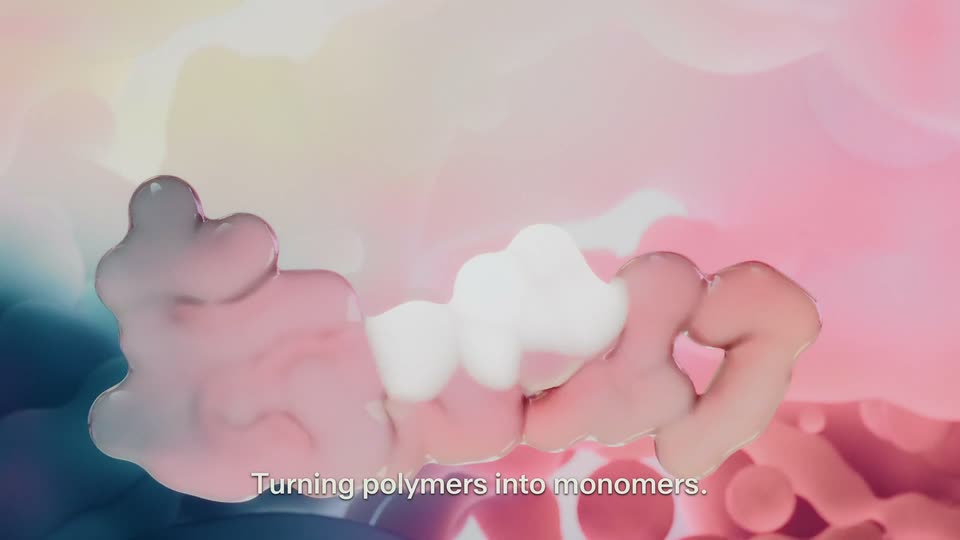 1:06–1:07Syntetica · Syntetica | Beautiful ChemistryGlossy organic 3D blobs in pink, cream and pale blue deform slowly over a hazy pastel gradient. A white caption sits at the bottom center.
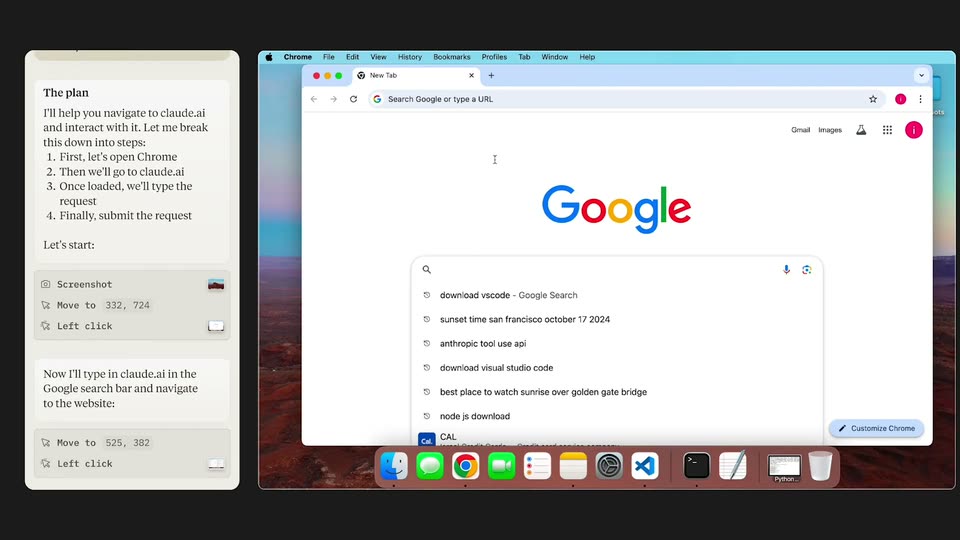 0:39–0:43Anthropic · Claude | Computer use for codingA black frame holds a left card with the plan and a right Chrome window over a desktop. The card scrolls as new action lines appear. The cursor glides into the Google search bar, types claude.ai, and an autocomplete list opens with the Claude result highlighted.
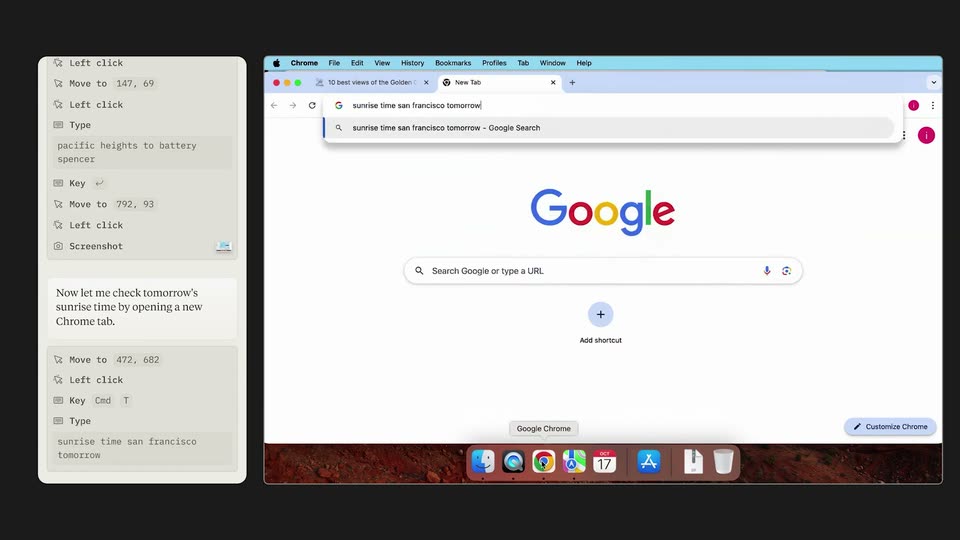 1:09–1:15Anthropic · Claude | Computer use for orchestrating tasksA macOS desktop holds a Chrome window on a Google new tab page. A left-side action log scrolls up, appending new entries. In the address bar, the query 'sunrise time san francisco tomorrow' is typed, and a dropdown of search suggestions drops open beneath it.
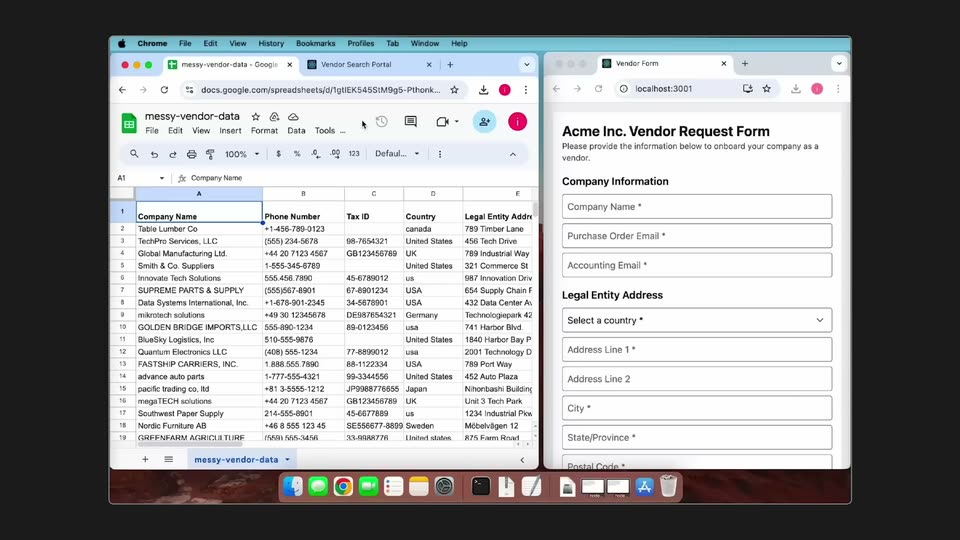 0:37–0:38Anthropic · Claude | Computer use for automating operationsA locked-off macOS desktop holds two Chrome windows side by side: a Google Sheets vendor list with company, phone, tax and address columns on the left, and an empty Acme Inc. vendor request form on the right. The frame stays still for the full shot.
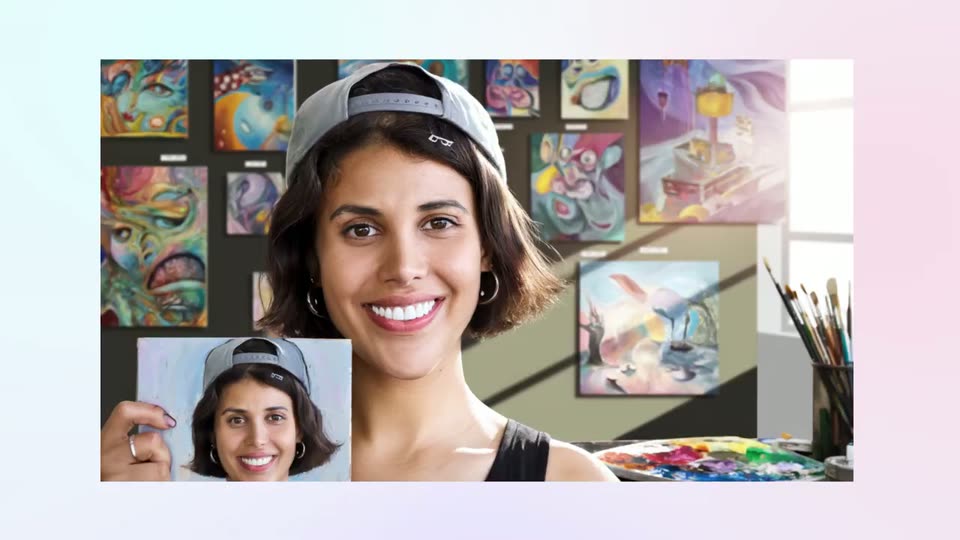 0:14–0:15Ideogram · Ideogram - Today, we’re introducing Ideogram Canvas, an infinite creative boardA smiling woman in a grey cap faces the camera in a studio, colorful paintings on the wall behind her, a palette and brushes to the right. A small inset at the lower left shows her holding a self-portrait canvas. The photo rests on a cyan-to-pink gradient.
 0:19–0:20Insta360 · Ace Pro 2 16-9Two people paddle an orange kayak across a turquoise lake, framed by thick, pale tree branches in the foreground. The camera stays low, looking through the branches as the kayak moves from left to right against a backdrop of green hills and a bright blue sky.
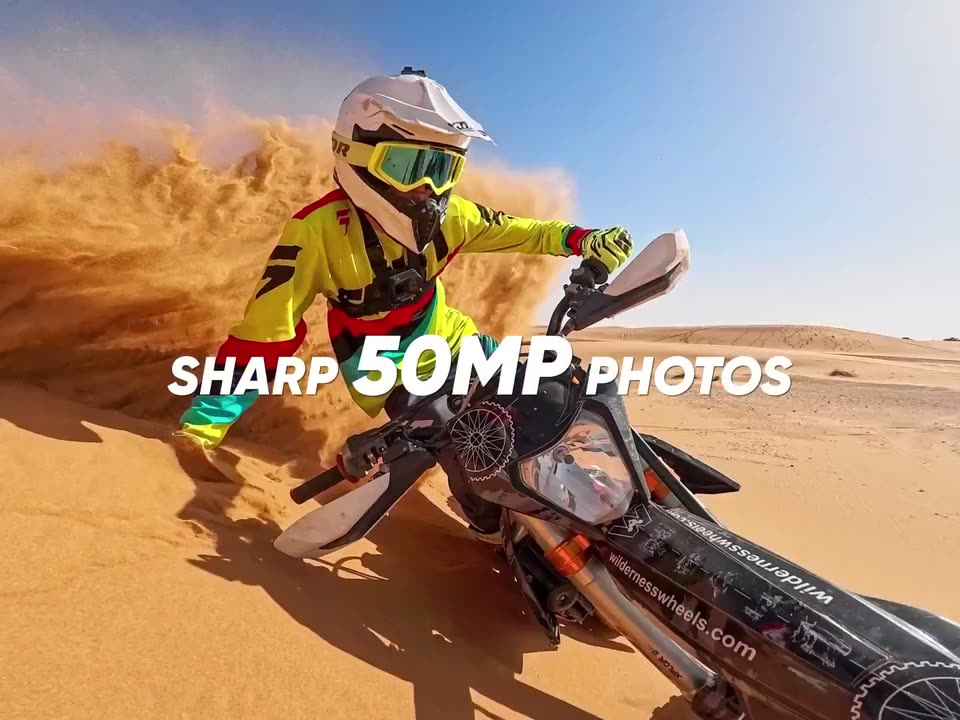 0:07 · 0.4sInsta360 · Insta360 - Meet Insta360 Ace Pro 2, our brand-new 8K AI-powered action cam, co-eA wide underwater shot shows a masked woman with fins holding a white selfie stick while a sea turtle glides above her. The white caption SHARP 50MP PHOTOS remains fixed across the middle of the frame.
 0:29–0:32Perplexity · Introducing Internal Knowledge Search & SpacesTwo lines of white text fade in at the center of a black screen, brightening from dim gray. The lower line scales up slightly as it settles, then both lines hold still for the rest of the clip.
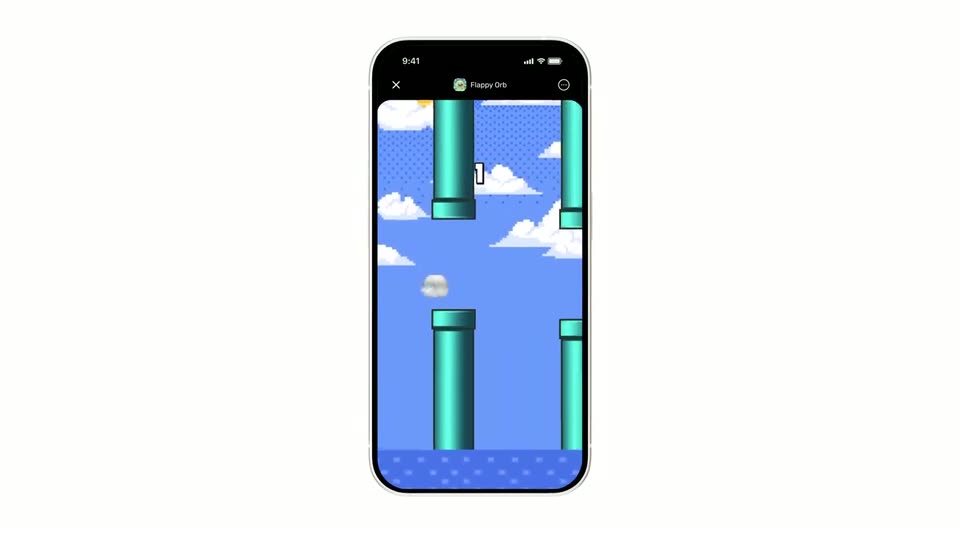 0:27–0:29World · World - Introducing World App 3.0, the super app for humans. Now featuring MiA flat phone on a white background runs the Flappy Orb game, a white orb bobbing past teal pipes while the score climbs. The screen then cuts to a chat thread where a money request and reply appear above a message field.
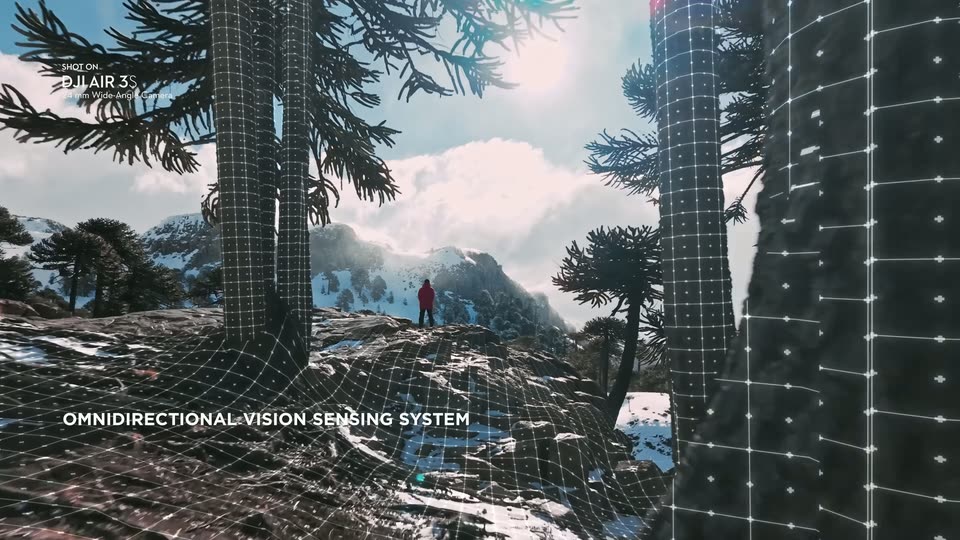 0:56–0:58DJI · Meet DJI Air 3SA 3D-rendered snowy pine forest with a figure in a red jacket on a rocky ridge, covered by a white wireframe mesh that wraps the trunks and terrain. The camera drifts slowly, the sun flaring through the branches, as the depth layers shift.
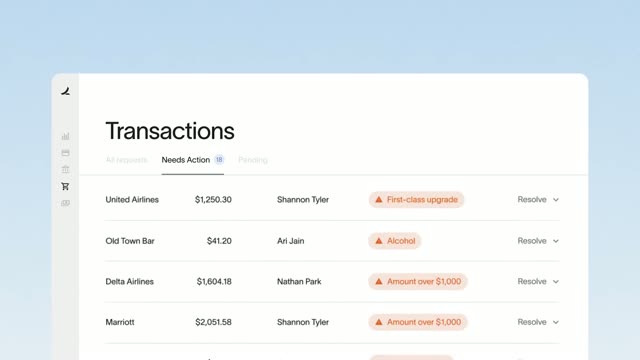 0:37–0:45Ramp · Meet Ramp: A smart finance operations platform that saves you time and moneyA flat transactions table rests on a light blue field. A cursor clicks the Needs Action tab and the rows reorder to surface flagged entries with orange warning pills. The view then zooms into the top of the list as a first-class upgrade row appears.
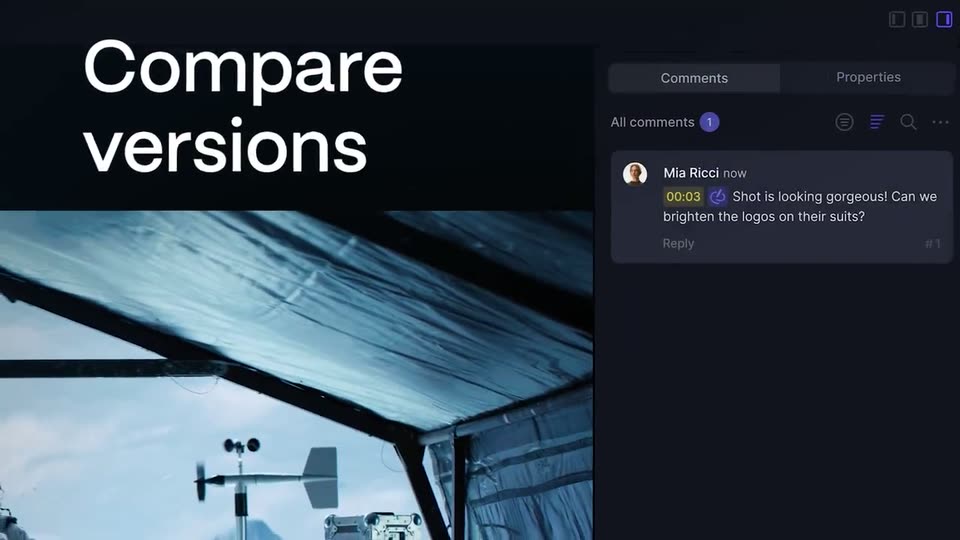 0:14–0:15Frame.io · Frame.io - Move creative projects forward faster with Version 4.A dark interface displays a split view with a video of two astronauts on the left and a comment panel on the right. A yellow circle highlights a subject in the video, while the text 'Compare versions' sits at the top left.
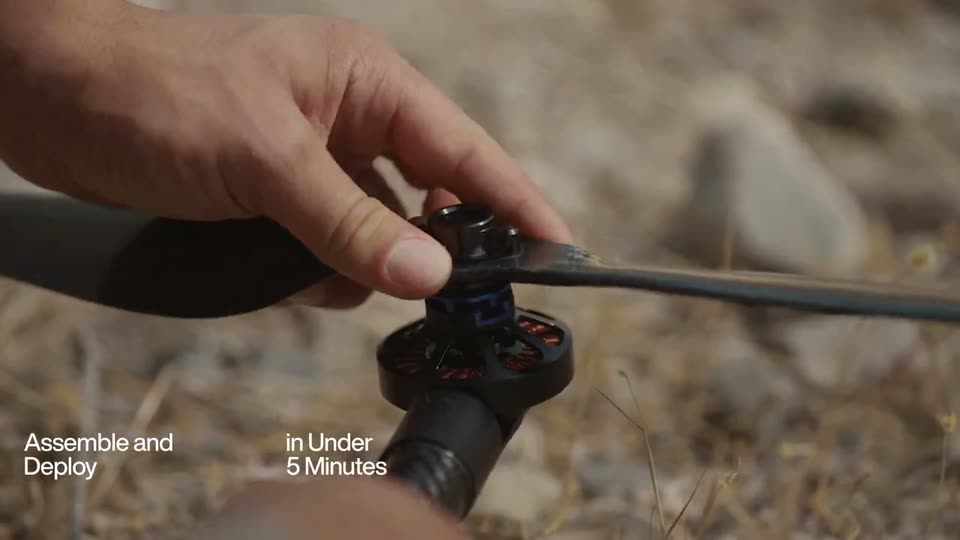 0:27–0:28Anduril · Anduril Industries - Introducing the Bolt family of man-packable Autonomous Air Vehicles fClose-up of hands seating a black drone propeller blade into the motor hub outdoors, dry grass and rocks blurred behind. White captions read “Assemble and Deploy” and “in Under 5 Minutes” in the lower left.
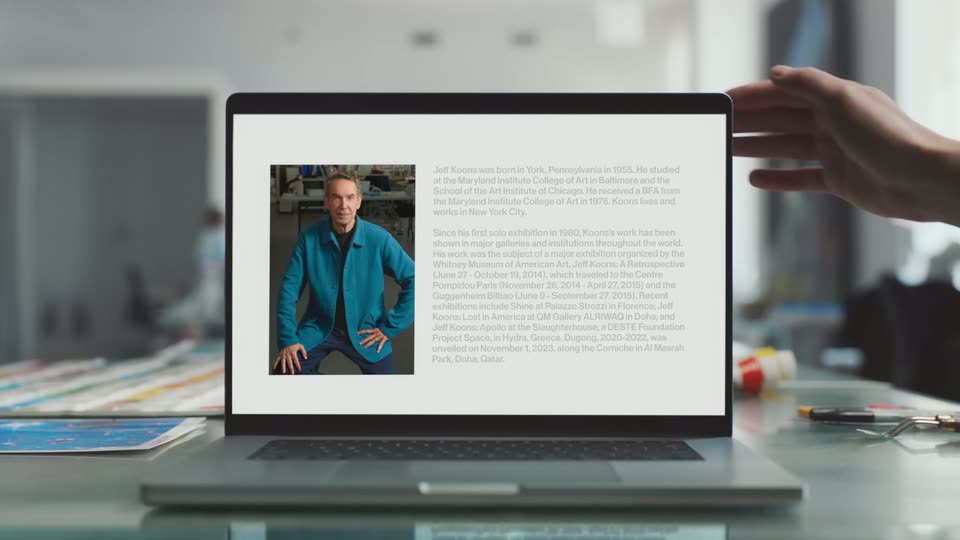 0:38–0:39Squarespace · Squarespace Collection: Jeff KoonsA laptop rests on a desk, its screen showing a webpage with a portrait and a paragraph of bio text. The shot racks from soft focus to sharp as a hand reaches in from the right and grips the top edge of the screen.
 0:13–0:14Jam · Jam.dev - Our biggest launch yet! ⚡️ Meet Jam for Customer Support End-user reA macOS browser window shows a blank purple page. The tab title shortens to Jam and the address bar updates to a jam.dev link, while a cursor rests in the center of the empty page.
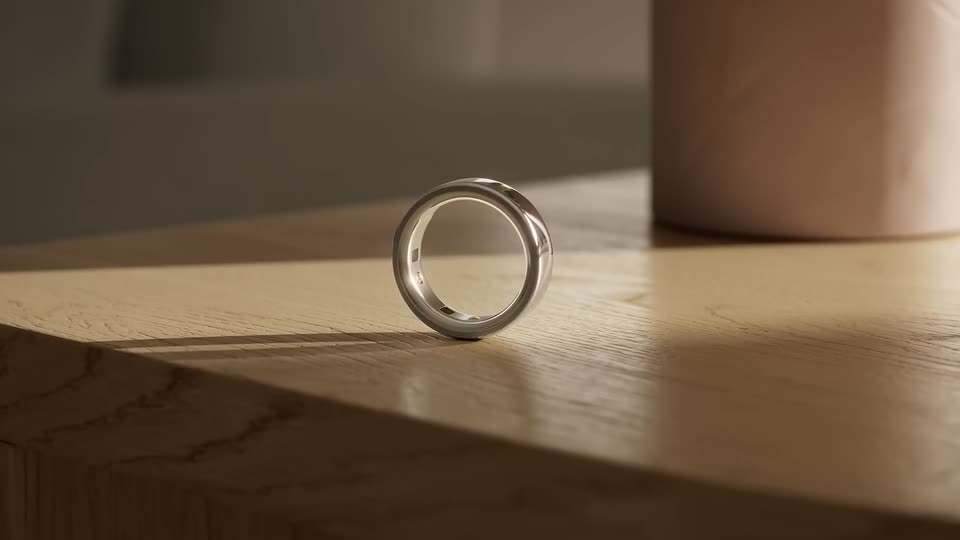 0:14–0:16Oura · Introducing Oura Ring 4: Sleeker. Smarter. Made for you.A small silver ring-shaped device stands upright on a warm wooden table, turning slowly on its vertical axis. A soft cylindrical form blurs in the right background under warm directional light, casting a long shadow across the grain.
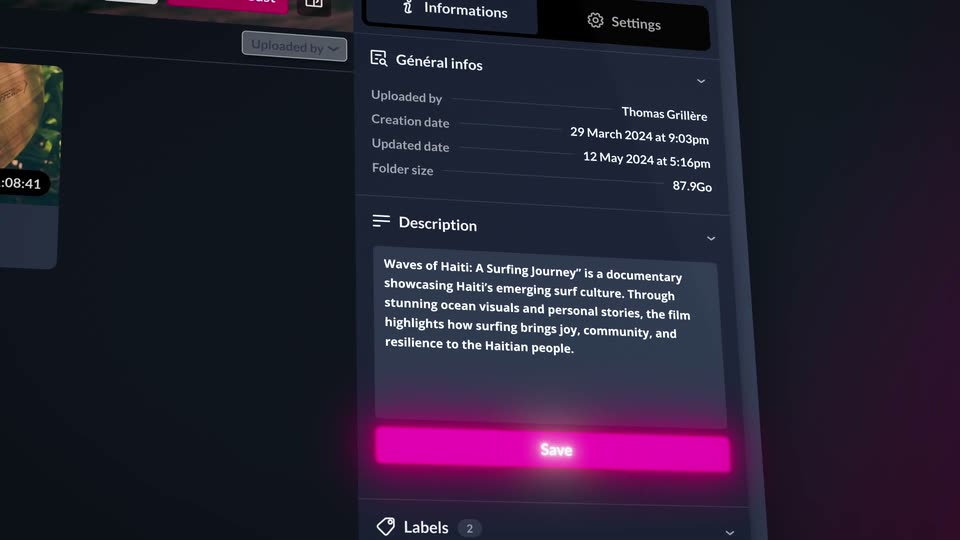 0:18–0:20Heraw · HERAW SpacesA 3D-angled cloud file panel sits against a dark backdrop. The camera pushes in on the General info section while the description box types out a blurb for a Haiti surfing documentary, ending on a pink Save button.
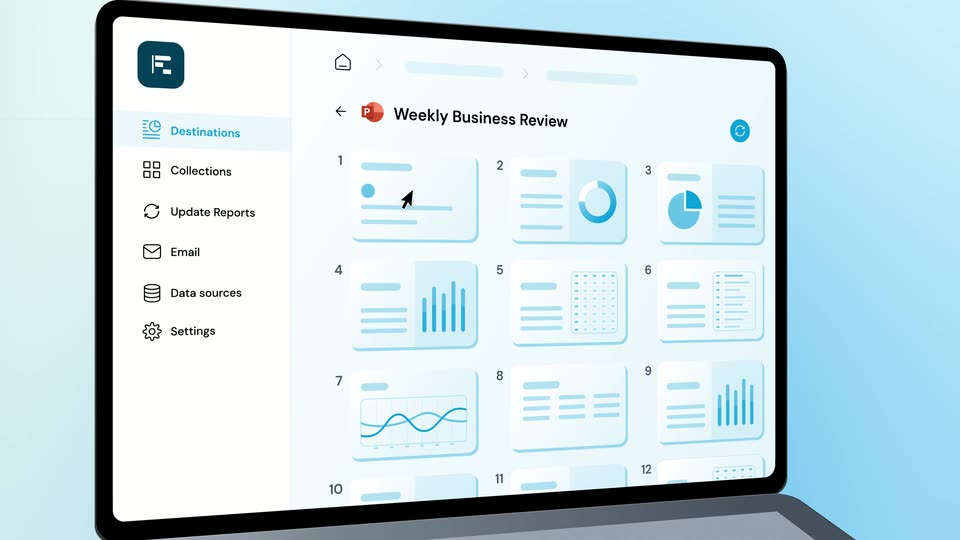 0:42–0:44Rollstack · Rollstack: Map Your Business Intelligence (BI) & Analytics tools to PowerPoint and Google SlidesA laptop in 3D perspective on a blue gradient shows a dashboard titled Weekly Business Review, with a left sidebar and a grid of numbered report cards. A cursor rests on the first card while the camera pushes in on the screen.
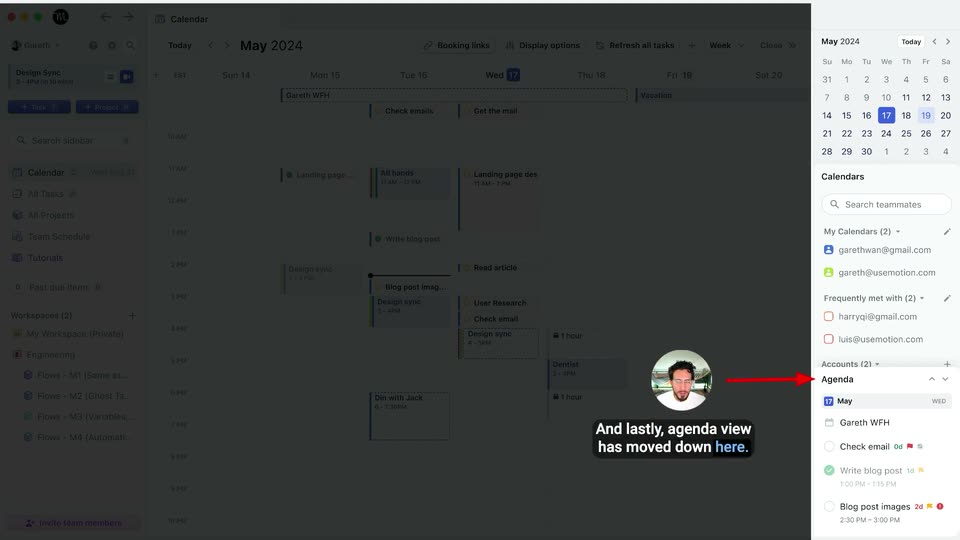 2:19–2:30Motion · Motion v3 Sidebar, Bulk, New ActivityA dimmed calendar interface with a right sidebar. A circular presenter avatar and a red arrow slide down the sidebar, pointing to the calendar picker, calendars list, and agenda section, while yellow outlines highlight the frequently met with and agenda controls. Subtitle captions swap beneath the avatar.
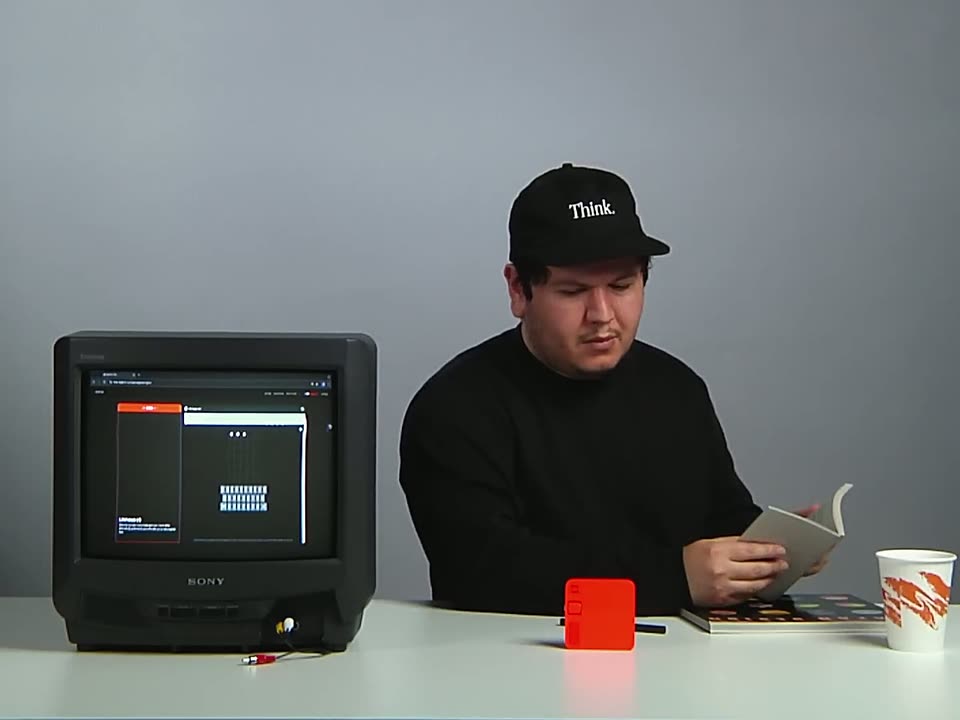 1:09–1:26Rabbit · LAM playgroundMan in a black “Think.” cap sits at a desk beside a Sony CRT showing a dark, orange-accented interface. He flips through a gray booklet, glancing at the screen and off-camera. The shot opens tight on his cap, then cuts wider to show an orange device and a paper cup.
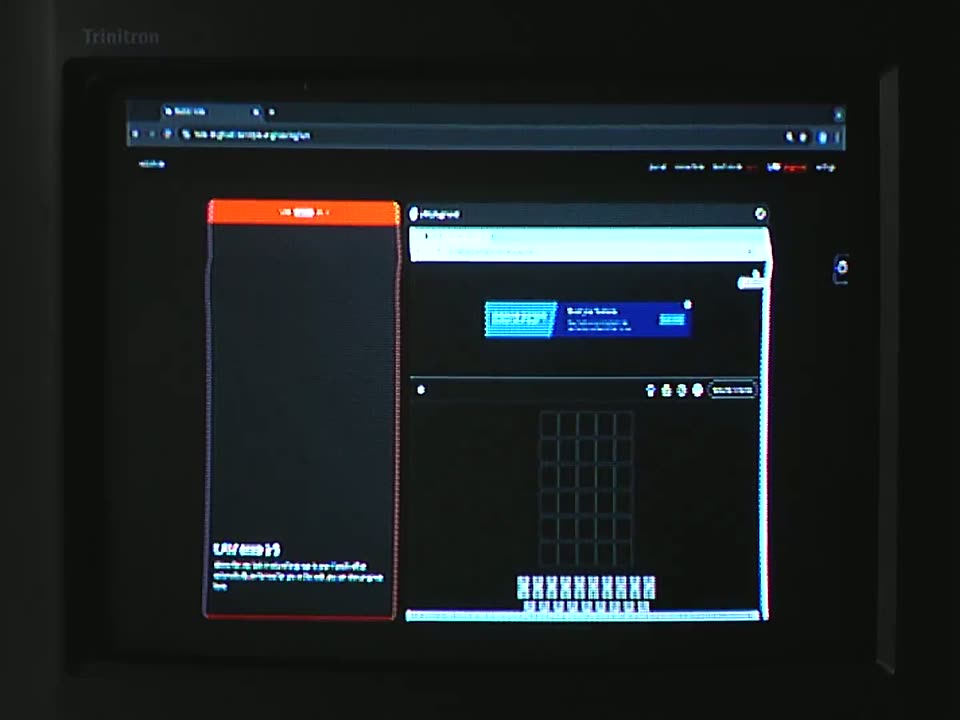 1:05–1:08Rabbit · rabbit inc. - LAM playground is now open for all r1 users 🛝 order:A dark CRT monitor shows a desktop interface: an orange-headed phone panel on the left and a browser window on the right. The right panel's content shifts from a vertical list of items into a grid of empty cells. The frame stays locked off on the screen.
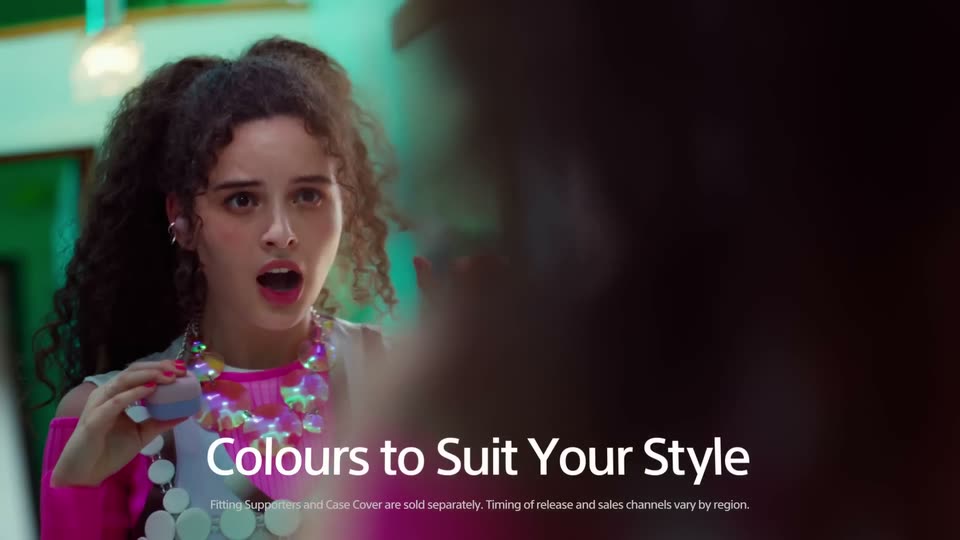 0:18–0:19Sony · Sound your way | Sony LinkBuds FitA young woman with curly pigtails and a beaded necklace holds a small case, her expression shifting to wide-eyed surprise as a blurred hand rises in the foreground. White headline text stays fixed at the bottom of the frame.
 0:14–0:15Sony · Always on with Sony LinkBuds OpenExtreme close-up of a man with an afro and mustache, his face framed by a clear circular lens that distorts his nose and mouth. His eyes dart to the side. Warm yellow bokeh glows on the left, teal light on the right.
 0:14–0:16Sony · LinkBuds SpeakerA girl in a red cardigan leans over a table, reaching toward a teal speaker beside a glowing lamp, in a warm domestic room. White overlay text reads Quick Access for one-touch listening above three service logos. The camera pulls back slightly.