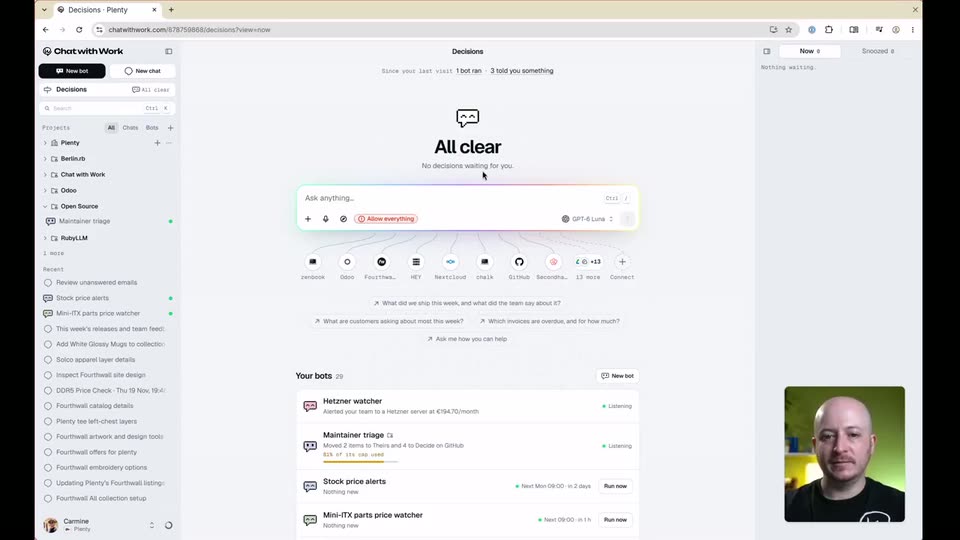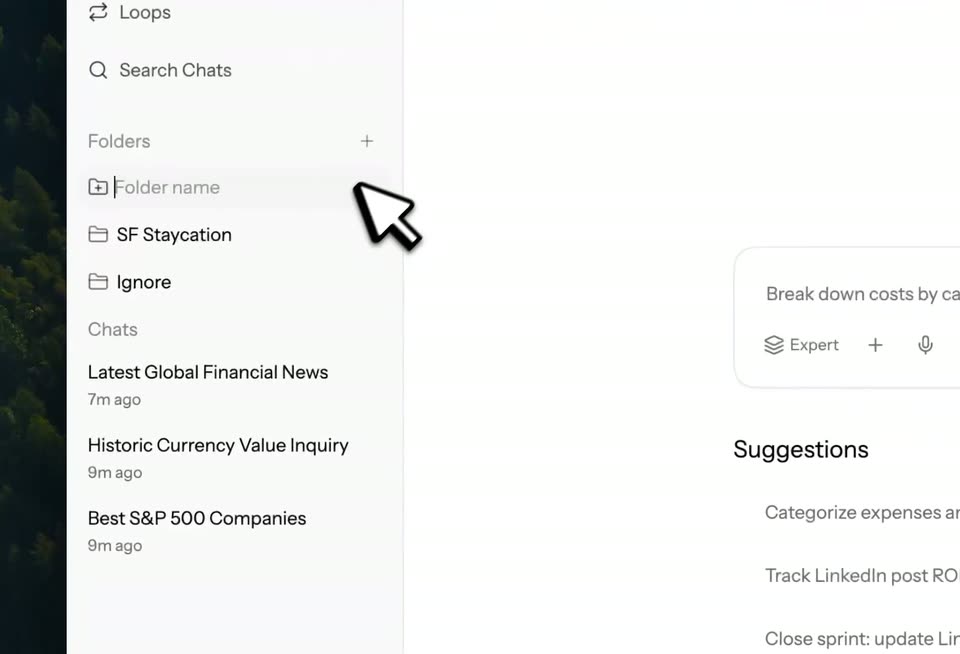
4:48
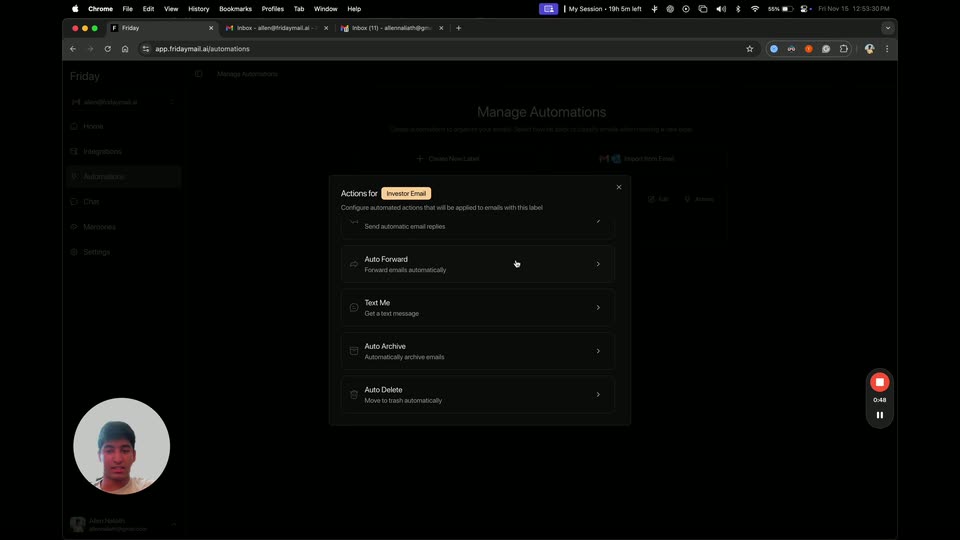

Friday - Never Check Your Email Again
Freestyle · Consumer · Nov 2024
Paragon · Oct 2024 · 4:27 · Full motion · AI-annotated
Paragon’s 4:27 launch film runs 33 scenes, about 8.1 s each. The product is on screen from the first frame and 4 features are revealed. There is no explicit call to action; a voiceover carries the film. The video is one unbroken screen recording that walks through four capabilities in order, each introduced only by the speaker's voice with no title cards, so the structure reads as a single continuous demo punctuated by tab and page switches. Its signature moves are cursor-driven UI actions (typing a query, copying and pasting text, clicking Summarize) and the side-by-side comparison of a source document against the generated result, all held in a fixed layout by the corner facecam.
Is this your launch? to your site or press kit.
Freestyle · Consumer · Nov 2024
Doe · B2B · Jan 2026
A screen recording of a search web app shows a presenter in a small video-call window at the bottom right. The cursor clicks a Configure Integrations button, revealing Notion and Google Drive cards, then types paragon into the search bar.
Techniques: Cursor demo
Camera: Static
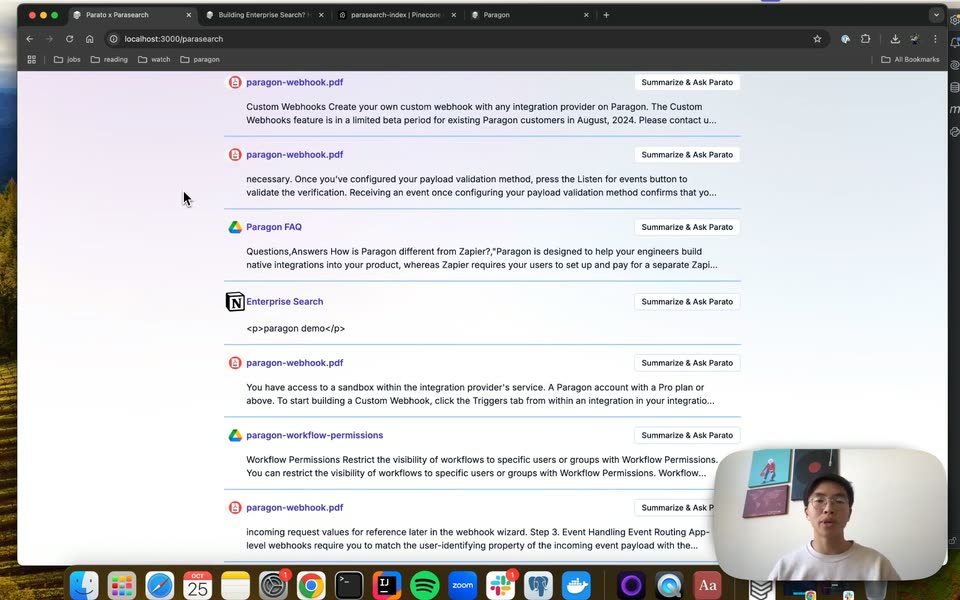
A browser window shows a search results page for “paragon”, listing PDF, Drive, and Notion documents with Summarize buttons. The list scrolls down then stops as the cursor hovers a link; a small presenter webcam sits in the corner.
Techniques: Cursor demo
Camera: Static
A Mac screen recording shows a Chrome window on a blank dark page; the cursor drifts up to the tab bar as the address bar fills with a Google Sheets URL. A small video-call window in the corner shows a man with glasses.
Techniques: Cursor demo
Camera: Static
A static screen capture of a Google Sheets FAQ document open in a browser, with a small webcam self-view of a man in the bottom right corner. The mouse cursor hovers near the top tab bar.
Techniques: Cursor demo
Camera: Static
A browser window lists search results, each row pairing a document title with a Summarize & Ask Paragon button. A small rounded video feed of a presenter sits in the lower right. The cursor drifts down the list and pauses on the Enterprise Search entry.
Techniques: Cursor demo
Camera: Static
A screen recording of a Mac desktop shows a Chrome window with a blank gray page and a row of open tabs. A white arrow cursor hovers near the center. A rounded webcam self-view of a man in a white shirt sits in the lower right corner.
Camera: Static
A dark Notion page titled Enterprise Search fills the screen as its left sidebar loads a list of shared pages. A presenter's webcam sits in the lower right corner while the cursor drifts up to a browser tab.
Techniques: Cursor demo
Camera: Static
A browser window shows a Paragon blog page scrolling steadily downward, from the article headline past body text to the dark footer with link columns. A small rounded video-call window of a man in glasses stays pinned in the bottom-right corner.
Camera: Static
A browser window on a Mac desktop shows the Paragon site with its mega menu open; the cursor hovers over a link, then the page scrolls down to the related-articles section as the menu closes. A small video-call window sits in the corner.
Techniques: Cursor demo
Camera: Pan
A full-screen Mac browser sits on the Paragon blog post. The cursor drags down the page, highlighting paragraphs in blue, then the tab flips to a dark Notion page titled Enterprise Search. A video-call window of a man stays pinned in the bottom-right corner.
Techniques: Cursor demo
Camera: Static
A Notion page in a browser shows the large title Enterprise Search. The cursor clicks the title, shrinking it, then selects the line paragon demo, which highlights blue and opens a floating text toolbar. A small video-call window with a man in a white shirt stays in the corner.
Techniques: Cursor demo
Camera: Static
A dark Notion page titled Enterprise Search fills the screen, a video-call inset of a bespectacled man in a white shirt sits in the corner. A cursor deletes the 'paragon demo' line under the heading, then moves to the browser tabs and clicks one.
Techniques: Cursor demo
Camera: Static
A full browser window displays a Paragon blog article with blue-highlighted paragraphs, a right-side table of contents, and a dark call-to-action card. A small video-call window with a man occupies the bottom-right corner, and the cursor glides across the top tabs.
Techniques: Cursor demo
Camera: Static
Screen recording of the Paragon Task History table. The cursor drifts from the address bar into the rows, a new Running entry inserts at the top of the list, and the What's New panel populates at lower left. A face-cam of a man in white holds the bottom-right corner.
Techniques: Cursor demo
Camera: Static
A blank Paragon page fills with a four-node workflow chain and a task history panel. The cursor clicks the Function step, expanding its Data in and Data out JSON blocks, while a small presenter webcam sits in the corner.
Techniques: Cursor demo
Camera: Static
A browser window fills the frame, listing search results with document titles and Summarize & Ask Parato buttons. A small facecam of a presenter sits in the lower right corner. The cursor drifts down the left side of the list as the speaker narrates.
Techniques: Cursor demo
Camera: Static
A browser window displays a search page with Notion and Google Drive cards and a results list of PDF entries. A cursor glides to the Search button and clicks it, while a man appears in a small video call window at the bottom right.
Techniques: Cursor demo
Camera: Static
A browser window shows a search page with the query “paragon” typed in; the cursor rests on the Search button while a spinner loads below. A video-call inset in the corner shows a man speaking.
Techniques: Cursor demo
Camera: Static
A browser window shows search results under a 'paragon' query; the list scrolls down through document rows, each with a 'Summarize & Ask Parato' button. A cursor hovers the Enterprise Search row and its button. A rounded webcam feed of the presenter sits bottom-right.
Techniques: Cursor demo
Camera: Static
A browser chat interface streams a long generated answer while the cursor drifts across the screen; a compact summary bubble then types in beneath it, and a small webcam tile of a bespectacled man sits in the bottom-right corner.
Techniques: Cursor demo
Camera: Static
A browser window shows a search results page that scrolls up to reveal a search bar reading “paragon” with a dark Search button, while a cursor hovers over result rows and their action buttons. A small rounded webcam feed of a man in a white shirt sits in the lower right corner.
Techniques: Cursor demo
Camera: Static
A macOS desktop shows a Chrome window over a dark blank page. A hand cursor moves from the center up to the address bar, where a Google Docs URL appears, while a presenter's video call sits in the lower right corner.
Techniques: Cursor demo
Camera: Static
A Google Docs page in Chrome starts blank, then fills with a Workflow Permissions heading and paragraphs. A cursor hovers over the heading, then slides up to the browser tab. A webcam window of the presenter sits in the bottom right corner.
Techniques: Cursor demo
Camera: Static
A browser window shows a search results list for the query paragon settling from overlapping rows into a clean stack. A cursor then moves to hover a Summarize & Ask Parato button, while a small video call tile of a man stays in the bottom right corner.
Techniques: Cursor demo
Camera: Static
A browser chat window streams a bulleted summary of a Workflow Permissions document, then the cursor types a follow-up asking to send it to Notion, and the assistant confirms. A small webcam self-view of a man in a white shirt sits in the bottom-right corner.
Techniques: Cursor demo
Camera: Static
A full-screen browser window fills the frame. The address bar holds notion.so with a dropdown of search suggestions, then the view settles on a Google new tab showing a search bar, shortcut icons and a file list. A small webcam feed of a man sits in the bottom-right corner.
Camera: Static
A screen recording of a Notion workspace in a dark browser window. The page loads from a blank state to a full document while the cursor moves down the left sidebar. A small webcam feed of the presenter sits in the lower right corner.
Techniques: Cursor demo
Camera: Static
A screen capture of a dark Notion page titled 'Parasearch Notion Page' with a Workflow Permissions section; a video-call self view sits in the lower right corner while the cursor hovers over the heading and finally clicks the browser tab.
Techniques: Cursor demo
Camera: Static
A browser window shows a chat thread with a confirmation card and a message input, while a small webcam video of a presenter sits in the lower right corner. A cursor moves down the thread and hovers over a link in the confirmation text.
Techniques: Cursor demo
Camera: Static
A macOS screen shows a Chrome window on a dark blank page. The active tab and address bar switch to a Google Docs link, a cursor rests in the page center, and a video-call self-view of a man in a white shirt sits in the bottom-right corner.
Camera: Static
A browser window showing a Google Doc fills the frame, with a small webcam of a man in a white shirt in the bottom-right corner. The document fills with a heading and paragraph as the cursor clicks into the text and a ruler and side panel slide in.
Techniques: Cursor demo
Camera: Static
A dark Notion page titled Workflow Permissions fills the browser, with a sidebar of links on the left. A rounded video-call window in the lower right shows a man speaking. The cursor drifts from the top tabs down to the body text.
Techniques: Cursor demo
Camera: Static
A static browser window shows a chat interface with a permissions message and a text input bar. A mouse cursor drifts down the left margin. In the bottom right corner, a rounded inset video shows a man in a white shirt and glasses speaking at a desk.
Camera: Static