
1:24
Explore
Microsoft 365 Copilot | Introducing the Employee Self-Service Agent
Microsoft · Nov 2024 · 1:45 · Full motion · AI-annotated
- Length
- 1:45
- Scenes
- 28 · 3.8 s avg
- Product on screen
- 0:08
- Features shown
- 2
- Voiceover
- Yes
- Views
- 42K on YouTube
as of November 27, 2026
00:00:00 / 01:45:17
- Length
- 1:45
- Scenes
- 28 · 3.8 s avg
- Product on screen
- 0:08
- Features shown
- 2
- Voiceover
- Yes
- Views
- 42K on YouTube
as of November 27, 2026
Microsoft’s 1:45 launch film runs 28 scenes, about 3.8 s each. The product shows up at 0:08 and 2 features are revealed. There is no explicit call to action; a voiceover carries the film. The video alternates typed headline pills on pastel gradients with tilted 3D panels of the Copilot interface, introducing each feature with a letter-by-letter title card and a cursor-driven UI demo. Pacing is steady at about three cuts per minute, with beauty shots over a blurred 3D desk marking the transitions between features.
No filming indicatedEstimated needs: 4 capture groups — your screens or recordings · 1 official logo — reused across the film · 2 graphic passages — draw or supply · 8 3D passages — build or supply
Is this your launch? to your site or press kit.
More like this

1:20

Introducing Canva Docs | Canva
Canva · Design · Sep 2022
1:01

Runway - Introducing Agent 2.0 Go from a simple prompt to fully realized mark
Runway · AI · Jun 2026
Similar soundtrack
Films whose music sounds like this one, voice left out
2:56
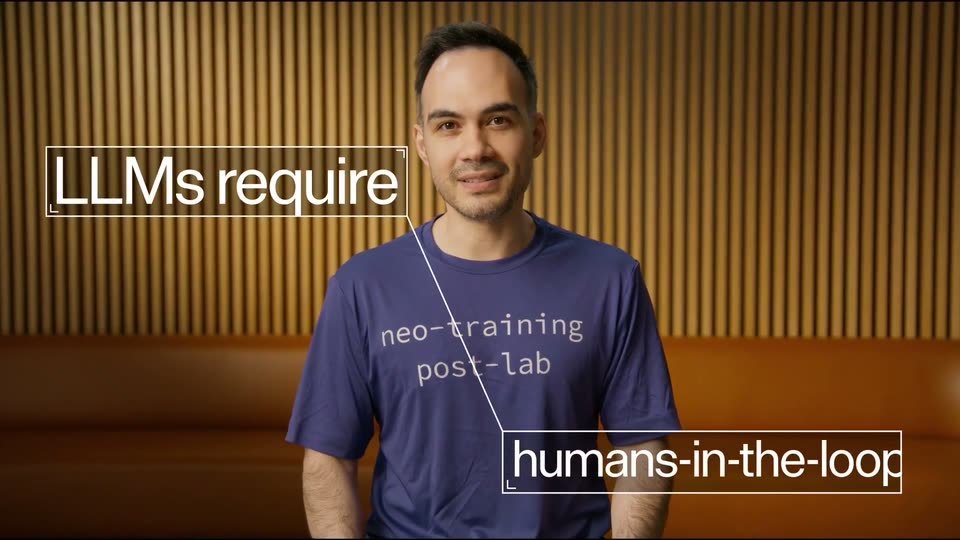

Diogo Almeida - After co-inventing ChatGPT, I kept asking myself: why have superhuman
TypeSafe AI · Upbeat electronic
0:58


Try the New and FREE Replit
Replit · Electronic
1:22
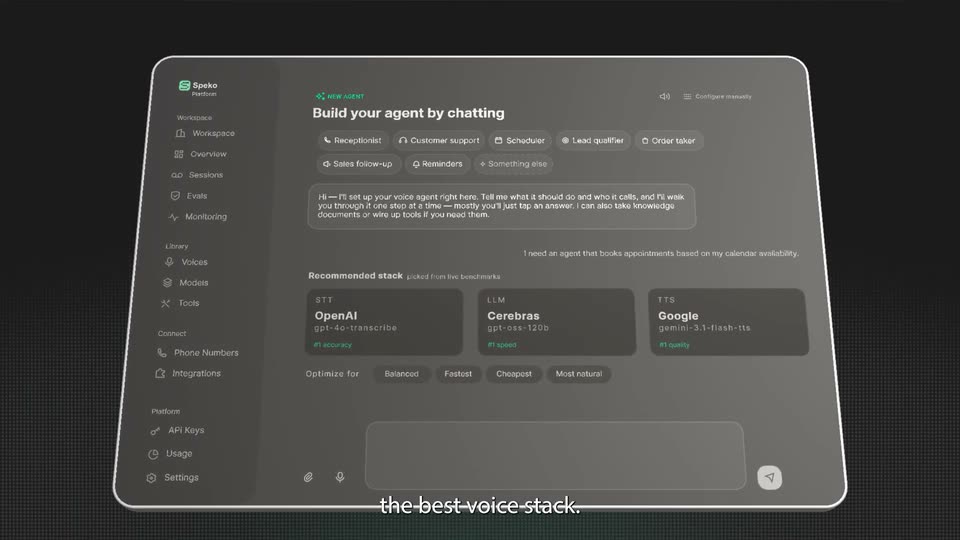

Speko Launch Video
Speko · Upbeat electronic
Microsoft 365 Copilot | Introducing the Employee Self-Service Agent, scene by scene
· 28 scenes as text
01 · Hook · 0:00–0:04
A white rounded pill fades in at center on a soft blue-to-cream gradient. The sentence types out letter by letter behind a blinking cursor, and the pill widens to fit each new word. Faint white shapes drift slowly in the background.
On-screen text: “In the new era of AI, Copilot and agents”
Techniques: Kinetic type
Camera: Static
02 · Hook · 0:04–0:05
A white pill banner carries the headline over a soft blue-to-cream gradient with faint isometric tiles drifting toward the camera. The banner scales down to center as the line retypes to “Reimagine” with a blinking cursor, then the pill shrinks away.
On-screen text: “In the new era of AI, Copilot and agents”, “Reimagine”
Techniques: Kinetic type
Camera: Push in
03 · Hook · 0:05–0:08
A white rounded pill sits centered over a soft, blurred 3D grid of translucent panels fading from sky blue to cream. The headline types out word by word with a text cursor, growing from “Reimagine the” to the full sentence as the pill widens.
On-screen text: “Reimagine the employee experience”
Techniques: Kinetic type
Camera: Static
04 · Product intro · 0:08–0:13
A soft blue-to-cream gradient fills the frame. The teal Copilot mark holds the left as the title types out letter by letter behind a blinking cursor, then the whole lockup scales up toward center.
On-screen text: “Employee Self-Service Agent”
Techniques: Kinetic type
Camera: Push in
05 · Demo · 0:13–0:16
A flat Copilot home screen floats over a blurred multicolor gradient. Six prompt cards fade in across the center grid while the agent and chat sidebars hold still, then the interface pushes in for a tighter frame.
Camera: Push in
06 · Demo · 0:16–0:19
The Copilot home screen dissolves into the Agents panel. A black cursor glides down the list from Employee Self-Service to Sales, and the view zooms in as the Sales row highlights.
Techniques: UI zoom, Cursor demo
Camera: Push in
07 · Demo · 0:19–0:23
A light grid of white prompt cards under the heading Employee Self-Service pans left as a black cursor glides across the top row, a blue outline snapping to each card it touches.
Techniques: Cursor demo
Camera: Pull out
08 · Feature reveal · 0:23–0:25
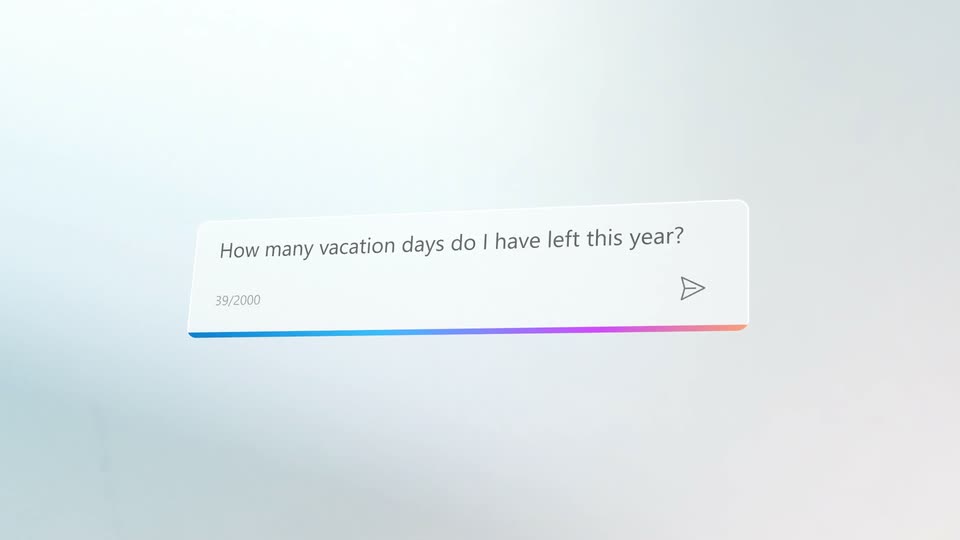
A white prompt card with a typed question and a moving caret floats on a soft blurred background, its character count ticking up. The card then scales down into a larger Employee Self-Service panel, and the whole view fades out.
Techniques: UI zoom
Camera: Static
09 · Feature reveal · 0:25–0:27
A white Copilot response card, tilted in 3D against a soft blue gradient, fades in to full opacity. It shows the Employee Self-Service heading, a PTO balance sentence, and two action buttons for Relecloud HR Web and Time Away Guide.
Techniques: 3D mockup
Camera: Static
10 · Feature reveal · 0:27–0:30
Floating 3D ribbons in purple and white hold small app icons and document cards. A white rounded field in the center types out the phrase letter by letter, growing wider as it fills. The camera stays locked off.
On-screen text: “Get personalized information”
Techniques: Kinetic type, 3D mockup
Camera: Static
11 · Feature reveal · 0:30–0:34
A tilted 3D view of the Copilot screen carries a purple ribbon and a floating PowerPoint icon behind the headline. The 3D layer dissolves, the interface flattens, and 'Update my home address' is typed in. The frame reframes to the chat, showing the sent bubble and the agents sidebar.
On-screen text: “Get personalized information”
Techniques: 3D mockup, UI zoom
Camera: Push in
12 · Feature reveal · 0:34–0:36
A tilted 3D view of a Copilot chat window. The user bubble switches from a home-address prompt to a support-ticket question, then a reply with bolded status lines fills in below it. A right-hand sidebar lists agent options.
Techniques: 3D mockup
Camera: Static
13 · Feature reveal · 0:36–0:55
Tilted close-up of the Copilot chat. The bubble “Help me apply for parental leave” sits top right. The view pans down as the Employee Self-Service reply streams in: colored dots, then five numbered steps and a “Start request” button. A black cursor arrow slides in over the button.
Techniques: 3D mockup, UI zoom, Cursor demo
Camera: Push in
14 · Demo · 0:55–1:01
A Copilot Employee Self-Service screen floats as a tilted 3D panel over a blurred desk with a juice glass and crystal ball. A dissolve from the previous shot fades out as the camera slowly pushes in, rotating the panel toward a frontal view.
Techniques: 3D mockup, Parallax
Camera: Push in
15 · Feature reveal · 1:01–1:02
A Microsoft Copilot workspace with an Employee Self-Service card grid and two side panels fades to a pale wash as a white Copilot Studio tile scales up at the center, then the full interface reappears behind it.
Techniques: UI zoom
Camera: Push in
16 · Feature reveal · 1:02–1:03
A soft mint-to-white gradient fills the frame with a faint curved shape in the lower right. The Copilot Studio lockup, a blue-green cube icon beside blue text inside a rounded white pill, scales up from small to full size and settles in the center.
Camera: Static
17 · Feature reveal · 1:03–1:08
A large blue 'Copilot Studio' wordmark with a plus logo fades in over a blurred interface, then the screen sharpens and pushes in. A cursor clicks a Customize button and the view switches to a grid of integration cards.
On-screen text: “Copilot Studio”
Techniques: Kinetic type, UI zoom, Cursor demo
Camera: Push in
18 · Feature reveal · 1:08–1:09
A light settings screen lists integration cards in a grid. A cursor hovers over the ServiceNow card, and a detail panel scales in over the dimmed grid, showing a green logo, an Install button, and a screenshot carousel with arrow controls.
Techniques: Cursor demo
Camera: Push in
19 · Feature reveal · 1:09–1:10
A light settings view with a left-hand menu; a white modal card for the ServiceNow Employee Self-Service app zooms in, and a black cursor glides to the blue Install button.
Techniques: UI zoom, Cursor demo
Camera: Push in
20 · Other · 1:10–1:19
A 3D-rendered abstract set of diagonal purple ribbed panels and cream surfaces, softly lit with bokeh. White rounded pills appear in the center, each typing out a benefit phrase with a thin blinking cursor, one after another.
On-screen text: “Fewer support tickets”, “Time back for HR and IT teams”, “Higher employee efficiency and satisfaction”
Techniques: Kinetic type
Camera: Push in
21 · Demo · 1:19–1:26
The Copilot Employee Self-Service screen zooms out from a tight close-up to a full window floating over a soft 3D desk. A cursor moves to the Ask about policies card and clicks it, opening a chat line, then the frame fades to white.
On-screen text: “Higher employee efficiency and satisfaction”
Techniques: UI zoom, 3D mockup, Cursor demo
Camera: Pull out
22 · Demo · 1:26–1:33
A white chat input card, tilted slightly, floats over a soft gradient background. The prompt 'Help me apply for parental leave' types in with a rising character count, then clears and 'What's the status of my active tickets?' types in. A blue-to-orange gradient bar lines the card's bottom edge.
Camera: Static
23 · Outro · 1:33–1:38
Two lines of text fade in from a pale blue tint to solid navy on a soft white gradient, hold, then fade back out. The frame is locked off with no movement.
On-screen text: “Employee Self-Service Agent”, “in Microsoft 365 Copilot”
Camera: Static
24 · Outro · 1:38–1:39
A plain light-gray card holds the centered title “Employee Self-Service Agent in Microsoft 365 Copilot” in soft lavender. The locked-off frame then swaps the title for the single line “Now in private preview” in gray.
On-screen text: “Employee Self-Service Agent”, “in Microsoft 365 Copilot”, “Now in private preview”
Camera: Static
25 · Outro · 1:39–1:41
The phrase “Now in private preview” is centered on a plain light gray background. It resolves from a soft, extruded blur into sharp, static dark gray type.
On-screen text: “Now in private preview”
Camera: Static
26 · Outro · 1:41–1:42
A white background holds the centered Microsoft 365 Copilot lockup, a gradient ribbon mark above two lines of gray text, with a small gray caption reading Now in private preview. The frame is locked off and the elements hold static for the full duration.
On-screen text: “Now in private preview”, “Microsoft 365”, “Copilot”
Camera: Static
27 · Outro · 1:42–1:43
On a plain light background, a colorful gradient Copilot mark and the words Microsoft 365 and Copilot resolve into a lockup, then the Microsoft four-square logo appears at left while Microsoft 365 types on letter by letter. The frame stays locked and centered.
On-screen text: “Microsoft 365”, “Copilot”
Techniques: Kinetic type
Camera: Static
28 · Outro · 1:43–1:45
The Microsoft logo, four colored squares beside a gray wordmark, sits centered on a plain white field. It holds still in a locked-off frame for the full clip, a quiet sign-off.
Camera: Static