0:27
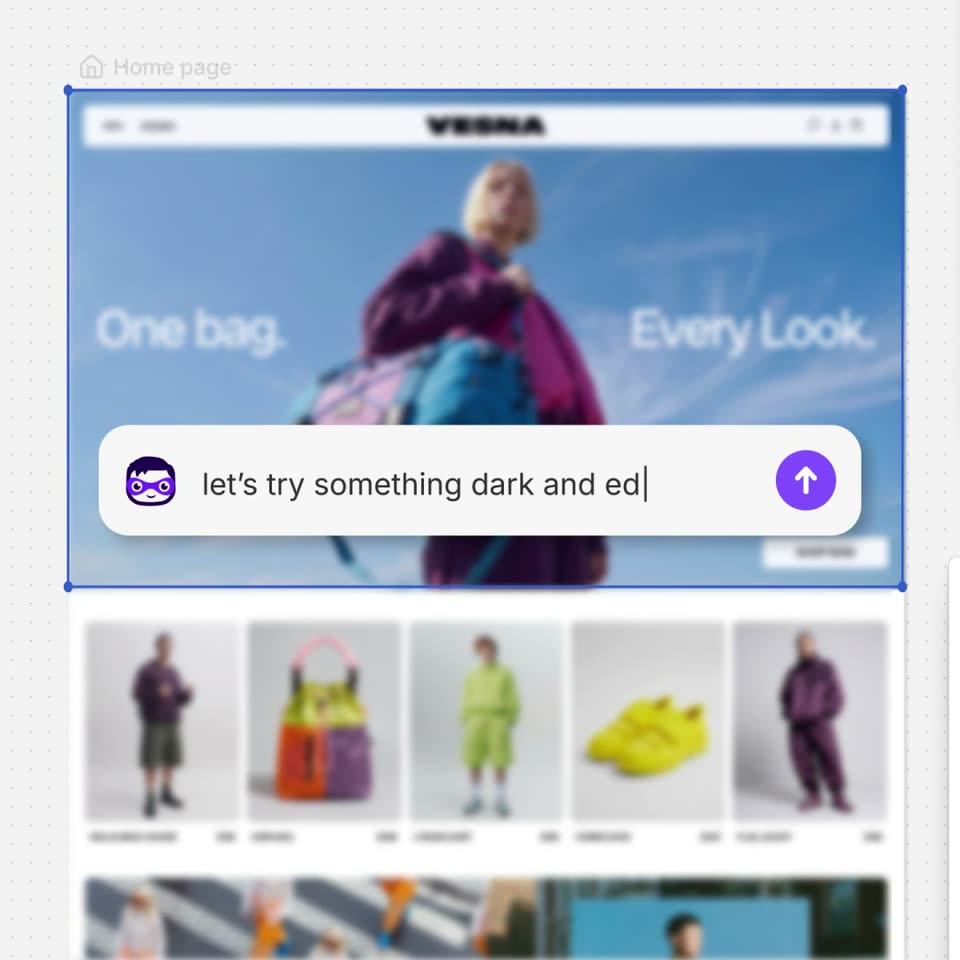

Shopify - There’s a new way to design stores on Shopify Introducing Canvas Se
Shopify · Business software · Oct 2026
Canva · Sep 2022 · 1:20 · Full motion · AI-annotated
Canva’s 1:20 launch film runs 46 scenes, about 1.8 s each. The product shows up at 0:07 and 4 features are revealed. There is no explicit call to action; a voiceover carries the film. The video chains short black and white type cards with UI demos and 3D renders, cutting at about 21 cuts per minute on a fast 145 BPM pulse. Signature moves are words popping in with chromatic ghosting, flat color block title cards, and quick zooms from the teal icon to the full editor.
Is this your launch? to your site or press kit.
Shopify · Business software · Oct 2026
Arbitrum · Feb 2026
Films whose music sounds like this one, voice left out
Meta · Electronic dance / Pop
DJI · Modern electronic dance music, hip-hop influenced pop
Google · Modern electronic
White centered phrases appear one after another on black: Get ready to, say goodbye to, boring, same same. Each line fades in, holds briefly, then fades out as the next line takes its place.
On-screen text: “Get ready to”, “say goodbye to”, “boring”, “same same”
Techniques: Kinetic type
Camera: Static
On a plain white field, the black phrase the blank page sits dead center. It snaps in with a brief horizontal ghost, then shrinks and falls out of focus toward the end of the clip.
On-screen text: “the blank page”, “same same”
Techniques: Kinetic type
Camera: Static
A dark gray phrase, the blank page, is centered on a white background. It begins small and blurred, then scales up to full size and sharp focus.
On-screen text: “the blank page”
Techniques: Kinetic type
Camera: Static
A teal circle holding a white file icon with text lines and a mountain glyph sits on a white background. Two black arrow cursors hover at its lower edge while the whole badge slowly scales up.
Camera: Static
A teal circular badge holding a white document-and-mountain icon sits centered on a soft pink-to-cyan gradient. A black cursor arrow with a white outline drifts rightward along the icon's lower edge while the background hue shifts.
Techniques: Cursor demo
Camera: Static
A close-up of a teal document icon on a gradient block zooms out to reveal the full Canva Docs editor, a cursor resting at the right edge and a heading beginning to appear below.
Techniques: UI zoom
Camera: Pull out
A Canva Docs editor window sits on a pastel gradient background, showing a blue-purple hero image with a document icon and a bold headline. Teal, orange and purple collaborator tags float at the edges. The window scales down to reveal its full rounded frame.
Camera: Pull out
A white document page with a blue-to-purple banner at the top. The bold headline types itself out while teal, purple, and orange collaborator cursors drift around it, then a teal selection highlight fills the first line.
On-screen text: “Bringing the power of design to your documents”
Techniques: Kinetic type
Camera: Pull out
Top-down 3D desk scene. The camera opens tight on a phone screen showing a teal illustration and the headline “Bringing the power of design to your documents”, then pulls back to reveal the phone on a wooden desk beside a notebook, pen, charging case and coffee mug.
Camera: Pull out
On a black background, the white words Make, your, docs appear one by one in the center, then POP scales up to fill the frame.
On-screen text: “Make”, “your”, “docs”, “POP”, “Bringing the power of design”, “to your documents”
Techniques: Kinetic type
Camera: Static
The word POP in light purple sits centered on a flat green field. It snaps from a slightly offset, blurred state into sharp focus, scaling up in a quick pop.
On-screen text: “POP”
Techniques: Kinetic type
Camera: Static
The word POP in large light blue letters scales up against a solid coral background.
On-screen text: “POP”
Techniques: Kinetic type
Camera: Push in
A bold light blue word POP on a solid purple background scales up from the center until its edges crop the frame.
On-screen text: “POP”
Techniques: Kinetic type
Camera: Push in
A solid yellow field holds the word POP in huge cyan serif capitals. The type scales upward across the clip, the last P's bowl sliding off the right edge until only its stem shows. The motion is slow and steady.
On-screen text: “POP”
Techniques: Kinetic type
Camera: Static
On a plain white background, the word Just holds center in black bold sans. The word type slides in from the right, overlapping, then settles to read Just type. The frame stays locked off.
On-screen text: “Just type”
Techniques: Kinetic type
Camera: Static
On a plain white background, the bold black words “Just type” slide in from the left beside a circular icon with a gradient ring and a plus sign, which grows to fill the center.
On-screen text: “Just type”
Techniques: Kinetic type
Camera: Static
A document editor shows a command palette with a gradient border. Its list of shape options swaps to a single Graphic row with a grid of colorful sticker icons, while the view pulls back to reveal more of the page text and a caption slides in.
On-screen text: “Just type”
Techniques: UI zoom, Kinetic type
Camera: Static
A document page with body text centers an embedded card. The card header changes from Graphics to Charts as a blue bar, pie and line chart overlays its grid of colorful stickers. Large gray lowercase text add content fades in at the left.
On-screen text: “add content”
Camera: Static
A flat white Charts panel with a 3x3 grid of blue chart icons sits centered, its icons settling into place. The caption add content slides in on the left, then any content slides in on the right.
On-screen text: “add content”, “any content”
Techniques: Kinetic type
Camera: Static
A Photos app card with a grid of photos sits on a white field and scales down over the first second, settling smaller, while the caption at right crossfades from add content to any content.
On-screen text: “add content”, “any content”
Camera: Static
A white field holds a scatter of rounded video thumbnails (beach, fruit, a stretching woman, a flower, 3D hearts) that drift slowly at different speeds. The black lowercase headline sits centered and still.
On-screen text: “our entire content library”
Techniques: Parallax
Camera: Push in
A loose collage of photo and illustration tiles scrolls upward over a white background. The black headline “our entire content library” sits centered, then gives way to “right where you are” as the tiles keep drifting.
On-screen text: “our entire content library”, “right where you are”
Techniques: Kinetic type
Camera: Pull out
A dark rounded square with a blue-to-purple gradient slash sits centered on black. The slash shifts, turns white, and the square slides left as the word Magic fades in beside it, locking into a centered logo sign-off.
On-screen text: “right where you are”, “Magic”
Camera: Static
On a plain off-white background, the bold black word “Seamlessly” sits beside a blue code glyph and the word “Embed”. A light gray rounded chip fades in behind the glyph and “Embed”, which darkens from gray to black.
On-screen text: “Seamlessly </> Embed”
Camera: Static
A blue presentation title slide sits centered on white, then shrinks into a document page, revealing article links above and donut and bar charts below. A large still headline reads Seamlessly Embed over the locked-off frame.
On-screen text: “Seamlessly </> Embed”
Techniques: UI zoom
Camera: Pull out
A Notion page scrolls upward. A yellow note and a metadata table with date, team and participants slide up, then a banner with colorful blocks and a serif WHITEBOARDS title passes, followed by an action items checklist.
Camera: Pull out
A marketing document view shows a 3D purple and yellow render labeled VIDEOS inside a purple selection box. Two purple Ben cursors drift at the right edge while the page scrolls down slightly, revealing a subscriber list.
Camera: Static
Lavender frame with floating 3D abstract shapes: purple and green torus rings, white rings, speckled purple spheres. Centered yellow serif AWAY with an underline; white bold EDIT in an orange outline box appears above it while small cursor labels drift.
On-screen text: “AWAY”, “EDIT”
Techniques: Kinetic type
Camera: Static
A flat document page scrolls slowly downward in a locked-off frame. A black serif headline sits above a 3D render of purple and green pills on a lavender field, overlaid with the caption EDIT AWAY, and a paragraph with two bullet points below.
On-screen text: “EDIT AWAY”
Camera: Push in
A single line of black sans-serif text, centered on a plain white background, scales up smoothly from a smaller size to full size while staying locked in the middle of the frame.
On-screen text: “without ever leaving the page”
Techniques: Kinetic type
Camera: Static
On a blue band over a soft gradient, a row of circular headshot avatars fills from left to right, each sliding in with a colored ring, while a plus button and a sparkle icon shift to the right.
On-screen text: “without ever leaving the page”
Camera: Static
A black headline types itself onto a white canvas while four colored collaborator cursors labeled Sonja, Rees, Ben and Maya drift around the lines. A cyan selection box then expands line by line behind the words, the Sonja cursor tracking its moving edge.
On-screen text: “Team up to design docs your team will love”
Techniques: Kinetic type, Cursor demo
Camera: Static
A thin white cursor blinks alone on a black field, then the line “but that’s not all” types itself out letter by letter in the center, the cursor bar trailing behind the last letter.
On-screen text: “but that's not all”
Techniques: Kinetic type
Camera: Static
The camera pans right across a white document page with a serif heading and a 3D thumbnail, settling on a floating comment card. Pooja's row with a teal thumbs-up emoji pops in below Chisa's comment, then a caption 'but that's not all' appears.
On-screen text: “but that's not all”
Techniques: UI zoom
Camera: Push in
A close-up of a document toolbar on a soft purple background shows three collaborator avatars, a plus button, a purple Convert to presentation button, and a Share button. A blue cursor labeled Pooja slides in from below and hovers under the convert button, which scales up slightly.
Techniques: Cursor demo
Camera: Static
A gray status bar with dark text 'Creating presentation...' sits on a white background. A blue pill grows from the left into a full-width blue-to-purple gradient, the text turns white and slides left, exiting the frame.
Techniques: Kinetic type
Camera: Static
A blue gradient banner reading 'Creating presentation..' slides down out of frame, revealing a white slide card with a purple-outlined box where 'MARKETING STRATEGY' scales in, beside a gray plus placeholder.
On-screen text: “Creating presentation..”, “MARKETING”, “STRATEGY”
Techniques: Masking, Kinetic type
Camera: Static
A horizontal strip of presentation slides scrolls left over a purple-to-teal gradient, a purple rounded frame tracking the center card. The deck advances from a Marketing Strategy title slide to a Product Launch Agenda slide, then a Statistics slide, with gray plus placeholders to the right.
Camera: Static
A white card holding presentation slides, with a statistics chart and a blue competitor analysis slide, slides out to the left, revealing a purple-to-teal gradient. A 3D exploding-head emoji pops into the center and holds.
Camera: Static
The headline “Harness the power” holds centered in black bold sans on a white field. A low-opacity grid of document mockups fades in behind the text as the shot ends.
On-screen text: “Harness the power”
Camera: Static
Flat document mockups drift in a light blue field at different depths. A large black headline sits centered over them, static while the papers shift slowly.
On-screen text: “Harness the power”, “of visual communication”
Techniques: Parallax
Camera: Pan
A centered black headline sits over a faded collage of design documents on a teal gradient. A white circular mask expands from the center, raising the documents' opacity and shifting the background to purple.
On-screen text: “of visual communication”
Techniques: Masking
Camera: Pull out
A teal app icon inside a white circle shrinks and vanishes on a blue-to-purple gradient, then the white text “Say hello to” fades in at the center.
On-screen text: “Say hello to”
Camera: Static
On a purple-to-teal gradient, the white line “Say hello to” sits centered and still. Below it, the larger wordmark “Canva Docs” scales in from small to full size.
On-screen text: “Say hello to”, “Canva Docs”
Techniques: Kinetic type
Camera: Static
A white Canva Docs wordmark scales up at the center of a purple-to-teal gradient, the script Canva and bold Docs settling to full size by the second frame.
On-screen text: “Canva Docs”
Techniques: Kinetic type
Camera: Static
A plain off-white frame holds the centered words Coming Soon in a rounded sans. A blue-to-purple gradient washes across the letters, shifting hue from frame to frame while the text stays locked in place.
On-screen text: “Coming Soon”
Camera: Static