0:30
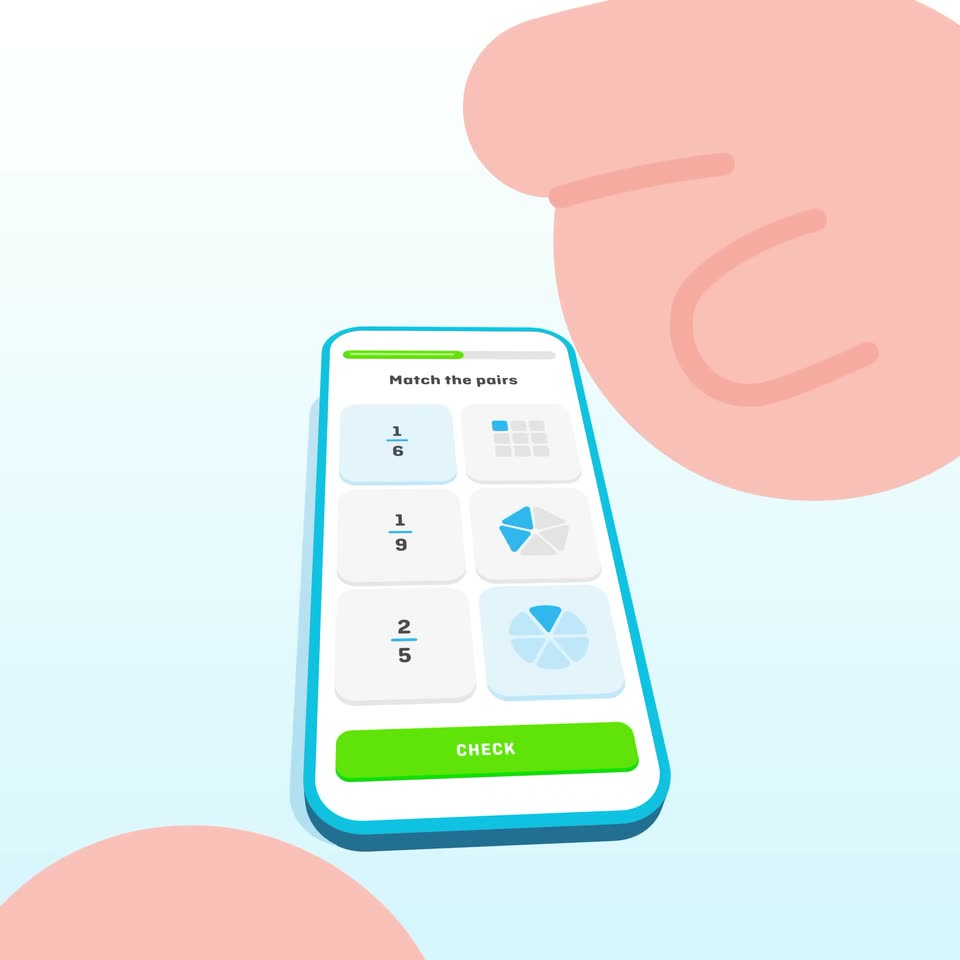

Introducing Duolingo Math
Duolingo · Consumer · Oct 2022
Upstash Blob · Sep 2026 · 1:24 · AI-annotated
Upstash Blob’s 1:24 launch film runs 39 scenes, about 2.2 s each. The product shows up at 0:04 and 5 features are revealed. There is no explicit call to action; a voiceover carries the film. The video alternates centered text cards on a pale gray field with 3D-tilted laptop and terminal mockups that rack into focus, cutting on the beat of a rap track. Signature moves are word-by-word type builds, shallow-depth macro shots of screens, and pixel-creature gags that bookend the feature demos.
Is this your launch? to your site or press kit.
Duolingo · Consumer · Oct 2022
Slack CRM · Apr 2026
Wispr Flow · Aug 2026
On a pale gray field, the word introducing types in letter by letter at center. Colored file icons for PNG, JPEG, PDF, DOCX, XLSX and a music note pop in around it in a loose circle, while the letter o is replaced by a small bomb emoji.
On-screen text: “introducing...”
Techniques: Kinetic type
Camera: Static
The Upstash Blob logo lockup sits center on a light gray field, ringed by hand-drawn gray clouds and yellow lightning bolts. The doodles clear, and a dark tablet tilted in 3D slides in from the right, its screen showing a dashboard.
On-screen text: “Upstash”, “Blob”
Techniques: 3D mockup
Camera: Push in
A 3D laptop mockup sits at a steep angle on a white background, the dark browser bar out of focus. The camera tilts up and forward, bringing the screen into focus to reveal a dark nav bar and a white dashboard panel with a single stat card.
Techniques: 3D mockup
Camera: Push in
A tilted macro close-up of a laptop screen showing a developer dashboard with a dark nav bar and white content area. The shot starts soft and racks into focus on the Blob heading, the operations counter reading 244.
Camera: Static
A dark laptop mockup sits front-on on a light backdrop, its screen showing a file-storage dashboard. Two bucket rows with green sparklines populate the list, then the camera pushes in on the screen and the view tilts into a blurred 3D angle.
Techniques: 3D mockup, UI zoom
Camera: Push in
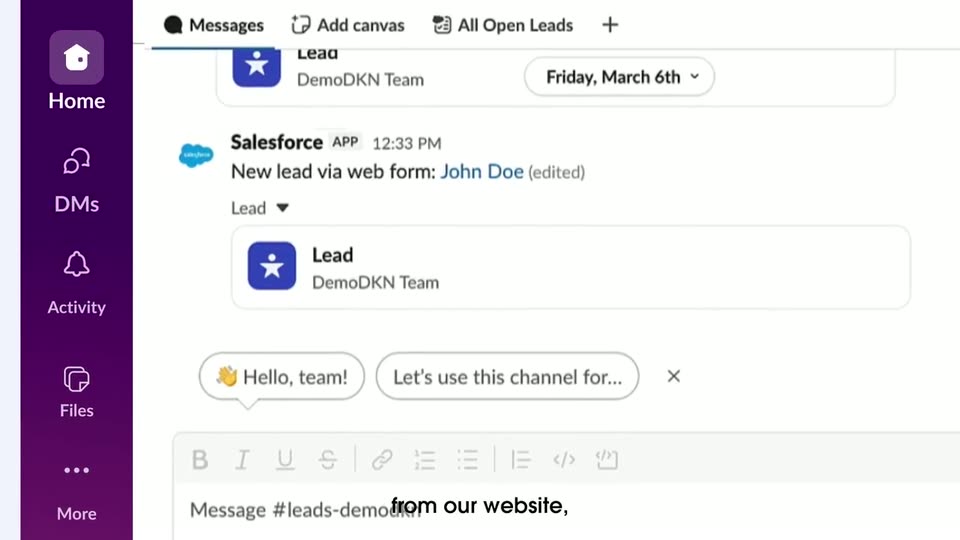
Black sans-serif text builds word by word in the center of a plain light gray background, reading the full line by the end. A dark curved surface edge slides down out of frame along the bottom.
On-screen text: “create a bucket in 2 clicks”
Techniques: Kinetic type
Camera: Static
A locked dark-gray caption, create a bucket in 2 clicks, sits centered on a white field while the background shifts to reveal a blurred laptop screen showing the product dashboard and its tabs.
On-screen text: “create a bucket in 2 clicks”
Camera: Pull out
A laptop screen is framed at a steep angle with shallow depth of field, the dark top nav and the keyboard blurred while the white panel stays sharp. The view holds still on the storage row, with the tagline and the 0 B value in focus.
Techniques: 3D mockup
Camera: Pull out
A close-up of a laptop screen in 3D perspective shows a Create Bucket dialog with a Name field and two Visibility cards, Private highlighted in green. The camera tilts down across the dialog while the keyboard stays blurred in the foreground.
Techniques: 3D mockup
Camera: Push in
A white Create Bucket dialog floats in 3D perspective over a blurred dashboard. The cursor types my-bucket into the Name field, hovers the Private option, then clicks the green Create Bucket button as the card snaps into focus.
Techniques: 3D mockup, Cursor demo
Camera: Static
A dashboard interface transitions from a blurred front view to an angled 3D monitor, the camera eases in from the side. A bucket list shows my-bucket with a provisioning tag and a green progress bar, a cursor hovers over the row.
Techniques: 3D mockup
Camera: Static
A close-up of a monitor shows an Upstash dashboard with a shallow depth of field. A white cursor hovers over a bucket row labeled my-bucket, beside a yellow PROVISIONING badge, a PRIVATE tag and the date Sep 15, 2026.
Techniques: Cursor demo
Camera: Static
Angled close-up of a monitor with shallow depth of field. A cursor hovers over the my-bucket row, clicks the Overview tab, and the page swaps to a row of stat cards. The cursor then drifts across the cards while the interface stays still.
Techniques: Cursor demo
Camera: Static
A single line of black lowercase text holds centered on a plain light gray background, static and locked-off for the full clip.
On-screen text: “simple code agents love to write”
Camera: Static
A dark code editor panel, tilted in 3D perspective over a blurred cloud sky, racks from soft focus to sharp as syntax-highlighted code slides up into view.
Techniques: 3D mockup
Camera: Static
A dark code editor panel sits tilted in 3D perspective over a blurred landscape illustration. Syntax-highlighted TypeScript code types in line by line, adding a maxSize and contentTypes constraint, while a shallow depth of field softens the panel's top edge.
Techniques: 3D mockup
Camera: Static
A dark rounded code panel with syntax-highlighted code floats over a blurred painted landscape of hills, water and a bridge. The code starts out of focus and sharpens as the lower lines fill in.
Techniques: Kinetic type
Camera: Pull out
A plain white field with a faint top-to-bottom gradient fills the frame and holds still; no text, logo, or element appears during the clip.
Camera: Static
A light gray background holds the centered line “or let your agent do the work”, with “let your agent” in light blue and the rest in dark gray. A small cartoon robot with an orange antenna and pink ears fades in above the word “agent”.
On-screen text: “or let your agent do the work”
Camera: Static
A dark documentation page with a left sidebar and a Quickstart article. The view zooms in on the body copy while a cursor moves to the Copy as Markdown button and clicks it, the label switching to Copied.
Techniques: UI zoom, Cursor demo
Camera: Pan
A laptop sits at a low angle on a white background, its screen showing a dark terminal window. At the prompt, the command Add file storage types out letter by letter. The 3D mockup holds a tilted, close view of the device.
Techniques: 3D mockup
Camera: Push in
Tilted close-up of a dark terminal input line over a paper surface with an orange gradient. A command types out with a pasted-text tag, then the frame pulls back to the full Claude Code window showing a pixel ghost icon and version header.
Techniques: 3D mockup, UI zoom
Camera: Static
A flat terminal window with Claude Code version text and a command line overlays a night shot of two cats. The terminal fades out, leaving the two cats standing on a dark, sandy ground.
Camera: Static
Two kittens stand side by side on dark wet ground, bobbing and swaying inside a centered square frame on a light gray background. Small white motion lines pop near the left kitten, then vanish as the pair keeps moving.
Camera: Static
A short clip of two kittens dancing on a dark floor plays in a small square frame centered on a pale gray background. The word compatible appears in black over the left side of the clip.
On-screen text: “compatible”
Camera: Static
On a plain light gray background, the centered line 'comptatible with AWS S3' sits still, the last two words in green. A green bucket icon scales in above 'AWS S3'.
On-screen text: “comptatible with AWS S3”
Camera: Static
On a plain light gray field, the centered line reads 'works with any framework' in dark gray. The trailing word shifts from 'AWS S3' to 'framework' while small React, Next.js and Vue logos pop in above it.
On-screen text: “works with any AWS S3”, “works with any framework”
Techniques: Kinetic type
Camera: Static
Centered black text on a flat light-gray field. The line 'works with any framework' slides out to the right as 'or through our CLI' slides in from the left, then holds static in the middle.
On-screen text: “works with any framework”, “or through our CLI”
Techniques: Kinetic type
Camera: Static
A dark terminal window floats in 3D perspective on a light gray field, slowly tilting as a command types out. The prompt fills with the upstash blob create command, then green checkmarks and key-value output appear while the window keeps rotating.
Techniques: 3D mockup
Camera: Push in
A dark terminal window tilts in 3D perspective over a white background, its edges blurred by shallow focus. Monospace lines type out a command, then a table of bucket rows appears line by line.
Techniques: 3D mockup
Camera: Static
A dark terminal window floats in 3D perspective on a white background, its edges blurred by shallow depth of field. Commands type out line by line: “upstash blob list” prints a bucket table, then “upstash blob credentials” outputs masked temporary S3 keys. The camera drifts slowly.
Techniques: 3D mockup
Camera: Pull out
A red pixelated alien icon is centered on a light grey background, emerging from a dark square blur at the start.
Camera: Static
A small orange pixel creature dashes to the left across a plain light gray background, tilting slightly as it moves. Two short motion lines appear behind it, and the image sharpens as it settles on the left side.
Camera: Static
A pixelated orange space invader sits left of center on a pale gray background as dotted gray paths loop around it. A purple PNG icon slides in at the top, then a red PDF and a green XLSX icon appear along the paths.
On-screen text: “PNG”, “PDF”, “XLSX”
Camera: Static
On a light gray background, an orange pixel spaceship sits at left as dashed lines lead to purple PNG, red PDF and green XLSX file icons that slide right toward a blue rounded-square logo, which scales in at the right edge.
On-screen text: “PNG”, “PDF”, “XLSX”
Camera: Static
A red pixelated creature icon wobbles on the left while a blue rounded app icon with a white 8 mark sits on the right. Dashed connector lines fade out from the blue icon toward the red one, and small red sparks flick around the creature.
On-screen text: “XLSX”
Camera: Static
Two blurred app icons flank a yellow starburst on a pale gray field. The icons drop away and the burst condenses into a ring of dark dots while the serif word store types in beside a blue dashed line.
On-screen text: “store”
Techniques: Morph, Particles
Camera: Static
A light gray card holds the word store in black at center left; a blue phrase beside it types in word by word, then rolls out to cycle through agent-generated output, user-generated media and any file you want :) before fading to blank.
On-screen text: “store agent-generated output”, “store user-generated media”, “store any file you want :)”
Techniques: Kinetic type
Camera: Static
A light gray field holds the Upstash Blob lockup: a blue rounded square with a white stacked-ellipse mark beside the wordmark. The lockup fades in from faint to full opacity in the first second, then holds static for the rest of the clip.
On-screen text: “store agent-generated output”
Camera: Static