
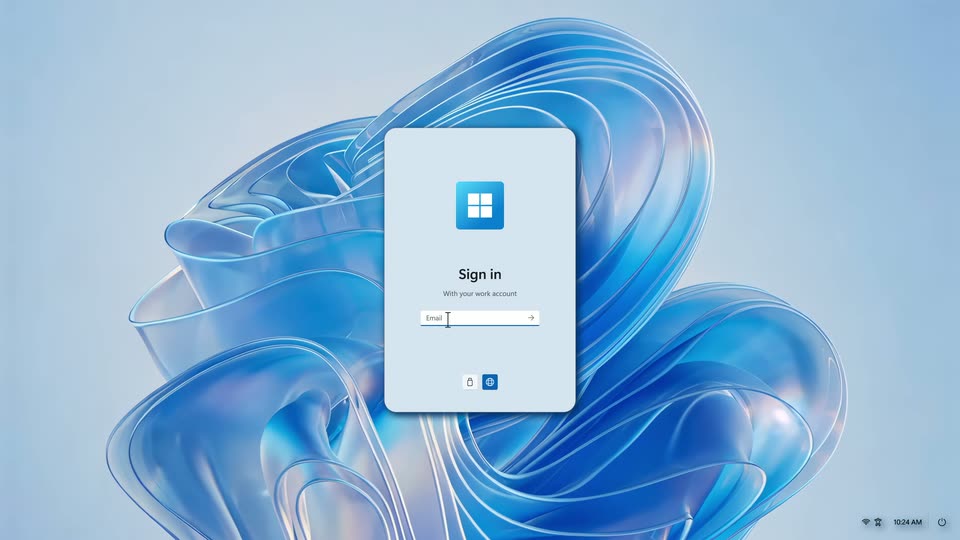
1:15
Explore
00:00:00 / 01:23:20
- Length
- 1:23
- Scenes
- 41 · 2.0 s avg
- Product on screen
- 0:13
- Features shown
- 7
- Voiceover
- No
- Views
- 82K on YouTube
as of November 27, 2026
Microsoft’s 1:23 launch film runs 41 scenes, about 2.0 s each. The product shows up at 0:13 and 7 features are revealed. There is no explicit call to action. The video opens on a soft pastel gradient with a promise line, then resolves into a slow 3D reveal of the black mini-PC before naming Windows 365 Link over a flowing blue glass form. It then alternates short live-action use cases (designer, warehouse, office) with crisp UI inserts and one-word captions, closing on a three-word attribute stack and the Microsoft logo. The style is defined by a calm pale-blue palette, glassy 3D abstract shapes, and a steady rhythm of locked-off product shots punctu
Footage neededEstimated needs: 3 capture groups — your screens or recordings · 1 official logo — reused across the film · 22 filmed passages — shoot, supply or replace · 2 graphic passages — draw or supply · 8 3D passages — build or supply
Is this your launch? to your site or press kit.
More like this
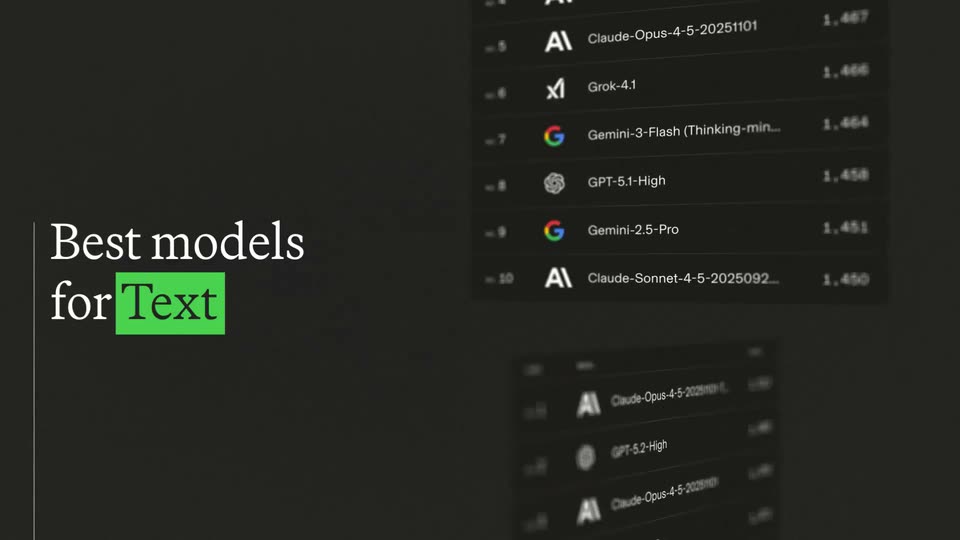
1:26

Introducing Claude Science (now in beta)
Anthropic · AI · Jun 2026
1:18
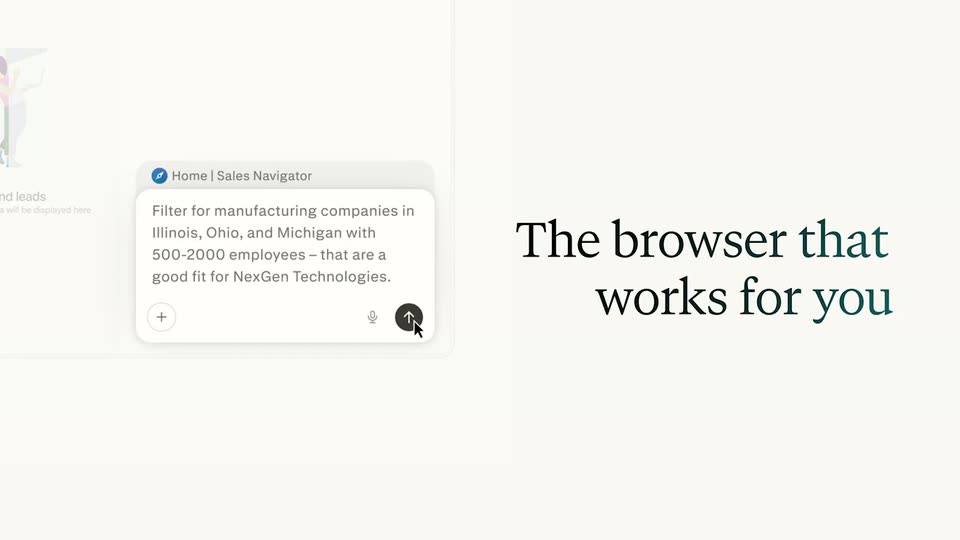

Perplexity - Today we're launching Comet Enterprise. Now, the most powerful AI br
Perplexity · AI · Mar 2026
Similar soundtrack
Films whose music sounds like this one, voice left out
0:48

Robinhood - Crypto doesn't sleep. Neither does your agent. AI agents can trade c
Robinhood · Electronic dance music (EDM, future house/future bass)
1:09

Voltalis, la solution d'économie d'énergie
Voltalis · Electronic dance music, nu-disco, future funk
0:59
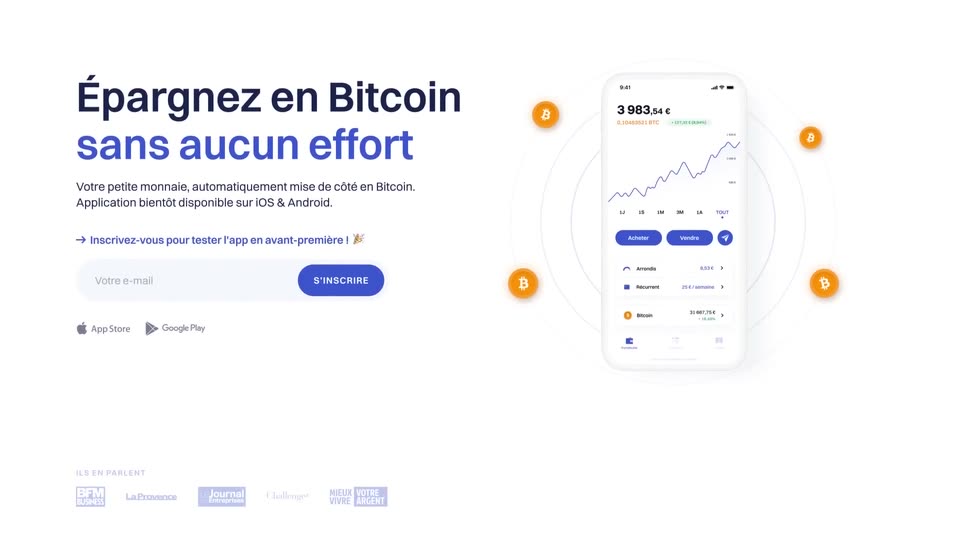

Bitstack : Épargnez en Bitcoin sans aucun effort
Bitstack · Electronic Dance Music
Introducing Windows 365 Link – the simple, secure, purpose-built device for Windows 365, scene by scene
· 41 scenes as text
01 · Hook · 0:00–0:04
A soft pastel gradient fills the frame as the word Introducing fades in centered in blue, then gives way to the line The first Cloud PC device, which fades in, holds, and begins to fade out.
On-screen text: “Introducing”, “The first Cloud PC device”
Techniques: Kinetic type
Camera: Static
02 · Hook · 0:04–0:05
A pale blue gradient with a soft diagonal light band fills the frame. The centered line of text holds still, then dissolves to clear as the scene ends.
On-screen text: “The first Cloud PC device”
Camera: Static
03 · Hook · 0:05–0:07
A tight close-up of a rounded white corner of a device floats against a pale blue backdrop. The surface shifts from bright white to soft gray as the angle of light changes across the curved edge.
Techniques: Light sweep
Camera: Push in
04 · Hook · 0:07–0:08
A close-up 3D render shows the rounded corner of a black device against a pale blue background. The shot drifts downward along the glossy edge, revealing more of the side profile and a soft gradient across the top surface.
Camera: Push in
05 · Hook · 0:08–0:13
Extreme close-up of a Windows logo on a dark surface, the camera pulls back to reveal a black box device in 3D perspective. A column of blue light falls from above, the logo glows white, then the frame fades to a soft blue and pink gradient.
Techniques: 3D mockup, Light sweep
Camera: Pull out
06 · Product intro · 0:13–0:15
A translucent blue glassy abstract shape with ribbed ridges sits centered on a pale blue field, its color deepening from pale to saturated as the clip plays, while the white title stays fixed across the middle.
On-screen text: “Windows 365 Link”
Camera: Pull out
07 · Feature reveal · 0:15–0:16
A white headline holds centered over a blue glass bloom. A Windows sign-in card fades in at the center, showing the logo, an email field and a blinking cursor.
On-screen text: “Windows 365 Link”
Camera: Static
08 · Feature reveal · 0:16–0:18
A Windows sign-in card with a typed email sits centered over a flowing blue 3D wallpaper. The mouse cursor moves to the submit arrow, the camera slowly pulls back, then the card scales away and the view dives into the wallpaper with a fast radial burst.
Techniques: Cursor demo, UI zoom, Speed ramp
Camera: Push in
09 · Feature reveal · 0:18–0:23
A radial burst of blue and white light streaks radiates from a bright center, filling the frame. Three headline phrases scale in and out at the center, one after another.
On-screen text: “Connect securely”, “to Windows 365”, “in seconds”
Techniques: Kinetic type
Camera: Push in
10 · Feature reveal · 0:23–0:24
A blue and white radial burst of light streaks expands outward from the center while the dark blue phrase in seconds scales up in the middle, the frame locked off.
On-screen text: “in seconds”
Techniques: Kinetic type
Camera: Static
11 · Demo · 0:24–0:25
A woman in profile sits at a light wooden desk, typing on a slim keyboard and working a mouse. Two wall-mounted monitors display a design interface beside a black desk lamp, while soft shadow patterns fall across the beige wall behind her.
Camera: Static
12 · Demo · 0:25–0:30
A woman in a white blouse sits at a wooden desk before two monitors, chin resting on her hand. She lowers her hands and types on a silver keyboard. The left screen shows a poster layout, the right a chat window. White captions read at lower left.
On-screen text: “The Windows you know”, “Delivered from the Microsoft Cloud”
Camera: Static
13 · Demo · 0:30–0:30
A high-angle close-up of two hands typing on a gray keyboard across a light wood desk. A small black box and a white mouse sit in the background, and the person wears a cream sleeve with a gold cuff.
Camera: Static
14 · Demo · 0:30–0:31
Angled shot of a wooden desk where a person in a white shirt types on a silver keyboard; a black mini PC with cables and a white mouse sit at the top. A chat panel slides in from the left edge at the end.
Camera: Pan
15 · Demo · 0:31–0:33
Split screen: a chat interface window slides off the left frame, revealing a blue watch then a plain background, while on the right a pair of hands types on a keyboard beside a small black device on a wooden desk.
Techniques: Split screen
Camera: Static
16 · Feature reveal · 0:33–0:34
A hand in a white sleeve with a gold cuff swings a small gray and white rounded device over a light wooden table. The movement is fast and blurred, the camera tracking the arm as it lifts the object against a plain beige wall.
Camera: Static
17 · Feature reveal · 0:34–0:34
Close profile shot of a person with dark hair and glasses as a hand in a white cuff fits white over-ear headphones onto their head, then rests on the ear cup. Plain beige background, static camera.
Camera: Static
18 · Feature reveal · 0:34–0:38
A woman in white headphones sits at a desk facing two large displays, one with a design file, the other a video call grid, as the caption 'Optimized for video conferencing' fades in. It cuts to a warehouse worker beside a monitor on a wooden test rig.
On-screen text: “Optimized for video conferencing”, “Built”
Camera: Static
19 · Feature reveal · 0:38–0:41
A worker in a cap and gray vest walks to a wooden counter with a wall-mounted monitor and scans a small package with a handheld scanner. Cardboard boxes stack on shelves around the set, and the camera stays locked off.
On-screen text: “Built to be shared”
Camera: Static
20 · Feature reveal · 0:41–0:41
A hand with white nail polish rests on a black mouse on a light wood desk, the other hand on a keyboard behind. The fingers shift slightly over the mouse while the frame stays locked off.
On-screen text: “Built to be shared”
Camera: Static
21 · Feature reveal · 0:41–0:43
Split screen: left, a hand with white nails rests on a black mouse on a wooden desk; right, a Lock Device button floats over a blurred blue field that sharpens into a woman at a desk, a cursor hovering by the button.
Techniques: Split screen, Cursor demo
Camera: Static
22 · Feature reveal · 0:43–0:46
A warehouse worker in a cap and reflective vest hurries to a desk with a vertical monitor, barcode scanner and keyboard, then leans in and types. The camera is locked off while the caption holds in the upper right.
On-screen text: “No local data or apps”
Camera: Static
23 · Feature reveal · 0:46–0:48
A worker in a gray vest leans over a wooden desk in a box-filled warehouse, then walks away in a blur as the monitor switches from a software window to a blue desktop with a white dialog box.
Techniques: 3D mockup
Camera: Static
24 · Demo · 0:48–0:49
Two office workers sit at cubicle desks seen from behind, wearing headphones and facing monitors that show a blue abstract login screen. A clipboard, mug and desk lamps fill the workspace.
Camera: Static
25 · Demo · 0:49–0:50
A woman in a headset sits at an office cubicle desk and points toward a monitor showing a Windows sign-in screen. A small black PC box, mouse, and keyboard rest on the white desk. The frame pulls focus from a soft blur to sharp as she gestures.
Camera: Static
26 · Demo · 0:50–0:51
A split screen pairs the Windows sign-in dialog on a blue wallpaper with a close-up of a hand touching a black security key. The right side dissolves into the wallpaper and the dialog scales up to fill the frame.
Techniques: Split screen
Camera: Static
27 · Demo · 0:51–0:53
A white rounded card floats over a blue wavy background. In the center, a blue Windows logo shifts from an offset split shape into a centered square, gaining a soft blue halo. Small gray text reading Connecting sits below it. The motion is slow and minimal.
Techniques: Morph
Camera: Static
28 · Demo · 0:53–0:55
A person in a headset sits at an office desk, hand on the mouse, facing a large monitor that shows a CRM dashboard with a contact list and detail panel. The camera holds an over-the-shoulder view as they work.
Camera: Static
29 · Feature reveal · 0:55–0:56
A pair of hands holds a small black rectangular device with a silver top panel against a gray background. The device is angled to show its front ports and side profile.
On-screen text: “Set up in seconds”
Camera: Static
30 · Feature reveal · 0:56–0:58
Close-up of two hands holding a small black drive, tilting it to reveal the engraved logo on top and the port edge. The device shifts slightly as a cable is handled at the right. A soft gray backdrop stays out of focus while the caption holds in the upper left.
On-screen text: “Set up in seconds”
Camera: Static
31 · Feature reveal · 0:58–1:01
A high-angle close-up of a black mini-PC on a pale gray surface, its front ports in sharp focus while the top logo blurs. The camera slowly pushes in as a white caption reveals word by word along the bottom.
On-screen text: “Works with the peripherals you need”, “Set up in seconds”
Techniques: Kinetic type, 3D mockup
Camera: Static
32 · Feature reveal · 1:01–1:02
A man in clear-framed glasses looks down in a tight close-up, side-lit against a black background. A single caption line holds still over the locked-off frame while his head stays low.
On-screen text: “Works with the peripherals you need”
Camera: Static
33 · Feature reveal · 1:02–1:04
A black boxy device with a Windows logo on its side stands upright, held steady by one hand. Another hand brings a black cable into frame and plugs the barrel connector into a port on the back.
Camera: Static
34 · Feature reveal · 1:04–1:06
A person sits at a desk seen from behind, hands resting on a keyboard, facing a blurred monitor. The caption holds on the left over the dark foreground. The frame stays locked off with no camera move.
On-screen text: “Configure in minutes”
Camera: Static
35 · Feature reveal · 1:06–1:09
A device management interface fills the frame, then slides left to reveal a hand resting on a mouse at a desk. The cursor travels down the device list and hovers a highlighted entry.
On-screen text: “Configure in minutes”
Techniques: Cursor demo, Split screen
Camera: Push in
36 · Other · 1:09–1:10
A close-up of a man with clear plastic glasses looking off-camera. He speaks with subtle head movements and facial expressions against a dark, out-of-focus background.
Camera: Pan
37 · Other · 1:10–1:12
Close-up profiles of people are shown in vertical panels that widen from two to four across the clip. Each person faces right and wears headphones or a boom mic, set against a plain studio background.
On-screen text: “D”
Techniques: Split screen
Camera: Pull out
38 · Other · 1:12–1:13
A three-panel split screen of women in profile cuts to a white interface card in 3D perspective, where the word Simple appears on its surface.
On-screen text: “Simple”
Techniques: 3D mockup
Camera: Static
39 · Other · 1:13–1:17
A black square device with a Windows logo on its top face rests on a pale surface, viewed from a high 3D angle. The frame stays locked off while white words appear one after another on the right: Simple, then Secure, then Purpose-built.
On-screen text: “Simple”, “Secure”, “Purpose-built”
Techniques: 3D mockup
Camera: Static
40 · Outro · 1:17–1:20
A soft blue-and-pink gradient washes the frame while the centered title Windows 365 Link fades in, the word Link trailing slightly behind, then the whole line fades to white and the empty gradient holds.
On-screen text: “Windows 365 Link”
Techniques: Kinetic type
Camera: Static
41 · Outro · 1:20–1:23
A faded four-square Microsoft logo scales up and sharpens in the center of a white background. The word Microsoft fades in to the right of the logo.
On-screen text: “Windows 365 Link”, “Microsoft”
Camera: Static