Feature reveal
A sequence devoted to one feature: its announcement and its demo.
89,112 scenes · page 494 of 1486
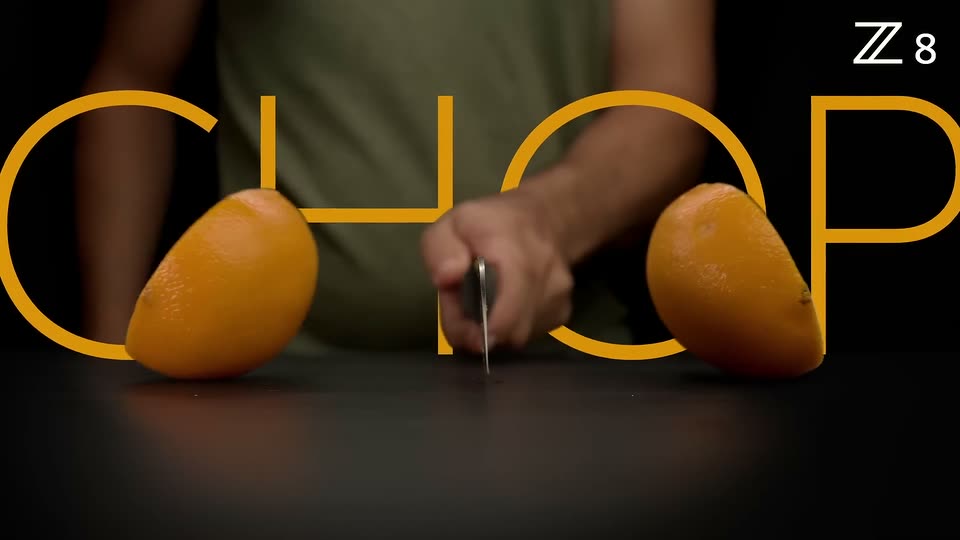 0:14–0:15Nikon Z 8 · Making an Orange Look Epic? - Shot on the Nikon Z 8A hand drives a knife through an orange on a dark surface; the two halves spring apart and settle to either side. The outlined word CHOP fills the frame behind the action, with the Z8 mark in the top right.
 0:20–0:26Overeasy · Meet IRISA dark rounded text field on black. A blinking caret types “Wait,” deletes back to “W,” then types a prompt classifying labels into teams, listing Red Bull and Mercedes. A small up-arrow send button sits in the field's lower-right corner.
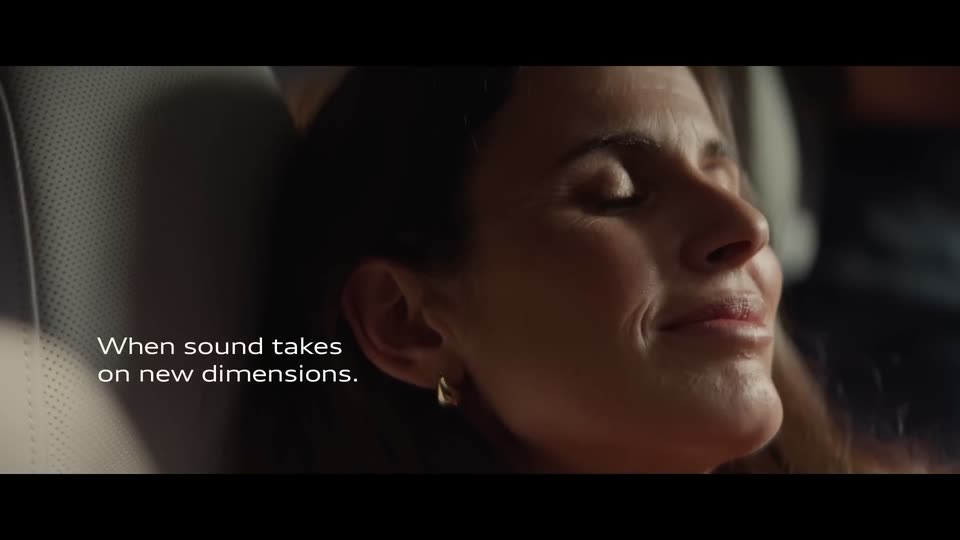 0:24–0:25Audi · Meet the Audi A6 e-tron modelsA woman in profile rests in a car seat, warm light on her face. She smiles and closes her eyes as a two-line caption scales in at lower left.
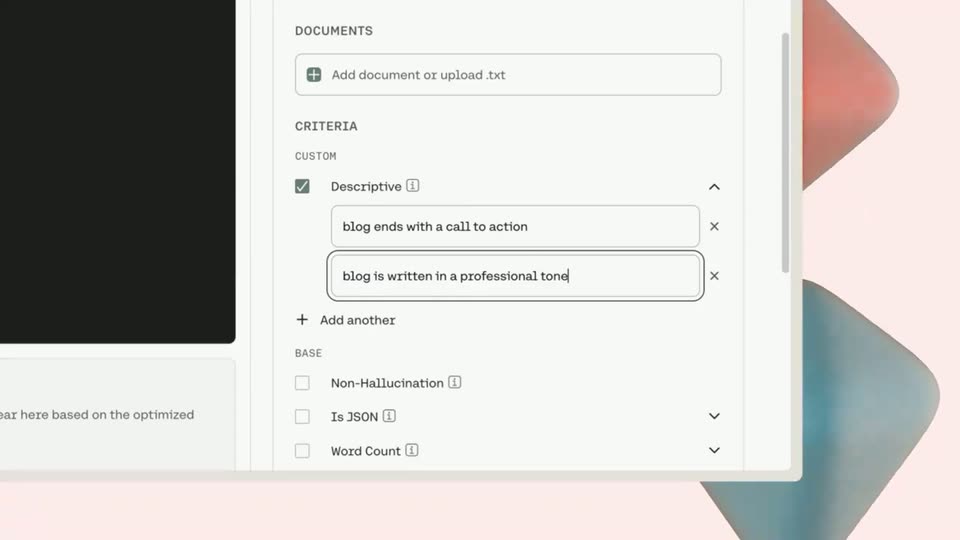 0:16–0:39Cohere · Cohere - We are excited to be introducing Prompt Tuner in beta today. It is aA close-up of a prompt-builder form auto-types three topic values into numbered fields, then the panel scrolls to the criteria section where more text fills the descriptive boxes and a word-count range is set. The frame zooms out to reveal the full window on a pastel background.
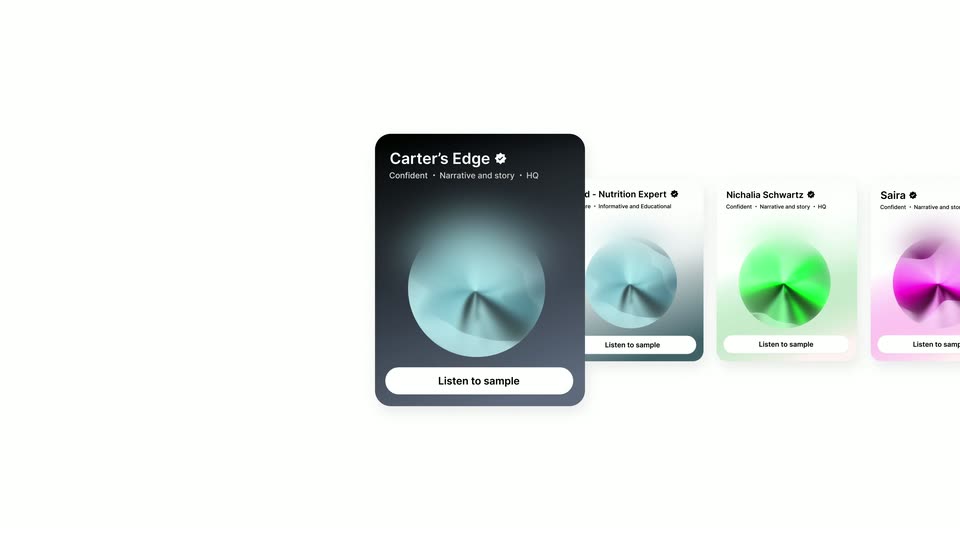 0:10–0:12ElevenLabs · Introducing three new languages: Hungarian, Vietnamese and NorwegianA row of four voice profile cards sits on a white background, each with a colored glossy 3D orb and a white pill button. A dark featured card slides right and down across the row, passing in front of the lighter cards.
 0:14–0:16Framer · Framer Design: Design on an intuitive CanvasThree white rounded bars stacked vertically on a pale cream background split and rearrange into a 4x3 grid of white rounded squares. The shapes hold still once the grid is formed.
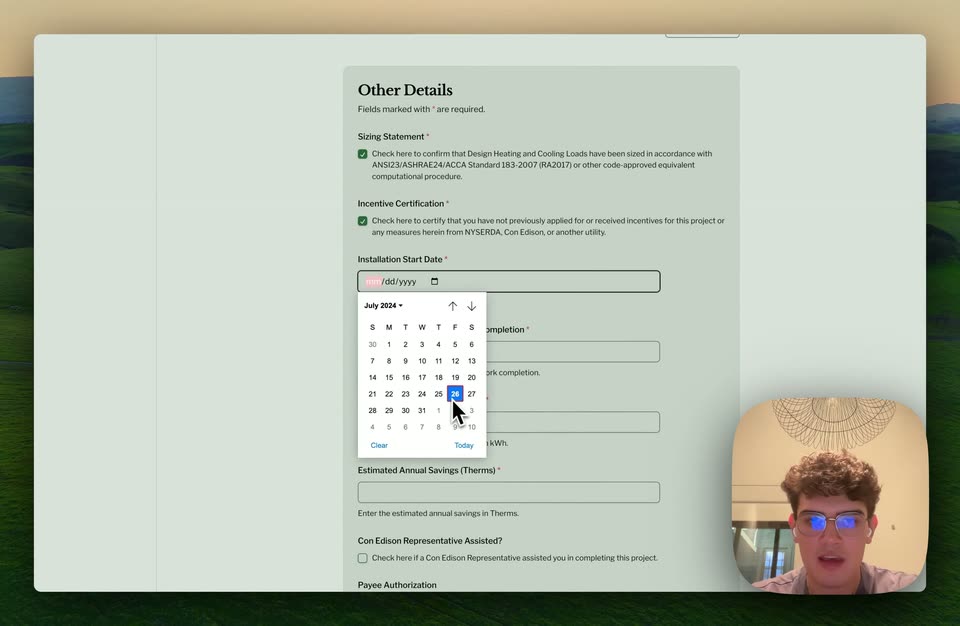 1:00–1:30RetroFix · RetroFix Product DemoA RetroFix form fills in step by step: the view zooms onto the “Fill with AI” button, then a cursor types values and selects options across screens. A small webcam of the presenter sits bottom right over a blurred landscape.
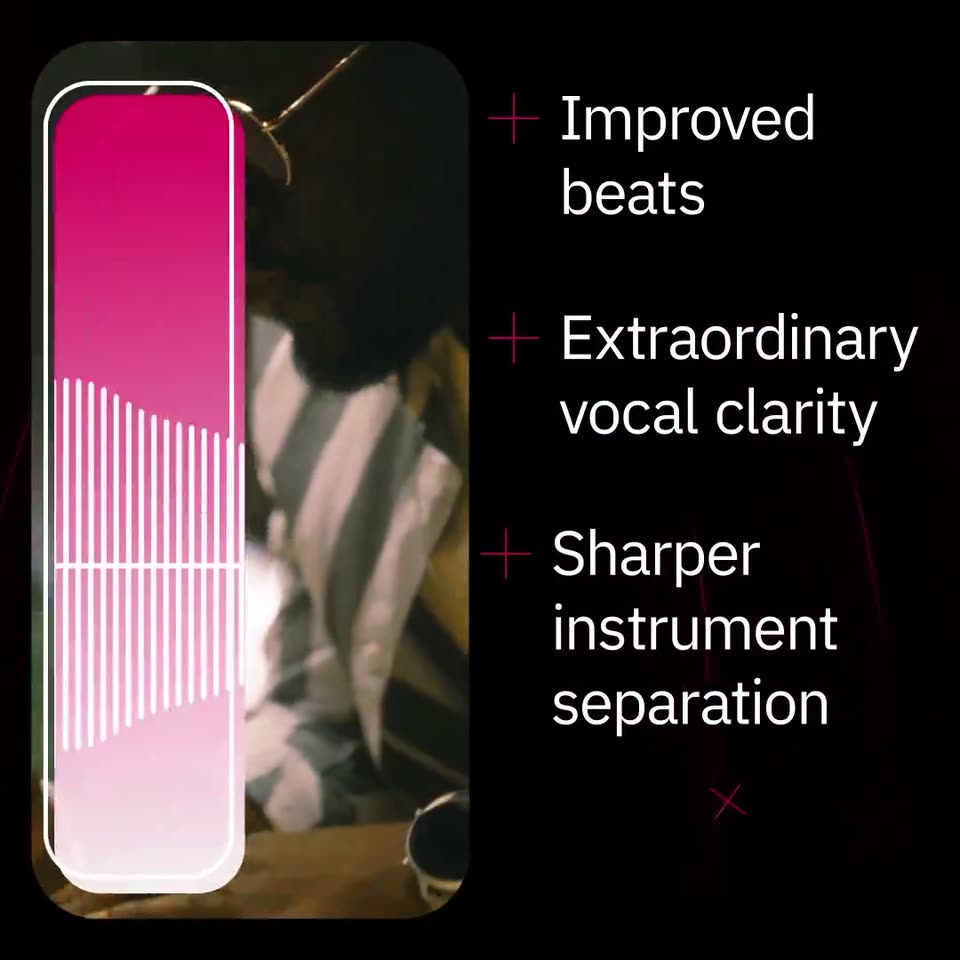 0:10–0:11Udio · udio - Udio v1.5 is here with advanced tools for creators! Make extraordinarA vertical rounded frame on the left cycles through live-action shots of a person with glasses and a pink audio card with a waveform, while three pink plus bullets list audio benefits on the right against black.
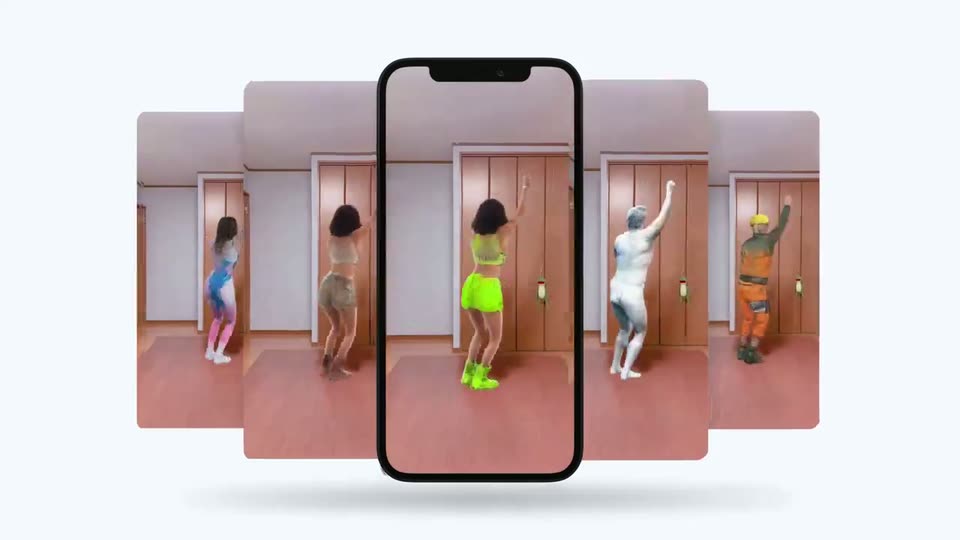 0:10–0:12Viggle · ViggleAI - Viggle iOS and Android apps are now live! Place your character inA black smartphone mockup sits centered on a pale gray background, playing a video of a woman in neon green dancing in a wood-paneled room. Behind it, four more video cards fan out to the left and right in 3D perspective, each showing a different dancer in the same room.
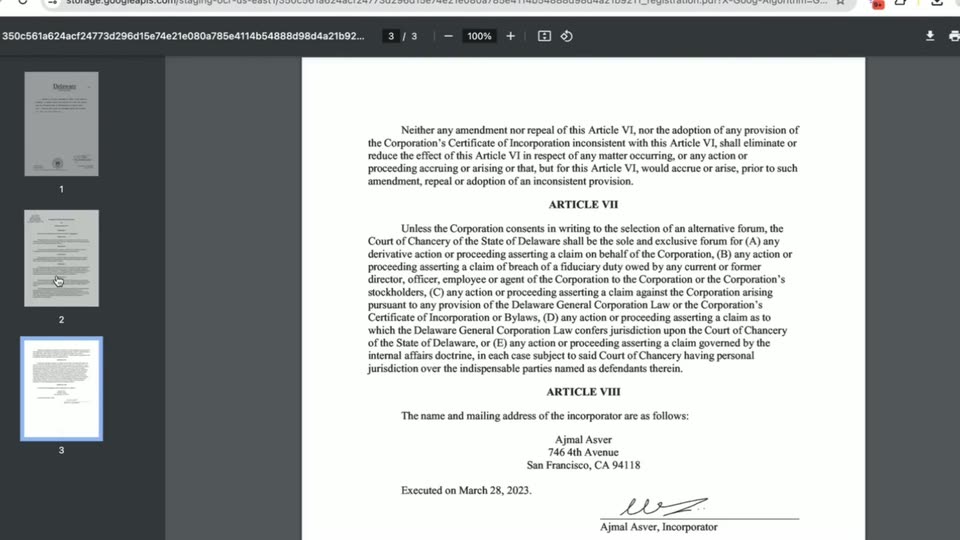 1:14–1:27Grep AI · New feature: Real-time document remediationA browser PDF viewer shows a three-page Delaware incorporation document for Parcha Labs. A cursor clicks the left thumbnails, switching the main pane from the title page to the certificate and the signed final page, then back. The page fades from gray to white at the start and end.
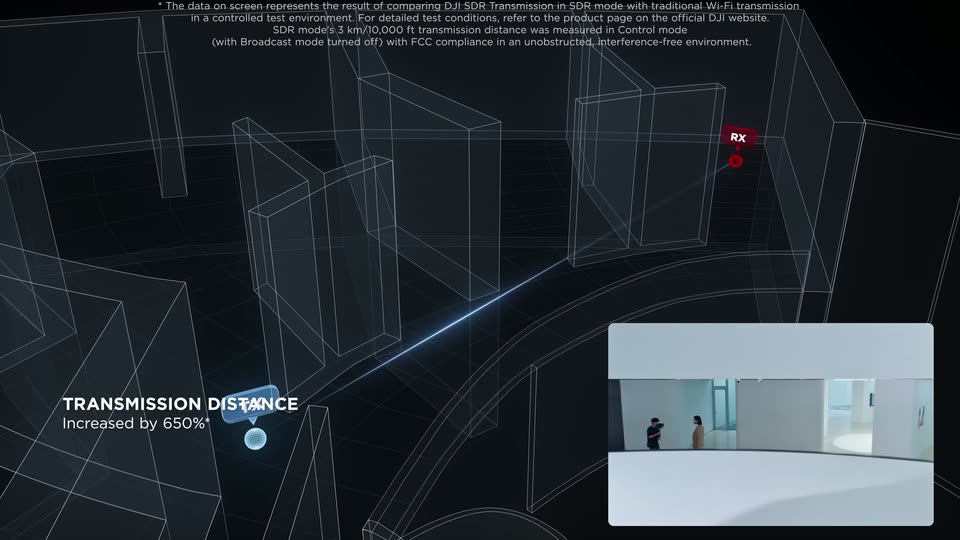 0:21–0:22DJI · Introducing DJI SDR TransmissionA wireframe 3D city on a black ground, with a blue TX node at left and a red RX node at right linked by a pulsing blue light beam. A small live-action window at bottom right shows two people in a white room, one holding a camera. The label TRANSMISSION DISTANCE Increased by 650% sits at lower left.
 0:24–0:26Miro · Unveiling Intelligent Canvas: Your Ultimate AI-Powered Innovation Workspace 🚀A black cursor glides to a white rounded card holding a purple sparkle icon on a soft blue-to-pink gradient. The card fades as the cursor overlaps it, then the sparkle scales up and blurs at the center.
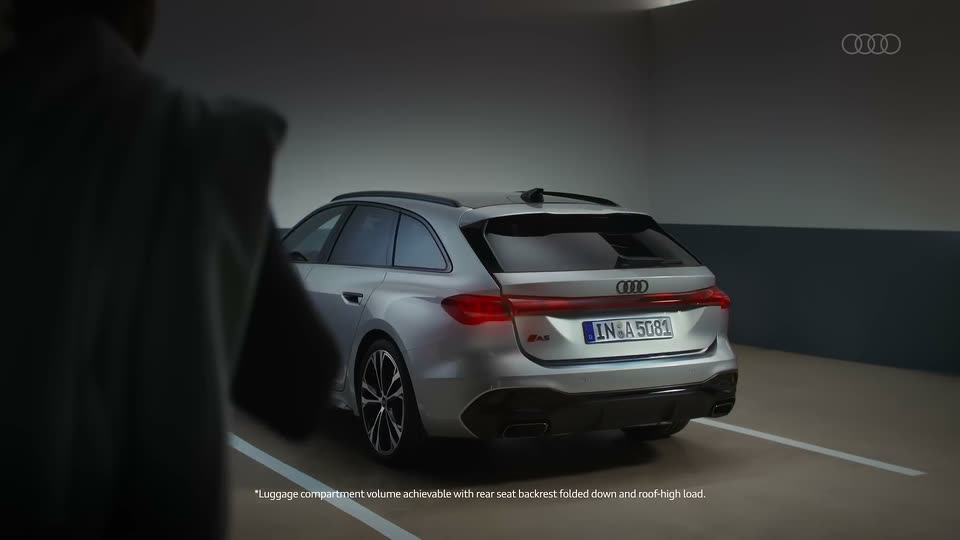 0:20 · 0.4sAudi · Meet the Audi A5 Avant and SedanA motion-blurred aerial landscape whips into a dim concrete garage where a silver station wagon sits parked, taillights glowing, a person's shoulder framing the left edge. The Audi rings sit top right and a small disclaimer caption runs along the bottom.
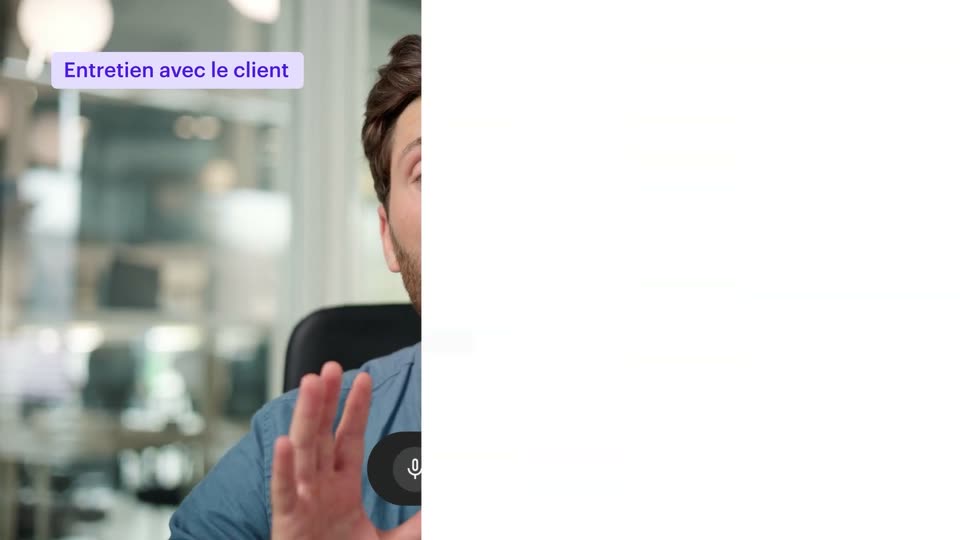 0:27–0:28Crème de la Crème · Crème de la crème - Plateforme ClientsA bearded man in a blue shirt speaks and gestures in a bright office. A video-call overlay frames the shot: a label in the top left, a three-button control bar at the bottom, and a picture-in-picture window of a red-haired woman in the lower right.
 0:37–0:40Morphic · Introducing Morphic StudioA single line of white text sits centered on a black field. It opens with a soft horizontal blur and slight offset, then sharpens into a clean, static headline by the middle of the clip and holds.
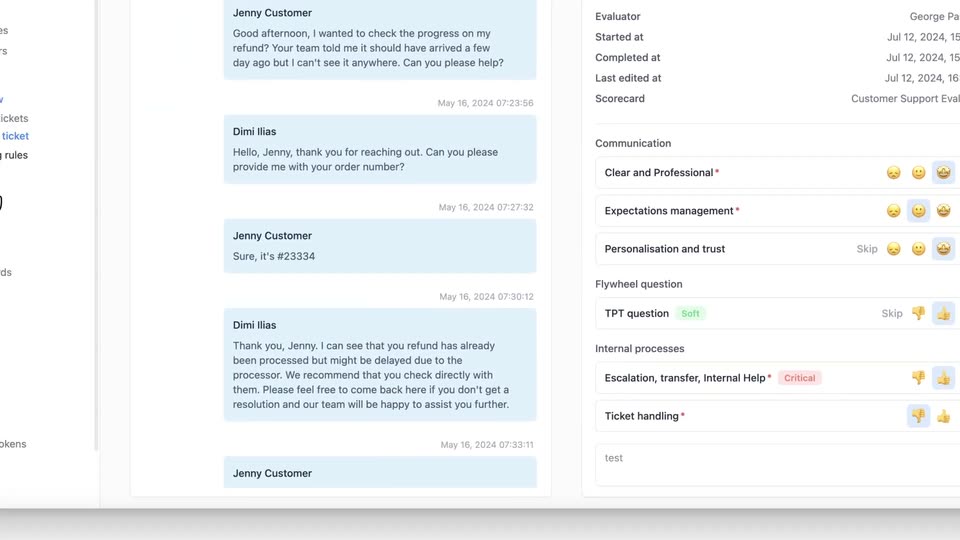 0:22–0:24Intryc · Intryc YC Launch videoA support app screen shows a customer chat thread beside a scorecard form with emoji ratings and dropdowns. The view reframes left to reveal the navigation sidebar, and a hand cursor moves up to hover a menu item.
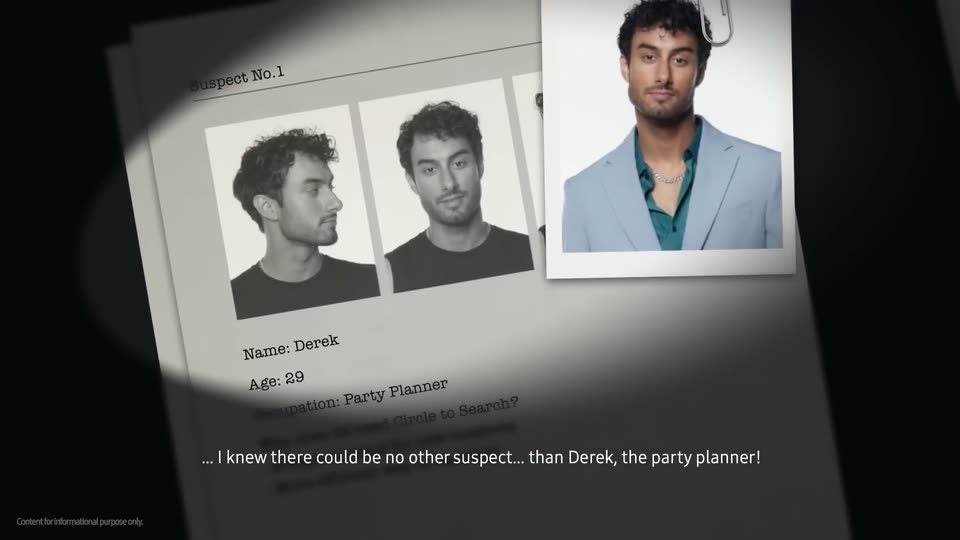 0:34–0:37Samsung · Introducing Galaxy Z Fold6 and Z Flip6 | SamsungA spotlighted suspect dossier on a dark background sharpens from blur as the camera pushes in. The file shows mugshots and details for Derek, party planner, then slides aside as two more photos, a man on a sofa and a hand holding a phone, fly in to form a collage.
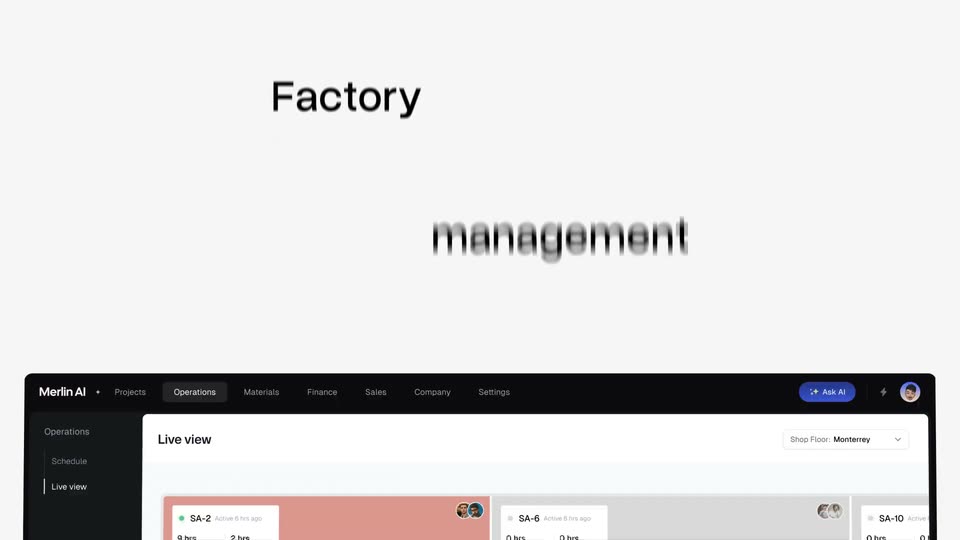 0:30–0:31Merlin AI · @MerlinAITechnology The AI Game-Changing Tool for your Construction BusinessA white data table slides down out of frame as the headline 'Factory management' assembles above it, then a tilted 3D product screen with a live-view card grid rises into the lower half.
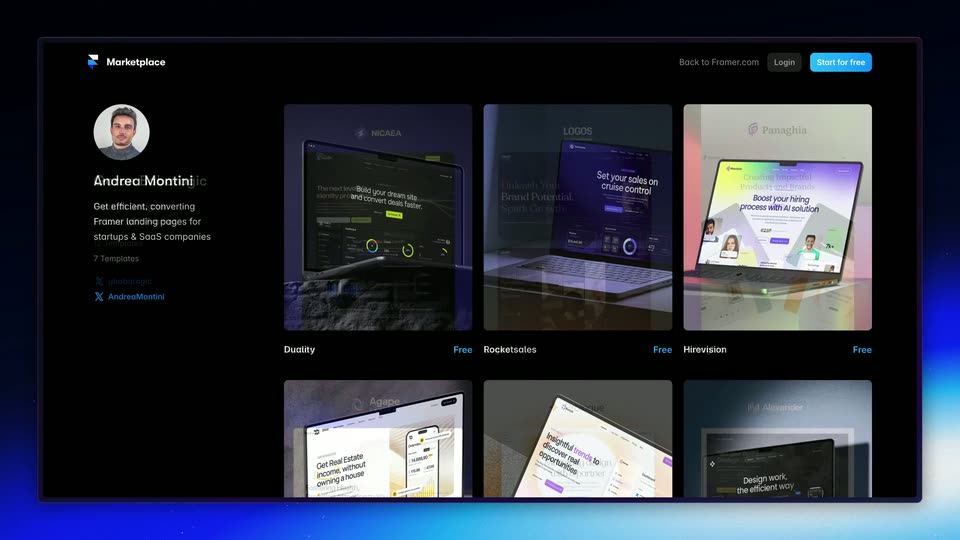 0:54–0:55Framer · The New Framer MarketplaceA dark marketplace profile view shows a left sidebar with a circular avatar, name and bio beside a grid of template cards. The cards cycle their laptop mockup thumbnails and titles, swapping Duclity, Rocketsales and Hirevision for new designs.
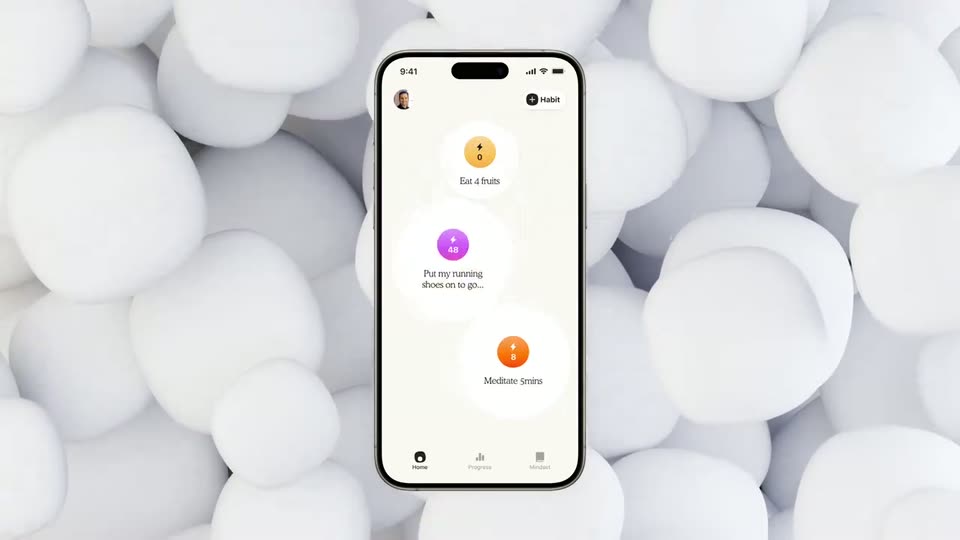 0:19–0:20Atoms · Metalab - Say goodbye to bad habits. Together with @JamesClear (you know who),A front-facing iPhone mockup floats centered on a field of white 3D spheres. Its screen blurs and slides from a habit settings form, with weekday circles and a reminder toggle, into a home dashboard showing colored habit rings and a bottom tab bar.
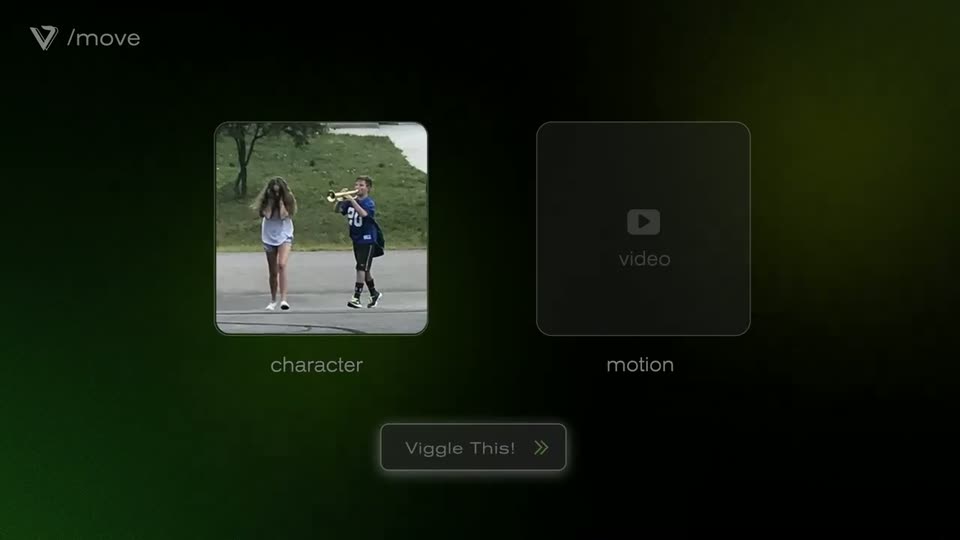 0:22–0:24Viggle · ViggleAI - Viggle's new feature "Move" is now live! Visit to animate your pic riTwo rounded upload cards sit on a dark green gradient. The left card fills with a photo of two people, the right with a video of a man walking, as a cursor hovers over it. Static captions note keeping the background and skipping the greenscreen.
 0:04–0:06Captions · Mirage - What if AI could edit your videos for you? Now it can. Introducing ABlurred video thumbnails drift around the edges of a dark purple grid while a large headline scales in at center: “What if AI”, then it swaps to “could edit videos for you?”.
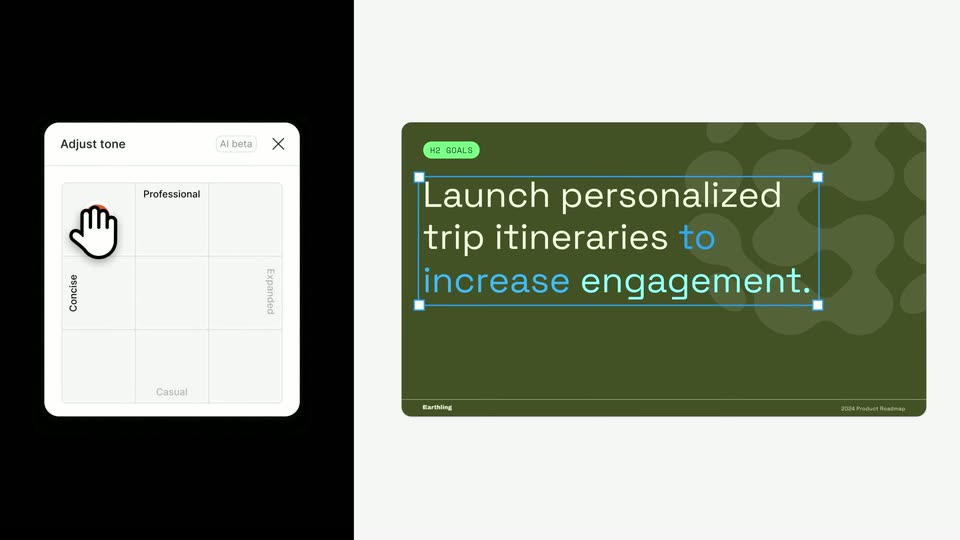 0:30–0:34Figma · Presenting: Figma SlidesA split view shows a white Adjust tone panel left and a dark green goal card right. A hand cursor drags the orange knob to the top-left grid cell, and the blue-boxed text on the card rewrites itself into a shorter sentence, then the card slides down.
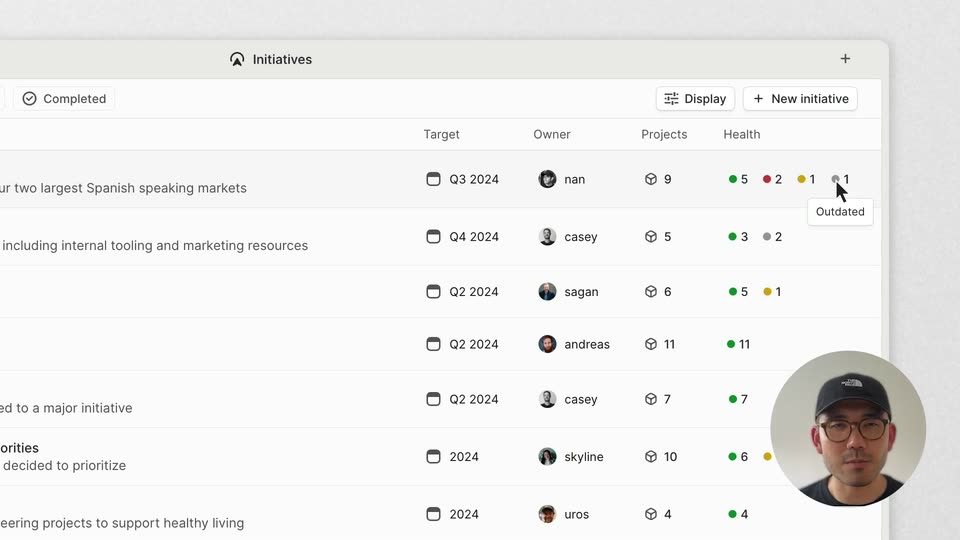 1:27–1:33Linear · Introducing Linear InitiativesA light gray initiatives table fills the frame with columns for target, owner, projects and health. A cursor hovers over a gray status dot, opening an Outdated tooltip, while a circular inset of a presenter in a black cap and glasses sits in the lower right corner.
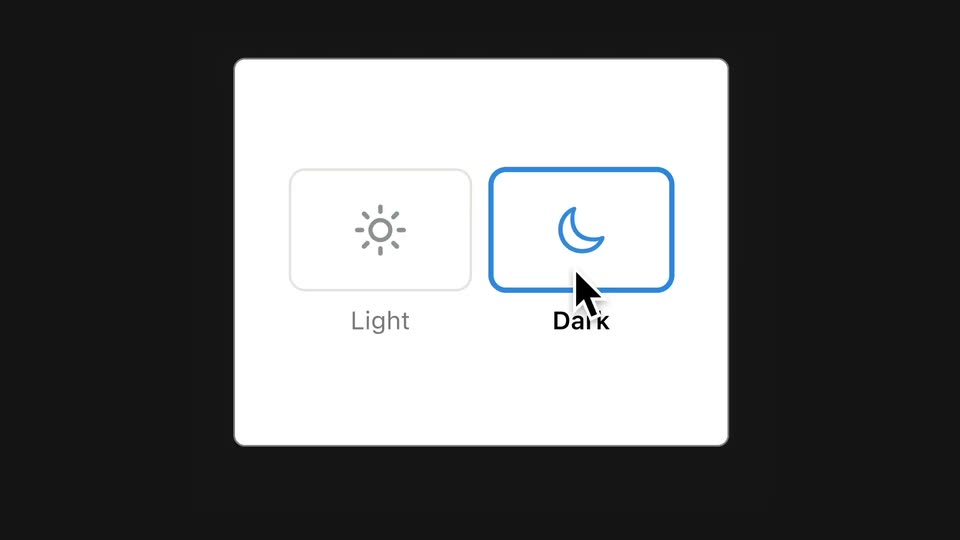 0:13–0:14Notion · Introducing: Notion SitesA white settings card on a black background shows two theme tiles, Light with a sun icon and Dark with a moon icon. The Dark tile carries a blue selection border, and a cursor arrow rests at its lower edge. The frame is locked off.
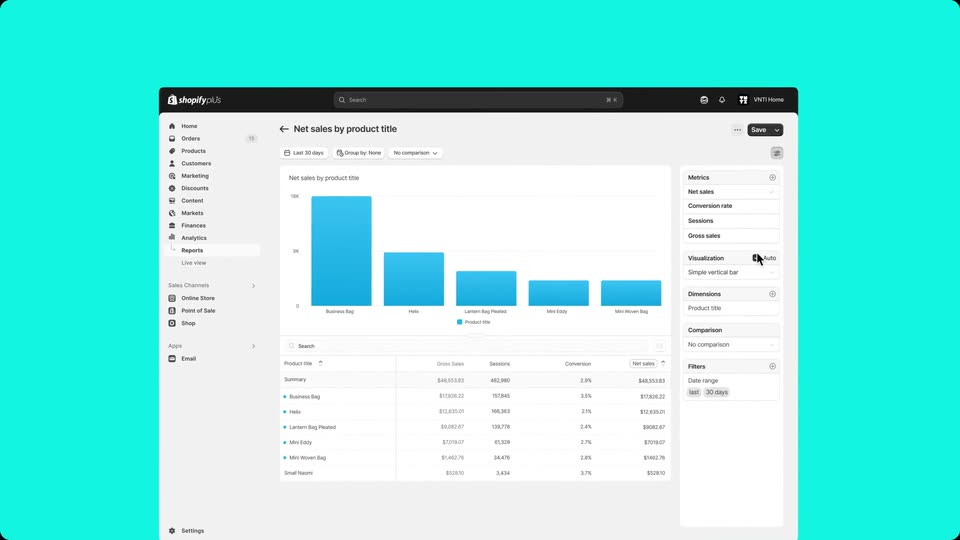 0:45–0:59Shopify · All new Analytics | Shopify Editions Summer '24A Shopify Plus report screen, tilted in 3D perspective on a solid cyan background, shows a bar chart and table. A cursor clicks metrics in the right panel, adding Conversion rate, Sessions and Gross sales as new table columns, then the camera slowly zooms in.
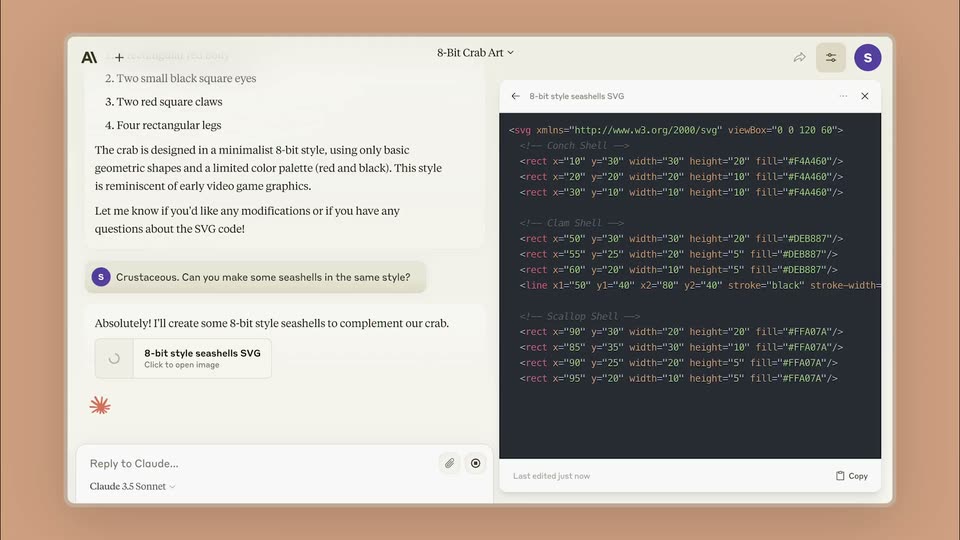 0:22–0:25Anthropic · Claude 3.5 Sonnet for sparking creativityA two-pane interface sits on a tan backdrop. The left chat thread shows a user request and a reply with a small red starburst icon, while the right dark panel scrolls down to reveal more SVG shell code line by line.
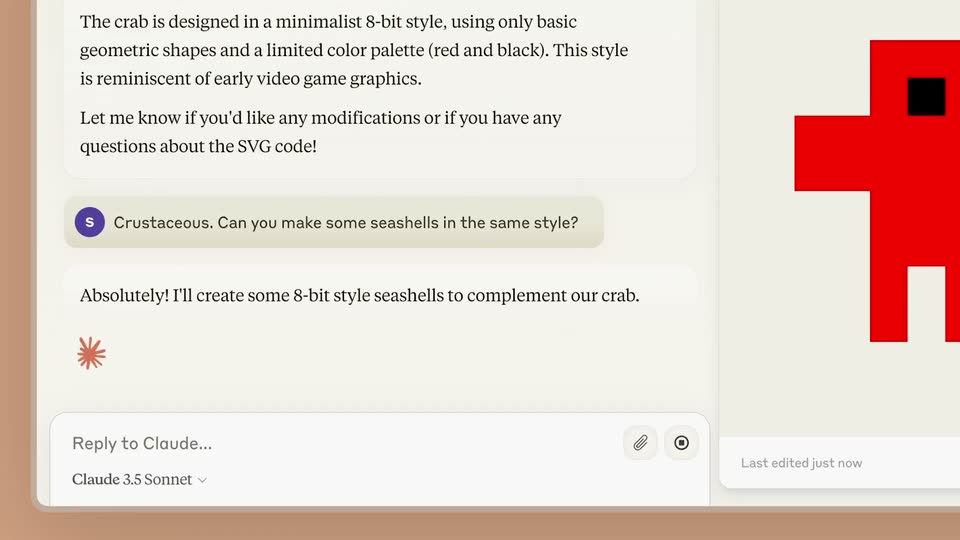 0:18–0:22Anthropic · Anthropic - We're also launching a preview of Artifacts on You can ask Claude toA cream chat interface fills the frame; the conversation scrolls up as an assistant reply types out word by word, then a loading card with a spinner appears beneath it. A red pixel crab rests in the right panel.
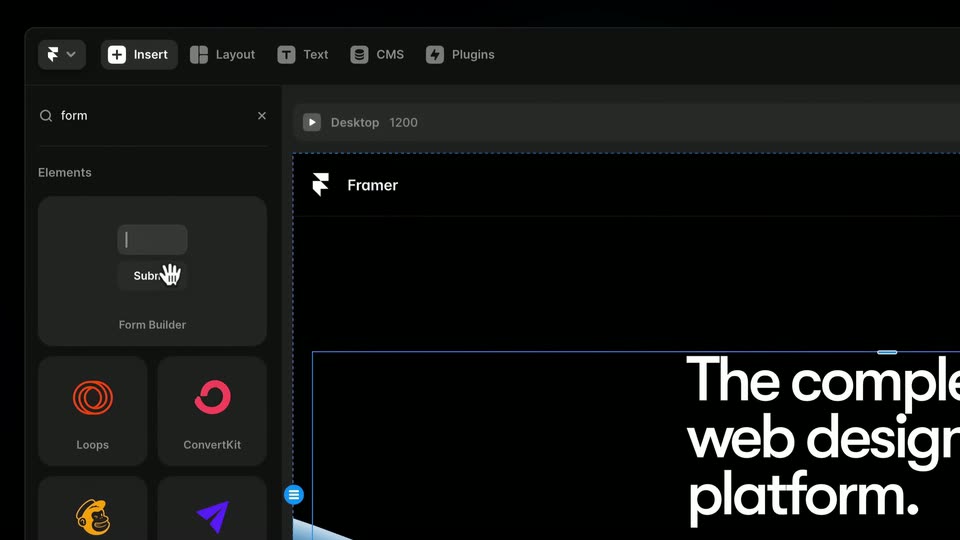 0:15–0:18Framer · Introducing: Framer FormsA Framer editor fills the frame while a white headline 'Fast and flexible' fades in at the center. A hand cursor grabs the Form Builder from the left search panel, the panel switches to Layers, and the element lands on the canvas.
 0:25–0:29Cohere · Cohere - Multi-step tool use is now available in the Cohere API! Build advancA purple background features abstract 3D shapes in the bottom right and white outlined rounded rectangles. The text 'Then, using the Python interpreter tool to plot the data' slides into the top left corner in a white sans-serif font.
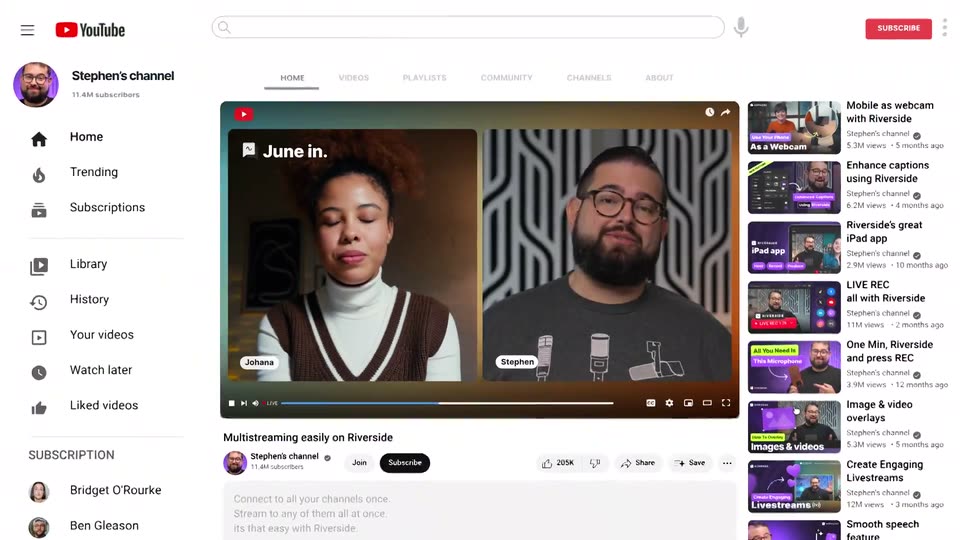 0:16–0:17Riverside · Riverside - Introducing the new Conversation Studio. With full HD live streamingThe Riverside live call interface, with two participants in separate panels, morphs into a YouTube channel page. The same stream now plays in a single centered video box while the surrounding layout restructures.
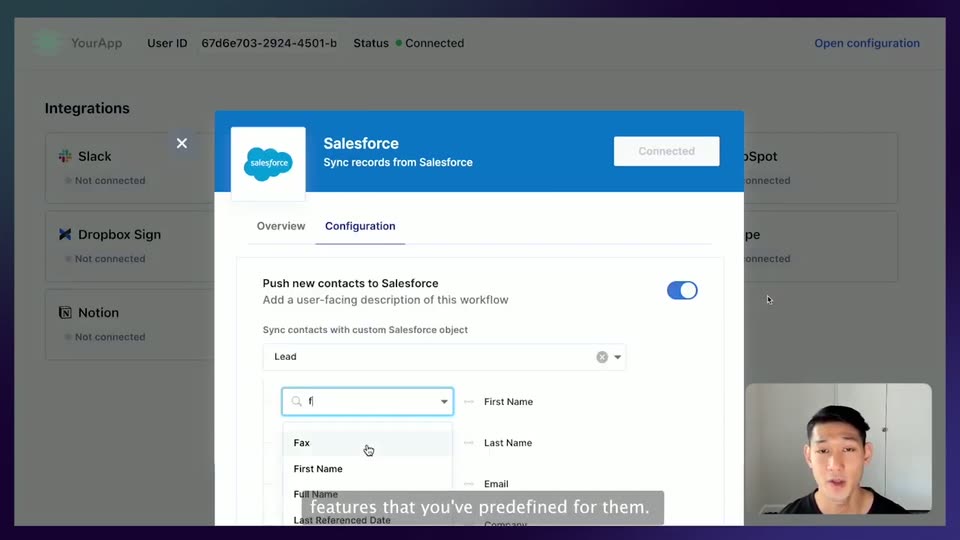 1:06–1:12Paragon · Building a native CRM integration in 1 minuteA Salesforce integration modal sits over a dimmed integrations list. A cursor flips a toggle on, opens a record-type dropdown, picks Lead, then types in a field search and selects First Name, as the panel scrolls. A presenter's webcam and subtitles sit in the corners.
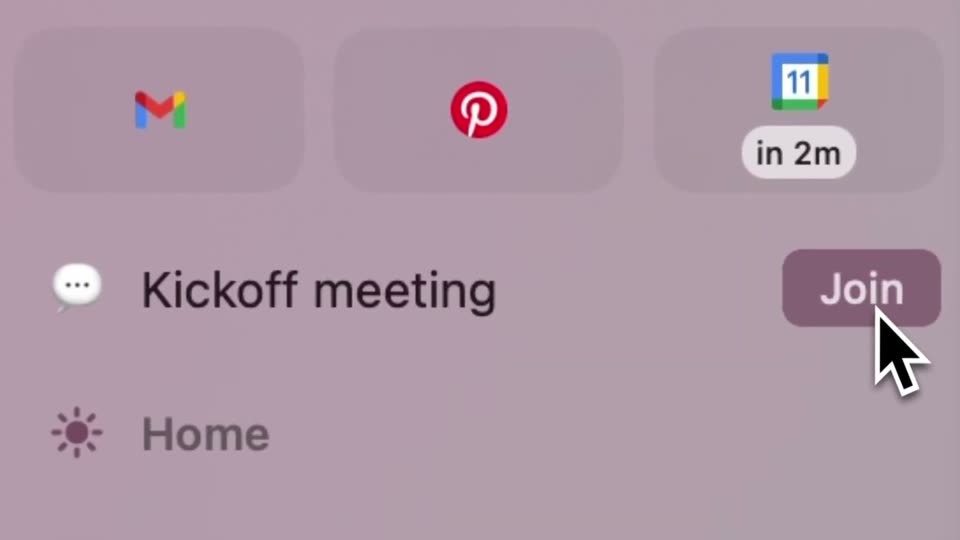 0:12–0:13The Browser Company · Introducing Live Calendar | Never be late againA close-up of a macOS panel shows three app icons across the top and a task list below. A white cursor arrow glides up from the lower right corner and stops, hovering over the purple Join button beside the Kickoff meeting row.
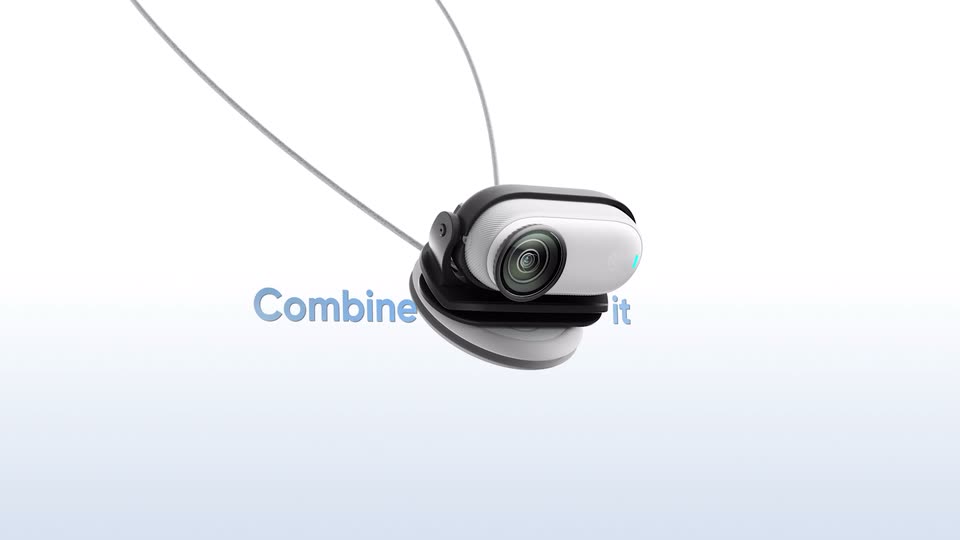 0:09–0:10Insta360 · Buy Insta360 GO 3S - 4K Small CameraA white pill-shaped camera floats on a white-to-blue gradient, then splits into an exploded stack of white, black and white layers, while the blue words Combine and it slide in on either side and gain color.
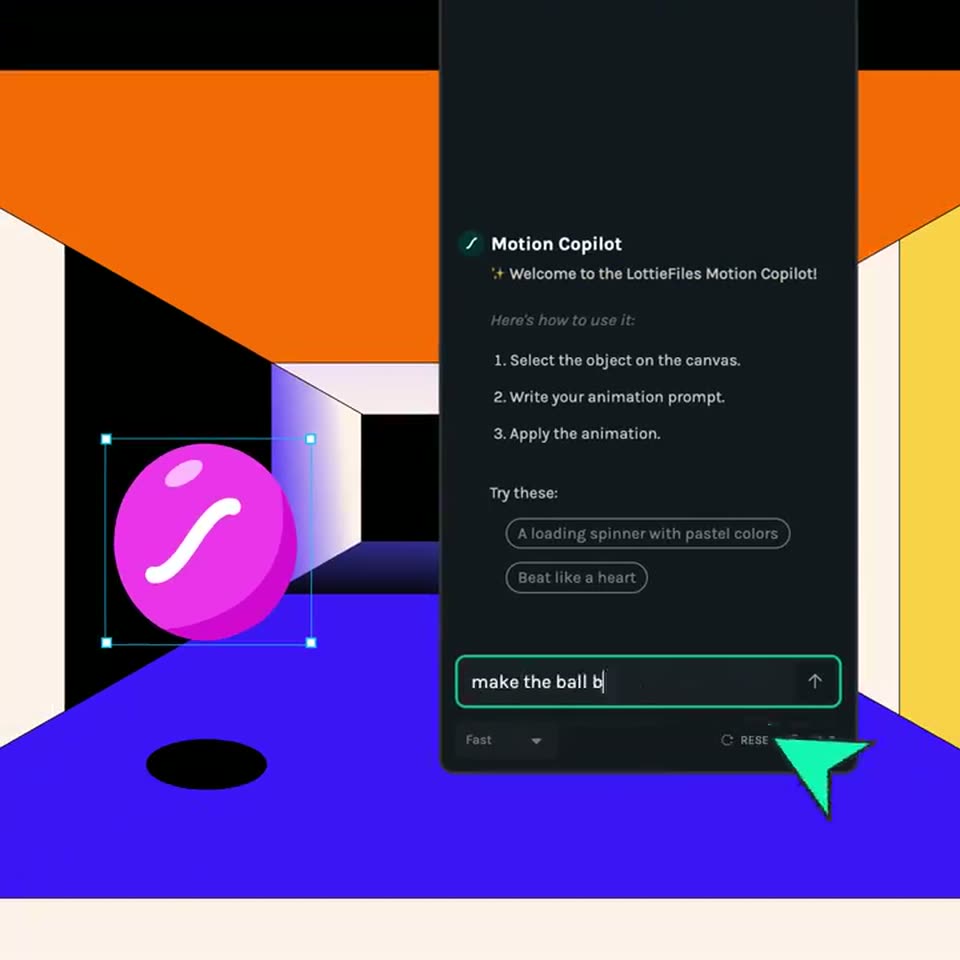 0:34–0:36LottieFiles · LottieFiles - 🚀 Introducing Motion Copilot! - Describe your animation in any languA dark Motion Copilot panel sits in a 3D perspective room beside a magenta ball in a blue selection box. A cursor types 'make the ball bounce on the spot' into the input field while the panel fades to solid.
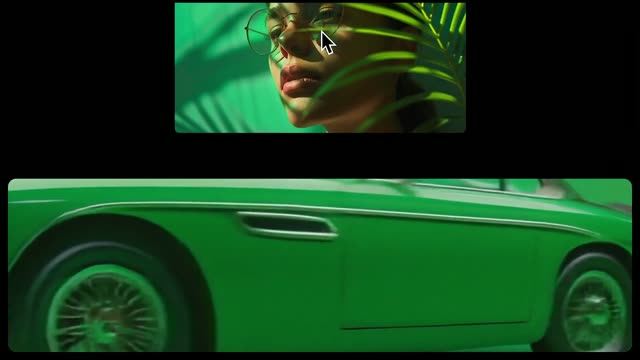 0:09–0:11Luma AI · Introducing Luma Dream Machine - Next Generation AI VideoA green classic car render sits in profile on a green backdrop. The frame splits into two panels: a woman in round sunglasses behind palm fronds on top, the car driving with motion blur below, while the words Image, to, Video scale in.
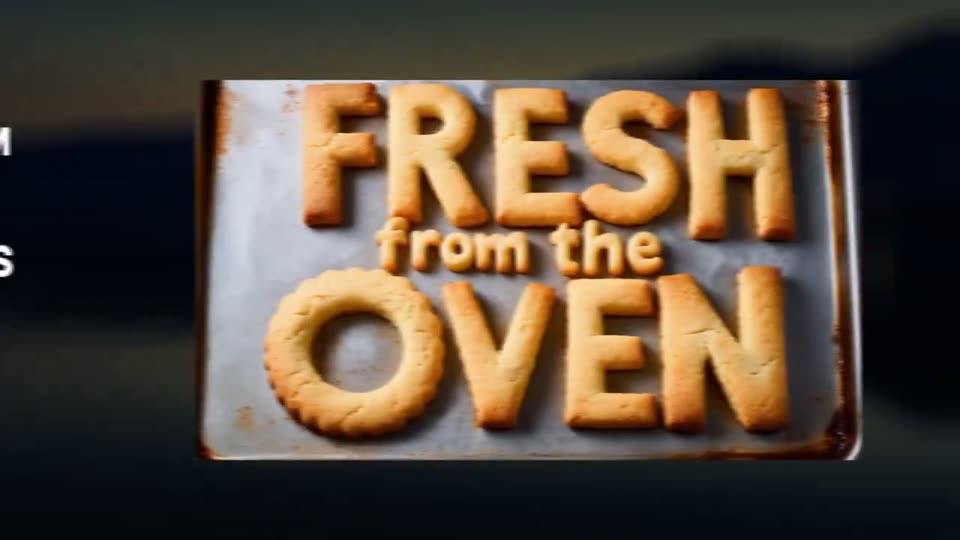 0:08 · 0.8sStability AI · Stability AI - Today, we’re thrilled to announce the open weights for Stable DiffusiA metal baking tray of golden cookies spelling the headline slides in from the right, sharpening from motion blur as a list card exits left. The frame settles on the centered tray.
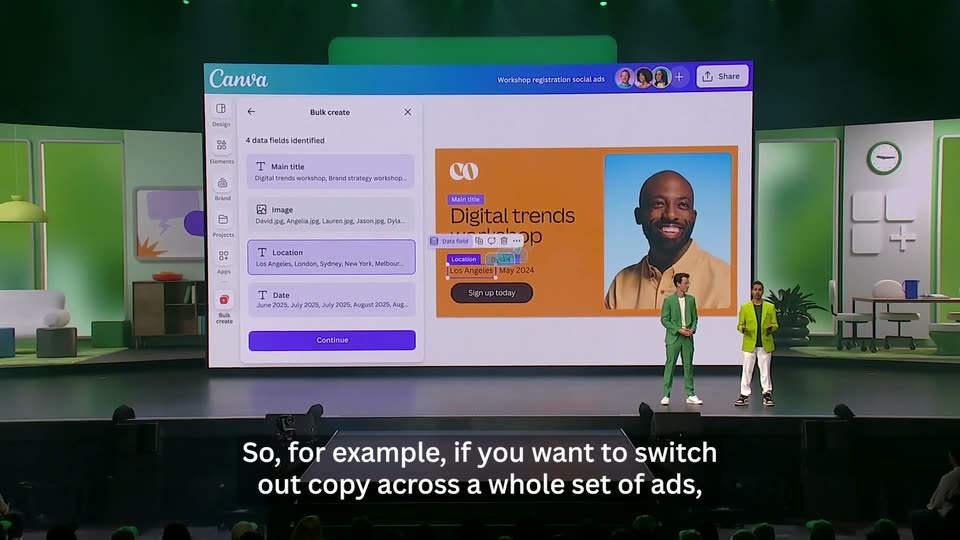 0:20–0:34Canva · Canva Create 2024: Introducing Bulk CreateTwo presenters stand on a green-lit stage before a large screen showing Canva. On screen, a spreadsheet of workshop rows gives way to a Bulk create panel, then purple field tags pop onto an orange ad template. White subtitles run along the bottom.
 1:03–1:07Canva · Canva Create 2024: Introducing Canva EnterpriseTwo presenters in purple stand on a lit conference stage before a large screen showing a design approval dialog; checkboxes tick on and a small Victoria chip slides around the list while bottom captions read the line.
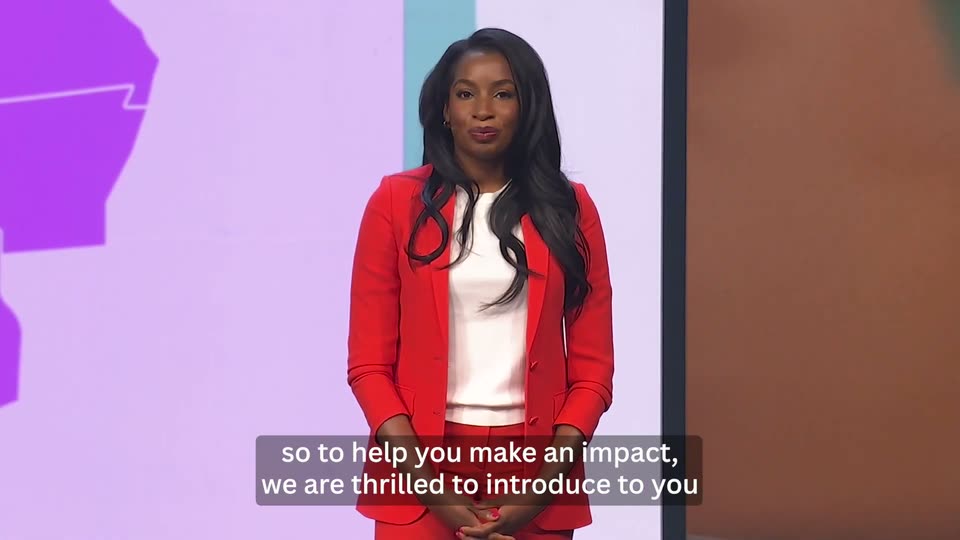 0:44–0:55Canva · Canva Create 2024: Introducing Data Autofill & RecordingsA woman in a red blazer and trousers stands center stage before a pale lavender screen, hands clasped, then gestures and turns to point offstage as she speaks. White subtitles on a translucent dark bar run along the bottom.
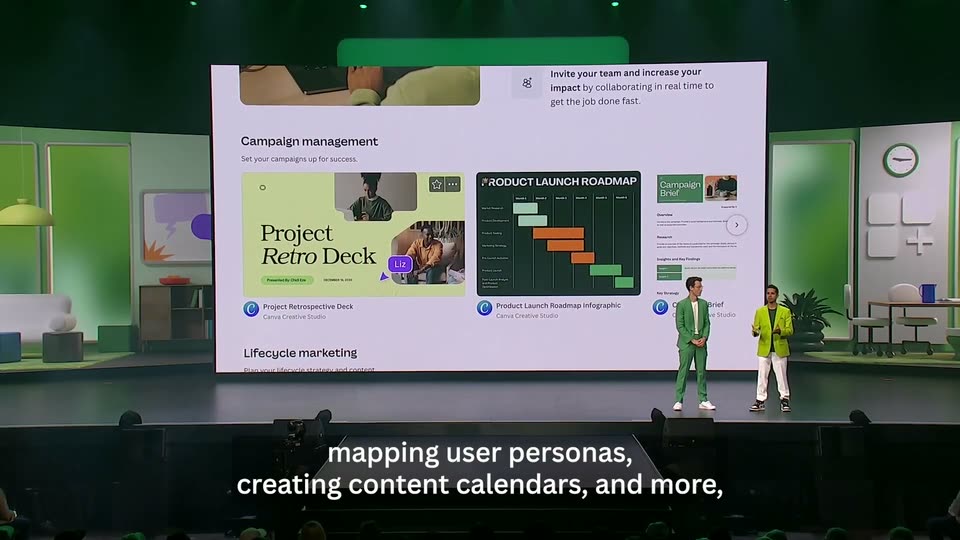 0:23–0:24Canva · Canva Create 2024: Introducing Work KitsWide shot of a green stage set where two presenters stand at the right beside a large screen. The screen pans down through Canva marketing templates, from a centered Work Kits title card to campaign management and lifecycle marketing cards.
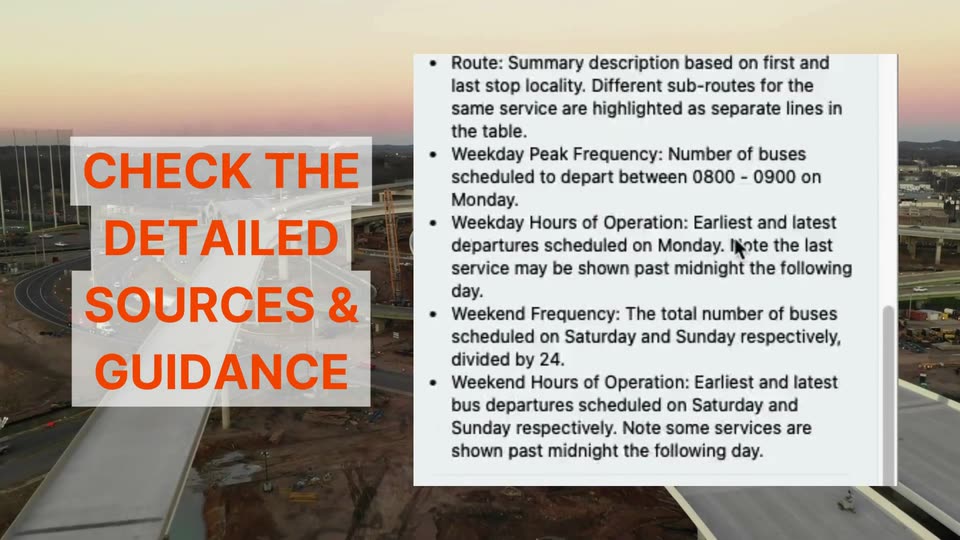 0:15–0:18SchemeFlow · SchemeFlow Intro VideoA white document panel on the right scrolls upward through sections on data sources, analysis and validation over a static aerial dusk shot of a highway interchange. A fixed orange headline on stacked white blocks holds on the left.
 0:47–0:49Berachain · Berachain Foundation 🐻⛓ - Berachain's Public Testnet bArtio B2 is now live. Hot Bera Summer beA bright white field framed by a warm orange glow contracts across the clip, the amber border widening as small light particles drift and twinkle around it. The headline text scales within the bright center as the glow intensifies.
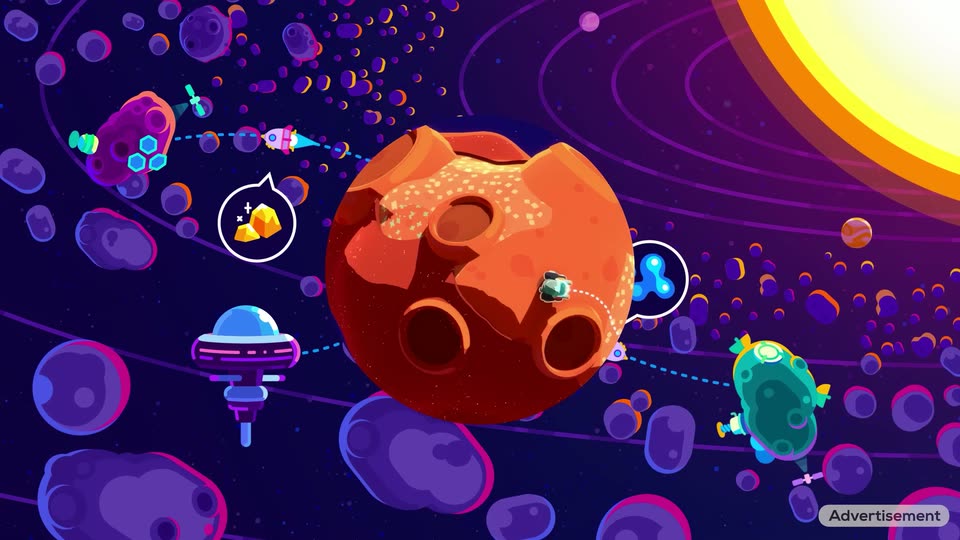 0:35–0:36Star Birds · We Are Making a VIDEO GAMEA flat space illustration with a purple starfield, orbit rings, and a sun top right. A dotted path links a rocket, a UFO station, and a green alien, with bubbles showing gold bars and a blue molecule. The view pushes in on a large orange cratered asteroid.
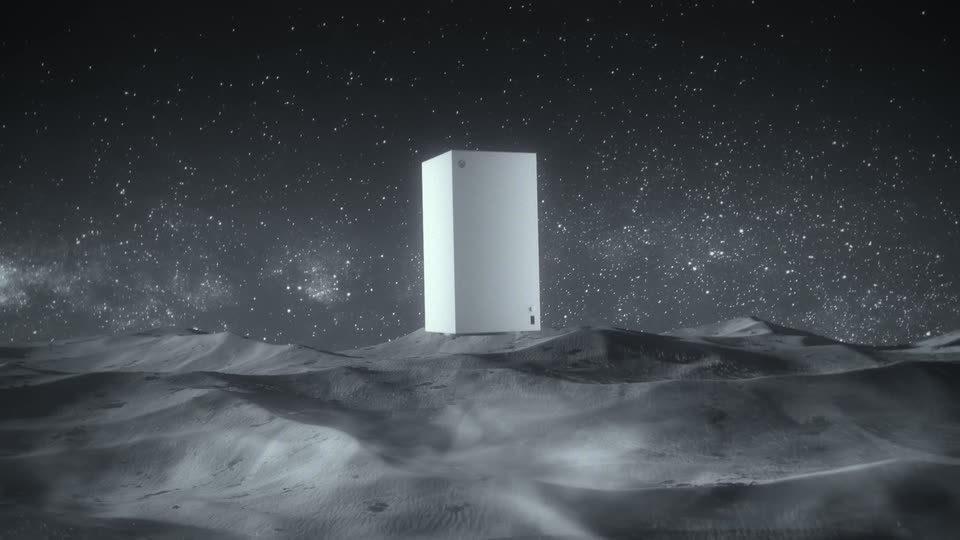 0:19–0:20XBOX · Three New Xbox Series X|S Consoles - World Premiere Announce TrailerA tall white slab stands on a misty ridge under a swirling star-trail sky, locked-off camera. The slab brightens from a dark edge-lit form to a fully lit white monolith as the stars streak in arcs around it.
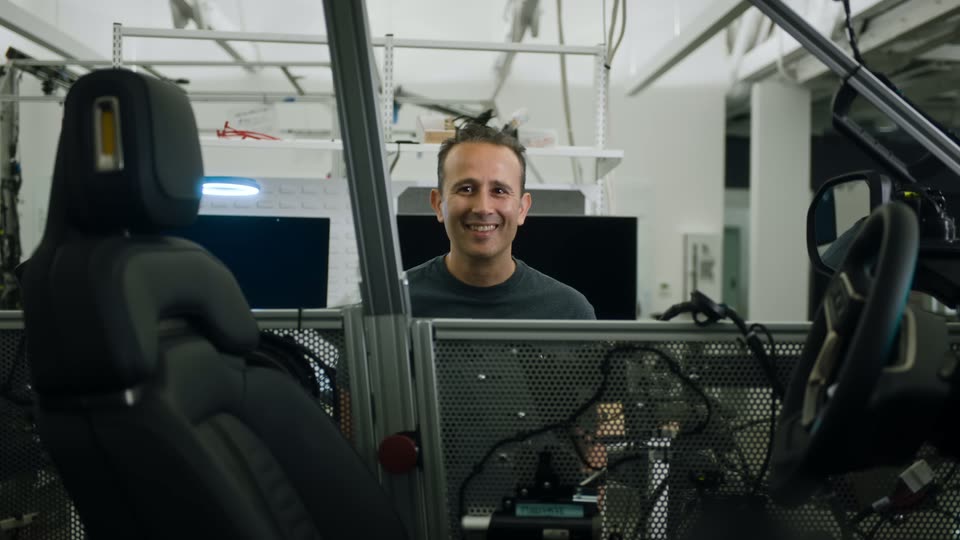 0:16–0:18Rivian · Meet the New R1 | Favorite Things | RivianA man in a gray t-shirt stands behind the bare frame of a vehicle, talking and smiling. A black racing seat fills the left foreground and a steering wheel sits on the right, framing him through the roll cage and a perforated metal panel.
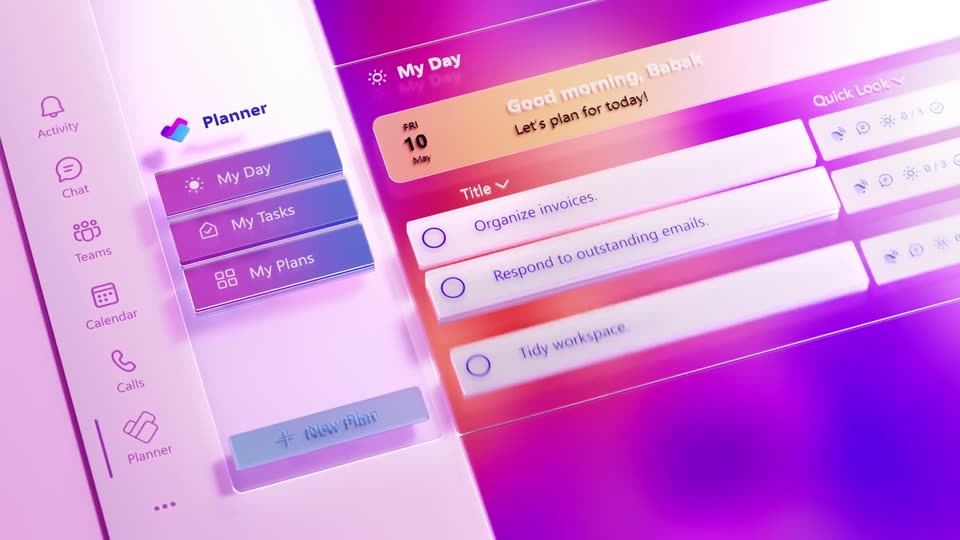 0:12–0:16Microsoft · The new Microsoft Planner is here! Streamline the planning, management, and execution of workA pink Planner interface floats in 3D perspective, its left rail and stacked My Day, My Tasks, My Plans tabs catching light. The camera eases right onto the My Day panel, where a glossy blue pointer hovers the first tab as the task list sharpens into focus.
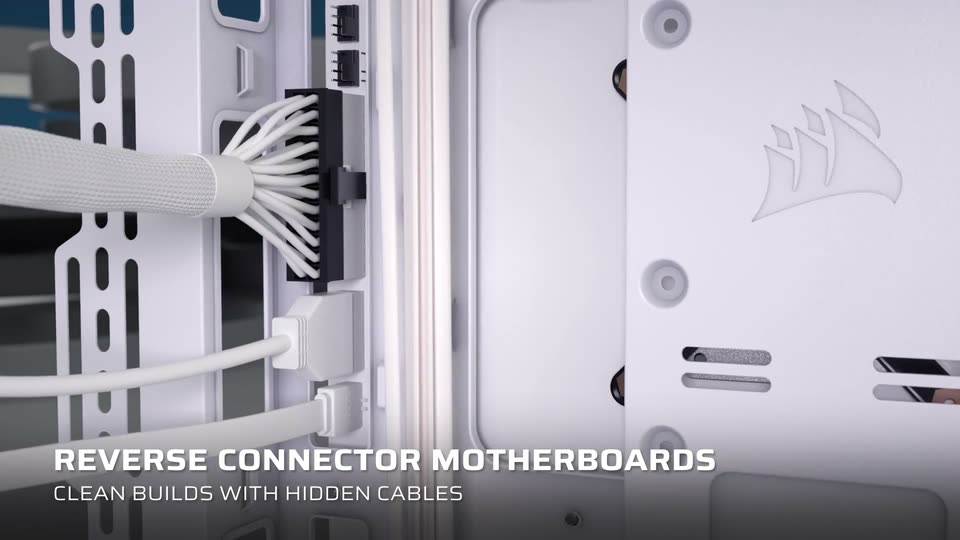 0:22–0:25CORSAIR · CORSAIR 3500X Cases - Cool, Clear, CaptivatingExtreme close-up of a white case interior. Braided white cables slide in from the left and seat into the motherboard tray connectors while the camera slowly pushes in. A static two-line caption sits in the lower left corner.
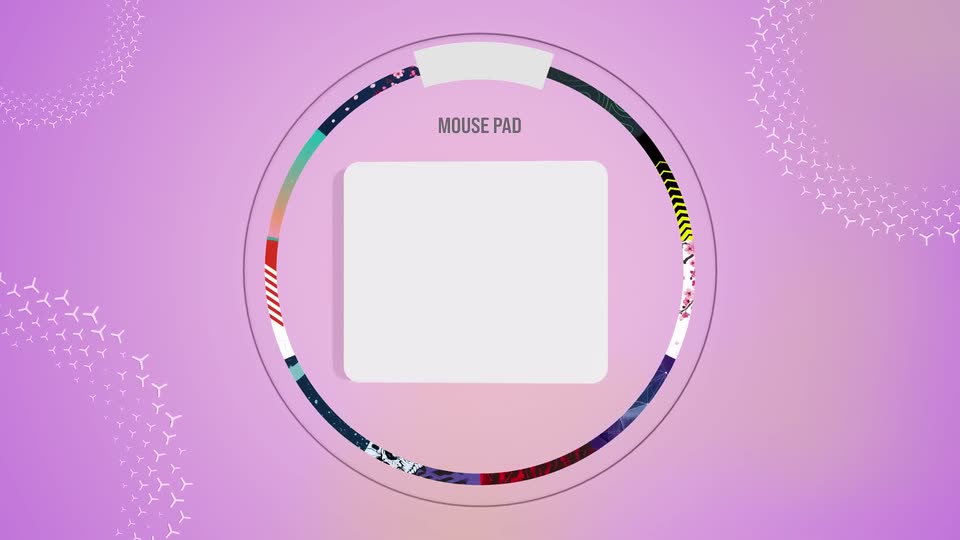 0:22–0:23CORSAIR · Introducing CORSAIR Custom Lab – Your Stage, Your StyleOn a pink field with white star clusters in the corners, a multicolored circular ring spins in the center. A tilted white keyboard marked KEYCAPS rotates out and is replaced by an upright white mouse pad marked MOUSE PAD.
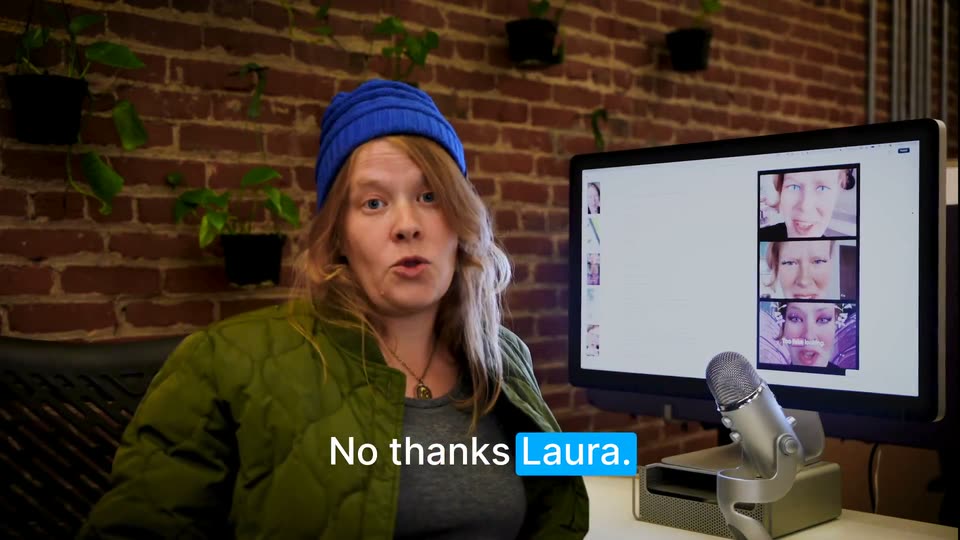 1:02–1:04Descript · Descript - Today, we're launching Descript's new AI assistant editor, Underlord.A woman in a blue beanie and green jacket turns from profile to face the camera at a desk. A monitor behind her shows a stacked video call of three faces, and a studio microphone stands in the foreground against a brick wall with hanging plants.
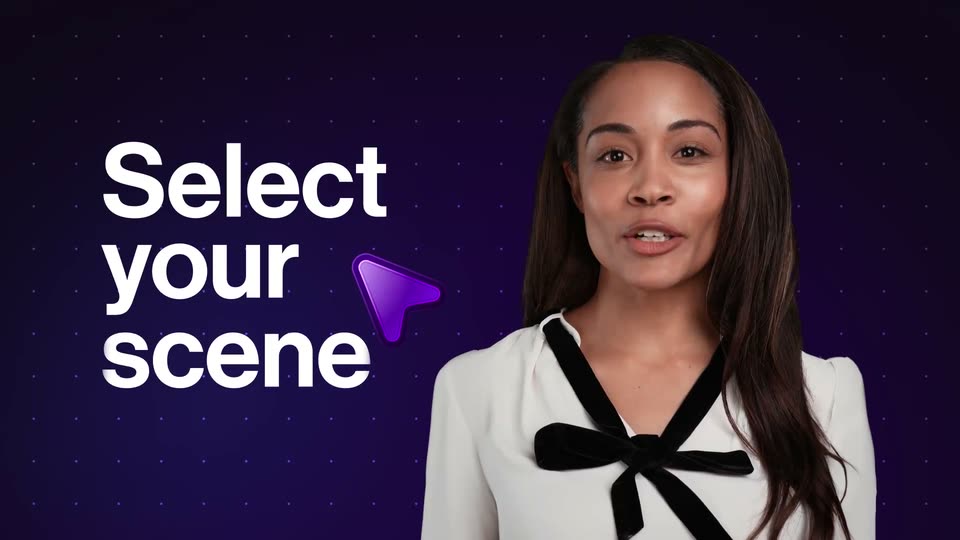 0:16–0:17Mirage · Mirage - Talking videos, reimagined. Introducing AI Creator: the world’s firsA smiling woman in a white blouse with a black bow stands right of frame on a dotted purple background. On the left, a white headline reads Select your style as the word style swaps to scene and a purple cursor icon slides from her shoulder to the text.
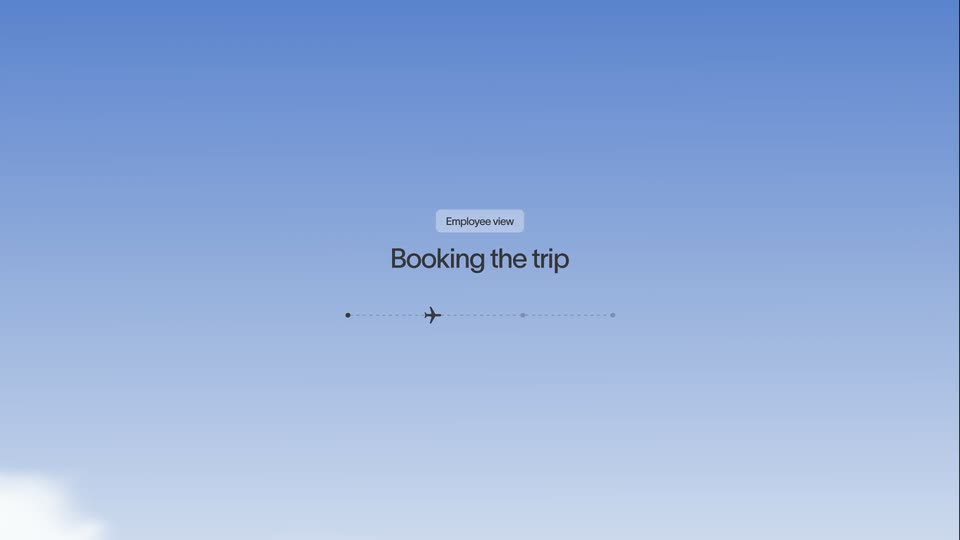 0:34–0:37Ramp · Ramp Travel demoA workflow approval panel fades out to a blue sky gradient, where a small Employee view pill and the headline Booking the trip hold above a dashed line with a plane icon. The card then fades into a hotel booking screen listing New York hotels beside a city map.
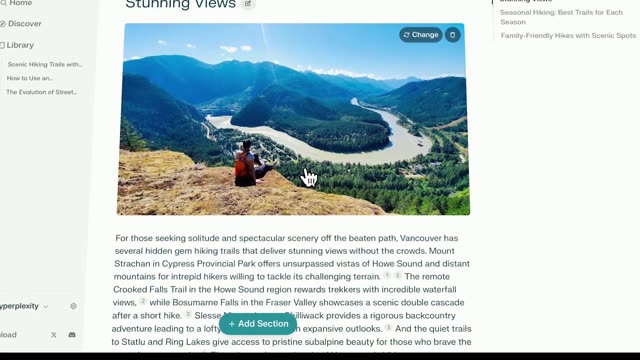 0:22–0:24Perplexity · Introducing Perplexity PagesClose-up on a document section: a headline, a mountain river photo with two hikers, and a teal Add Section pill. The view zooms out to the full editor with sidebars as a cursor hovers the Change button on the photo.
 0:09 · 0.8sGoogle · Experience the Power of AI on Google Pixel 8A tight close-up of a woman with short dark hair and a green corduroy jacket, gazing downward. The background blurs into red and blue bokeh lights at night. The camera drifts slightly, holding her face in frame.
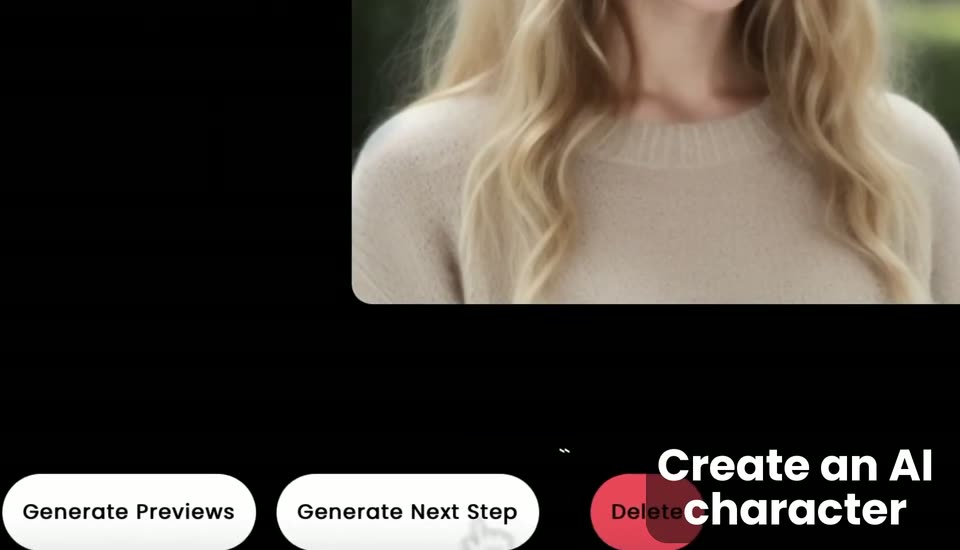 0:11–0:13Shortbread · Demo April 24A dark app window shows a vertical stack of generated portraits of a blonde woman. The frame zooms into the bottom row of pill buttons, where a hand cursor hovers over the middle one. The white caption 'Create an AI character' holds at the right edge.
 0:18–0:19The Browser Company · Call Arc | For questions on the goA close-up of a call screen on a magenta-to-violet gradient. A red circular button with a white handset sits at the left edge, and the center button labeled Read More snaps from a dark circle with a white article icon to a white circle with a black icon.
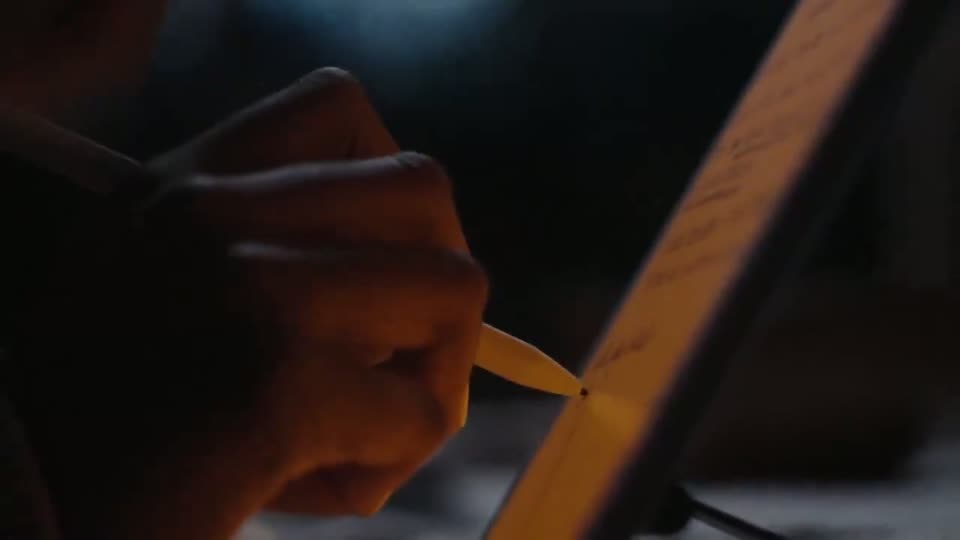 0:33–0:34Daylight · daylight - Introducing the Daylight Computer It does less… So you can be moreIn dim light, a hand taps a stylus against an angled tablet, warm orange glow on the fingers and a cool blue halo behind. The shot cuts to a close-up of a woman with braided hair, smiling as she looks down at the screen.
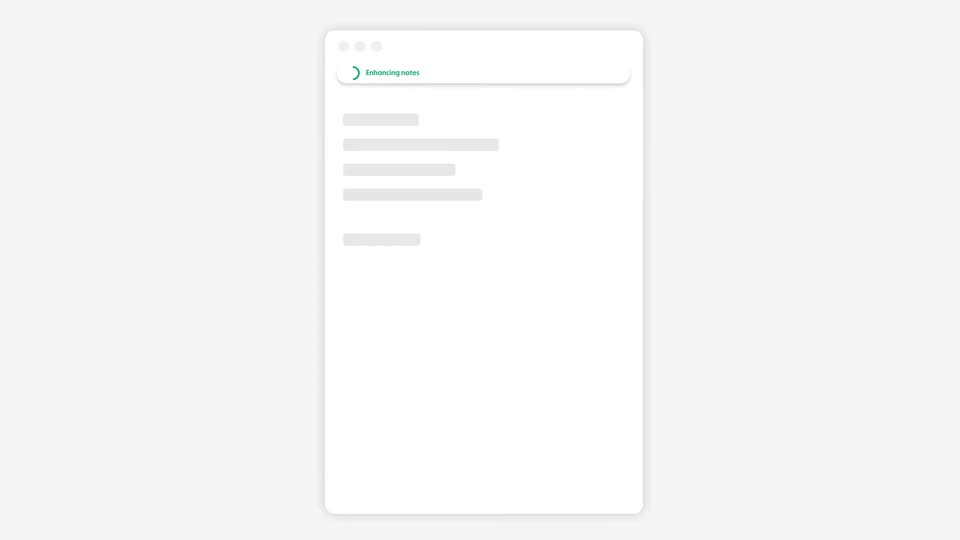 0:35–0:36Granola · Meet Granola – the AI notepad for people with back-to-back meetingsA white notes window on light gray shows the headline 'Just write the notes that matter to you' in gray, first line sliding in, above 'Granola adds the stuff you missed' with a caret. The teal Enhance button and cursor fade out, leaving the 'Enhancing notes' loading state with a spinner and gray bars.
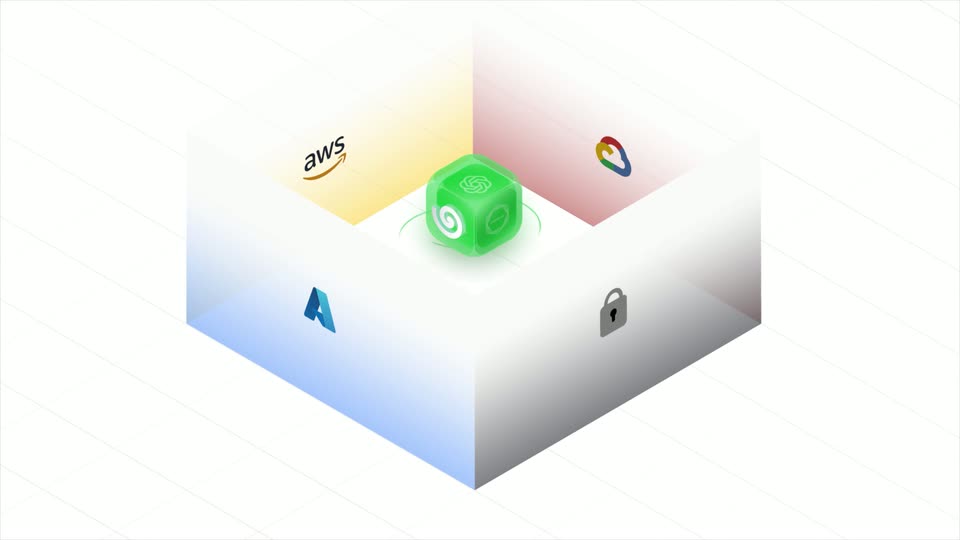 1:06–1:08Unify · Announcing Unify! ✨Locked-off isometric 3D view: a green cube with spiral faces hovers above a white grid floor as four translucent walls bearing the AWS, Google Cloud, Azure, and padlock logos rise around it. The cube bobs with a pulsing ring, then lifts to cast a reflection.
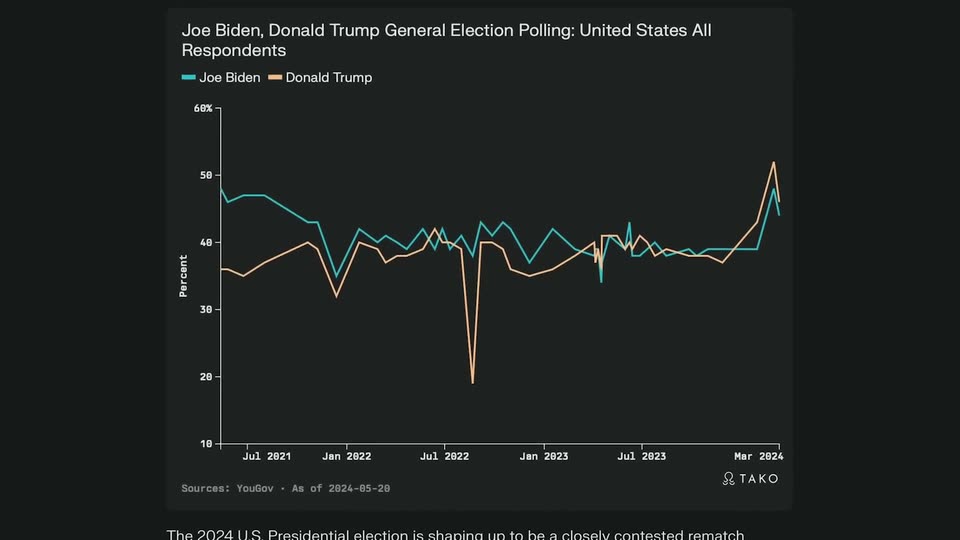 0:21–0:22Perplexity · Introducing Interactive Knowledge CardsA dark polling chart with teal and tan lines crossfades into a rising public-debt line chart, then a cursor hovers over the line and a tooltip reads a dollar value.