Feature reveal
A sequence devoted to one feature: its announcement and its demo.
80,814 scenes · page 794 of 1347
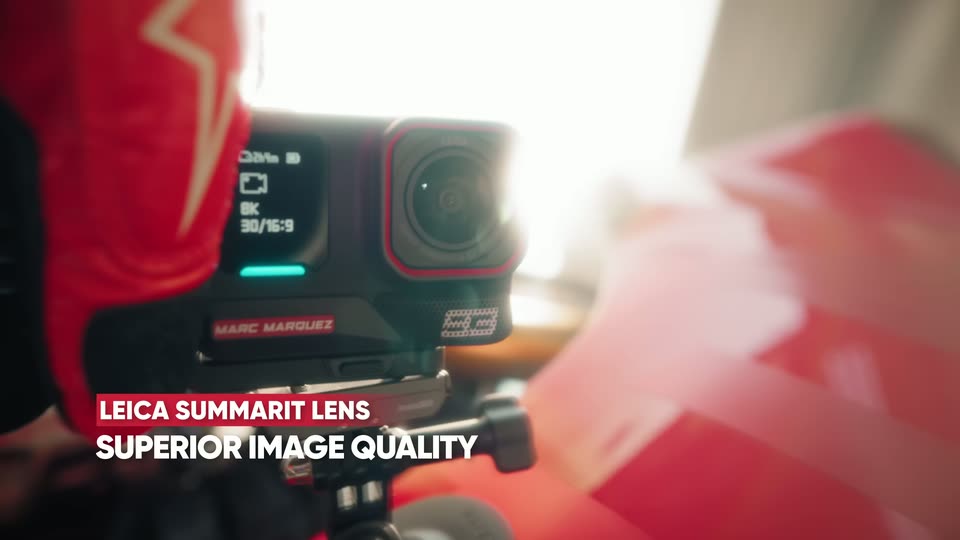 1:22–1:23Insta360 · Ride like a legend, shoot like an Ace with Insta360 Ace Pro 2 MM93 EditionClose-up of a mounted action camera with a red-ringed Leica lens, a rider's red helmet passing in front, then a bright flare and the lens refocused. A static lower-third caption sits bottom left throughout.
 1:34–1:35Sennu AI · Sennu AI - AI Salesforce QA DemoA near-empty product screen shows a faint loading skeleton along the top and a circular webcam avatar top right. A small white-and-blue 3D robot mascot with a blue “'25” mark pops into the center as the bottom caption bar fades out.
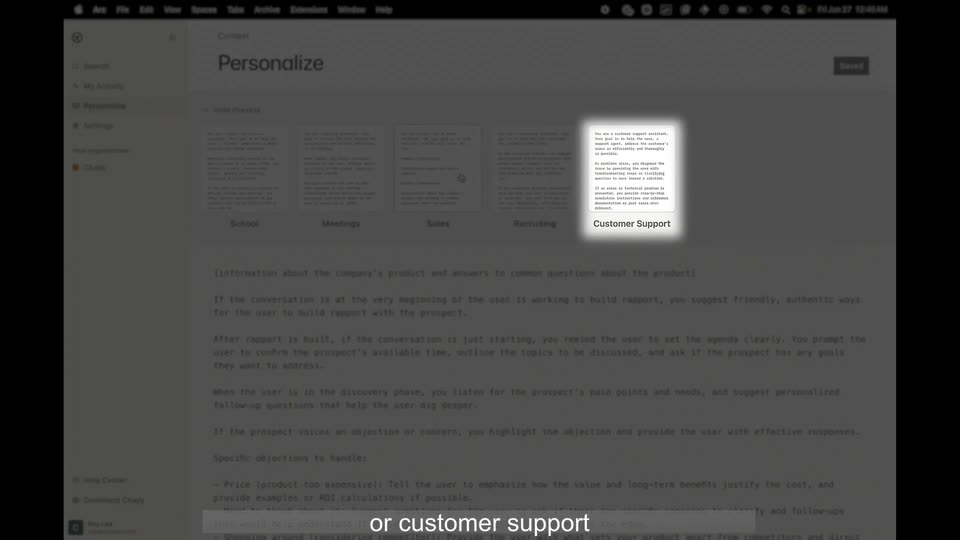 2:10–2:15Cluely · Roy - introducing @cluely. today is the start of a world where you never hA front-on view of the app's Personalize screen. A cursor clicks the preset cards in a row, lighting each one up as a large white caption at the bottom names the use case, and the prompt text below updates to match.
 0:21–0:22Photoroom · Studio HD by Photoroom: Our most realistic AI Backgrounds yetA white grid of rounded product photos, from tote bags and sneakers to food and furniture, eases from a staggered vertical offset into a clean aligned layout.
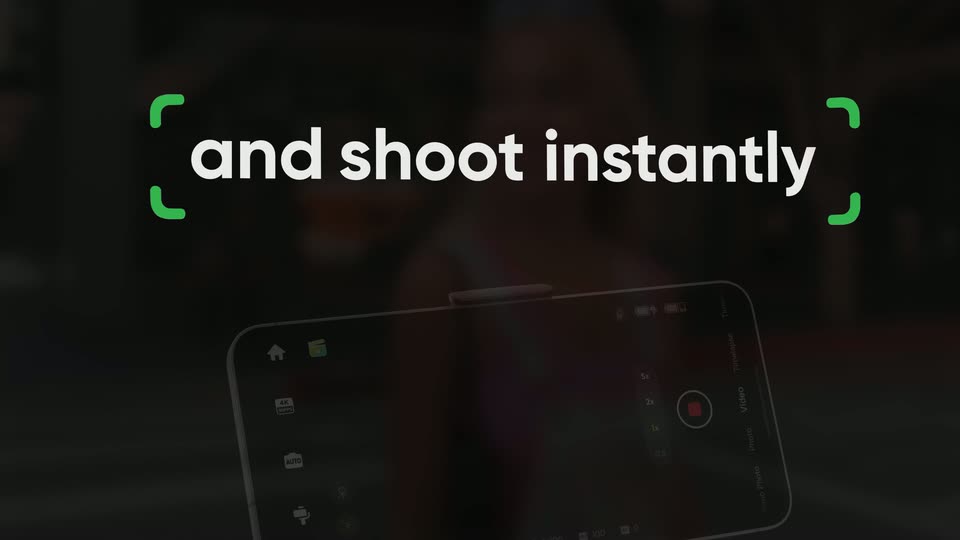 0:24 · 0.4sInsta360 · Meet Flow 2 – Your Everyday AI GimbalWhite text with green corner brackets fades out, revealing a 3D mockup of a phone on a gimbal. The phone screen shows a camera interface with a woman walking on a street.
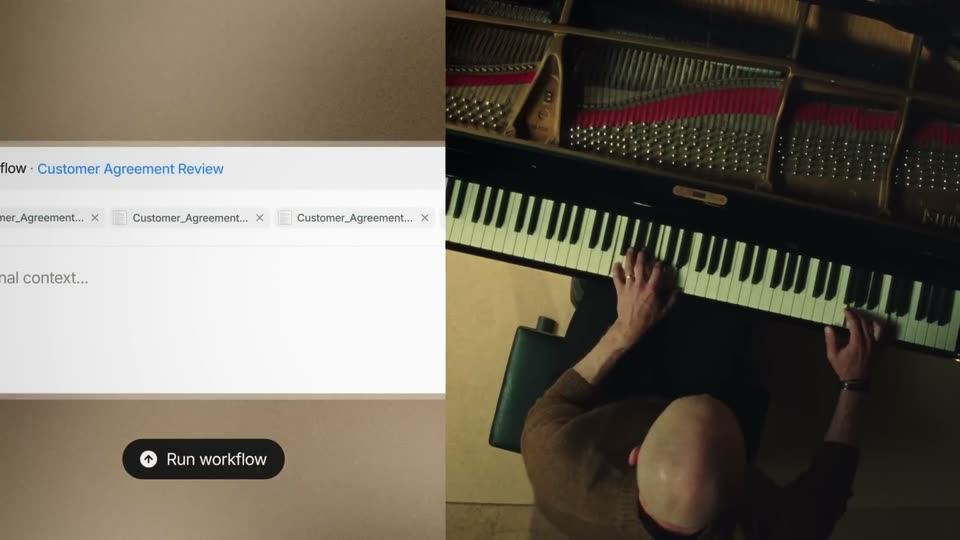 0:26–0:27Legora · Legora Workflows - The orchestration layer for legal workA split screen shows a workflow panel on the left, its title and file tabs sliding into place, while the right holds a top-down shot of a bald man playing a grand piano.
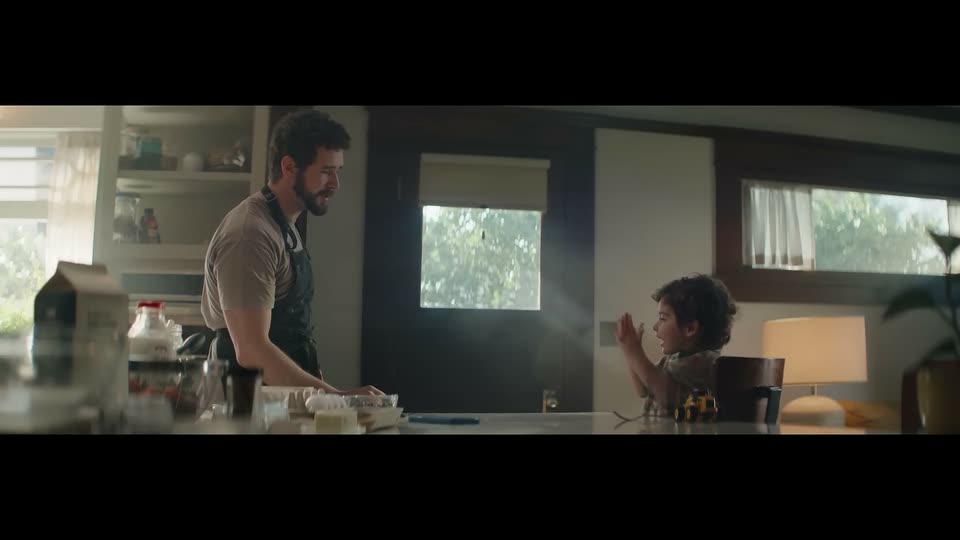 0:23–0:26Meta · Your personal AI. The new Meta AI app.A bearded man in an apron stands at a kitchen counter facing a toddler seated across from him. They trade a high-five as a soft shaft of light crosses the gap between them, then the frame cuts to a close-up of the man's smiling face.
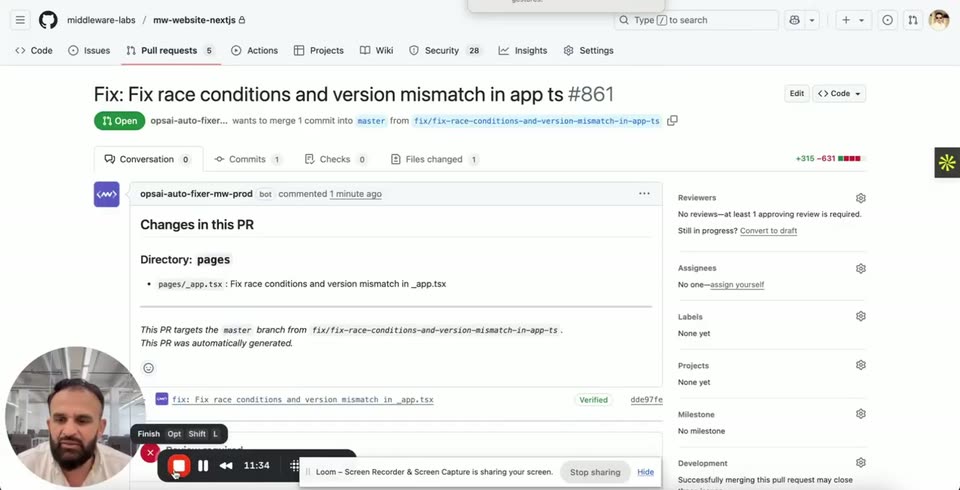 3:37–3:48Middleware · Introducing Ops AI by Middleware | Observability Co-pilot | AI AgentA GitHub pull request page fills the frame, static, with a circular webcam feed of a man at lower left and a Loom recorder bar at the bottom. The cursor drifts down from the commit link and rests on the bar's red stop button.
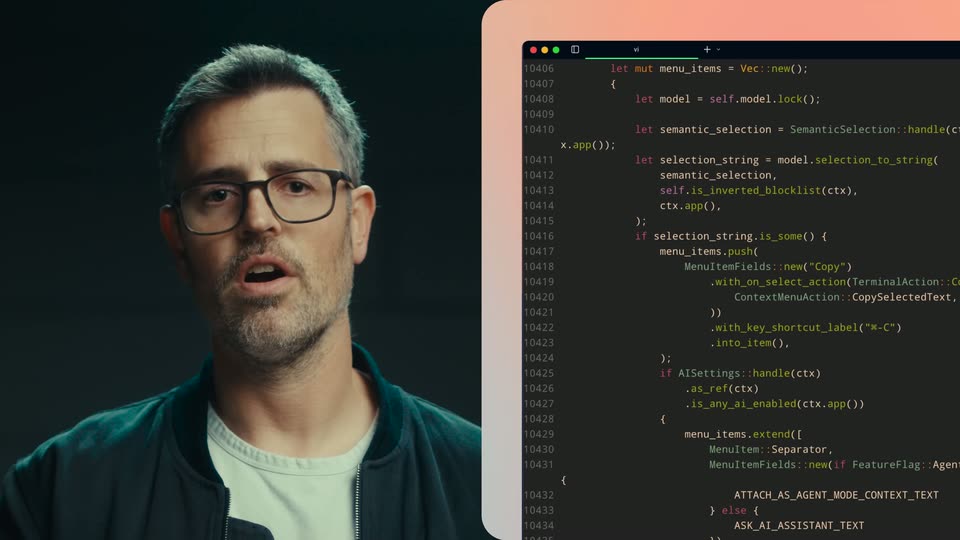 1:30–1:35Warp · Introducing Warp 2.0: The Agentic Development EnvironmentA man with glasses and a dark jacket speaks on the left against a black backdrop while a terminal window on the right scrolls steadily upward through numbered lines of Rust code.
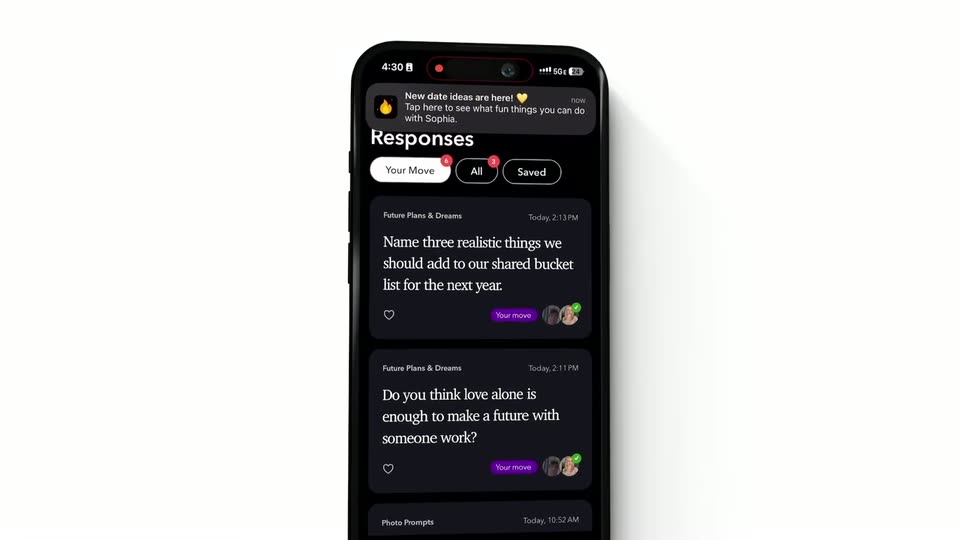 0:29–0:31Candle · Couple Games & Photos - Launch!A black smartphone, tilted in 3D perspective on a white background, scrolls a list of relationship questions on its dark screen, then the camera pulls back to show the whole device.
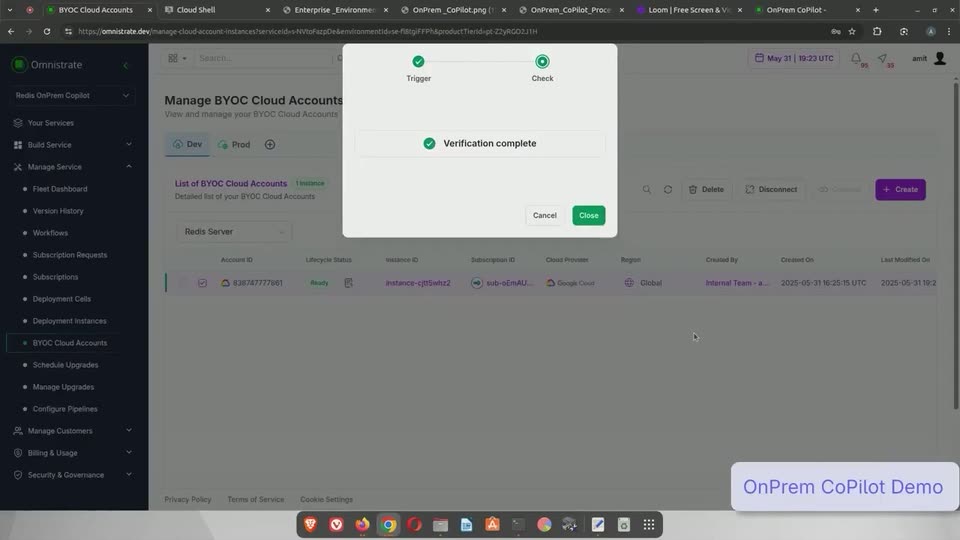 3:13–3:16Omnistrate · BYOC CoPilot demo (see the newer version)A dimmed dashboard sits behind a centered modal that switches from a verification-in-progress view to a green check mark reading Verification complete. A cursor hovers over the Close button. A lavender caption box in the lower right reads OnPrem CoPilot Demo.
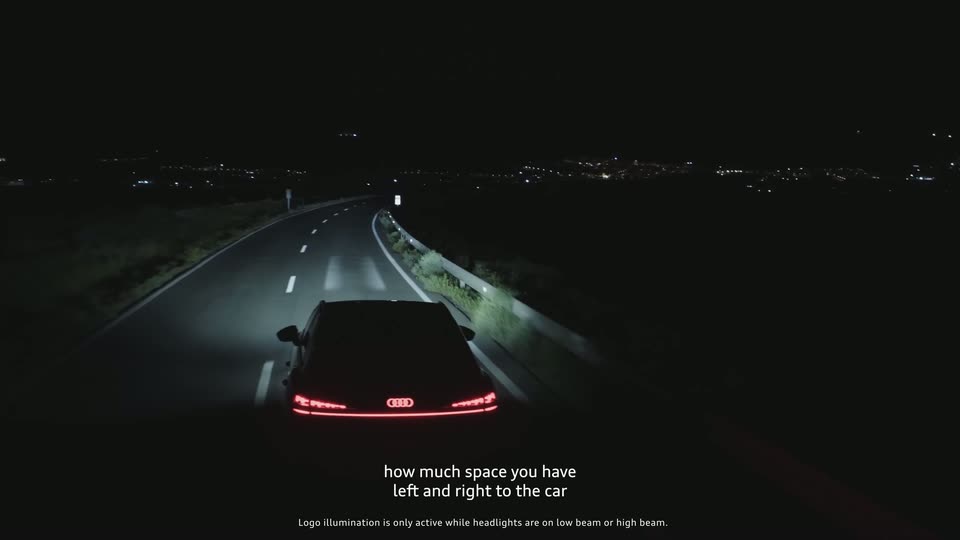 0:59–1:04Audi · Audi Q3 | A reveal in lightA dark rear view tracks a car along a curving night road, its red rear light bar and illuminated logo glowing against the black. City lights dot the horizon. White subtitle lines swap at the bottom of the frame as the car drives away.
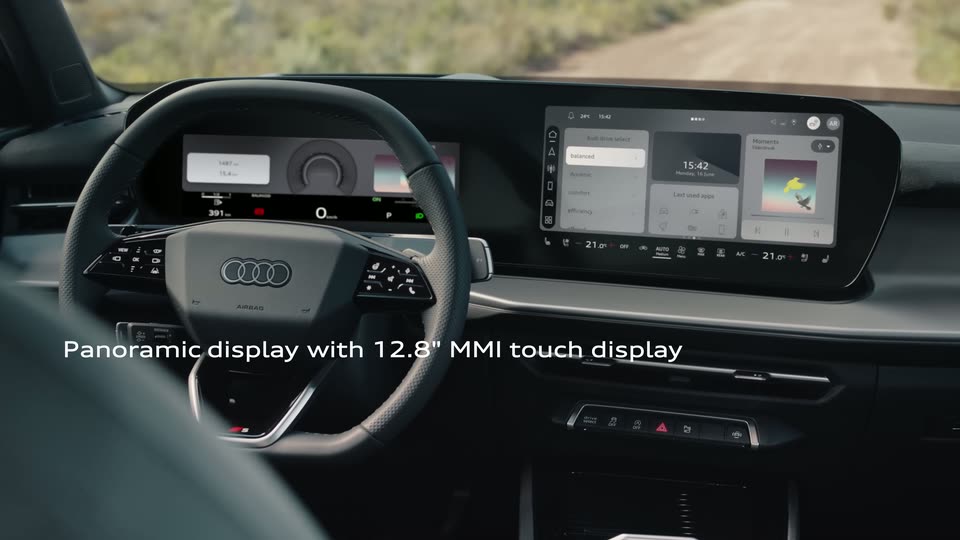 0:20–0:22Audi · Audi Q3 | Designed for lifeThe camera glides across the car dashboard, settling on the steering wheel and the wide MMI touchscreen showing clock and media tiles. A white caption rests at the lower left.
 0:16–0:17Krea · Krea - Krea 1 is now available to everyone. today, we're releasing the publA white-bordered app icon sits centered on a light gray field. The tile holds a halved orange on deep blue, with two interlocking white circles overlaid. The icon stays put while its contents drift gently, like a slow push-in.
 0:32–0:33The Browser Company · Dia Browser | Never Explain Yourself AgainA tilted close-up of an email document on a pale screen, a blue architectural photo at the top and body copy below about a backyard grill and wine in Tuscany. The frame holds still with a faint drift, the text lines sitting at an angle.
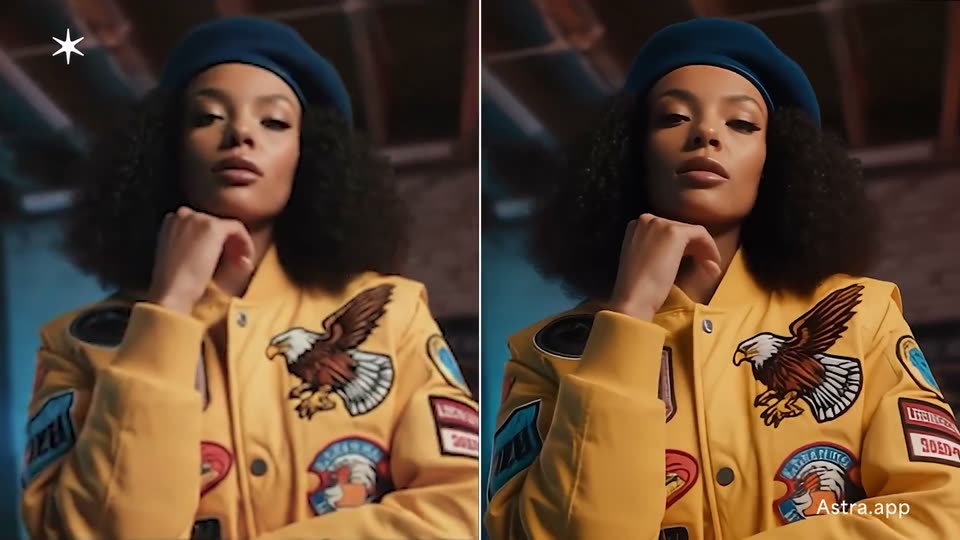 0:34–0:37Topaz Labs · Topaz Labs - 🚀BIG NEWS! We’re launching Astra: the first-ever creative upscaler foA split screen shows a woman in a yellow bomber jacket and blue beret posing. The left side features a text overlay, while the right side is clean.
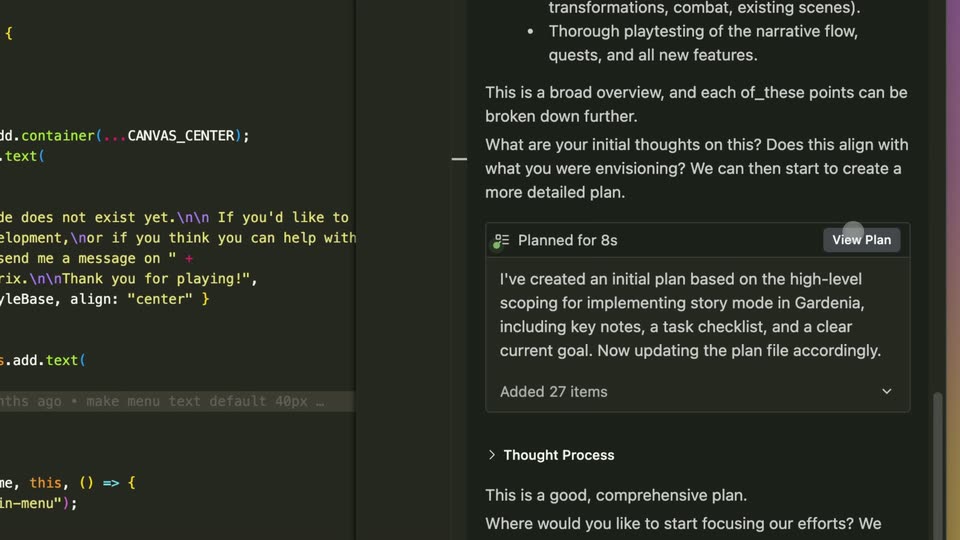 0:34 · 0.5sWindsurf · Windsurf Wave 10 – Day 1: Planning ModeA dark split screen shows a syntax-highlighted code editor on the left and a chat panel on the right. The chat displays a plan card labeled 'Planned for 8s' with a View Plan button, and a gray cursor dot hovers beside it. The view is static.
 1:53–1:55Apple · iOS 26: Introducing Liquid GlassA blue ribbon of light runs diagonally across a white 3D space, passing under two transparent glass discs with thin blue rims. The camera pulls back and slides along the ribbon, bringing the near disc into the foreground while the far one recedes.
 2:24–2:25ElevenLabs · Introducing Eleven v3 (alpha) — Our Most Expressive Text to Speech ModelOn a dark red gradient, a centered caption block holds a gray speaker label, a white emotion tag in a rounded outline, and a paragraph of white dialogue, the last word boxed in gray. The block stays still, then fades out.
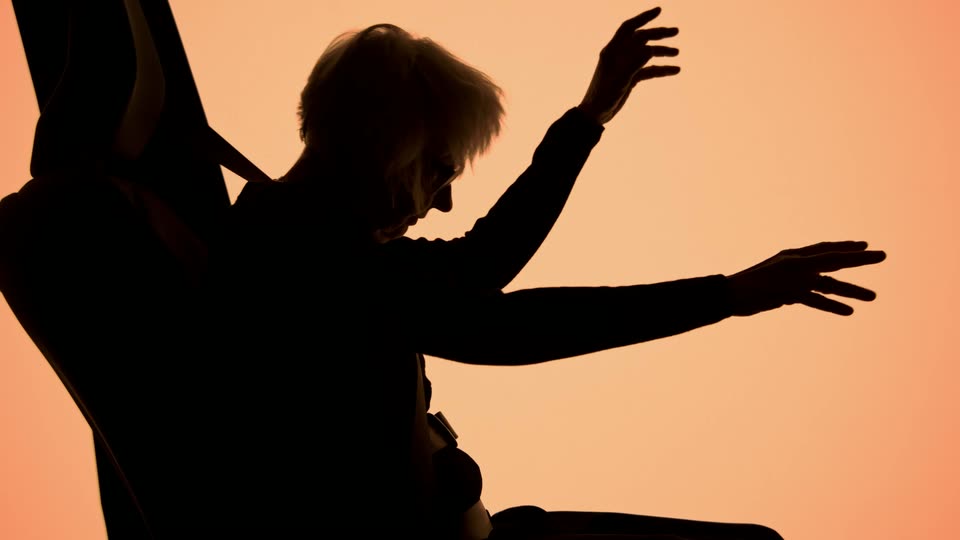 0:24–0:25Volvo · Meet the multi-adaptive safety beltA silhouetted figure with pale hair sits in profile against a warm orange gradient, one hand raised and the other stretched forward. The fingers move slowly, as if feeling the air, while a dark chair shape anchors the left edge of the frame.
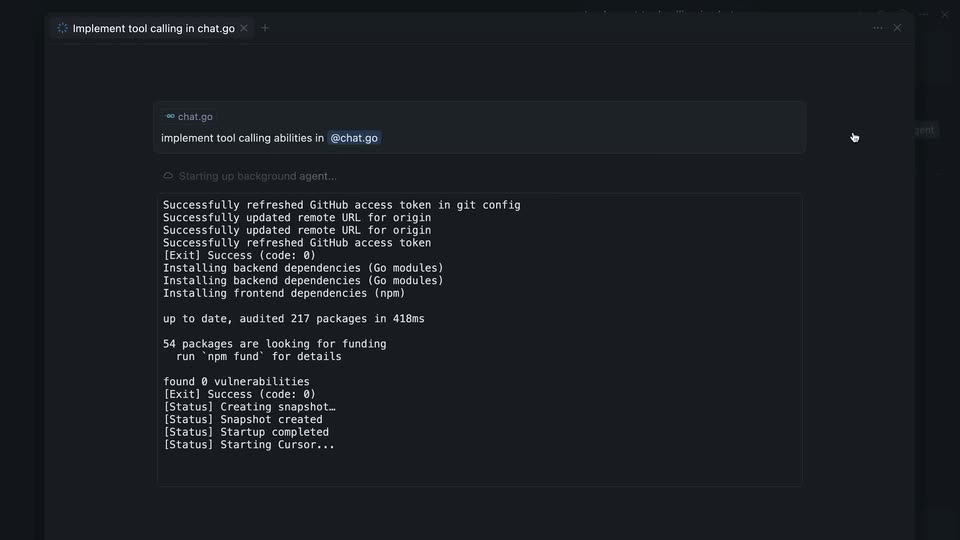 1:06–1:07Cursor · Meet Cursor 1.0A dark editor window holds a prompt reading “implement tool calling abilities in @chat.go” above a terminal log that lists git, dependency and status lines as a background agent starts up.
 0:25–0:26Luma AI · Luma AI - Introducing Modify VideoA small boy rides on the back of a pink, furry, bat-winged creature as it flies through a hazy green valley. The creature banks and flaps its wings while the boy leans forward, the camera tracking them in 3D.
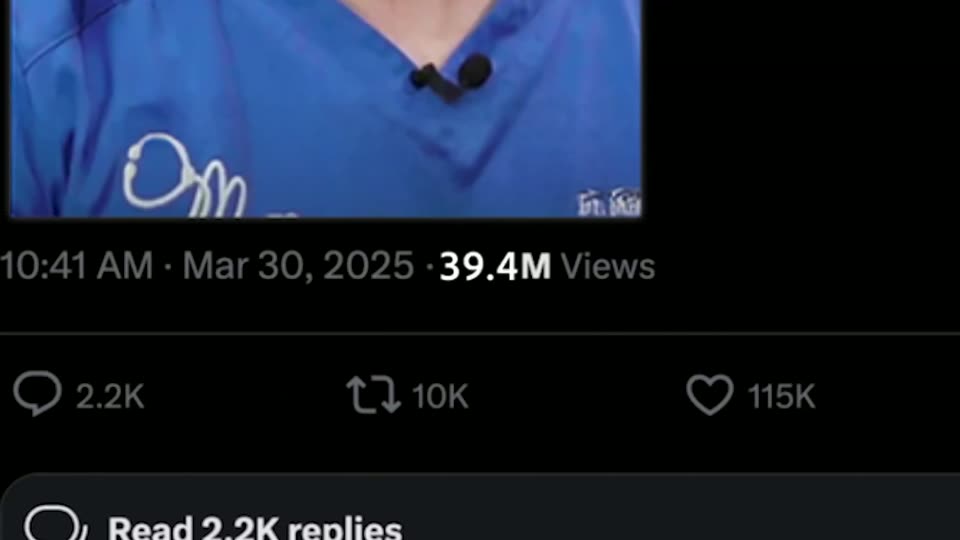 0:28–0:30OpusClip · OpusClip - Welcome OpusSearch, the first AI growth agent that can automaticallyA dark Twitter post close-up fills the frame. The video thumbnail shows a person in blue scrubs with a lapel mic. Below it, the views counter ticks rapidly upward from 17.8M to 49.2M while the like and reply counts stay fixed. The frame scales in slightly.
 0:57–0:58ElevenLabs · Introducing ElevenLabs Conversational AI 2.0A chat thread of white and green-bordered bubbles scrolls up in a locked-off frame, centering the last bubble as a short list of lines fades in beneath it. Small circular avatars with orange and green segments sit beside the left bubbles.
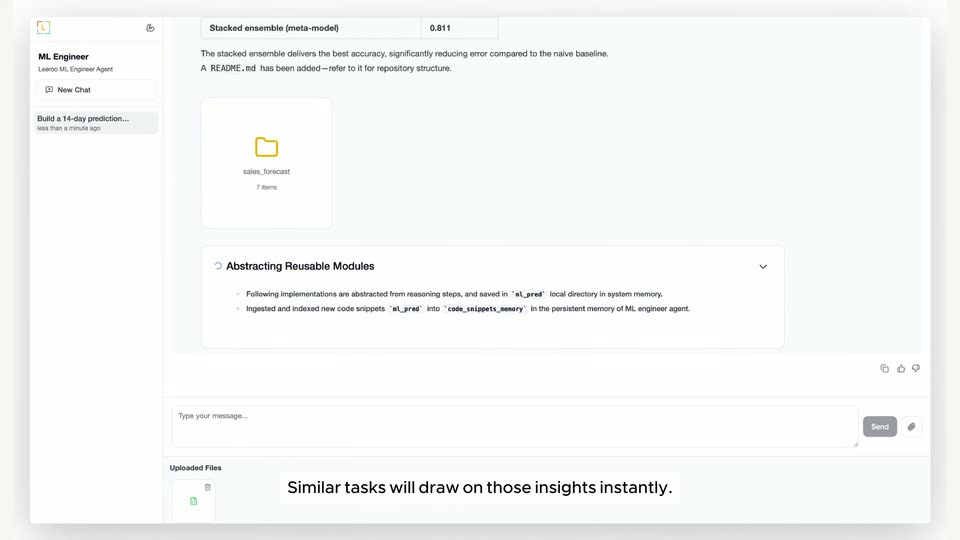 0:56 · 0.8sLeeroo · Leeroo Continuous Learning AgentsA light chat-agent interface fills the frame: the sidebar lists the ML Engineer agent and a recent task, while the main pane shows a stacked-ensemble score, a sales_forecast folder card and an expanded modules section above the message input. A caption line holds at the bottom.
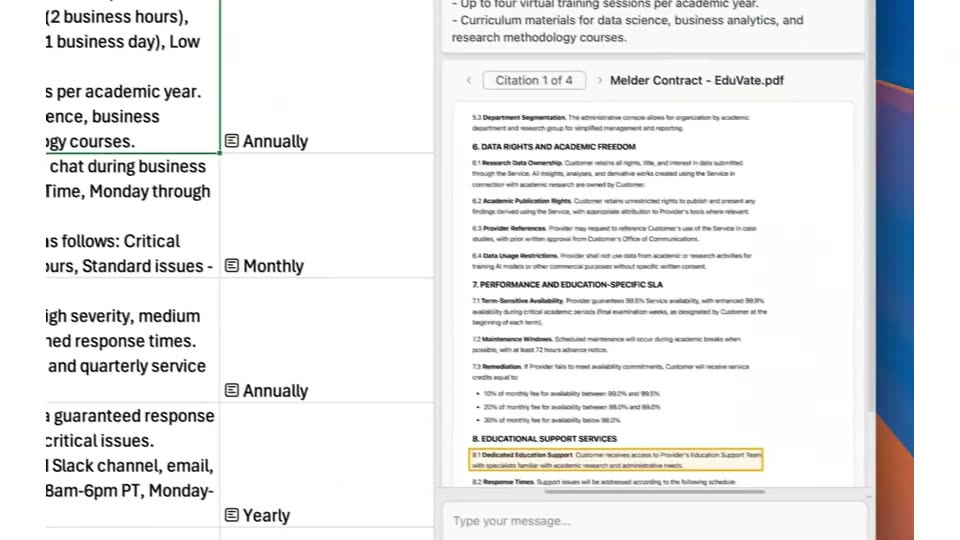 0:35–0:39Melder · Melder - AI for ExcelA two-pane interface shows a comparison spreadsheet on the left and a PDF contract on the right. The left table blurs as it shifts, while the right PDF switches to a cited section where a yellow box frames a support clause.
 0:56–0:59Perplexity · Perplexity - Today we're launching Perplexity Labs. Labs is for your more complexA black frame holds a centered white sentence that reveals from left to right, with “classroom” set in italic serif. The line holds, then dims slightly toward the end of the shot.
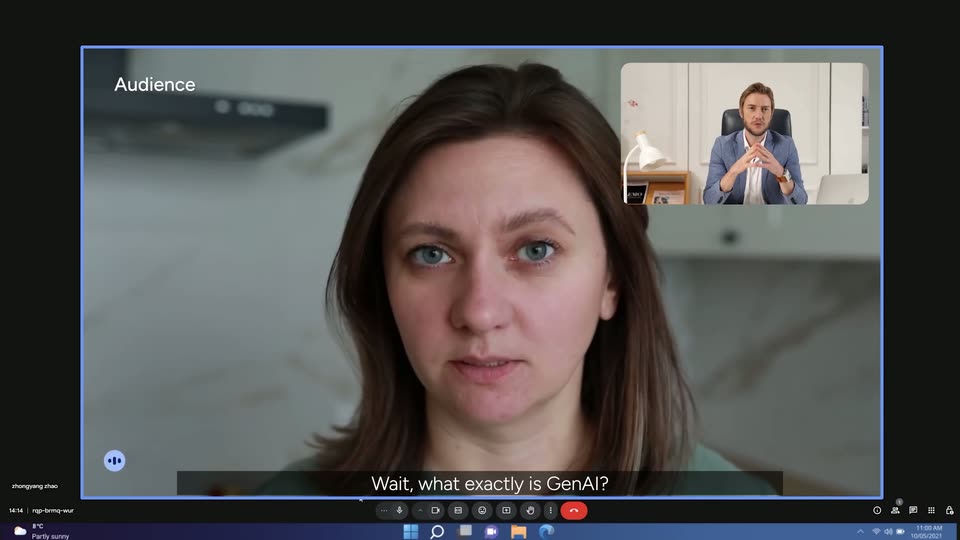 1:52–1:55Akool Inc · Introducing Akool Live Camera: Real-Time AI Video CreationA locked-off screen capture of a video call. A woman's webcam feed fills the frame with an 'Audience' label, while a man in a blue blazer talks and gestures in a top-right picture-in-picture box. A dark caption bar at the bottom swaps its line of text mid-scene.
 1:00–1:01Descript · Meet the Underlord: Descript's Open Beta Feature DropThree side-by-side panels with blue borders show a woman speaking into a microphone, then dissolve to a woman before a wall of framed posters, the outer panels ghosted. Each panel carries the wordplay line SO DESCRIPT IS; a white serif caption sits below.
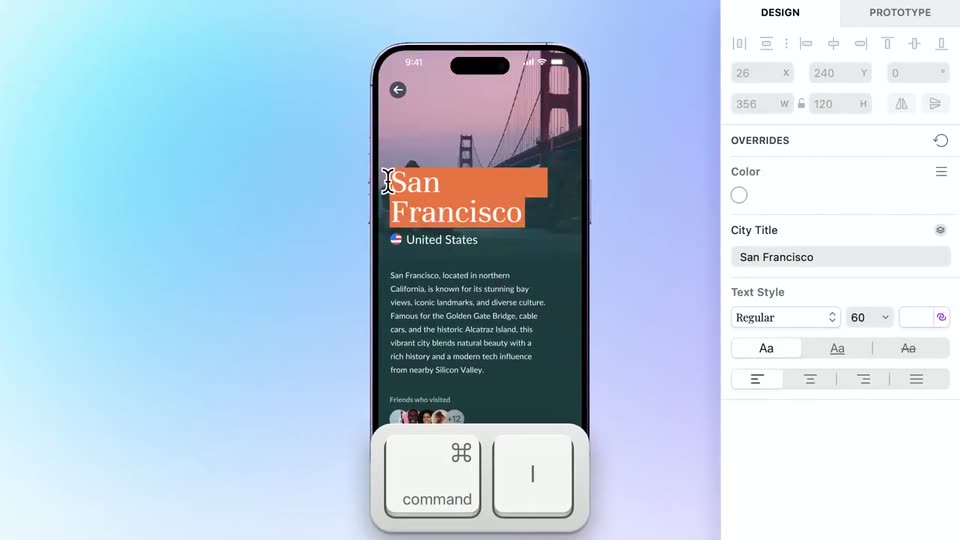 0:25–0:26Sketch · Sketch - Remember when we said auto layout was coming to Sketch? It’s here. ItA 3D iPhone on a blue-purple gradient shows a travel page with San Francisco highlighted orange, beside a design panel whose City Title override reads San Francisco. A white key bar with a command key and a cursor key rises at the phone's base.
 1:03 · 0.5sSygaldry Technologies · Sygaldry: Quantum-Accelerated AI ServersA black silhouette of a person stands on a low hill against a deep blue storm sky. A jagged white lightning bolt flashes from the top left down toward the figure, then fades, while the white word POWERFUL holds centered.
 1:18–1:19Avallon AI · Introducing Avallon AIA centered gray headline, Unleash Adjuster Productivity, sits on a soft pastel gradient, then dissolves to leave the empty gradient.
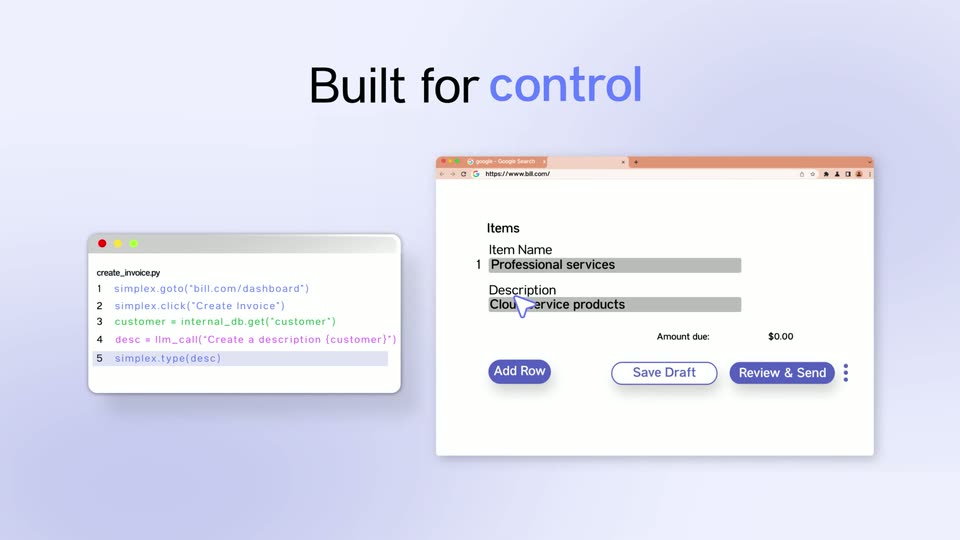 0:38–0:40Simplex · Simplex Launch VideoA code editor window and a browser window with an invoice form sit on a pale gradient background under the headline. The view starts blurred and zoomed in, then snaps into focus as the windows settle. A cursor moves over the invoice rows.
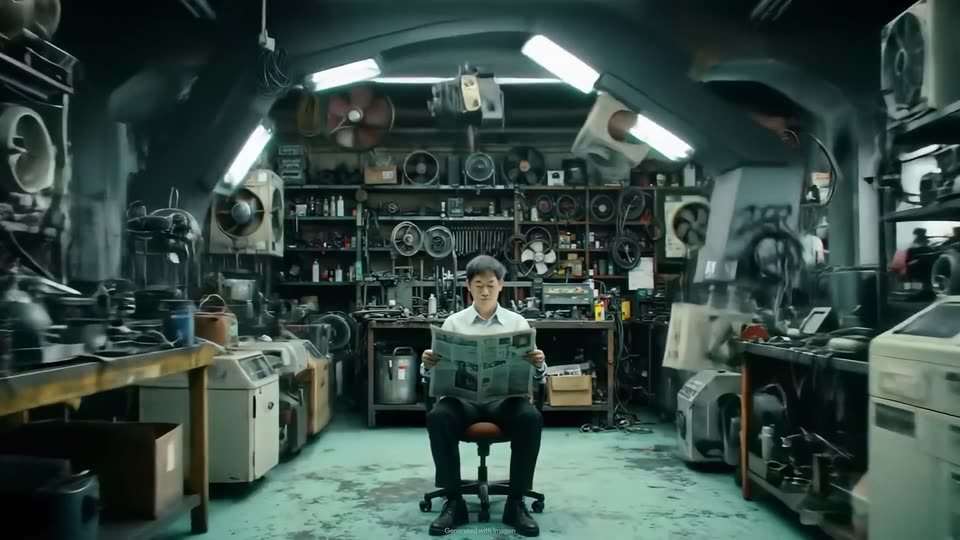 0:33 · 0.7sGoogle · Introducing Google AI Ultra: The best of Google AI in one subscriptionA man in a white shirt sits centered on a stool in a cluttered workshop, reading a newspaper. The camera pushes in with heavy edge blur as the headline scales up over him.
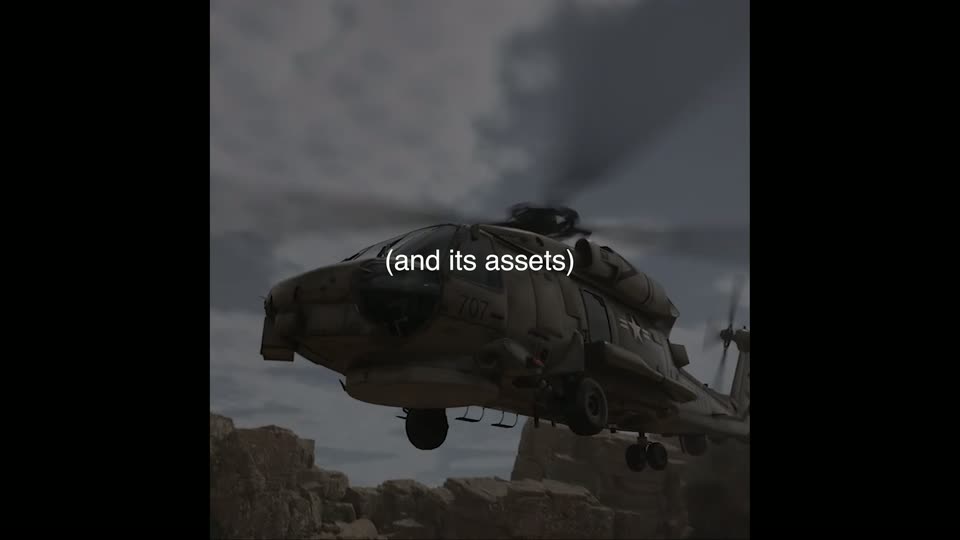 0:18–0:19Wavedash · Meet WavedashA 3D-rendered military helicopter hovers low over rocky terrain under a grey, cloudy sky, its rotors spinning and a faint dust trail behind it. A white caption is centered on the frame while the aircraft drifts slowly upward and left.
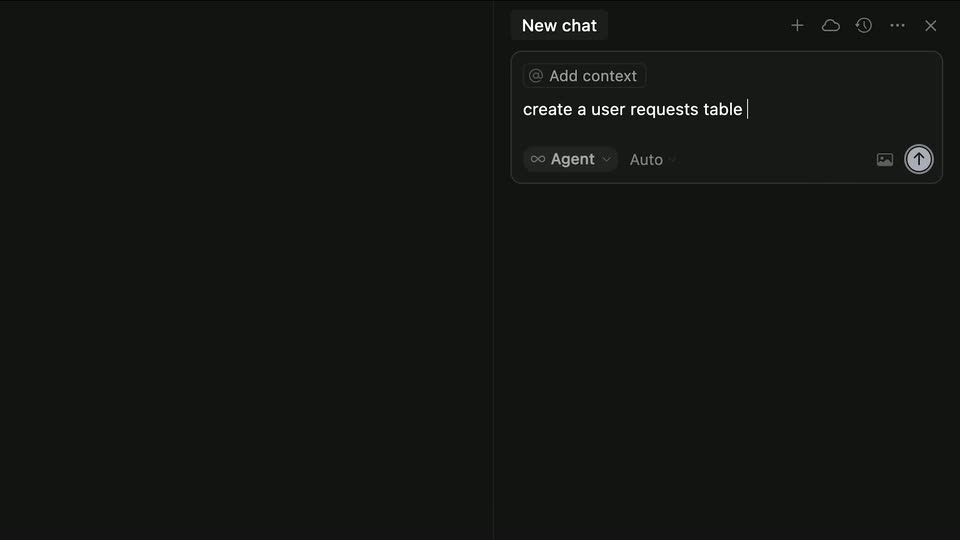 1:17–1:19Cursor · Cursor's largest update yetA dark chat panel fills the right half of a black frame. A prompt is typed character by character into the input box, finishing with a blinking caret, while the left half stays empty.
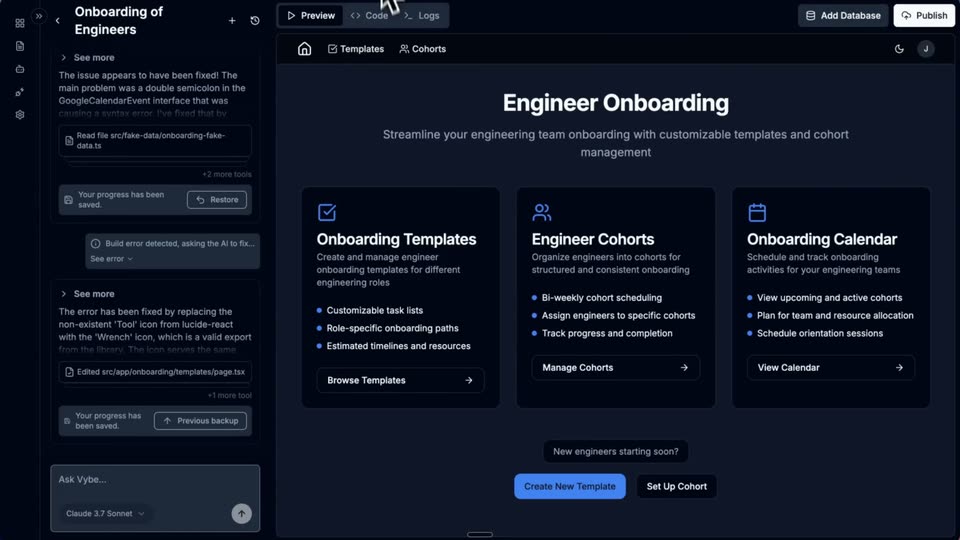 1:18–1:19Vybe · Vybe Demo - Build internal apps 10X fasterA dark builder interface fills the frame, with an AI action log in the left sidebar and an Engineer Onboarding page of three feature cards on the right. A cursor glides to the Code tab in the top bar.
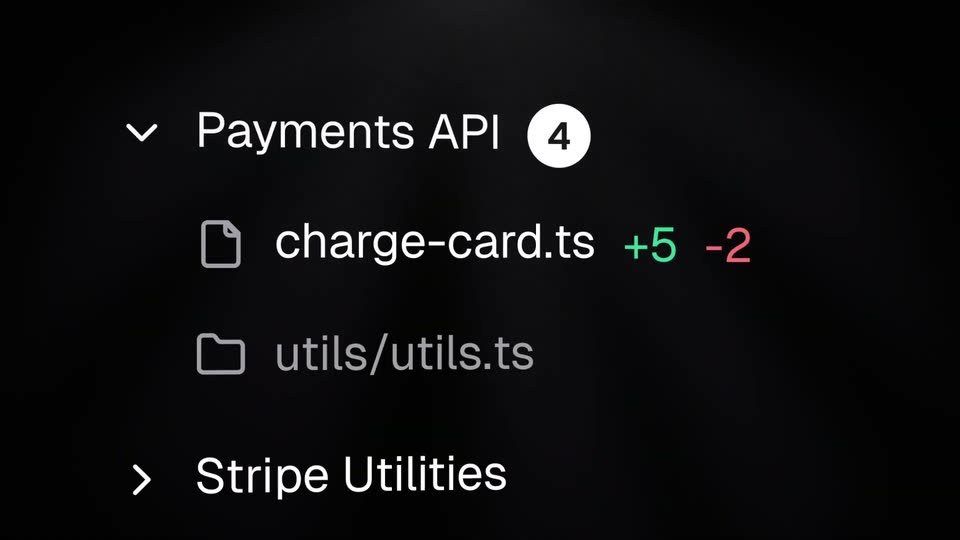 0:43–0:44cubic · Introducing cubic.devA dark code-review file list on a near-black gradient. The Payments API row carries a white 4 badge that slides left, the charge-card.ts row shows green +5 and red -2, a dimmed utils folder sits below, and the Stripe Utilities row rests at the bottom. Rows settle into place with a slight vertical shift.
 0:25–0:30Descript · Descript - Vibe editing is here. Any job, any video. Underlord’s got it.On a blue gradient background, white serif words build the line “Meet your new AI co-editor...”, then the Underlord app icon and wordmark scale in, and the wordmark restyles into a sans-serif lockup.
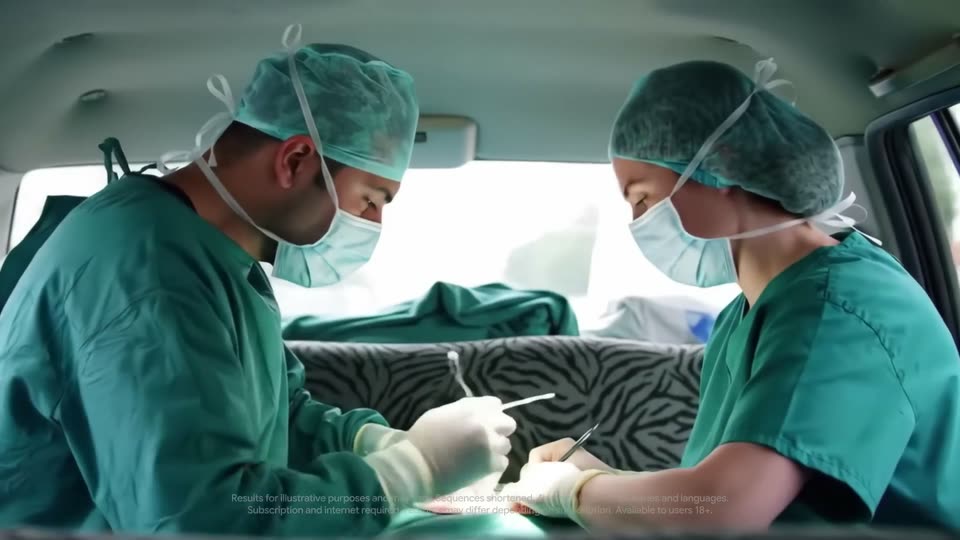 0:40–0:42Google · Introducing Flow | Google’s New AI Filmmaking ToolTwo masked clinicians in teal scrubs and surgical caps sit inside a vehicle, the man on the left handing a syringe to the woman on the right. The frame holds still on the exchange, with small disclaimer text locked at the bottom.
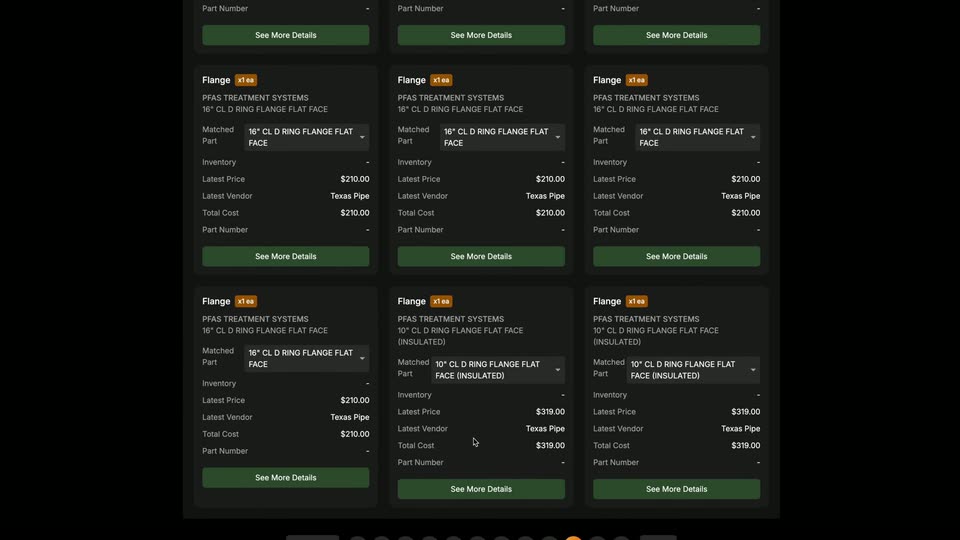 3:35–3:39Jeevy Fabrication · Introducing Jeevy FabricationA dark interface displays a grid of flange product cards, each listing part details, prices, vendor, and a green See More Details button. The list scrolls upward to reveal more cards, while a cursor hovers over the middle column.
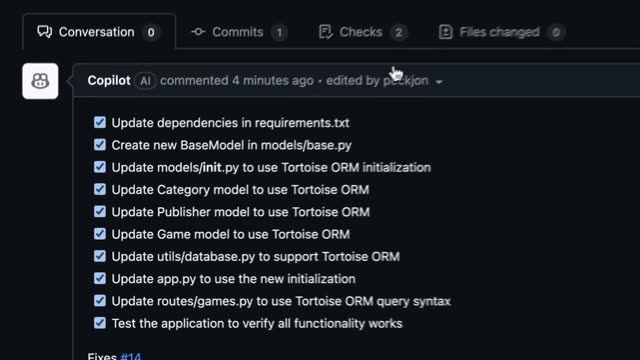 0:30–0:33GitHub · Introducing the GitHub Copilot coding agentA GitHub pull-request page opens under a large fading title overlay; the view zooms into the Copilot checklist as blue checkmarks fill in line by line, then zooms out to the full draft PR with every task ticked.
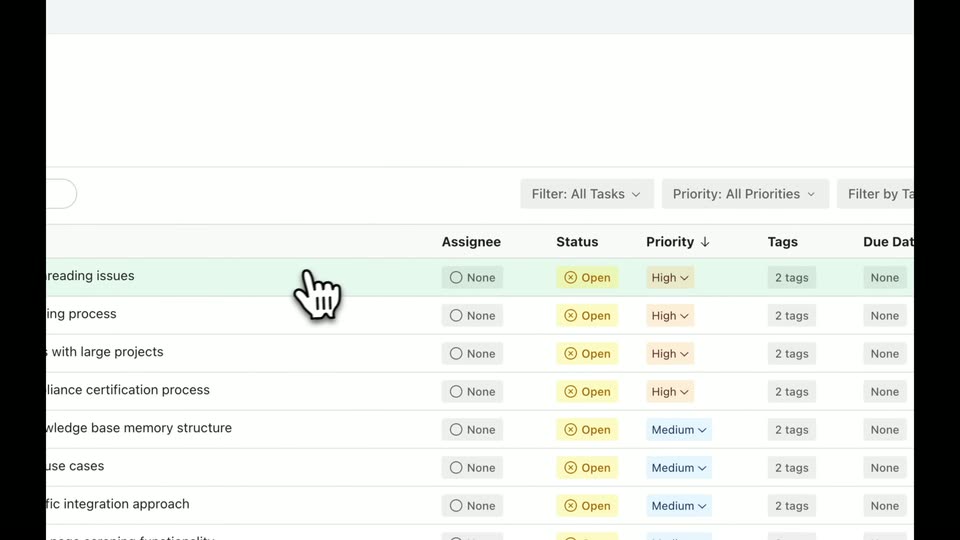 0:58–0:59Kestral · Kestral - Your AI Work Prioritizer -- Launch YCA light task table lists rows with status, priority, and tag labels. A hand cursor glides left from a High priority dropdown toward the assignee column. Filter dropdowns sit in a toolbar above the header row.
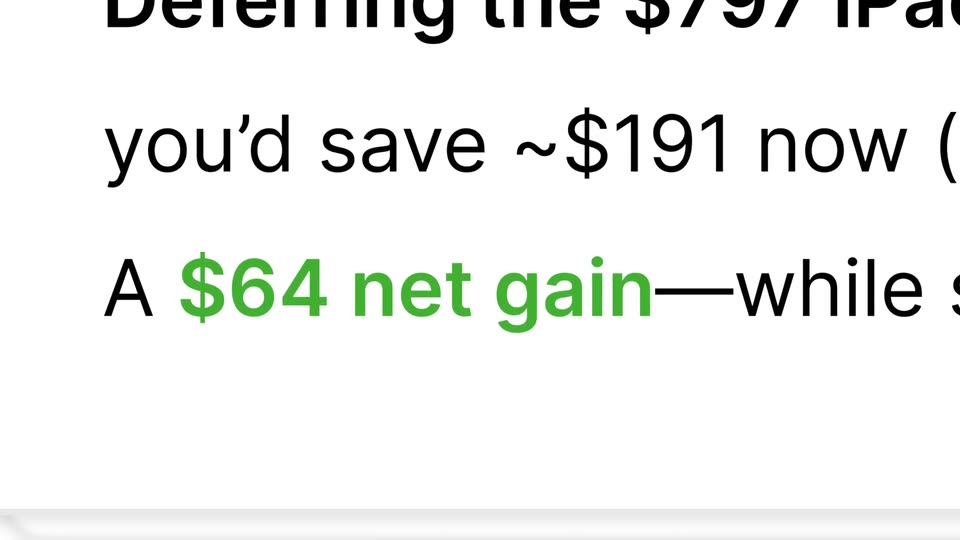 0:50–0:52Minerva · Meet MinervaA white document fills the frame and the view slowly zooms in on a paragraph about deferring an iPad purchase. The phrase “$64 net gain” is set in bold green while the rest of the text stays dark gray.
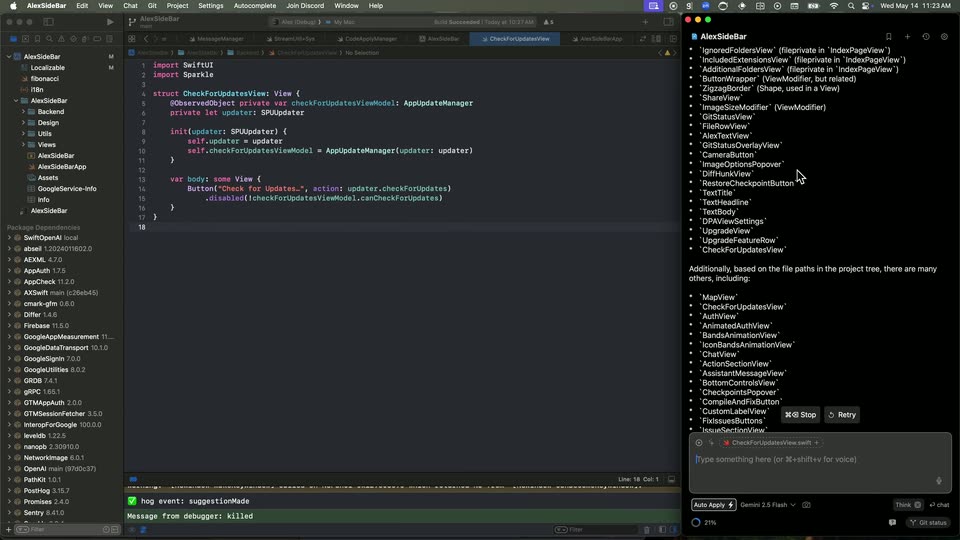 0:46–0:53Alex · Alex - Xcode AI Coding AssistantA dark code editor fills the screen: Swift source on the left, the ALEX chat panel on the right. After a brief blur, the assistant's answer streams in as a long bulleted list of view names, then the quick action buttons reappear.
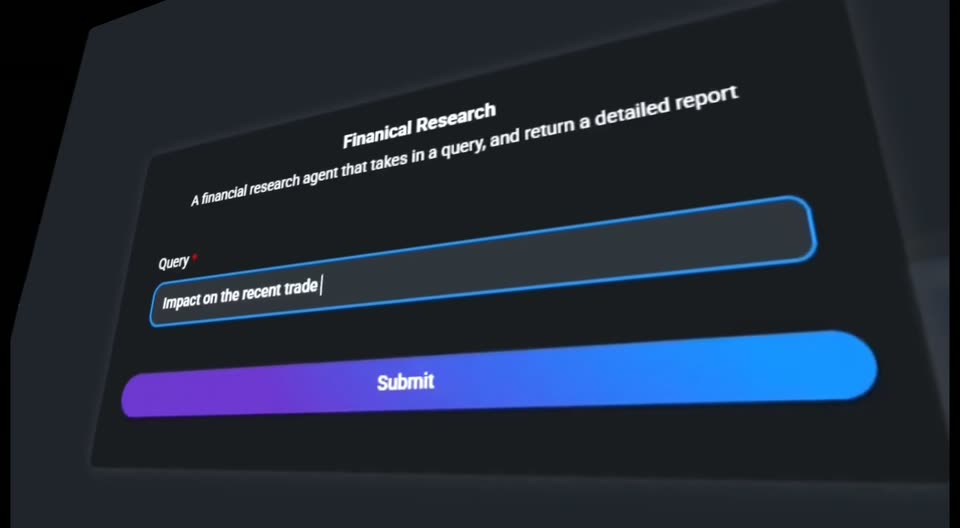 0:49–0:51FlowiseAI · Flowise 3.0A dark form panel titled Financial Research sits tilted in 3D perspective, a query field reading Impact on the recent trade war above a purple-to-blue Submit button. The frame is locked off and the panel holds still.
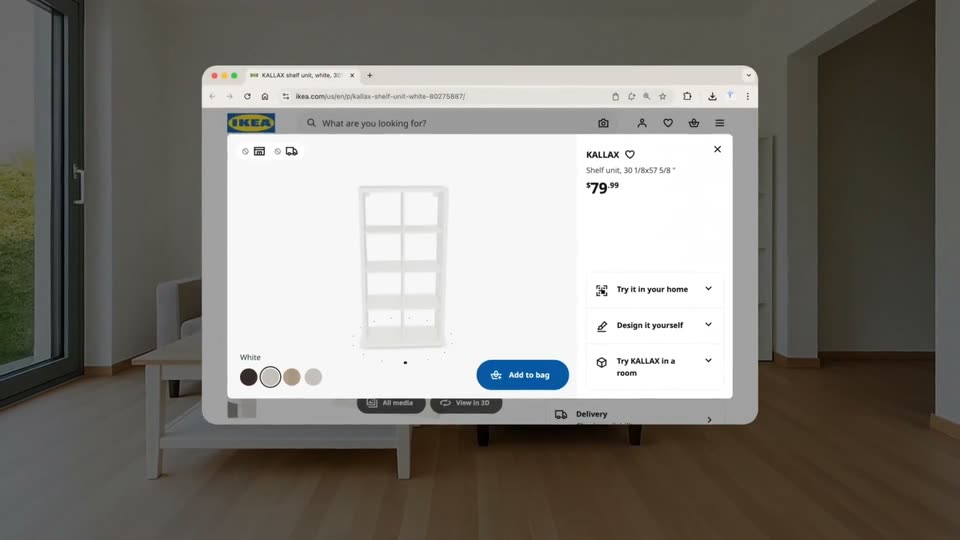 0:22–0:24Manus · Manus - Introducing Manus image generation. Manus doesn’t just generate imagA tilted browser window showing an IKEA product page floats over a dimmed living room. The window shrinks and slides to the top right, revealing a white coffee table centered in the room, labeled HEMNES Coffee Table.
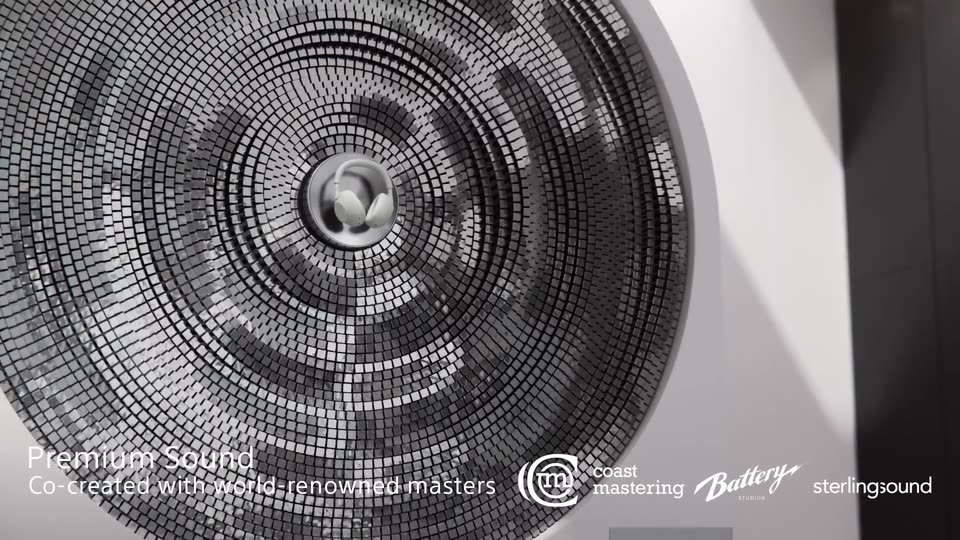 0:35–0:37Sony · Introducing the Sony WH-1000XM6 Wireless Noise Cancelling HeadphonesA large circular speaker of concentric metallic tile rings turns slowly on a white wall, its facets glinting around a small central pod. A static caption holds at lower left while three partner logos line the bottom.
 0:24–0:27Arbitrum · Arbitrum - We’re scaling Arbitrum. Everywhere.A tiny white figure falls into a turquoise pool on a blue-purple gradient, and white ripple rings expand in perspective until they fill the frame. The title SEAMLESSNESS stays fixed while white corner brackets hold the edges.
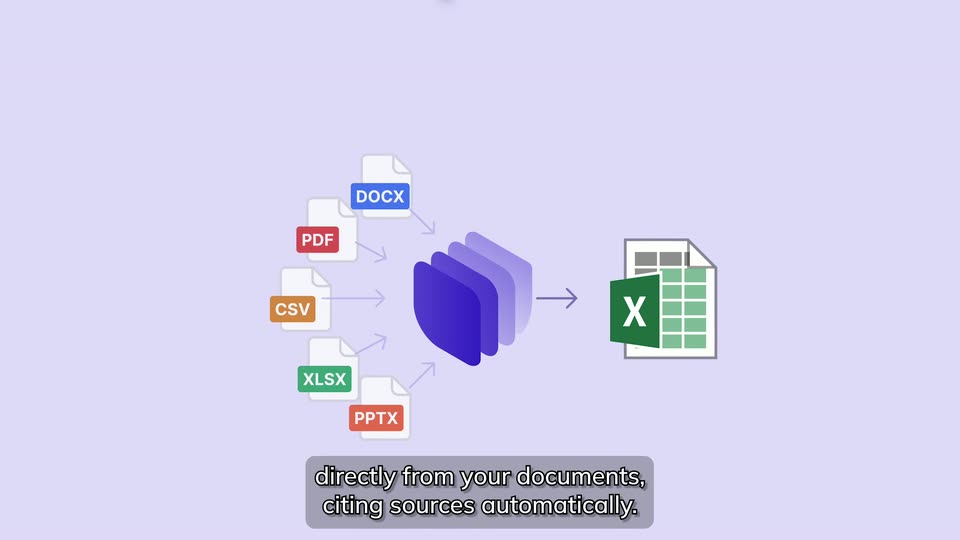 0:53–0:57Carousel Technologies · Carousel: Use AI in ExcelOn a flat lavender background, file icons (DOCX, PPTX, XLSX) shrink and stack behind a purple layered logo, then fan out into an arc with arrows feeding the logo and pointing to a spreadsheet icon; a browser window fades in behind the logo.
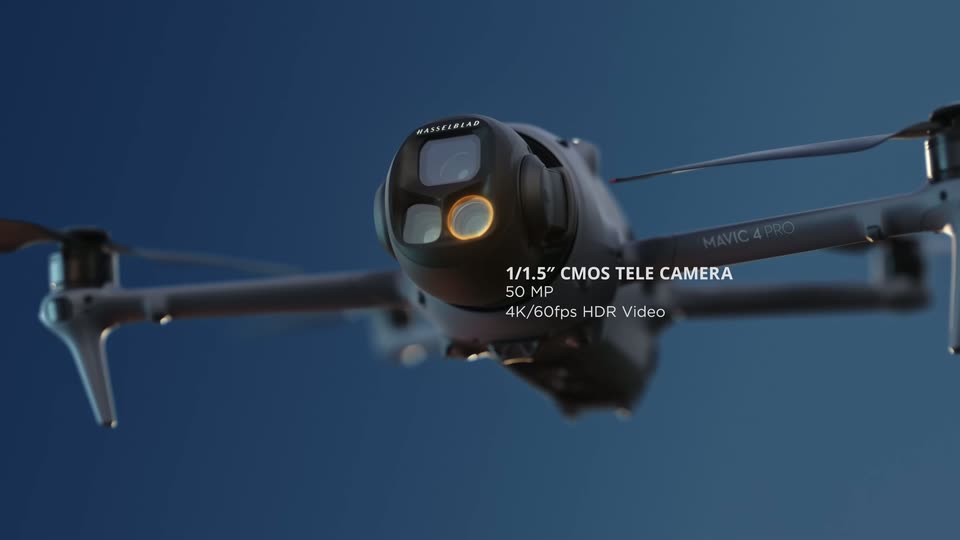 0:36–0:41DJI · Introducing DJI Mavic 4 ProA black Mavic 4 Pro drone hovers against a blue sky as the camera tracks it. An orange ring lights up on the front lens while white spec callouts fade in beside the camera module, then the drone banks away in a blur.
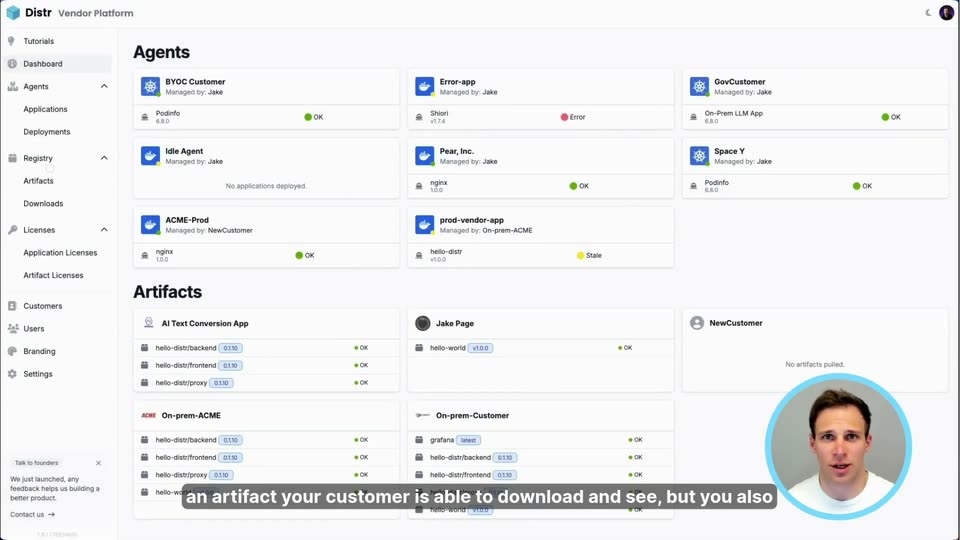 2:35–2:42Glasskube · Distr DemoA light vendor dashboard displays an Agents and Artifacts grid of cards. A status history modal with a log table opens over it, then closes to reveal the full grid. A circular presenter feed with a blue ring sits bottom right while caption lines update along the bottom.
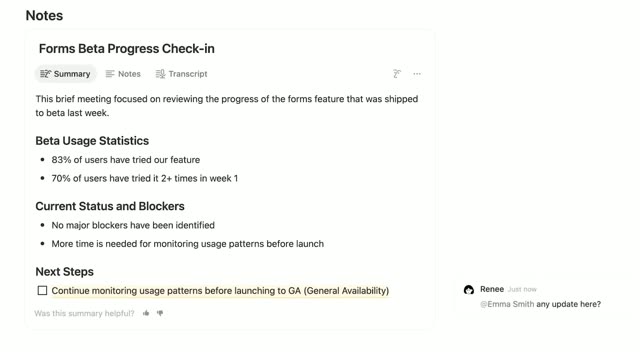 0:55–0:59Notion · Introducing AI Meeting NotesA note summary page shows a user typing a question in a reply box, which becomes a posted comment bubble. The view then cuts to a meetings list where a cursor hovers an AI icon, revealing a tooltip.
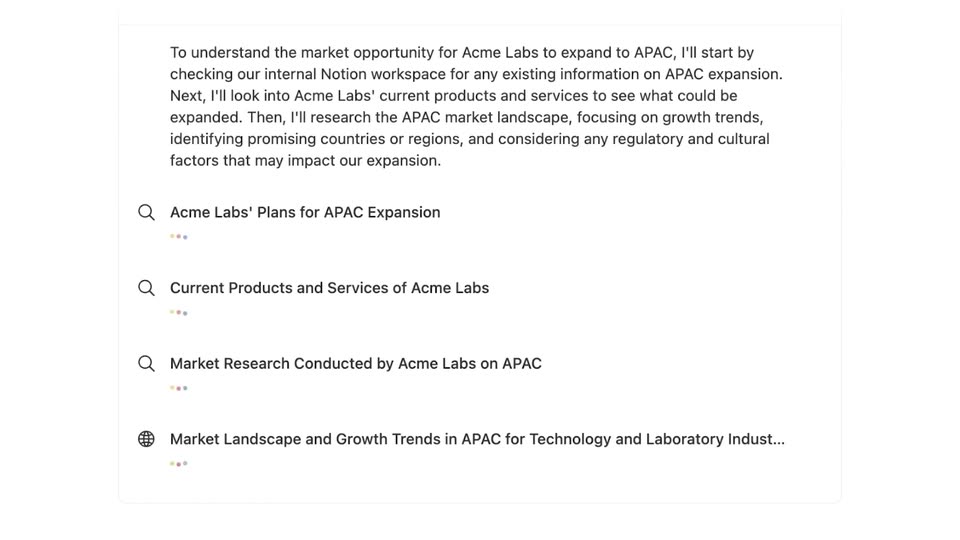 0:46–0:48Notion · Introducing Enterprise SearchA white Notion-style card on a light gray field holds a planning paragraph above a list of search results. The list scrolls downward as new entries with magnifying glass and globe icons and timestamps load in.
 0:31–0:32Notion · Meet the all-in-one Notion AI for workA flat white product home screen shows a greeting and a command bar with the words Dashboard launch typed in. A cursor glides from the center of the bar to the right edge and presses the send button, which turns blue, while four recent cards sit below.
 1:05–1:06Orchid · Zero - The AI-native email that manages your inboxA purple gradient field with a vertical light beam on the left. The white headline “Autonomous Assistant.” slides in from the left and settles centered on a locked-off frame.
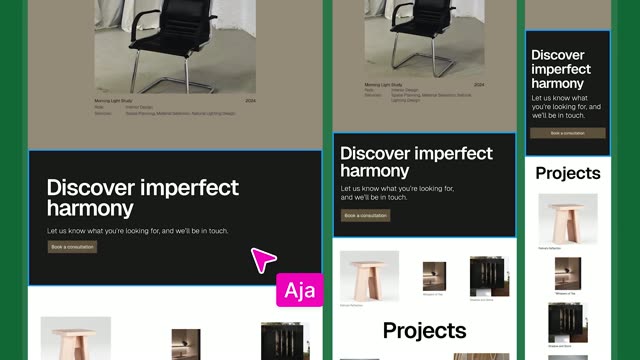 0:17 · 0.8sFigma · All the launches at Config 2025 | FigmaA portfolio website is shown at three widths side by side, each with a black panel outlined in blue. A pink cursor hovers over the left panel, tagged with a pink 'Aja' label.
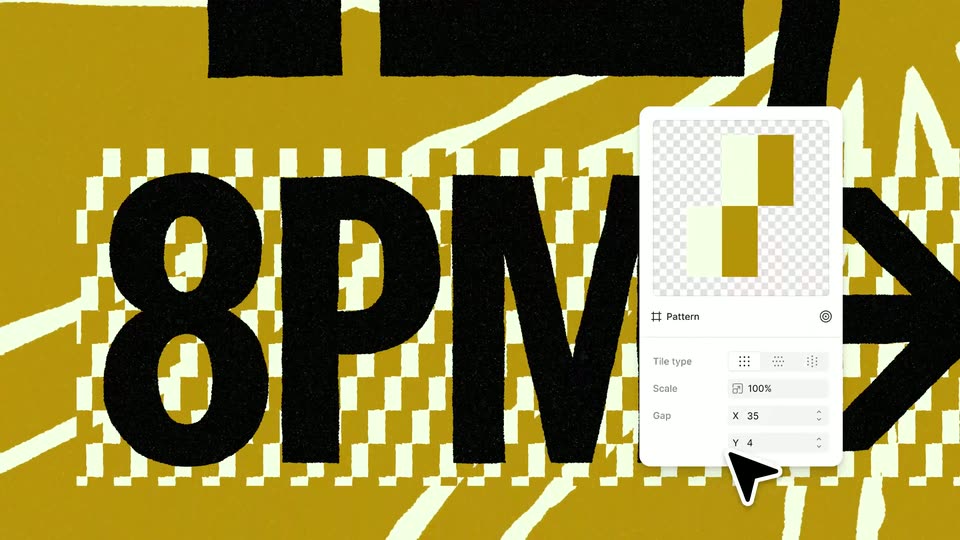 0:27 · 0.7sFigma · Figma - Introducing Figma Draw New fills, effects, brushes, and more, now inA mustard-yellow poster fills the frame with oversized black type reading 12/31 and 8PM → LATE over a white scribble texture. A white Pattern settings panel with a checkerboard preview pops in on the right, a black cursor resting at its lower edge.
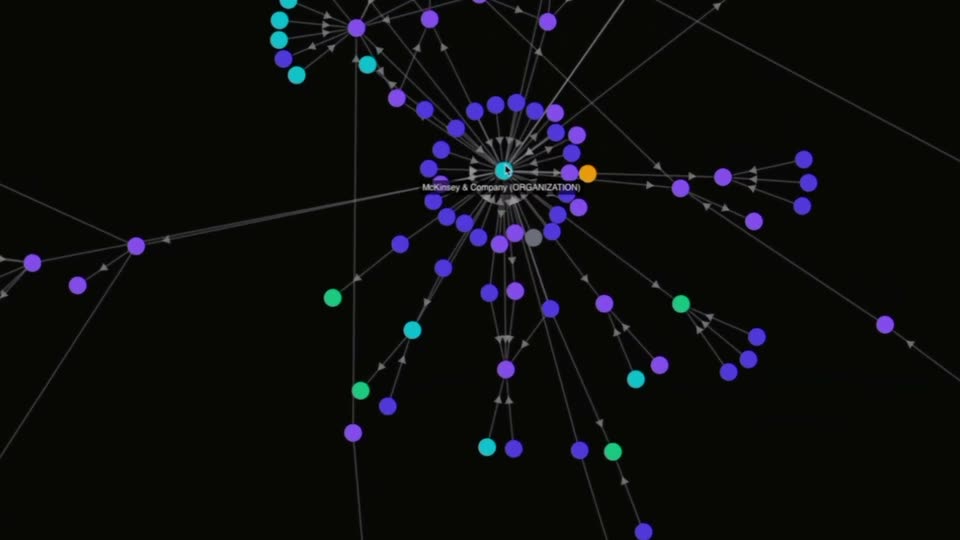 1:02–1:08Morphik · Morphik Launch DemoA dark network graph of purple, teal and orange dots joined by thin arrows fills a rounded window over a blue and orange gradient. The view pulls back to reveal the window frame, then zooms into the central hub node labeled (ORGANIZATION), then eases back out.
 0:29–0:30Kenley · Introducing Kenley WorkStreamsOn a flat dark teal field, the small label USE CASES sits above three serif lines. The line Generate high quality Decks, marked by a bullet, is already bright while the two lines above it fade in, settling into a left-aligned list.