1:18
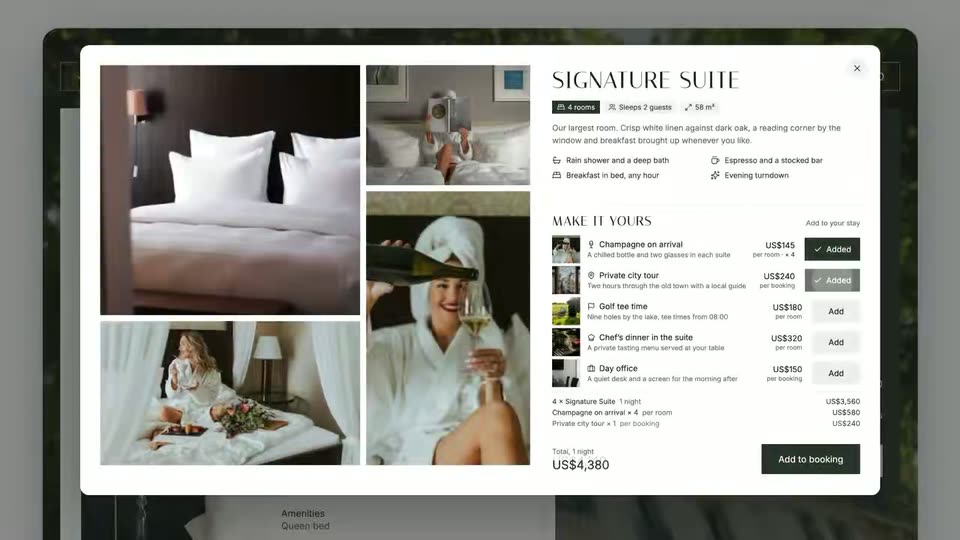

Zaplar (YC S26) - Showcase Series 1: Booking Engine When we developed the booking engi
Zaplar · B2B · Nov 2026
Middleware · Jun 2025 · 3:51 · Full motion · AI-annotated
Middleware’s 3:51 launch film runs 25 scenes, about 9.3 s each. The product is on screen from the first frame and 3 features are revealed. There is no explicit call to action; a voiceover carries the film. A single continuous screen-recording demo with a fixed circular webcam inset bottom-left and a Loom timer bar along the bottom, so the layout never changes and all motion lives inside the UI. The story moves in one direction from a dashboard announcement through installation, traces, GitHub hookup, an AI code fix and a generated pull request, closing on an animated logo card, with the cursor and slow scrolls as the only recurring signature moves.
Is this your launch? to your site or press kit.
Zaplar · B2B · Nov 2026
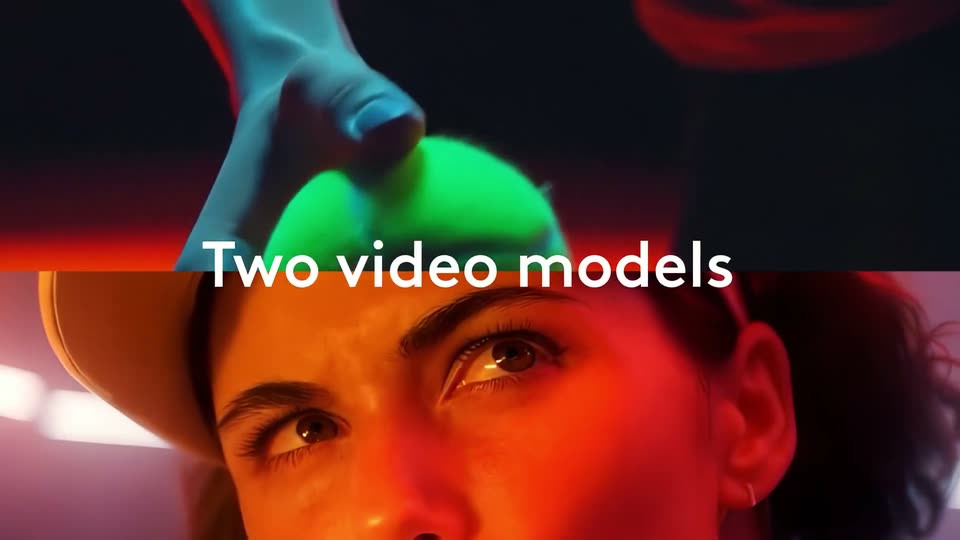
Lightricks · Apr 2025
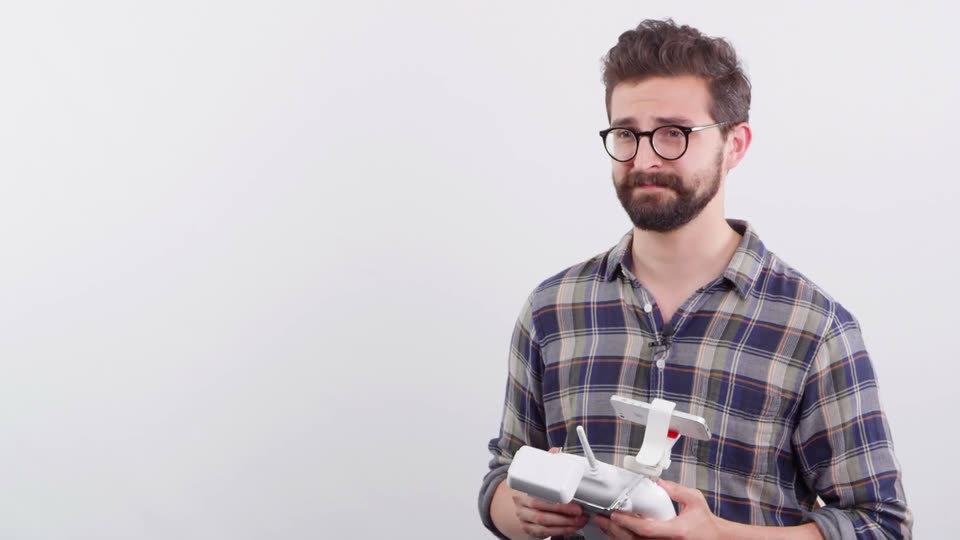
DJI · Hardware · Jun 2014
Films whose music sounds like this one, voice left out
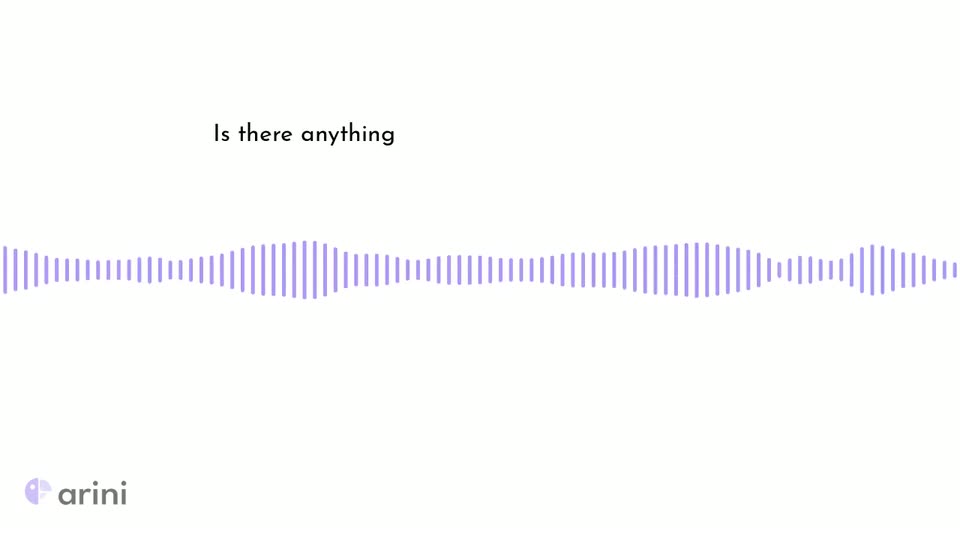
Arini · Dialogue
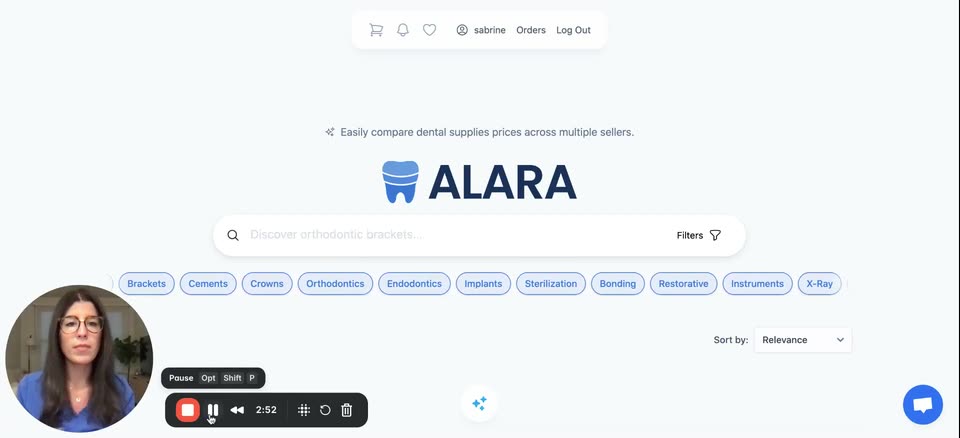
Alara · Corporate voiceover
Reducto · Corporate Tech Presentation
A monitoring dashboard fills the screen: four metric cards, three time-series charts and a trace table. A presenter's webcam circle sits bottom-left above a screen-recorder bar. A cursor glides to a table row, then to the red error count, as the page scrolls up and back.
Techniques: Cursor demo
Camera: Static
A log dashboard interface fills the frame, a blue bar chart above a dense list of INFO log rows. The cursor moves to the left filter sidebar, which expands to reveal Kubernetes options with a tooltip. A circular webcam of the presenter sits in the lower-left corner.
Techniques: Cursor demo
Camera: Static
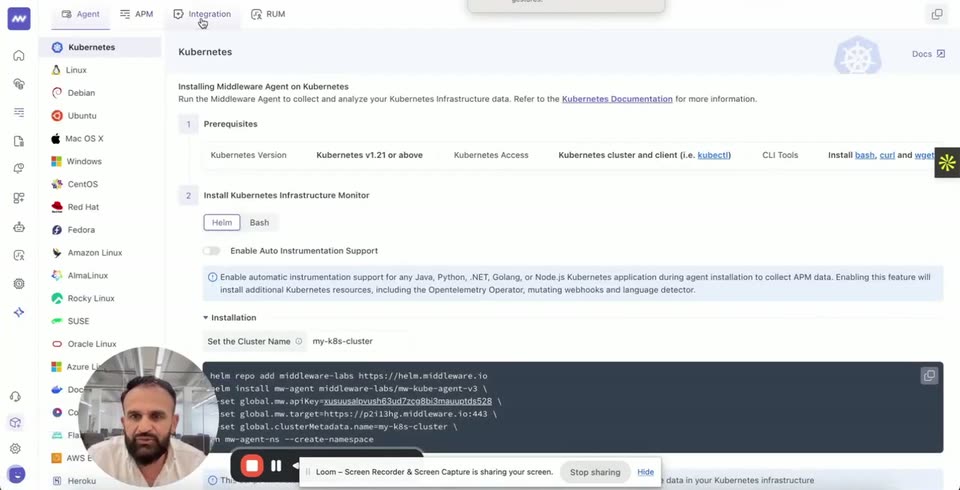
A screen recording of the Middleware Kubernetes installation page, with a circular webcam inset of the presenter in the lower left. The cursor glides over the Helm tab and the helm command block, pausing to highlight a line, while the page scrolls down to the auto-instrumentation section and back.
Techniques: Cursor demo
Camera: Static
A documentation page shows Java setup steps beside a left sidebar of language options. A cursor drifts down the list from Java to Node.JS. A circular webcam of the presenter sits bottom left, and a Loom recording bar with a running timer spans the bottom.
Techniques: Cursor demo
Camera: Static
A documentation interface fills the frame with a language sidebar on the left. A cursor clicks Node.JS, then Nest.JS, and the main panel swaps between the two setup guides. A circular webcam of a presenter sits in the lower-left corner.
Techniques: Cursor demo
Camera: Static
A screen share of a Nest.JS APM documentation page shows a language list on the left and code blocks on the right. A circular webcam of the presenter sits in the lower left while a Loom recorder bar counts down and the cursor hovers over the sidebar.
Techniques: Cursor demo
Camera: Static
A documentation page for Node.JS setup fills the screen, its left sidebar listing languages. The page scrolls down a few lines while a cursor glides to the npm install command and then to the sidebar. A circular webcam of the presenter sits in the lower left corner.
Techniques: Cursor demo
Camera: Static
A screen recording of a tracing dashboard: metric cards and a bar chart resolve from loading spinners, then the view scrolls to a table of trace rows as a cursor moves over them. A circular webcam of a bearded presenter sits in the lower-left corner.
Techniques: UI zoom, Cursor demo
Camera: Static
The cursor clicks the expand arrow on the top span row of a trace dashboard, revealing a child span with a SQL query and timeline bars. A spinner rotates in the empty panel while data loads; a circular webcam feed of the presenter sits in the lower left.
Techniques: Cursor demo
Camera: Static
A tracing interface fills the screen, its span list scrolling upward past timestamps and SQL queries while a cursor drifts over the rows. A circular webcam of the presenter sits in the lower left and a Loom recording bar runs along the bottom.
Techniques: Cursor demo
Camera: Static
A screen share of a tracing dashboard fills the frame, a list of web and database spans in rows. A cursor moves down the left filter sidebar, hovering over items to reveal small black tooltips, while a circular webcam of the presenter sits in the corner.
Techniques: Cursor demo
Camera: Static
A screen recording of a Kubernetes installation page in a documentation interface. A presenter's face cam sits in the lower left corner and a dark code block of helm commands fills the bottom. A cursor glides from the top navigation down to the prerequisites table.
Techniques: Cursor demo
Camera: Static
A cursor clicks the search field of an integrations dashboard and types 'git', filtering a grid of integration cards down to GitHub and two DigitalOcean tiles. A circular webcam overlay of a man in a white shirt sits at the lower left, above a Loom recording bar.
Techniques: Cursor demo
Camera: Static
A screen capture of a GitHub integration page where the cursor clicks the Add New App button and scrolls the repositories table. A circular webcam of a bearded presenter sits in the lower-left corner above a Loom recording bar.
Techniques: Cursor demo
Camera: Static
A light dashboard shows a GitHub integration panel with a cursor, then switches to an inbox table of issues. A presenter's video feed sits in the lower left corner above a Loom recording bar.
Techniques: Cursor demo
Camera: Static
A screen recording of an issues dashboard, with a circular webcam feed of a presenter in the corner. The cursor opens a date menu, picks Past 2 days, and the list fills with error rows. It then scrolls down, clicking a row to open its detail view.
Techniques: Cursor demo
Camera: Static
A light error-monitoring dashboard fills the screen, an AI panel open over a code crash trace. The cursor hovers the error message, then scrolls down through numbered code lines to a Look for Fix button. A small webcam feed of a man sits in the bottom left corner.
Techniques: Cursor demo
Camera: Static
A screen recording of a developer tool shows a code error panel; an AI chat assistant streams a Thinking status, then types out a structured error analysis with a heading and bullets as the page scrolls up. A small webcam feed of the presenter sits bottom-left.
Techniques: Cursor demo
Camera: Static
A side-by-side code diff scrolls down through red and green highlighted lines inside the OpsAI panel, while a small webcam feed of the presenter sits in the corner. The cursor moves to the Generate a PR button and clicks it, revealing a Thinking indicator.
Techniques: Cursor demo
Camera: Static
A dashboard shows a green 'Pull request created successfully' banner above PR details and a dark code block. The page scrolls down to reveal branch names and a feedback input. A small circular webcam of a man sits in the lower left; the cursor hovers over the PR link.
Techniques: Cursor demo
Camera: Static
A blank white screen with a centered cursor cuts to a GitHub pull request page; the cursor drifts toward the PR title while a Loom sharing bar rests at the bottom edge.
Techniques: Cursor demo
Camera: Static
A GitHub pull request page scrolls through its conversation panel, then the cursor clicks the Files changed tab to reveal a code diff with red and green lines. A circular video call overlay of a presenter sits in the lower left corner.
Techniques: Cursor demo
Camera: Pan
A GitHub pull request page fills the screen, showing a code diff with red and green lines; the view reframes to the page header as the cursor clicks through tabs, while a circular webcam of the presenter and a Loom timer bar sit at the bottom.
Techniques: UI zoom, Cursor demo
Camera: Static
A GitHub pull request page fills the frame, static, with a circular webcam feed of a man at lower left and a Loom recorder bar at the bottom. The cursor drifts down from the commit link and rests on the bar's red stop button.
Techniques: Cursor demo
Camera: Static
A swarm of small white digits and symbols drifts across a dark blue field, then dissolves into a faint dot grid as the white middleware logo assembles in the center. Thin glowing blue lines curl behind it, and the logo holds still.
Techniques: Particles
Camera: Pull out