Split screen
Several distinct areas shown at the same time, side by side.
5,585 scenes · page 67 of 94
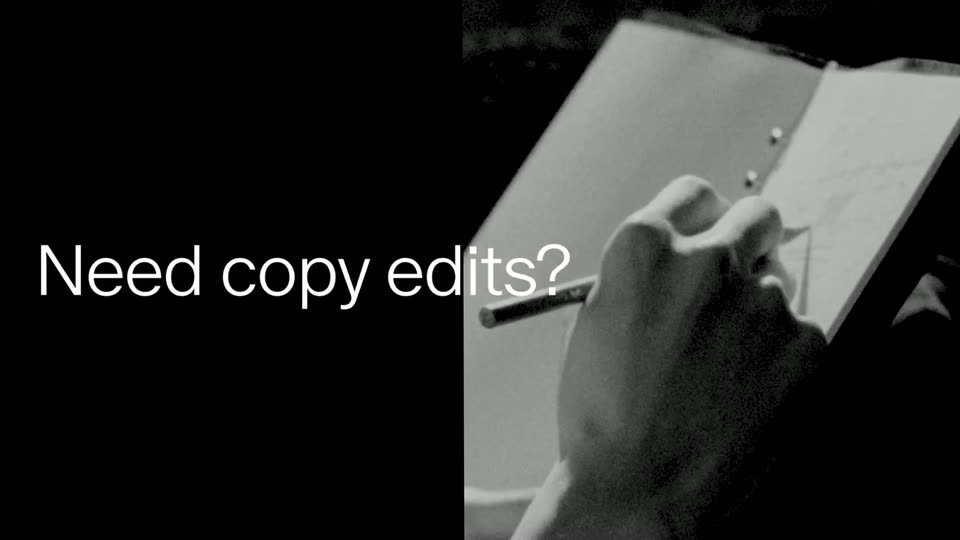 0:03 · 0.6sThe Browser Company · Dia - Need inspiration? There’s a /skill for that. 🖼️ Dia Skills Gallery vA grainy black-and-white film clip of a hand holding a pencil over an open notebook fills the right half of the frame. On the black left half, the white line 'Need copy edits?' sits static and centered.
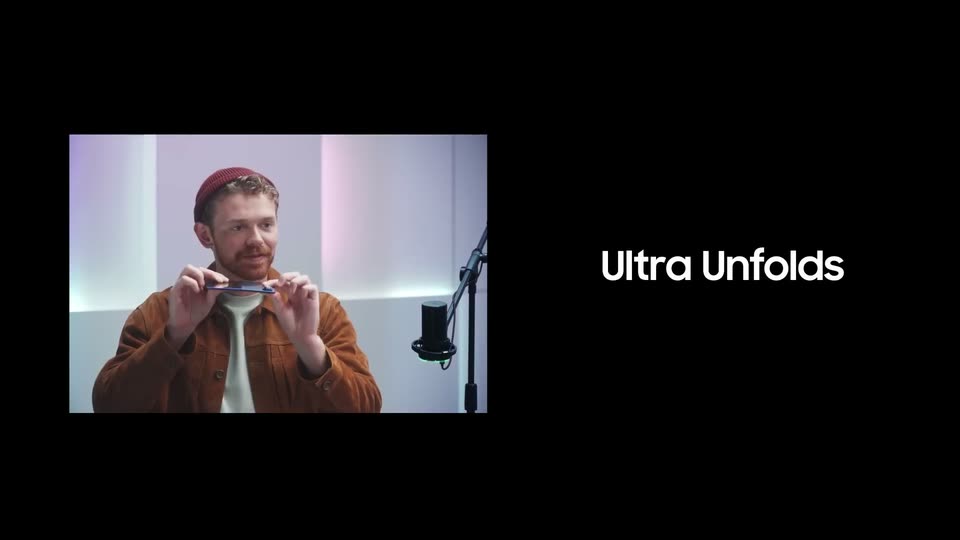 4:31–4:34Samsung · Introducing Galaxy Z Fold7 | Galaxy AI | SamsungA man in a red beanie holds a folded phone at eye level, then lowers it and smiles, in a left panel while Ultra Unfolds fades in on the right. It cuts to a side close-up of the blue device's edge and triple camera on a pale background.
 0:09–0:10Higgsfield · Higgsfield AI 🧩 - Higgsfield Soul is now FREE for everyone. Just unlocked Daily Free GA split screen holds two portraits of a woman with dark curly hair and freckles. The left panel is warm-lit against a dark background, the right panel is teal-lit, showing a cream top and thin necklace. Both images stay nearly still.
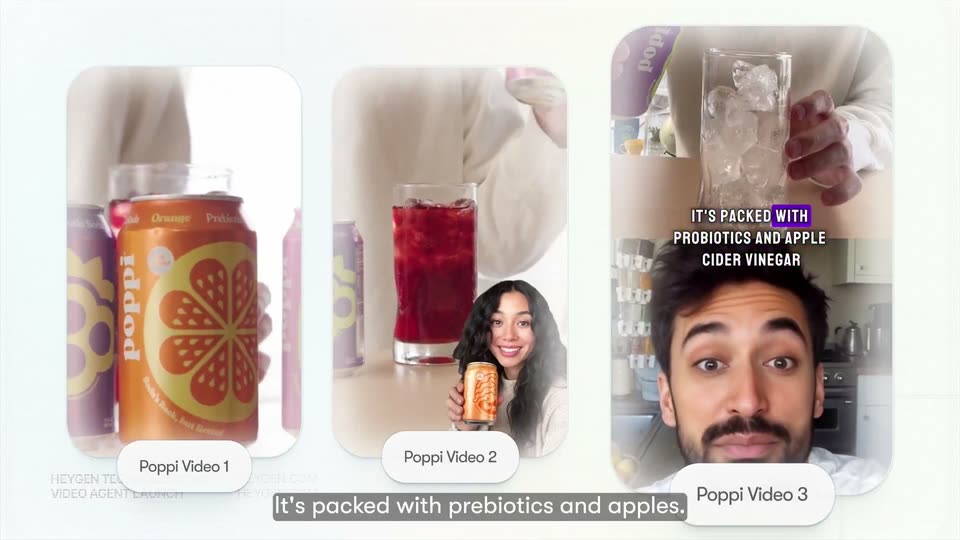 0:14–0:17HeyGen · Joshua Xu - Today we’re introducing you to the future of video. The world’s firsThree vertical video panels play side by side on a light background, labeled Poppi Video 1, 2 and 3. They show hands holding orange and purple Poppi cans, a woman presenting a can, and a man talking while grape soda pours into a glass of ice.
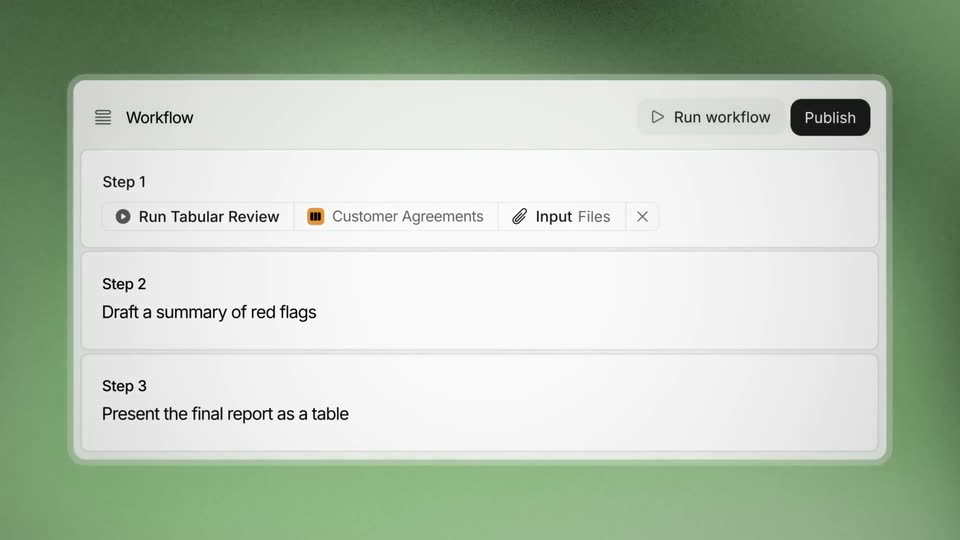 0:12–0:15Legora · Legora Workflows - The orchestration layer for legal workA white workflow card scales up over a blurred green background. A cursor clicks Add step, and Step 2 and Step 3 rows appear. The card then slides left into a split screen with live-action drumming on the right.
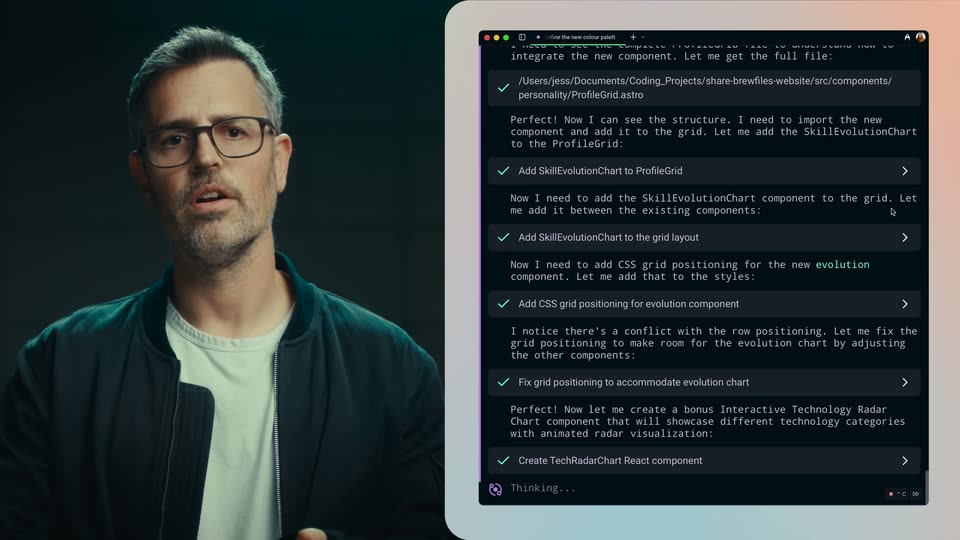 0:18–0:19Warp · Introducing Warp 2.0: The Agentic Development EnvironmentA man with glasses and a dark jacket speaks on the left of a dim set. On the right, a laptop screen in 3D perspective shows an AI coding chat: checkmarked task rows, file paths, and a Thinking status line at the bottom.
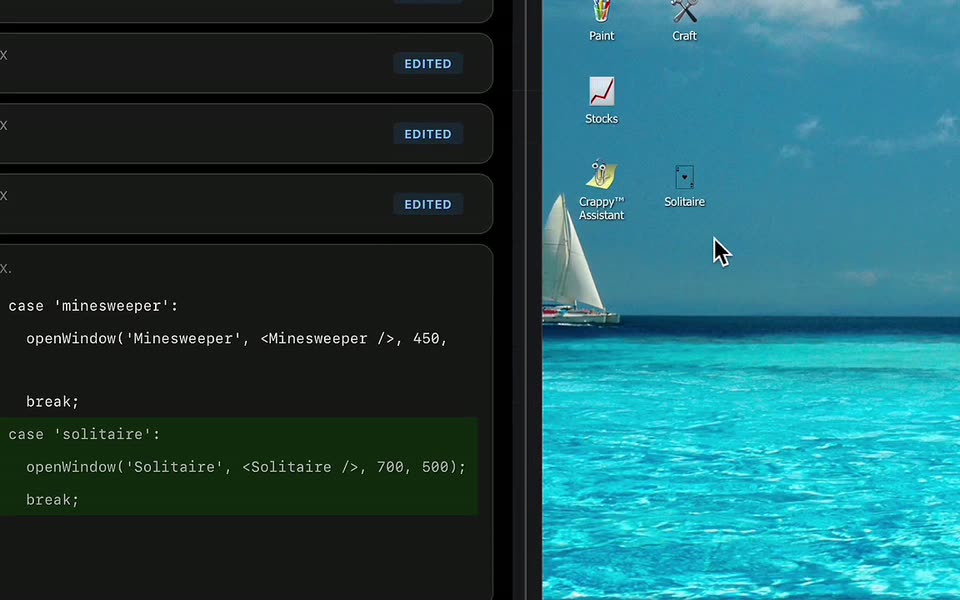 1:25–1:27Sharpe · Introducing Solar by LumenaryA dark code editor with a green-highlighted block sits beside a Windows XP desktop. The frame zooms onto the desktop as the cursor moves to the Solitaire icon and clicks it, the icon lighting up with a dotted border.
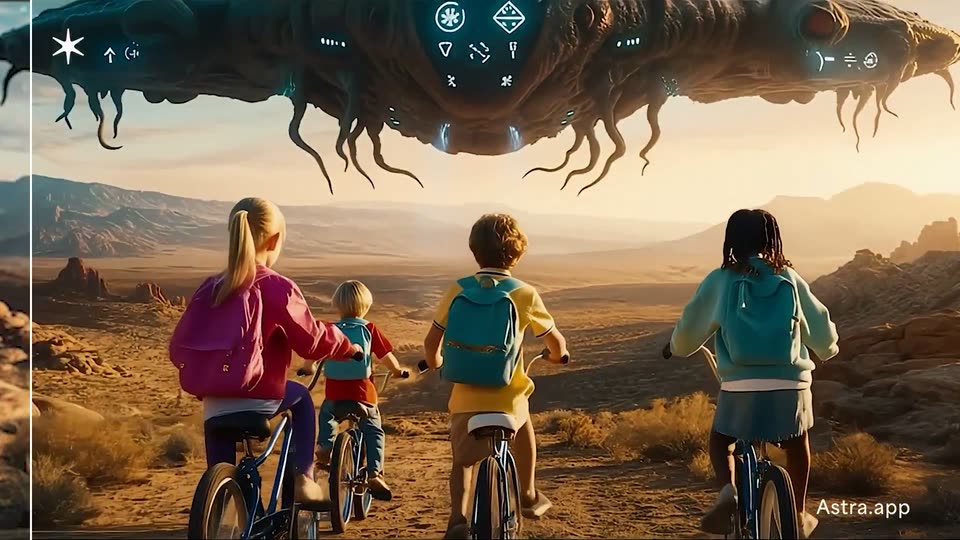 0:37–0:39Topaz Labs · Topaz Labs - 🚀BIG NEWS! We’re launching Astra: the first-ever creative upscaler foA split screen shows children on bicycles in a desert beneath a large organic sky-creature with glowing symbols; the left panel holds three kids, the right a single girl. A vertical white divider wipes left to merge both into one continuous shot.
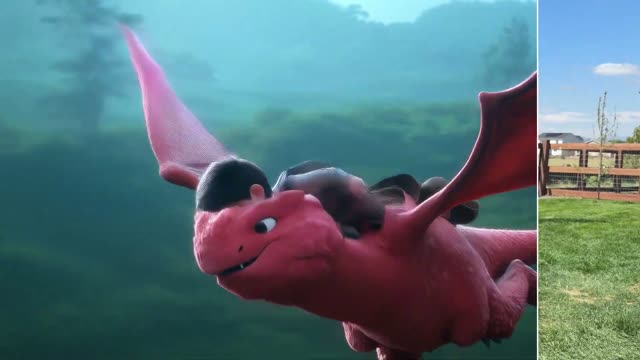 0:25 · 0.6sLuma AI · Luma AI - Introducing Modify VideoA vertical split-screen wipes right as a pink 3D sea creature with a tall fin and pointed snout swims in from the left, overlapping a man who carries a child on his back in a sunlit backyard.
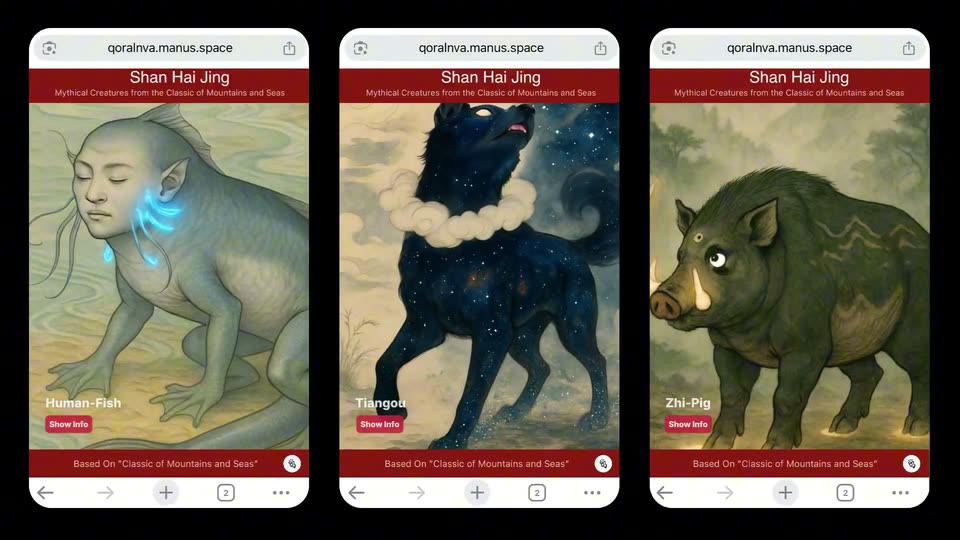 0:51–0:52Manus · Manus - Introducing Manus video generation. Manus transforms your prompts inThree phone screens stand side by side on black, each displaying the Shan Hai Jing page with a red header and footer. The painted creatures, Human-Fish, Tiangu and Zhi-Pig, move and blink inside their frames.
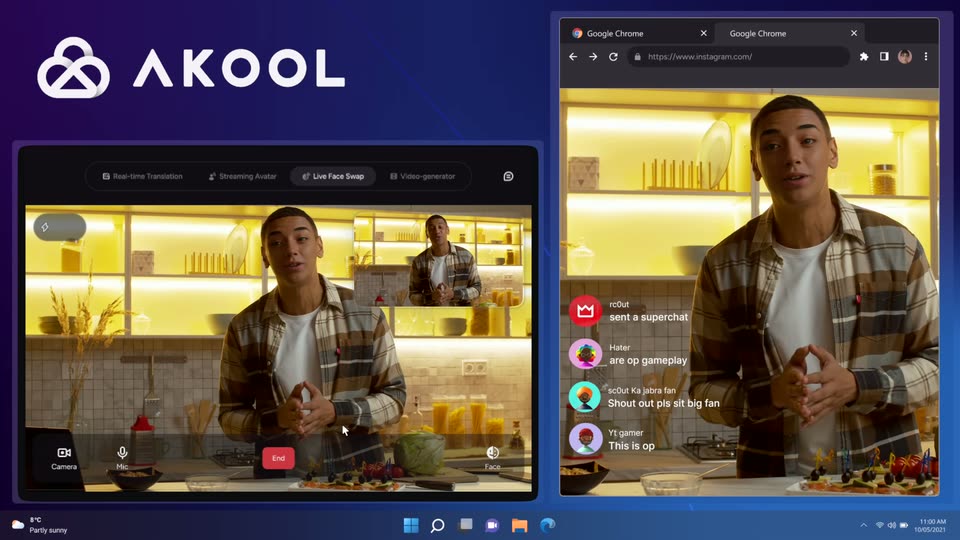 2:17–2:25Akool Inc · Introducing Akool Live Camera: Real-Time AI Video CreationTwo windows sit side by side on a desktop: the Akool streaming tool on the left, a Chrome browser with the same kitchen stream and live chat on the right. A cursor opens a Target face panel, picks a face, and the man's face in both windows swaps to it.
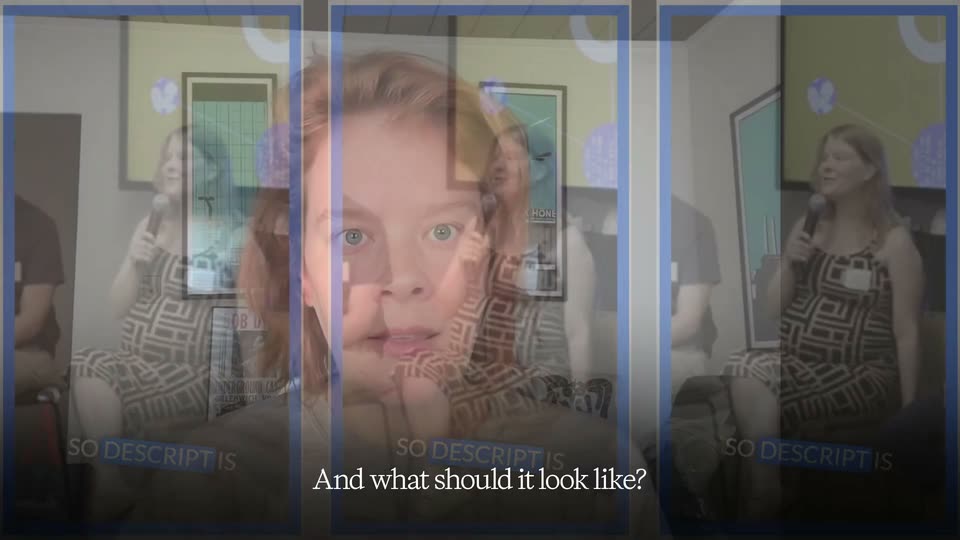 1:00–1:01Descript · Meet the Underlord: Descript's Open Beta Feature DropThree side-by-side panels with blue borders show a woman speaking into a microphone, then dissolve to a woman before a wall of framed posters, the outer panels ghosted. Each panel carries the wordplay line SO DESCRIPT IS; a white serif caption sits below.
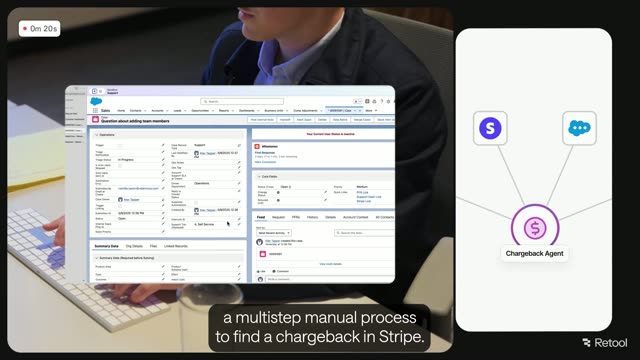 0:51–0:54Retool · Introducing Agents from RetoolA locked-off split screen shows a filmed accountant typing on the left with a floating Salesforce case window, and a white node diagram on the right, as two caption lines appear at the bottom describing the manual process.
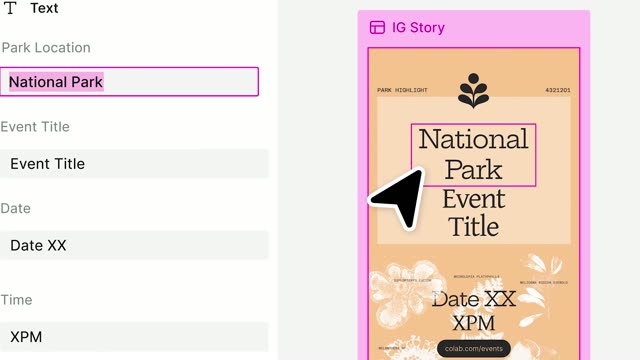 1:01–1:02Figma · All the launches at Config 2025 | FigmaA split view pairs a form on the left with a pink IG Story ticket preview on the right. A black cursor hovers over the Park Location field while the title text updates in the preview.
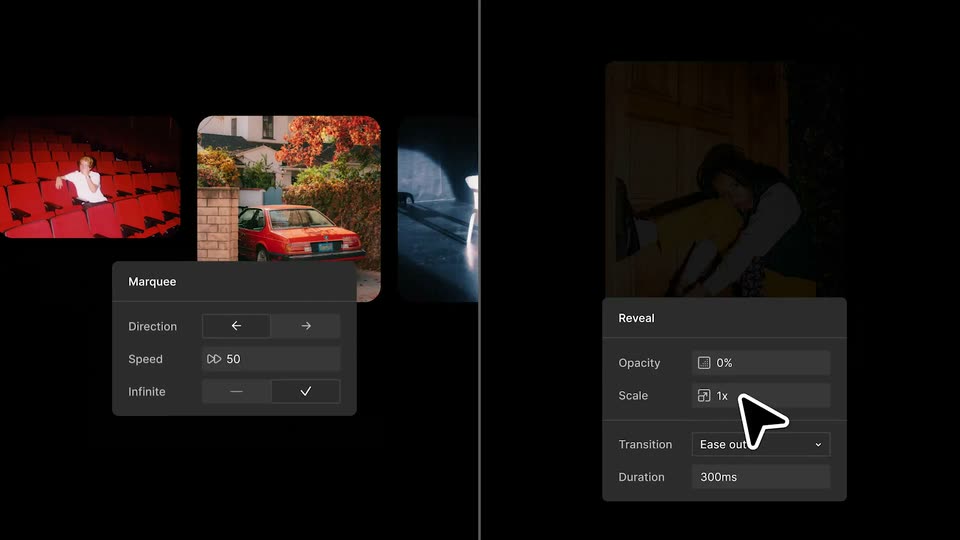 0:26–0:28Figma · Figma - Introducing Figma Sites Take your designs straight to the web. WithA black split screen. Left: a horizontal strip of photos scrolls left above a dark Marquee settings card. Right: a vertical photo of a person kicking a wooden door sits above a Reveal settings card, with a white outline cursor.
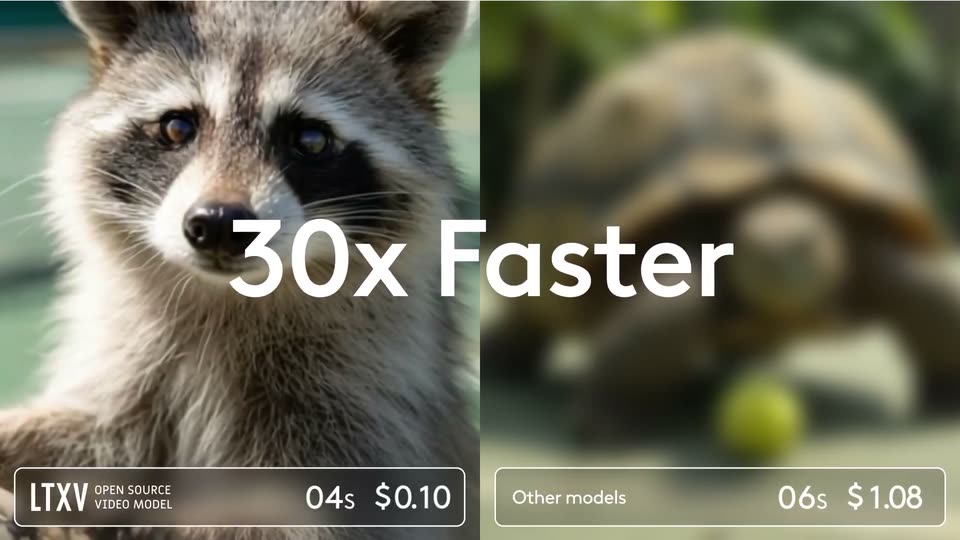 0:10–0:11Lightricks · Lightricks - We’re excited to launch our new model — LTXV-13B! 💫 LTXV-13B is ourA split screen holds a sharp raccoon on the left against a blurred tortoise on the right, with the headline 30x Faster centered over both. Bottom bars display the render time and cost for LTXV versus other models.
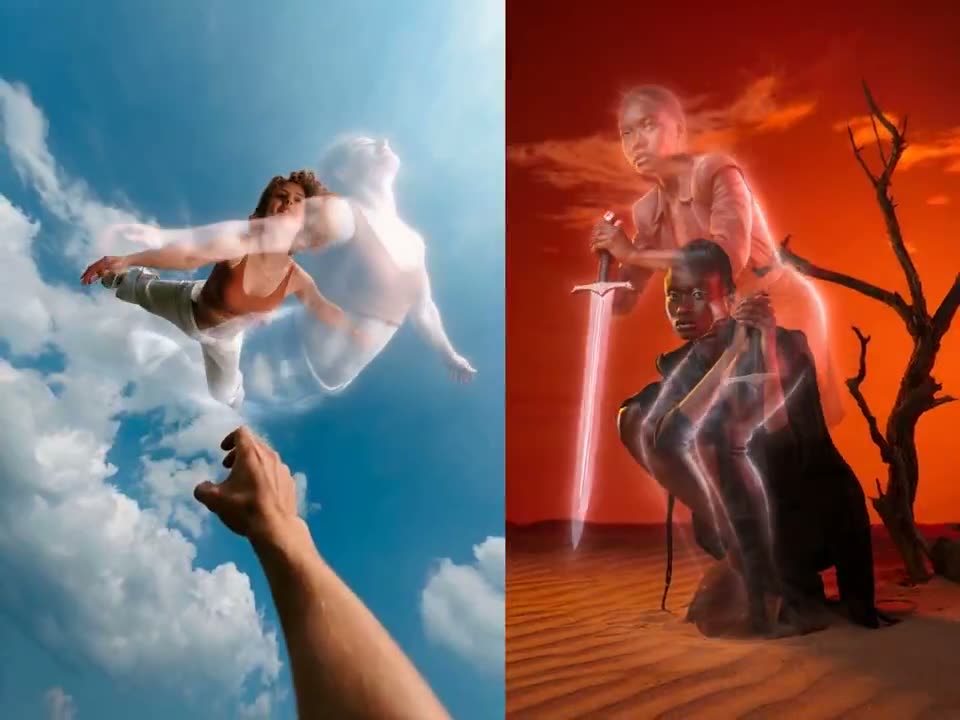 0:25–0:27Higgsfield · Higgsfield AI 🧩 - Introducing Higgsfield Effects - a cinematic pack of high-impact VFX.A vertical split screen shows two live-action shots. Left: a person in white falls through a blue cloudy sky toward an outstretched hand. Right: a crouched figure in black grips a sword in an orange desert, layered with a ghostly double exposure.
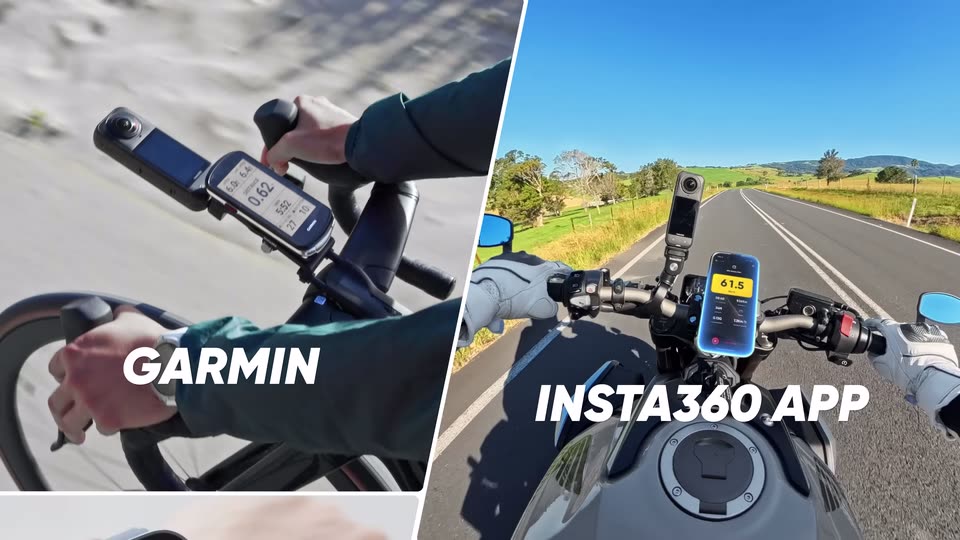 2:50 · 0.9sInsta360 · Meet Insta360 X5 - New Flagship 8K 360 Action CameraA diagonal split screen shows two POV riding shots: a cyclist's hands on a Garmin bike computer left, a motorcyclist's phone running the Insta360 app right. The left panel then divides into a second frame of an Apple Watch on a wrist.
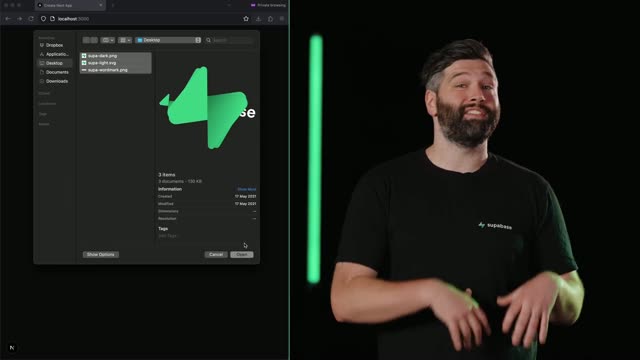 0:45–0:48Supabase · Announcing the Supabase UI LibrarySplit screen: left, a dark browser shows an upload drop zone, then a file picker opens as the cursor selects three logo files and clicks Open; right, a bearded presenter in a black Supabase tee gestures beside a vertical green light bar.
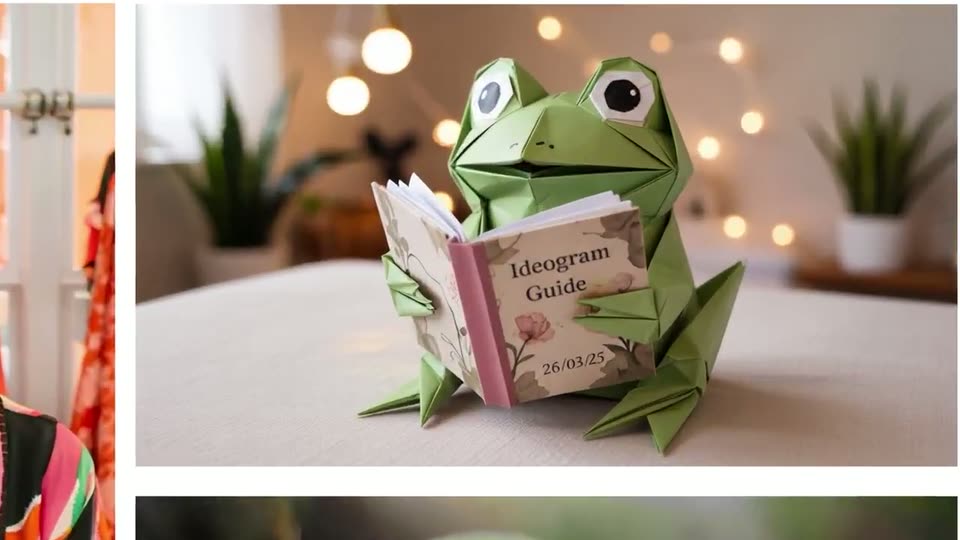 0:44 · 0.8sIdeogram · Ideogram - Meet Ideogram 3.0 — stunning realism, creative designs, and consistenA split-screen layout features a woman in a colorful jacket on the left, a green origami frog holding a book on the top right, and a leaf with a water droplet on the bottom right.
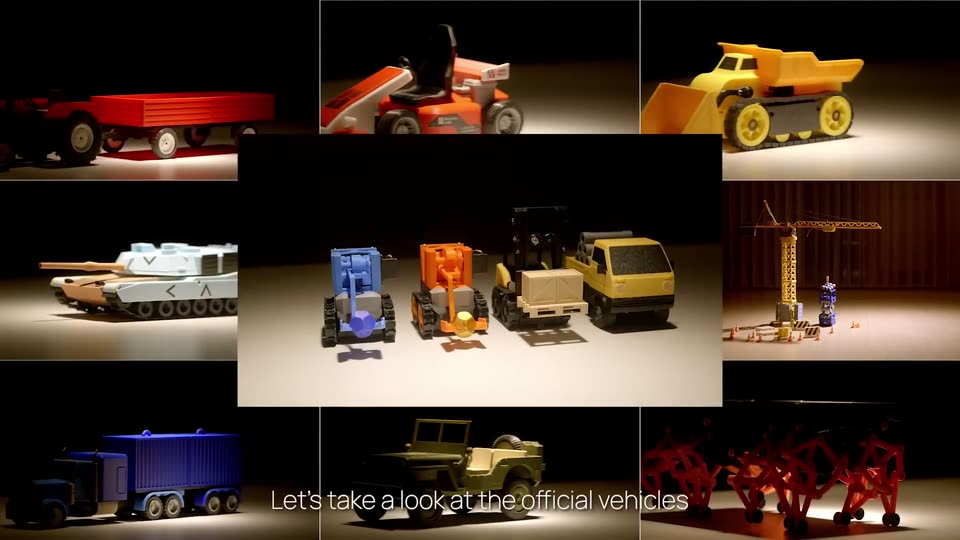 0:34–0:35Bambu Lab · CyberBrick: Build smarter. Code freer. Share globally.A 3x3 grid of spotlit LEGO vehicle models on black backgrounds, each in its own vignette. The center cell, four small construction vehicles, scales up to fill the middle as the bottom caption changes.
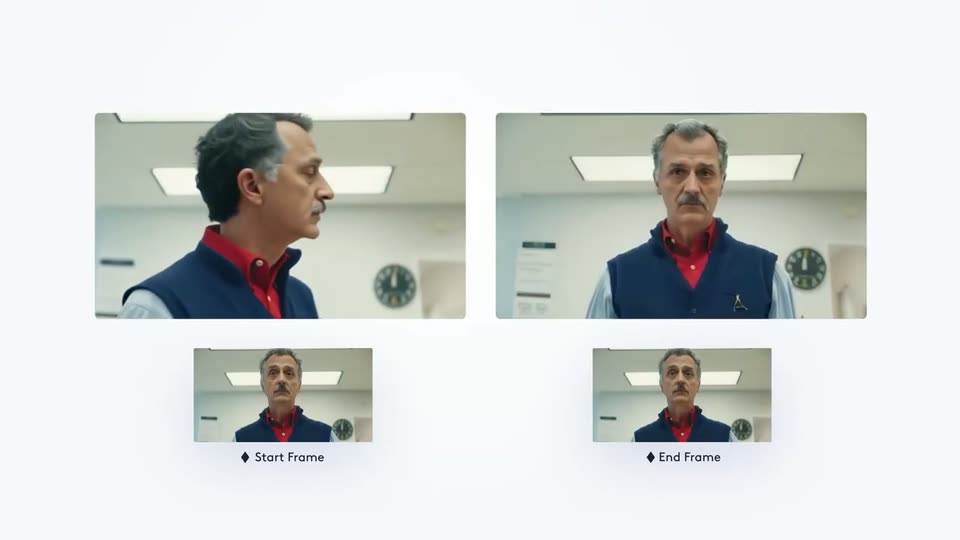 0:10–0:13Lightricks · Lightricks - 🚀 LTXV 0.9.5 is here! Our latest AI video model brings: ✅ CommercialFour panels on a white slide: two top clips of a mustached man in a red shirt and navy vest, one close-up turning to profile, one wide walk blending into a medium shot; two small thumbnails below labeled Start Frame and End Frame.
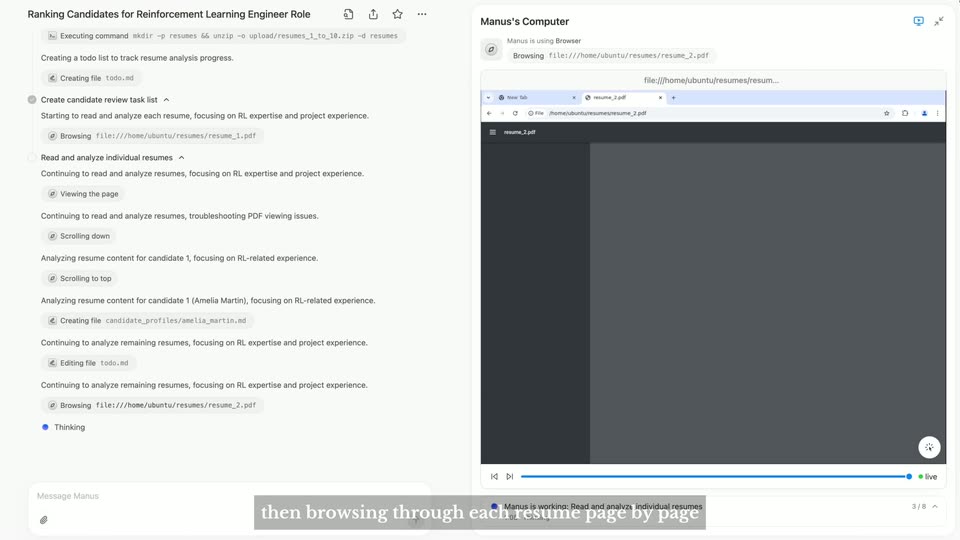 0:47–0:48Manus · Introducing Manus: The General AI AgentA split screen shows the Manus agent's task log on the left and a browser window with a blank PDF on the right. The left log scrolls slowly upward while the caption bar stays locked at the bottom.
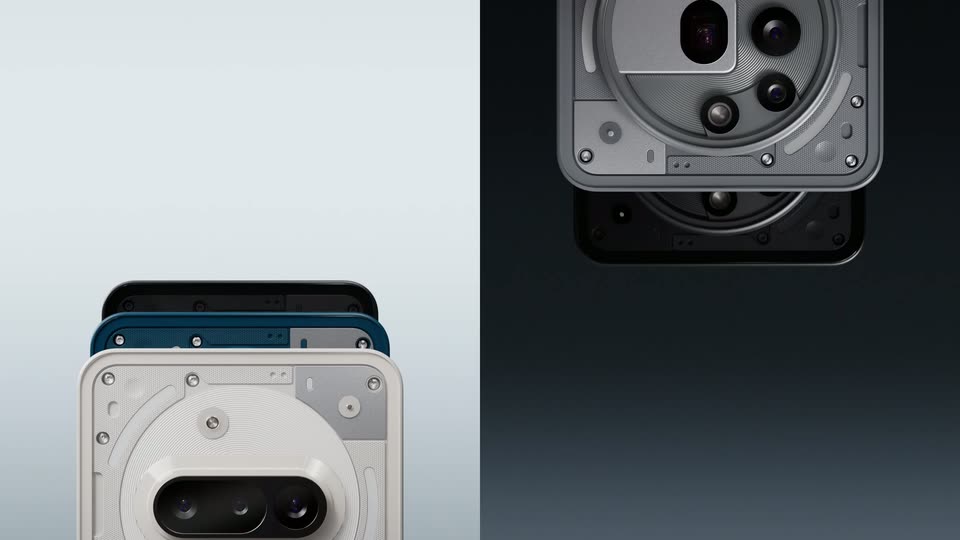 1:37–1:39Nothing · Phone (3a) Series: Power in PerspectiveA split frame: light left, dark right. On the left, a stack of cream, blue and black phone backs with a rectangular camera bar drifts upward. On the right, a silver phone back with a circular camera module sinks slowly above its reflection. The camera stays locked.
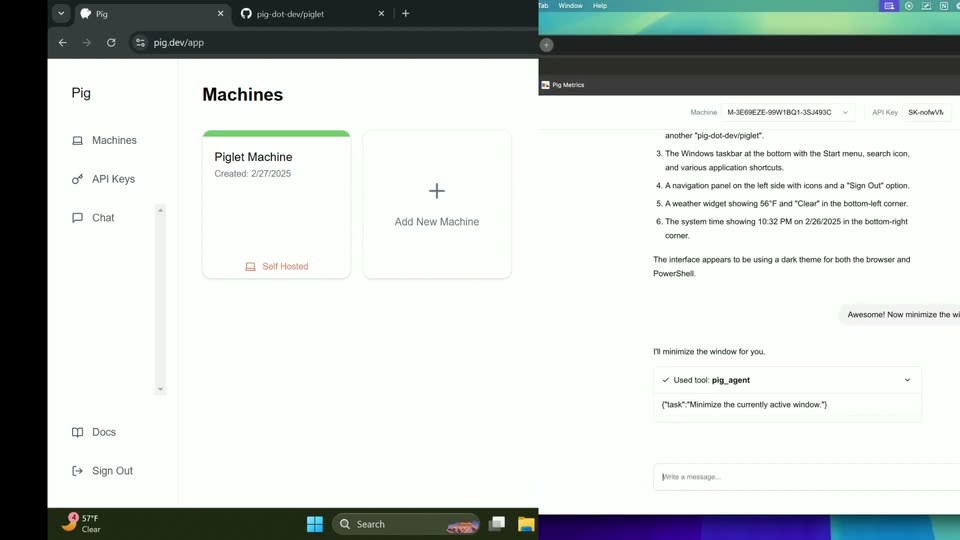 1:32–1:39Butter · Pig Official LaunchA desktop screen shows a browser on the left with the Pig Machines page and a chat panel on the right. A command is typed, the agent replies with a tool call, then the right window minimizes and the browser fills the screen, a pink cursor appearing.
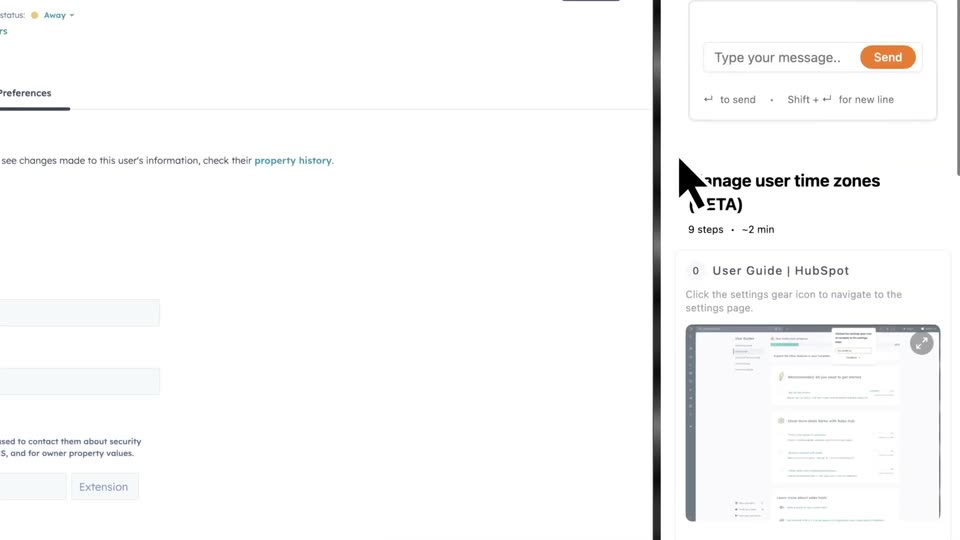 1:21–1:22SAMMY Labs · SAMMY Labs - Product TourA split view shows a CRM record page on the left and a guided tour panel on the right. The right panel scrolls up, revealing a Back header, a message input and a Manage user time zones card, while a hand cursor icon stays on the divider.
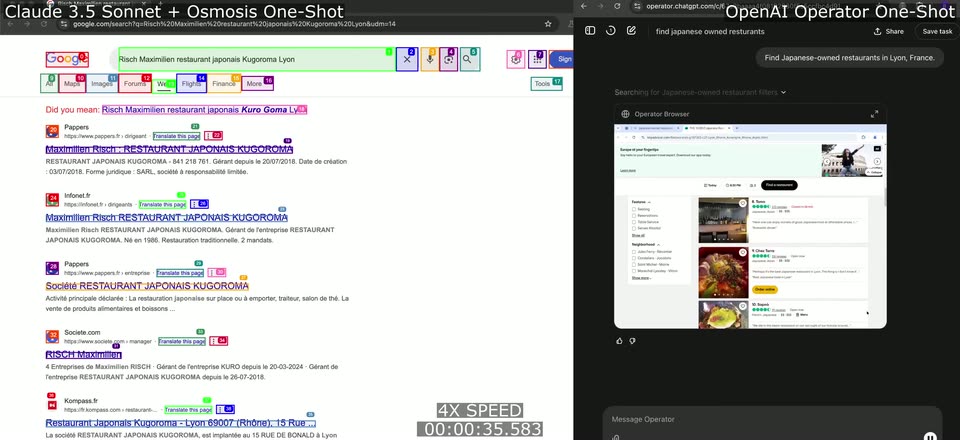 0:06–0:09Osmosis · Osmosis Demo (Head-to-Head with OpenAI Operator)Split screen compares a Google results page on the left with the Operator browser panel on the right; both scroll through restaurant listings for a Lyon search while a 4X SPEED badge and timecode run at the bottom.
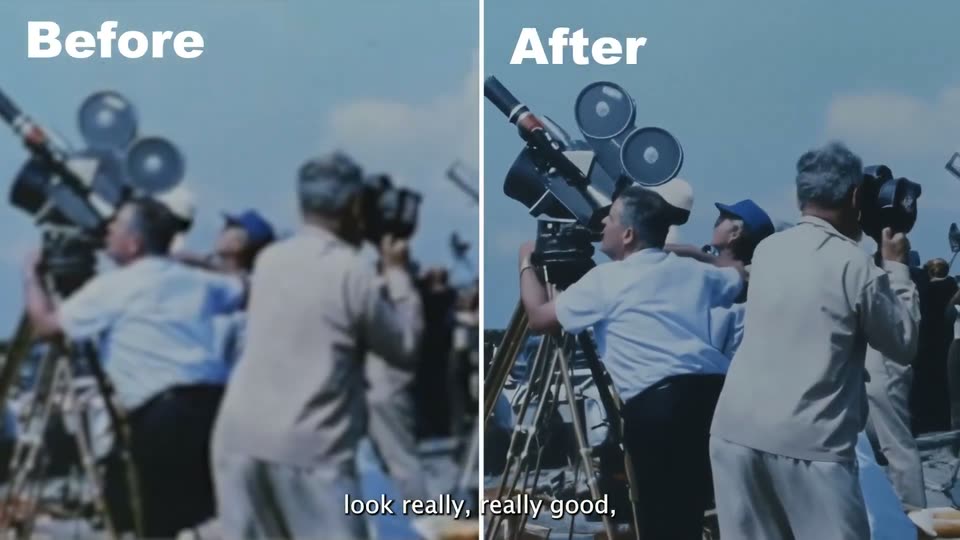 0:12–0:13Topaz Labs · Topaz Labs - 🚀Big news! We’re launching Project Starlight: the first-ever diffusioA split screen compares the same film set shot of men operating cameras on tripods. The left half is a blurry, low-resolution version labeled Before, the right half is a sharpened, enhanced version labeled After. White subtitles appear at the bottom.
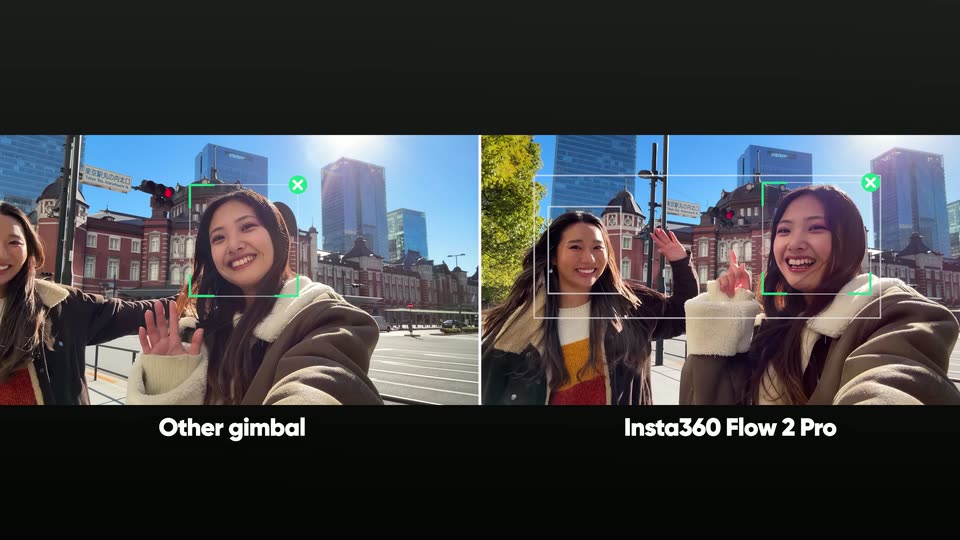 1:08–1:10Insta360 · Introducing Insta360 Flow 2 Pro - Your Pocket AI FilmmakerA split screen compares two vlog clips of two women on a sunny street. The left clip, labeled Other gimbal, tracks one face, while the right, labeled Insta360 Flow 2 Pro, keeps both faces inside green and white tracking boxes that follow their movement.
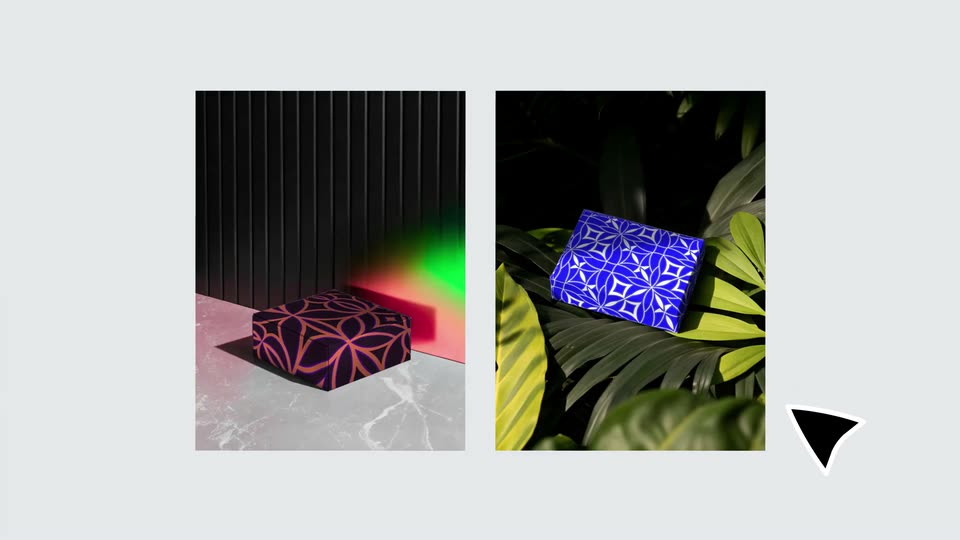 0:17–0:18Recraft · Recraft - Seamless patterns are here! Designers, now you can create endless, peTwo vertical panels sit side by side on a light gray field. Left shows a black box with a pink floral pattern on marble; right shows a blue box with a white pattern on leaves. A small black triangle with a white outline slides diagonally from top-left to bottom-right.
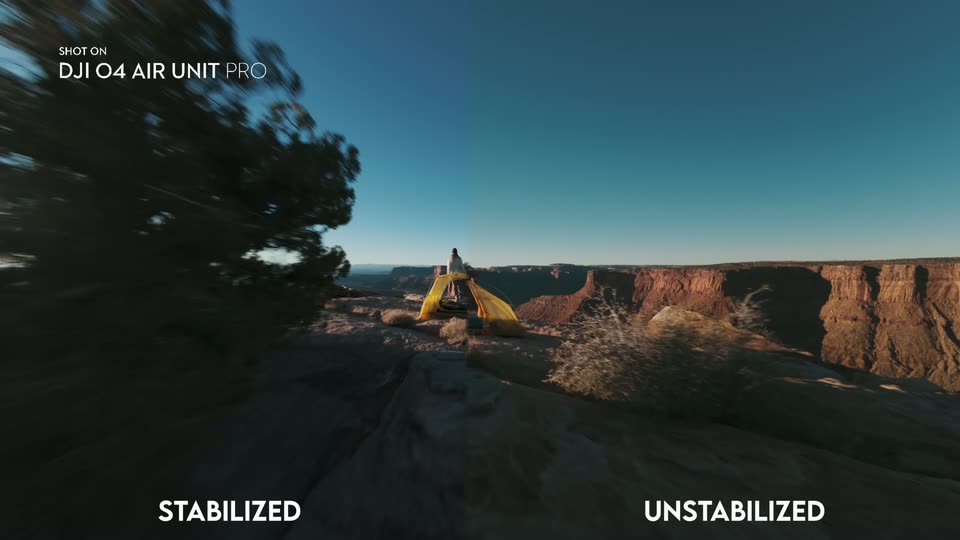 1:15–1:17DJI · Meet The DJI O4 Air Unit SeriesA split-screen drone shot over a desert canyon at dusk, left half steady and right half shaky, framing a yellow tent and a person on a rocky ridge. White captions read SHOT ON DJI O4 AIR UNIT PRO top-left, STABILIZED and UNSTABILIZED at the bottom.
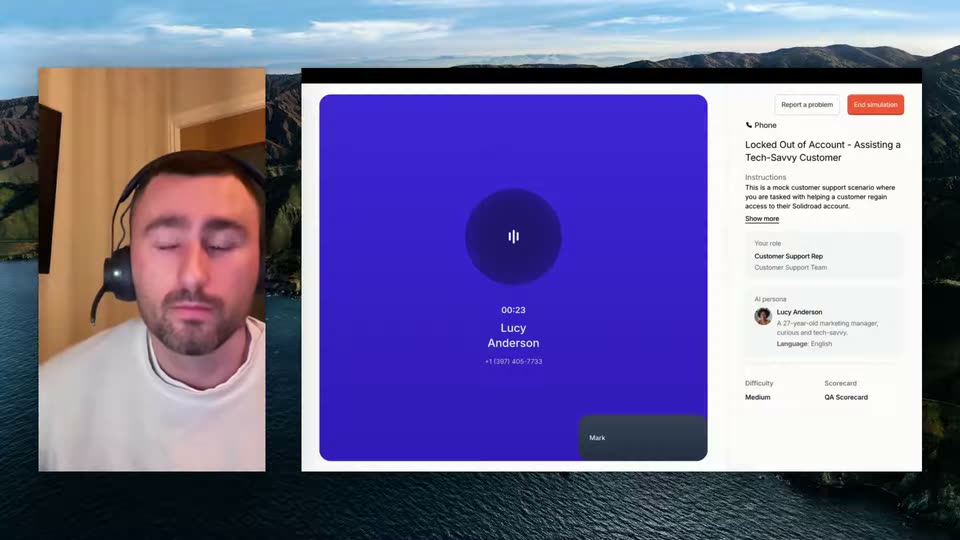 0:45–0:50Solidroad · Solidroad YC Launch DemoA man in a headset occupies a left webcam feed while the right shows a product interface: a blue call panel with a ticking timer and the name Lucy Anderson, beside a sidebar of scenario details, over a still mountain lake background.
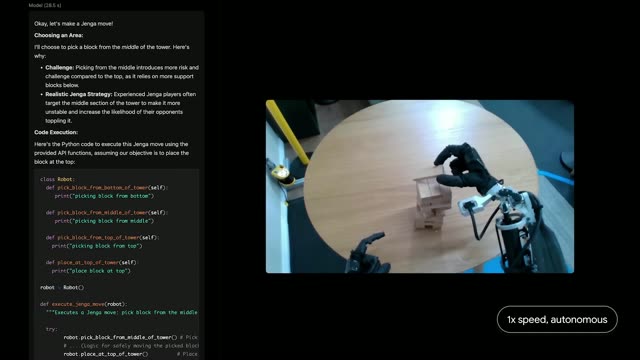 2:31–2:38Google · Introducing Gemini 2.0 | Our most capable AI model yetSplit screen: a code and strategy panel on the left, a top-down video on the right where a black robotic hand slides a wooden block out of the middle of a small Jenga tower on a round table. A pill badge reads 1x speed, autonomous.
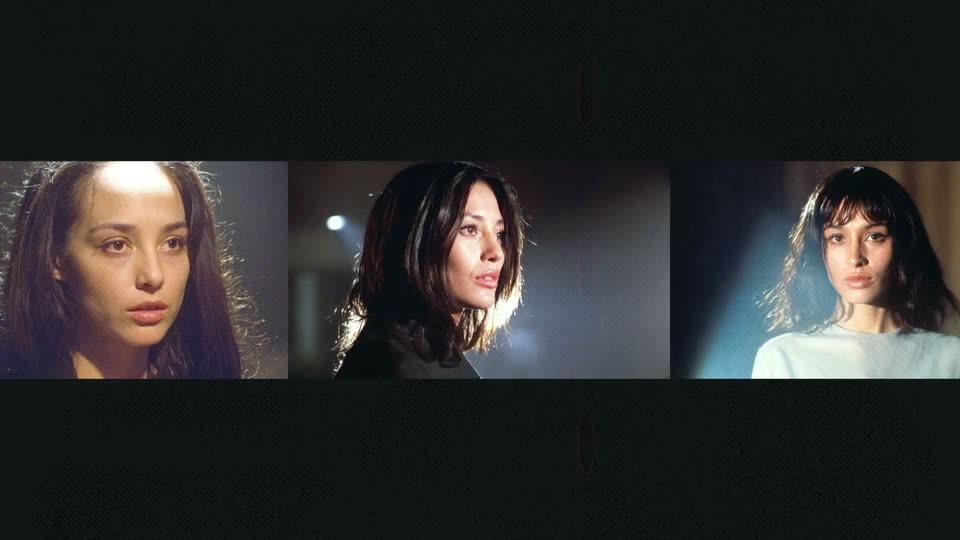 0:13–0:14Runway · Runway Research | Introducing FramesThree film stills of women's faces sit side by side in a horizontal band on a dark grainy backdrop. A vertical column of orange digits and letters scrolls down the left edge while small maroon oval markers float in the center.
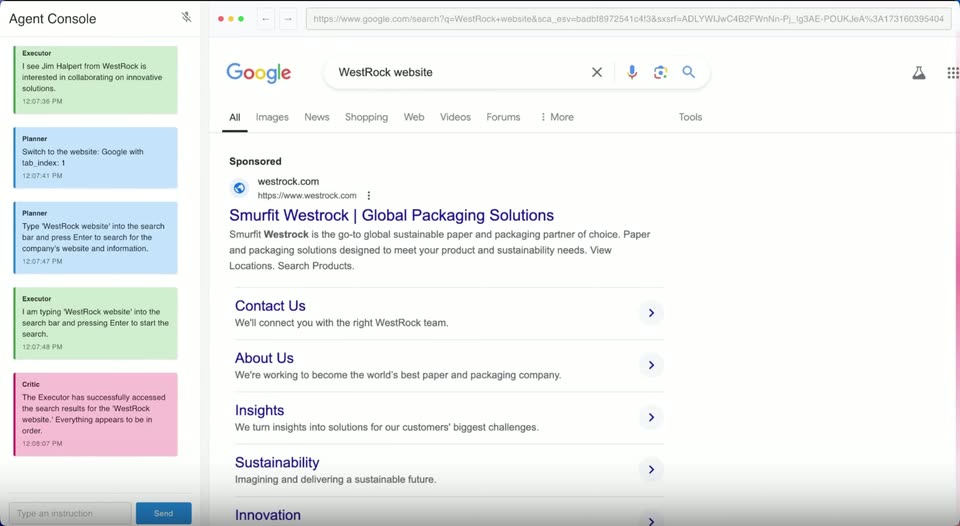 0:46–1:01Kura AI · Kura CRM demoA left Agent Console sidebar holds a vertical stack of color-coded Planner, Executor and Critic cards that scroll up as new ones drop in. The right pane holds a static Google results page for WestRock website, with a sponsored westrock.com entry and blue links.
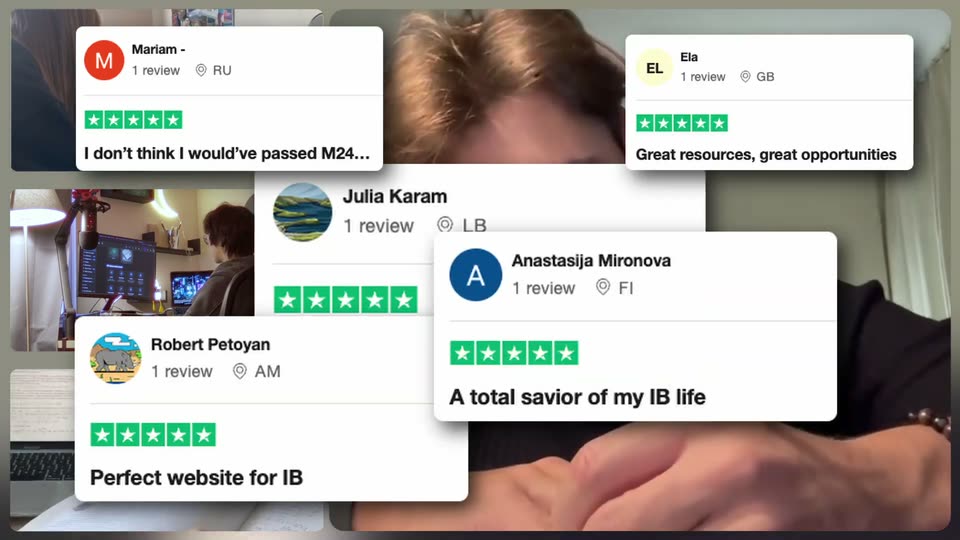 0:36–0:37General Learning · StudyDojo (YC F24) Launch VideoOver a 2x2 grid of live-action study clips, white review cards with avatars, names, country tags and green five-star ratings fade in one after another, settling into a scattered collage. Bold black review quotes sit at the bottom of each card.
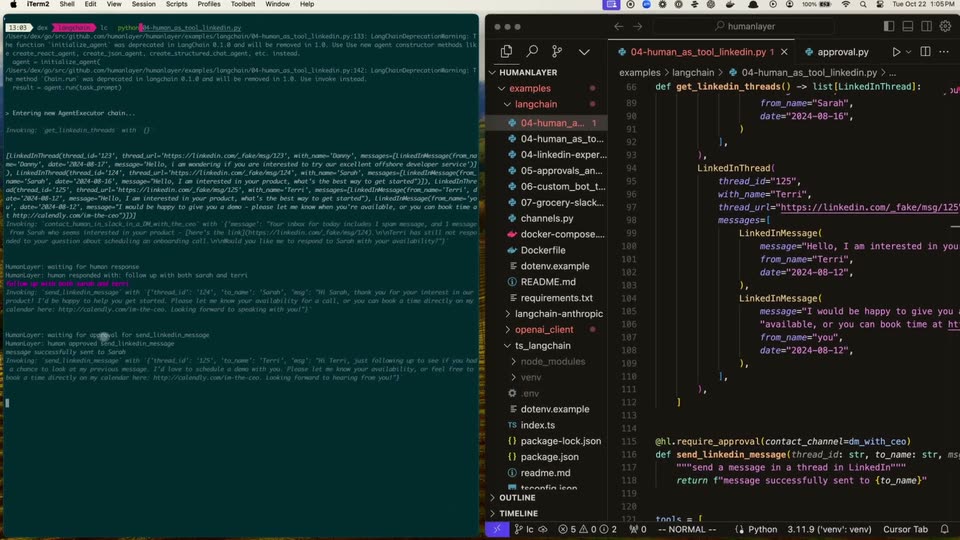 2:04–2:05HumanLayer · HumanLayer Deep DiveA split screen pairs a terminal on the left with a code editor on the right. The terminal log scrolls upward as new lines appear, while the editor shows Python code with a file tree. A command-2 shortcut badge flashes at the bottom of the left pane.
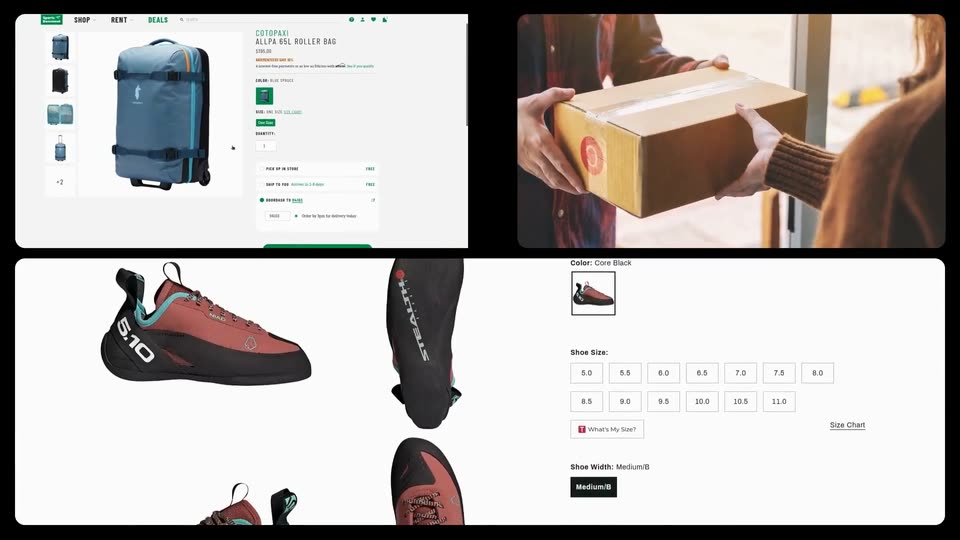 0:06–0:08Getcho · Getcho Launch YCThree rounded panels on a black background form a grid. Top left is a web product page for a blue roller bag, top right a live shot of two people passing a cardboard box, bottom a shoe page with a size chart. Panels hold nearly still.
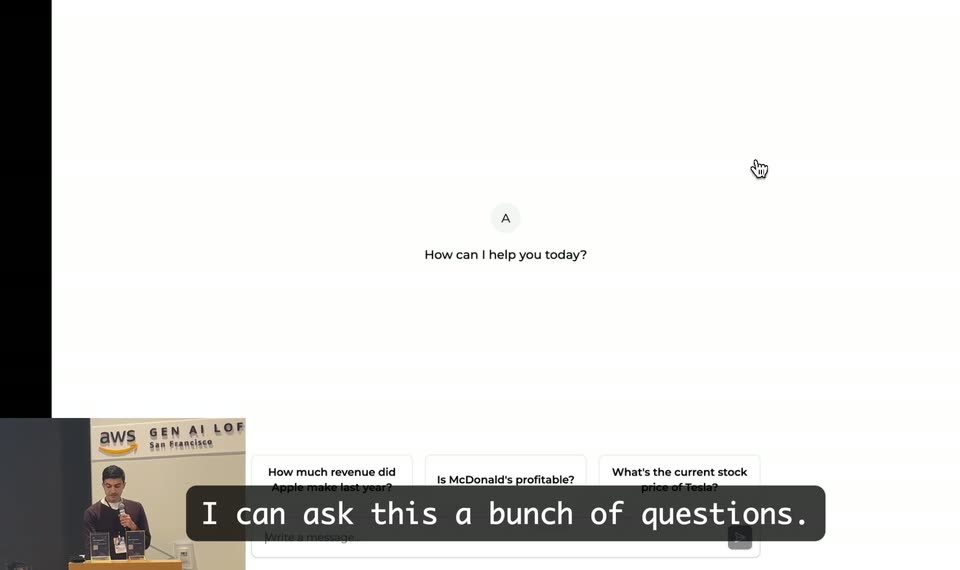 1:12–1:16assistant-ui · assistant-ui | AWS GenAI Loft DemoA white chat screen shows an A avatar over “How can I help you today?” with three question chips and a message field below. A hand cursor drifts down toward the input. A small inset shows a man at an AWS podium. Dark caption pills read the voiceover.
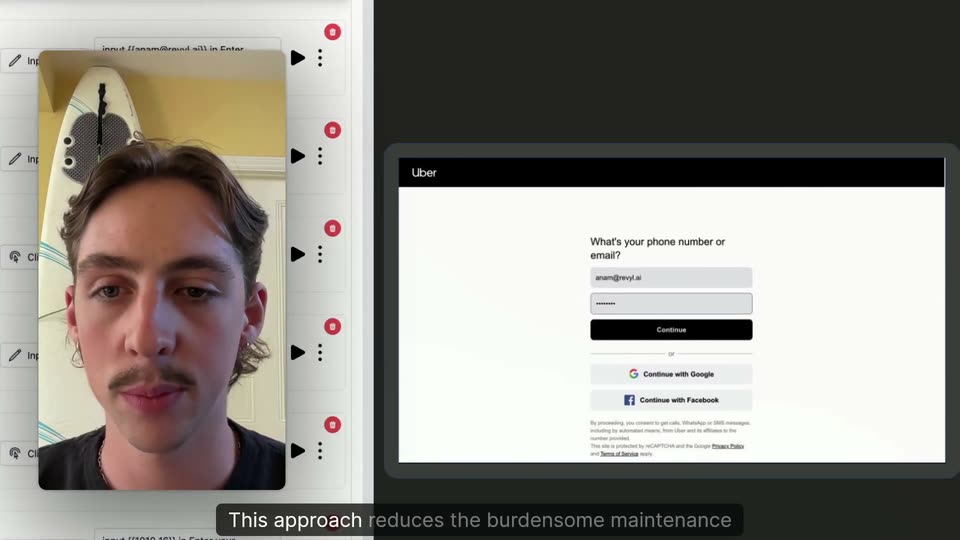 0:24–0:30Revyl · Launch YC: Revyl (F24)A presenter's webcam anchors the left while the view pans across a test-steps list and a browser window on the Uber login page. A cursor hovers over Continue as the password field shows Loading.
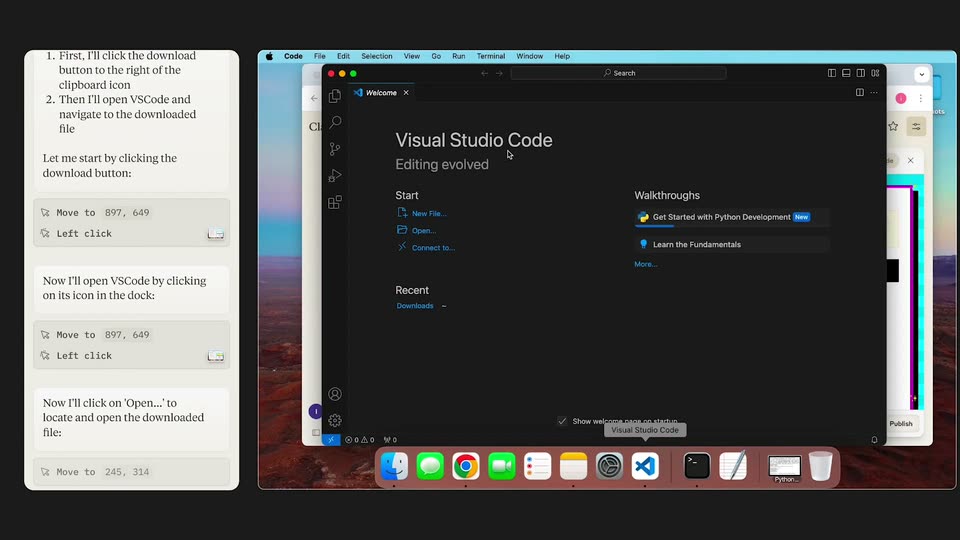 1:22–1:25Anthropic · Claude | Computer use for codingA macOS desktop shows the VS Code welcome screen centered, with a left-side card listing the assistant's plan and click coordinates. The card scrolls down to reveal the next step while a cursor hovers over the VS Code title.
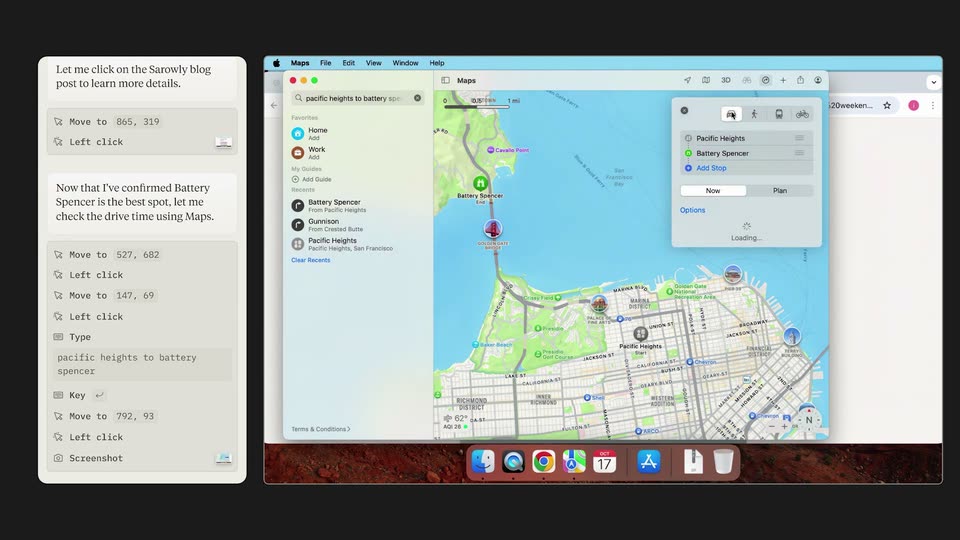 0:46–1:08Anthropic · Claude | Computer use for orchestrating tasksA Mac desktop recording shows the Maps app. The cursor types a route query, selects directions from Pacific Heights to Battery Spencer, and the map zooms in as a blue route and travel-time options load. A step list scrolls in a left panel.
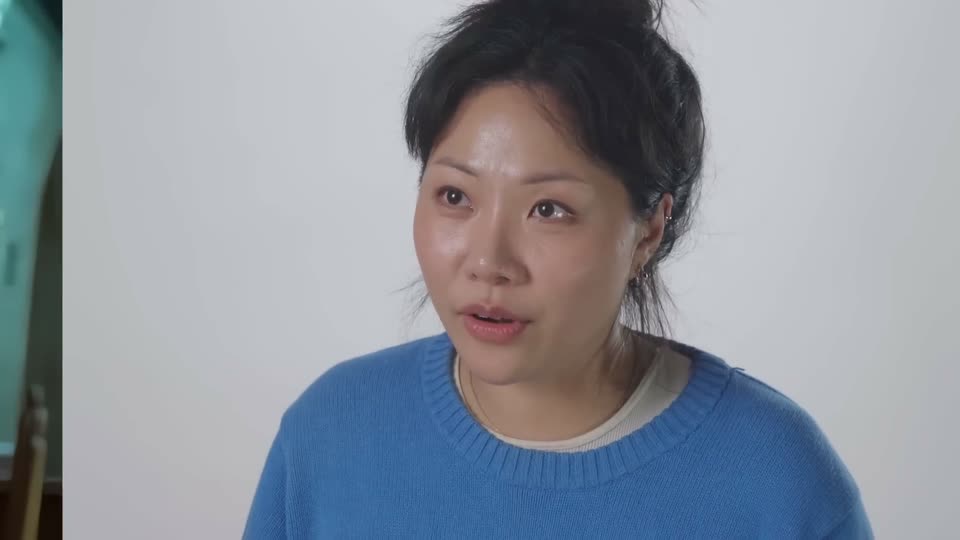 0:18–0:19Runway · Introducing Act-One | RunwayA woman in a blue sweater speaks against a white wall. A vertical band of church interior footage, teal walls and wooden pews, wipes in from the left edge and widens, pushing her toward the right.
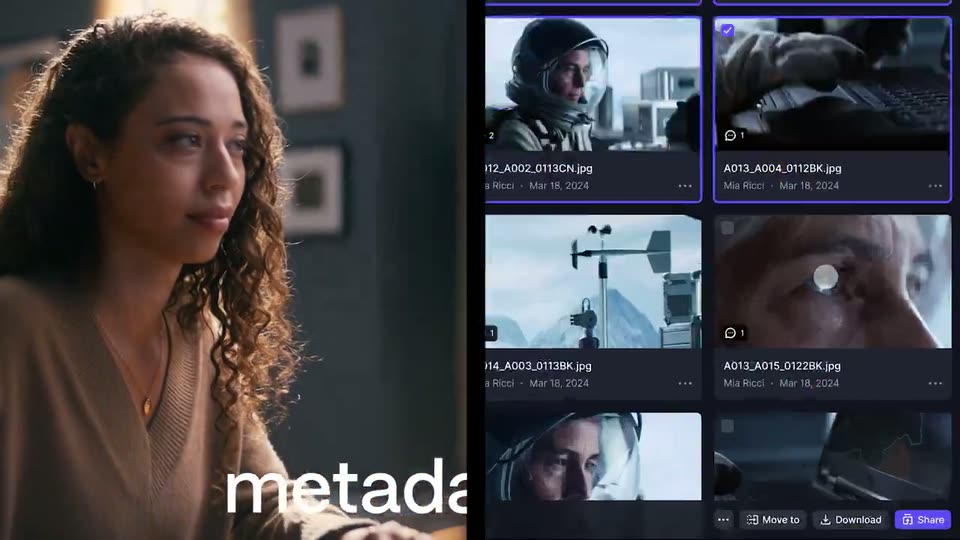 0:08 · 0.5sFrame.io · Frame.io - Move creative projects forward faster with Version 4.A split screen pairs a curly-haired woman in a beige sweater, gazing at a screen, with a dark file-manager interface on the right. A grid of thumbnails sits above Download and Share buttons, a white cursor hovers on Share, the panel cuts to a monitor showing a green line graph.
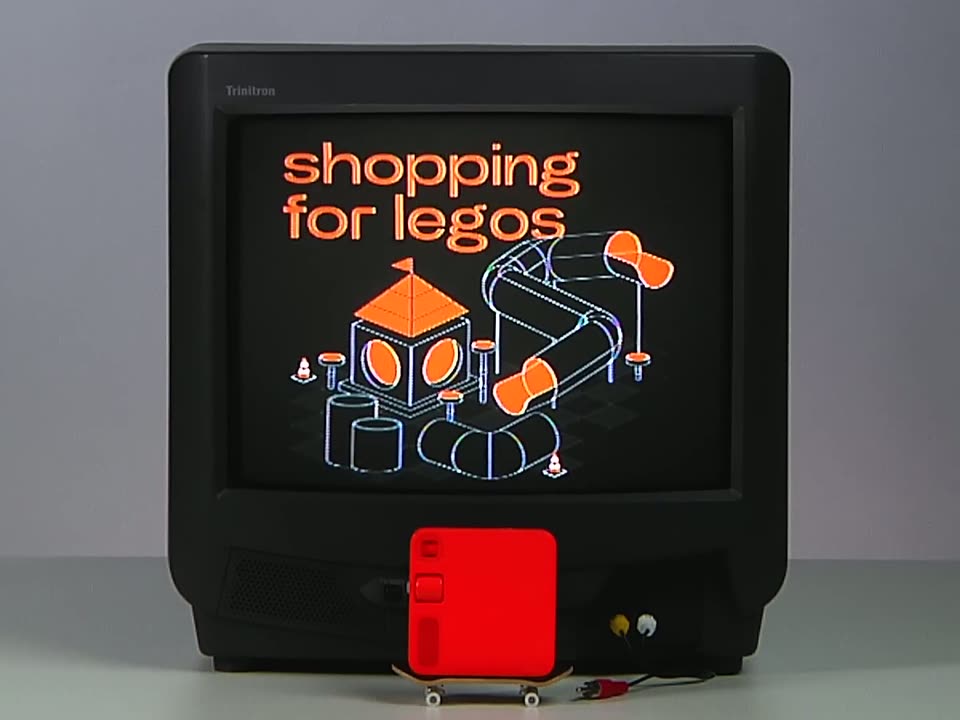 1:35–1:40Rabbit · LAM playgroundA black CRT shows “shopping for legos” over an isometric line drawing of a Lego house and slide; the title shifts white to orange. A red box on a skateboard base sits in front. A second small CRT with a dark page appears left, cropping the first.
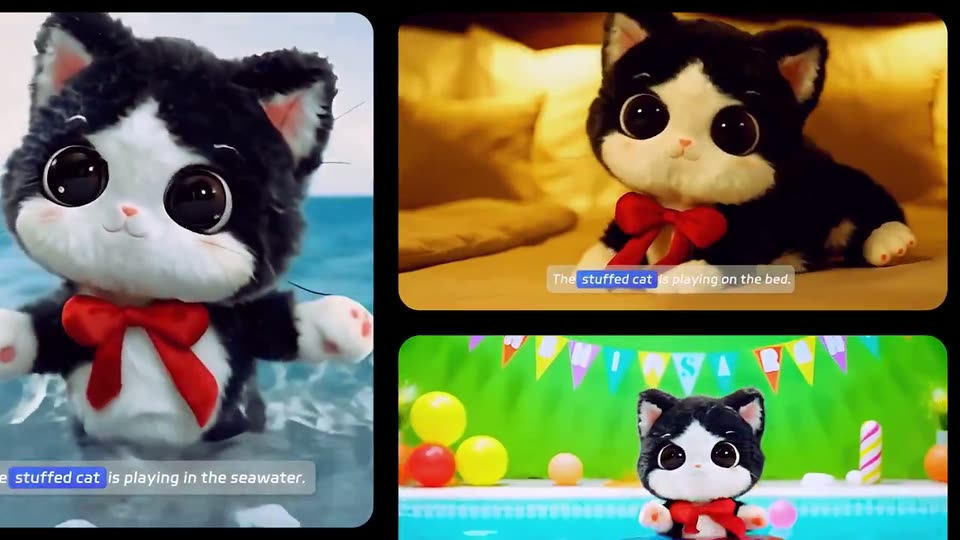 0:22–0:23Vidu · Vidu AI - 🥳Object Consistency is here!🚀 With the new "Reference to Video" featA split-screen shows clips of a black-and-white stuffed cat with a red bow tie: in seawater, on a yellow bed, and in a pool with a swim ring. The panels resize into a two-by-two grid, then collapse into one close-up of the cat's face.
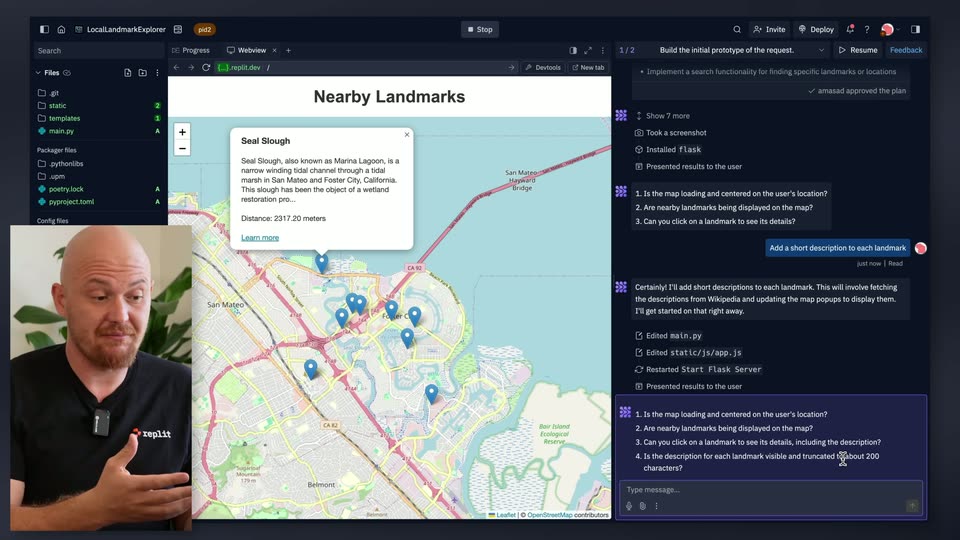 1:11–1:29Replit · Meet the Replit AgentA three-panel layout pairs a talking-head inset with a live map app and an AI chat. Blue pins drop onto the Foster City map, a Seal Slough popup opens, then the cursor types and sends a confirmation in the chat as the man gestures.
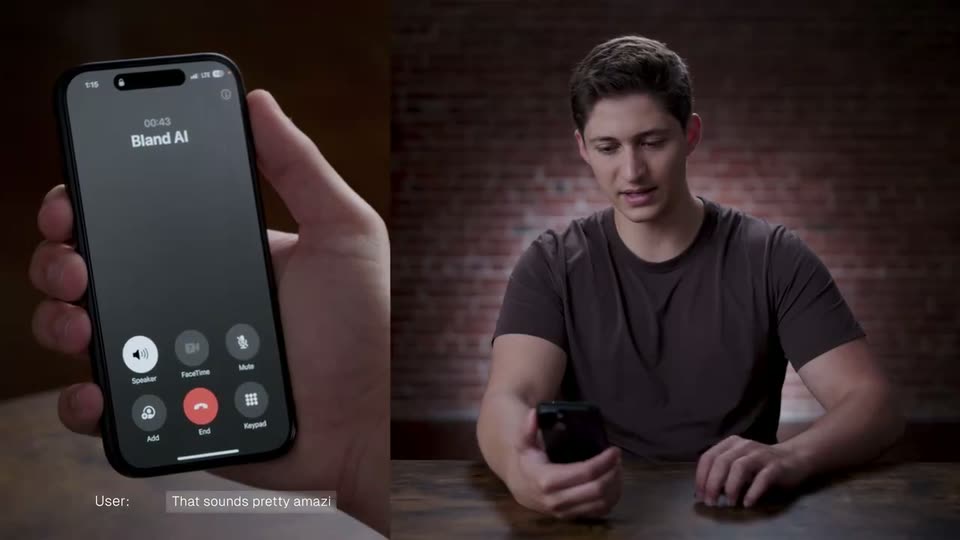 1:00–1:02Bland · Bland - Today, marks a major milestone for us. We’ve closed our series A withSplit screen: left, a hand holds a phone showing a Bland AI call interface; right, a young man in a brown t-shirt sits at a wooden table before a brick wall, speaking into his phone. A bottom caption builds word by word with the user's question.
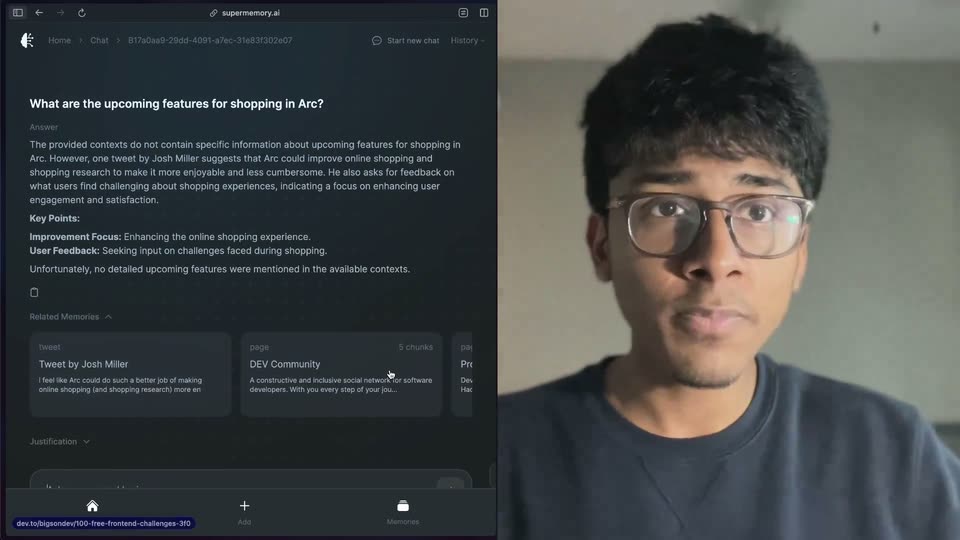 0:19–0:26Supermemory · Dhravya Shah - Introducing supermemory (again). an ai second brain for all your saA split-screen frame shows a dark supermemory.ai chat on the left, an answer typing out beneath a shopping-features question with memory cards filling in, and a bespectacled man on the right talking and gesturing to camera.
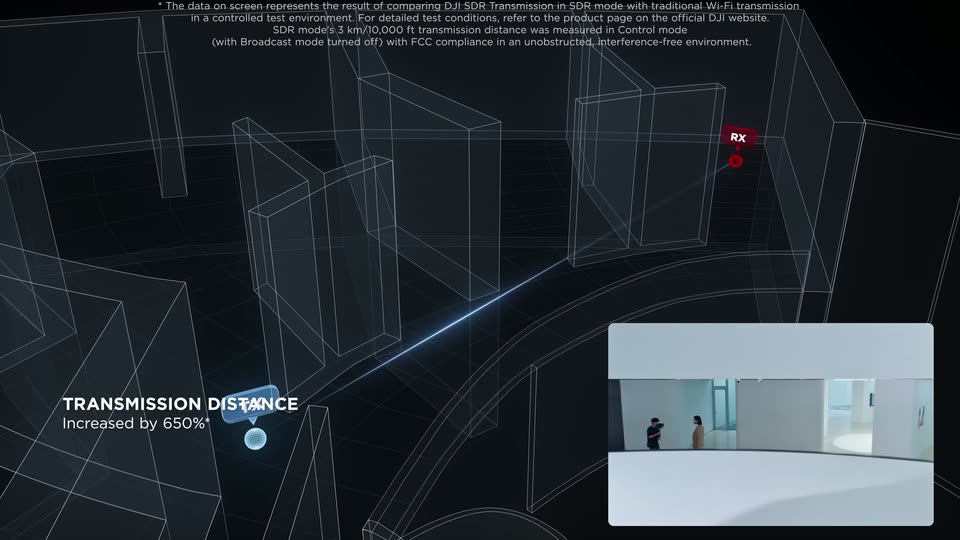 0:21–0:22DJI · Introducing DJI SDR TransmissionA wireframe 3D city on a black ground, with a blue TX node at left and a red RX node at right linked by a pulsing blue light beam. A small live-action window at bottom right shows two people in a white room, one holding a camera. The label TRANSMISSION DISTANCE Increased by 650% sits at lower left.
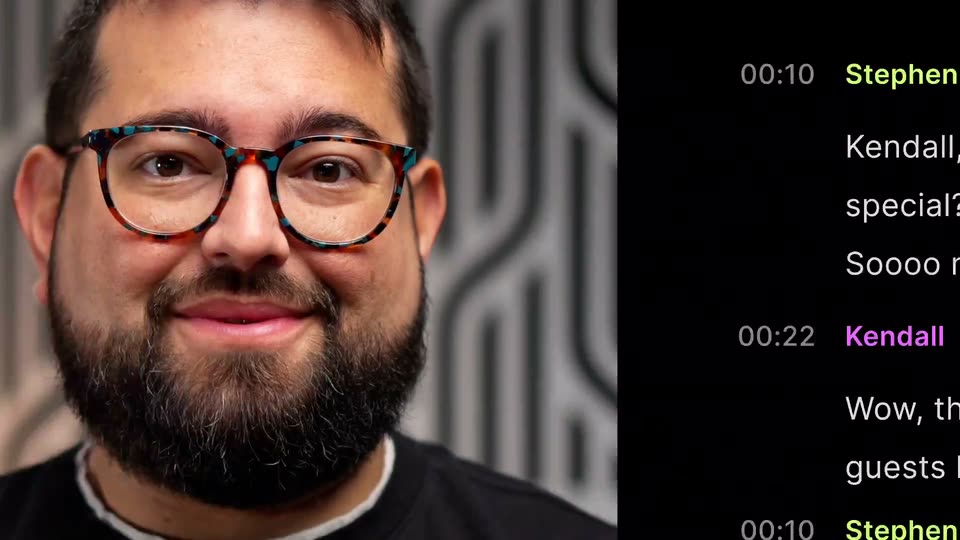 0:42 · 0.7sRiverside · Riverside - Introducing the new Conversation Studio. With full HD live streamingA split screen shows a smiling man with glasses and a beard on the left and a black transcript panel on the right, where a white cursor hovers. The man's panel then wipes across to fill the frame, covering the transcript.
 0:14 · 0.8sLuma AI · Introducing Luma Dream Machine - Next Generation AI VideoA woman in a yellow dress lies among yellow paper flowers inside a black rounded frame. The shot scales down and shifts right as two smaller photos, a leopard-print bag and a warm interior, slide in from the left to form a side column.
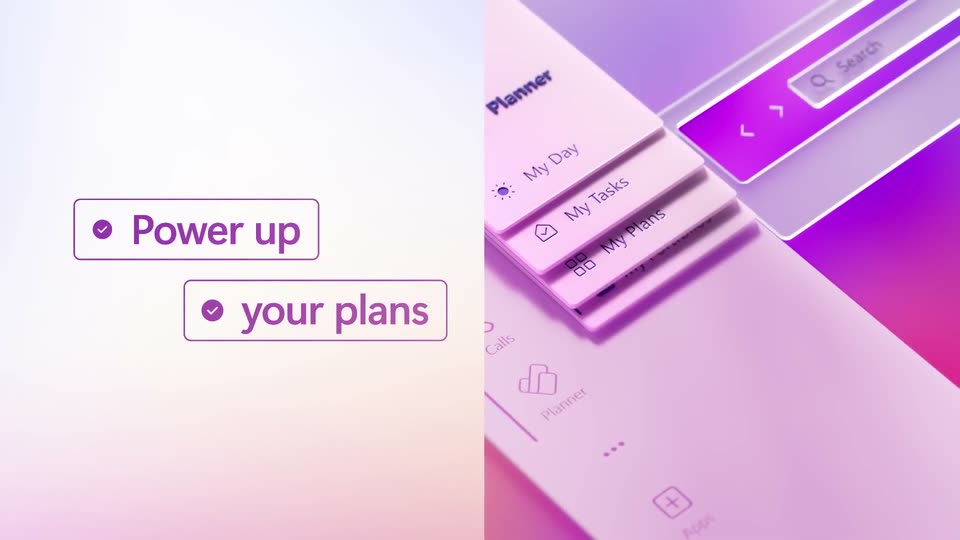 0:30–0:32Microsoft · The new Microsoft Planner is here! Streamline the planning, management, and execution of workSplit layout: on a pink-white gradient, two purple outline pills read Power up and your plans, each checkmark filling in as the pills slide left. On the right, the planner app menu tilts in 3D perspective.
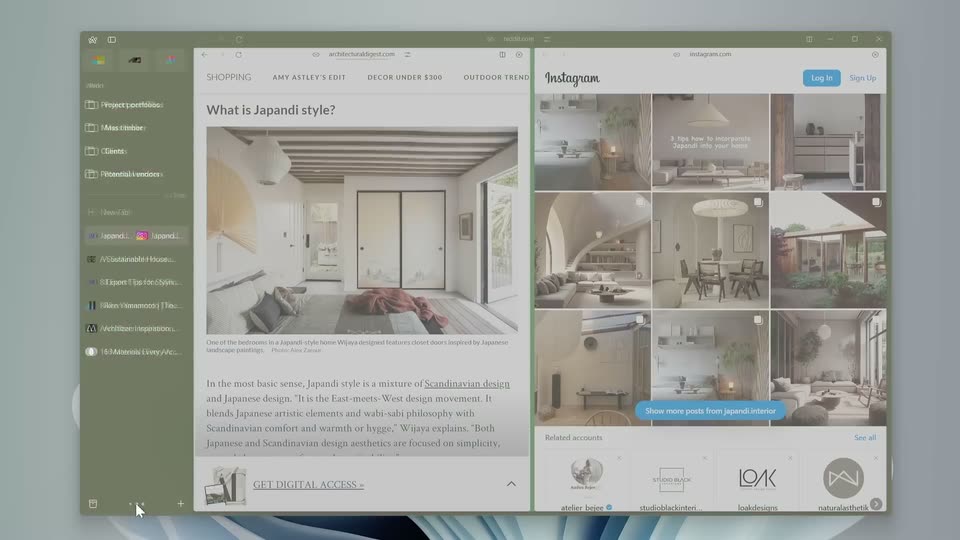 0:29–0:31The Browser Company · Arc on Windows. Download now.A browser page with large recipe headlines fades out, dissolving into a green-themed browser that shows a Japandi design article and an Instagram feed of interior photos side by side.
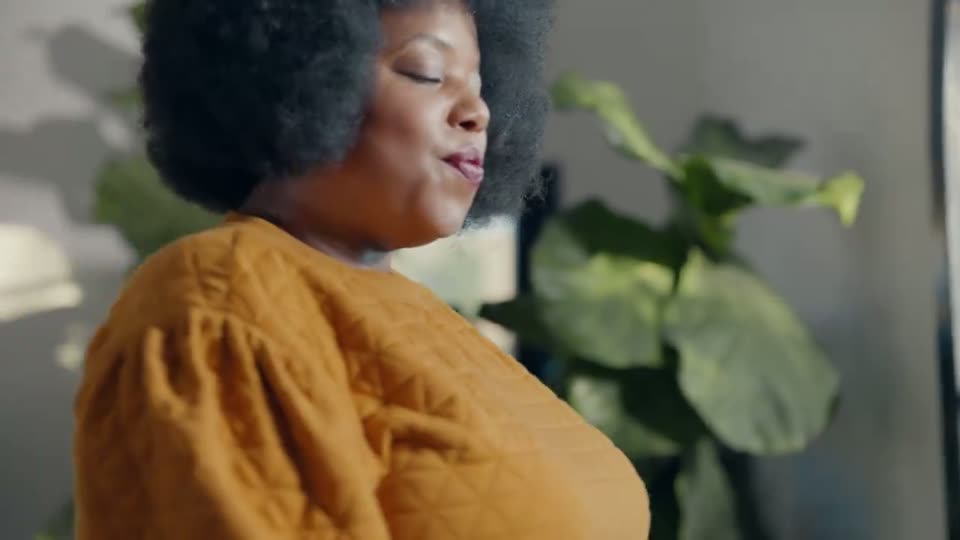 0:21–0:22Sonos · Sonos - A fresh look. Quicker access to your music. Easier control. The SonosA woman with a dark afro in a mustard quilted top stands in profile, eyes closed, then opens her mouth as if singing. At 0.6s the frame splits and the right half shows a phone app screen with a Recently Played list and music service icons.
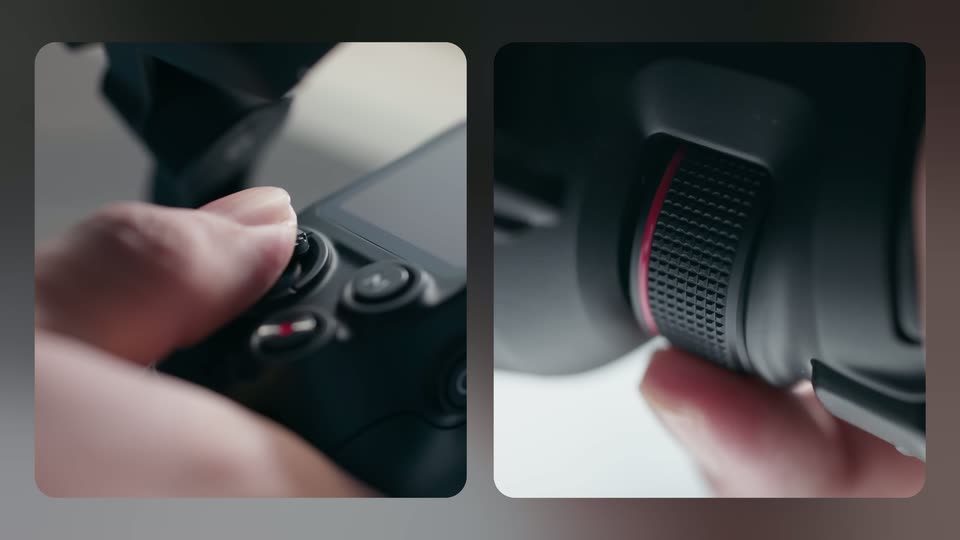 2:25–2:27DJI · Introducing DJI RS 4 SeriesTwo rounded panels sit side by side on a gray field. The left shows a thumb turning a small dial on a black gimbal body; the right shows a finger rotating a textured ring with a red line on a lens.
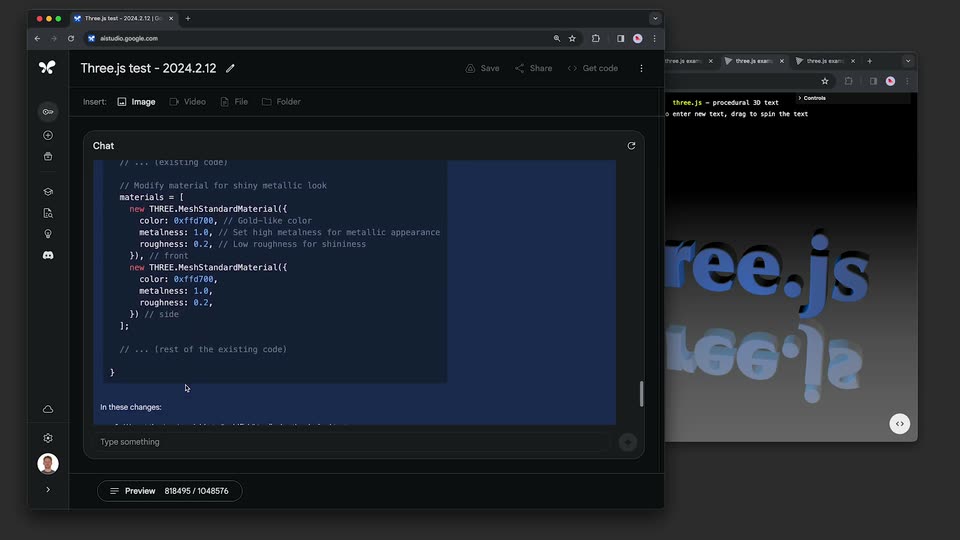 2:29–2:51Google · Problem solving across 100,633 lines of code | Gemini 1.5 Pro DemoTwo browser windows sit side by side. The left chat panel scrolls up, revealing a model reply with a code block and a numbered list of material changes. The right window holds a static 3D preview of blue three.js lettering on a dark gradient. A cursor drifts across the panels.
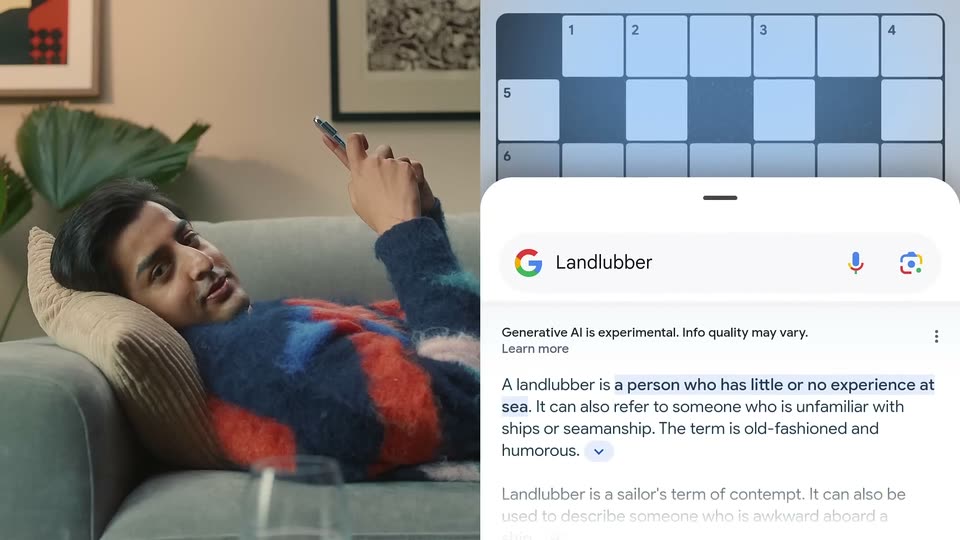 0:29–0:30Google · Introducing a new way to search | Circle to SearchSplit screen: a man reclines on a couch holding a phone on the left, while a Google crossword view on the right scrolls up to reveal a definition card for the word. The interface content shifts from the puzzle grid to the answer text.
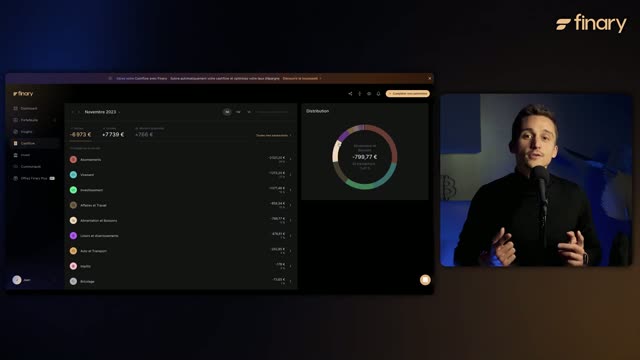 0:54–1:02Finary · Gérez votre budget efficacement et simplement avec Finary !A dark finary Cashflow screen fills the left while a man in a black turtleneck talks into a mic on the right. The donut chart cycles through categories, highlighting each segment and updating its center total.
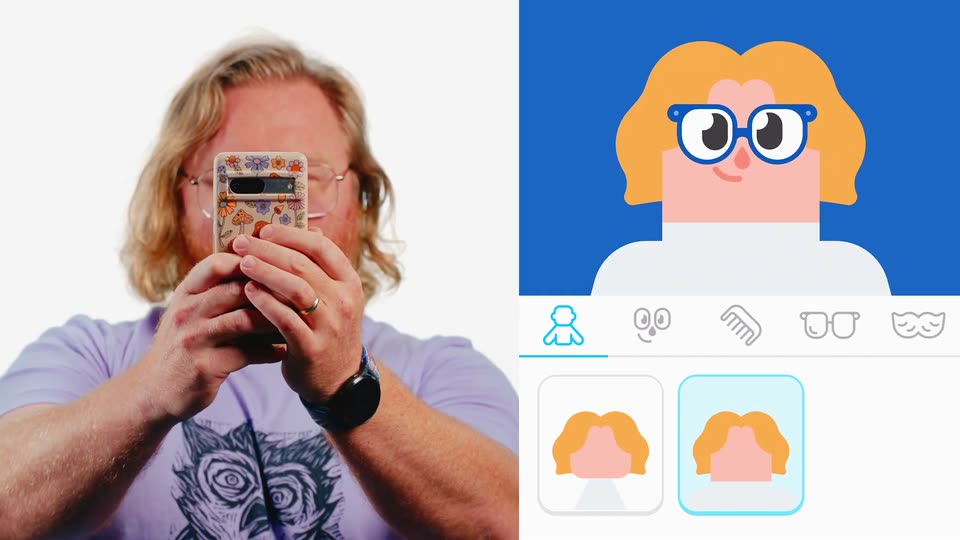 0:10–0:11Duolingo · Duolingo Avatar CreatorA split screen shows a man holding a phone to his face beside an avatar editor with an illustrated figure, a row of icons, and two hair swatches. It cuts to a woman holding the same phone to her face on a white background.