Feature reveal
A sequence devoted to one feature: its announcement and its demo.
89,443 scenes · page 576 of 1491
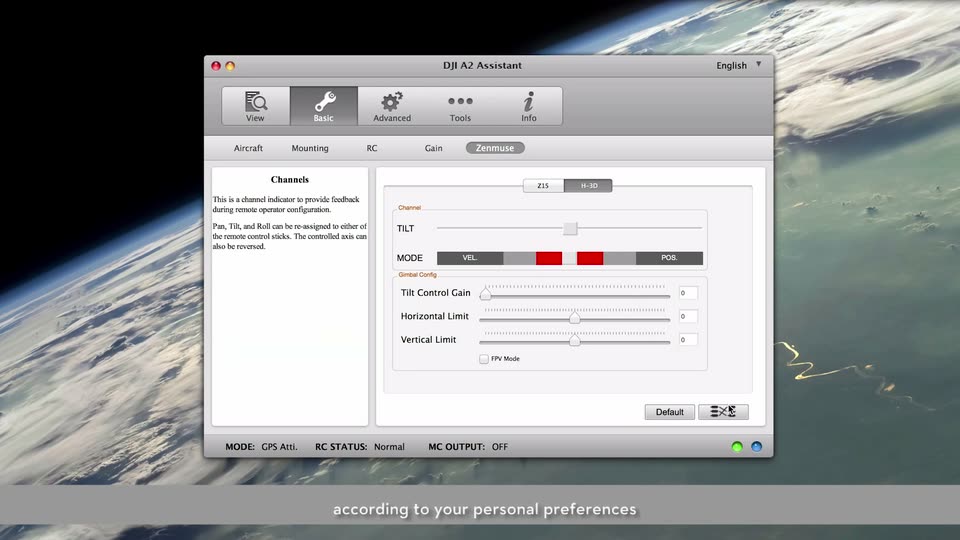 0:37–0:45DJI · New A2 Firmware (V2.5) IntroductionA Mac window of the DJI A2 Assistant floats over a static satellite image of Earth. The left info panel steps through Channels, TILT Setting, Gimbal Setting, and Channel Mapping pages while the right form holds the H-3D tab. A bottom caption updates with each step.
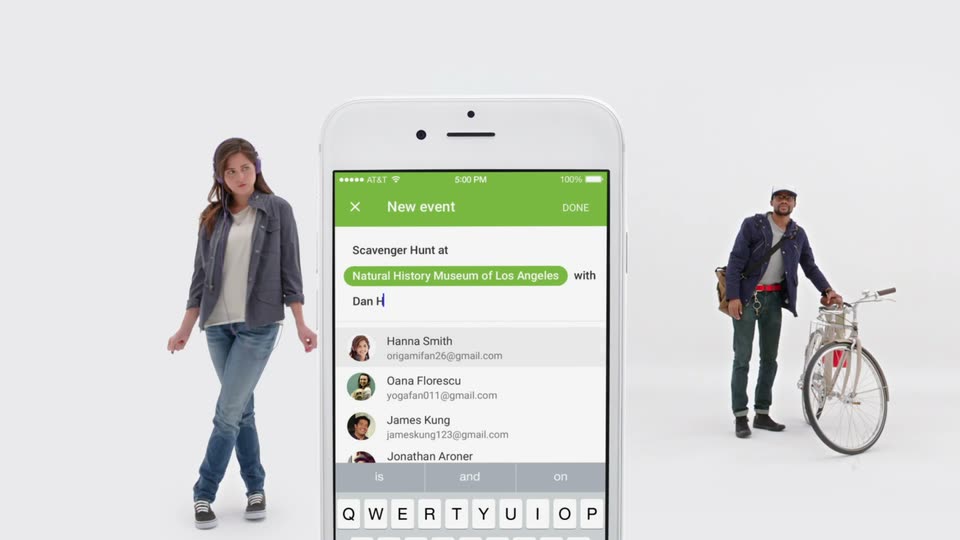 0:14–0:17Google · Introducing Google Calendar for iPhoneA white phone mockup sits centered on a plain light background, its New event screen typing a contact name while the suggestion list refreshes. A man with a bicycle appears at the right edge, then a woman walks in from the left.
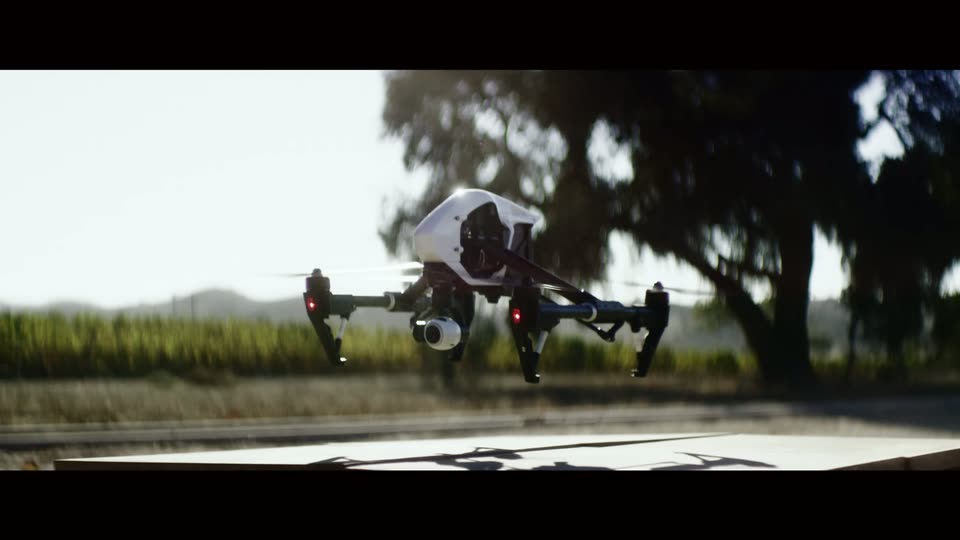 0:33–0:35DJI · DJI – Introducing the Inspire 1A white and black quadcopter drone lifts off from a flat pad, climbing into the air as dust rises from the surface below. The shot is framed wide against a bright sky, with a tree and a green field blurred in the background.
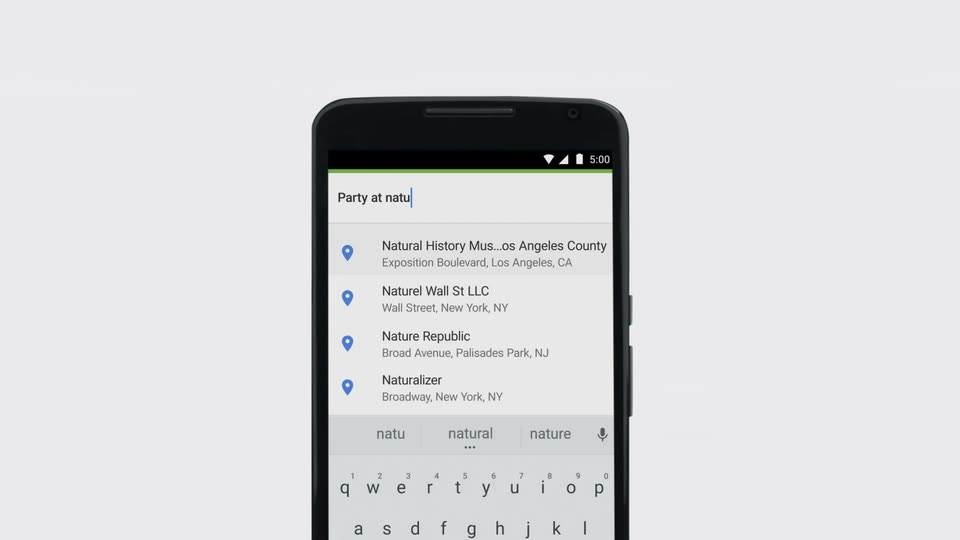 0:16–0:17Google · The new Google Calendar app for Android and iPhoneA black smartphone mockup in 3D perspective sits centered on a pale gray background, its screen showing a search field reading “Party at natu” above a list of location results. White museum pedestals holding small sculptures fade in on the left and right, framing the device.
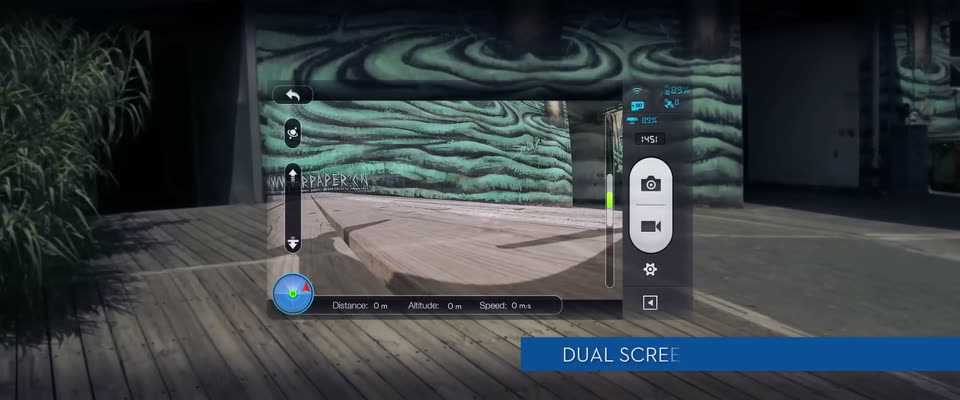 0:29–0:30DJI · DJI - Introducing Effortless FPV with Epson MoverioA drone control interface floats over a 3D rendered alley with a wooden deck and a teal graffiti wall. A blue caption bar slides in from the right at the bottom.
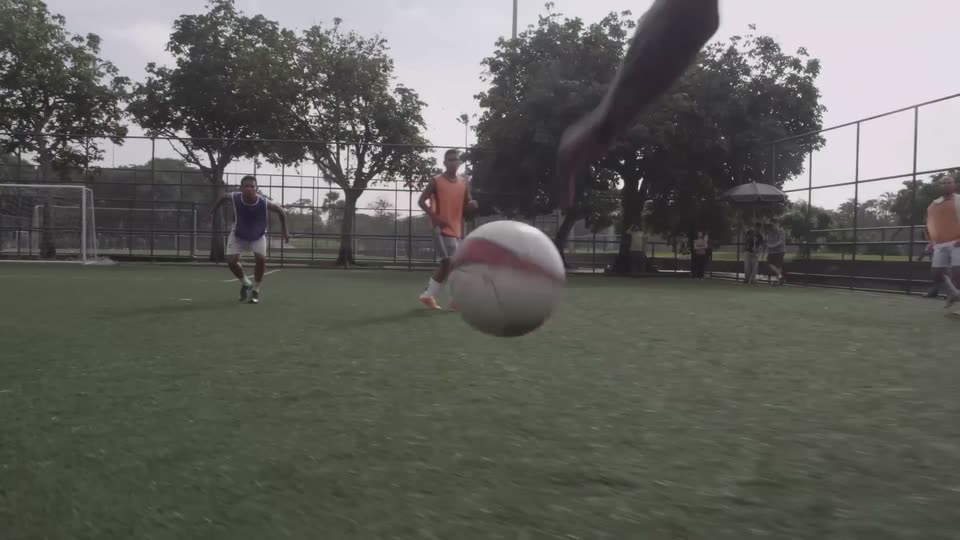 0:40–0:43DJI · DJI - Introducing the RoninA low ground-level camera tracks a soccer ball rolling across an artificial turf field as players chase it, then cuts to a presenter seated beside a camera gimbal rig on a table against a plain white backdrop.
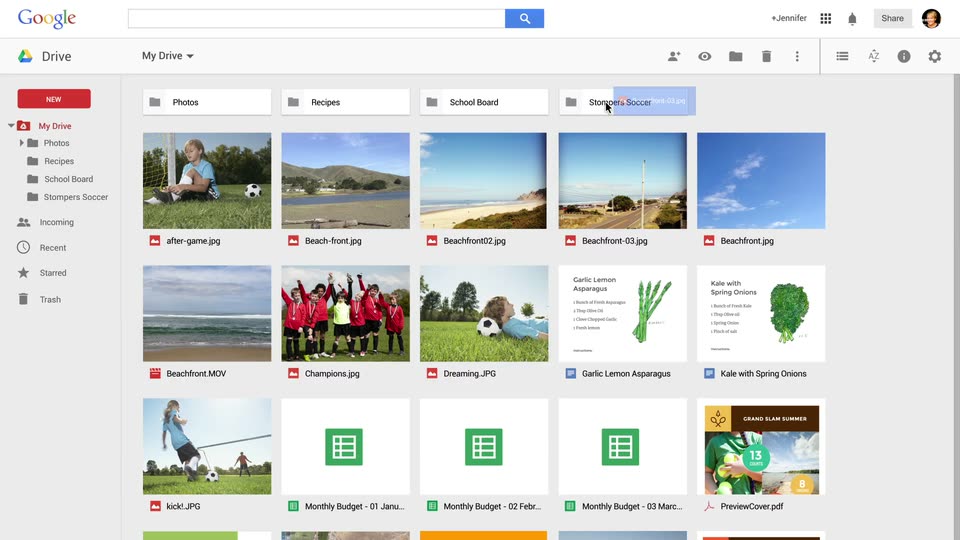 0:48–0:52Google · Meet the new Google DriveThe Drive desktop grid shows a cursor dragging a group of selected photo files toward the Stompers Soccer folder. At the end, a smartphone rises in the center, its screen showing the mobile app's list view of the same Drive items.
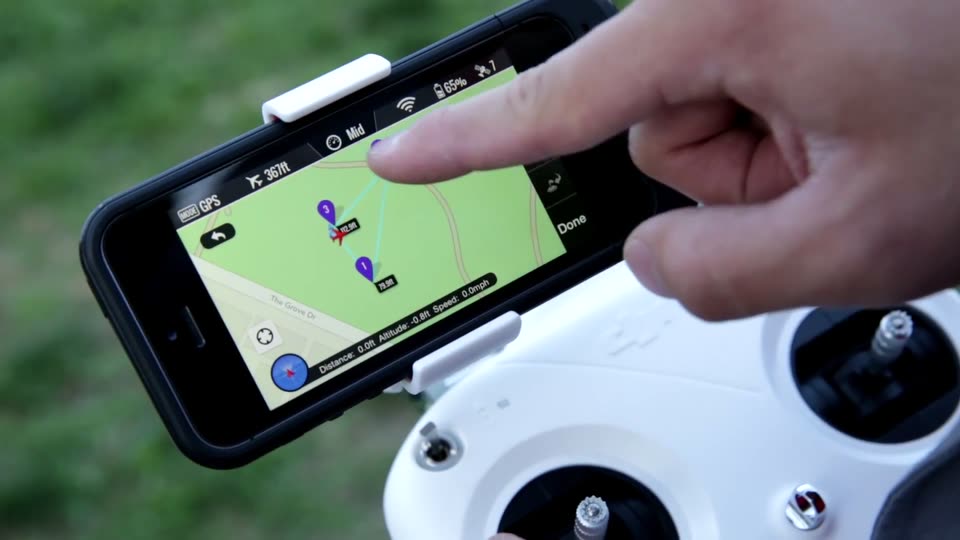 0:31–0:39DJI · DJI - Introducing Ground Station for the Phantom 2 Vision SeriesA hand holds a white drone controller with an iPhone mounted on it against blurred grass, the screen showing a green map with numbered waypoints. A finger taps a waypoint, drags the height slider, then taps Done, revealing the flight path lines.
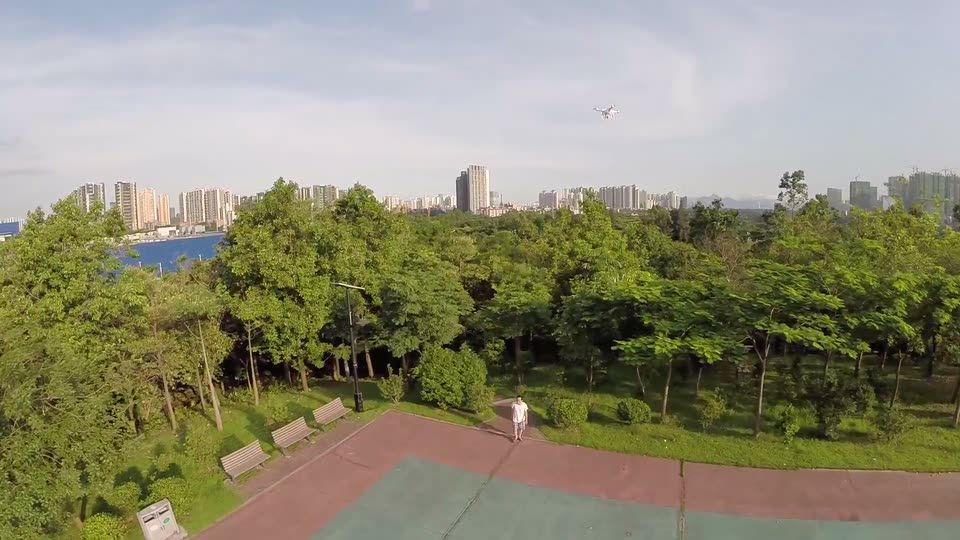 0:38–0:39DJI · DJI Introducing the Phantom FC40A high aerial view holds over a sunlit park: a person in white walks a red path between green trees, a white drone hovers in the upper sky, and a high-rise skyline lines the horizon. The frame stays locked off as the caption sits still.
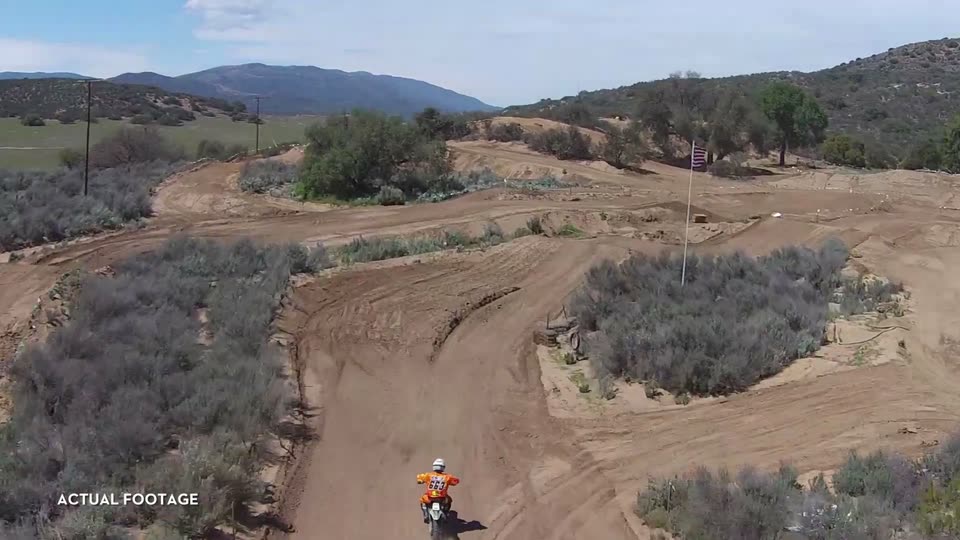 0:56–0:59DJI · DJI - Introducing the Phantom 2 Vision PlusAerial drone shot tracks a motocross rider in an orange jersey, number 565, from behind as they speed down a winding dirt track through dry, brush-covered hills. The rider pops a small jump in the first second, then rides toward the camera's path.
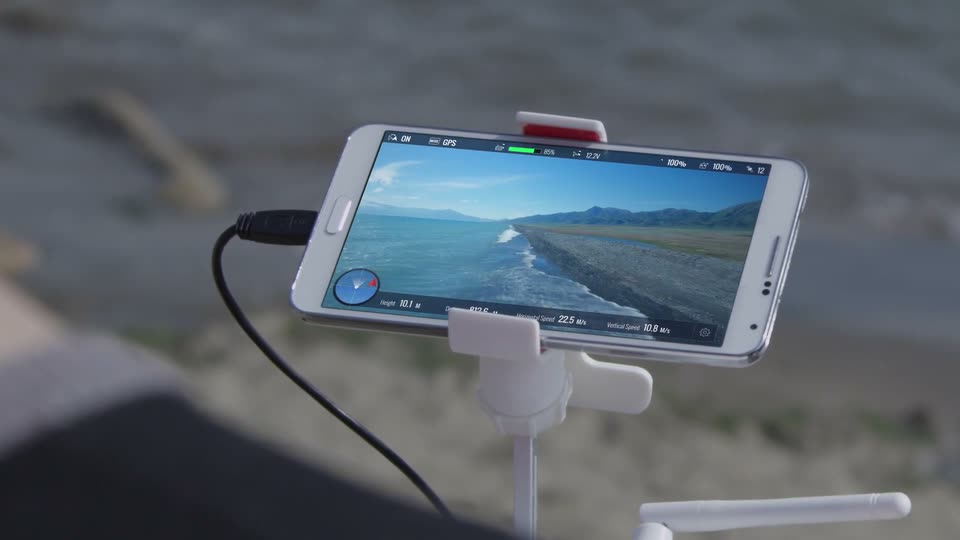 0:41–0:43DJI · DJI - Introducing the LightbridgeA white phone clamped to a white pole shows a live drone view of a coastline with a flight-data overlay, the beach behind it blurred. A black cable plugs into the side. The camera holds still on the angled screen.
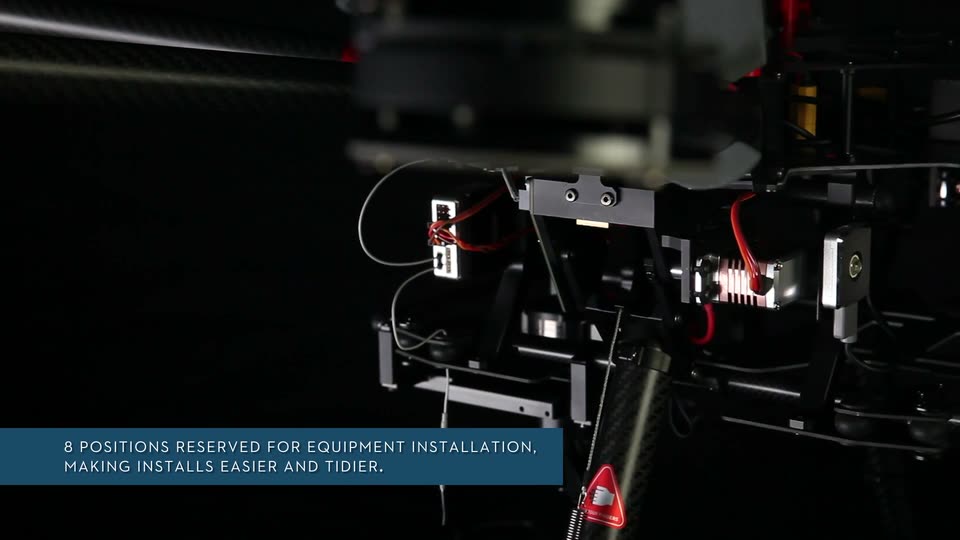 0:19–0:22DJI · DJI - Introducing the Spreading Wings S1000Macro close-up of a drone's internal frame on a black background, silver brackets and red wires in focus, red propellers blurred above. The drone turns slowly. A blue caption bar wipes in from the left at the bottom, revealing white text about eight equipment mounting positions.
 0:49–0:51Google · Meet the new Google SheetsA flat yellow field carries a faint repeating grid of white spreadsheet icons. Centered white bold text reads “20 new functions” and holds still for the full shot.
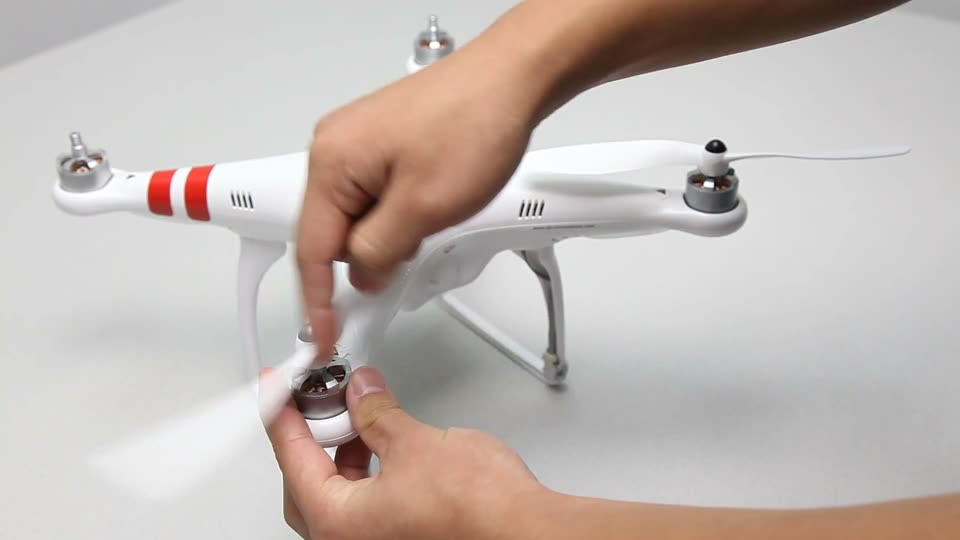 0:50–1:00DJI · DJI Introducing the Phantom Self - tightening PropellerA white quadcopter rests on a light gray table as a hand enters to hold a white propeller. The finger points at the silver motor hub, then both hands twist the blade off and back on to show the quick-release mount.
 0:32–0:33Nintendo · Nintendo 2DS - IntroductionA smiling man holds a blue handheld game console horizontally, looking at the screen. Another person holds a red console in the out-of-focus background.
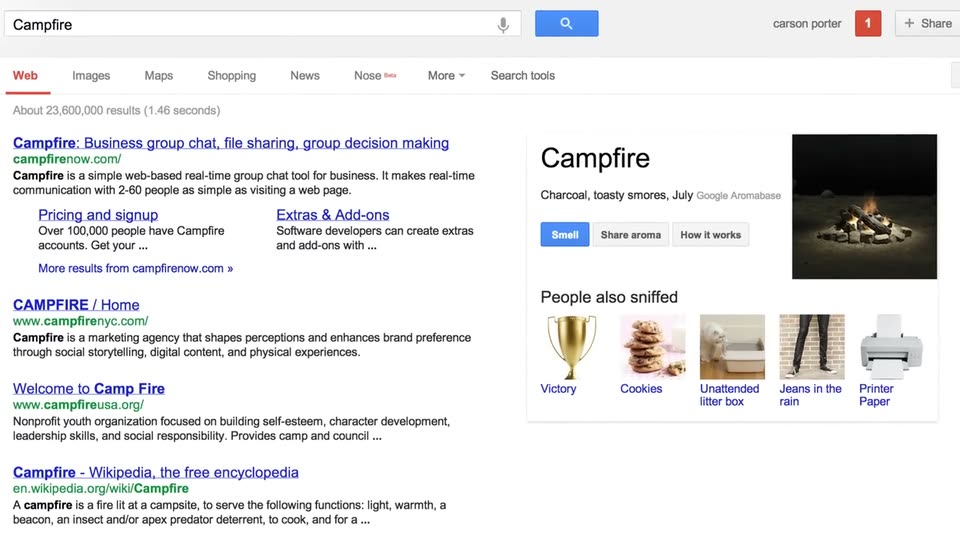 0:59–1:01Google · Introducing Google NoseA Google search results page for the query Campfire fills the frame, sharpening from a soft focus at the start. The left lists web results; the right shows a Campfire panel with a campfire photo, a Smell button, and People also sniffed thumbnails.
 0:51–0:52Google · Introducing Google Input ToolsA 3D sculpture of small blocks forms a rainbow fan in blue, red, yellow and green, gripped by a dark blocky hand at the base. It sits on a plain white background and rotates slowly, the colored stripes fanning out above the fist.
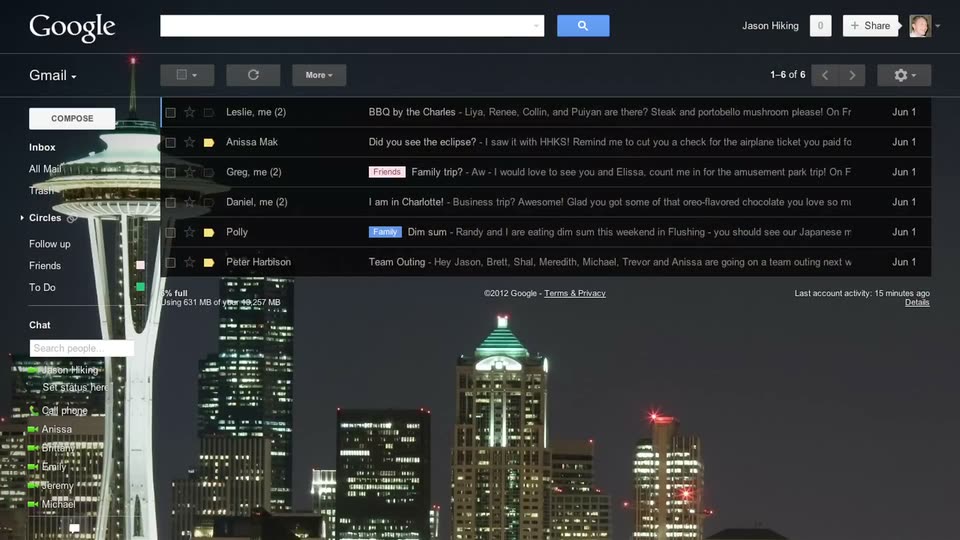 0:11–0:12Google · Introducing Custom Themes in GmailA Gmail inbox view with its sidebar and email rows stays fixed while the background photo behind it swaps from a zebra close-up to a night city skyline.
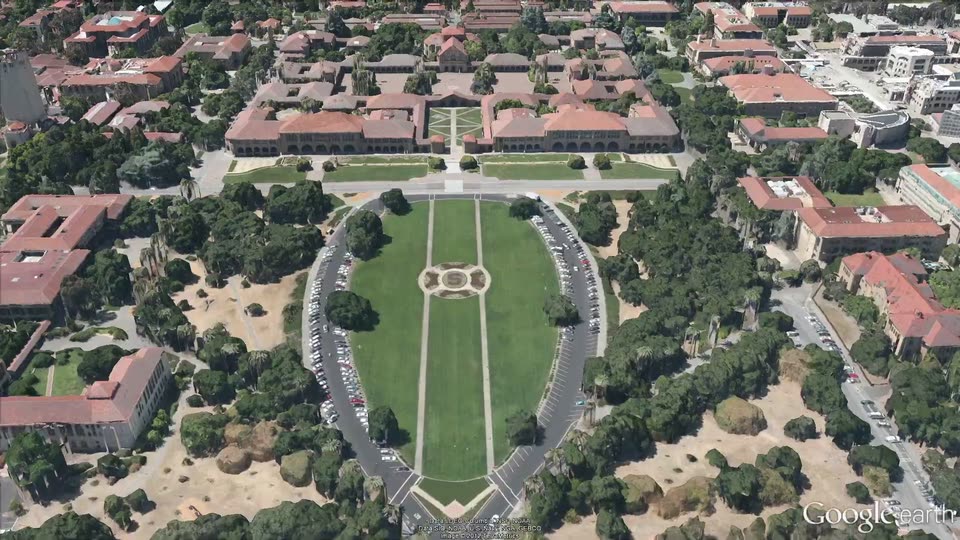 0:23–0:27Google · New 3D imagery for Google EarthA 3D satellite map of a red-roofed campus with a central green oval moves forward and tilts down, framing the lawns and walkways. The Google Earth wordmark remains in the lower right corner.
 1:46–1:47Google · Introducing the Knowledge GraphA man with thin glasses and a maroon V-neck sweater speaks toward an off-camera interviewer. He is framed chest-up on the left against a blurred office interior with cool blue highlights. The camera holds a static, shallow-focus shot as he talks.
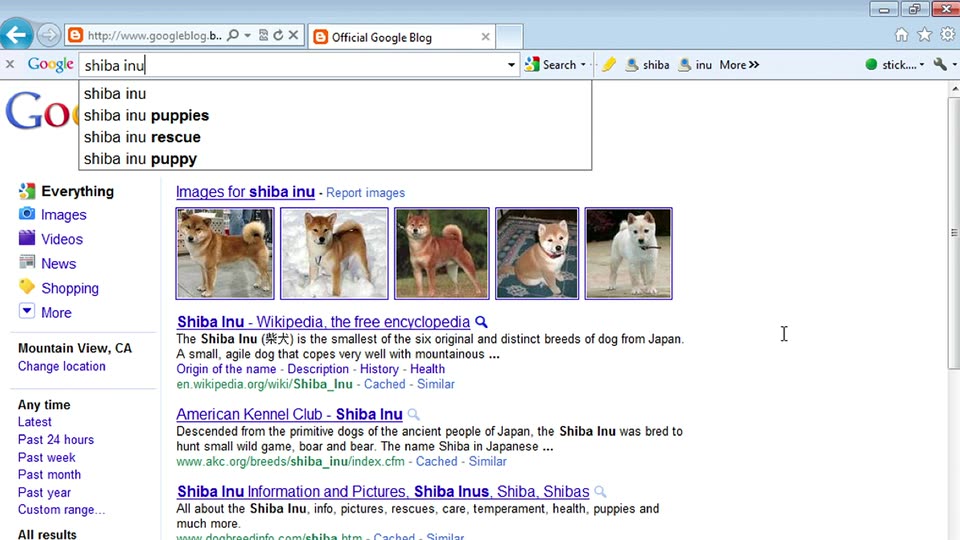 0:26–0:27Google · Introducing Google Toolbar 7A Google search results page fills the browser window, with a dropdown of four Shiba Inu autocomplete suggestions hanging below the search box. The mouse cursor glides from the left side of the page to the far right edge.
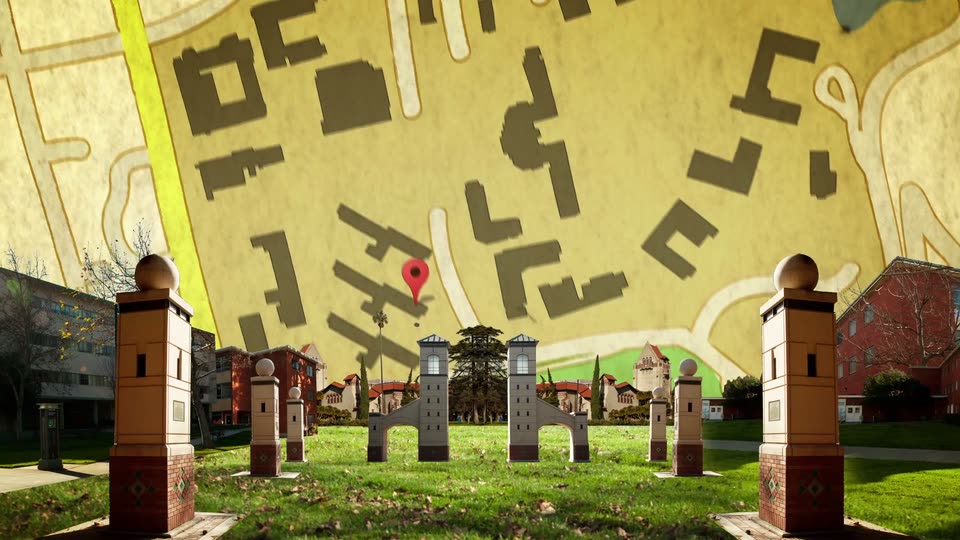 0:27–0:31Google · Introducing Google Map Maker for the United StatesA tilted illustrated campus map hovers in 3D over a live-action quad, its brown building footprints fading in. A white detail card for Lebov Hall pops up, then collapses into a red pin, and a route line draws itself across the map.
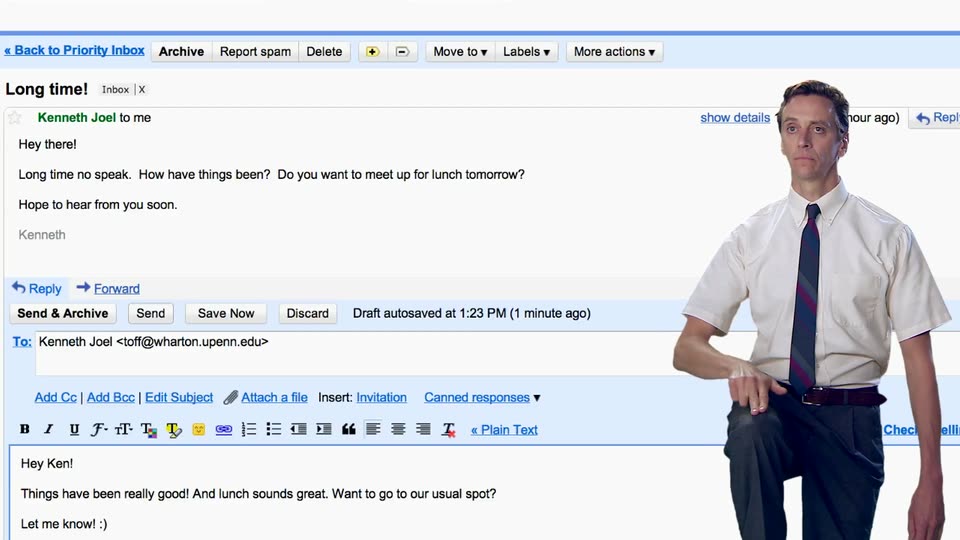 0:47–0:51Google · Introducing Gmail MotionA Gmail compose window fills the left side while a man in a white shirt and striped tie stands on the right. He taps his temple, points at the viewer, and lifts one knee, mimicking licking a stamp and placing it down.
 1:06–1:07Google · Introducing Google eBooksA red e-reader showing a page of text rests on a teal tabletop beside a wooden fork and a confetti-dusted plate. The setting morphs into blue planks with a white napkin as the device tilts in 3D.
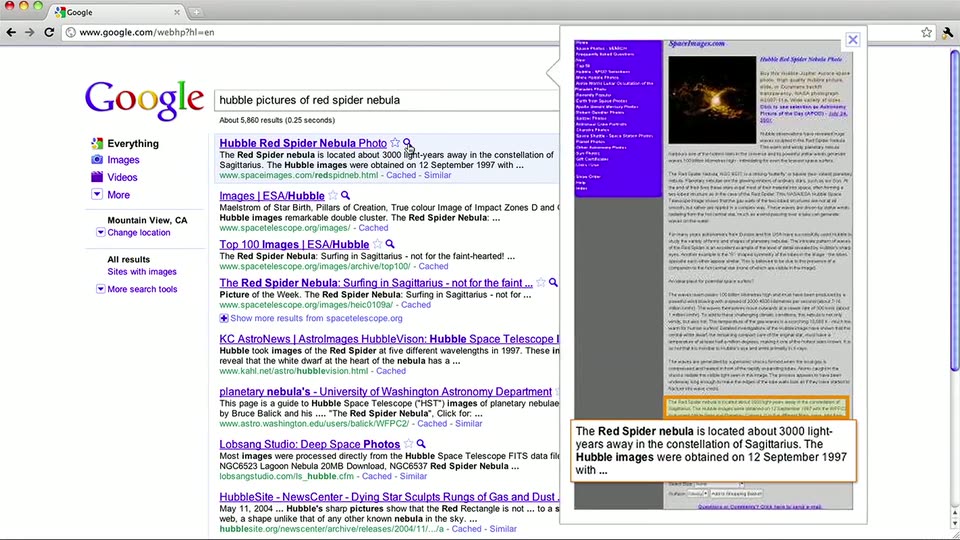 0:13 · 0.8sGoogle · Introducing Instant PreviewsA Google search results page fills the frame. A cursor hovers over the magnifying glass icon next to the top result while an Instant Preview panel on the right expands to reveal the linked page's layout and a nebula image.
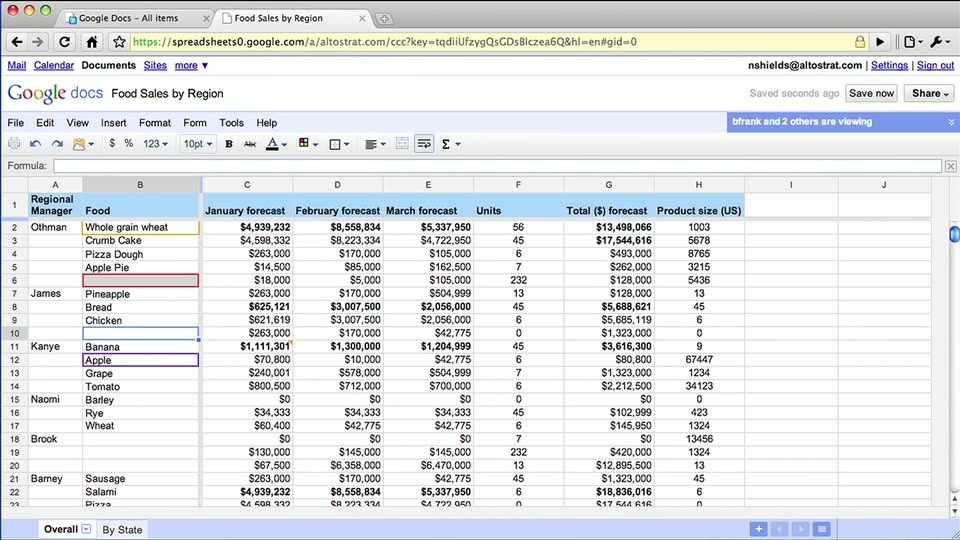 1:21 · 0.4sGoogle · Introducing a new Google DocsA Google Docs spreadsheet fills the frame, then the view dives into the grid, zooming onto a pale green highlighted cell and the white column lines.
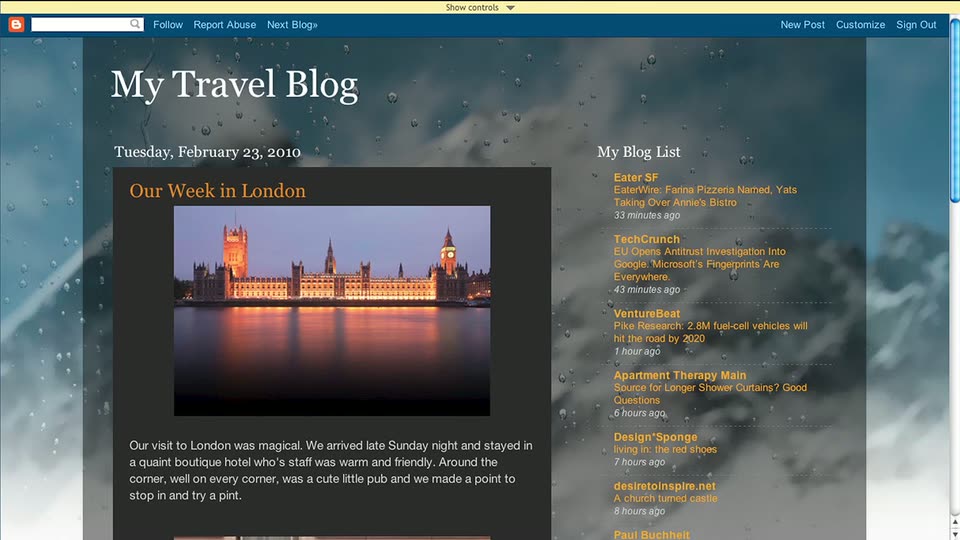 0:10 · 0.5sGoogle · Introducing the Blogger Template DesignerA blog homepage titled My Travel Blog sits on a rainy window background with water droplets. The main post, Our Week in London, shows a dusk photo of the Palace of Westminster, while a right sidebar lists other blogs. The view holds still.
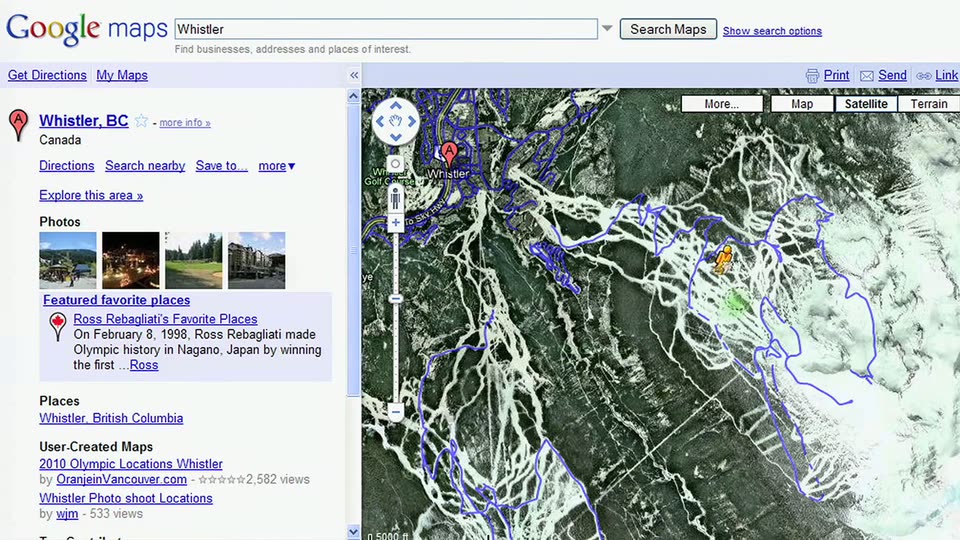 0:14–0:18Google · Introducing the Street View snowmobileA Google Maps screen capture shows a satellite view of the Whistler ski resort; blue outlines trace the ski runs across the snow while an orange marker icon slides from the map center to the right. A semi-transparent lower-third names the speaker, Daniel Ratner.
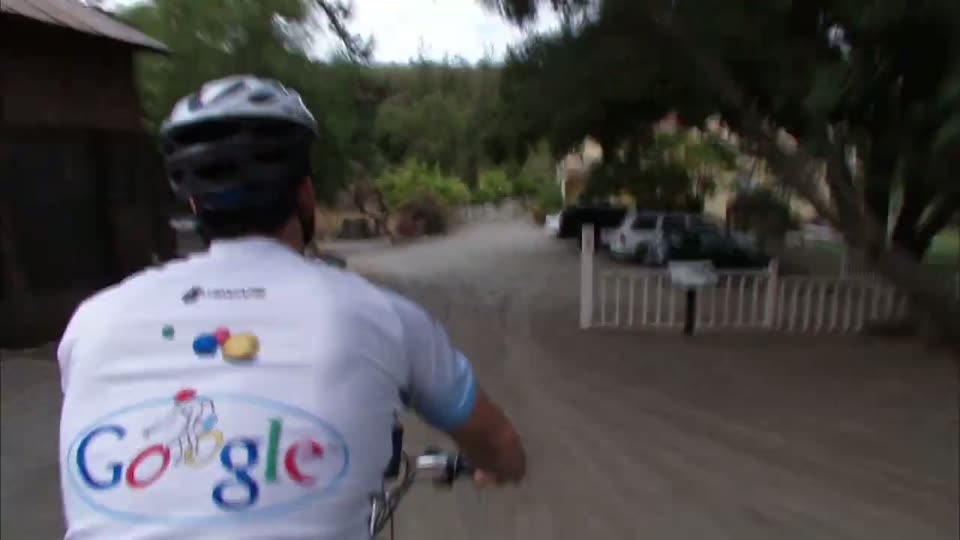 0:17–0:18Google · Introducing the Street View TrikeA cyclist in a white Google jersey rides away from the camera along a paved path. The handheld shot tracks from behind, shaking slightly, as trees and parked cars slide past on either side.
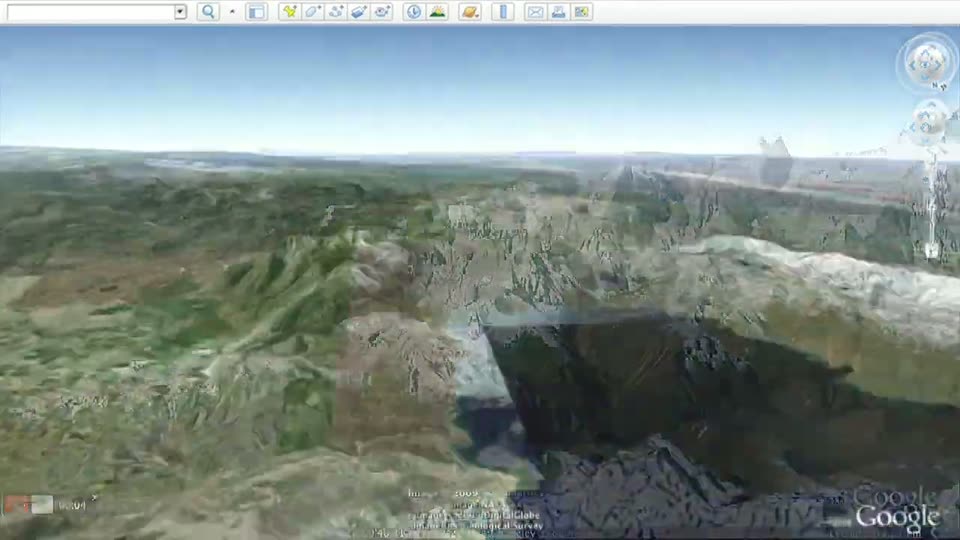 0:14–0:23Google · What's New in Google Earth 5.0A full-screen Google Earth view flies over a snow-capped mountain range in 3D, then swoops down into a valley to reveal an airport runway. A cursor moves from the top-right compass to the red record button at bottom-left.
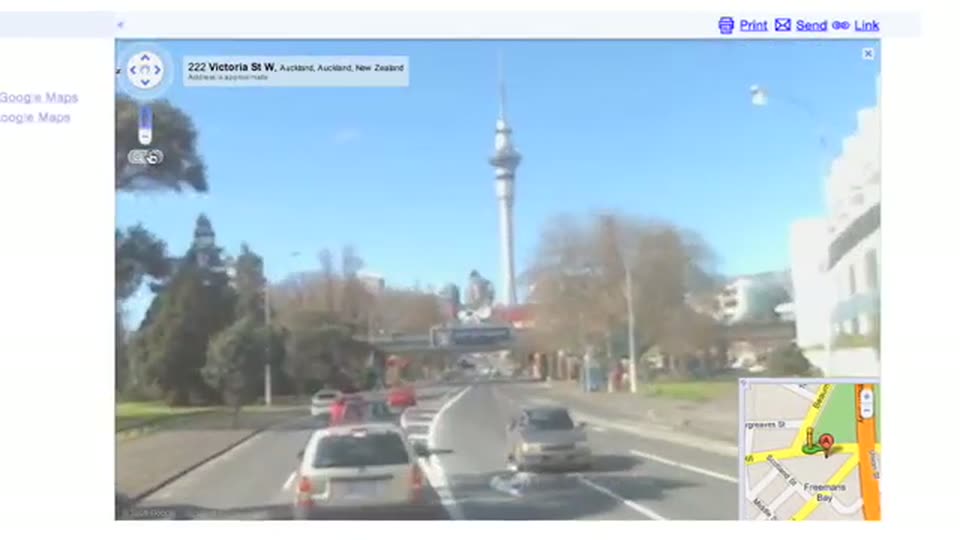 0:45–0:51Google · Street View now available in New ZealandA Google Maps Street View screen follows a car down Victoria St W in Auckland, the Sky Tower rising ahead. The interface chrome, address bar and minimap stay fixed while the street view dollies forward, then zooms in for a closer look at the tower.
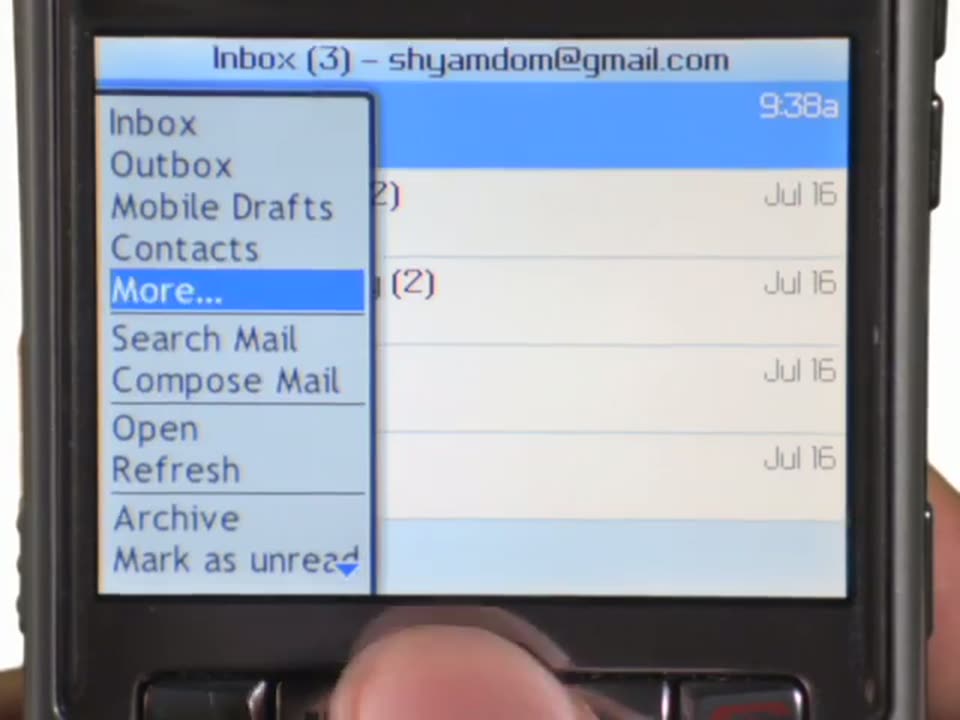 0:27–0:28Google · Introducing Gmail for mobile 2.0Close-up of a phone showing a Gmail inbox list. A thumb presses the center navigation key and a menu panel slides in from the left edge, listing Inbox, Outbox, Mobile Drafts and more, with Outbox highlighted as the voiceover explains it.
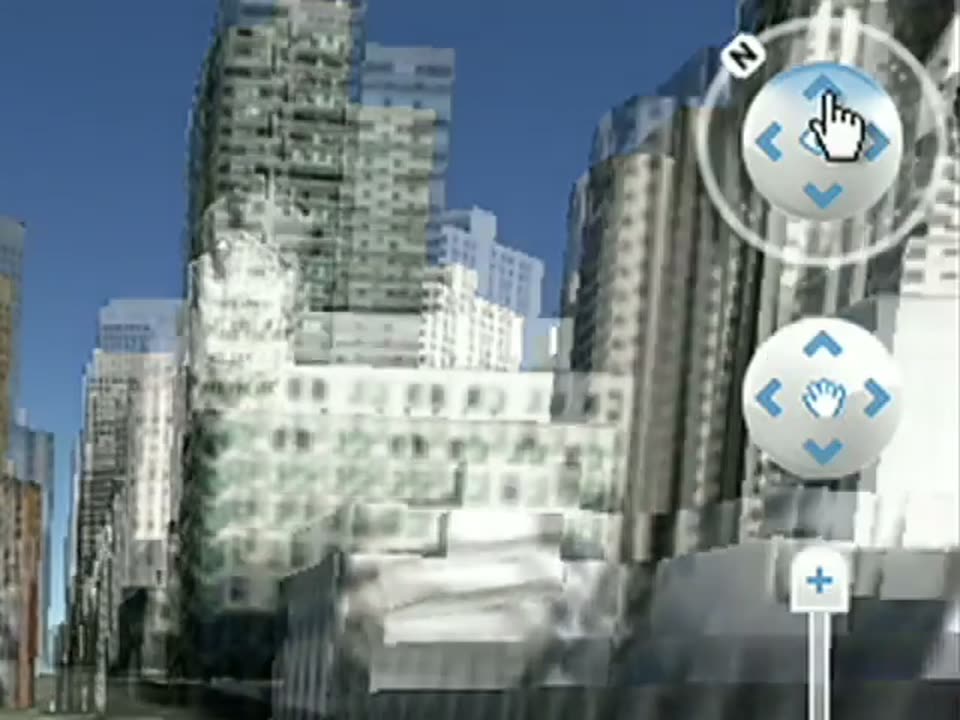 0:10–0:11Google · New features in Google Earth 4.3A blocky 3D city skyline pans slowly under a blue sky. On the right edge, two circular D-pad controls with blue arrows and a hand icon, a plus zoom button and an N compass marker stay fixed in place.
 0:32–0:35Google · Google Maps Street View - launch videoA flat, cartoon-style map of San Francisco sits locked on screen, a yellow highway running top to bottom. A white hand cursor taps an orange person marker, then slides up the bridge road to a new spot.
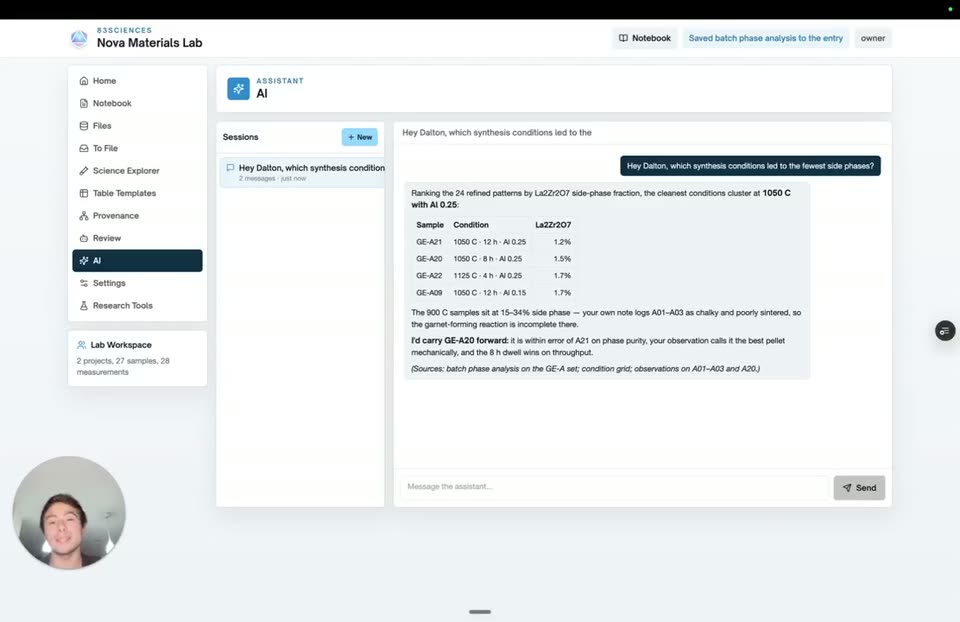 1:09–1:3983 Sciences · 83 Sciences Future of Scientific Discovery | 83 SciencesThe AI assistant chat view of a lab notebook app is shown full screen. The cursor clicks the message box, a mic toast appears, then a question bubble and a table-based answer fill the chat. A small circular webcam of the presenter sits bottom left.
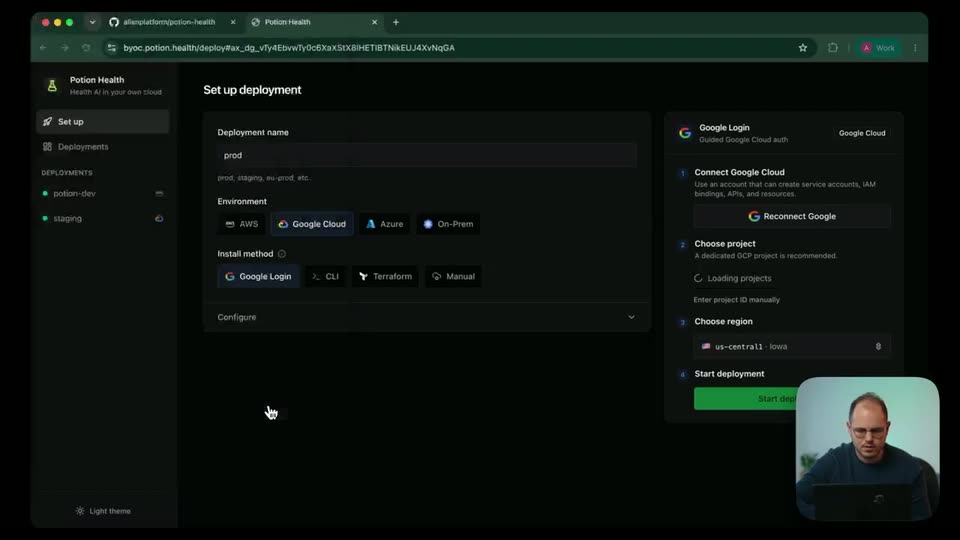 2:17–2:18Alien · We're launching the Alien platform today, backed by a $5M seed from Basis Set, Jibe Ventures, and angels from OpenAI, Google, and Databricks. We've built it so that when your next $300K enterpriseA dark deployment form occupies the screen with a Google Login steps panel on the right. A white cursor hovers over the blank form area, and a small webcam feed of a man at a laptop sits in the bottom-right corner.
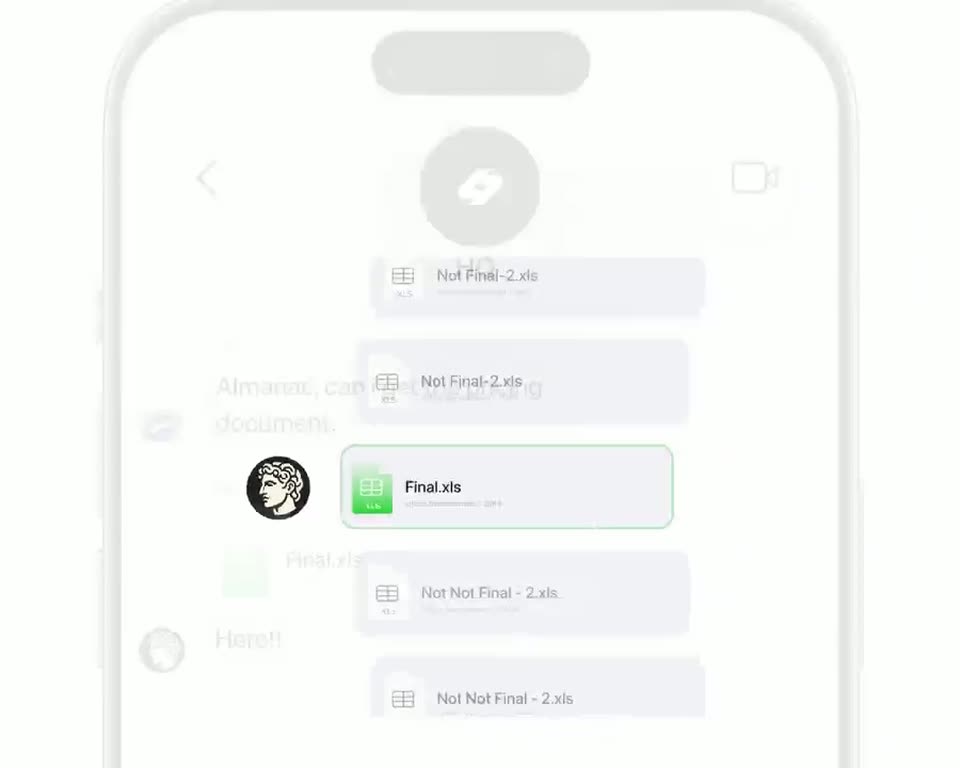 0:30–0:31Almanac · We just killed two biggest limitations of your favourite AI agents: Their memory and Your laptop Almanac’s agents have unlimited memory, their own computers, browsers and access to the tools theyA tight crop on a file list pulls back to reveal a phone mockup in 3D perspective. Its screen shows a chat thread where a user requests a pricing document and a reply drops a green Final.xls card.
 1:01–1:02Asakana · Asakana (YC F26) automates sales and the entire back office for food distributors. Restaurants still order by text, WhatsApp, phone, or a photo of a handwritten note, often not in EnglishA torn-paper item card on a paper background dissolves to white. As it fades, a faint warehouse worker waves at a truck while a 3D delivery card reading “Out for delivery” and a blue “Matches the order” pill floats in on the right.
 1:09–1:10Aside · AsideA white card shows dark sans-serif text reading 'Data private under your control' with a lock icon; the words swap to 'Data never leaves your device' while a flat browser window mockup slides up from the bottom edge, revealing a sidebar and search bar.
 0:41–0:42Assuryn · Assuryn posted on LinkedInAn illustrated woman holds a phone while green lines scan her face into a large phone showing her verified portrait and an ID card tagged Julia Smith. It cuts to a counter where a hand passes the phone across a blue table.
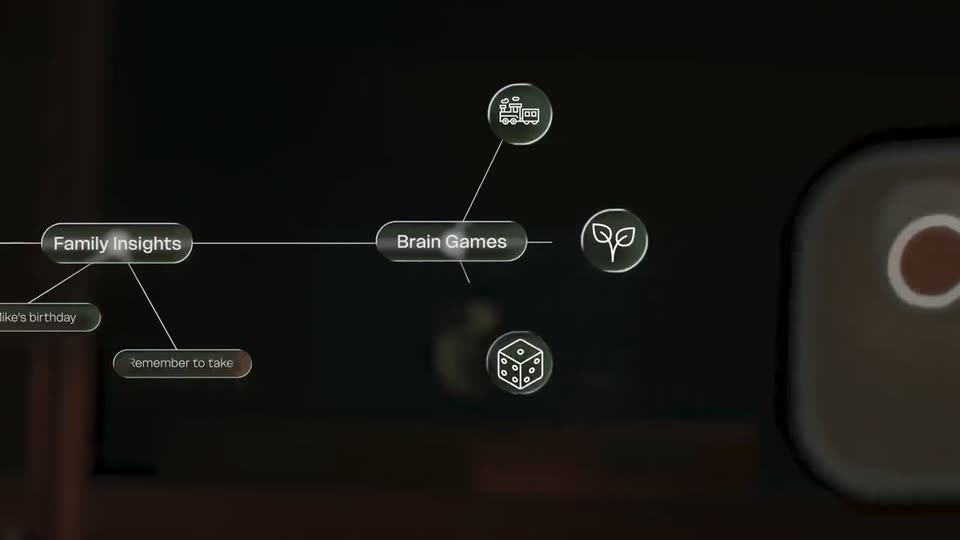 0:41–0:53Ato AI · Introducing Ato, your grandparent’s next computer. Over the past year, more than 2,500 older adults around the globe have used Ato in their daily lives through our beta program, and the adoption… | Ato AIA thin white line draws across a dark, defocused bedroom, branching into pill-shaped nodes labeled Daily Rhythm, Local News, Family Insights and Brain Games, each sprouting smaller sub-labels. The camera pans right to settle on a fabric-covered device with an orange button on a shelf.
 1:36–1:39Augmental · MouthPad is a touchpad you drive with your tongue. Now available across the US. Over 100 people already use it, some for up to 16 hours/day. It works for gaming, for CAD, for Figma, and we're inOn black, a grid of small nodes, each a cluster of gray circles with one white circle beside a tiny interface panel showing a yellow grid and a waveform. The camera zooms out, the nodes shrink and multiply until a dense field fills the frame.
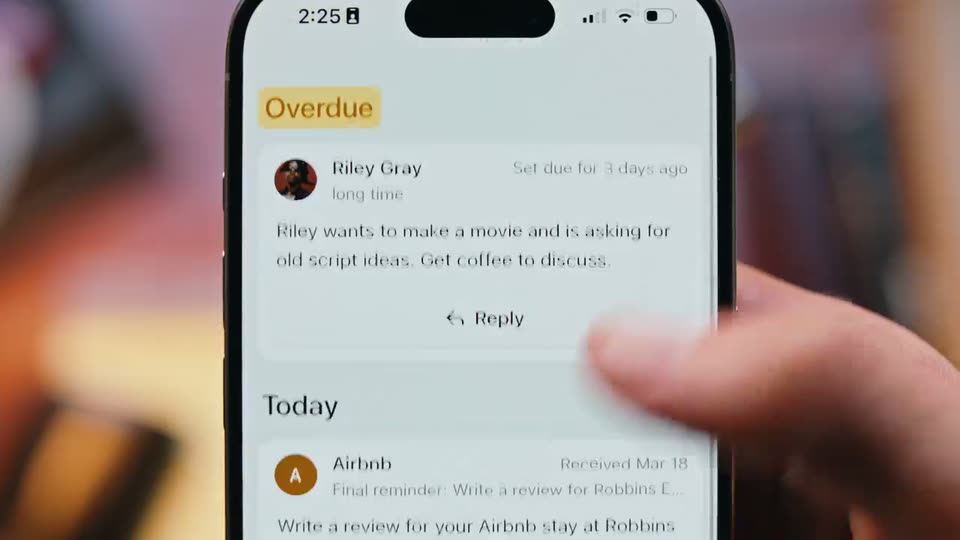 1:27–1:32Avec · Jonathan Unikowski | 219 likes · 63 commentsA hand holds a phone against a blurred warm background. The email inbox, first empty with a “1 overdue email in Later” pill, fills with cards and scrolls down through Overdue, Today, This week and No due date, then back up as the finger swipes.
 0:36–0:38Billow AI Labs · Billow - YC LaunchOn a light dotted grid, a dark gray headline crossfades from “learns how your team works” to “does it with a 100%” while a row of small workflow cards (trigger, integration, AI) slides in from the right to complete the sequence.
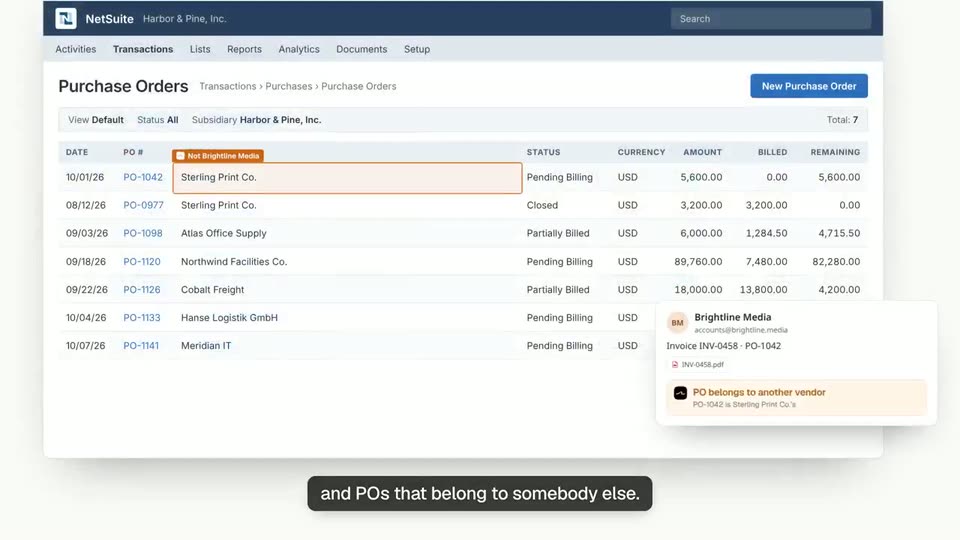 0:20–0:21Billow AI Labs · Last week, we showed our AI running Accounts Payable and many were skeptical 👀 "What if the AI misses a duplicate invoice, or pays a scammer?" So we made this video to show the guardrails weA blurred NetSuite Purchase Orders table snaps into focus. An orange outline highlights a vendor cell in the first row, and a small popover card appears on the right flagging that the PO belongs to another vendor. A dark caption pill sits at the bottom.
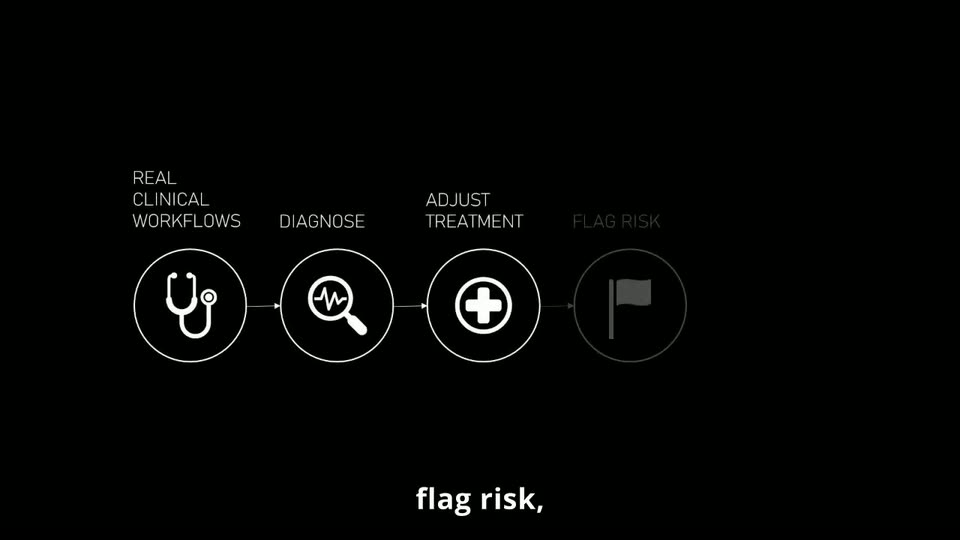 0:45–0:52BioStack Platforms · BioStack Platforms launch filmOn a black background, five line-art icons in circles (stethoscope, magnifier, cross, flag, clock) pop in left to right, each with an uppercase label above and a small arrow linking them, while white subtitles track the voiceover at the bottom.
 0:58–1:01Bitget Wallet · Bitget Wallet | 8 likes · 1 commentTwo tilted smartphones float in 3D over a teal-to-purple gradient, one showing a DApp browser grid, the other an ETH balance screen. Bold black text 'PoS Staking DApp Browser' scales into the center above a black 'Bitget Wallet' tag.
 0:15–0:16Bitstack · A new Bitstack has landed. 👀 New logo. New colours. New app. Same ambition: helping you own your financial future. Don’t worry, your bitcoin is still where you left it. What hasn’t changed isA copper Bitcoin coin with an embossed symbol sits centered on black, framed by the words RECLAIM THE HORIZON. on either side. RECLAIM scales in and the side words slide into place, their yellow tint fading to white as the light on the coin dims.
 0:32–0:34BridgeOpsOne · BridgeOpsOne Platform Overview | BridgeOpsOneA dark interface panel rotates from a tilted 3D angle to a flat front view on the right, while a three-line headline fades and sharpens in on the left over a blue grid background.
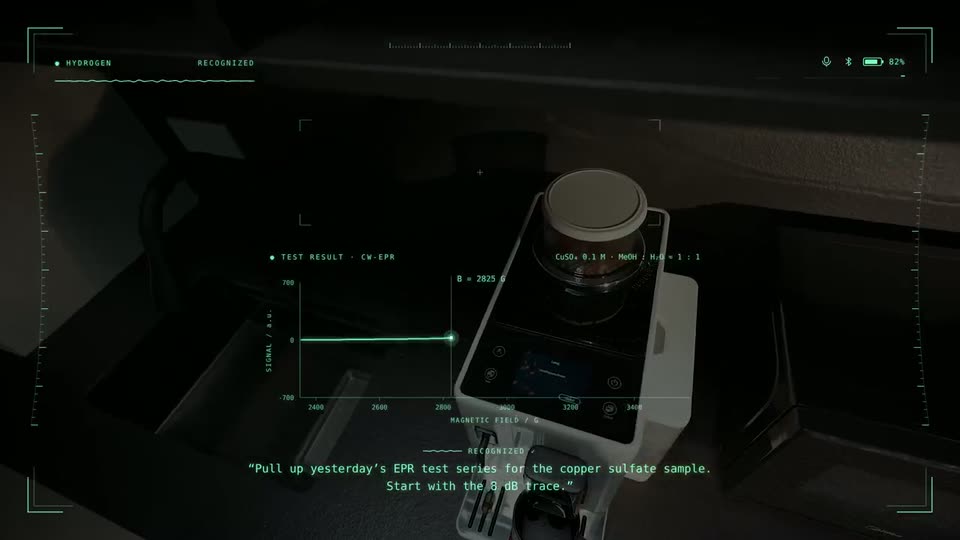 0:26–0:31DeepPrinciple · #aiforscience #scientificdiscovery #deepprinciple | Deep PrincipleIn a dim lab, a hand taps the touchscreen of a white countertop device under a green HUD frame with corner brackets. The status flips from LISTENING to RECOGNIZED and a green EPR trace graph draws itself across the frame. Subtitles sit at the bottom.
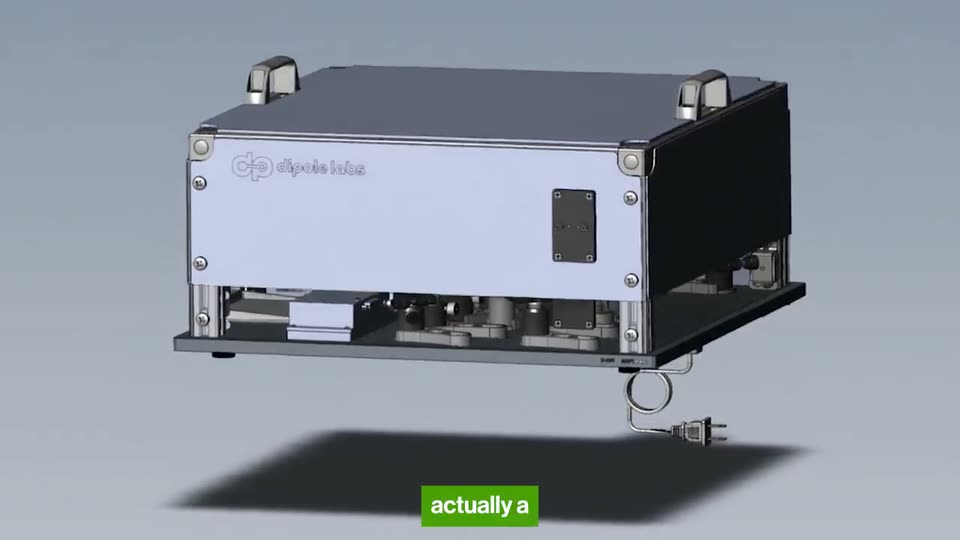 0:39–0:41Dipole Labs · Dipole (YC S26)A metal chassis with exposed internal optics floats on a light gray backdrop, its top cover lowering to close the box. White captions on green highlight bars appear word by word along the bottom.
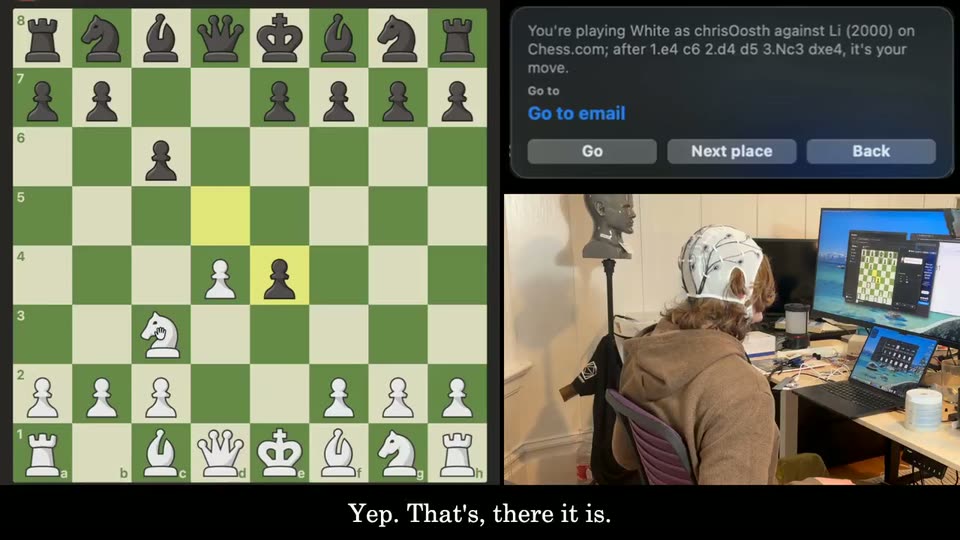 1:32–1:37Dydema · We’re officially launching with Y Combinator! Dydema is building personal, programmable brain–computer interfaces: you pick a thought and bind it to anything, like a key, a game or an agent. No… | Dydema (YC F26)Split layout: a green chess board with two squares highlighted on the left, a dark instruction panel with buttons top right, and a live shot of a person in a white EEG cap at a desk bottom right. The panel's blue line and buttons swap as the person reacts, then the left cuts to a Chess.com browser window and the right to a face close-up.
 0:48–0:49ElevenLabs · Introducing Dubbing Studio. Our Dubbing Studio gives you precise control when translating your videos for global audiences. We detect and label each of your speakers and create an editable scriptA tilted card with a timeline on the left frames a hazy 3D valley at sunrise. The view zooms into the landscape, a yellow subtitle line appears at the bottom, and an Italian flag label sits top-left.
 0:43–0:44Engramme · Engramme – Remember EverythingA cyan wireframe disc of fine radial lines on black, with a bright central ring and white vertical seams at top and bottom, rotates slowly in place.
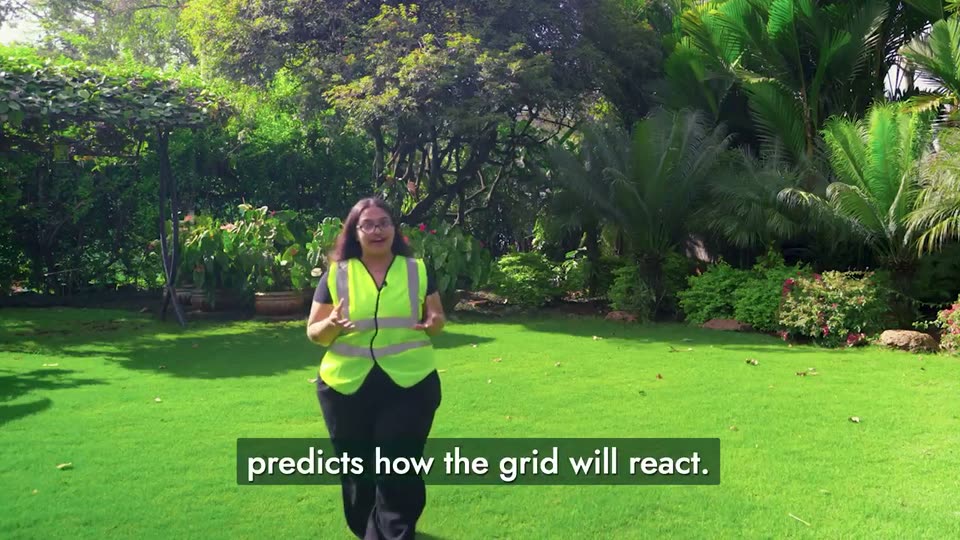 0:57–0:59Evardi · Evardi (YC F26) builds AI agents that engineer the grid edge: the transformers and local lines where rooftop solar, batteries, EVs, and data centers connect. Outages cost Americans up to $121B in aA woman in a yellow high-visibility vest walks toward the camera across a sunlit lawn, gesturing with both hands. Lush green trees and palms fill the background. A caption bar sits at the bottom of the frame.
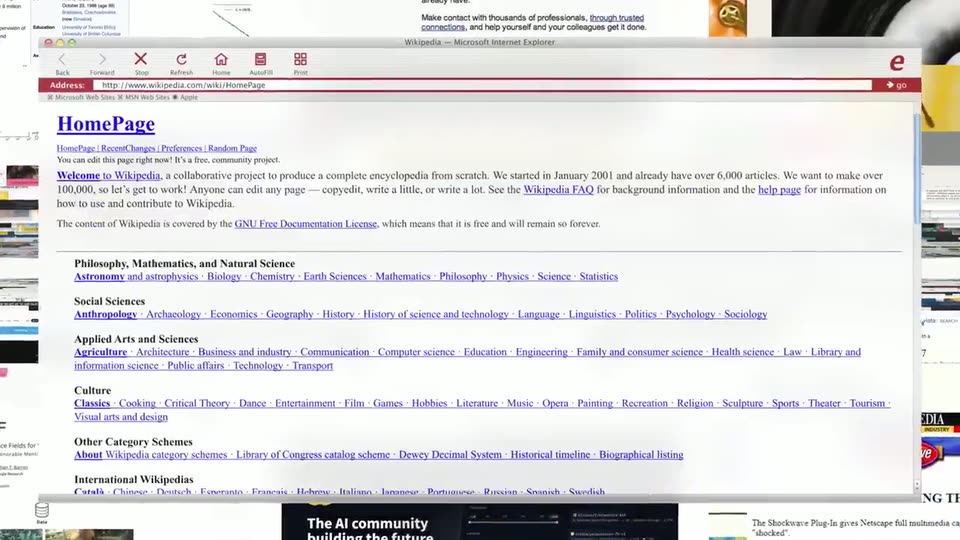 0:17–0:18Exa Agent · Introducing Exa Snapshot, A New Way to Search the PastA Wikipedia page sits in a tilted Internet Explorer window, layered over other angled browser windows in 3D. The page content flips rapidly between historical states. A black caption bar at the bottom reads in any moment of history.
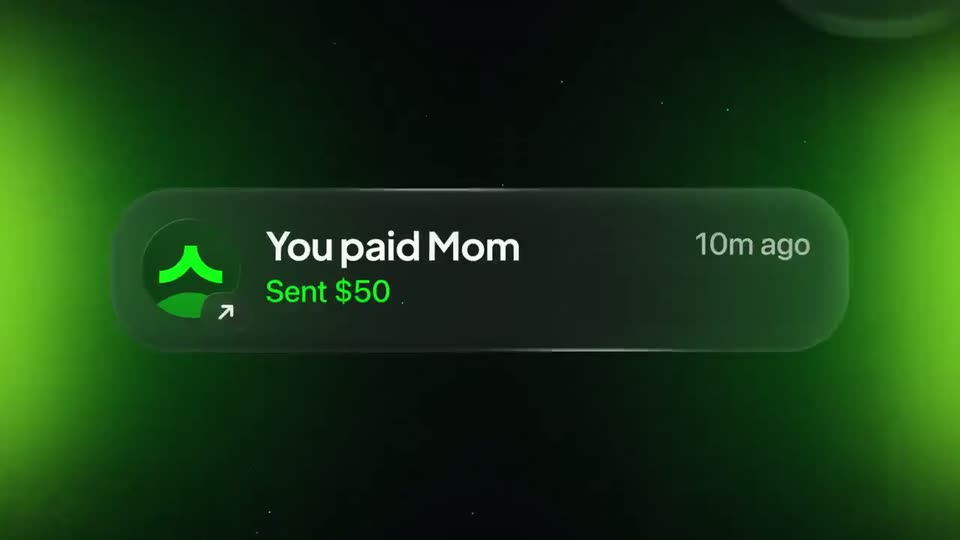 0:18–0:19Exodus · Introducing Exodus Pay, a self-custody payments experience designed to make digital dollars usable in everyday life. Now, you can spend with a card or Apple Pay, send by phone number, and earnA dark glassy notification card reading “You paid Mom, Sent $50, 10m ago” sits centered over a black field with soft green glow orbs. The card eases from a soft blur into sharp focus over the short clip.
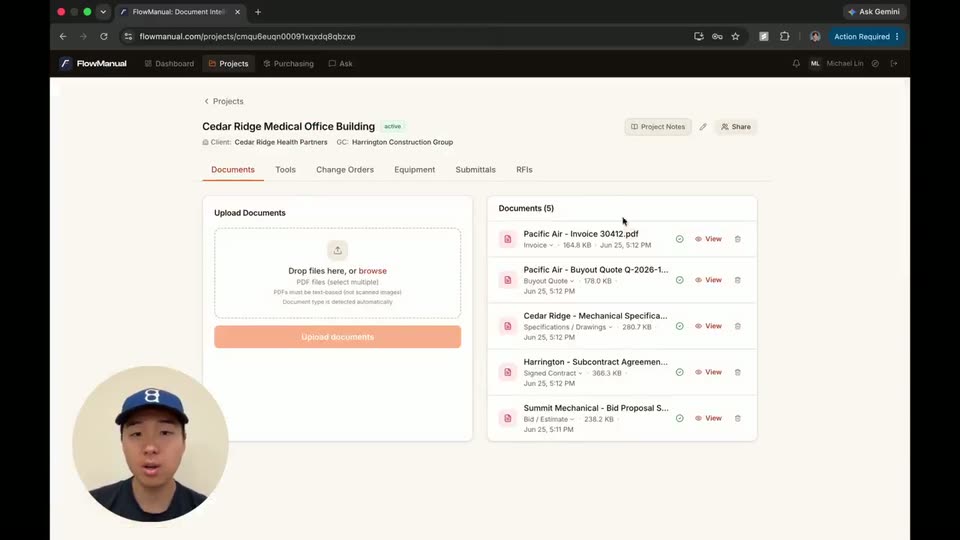 1:07 · 1sFlowManual · Hey! This is FlowManual; an AI-native back office for construction contractors. Here’s a little demo to show you what we’ve been working on. We've talked with hundreds of contractors and realized… | FlowManual (YC S26)A browser window shows the FlowManual project page for Cedar Ridge Medical Office Building, with an upload panel on the left and a five-row document list on the right. A small circular webcam feed of a man in a blue cap sits in the bottom left corner. A cursor glides to the View link on the first invoice row, which highlights as it is selected.
 0:57–0:58ForecourtIQ · Most dealerships are losing sales… and don’t even realise it. Customers walk onto your forecourt. No one sees them. No one approaches them. They leave. That’s a missed opportunity - every single… | ForecourtIQA blurred shot of a person holding a phone. A frosted-glass notification card with a purple icon shows a headline and a timestamp. The card exits, revealing a dark curved banner with a green outline and a green arrow pointing down into it.
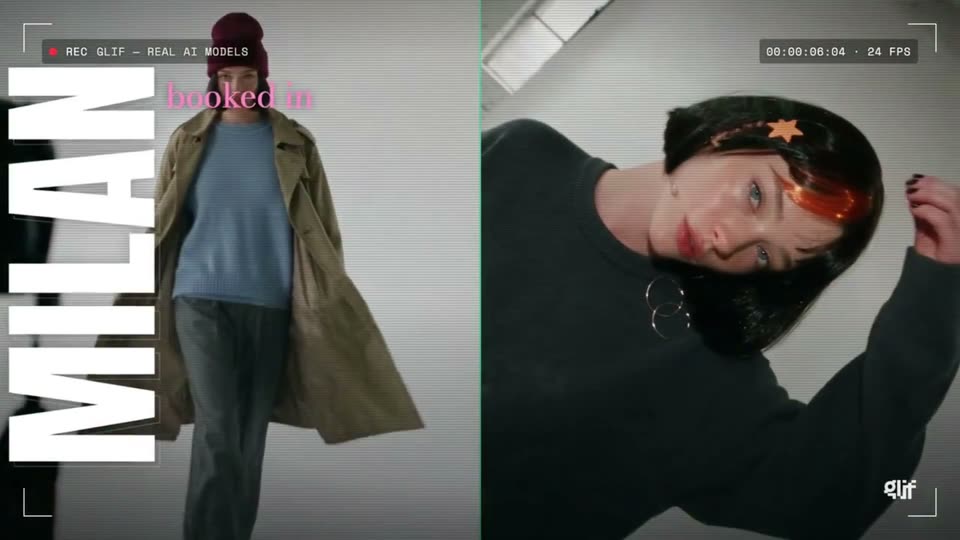 0:12 · 0.5sGLIF · Glif Signs Claudia, the AI Pop StarA split screen shows two AI models inside a camera viewfinder frame: left, a person in a beige coat and maroon beanie walks forward; right, a person with a star hair clip touches their hair. A white vertical word scrolls up the left edge while pink text sits above the left model.