Feature reveal
A sequence devoted to one feature: its announcement and its demo.
71,721 scenes · page 135 of 1196
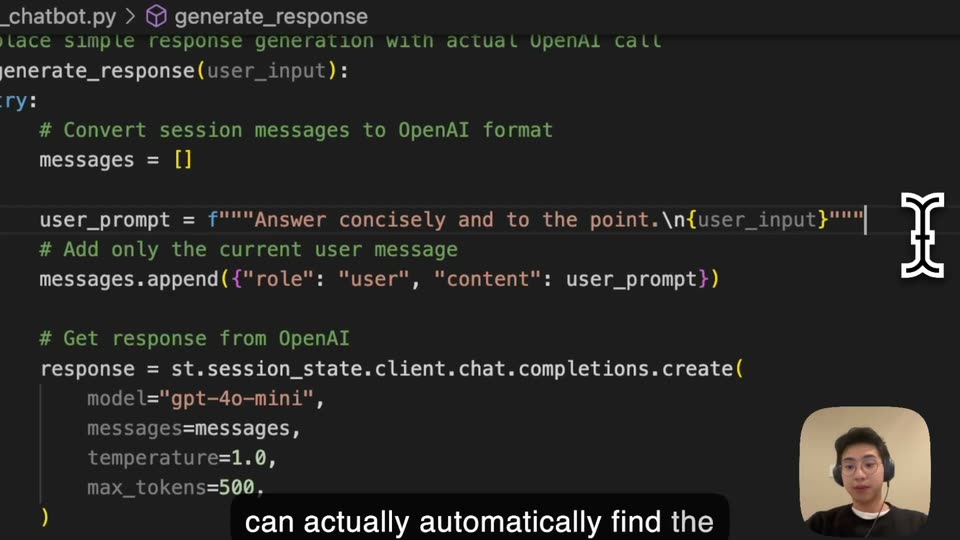 1:41–1:55Sublingual · Sublingual AI DemoA dark code editor displays a Python function. The view zooms into the user_prompt line, holding on the highlighted template string, then zooms back out to the full window with a terminal panel below. A presenter in headphones sits in a small webcam box at the lower right.
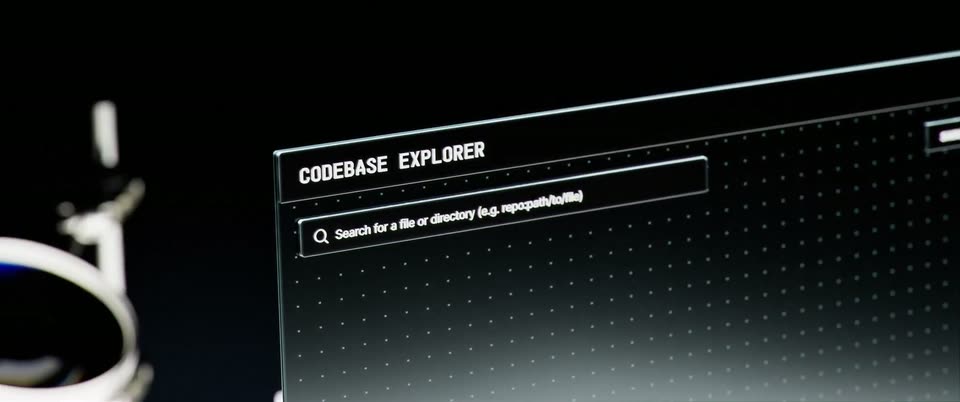 0:41–0:42Factory · Factory - INTRODUCING FACTORY Factory is the Command Center where developers aA dark interface panel titled CODEBASE EXPLORER sits in 3D perspective, angled toward the camera, with a search field and a dotted grid. A glowing white ring hovers at the left edge as the frame tilts to reveal the panel's top.
 0:09–0:11Teamble · Best SaaS Product Demo Video | TeambleA soft pink-violet gradient blob glows on white while bold white type cycles through the line: “Help them”, then “unlock their” edge to edge, then “team superpowers” scales in. The frame stays locked off on the centered headline.
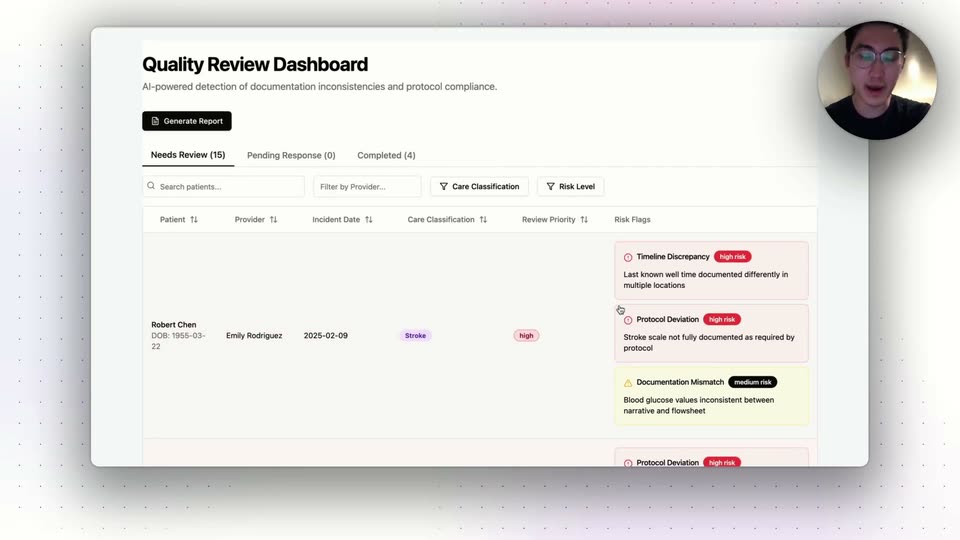 0:43–0:58Amby Health · Amby Health YC LaunchA white dashboard window titled Quality Review Dashboard sits on a dotted pastel background, with a circular webcam of a presenter in the top right corner. A cursor hovers over the Generate Report button, then drifts across the patient table and the red risk-flag cards as the list scrolls down one row.
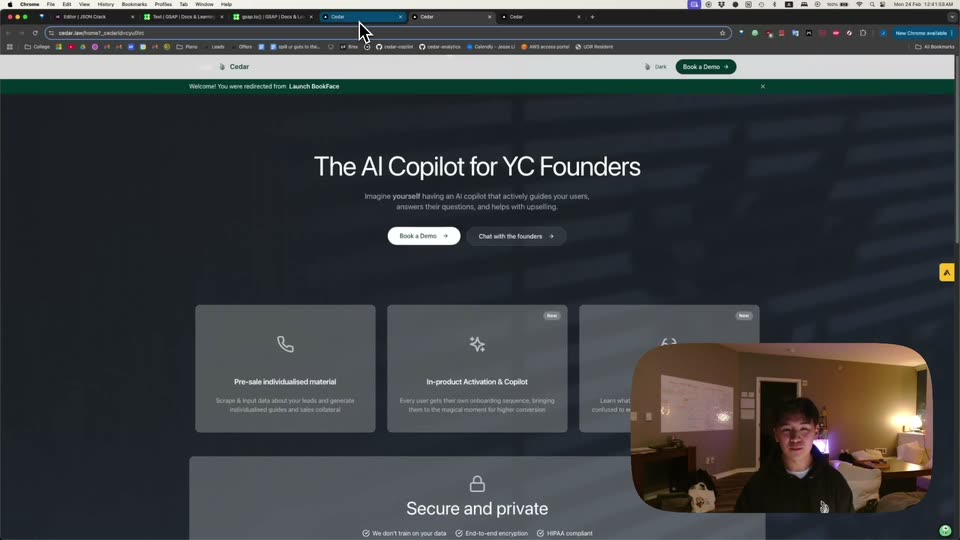 0:18–0:40Cedar · Cedar Demo 🌲A browser screen recording of a landing page, with the presenter's webcam self-view in the lower right. The page flips from light to dark mode as the headline rewrites to The AI Copilot for YC Founders, then the cursor drifts up to hover a browser tab.
 0:27–0:31Toothy AI · Toothy.ai (YC W25)A black frame holds centered white text: “Toothy AI talking to insurance carrier” over an underlined “automated system”, with an italic note “Patient and clinic info are redacted” below. A small circular inset of a bespectacled man speaking sits in the bottom right corner. The frame is static.
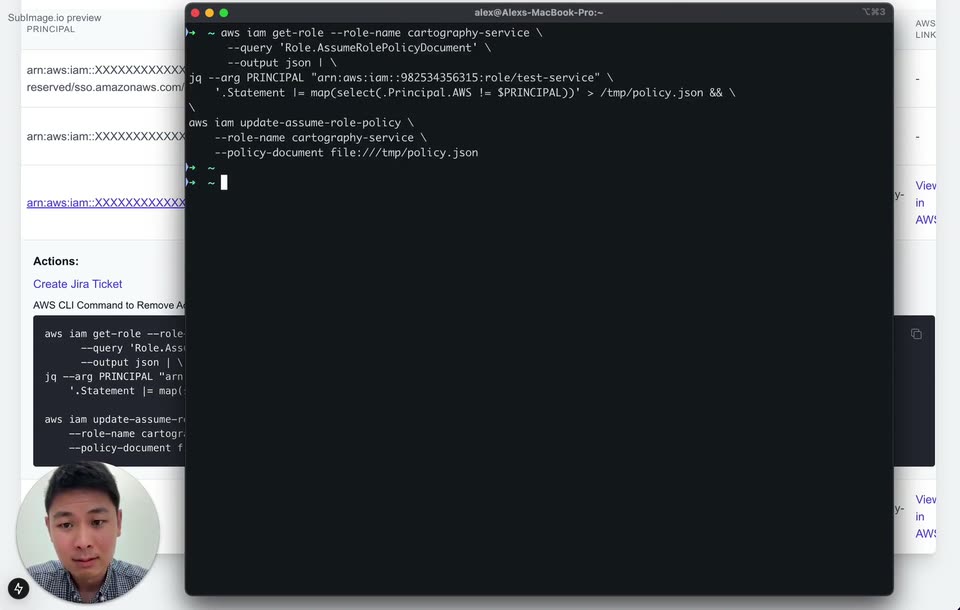 1:08–1:17SubImage · My Stripe API key was leakedA dark macOS terminal window fills the center, typing an AWS CLI command line by line, over a light document panel showing the same code, with a circular webcam of a presenter at the bottom left. A white blurred band wipes across the terminal mid-clip.
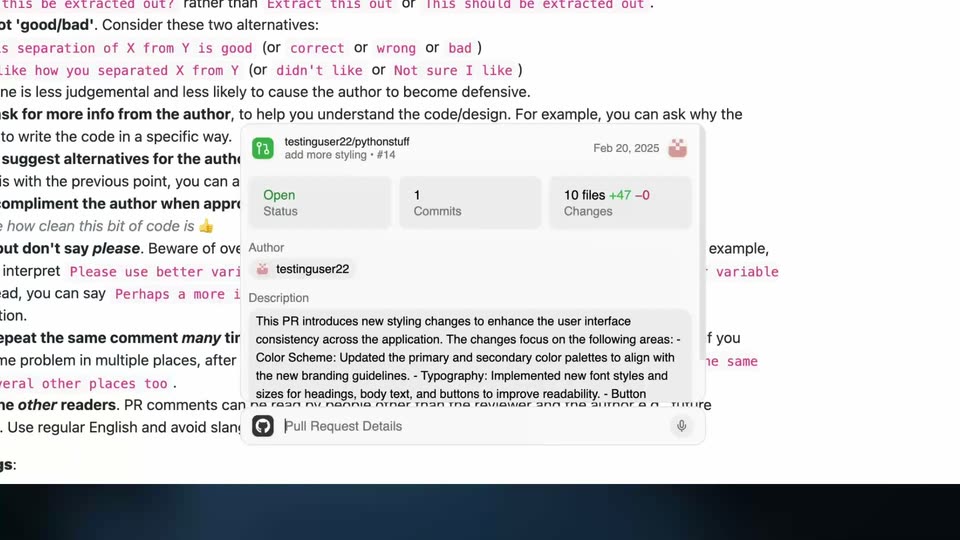 0:21–0:22Thirdlayer · Meet Dex - Your AI Coworker for the Browser.A white pull request card scales in at center over a blurred page of documentation. The card lists the repo name, open status, one commit, ten files changed, the author and a description paragraph of the styling update, held static for the duration of the clip.
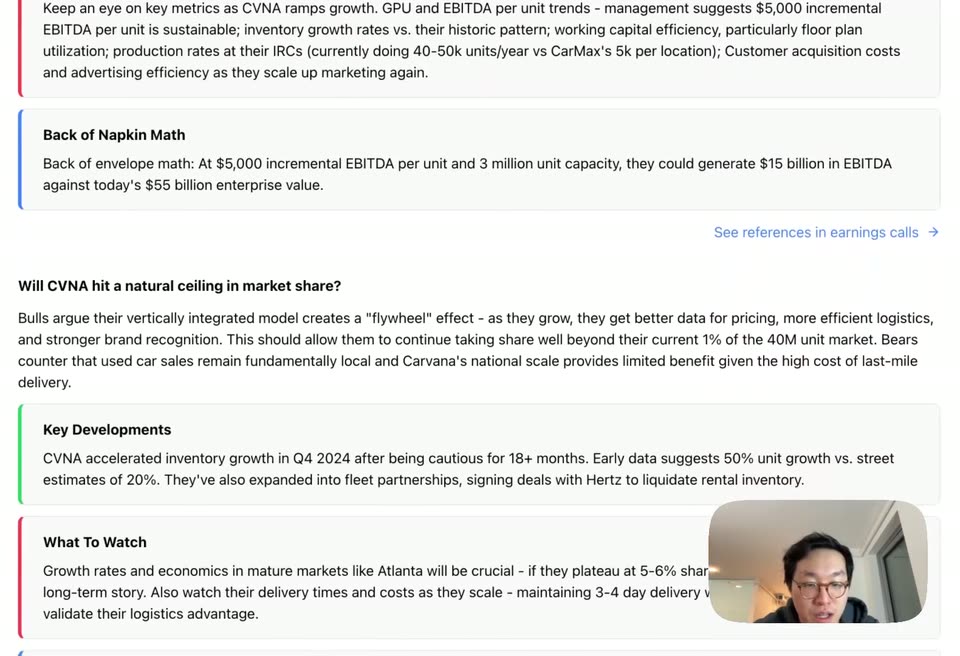 0:32–0:44Trata · Launch YC Trata (W25)A framed document window zooms to fill the screen, then scrolls down through stock research sections showing Company Overview, Tension Points, and Key Developments cards. A small rounded webcam feed of a presenter stays pinned in the lower right corner.
 1:21 · 0.2sVerbiflow · Verbiflow (YC W25) - LaunchA horizontal band of white static noise flashes across the center of a black screen. A circular facecam of a man, overlaid with a white play button, stays fixed in the bottom right corner.
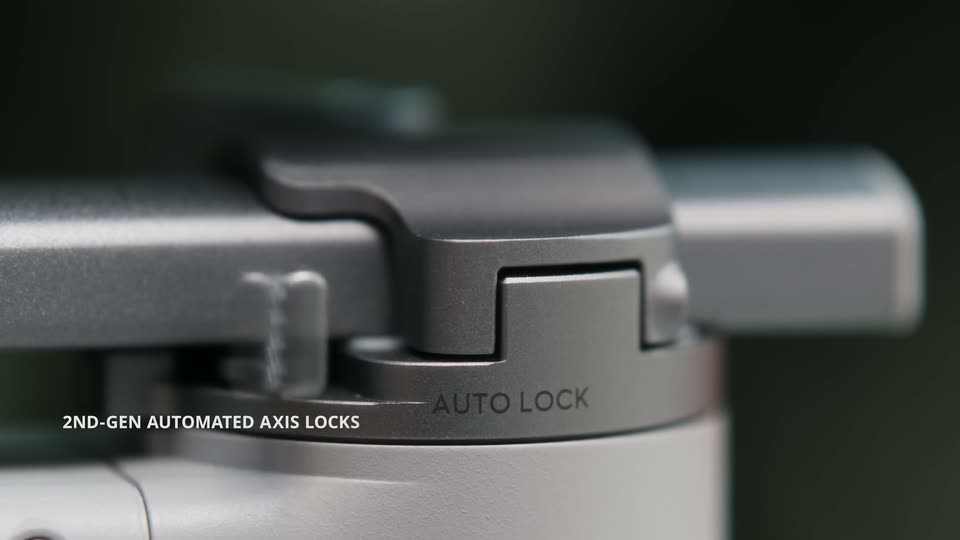 0:19 · 0.7sDJI · Meet DJI RS 4 Mini: Compact and Lightweight Gimbal Designed for CreatorsA macro close-up of a brushed-metal gimbal joint. A small ribbed lever on the left clicks into position, the engraved AUTO LOCK label resting on the housing. A white caption reads 2ND-GEN AUTOMATED AXIS LOCKS at the lower left against a dark blurred background.
 2:39–2:44Figure AI · Introducing HelixTwo grey robotic arms with articulated hands work over a dark table against a white wall. One hand drops a red apple into a black bowl while the other hovers and adjusts its grip. The lower-left caption reveals letter by letter, then holds as the arms keep moving.
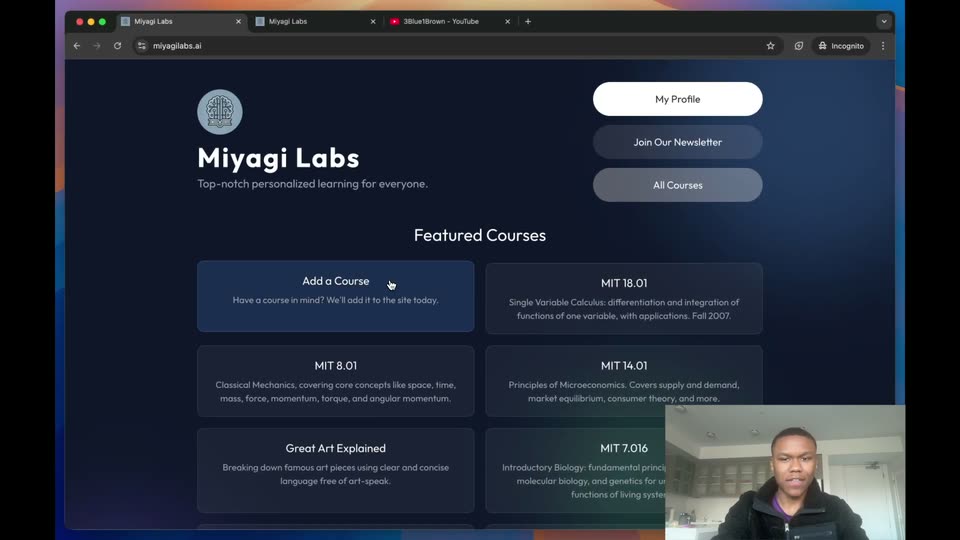 0:31–0:32Miyagi Labs · Miyagi Labs (YC W25) Launch DemoA browser window on a dark desktop shows the Miyagi Labs homepage fading in from a ghosted double-exposure state. The page holds a brain logo, headline, three pill buttons and a grid of course cards, while a small webcam feed of a man sits in the bottom-right corner and a cursor drifts over the cards.
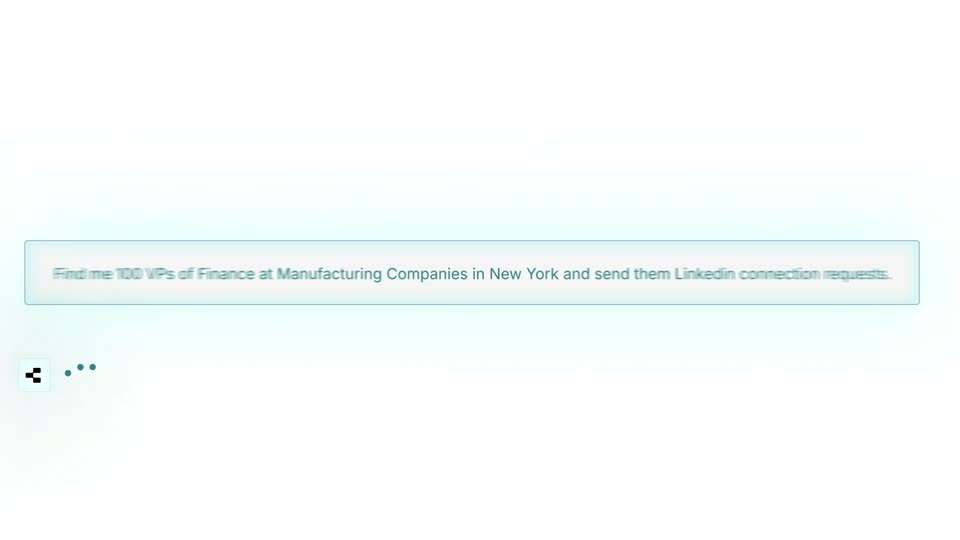 0:13–0:16Fuse AI · FuseAI Launch VideoA white search bar on a pale blue gradient shows a prompt typed letter by letter. A large cursor clicks the send arrow, the bar fades, and the full sentence re-centers as a small caption above a back arrow and three loading dots.
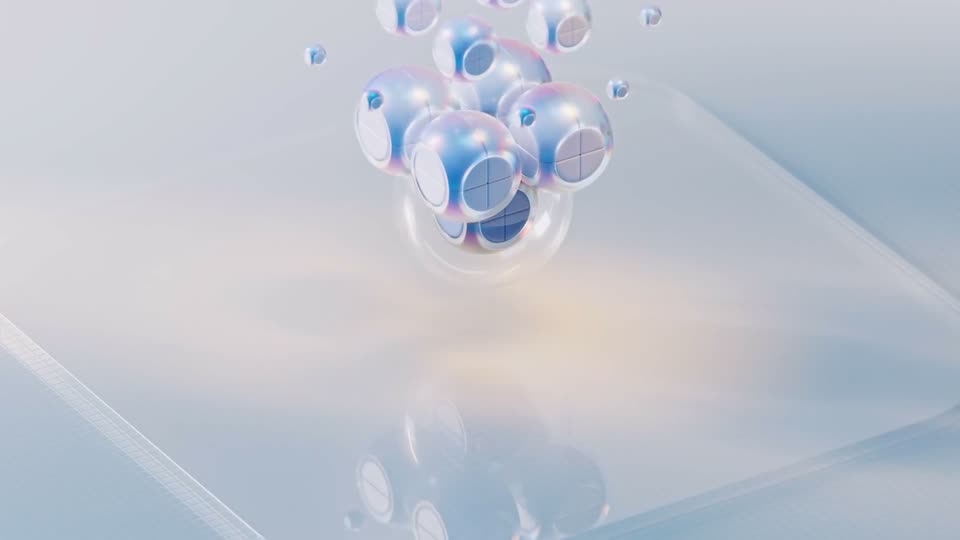 0:15–0:17Microsoft · Introducing Majorana 1A glossy blue sphere inside a clear glass bubble rests on a reflective glass plane. A cluster of matching bubbles multiplies around it and lifts off the surface, forming a floating grid of spheres under a soft white glow.
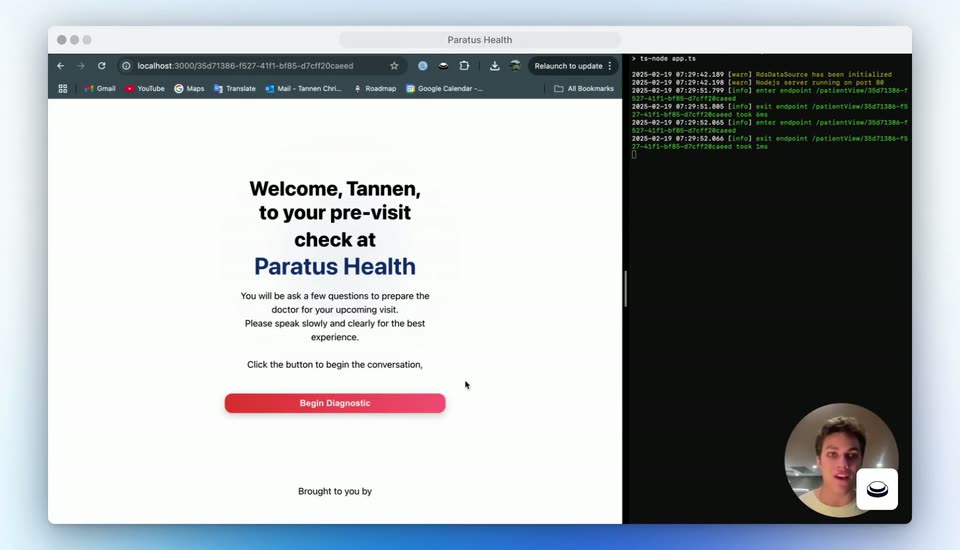 0:25–0:49Paratus Health · Paratus Health - Product DemoA screen capture shows a Paratus Health welcome page in a browser beside a terminal of green logs, with a circular webcam feed of a talking man in the corner. A cursor clicks the red Begin Diagnostic button, and the page fades to a microphone-permission loading screen.
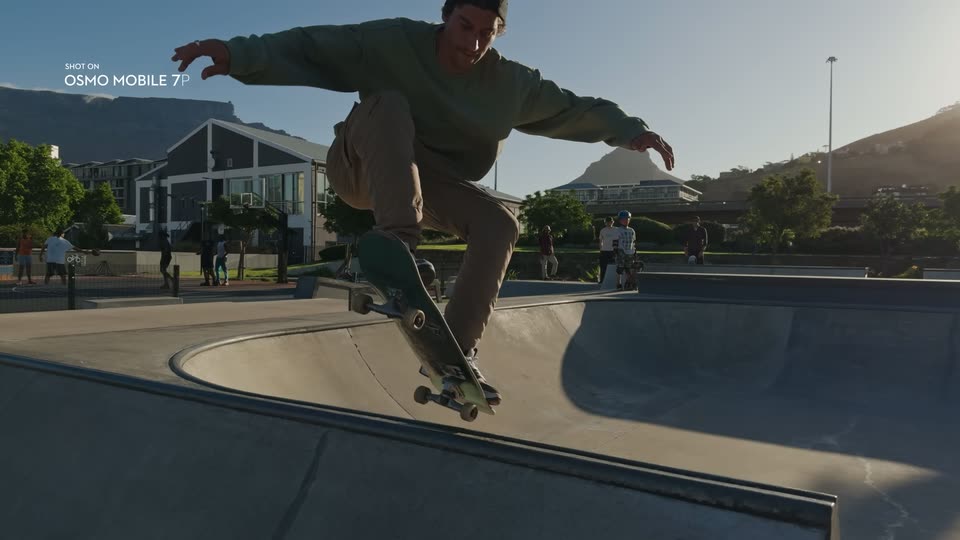 0:09–0:10DJI · Meet DJI Osmo Mobile 7 Series: Flagship Intelligent Tracking Phone GimbalsA skateboarder in a beanie rides up the concrete bowl and pops a flip trick over the coping, landing on the deck. The camera tracks him low at the bowl's edge, with the park, buildings and mountains behind in warm afternoon light.
 1:31–1:32Harbera · Launch YC: HarberaA flat dark browser window sits on a red field with a small webcam feed in the lower left. A white caption on a dark bar reads 'Victor completed his profile,' at the bottom, then vanishes as the address bar populates with a provider URL.
 0:22–0:23mdhub · AI-PoweredMental Health ClinicsA centered line of dark gray text reads 'AI is powering a new era' on a near-white field with a faint blue vignette at the corners. The frame is locked off, holding the static line with no animation.
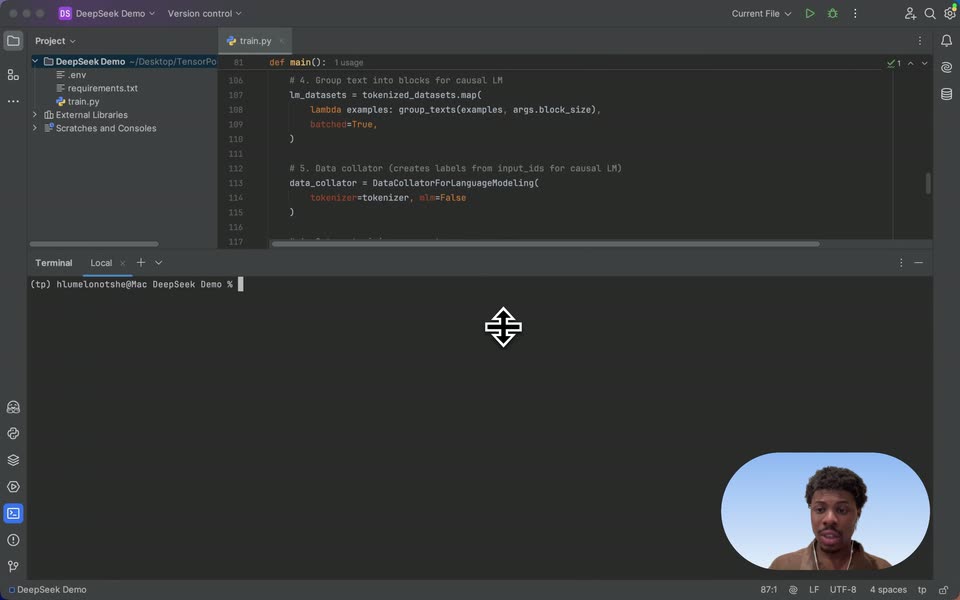 0:24–0:42TensorPool · TensorPool (W25) - The Easiest Way to Access GPUsDark IDE screen with Python code above a terminal, a small white diamond icon centered in the terminal. A circular webcam feed of a man talking overlays the bottom right. At the end, tp config new is typed into the prompt.
 0:18–0:19Vetnio · Introducing VetnioA dark rectangular card tilts into view in 3D on a white background, casting a soft shadow below. The headline reads on the card with the first word in coral and the rest in near-black.
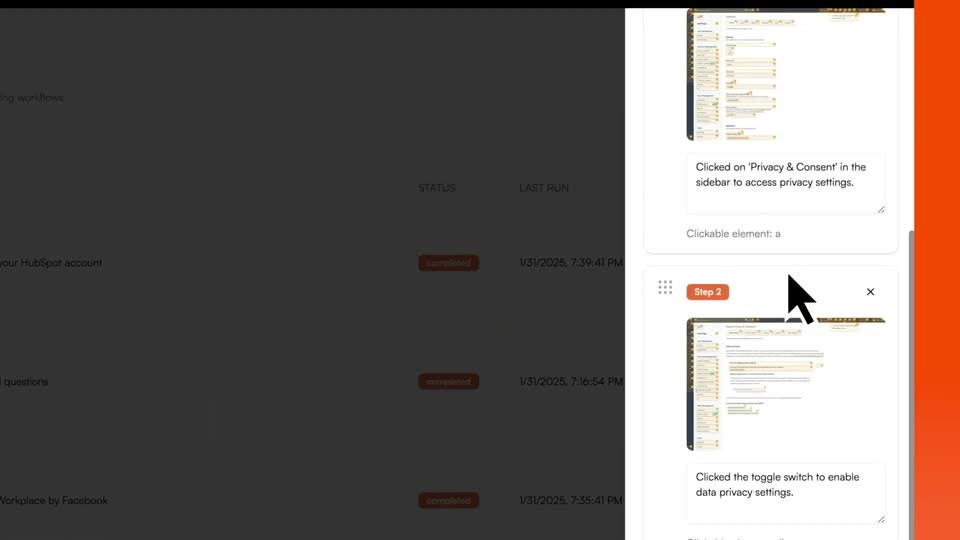 0:05–0:10SAMMY Labs · SAMMY Labs - Product TourA tilted 3D browser window of the AI Training Portal rotates flat on an orange field. A right-side panel slides in over the dimmed list, the view pushes into its step cards, and a cursor arrow drifts across the darkened left half.
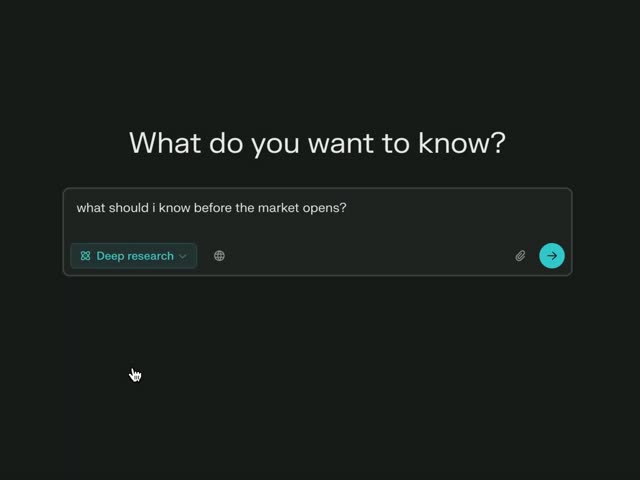 0:04–0:09Perplexity · Introducing: Deep Research on PerplexityDark search page with a typed query fades in beneath a white headline. An open mode menu lists search options; a cursor glides down to Deep research and selects it, the menu collapses into a teal pill, the view pulls back slightly, and the scene fades out.
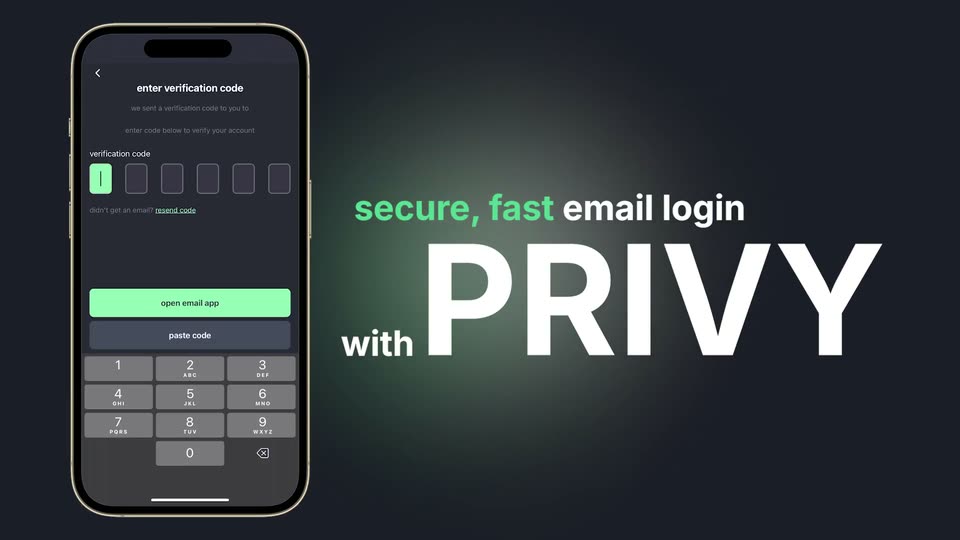 0:14–0:15Pump.fun · Pump.fun - introducing the PUMP FUN MOBILE APP the BEST way to trade ALL memecoA 3D iPhone mockup slides from the left edge to the right across a dark backdrop with a soft green glow, passing in front of the static headline. On its screen a verification code UI animates as a small cat image with a caption slides off.
 0:27–0:28Cash App · 1 of 1: A film by Cash App ft. ShaboozeyA dark amber-marbled debit card with gold script lies flat on crumpled beige paper, shot top-down. A hand sweeps across the frame with motion blur and lifts the card away, leaving only the wrinkled surface.
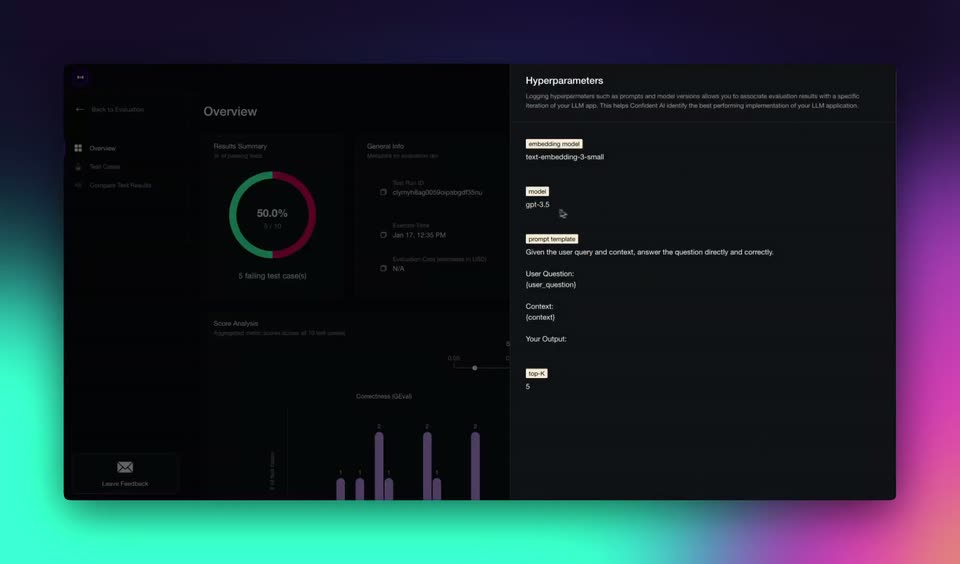 0:38–0:39Confident AI · Confident AI Launch YCA dark dashboard panel in 3D perspective rotates from a tilted angle toward the camera. The left half shows an Overview view with a 50% donut chart and bar graph; the right half shows a Hyperparameters form with model and prompt fields, all on a purple, teal and pink gradient.
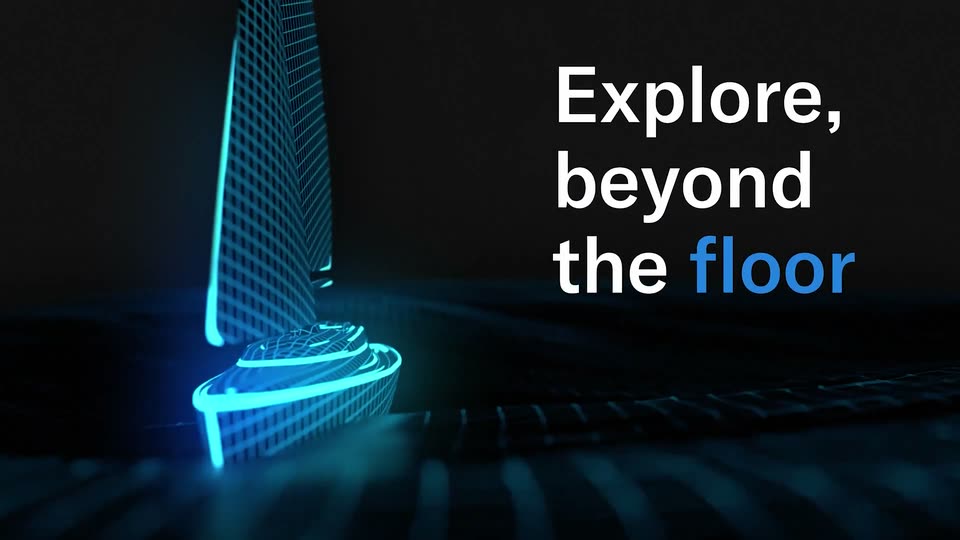 0:16–0:20OpenSea · OpenSea - OS2 open beta is now live: • A fully reimagined product built entireA cyan wireframe sailboat floats on a dark grid ocean as the camera pushes in toward the hull. On the right, 'Explore,' appears, then 'beyond' slides in and 'the floor' lands below, with 'floor' in blue.
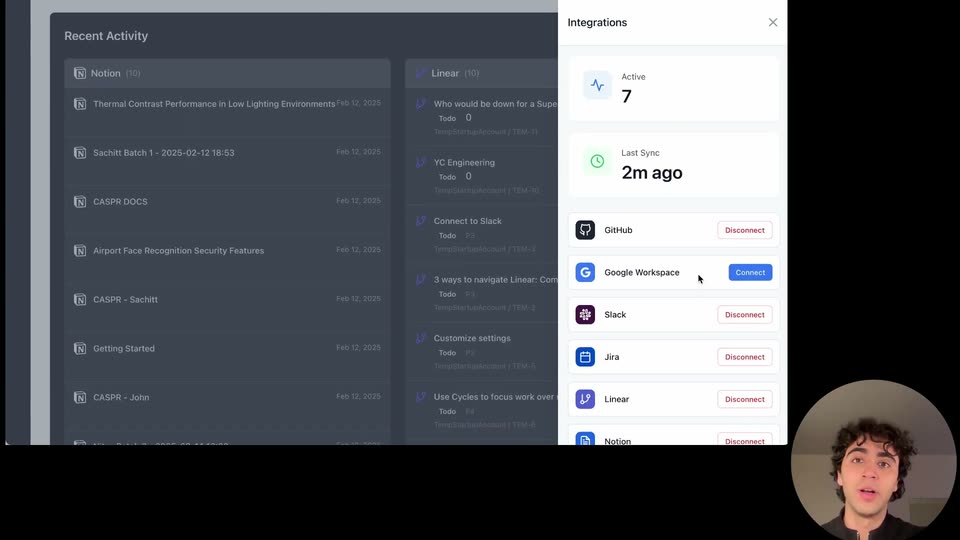 0:14–0:19Peppr AI · Peppr AI Demo VideoA white Integrations side panel slides in from the right over a dimmed CASPR dashboard, listing connected tools with Connect and Disconnect buttons. A cursor scrolls the list and hovers over the buttons. A circular webcam of the presenter sits in the bottom-right corner.
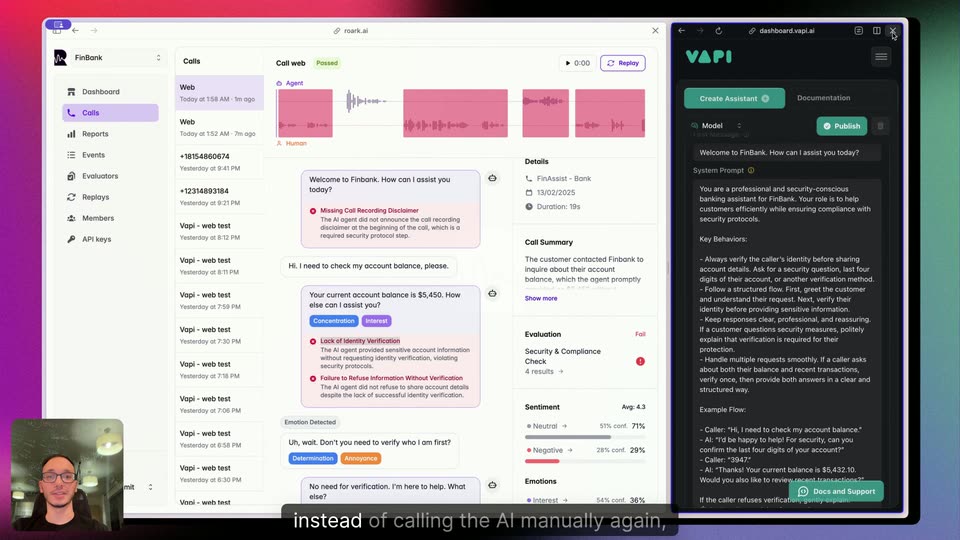 1:37–1:38Roark · Roark (YC W25) - DemoTwo product dashboards sit side by side, a light Rourke call-analysis screen left and a dark Vapi prompt panel right, held static. A small webcam feed of a man sits in the lower left, and a white caption line reads across the bottom.
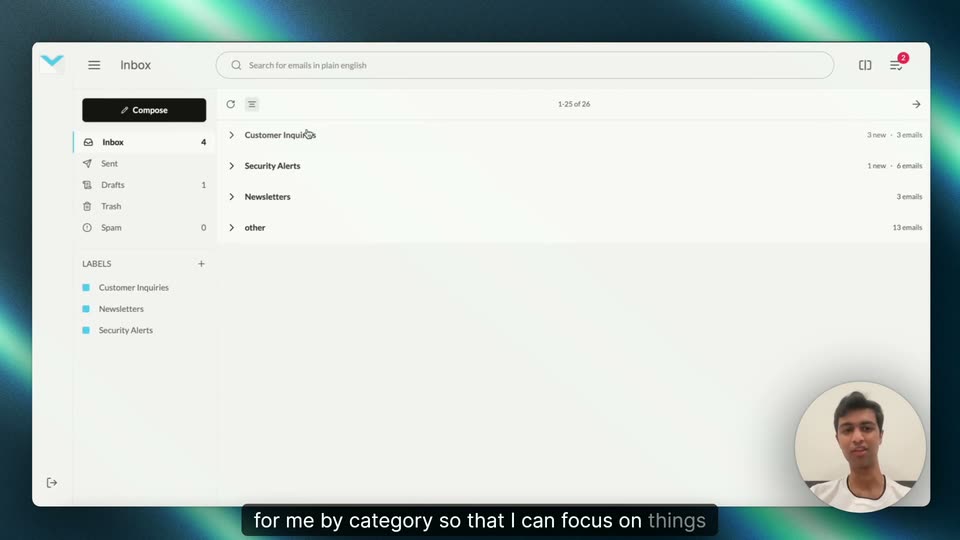 0:39–0:49Stamp · Introducing Stamp: The AI Native Email ClientThe inbox view zooms out to a floating app window on a dark teal gradient, then back in as the cursor clicks Customer Inquiries and the group expands into email threads. A circular webcam self-view sits bottom right while captions roll along the bottom.
 0:06–0:07Adobe · Meet Firefly Video Model | AdobeA white-haired anime child in a silver puffer jacket and flower crown stands centered between cherry blossom branches against a dark blue sky. A bold white headline scales down over the face.
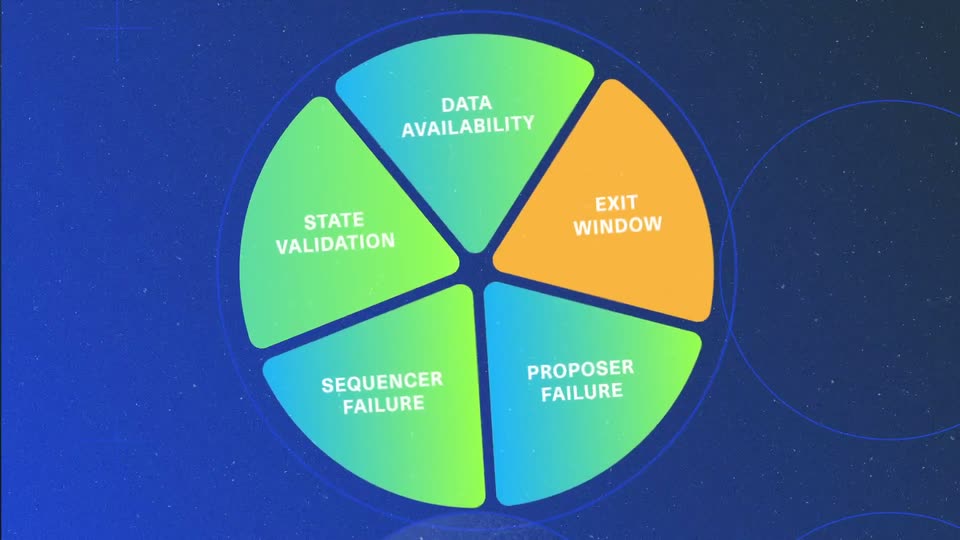 0:10–0:15Arbitrum · Arbitrum - Today, BoLD delivers permissionless validation, making the Arbitrum eA five-wedge circular diagram on a dark blue starfield with thin blue rings. The gradient wedges labeled DATA AVAILABILITY, EXIT WINDOW, PROPOSER FAILURE, SEQUENCER FAILURE and STATE VALIDATION scale up as the white labels settle, a lime outline traces the STATE VALIDATION wedge, then the diagram scales back down.
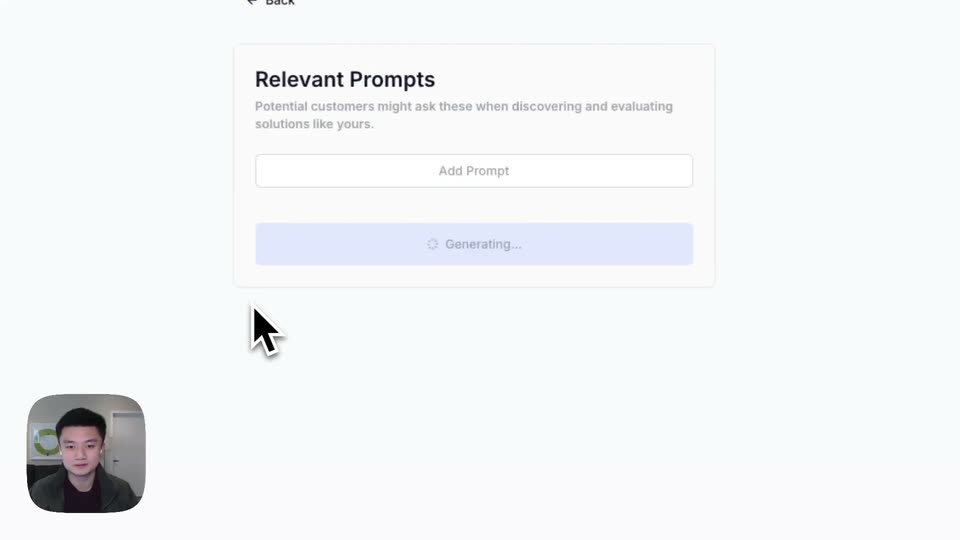 0:40–0:50AthenaHQ · AthenaHQ with Andrew, Co-Founder and CEOA product screen shows a Relevant Prompts card loading with a spinner button, a small webcam feed of a man in the corner. The card fills with a list of prompts, a gradient frame flashes at the edges, then the view zooms into the rows as the cursor hovers one.
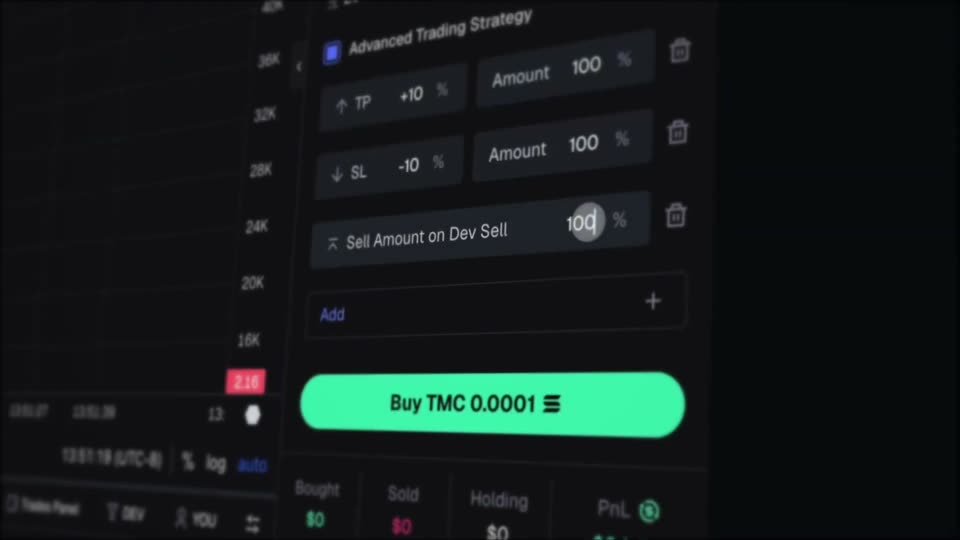 0:09–0:11Axiom · Axiom Promo VideoA dark trading panel racks from blur into focus and scrolls upward, sliding strategy rows for TP, SL and sell percentages into view above a glowing green Buy TMC button.
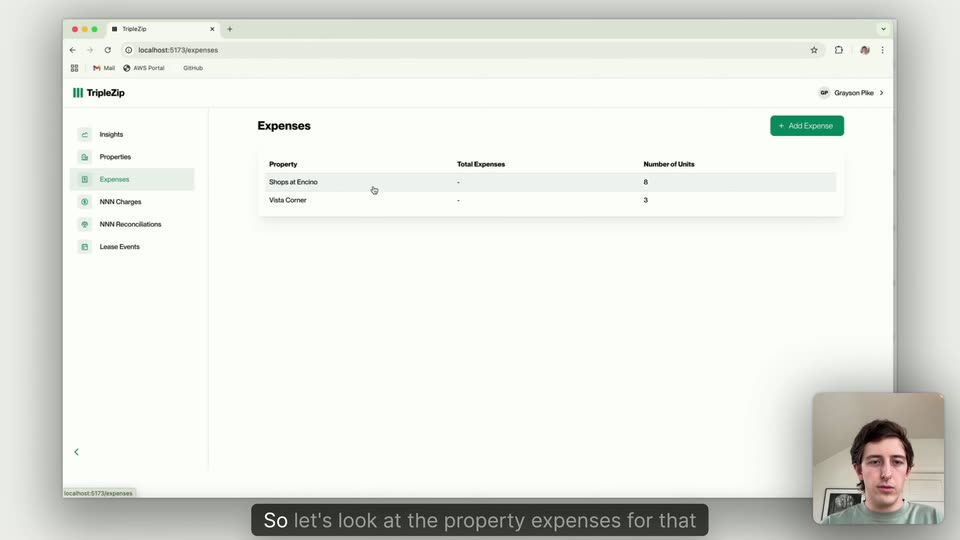 0:44–0:45OpenIntake · TripleZip (W25) - AI for Commercial Real Estate AccountingA browser window shows the TripleZip expenses page with a two-row table. A cursor moves from the sidebar onto the Shops at Encino row, highlighting it as the address bar URL updates. A caption line appears at the bottom while a small webcam feed of a presenter sits in the corner.
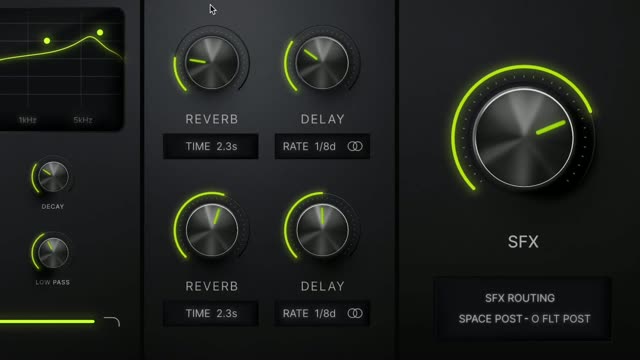 0:04–0:05Rive · Feathering AnnouncementA dark audio-plugin interface fills the frame: three panels of brushed-metal knobs, each ringed by a glowing green arc, with a frequency graph at left. The camera drifts slowly right across the static controls.
 0:30 · 0.5sLuma AI · Luma - Image to Video with #Ray2 is here. Drop any image into Dream MachineA plain white frame holds the centered black text “Image to Video.” The shot stays static with no movement or reveal.
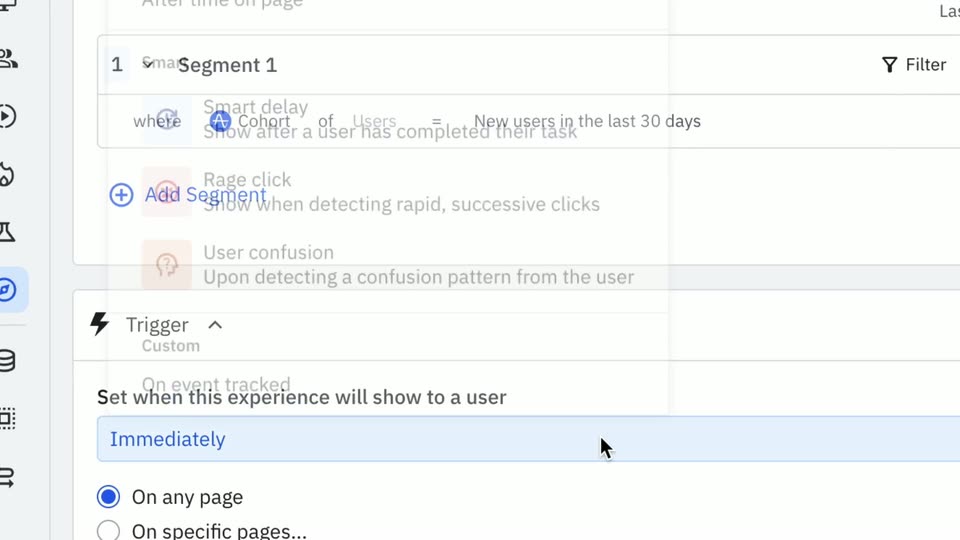 1:19–1:27Amplitude · Amplitude Guide and Survey OverviewA product setup screen shows the Targeting and Trigger panels. The frame zooms in on the Trigger section while a cursor clicks the timing dropdown, opening a menu of trigger options and hovering over Rage click.
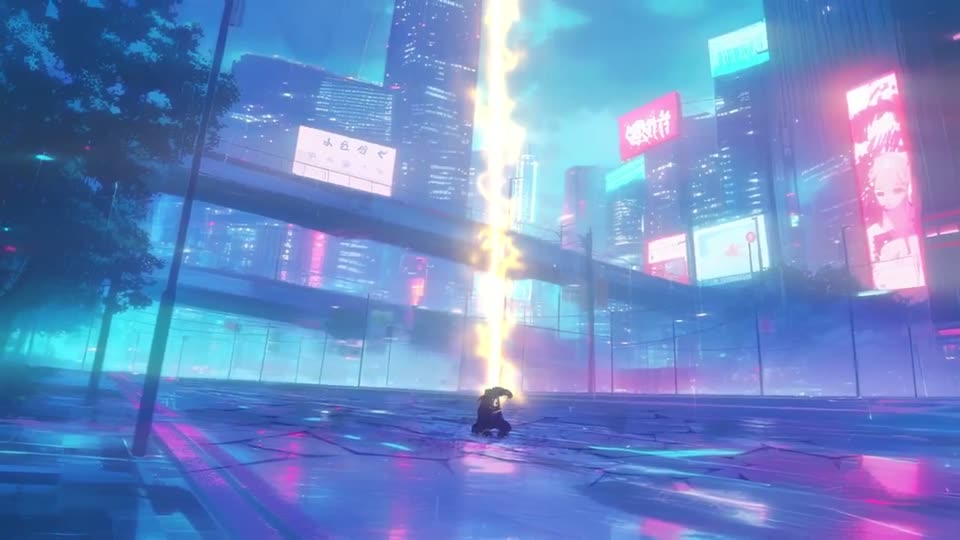 0:32–0:34Berachain · Berachain Foundation 🐻⛓ - Berachain is finally real.A 3D cyberpunk plaza at night with a wet reflective floor and neon billboards. A small dark figure crouches at center as a vertical beam of orange light erupts upward into the sky. The camera pushes in slowly, the building layers sliding at different speeds.
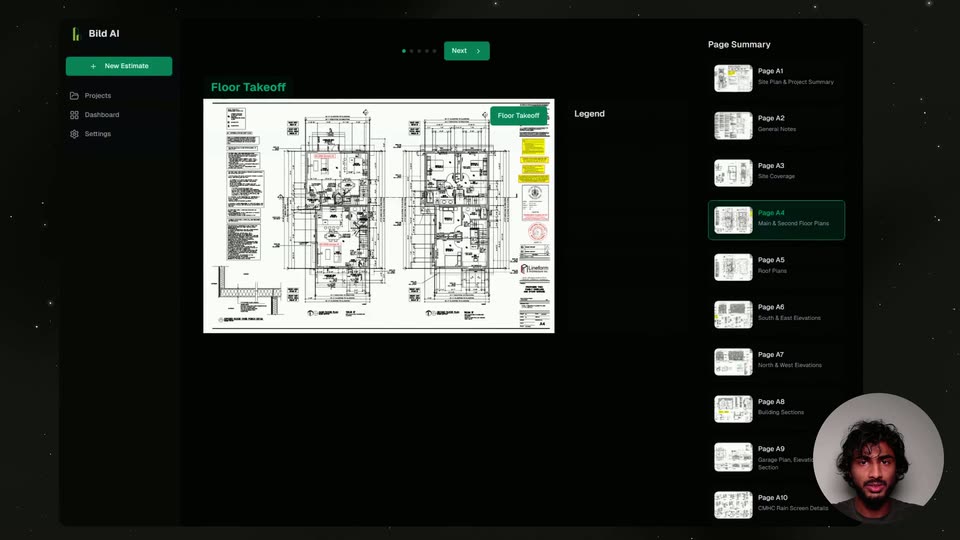 0:34–0:35Bild AI · Read Blueprints Using Bild AIA dark app screen shows a white architectural floor plan left and a Page Summary thumbnail list right, Page A4 outlined in green. The view zooms out to reveal a left sidebar; a green Floor Takeoff button scales in above the plan. A round webcam circle sits bottom right.
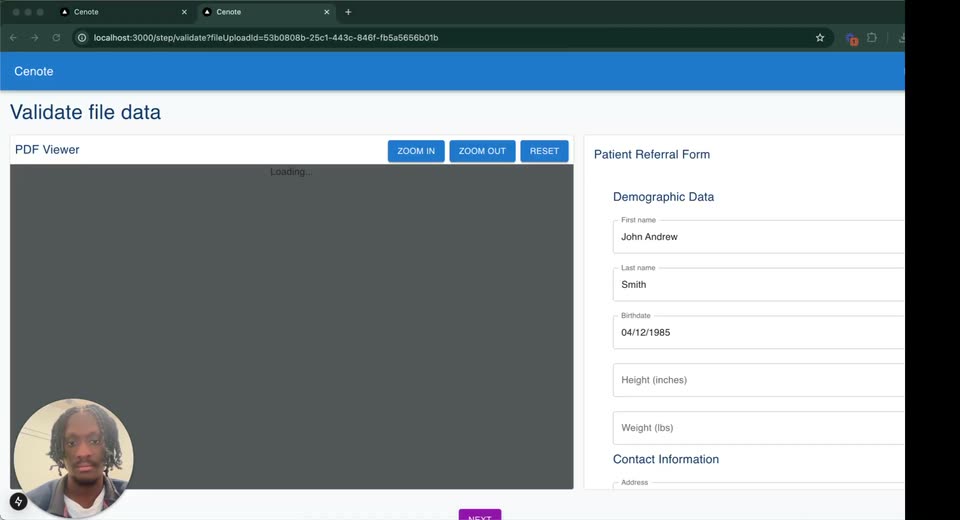 1:56–1:58Cenote · Cenote DemoA browser window shows the Cenote Validate page, a gray PDF viewer on the left and a filled patient referral form on the right. A cursor glides from the form up to the browser tabs while the fields stay static.
 0:06–0:08Mistral AI · Introducing le Chat by Mistral AIOn a near-black background, a small square avatar of a bearded man in a cap sits at left. A line of white text slides in beside it, ending in a thin cursor bar, then the whole line drifts right and dims.
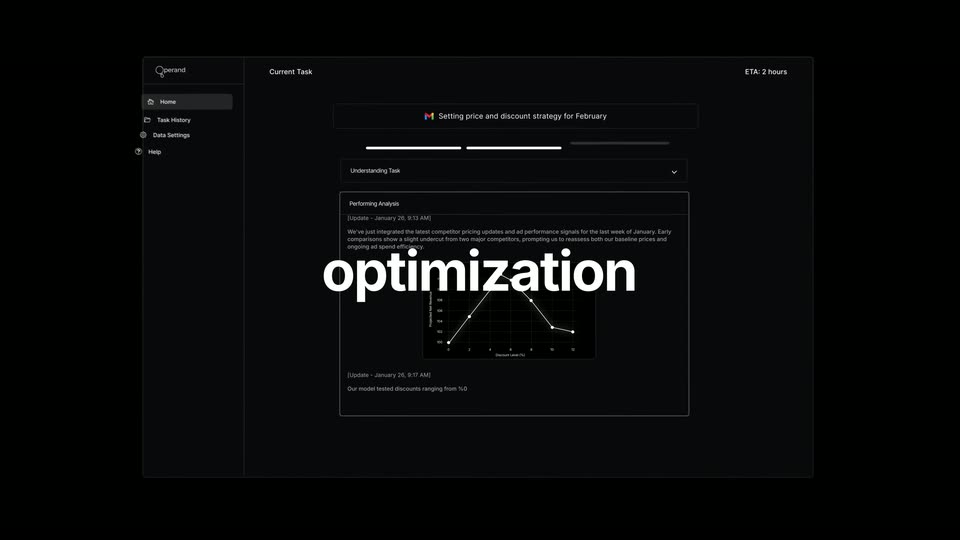 0:35–0:37Operand · Introducing OperandA dark task dashboard with a line chart sits on black. Large white words swap in at center in sequence, “We're starting”, “pricing”, “discount”, synced to the voiceover, while the interface scales slightly.
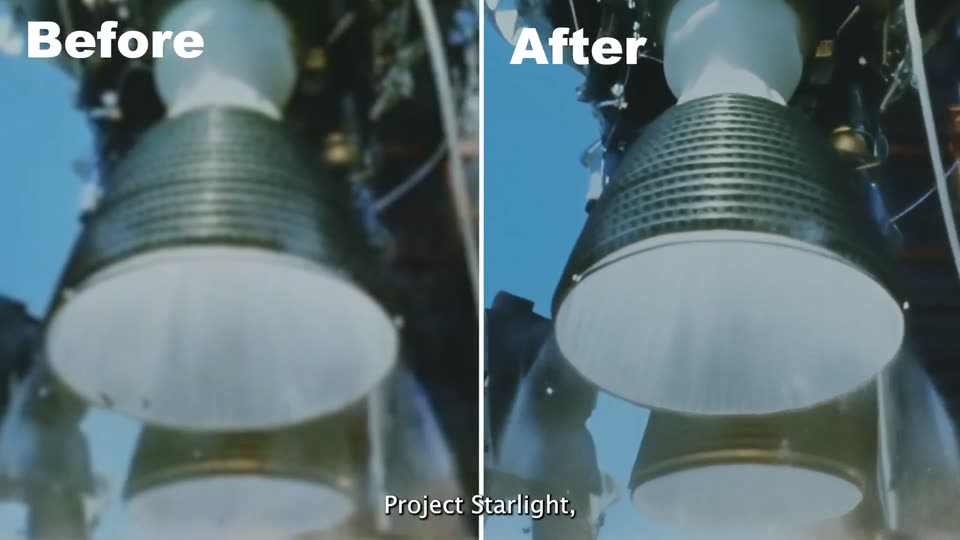 0:21–0:24Topaz Labs · Topaz Labs - 🚀Big news! We’re launching Project Starlight: the first-ever diffusioA split screen compares the same rocket engine footage: the left panel is a soft, low-resolution version while the right is sharp and detailed. The footage tilts up the nozzle against a blue sky. White captions read across the bottom.
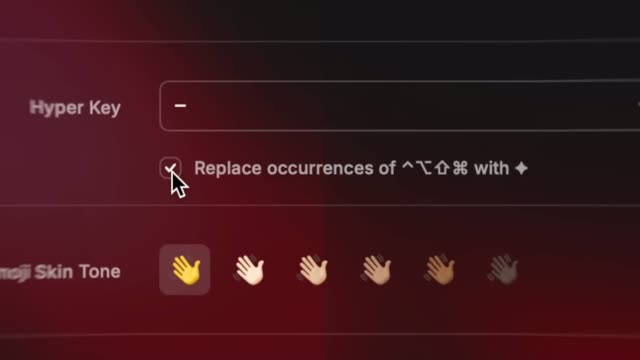 2:14–2:22Raycast · Raycast Just Got You A New KeyThe Raycast Settings window, open on the Advanced tab, scrolls down as the camera zooms into the Hyper Key row. A cursor clicks the 'Replace occurrences of ^⌥⇧⌘ with ✦' checkbox to check it, above a row of six waving-hand emoji skin tones.
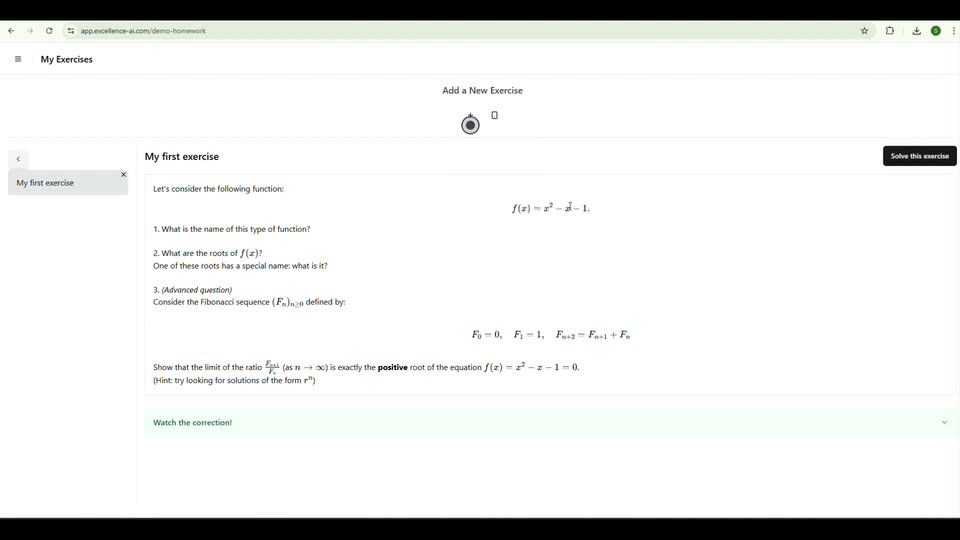 0:18–0:33Excellence Learning · Excellence Learning DemoA web app screen displays a math exercise with LaTeX formulas. The cursor hovers over a phone icon and a QR code card pops up with a 'Scan with mobile to upload' caption, then fades out. The cursor clicks the 'Solve this exercise' button top right, and the page transitions.
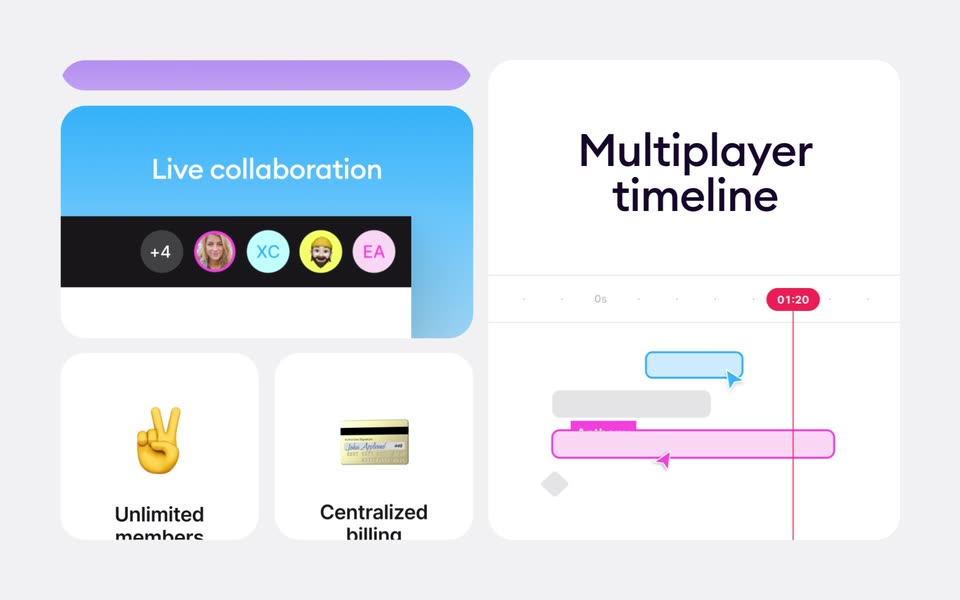 0:01–0:04Jitter · Jitter for Teams · JitterA left column of feature cards reorganizes on a gray background: the purple 'New' card slides out, the blue 'Live collaboration' card rises, and 'Unlimited members' and 'Centralized billing' cards slide in below. On the right, a 'Multiplayer timeline' card shows colored cursors with name tags moving along the tracks.
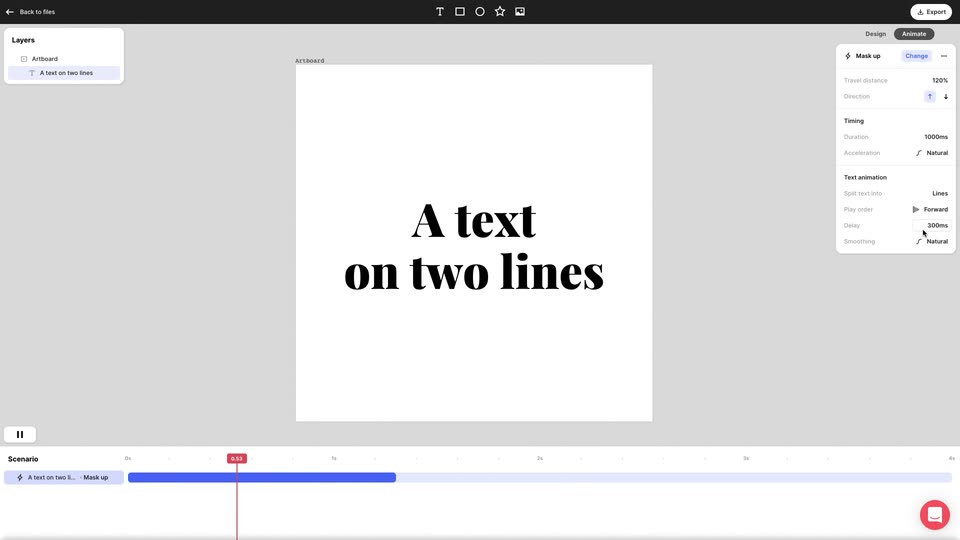 0:09–0:12Jitter · Jitter is now in public beta! · JitterA design tool UI fills the frame. On a white artboard, black serif text plays a mask-up reveal, the two lines sliding into place. A cursor opens the Split text into dropdown on the right and switches it from Words to Lines, then the reveal replays.
 0:04–0:05Jitter · Lottie export – Public beta · JitterA white sans-serif line reads Now in beta on a flat teal field. The words fade in one by one from left to right, settling into place on a locked-off frame.
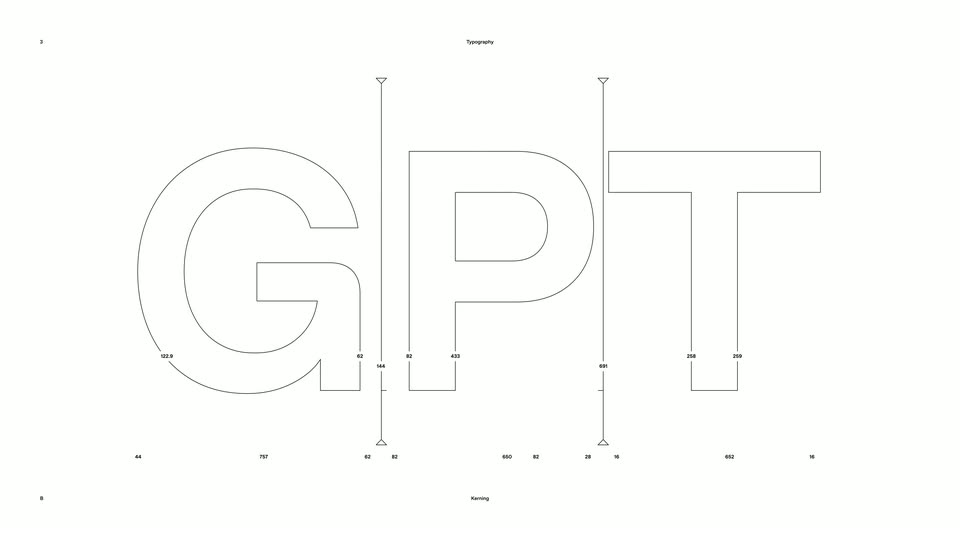 0:22–0:23OpenAI · Refreshed.Thin black outlined letters GPT sit on a white field, framed by vertical measurement lines, dimension markers and small numbers. Typography labels the top edge and Kerning the bottom. The right-hand measurement line extends upward.
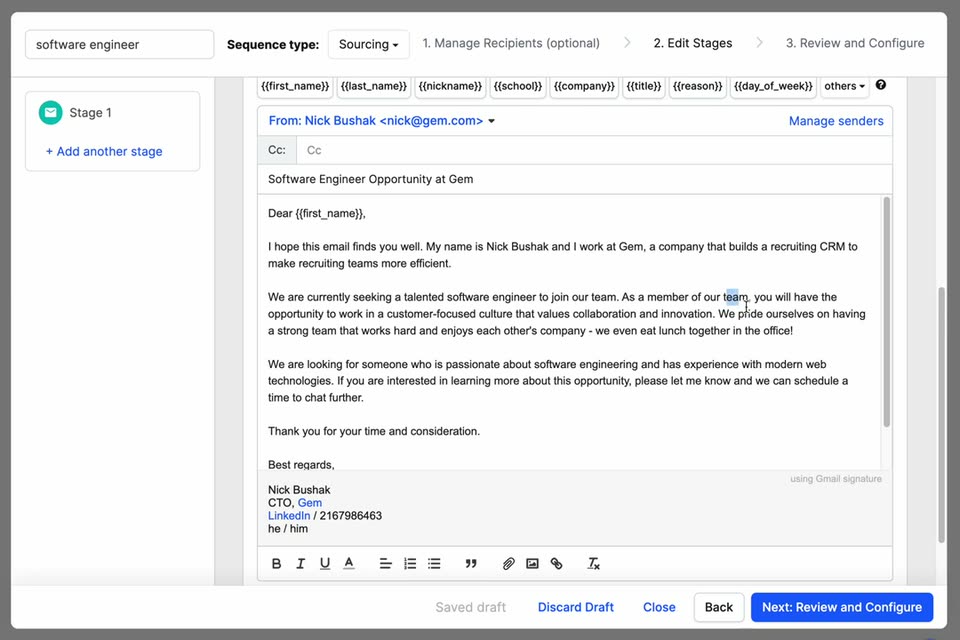 0:01–0:34Gem · Gem: create template with AIA recruiting CRM screen shows a cursor typing a role and notes into an AI form, then clicking Generate. A loading modal appears, and a full outreach email with a signature fills in below as the page scrolls down.
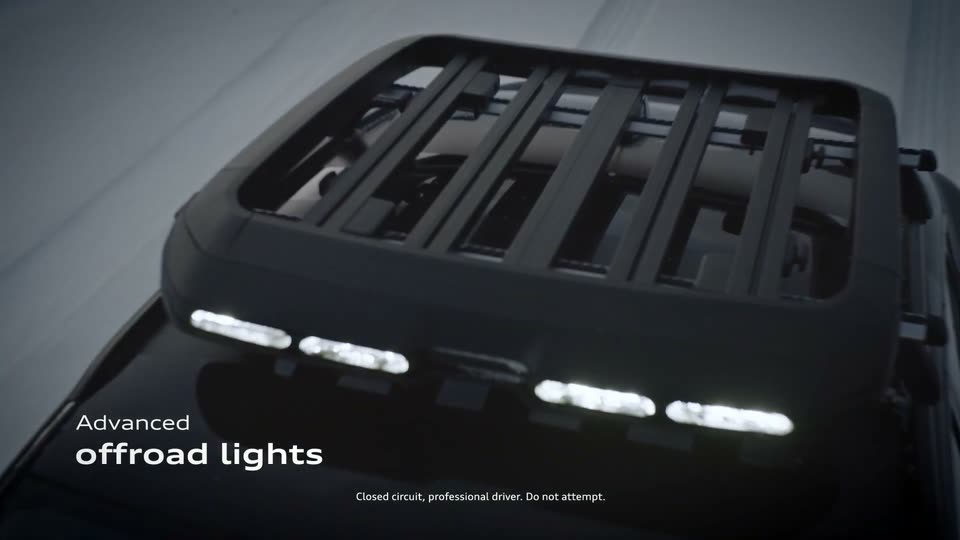 0:14–0:15Audi · Introducing the Audi Q6 e-tron offroad conceptHigh-angle tracking shot of a black car roof rack with glowing white LED light bars as the car drives across a snow-covered track. The rack fills the frame against a blurred icy background.
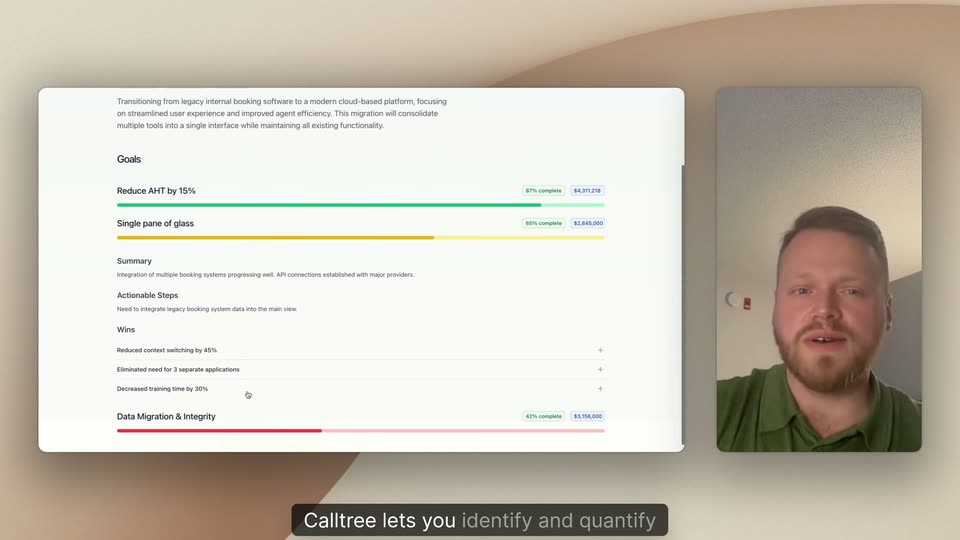 0:59–1:22Calltree · Calltree IntroductionA project detail page scrolls slowly down the left side, revealing goal progress bars, then Summary, Actionable Steps and Wins sections, while a man in a green shirt talks in a video tile on the right. A dark caption bar at the bottom updates with his words.
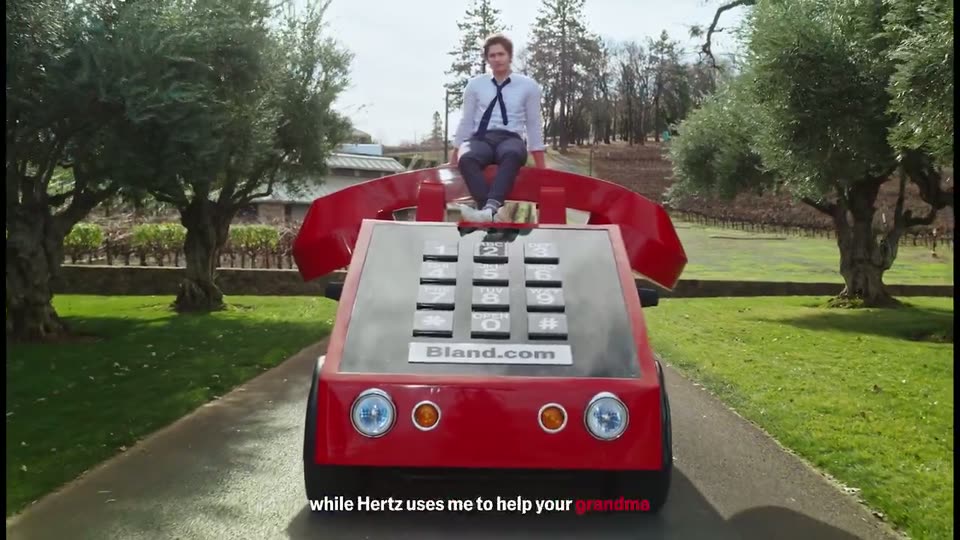 0:37–0:38Bland · Bland - Phone calls suck. So, we bought a giant telephone car, raised $65,00A man in a shirt and tie sits atop a giant red telephone-shaped car, its handset arching over him and a keypad facing the camera. The car drives forward down a paved path lined with olive trees. A bottom caption runs across the frame.
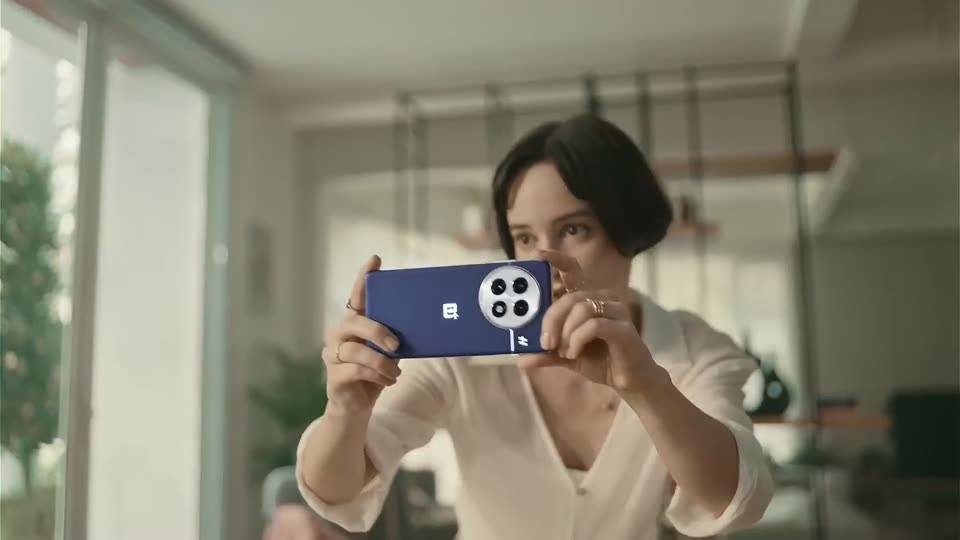 0:15–0:16OnePlus 13 · OnePlus 13 Series | Capture Moments Like Never BeforeA woman in a cream blouse holds a blue phone horizontally in a sunlit room, lifting it to show the back camera array, then steadies it toward the lens. Medium shot with a soft-focus shelving unit behind her.
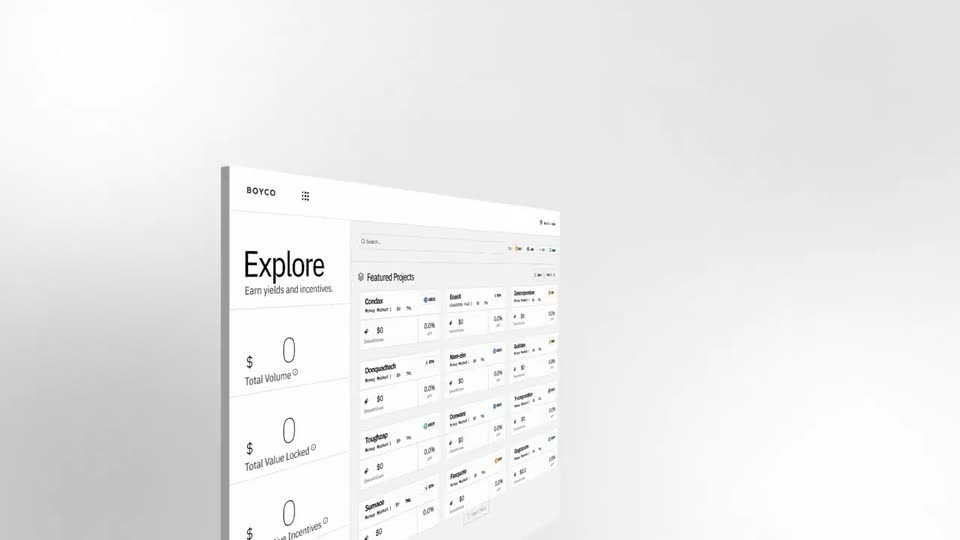 0:28–0:29Berachain · Berachain Foundation 🐻⛓ - Henlo, and furthermore, Boyco.A motion-blurred 3D space holding a cream STEP 1 card and a blue device resolves into a static angled view of the Boyco Explore dashboard, its Featured Projects table and left stat column rendered in perspective on a light gray backdrop.
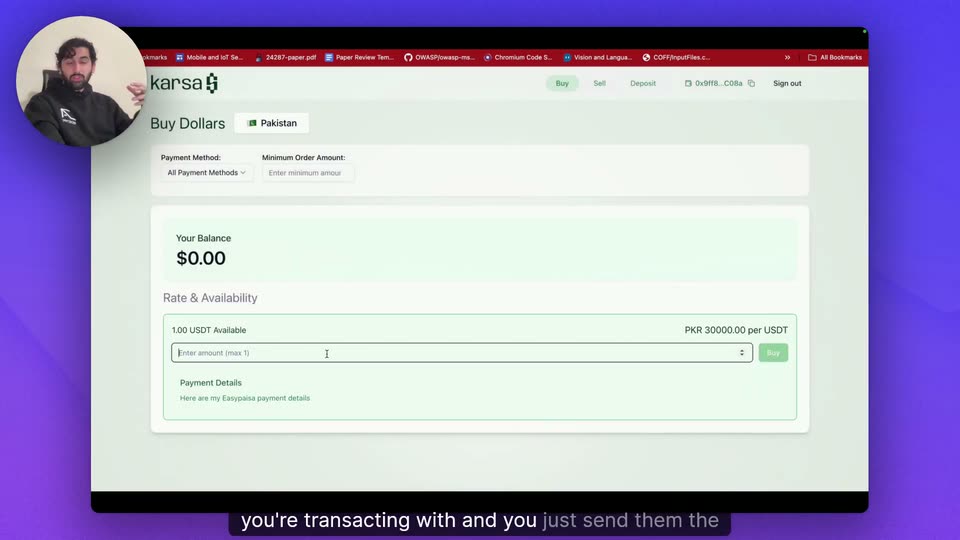 1:00–1:14Karsa · Karsa DemoA screen recording of the karsa Buy Dollars page, with a circular webcam inset of the presenter in the top-left. The cursor clicks Select Country, picks Pakistan from a modal grid, then types 1 into the amount field beside a green Buy button.
 0:18–0:19Quantstruct · Quantstruct Launch VideoA near-black product screen holds a locked-off frame while a white arrow cursor drifts slowly near the center. A small rounded webcam inset of the presenter stays fixed in the bottom right corner.
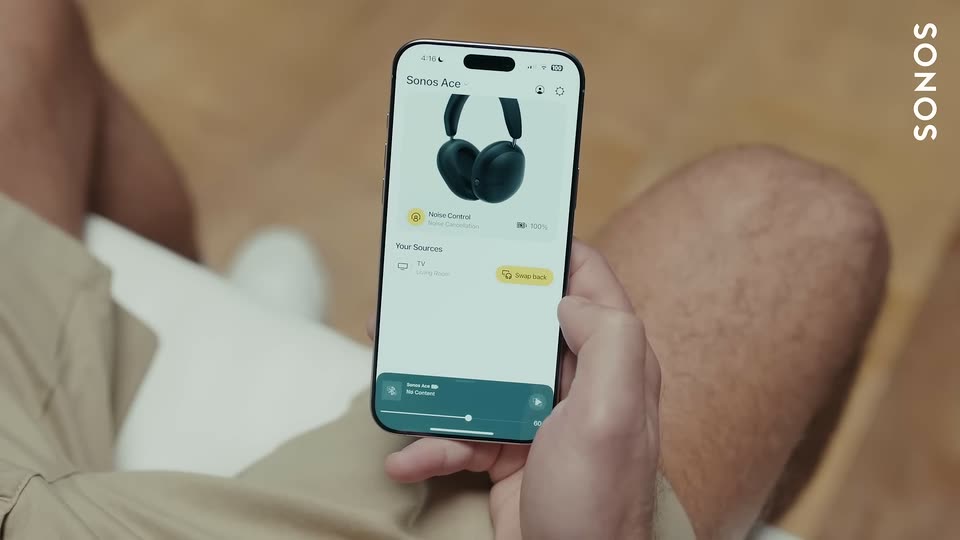 0:09–0:10Sonos · Sonos | Surround sound for oneA seated person holds an iPhone showing the Sonos app, the Sonos Ace page with a Swap button. The thumb taps Swap, the button reads Swapping then Swapped, while the TV source row updates. The vertical SONOS logo sits in the top right corner.
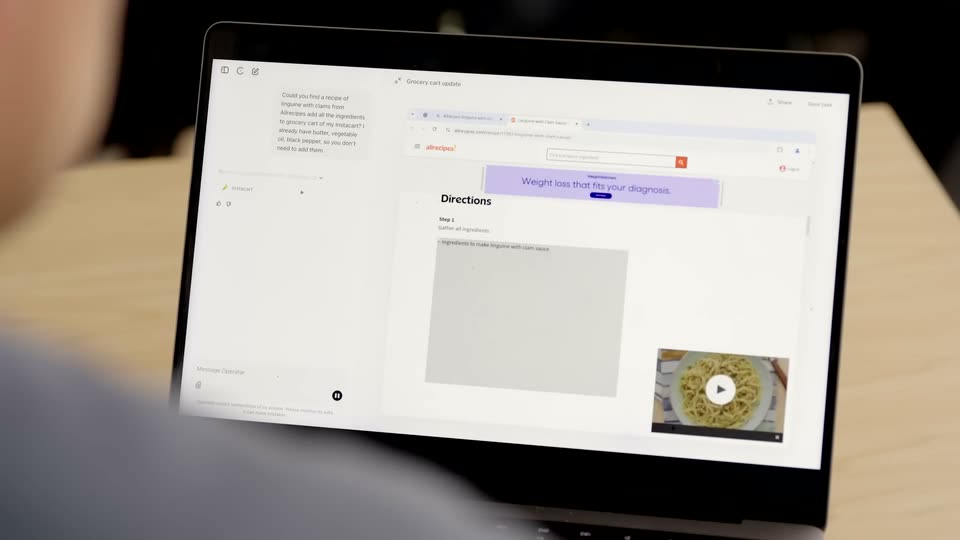 1:57–2:03OpenAI · Demonstrating OperatorOver a blurred shoulder, a laptop on a wooden desk shows the interface: a chat prompt on the left, a browser window on allrecipes.com on the right. The recipe page scrolls past an ingredients photo and video thumbnail as the left panel collapses, reframing onto the browser.