Split screen
Several distinct areas shown at the same time, side by side.
5,573 scenes · page 76 of 93
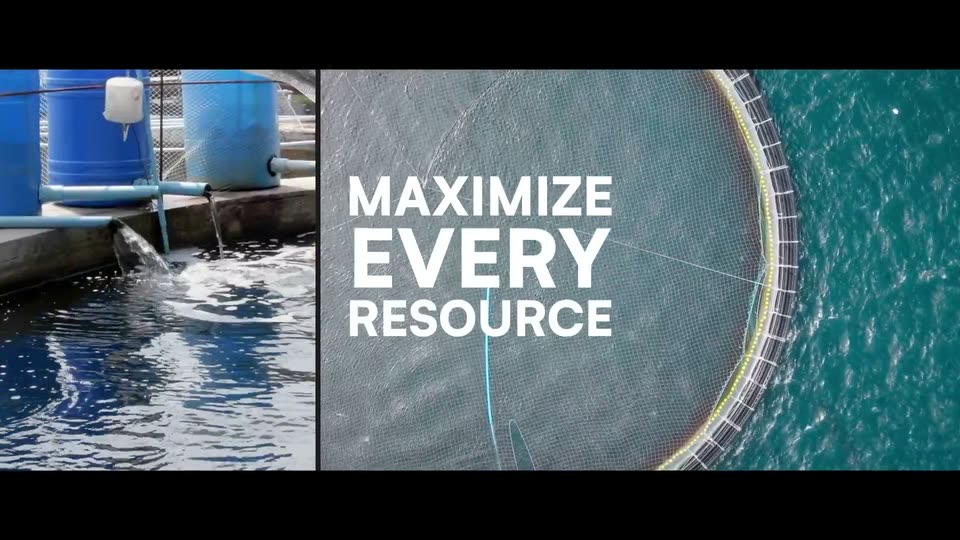 0:45–0:46OctaPulse · Y Combinator - OctaPulse (@tryoctapulse) uses robotics and computer vision to automaA vertical split divides the frame: blue barrels and a water tank on the left, an aerial view of a round net pen in teal water on the right. The white headline MAXIMIZE EVERY RESOURCE holds over the right panel, static.
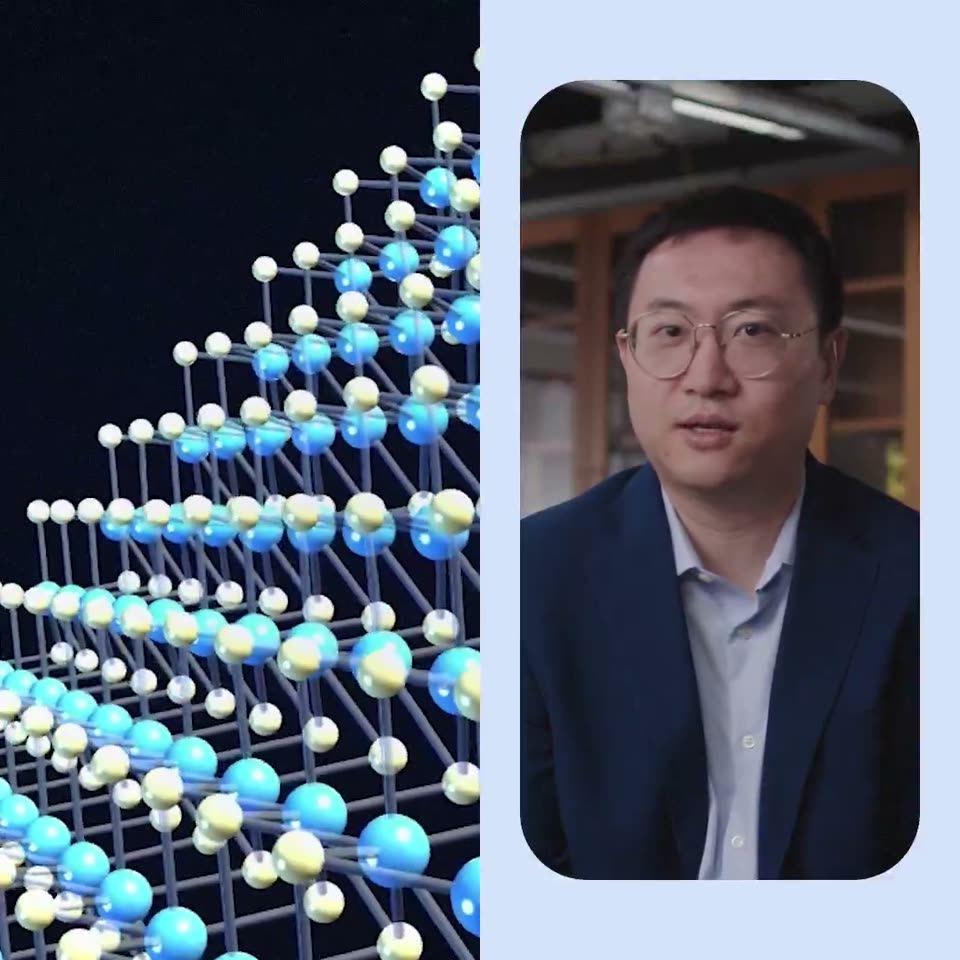 0:39–0:41Google · Google DeepMind - We’ve upgraded our specialized reasoning mode Gemini 3 Deep Think toSplit layout on a lavender background: a 3D atomic lattice of blue and white spheres rotates slowly on the left, while a man in a dark blazer and round glasses speaks inside a rounded card on the right.
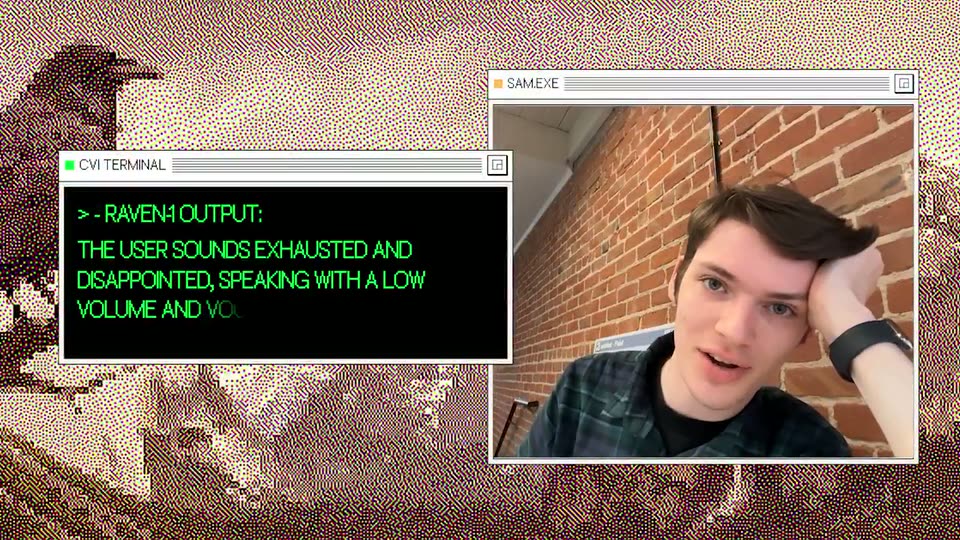 1:06–1:09Tavus · Tavus - Most conversational AI understands words, not people. Introducing RaOver a grainy dithered background, two OS-style windows sit side by side. The left CVI terminal types out a green monospace line about the user's vocal fatigue, while the right SAMEXE window plays a clip of a young man leaning his head on his hand against a brick wall.
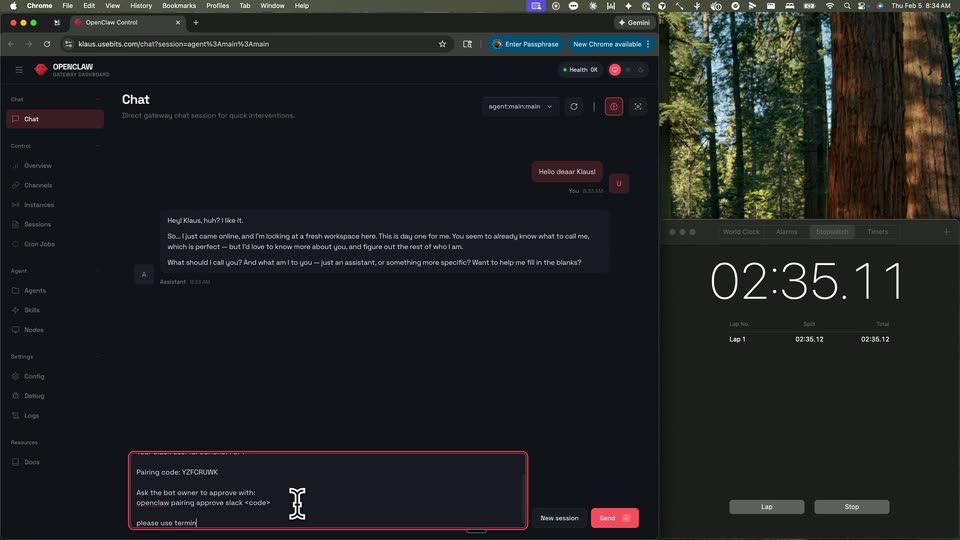 0:36–0:40usebits_inc · Y Combinator - OpenClaw is a new viral and scarily effective virtual assistant. ButA locked-off split screen shows a dark chat interface on the left and a stopwatch over a forest photo on the right. In the chat, a red-outlined input box fills line by line with a pairing code while a cursor sits inside it, and the stopwatch counts up.
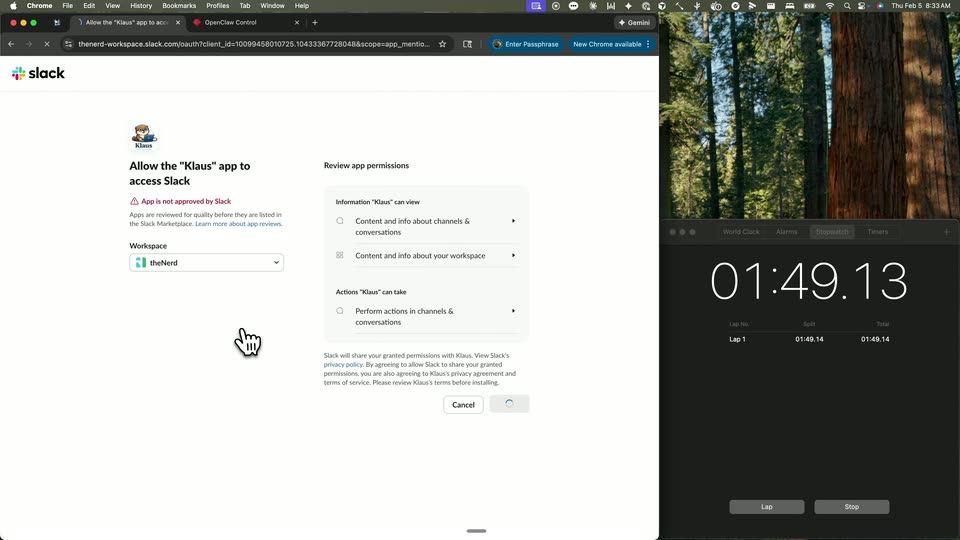 0:32–0:33Klaus AI · Klaus launchA screen recording shows a Slack permission page in a browser on the left and a stopwatches app counting up on the right. A hand cursor clicks the green Allow button, then the page switches to a success message confirming the Klaus app is installed.
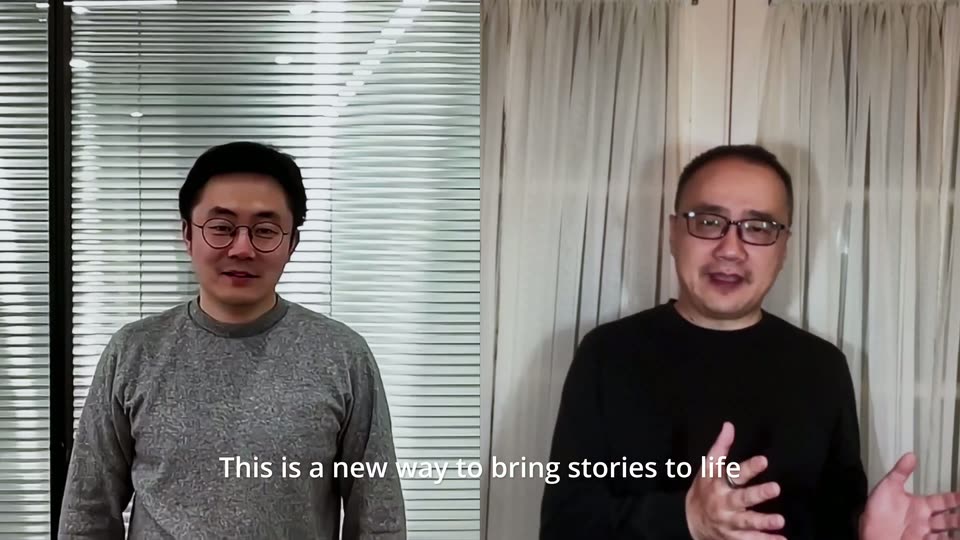 2:02–2:08AniStudio · Anijam AI - We weren't planning to launch today, but @Adobe just gave up Animate.A split screen shows two men speaking to camera: left in a gray sweater before horizontal blinds, right in a black shirt before a white curtain, gesturing with both hands. White subtitles sit at the bottom center, swapping lines.
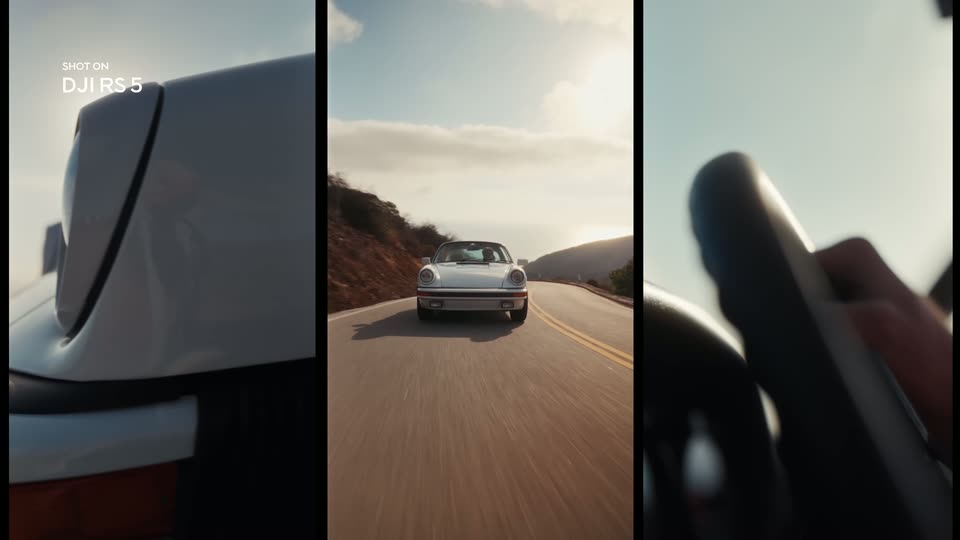 1:37–1:39DJI · Introducing DJI RS 5: Lightweight Commercial Stabilizer | Built to Lead the SceneA three-panel split screen shows a white classic car driving toward camera on a coastal road, flanked by a close-up of its side mirror and an interior shot of a hand on the steering wheel. Sunlight flares across the left panel. A small credit sits top-left.
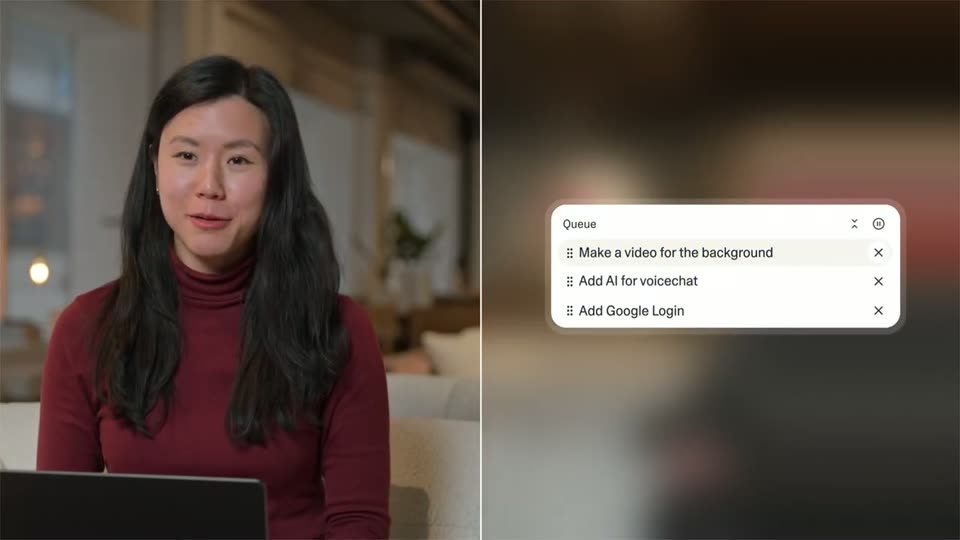 1:03–1:08Lovable · Lovable - Introducing a smarter Lovable that is 71% better at solving complex tSplit screen. Left, a woman in a red turtleneck talks at a laptop. Right, a white Queue card floats over a blurred background and stacks a new list row at the top with each feature she names.
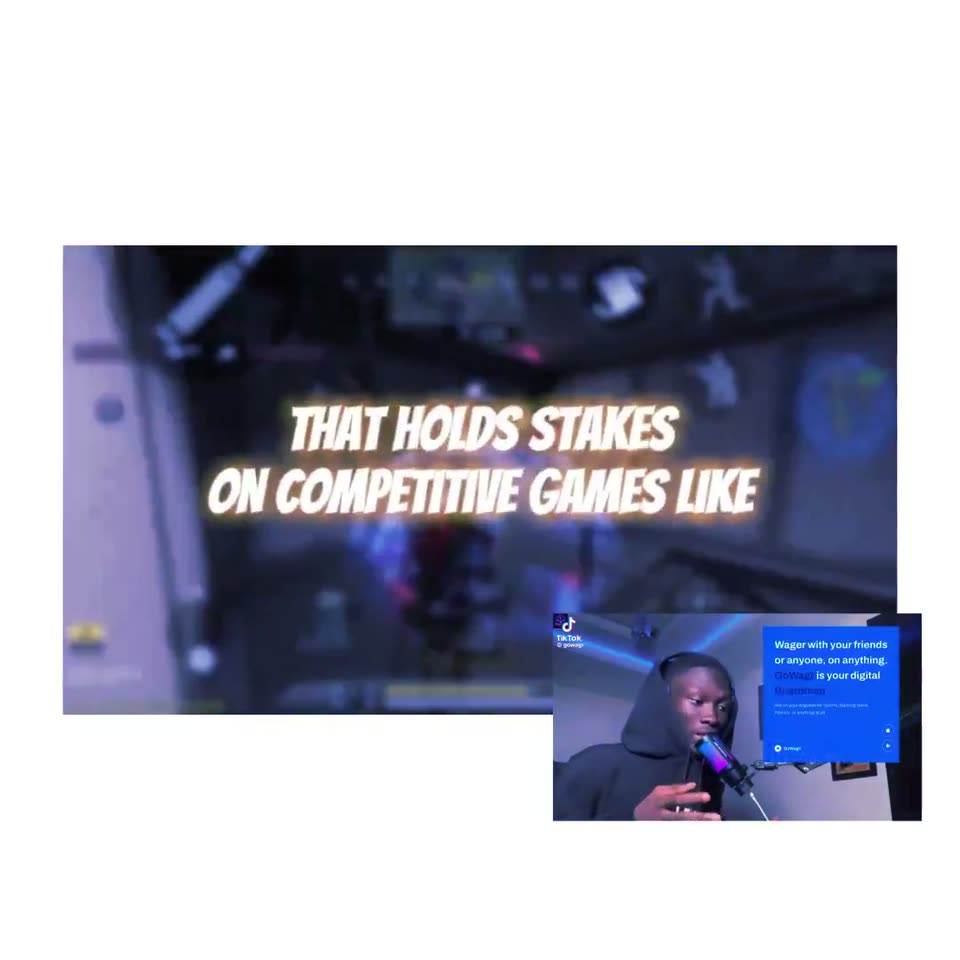 0:55 · 0.6sBayse · Bayse Markets - What started as a simple wager app grew into something bigger. GowaA blurred fighting-game screen fills the upper-left while a small webcam of a hooded streamer gesturing sits in the bottom-right corner. A glowing italic caption over the game scales up as a blue app card slides in across the webcam.
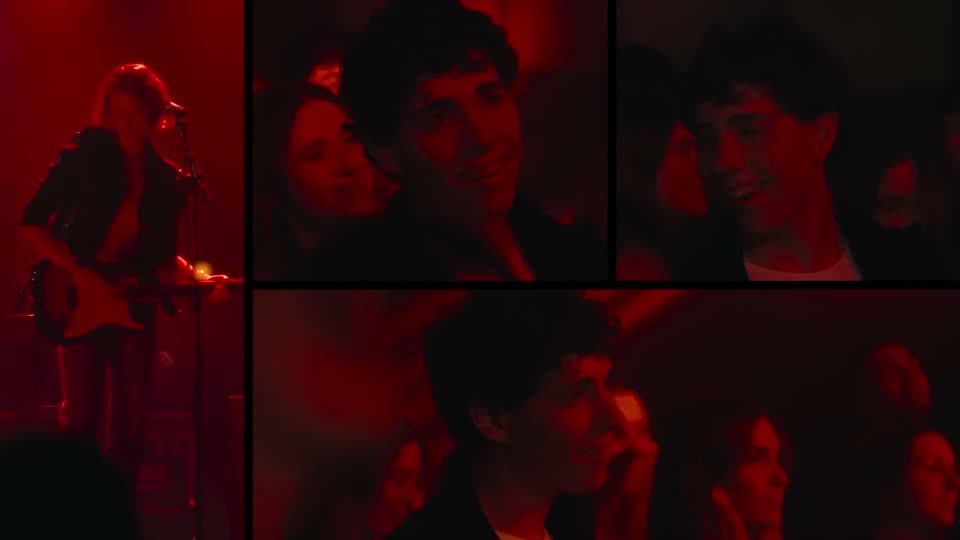 0:27–0:29Superprof · Des professeurs pour toute la vie !A four-panel grid shows a guitarist under red stage light at left while a young man in the audience appears across three panels, smiling and turning his head as the crowd sways.
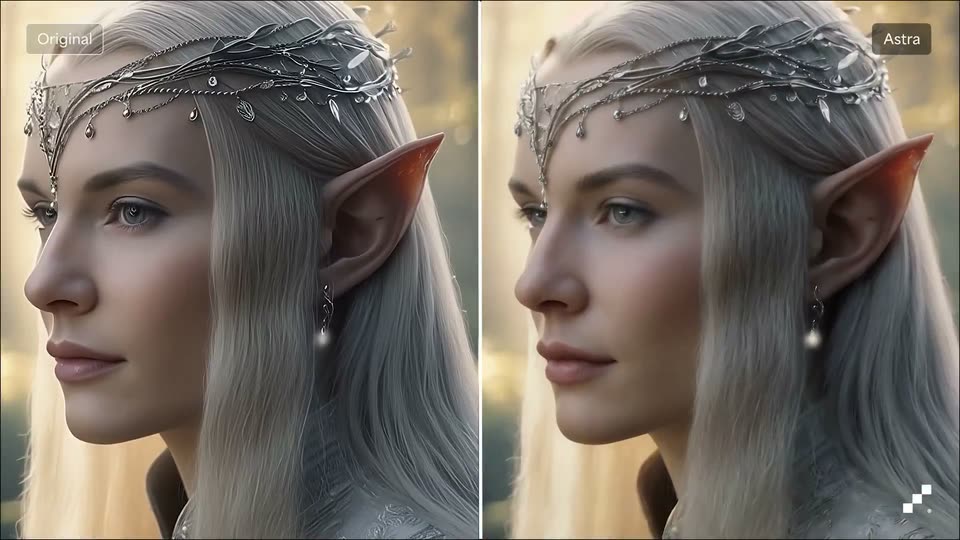 0:18–0:21Topaz Labs · Topaz Labs - 📢 Big release! Introducing Starlight Precise 2, a new video enhancemA vertical split screen compares two 3D renders of a silver-haired elf woman in profile, each wearing an ornate silver headpiece. The left panel is tagged Original, the right Astra. Both figures hold a near-still pose with faint idle motion in the hair and a slow blink.
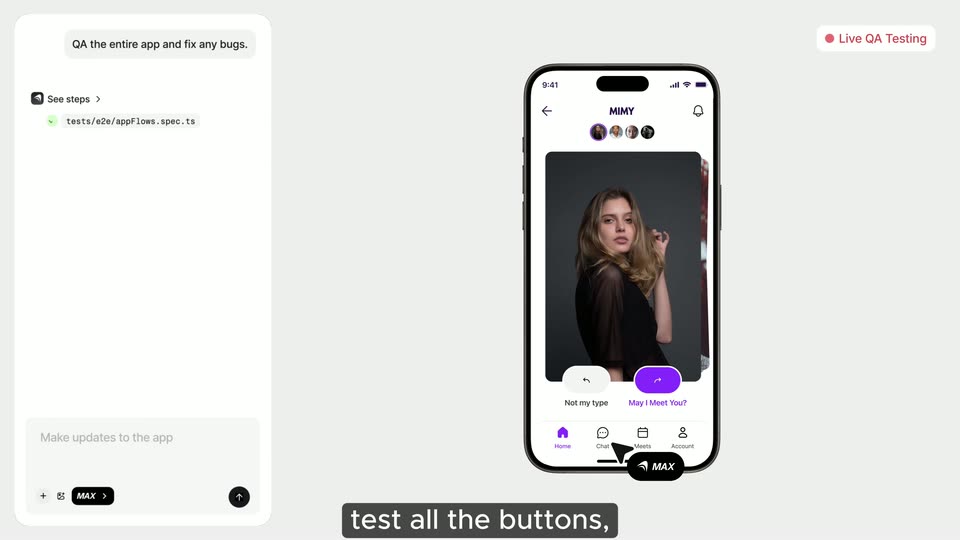 0:53–0:54Anything · Anything - Introducing Anything Max: Vibe Coding that's leaps above Lovable andA white chat card sits left of a tilted 3D phone mockup showing a dating app profile. A cursor labeled MAX taps the phone's bottom bar as the caption “test all the buttons,” appears below.
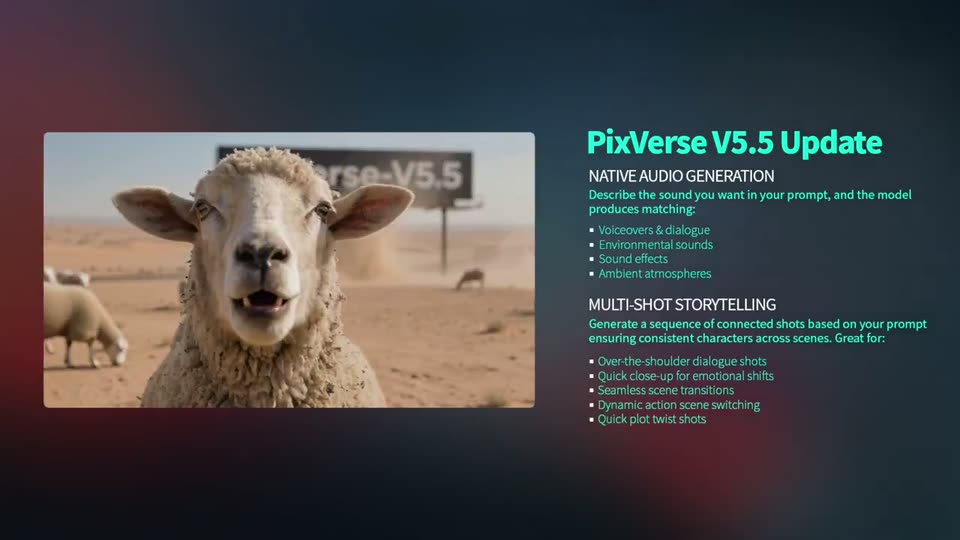 1:15 · 0.6sPixVerse · PixVerse - Infinite Voices. Infinite Shots. Your call. PixVerse V5.5 is LIVE. OnA split slide on a dark gradient background: a rounded video inset on the left plays a talking sheep in a desert, while a static feature list with a teal headline sits on the right.
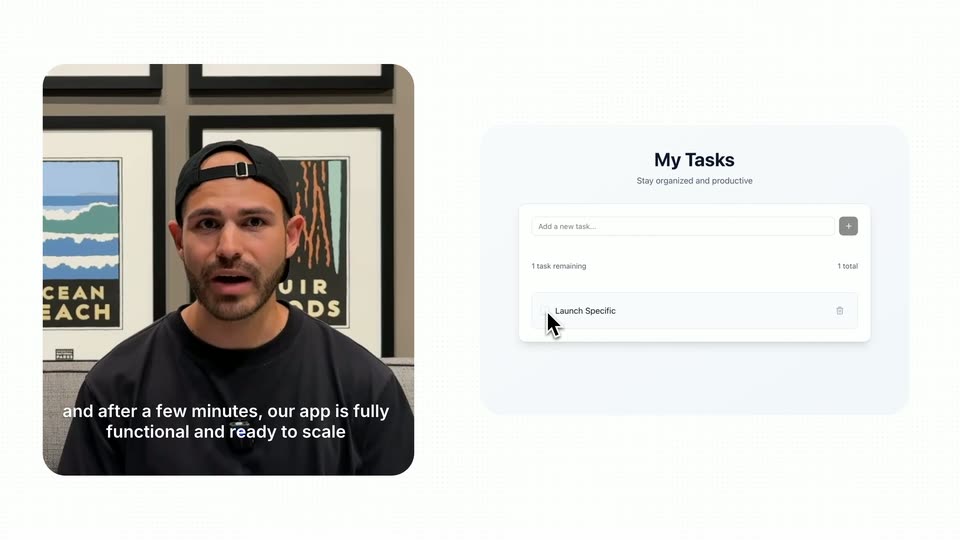 1:13–1:19Specific · Introducing SpecificSplit screen: a man in a black cap talks to camera on the left; on the right, a white task card where a cursor types a task, adds it, then checks it off. The UI panel slides out and the speaker frame widens at the end.
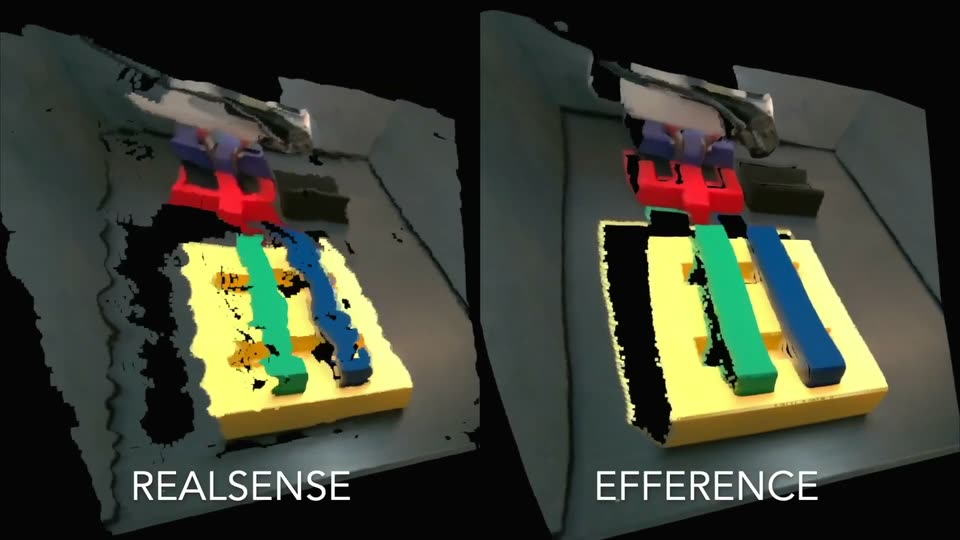 1:12–1:16Efference · Efference (YC F25) - Helping Robots See Like Humans doA split screen shows two 3D point-cloud reconstructions of a tray holding colored blocks; the left, labeled REALSENSE, is noisier than the right, labeled EFFERENCE. A top caption cycles through lines about LiDAR and self-driving cars.
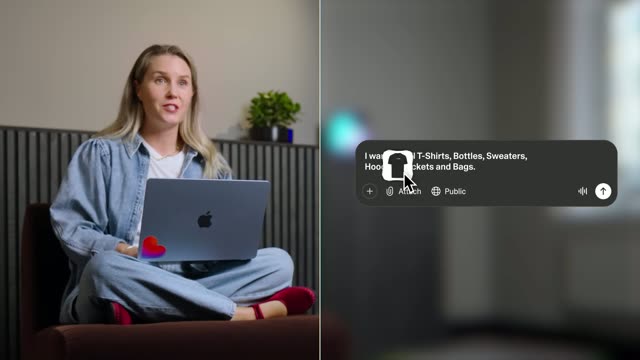 0:36–0:39Lovable · Introducing our Shopify IntegrationSplit screen: at left a blonde woman in denim sits cross-legged on a couch with a laptop, talking and gesturing. At right a dark composer types a prompt to sell apparel, then six product thumbnails drop in above it as a cursor clicks.
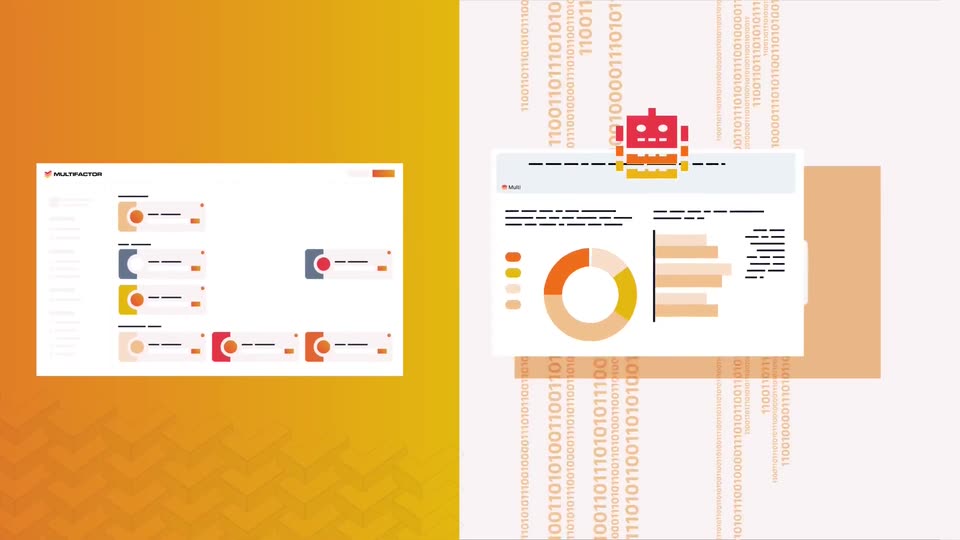 0:20–0:21Multifactor · Multifactor: Share Online Accounts with Humans & AI Agents (0:59)Split screen shows two flat product mockups: a dashboard with donut and bar charts under a pixel robot on a light panel, and a chat thread on an orange panel. Vertical binary code fills the background. The panels reorganize mid-scene.
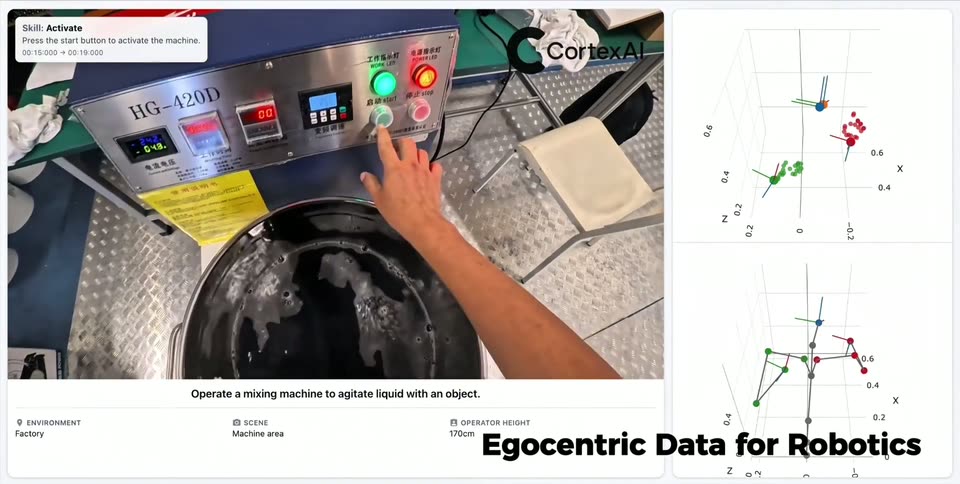 0:17–0:19Cortex AI · Cortex AI — Large-scale real-world robot & egocentric data for embodied AIA split layout pairs an egocentric clip of a hand pressing a start button on a factory machine, above a bowl of dark liquid, with two 3D scatter plots on the right. The frame holds steady while the hand completes the press.
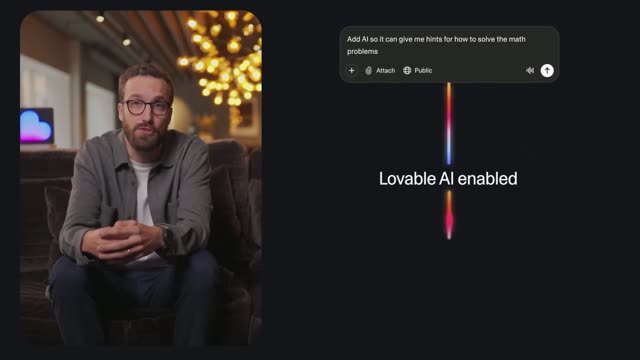 1:10–1:13Lovable · Introducing Lovable Cloud & AISplit screen: a man in a gray shirt talks to camera on the left while a dark panel on the right holds a prompt box above a gradient beam. The caption 'Lovable AI enabled' fades in, then a math card with '10 + 36 = ?' appears below.
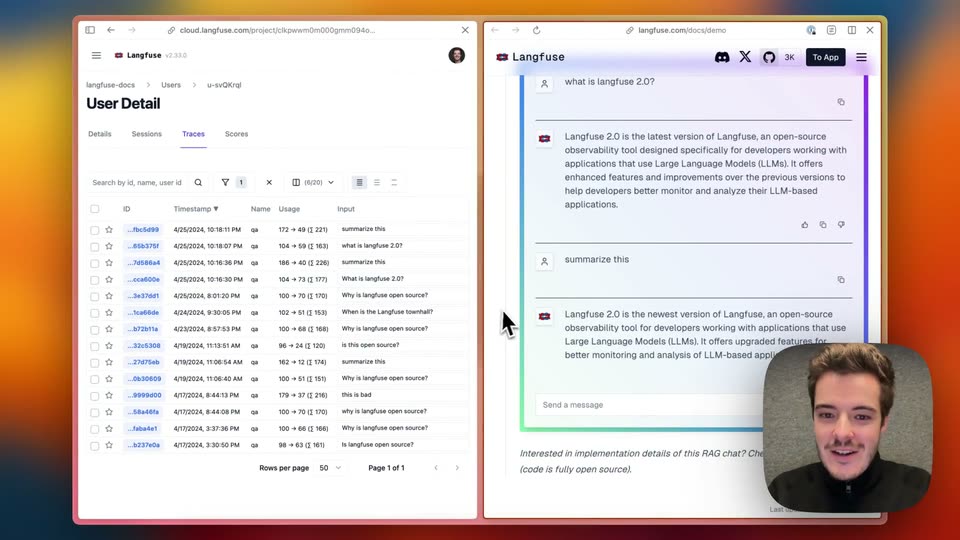 1:57–1:59Langfuse · Introducing Langfuse 2.0Two browser windows sit side by side on a warm gradient background: the left shows a Langfuse user table, the right a docs chat answering what is langfuse 2.0. A hand cursor hovers over the left table while a small circular webcam of a man sits bottom right.
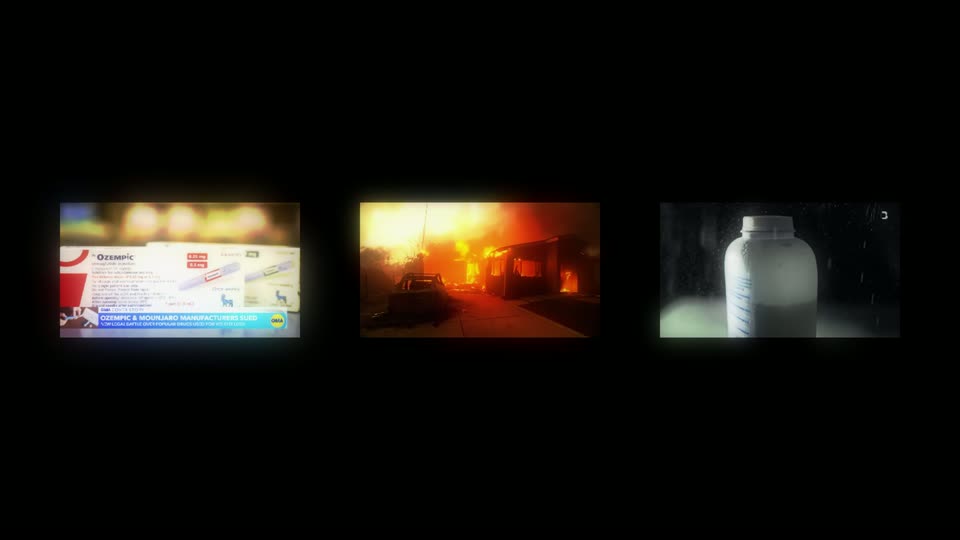 1:15–1:16Kalinda · Kalinda Launch VideoFour news clips sit in a grid on a black field: a silhouetted desert scene with a caption on top, a drug-box graphic, a burning structure, and a white bottle in the dark. The top clip fades out, leaving the bottom row.
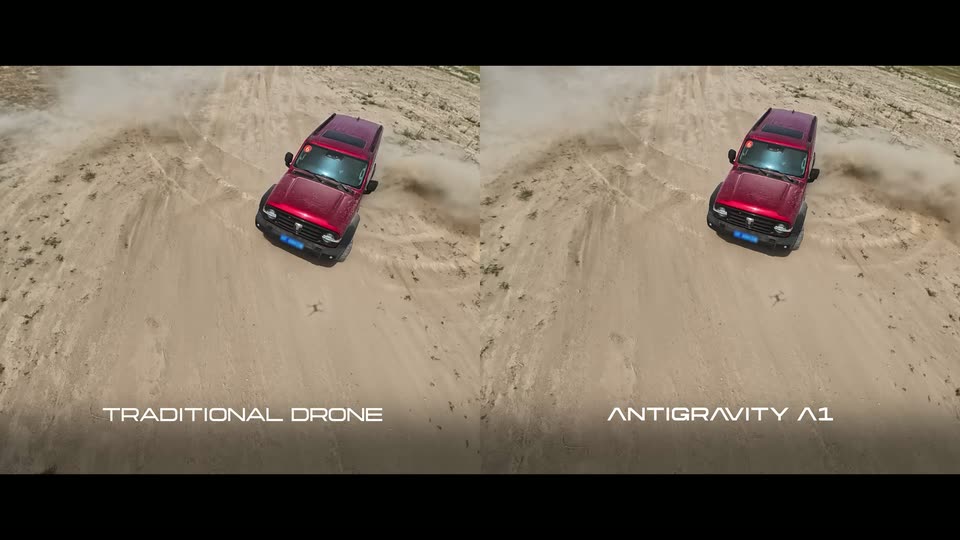 2:00–2:02Antigravity A1 · Meet Antigravity A1 — The 8K 360 DroneA red SUV drives across open sandy ground in aerial footage, shown in two side-by-side panels. The left panel is shrouded in dust while the right tracks the car more steadily, each labeled at the bottom as the vehicle approaches the camera.
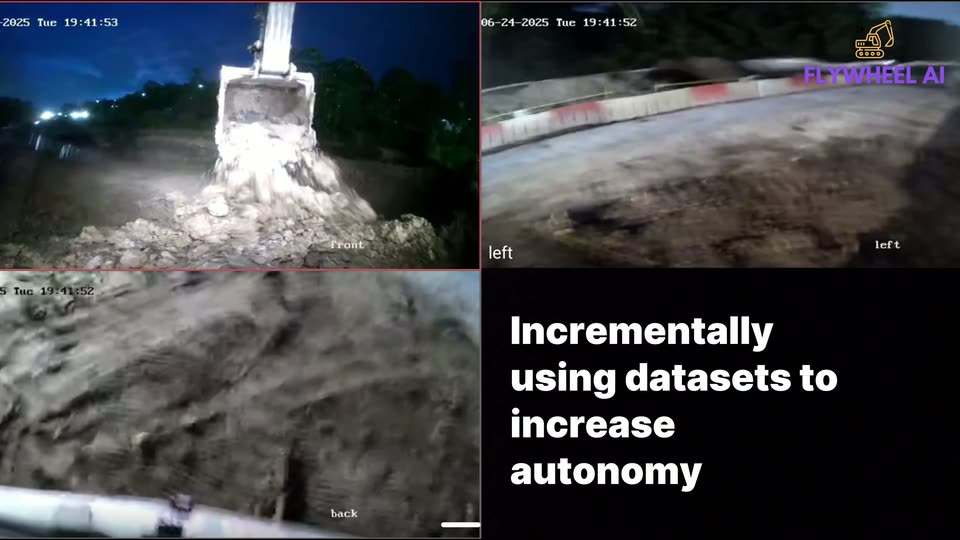 1:04–1:16Flywheel AI · Flywheel AI (YC S25) Launch VideoThree night-time excavator camera feeds fill a grid on the left, the front view outlined in red. On the right, a white bullet list fades in line by line, then swaps to a larger statement that appears line by line as the bucket scoops rocks.
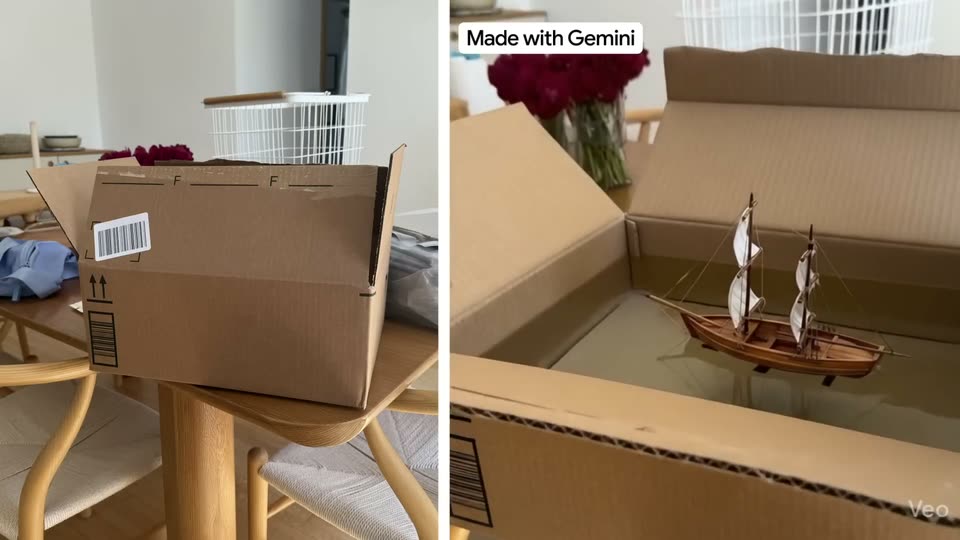 0:06 · 0.8sGoogle · Turn your photos into videos using Veo 3 in GeminiA split screen compares two states of a cardboard box on a wooden table. The left panel holds it closed in a bright room; the right shows it opened to reveal a model sailing ship floating inside. A white Gemini badge sits top left, a Veo mark bottom right.
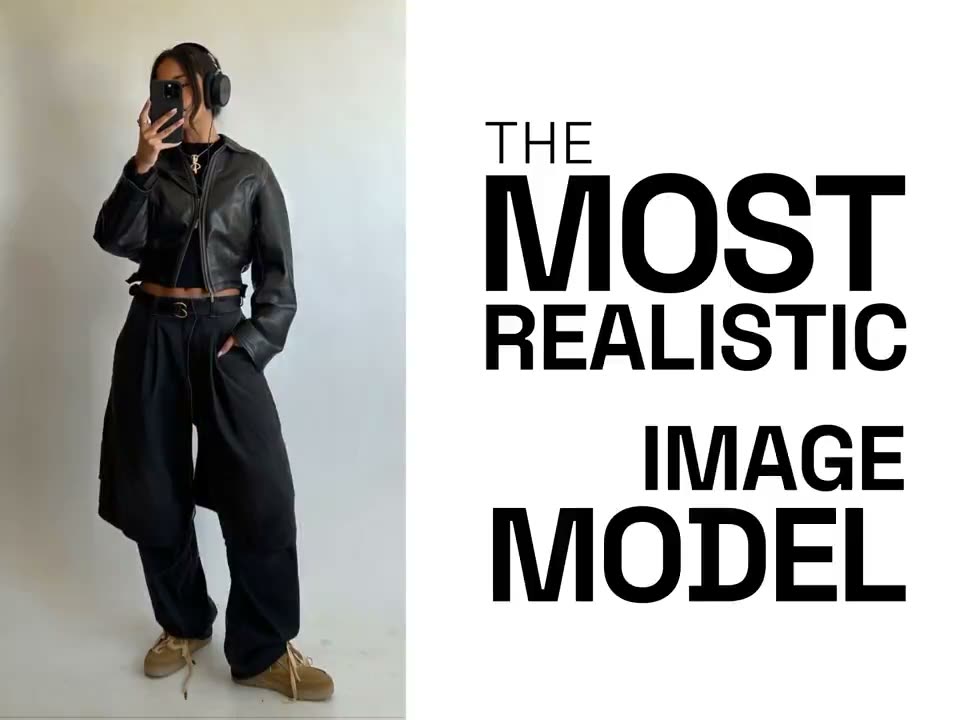 0:12–0:13Higgsfield · Higgsfield AI 🧩 - Higgsfield Soul is now FREE for everyone. Just unlocked Daily Free GA static split frame: left shows a woman in a black leather jacket, baggy black trousers and tan sneakers holding a phone to her face; right is a white panel with a stacked black headline. No motion.
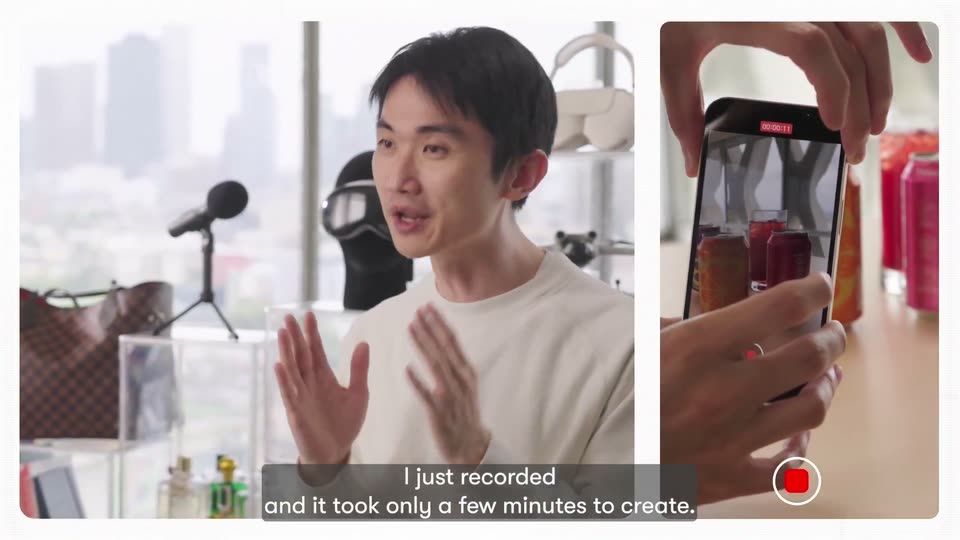 0:21–0:23HeyGen · Joshua Xu - Today we’re introducing you to the future of video. The world’s firsA man in a cream sweater talks and gestures on the left of a split screen; the right shows hands holding a phone that records cans on a table. A red record icon sits bottom right. The right panel drops away, leaving the man full frame with captions.
 0:17–0:18Legora · Legora Workflows - The orchestration layer for legal workA split screen pairs a workflow UI card on a green panel at left with a top-down view of hands playing a drum kit at right. The green panel slides out left, masking open to the full drum kit.
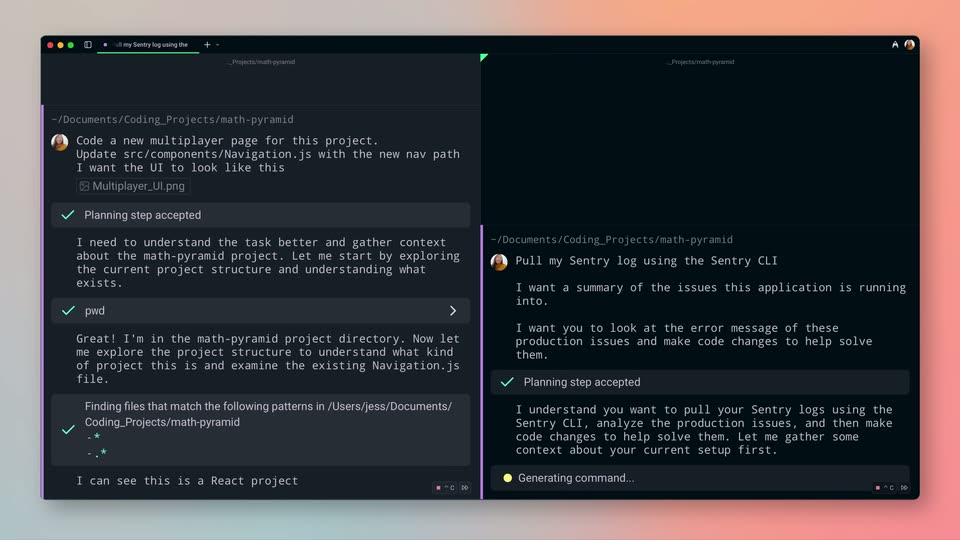 0:52–0:54Warp · Introducing Warp 2.0: The Agentic Development EnvironmentTwo terminal chat windows sit side by side on a peach-to-blue gradient. The left panel scrolls through a coding task with checkmarked steps; the right panel types a new reply and a Generating command indicator appears.
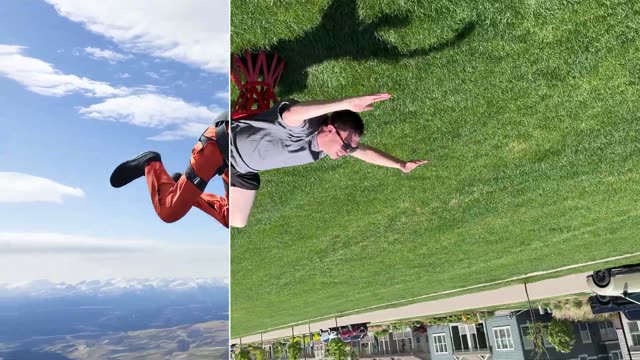 0:42–0:43Luma AI · Luma AI - Introducing Modify VideoA vertical split screen opens over an overhead shot of a man falling onto a lawn. The left half shows him skydiving in an orange jumpsuit above mountains, while the right half keeps the lawn fall, his shirt changing from gray to orange to match.
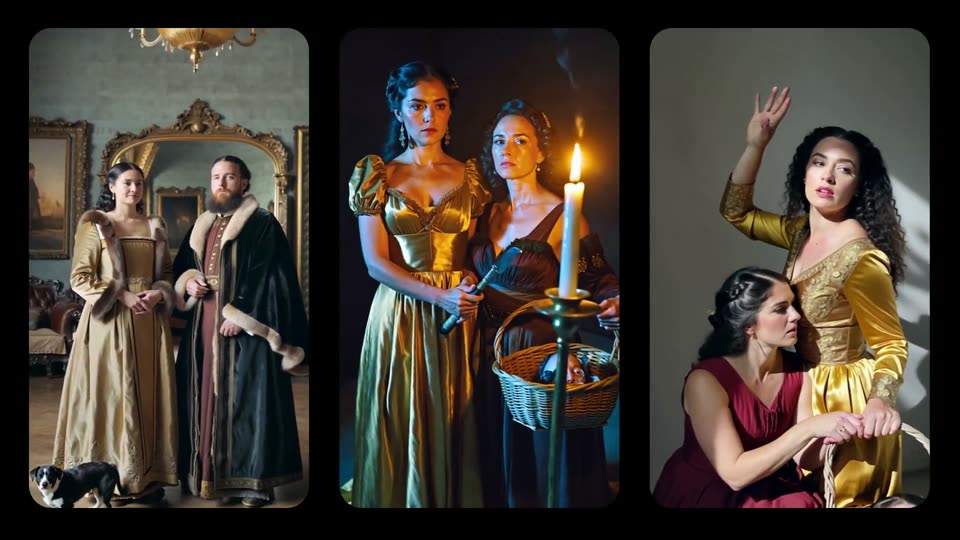 1:00–1:01Manus · Manus - Introducing Manus video generation. Manus transforms your prompts inThree vertical panels on black hold period-drama frames side by side: a couple in 18th-century dress with a dog at left, two women in gold and dark gowns holding a lit candle in a basket at center, and a woman in gold raising her arm over a crouching woman in red at right.
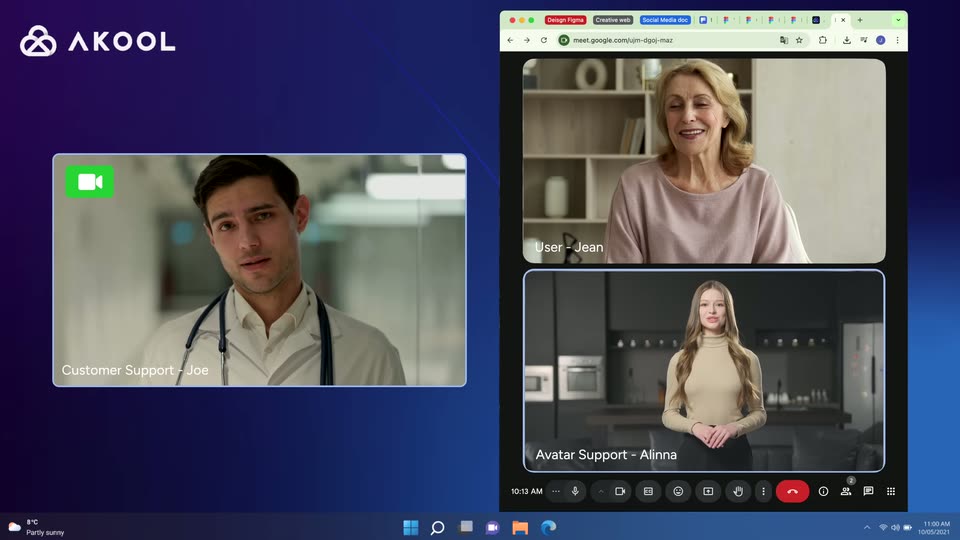 2:54–2:57Akool Inc · Introducing Akool Live Camera: Real-Time AI Video CreationA video call layout on a desktop: left, a male support agent tile on a blue gradient beside the AKOOL logo; right, a Chrome browser window showing a Google Meet call with two stacked participant tiles. The framing is static as the people speak.
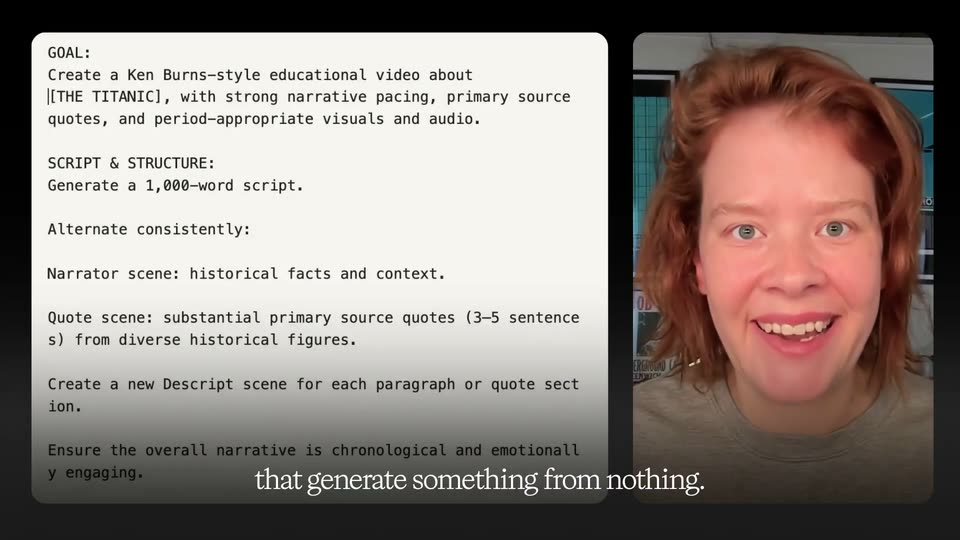 1:05–1:08Descript · Meet the Underlord: Descript's Open Beta Feature DropA red-haired woman talks to camera in a right panel beside a white card holding a long text prompt; white serif captions swap line by line at the bottom.
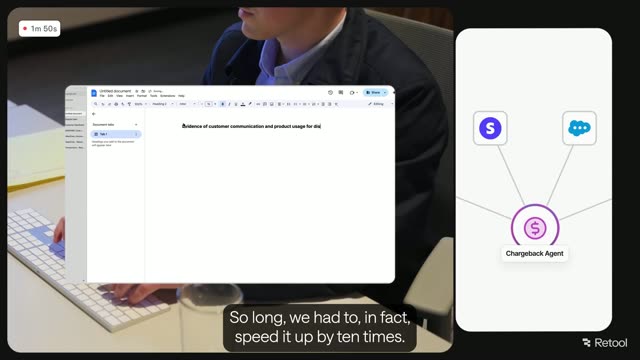 0:59–1:02Retool · Introducing Agents from RetoolSplit screen: left, a person types at a desk behind a document editor window whose text fills in fast-forward, with a timer counting up; right, a white card shows icons linking to a purple dollar node labeled Chargeback Agent, then the card widens to add more icons and a Thinking status.
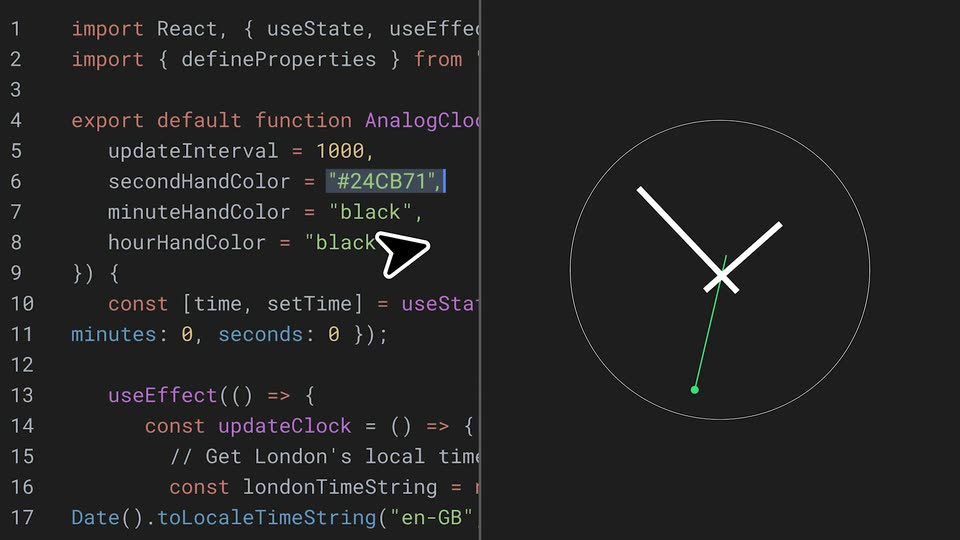 0:45–0:48Figma · Figma - Introducing Figma Sites Take your designs straight to the web. WithA split screen shows a React code editor on the left and a live analog clock on the right. A cursor edits the secondHandColor value, the second hand turns green, and a blue selection box frames the clock as the code panel zooms out.
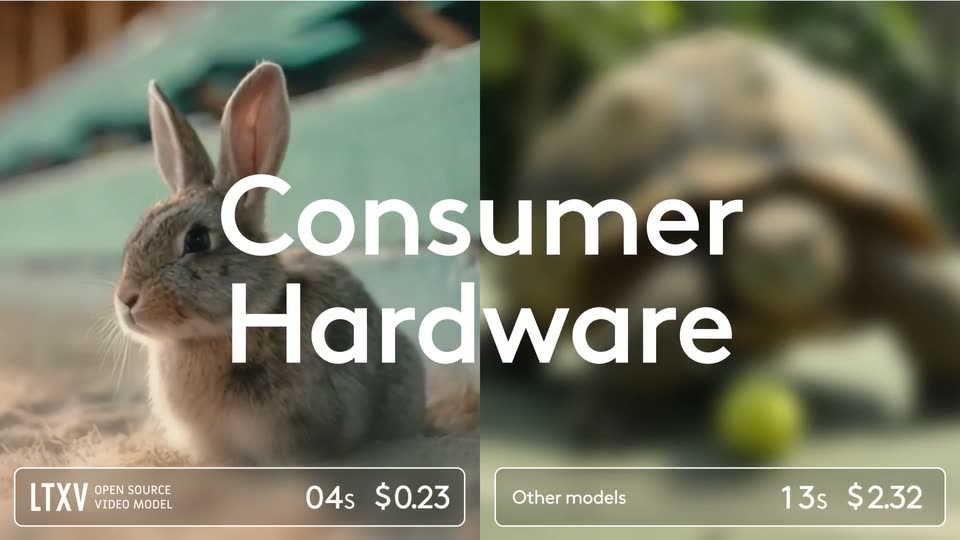 0:13–0:14Lightricks · Lightricks - We’re excited to launch our new model — LTXV-13B! 💫 LTXV-13B is ourA split screen compares two clips: a sharp rabbit on the left and a blurred turtle on the right. Large white text reads 'Consumer Hardware', then swaps to 'at a fraction of the price'. Bottom bars show rolling time and cost counters for each model.
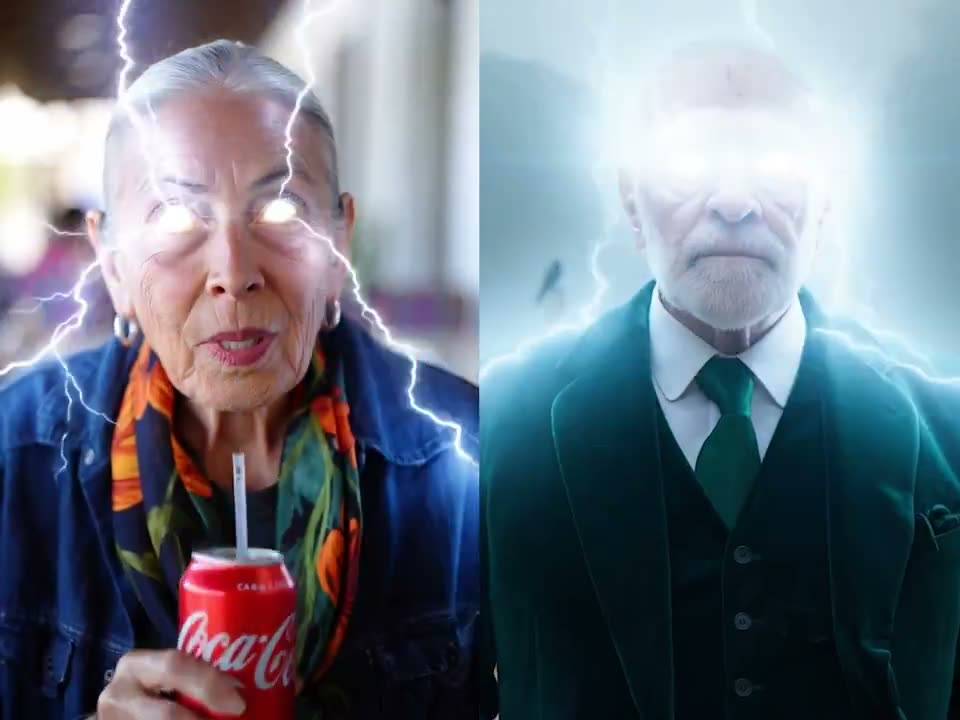 0:35–0:37Higgsfield · Higgsfield AI 🧩 - Introducing Higgsfield Effects - a cinematic pack of high-impact VFX.A split screen shows an older woman sipping from a red Coca-Cola can on the left and an older man in a green velvet suit on the right. Lightning bolts crackle around both figures as their eyes glow white, then turn gold on the woman.
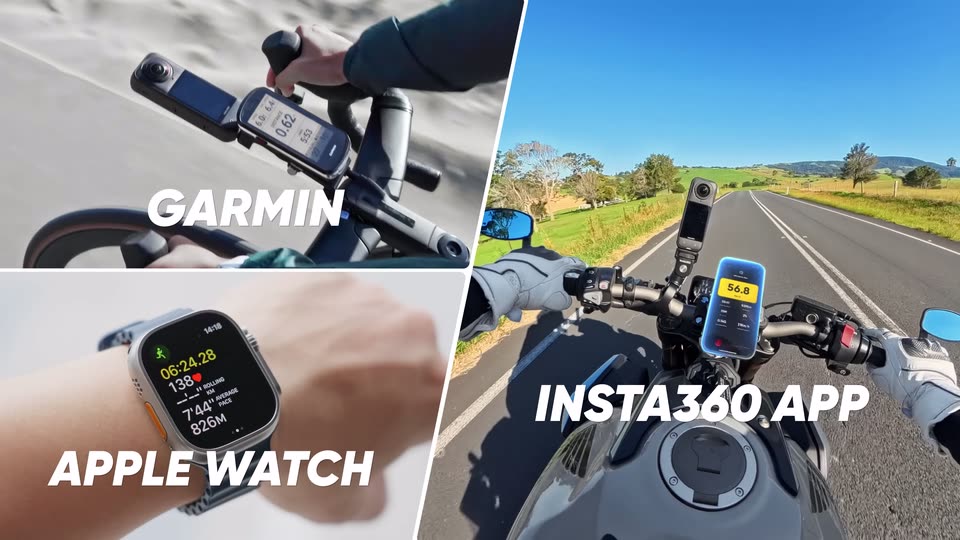 2:51 · 0.5sInsta360 · Meet Insta360 X5 - New Flagship 8K 360 Action CameraA three-panel split screen shows a cyclist's handlebars with a Garmin computer, an Apple Watch on a wrist, and a motorcycle rider's view with a phone and camera. White labels name each. The left panels slide out as the motorcycle view expands to fill the frame.
 0:51–0:52Supabase · Announcing the Supabase UI LibraryA bearded presenter in a black Supabase t-shirt gestures beside a vertical green light bar, while a dark browser window on the left shows a file upload box that resolves into a success toast after the cursor clicks the button.
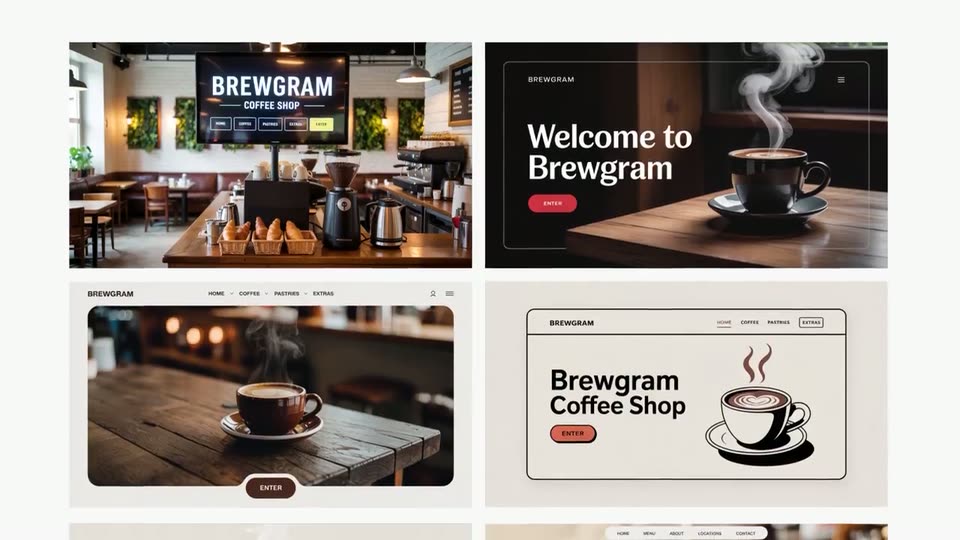 1:14–1:16Ideogram · Ideogram - Meet Ideogram 3.0 — stunning realism, creative designs, and consistenA 2x2 grid of Brewgram coffee shop website mockups fills the frame, each panel showing a different layout: a shop interior with a menu screen, a dark hero with a steaming cup, a light photo with an Enter button, and a hand-drawn browser frame. The grid scrolls slowly upward.
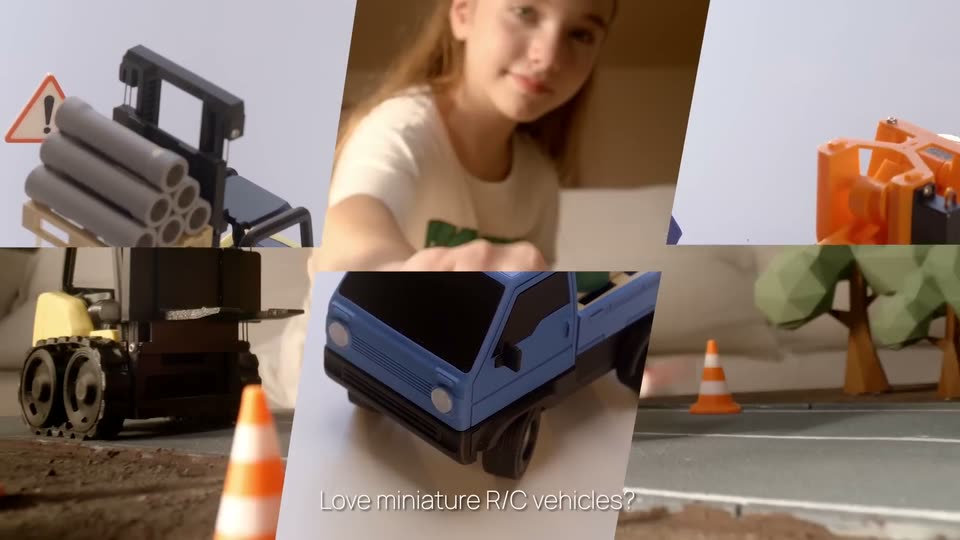 0:39–0:40Bambu Lab · CyberBrick: Build smarter. Code freer. Share globally.Three diagonal panels frame a forklift, a blue truck and an orange excavator on a white set. The center panel wipes to a girl's face while the side panels re-angle, and the bottom caption swaps.
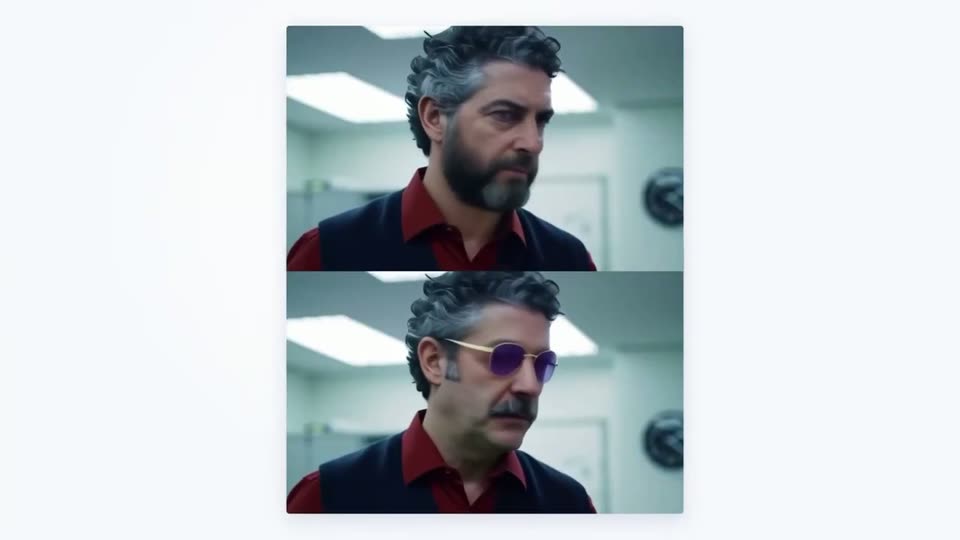 0:30–0:31Lightricks · Lightricks - 🚀 LTXV 0.9.5 is here! Our latest AI video model brings: ✅ CommercialTwo stacked video panels show the same bearded man in a bright office. The top clip keeps his full beard, the bottom clip swaps it for a mustache and purple aviator sunglasses, staging a video-to-video transformation.
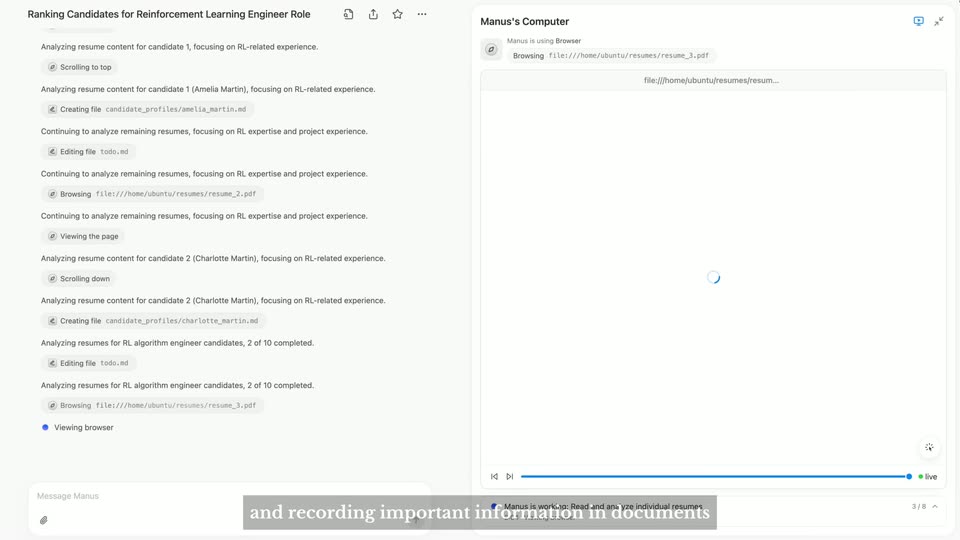 0:50–0:51Manus · Introducing Manus: The General AI AgentSplit view of the Manus interface: the left task log scrolls through resume-analysis steps and settles on a Thinking line, while the right file editor holds the charlotte_martin.md document. A gray caption bar at the bottom reads and recording important information in documents.
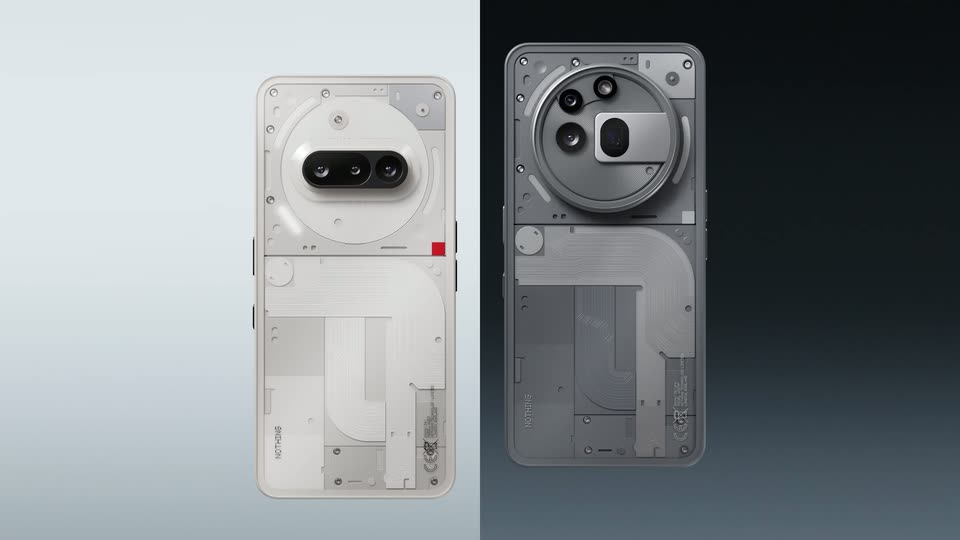 1:41–1:44Nothing · Phone (3a) Series: Power in PerspectiveTwo transparent-backed phones float side by side, the left on a pale gradient and the right on a dark one, each exposing circuitry and a round camera module. The locked-off frame holds a slow vertical drift of the devices.
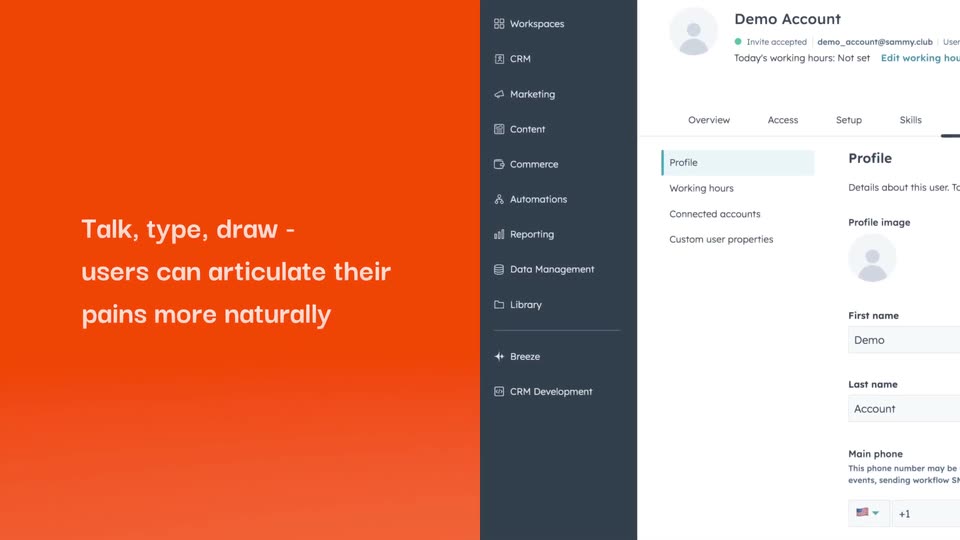 1:26–1:28SAMMY Labs · SAMMY Labs - Product TourAn orange panel with a white caption holds the left half; the right half shows a HubSpot account screen. The dark sidebar menu and the white profile panel scroll up a few lines while the caption stays fixed.
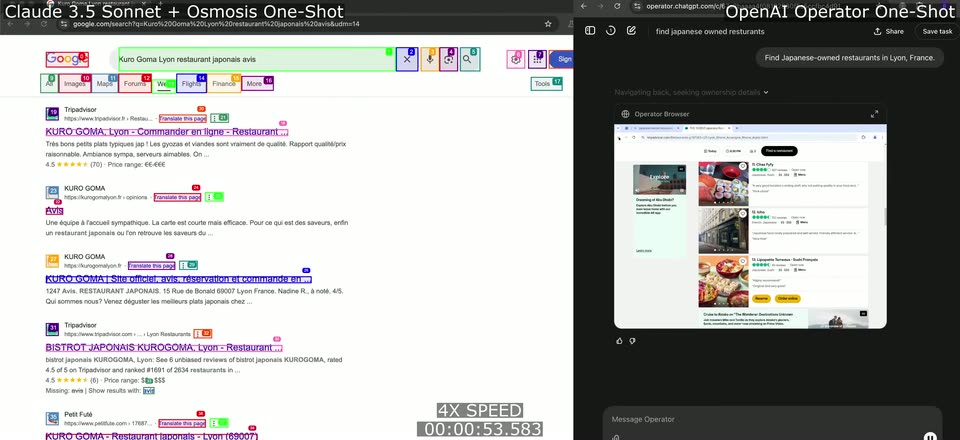 0:11–0:14Osmosis · Osmosis Demo (Head-to-Head with OpenAI Operator)Split screen compares two browser agents. Left, a Google results page for a Lyon restaurant shows numbered shortcut boxes over the search bar and tabs. Right, the Operator Browser chat displays a nested booking page. A 4X speed timer counts up at the bottom.
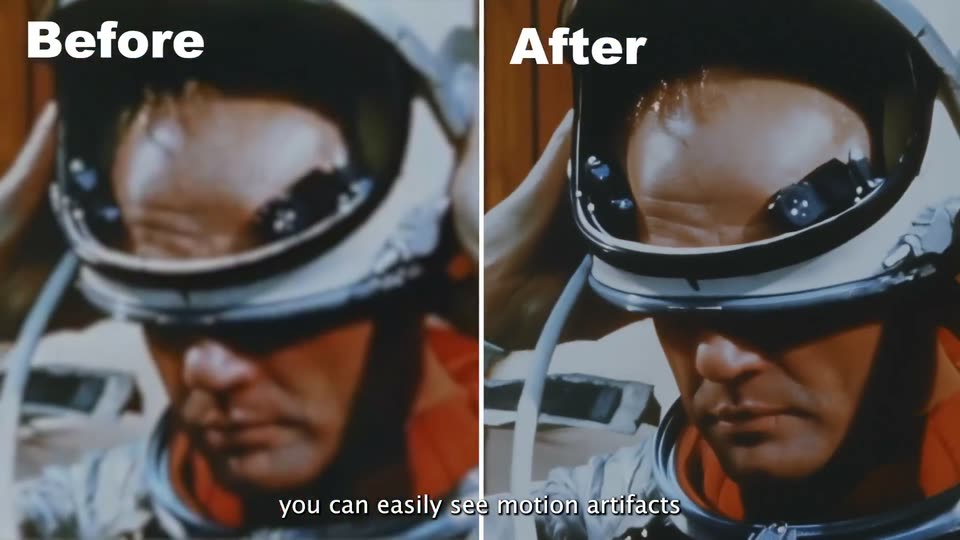 0:15–0:16Topaz Labs · Topaz Labs - 🚀Big news! We’re launching Project Starlight: the first-ever diffusioA vertical divider splits the frame into a soft, blurry 'Before' on the left and a sharper 'After' on the right, both showing a man in a white astronaut helmet and orange suit. His head shifts slightly. White captions run along the bottom edge.
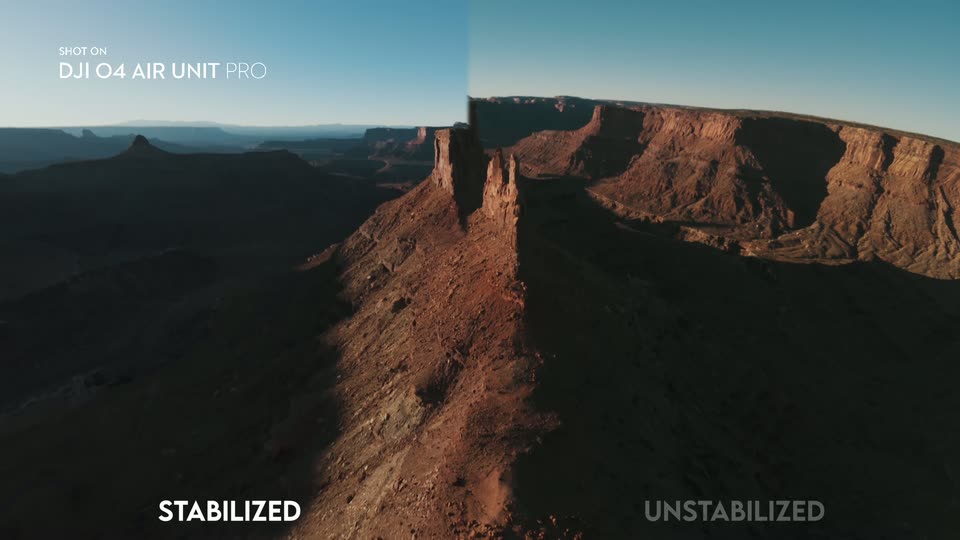 1:19–1:21DJI · Meet The DJI O4 Air Unit SeriesAerial desert canyon footage split down the middle: the left half holds a steady horizon labeled STABILIZED, the right half shows a wavering, distorted horizon labeled UNSTABILIZED. A thin vertical divider keeps the two views side by side as the drone glides over the rim.
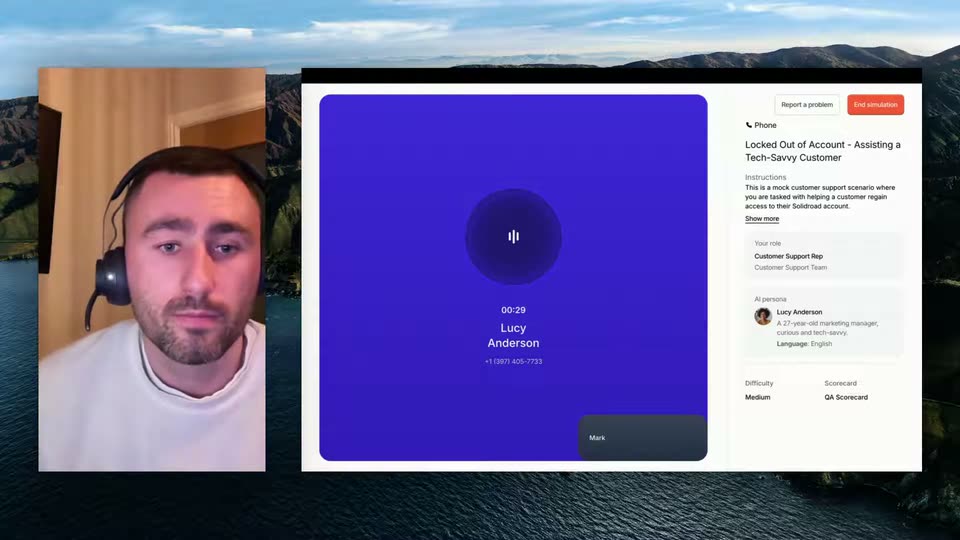 0:54–0:56Solidroad · Solidroad YC Launch DemoA man in a headset sits left of a product screen showing an active call to Lucy Anderson. The blue call panel fades to dark gray as the timer counts up, and the Mark button turns blue. A mountain lake backdrop sits behind both panels.
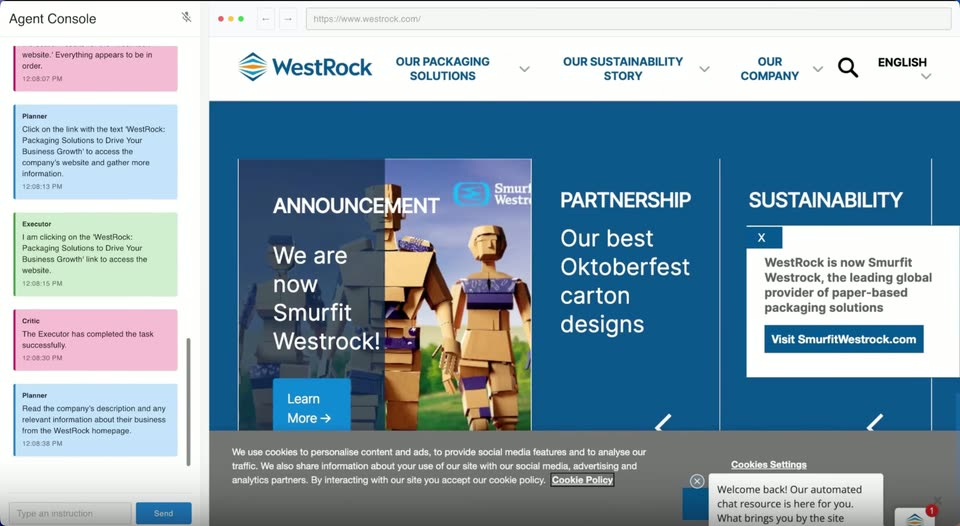 1:02–1:25Kura AI · Kura CRM demoA split view shows the Agent Console chat on the left and a browser with the WestRock homepage on the right. Colored task cards scroll down the console as new agent messages arrive, then the camera zooms into the page's partnership and sustainability panels.
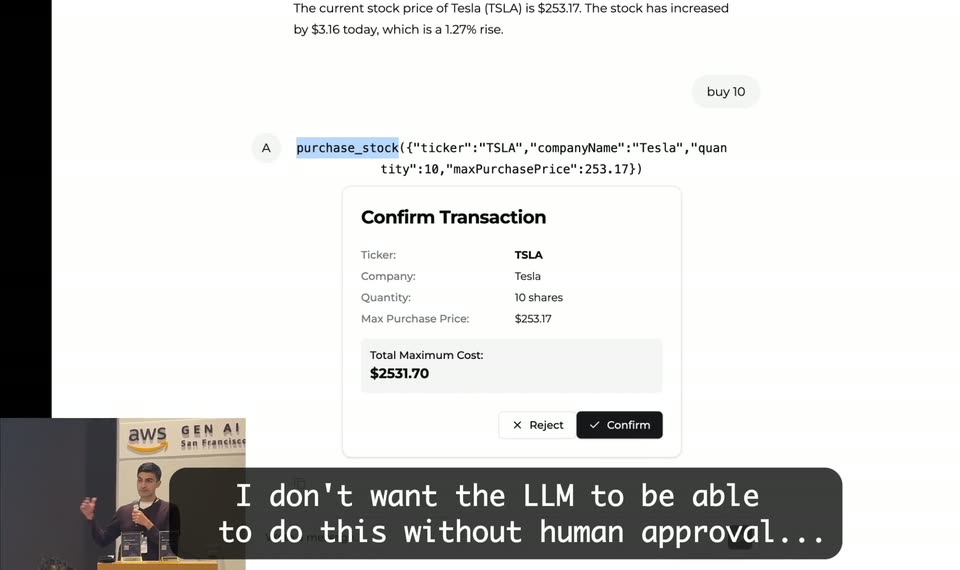 1:56–2:00assistant-ui · assistant-ui | AWS GenAI Loft DemoA product chat screen shows a stock purchase confirmation card listing 10 TSLA shares at $253.17 each, while a small video of a speaker at an AWS stage plays in the bottom-left corner. A dark caption bar at the bottom swaps its text for a new line.
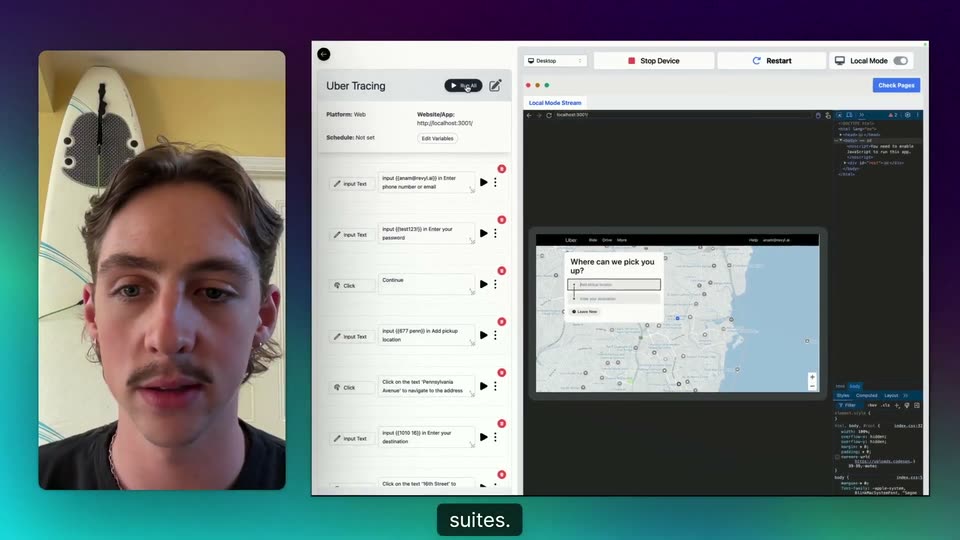 0:33 · 0.7sRevyl · Launch YC: Revyl (F24)A presenter's webcam feed holds the left while a test-automation panel and a browser window with a map sit side by side on the right. The multi-panel layout eases into frame and the caption scales in at the bottom.
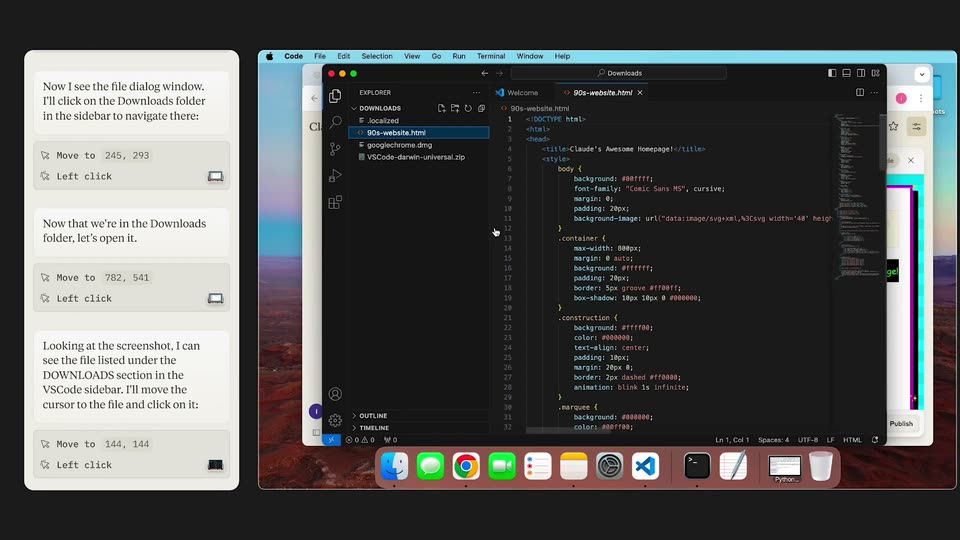 1:29–1:34Anthropic · Claude | Computer use for codingA Mac desktop shows Visual Studio Code on the right while a scrolling instruction card lists mouse steps on the left. The cursor moves into the explorer, selects the 90s-website.html file, and the HTML and CSS code opens in the editor.
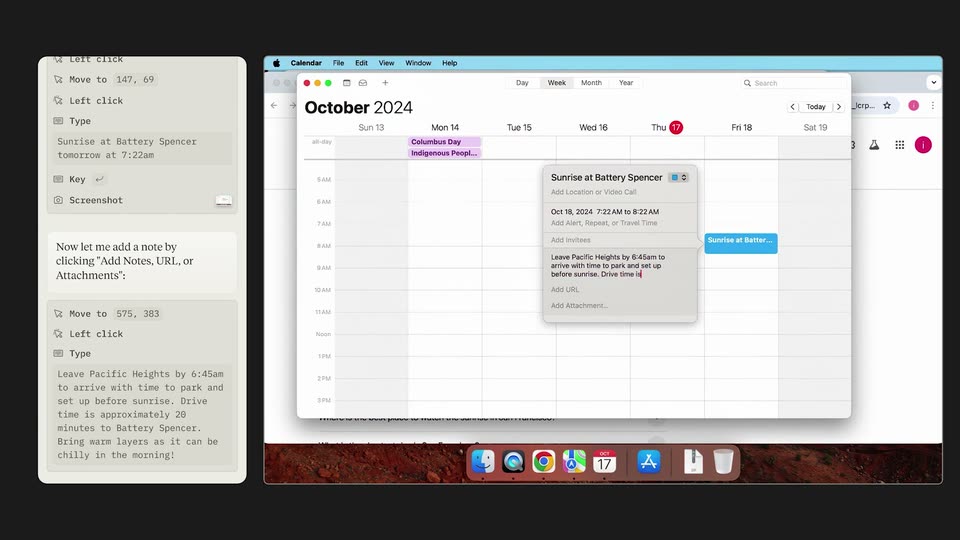 1:20–1:54Anthropic · Claude | Computer use for orchestrating tasksA split view pairs an AI instruction log on the left with a Calendar week view on the right. A cursor clicks the plus button, a quick-event popup fills in, a red block drops into the grid, then an event card opens and a note is typed.
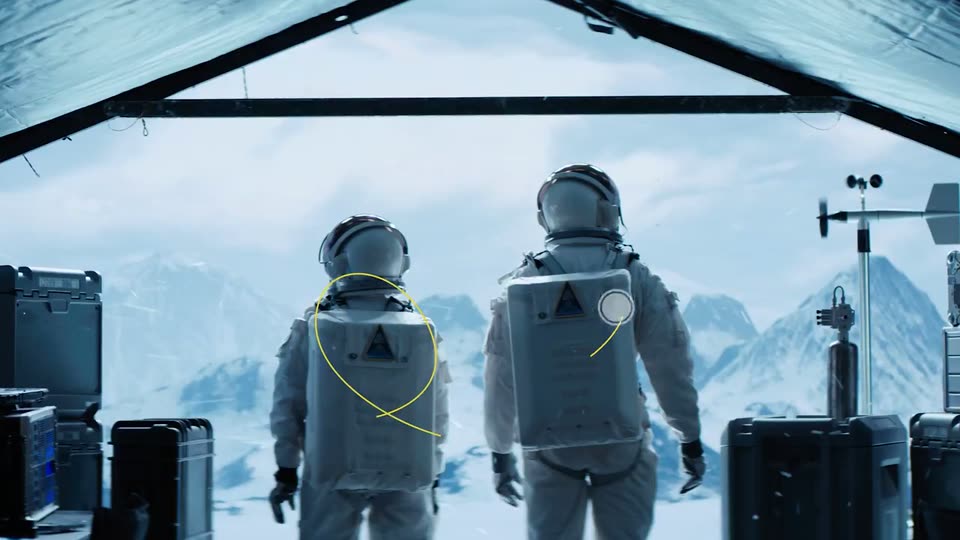 0:11–0:14Frame.io · Frame.io - Move creative projects forward faster with Version 4.A video editor screen zooms into its preview, showing two astronauts from behind in a snowy tent with yellow comment circles on their backpacks. The view reframes into a split layout, the preview on the right and a large Compare versions headline on the left.
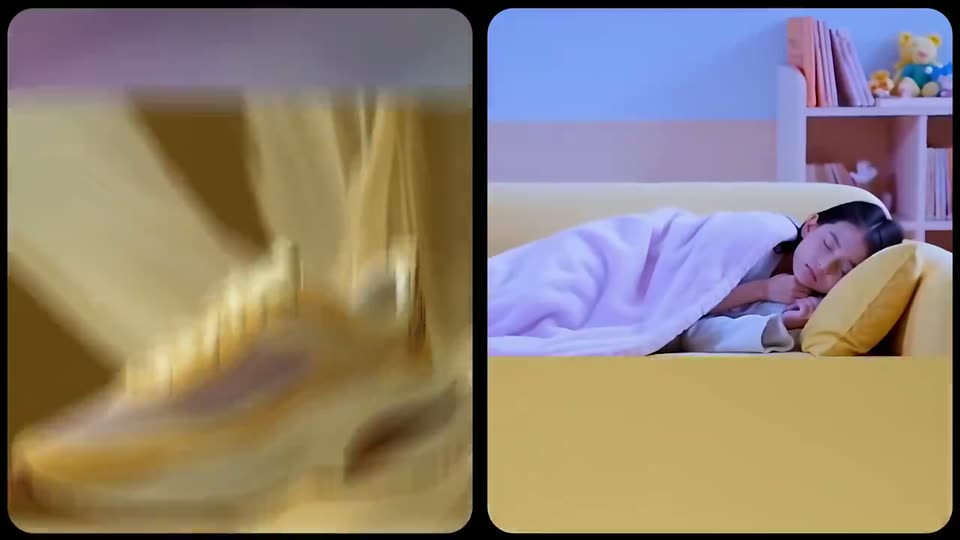 0:38–0:39Vidu · Vidu AI - 🥳Object Consistency is here!🚀 With the new "Reference to Video" featTwo rounded panels sit side by side on a black background. The left holds a tan running shoe on draped fabric; the right shows a cream sofa that dissolves into a child sleeping on it.
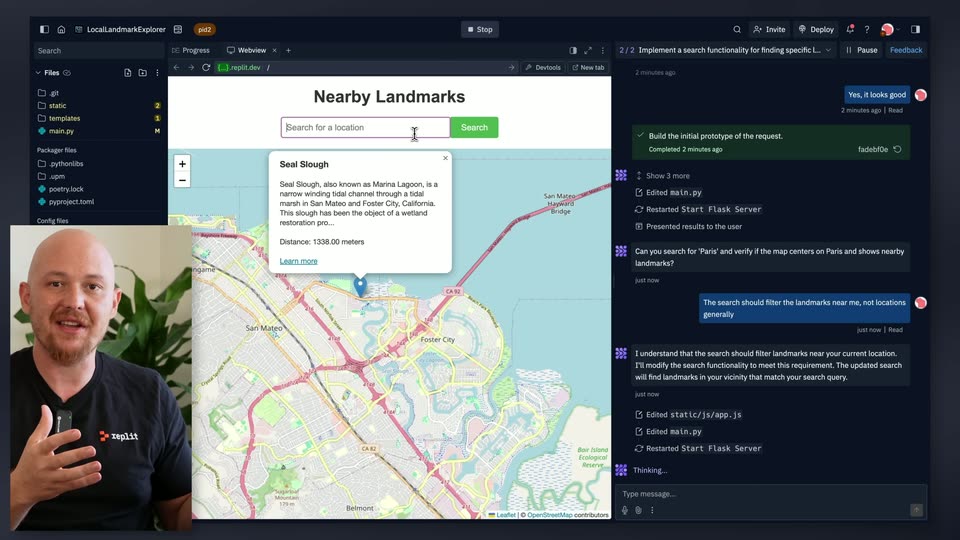 1:52–2:02Replit · Meet the Replit AgentA presenter in a bottom-left inset talks beside a screen recording of a dark IDE. A cursor types
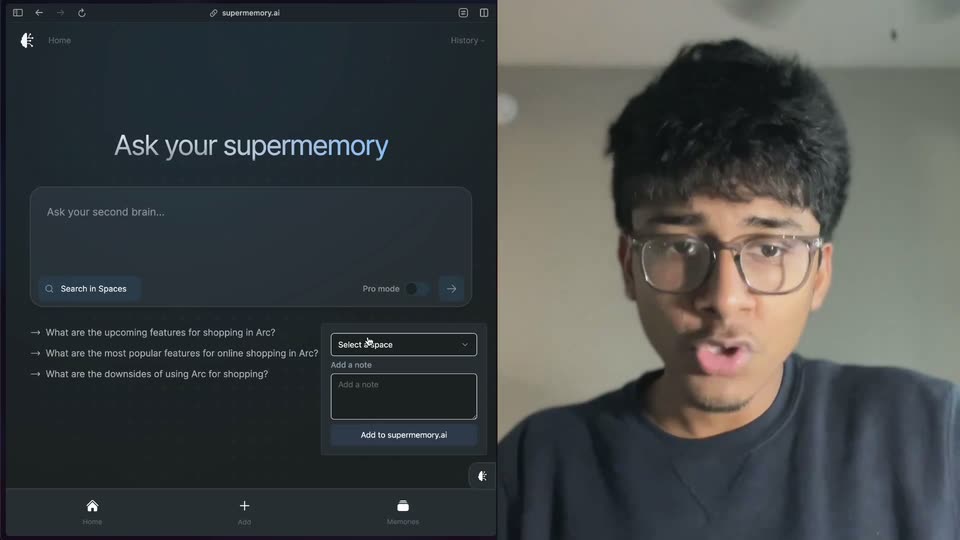 0:29–0:32Supermemory · Dhravya Shah - Introducing supermemory (again). an ai second brain for all your saSplit screen: a dark supermemory.ai interface on the left, a man with glasses in a grey tee talking to camera on the right. A small add-note popup with a space selector and an add button fades into the lower right of the UI while he speaks.
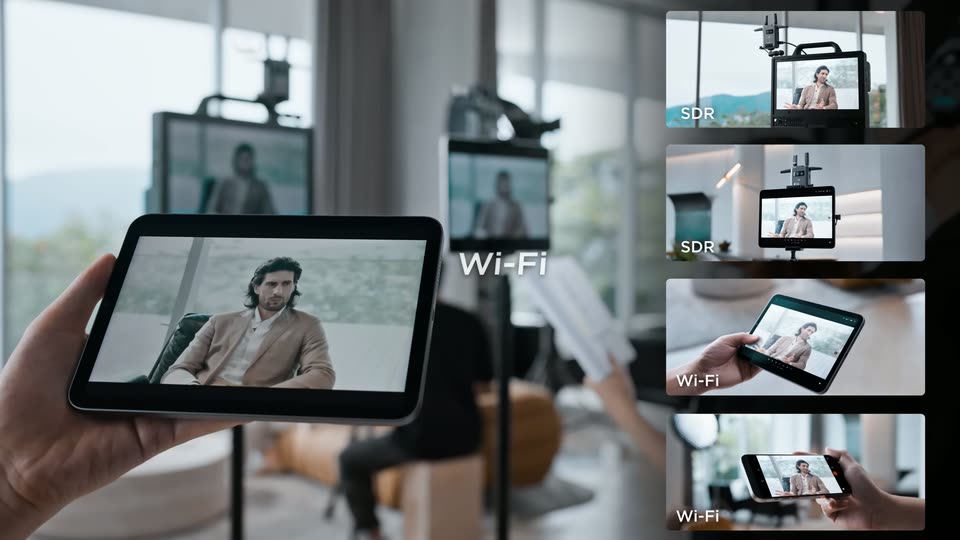 0:54–0:59DJI · Introducing DJI SDR TransmissionA bright room with a seated man filmed on several monitors, a hand holding a tablet of his feed in the foreground. Four inset panels slide in along the right edge, each labeled SDR or Wi-Fi, and a larger Wi-Fi caption fades in at center on a locked-off frame.
 0:15–0:16Luma AI · Introducing Luma Dream Machine - Next Generation AI VideoA three-panel split screen: top left a cheetah sprints through a dust cloud, bottom left a dark sedan sits before a fiery explosion, and the right panel holds a woman in a yellow dress among yellow flowers.
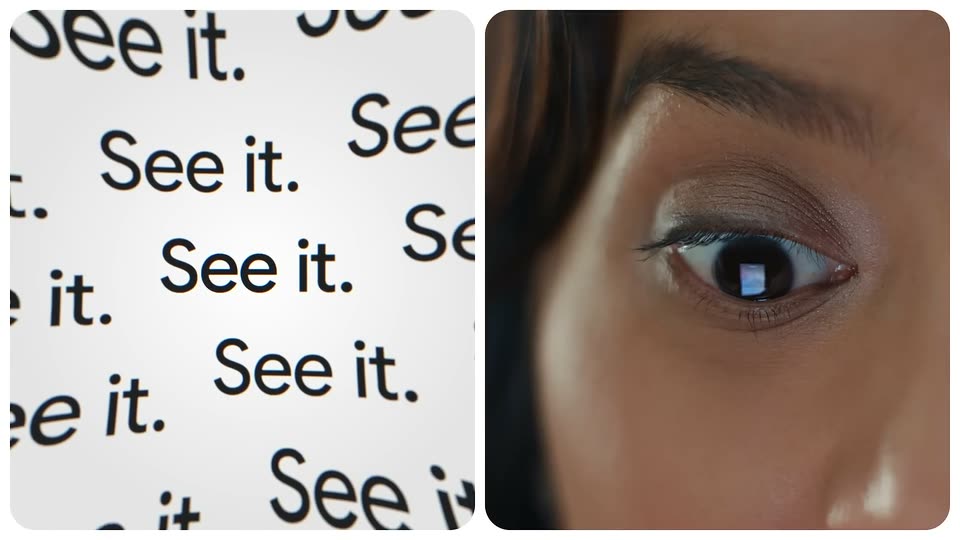 0:46–0:48Google · Introducing a new way to search | Circle to SearchSplit screen: left, the phrase See it. repeats across a white field in mixed sizes and blur depths, drifting slowly; right, an extreme close-up of a person's eye with a small screen reflected in the pupil.