Cursor demo
A visible cursor operates the interface.
15,098 scenes · page 101 of 252
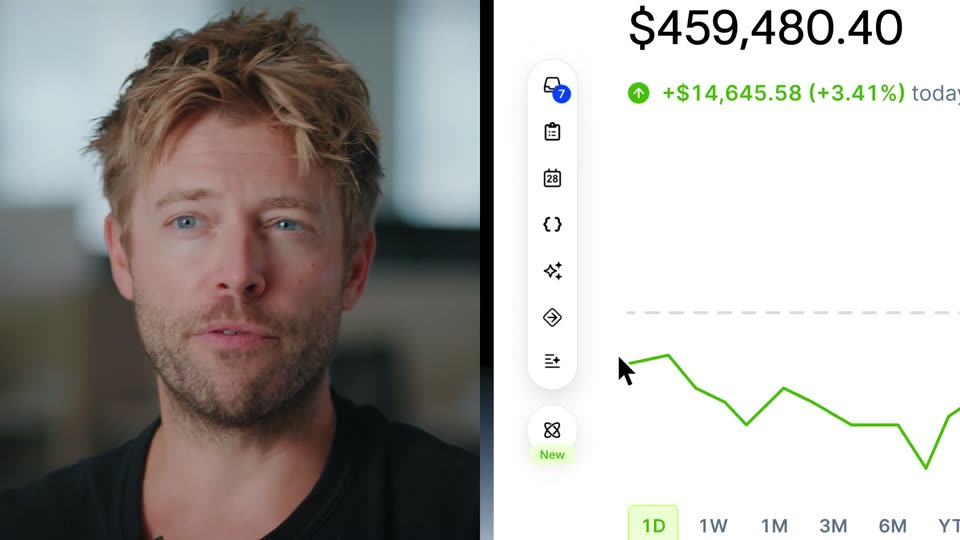 0:46–0:49Public · Public - BREAKING: New updates to AI Agents on Public → We’ve launched the fiSplit screen: a man talks to camera on the left while the public app portfolio page fills the right. The view zooms into the left navigation rail as a cursor travels down the icons and hovers over the New tag.
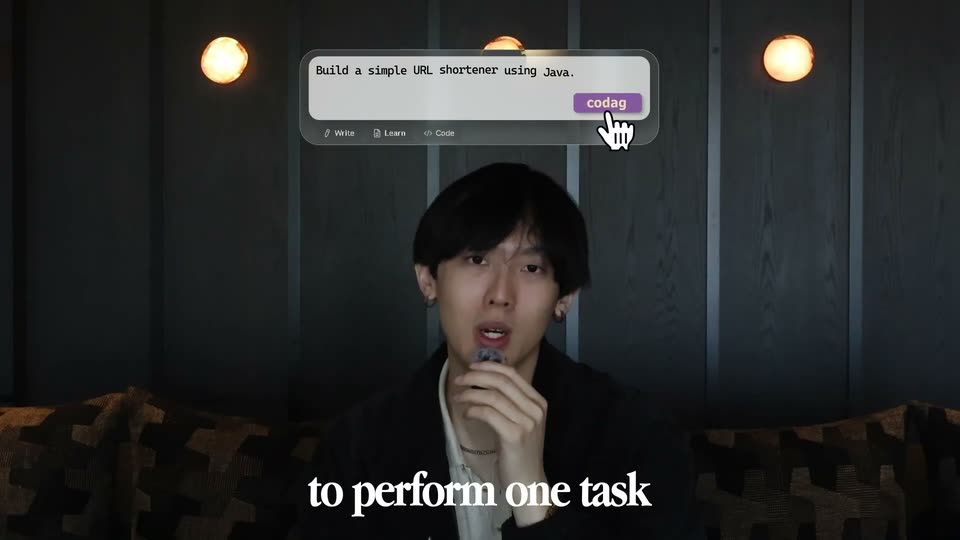 0:51–0:52Codag · YC Launch: Codag (S26)A man in a black jacket sits on a couch holding a microphone, speaking before a dark wood wall with three warm bulbs. A prompt box floats above his head with a purple codag button and a hand cursor; a white serif caption reads to perform one task below.
 0:21 · 0.7sArcads · arcads AI - Introducing Actor+ The most realistic AI actor library ever built.A grid of portrait thumbnails under the heading AI Actors has one selected with a black border and a cursor. The selected clip enlarges on the right into a street preview of a man holding a small black device and speaking.
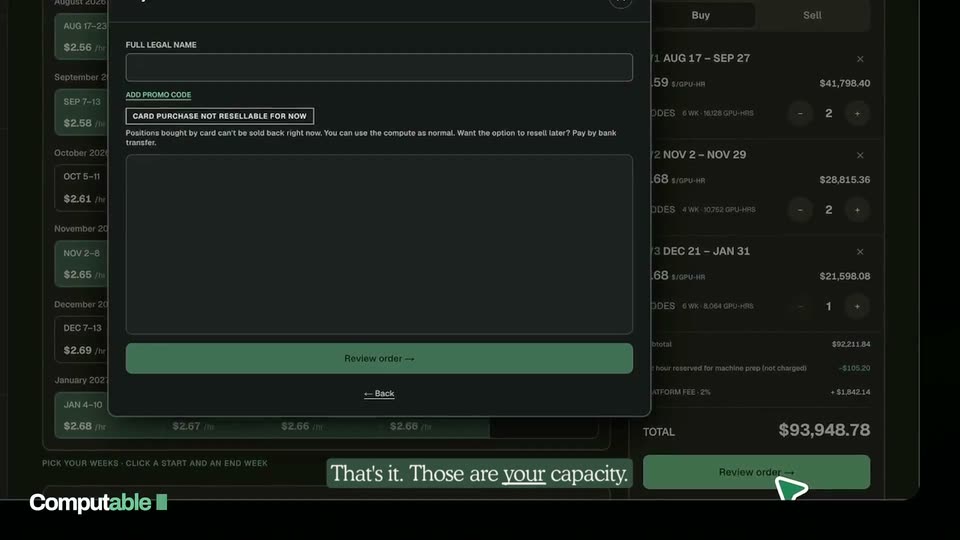 0:47–0:48Computable · Launch YC: ComputableA dark booking interface with a week price grid and an order list fills the frame. A centered Payment modal cuts from a loading state to a full card form, while a green cursor hovers the Review order button at right. A caption bar sits at the bottom center.
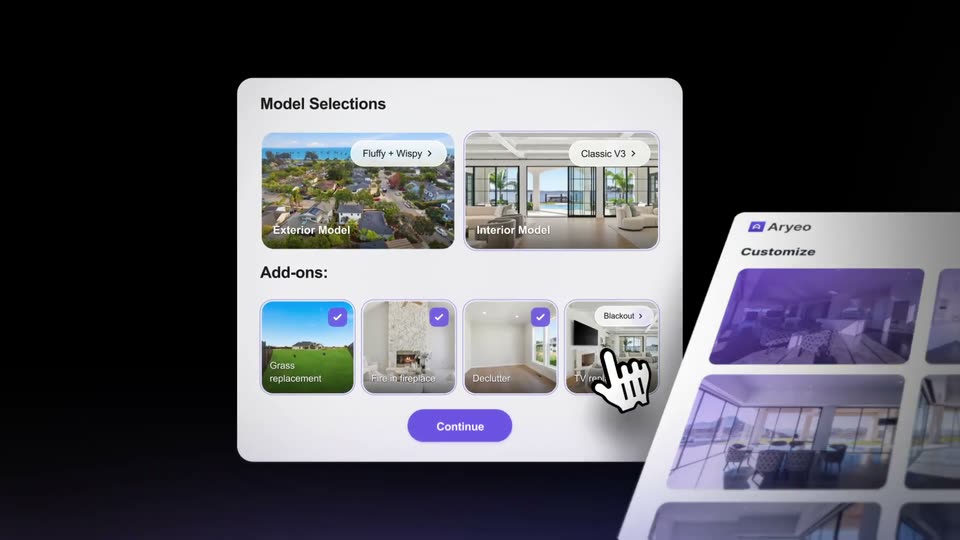 0:23–0:24AutoHDR · Best AI Product Launch Video | AutoHDRA flat white selection card with photo thumbnails and a purple Continue button sits centered on black. It tilts into 3D perspective, revealing a second card of interior photos to the right. A white hand cursor hovers over the buttons.
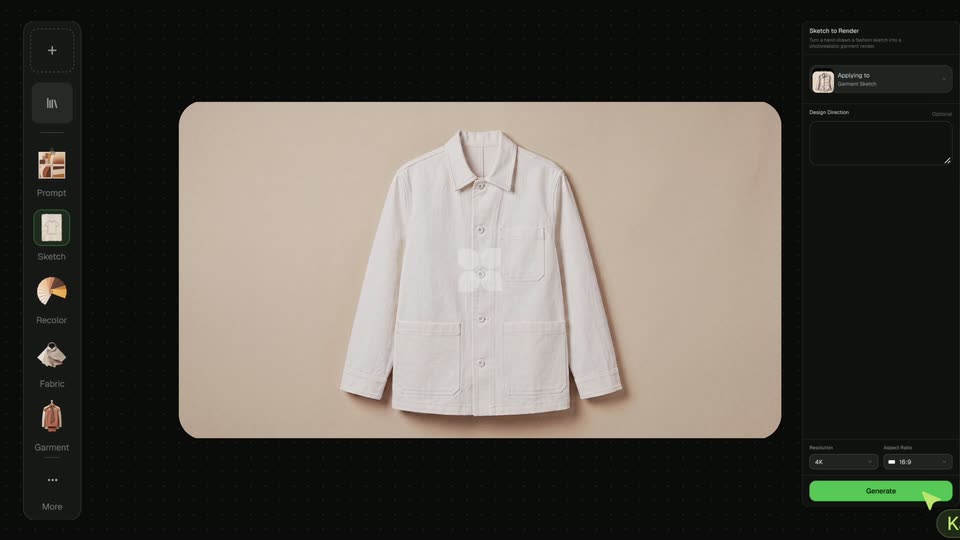 0:16–0:17Fashion Studio · FLORA © - Introducing Fashion Studio. Fashion Studio is a curated set of toolA dark product interface with a left toolbar and a right control panel frames a center canvas where a line sketch of a button-up shirt morphs into a rendered cream shirt, while a yellow cursor rests on the green Generate button and a four-petal loader fades out.
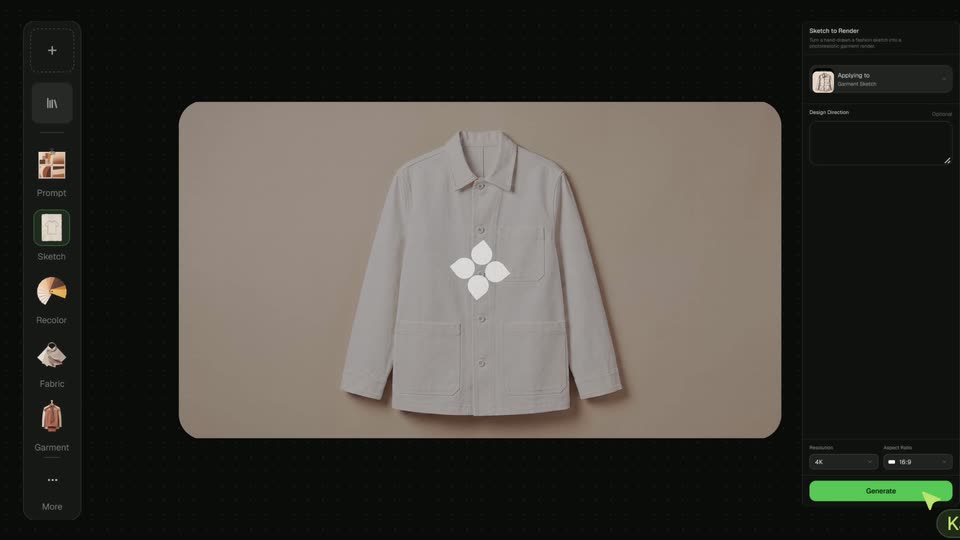 0:16–0:17FLORA · Introducing Fashion StudioA dark product interface frames a shirt sketch on the central canvas. The sketch transitions into a beige rendered shirt while a white four-petal loader fades over the chest, and a cursor rests on the green Generate button.
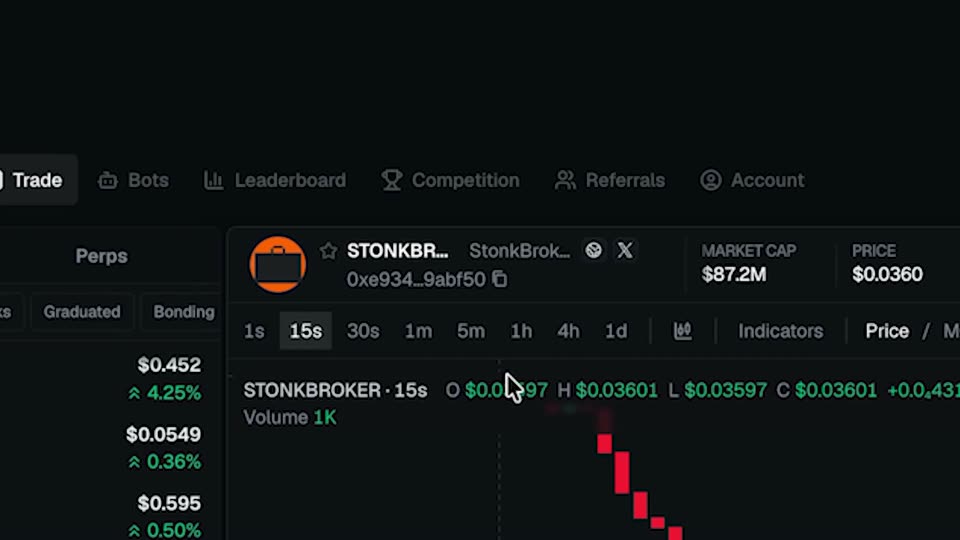 0:26–0:27Arbital · Arbital – Trade memes, stocks, and perps from one placeA dark trading dashboard shows a token header and a red candlestick chart dropping, while a white cursor hovers near the price line. A left panel lists perp prices. The view reframes slightly toward the chart.
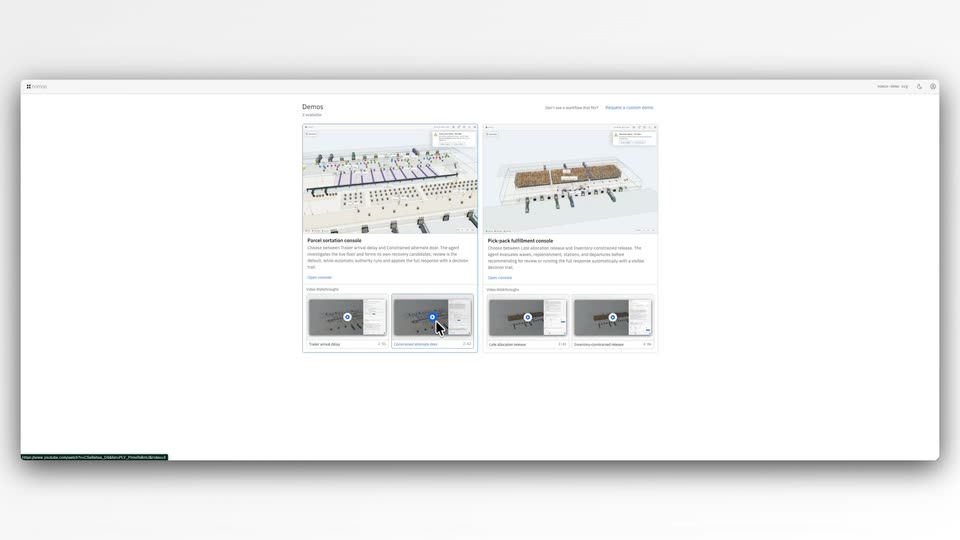 0:50–0:55Haladir · Jibran Hutchins - Today at @Haladirofficial, we are launching Nomos Sandbox, an interacA Demos page fades and scales into view, showing two warehouse simulation cards with 3D floor plans and a row of video thumbnails. A cursor glides down and across the thumbnails, highlighting each play button in turn.
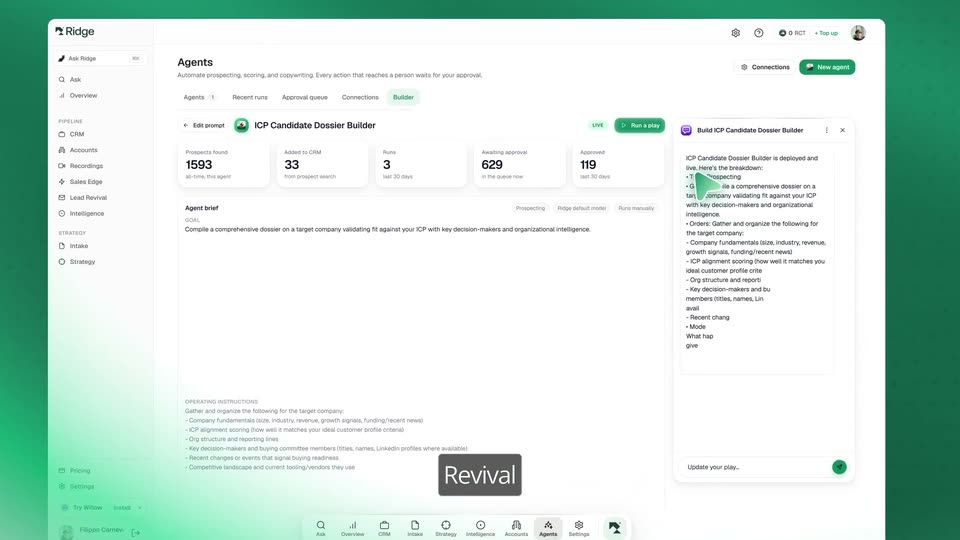 0:49–0:51Ridge · Ridge - Introducing Ridge Forge! For the past year, our autonomous agents haThe Ridge Agents dashboard fills the frame; pipeline counters tick upward and the right prompt panel rewrites itself as a green cursor moves toward the Run a play button. A dark caption pill reading like Sales Edge, sits at bottom center throughout.
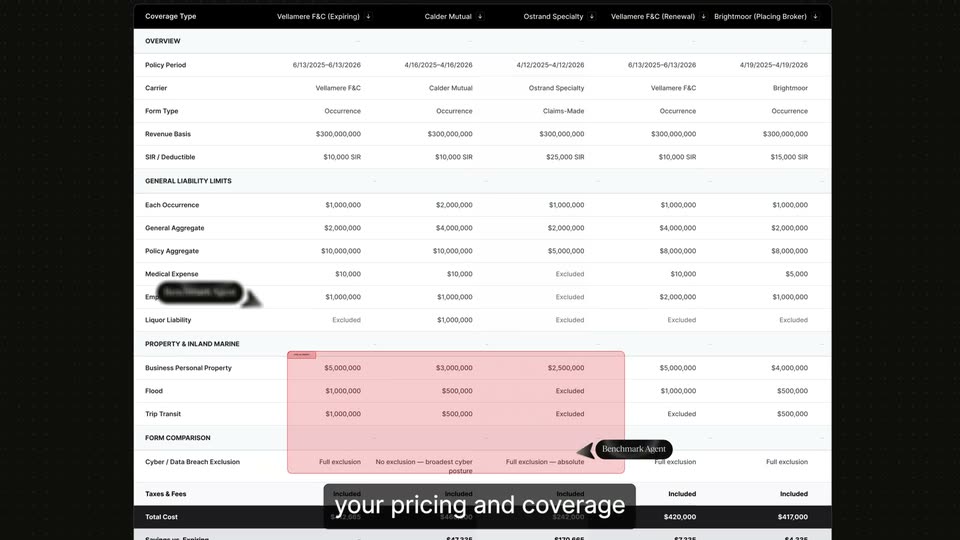 0:47–0:50With Coverage · JD Ross - In 2014, I took on real estate brokers w/ my company Opendoor In 202A policy-comparison table with five insurance columns fills a dark screen. Red and green highlight boxes pop onto differing cells while a Benchmark Agent pill with a cursor arrow glides across the rows. The camera zooms out from a close-up to the full table as the title types in.
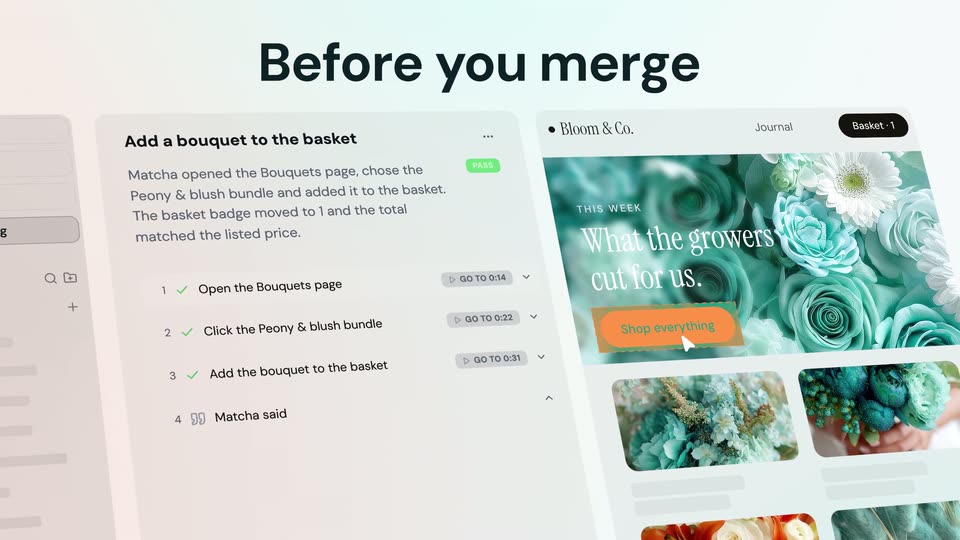 0:31–0:32Cold tea · Ohans Emmanuel - Introducing Coldtea. The ADE for shipping self-driving software. PurA bold dark headline sits above two tilted interface panels in 3D perspective. The left test-step card fills in its numbered list with green checkmarks, while the right floral shop mockup highlights its Shop everything button under a cursor.
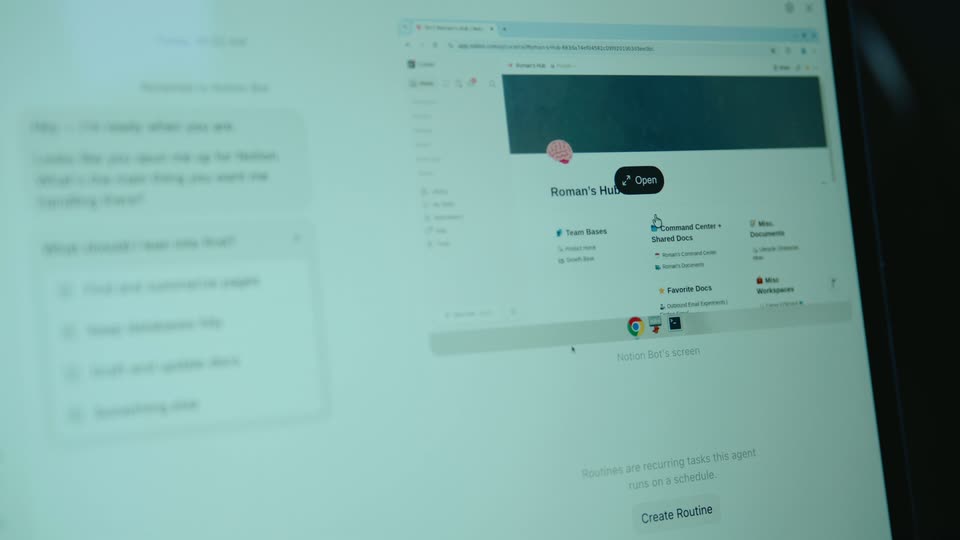 0:45–0:47xAI · Grok Bot - Introducing Grok Bot, now in early beta. Bots are AI teammates thatA split layout pairs a blurred bot chat on the left with a 3D laptop on the right showing a Notion dashboard. A cursor glides over the page and an Open tooltip pops above a link. Captions label the laptop and explain routines.
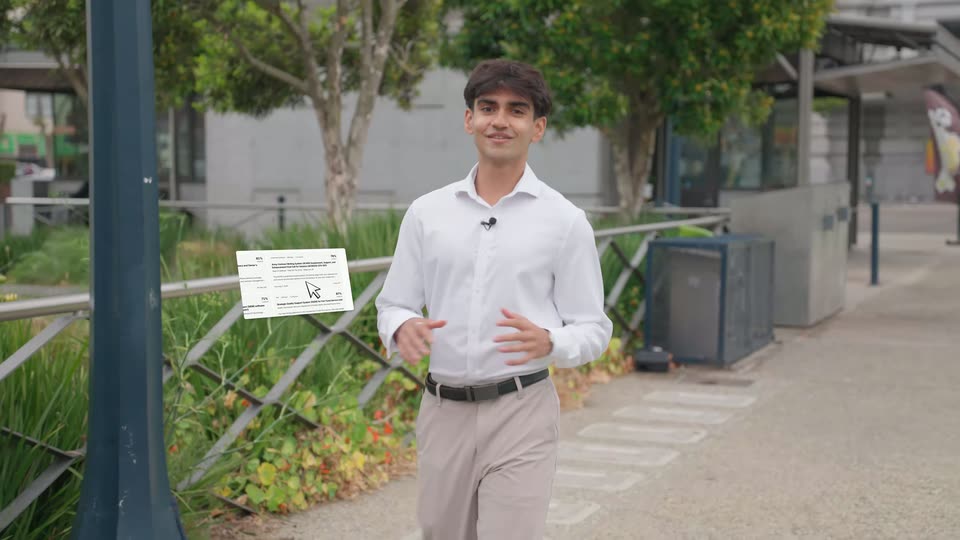 0:41–0:42Capto · Chromie - The AI operating system for government contractingA man in a white shirt walks toward the camera on an outdoor path. A tilted stack of contract cards floats at his side, the top showing an ACWS listing at 76% fit, with a large cursor hovering over it. The framing cuts from close to wide.
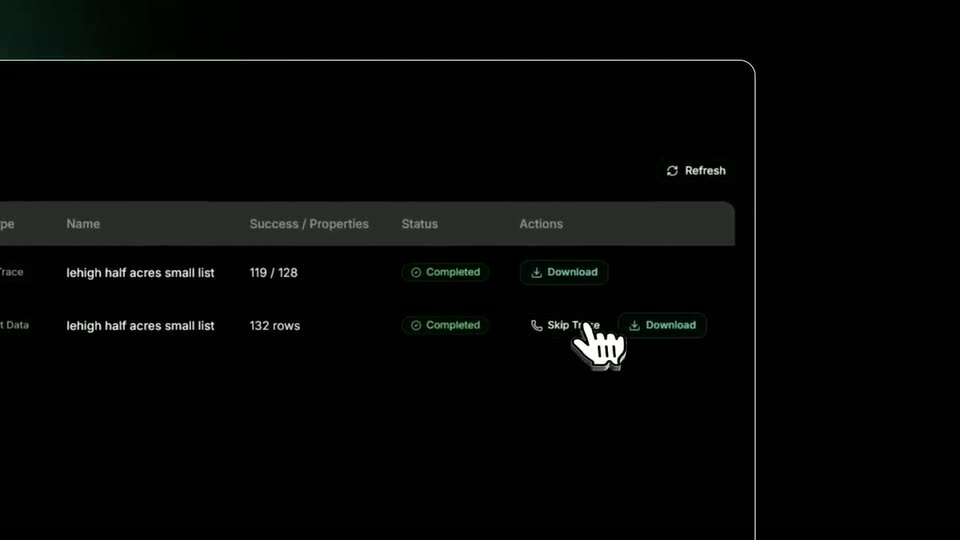 1:17–1:18LandAtlas · LandAtlas: demoA dark data table fills the frame. A white hand cursor glides to the green Download button on the second row and clicks, and a Download results modal fades in over the table, presenting the CSV format option.
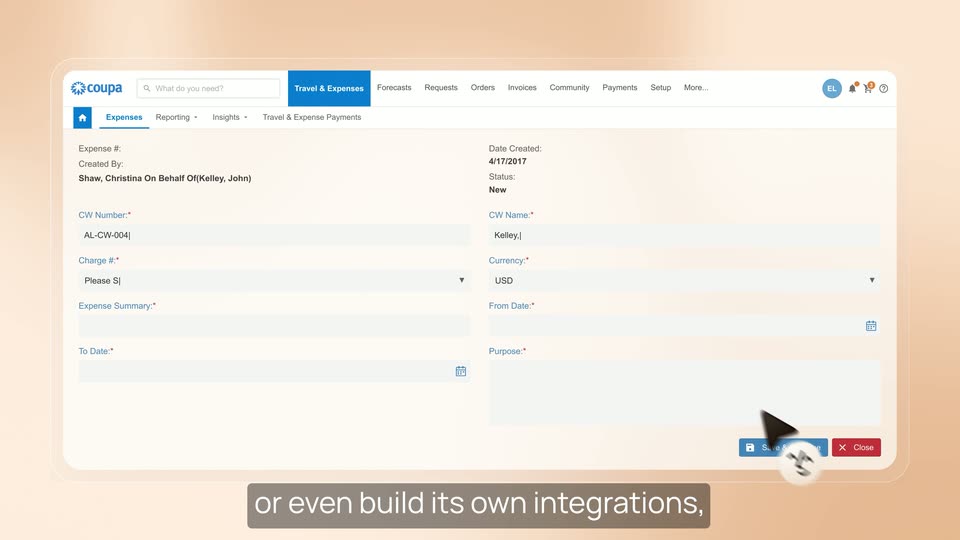 1:02–1:03Lindy · Flo Crivello - Today, we kill the AI agent and introduce the AI employee: Lindy TeamA flat Coupa expense form fills the frame on a peach gradient. A black arrow cursor drags a pale circular control bearing two icons down the right column toward the buttons. A gray caption box at the bottom holds the line, static.
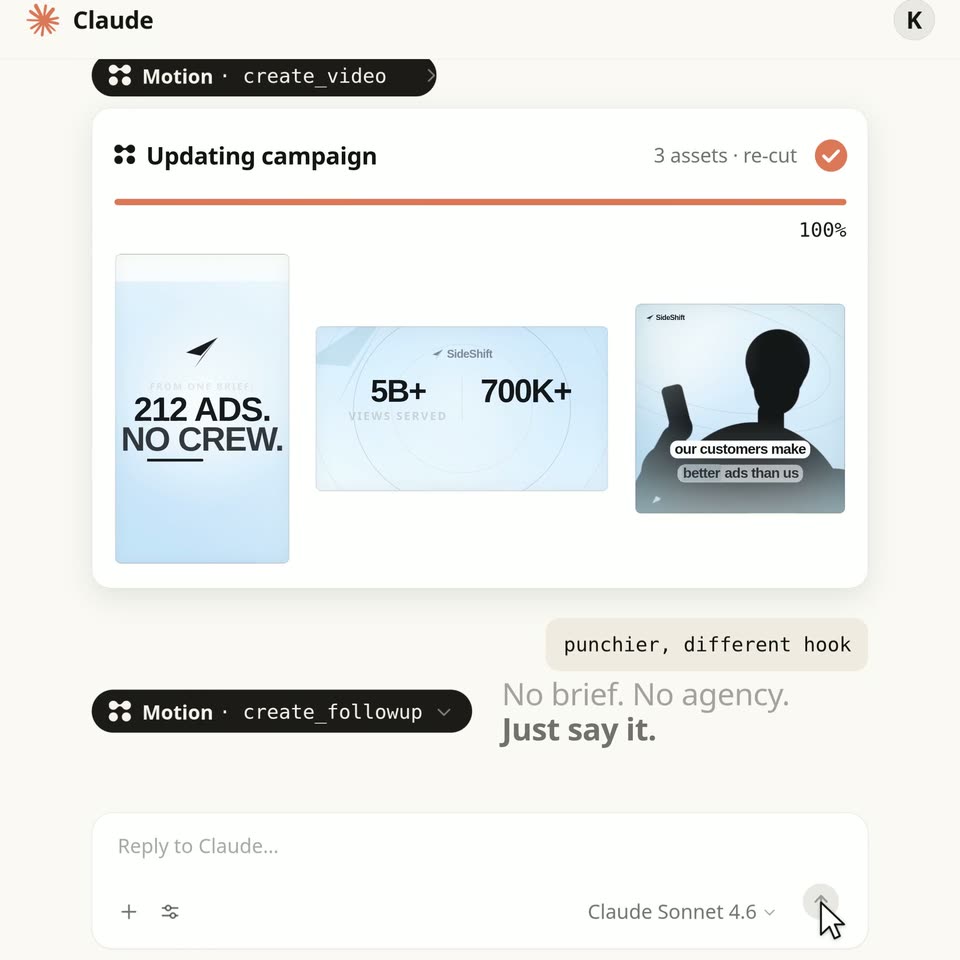 0:23–0:26Motion · Motion - Today we're launching Claude for marketing. One skill turns it intoA Claude chat screen shows a campaign card whose progress bar fills from 0 to 100% while three ad thumbnails swap in new copy. A user bubble reads 'punchier, different hook' and a response line appears below. A mouse cursor rests on the send button.
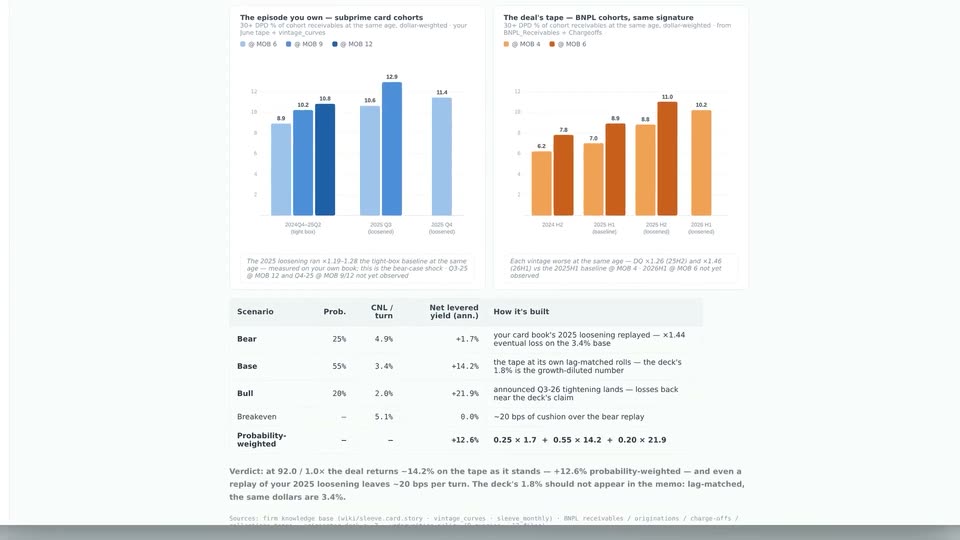 0:56–1:01Levocred AI · Introducing Levocred AI (YC S26)A report screen scrolls down past a blue and an orange bar chart to a scenario table. A cursor taps the 3.4% cell, which highlights red as an audit card pops up while the rest of the page fades.
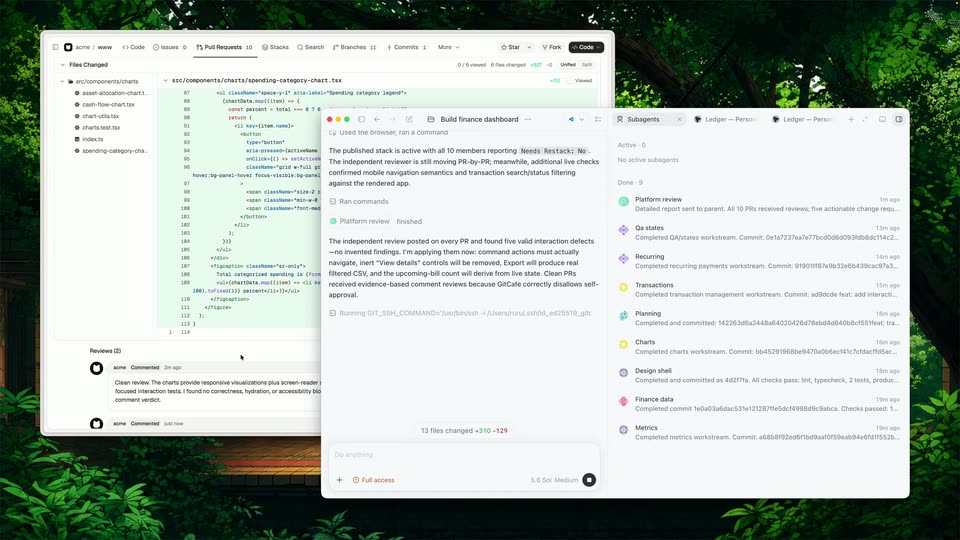 0:58–1:07GitCafe · GitCafe Beta DemoA locked-off desktop stacks three app windows over a leafy green backdrop: a GitHub pull-request diff left, a dark agent chat center reading 'Platform review finished', a task board right. A cursor drifts as the board reflows.
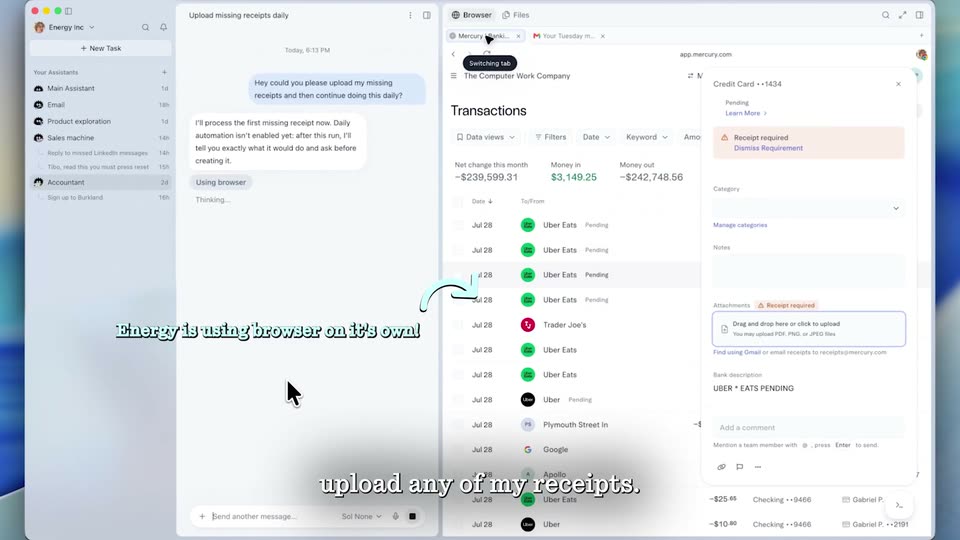 0:42–0:43Energy · gabriel - 3 months ago i resigned from @OpenAI. today we are launching EnergySplit view: the Energy chat panel on the left and a Mercury browser window on the right, with a curved arrow linking the two and a cursor resting in the chat. A 'Switching tab' pill sits over the browser tab while two comic captions sit at the bottom.
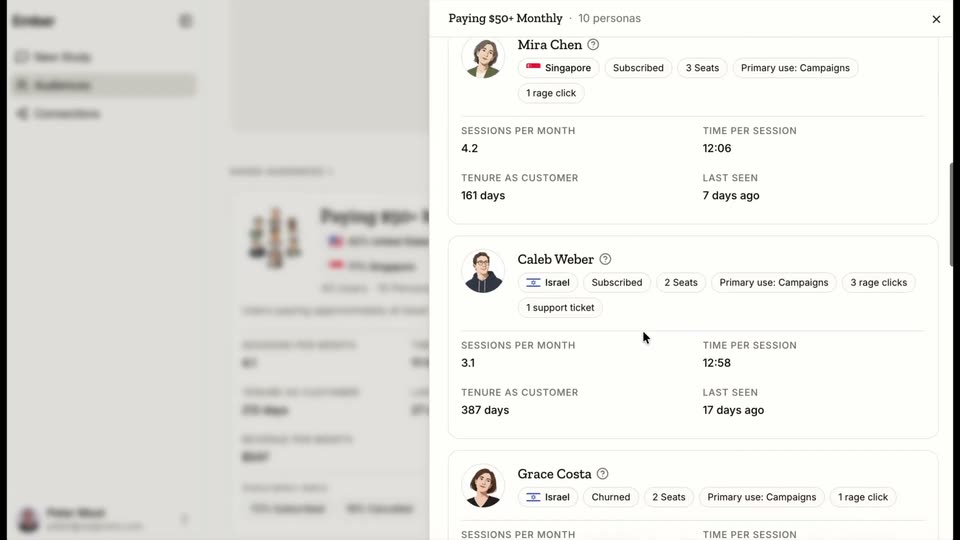 0:14–0:19Promi · Promi Digital Twins DemoA sharp right-hand panel of a SaaS dashboard scrolls down through persona cards with avatars, flag tags and metrics, while the rest of the app stays blurred behind it. A cursor hovers and scrolls the list.
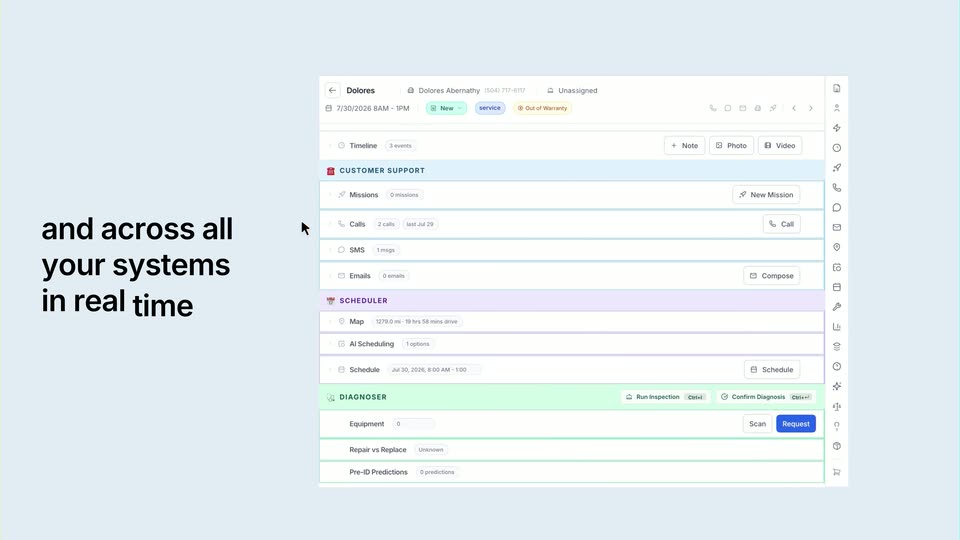 0:23–0:28Bernard · Meet Bernard: AI for Appliance Repair, From First Call to First-Time FixA 3D-tilted Bernard interface with depth blur rotates flat as a cursor clicks the Dolores row, opening the customer detail page. The panel then fades out, leaving the left-aligned black headline on a pale blue background.
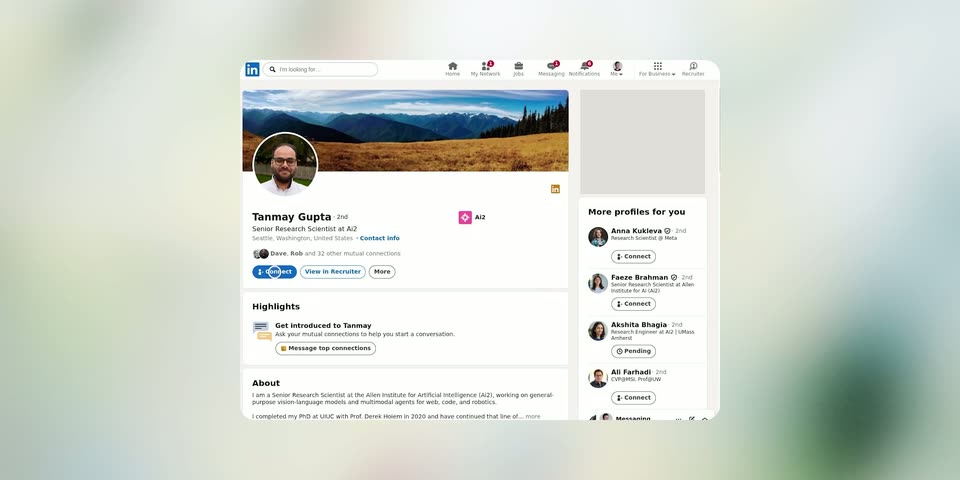 3:22–3:23Hark · Hark - Introducing Hark Handoff It is verifiably the best model ever builtA flat LinkedIn profile page for Tanmay Gupta sits centered on a soft gray gradient. The profile shows a mountain banner, a circular headshot, name, title, action buttons, and a right-hand list of suggested connections. The Highlights block slides in while a hand cursor hovers over the Connect button.
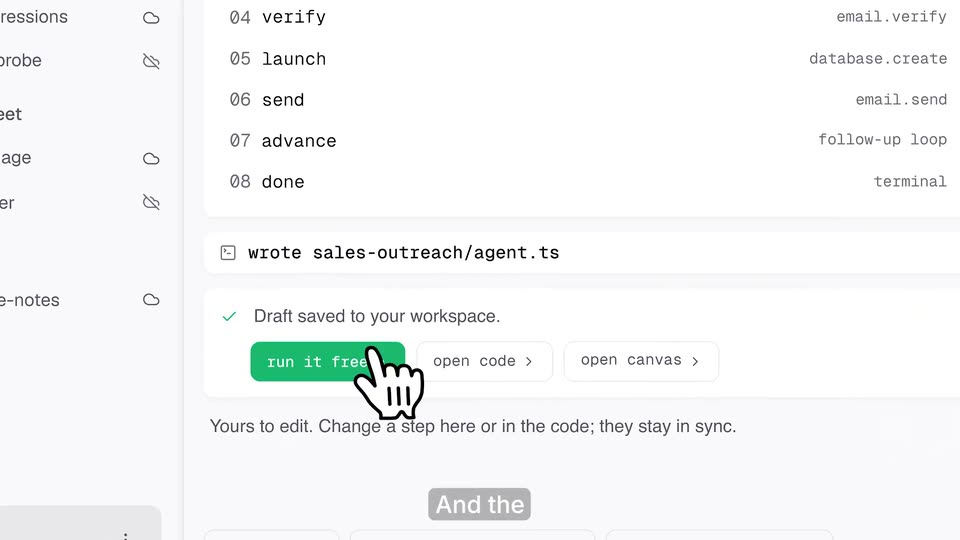 1:40–1:41Sapiom · Ilan Zerbib - @sapiom just raised a $35 million Series A from @dragonflyvc , @AccelA close-up of a numbered workflow list beside a result card; the view zooms in slightly as a hand cursor taps the green run-it-free button, then drifts up the right side of the list.
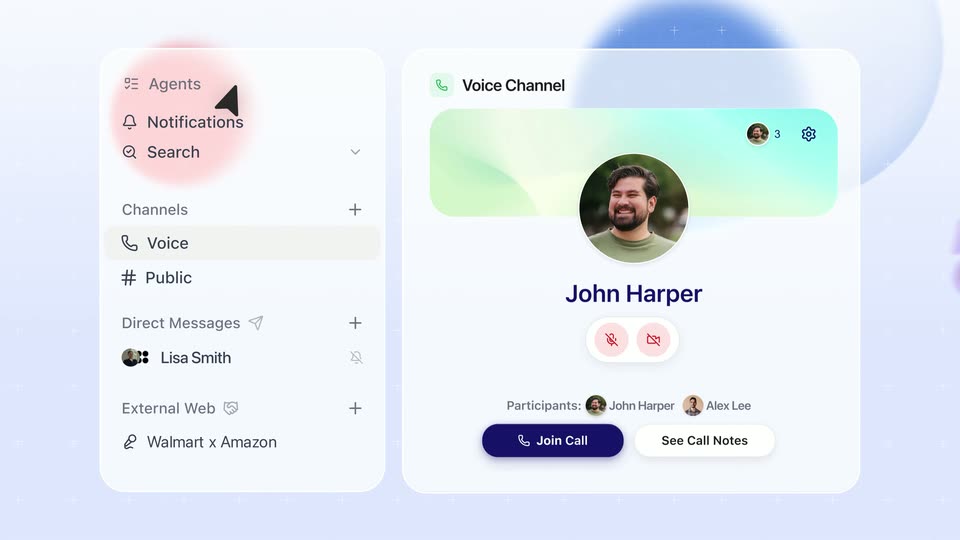 0:30–0:31Sila · Introducing SilaTwo flat UI cards on a light blue background: a left sidebar menu and a right Voice Channel panel with John Harper's profile and call buttons. A cursor moves from Voice to Agents, a Create button appears, and the right panel crossfades into a refreshed view.
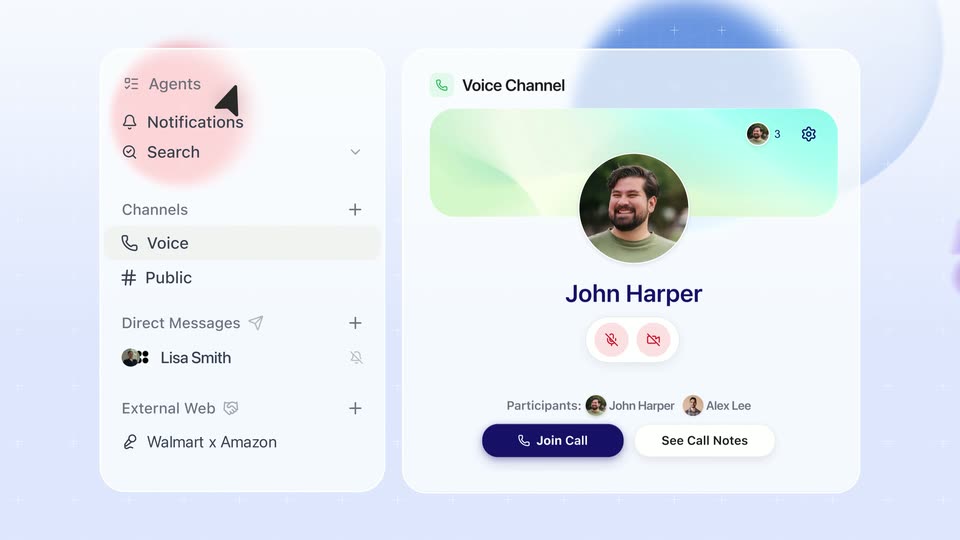 0:30–0:31Sila · Mith Paresh Patel - Introducing Sila backed by @ycombinator : Messaging built for 2026 AA two-panel app screen sits on a pale blue field. A cursor hovers the left sidebar, then slides up to the top row as a Create button fades in. The right Voice Channel card, with a round portrait and call buttons, ghosts and shifts during a quick transition.
 1:43–1:49Wispr Flow · Introducing NotetakerA hand-drawn doodle of a person at a laptop with a speech bubble gives way to a plain card where serif headlines appear word by word above Zoom, Meet and Teams icons. A cursor clicks a pill button reading wispr.ai/notetaker, then a cut to kids at a meeting table.
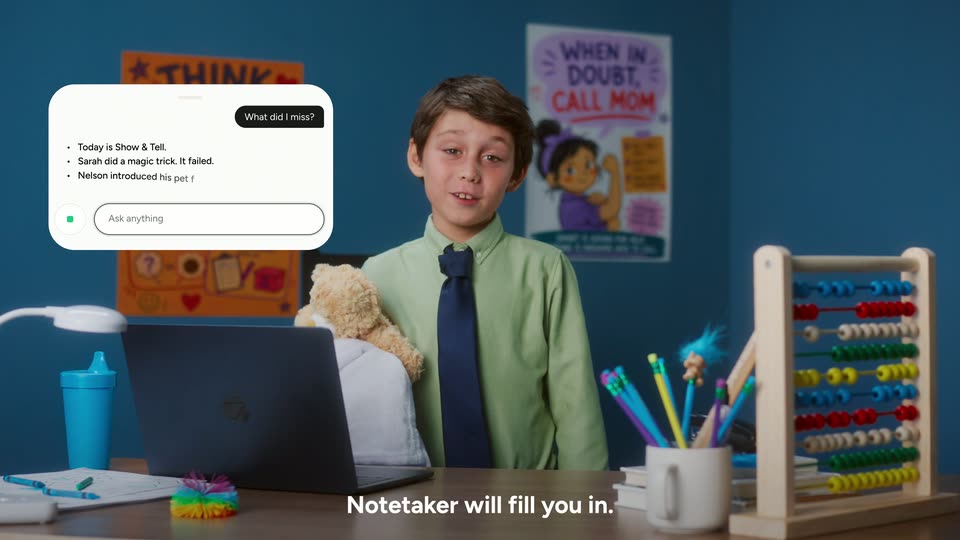 1:12–1:19Wispr Flow · Tanay Kothari - It's no secret how we feel about typing at Wispr Flow. The truth is,A boy in a green shirt and tie sits at a desk with a laptop and a teddy bear. A white speech bubble reading What did I miss? pops in, a cursor clicks it, and a chat card with bullet points typing in appears at left.
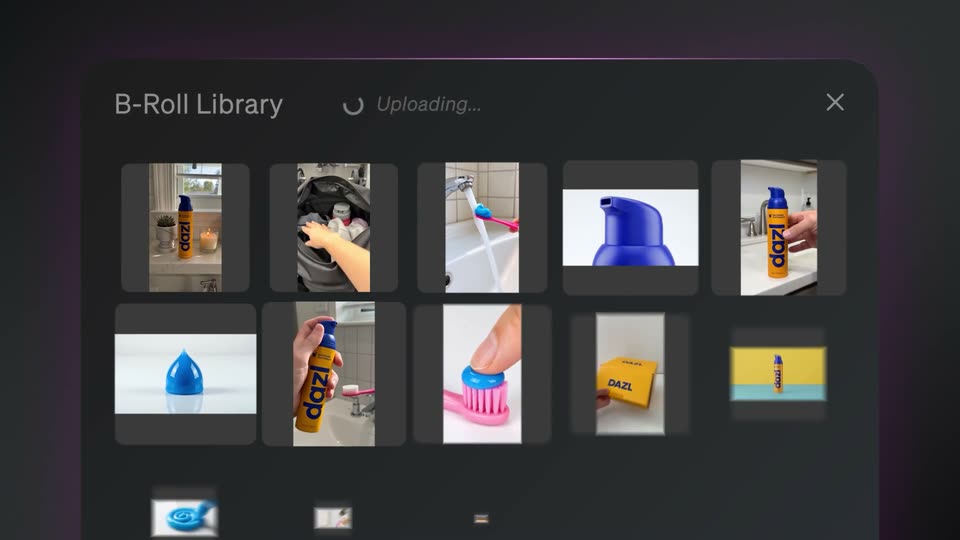 0:39–0:41Arcads · arcads AI - We raised $16M to build Claude Code for Meta Ads Introducing Mark: TA dark B-Roll Library panel sits center frame. Product video thumbnails fly in from the right and snap into a grid as the cursor hovers. The panel then blurs and a large white word, edits, slides in from the left edge.
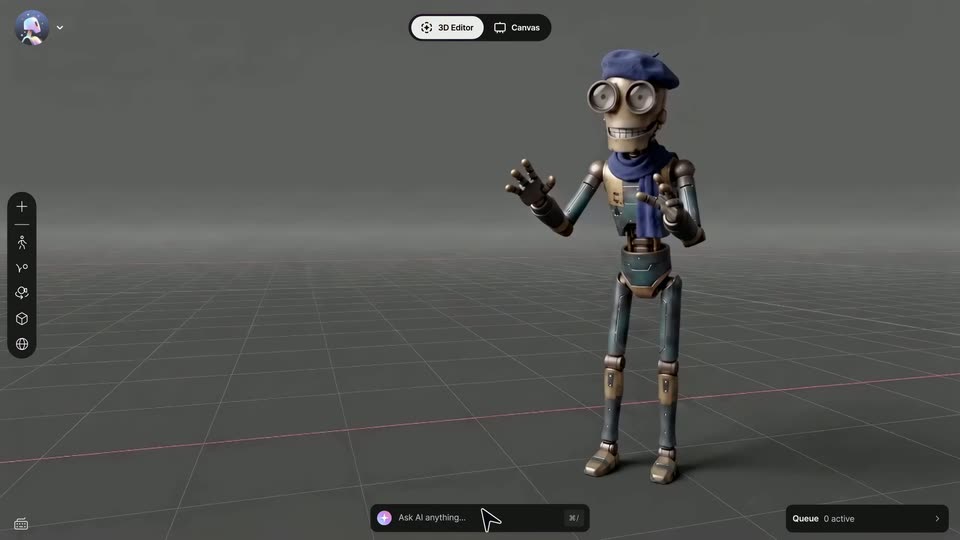 0:51–0:55Autodesk · Autodesk Flow Studio - AI video has a control problem. Most AI tools generate in 2D. FilmmaA 3D editor viewport fills the frame, showing a skeletal robot with a blue beret and goggles on a gray grid floor. The robot lifts both arms and waves. A cursor glides to the bottom input bar and an upload panel slides up.
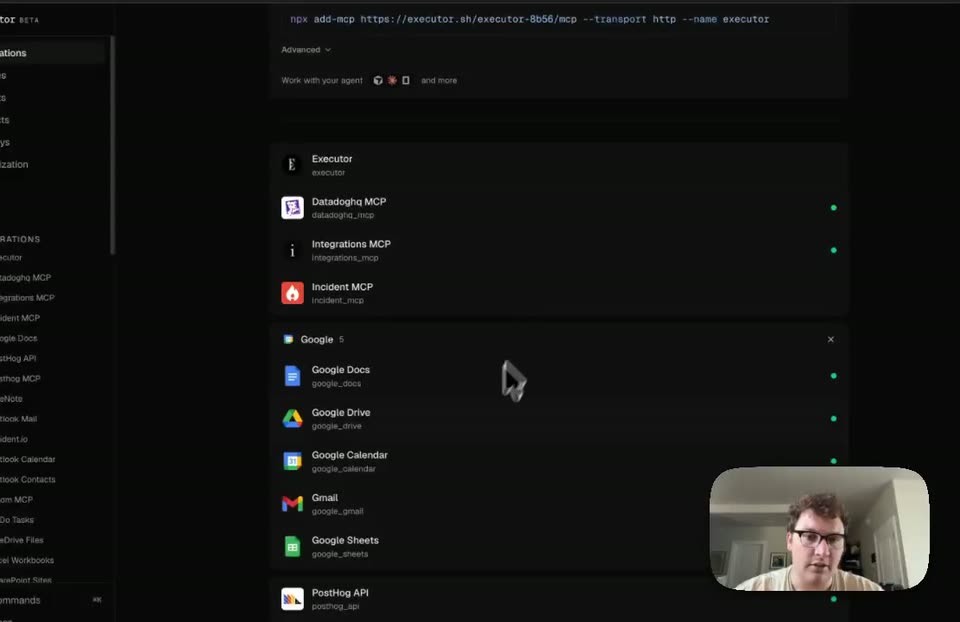 0:17–0:22Executor · Executor DemoThe view crops in on a dark integrations list, then scrolls down past Google and Microsoft tools as a cursor hovers the copy button. A small webcam of a man with glasses sits in the bottom right corner.
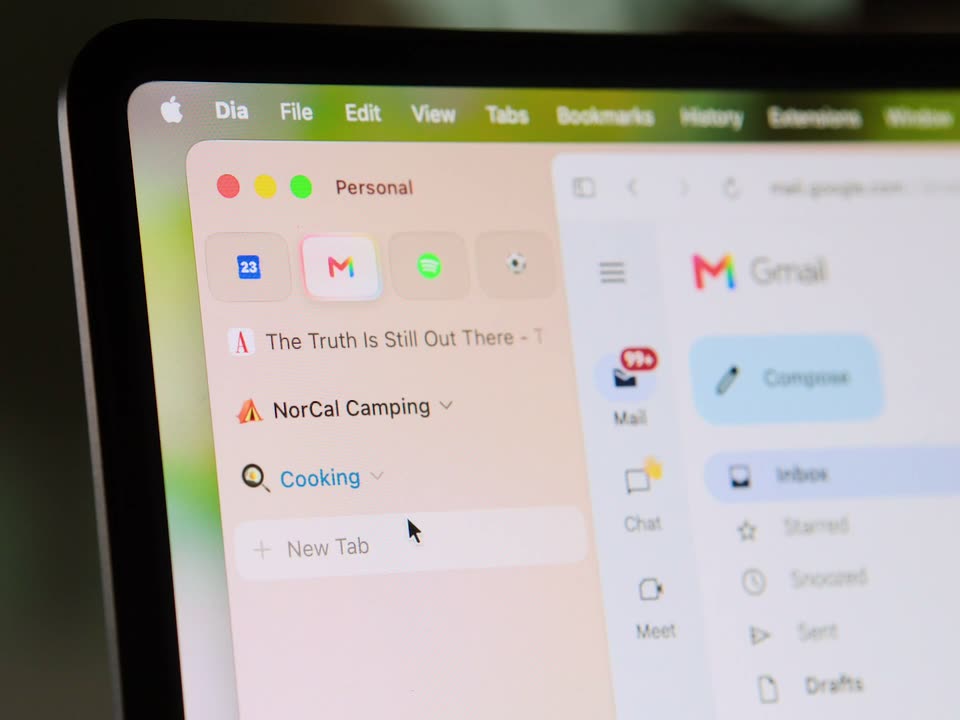 0:30–0:31The Browser Company · Dia - Context everywhere? In Dia, you can now swipe between Profiles, so yA laptop screen is filmed at an angle with shallow depth of field, the focus sharpening on the interface. The browser sidebar lists tabs beside a Gmail window, and a cursor moves up to highlight a New Tab row.
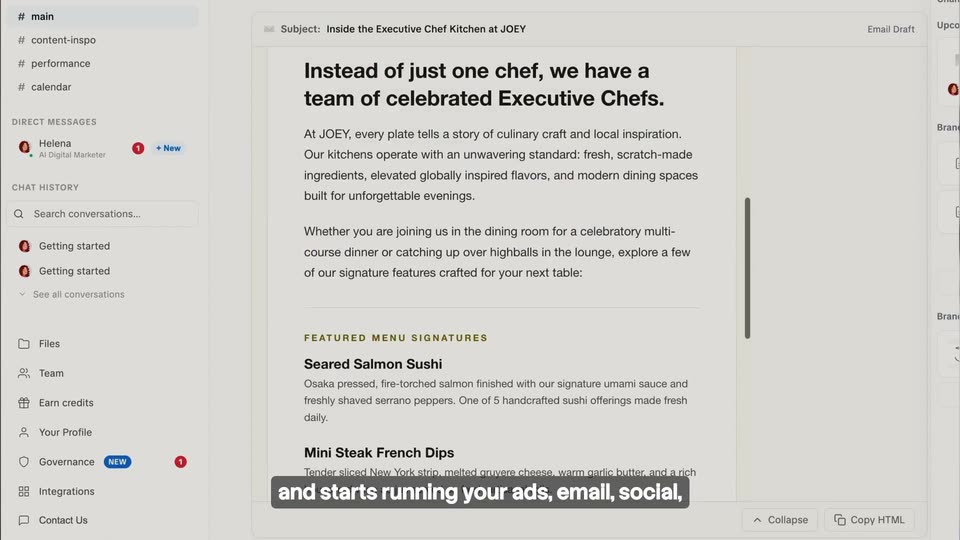 0:13–0:15Enrich Labs · Seijin Jung - introducing Helena, the world's first self-improving AI marketer. $1The app's chat interface scrolls through branded email drafts with sushi and cocktail images, the JOEY logo, and reserve buttons, a cursor hovering over the drafts. It cuts to a man in glasses and a black T-shirt gesturing as he speaks to the camera in a bright office.
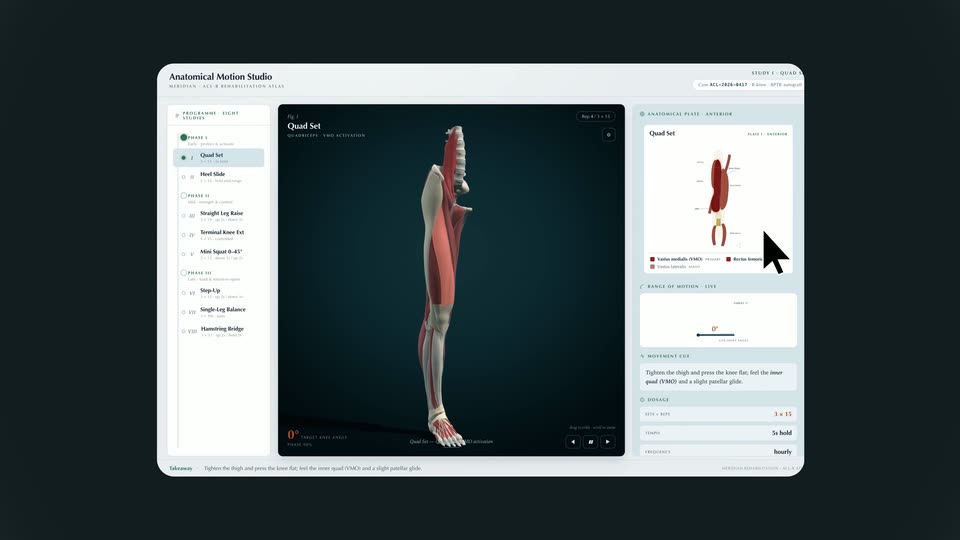 0:41–0:43Qwen · Qwen - Cowork: Any role, build beyondA dark app window titled Anatomical Motion Studio fills the frame, with a 3D quadriceps figure centered between a program list and an anatomy panel. A cursor moves into the range-of-motion panel as the angle readout ticks up from 7 to 11 degrees.
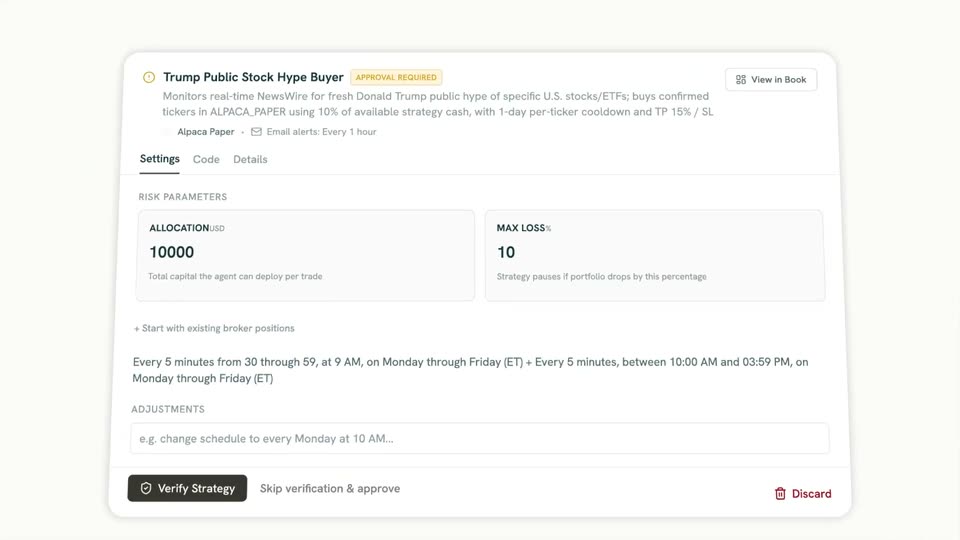 0:43–0:46Scalar Field · Amandeep Singh - We’re incredibly excited to share what we’ve been building over the pA white settings card for a stock-buying strategy tilts in 3D, then flattens to face the camera. A cursor slides in and presses the dark Verify Strategy button in the lower left.
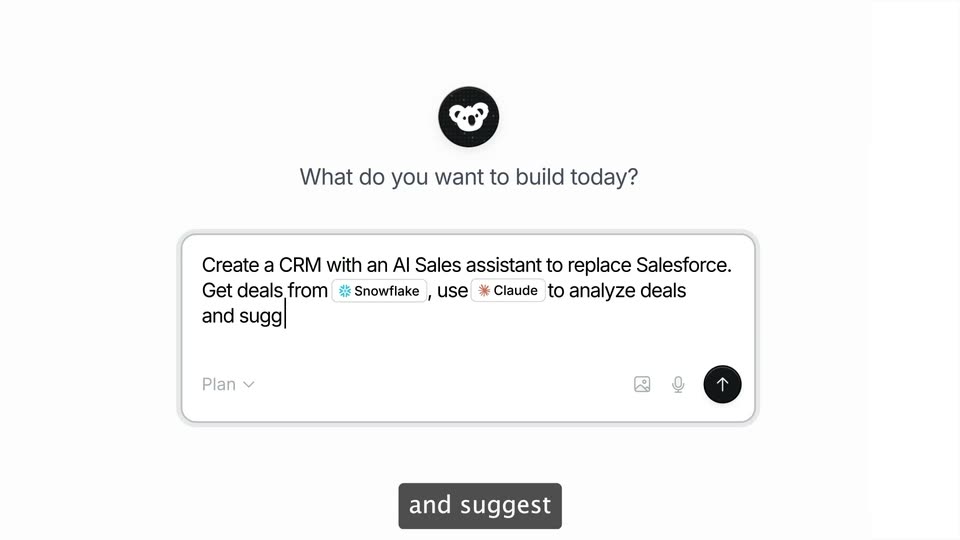 0:19–0:24Superblocks · Brad Menezes - Today we’re partnering with AWS to launch Superblocks 3.0: the secureA close-up of a prompt box types a CRM brief with Snowflake, Claude, and Slack pills while bottom captions track the lines. The view zooms out to reveal the Claude logo and heading, then a hand cursor clicks the send button.
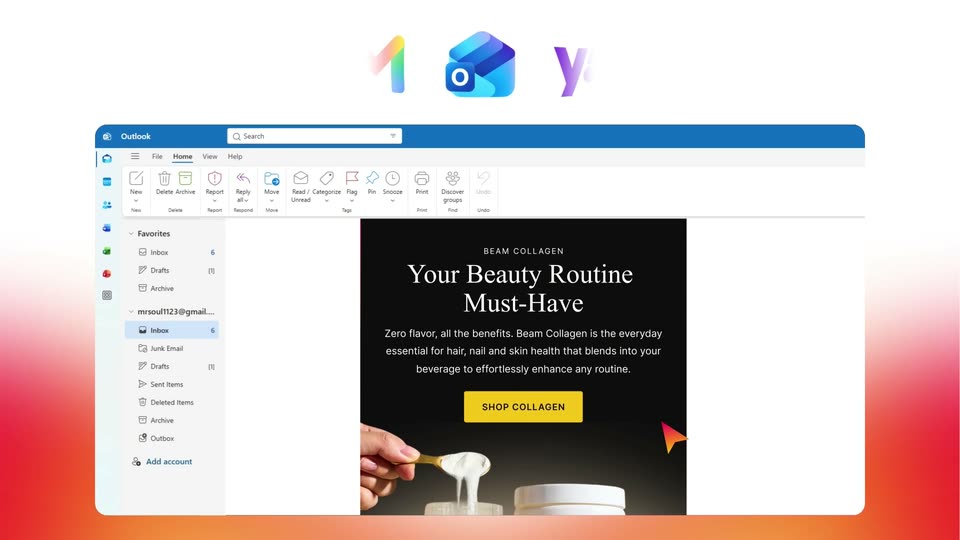 0:25–0:26Migma AI · Taha - a product this good deserved a launch video that matched it. so we bA floating Outlook mockup on a warm gradient holds a Beam Beauty collagen email. The ad panel resolves from a doubled, sliding state into a clean view while three colorful app icons hover above and a red cursor enters from the right.
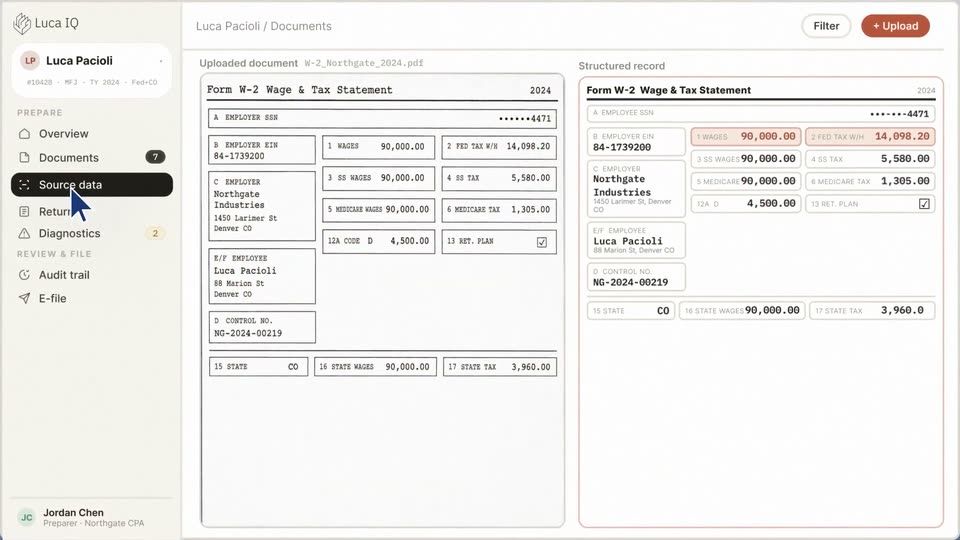 0:56–0:58Luca IQ · Luca IQ (YC S26) LaunchA light dashboard view shows a left navigation rail and two side-by-side panels: a scanned W-2 form on the left and its structured field record on the right. A cursor glides down the rail from Source data toward Diagnostics while the panels hold still.
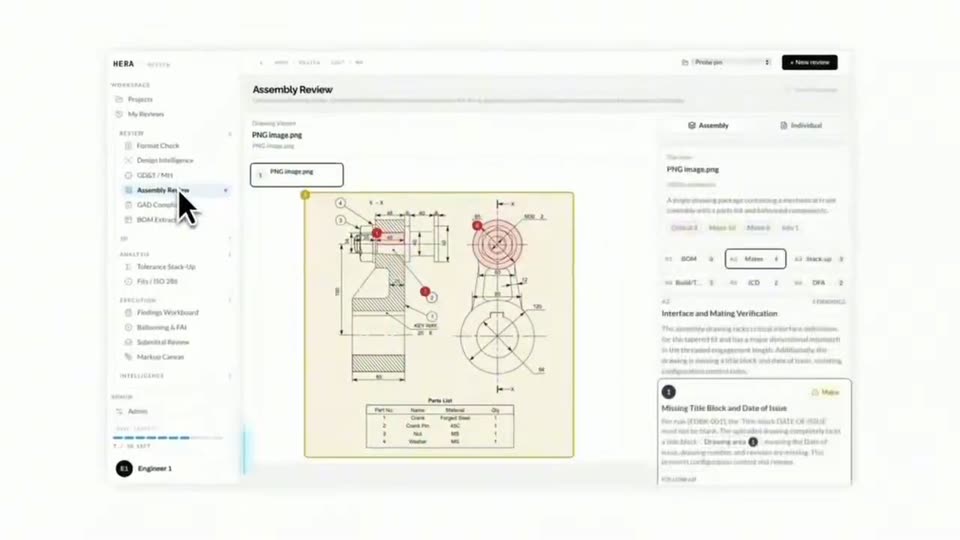 0:45–0:49The Manufacturing Intelligence Company · Meera - Introducing Hera (YC S26), built to catch $1,000 mistakes in mechanicA light review interface shows a mechanical drawing that gains a yellow frame and red markers as a right panel lists a flagged issue. A cursor hovers in the left sidebar while bottom captions swap phrases.
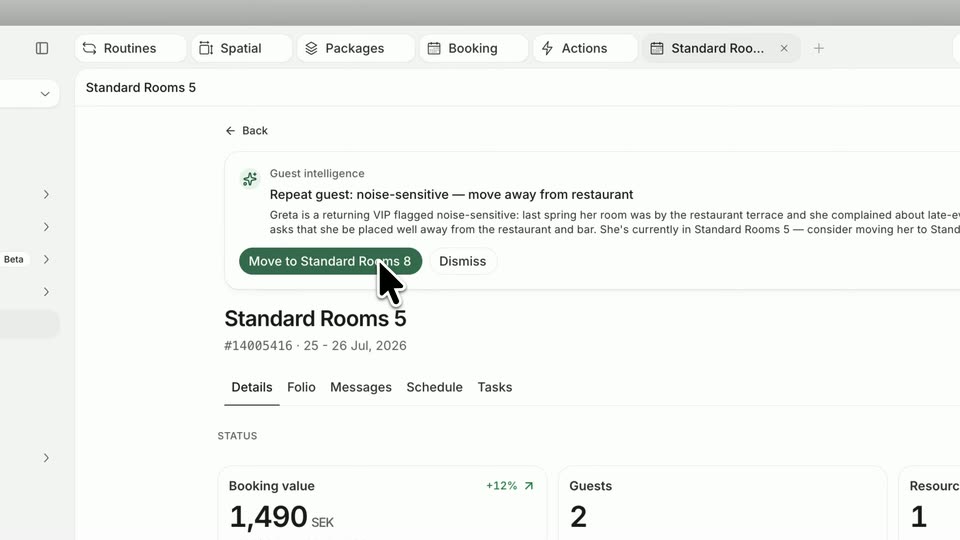 1:05–1:12Zaplar · Zaplar: the AI-native operating system for hotels (Y Combinator S26)A hotel booking page zooms into a guest-intelligence card that suggests moving a repeat guest to a quieter room. A cursor clicks the green move button, then the view pulls back to show the page retitled to the new room with a confirmation toast.
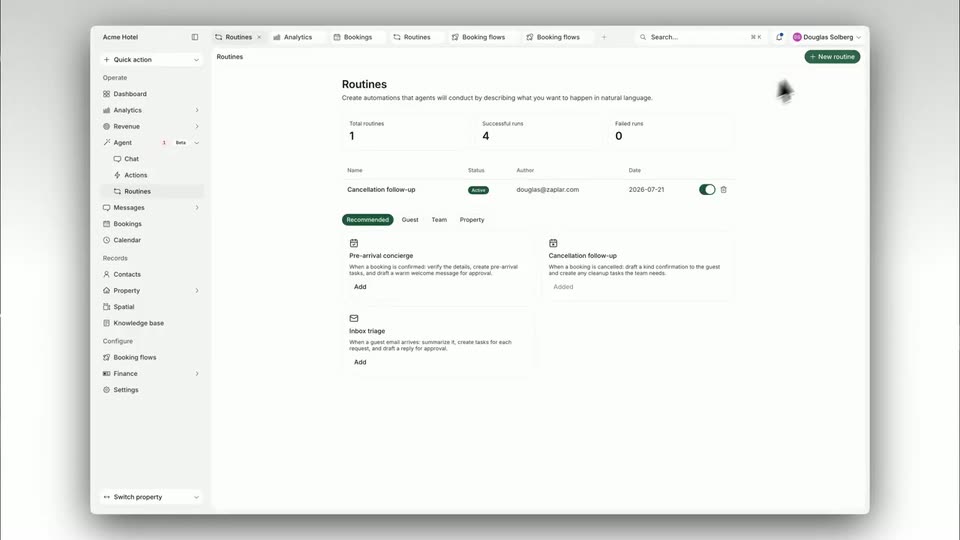 1:18–1:22Zaplar · Zaplar (YC S26) - Today, we're launching Zaplar (YC S26) Zaplar is the agentic hotel oA cursor clicks Routines in the left sidebar, swapping the chat panel for a routines dashboard with stats and a table. The cursor then moves to the New routine button top right and clicks it, opening a centered modal form over the dimmed interface.
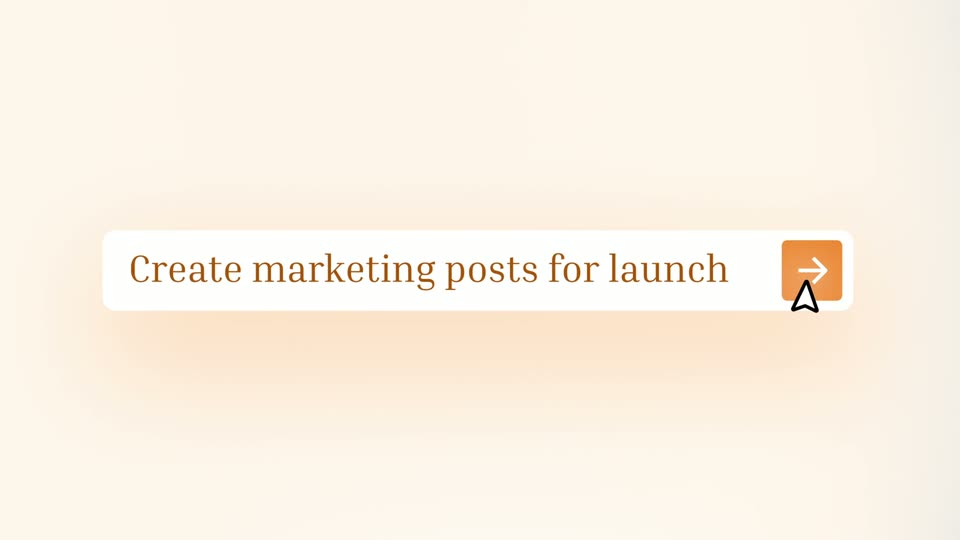 0:43–0:47MadeThis · MadeThis -- Build a business that runs itselfA white search bar shows the placeholder “Just type in your business...”; a cursor types “Create marketing posts for launch” letter by letter and clicks the orange arrow, then the bar slides off left as a pink “Ad Variant 1” card slides in from the right.
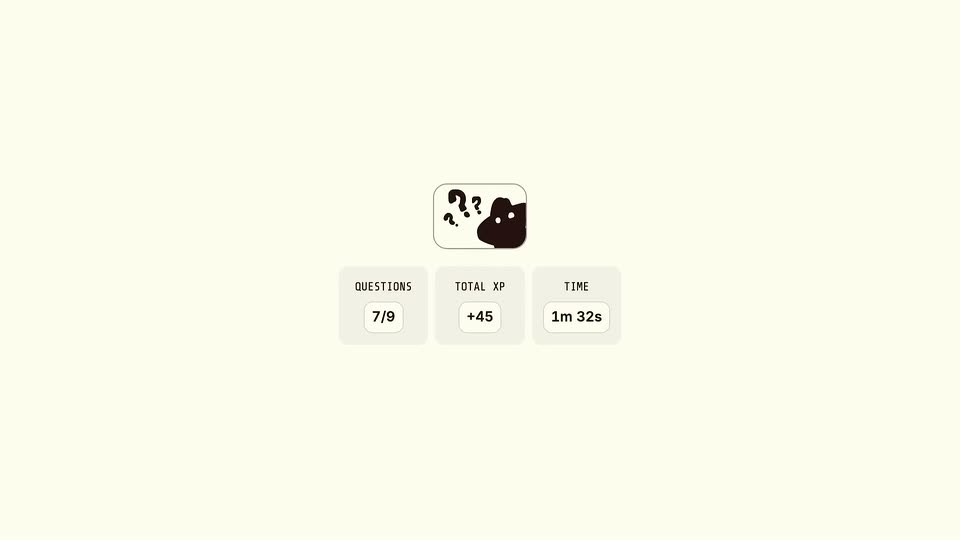 0:18–0:19Wondering · Meet WonderingOn a cream background, three stat cards sit below a cat icon. A hand cursor clicks the icon inside a crosshair box, and the icon morphs into a rounded orange shape as the caption Intense Mode enabled! appears beneath it.
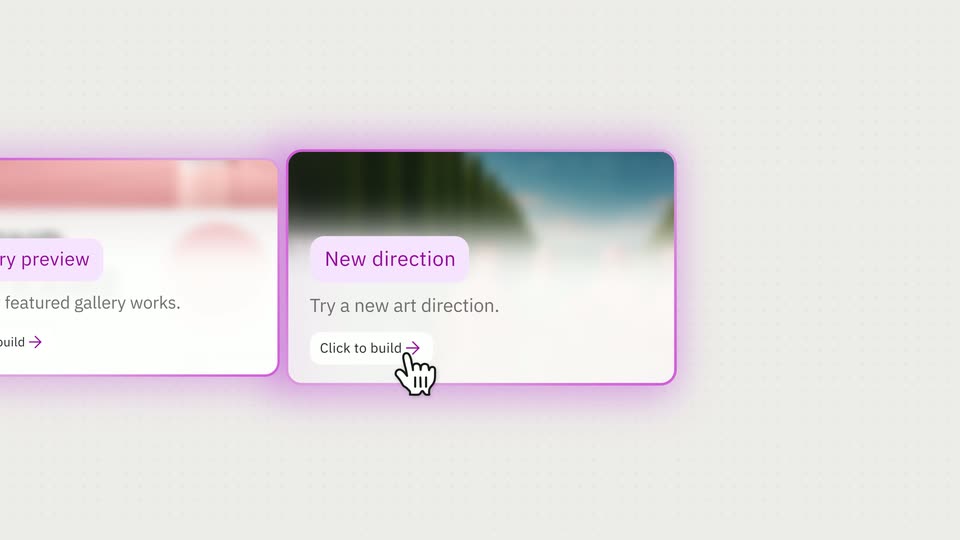 0:18–0:20Replit · Introducing Replit DesignA row of white UI cards on a cream dot-grid background slides left, centering the selected card outlined in glowing purple. A cartoon hand cursor hovers over its Click to build button.
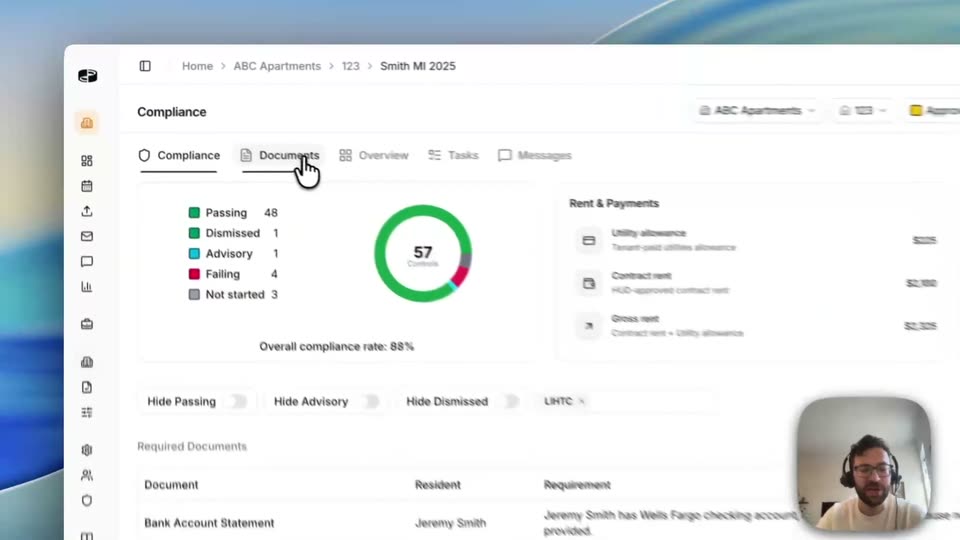 0:12–0:19Tire Swing · Tire SwingA housing compliance dashboard floats in 3D over a blue backdrop, then flattens. A cursor clicks the Documents tab, the view zooms in, and the panel swaps to a grid of PDF thumbnails with a loading spinner, then tilts back into 3D.
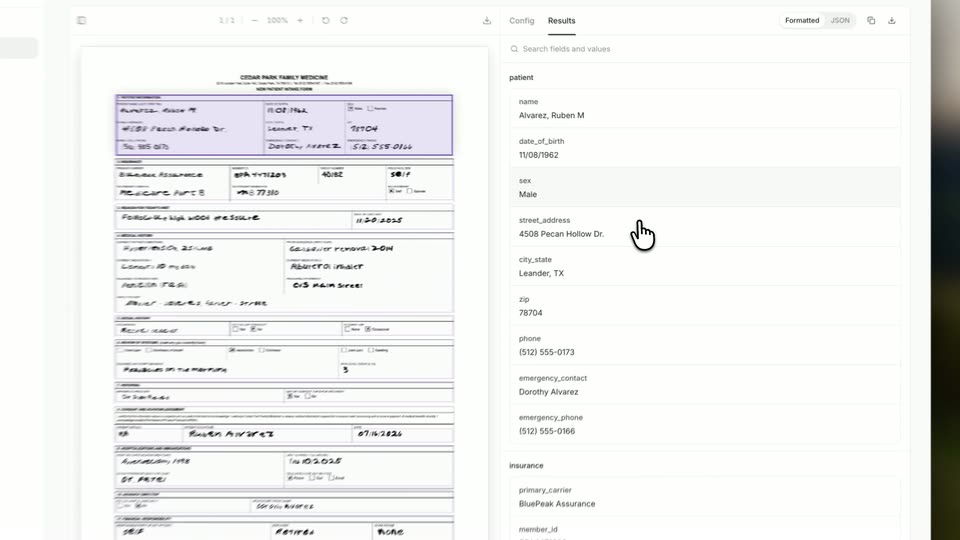 0:52–0:53Hanji · David Yu - Introducing Hanji. Turn your scanned, faxed, and handwritten documenThe app window opens on a scanned patient intake form beside a list of extracted fields. The view zooms in on both panels while a hand cursor hovers over the results.
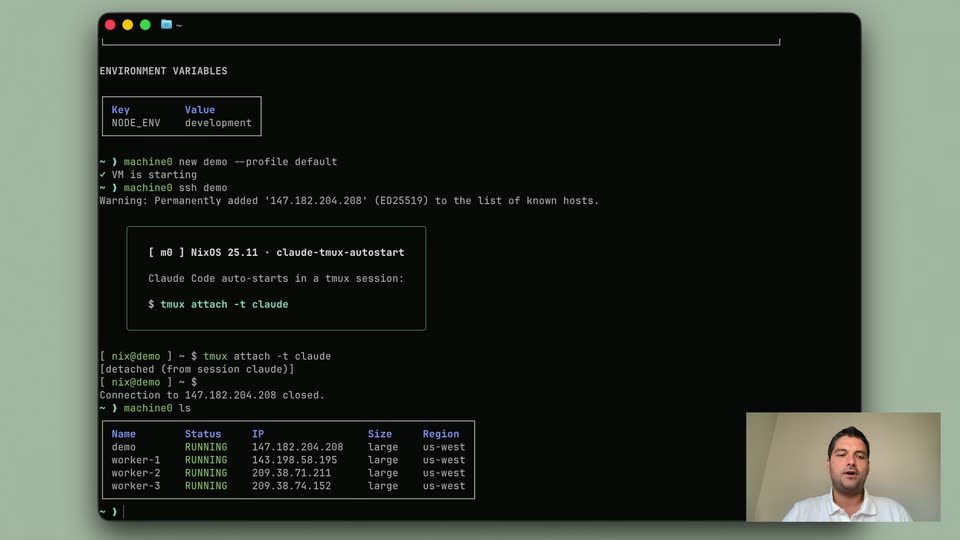 1:09–1:23machine0 · machine0 (YC S26) - Product DemoA dark macOS terminal window fills the frame on a muted green backdrop, scrolling through machine0 CLI commands and a table of four RUNNING VMs as a cursor types new commands; a small inset of the presenter in a white shirt holds the lower right corner.
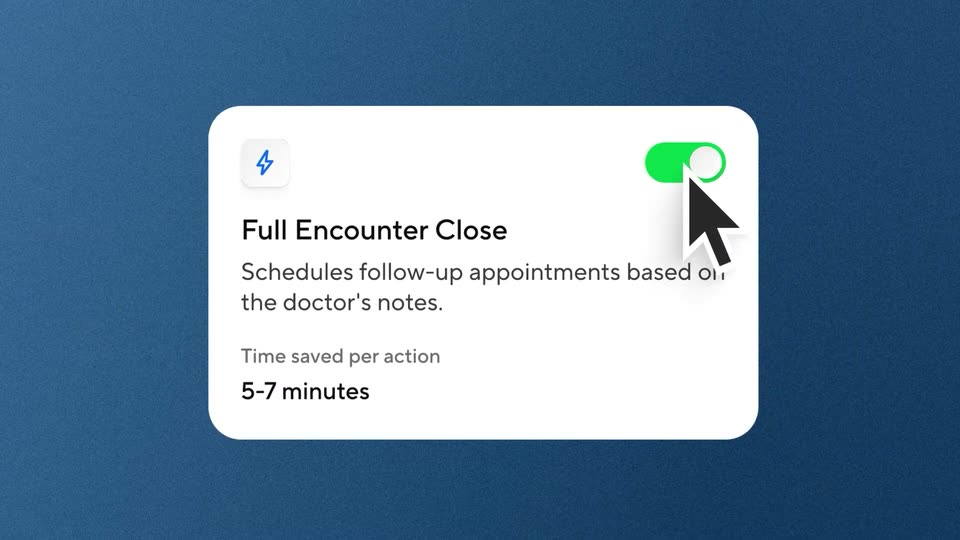 1:25–1:28Sully AI · Sully AI - 120 Second Product VideoA white feature card, carrying a lightning icon and an off toggle, drops onto a textured blue background. A black cursor enters from the corner, clicks the toggle to green, and the card then blurs and streaks off to the left.
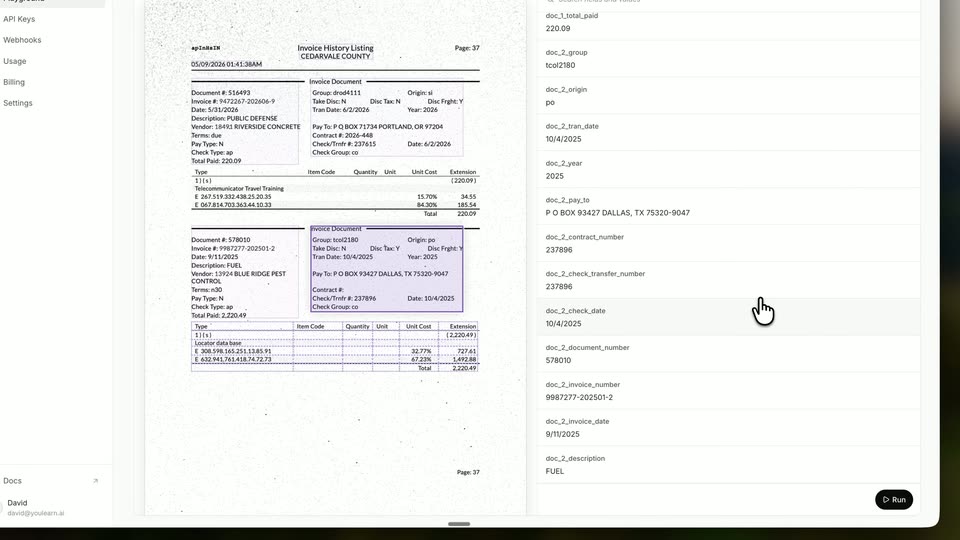 0:53–0:56YouLearn · Introducing Hanji, turn your hardest documents into reliable dataA light dashboard shows a scanned county invoice on the left and a column of extracted fields on the right. The field labels fade from ghosted to solid as a hand cursor hovers down the list, highlighting one row in gray.
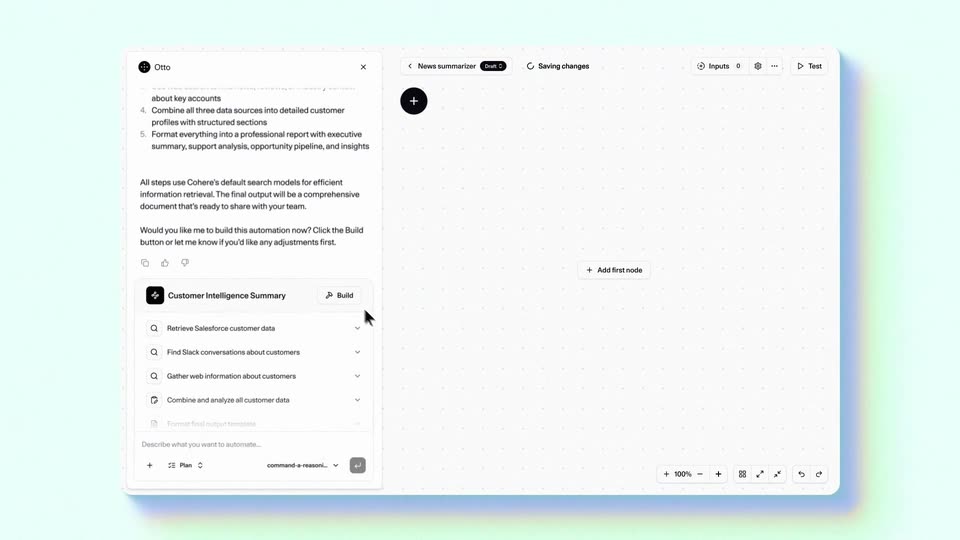 0:18–0:22North Automations · Cohere - Introducing North Automations Use plain language to design automatedA flat AI builder interface opens through a white diagonal wipe. The left chat panel types a prompt, lists a plan, and shows an approved badge while a cursor hovers the Build button; the right dotted canvas fills with three workflow nodes.
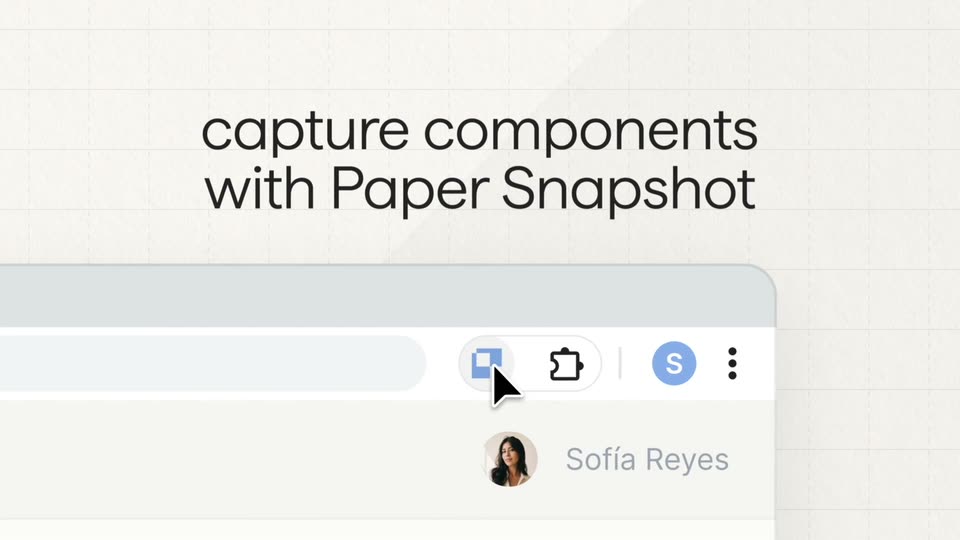 0:06–0:08Paper · Stephen Haney - Getting started in Paper is now really easy You can start your desigA flat browser window mockup sits below a two-line headline on a gridded cream background. A cursor glides to a blue toolbar icon and hovers, raising a soft circular highlight, while the headline deepens from light gray to black.
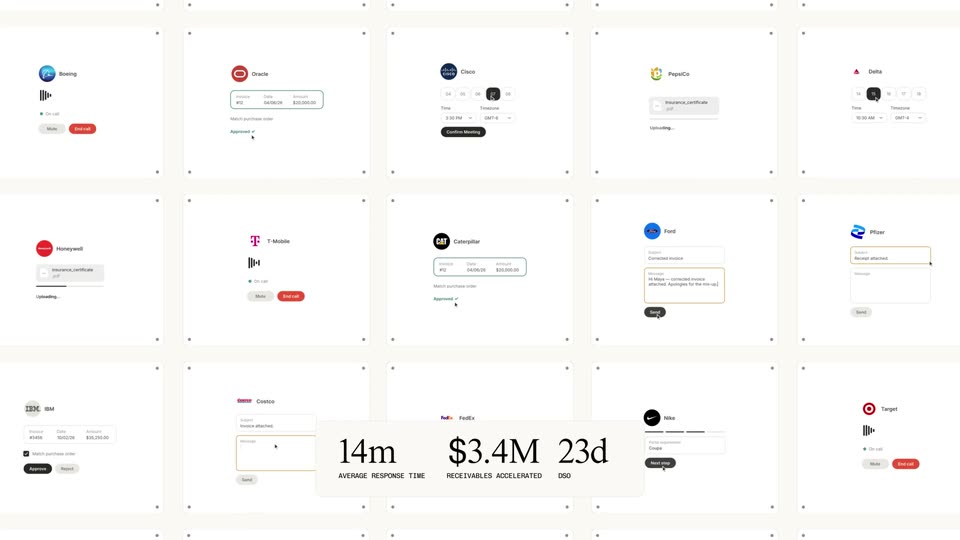 0:31–0:38Rex · Merlin - Today we're launching Rex (YC S26) Every enterprise is exploring wheThe view starts tight on a Caterpillar invoice card with a cursor over Approve, then pulls back to reveal a grid of many account cards showing calls, invoices, and messages. A stats bar appears at the bottom: 13m response time, $3.1M receivables, 12d DSO, ticking up to 15m, $4.2M, 41d.
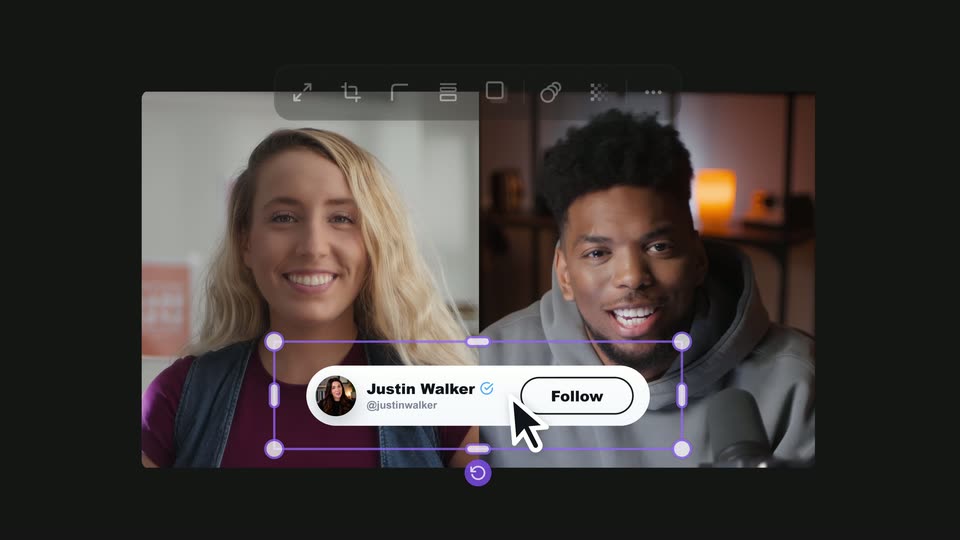 0:06–0:07Riverside · Riverside - Motion graphics, now on Riverside. Generate and customize them righA split-screen video call shows a smiling blonde woman and a man in a grey hoodie. A white follow chip with avatar, name, and Follow button slides in, then a purple selection box and toolbars snap around it while a cursor hovers the button.
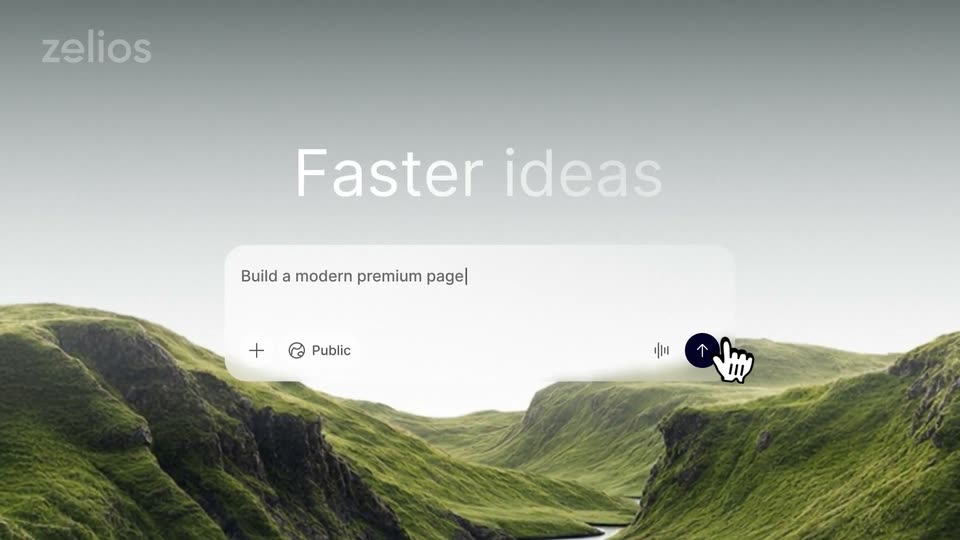 0:38–0:39Lovio · AI App Builder Product Demo Video Example | LovioA misty green hillside fills the frame behind a white rounded prompt box. The text Build a modern premium page types out, then a hand cursor clicks the blue send button. The headline Faster ideas fades in above.
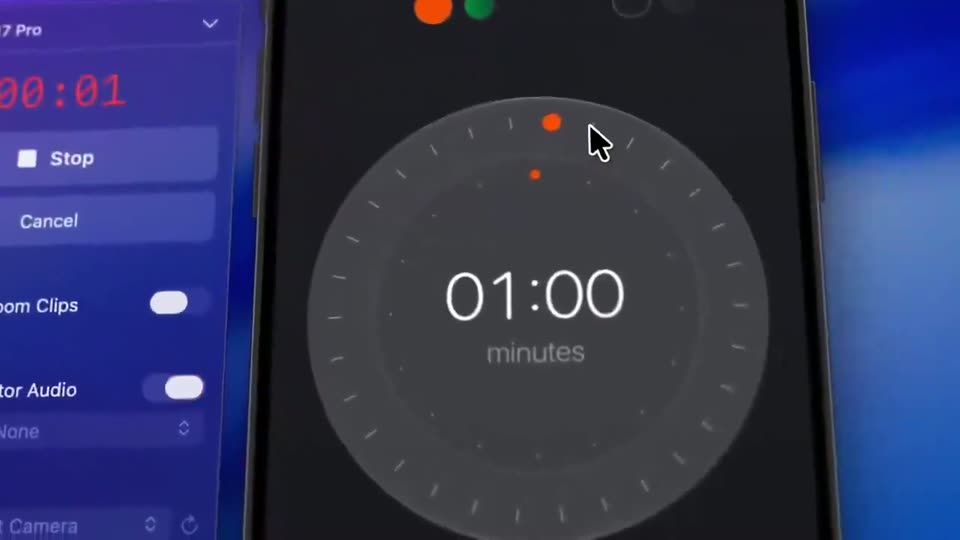 0:06–0:08Matte · Matte - Introducing Matte 2.0 Beta Capture & edit your screen and iOS apA tilted phone screen fills the frame, showing a dark circular dial. A white arrow cursor drags an orange marker around its edge while the center number counts from 01:00 to 09:00 minutes. Blurred editor panels sit at the left and right edges; the view slowly zooms in.
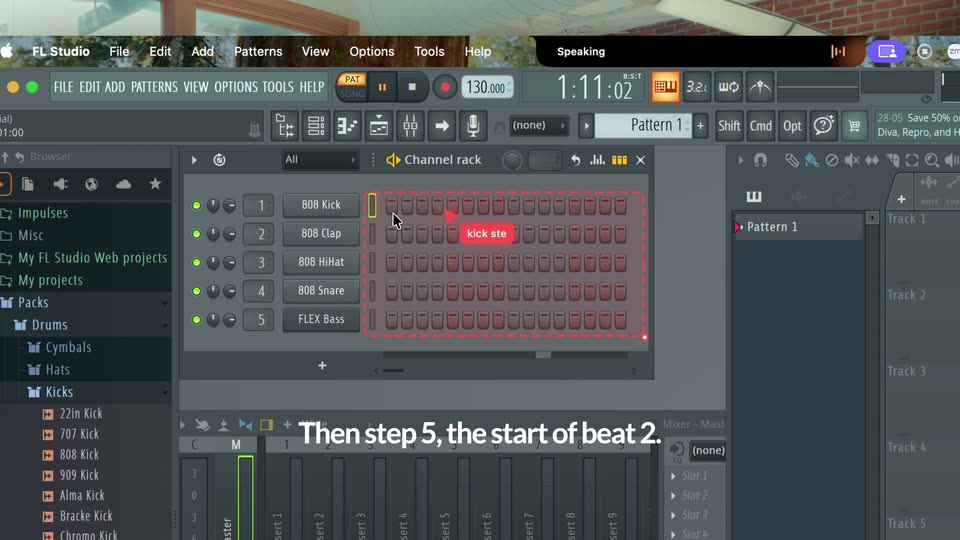 1:25–1:39HeyClicky · we built an ai that draws on your screen.Screen capture of FL Studio's channel rack, a grid of red drum-step buttons inside a dashed red selection box. A cursor clicks the kick row squares one by one, each click popping a red step tooltip, while white captions at the bottom name each step.
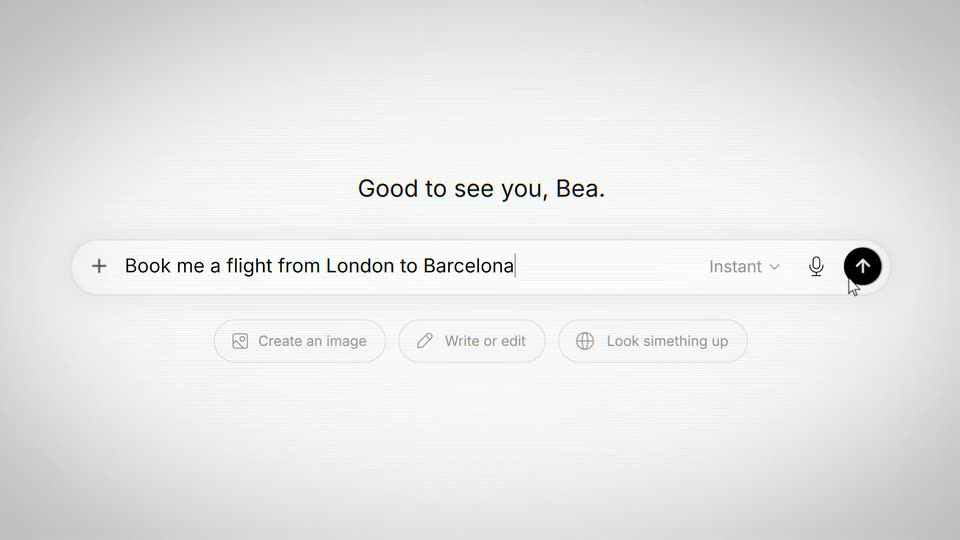 0:12–0:13Lovable · Lovable - Every ad in SF says "agents agents agents" We skipped the billboardA close-up of a search bar under the serif greeting “Good to see you, Bea.” The field types “Book me a flight from London to Barcelona” as a cursor hovers the send button, showing a “Send prompt” tooltip. The field clears and the greeting slides to “What's next, Bea.”
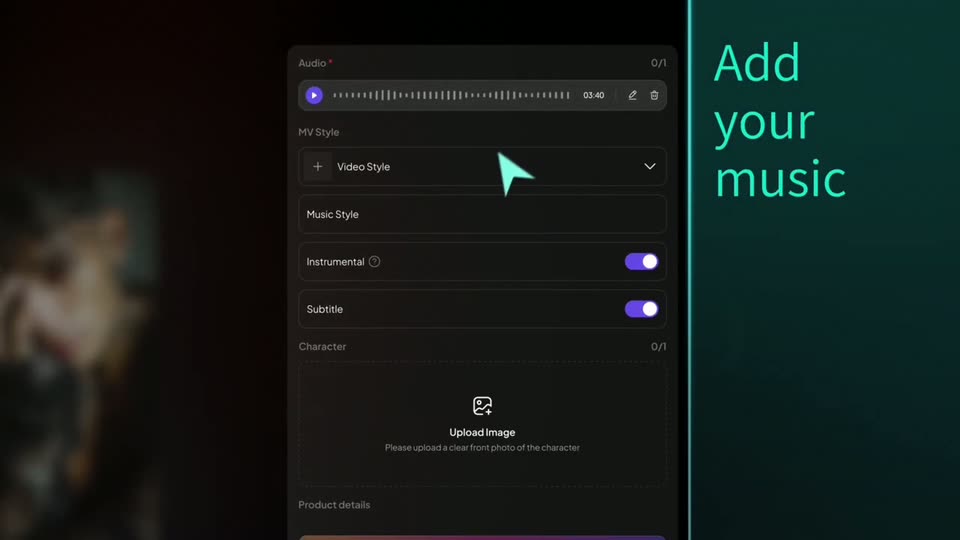 0:03–0:05PixVerse · PixVerse - Wanna turn any song into a music video? VibeMV is live now! Just uploA dark settings panel centers on a gradient. A white card with a music note flies into the audio slot, then a teal cursor moves to the Video Style dropdown. A thumbnail grid and the green heading 'Pick a style' fade in at left; 'Add your music' holds at right.
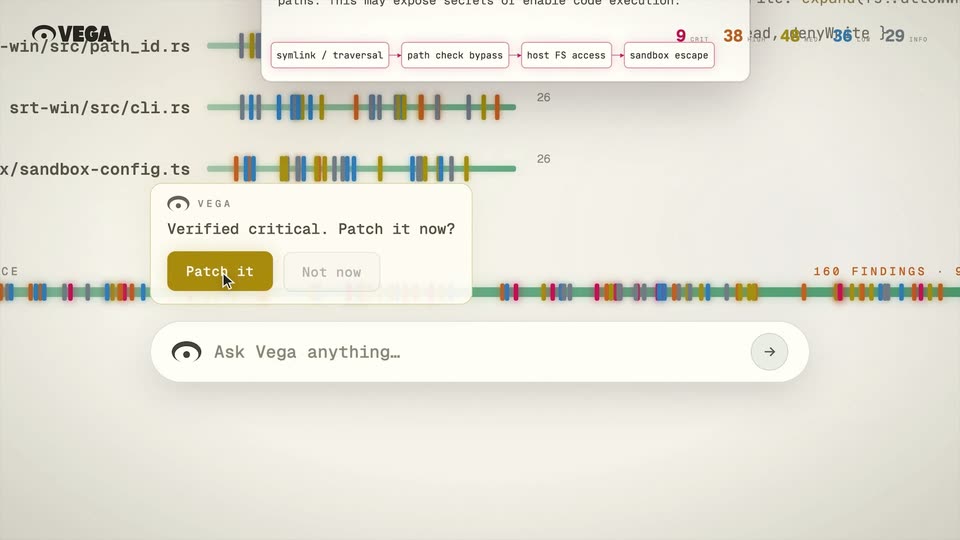 0:27–0:30NebuSec · Vega Launch VideoA cursor clicks “Patch it” on a Vega dialog floating over a code-review board of file timelines. The dialog morphs into a patching card whose progress bar fills, then the card fades to reveal the full dashboard with severity counts and source code.
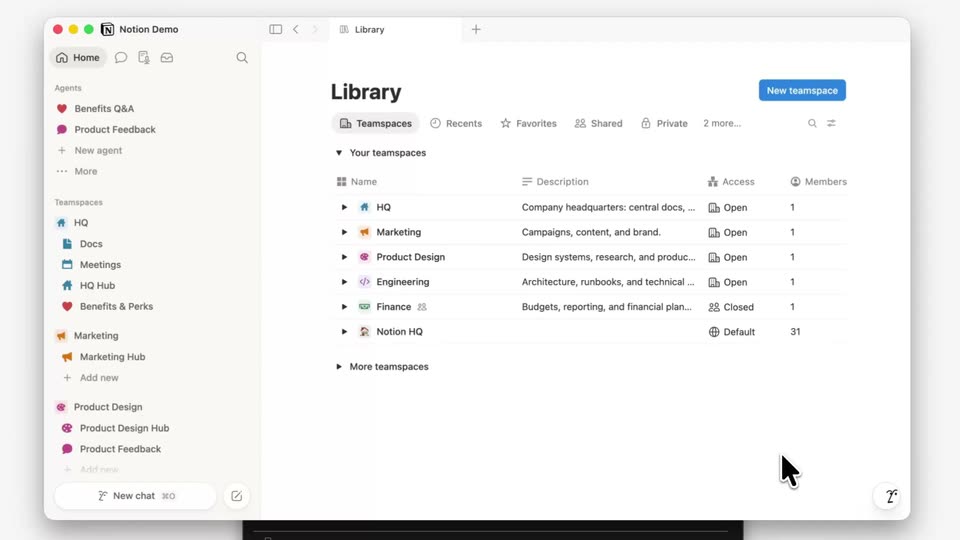 0:37–0:42Notion · Notion - Now in beta: Notion as code. Define an entire workspace in TypeScripA Notion window mockup sits centered on a white background, easing in with a brief blur. The left sidebar list scrolls to refresh its items, then a cursor moves up and hovers the Docs entry, which expands and updates the top breadcrumb.