0:52
Cheng-Wei Hu - Today, we are officially launching @WonderingApp backed by @ycombina
Wondering · Consumer · Jul 2026
Wondering · Jul 2026 · 0:52 · Full motion · AI-annotated
Wondering’s 0:52 launch film runs 26 scenes, about 2.0 s each. The product shows up at 0:15. The call to action lands at 0:43 (84% in), over a voiceover. The video runs a problem-to-product arc: a typed manifesto line and a 3D scatter of browser windows set the pain, then the logo reveal hands off to one long cream-on-cream demo of course generation. Its signature moves are letter-by-letter typing, flat UI cards that scale, fan out and scroll, and small mascot gags that punctuate the loading states.
Is this your launch? to your site or press kit.
Wondering · Consumer · Jul 2026
Films whose music sounds like this one, voice left out
Telepatia · Corporate Tech / Ambient Electronic
Spacesheep · Cinematic orchestral transitioning to modern electronic
A macOS Notes window sits centered on a soft watercolor gradient, its toolbar and “All iCloud” header static. Inside the empty note, a caret blinks while the sentence “AI shouldn't” types out character by character in the center of the canvas.
Techniques: Kinetic type
Camera: Static
A macOS Notes window sits centered on a soft green textured background, the line about AI types out letter by letter with a blinking caret. The window then shrinks and slides up, revealing a browser window below showing the Anthropic Claude Opus 5 announcement.
Techniques: Kinetic type
Camera: Static
Browser windows float above a mottled green surface. A central Anthropic page and two side windows burst apart, scattering into a loose grid of paper and dashboard views, while the original page drops back behind them.
Techniques: 3D mockup, Parallax
Camera: Static
A cluster of browser windows sits in 3D perspective, each showing a different web page. The windows drift and slide through depth, bringing the GitHub code editor and the Lovable blog to the front.
Techniques: 3D mockup, Parallax
Camera: Static
A flat white chat panel over a blurred multicolor background, locked off. In the bottom prompt field, the gray placeholder fades as the phrase give me the answer types in letter by letter with a blinking caret, the round send button darkening to black.
Techniques: Kinetic type
Camera: Static
A white chat panel sits on a soft blue-green gradient. The conversation scrolls down, revealing numbered plan sections and bulleted lists, while a black cursor hovers near the bottom edge.
Techniques: Cursor demo
Camera: Pan
A blank white document window with a measurement ruler along the top floats over a blurred teal and yellow background. I-beam text cursors appear at three positions, a blue one on the left and two dark ones toward the center, blinking into place.
Camera: Static
A document interface in a light gray panel shows a bulleted list and a Final Outcome section. The text overlaps for a moment as the content updates, then settles into a clean layout. A black cursor hovers over the body, and a Refine button sits at the bottom left.
Techniques: Cursor demo
Camera: Static
A dimmed product screen shows a document with a bold heading, paragraphs of text, a timestamp and a small button at the bottom. The image darkens as the content fades toward a flat gray field.
Camera: Static
A small dark brown blob with two white eyes sits centered on a cream background. The word Wondering fades in below it in dark brown.
On-screen text: “Wondering”
Camera: Static
A dark brown blob mascot with two white dot eyes sits centered above the wordmark on a plain cream background. The lockup holds perfectly still for the full shot.
On-screen text: “Wondering”
Camera: Static
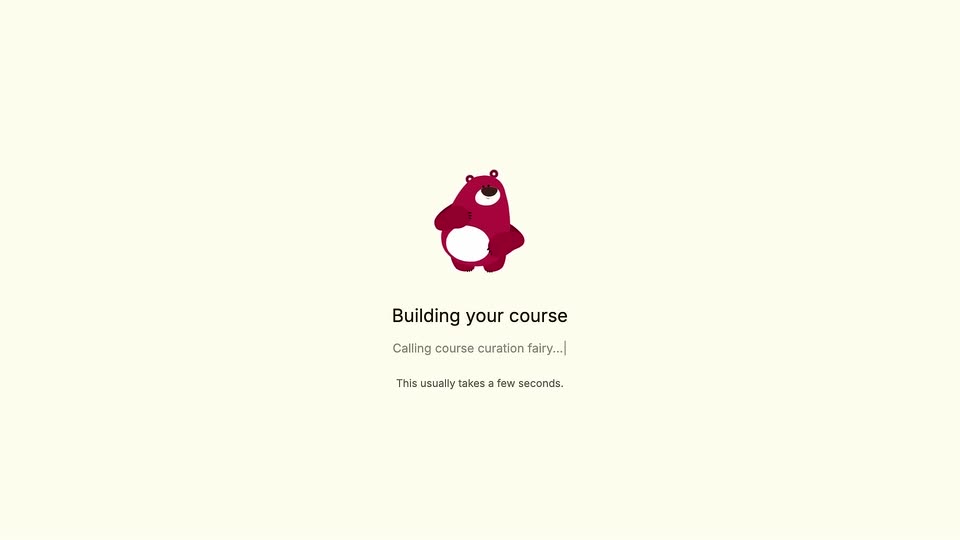
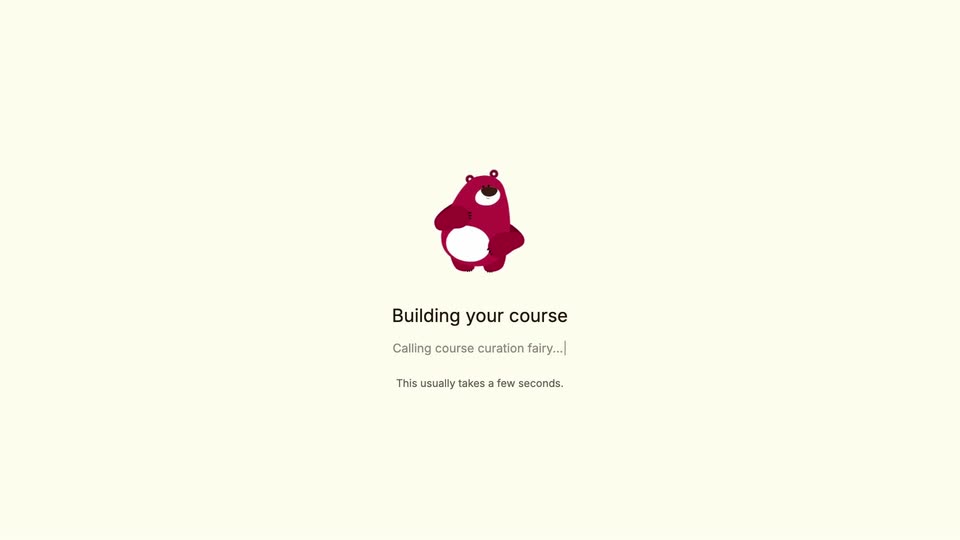
A cream loading screen holds a centered pink bear mascot with a white belly, static. Below it a black heading reads Building your course, a gray line shows Calling course curation fairy with a blinking cursor, and a smaller note sits beneath. Locked-off frame.
Camera: Static
On a cream background, three stat cards sit below a cat icon. A hand cursor clicks the icon inside a crosshair box, and the icon morphs into a rounded orange shape as the caption Intense Mode enabled! appears beneath it.
On-screen text: “Intense Mode enabled!”
Techniques: Cursor demo, Morph
Camera: Static
A flat orange oval face with a stern expression hangs from a green pull-up bar, bouncing up and down in a loop with a sweat drop, centered on a cream background. A bold caption sits below it.
On-screen text: “Intense Mode enabled!”
Camera: Static
On a cream field, an angry orange emoji hangs from a wireframe cage above a search bar, captioned “Intense Mode enabled!”. It clears as “I want to learn about LLMs” types itself in, letter by letter, beside a blue paper-plane button.
On-screen text: “Intense Mode enabled!”
Techniques: Kinetic type
Camera: Static
A cream course page scrolls upward: the heading and the Foundations card rise toward the top while lesson rows with circular icons, a dark creature and gray padlocks, slide in from below, ending on the Training & Practice card.
On-screen text: “I want to learn about LLMs”, “LLMs: From Theory to Practice”
Camera: Pull out
A cream course curriculum list scrolls smoothly upward, module headers and locked lesson rows with circular lock icons sliding past the frame at a steady pace.
Camera: Pull out
A cream course page shows locked lesson rows under two section headers. Three white cards carrying diagrams and numbered step lists fan out from the center, each rotated at a slight angle, overlapping the list behind them.
Techniques: 3D mockup
Camera: Static
A fan of five tilted white slide cards, each holding a chart or diagram, sits on a cream background. The cards clear away to reveal a single centered white video player card with a blue circular play button and a blue title.
Camera: Static
A cream screen opens on a centered audio-player pill reading “How Attention Works” with a blue pause button and a thin progress bar. It then cuts to a two-panel layout: a reorder list of three steps on the left, a fill-in-the-blank sentence with two answer chips on the right.
Camera: Static
A two-panel interface shows a drag-and-drop list and a fill-in-the-blank question. The left panel fades out as a new profile card slides into the center, while the question on the right fills in its blanks.
Camera: Static
A cream background holds a white rounded card reading About you, with Software engineer, no ML background scaling in, then the card clears to reveal a course panel titled LLMs: From Theory to Practice. Lesson rows appear one by one, the first title assembling from a burst of dark dots, and the panel stretches downward as more locked rows join.
On-screen text: “About you”, “Software engineer, no ML background”
Techniques: Particles
Camera: Static
A mind map of an LLM course grows from its root node: three purple branch nodes fan out right, each spawning green topic cards that pop in one by one with small check badges, while the view zooms out to frame the whole tree on a cream background.
Techniques: UI zoom
Camera: Pull out
On a plain cream background, the line 'You could figure it out all along.' assembles word by word in the center, starting in light gray and settling to solid black, then holds on a locked-off frame.
On-screen text: “You could figure it out all along.”
Techniques: Kinetic type
Camera: Static
On a cream background, a centered line fades in from faint to full, with a small dark brown blob mascot with two white eyes to its left. A wavy blue underline is drawn beneath the URL, then the frame holds still.
On-screen text: “You could figure it out all along.”, “Try now at wondering.app for free”
Techniques: Kinetic type
Camera: Static
A small black star-shaped character with two white eyes sits left of one centered line on a plain beige field. The line reads “Try now at wondering.app for free,” with the domain in bold and a thin blue underline beneath it. The frame is locked and the text stays still.
On-screen text: “Try now at wondering.app for free”
Camera: Static