1:59

Introducing ClickUp AI
ClickUp · Productivity · Jun 2023
Wondering · Jul 2026 · 0:52 · AI-annotated
Wondering’s 0:52 launch film runs 24 scenes, about 2.2 s each. The product shows up at 0:15 and 1 feature is revealed. The call to action lands at 0:43 (84% in), over a voiceover. The video is built as a three-act cut: a typed manifesto over a grainy green backdrop, a fast montage of AI product windows, then a slow, centered cream UI tour of the product. Signature moves are character-by-character typing, 3D fanned lesson cards, and small mascot gags that keep the demo feeling hand-made.
Is this your launch? to your site or press kit.
ClickUp · Productivity · Jun 2023
Warp · Developer tools · Apr 2026
A light Notes window is centered over a mottled green background. The note body types 'AI shouldn't make us' character by character behind a yellow caret.
Techniques: Kinetic type
Camera: Static
A white Notes window with a toolbar floats on a grainy pastel background. Inside the note, the sentence “AI shouldn't make us think less.” is typed out character by character behind a blinking caret.
Techniques: Kinetic type
Camera: Static
A textured desktop wallpaper fills the frame as a cluster of browser windows slides and rearranges. The center window holds the Anthropic page “Introducing Claude Opus 5” with a spiral of stones; windows for Artificial Analysis, arXiv, and a dark ARC-AGI-3 page fly in around it.
Camera: Static
A stack of browser windows in 3D perspective floats over a light gray backdrop, each displaying an AI product blog post. The cluster shuffles as a GitHub page slides to the front while the others drift back in depth.
Techniques: 3D mockup, Parallax
Camera: Static
A white panel floats over a soft, grainy green background. At the bottom, the input bar shows the gray placeholder Do anything, then typed text fills in letter by letter to read give me the answer, a thin caret blinking at the end.
Camera: Static
A flat chat window centered on a soft teal gradient scrolls down through a long AI answer, revealing new plan sections. A black cursor hovers at the left edge, then rests near the bottom as the text moves.
Techniques: Cursor demo
Camera: Pan
A blank white document fills a text editor, with a measurement ruler along the top and a vertical scrollbar on the right. An I-beam text cursor sits near the center while a blurred teal-green background shows behind the right edge. The frame stays locked off.
Camera: Static
A white document panel shows a bulleted list and a Final Outcome section that scroll upward, a black cursor hovering over the lines. A soft green gradient fills the right edge of the frame.
Techniques: Cursor demo
Camera: Static
A dimmed document view, showing authentication notes, a timestamp and a Refine button, holds briefly then fades to a flat dark gray background.
Camera: Static
A small dark brown blob character with two white dot eyes sits centered on a plain cream background, with the wordmark Wondering set below it. The frame stays locked off and static for the full shot.
Camera: Static
On a cream background, a magenta cartoon bear with sunglasses and a white belly patch bobs in the center. Below it, the dark headline “Building your course” sits above a gray typing line “Calling course curation fairy...” with a blinking caret. The frame is locked off.
Camera: Static
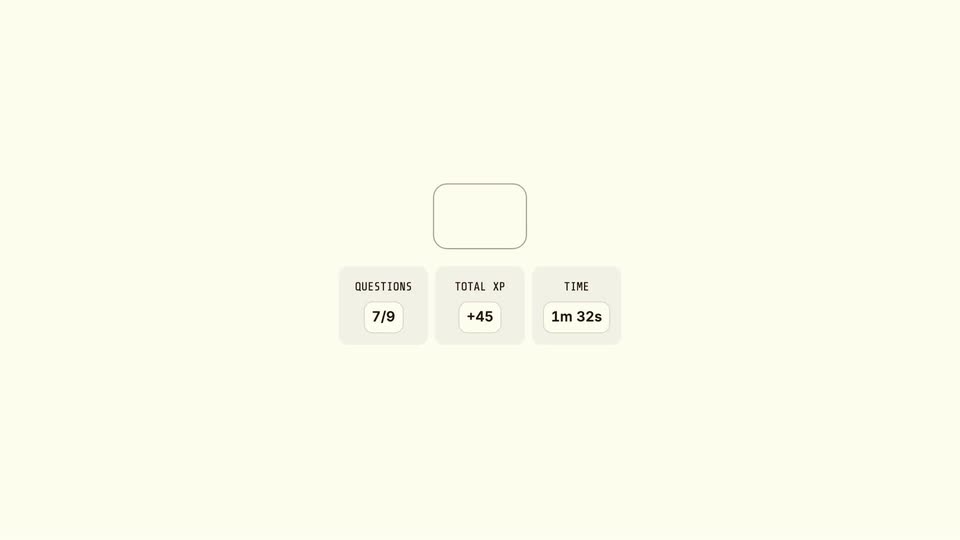
On a cream background, a question-mark icon sits above three stat cards for questions, total XP and time. A green crosshair frames the icon, which then morphs into a solid orange circle. The caption Intense Mode enabled! appears beneath it.
On-screen text: “Intense Mode enabled!”
Techniques: Morph
Camera: Static
A brown oval face with a scowl hangs from a thin green pull-up bar on a cream background, pulling its body up and down in a loop. A bold black caption sits below the bar.
On-screen text: “Intense Mode enabled!”
Camera: Static
On a cream background, an angry orange basketball hangs from a thin green hoop above the caption 'Intense Mode enabled!'. It is replaced by a rounded search field with the placeholder 'What do you want to learn?' and a blue send button on the right.
On-screen text: “Intense Mode enabled!”
Camera: Static
On a cream background, a rounded search bar types 'I want to learn about LLMs' letter by letter with a blinking caret, while a blue paper-plane send button sits at its right edge. The frame stays static.
Techniques: Kinetic type
Camera: Static
A cream course page fades in and scrolls upward, the dark bold title sliding off the top as three numbered section cards and a column of lesson rows with circular icons reveal, the UFO icon active and the rest locked.
Camera: Pull out
A flat course list of locked lessons gives way to a fanned stack of lesson cards tilting into 3D perspective, each card holding a chart or a numbered list.
Techniques: 3D mockup
Camera: Static
Five white rounded cards fan out across a cream background in 3D perspective, each holding a different diagram or chart, with soft drop shadows. The rightmost card shows a faint ghost of its title, suggesting a crossfade between slides.
Techniques: 3D mockup
Camera: Static
A cream screen opens on a quiz player card with a blue pause button and a 0:00 timer, then cuts to a two-panel exercise: a drag-to-reorder list of three steps on the left, a fill-in-the-blank sentence with two answer pills on the right.
Camera: Static
A cream screen shows two UI cards: a three-step reorder list on the left and a fill-in-the-blank sentence on the right. The attention chip slides into the blank, then the screen blurs and fades as an About you input card fades in at the center.
Camera: Static
A cream course card on a beige field lists lessons under “1. The Basics”. A tilted “About you” chip reading “Software engineer, no ML background” covers the list, then lifts away as the list reflows to seven lessons, each title materializing from a swarm of small dots.
Techniques: Particles
Camera: Static
A mind map on a cream background starts close on the blue LLMs node, then zooms out to reveal three purple branches and green leaf nodes, each tagged with a small checkmark badge.
Techniques: UI zoom
Camera: Pull out
On a flat cream background, a single line of gray text assembles word by word in the center, completing the full sentence by the second mark and holding still for the rest of the clip.
On-screen text: “You could figure it out all along.”
Techniques: Kinetic type
Camera: Static
A cream field holds a centered line: a small dark star mark with two white dots, then the CTA with the URL in bold and a hand-drawn blue underline. The line and mark fade in, hold still, then the whole frame dims to a darker beige.
On-screen text: “You could figure it out all along.”, “Try now at wondering.app for free”
Camera: Static